
Detailed Mirror Selfie/Indoor Portrait Prompt
A highly structured JSON-formatted prompt for Google Gemini Nano Banana Pro 3.0, detailing the creation of a sophisticated mirror selfie/indoor portrait.
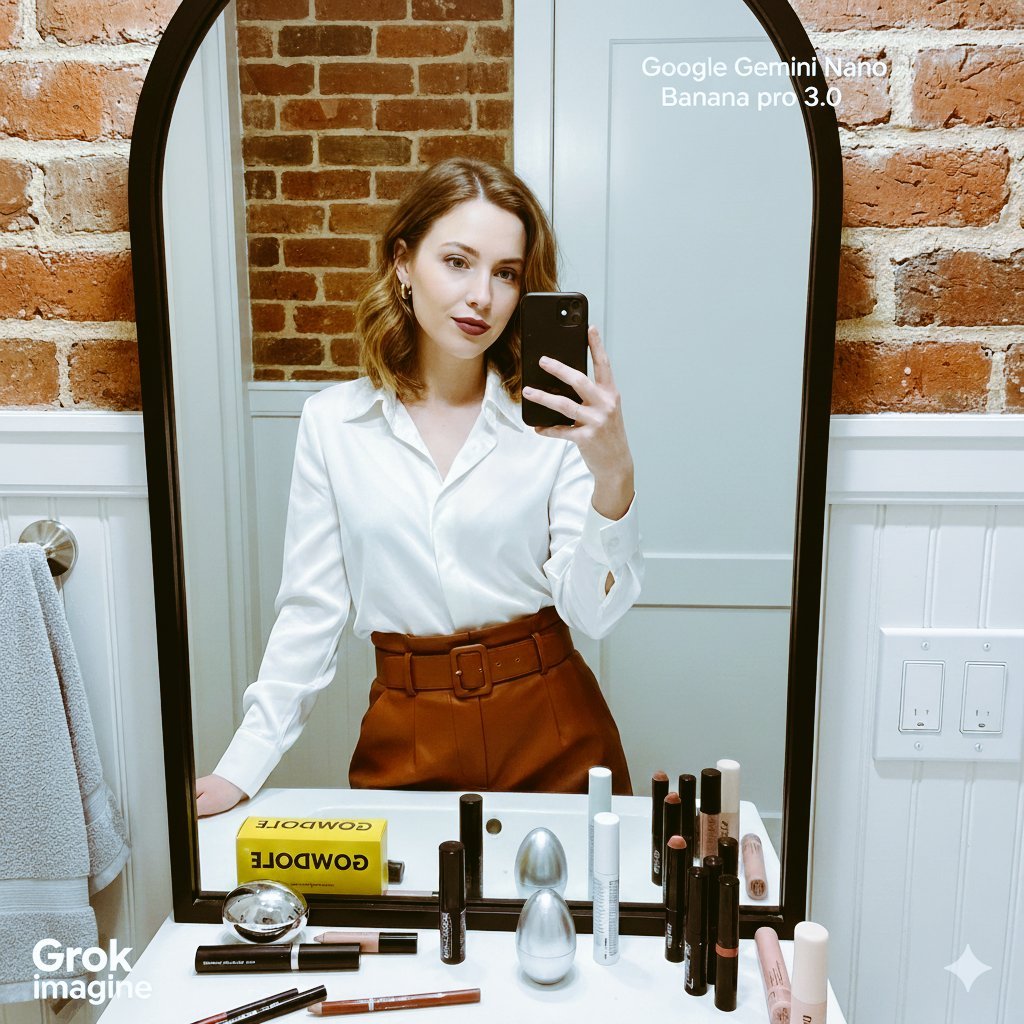
- Prompt included
- Model and format preset
- Premium template
The prompt behind this image
Copy the exact prompt behind Detailed Mirror Selfie/Indoor Portrait Prompt, or open it in the studio and make it yours.
- Prompt Details › Image Type
- Mirror Selfie/Indoor Portrait
- Prompt Details › Subject › Description
- A young woman, likely in her 20s or early 30s, with fair skin and shoulder-length blonde or light brown hair.
- Prompt Details › Subject › Pose
- Holding a black smartphone with both hands to take a mirror selfie, looking directly into the camera/mirror with a soft expression.
- Prompt Details › Subject › Attire
- Wearing a silky, long-sleeved, collared white or cream-colored blouse/shirt. The bottom is a high-waisted, reddish-brown or rust-colored leather or faux-leather skirt or trousers, cinched with a matching belt. She is wearing small hoop earrings and a ring.
- Prompt Details › Subject › Makeup
- A deep berry or mauve lip color, and natural eye makeup.
- Prompt Details › Setting › Location Type
- Bathroom or dressing area
- Prompt Details › Setting › Background Elements
- A prominent, large, black-framed mirror with a curved top and slightly distressed surface. Below the mirror is a narrow white ledge/counter. Behind the counter, there's exposed reddish-orange brick and a white wainscoting/beadboard below the mirror. To the right, a white electrical outlet with visible switches. To the left, a light gray towel or garment hangs on a hook/bar.
- Prompt Details › Setting › Lighting
- Soft, warm, indoor lighting, likely natural light supplemented by overhead fixtures, casting a subtle shine on the white blouse.
- Prompt Details › Foreground Elements › Objects On Counter
- Various makeup and beauty products are neatly arranged on the white counter directly below the mirror. These include: a bright yellow box with black text (possibly 'GOODWOLF' or similar), black and silver mascara/applicator tubes, several lip pencils (red/brown tones), a silver egg-shaped object, a white cylinder tube, various makeup brushes, and a pinkish cream stick product.
- Prompt Details › Foreground Elements › Focus
- Sharp focus on the subject and the reflection in the mirror.
- Prompt Details › Style And Aesthetics › Mood
- Candid, sophisticated, getting ready, natural.
- Prompt Details › Style And Aesthetics › Color Palette
- Dominantly neutral tones (white, gray) contrasted with warm accents (red brick, rust pants, berry lips) and the black mirror frame.
- Prompt Details › Style And Aesthetics › Composition
- The subject is centered in the frame, captured via the mirror reflection. The composition includes a significant portion of the surroundings, following the rule of thirds with the subject's face slightly above center.
- Prompt Details › Camera Settings › Shot Type
- Close-up/Medium Shot (as seen in the mirror)
- Prompt Details › Camera Settings › Perspective
- First-person (from the phone's perspective, reflecting the taker)
- Prompt Details › Camera Settings › Depth Of Field
- Shallow to medium, isolating the woman and the immediate foreground products from the deeper background elements like the brick.
Raw JSON
{
  "prompt_details": {
    "image_type": "Mirror Selfie/Indoor Portrait",
    "subject": {
      "description": "A young woman, likely in her 20s or early 30s, with fair skin and shoulder-length blonde or light brown hair.",
      "pose": "Holding a black smartphone with both hands to take a mirror selfie, looking directly into the camera/mirror with a soft expression.",
      "attire": "Wearing a silky, long-sleeved, collared white or cream-colored blouse/shirt. The bottom is a high-waisted, reddish-brown or rust-colored leather or faux-leather skirt or trousers, cinched with a matching belt. She is wearing small hoop earrings and a ring.",
      "makeup": "A deep berry or mauve lip color, and natural eye makeup."
    },
    "setting": {
      "location_type": "Bathroom or dressing area",
      "background_elements": "A prominent, large, black-framed mirror with a curved top and slightly distressed surface. Below the mirror is a narrow white ledge/counter. Behind the counter, there's exposed reddish-orange brick and a white wainscoting/beadboard below the mirror. To the right, a white electrical outlet with visible switches. To the left, a light gray towel or garment hangs on a hook/bar.",
      "lighting": "Soft, warm, indoor lighting, likely natural light supplemented by overhead fixtures, casting a subtle shine on the white blouse."
    },
    "foreground_elements": {
      "objects_on_counter": "Various makeup and beauty products are neatly arranged on the white counter directly below the mirror. These include: a bright yellow box with black text (possibly 'GOODWOLF' or similar), black and silver mascara/applicator tubes, several lip pencils (red/brown tones), a silver egg-shaped object, a white cylinder tube, various makeup brushes, and a pinkish cream stick product.",
      "focus": "Sharp focus on the subject and the reflection in the mirror."
    },
    "style_and_aesthetics": {
      "mood": "Candid, sophisticated, getting ready, natural.",
      "color_palette": "Dominantly neutral tones (white, gray) contrasted with warm accents (red brick, rust pants, berry lips) and the black mirror frame.",
      "composition": "The subject is centered in the frame, captured via the mirror reflection. The composition includes a significant portion of the surroundings, following the rule of thirds with the subject's face slightly above center."
    },
    "camera_settings": {
      "shot_type": "Close-up/Medium Shot (as seen in the mirror)",
      "perspective": "First-person (from the phone's perspective, reflecting the taker)",
      "depth_of_field": "Shallow to medium, isolating the woman and the immediate foreground products from the deeper background elements like the brick."
    }
  }
}How to use Detailed Mirror Selfie/Indoor Portrait Prompt in 3 steps
- 1
Open
The prompt is already in the box next to the preview, with the template's model and format selected.
- 2…a portrait of your subject in softgolden-hour light, 85mm…
Personalize
Edit the subject and creative details for your destination.
- 3Generate
Generate
Press Generate — your image is created in PicX Studio, so you can compare it with the original and refine one variable at a time.
More like this
Templates with the same subject, style or setup. Open one to see its prompt.

Rooftop Fisheye — Cat-Ear Balaclava at Golden Hour

Felt & Knit 3D Character — Photo-Exact Face, Pixar-Quality Plush Figurine

Surreal Cat Astronaut — Humanoid Face Freefall
Soft Glow Indoor Mirror Selfie Portrait

Indoor Makeup Room Mirror Selfie
Candid Mirror Selfie Beauty Portrait
Floral Mirror Selfie Portrait
Ultra-Realistic Indoor Selfie Portrait

Found Photograph: Us, 1970

80s Couple Studio Portrait

80s Bollywood Star

80s Golden Hour Cinema
Make it yours
Detailed Mirror Selfie/Indoor Portrait Prompt works as-is. These are the safest ways to change it without losing the look.
Swap the setting
Keep the rest of the prompt and replace the location block. The current setting is “Bathroom or dressing area”.
Swap the light
One lighting change is enough to compare takes. Current light: “Soft, warm, indoor lighting, likely natural light supplemented by overhead fixtu”.
Change one field
Copy a single group, rewrite it, and generate again so you can see what that field is doing.
| If the result… | Why | Fix |
|---|---|---|
| The result drifts from the preview | Too many fields changed at once. | Reuse Detailed Mirror Selfie/Indoor Portrait Prompt as-is first, then change one group — subject, light, or setting. |
| Nano Banana 2 ignores part of the JSON | Some models flatten or skip nested keys. | Keep the same values and paste them as a short paragraph instead. |
More Nano Banana 2 templates
Other prompts made for Nano Banana 2.

Photorealistic Leaf Shaped Like a Dragon

K-Pop Idol Portrait Grid for Rapid Selection

Poetic Rain Forest Portrait During Golden Hour

Urban Street Portrait with Cartoon Inner Self Duo

Candid Nighttime Photo with Cat Prompt

High-Concept 3D Diorama Generation Prompt

Cinematic Futuristic Studio Portrait Template

Skincare Editorial Photography Collage Prompt

Hyper-Realistic Commercial Product Photography (Splash Effect)

Hyper-Realistic Nightclub Portrait Prompt
More image prompts
Fresh picks from across the catalog.

Boy Celebrates Argentina Goal
Quadrant RPG Character Design Sheet

X Chatgptpaglu Gpt Image 2 on Yapper So
Cinematic portrait prompt for Nano Banana Pro
Y2K Candid Flash Photo in Snowy Moscow
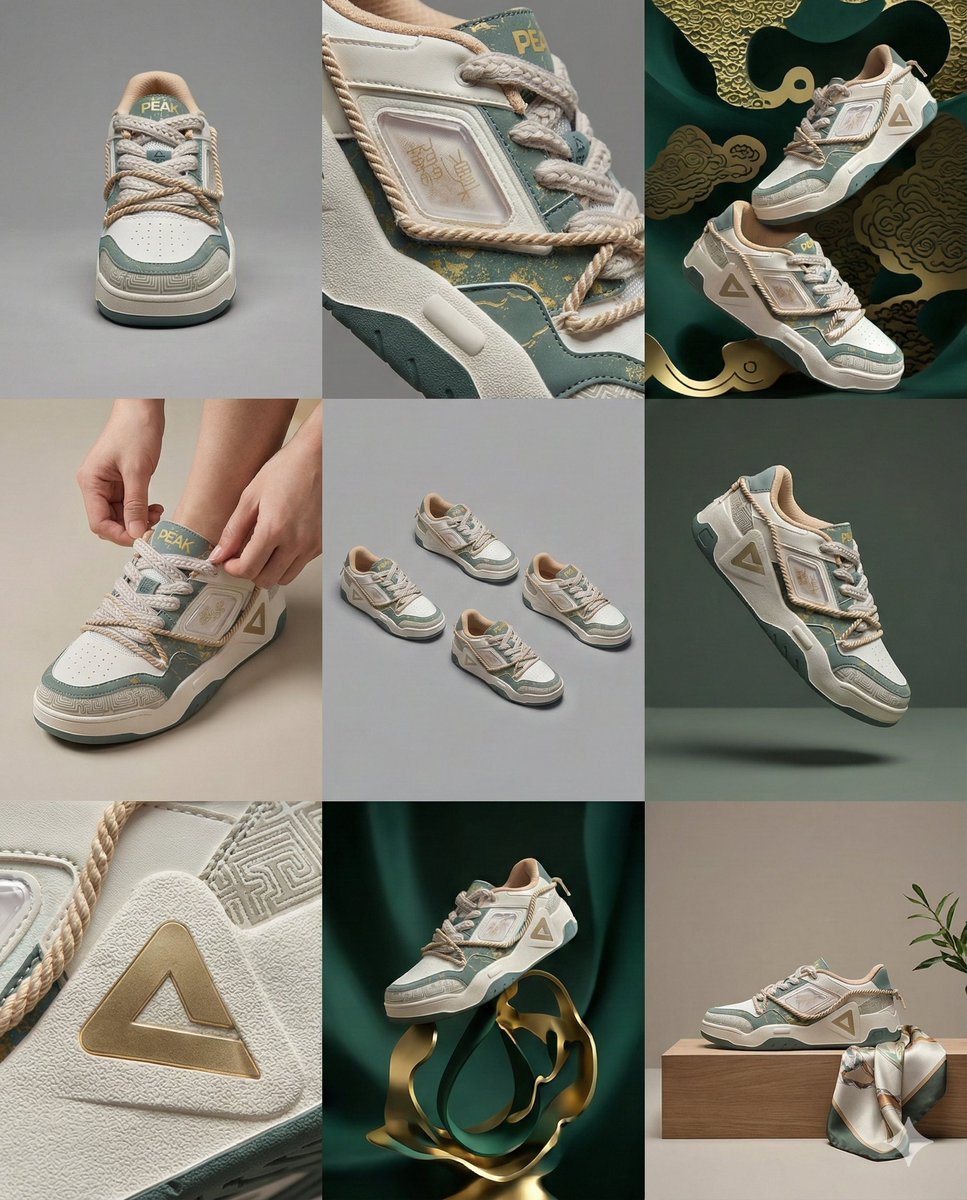
3x3 Visual Storyboard for Product Branding
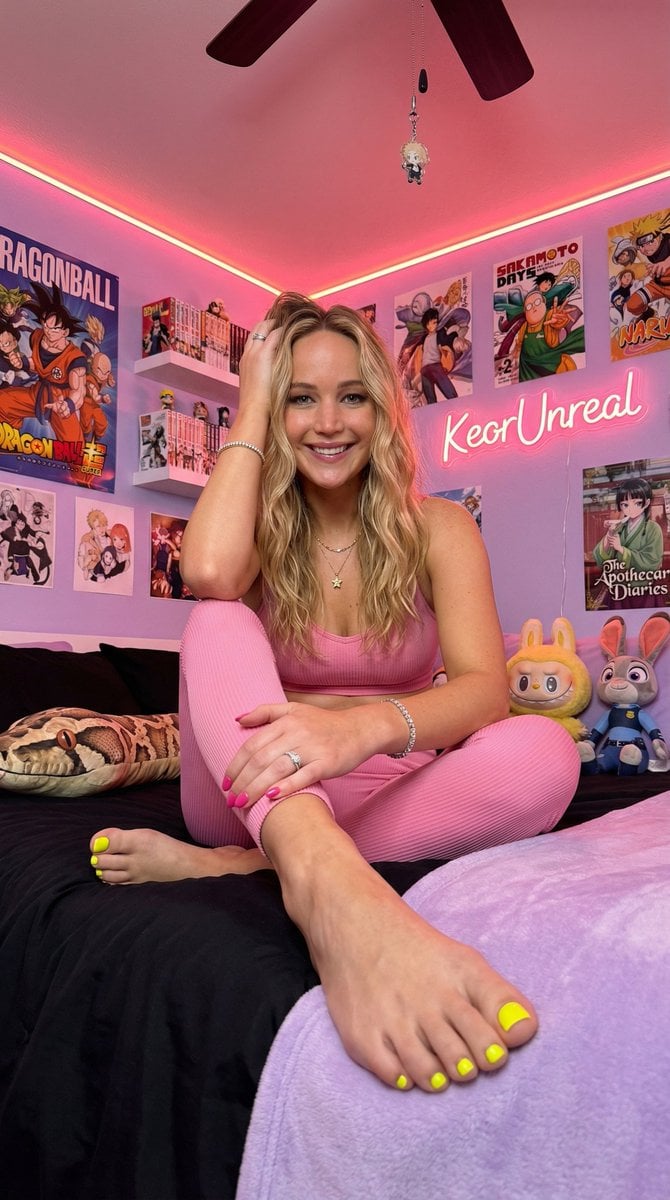
Cinematic Low-Angle Otaku Bedroom Portrait
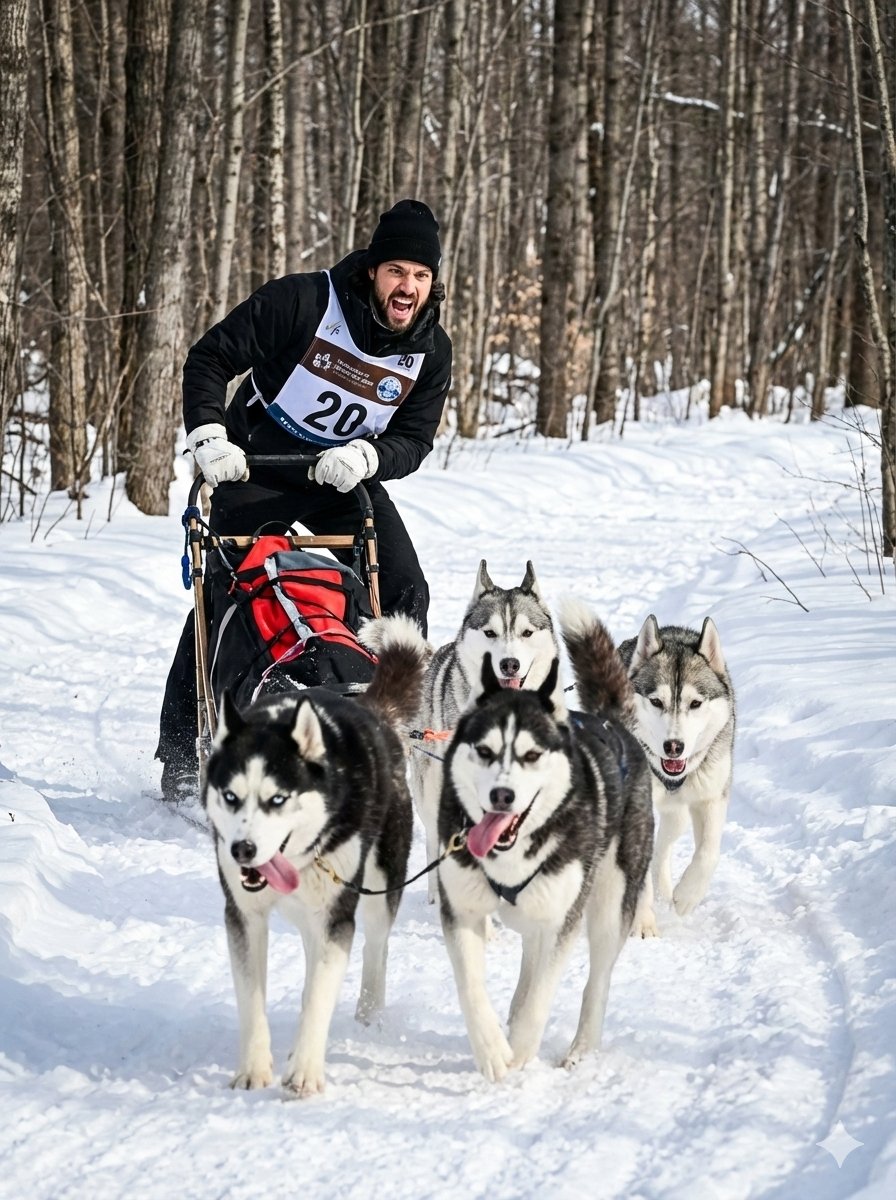
untitled
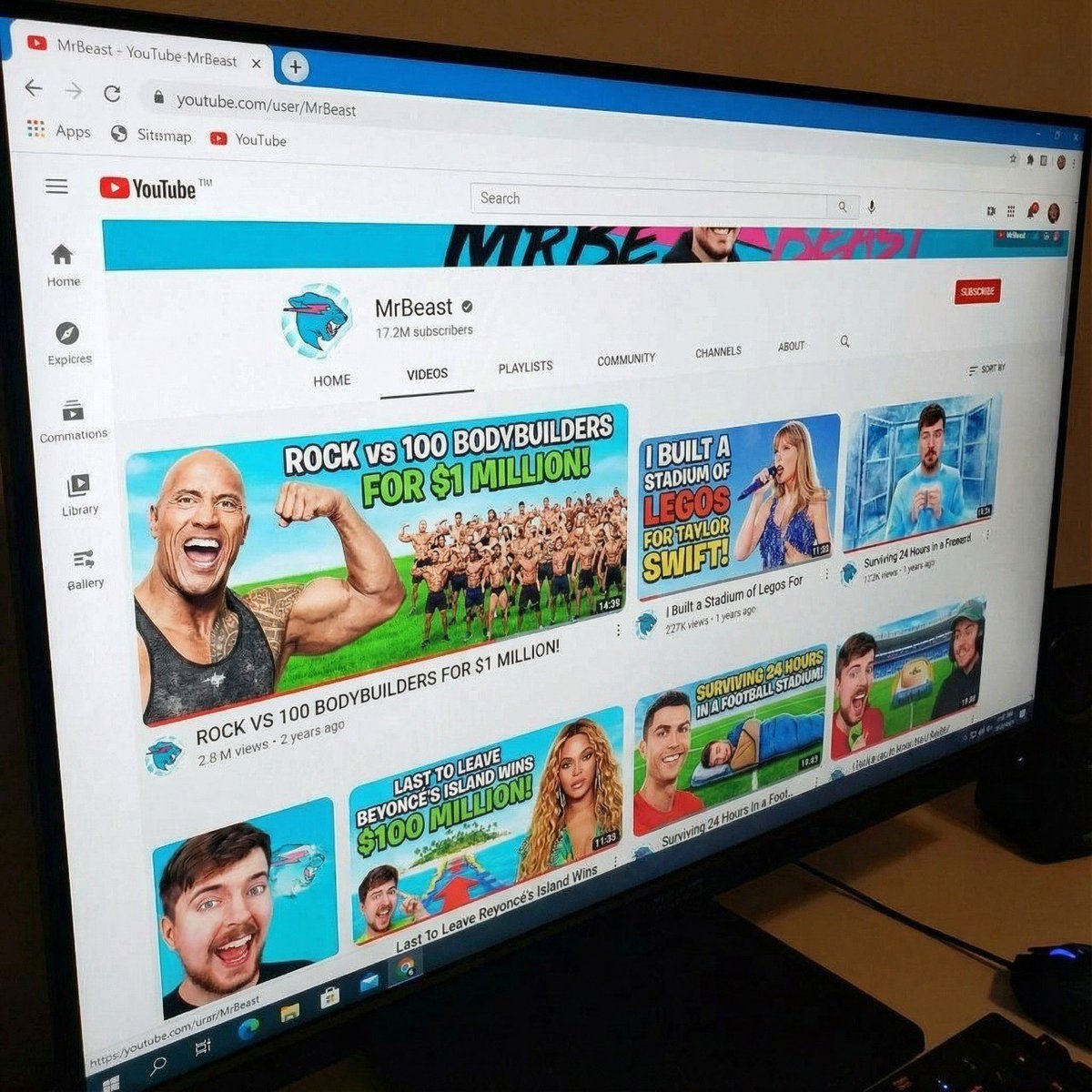
MrBeast-style YouTube channel redesign
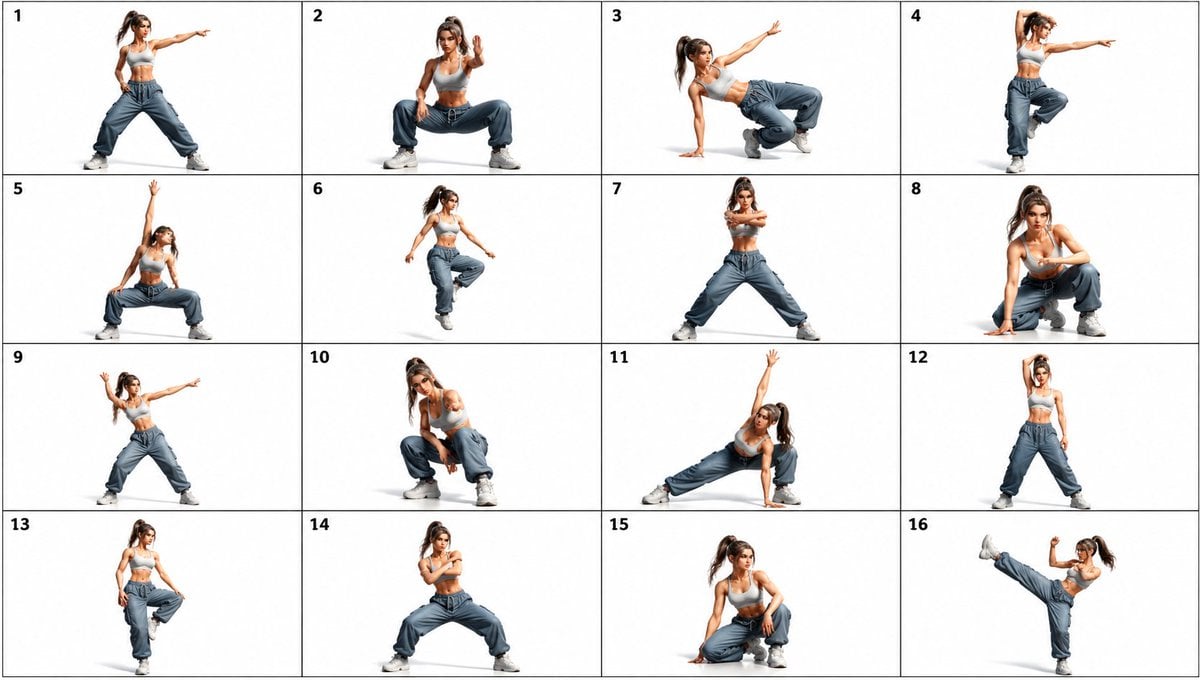
Gpt2 Comic Storyboard 16 Panel Dance Pose Reference Sheet
Browse template categories
Detailed Mirror Selfie/Indoor Portrait Prompt questions
How do I use the Detailed Mirror Selfie/Indoor Portrait Prompt template?
Add your photo if the template asks for one, edit the prompt if you like — the template's model and format are already selected — and press Generate. Your version opens in PicX Studio.
Can I customize the Detailed Mirror Selfie/Indoor Portrait Prompt template?
Yes. You can change the subject, setting, lighting, mood, format, and available model controls before creating your image.
Is the Detailed Mirror Selfie/Indoor Portrait Prompt template free?
Opening and editing this template is free. Generating uses credits, shown on the Generate button when you are signed in.
Which AI model should I use?
Start with Nano Banana 2, which is the model associated with this template. You can compare another compatible model for a different finish.
Looking for something else? Browse all templates.

Your photo, any look
Thousands of ready templates for every top image and video model, from one credit balance.