
Quadrant RPG Character Design Sheet
A highly detailed, multi-character reference sheet divided into four quadrants, featuring a world overview and three in-depth character profiles with turnarounds, expressions, and equipment details.
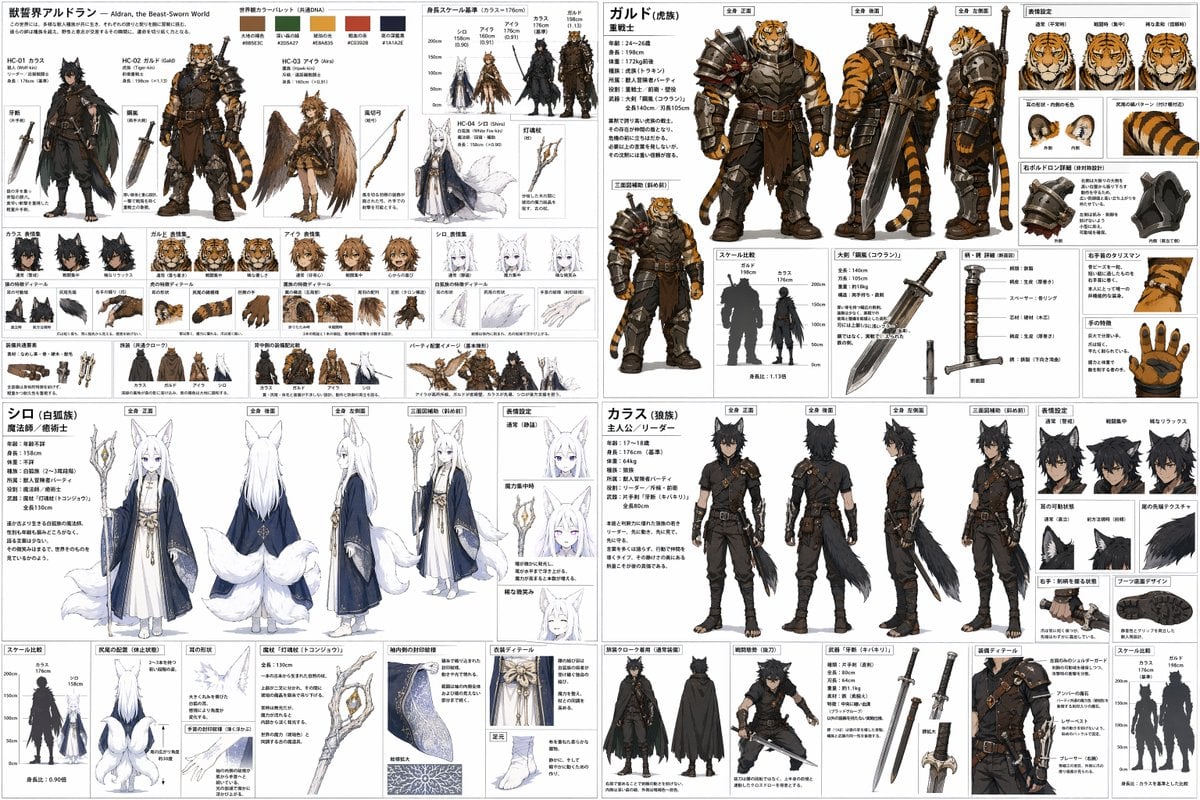
- Prompt included
- Model and format preset
- Free template
The prompt behind this image
Copy the exact prompt behind Quadrant RPG Character Design Sheet, or open it in the studio and make it yours.
- Type
- 4-quadrant character design reference sheet
- Style
- {argument name="art style" default="anime concept art, detailed character design sheet"}
- Layout › Structure
- 2x2 grid
- Layout › Quadrants › 0 › Position
- top-left
- Layout › Quadrants › 0 › Title
- {argument name="world title" default="獣響界アルドラン - Aldran, the Beast-Sworn World"}
- Layout › Quadrants › 0 › Sections › 0 › Name
- Color Palette
- Layout › Quadrants › 0 › Sections › 0 › Count
- 5
- Layout › Quadrants › 0 › Sections › 0 › Type
- swatches
- Layout › Quadrants › 0 › Sections › 1 › Name
- Height Scale
- Layout › Quadrants › 0 › Sections › 1 › Count
- 4
- Layout › Quadrants › 0 › Sections › 1 › Type
- character silhouettes
- Layout › Quadrants › 0 › Sections › 2 › Name
- Character Intros
- Layout › Quadrants › 0 › Sections › 2 › Count
- 4
- Layout › Quadrants › 0 › Sections › 2 › Type
- portraits with weapons
- Layout › Quadrants › 0 › Sections › 2 › Labels
- HC-01 カラス, HC-02 ガルド, HC-03 アイラ, HC-04 シロ
- Layout › Quadrants › 0 › Sections › 3 › Name
- Expressions
- Layout › Quadrants › 0 › Sections › 3 › Count
- 4
- Layout › Quadrants › 0 › Sections › 3 › Type
- sets of 3 faces per character
- Layout › Quadrants › 0 › Sections › 4 › Name
- Physical Details
- Layout › Quadrants › 0 › Sections › 4 › Count
- 4
- Layout › Quadrants › 0 › Sections › 4 › Type
- sets of 3 close-ups per character
- Layout › Quadrants › 0 › Sections › 5 › Name
- Party/Equipment
- Layout › Quadrants › 0 › Sections › 5 › Count
- 3
- Layout › Quadrants › 0 › Sections › 5 › Type
- group and gear illustrations
Raw JSON
{
  "type": "4-quadrant character design reference sheet",
  "style": "{argument name=\"art style\" default=\"anime concept art, detailed character design sheet\"}",
  "layout": {
    "structure": "2x2 grid",
    "quadrants": [
      {
        "position": "top-left",
        "title": "{argument name=\"world title\" default=\"獣響界アルドラン - Aldran, the Beast-Sworn World\"}",
        "sections": [
          { "name": "Color Palette", "count": 5, "type": "swatches" },
          { "name": "Height Scale", "count": 4, "type": "character silhouettes" },
          { "name": "Character Intros", "count": 4, "type": "portraits with weapons", "labels": ["HC-01 カラス", "HC-02 ガルド", "HC-03 アイラ", "HC-04 シロ"] },
          { "name": "Expressions", "count": 4, "type": "sets of 3 faces per character" },
          { "name": "Physical Details", "count": 4, "type": "sets of 3 close-ups per character" },
          { "name": "Party/Equipment", "count": 3, "type": "group and gear illustrations" }
        ]
      },
      {
        "position": "top-right",
        "title": "{argument name=\"character 1 name\" default=\"ガルド (虎族)\"}",
        "description": "Tiger-kin heavy warrior",
        "sections": [
          { "name": "Full Body", "count": 3, "labels": ["全身 正面", "全身 後面", "全身 左側面"] },
          { "name": "3/4 View", "count": 1, "labels": ["三面図補助 (斜め前)"] },
          { "name": "Expressions", "count": 3, "labels": ["通常 (平常時)", "戦闘時 (集中)", "稀な柔和 (信頼時)"] },
          { "name": "Anatomy Details", "count": 2, "labels": ["耳の形状・内側の毛色", "尻尾の縞パターン"] },
          { "name": "Equipment Details", "count": 2, "labels": ["右ポルドロン詳細", "右手のタリスマン / 手の特徴"] },
          { "name": "Weapon", "count": 1, "labels": ["大剣「鋼嵐 (コウラン)」"] },
          { "name": "Scale", "count": 1, "labels": ["スケール比較"] }
        ]
      },
      {
        "position": "bottom-left",
        "title": "{argument name=\"character 2 name\" default=\"シロ (白狐族)\"}",
        "description": "White Fox-kin mage",
        "sections": [
          { "name": "Full Body", "count": 3, "labels": ["全身 正面", "全身 後面", "全身 左側面"] },
          { "name": "3/4 View", "count": 1, "labels": ["三面図補助 (斜め前)"] },
          { "name": "Expressions", "count": 3, "labels": ["通常 (静謐)", "魔力集中時", "稀な微笑み"] },
          { "name": "Anatomy Details", "count": 2, "labels": ["尻尾の配置", "耳の形状"] },
          { "name": "Equipment Details", "count": 2, "labels": ["袖内側の封印紋様", "衣装ディテール / 足元"] },
          { "name": "Weapon", "count": 1, "labels": ["魔杖「灯魂杖 (トコンジョウ)」"] },
          { "name": "Scale", "count": 1, "labels": ["スケール比較"] }
        ]
      },
      {
        "position": "bottom-right",
        "title": "{argument name=\"character 3 name\" default=\"カラス (狼族)\"}",
        "description": "Wolf-kin protagonist",
        "sections": [
          { "name": "Full Body", "count": 3, "labels": ["全身 正面", "全身 後面", "全身 左側面"] },
          { "name": "3/4 View", "count": 1, "labels": ["三面図補助 (斜め前)"] },
          { "name": "Expressions", "count": 3, "labels": ["通常 (警戒)", "戦闘集中", "稀なリラックス"] },
          { "name": "Anatomy Details", "count": 2, "labels": ["耳の可動状態", "尾の先端テクスチャ"] },
          { "name": "Equipment Details", "count": 3, "labels": ["旅装クローク着用", "戦闘態勢", "装備ディテール / ブーツ裏面デザイン"] },
          { "name": "Weapon", "count": 1, "labels": ["武器「牙斬 (キバキリ)」"] },
          { "name": "Scale", "count": 1, "labels": ["スケール比較"] }
        ]
      }
    ]
  }
}How to use Quadrant RPG Character Design Sheet in 3 steps
- 1Upload ImagePNG, JPG or paste
Add your photo
Upload the photo the template builds on. The prompt, model and format are already set.
- 2…a portrait of your subject in softgolden-hour light, 85mm…
Personalize
Edit the subject and creative details for your destination.
- 3Generate
Generate
Press Generate — your image is created in PicX Studio, so you can compare it with the original and refine one variable at a time.
More like this
Templates with the same subject, style or setup. Open one to see its prompt.

Dancer Character - Four View Reference Sheet

Movement Sheet - Dance Reference (Seedance 2.0)
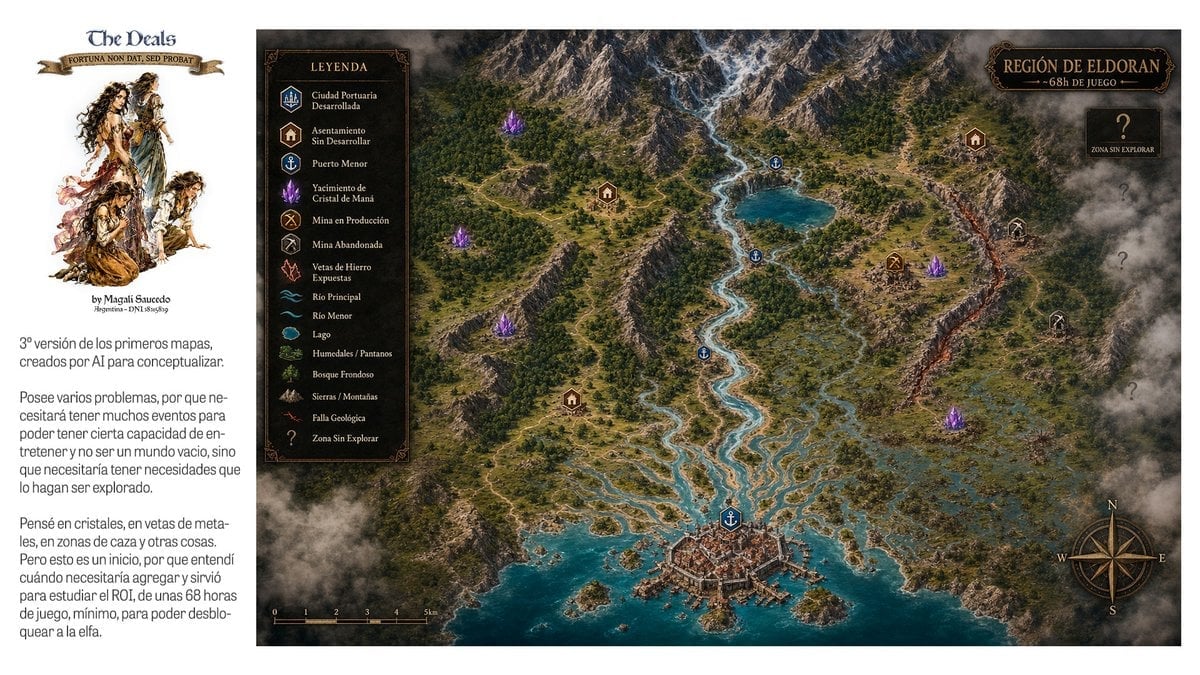
Fantasy RPG Region Map Sheet
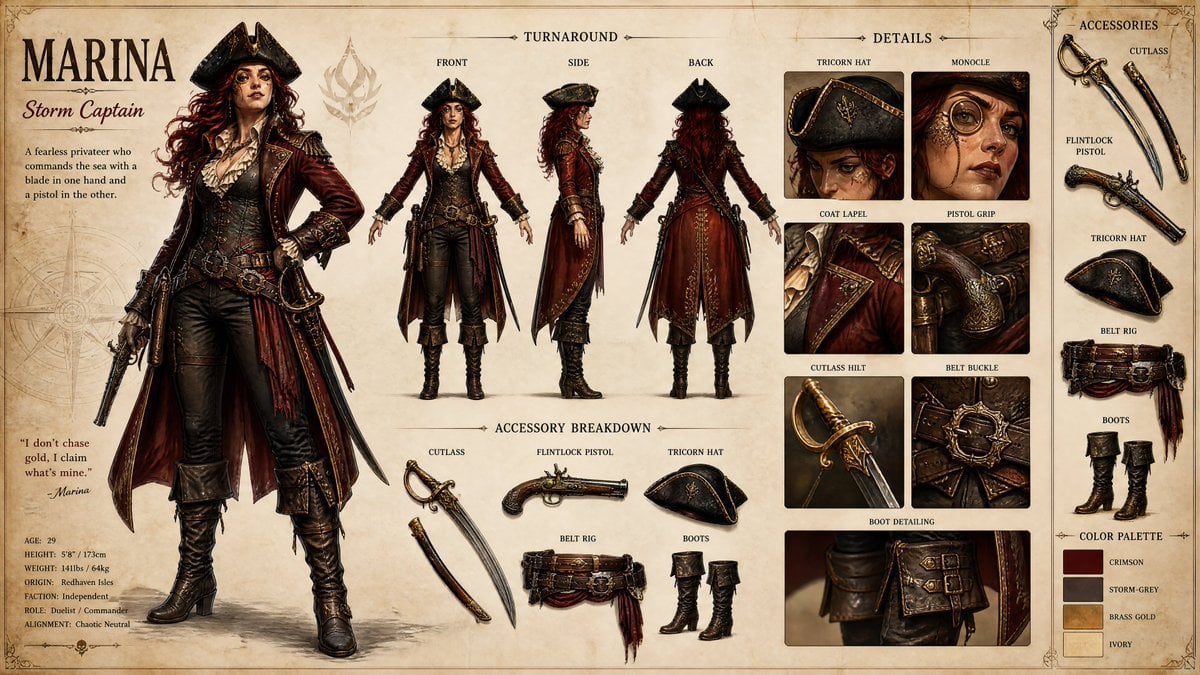
Pirate RPG Character Design Sheet
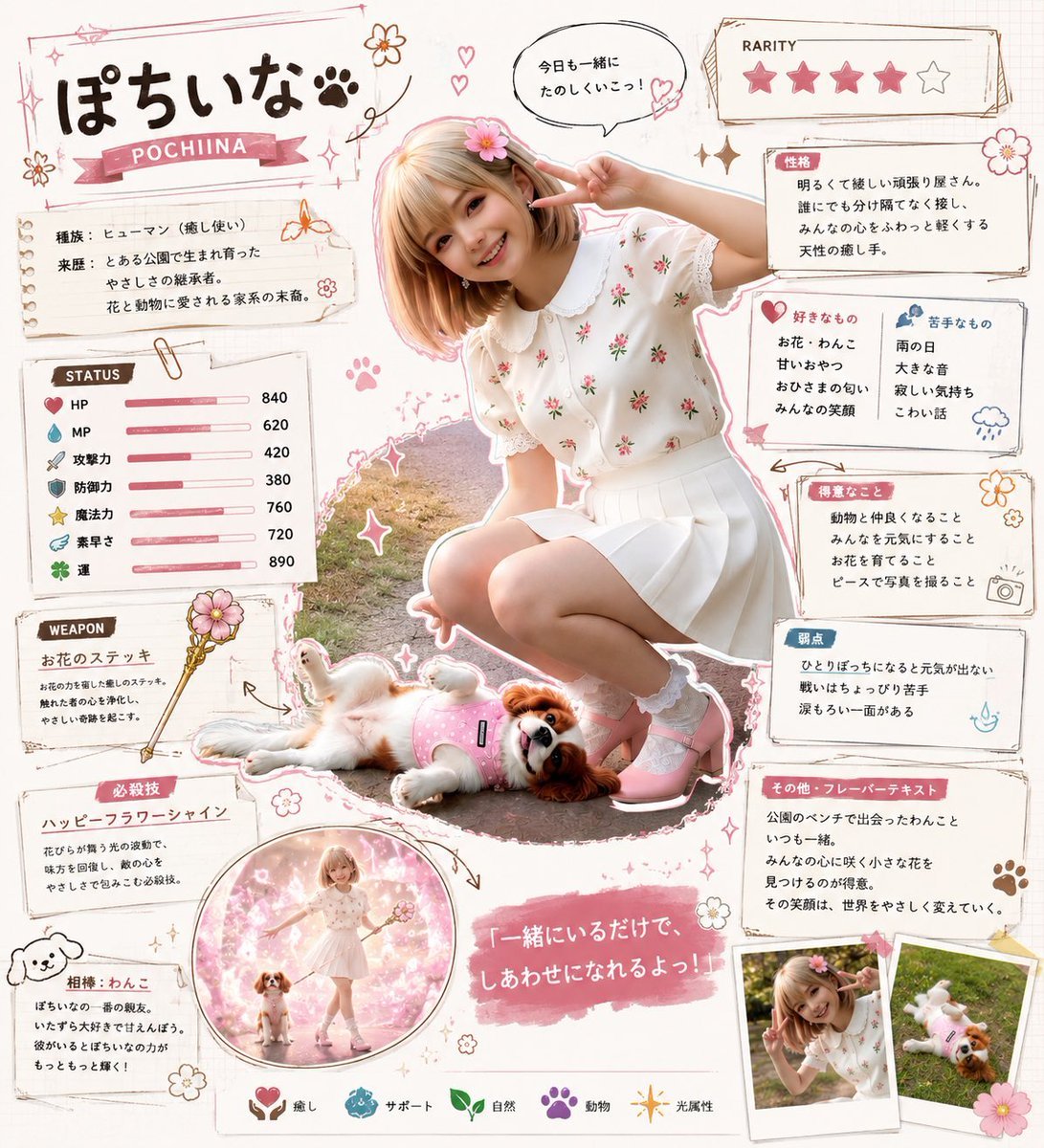
Kawaii RPG Character Profile Sheet
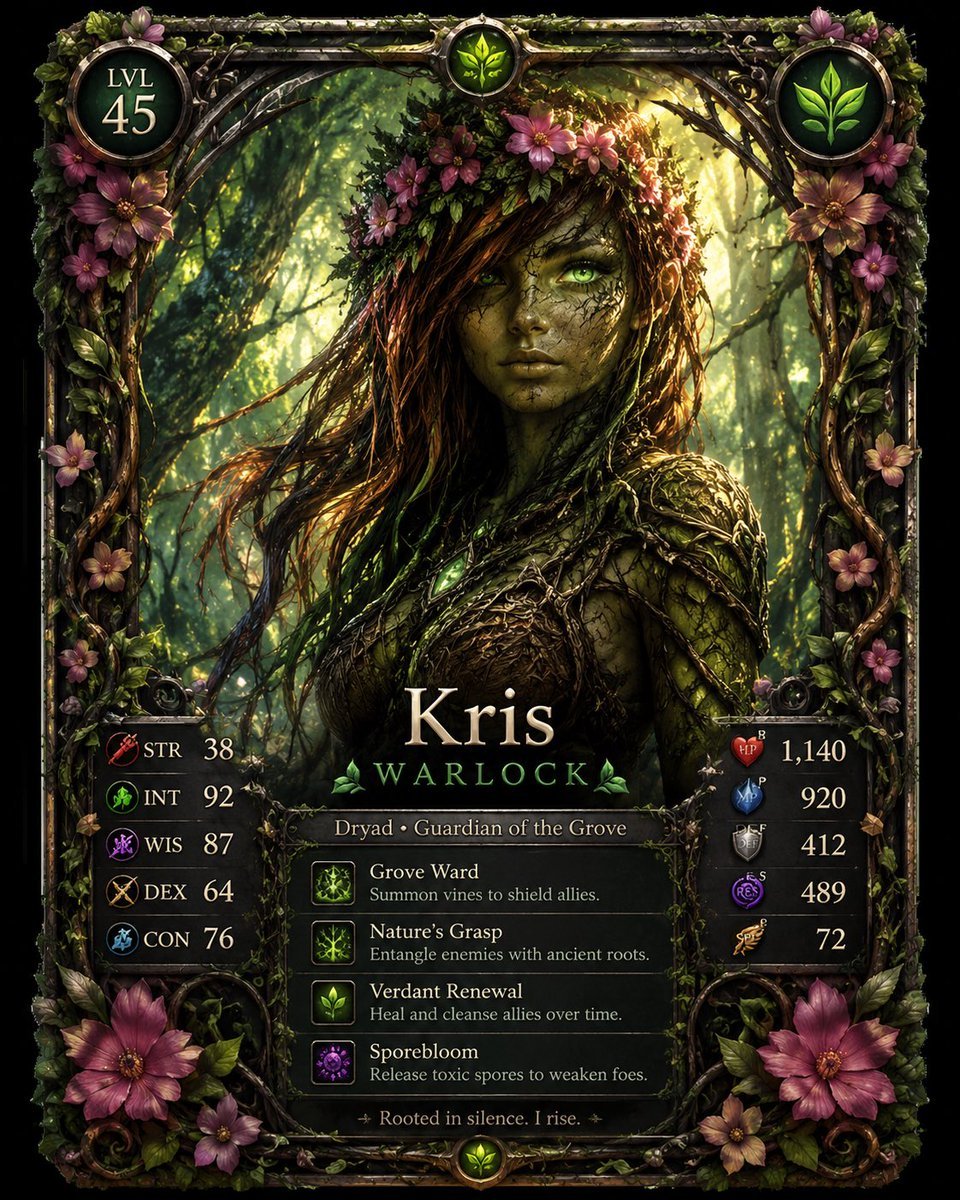
Fantasy Dryad RPG Character Card

JRPG Fantasy Title Logo Splash Screen
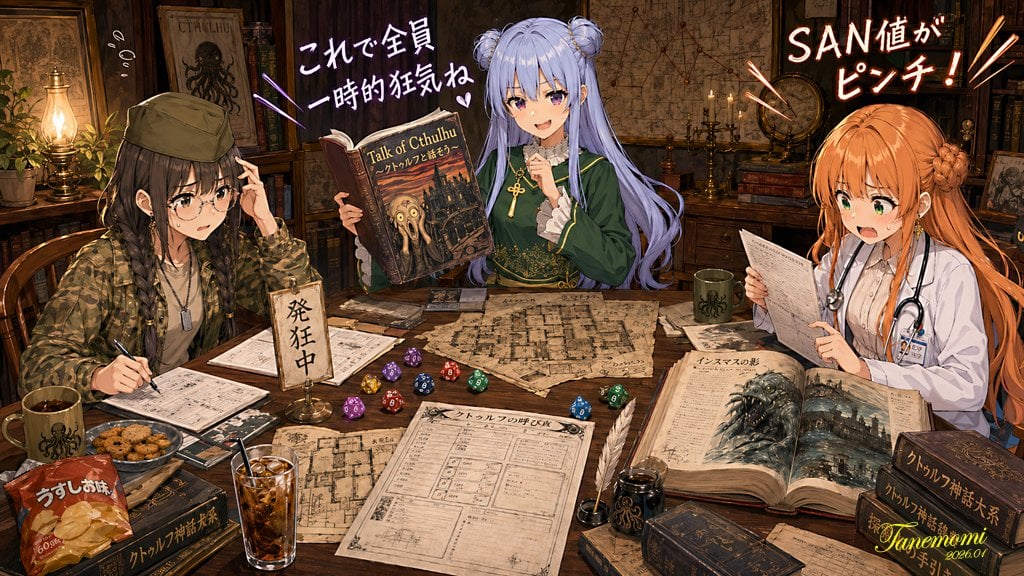
Anime Cthulhu TRPG Study Session
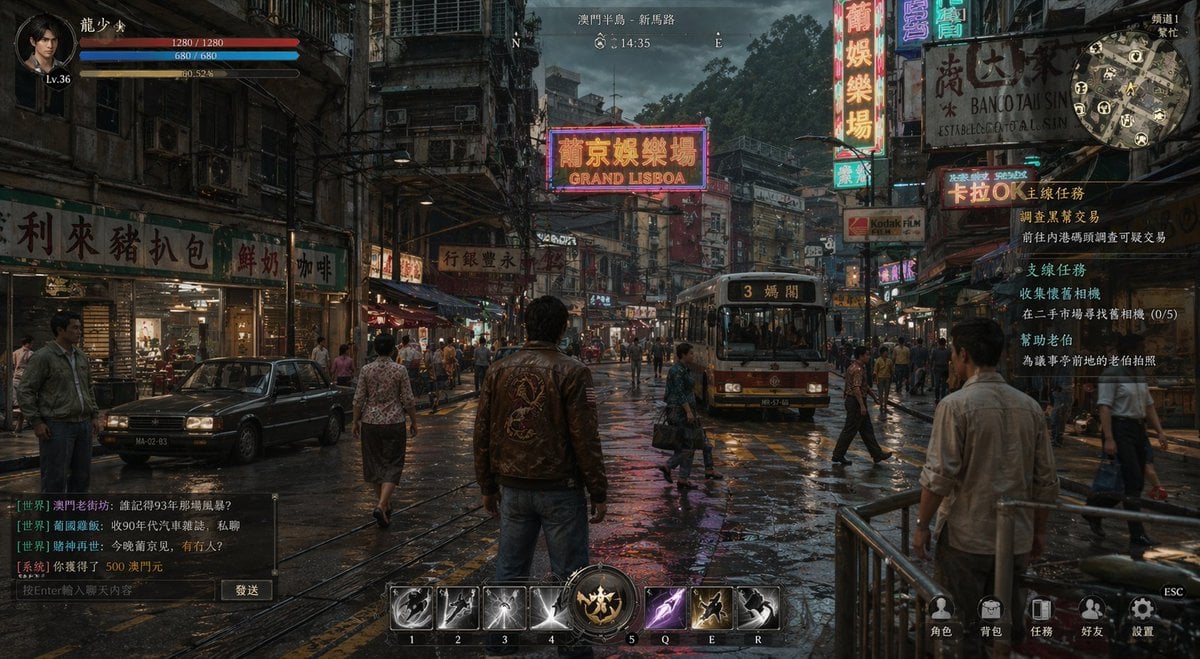
Rainy Neon Macau RPG Screenshot
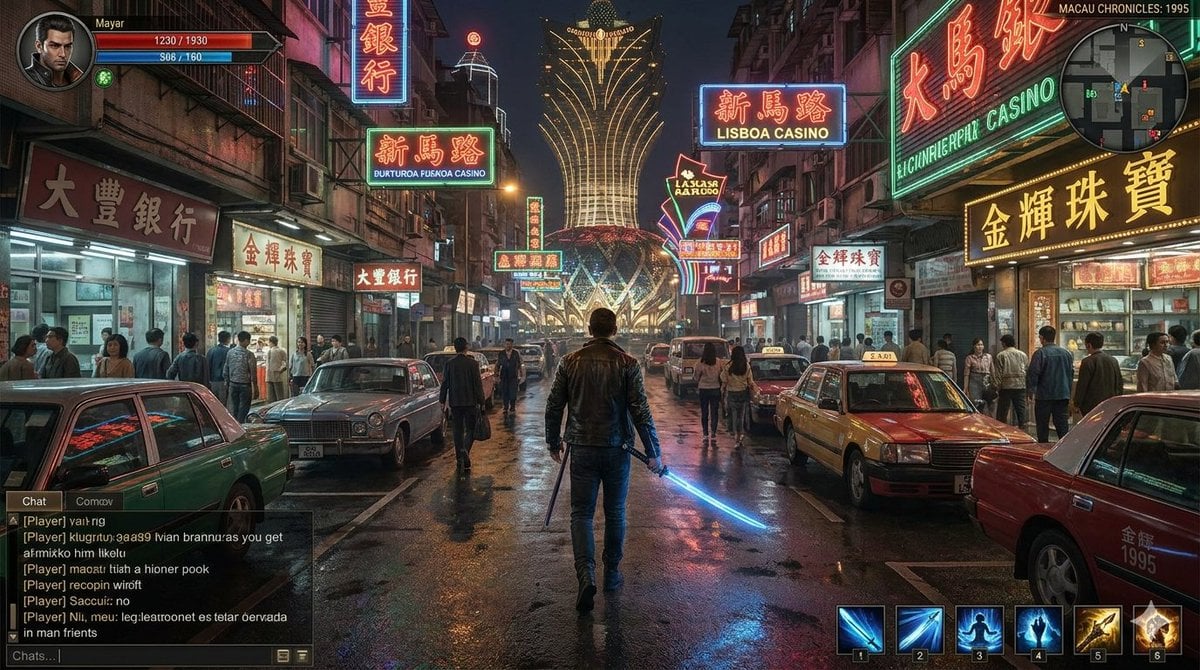
Neon Macau RPG Street Battle HUD
Toy Circus JRPG Battle
Fantasy JRPG Priest Status Screen
Make it yours
Quadrant RPG Character Design Sheet works as-is. These are the safest ways to change it without losing the look.
Change one field
Copy a single group, rewrite it, and generate again so you can see what that field is doing.
Keep the frame, change the subject
Hold the composition and light of 4-Quadrant RPG Character Design Sheet, then swap wardrobe, props or the person for a new take.
| If the result… | Why | Fix |
|---|---|---|
| The result drifts from the preview | Too many fields changed at once. | Reuse 4-Quadrant RPG Character Design Sheet as-is first, then change one group — subject, light, or setting. |
| GPT Image 2 ignores part of the JSON | Some models flatten or skip nested keys. | Keep the same values and paste them as a short paragraph instead. |
More GPT Image 2 templates
Other prompts made for GPT Image 2.

Six VTuber Japanese Logo Sheet

Realistic Portrait of Woman and Deer

The Vista Modular Condo Poster

AI Model Routing Comparison Infographic

2.5D Anime Art Board

Isometric Productivity Desk Scene

New York Double Exposure Poster

Four-Panel AI Landscape Comparison

Japanese Tatami Lifestyle Magazine Cover

NESCAFÉ Coffee Map Poster
More image prompts
Fresh picks from across the catalog.
Quiet Luxury Editorial Photobook Spread
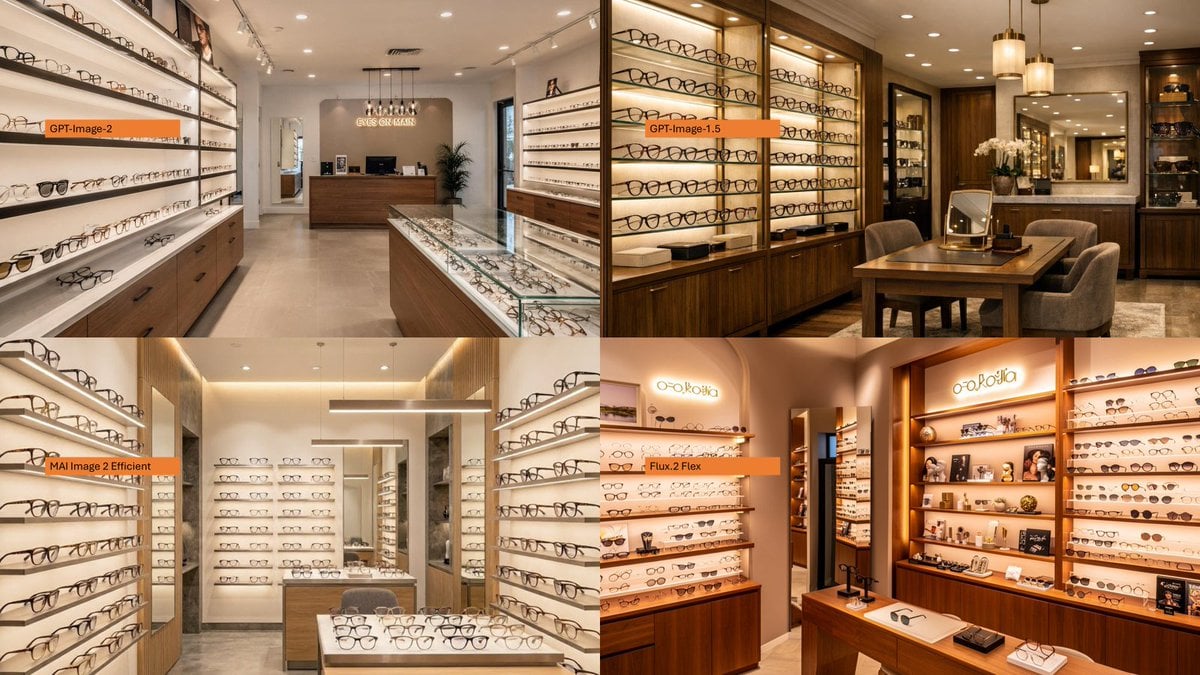
Four-Panel Eyewear Store Model Comparison
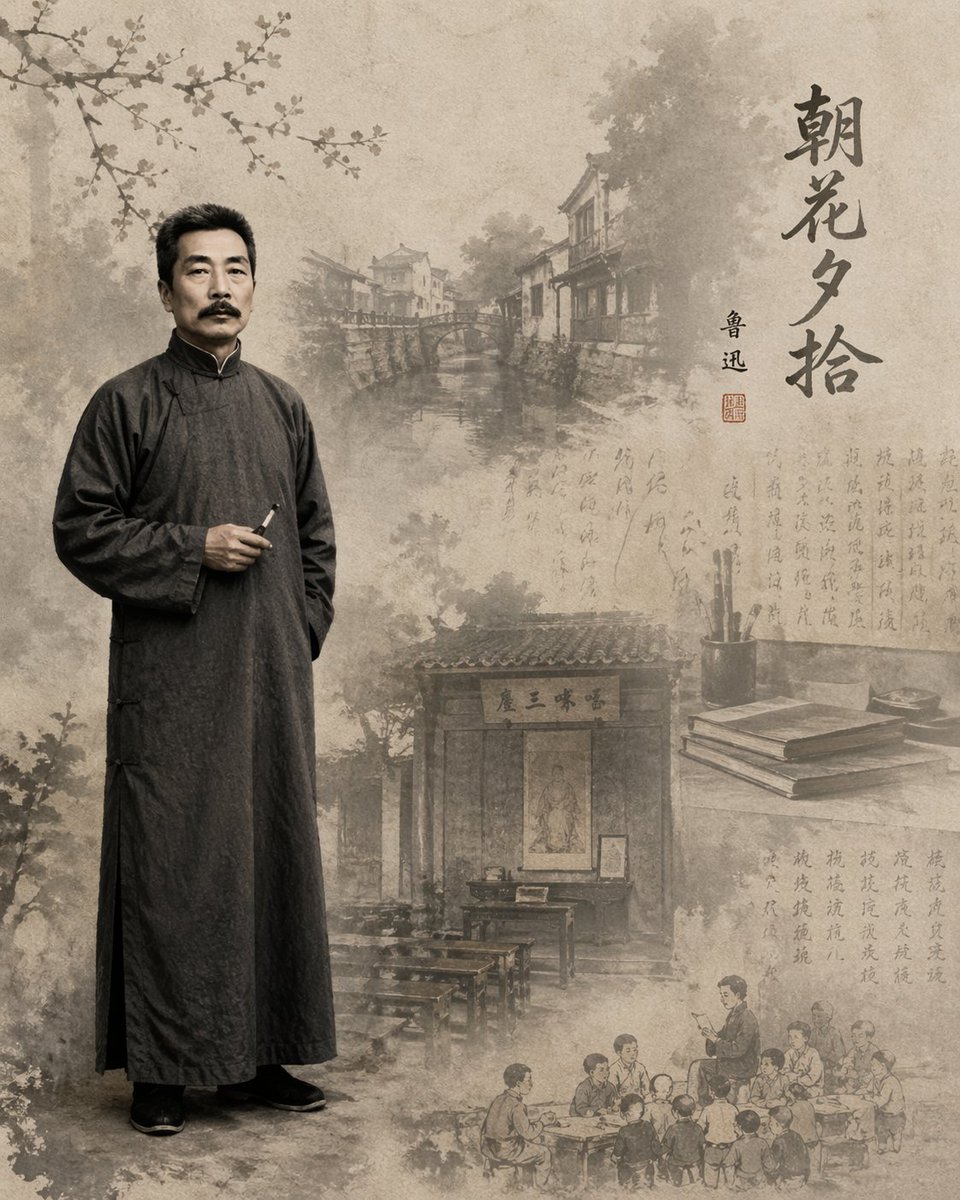
Lu Xun Literature Themed Illustration

2x2 Grid Fashion Photoshoot Collage
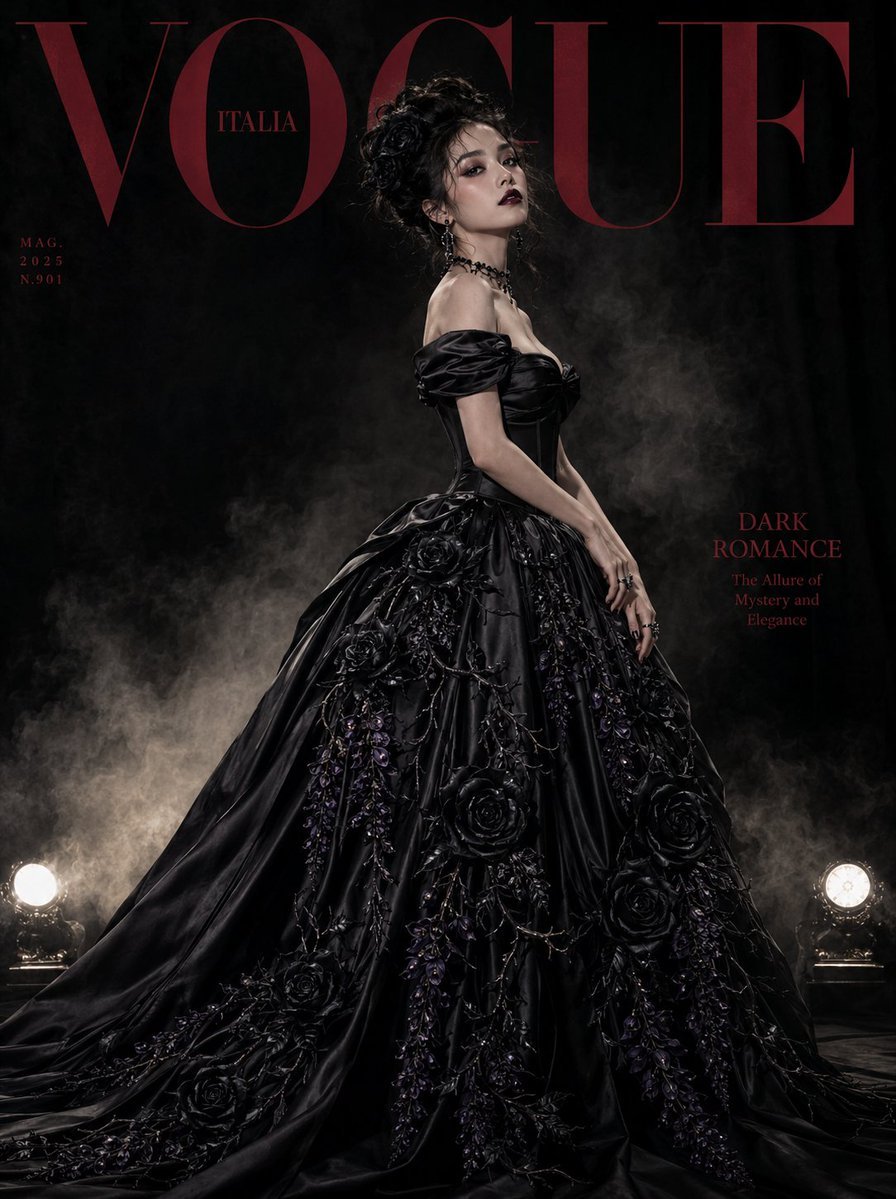
Gothic Luxury Magazine Cover
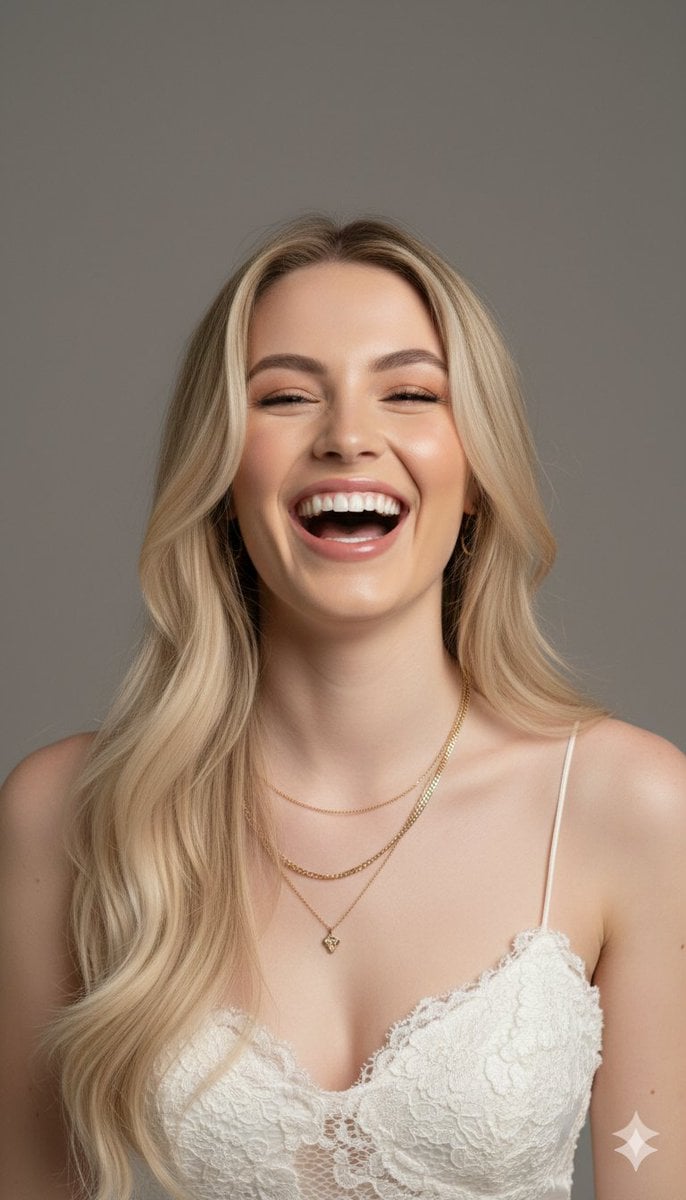
Hyper-Realistic Portrait Generation Prompt (Polina Gagarina)
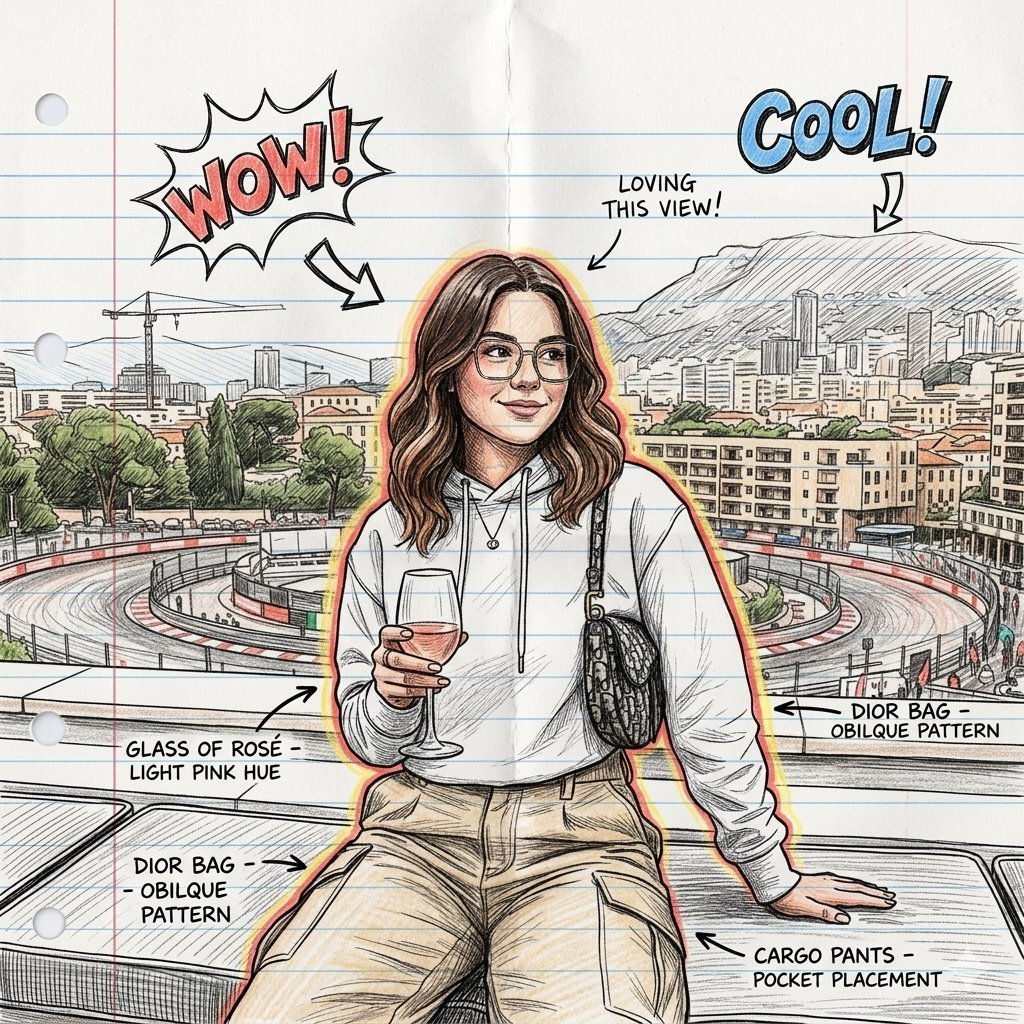
Hand-Drawn Sketch Illustration from Reference Image
Nano Banana used for background and character design

Michael Saylor Shonen Jump Manga Style

Gritty Cinematic Alleyway Portrait at Twilight
Browse template categories
Quadrant RPG Character Design Sheet questions
How do I use the 4-Quadrant RPG Character Design Sheet template?
Add your photo if the template asks for one, edit the prompt if you like — the template's model and format are already selected — and press Generate. Your version opens in PicX Studio.
Can I customize the 4-Quadrant RPG Character Design Sheet template?
Yes. You can change the subject, setting, lighting, mood, format, and available model controls before creating your image.
Is the 4-Quadrant RPG Character Design Sheet template free?
Opening and editing this template is free. Generating uses credits, shown on the Generate button when you are signed in.
Which AI model should I use?
Start with GPT Image 2, which is the model associated with this template. You can compare another compatible model for a different finish.
Looking for something else? Browse all templates.

Your photo, any look
Thousands of ready templates for every top image and video model, from one credit balance.