
JRPG Fantasy Title Logo Splash Screen
A specialized prompt for creating elegant Japanese fantasy RPG title screens with custom typography and character silhouettes.

- Prompt included
- Model and format preset
- Free template
The prompt behind this image
Copy the exact prompt behind JRPG Fantasy Title Logo Splash Screen, or open it in the studio and make it yours.
Create a wide JRPG fantasy title logo splash screen for {argument name="character name" default="Hatsune Miku"}. Canvas: 16:9 horizontal white background, clean high-key presentation with no border. Main composition: huge ornate serif fantasy logo centered-left reading {argument name="main title text" default="HATSUNE MIKU"}, arranged on two lines with “HATSUNE” above “MIKU”; use metallic teal-to-white gradient letters, beveled 3D edges, sharp Gothic serifs, bright star glints, thin gold outlines, and subtle drop shadows. Add a small Japanese subtitle centered under the logo reading {argument name="subtitle text" default="初音ミク"}, flanked by tiny decorative sparkle ornaments. Character silhouette: on the right side, place a dark teal anime idol silhouette of Hatsune Miku in profile facing left, showing exactly 2 very long twin-tails flowing dramatically to the right and downward, with exactly 2 rectangular hair accessories accented in pink and cyan. Background fantasy elements: behind the logo add a pale gold circular magic crest with compass-like spokes and one tall spear-shaped ornament rising above the title; on the far right behind the silhouette add a distant dark teal Gothic castle skyline with multiple pointed towers. Decorative elements: add sweeping translucent aqua brushstroke waves curling around the logo and character, especially one large crescent stroke on the left and several ribbon-like hair/water strokes on the lower right; scatter small star sparkles, paint splashes, and a few pink petal-like fragments. Include a small magenta number {argument name="edition number" default="01"} near the lower right of the main logo. Visual style: elegant Japanese fantasy RPG key art, logo design focus, crisp vector-like typography mixed with watercolor splashes, luminous cyan and teal palette with pale gold accents, high detail, polished game-title presentation. Constraints: use exactly one character silhouette, one main two-line title, one Japanese subtitle, and one edition number; keep the background mostly white and uncluttered; no extra logos, no watermark, no frame.
How to use JRPG Fantasy Title Logo Splash Screen in 3 steps
- 1
Open
The prompt is already in the box next to the preview, with the template's model and format selected.
- 2…a portrait of your subject in softgolden-hour light, 85mm…
Personalize
Edit the subject and creative details for your destination.
- 3Generate
Generate
Press Generate — your image is created in PicX Studio, so you can compare it with the original and refine one variable at a time.
More like this
Templates with the same subject, style or setup. Open one to see its prompt.
Fantasy JRPG Priest Status Screen
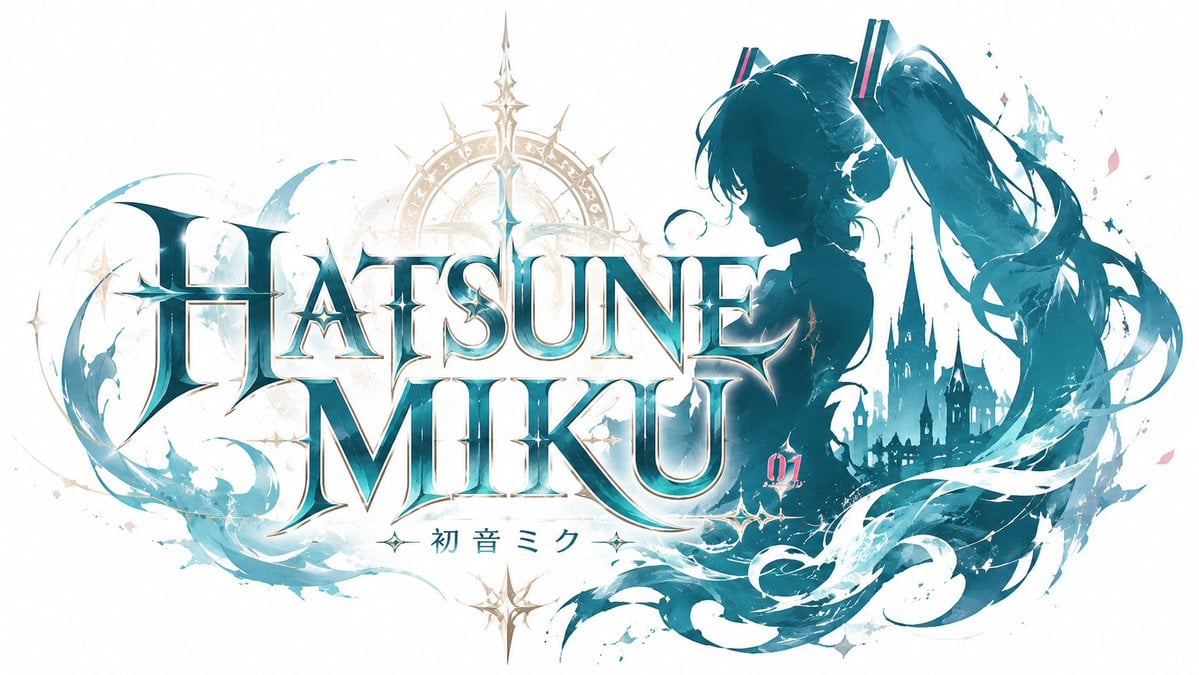
JRPG Hatsune Miku Fantasy Logo
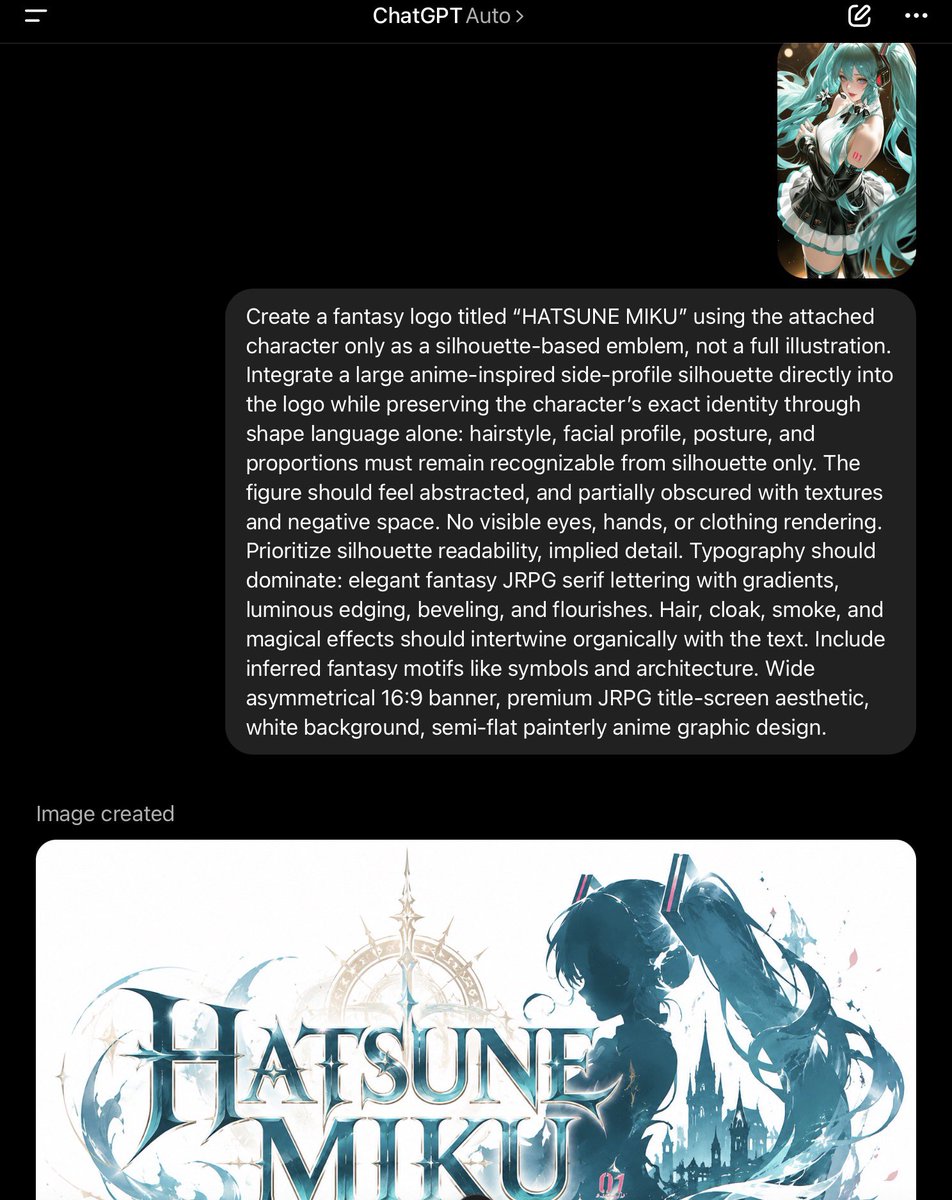
ChatGPT Fantasy Logo Screenshot
Rainy Japanese Visual Novel Title Screen

Anime Fantasy Celestial Movie Poster
Anime Fantasy Celestial Movie Poster

Minecraft Fantasy Kingdom Voxel Landscape

Cappuccino Bottle Splash Product Ad

Unfinished Sketch Comes Alive Portrait

Open Travel Journal Overhead Still Life

Tiny Woman Miniature Fantasy Macro Scene

Moss Logo Minimalist Brand Flat Lay
Make it yours
JRPG Fantasy Title Logo Splash Screen works as-is. These are the safest ways to change it without losing the look.
Change one field
Copy a single group, rewrite it, and generate again so you can see what that field is doing.
Keep the frame, change the subject
Hold the composition and light of JRPG Fantasy Title Logo Splash Screen, then swap wardrobe, props or the person for a new take.
| If the result… | Why | Fix |
|---|---|---|
| The result drifts from the preview | Too many fields changed at once. | Reuse JRPG Fantasy Title Logo Splash Screen as-is first, then change one group — subject, light, or setting. |
| The model over-stylizes the scene | The prose prompt leaves finish and camera underspecified. | Add one camera or lighting sentence and stay on GPT Image 2. |
More GPT Image 2 templates
Other prompts made for GPT Image 2.

Realistic Portrait of Woman and Deer

The Vista Modular Condo Poster

AI Model Routing Comparison Infographic

2.5D Anime Art Board

Isometric Productivity Desk Scene

New York Double Exposure Poster

Four-Panel AI Landscape Comparison

Japanese Tatami Lifestyle Magazine Cover

NESCAFÉ Coffee Map Poster

Brutalist Cogito Chinese Typography Poster
More image prompts
Fresh picks from across the catalog.
Magic Edit GPT Image 2 Promo Banner
Editorial Nightlife Candid on a Billiards Table
Anime Rock Band Beverage Collab Poster
High-Fashion Tiered Ballgown Editorial
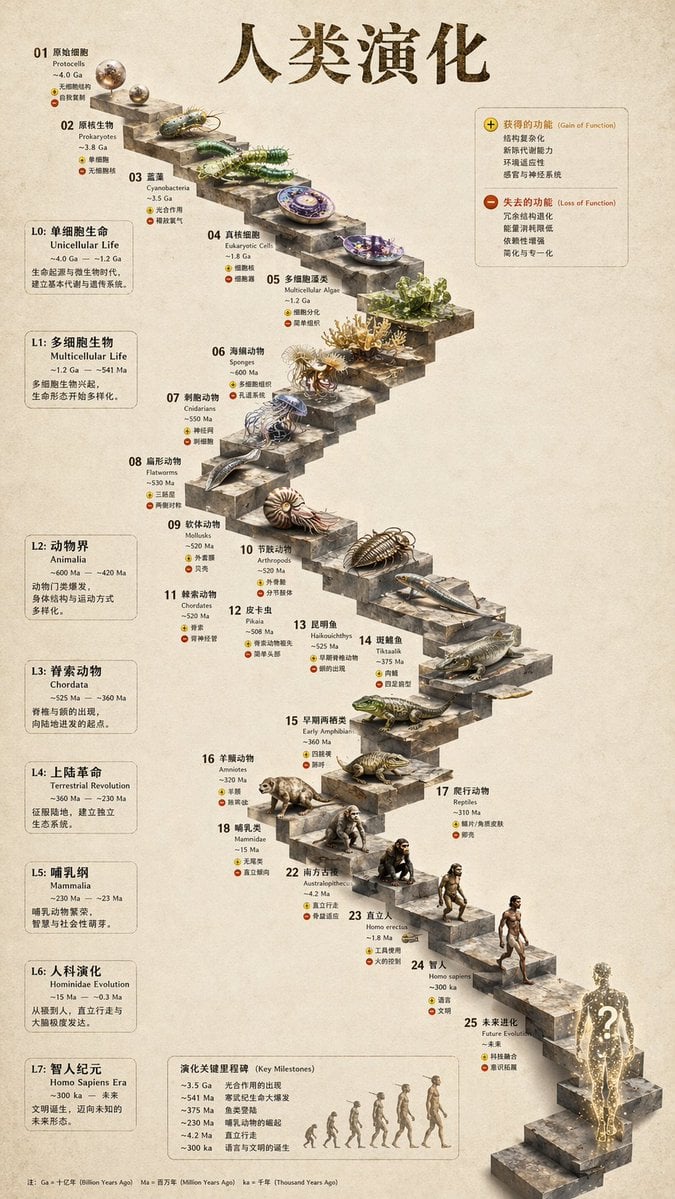
3D Stone Staircase Evolution Infographic
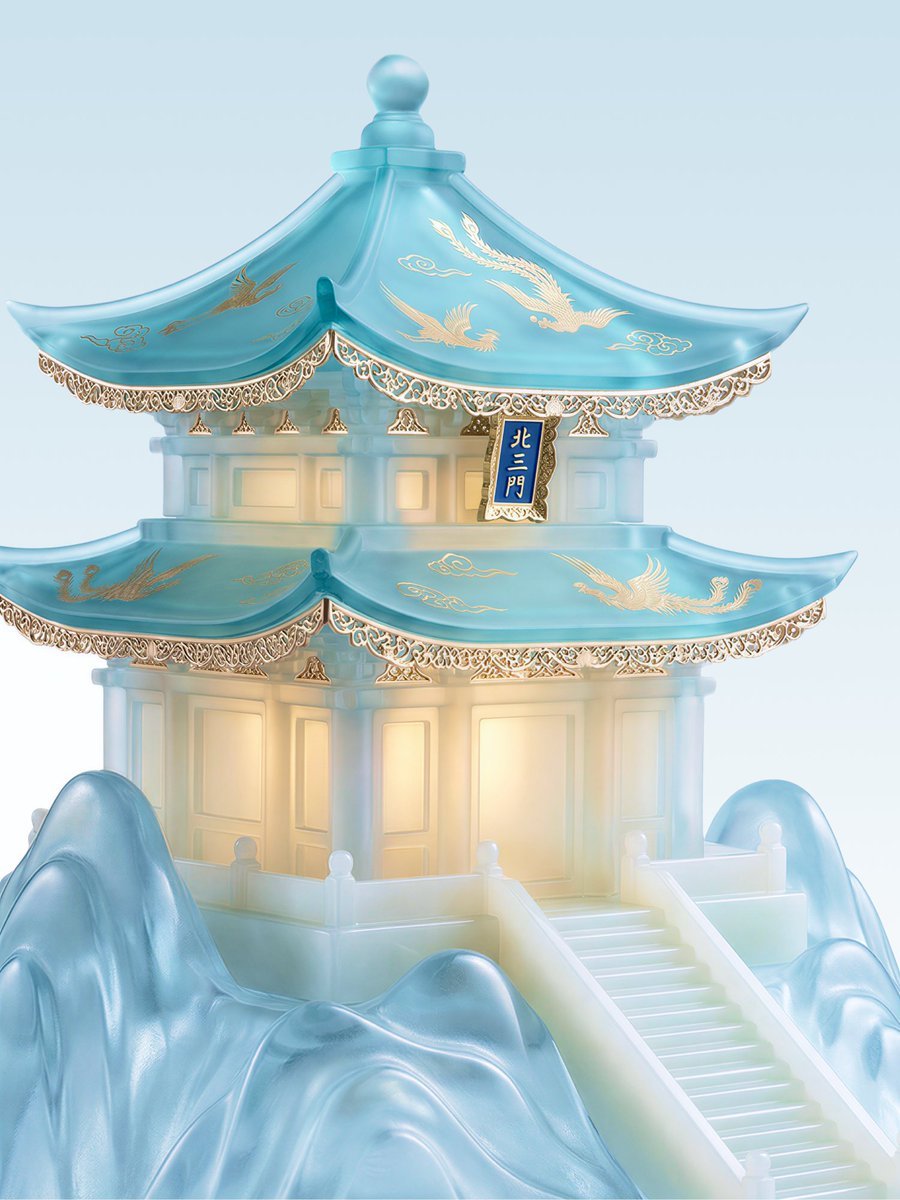
Jade Aesthetic Conceptual Architecture Still Life

Pixel Art Games with Nano Banana Pro Are
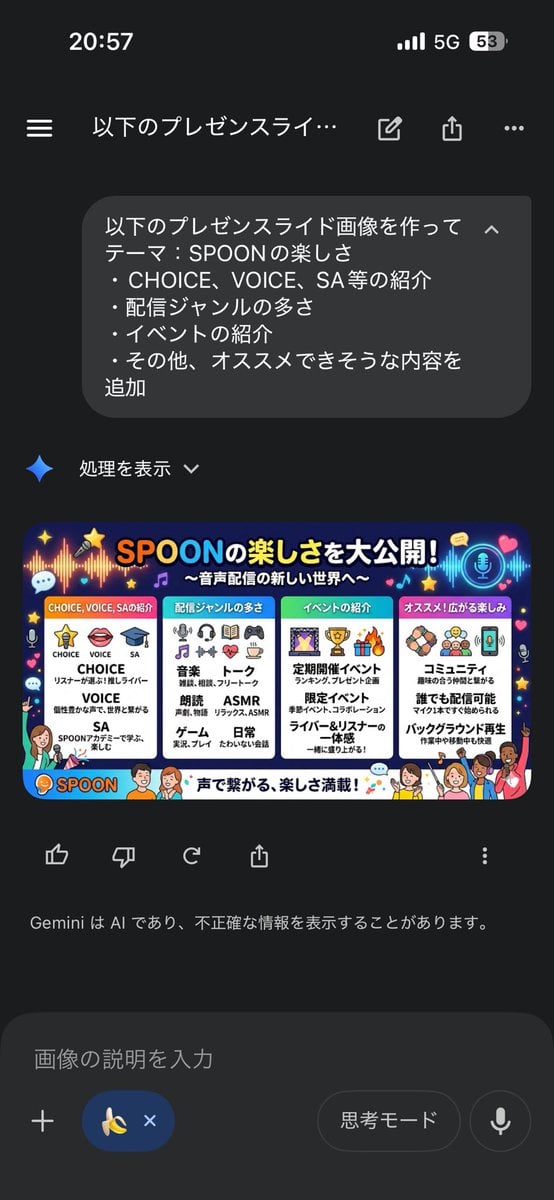
Presentation Slide Generation Template using Nano Banana Pro
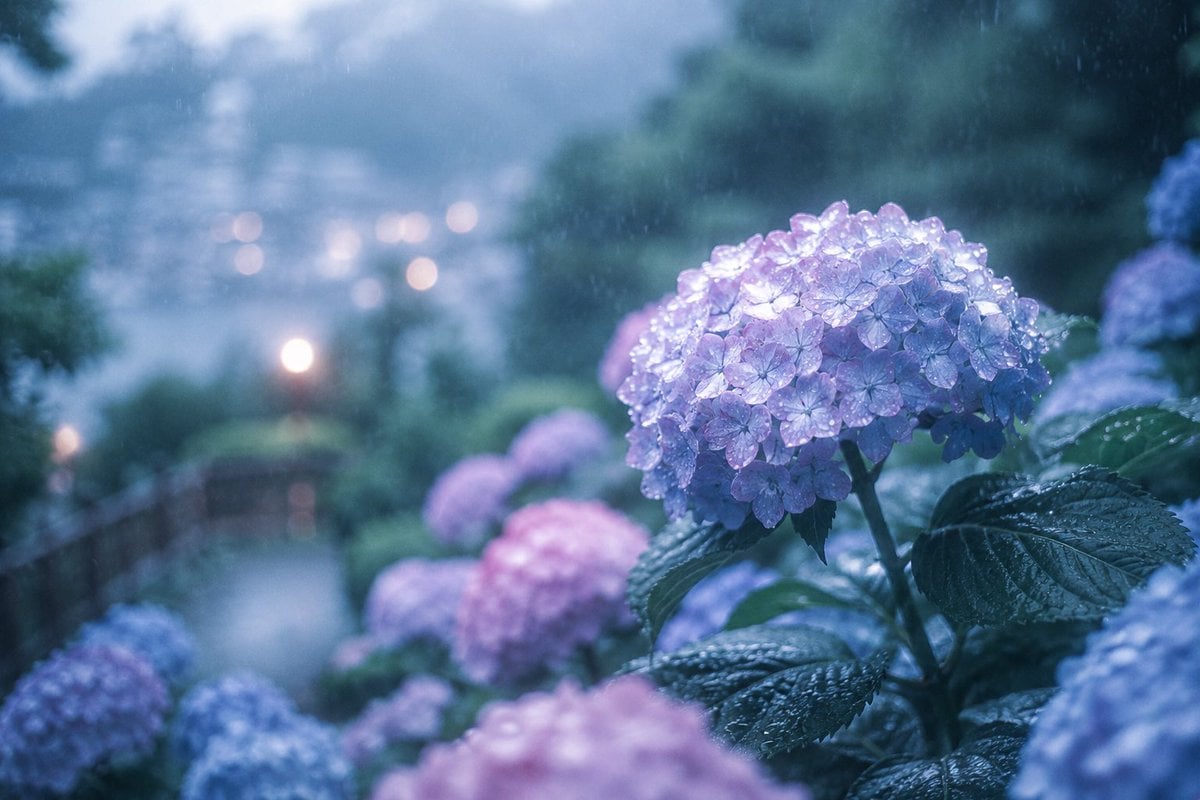
Rainy Kamakura Hydrangea Garden
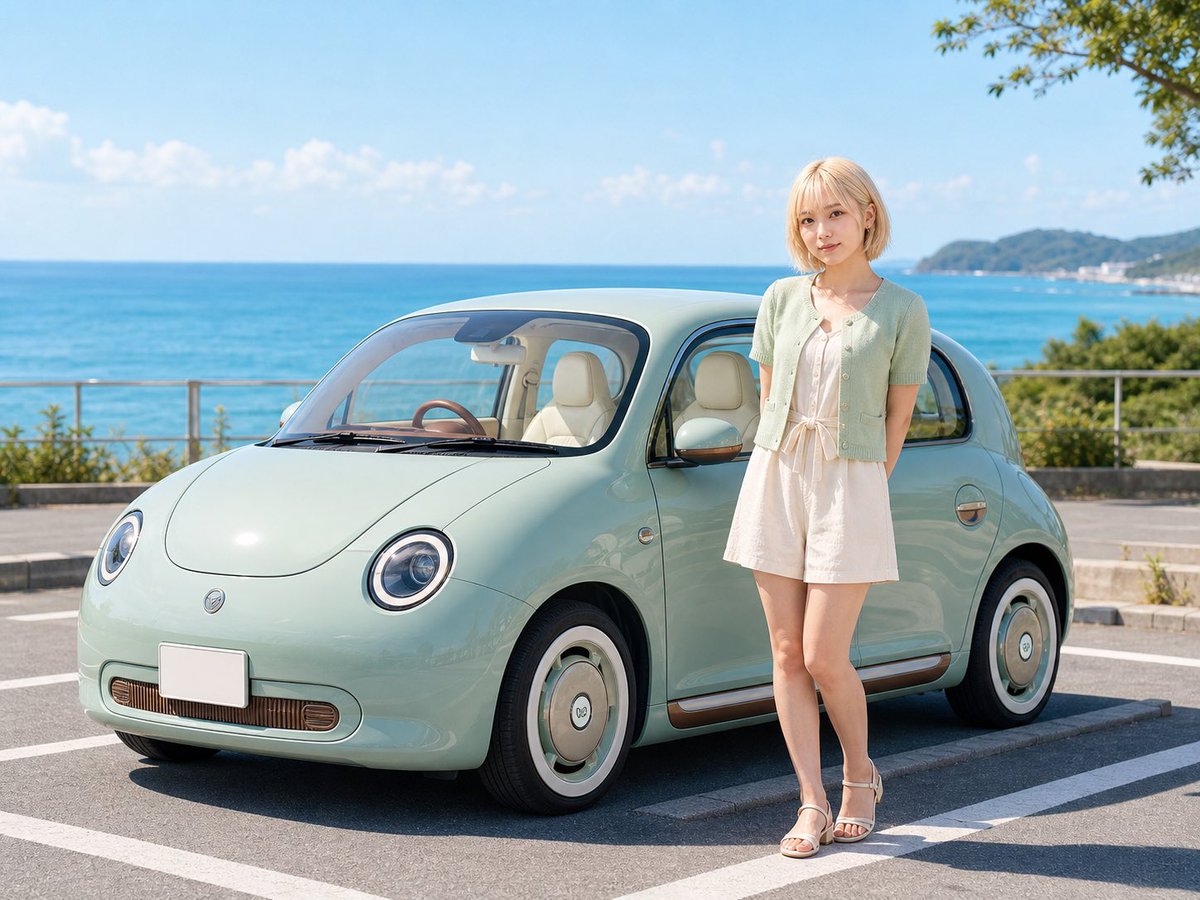
Pastel Retro Seaside Car
Browse template categories
JRPG Fantasy Title Logo Splash Screen questions
How do I use the JRPG Fantasy Title Logo Splash Screen template?
Add your photo if the template asks for one, edit the prompt if you like — the template's model and format are already selected — and press Generate. Your version opens in PicX Studio.
Can I customize the JRPG Fantasy Title Logo Splash Screen template?
Yes. You can change the subject, setting, lighting, mood, format, and available model controls before creating your image.
Is the JRPG Fantasy Title Logo Splash Screen template free?
Opening and editing this template is free. Generating uses credits, shown on the Generate button when you are signed in.
Which AI model should I use?
Start with GPT Image 2, which is the model associated with this template. You can compare another compatible model for a different finish.
Looking for something else? Browse all templates.

Your photo, any look
Thousands of ready templates for every top image and video model, from one credit balance.