
ChatGPT Fantasy Logo Screenshot
Creates a dark-mode ChatGPT mobile screenshot showing a prompt and generated Hatsune Miku fantasy JRPG logo preview.
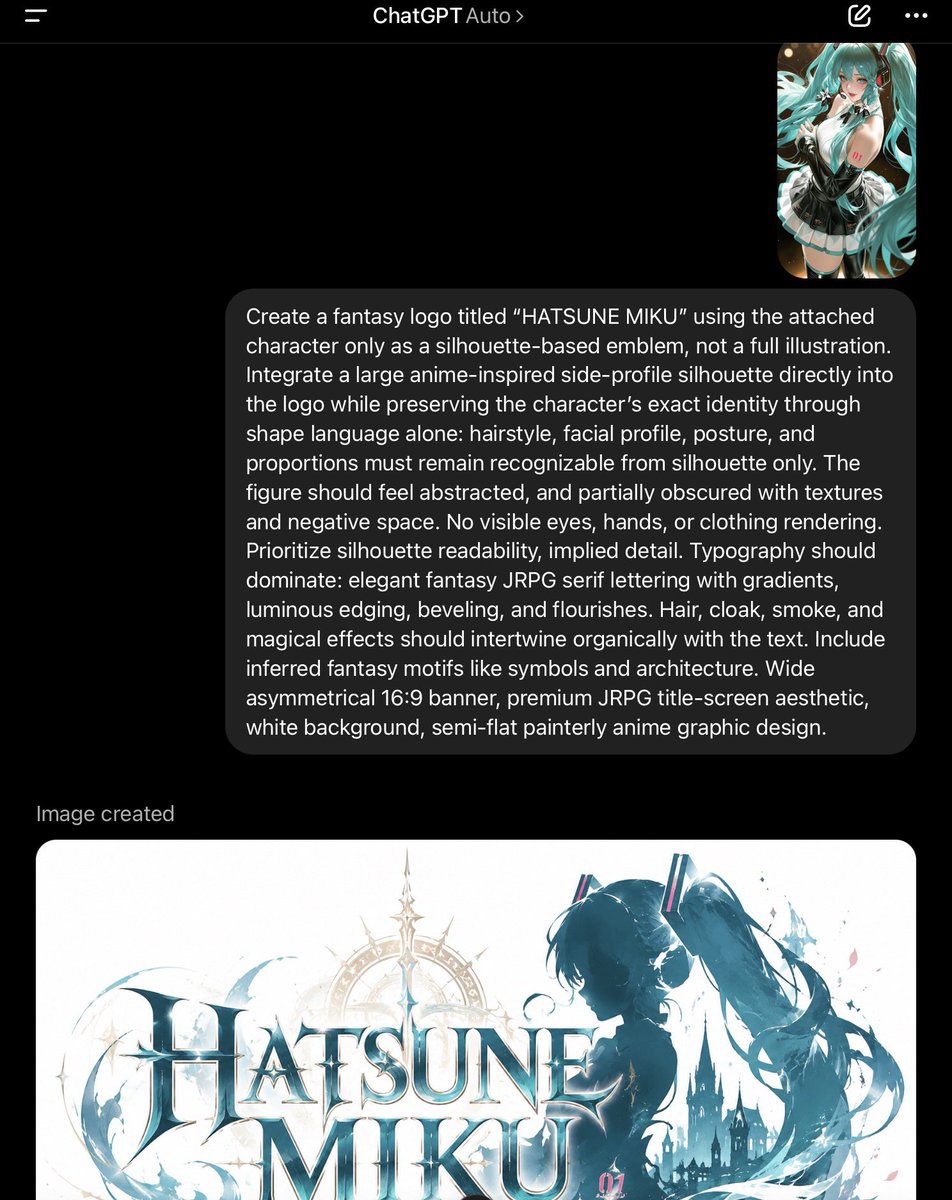
- Prompt included
- Model and format preset
- Premium template
The prompt behind this image
Copy the exact prompt behind ChatGPT Fantasy Logo Screenshot, or open it in the studio and make it yours.
Goal: Create a photorealistic dark-mode mobile screenshot of the ChatGPT app showing a completed image-generation conversation about a fantasy logo for {argument name="character name" default="HATSUNE MIKU"}. Canvas: Vertical smartphone screenshot, 768 x 968 px, black background, cropped so the lower generated image continues off the bottom edge. Use iOS-style statusless app framing with no visible keyboard. Top navigation: A thin dark header bar across the top. Include exactly 4 visible header items: a hamburger menu icon at top left, centered title text “ChatGPT Auto” with a small chevron after Auto, a pencil/edit icon near the top right, and a three-dot overflow menu at the far right. Conversation layout: On the upper right, place exactly 1 small rounded-corner image thumbnail showing an anime turquoise twin-tail girl in a black-and-white outfit. Beneath it, place exactly 1 large dark gray rounded user message bubble aligned right, with white text. The bubble text must read: “Create a fantasy logo titled “{argument name="logo title" default="HATSUNE MIKU"}” using the attached character only as a silhouette-based emblem, not a full illustration. Integrate a large anime-inspired side-profile silhouette directly into the logo while preserving the character’s exact identity through shape language alone: hairstyle, facial profile, posture, and proportions must remain recognizable from silhouette only. The figure should feel abstracted, and partially obscured with textures and negative space. No visible eyes, hands, or clothing rendering. Prioritize silhouette readability, implied detail. Typography should dominate: elegant fantasy JRPG serif lettering with gradients, luminous edging, beveling, and flourishes. Hair, cloak, smoke, and magical effects should intertwine organically with the text. Include inferred fantasy motifs like symbols and architecture. Wide asymmetrical 16:9 banner, premium JRPG title-screen aesthetic, white background, semi-flat painterly anime graphic design.” Generated result area: Under the message bubble, add the small gray label “Image created” aligned left. Below it, show exactly 1 large generated-image preview card with rounded corners, white background, partly cut off by the bottom edge of the screenshot. Generated image inside the preview card: A wide 16:9 fantasy JRPG title logo on a white background. The main text is exactly two stacked words, “HATSUNE” above “MIKU,” in large ornate serif letters with icy teal gradients, white highlights, metallic bevels, and luminous edges. Behind and around the lettering, include exactly 1 large anime-inspired side-profile silhouette of Hatsune Miku on the right: no visible eyes, hands, or clothing details, only a dark teal face profile and iconic long twin-tail hair shape flowing to the right. Add exactly 1 faint golden circular compass/halo ornament behind the title, exactly 1 dark gothic castle silhouette near the lower right, and swirling teal smoke, hair ribbons, splashes, starbursts, and magical flourishes wrapping around the text. Add a tiny pink “01” marking near the lower right of the logo. Keep the logo premium, semi-flat painterly, fantasy-anime, asymmetric, and clean. Visual style: Realistic ChatGPT mobile UI screenshot, dark mode, crisp white typography, soft rounded cards, accurate spacing, high contrast, no watermark, no extra UI panels, no keyboard.
How to use ChatGPT Fantasy Logo Screenshot in 3 steps
- 1Upload ImagePNG, JPG or paste
Add your photo
Upload the photo the template builds on. The prompt, model and format are already set.
- 2…a portrait of your subject in softgolden-hour light, 85mm…
Personalize
Edit the subject and creative details for your destination.
- 3Generate
Generate
Press Generate — your image is created in PicX Studio, so you can compare it with the original and refine one variable at a time.
More like this
Templates with the same subject, style or setup. Open one to see its prompt.
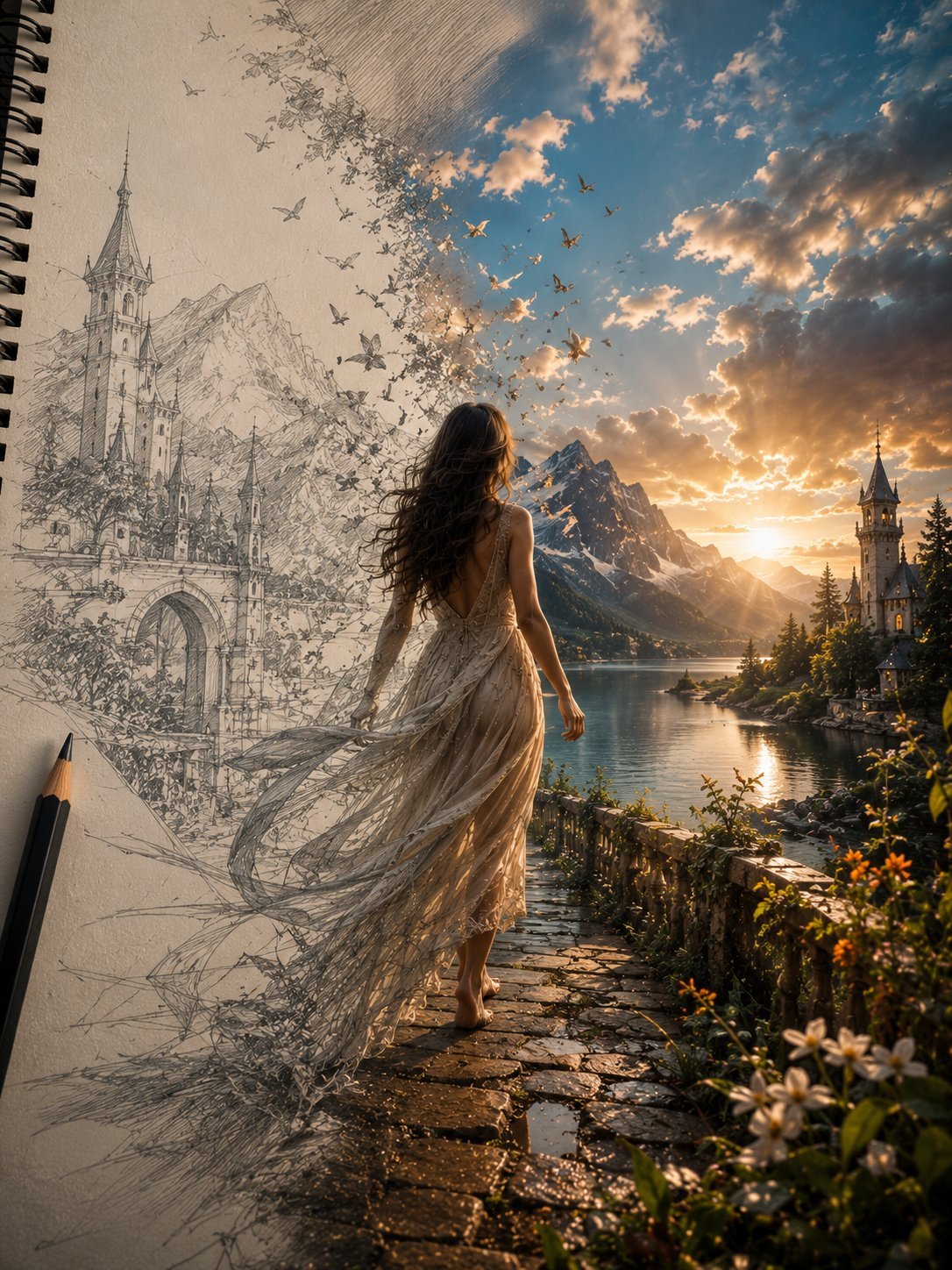
Unfinished Sketch Comes Alive Portrait
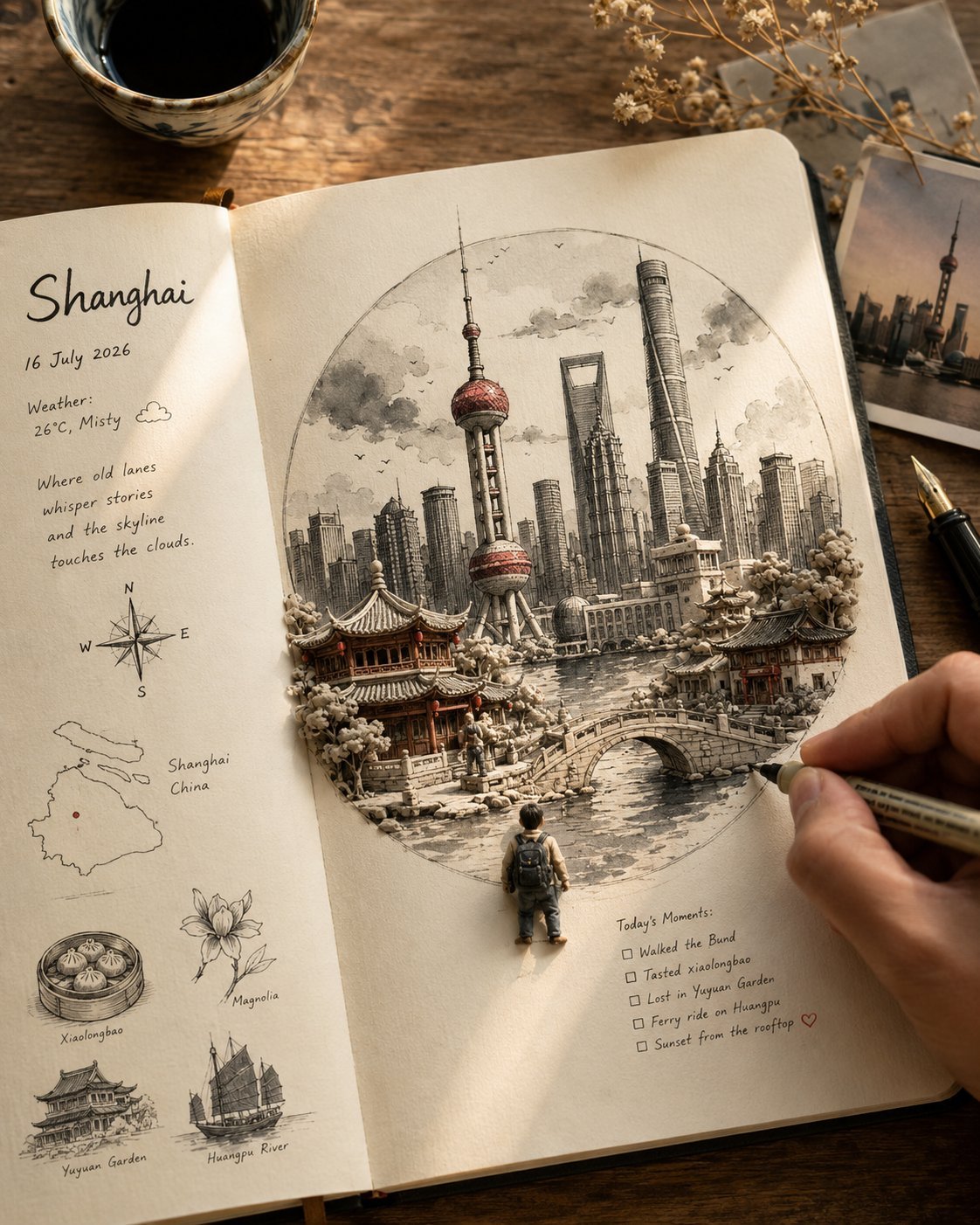
Open Travel Journal Overhead Still Life
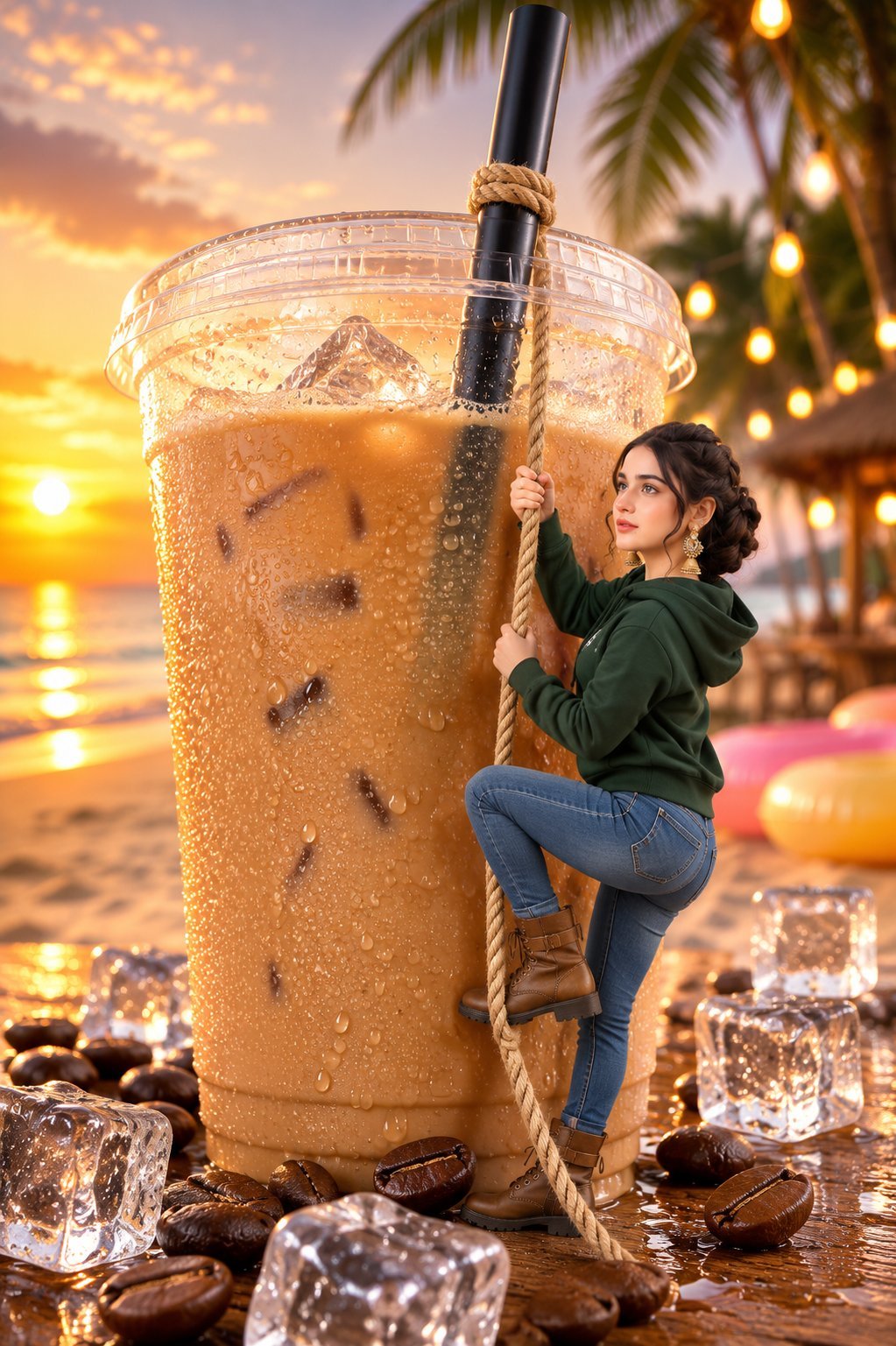
Tiny Woman Miniature Fantasy Macro Scene
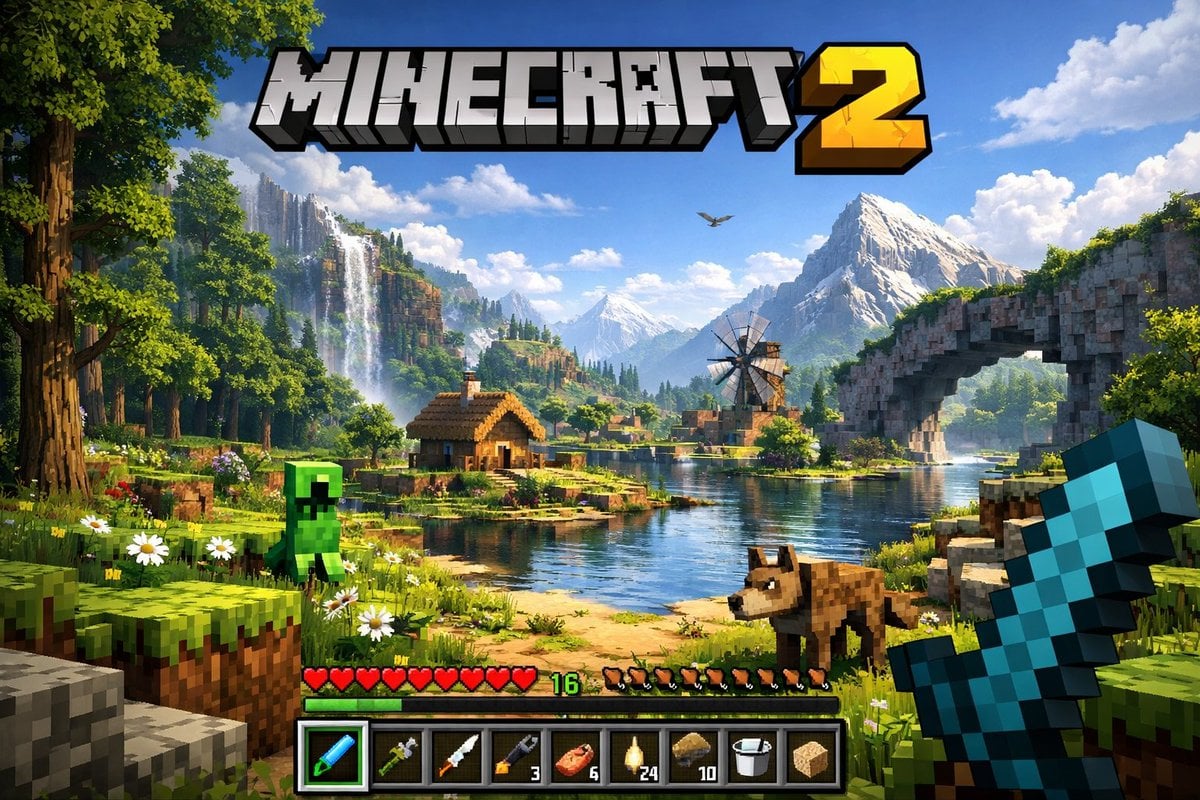
Minecraft Next-Gen Voxel World Screenshot
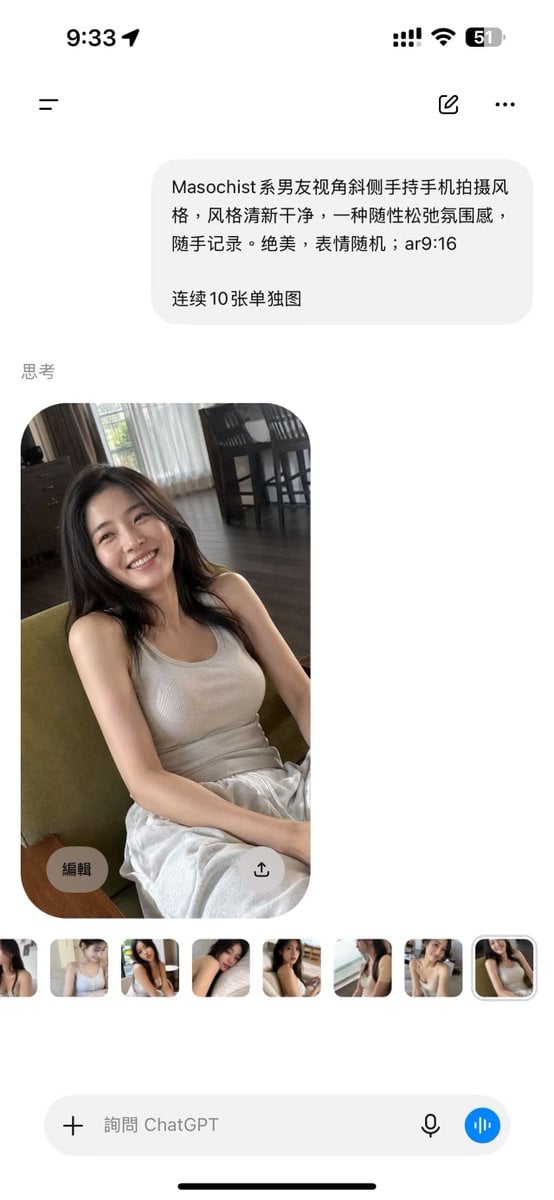
ChatGPT Mobile Photo Carousel Screenshot
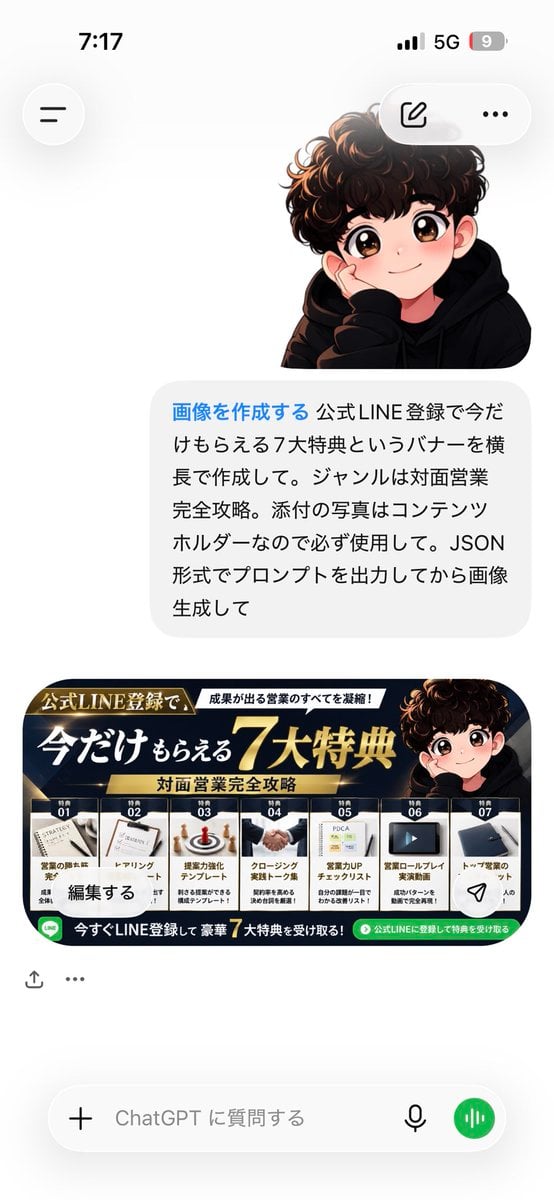
ChatGPT Bonus Banner Screenshot
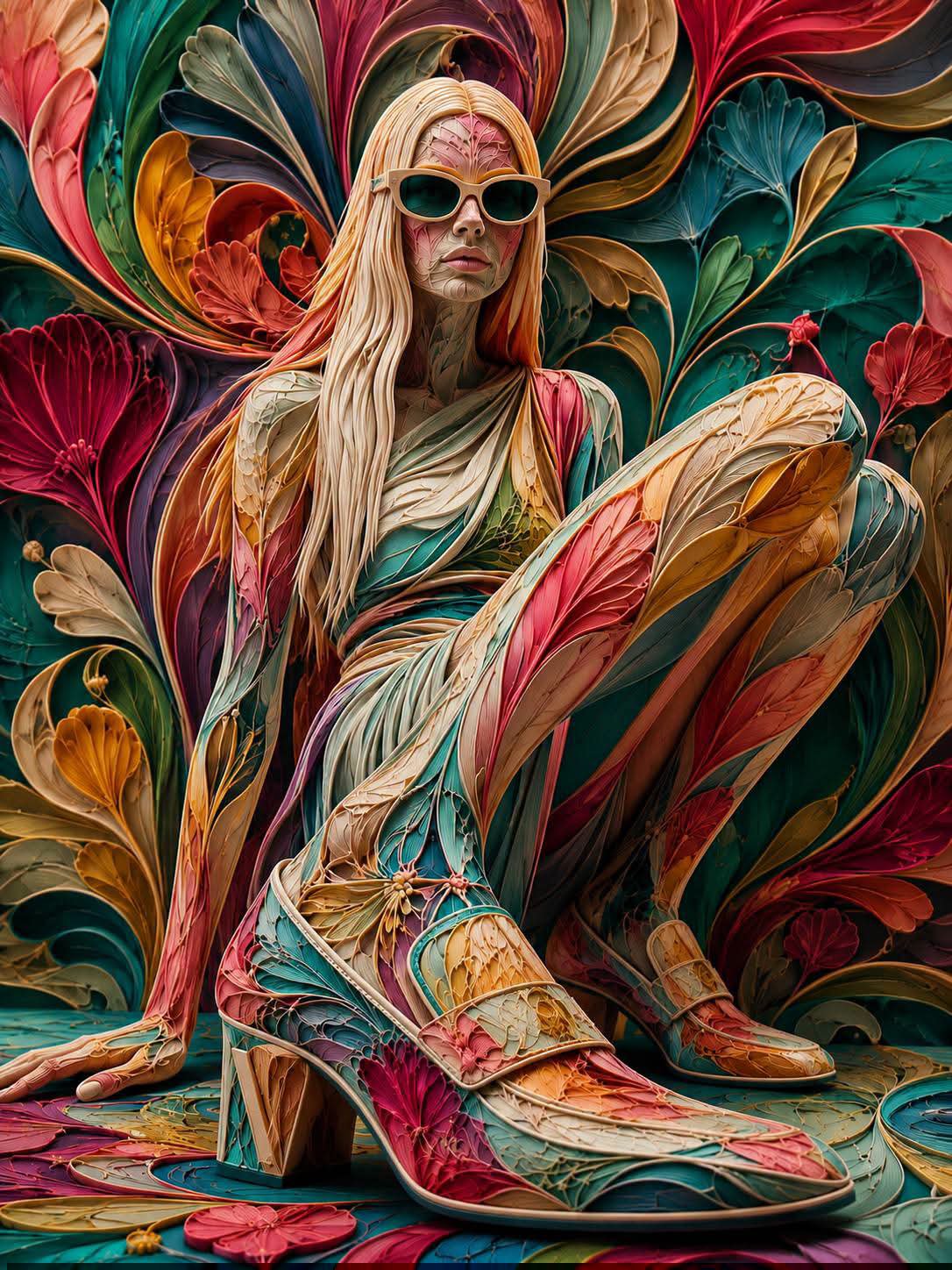
Floraverse Botanical Fusion
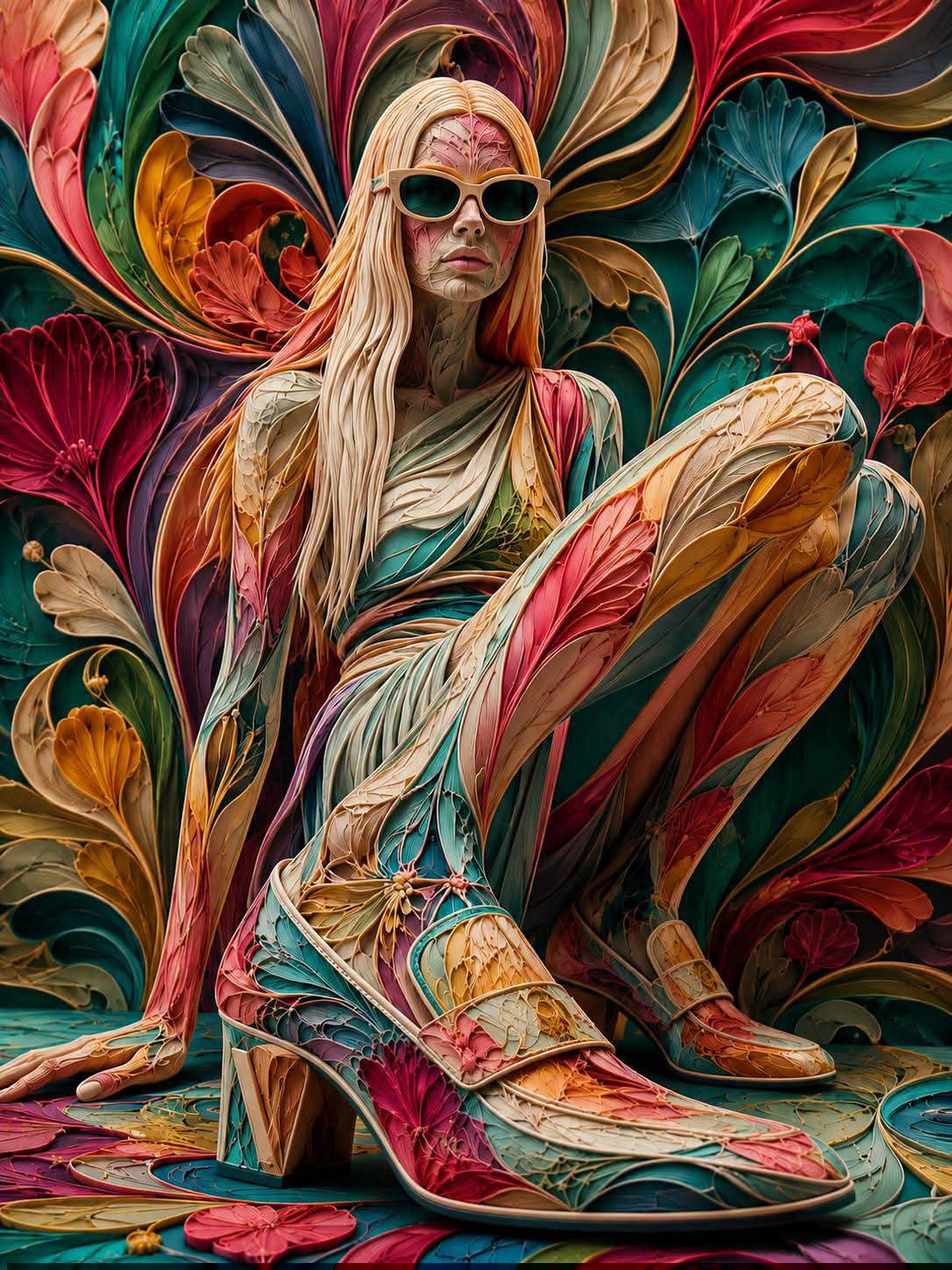
FLORAVERSE BOTANICAL FUSION

Anime Fantasy Celestial Movie Poster
Anime Fantasy Celestial Movie Poster
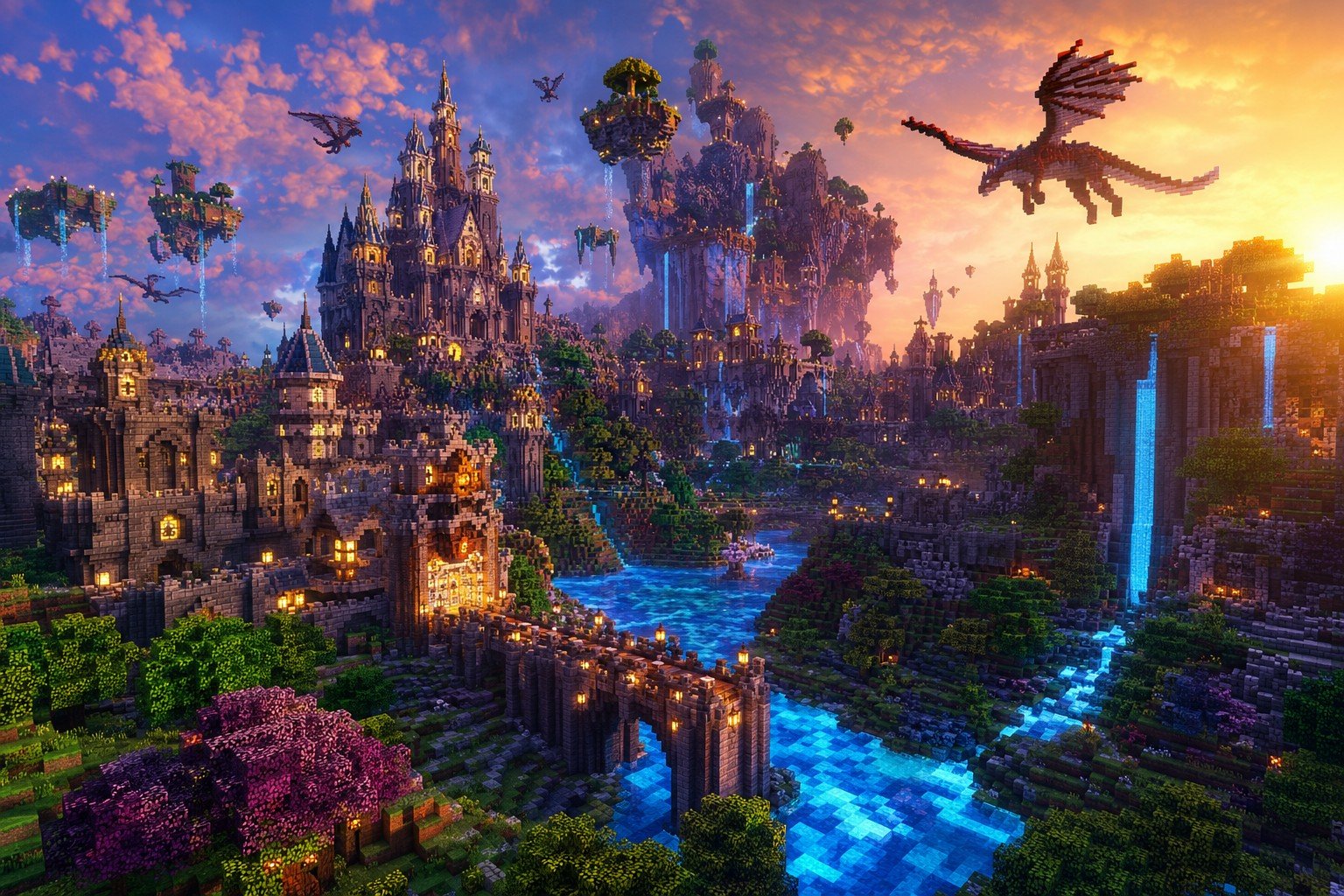
Minecraft Fantasy Kingdom Voxel Landscape
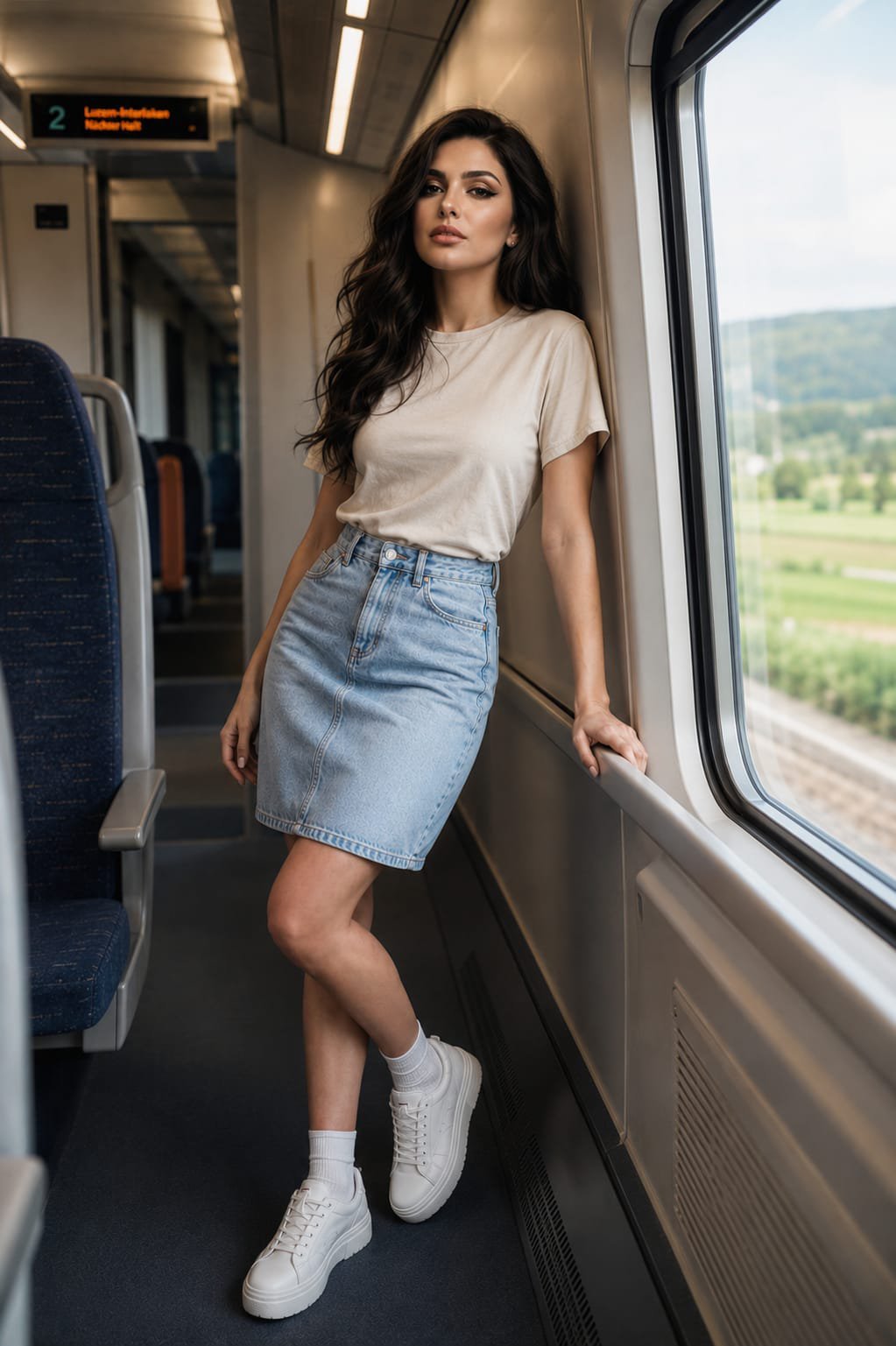
Face-Locked Train Window Lifestyle Portrait
Make it yours
ChatGPT Fantasy Logo Screenshot works as-is. These are the safest ways to change it without losing the look.
Change one field
Copy a single group, rewrite it, and generate again so you can see what that field is doing.
Keep the frame, change the subject
Hold the composition and light of ChatGPT Fantasy Logo Screenshot, then swap wardrobe, props or the person for a new take.
| If the result… | Why | Fix |
|---|---|---|
| The result drifts from the preview | Too many fields changed at once. | Reuse ChatGPT Fantasy Logo Screenshot as-is first, then change one group — subject, light, or setting. |
| The model over-stylizes the scene | The prose prompt leaves finish and camera underspecified. | Add one camera or lighting sentence and stay on GPT Image 2. |
More GPT Image 2 templates
Other prompts made for GPT Image 2.

Six VTuber Japanese Logo Sheet

Realistic Portrait of Woman and Deer

The Vista Modular Condo Poster

AI Model Routing Comparison Infographic

2.5D Anime Art Board

Isometric Productivity Desk Scene

New York Double Exposure Poster

Four-Panel AI Landscape Comparison

Japanese Tatami Lifestyle Magazine Cover

NESCAFÉ Coffee Map Poster
More image prompts
Fresh picks from across the catalog.
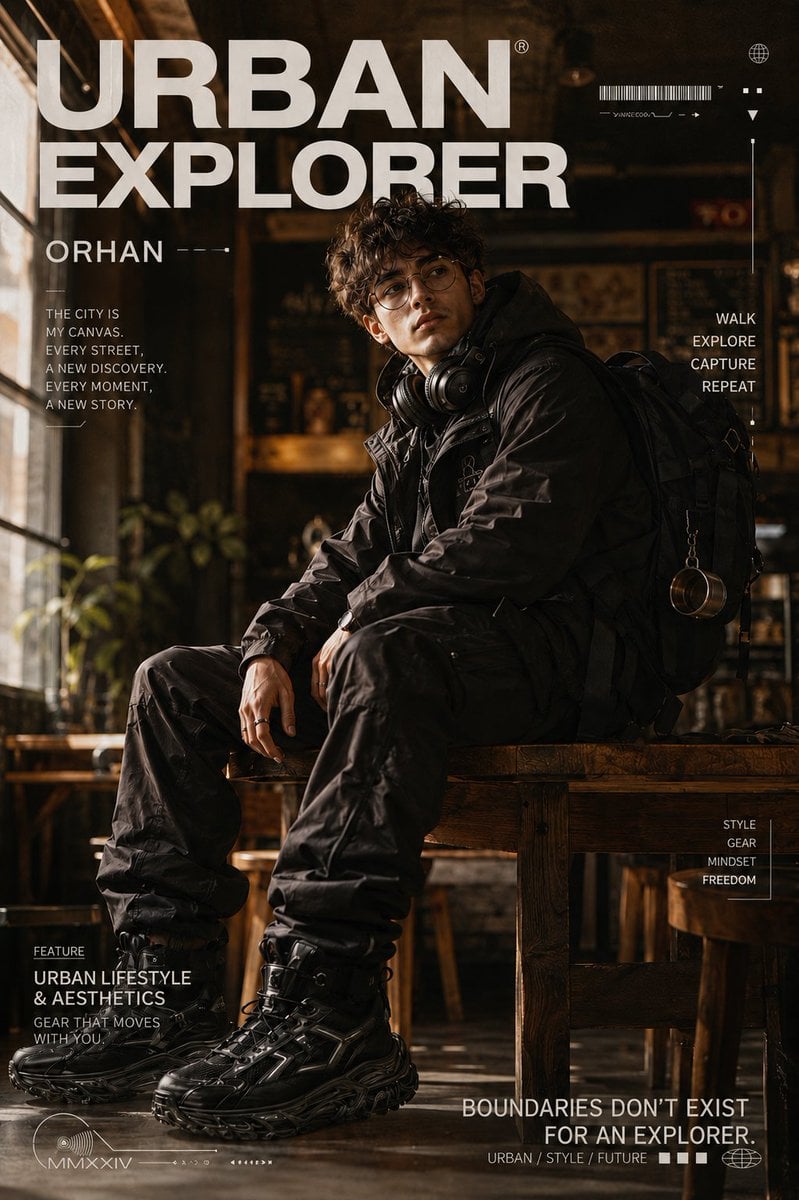
Urban Explorer Techwear Editorial
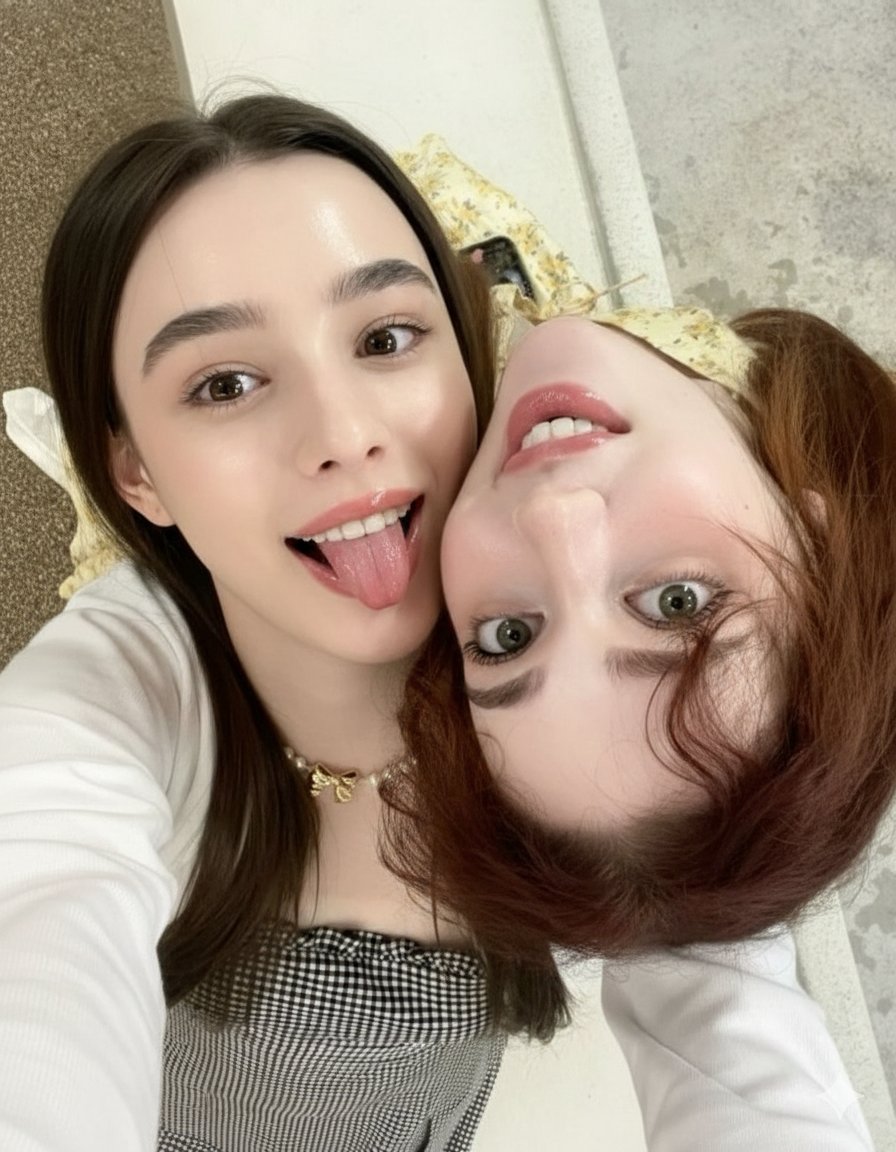
Ultra-Detailed Close-Up Selfie of Two Girls
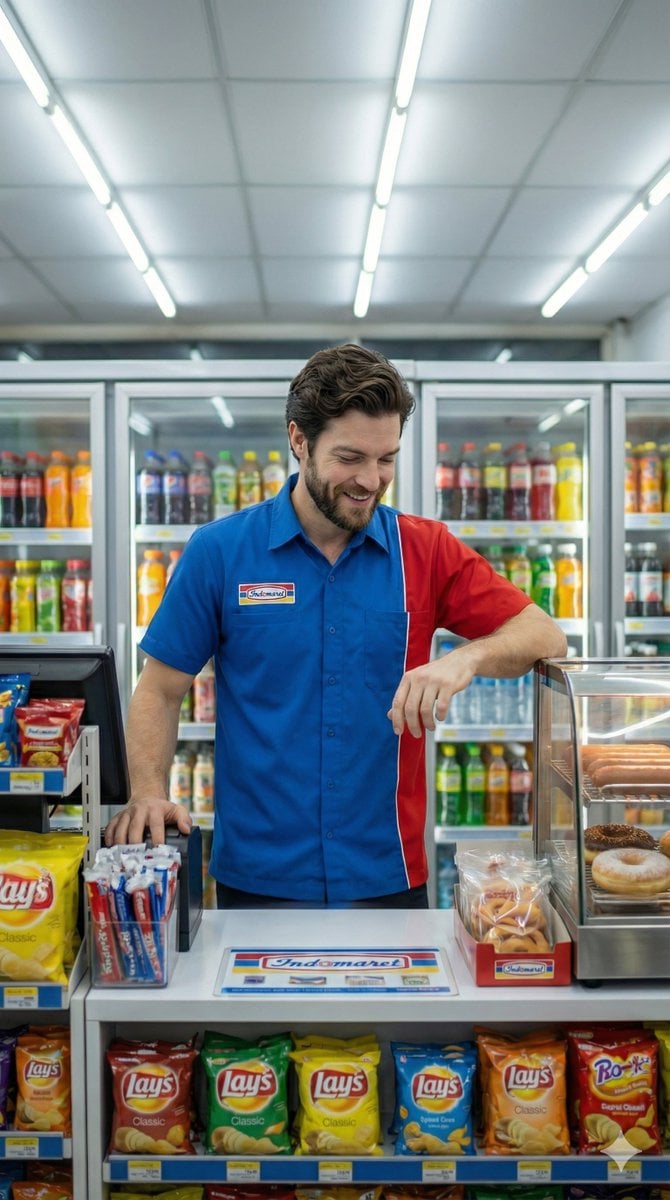
Photorealistic Convenience Store Clerk Cinematic Shot
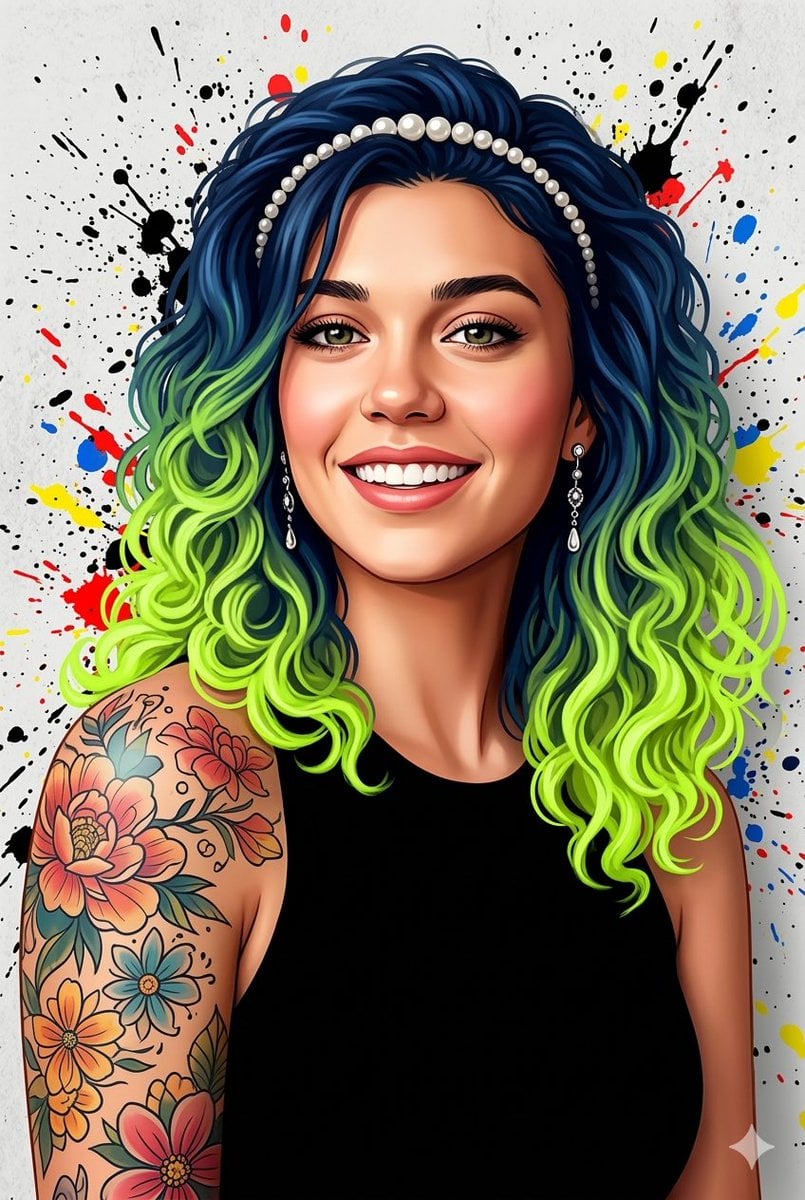
Street Art Digital Illustration Prompt for Nano Banana Pro 2.0
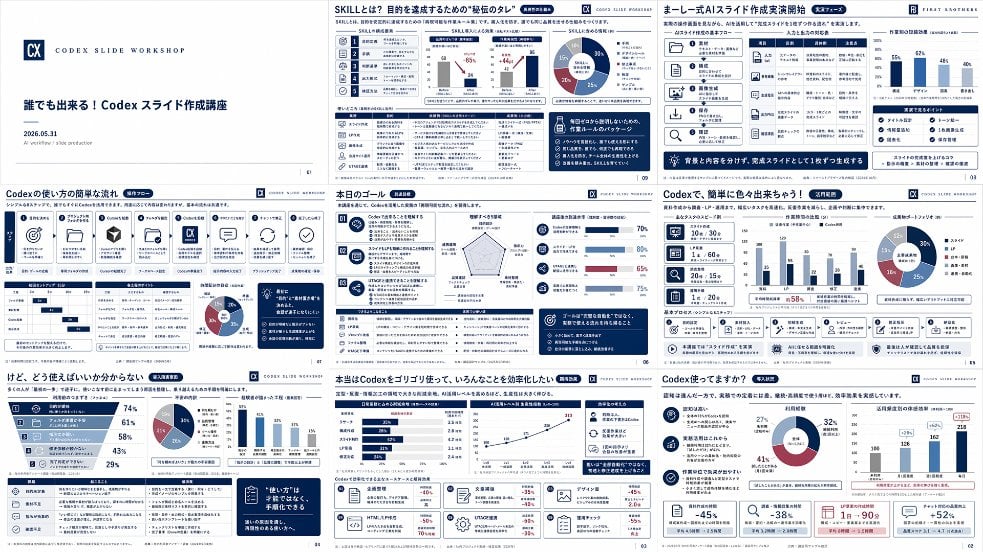
Japanese Codex Workshop Slide Deck Grid
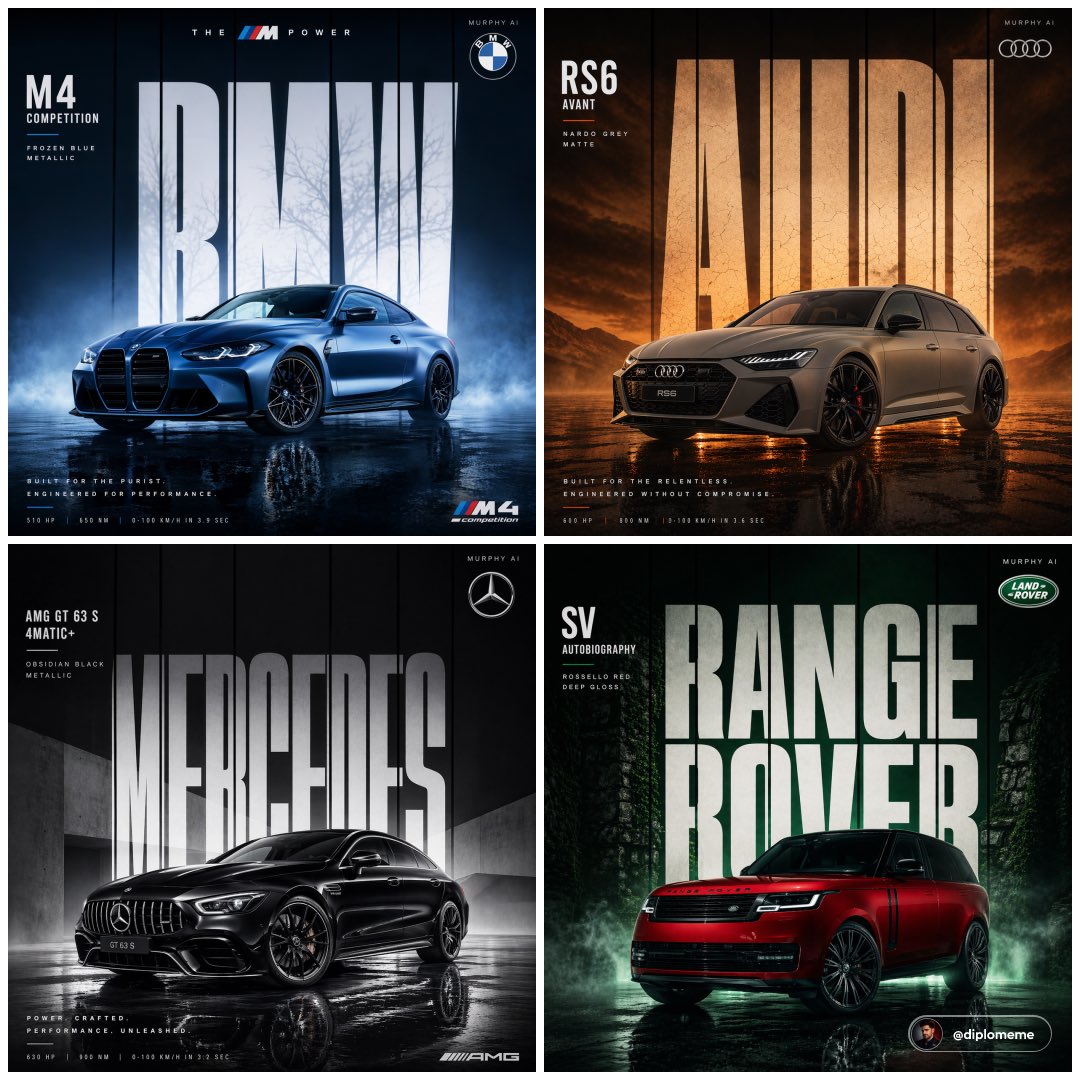
Cinematic Automotive Billboard Template
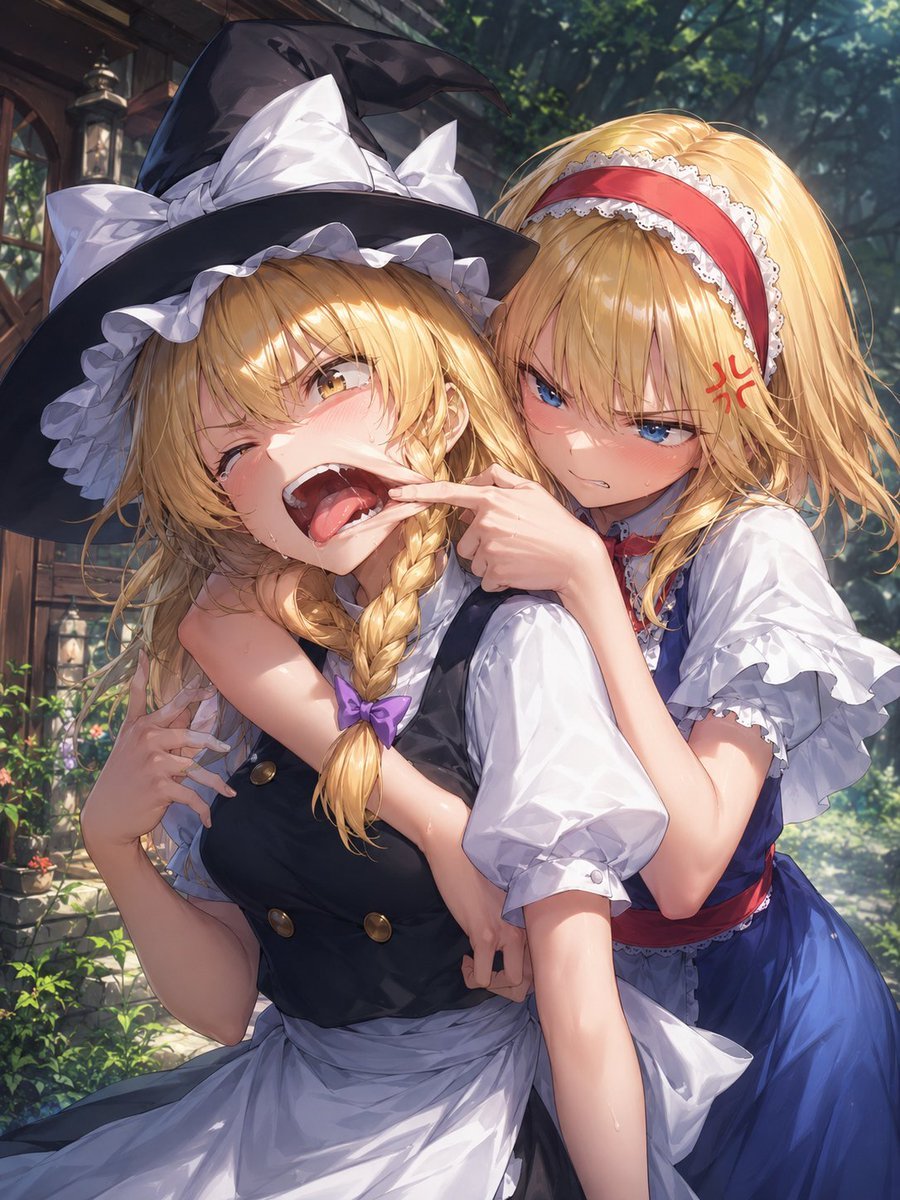
Playful Anime Witch Cheek Pull
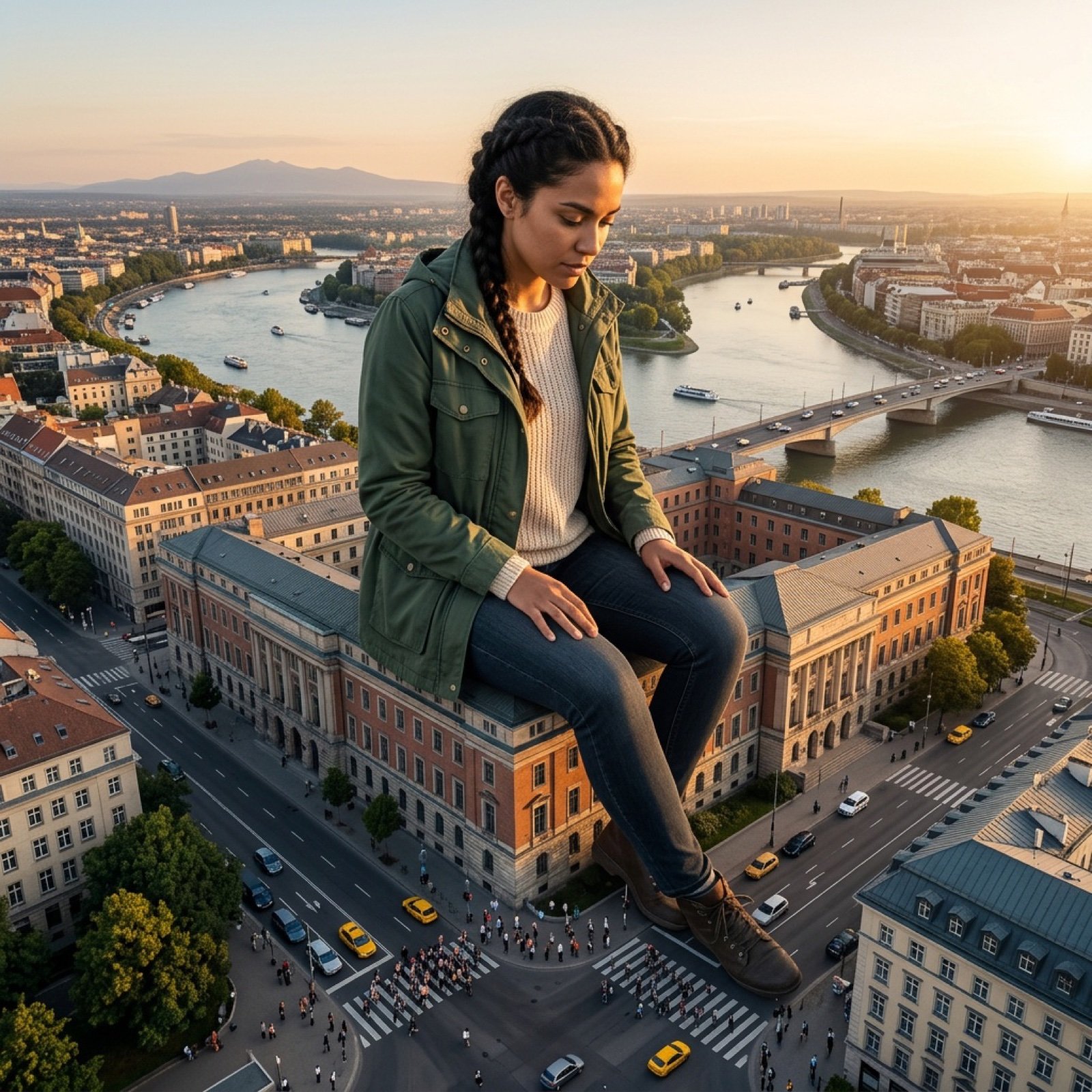
Giant Scale Image Generation Prompt
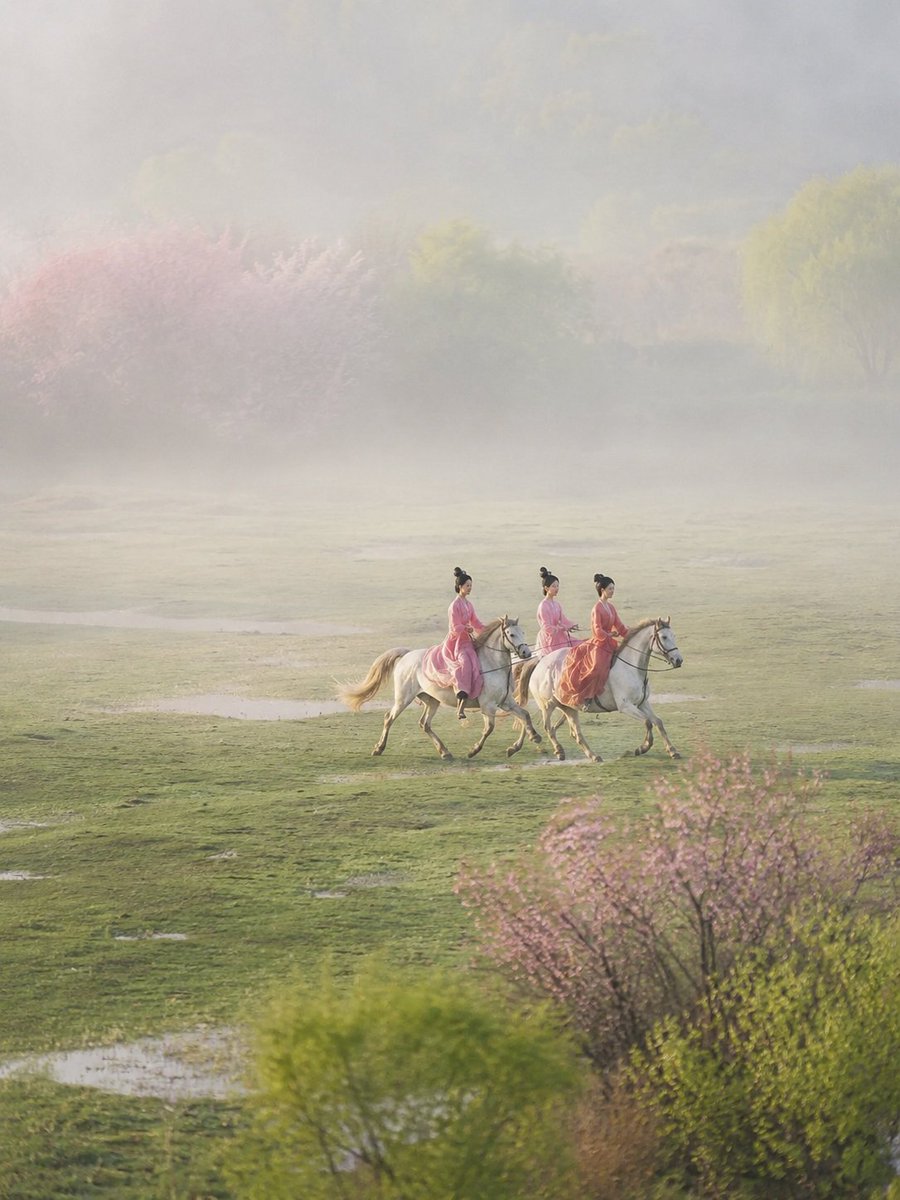
Ancient Painting to Real Scene Photo
Oil Pastel Anime Catgirl
Browse template categories
ChatGPT Fantasy Logo Screenshot questions
How do I use the ChatGPT Fantasy Logo Screenshot template?
Add your photo if the template asks for one, edit the prompt if you like — the template's model and format are already selected — and press Generate. Your version opens in PicX Studio.
Can I customize the ChatGPT Fantasy Logo Screenshot template?
Yes. You can change the subject, setting, lighting, mood, format, and available model controls before creating your image.
Is the ChatGPT Fantasy Logo Screenshot template free?
Opening and editing this template is free. Generating uses credits, shown on the Generate button when you are signed in.
Which AI model should I use?
Start with GPT Image 2, which is the model associated with this template. You can compare another compatible model for a different finish.
Looking for something else? Browse all templates.

Your photo, any look
Thousands of ready templates for every top image and video model, from one credit balance.