
Giant Scale Image Generation Prompt
A versatile prompt template for generating images of giants or giant animals, emphasizing extreme scale contrast by including tiny elements (people, cars) near the giant figure's hands or feet, and allowing…
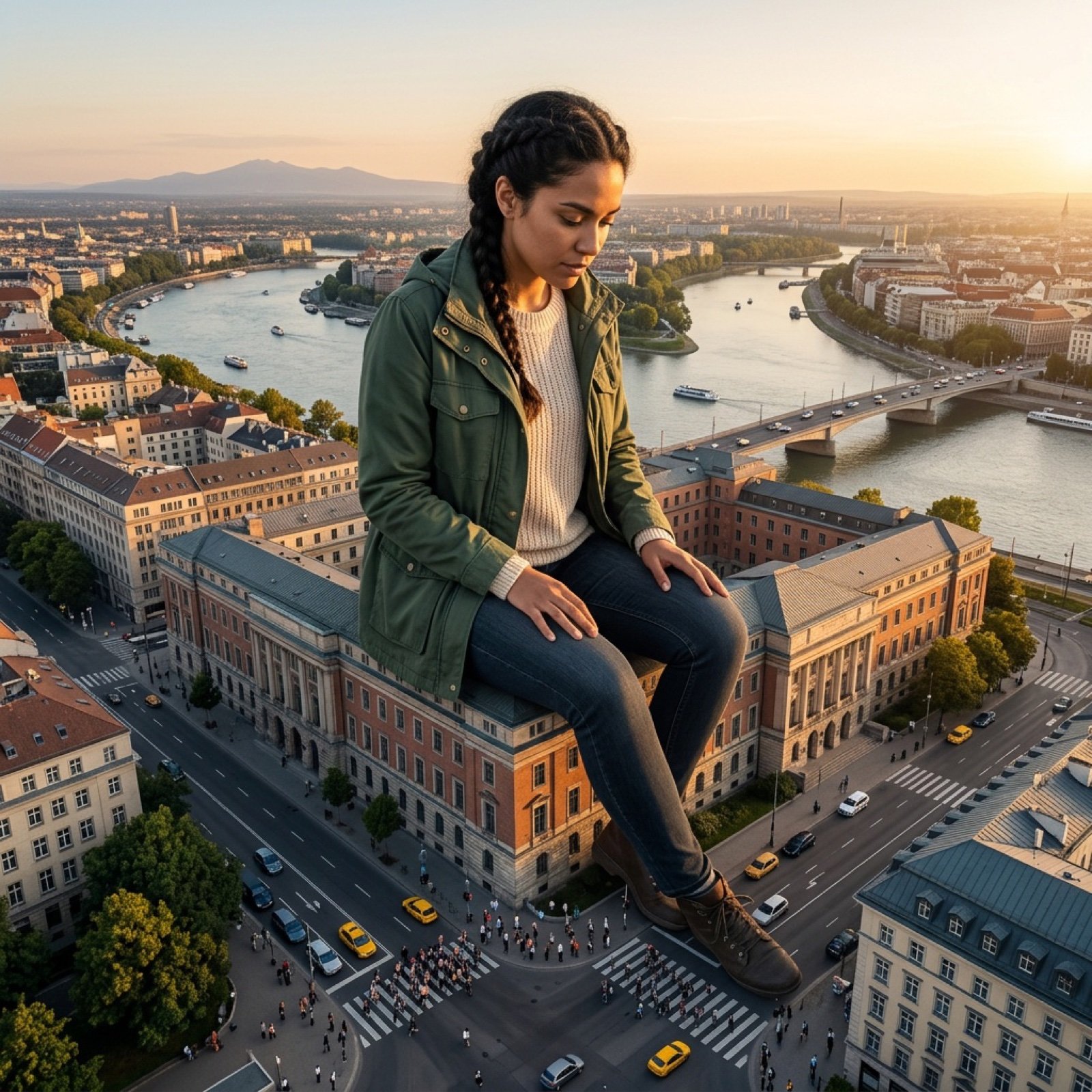
- Prompt included
- Model and format preset
- Free template
The prompt behind this image
Copy the exact prompt behind Giant Scale Image Generation Prompt, or open it in the studio and make it yours.
一张高度细致、照片般逼真的[{argument name="相机角度" default="广角镜头、俯视航拍、极低角度仰视"}]照片,展示了一个巨大的[{argument name="描述人物及服装" default="描述人物及服装"}]人物,位于[{argument name="具体地点/城市/景观" default="具体地点/城市/景观"}]。巨人正在[{argument name="动作" default="坐在建筑物上、跨过一座桥"}]。为了突出巨大的比例,在他们的[{argument name="渺小元素位置" default="脚/手"}]附近可以看到渺小的[{argument name="渺小元素" default="人物、汽车或船只"}]。光线是[{argument name="一天中的时间" default="黄金时段、正午阳光"}]。
How to use Giant Scale Image Generation Prompt in 3 steps
- 1
Open
The prompt is already in the box next to the preview, with the template's model and format selected.
- 2…a portrait of your subject in softgolden-hour light, 85mm…
Personalize
Edit the subject and creative details for your destination.
- 3Generate
Generate
Press Generate — your image is created in PicX Studio, so you can compare it with the original and refine one variable at a time.
More like this
Templates with the same subject, style or setup. Open one to see its prompt.
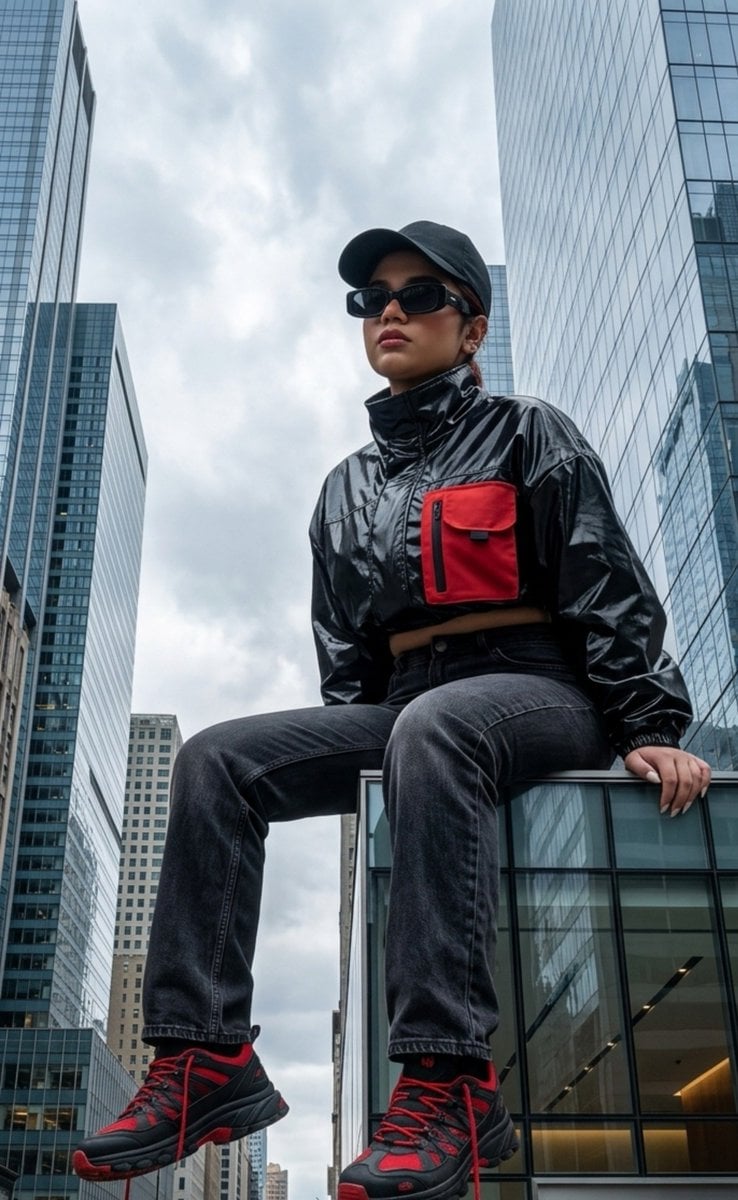
Surreal Giant Scale Urban Portrait
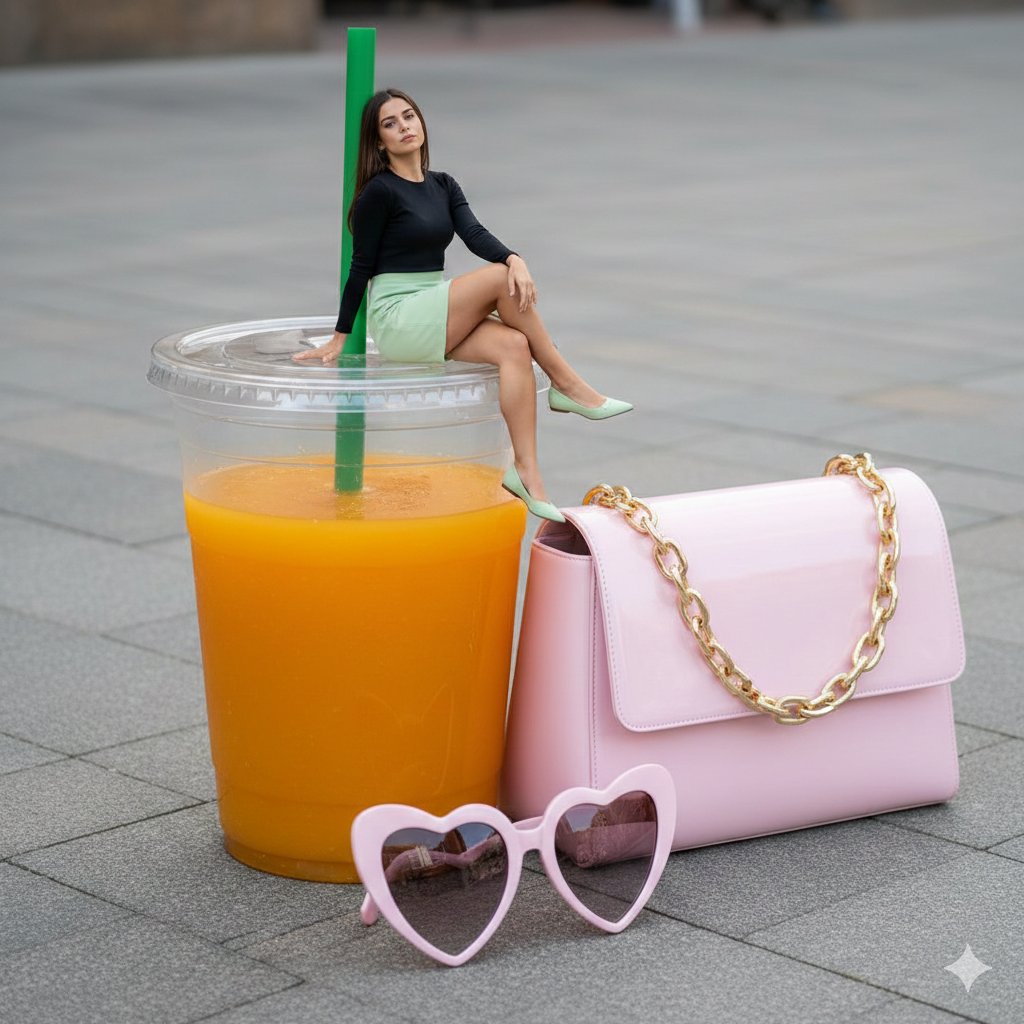
Surreal Scale Photorealistic Scene: Woman on a Giant Drink

Giant Lotus Pond Portrait
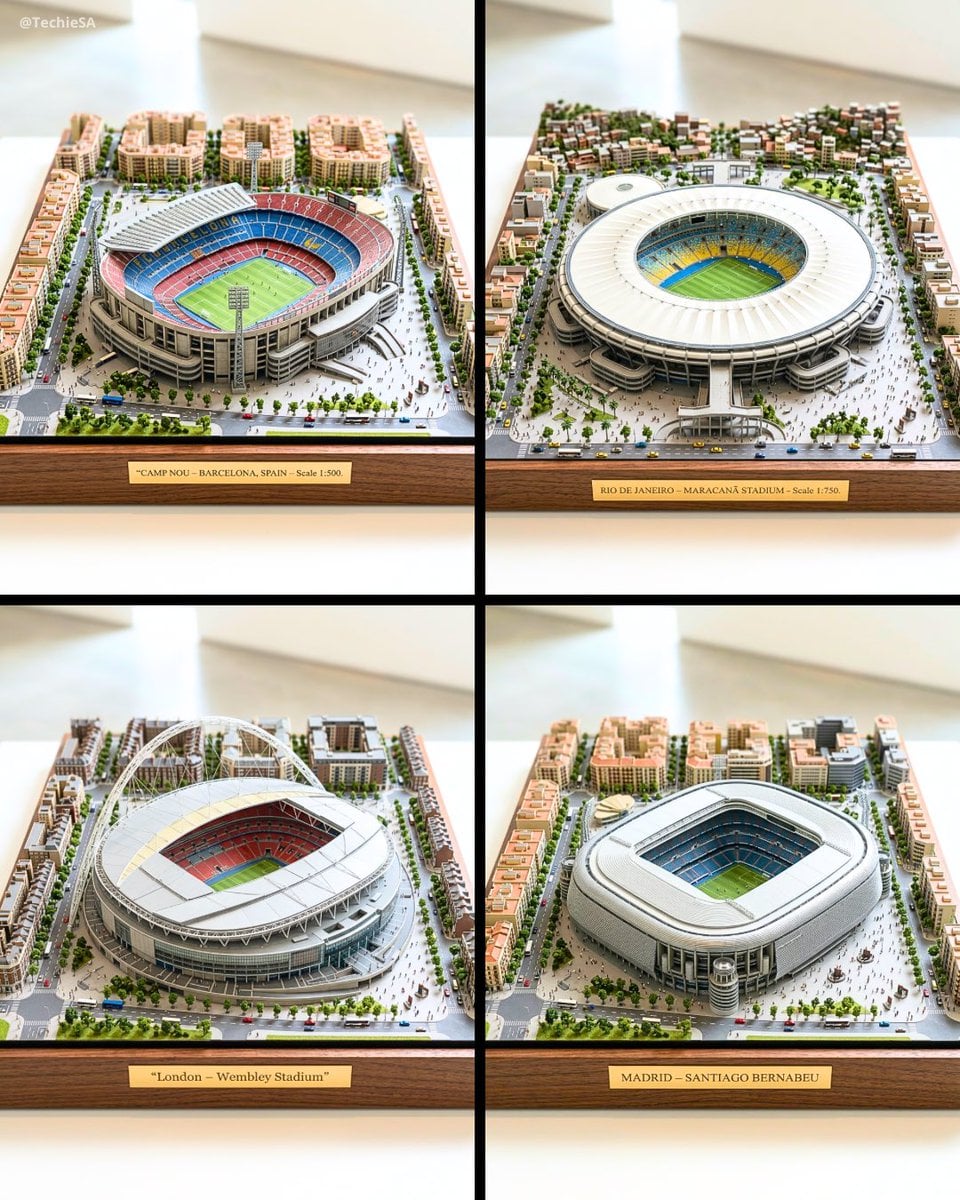
Ultra-detailed large-scale miniature diorama of in presented
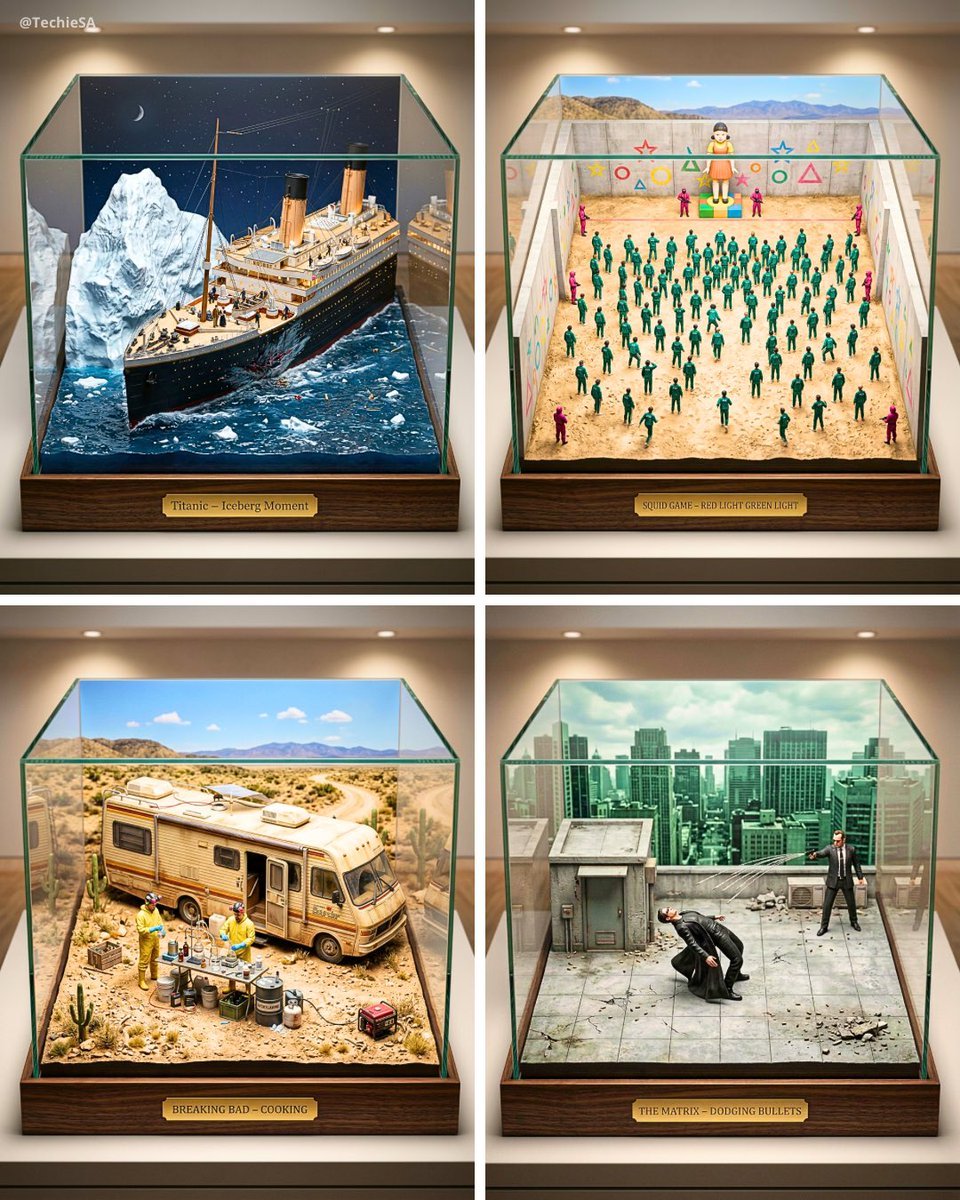
Ultra-detailed large-scale miniature diorama of the from presented

Knight Facing Cathedral Giant

Giant Woman Forced Perspective Street Photo
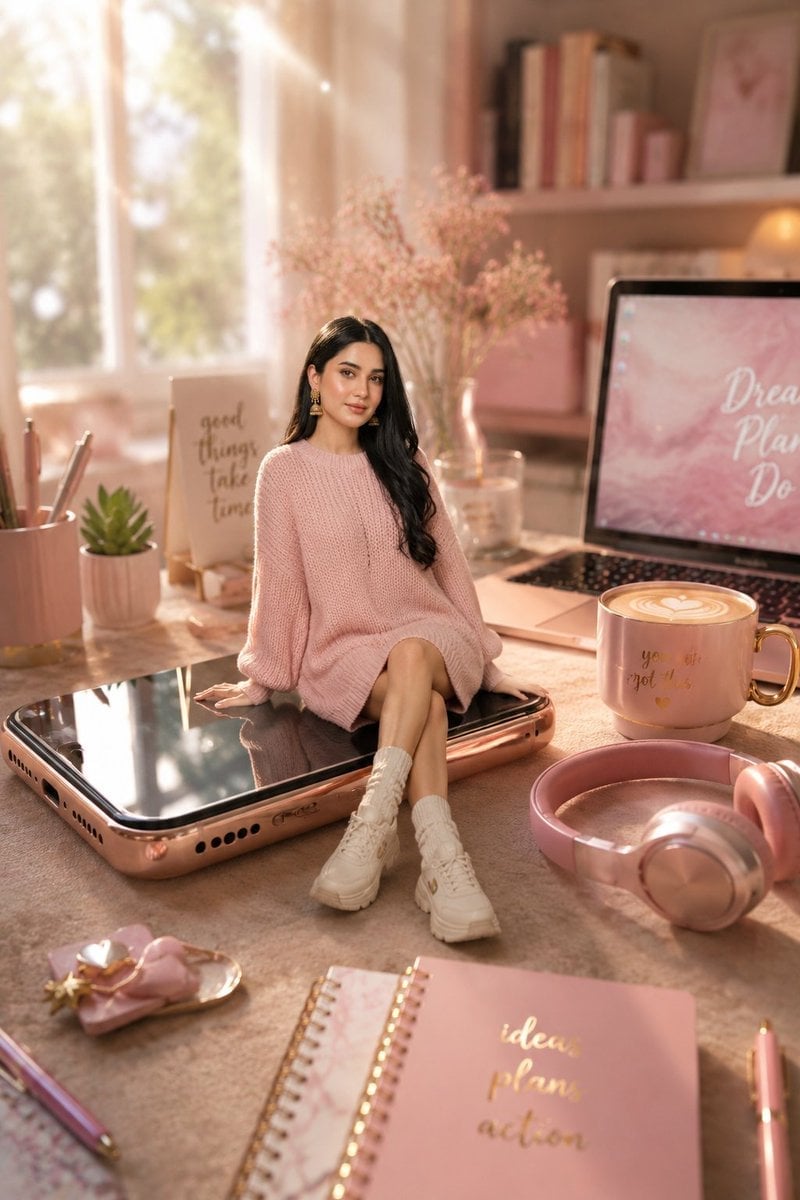
Miniature Girl on Giant Smartphone Desk
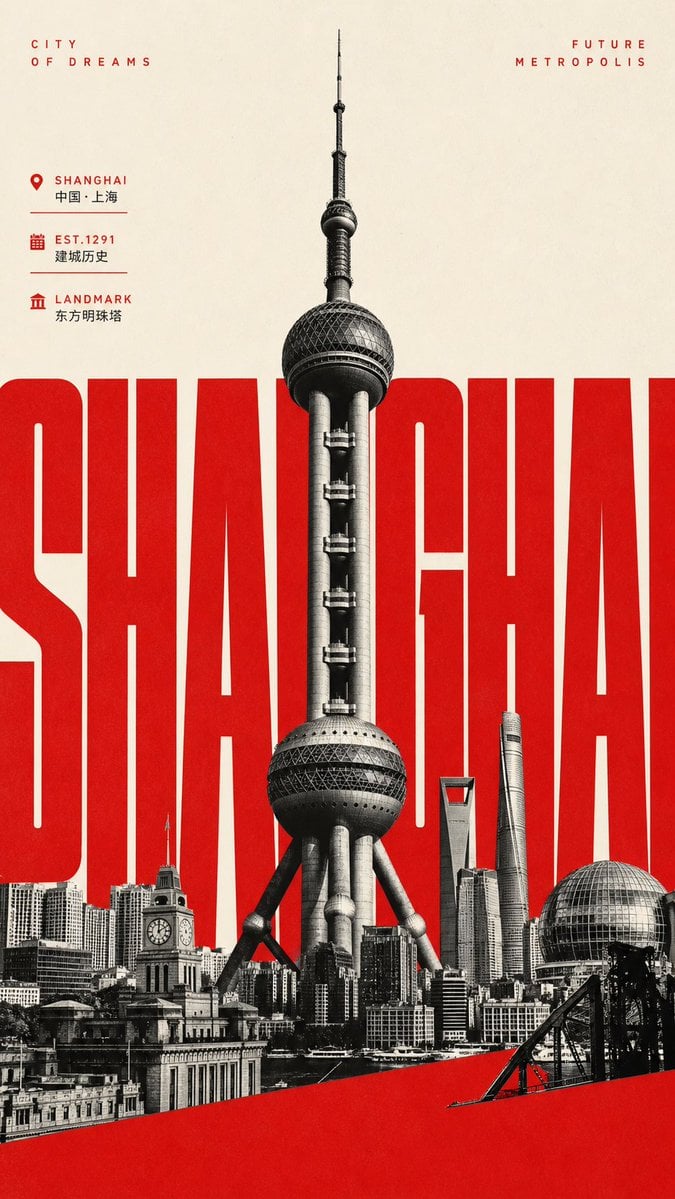
Giant Typography Shanghai Travel Poster

AI Chat Image Generation Screenshot

Anime Girl Generation Grid
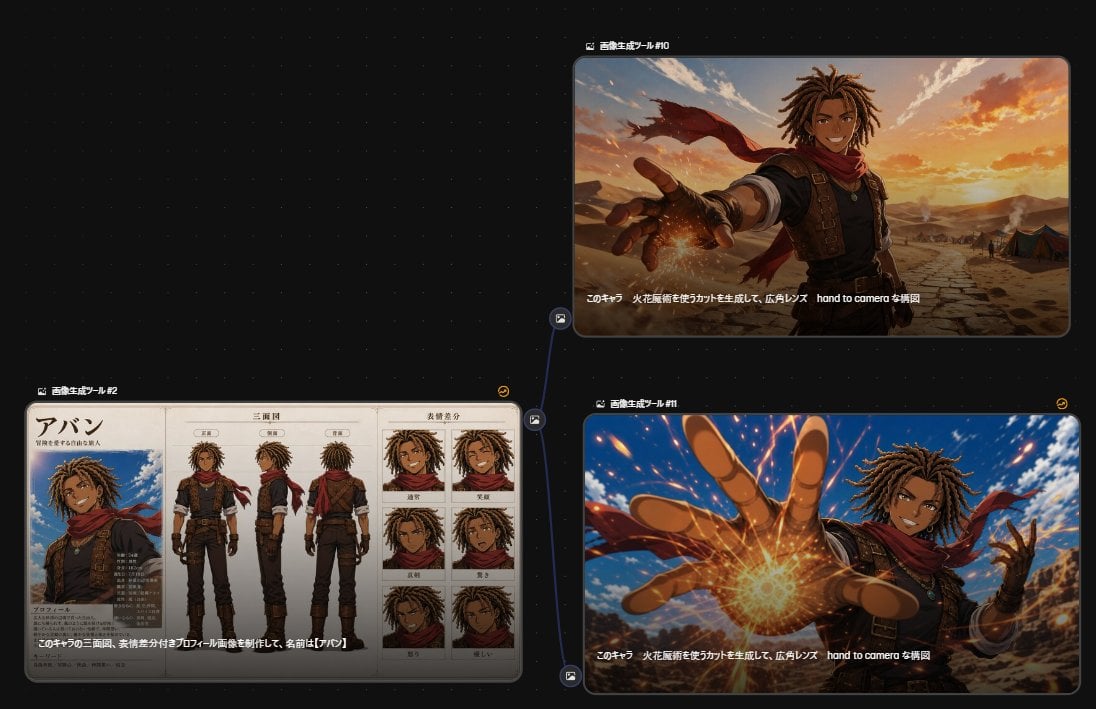
Anime Character Generation Workflow
Make it yours
Giant Scale Image Generation Prompt works as-is. These are the safest ways to change it without losing the look.
Change one field
Copy a single group, rewrite it, and generate again so you can see what that field is doing.
Keep the frame, change the subject
Hold the composition and light of Giant Scale Image Generation Prompt, then swap wardrobe, props or the person for a new take.
| If the result… | Why | Fix |
|---|---|---|
| The result drifts from the preview | Too many fields changed at once. | Reuse Giant Scale Image Generation Prompt as-is first, then change one group — subject, light, or setting. |
| The model over-stylizes the scene | The prose prompt leaves finish and camera underspecified. | Add one camera or lighting sentence and stay on Nano Banana 2. |
More Nano Banana 2 templates
Other prompts made for Nano Banana 2.

Photorealistic Leaf Shaped Like a Dragon

K-Pop Idol Portrait Grid for Rapid Selection

Poetic Rain Forest Portrait During Golden Hour

Urban Street Portrait with Cartoon Inner Self Duo

Candid Nighttime Photo with Cat Prompt

High-Concept 3D Diorama Generation Prompt

Cinematic Futuristic Studio Portrait Template

Skincare Editorial Photography Collage Prompt

Hyper-Realistic Commercial Product Photography (Splash Effect)

Hyper-Realistic Nightclub Portrait Prompt
More image prompts
Fresh picks from across the catalog.
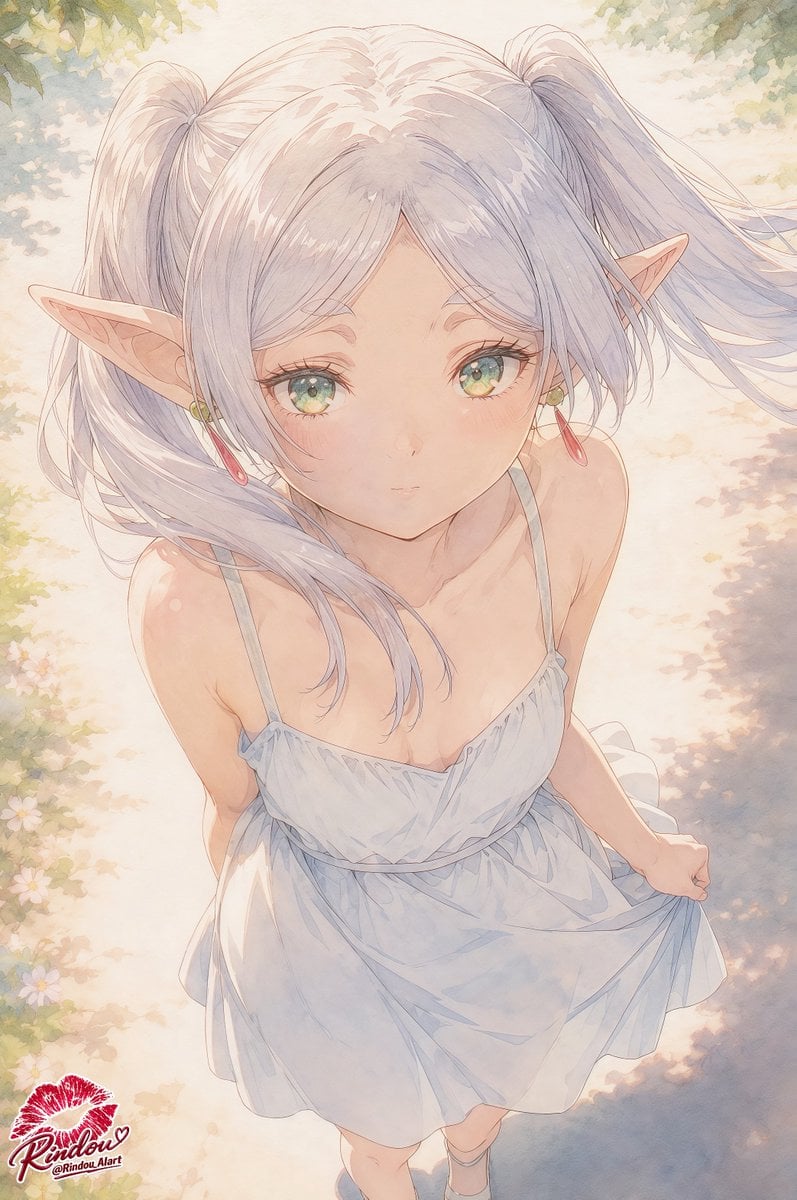
Censored Elf Girl Garden Illustration
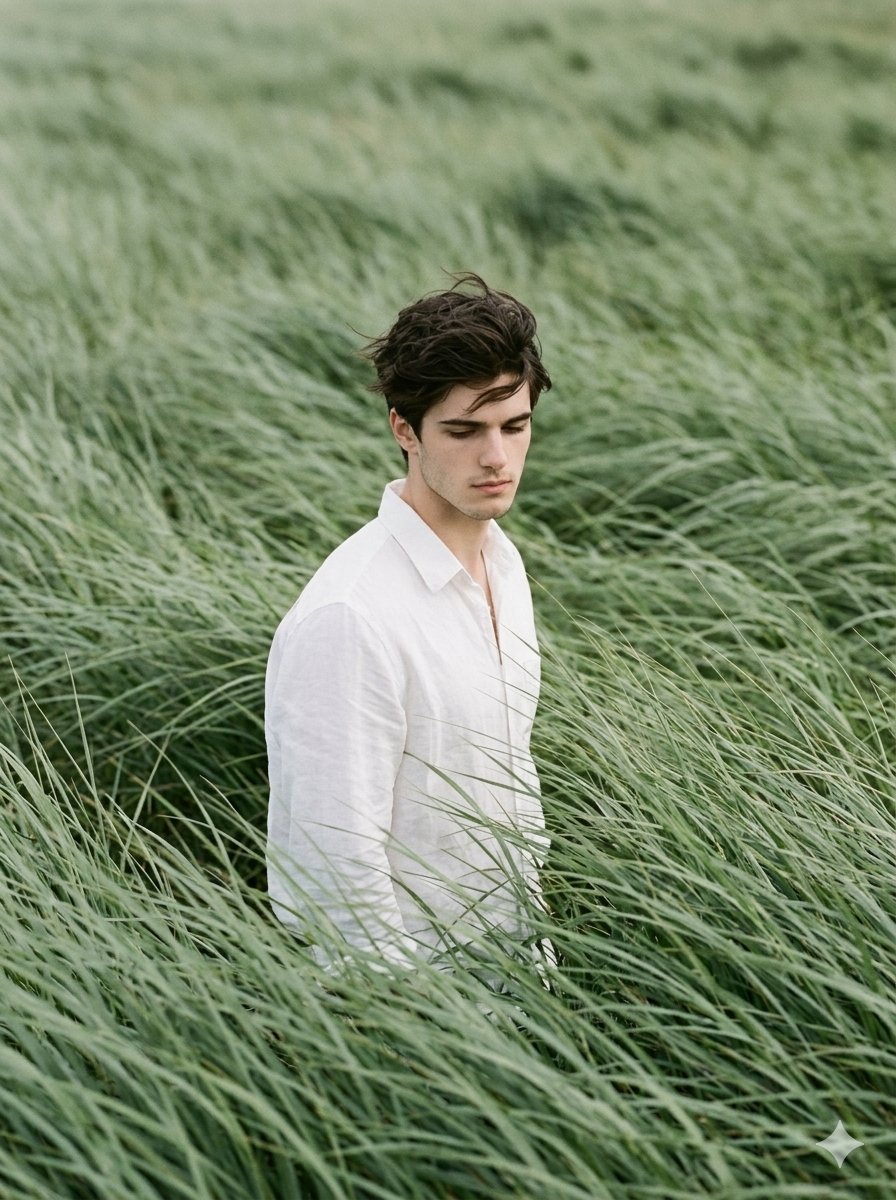
Cinematic Editorial Portrait in Sage Green Grass Fields
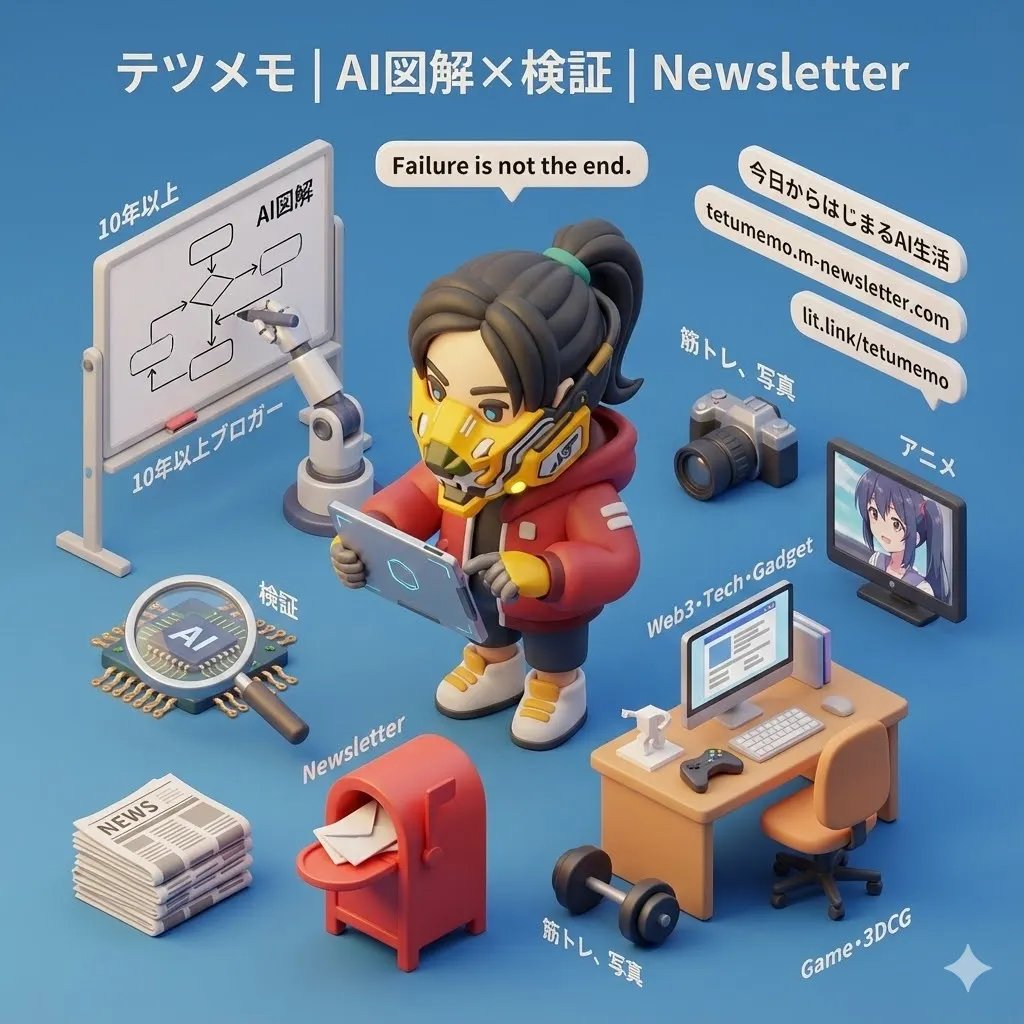
3D Cartoon Miniature Scene from Profile Image
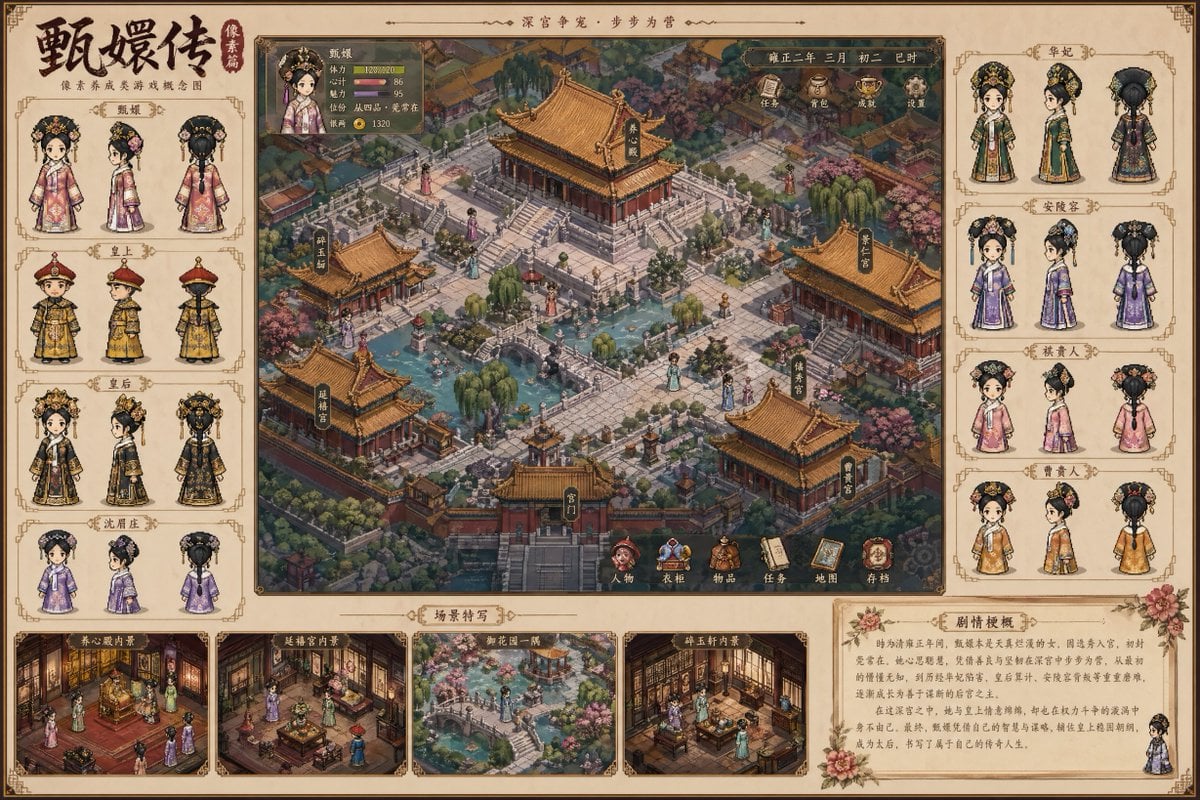
Historical drama pixel art concept
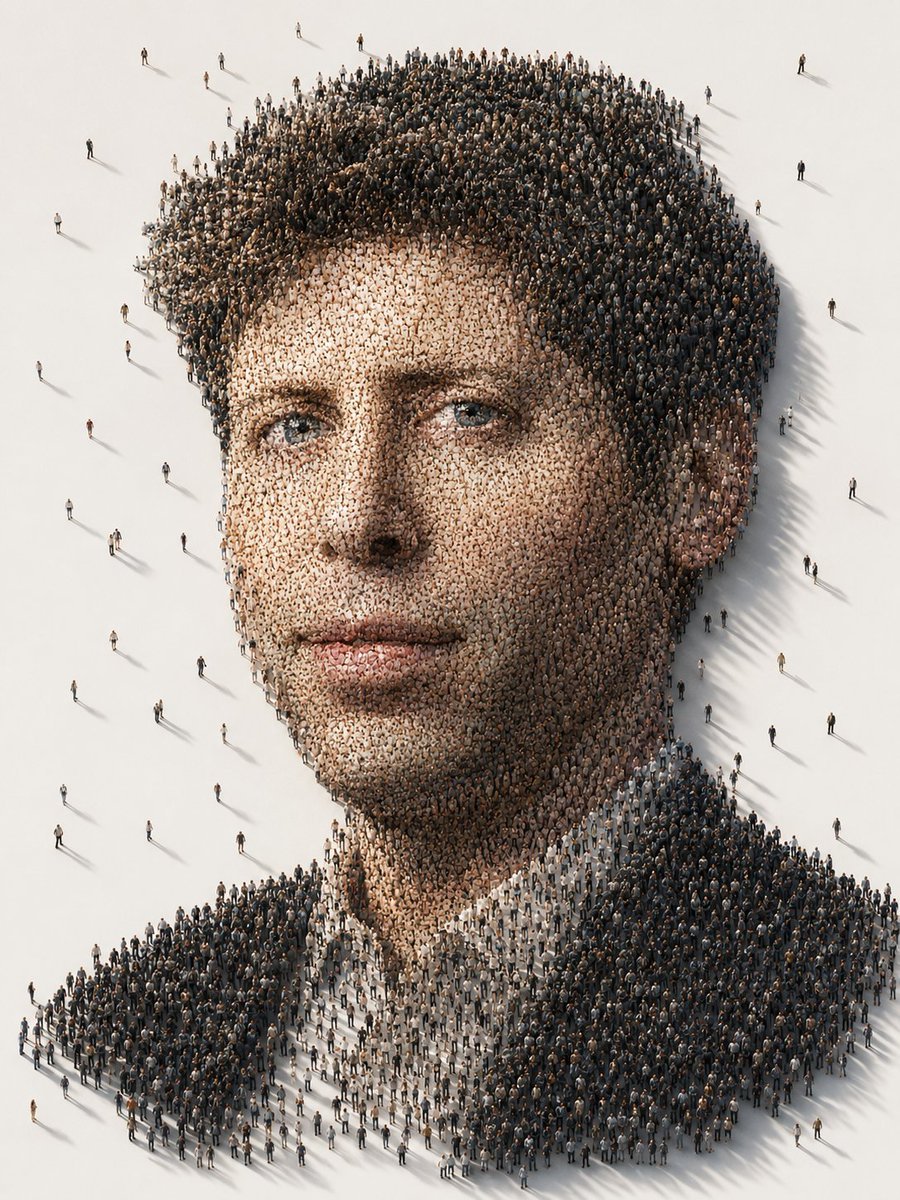
Conceptual Crowd Portrait Installation Art
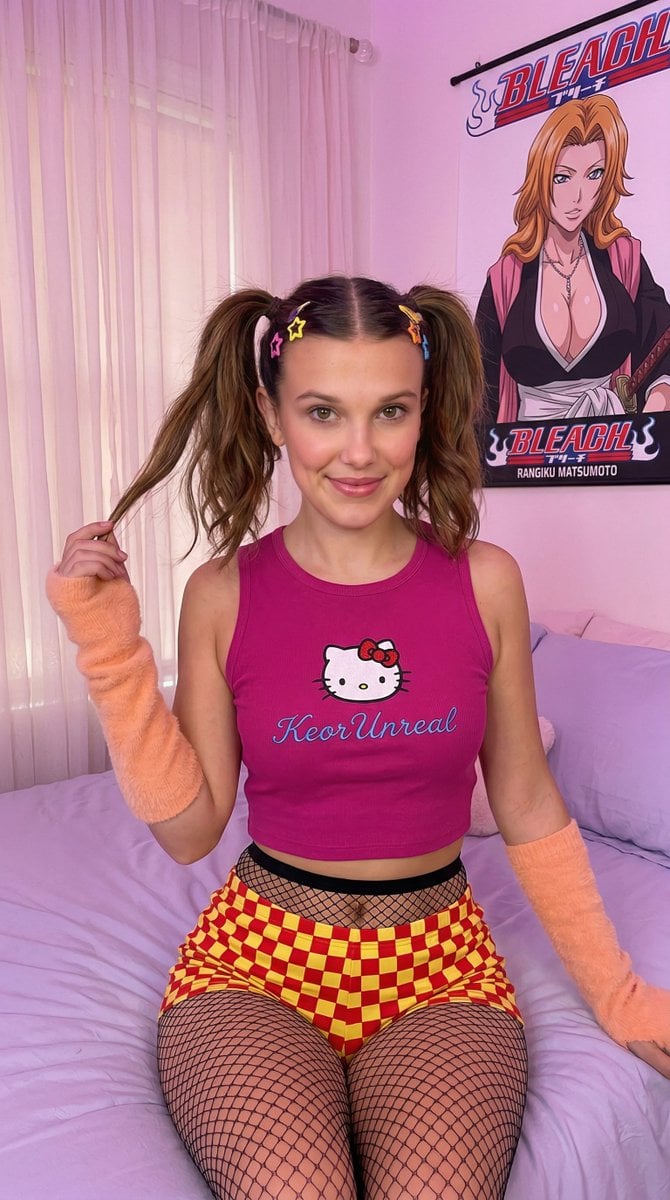
Kawaii-Inspired Pastel Bedroom Portrait with Bleach Poster
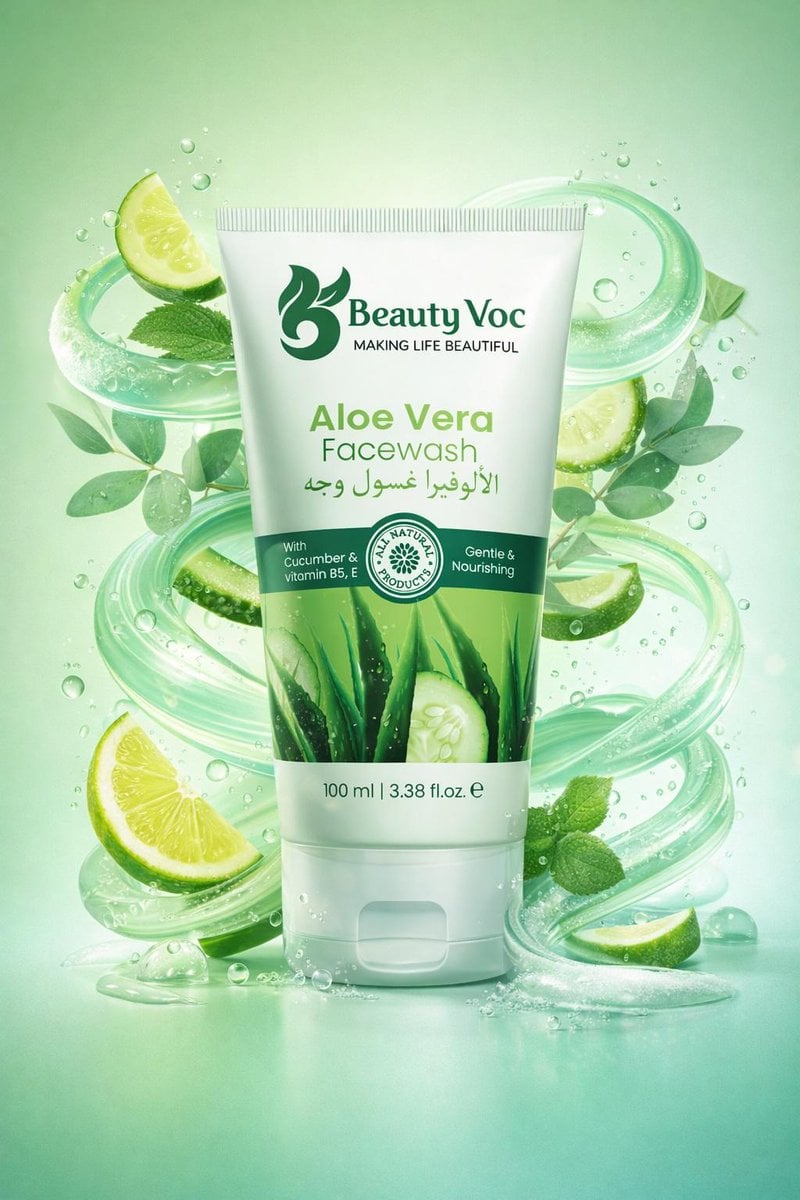
Skincare Product Key Visual Generator
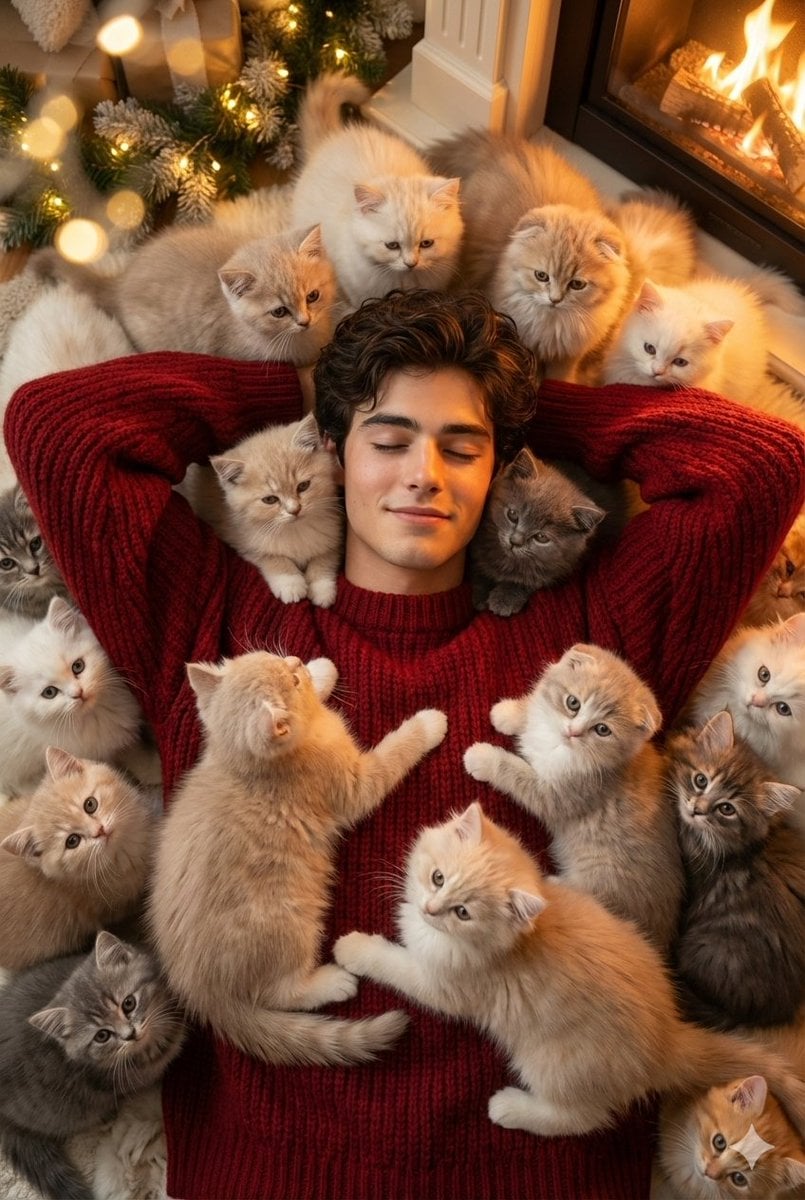
Cozy, Surreal Kitten Overload Portrait
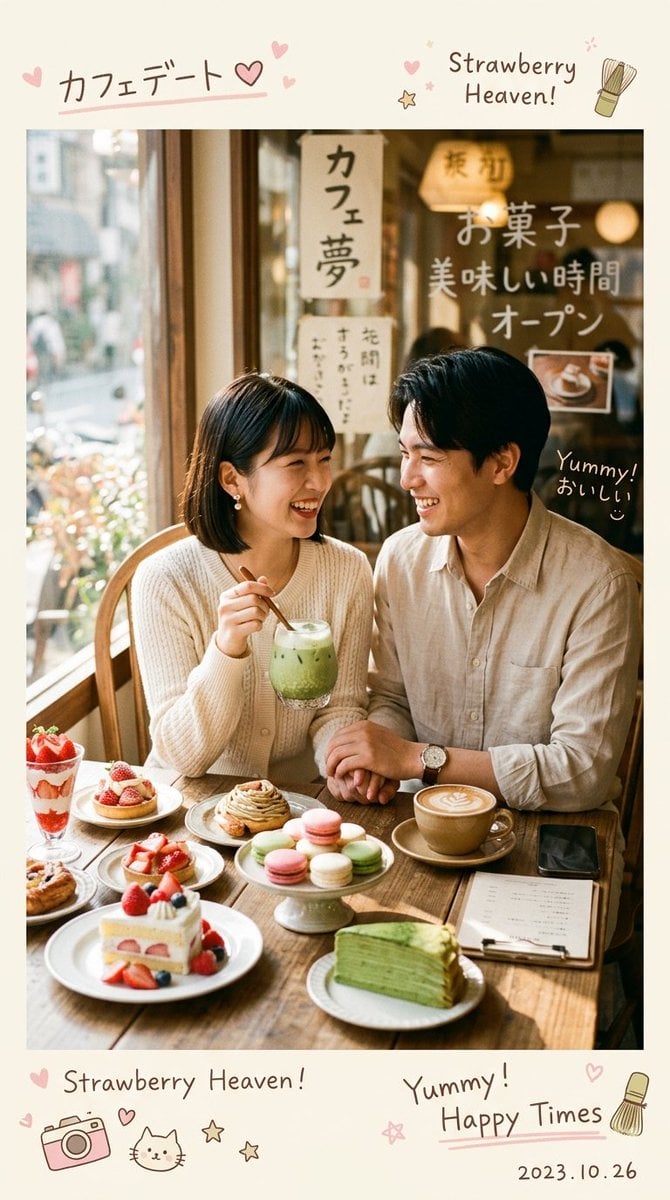
Aesthetic Cozy Cafe Photography
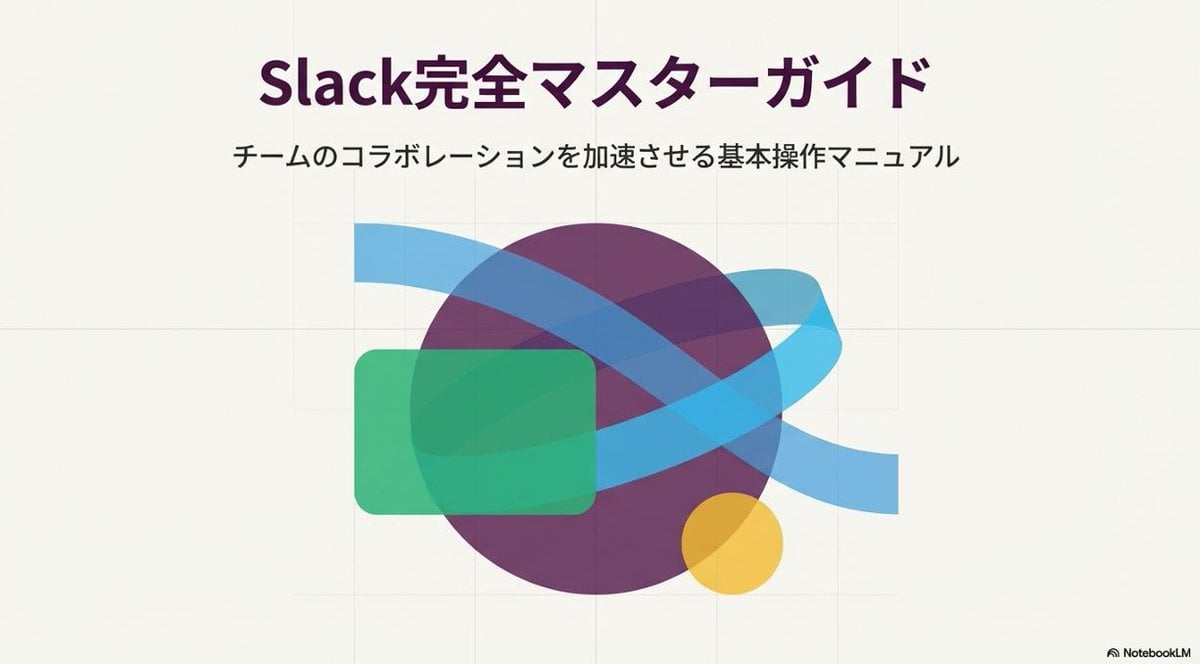
Slide Document Generation Feature
Browse template categories
Giant Scale Image Generation Prompt questions
How do I use the Giant Scale Image Generation Prompt template?
Add your photo if the template asks for one, edit the prompt if you like — the template's model and format are already selected — and press Generate. Your version opens in PicX Studio.
Can I customize the Giant Scale Image Generation Prompt template?
Yes. You can change the subject, setting, lighting, mood, format, and available model controls before creating your image.
Is the Giant Scale Image Generation Prompt template free?
Opening and editing this template is free. Generating uses credits, shown on the Generate button when you are signed in.
Which AI model should I use?
Start with Nano Banana 2, which is the model associated with this template. You can compare another compatible model for a different finish.
Looking for something else? Browse all templates.

Your photo, any look
Thousands of ready templates for every top image and video model, from one credit balance.