
Knight Facing Cathedral Giant
A grimdark cinematic fantasy scene of a lone armored knight confronting a colossal undead cathedral giant in ruined gothic architecture.

- Prompt included
- Model and format preset
- Free template
The prompt behind this image
Copy the exact prompt behind Knight Facing Cathedral Giant, or open it in the studio and make it yours.
Create a dark fantasy cinematic key art scene in an ultra-wide 16:9 frame. In the foreground left, show one lone armored knight, back turned toward the viewer, wearing battered blackened plate armor and a torn deep {argument name="cape color" default="blue"} cloak with gold frayed trim, gripping a long straight sword planted point-down in the wet stone ground. In the midground and center-right, show one colossal undead cathedral-like giant towering over the knight, with a helmet-like vertical slitted glowing face, exposed ribcage armor, massive hunched shoulders, long dangling arms, thick legs, and heavy strands of moss, roots, chains, and tarnished gold filigree hanging from its body. The scene contains exactly two humanoid figures: the small knight and the enormous giant. Surround them with exactly three prominent ruined gothic structures: a tall tilted spire on the far left edge, a broken arched bridge behind the knight in the middle-left background, and a dark ruined cathedral arch tower on the far right. Set the environment in a ruined medieval city or cathedral courtyard under a stormy night sky, with low fog, ash particles, scattered tiny torch flames, wet reflective stone, and a red-black storm glow on the left fading into cold blue moonlight on the right. Use {argument name="visual style" default="grimdark photorealistic fantasy concept art"}, extremely detailed armor, monumental scale, high contrast chiaroscuro lighting, dramatic low camera angle, atmospheric haze, sharp focal detail on the knight and giant, no text, no logos, no modern objects.
How to use Knight Facing Cathedral Giant in 3 steps
- 1Upload ImagePNG, JPG or paste
Add your photo
Upload the photo the template builds on. The prompt, model and format are already set.
- 2…a portrait of your subject in softgolden-hour light, 85mm…
Personalize
Edit the subject and creative details for your destination.
- 3Generate
Generate
Press Generate — your image is created in PicX Studio, so you can compare it with the original and refine one variable at a time.
More like this
Templates with the same subject, style or setup. Open one to see its prompt.
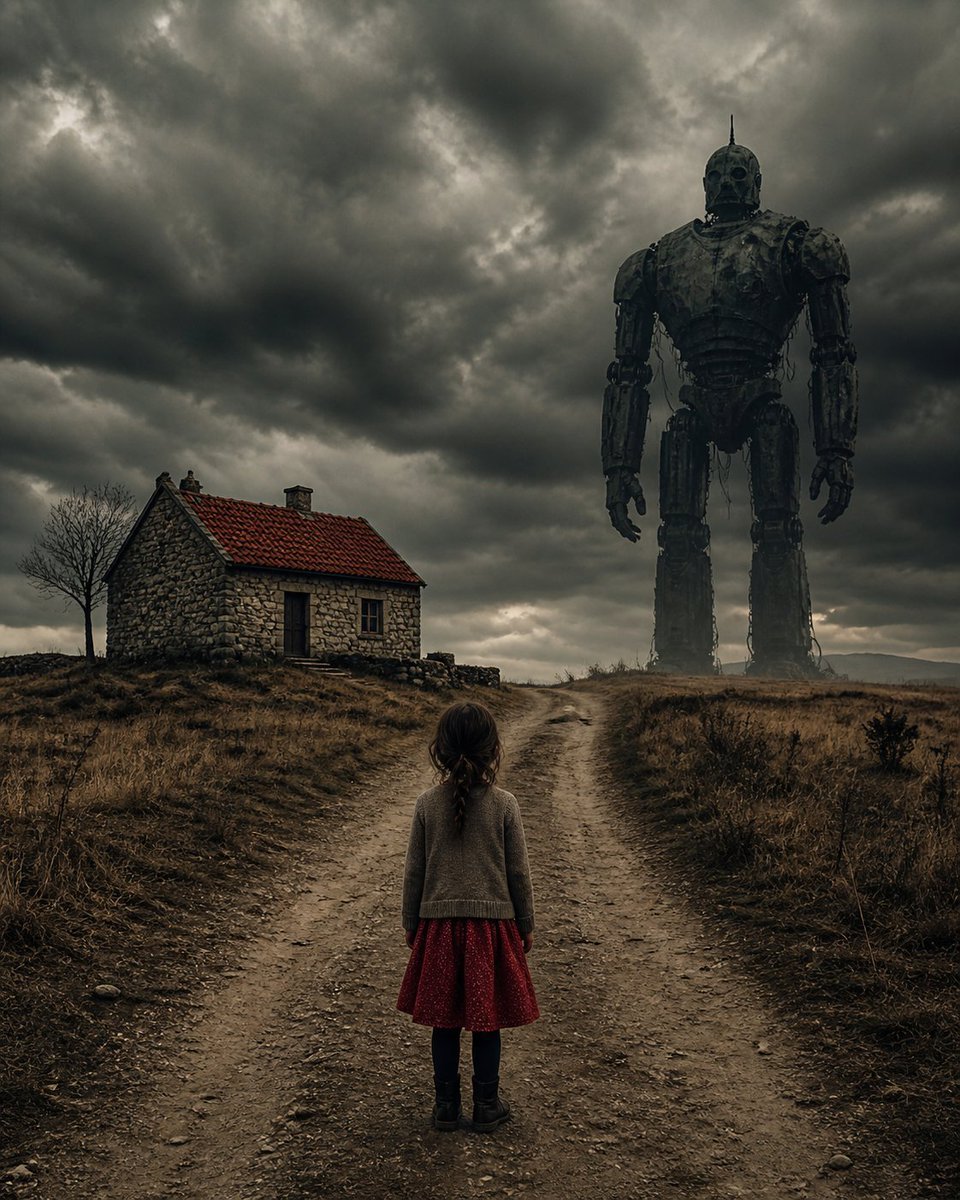
Girl Facing a Giant Robot
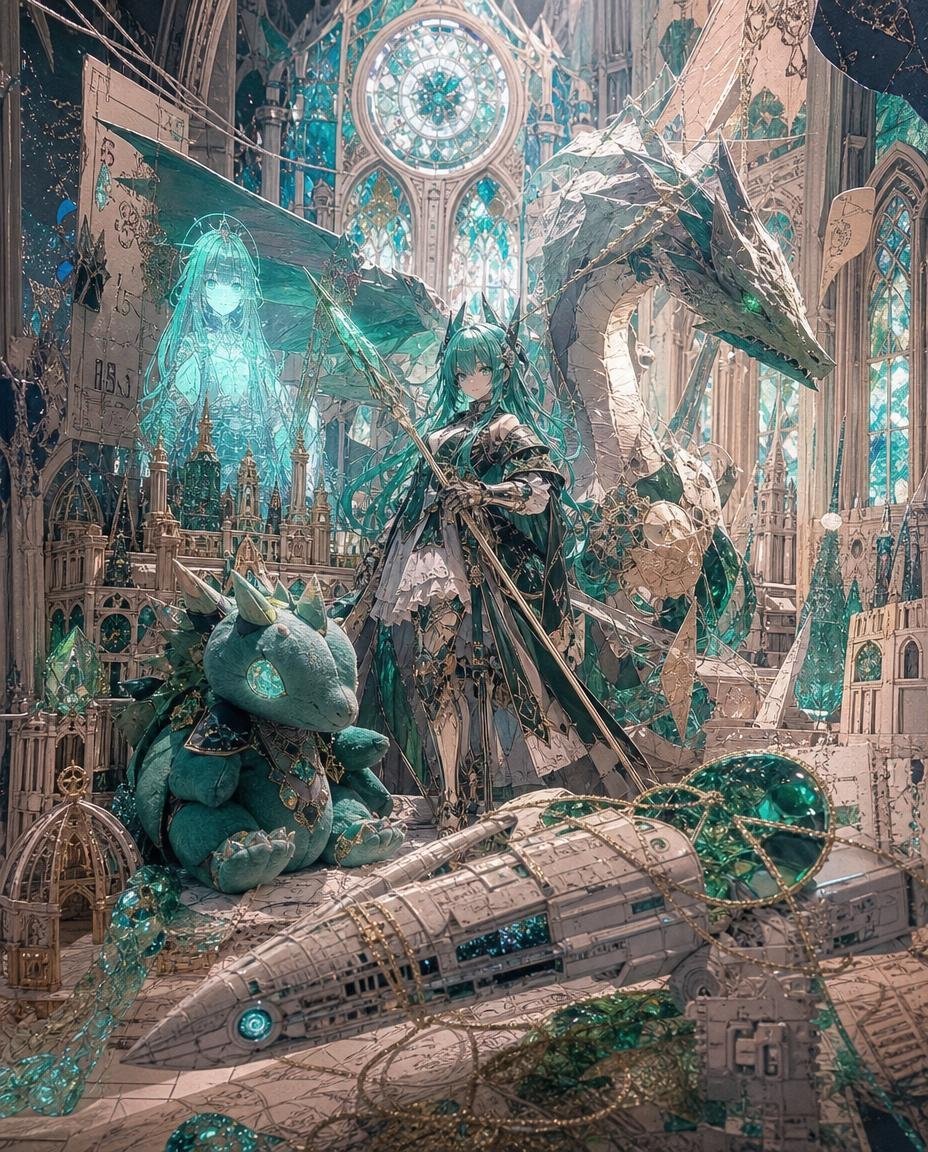
Teal Dragon Knight Cathedral Fantasy
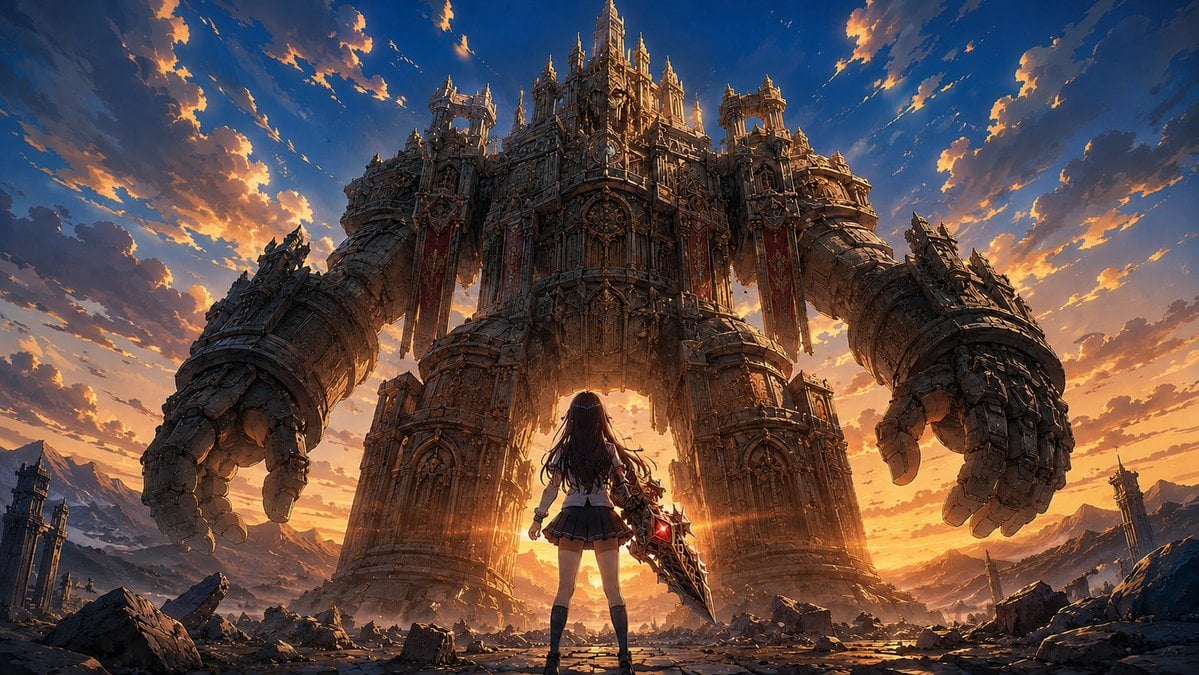
Schoolgirl Facing Cathedral Golem
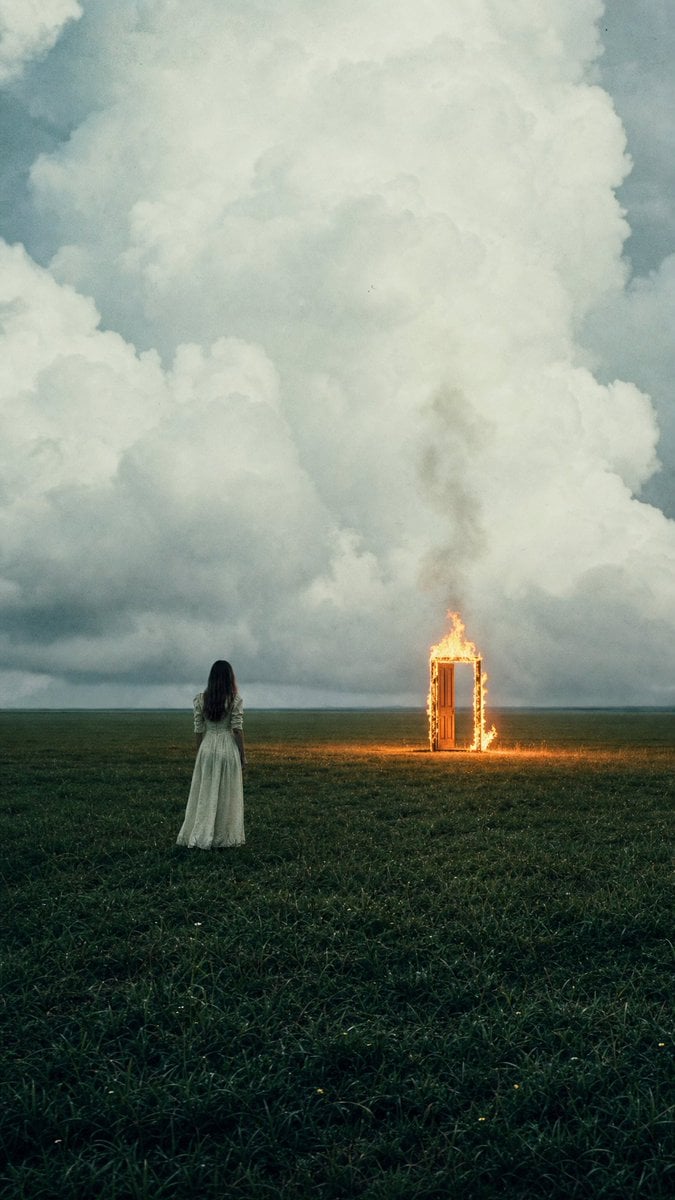
Woman Facing Burning Doorway
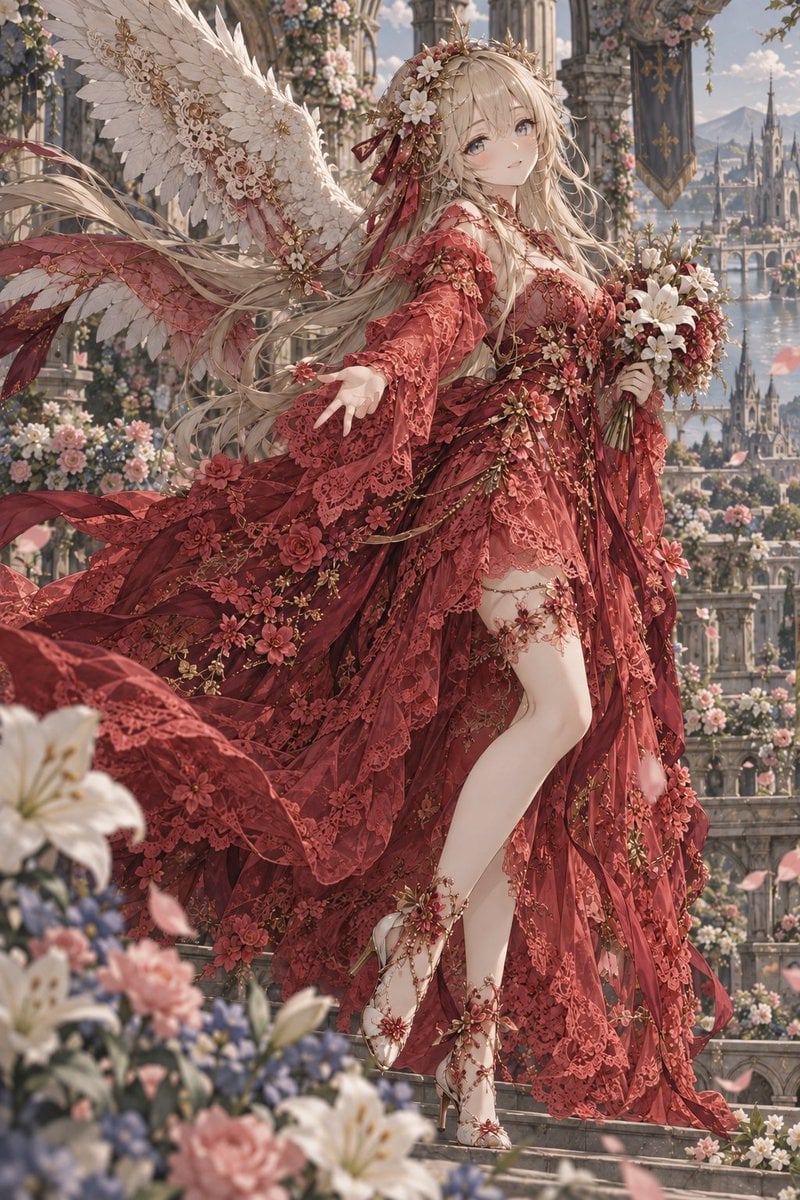
Crimson Angel Princess in Floral Cathedral
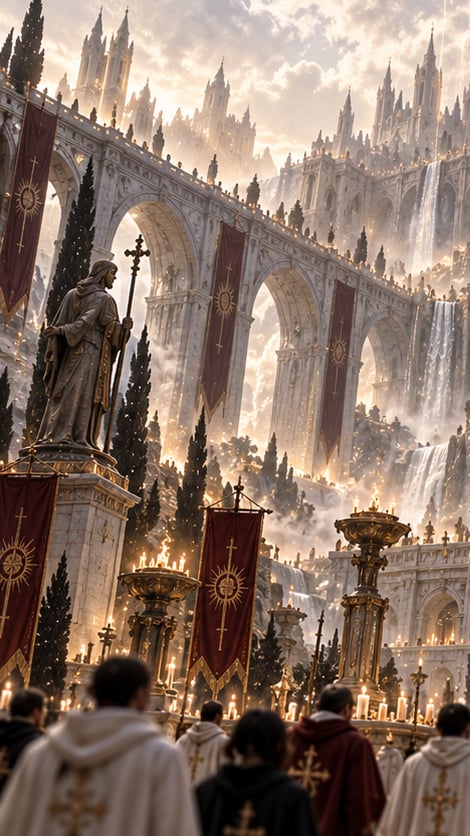
Gothic Saint Pilgrimage Cathedral

Giant Lotus Pond Portrait
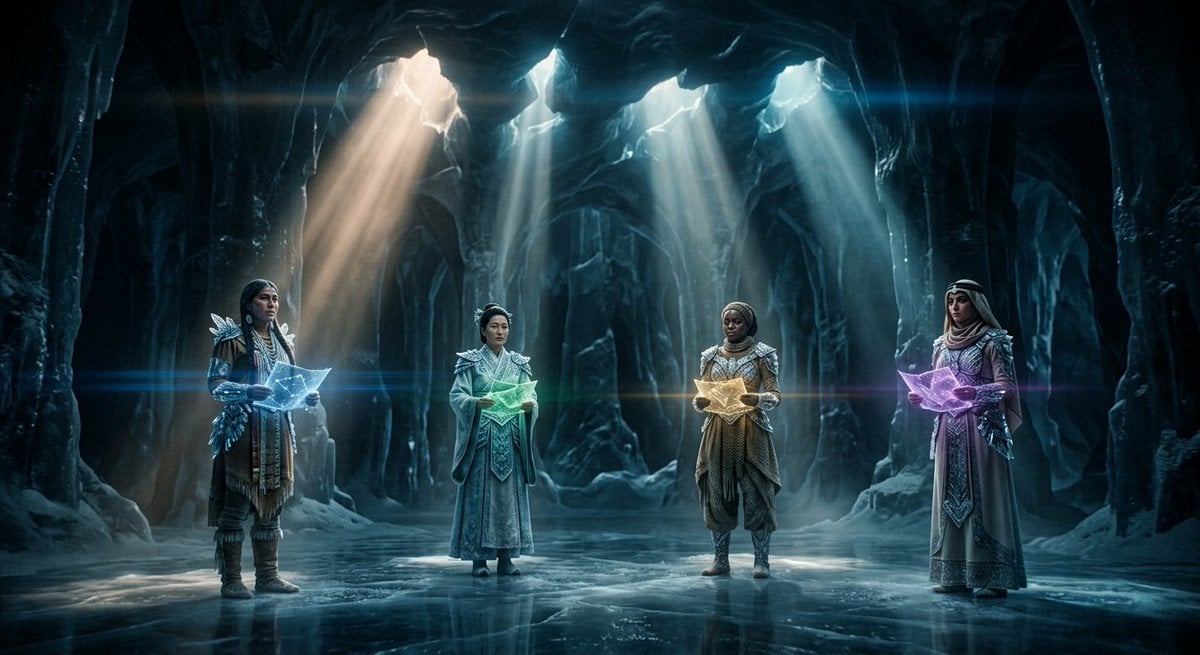
Subterranean Cathedral and Mechanical Whale
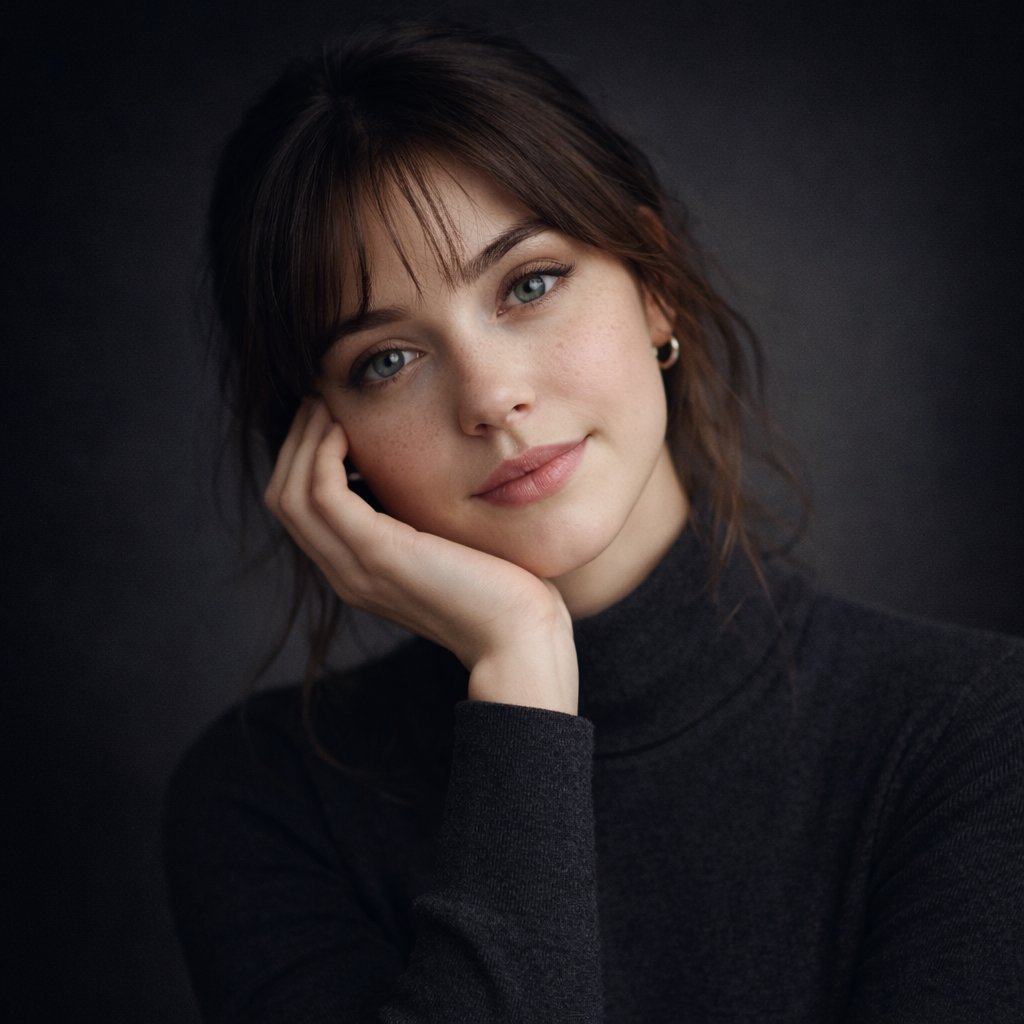
Ultra-realistic studio portrait of a young woman, front-facing, centered
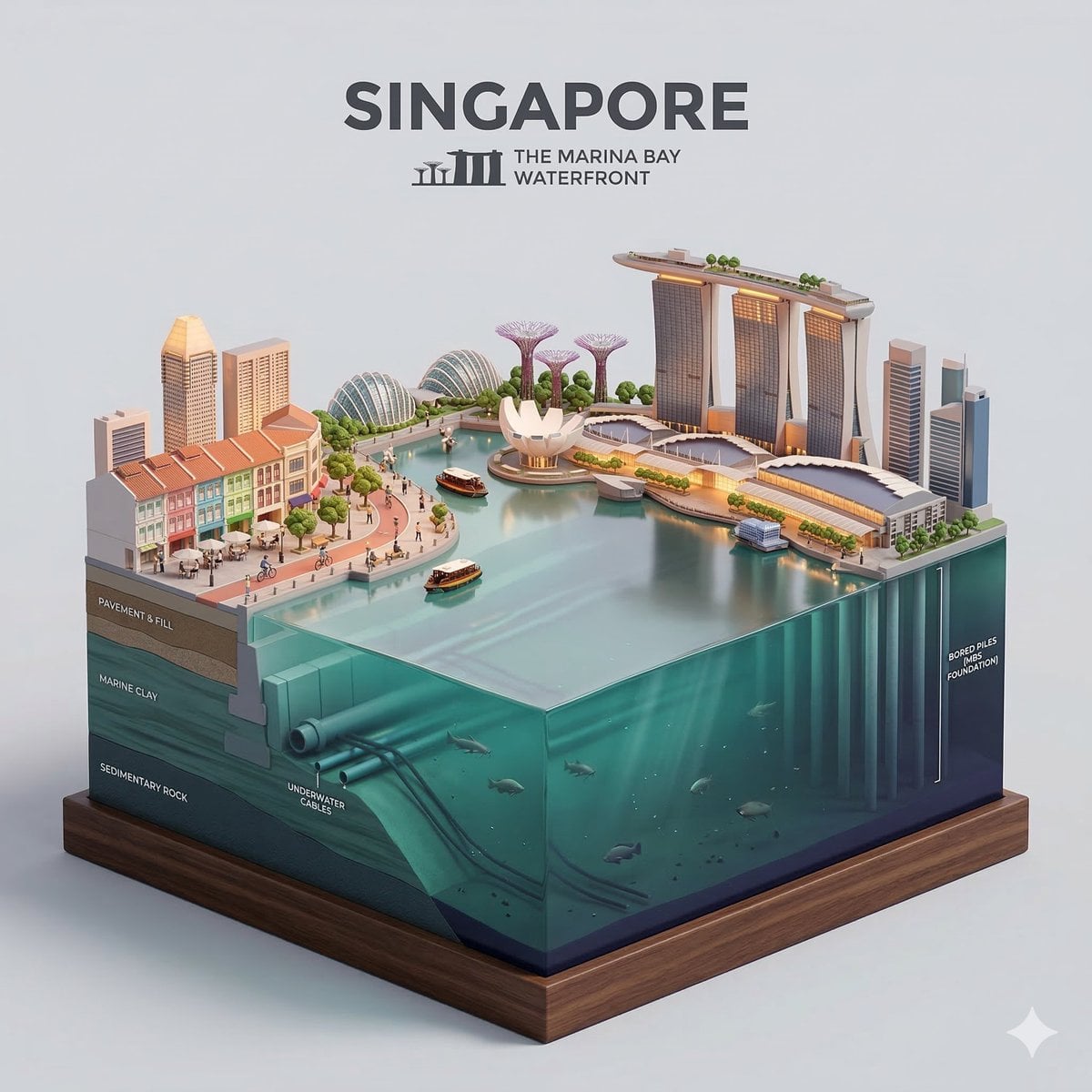
Clear, side-facing isometric miniature 3D cartoon diorama of along
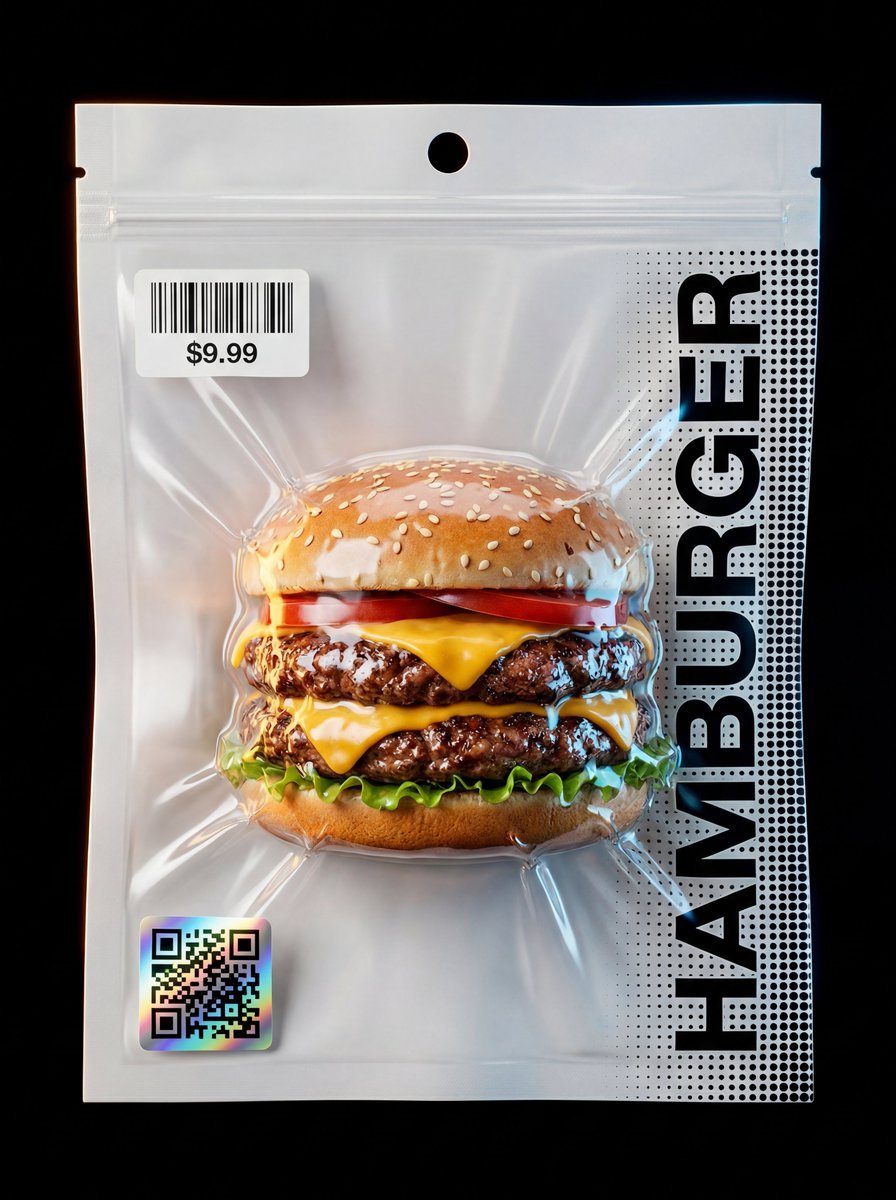
Composition & Subject A professional front-facing studio shot
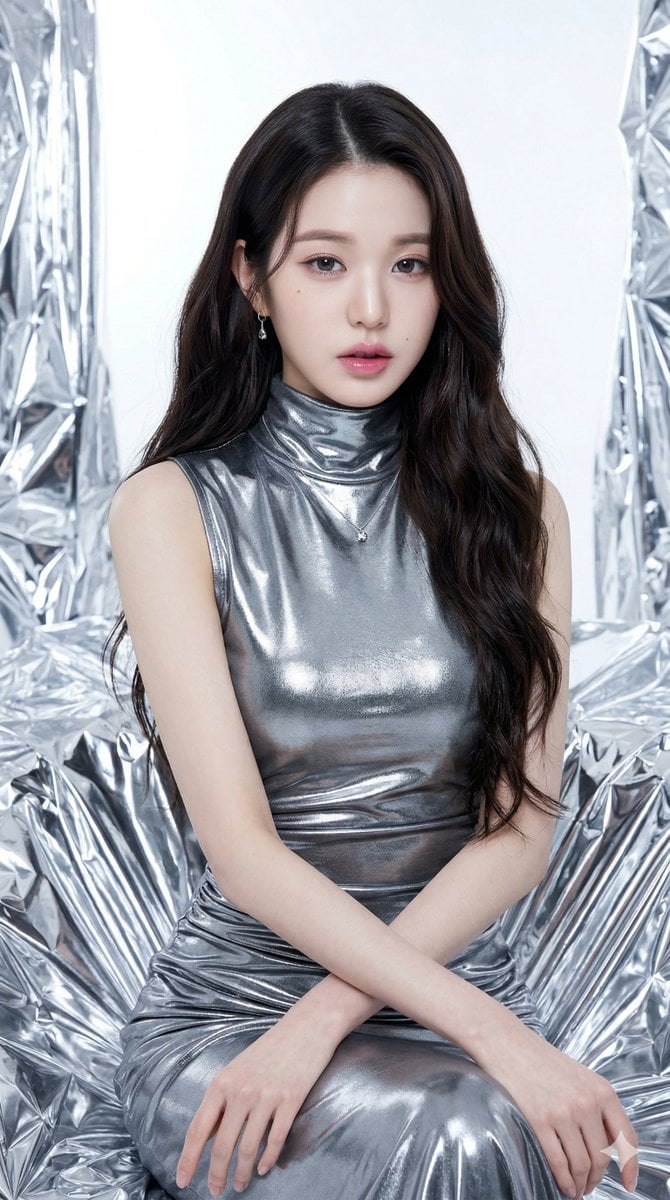
Seated/Kneeling, facing forward, arms crossed loosely at waist
Make it yours
Knight Facing Cathedral Giant works as-is. These are the safest ways to change it without losing the look.
Change one field
Copy a single group, rewrite it, and generate again so you can see what that field is doing.
Keep the frame, change the subject
Hold the composition and light of Knight Facing Cathedral Giant, then swap wardrobe, props or the person for a new take.
| If the result… | Why | Fix |
|---|---|---|
| The result drifts from the preview | Too many fields changed at once. | Reuse Knight Facing Cathedral Giant as-is first, then change one group — subject, light, or setting. |
| The model over-stylizes the scene | The prose prompt leaves finish and camera underspecified. | Add one camera or lighting sentence and stay on GPT Image 2. |
More GPT Image 2 templates
Other prompts made for GPT Image 2.

Six VTuber Japanese Logo Sheet

Realistic Portrait of Woman and Deer

The Vista Modular Condo Poster

AI Model Routing Comparison Infographic

2.5D Anime Art Board

Isometric Productivity Desk Scene

New York Double Exposure Poster

Four-Panel AI Landscape Comparison

Japanese Tatami Lifestyle Magazine Cover

NESCAFÉ Coffee Map Poster
More image prompts
Fresh picks from across the catalog.
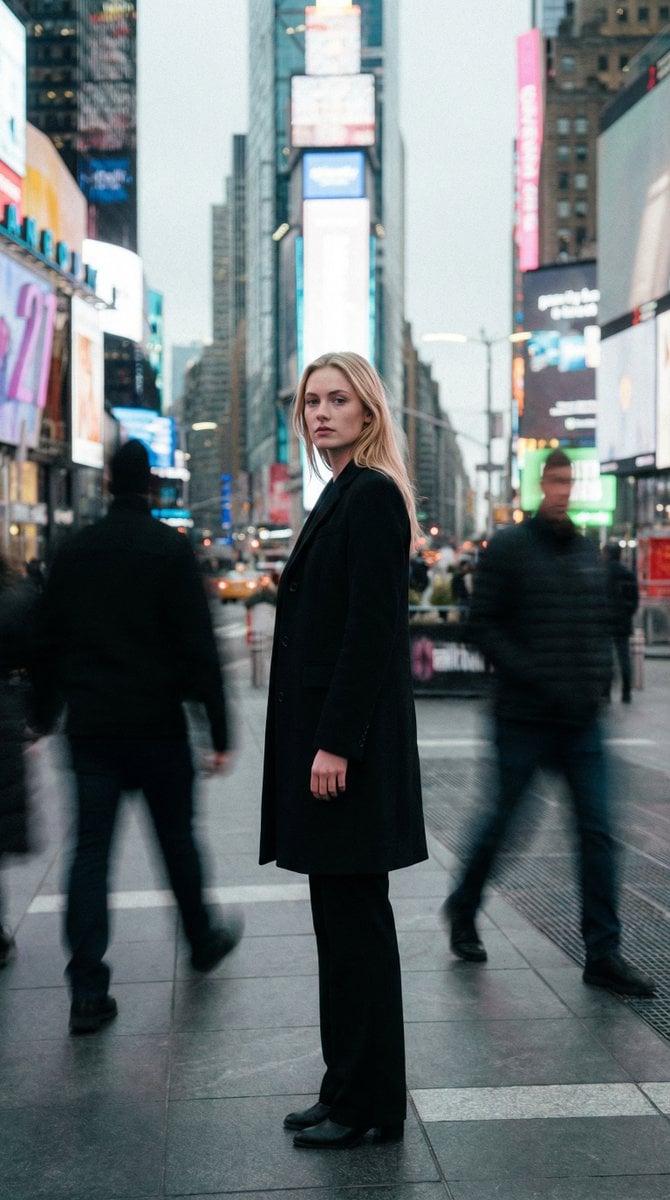
High Fashion Magazine Pictorial in Times Square
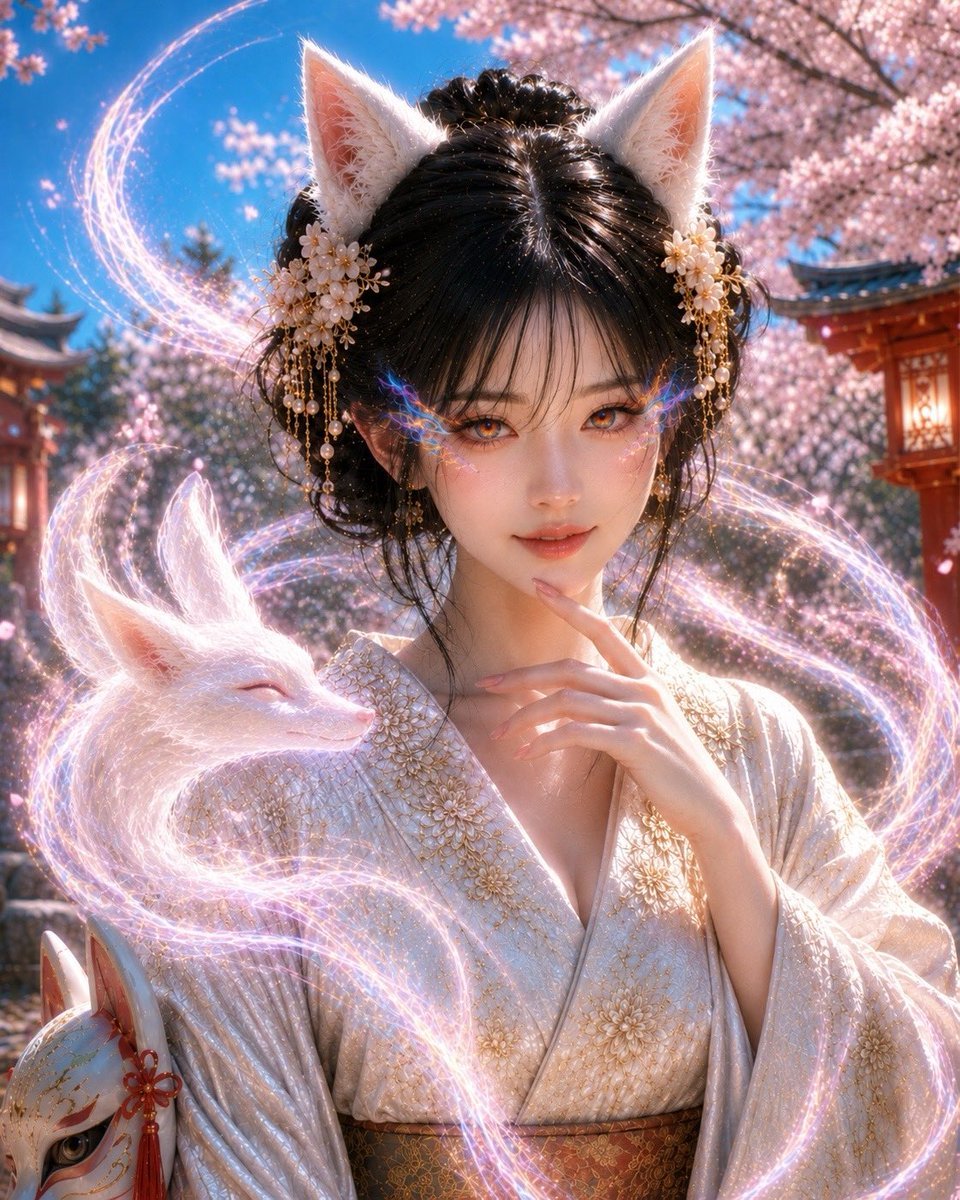
Mystical Kitsune Shrine Portrait
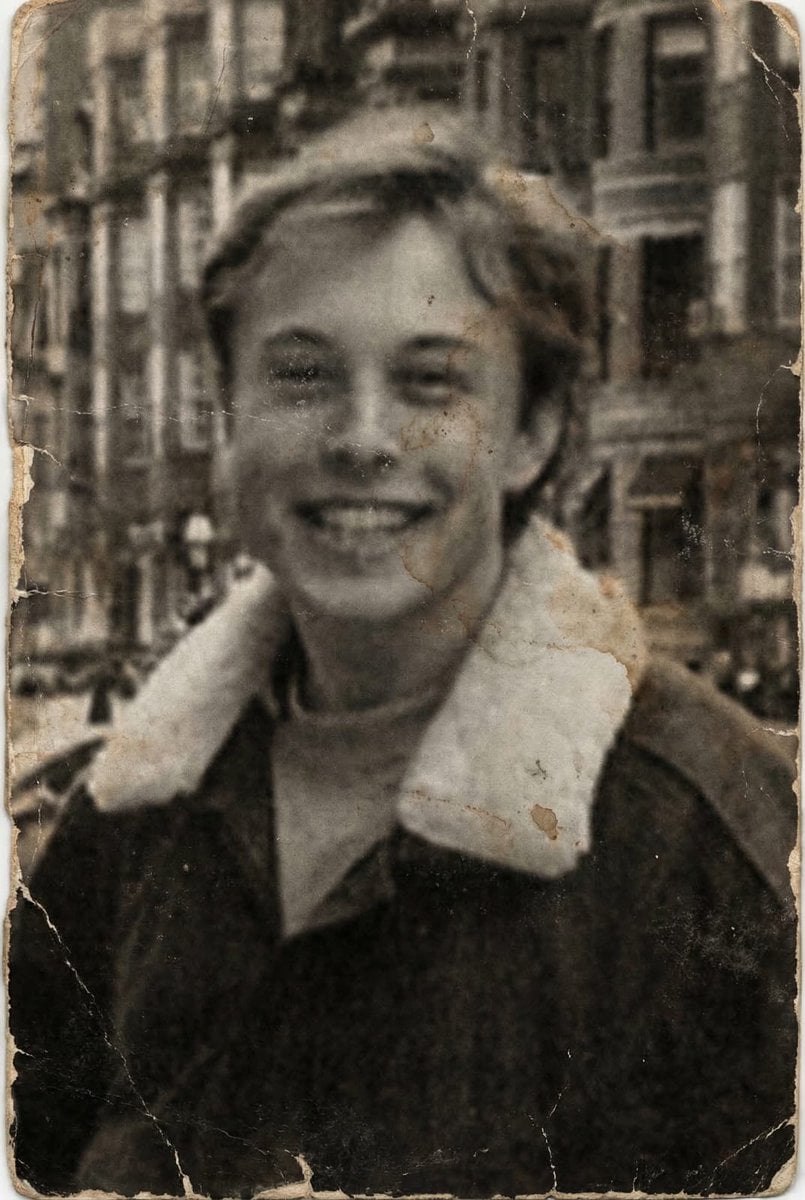
Professional Photo Restoration and Upscaling
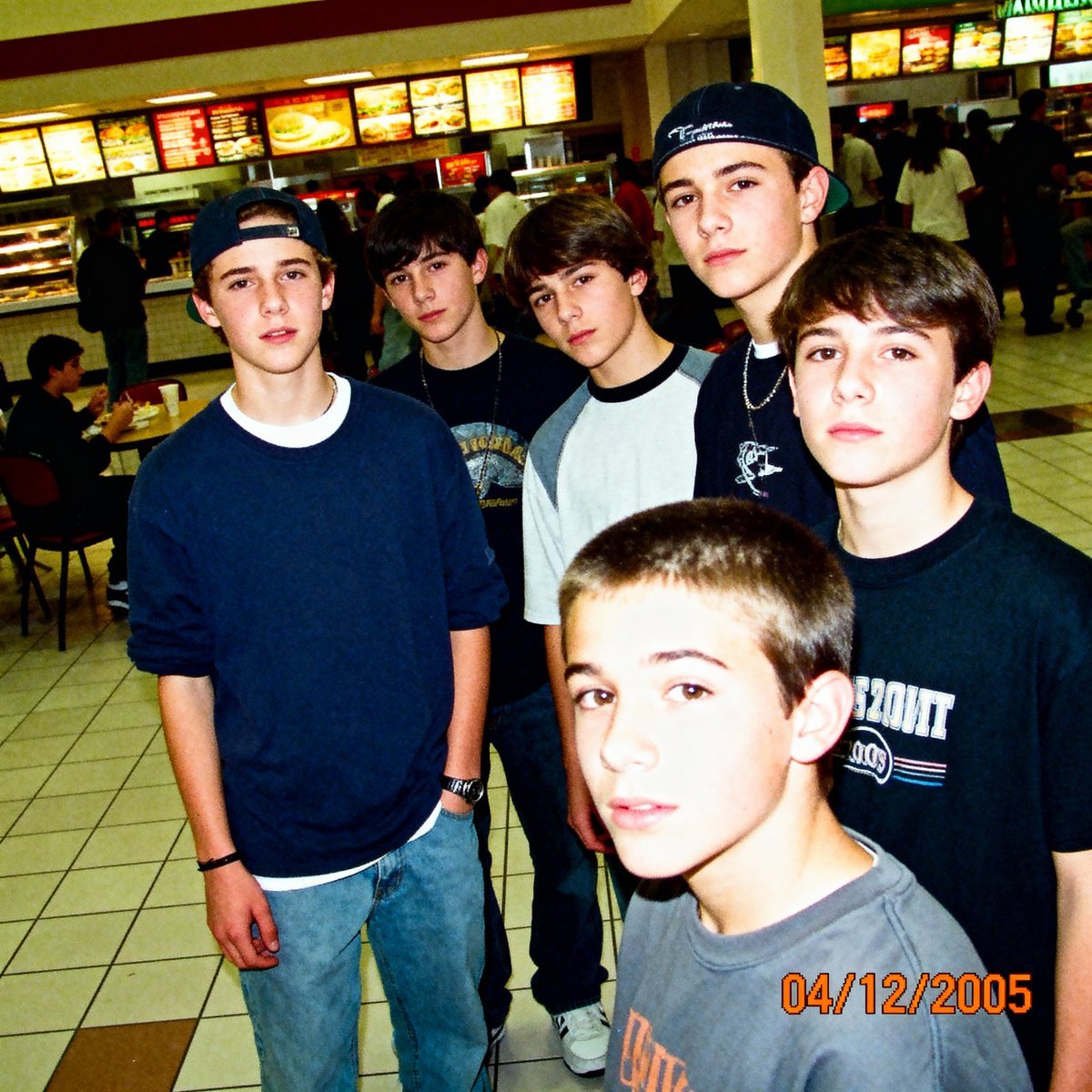
2005 Sony CyberShot mall food court snapshot prompt

Anime Character Noodle Delivery
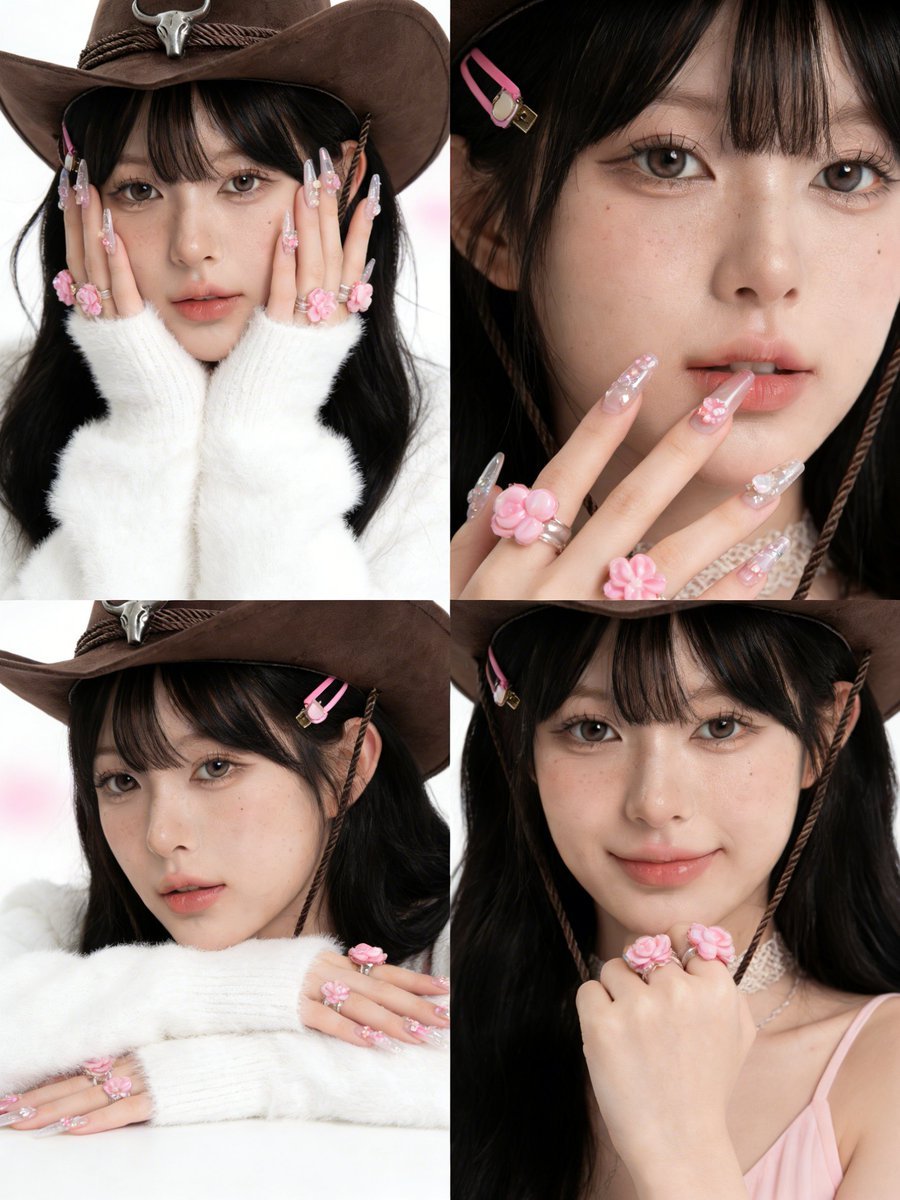
Simplified Korean Aesthetic Portrait Prompt for Seedream 4.5 (Doubao)
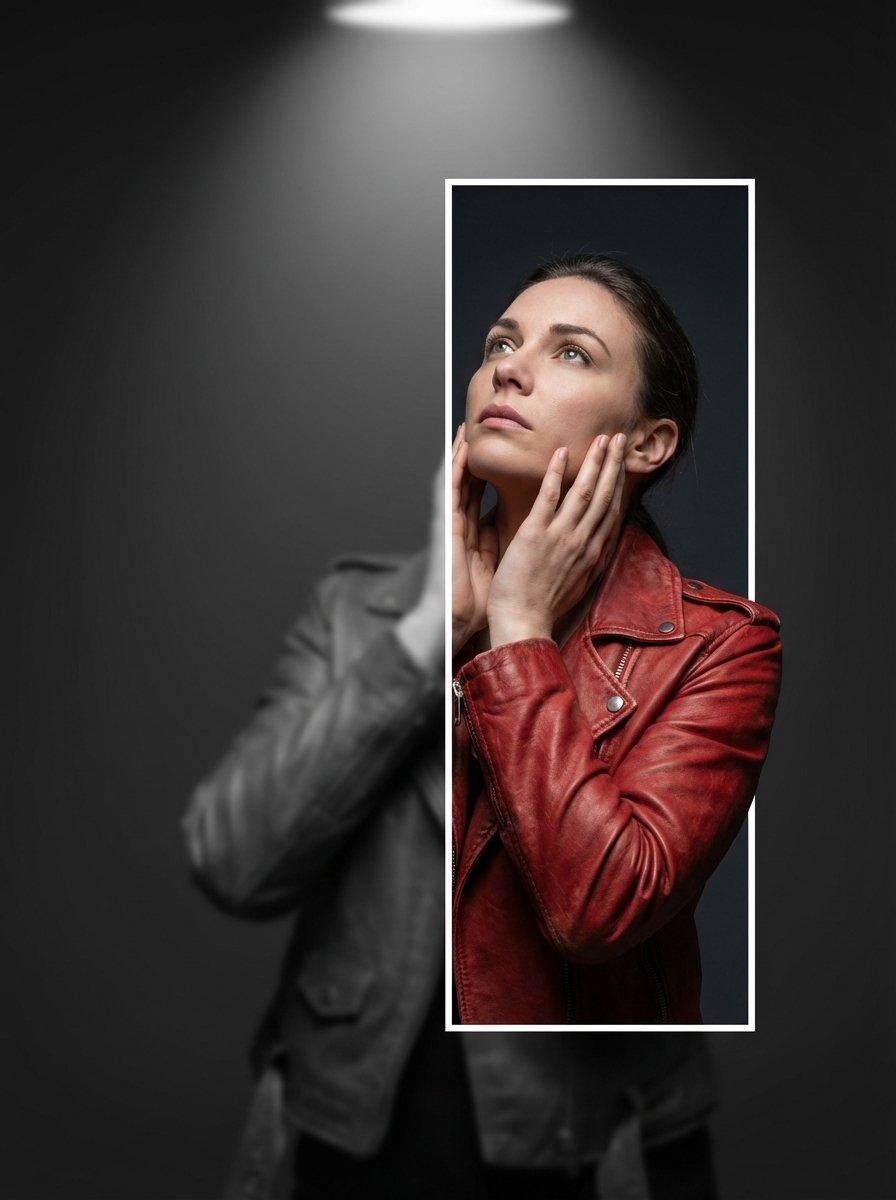
3D Breaking Frame Portrait Prompt
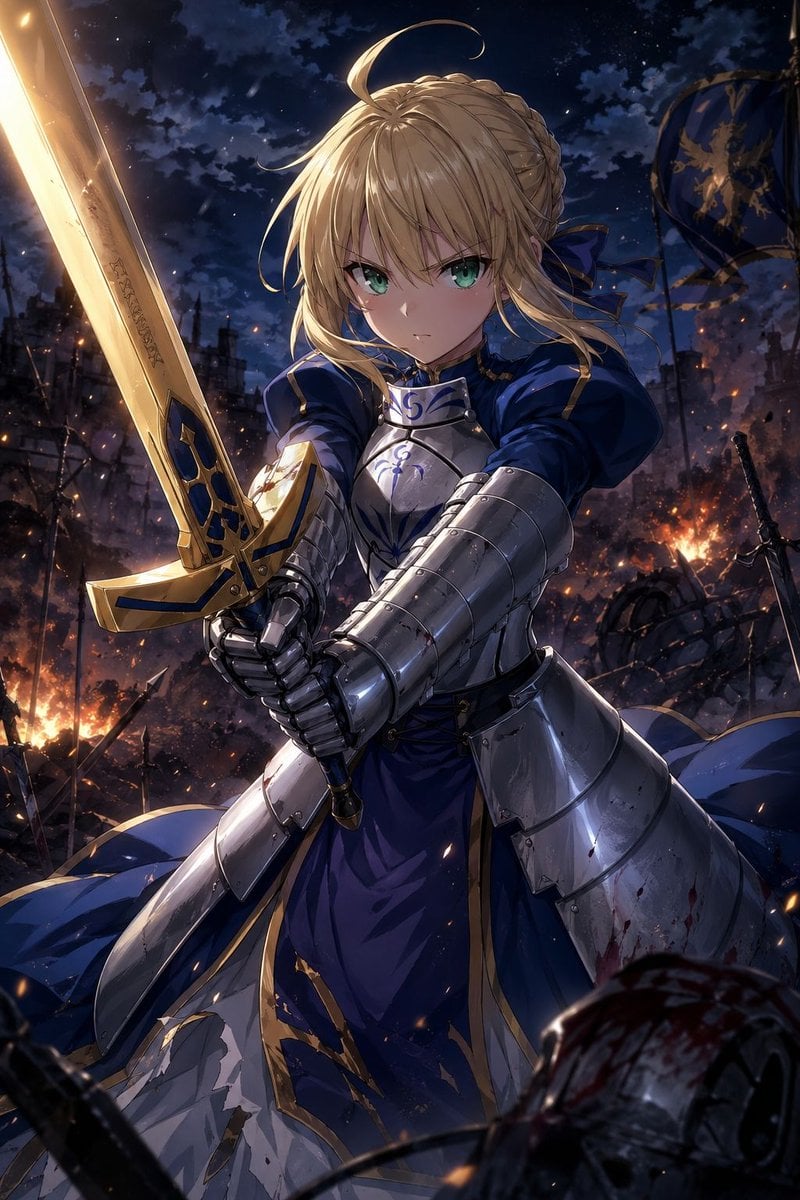
Anime Knight King on Burning Battlefield
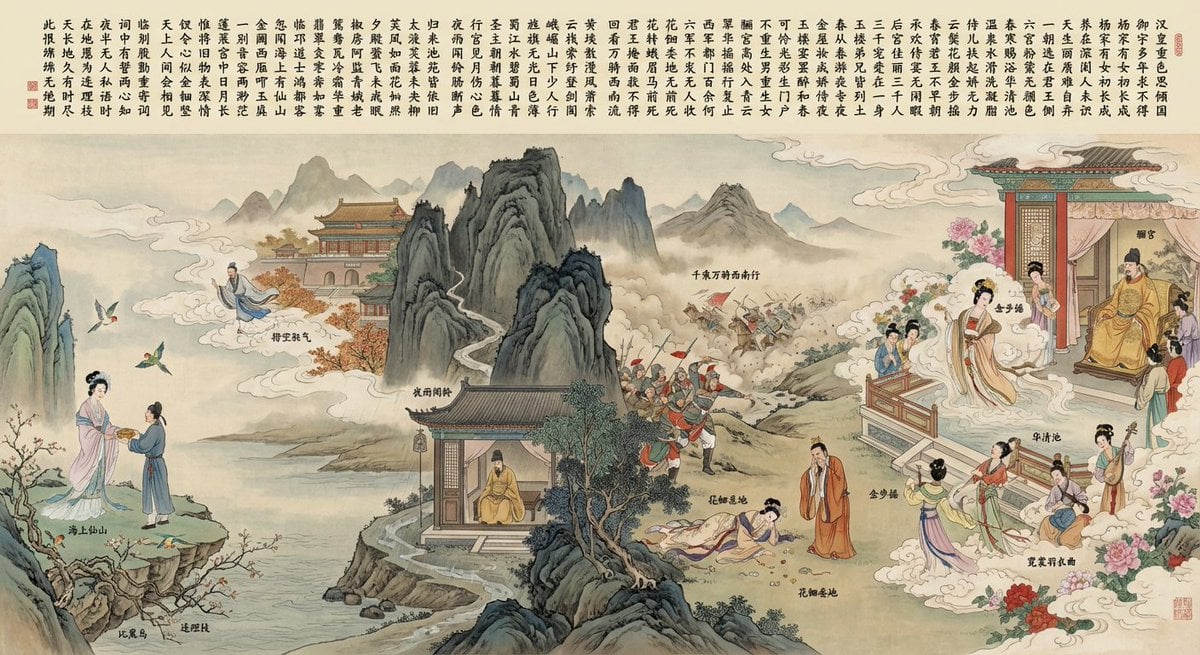
Illustration based on “Song of Everlasting Regret”
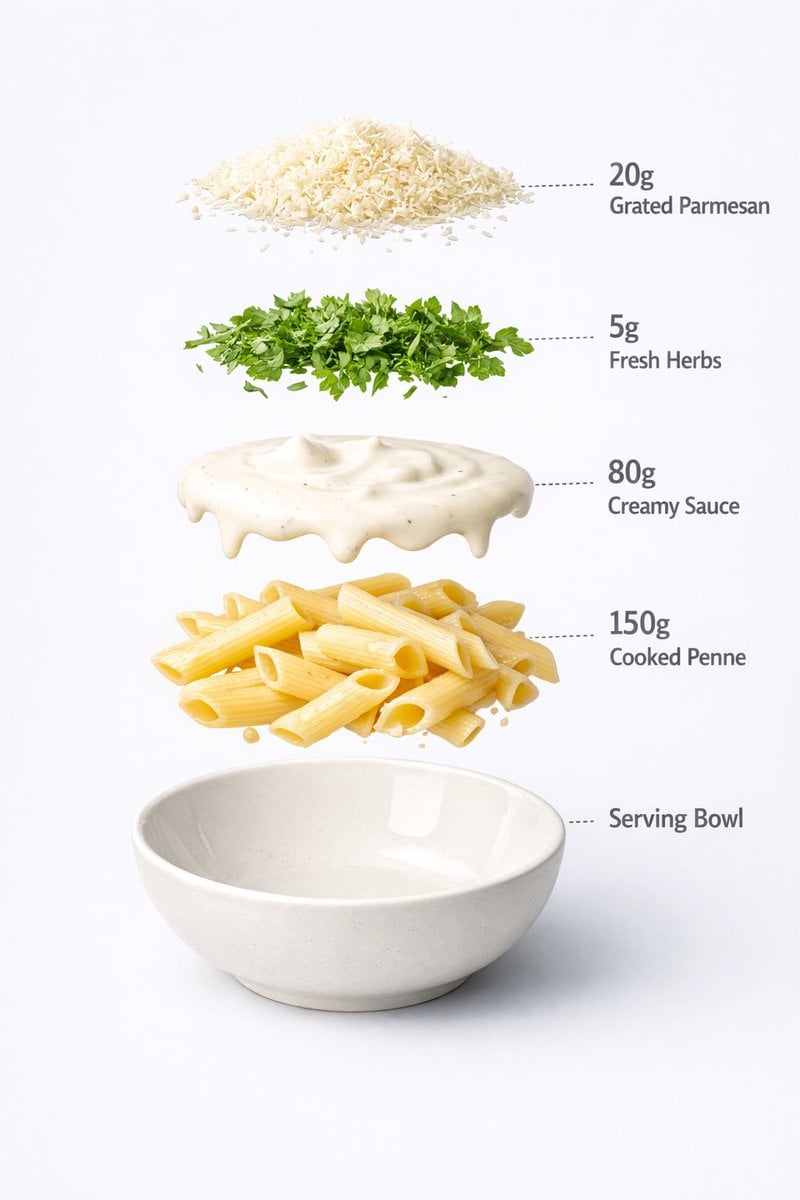
Motion and Image Prompt for Ultra-Realistic Food Photography of Pasta
Browse template categories
Knight Facing Cathedral Giant questions
How do I use the Knight Facing Cathedral Giant template?
Add your photo if the template asks for one, edit the prompt if you like — the template's model and format are already selected — and press Generate. Your version opens in PicX Studio.
Can I customize the Knight Facing Cathedral Giant template?
Yes. You can change the subject, setting, lighting, mood, format, and available model controls before creating your image.
Is the Knight Facing Cathedral Giant template free?
Opening and editing this template is free. Generating uses credits, shown on the Generate button when you are signed in.
Which AI model should I use?
Start with GPT Image 2, which is the model associated with this template. You can compare another compatible model for a different finish.
Looking for something else? Browse all templates.

Your photo, any look
Thousands of ready templates for every top image and video model, from one credit balance.