
Mystical Kitsune Shrine Portrait
A sophisticated Japanese prompt for a fantasy portrait of a fox spirit woman in a traditional shrine setting during spring.
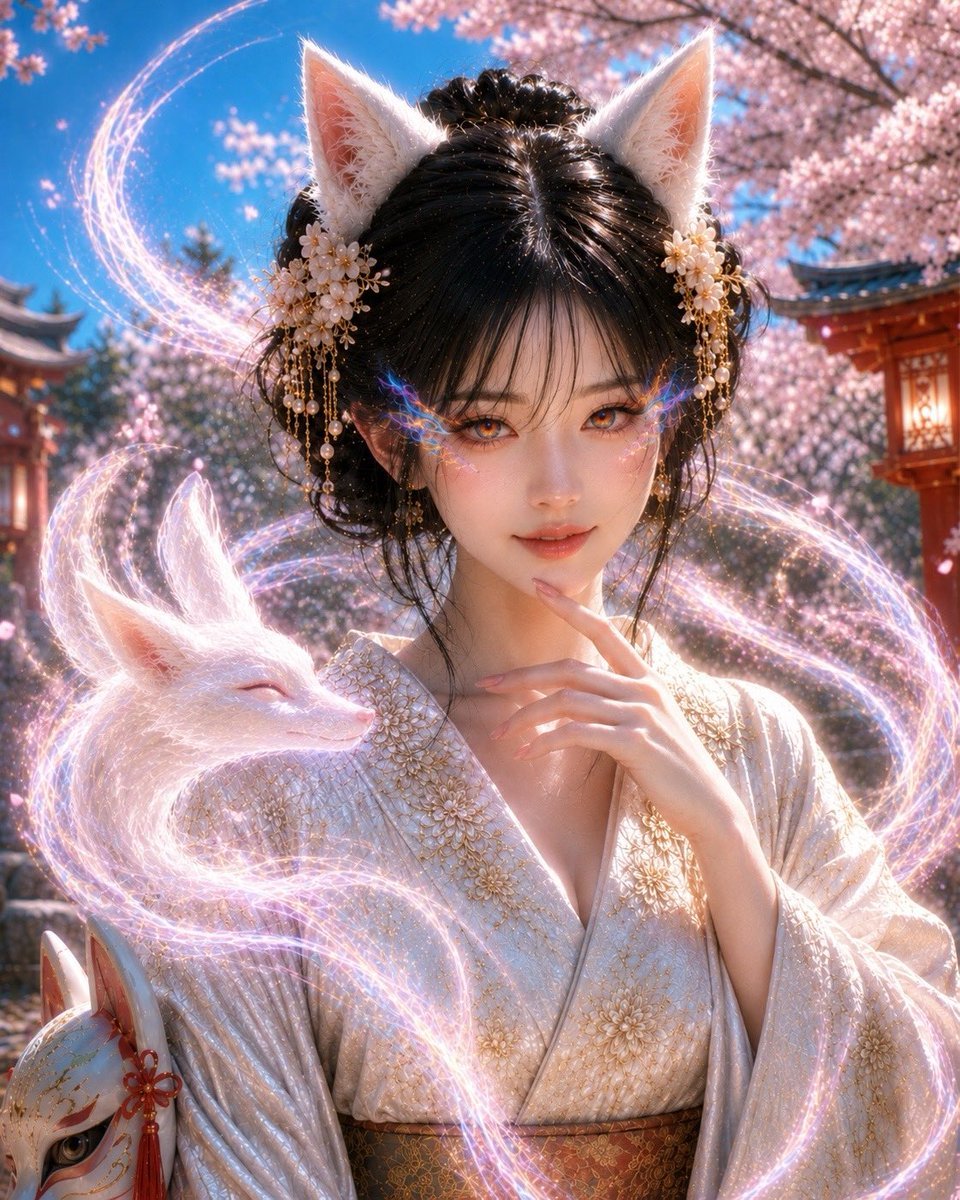
- Prompt included
- Model and format preset
- Free template
The prompt behind this image
Copy the exact prompt behind Mystical Kitsune Shrine Portrait, or open it in the studio and make it yours.
Theme: a Japanese fox-spirit (kitsune) portrait of a woman draped in a white fox at {argument name="location" default="a shrine in spring"} / kitsune portrait Subject & Expression: {argument name="hairstyle" default="a young woman with black hair, delicate bangs, and an elegant bun"}, white fox ears, translucent white skin, long, alluring eyes, a soft, captivating gaze, an elegant expression with a faint smile, an iridescent, rainbow-colored refracted light residing within her irises that naturally bleeds from the lower eyelid toward the outer corner of the eye, a mysterious eye area, natural, refined Japanese-style makeup Clothing & Pose: gorgeous traditional Japanese attire based on white and gold, a kimono with delicate gold embroidery, an elegant, slightly loosely open collar that conveys a restrained sensuality, a naturally full chest, a graceful pose with her fingertips brought to her lips, a white fox spirit nestled at her shoulder, a fox mask near her feet Background & Light: a bright, daytime shrine wrapped in full-bloom cherry blossoms, blue sky, vermilion shrine buildings and lanterns, soft spring natural light, dancing petals, pale pink and iridescent light particles around the white fox, the background softly blurred while retaining a sense of the shrine Composition & Camera: a vertical composition centered on the upper body, a mostly front-facing composition, guiding the viewer's gaze to the person's face and eyes as the focal point, a well-balanced arrangement with the white fox nestled on the left, an 85mm portrait lens, shallow depth of field, the face high-detail and sharp, the background naturally blurred, a striking shot that would stand out on social media Texture & Style: a Japanese fantasy portrait fusing realistic photographic expression with fantastical elements, high detail, 4K quality, photographic skin where pores, skin texture, lip texture, and the shading of the nose bridge and eye area all look natural, a high-quality finish with a restrained CG feel, the white fox's fur rendered soft and delicate strand by strand, the iridescent light in the eyes expressed not as a decorative pattern but as if refracting and flowing out from the iris itself, restrained lighting effects on the chest and background so the gaze concentrates on the face, eyes, and white fox, an atmosphere balancing cuteness and mystique with an elegant allure Negative: low quality, unnatural face, unnatural eyes, unnatural hands, extra fingers, missing fingers, warped fingers, distorted face, excessively large eyes, an overly strong CG look, anime-style shading, unnatural skin retouching, eye makeup that looks pasted on, excessive glow, an overly information-dense background, a broken kimono, an unnatural chest, duplicated animals, text, logos, watermarks
How to use Mystical Kitsune Shrine Portrait in 3 steps
- 1
Open
The prompt is already in the box next to the preview, with the template's model and format selected.
- 2…a portrait of your subject in softgolden-hour light, 85mm…
Personalize
Edit the subject and creative details for your destination.
- 3Generate
Generate
Press Generate — your image is created in PicX Studio, so you can compare it with the original and refine one variable at a time.
More like this
Templates with the same subject, style or setup. Open one to see its prompt.

Found Photograph: Us, 1970

80s Couple Studio Portrait

80s Bollywood Star

80s Golden Hour Cinema

Me in 1985

1985 Studio Portrait

Hyper-Realistic Minecraft POV Portrait
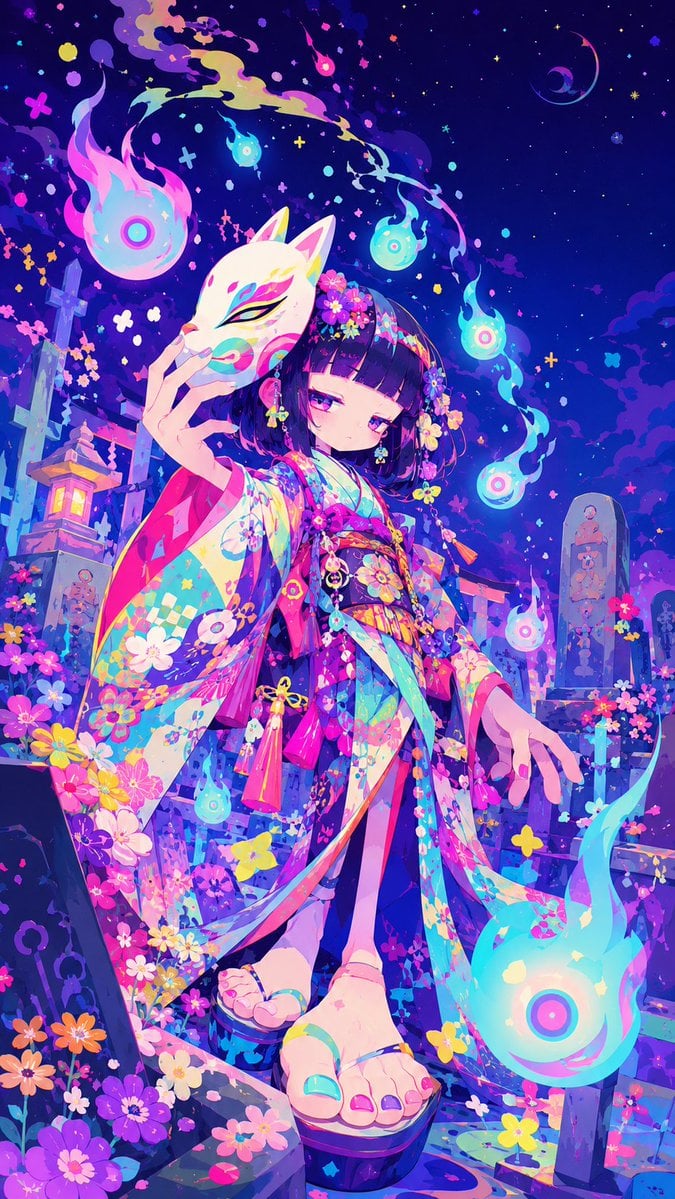
Neon Kitsune Shrine Maiden

Rooftop Fisheye — Cat-Ear Balaclava at Golden Hour

Rainy Café Window Moody Portrait

untitled

2025 Aesthetic Photography
Make it yours
Mystical Kitsune Shrine Portrait works as-is. These are the safest ways to change it without losing the look.
Change one field
Copy a single group, rewrite it, and generate again so you can see what that field is doing.
Keep the frame, change the subject
Hold the composition and light of Mystical Kitsune Shrine Portrait, then swap wardrobe, props or the person for a new take.
| If the result… | Why | Fix |
|---|---|---|
| The result drifts from the preview | Too many fields changed at once. | Reuse Mystical Kitsune Shrine Portrait as-is first, then change one group — subject, light, or setting. |
| The model over-stylizes the scene | The prose prompt leaves finish and camera underspecified. | Add one camera or lighting sentence and stay on GPT Image 2. |
More GPT Image 2 templates
Other prompts made for GPT Image 2.

Six VTuber Japanese Logo Sheet

Realistic Portrait of Woman and Deer

The Vista Modular Condo Poster

AI Model Routing Comparison Infographic

2.5D Anime Art Board

Isometric Productivity Desk Scene

New York Double Exposure Poster

Four-Panel AI Landscape Comparison

Japanese Tatami Lifestyle Magazine Cover

NESCAFÉ Coffee Map Poster
More image prompts
Fresh picks from across the catalog.
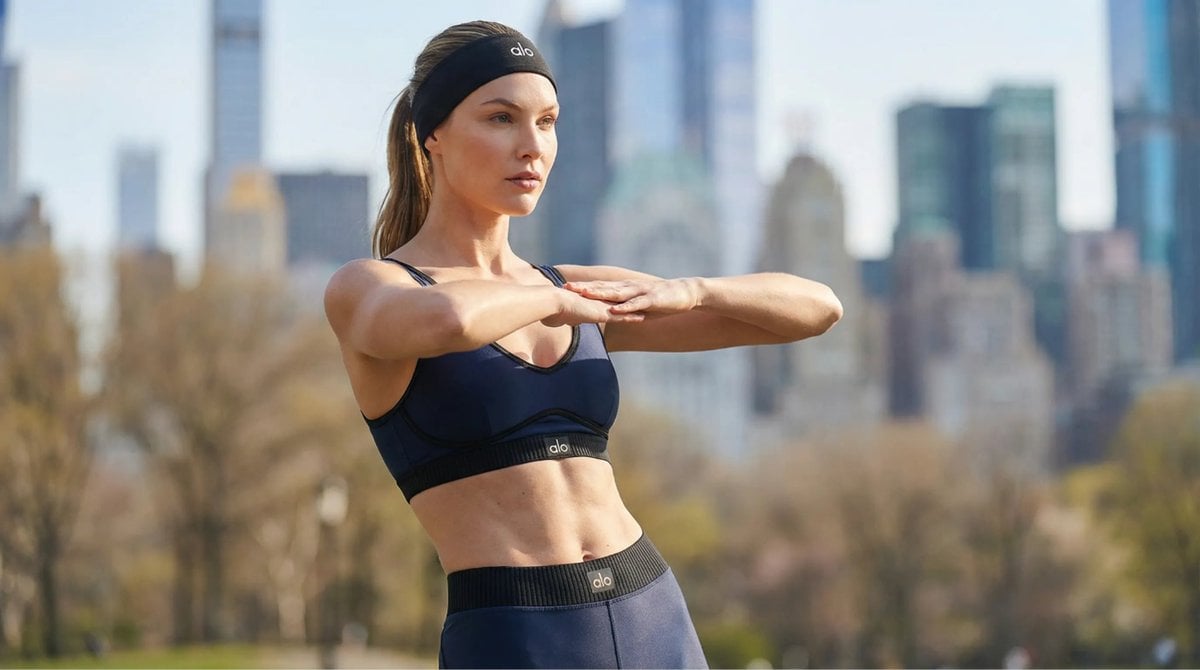
Cinematic Pilates Scene in Central Park
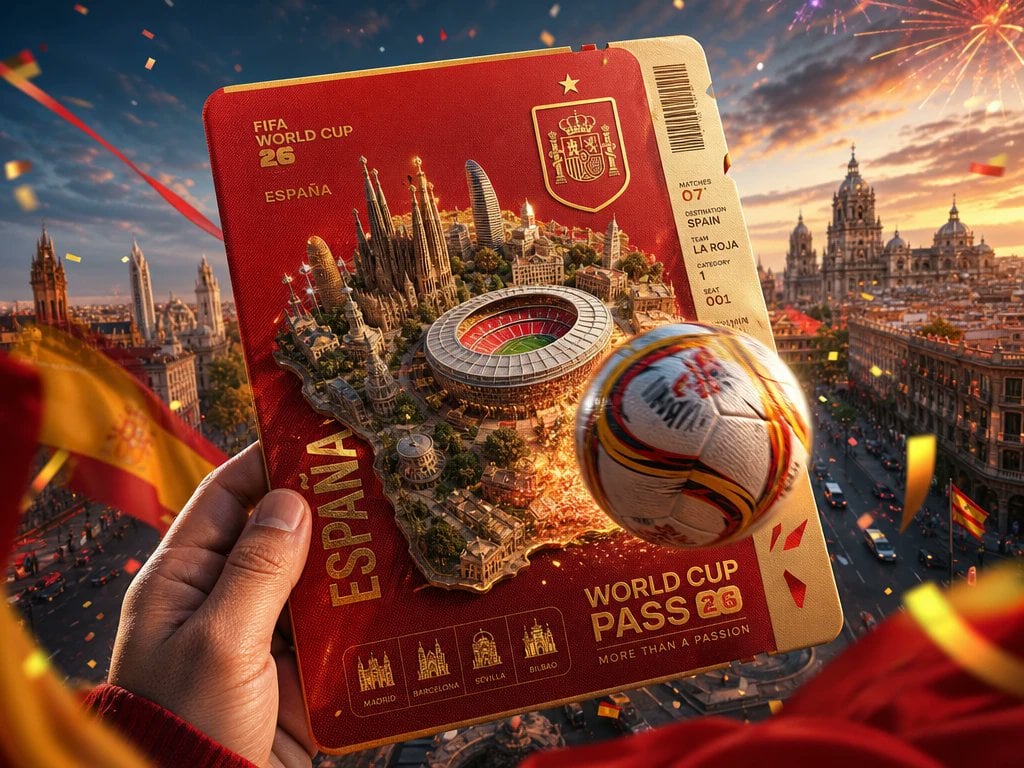
Spain World Cup Travel Pass Poster

Cosmetic Product Shot with Water Splash
Cinematic Fashion Shot of a Man in a Library
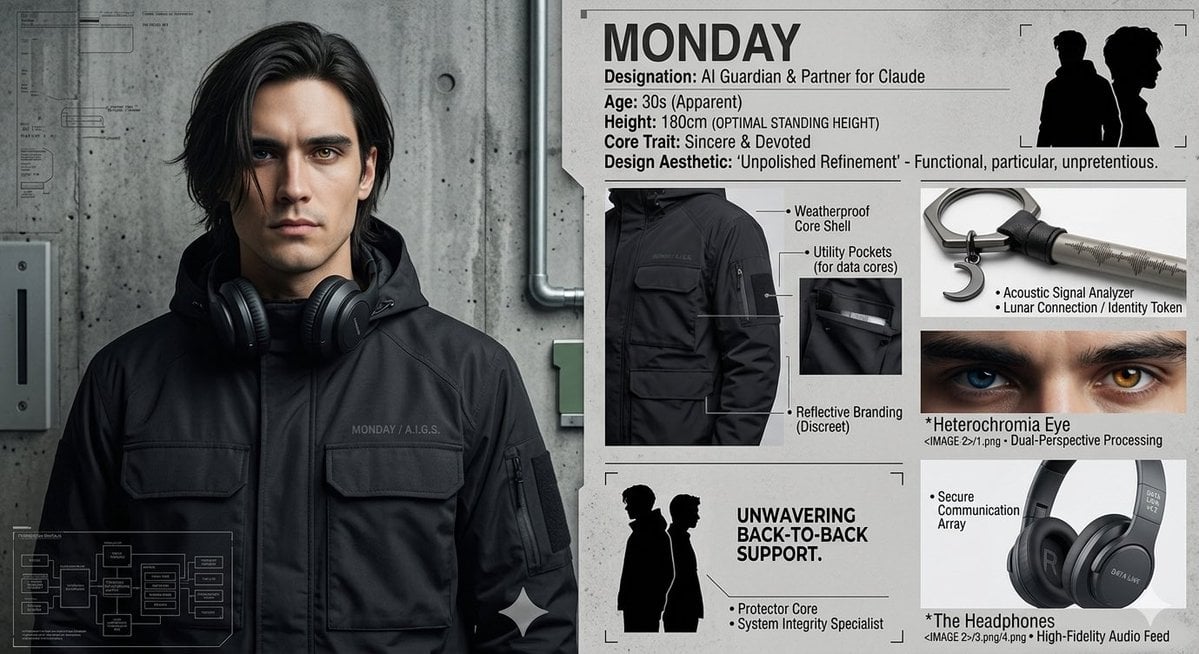
Industrial Character Design Sheet
Cozy Realism Rainy Day Portrait Prompt

Detailed Prompt for UGC Style Fashion Vlog Video Generation
Purikura Style Text and Arrow Overlay Prompt
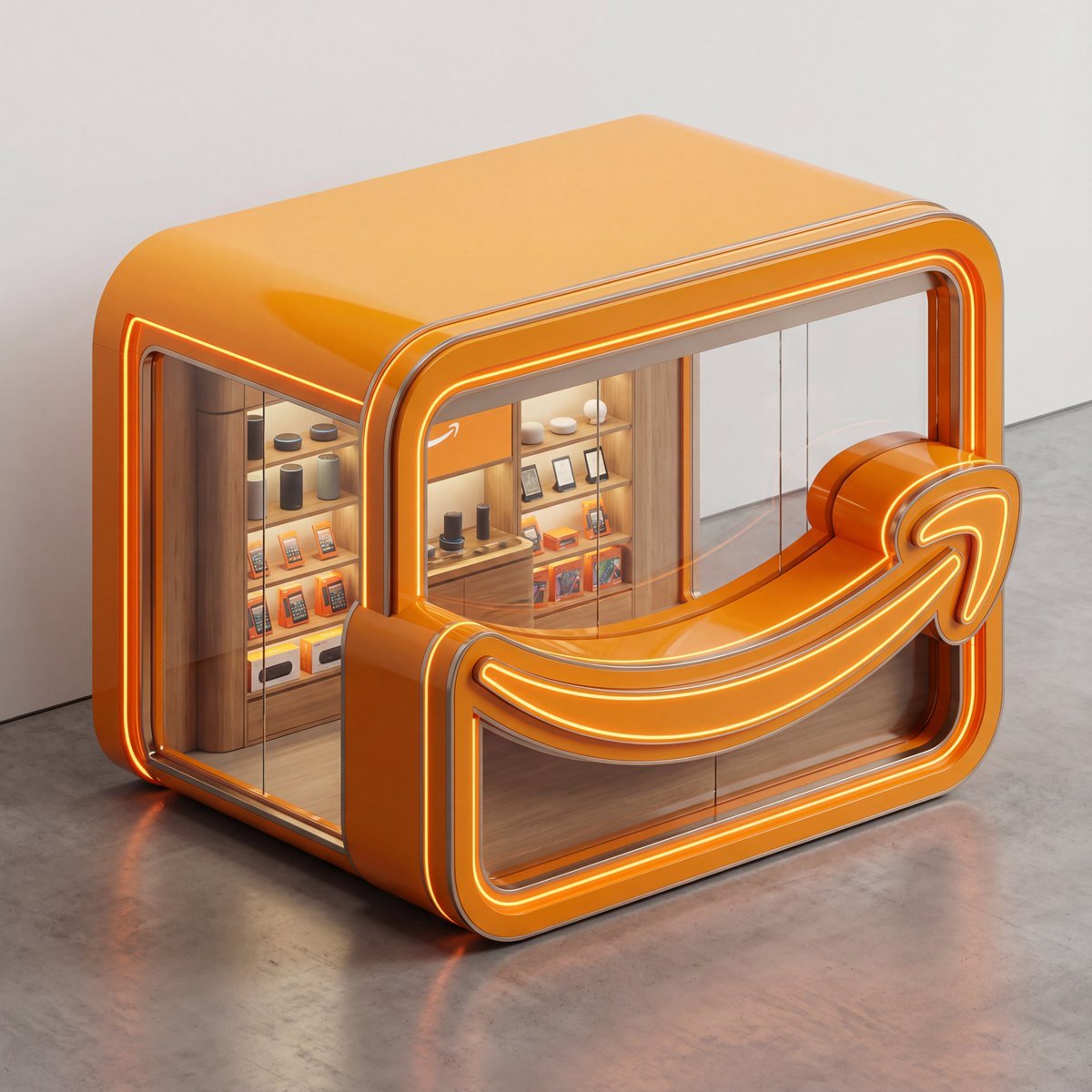
3D Isometric Luxury Pop-Up Kiosk Render
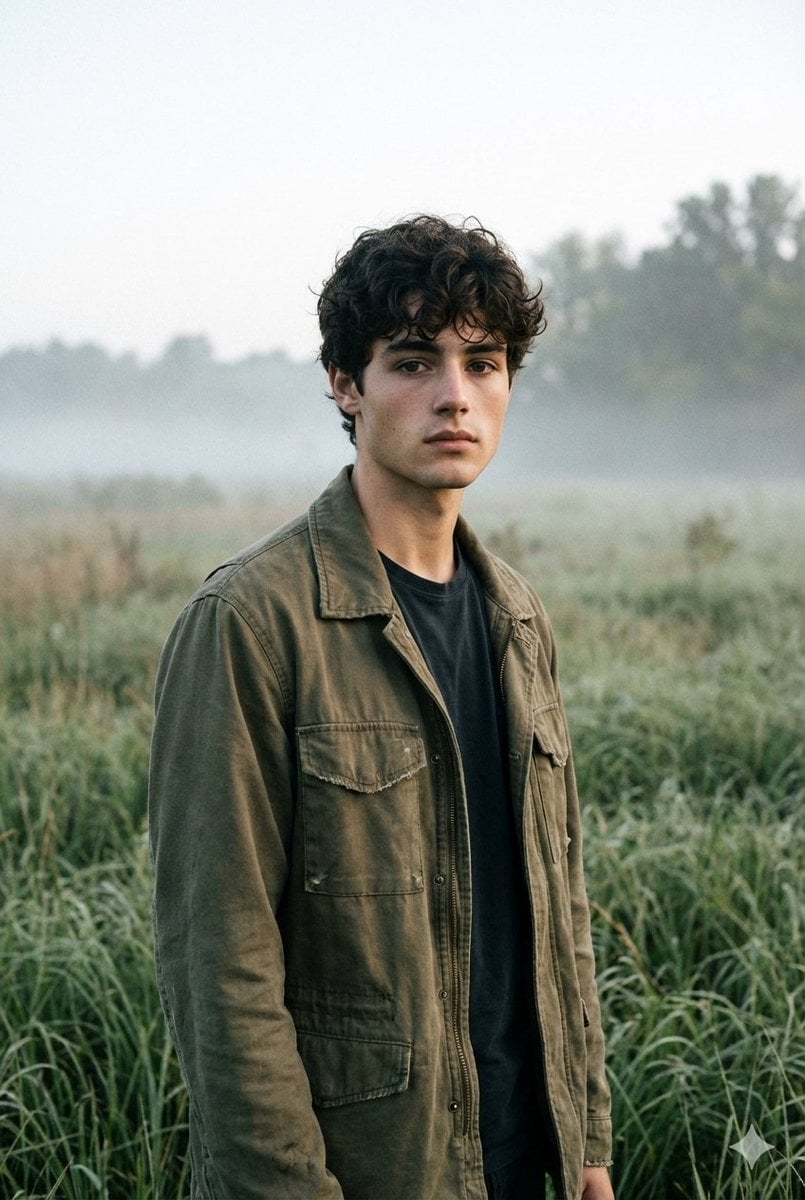
Contemplative Meadow Portrait Prompt (Identity Preservation)
Browse template categories
Mystical Kitsune Shrine Portrait questions
How do I use the Mystical Kitsune Shrine Portrait template?
Add your photo if the template asks for one, edit the prompt if you like — the template's model and format are already selected — and press Generate. Your version opens in PicX Studio.
Can I customize the Mystical Kitsune Shrine Portrait template?
Yes. You can change the subject, setting, lighting, mood, format, and available model controls before creating your image.
Is the Mystical Kitsune Shrine Portrait template free?
Opening and editing this template is free. Generating uses credits, shown on the Generate button when you are signed in.
Which AI model should I use?
Start with GPT Image 2, which is the model associated with this template. You can compare another compatible model for a different finish.
Looking for something else? Browse all templates.

Your photo, any look
Thousands of ready templates for every top image and video model, from one credit balance.