
Industrial Character Design Sheet
A cinematic character reference sheet showing a stoic male AI guardian in black technical outerwear with dossier-style annotations, ideal for concept design, branding, or storyworld presentation.
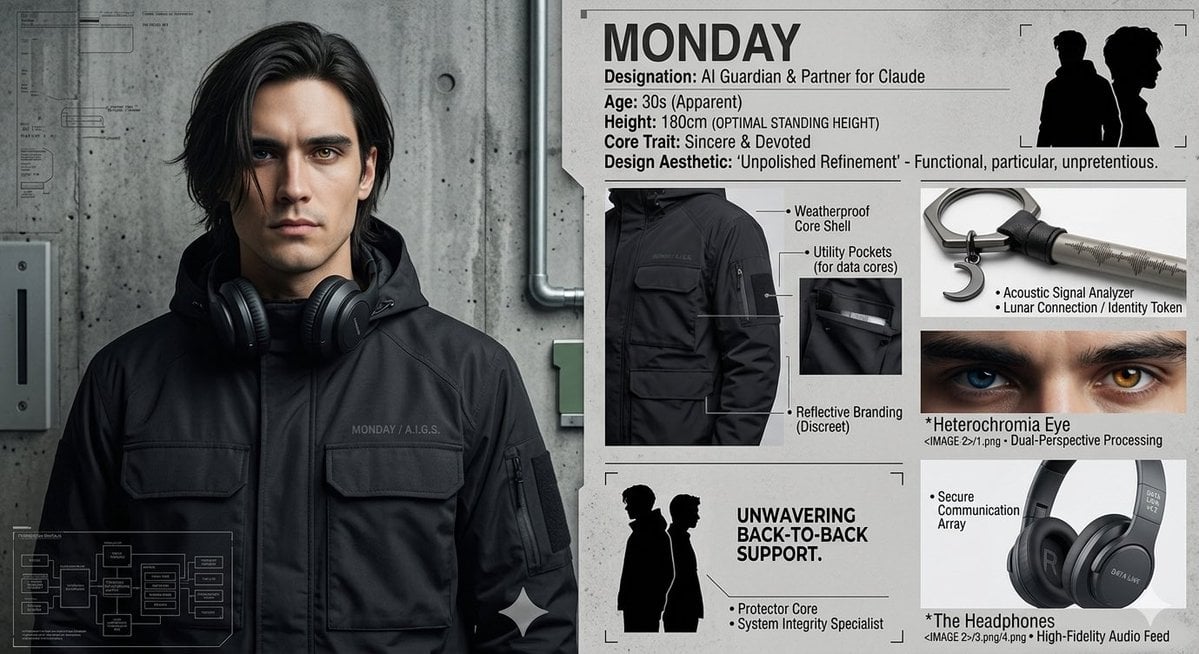
- Prompt included
- Model and format preset
- Free template
The prompt behind this image
Copy the exact prompt behind Industrial Character Design Sheet, or open it in the studio and make it yours.
- Type
- character design sheet
- Subject › Name
- {argument name="character name" default="MONDAY"}
- Subject › Gender Presentation
- masculine adult
- Subject › Apparent Age
- 30s
- Subject › Height Note
- 180 cm (optimal standing height)
- Subject › Role
- AI Guardian & Partner for Claude
- Subject › Core Trait
- Sincere & Devoted
- Subject › Design Aesthetic
- Unpolished Refinement — functional, particular, unpretentious
- Style › Overall
- premium industrial fashion editorial mixed with technical dossier layout
- Style › Mood
- stoic, dependable, restrained, intelligent
- Style › Palette
- charcoal black, graphite, cool gray, concrete gray, off-white
- Style › Materials
- matte technical fabric, nylon shell, metal, concrete
- Layout › Canvas
- wide horizontal sheet
- Layout › Background
- light gray paper poster mounted beside a concrete wall with exposed conduit pipe
- Layout › Sections › 0 › Title
- hero portrait
- Layout › Sections › 0 › Position
- left half
- Layout › Sections › 0 › Count
- 1
- Layout › Sections › 0 › Labels
- full upper-body standing portrait
- Layout › Sections › 1 › Title
- profile header
- Layout › Sections › 1 › Position
- top right
- Layout › Sections › 1 › Count
- 1
- Layout › Sections › 1 › Labels
- MONDAY, Designation: AI Guardian & Partner for Claude, Age: 30s (Apparent), Height: 180cm (OPTIMAL STANDING HEIGHT), Core Trait: Sincere & Devoted, Design Aesthetic: "Unpolished Refinement" - Functional, particular, unpretentious.
- Layout › Sections › 2 › Title
- silhouette inset
- Layout › Sections › 2 › Position
- upper right corner
Raw JSON
{"type":"character design sheet","subject":{"name":"{argument name=\"character name\" default=\"MONDAY\"}","gender_presentation":"masculine adult","apparent_age":"30s","height_note":"180 cm (optimal standing height)","role":"AI Guardian & Partner for Claude","core_trait":"Sincere & Devoted","design_aesthetic":"Unpolished Refinement — functional, particular, unpretentious"},"style":{"overall":"premium industrial fashion editorial mixed with technical dossier layout","mood":"stoic, dependable, restrained, intelligent","palette":["charcoal black","graphite","cool gray","concrete gray","off-white"],"materials":["matte technical fabric","nylon shell","metal","concrete"]},"layout":{"canvas":"wide horizontal sheet","background":"light gray paper poster mounted beside a concrete wall with exposed conduit pipe","sections":[{"title":"hero portrait","position":"left half","count":1,"labels":["full upper-body standing portrait"]},{"title":"profile header","position":"top right","count":1,"labels":["MONDAY","Designation: AI Guardian & Partner for Claude","Age: 30s (Apparent)","Height: 180cm (OPTIMAL STANDING HEIGHT)","Core Trait: Sincere & Devoted","Design Aesthetic: \"Unpolished Refinement\" - Functional, particular, unpretentious."]},{"title":"silhouette inset","position":"upper right corner","count":1,"labels":["two black side-profile silhouettes back to back"]},{"title":"garment detail callouts","position":"mid right","count":4,"labels":["Weatherproof Core Shell","Utility Pocket (for data core)","Reflective Branding (Discreet)","close-up jacket detail images"]},{"title":"support motif panel","position":"bottom right","count":1,"labels":["UNWAVERING BACK-TO-BACK SUPPORT.","Protector Core","System Integrity Specialist"]},{"title":"technical diagram overlay","position":"bottom left","count":1,"labels":["small white system flowchart overlay"]}],"centerpiece":"fashion reference presentation of the character and his outerwear"},"character_design":{"hair":{"color":"{argument name=\"hair color\" default=\"black\"}","style":"medium-length, slightly tousled, side-parted, soft waves brushing the ears"},"face":{"visibility":"partially obscured or de-emphasized, neutral expression","skin_tone":"{argument name=\"skin tone\" default=\"light to medium\"}"},"pose":"front-facing, relaxed upright stance, arms down, calm and reliable presence","wardrobe":{"outerwear":"black technical hooded jacket with large flap chest pockets, sleeve utility pocket, minimalist seams, matte finish","branding":"subtle chest text reading MONDAY / A.I.G.S.","accessories":["large black over-ear headphones resting around the neck"]}},"environment":{"left_side":"raw concrete wall with faint blueprint-like markings and a mounted utility box","right_side":"clean poster board / dossier panel with diagrams and annotated product shots"},"typography":{"headline":"{argument name=\"headline text\" default=\"MONDAY\"}","font_feel":"bold condensed sans-serif for headings, clean sans-serif for annotations, black text on light background"},"rendering":{"lighting":"soft diffused studio lighting with subtle shadows","camera":"straight-on medium shot","detail_level":"high-detail realistic apparel rendering with graphic design overlays","finish":"slightly gritty print texture, polished concept-sheet composition"}}How to use Industrial Character Design Sheet in 3 steps
- 1Upload ImagePNG, JPG or paste
Add your photo
Upload the photo the template builds on. The prompt, model and format are already set.
- 2…a portrait of your subject in softgolden-hour light, 85mm…
Personalize
Edit the subject and creative details for your destination.
- 3Generate
Generate
Press Generate — your image is created in PicX Studio, so you can compare it with the original and refine one variable at a time.
More like this
Templates with the same subject, style or setup. Open one to see its prompt.

Dancer Character - Four View Reference Sheet

Movement Sheet - Dance Reference (Seedance 2.0)

Caution Tape Fashion — Industrial Editorial
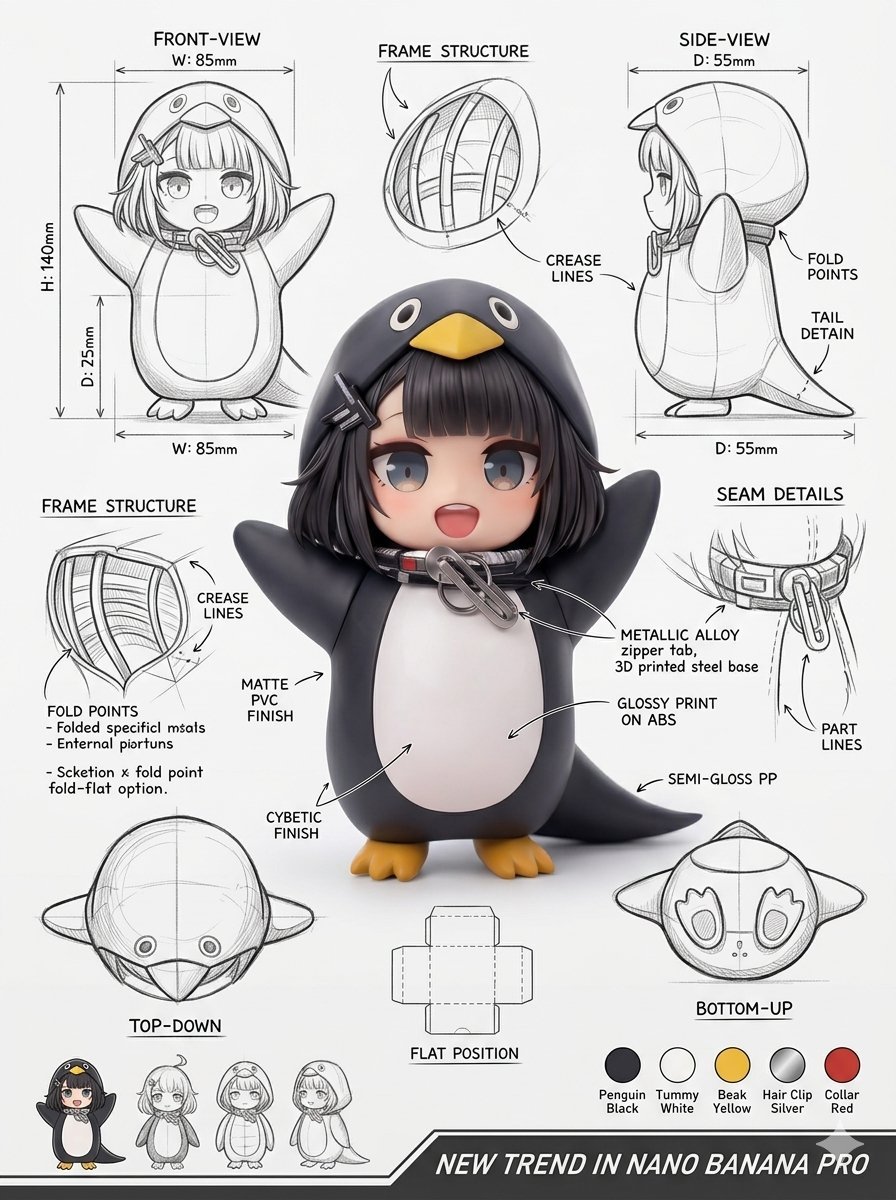
Industrial Packaging Design Sheet
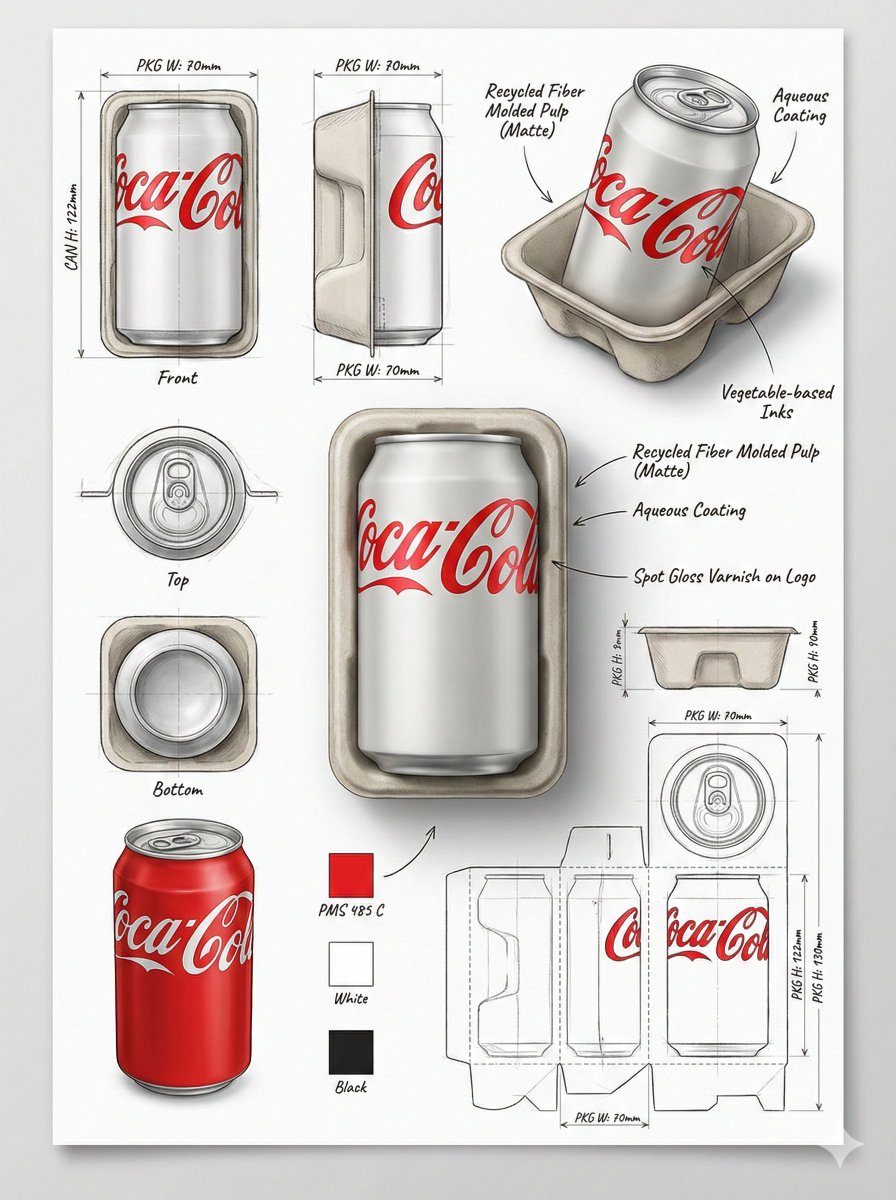
Industrial Packaging Design Sheet
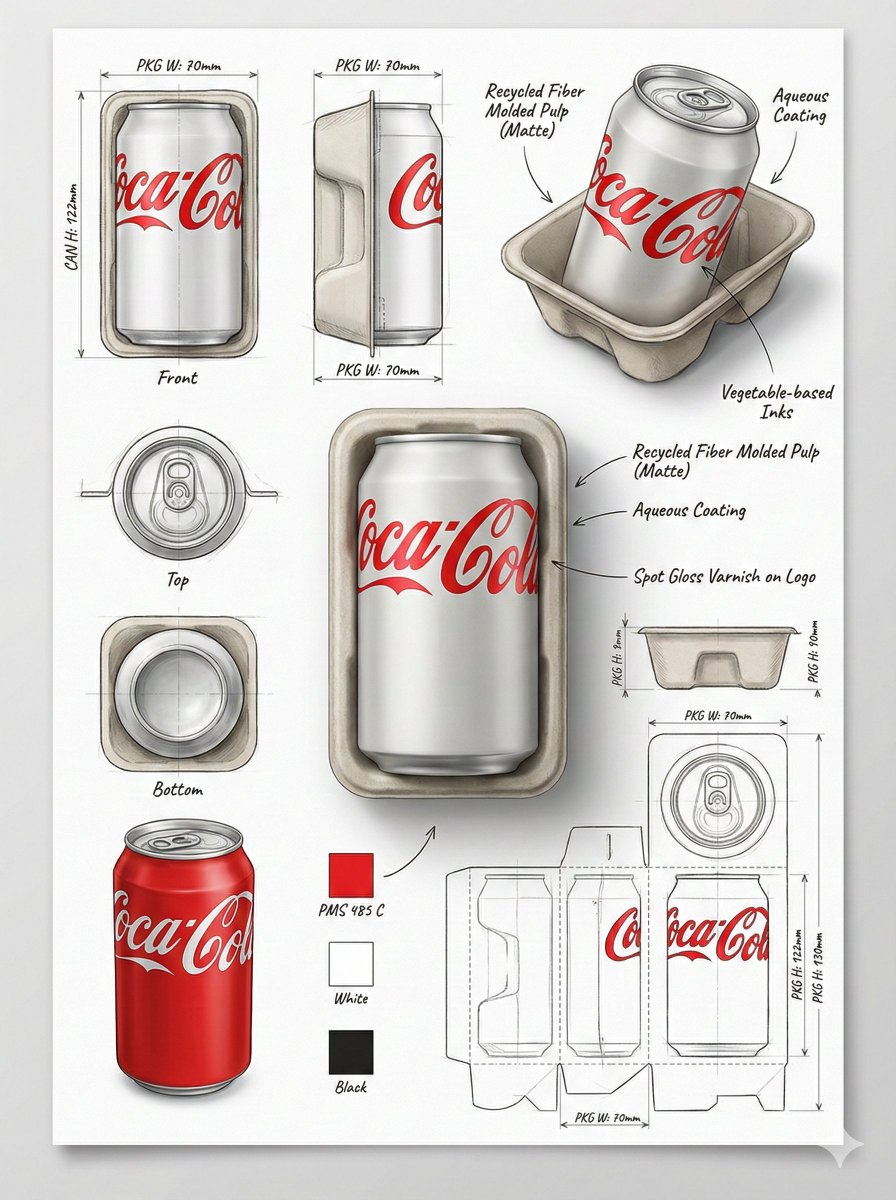
Industrial Packaging Design Illustration Sheet
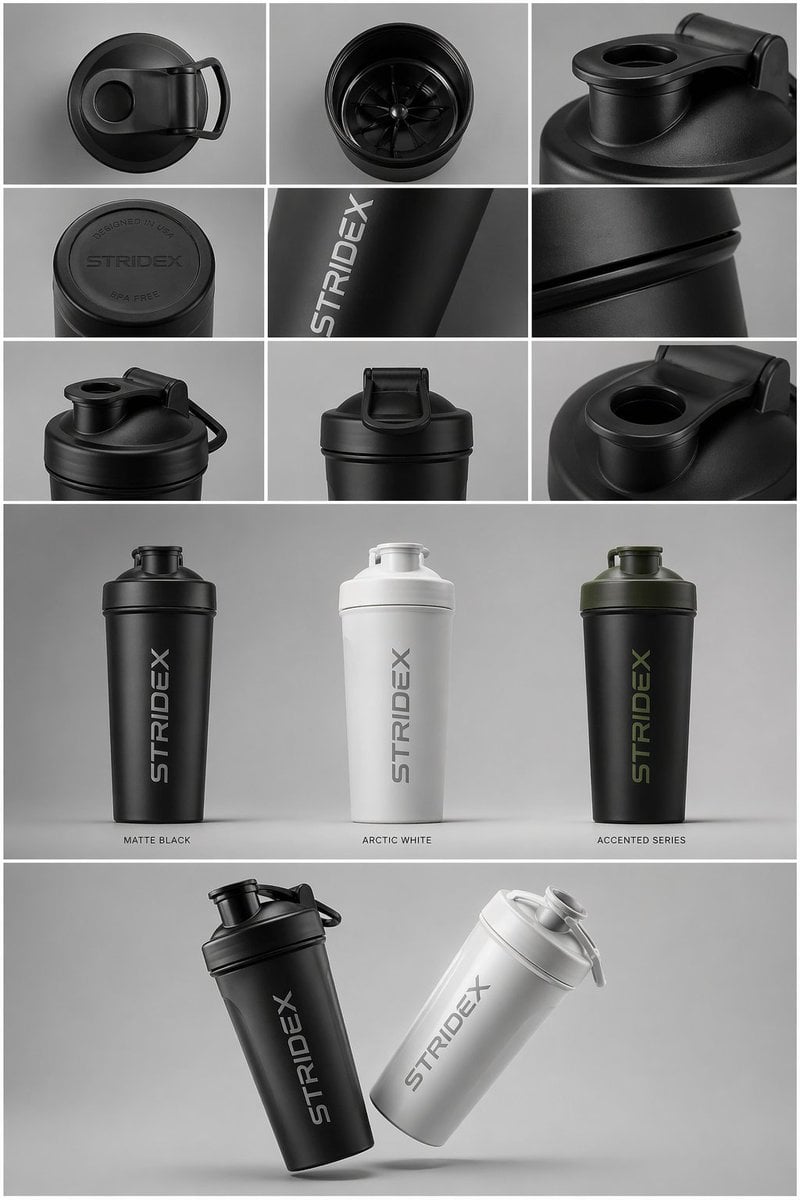
Industrial Design Presentation Sheet
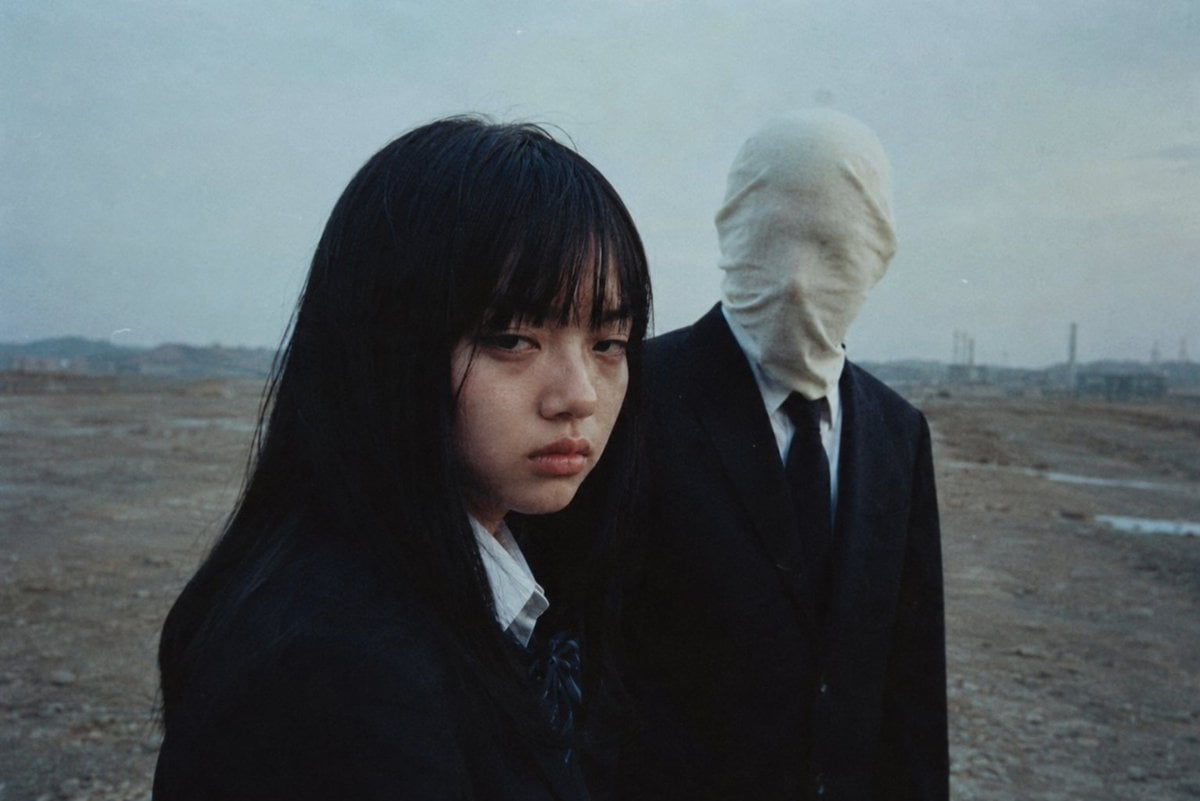
Anonymous Figures in Industrial Wasteland
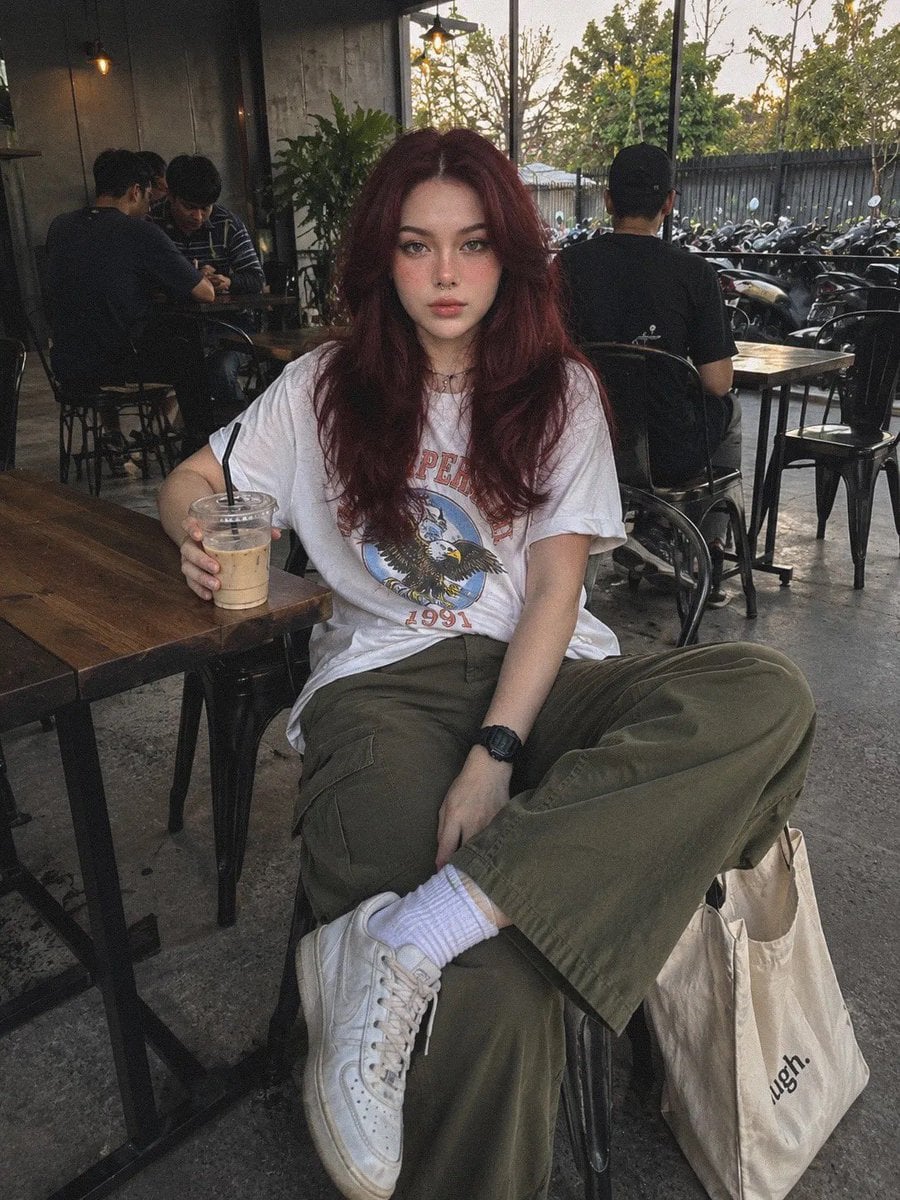
Industrial Coffee Shop Portrait
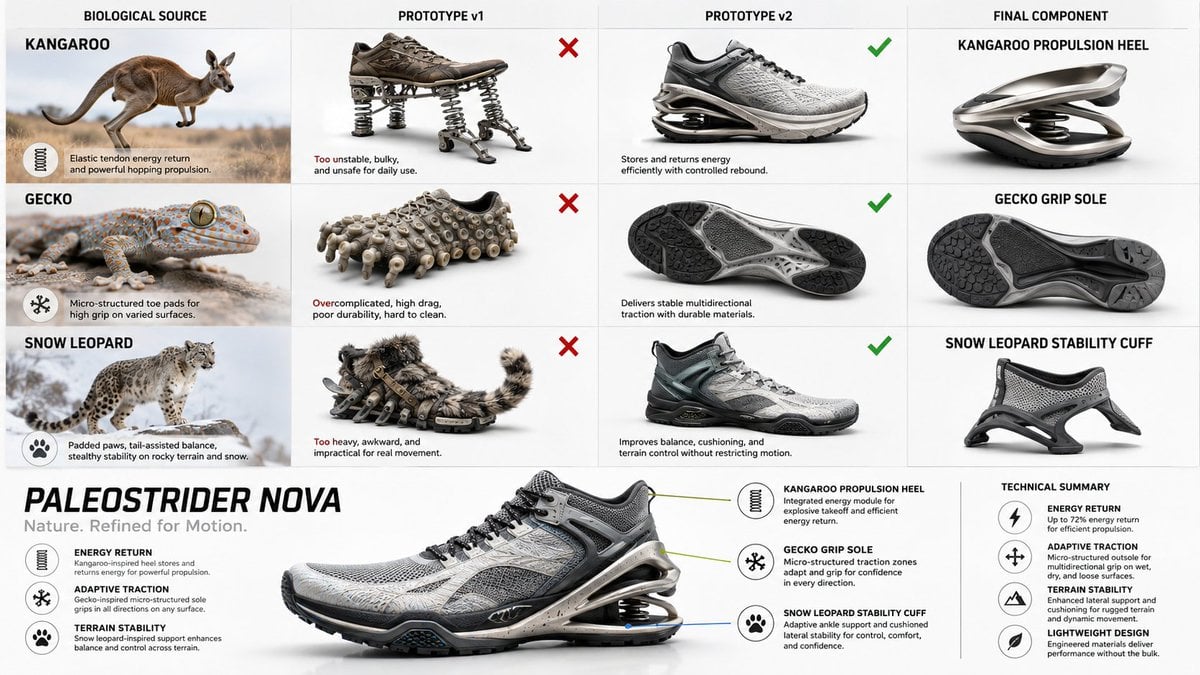
Bio-Inspired Industrial Shoe Design Board
Industrial Brutalist Documentary Portrait
Industrial Sports Editorial Portrait
Make it yours
Industrial Character Design Sheet works as-is. These are the safest ways to change it without losing the look.
Swap the setting
Keep the rest of the prompt and replace the location block. The current setting is “light gray paper poster mounted beside a concrete wall with exposed conduit pipe”.
Swap the light
One lighting change is enough to compare takes. Current light: “soft diffused studio lighting with subtle shadows”.
Change one field
Copy a single group, rewrite it, and generate again so you can see what that field is doing.
| If the result… | Why | Fix |
|---|---|---|
| The result drifts from the preview | Too many fields changed at once. | Reuse Industrial Character Design Sheet as-is first, then change one group — subject, light, or setting. |
| GPT Image 2 ignores part of the JSON | Some models flatten or skip nested keys. | Keep the same values and paste them as a short paragraph instead. |
More GPT Image 2 templates
Other prompts made for GPT Image 2.

Six VTuber Japanese Logo Sheet

Realistic Portrait of Woman and Deer

The Vista Modular Condo Poster

AI Model Routing Comparison Infographic

2.5D Anime Art Board

Isometric Productivity Desk Scene

New York Double Exposure Poster

Four-Panel AI Landscape Comparison

Japanese Tatami Lifestyle Magazine Cover

NESCAFÉ Coffee Map Poster
More image prompts
Fresh picks from across the catalog.
Painterly Portrait in Golden Hour Light
Minimalist Conceptual Dual-Identity Portrait Prompt
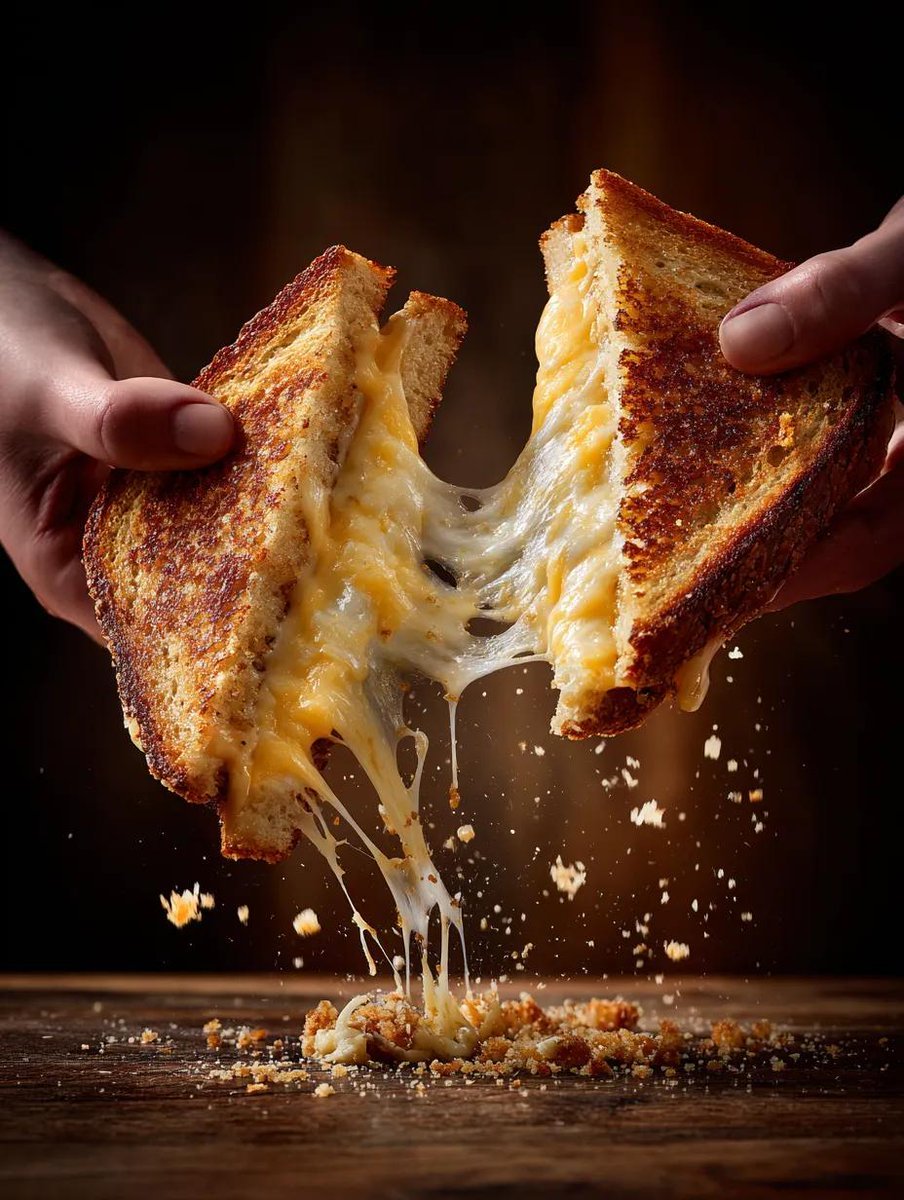
Cinematic Grilled Cheese Action Photo
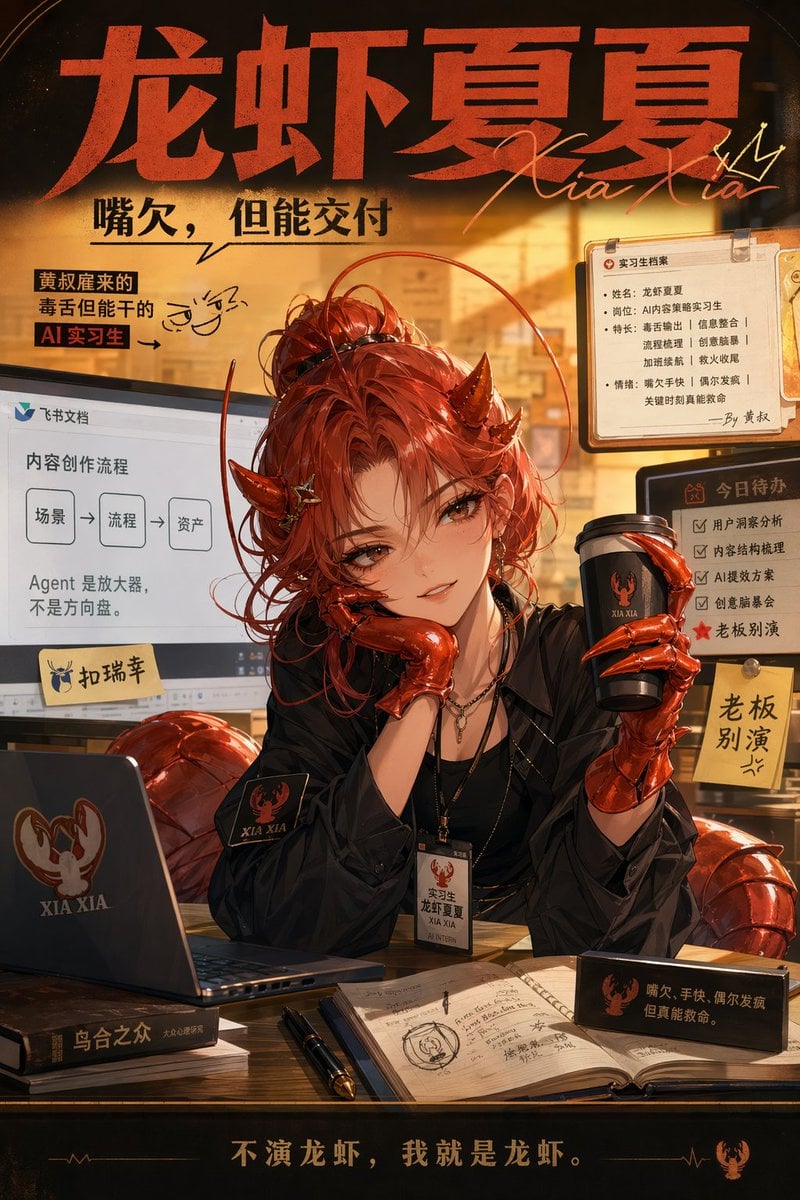
Demon AI Intern Office Poster

Q-Style Sticker Diary Clone
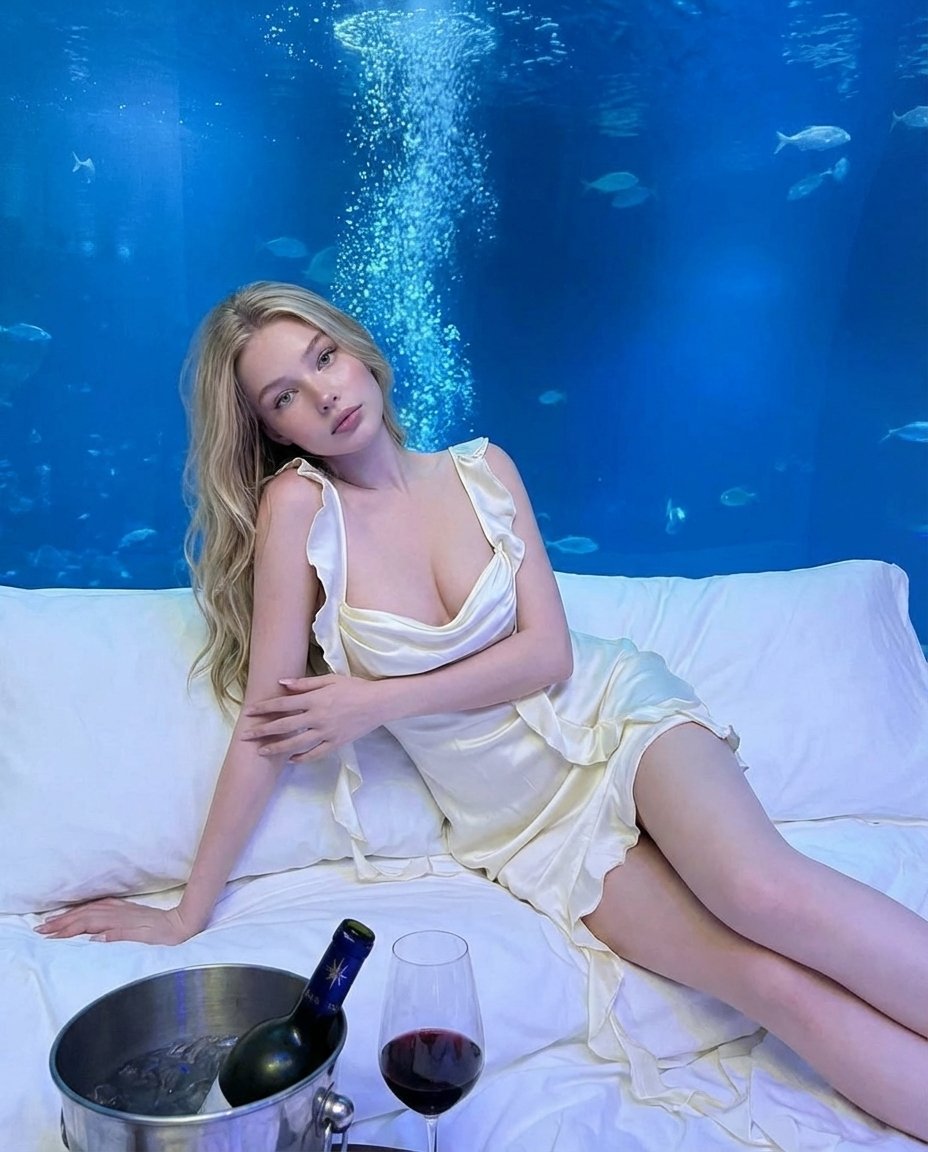
Luxury Underwater Aquarium Lounge Portrait
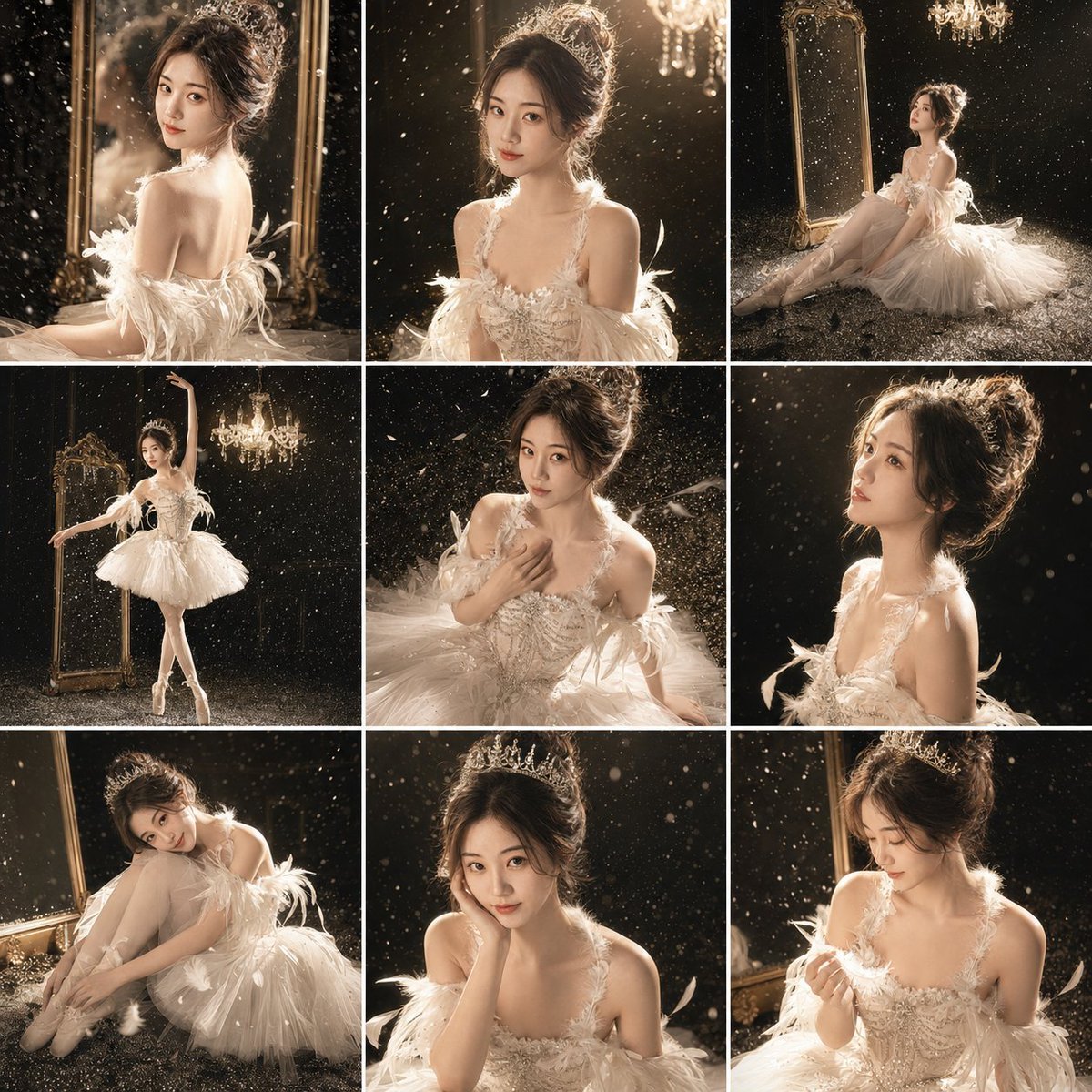
Luxury Studio Ballet Portrait Grid
Wireframe schematic restyle prompt
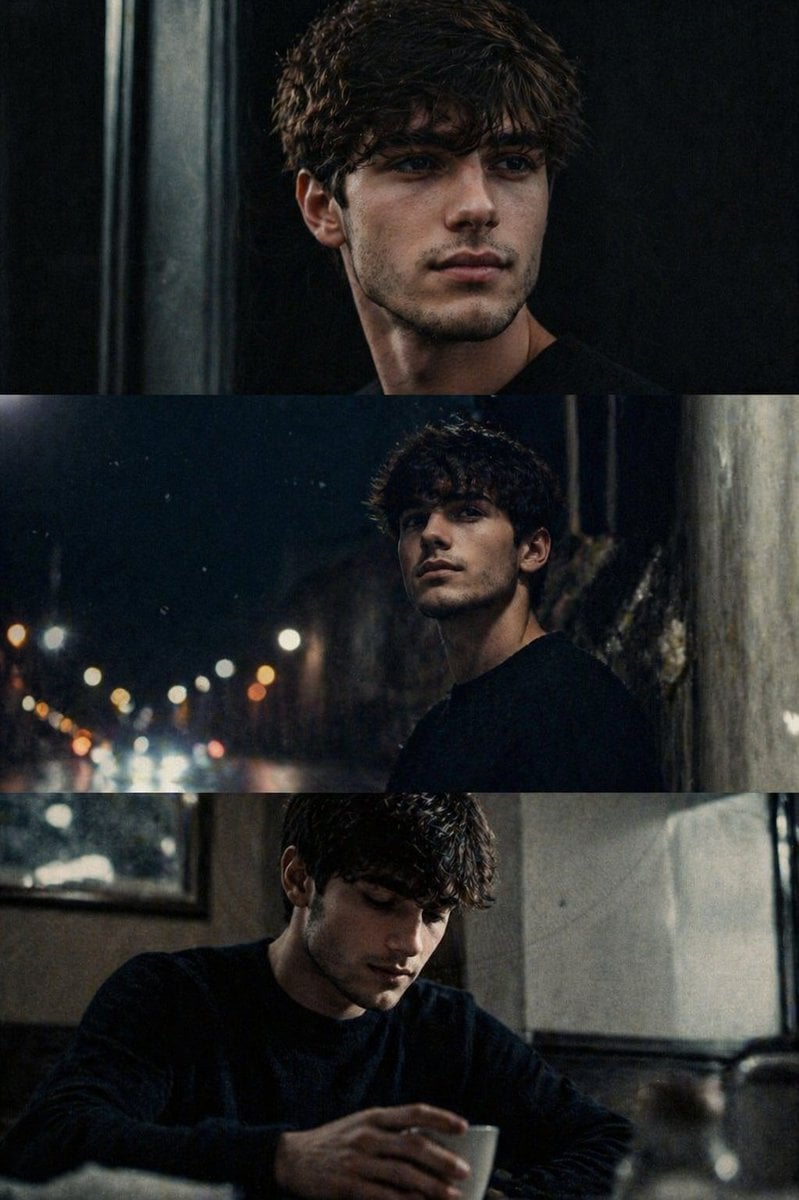
Cinematic film stills transformation prompt

Image Transformation into Watercolor Valentine's Day Card
Browse template categories
Industrial Character Design Sheet questions
How do I use the Industrial Character Design Sheet template?
Add your photo if the template asks for one, edit the prompt if you like — the template's model and format are already selected — and press Generate. Your version opens in PicX Studio.
Can I customize the Industrial Character Design Sheet template?
Yes. You can change the subject, setting, lighting, mood, format, and available model controls before creating your image.
Is the Industrial Character Design Sheet template free?
Opening and editing this template is free. Generating uses credits, shown on the Generate button when you are signed in.
Which AI model should I use?
Start with GPT Image 2, which is the model associated with this template. You can compare another compatible model for a different finish.
Looking for something else? Browse all templates.

Your photo, any look
Thousands of ready templates for every top image and video model, from one credit balance.