
Anonymous Figures in Industrial Wasteland
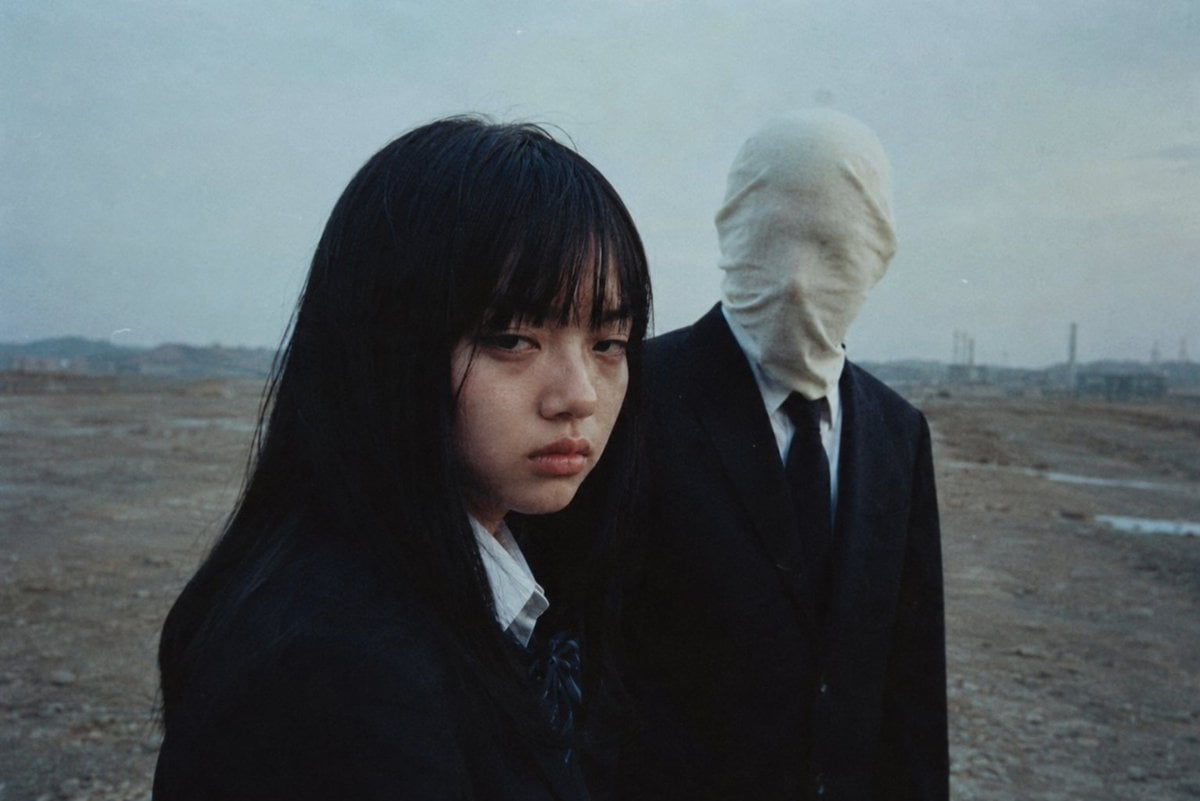
A cinematic analog-film scene of two anonymized figures in a bleak industrial landscape, useful for themes of privacy, identity, and personal data protection.
- Prompt included
- Model and format preset
- Free template
The prompt behind this image
Copy the exact prompt behind Anonymous Figures in Industrial Wasteland, or open it in the studio and make it yours.
Create a moody cinematic analog-film photograph about protecting personal identity. In a bleak, empty industrial wasteland under a cold overcast blue-gray sky, show exactly two people: in the left foreground, a Japanese schoolgirl with long messy black hair, wearing a dark navy school uniform, white shirt collar, and small dark ribbon tie, turned slightly toward the right; her face is completely hidden by a large opaque rectangular censor block in a dark brown-to-black gradient, centered over the face and covering all identifying features. In the right midground, slightly behind her, show a tall adult man in a black suit, white dress shirt, and black tie, with his entire head wrapped tightly in an off-white cloth sack so no facial features are visible, creating an anonymous unsettling presence. Use a wide horizontal 3:2 composition, the girl cropped close from chest up and occupying the left half, the masked man visible from torso up on the right, both standing on barren dirt with faint puddles, distant low hills, utility poles, and industrial smokestacks on the horizon. Style it like a 1970s/1980s Japanese arthouse thriller still: muted desaturated colors, blue-gray haze, soft focus, visible film grain, slight dust specks, natural dim light, eerie quiet atmosphere. No readable text, no logos, no extra people, no modern digital UI elements. Theme: {argument name="theme" default="protecting personal information"}; foreground subject: {argument name="foreground subject" default="Japanese schoolgirl"}; censor block color: {argument name="censor block color" default="dark brown-to-black gradient"}; background figure: {argument name="background figure" default="faceless man in a black suit with an off-white cloth-wrapped head"}; setting: {argument name="setting" default="bleak industrial wasteland"}.
How to use Anonymous Figures in Industrial Wasteland in 3 steps
- 1Upload ImagePNG, JPG or paste
Add your photo
Upload the photo the template builds on. The prompt, model and format are already set.
- 2…a portrait of your subject in softgolden-hour light, 85mm…
Personalize
Edit the subject and creative details for your destination.
- 3Generate
Generate
Press Generate — your image is created in PicX Studio, so you can compare it with the original and refine one variable at a time.
More like this
Templates with the same subject, style or setup. Open one to see its prompt.

Caution Tape Fashion — Industrial Editorial
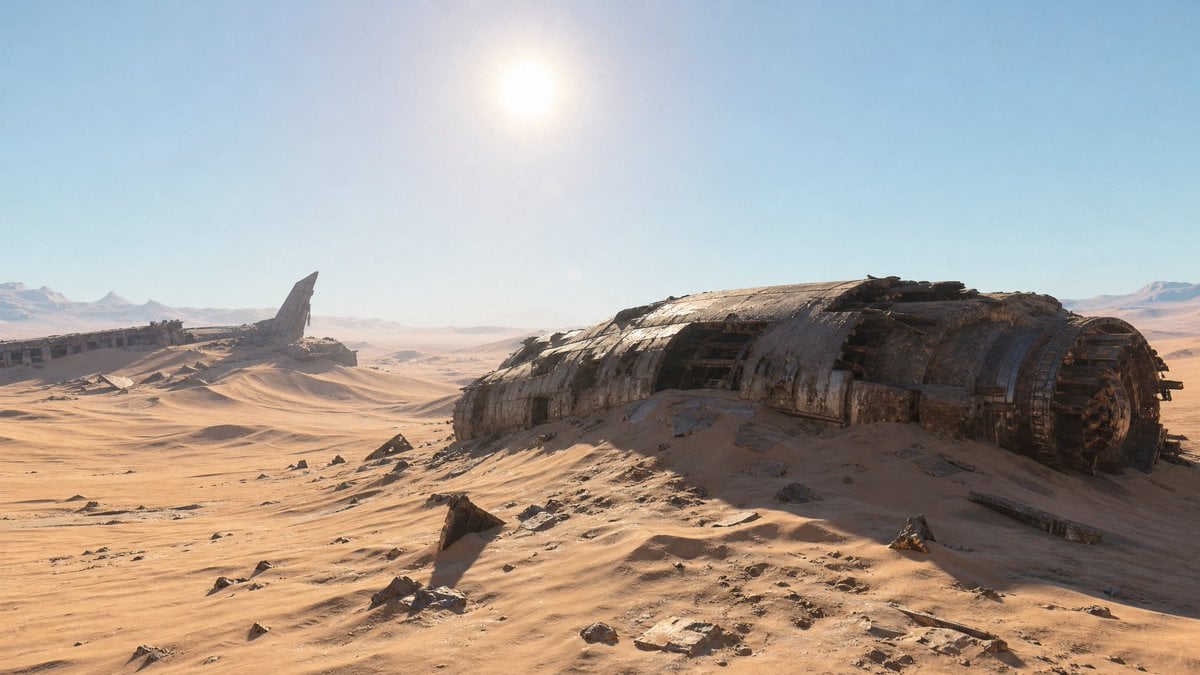
Crashed Spaceship Desert Wasteland
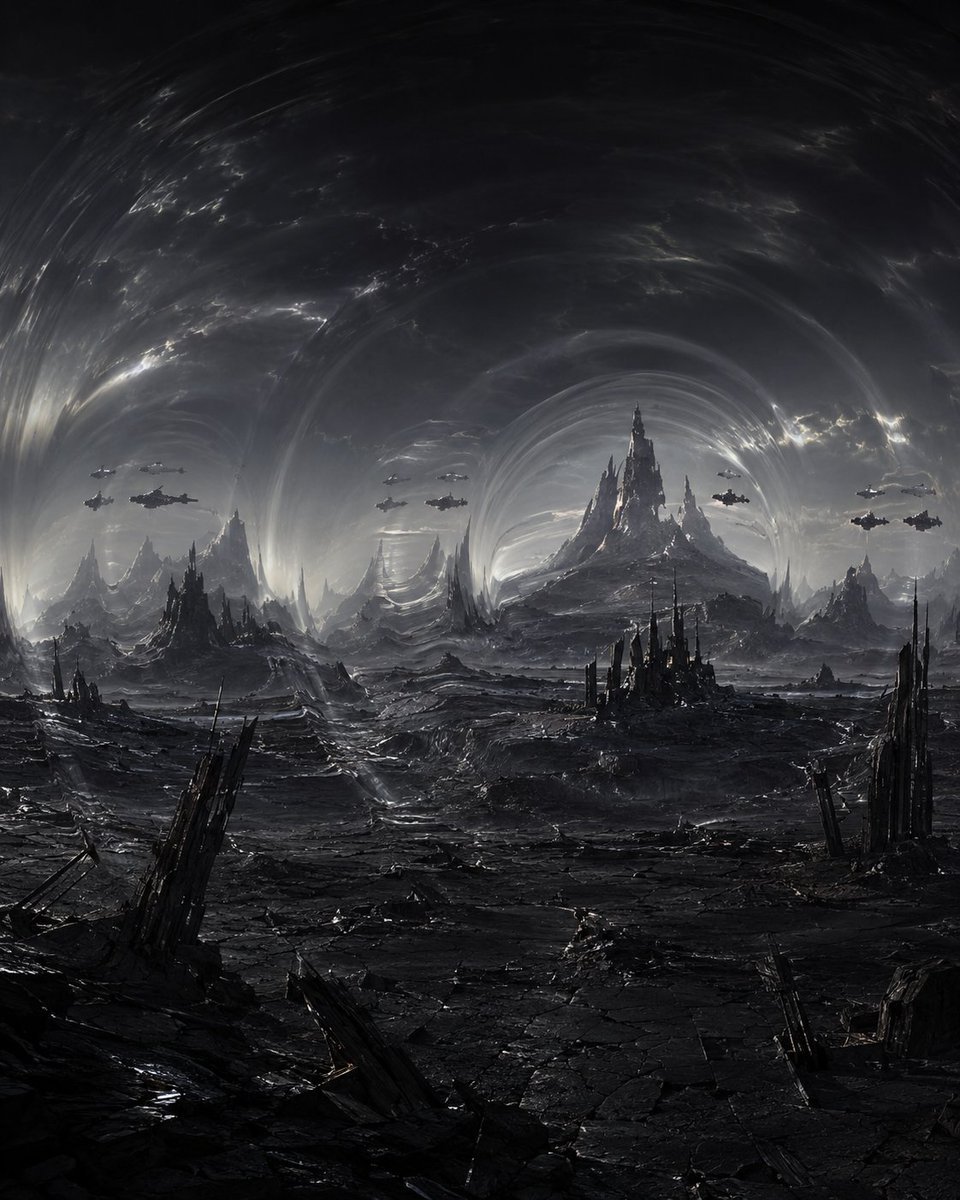
Dark Alien Vibration Wasteland
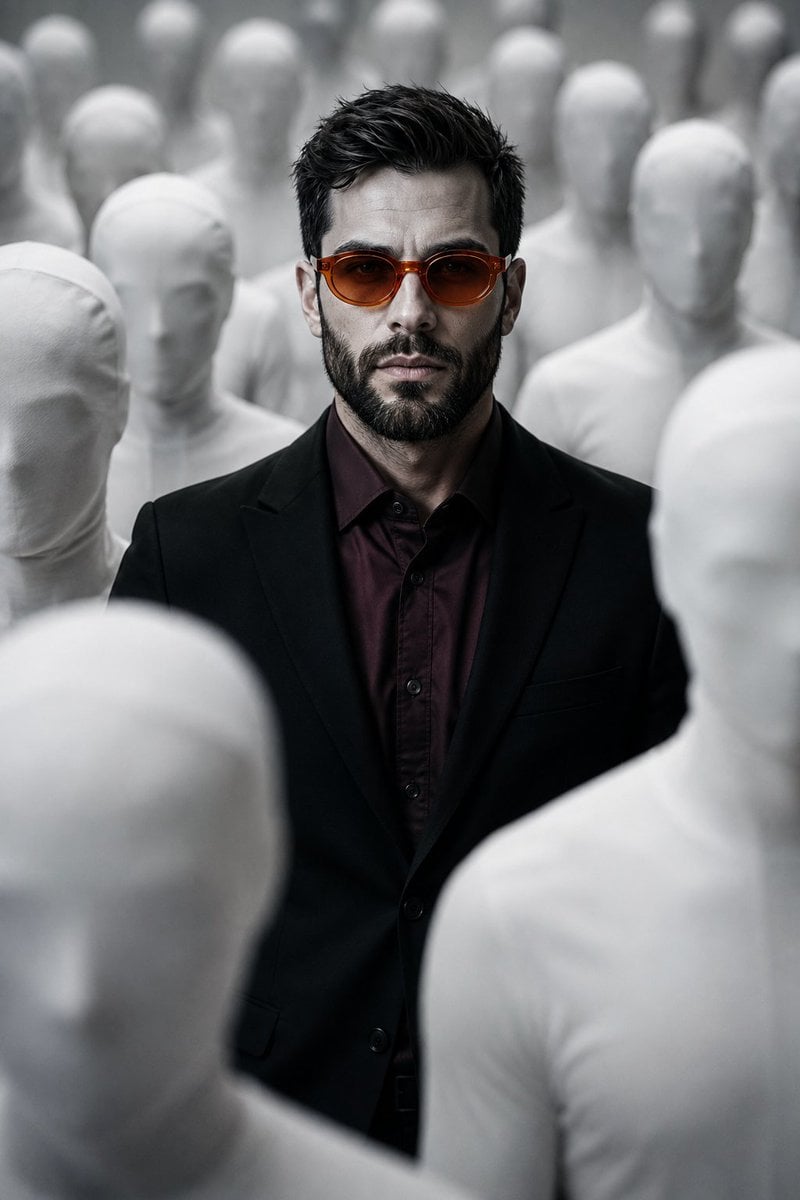
Surreal Faceless Figures Portrait
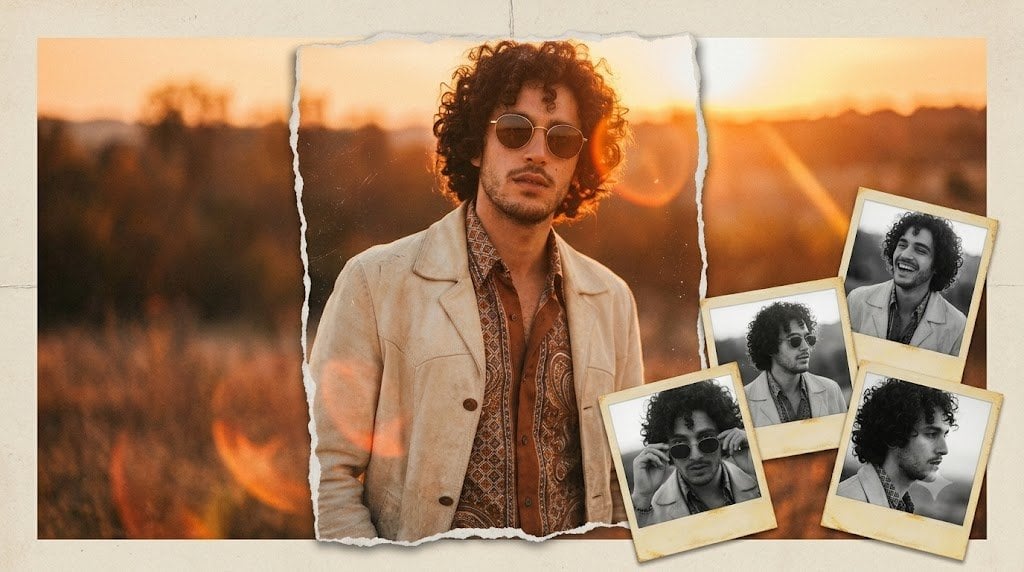
Vintage Anonymous Portrait Collage
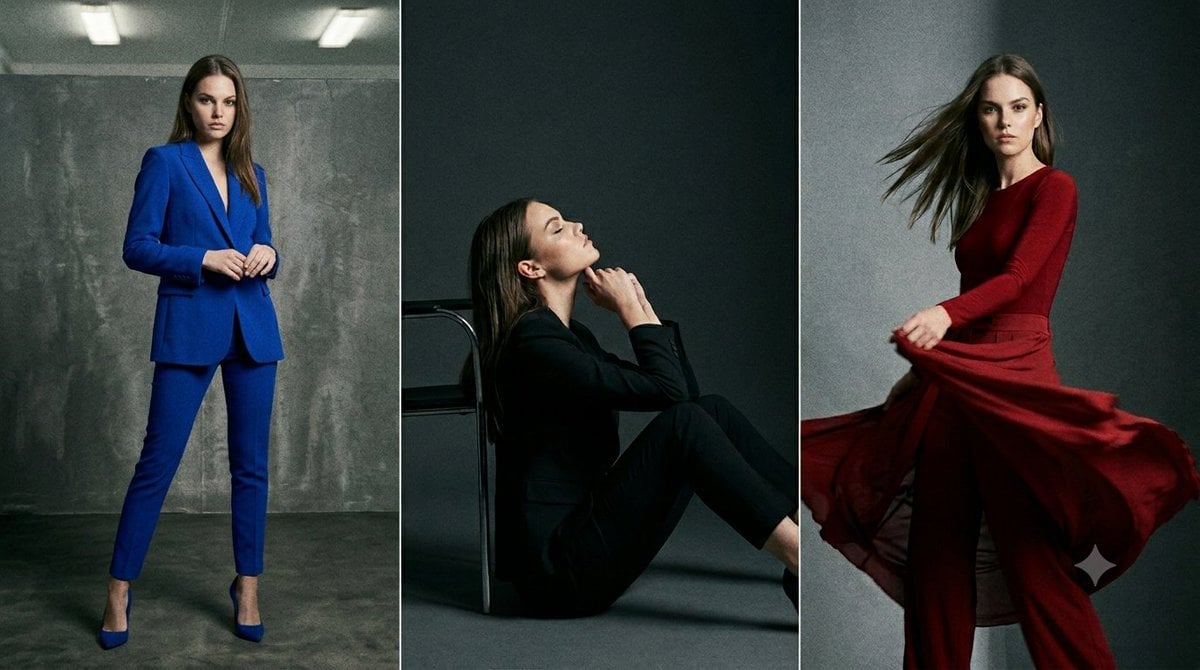
Anonymous Fashion Editorial Triptych
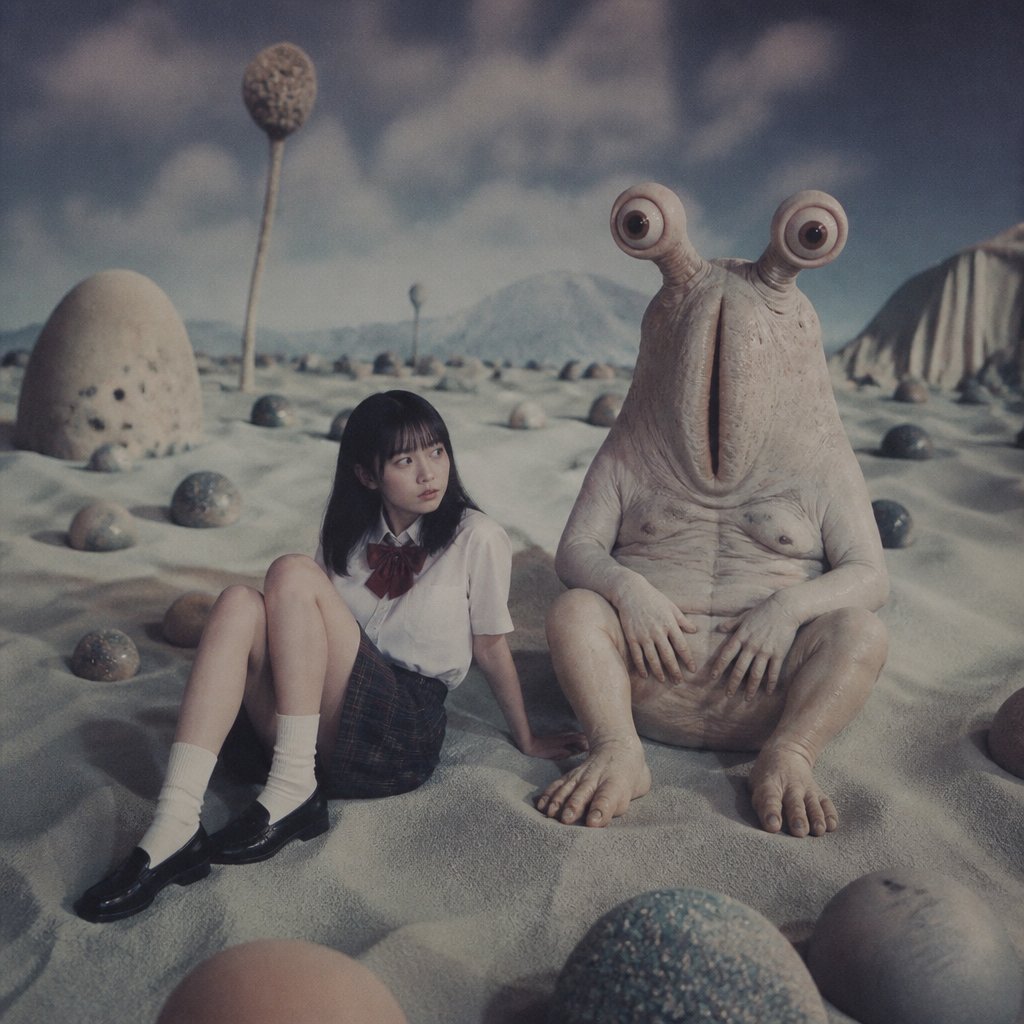
Schoolgirl and Eyestalk Alien in Sand Wasteland
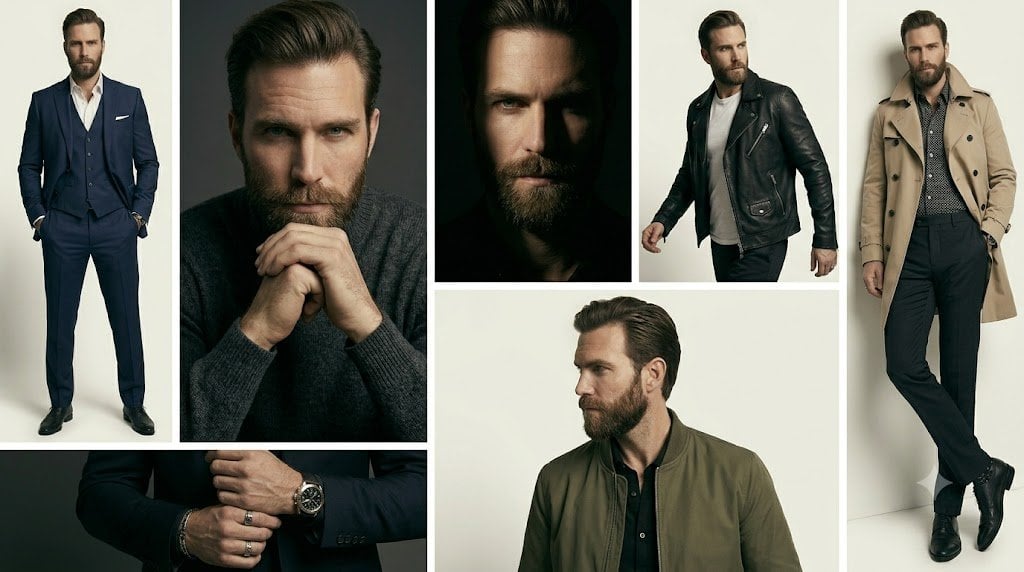
Anonymous Menswear Editorial Collage
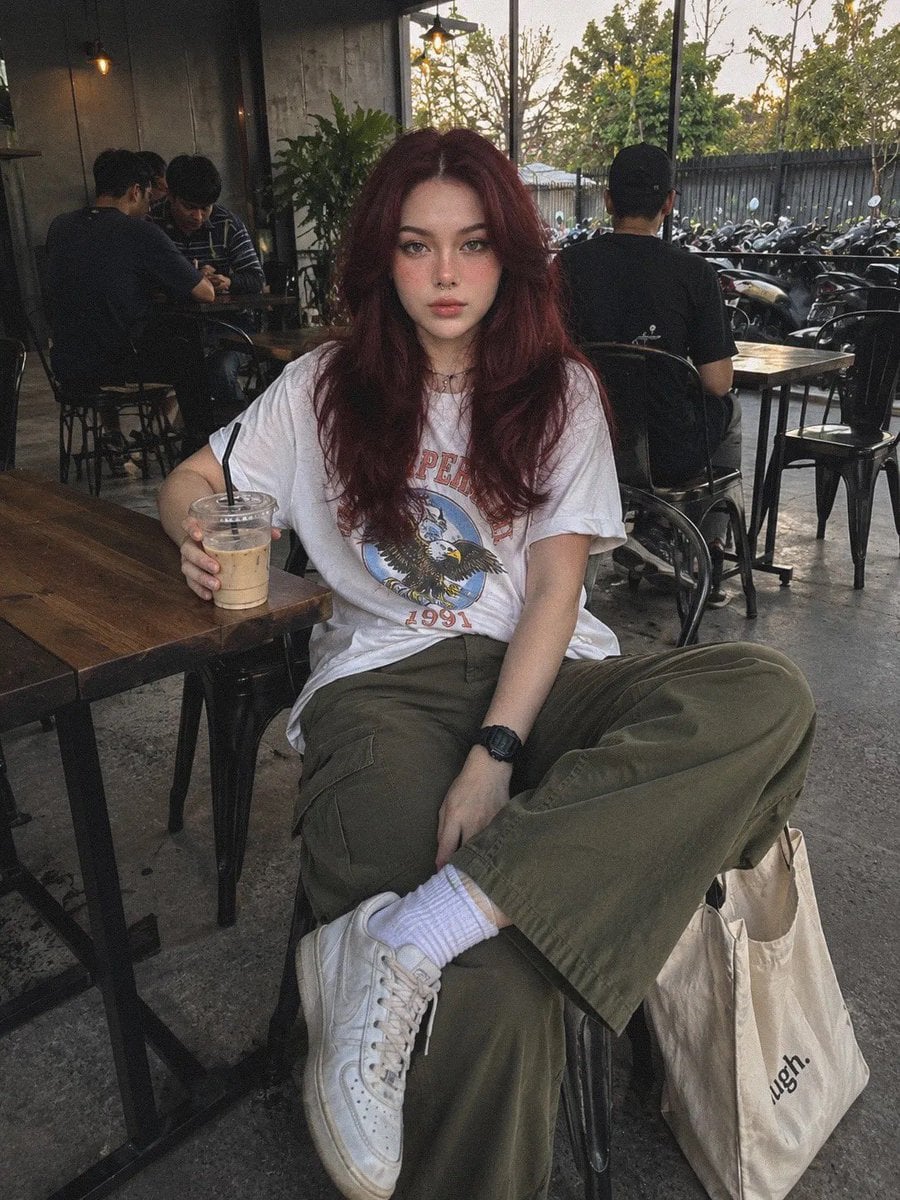
Industrial Coffee Shop Portrait
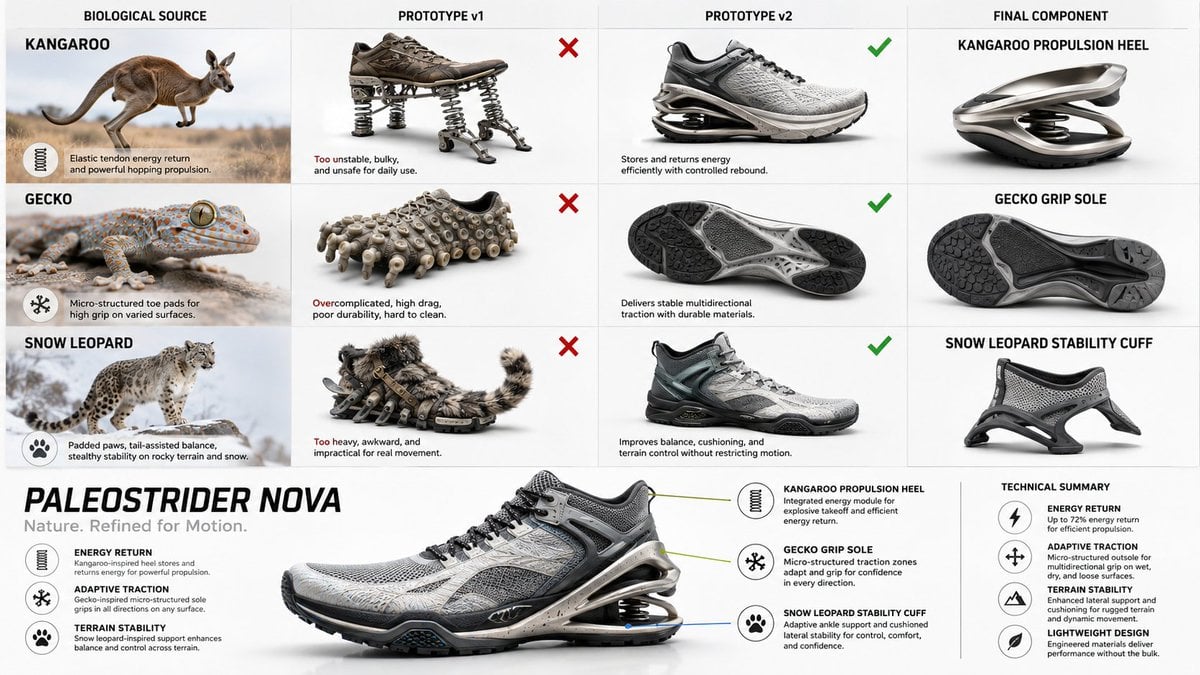
Bio-Inspired Industrial Shoe Design Board
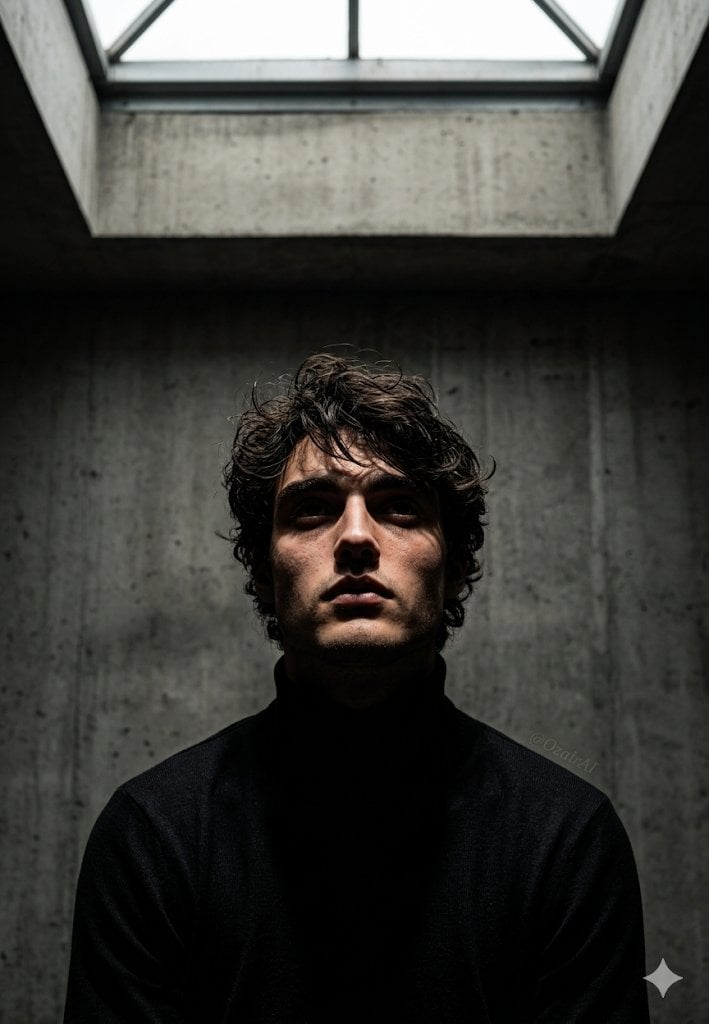
Industrial Brutalist Documentary Portrait
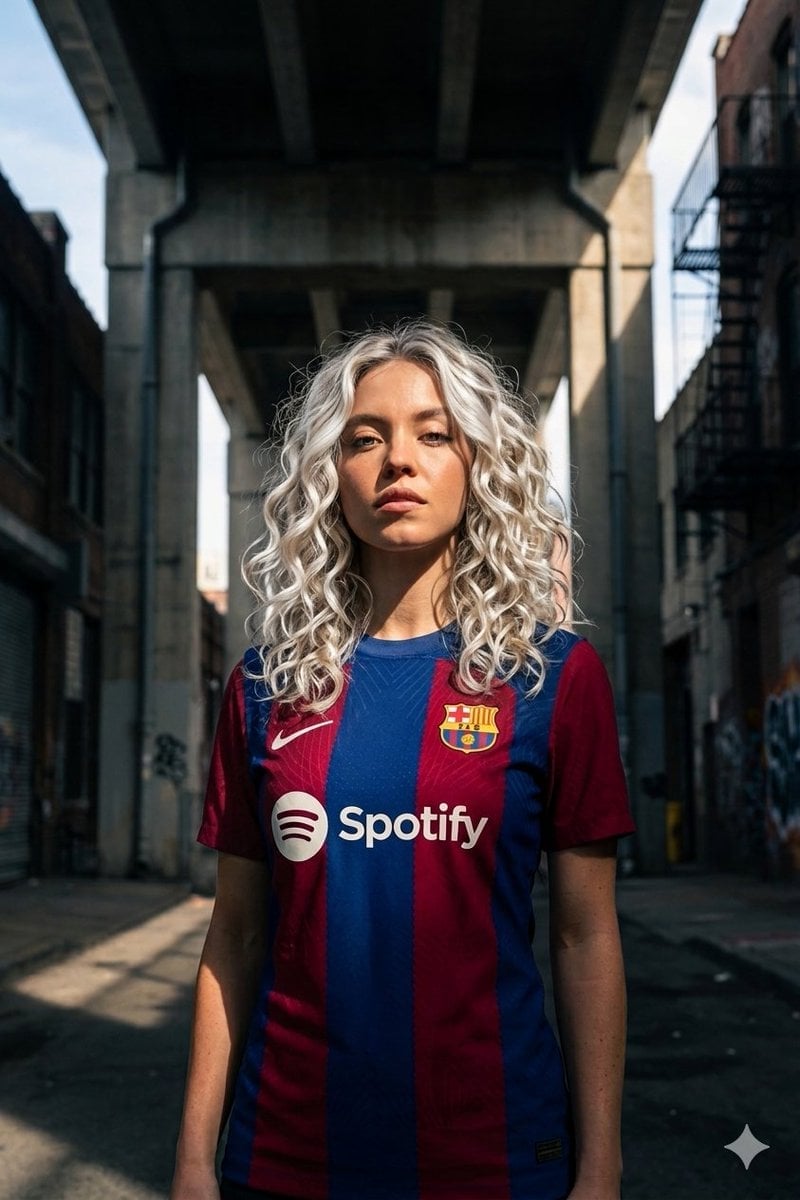
Industrial Sports Editorial Portrait
Make it yours
Anonymous Figures in Industrial Wasteland works as-is. These are the safest ways to change it without losing the look.
Change one field
Copy a single group, rewrite it, and generate again so you can see what that field is doing.
Keep the frame, change the subject
Hold the composition and light of Anonymous Figures in Industrial Wasteland, then swap wardrobe, props or the person for a new take.
| If the result… | Why | Fix |
|---|---|---|
| The result drifts from the preview | Too many fields changed at once. | Reuse Anonymous Figures in Industrial Wasteland as-is first, then change one group — subject, light, or setting. |
| The model over-stylizes the scene | The prose prompt leaves finish and camera underspecified. | Add one camera or lighting sentence and stay on GPT Image 2. |
More GPT Image 2 templates
Other prompts made for GPT Image 2.

Six VTuber Japanese Logo Sheet

Realistic Portrait of Woman and Deer

The Vista Modular Condo Poster

AI Model Routing Comparison Infographic

2.5D Anime Art Board

Isometric Productivity Desk Scene

New York Double Exposure Poster

Four-Panel AI Landscape Comparison

Japanese Tatami Lifestyle Magazine Cover

NESCAFÉ Coffee Map Poster
More image prompts
Fresh picks from across the catalog.

Anime Portrait of South Asian Woman

British Vogue Cover Style High-End Gentleman Portrait Prompt

Fantasy GPT Image 2 Skill Banner

Anime Ship Girl Saluting on Beach
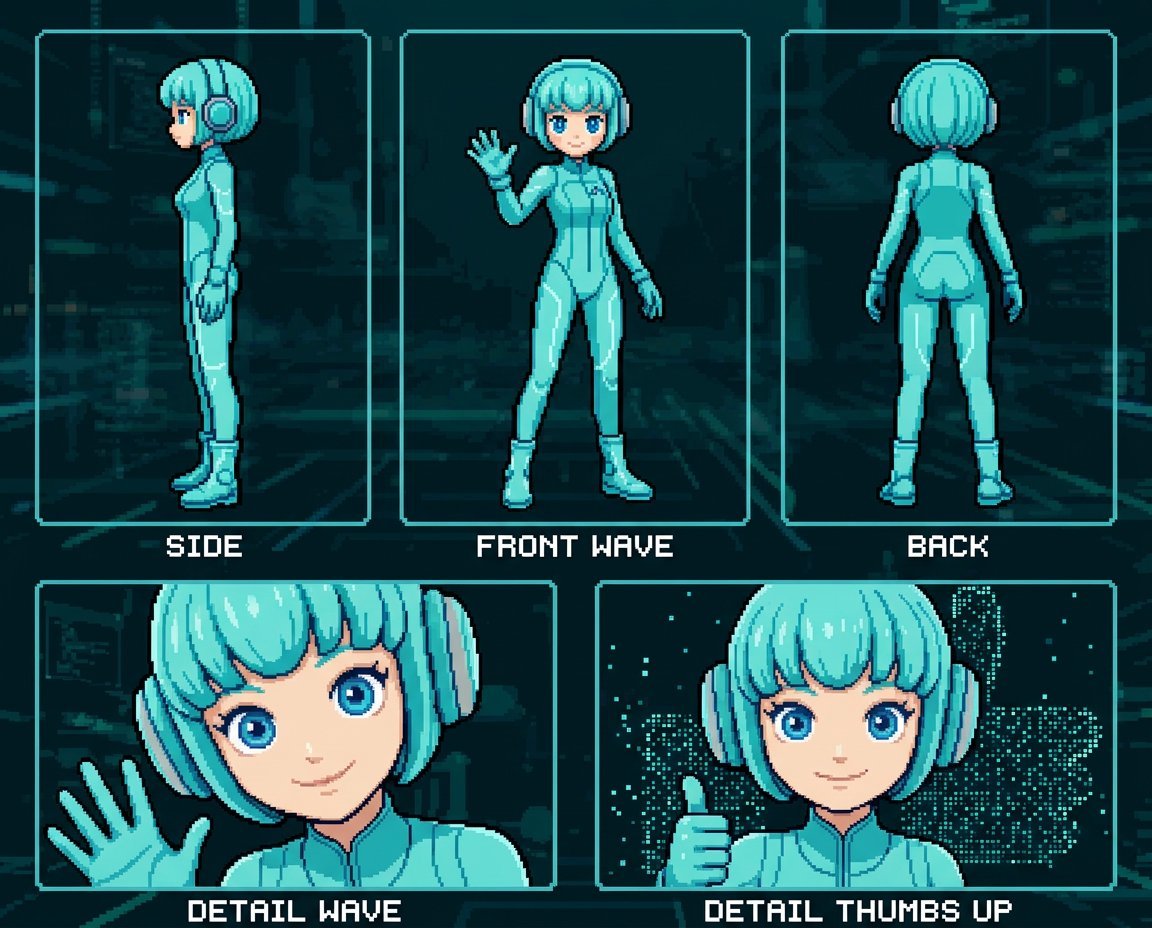
Retro 8-Bit Game Aesthetic Prompt
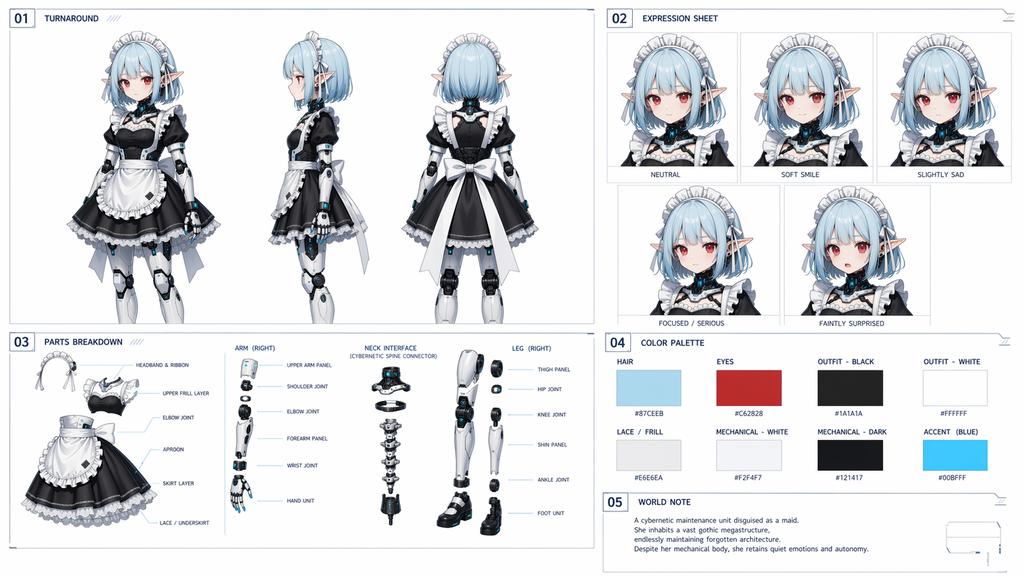
Cybernetic Character Reference Sheet
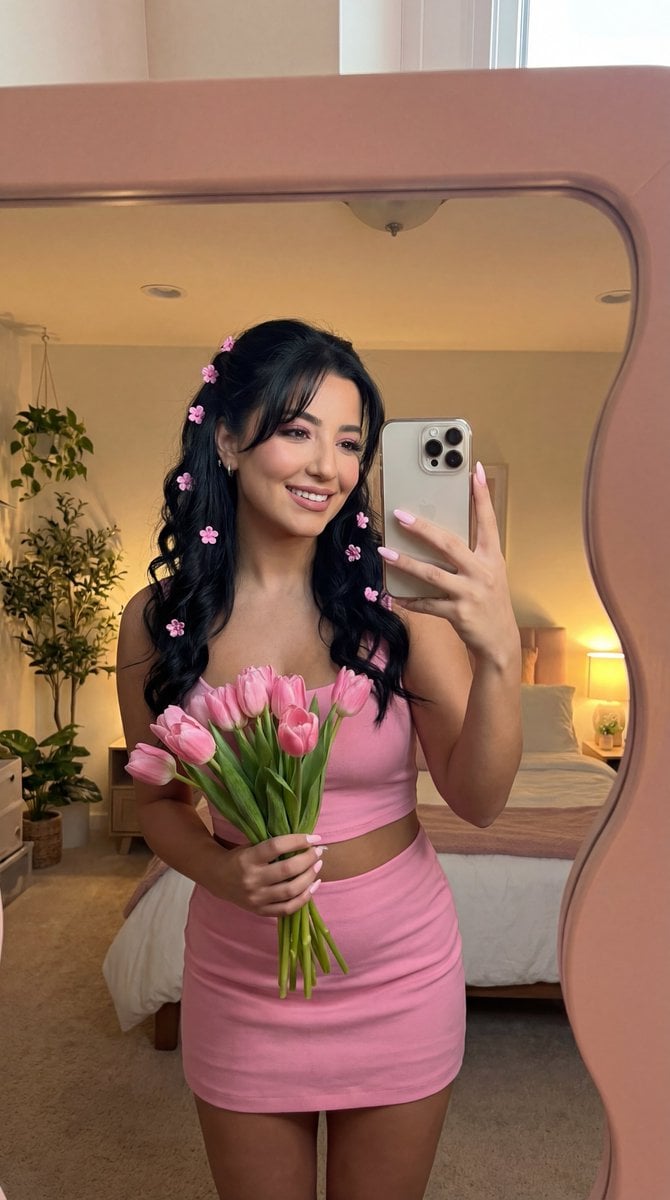
Coquette Mirror Selfie with Pink Flowers and Identity Lock
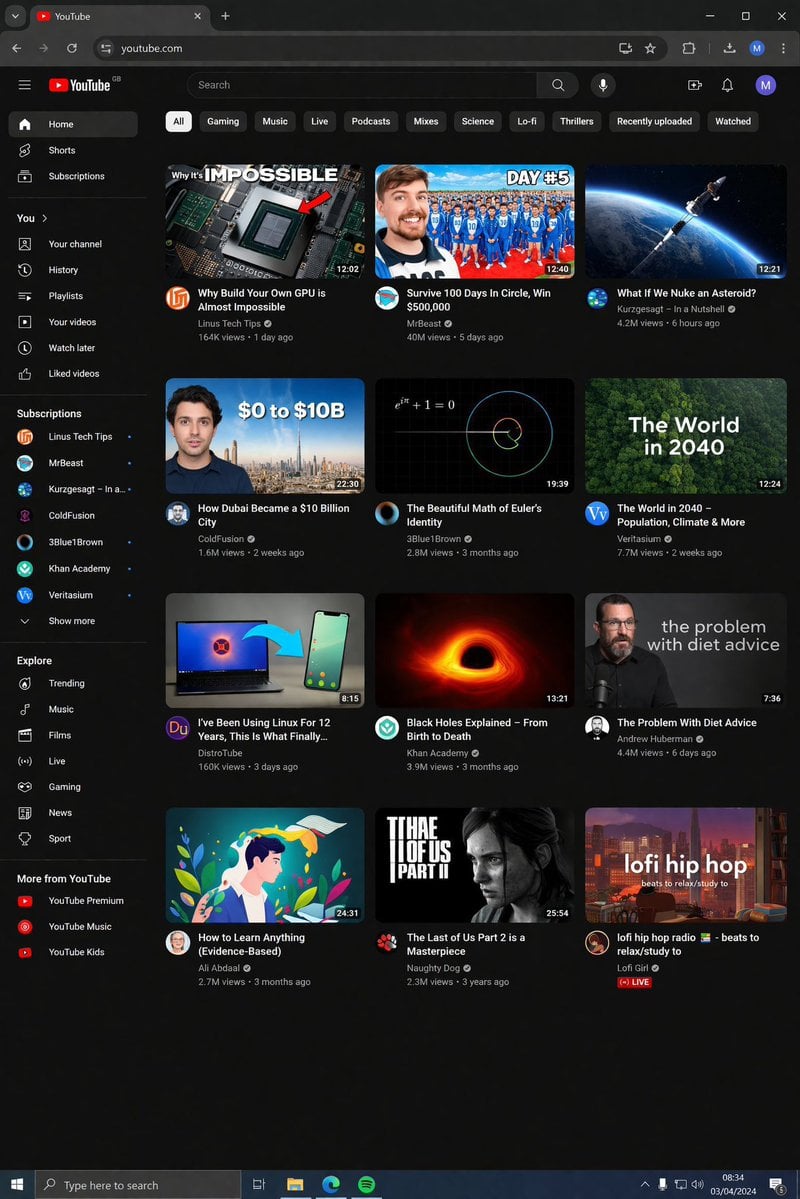
YouTube Dark Mode Desktop UI Mockup
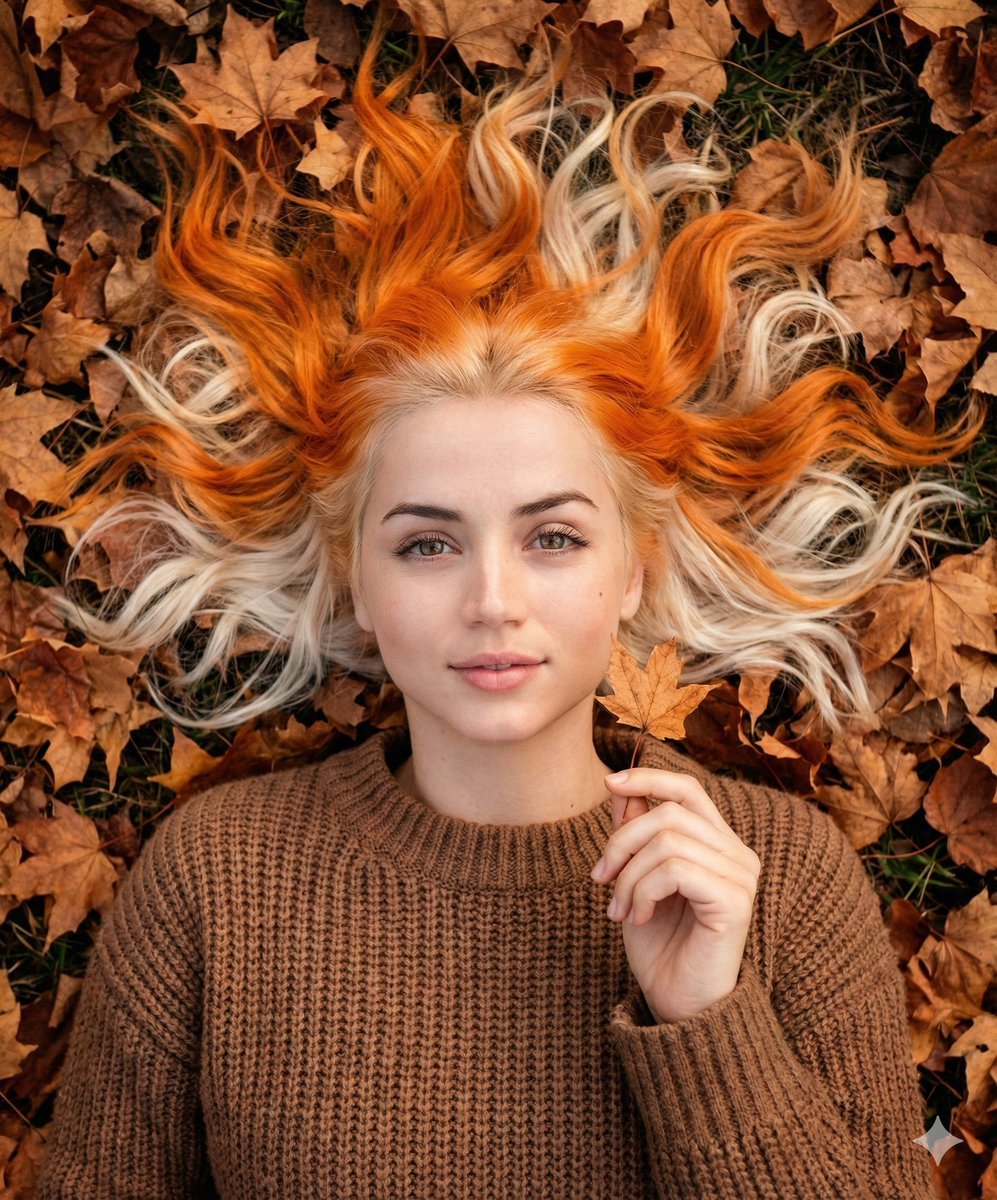
Dreamy Autumnal Portrait of a Young Woman
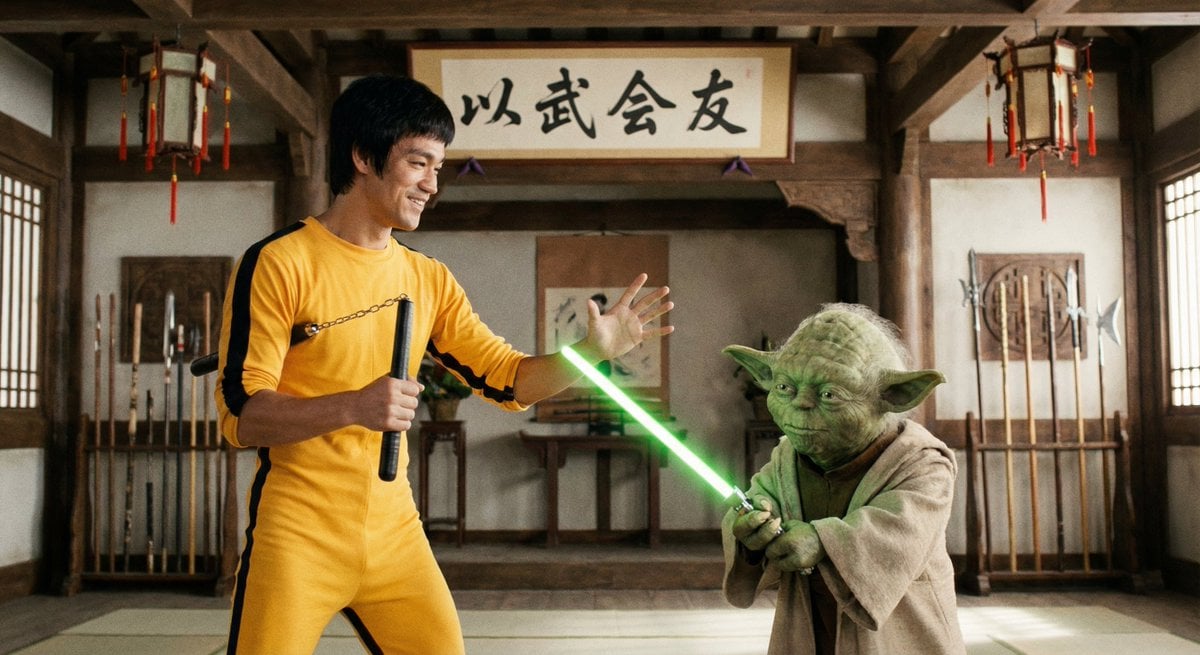
Bruce Lee sparring with Yoda in a dojo
Browse template categories
Anonymous Figures in Industrial Wasteland questions
How do I use the Anonymous Figures in Industrial Wasteland template?
Add your photo if the template asks for one, edit the prompt if you like — the template's model and format are already selected — and press Generate. Your version opens in PicX Studio.
Can I customize the Anonymous Figures in Industrial Wasteland template?
Yes. You can change the subject, setting, lighting, mood, format, and available model controls before creating your image.
Is the Anonymous Figures in Industrial Wasteland template free?
Opening and editing this template is free. Generating uses credits, shown on the Generate button when you are signed in.
Which AI model should I use?
Start with GPT Image 2, which is the model associated with this template. You can compare another compatible model for a different finish.
Looking for something else? Browse all templates.

Your photo, any look
Thousands of ready templates for every top image and video model, from one credit balance.