
Industrial Coffee Shop Portrait
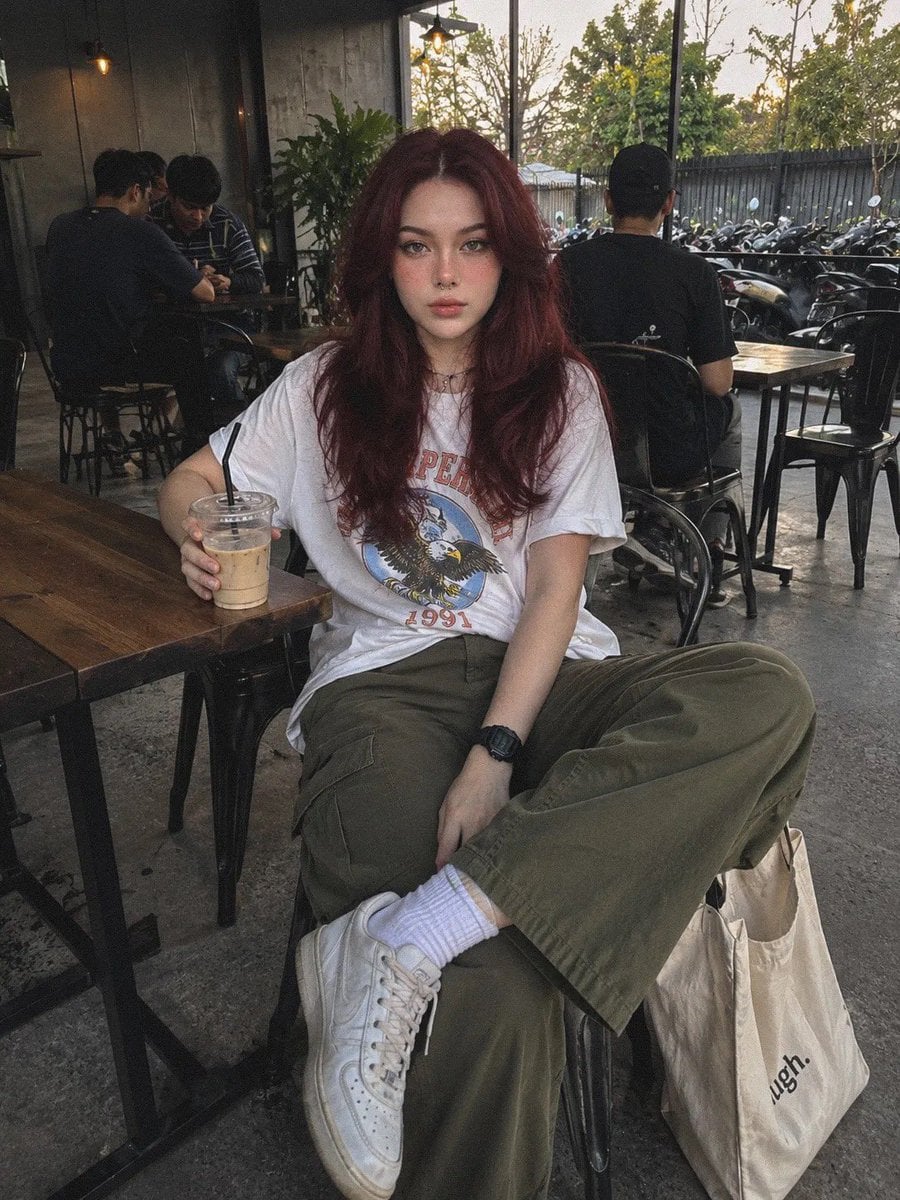
A highly detailed prompt for creating realistic lifestyle photography with preserved facial identity, set in a modern industrial coffee shop atmosphere.
- Prompt included
- Model and format preset
- Premium template
The prompt behind this image
Copy the exact prompt behind Industrial Coffee Shop Portrait, or open it in the studio and make it yours.
Use the reference photo as the primary facial identity. Preserve the face as closely as possible to the reference, including the face shape, eye proportions, nose, lips, jawline, eyebrows, natural expression, freckles, septum piercing, thin-frame glasses, and the overall facial characteristics. Do not alter the person’s facial identity. Do not make the face look AI-generated, doll-like, overly perfect, or like a fashion editorial model. A young woman is sitting casually at a {argument name="setting" default="semi-outdoor industrial-style coffee shop"}, typical of popular Gen Z hangout spots in Indonesia. The interior features wooden tables, black metal chairs, lush green plants, warm hanging pendant lights, exposed concrete flooring, and a faintly visible motorcycle parking area in the distance. A few casually dressed customers appear softly blurred in the background, creating a lively atmosphere while keeping the focus on the subject. Outfit •{argument name="outfit" default="Oversized white vintage graphic T-shirt with casually rolled sleeves, loose-fit olive green cargo pants, and white sneakers"}. •White ankle socks. •A cream canvas tote bag placed beside the chair. •Simple black digital wristwatch. •Small brown beaded choker necklace. Hair Maintain the {argument name="hair style" default="long, naturally wavy hairstyle"} from the reference photo, with realistic volume and natural flow. The hair should be neatly arranged while preserving its authentic texture and movement. Pose She is sitting comfortably, leaning slightly against the chair back. One hand is holding a glass of iced coffee with milk resting on the table, while the other hand rests naturally on her thigh. Her shoulders are relaxed, legs comfortably apart, and she looks directly at the camera with a calm, neutral expression, as if a friend casually took the photo rather than posing for a professional photoshoot. Composition Full-body portrait in a vertical 4:5 aspect ratio. The camera is positioned approximately 1.5 meters from the subject using a standard smartphone rear camera. The angle is slightly below eye level with a subtle tilt, creating the natural feel of an everyday snapshot taken by a friend. Lighting Natural daylight around 4:30–5:00 PM. Soft late-afternoon sunlight enters from the side, producing gentle shadows without dramatic lighting. Camera Quality The image should genuinely resemble a photo captured with a regular Android phone or iPhone, not a professional camera. Details should be reasonably sharp but not overly clean, with slight natural image noise, normal dynamic range, subtle motion blur on people in the background, warm white balance typical of Indonesia’s afternoon light, and absolutely no excessive HDR processing. Color Grading Warm, natural tones dominated by beige, olive green, gray, and brown. Colors are slightly faded with low contrast and mild saturation, resembling an everyday photo that has received little or no editing. Atmosphere Authentic and relaxed, capturing the
How to use Industrial Coffee Shop Portrait in 3 steps
- 1Upload ImagePNG, JPG or paste
Add your photo
Upload the photo the template builds on. The prompt, model and format are already set.
- 2…a portrait of your subject in softgolden-hour light, 85mm…
Personalize
Edit the subject and creative details for your destination.
- 3Generate
Generate
Press Generate — your image is created in PicX Studio, so you can compare it with the original and refine one variable at a time.
More like this
Templates with the same subject, style or setup. Open one to see its prompt.

Caution Tape Fashion — Industrial Editorial
JSON Prompt for Lifestyle Portrait in Coffee Shop

Found Photograph: Us, 1970

80s Couple Studio Portrait

80s Bollywood Star

80s Golden Hour Cinema

Me in 1985

1985 Studio Portrait

Hyper-Realistic Minecraft POV Portrait

Rooftop Fisheye — Cat-Ear Balaclava at Golden Hour
Lifestyle Portrait at a Shopping Mall
Woman with Ice Cream Shop Portrait
Make it yours
Industrial Coffee Shop Portrait works as-is. These are the safest ways to change it without losing the look.
Change one field
Copy a single group, rewrite it, and generate again so you can see what that field is doing.
Keep the frame, change the subject
Hold the composition and light of Industrial Coffee Shop Portrait, then swap wardrobe, props or the person for a new take.
| If the result… | Why | Fix |
|---|---|---|
| The result drifts from the preview | Too many fields changed at once. | Reuse Industrial Coffee Shop Portrait as-is first, then change one group — subject, light, or setting. |
| The model over-stylizes the scene | The prose prompt leaves finish and camera underspecified. | Add one camera or lighting sentence and stay on GPT Image 2. |
More GPT Image 2 templates
Other prompts made for GPT Image 2.

Six VTuber Japanese Logo Sheet

Realistic Portrait of Woman and Deer

The Vista Modular Condo Poster

AI Model Routing Comparison Infographic

2.5D Anime Art Board

Isometric Productivity Desk Scene

New York Double Exposure Poster

Four-Panel AI Landscape Comparison

Japanese Tatami Lifestyle Magazine Cover

NESCAFÉ Coffee Map Poster
More image prompts
Fresh picks from across the catalog.
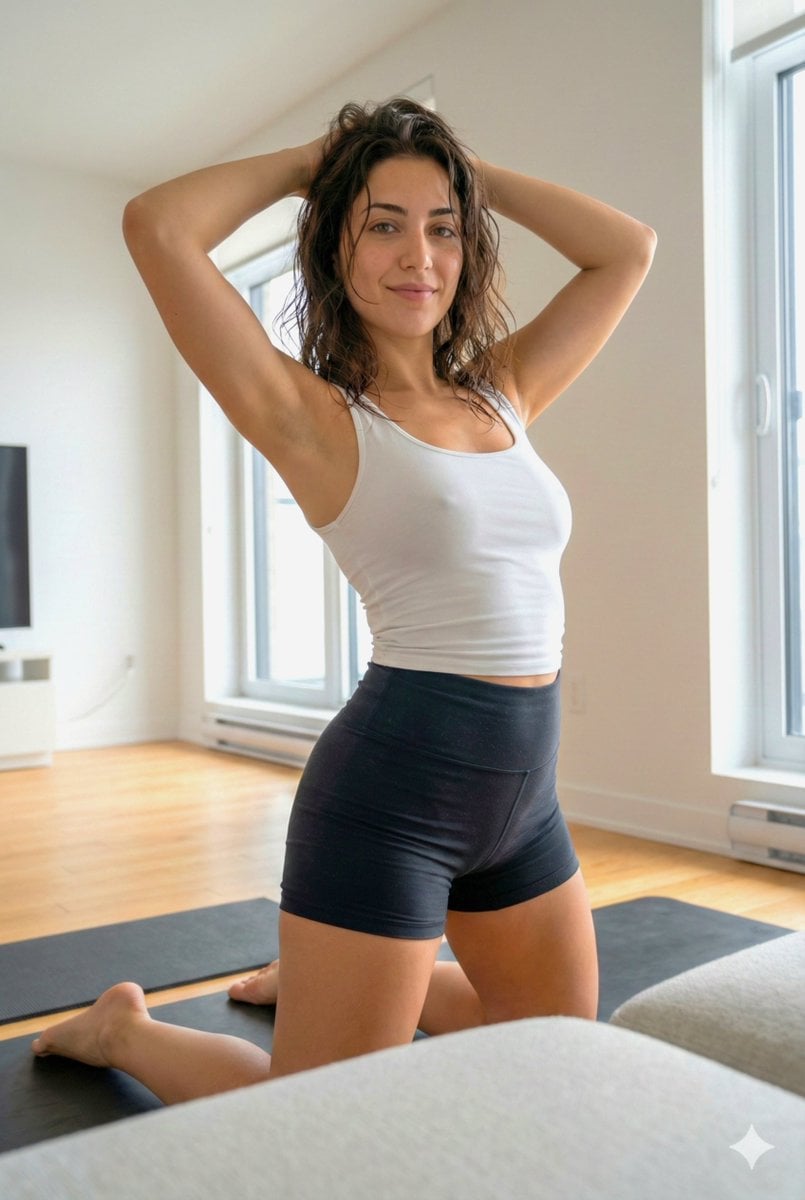
Curvy Athletic Stretching Selfie Prompt
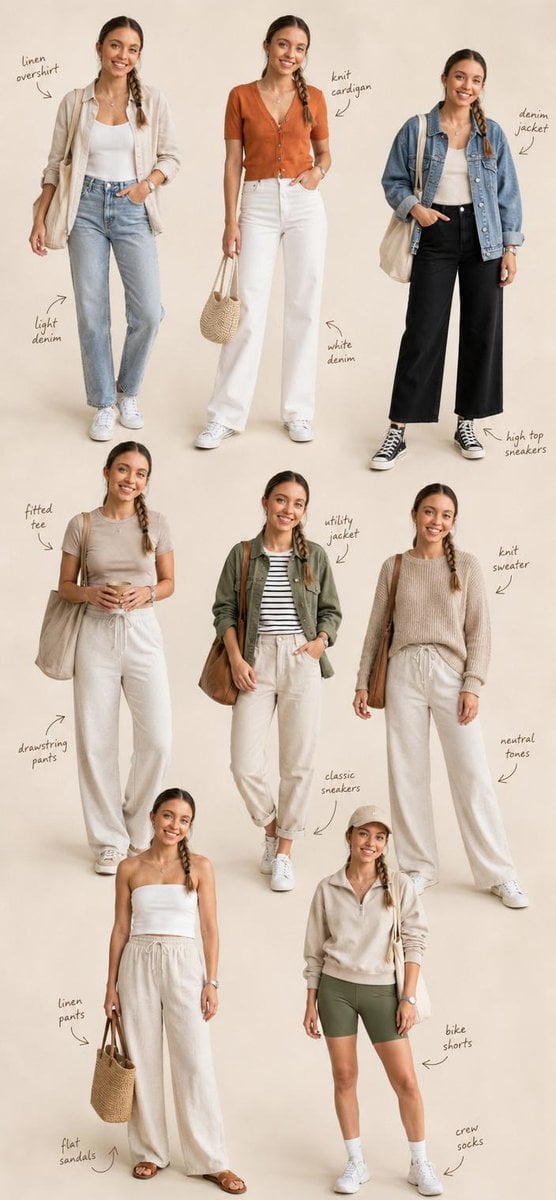
Fashion Editorial Collage Layout
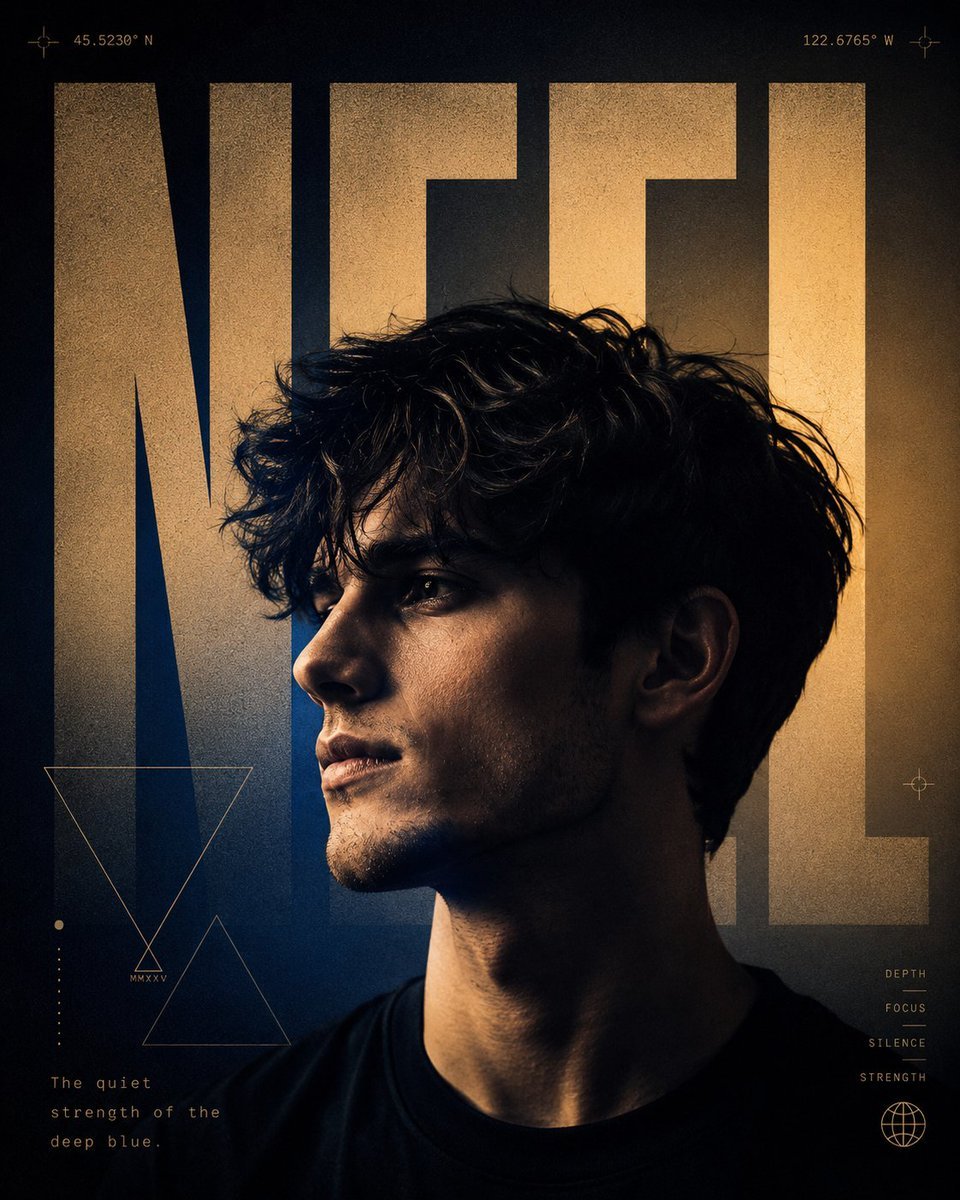
A24 Style Brutalist Portrait Poster
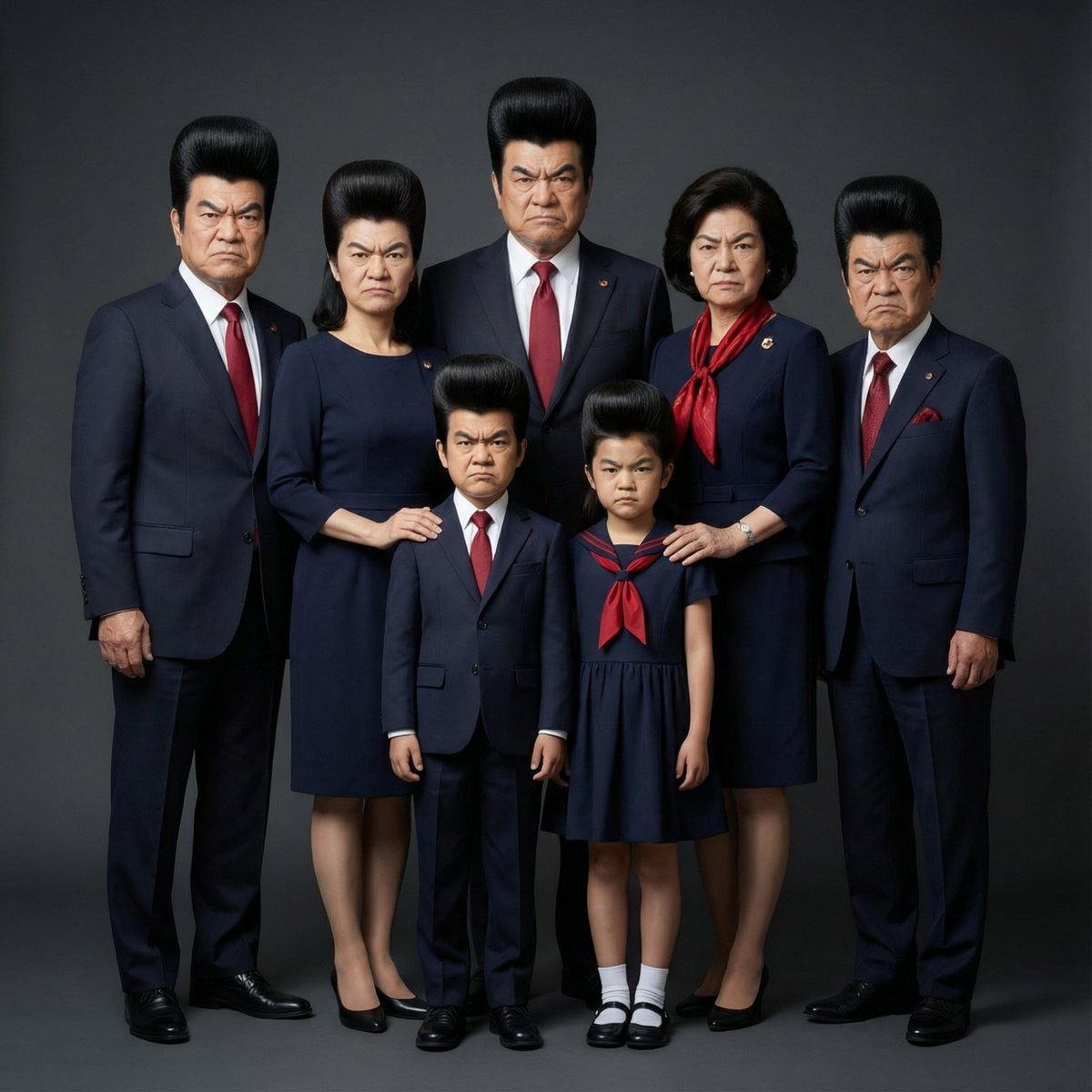
Hyper-Realistic Family Portrait with Identical Faces

Manga Magazine Cover Prompt
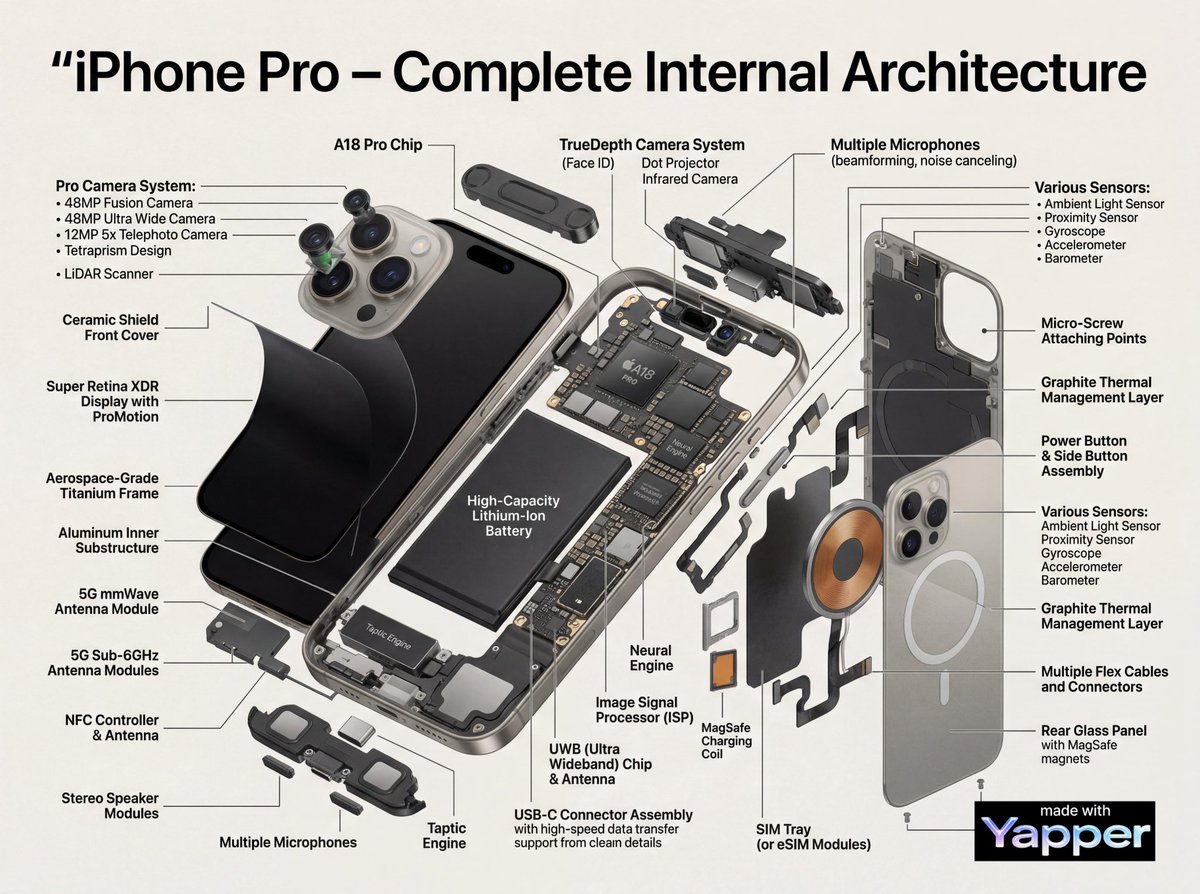
Technical Infographic Cutaway Prompt

Cosmic Chessboard Checkmate Scene
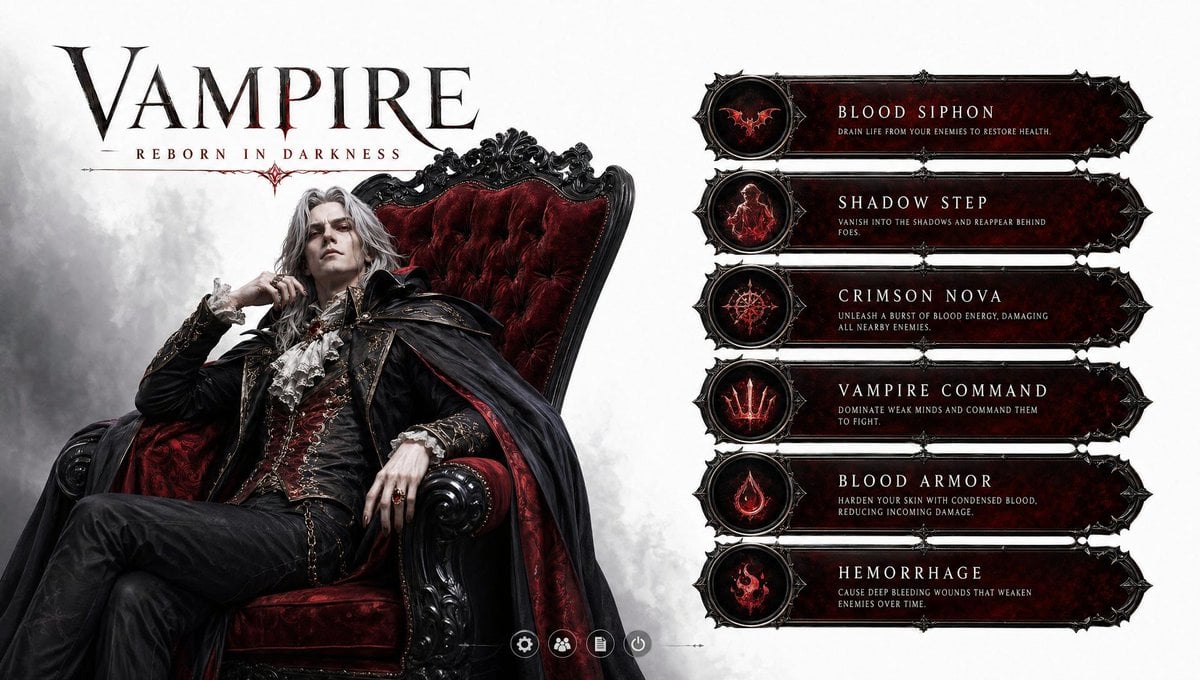
3D Vampire Gaming Character
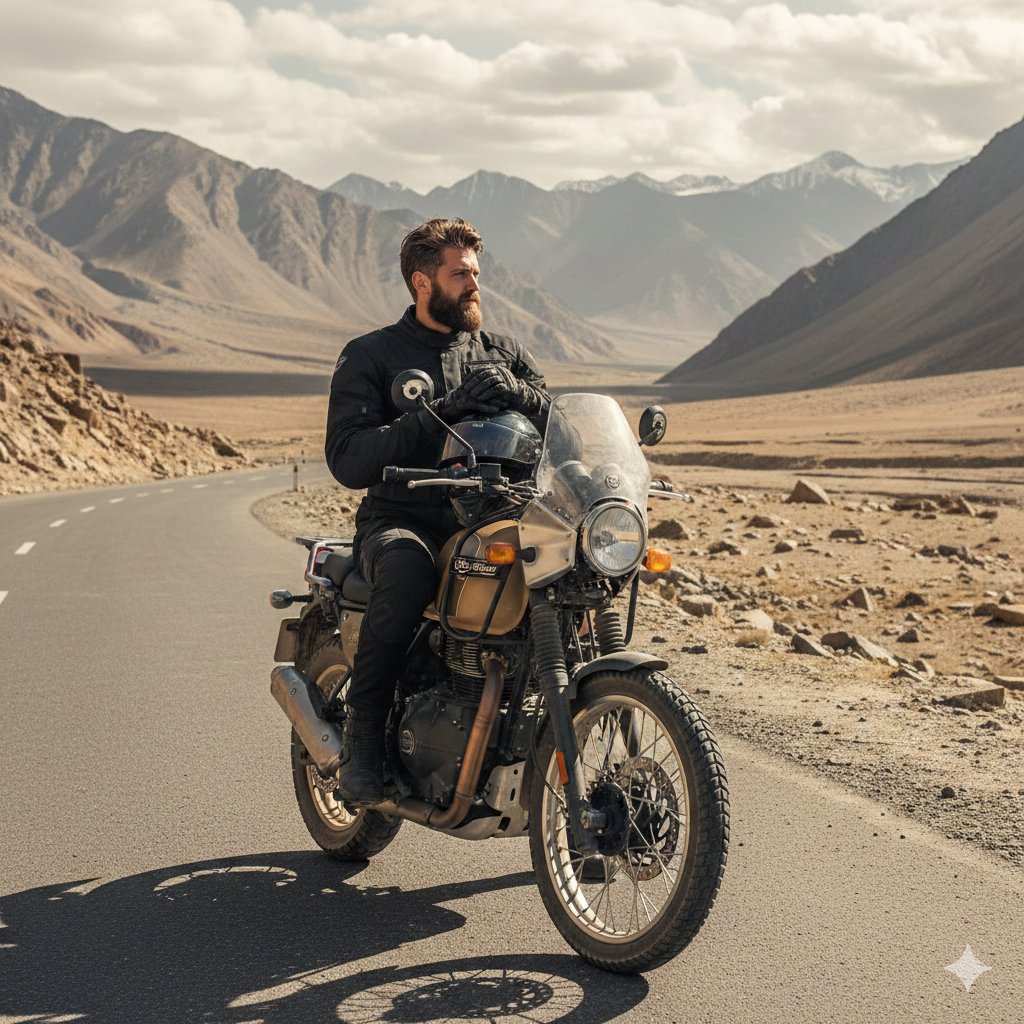
Himalayan Motorcycle Travel Photography

Prompt for Converting Subject into an Archangel
Browse template categories
Industrial Coffee Shop Portrait questions
How do I use the Industrial Coffee Shop Portrait template?
Add your photo if the template asks for one, edit the prompt if you like — the template's model and format are already selected — and press Generate. Your version opens in PicX Studio.
Can I customize the Industrial Coffee Shop Portrait template?
Yes. You can change the subject, setting, lighting, mood, format, and available model controls before creating your image.
Is the Industrial Coffee Shop Portrait template free?
Opening and editing this template is free. Generating uses credits, shown on the Generate button when you are signed in.
Which AI model should I use?
Start with GPT Image 2, which is the model associated with this template. You can compare another compatible model for a different finish.
Looking for something else? Browse all templates.

Your photo, any look
Thousands of ready templates for every top image and video model, from one credit balance.