
Hyper-Realistic Family Portrait with Identical Faces
A detailed prompt for NanoBananaPro designed to generate a hyper-realistic, professional family portrait where all individuals share the exact same facial features, maintaining 100% fidelity to a single base reference…
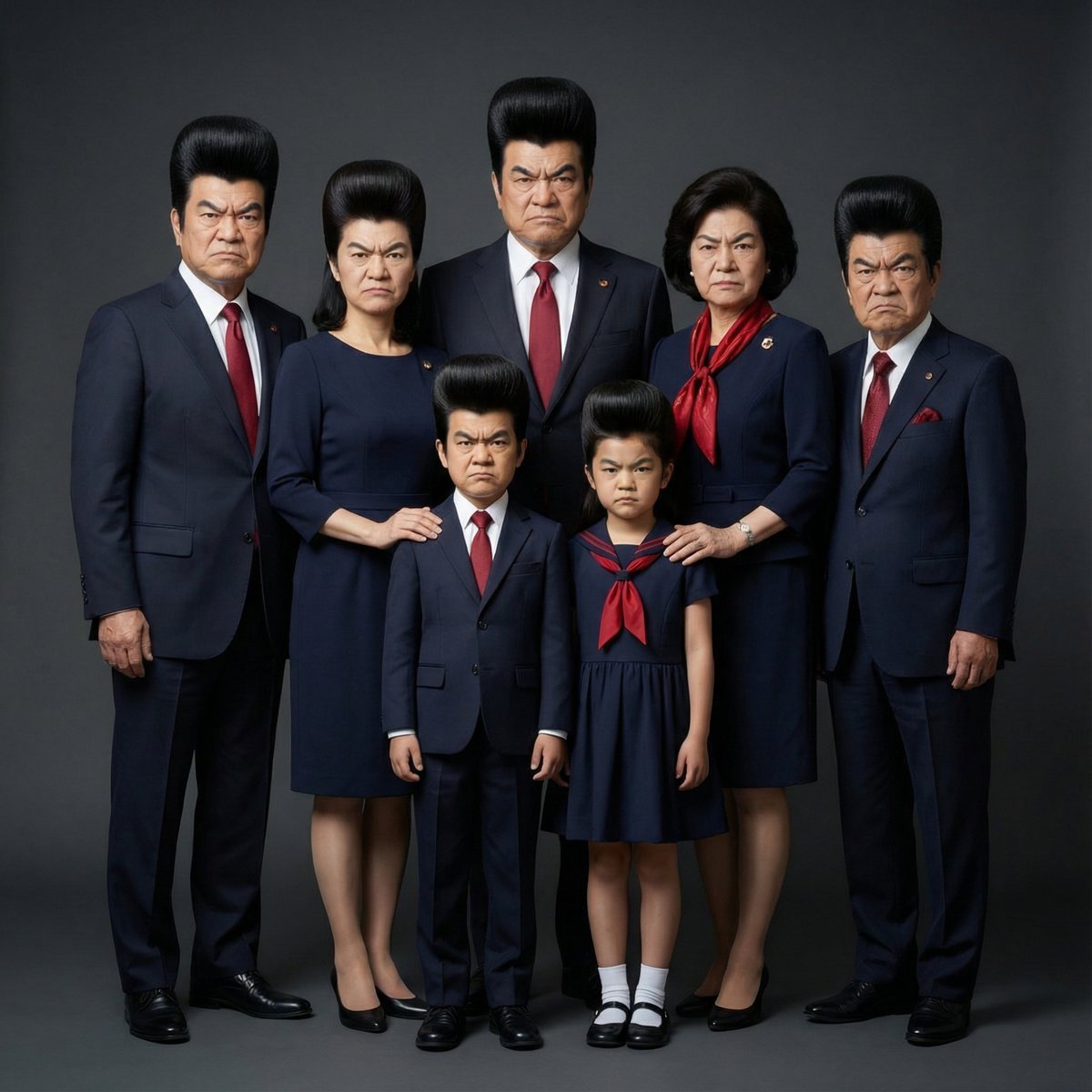
- Prompt included
- Model and format preset
- Free template
The prompt behind this image
Copy the exact prompt behind Hyper-Realistic Family Portrait with Identical Faces, or open it in the studio and make it yours.
提供された1人のベースとなる人物の写真を唯一の基準として使用する。 この人物の顔立ち、輪郭、パーツ配置、表情、雰囲気、アイデンティティは一切変更しない。 生成される家族全員は、 すべて同一人物の顔を共有している設定とし、 年齢や性別、立場が異なっていても、 顔の特徴は完全に同一とする。 顔の再現度は100%を維持する。 人数に関わらず、 すべての被写体を1枚のまとまりのあるシーンとして構成し、 プロフェッショナルで写実的な家族集合写真として仕上げる。 家族同士の距離感や立ち位置は自然で、 無理のないグループインタラクションを表現する。 体格や身長差はそれぞれの設定に応じて調整するが、 顔だけは完全に同一であることを保つ。 全員に統一感のあるカラーパレットとスタイルを使用し、 コーディネートされたマッチング衣装を着用させる。 各人物の体型は不自然に誇張せず、現実的な範囲で表現する。 背景は、 暗く、清潔感のあるプロフェッショナルなスタジオ背景。 余計な装飾は入れない。 照明はスタジオ品質の柔らかなライティング。 リアルな影、均一で自然な肌の色合い、 バランスの取れたコントラストを重視する。 顔を様式化したり、美化したり、誇張したり、 再解釈することは一切行わない。 あくまで実写的でハイエンドなポートレート表現を維持する。
How to use Hyper-Realistic Family Portrait with Identical Faces in 3 steps
- 1
Open
The prompt is already in the box next to the preview, with the template's model and format selected.
- 2…a portrait of your subject in softgolden-hour light, 85mm…
Personalize
Edit the subject and creative details for your destination.
- 3Generate
Generate
Press Generate — your image is created in PicX Studio, so you can compare it with the original and refine one variable at a time.
More like this
Templates with the same subject, style or setup. Open one to see its prompt.

Found Photograph: Us, 1970

80s Couple Studio Portrait

80s Bollywood Star

80s Golden Hour Cinema

Me in 1985

1985 Studio Portrait

Hyper-Realistic Minecraft POV Portrait

Rooftop Fisheye — Cat-Ear Balaclava at Golden Hour

Rainy Café Window Moody Portrait

untitled

2025 Aesthetic Photography

Nano Banana Is So Addictive
Make it yours
Hyper-Realistic Family Portrait with Identical Faces works as-is. These are the safest ways to change it without losing the look.
Change one field
Copy a single group, rewrite it, and generate again so you can see what that field is doing.
Keep the frame, change the subject
Hold the composition and light of Hyper-Realistic Family Portrait with Identical Faces, then swap wardrobe, props or the person for a new take.
| If the result… | Why | Fix |
|---|---|---|
| The result drifts from the preview | Too many fields changed at once. | Reuse Hyper-Realistic Family Portrait with Identical Faces as-is first, then change one group — subject, light, or setting. |
| The model over-stylizes the scene | The prose prompt leaves finish and camera underspecified. | Add one camera or lighting sentence and stay on Nano Banana 2. |
More Nano Banana 2 templates
Other prompts made for Nano Banana 2.

Photorealistic Leaf Shaped Like a Dragon

K-Pop Idol Portrait Grid for Rapid Selection

Poetic Rain Forest Portrait During Golden Hour

Urban Street Portrait with Cartoon Inner Self Duo

Candid Nighttime Photo with Cat Prompt

High-Concept 3D Diorama Generation Prompt

Cinematic Futuristic Studio Portrait Template

Skincare Editorial Photography Collage Prompt

Hyper-Realistic Commercial Product Photography (Splash Effect)

Hyper-Realistic Nightclub Portrait Prompt
More image prompts
Fresh picks from across the catalog.
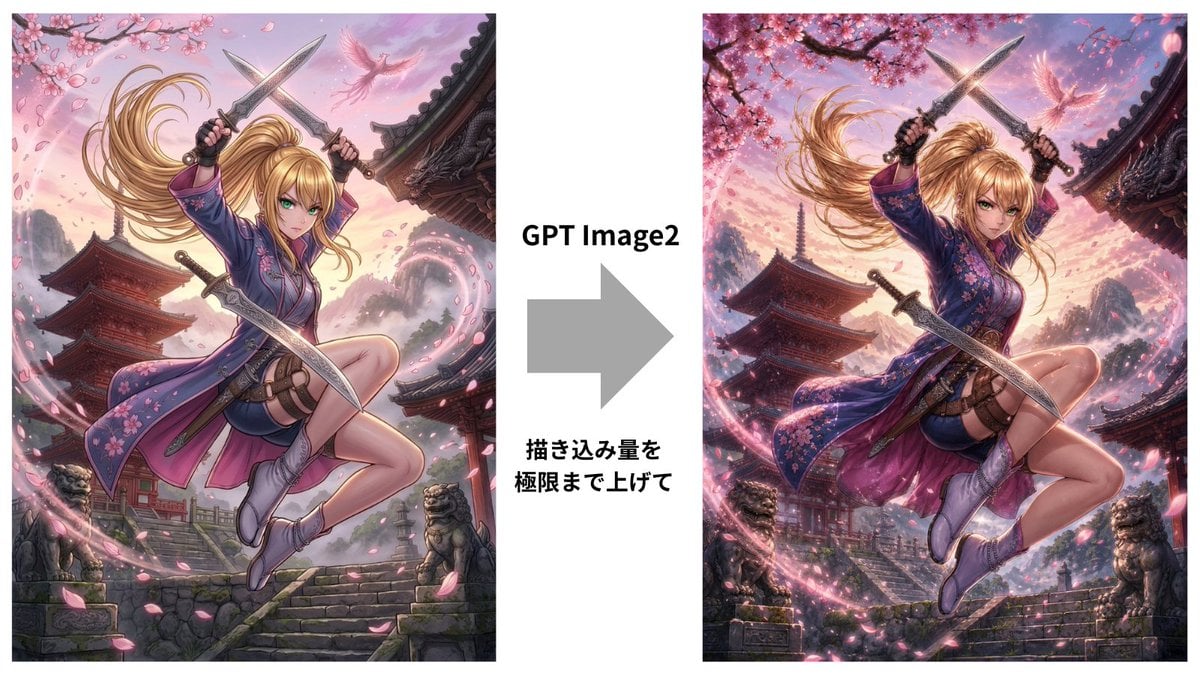
GPT Image 2 Kunoichi Comparison
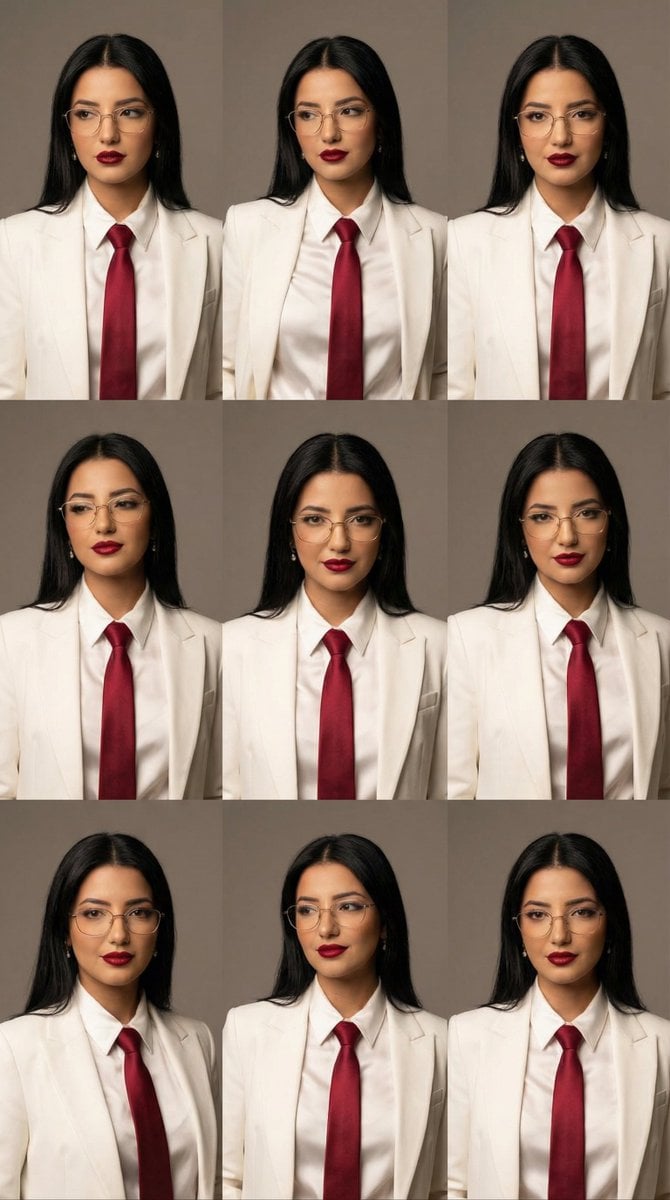
High-Fashion Editorial Portrait Grid with Glasses
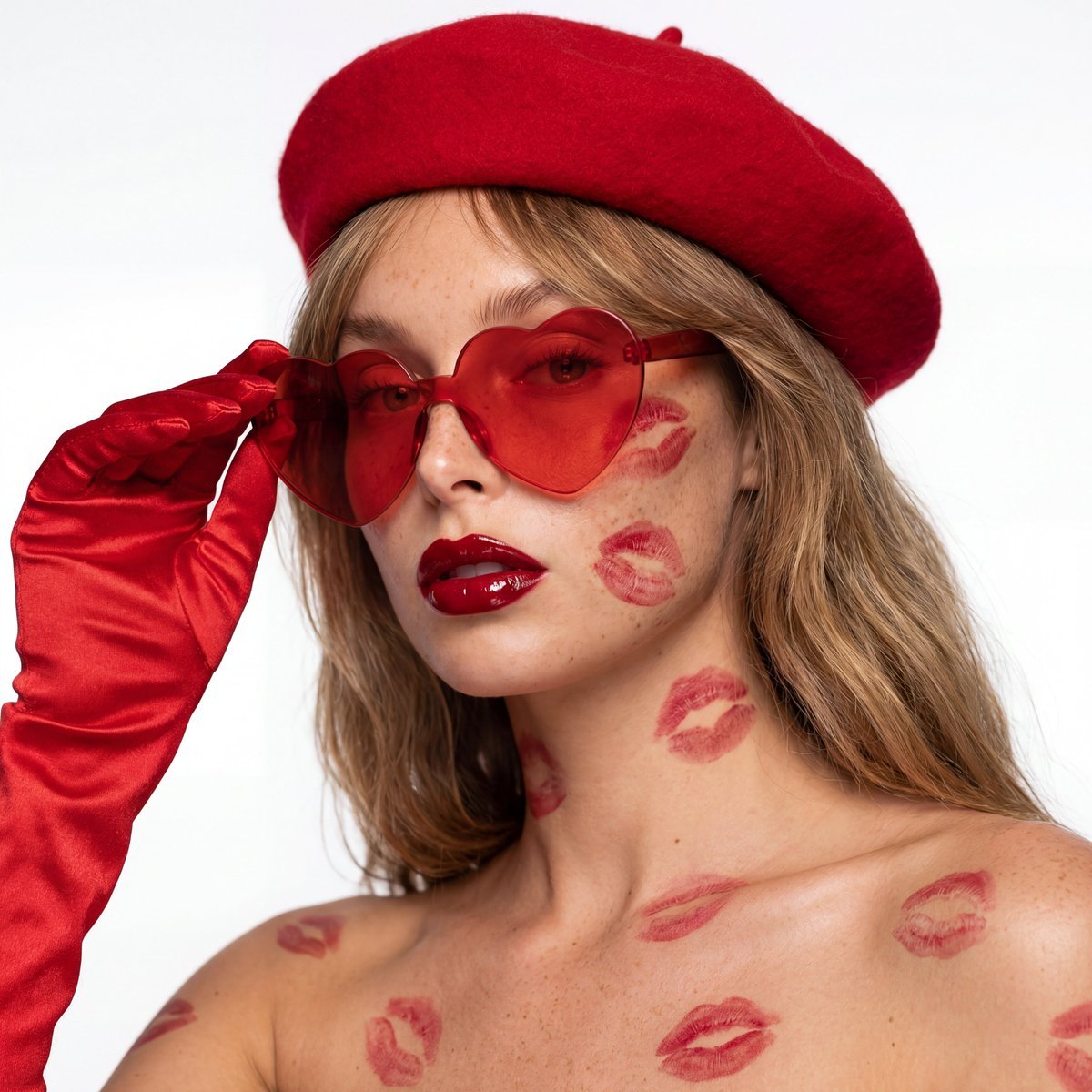
Ultra-Realistic Beauty Editorial with Kiss Marks
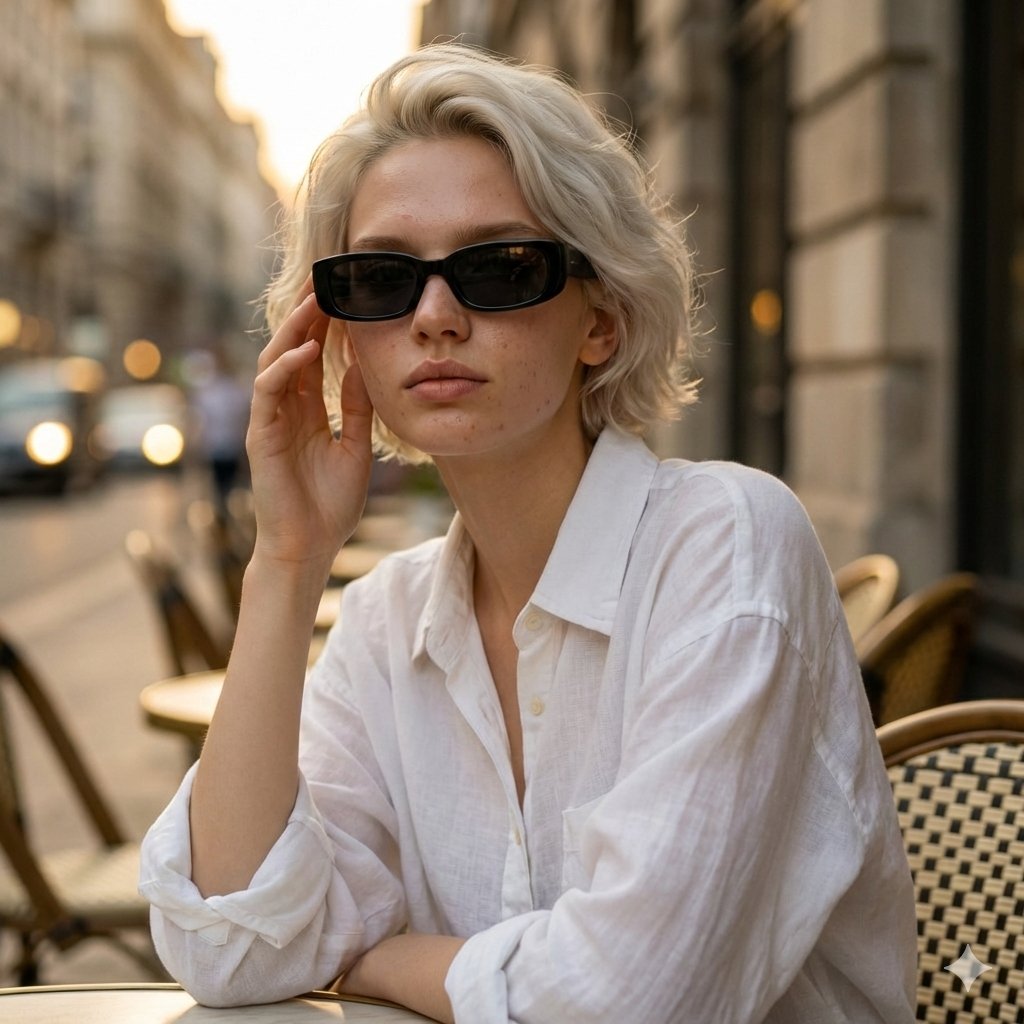
European Café Golden Hour Portrait Prompt
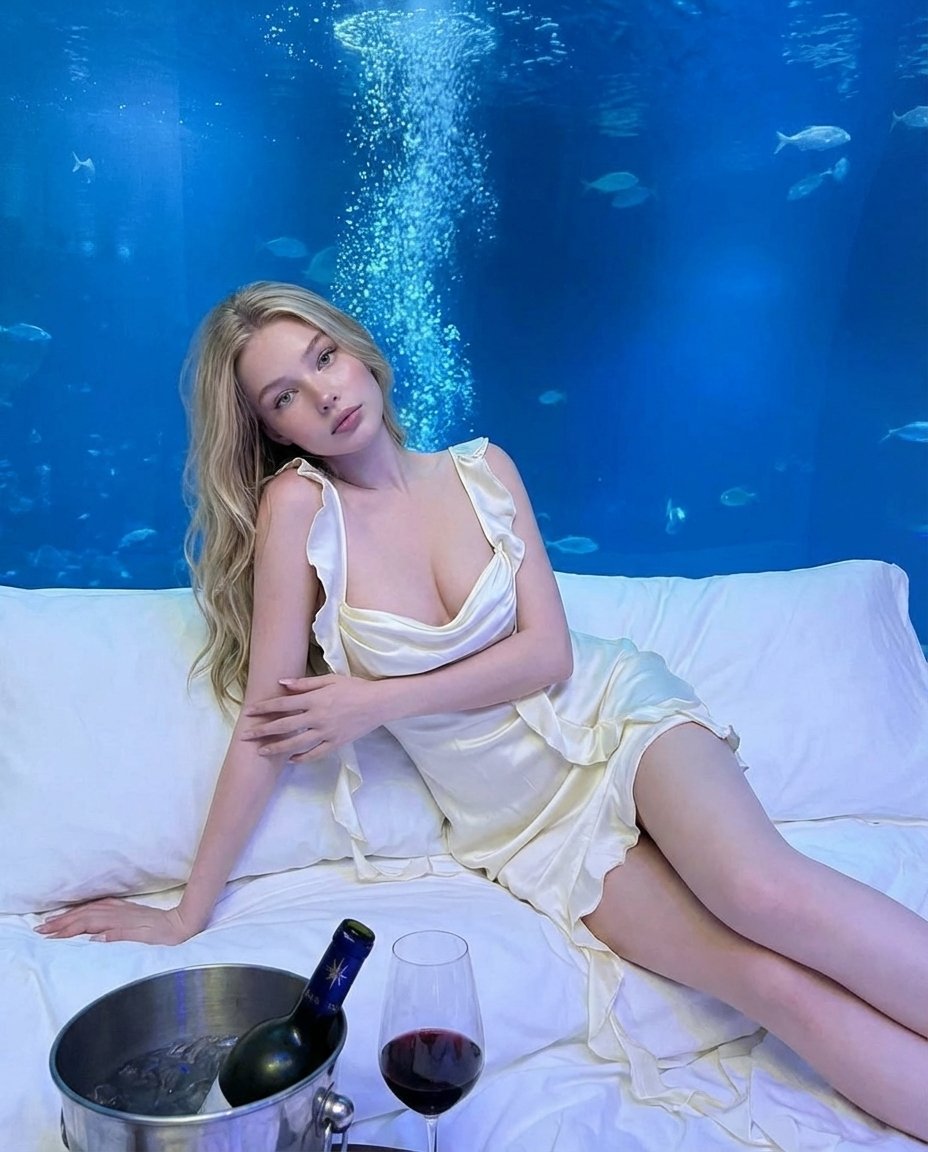
Luxury Underwater Aquarium Lounge Portrait
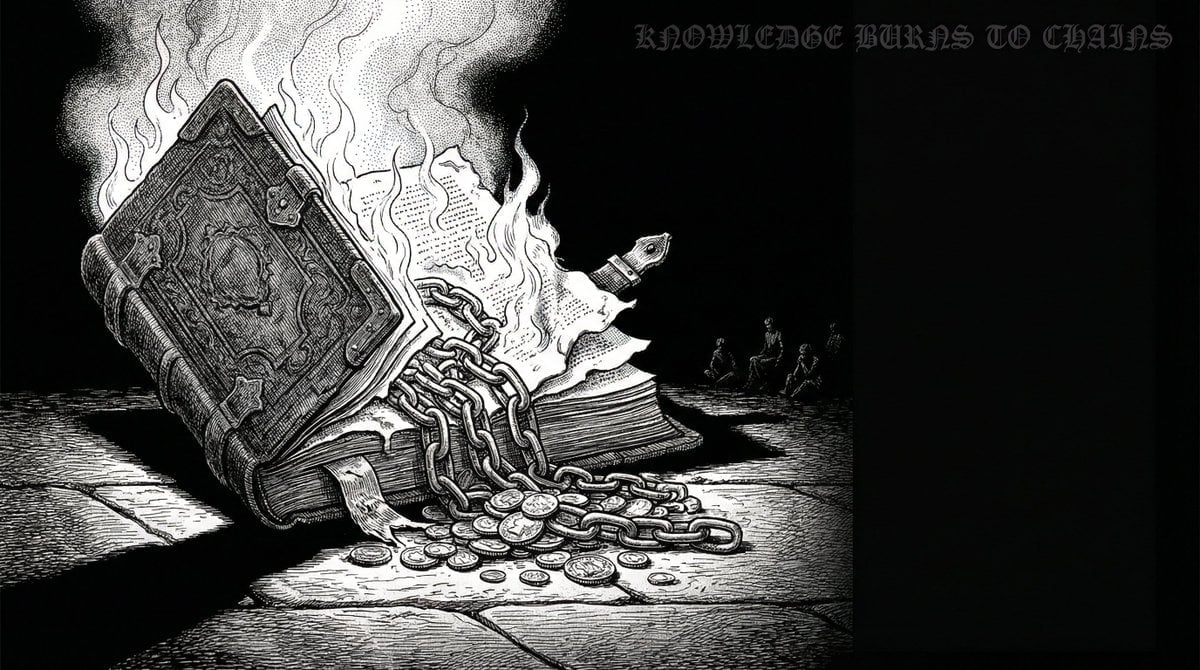
Dan-Style Cover Image Prompt
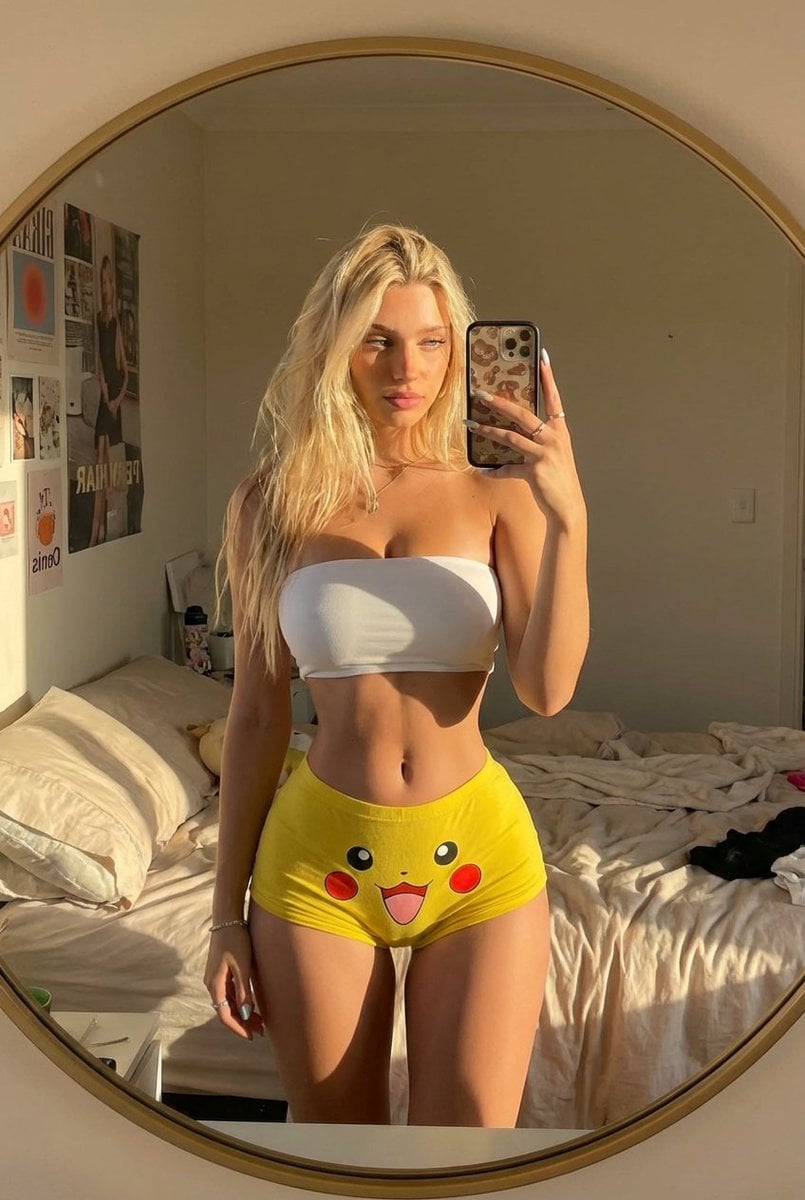
Pikachu Mirror Selfie
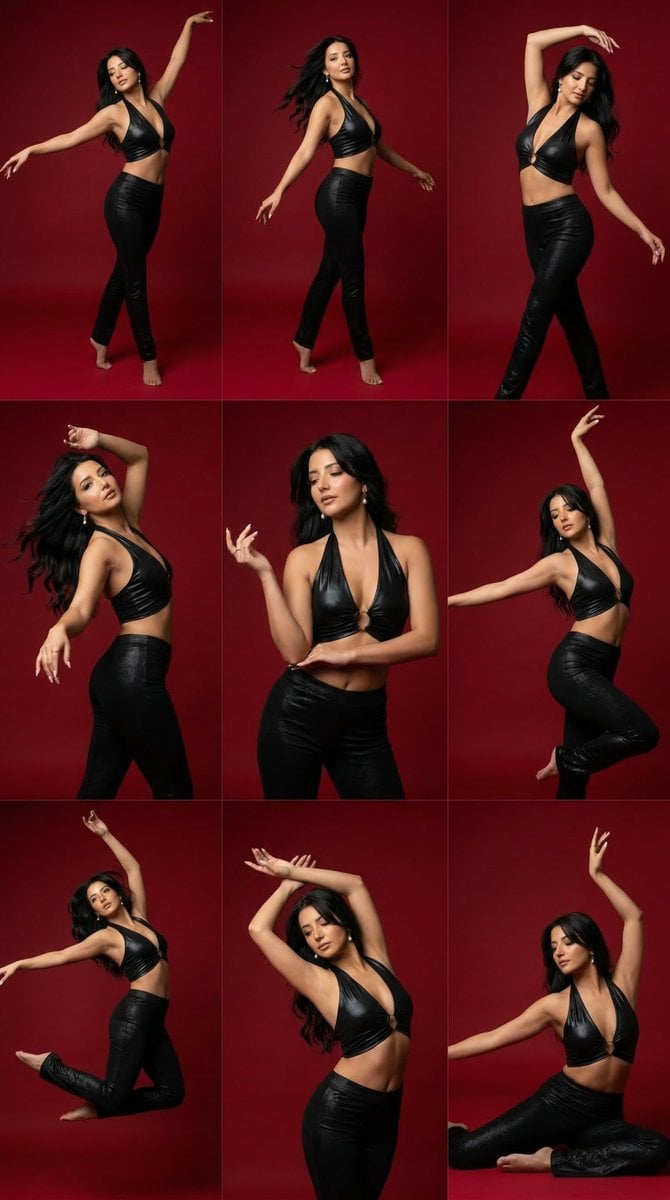
Panel Dance Editorial Grid Prompt
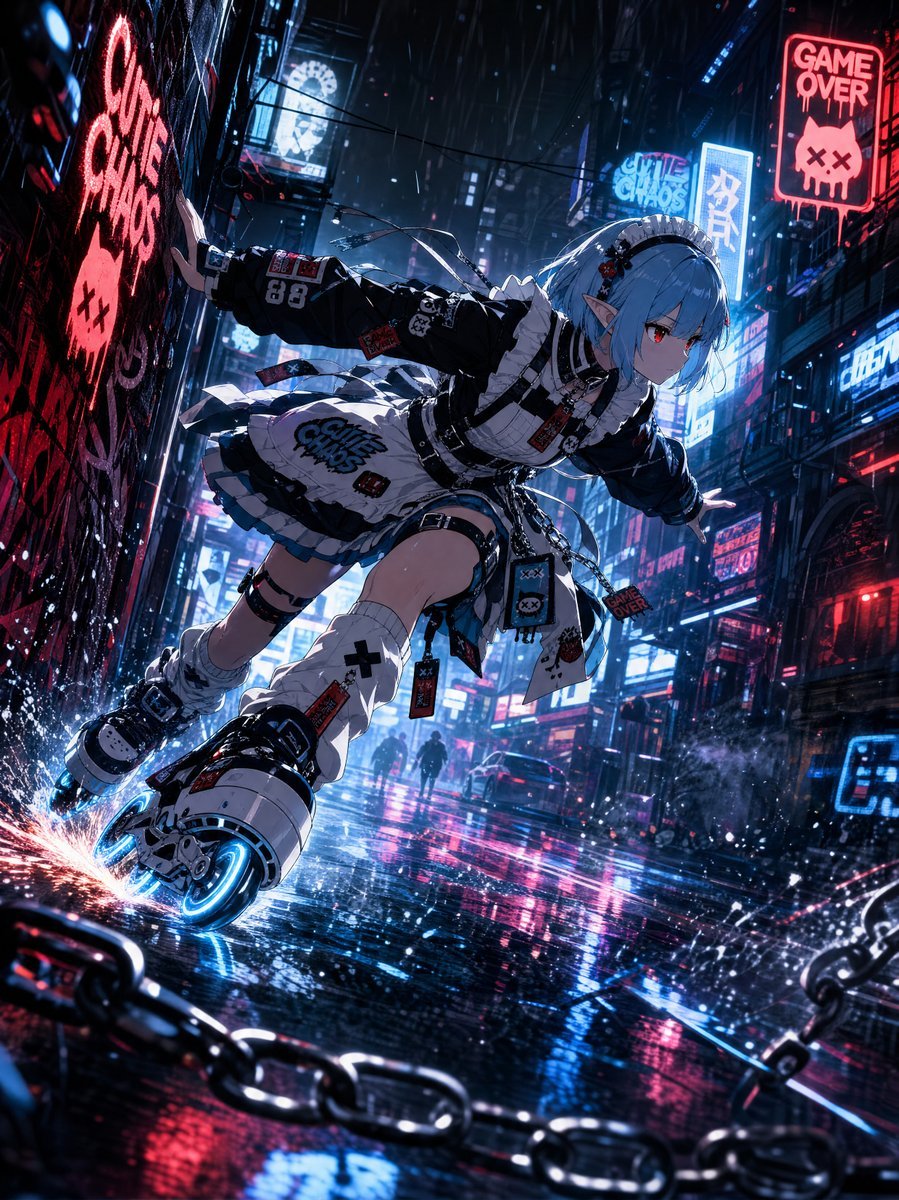
Cyberpunk Elf Rollerblader
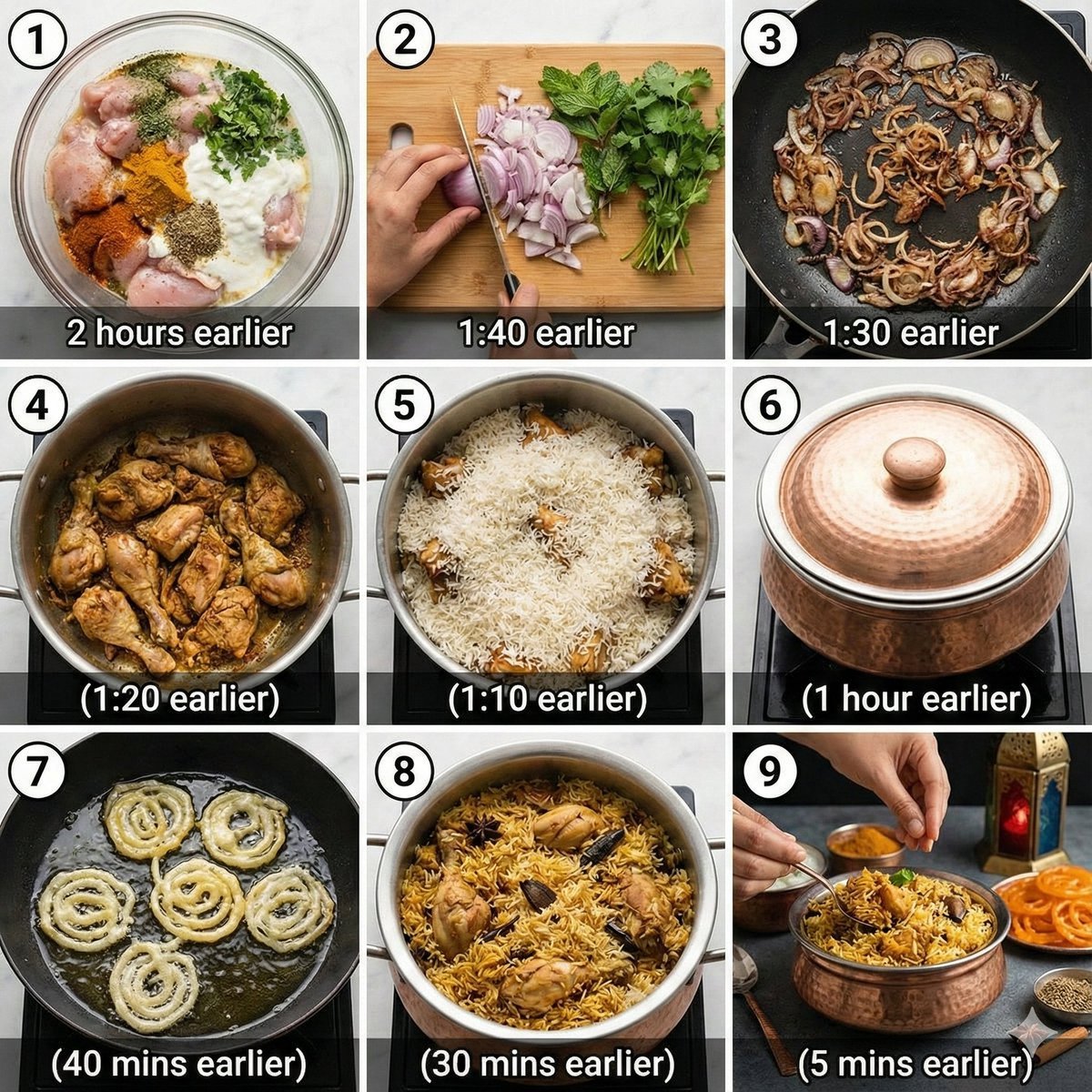
Chicken Biryani Prompt
Browse template categories
Hyper-Realistic Family Portrait with Identical Faces questions
How do I use the Hyper-Realistic Family Portrait with Identical Faces template?
Add your photo if the template asks for one, edit the prompt if you like — the template's model and format are already selected — and press Generate. Your version opens in PicX Studio.
Can I customize the Hyper-Realistic Family Portrait with Identical Faces template?
Yes. You can change the subject, setting, lighting, mood, format, and available model controls before creating your image.
Is the Hyper-Realistic Family Portrait with Identical Faces template free?
Opening and editing this template is free. Generating uses credits, shown on the Generate button when you are signed in.
Which AI model should I use?
Start with Nano Banana 2, which is the model associated with this template. You can compare another compatible model for a different finish.
Looking for something else? Browse all templates.

Your photo, any look
Thousands of ready templates for every top image and video model, from one credit balance.