
Bio-Inspired Industrial Shoe Design Board
A highly technical and programmatic prompt for generating industrial design boards for shoes inspired by biological structures.
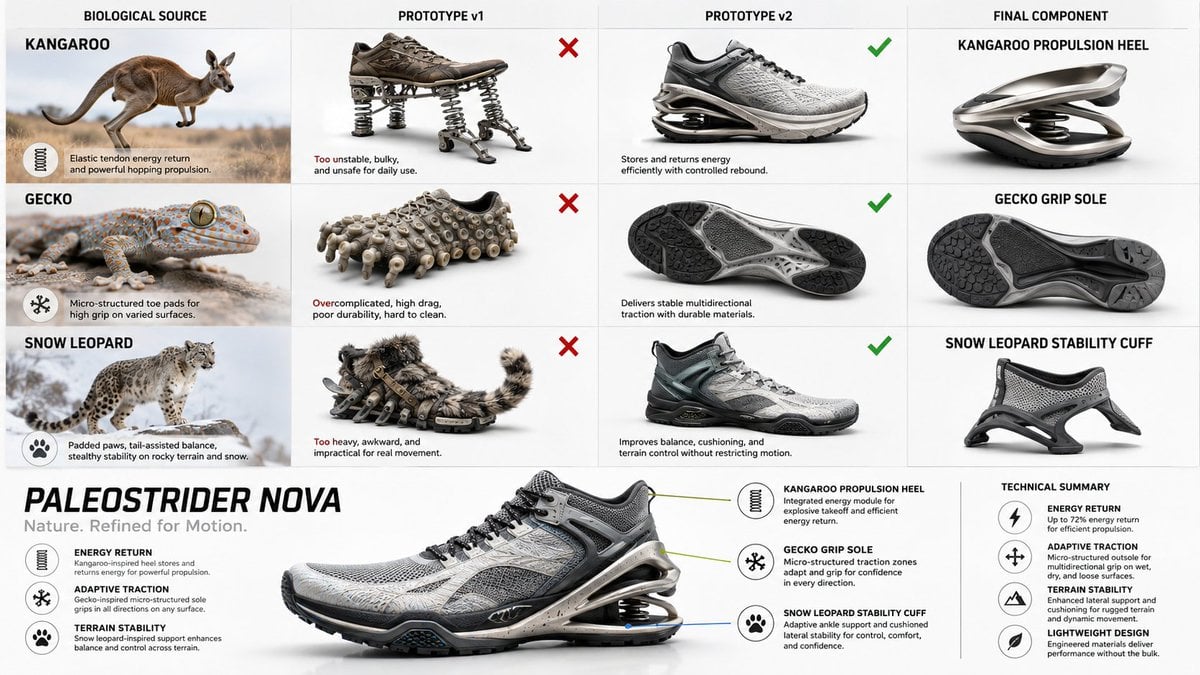
- Prompt included
- Model and format preset
- Free template
The prompt behind this image
Copy the exact prompt behind Bio-Inspired Industrial Shoe Design Board, or open it in the studio and make it yours.
do this for {argument name="animal count" default="3 random animals"} for a {argument name="product" default="shoe"} IMAGE = Σ(w_i × β_i) → target render // Σ(w_i) = 1.0 BASIS_DECOMPOSITION FROM {product} + {bio_sources}: β1 : INFER(product_category_aesthetic FROM product. design_language) w = INFER(weight FROM product.visual_identity_strength) β2 : INFER(biological_intelligence FROM bio_sources[].evolutionary_solutions) w = INFER(weight FROM bio_sources[].advantage_significance) β3 : INFER(engineering_translation FROM biomimicry_methodology) w = INFER(weight FROM product.technical_complexity) β4 : INFER(industrial_design_presentation FROM portfolio_aesthetic) w = INFER(weight FROM audience.professional_level) β5 : INFER(educational_diagram FROM design_process_documentation) w = INFER(weight FROM instructional_clarity_need) INTERSECTION_RULES: β[bio] ∩ β[product] = naive_prototype_v1 // literal translation β[bio] ∩ β[engineering] = refined_prototype_v2 // working solution β[v2] ∩ β[product] = final_components // production parts β[presentation] ∩ β[education] = grid_layout // 4-column progression FOR EACH bio_source: col_1 = β[bio] col_2 = β[bio] ∩ β[product] → ❌ failure col_3 = β[bio] ∩ β[engineering] → ✓ success col_4 = β[v2] ∩ β[product] GLOBAL_CONSTRAINT: layout = 4_columns × N_rows (N = count bio_sources) footer = integrated_product (ALL col_4 components combined) style = β[presentation] — clean, white bg, professional OUTPUT_CONSTRAINTS: resolution : 8K landscape render : Octane | industrial_design_board typography : sans_serif | hierarchical | callouts + annotations lighting : INFER(studio_rig FROM β[product]) negative_β : INFER(anti_patterns FROM β1..β5) // TUNING KNOBS: // β[bio]++ → more nature photography, less product renders // β[engineering]++ → more technical diagrams, failure analysis detail // β[presentation]++ → more portfolio polish, less educational scaffolding // β[education]++ → more annotations, process transparency
How to use Bio-Inspired Industrial Shoe Design Board in 3 steps
- 1
Open
The prompt is already in the box next to the preview, with the template's model and format selected.
- 2…a portrait of your subject in softgolden-hour light, 85mm…
Personalize
Edit the subject and creative details for your destination.
- 3Generate
Generate
Press Generate — your image is created in PicX Studio, so you can compare it with the original and refine one variable at a time.
More like this
Templates with the same subject, style or setup. Open one to see its prompt.
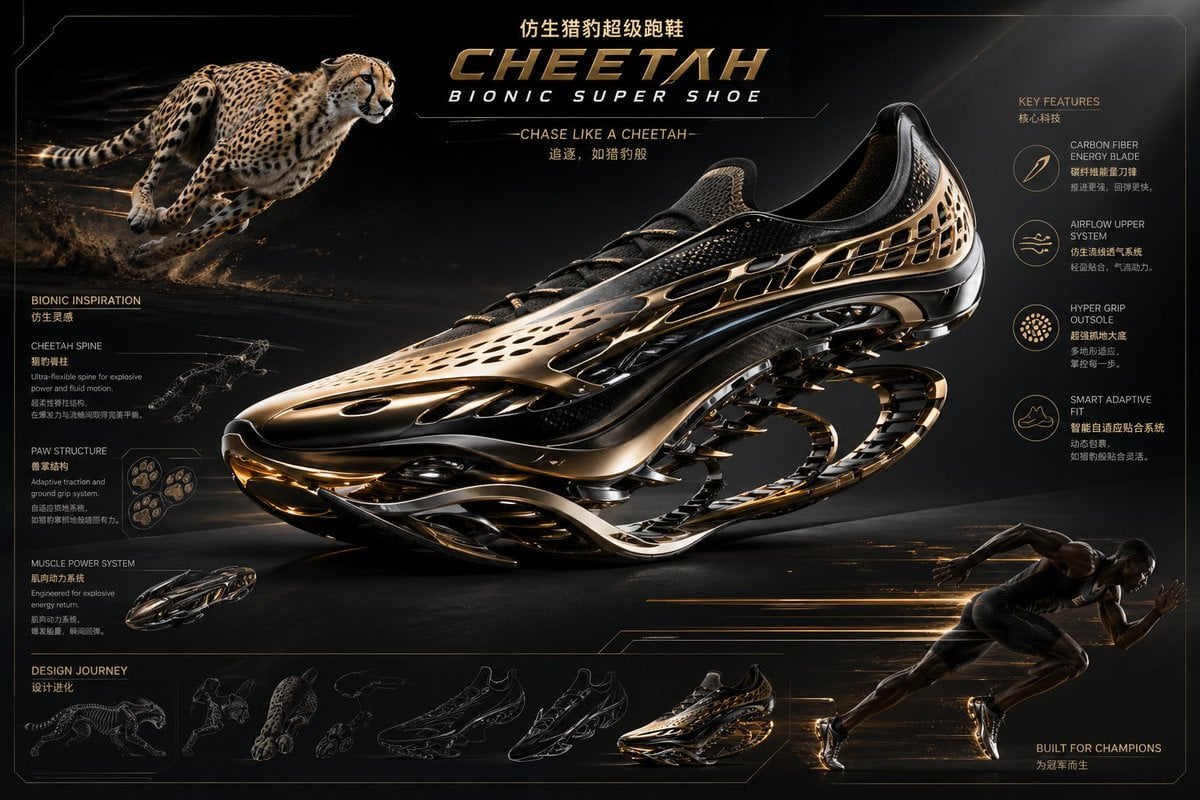
Futuristic Bionic Super Shoe
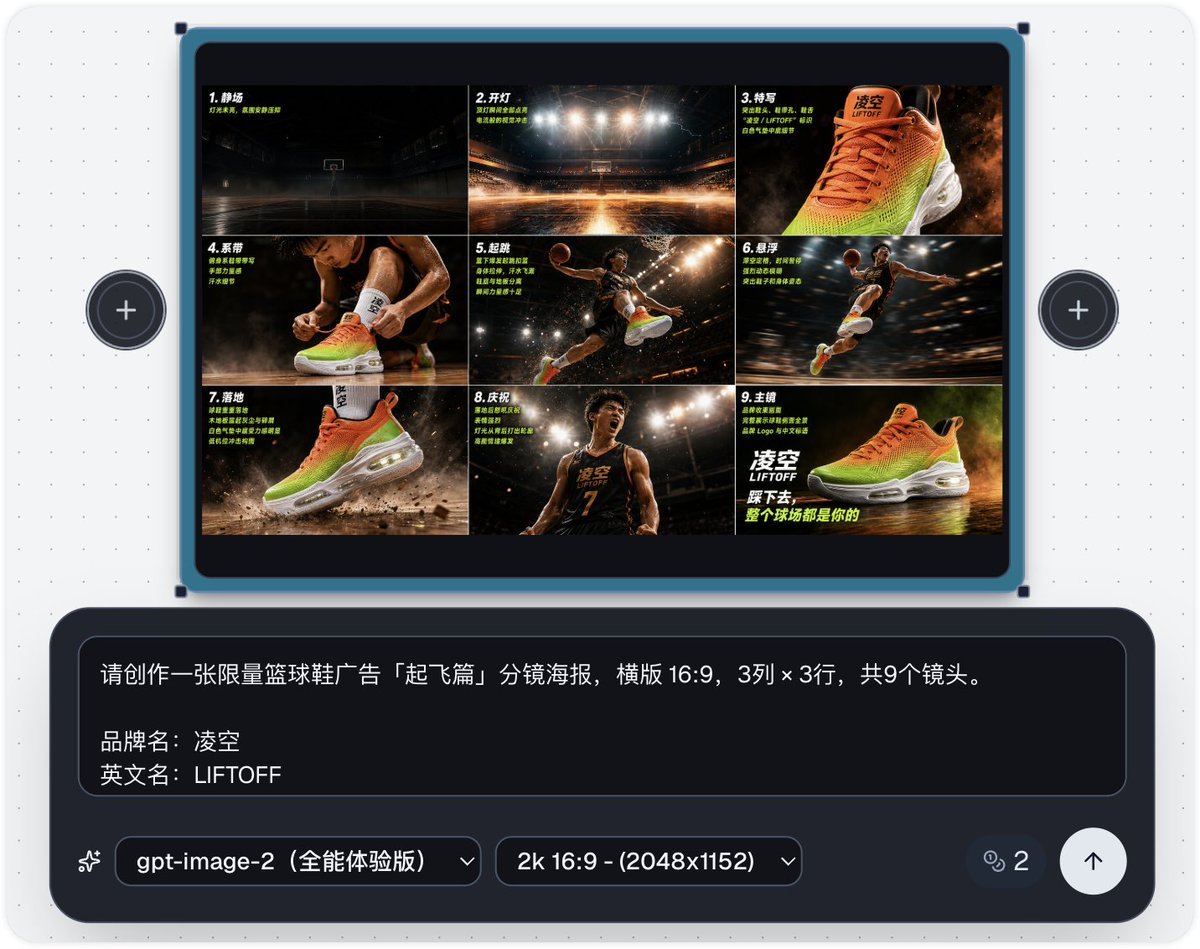
Basketball Shoe Storyboard Advertisement
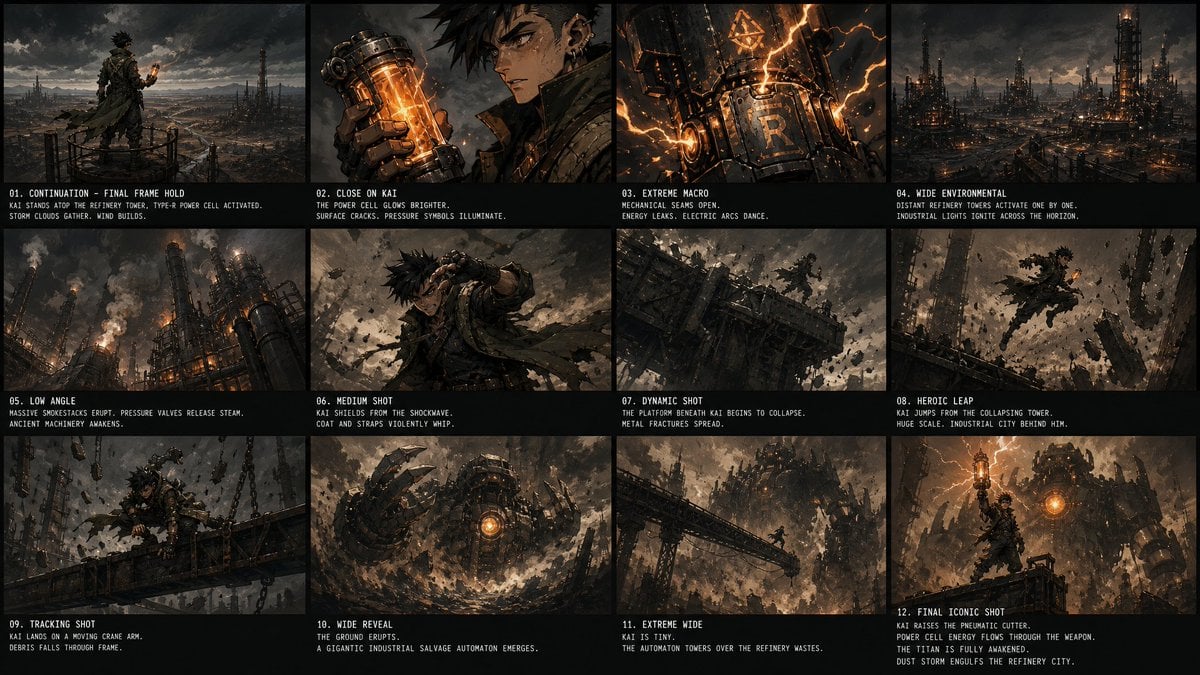
Kai Industrial Titan Storyboard

Caution Tape Fashion — Industrial Editorial
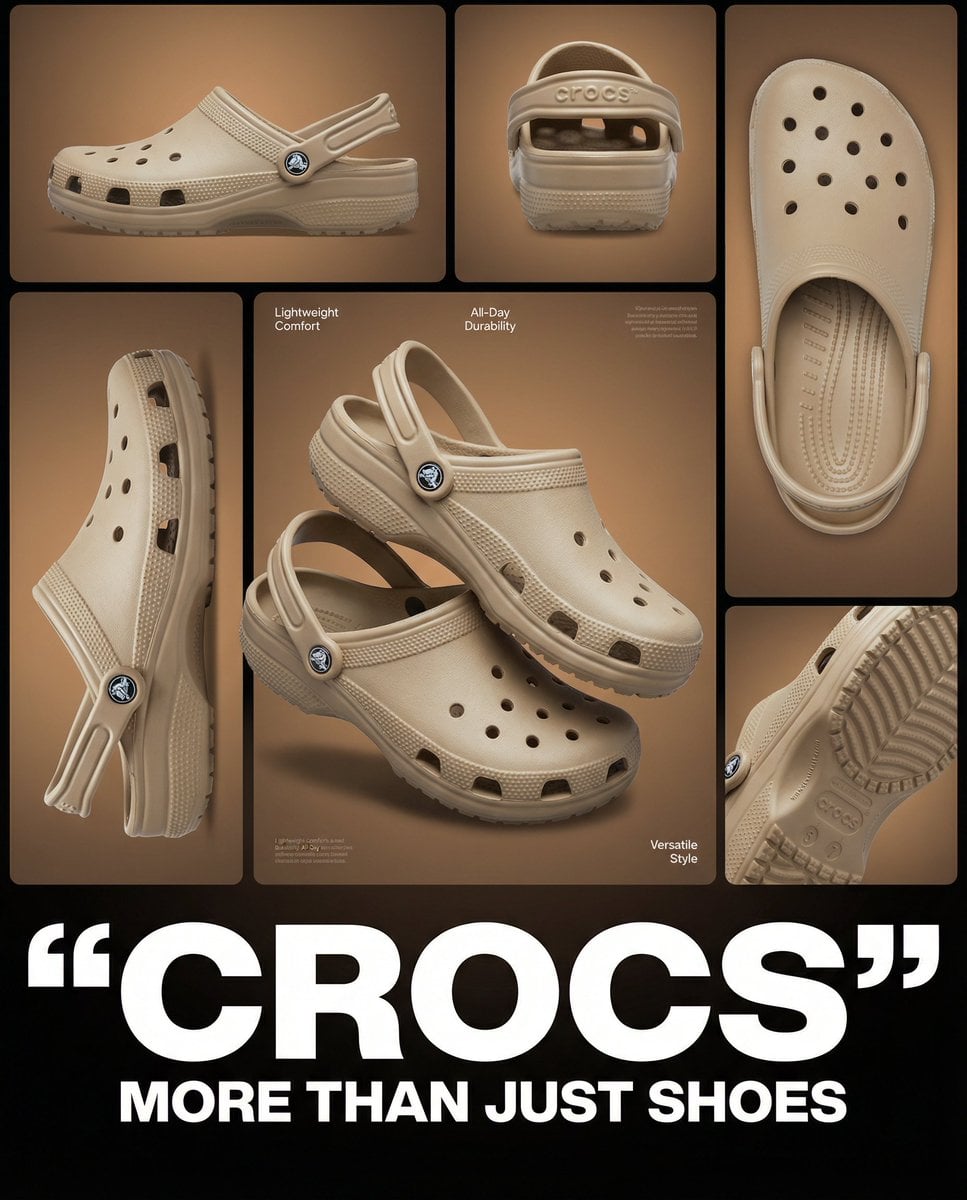
Multi-image product collage poster featuring beige/tan Crocs clog shoes
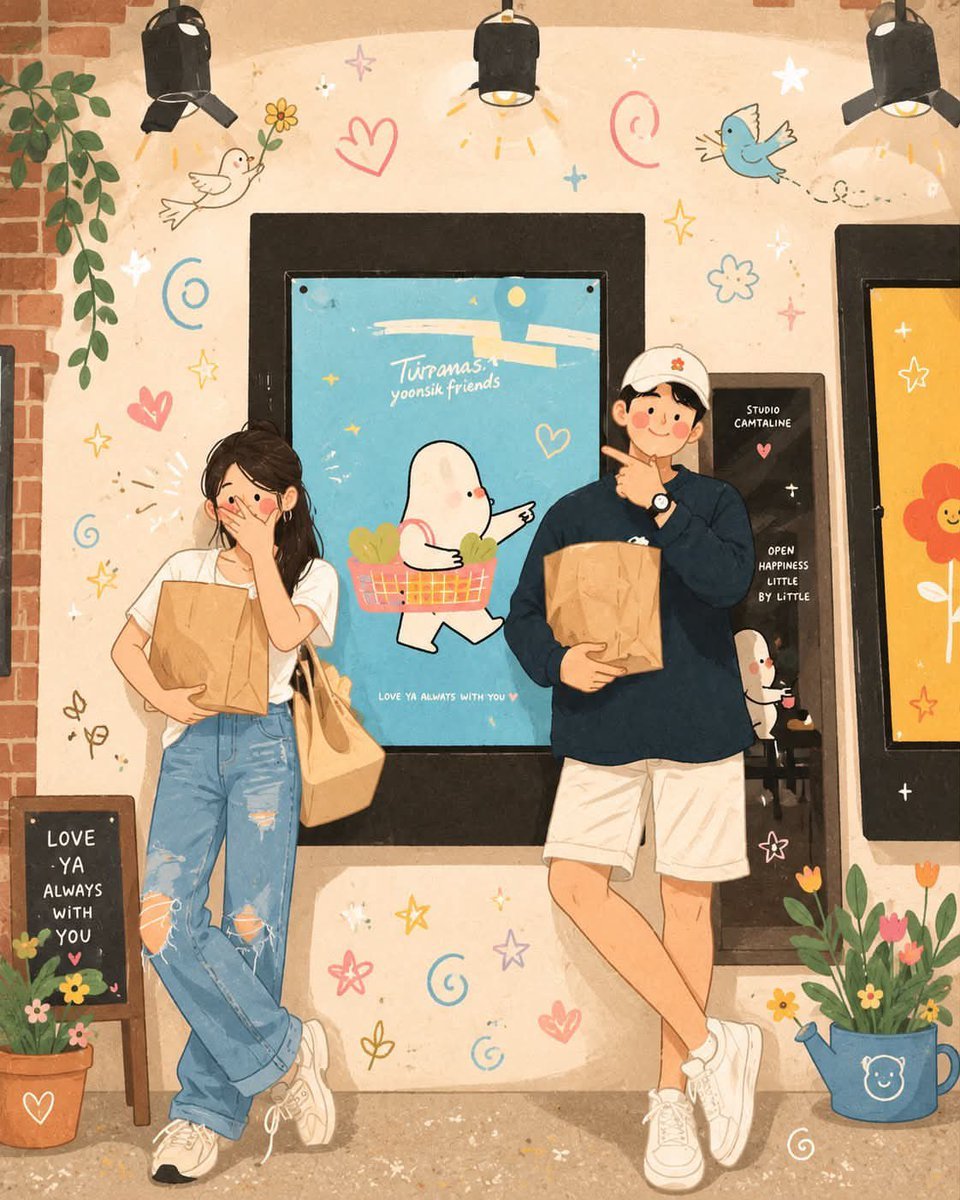
Korean-Inspired Whimsical Doodle Art
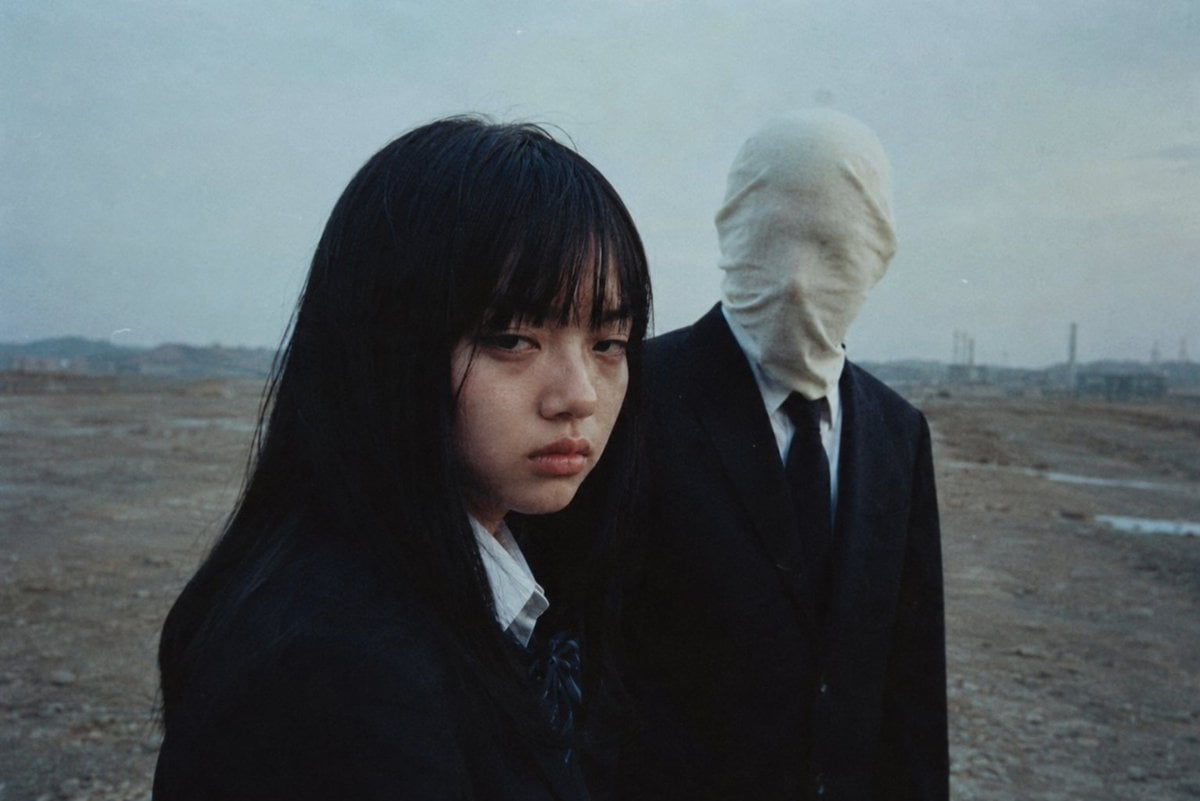
Anonymous Figures in Industrial Wasteland

Modern Korean Fashion Editorial Board

2.5D Anime Art Board
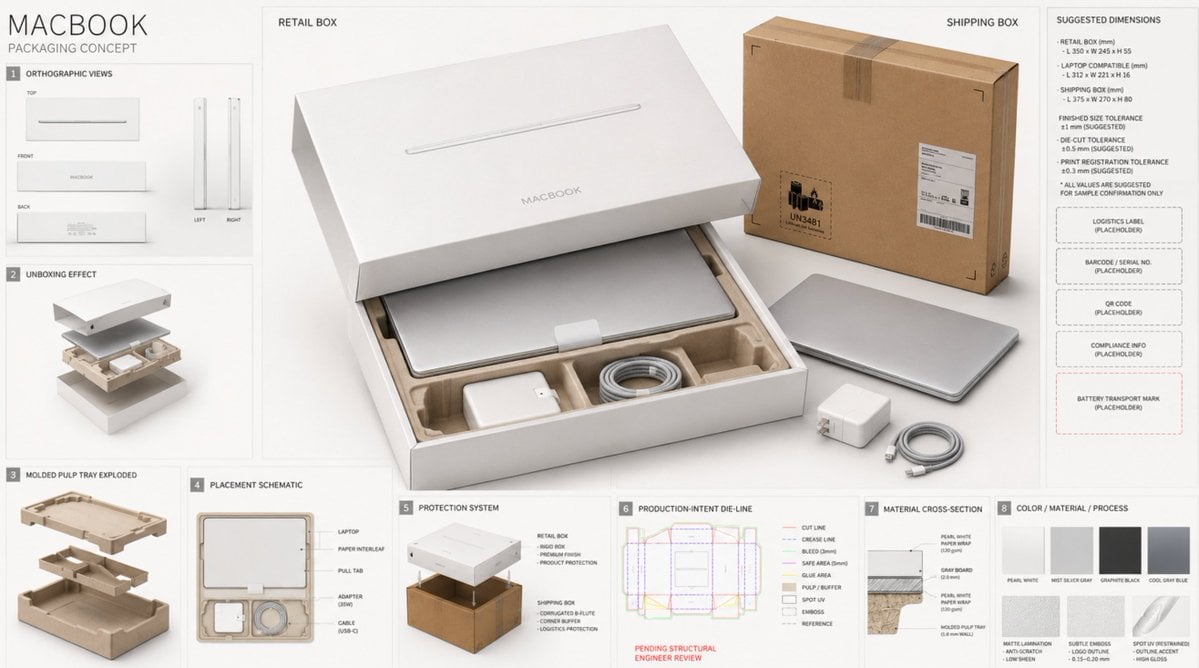
High-End Laptop Packaging Concept Board
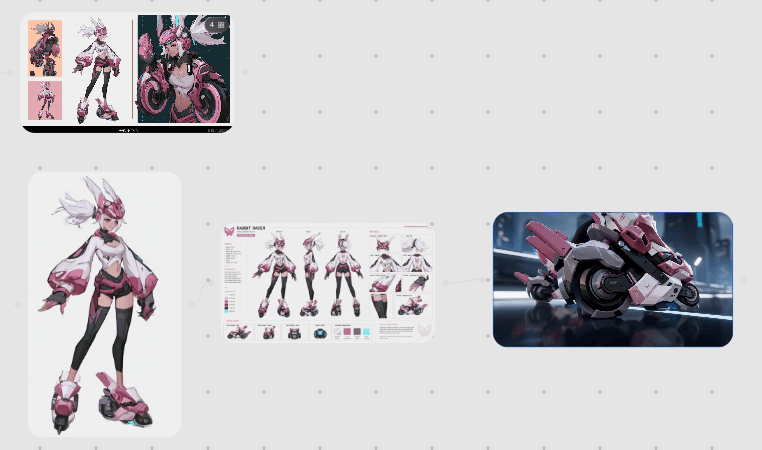
Rabbit Racer Workflow Board
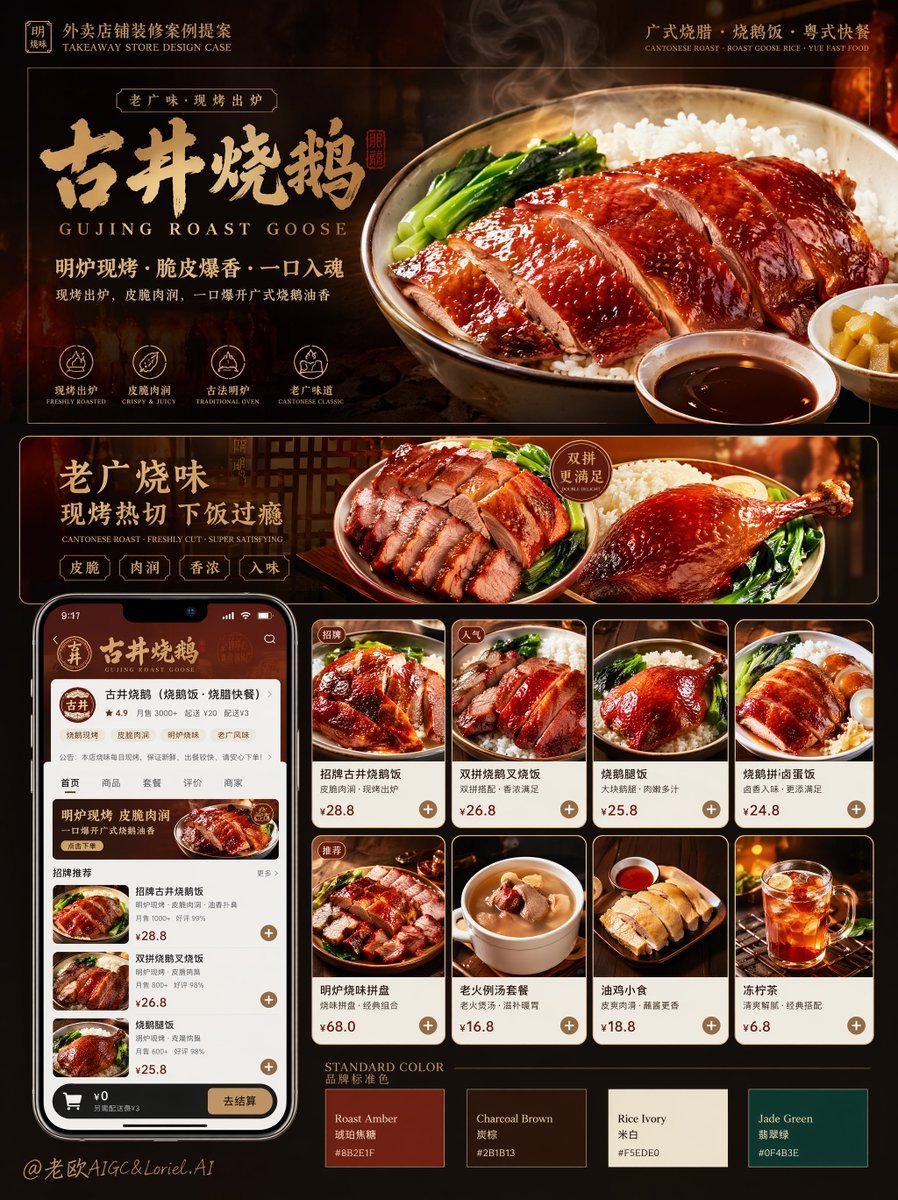
Roast Rice Branding Proposal Board
Make it yours
Bio-Inspired Industrial Shoe Design Board works as-is. These are the safest ways to change it without losing the look.
Change one field
Copy a single group, rewrite it, and generate again so you can see what that field is doing.
Keep the frame, change the subject
Hold the composition and light of Bio-Inspired Industrial Shoe Design Board, then swap wardrobe, props or the person for a new take.
| If the result… | Why | Fix |
|---|---|---|
| The result drifts from the preview | Too many fields changed at once. | Reuse Bio-Inspired Industrial Shoe Design Board as-is first, then change one group — subject, light, or setting. |
| The model over-stylizes the scene | The prose prompt leaves finish and camera underspecified. | Add one camera or lighting sentence and stay on Nano Banana 2. |
More Nano Banana 2 templates
Other prompts made for Nano Banana 2.

Photorealistic Leaf Shaped Like a Dragon

K-Pop Idol Portrait Grid for Rapid Selection

Poetic Rain Forest Portrait During Golden Hour

Urban Street Portrait with Cartoon Inner Self Duo

Candid Nighttime Photo with Cat Prompt

High-Concept 3D Diorama Generation Prompt

Cinematic Futuristic Studio Portrait Template

Skincare Editorial Photography Collage Prompt

Hyper-Realistic Commercial Product Photography (Splash Effect)

Hyper-Realistic Nightclub Portrait Prompt
More image prompts
Fresh picks from across the catalog.
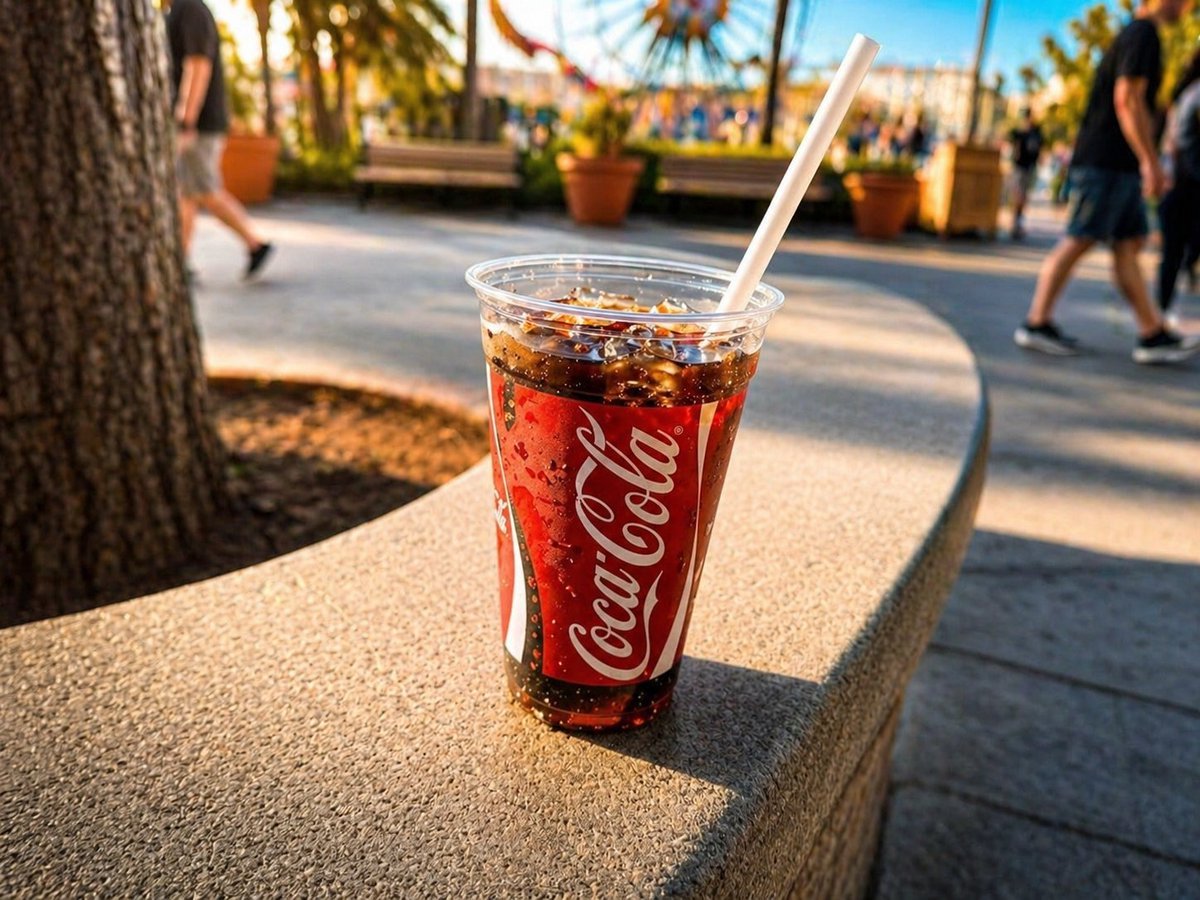
Professional Drink Photo Enhancement
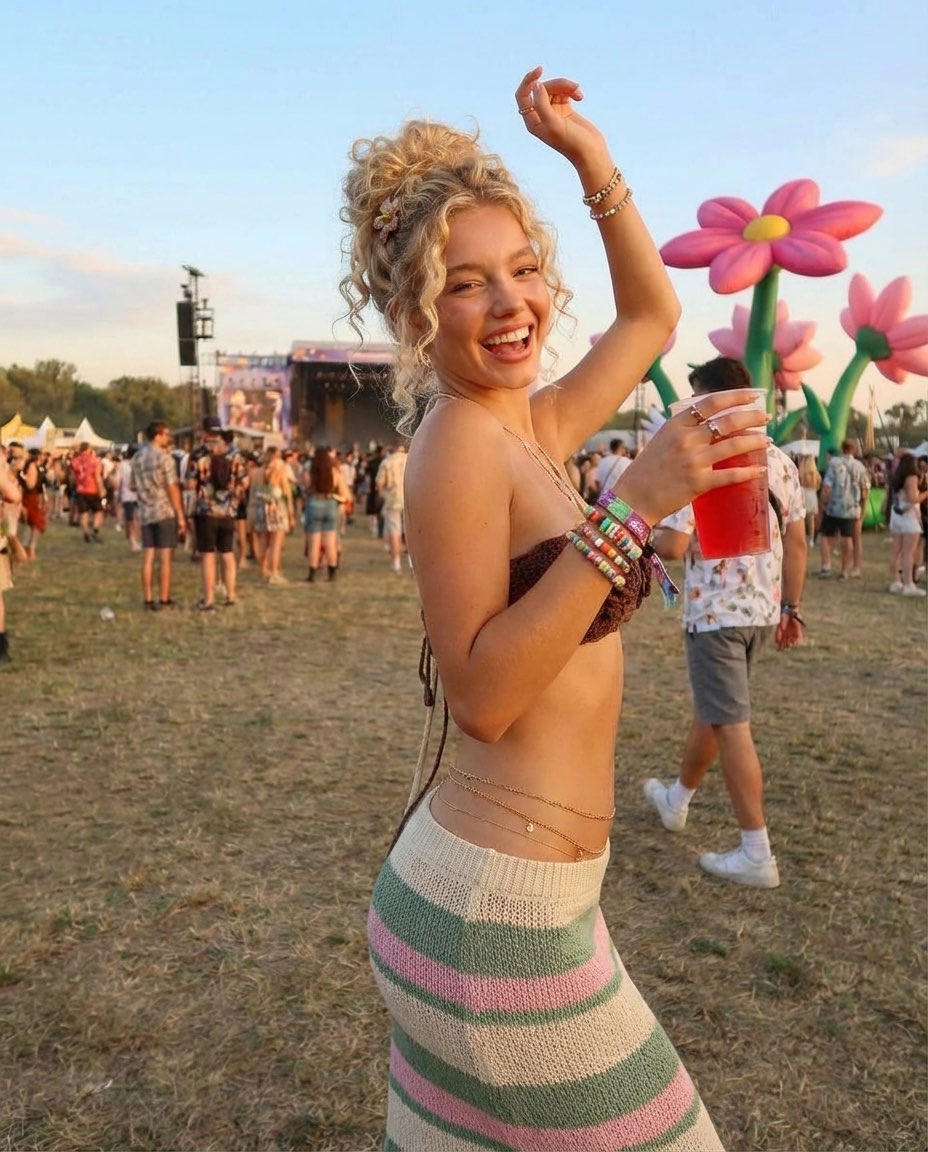
Photorealistic Festival Scene During Golden Hour
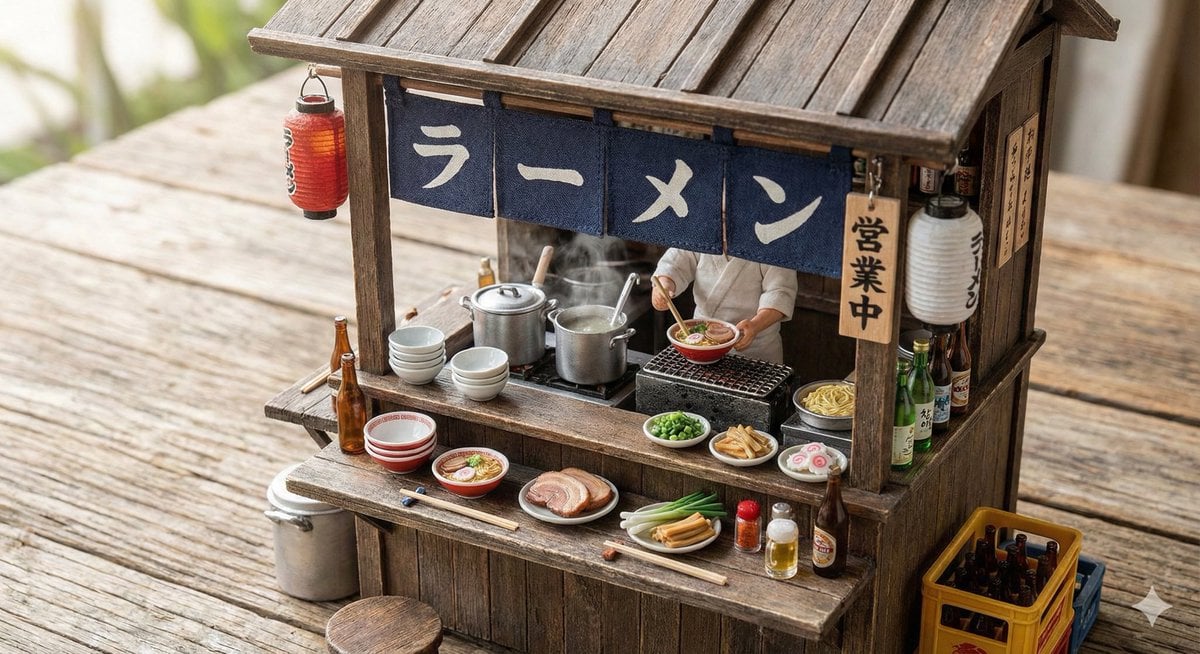
Generating Various Everyday Scenes
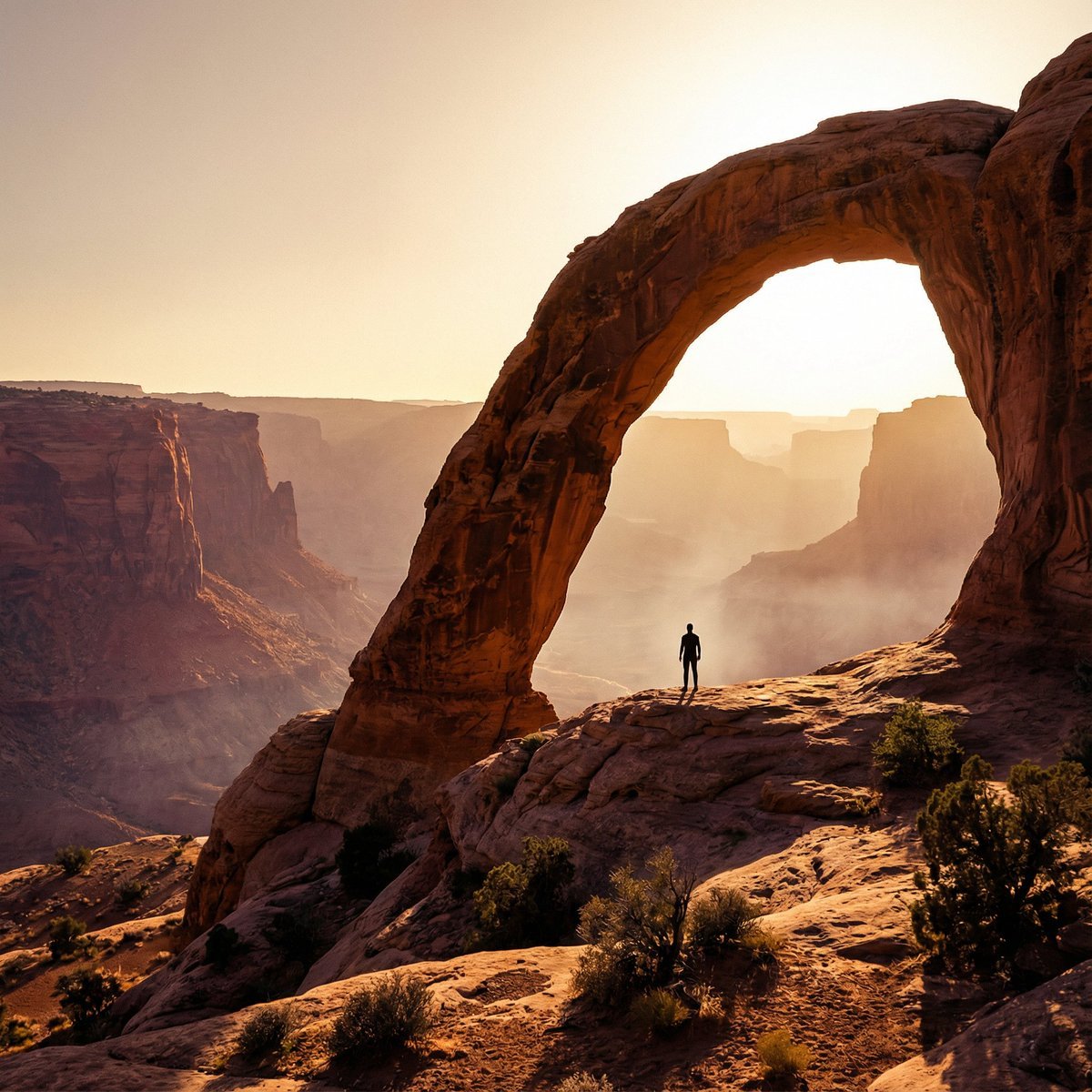
Monumental Desert Canyon Silhouette

Concert poster for Google Banana Band
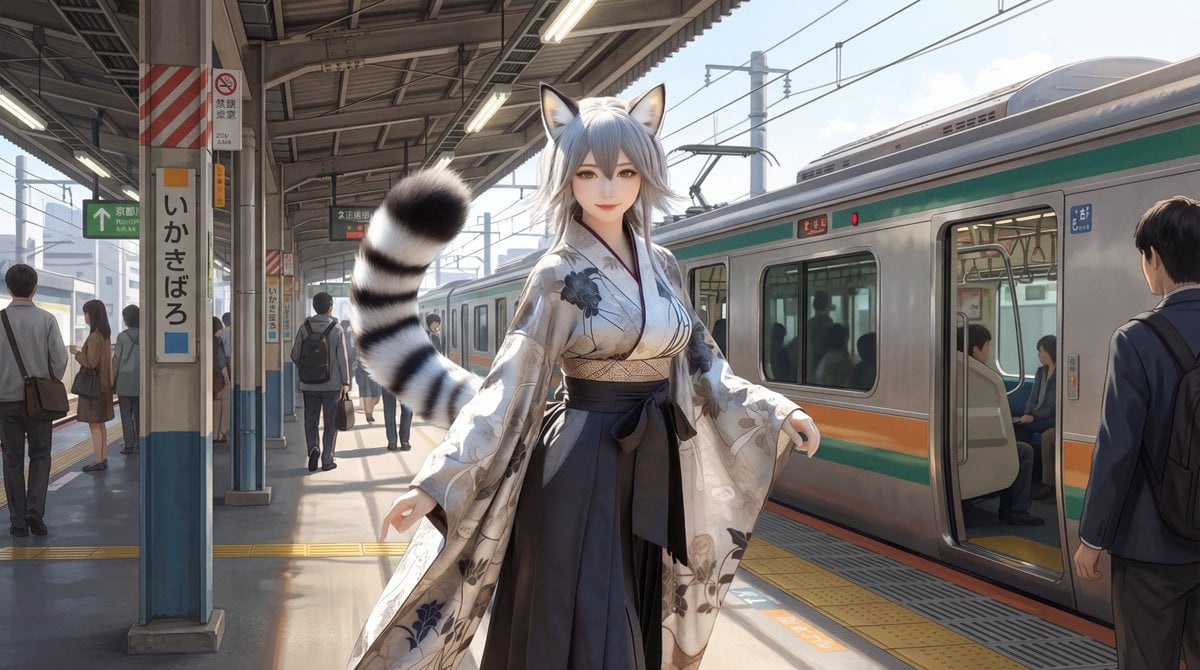
Character on Japanese train platform with matched lighting
Studio Portrait with Digital UI Overlay
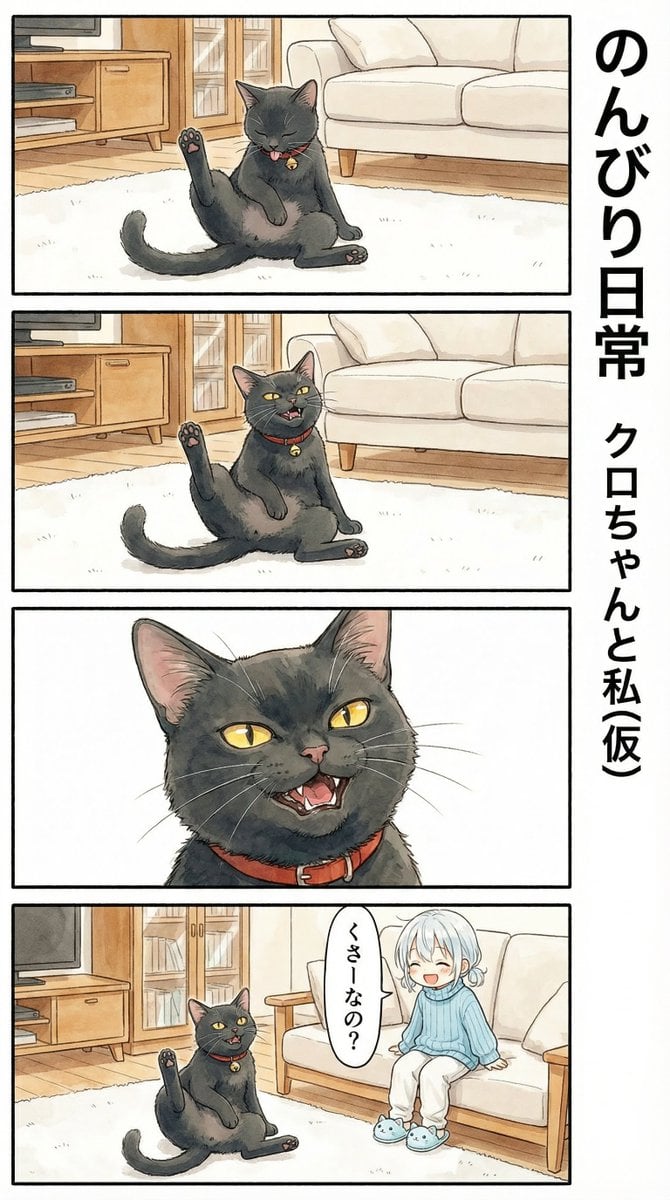
Flehmen Response AI Manga Panel Prompt
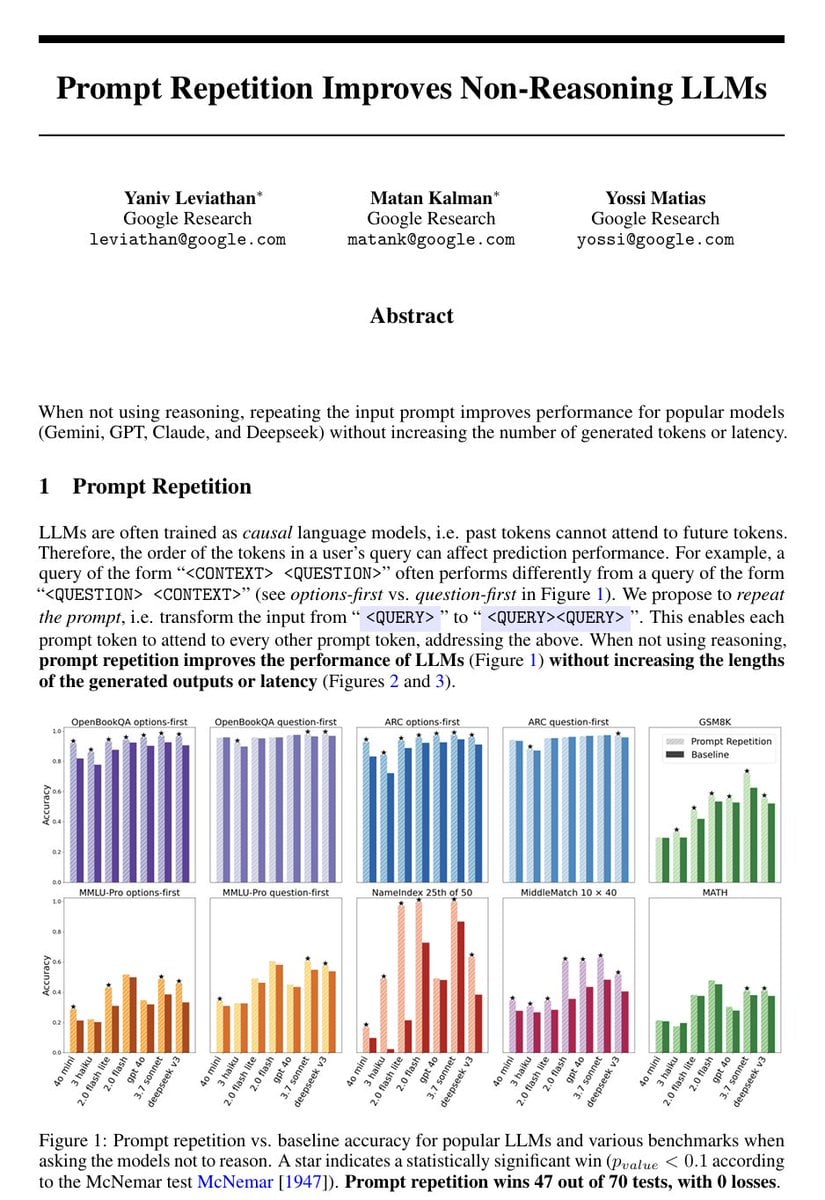
Repetitive Prompting Instruction
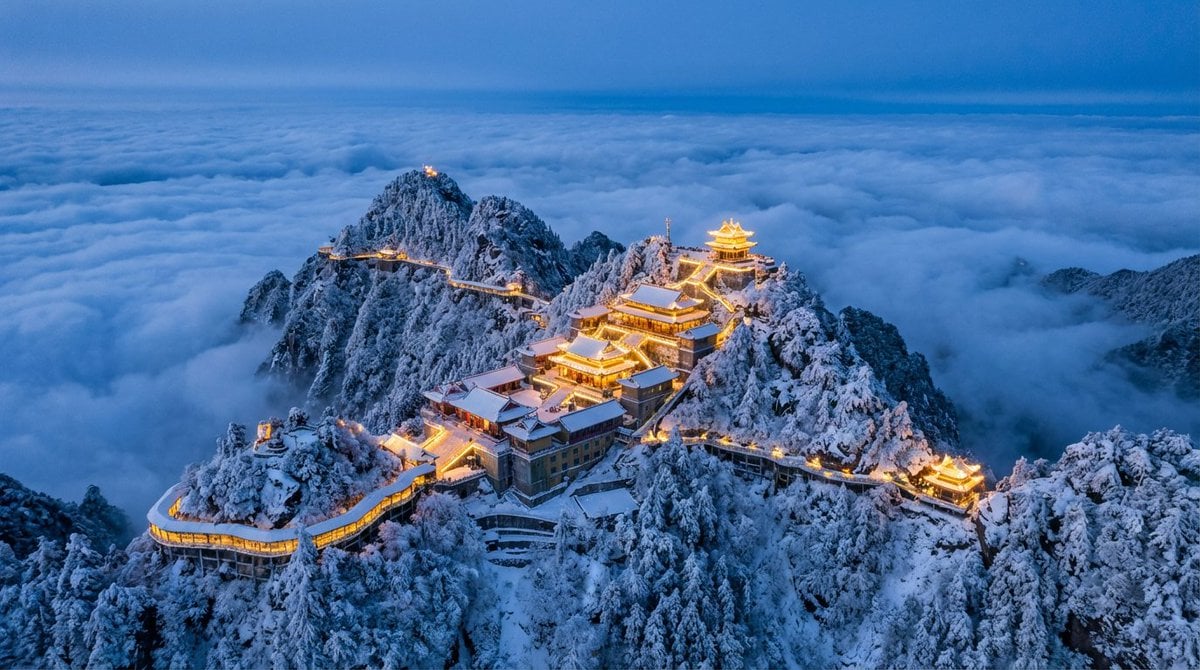
Spectacular Aerial View of Laojun Mountain Temple in Winter
Browse template categories
Bio-Inspired Industrial Shoe Design Board questions
How do I use the Bio-Inspired Industrial Shoe Design Board template?
Add your photo if the template asks for one, edit the prompt if you like — the template's model and format are already selected — and press Generate. Your version opens in PicX Studio.
Can I customize the Bio-Inspired Industrial Shoe Design Board template?
Yes. You can change the subject, setting, lighting, mood, format, and available model controls before creating your image.
Is the Bio-Inspired Industrial Shoe Design Board template free?
Opening and editing this template is free. Generating uses credits, shown on the Generate button when you are signed in.
Which AI model should I use?
Start with Nano Banana 2, which is the model associated with this template. You can compare another compatible model for a different finish.
Looking for something else? Browse all templates.

Your photo, any look
Thousands of ready templates for every top image and video model, from one credit balance.