
Rabbit Racer Workflow Board
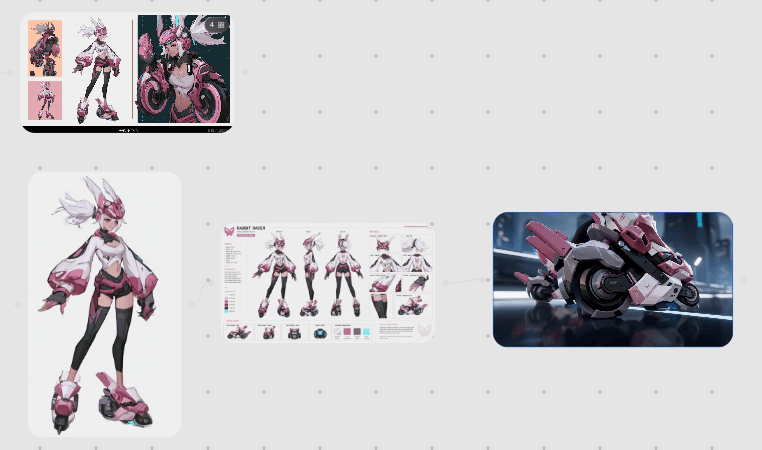
Generates a clean concept-art workflow board showing an anime cyberpunk character, her character sheet, and a matching futuristic motorcycle design.
- Prompt included
- Model and format preset
- Premium template
The prompt behind this image
Copy the exact prompt behind Rabbit Racer Workflow Board, or open it in the studio and make it yours.
Goal: Create a clean workflow presentation canvas showing how a futuristic anime character design is developed into a character sheet and then into a 3D sci-fi vehicle concept. Canvas: Wide 16:9 light gray canvas with a subtle evenly spaced dotted grid background. Use lots of negative space and a modern design-board aesthetic. Layout: Arrange exactly 4 main visual elements connected as a process. In the top-left, place a small black rounded-rectangle preview board containing exactly 3 vertical concept images: 1 small full-body pink-and-black character sketch on the left, 1 larger full-body white-haired character concept in the middle, and 1 dynamic close-up motorcycle/rider illustration on the right. In the lower-left, place a large rounded white card with a full-body character render. In the center, place a horizontal character turnaround/spec sheet. On the right, place a large rounded rectangular cinematic render of a futuristic motorcycle. Add faint thin gray connector lines/arrows flowing from the left character card to the central sheet and from the central sheet to the right vehicle render. Subject details: The main character is {argument name="character name" default="Rabbit Racer"}, a stylized cyberpunk anime girl with spiky white hair, pink bunny-ear helmet or head fins, a cropped white-and-pink jacket with oversized sleeves, black leggings, pink armor accents, and chunky futuristic roller-skate boots. The design language is glossy pink, white, black, and dark gray, with sharp mecha details and racing motifs. The center spec sheet should show exactly 3 main full-body turnaround poses across the middle, plus smaller detail callouts for clothing, boots, accessories, color swatches, and vehicle miniatures. The right render shows a compact pink-and-white futuristic racing motorcycle with circular wheel housings, angular armor panels, black mechanical parts, decals, and a glossy cinematic studio-lit look. Text content: Include the readable title {argument name="sheet title" default="RABBIT RACER"} on the central character sheet, with tiny technical labels and color chips that look like a professional model sheet; the small text can be mostly decorative and not fully readable. Visual style: Polished AI concept-art workflow mockup, crisp digital illustration mixed with product-design presentation, soft shadows, rounded corners, high-resolution details, muted gray interface background, elegant spacing, no clutter. Constraints: Keep the 4 main elements exactly as described, preserve the left-to-right workflow, avoid extra panels, avoid watermarks, avoid logos, and do not add large explanatory captions outside the character sheet.
How to use Rabbit Racer Workflow Board in 3 steps
- 1Upload ImagePNG, JPG or paste
Add your photo
Upload the photo the template builds on. The prompt, model and format are already set.
- 2…a portrait of your subject in softgolden-hour light, 85mm…
Personalize
Edit the subject and creative details for your destination.
- 3Generate
Generate
Press Generate — your image is created in PicX Studio, so you can compare it with the original and refine one variable at a time.
More like this
Templates with the same subject, style or setup. Open one to see its prompt.
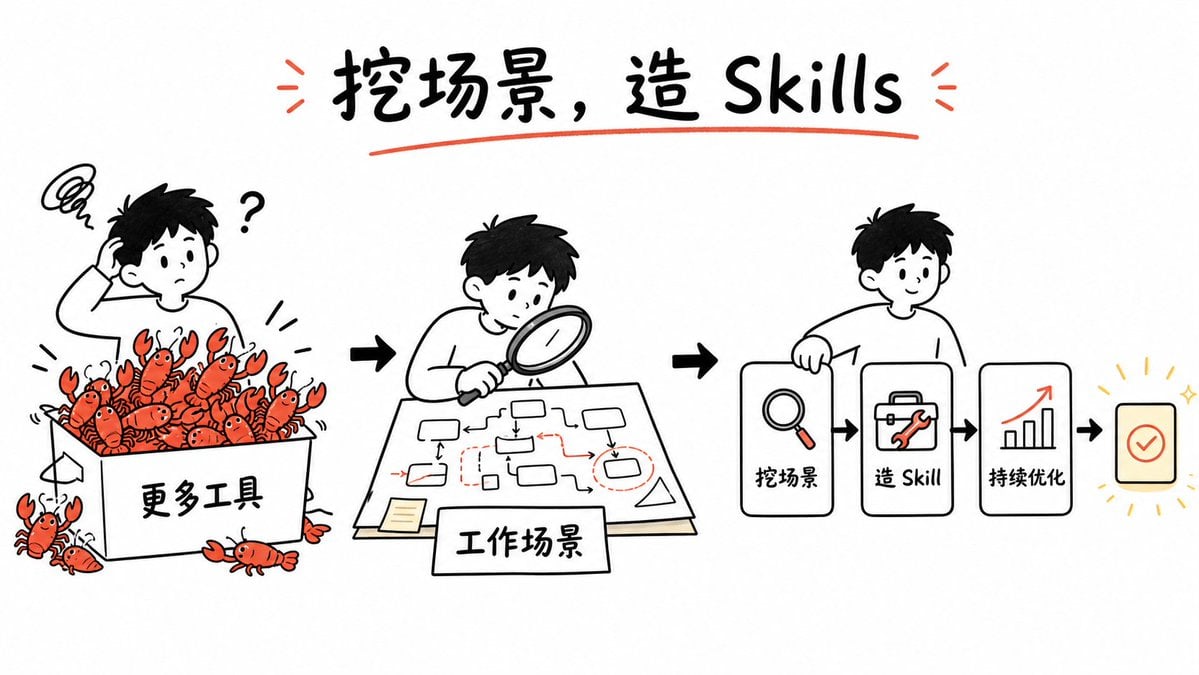
Whiteboard Skill-Building Workflow
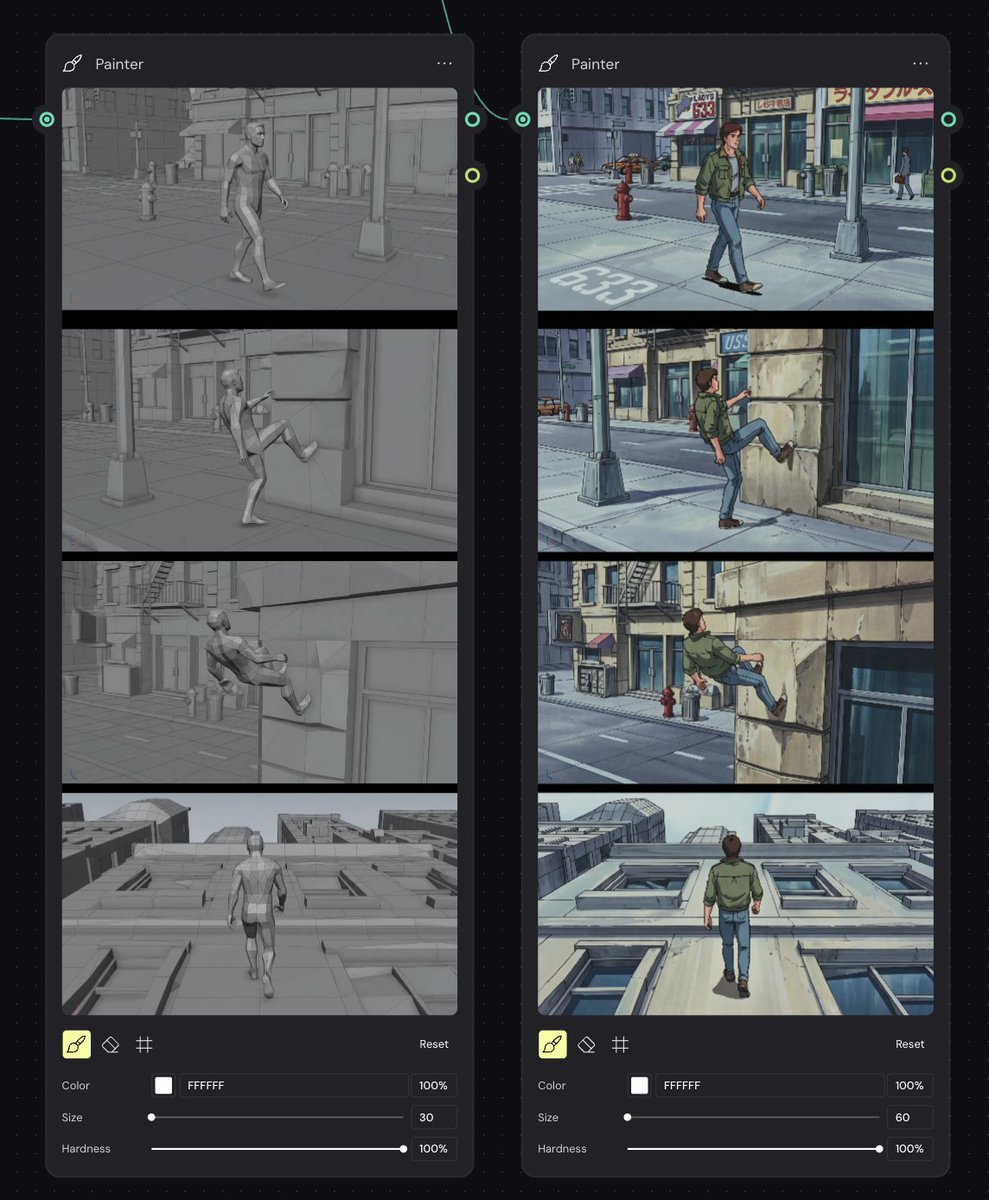
Storyboard Re-Render Workflow UI
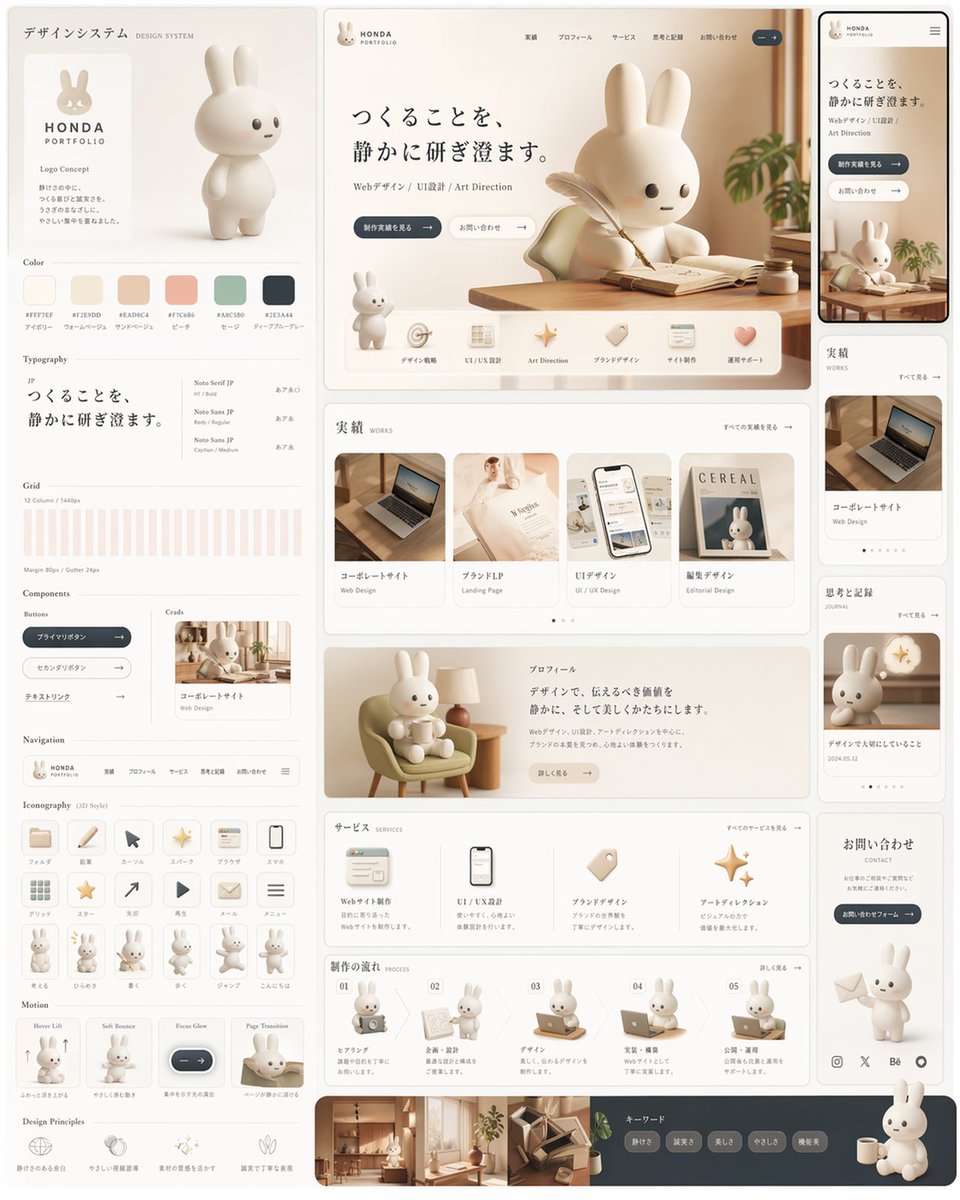
Rabbit Portfolio Design System Board
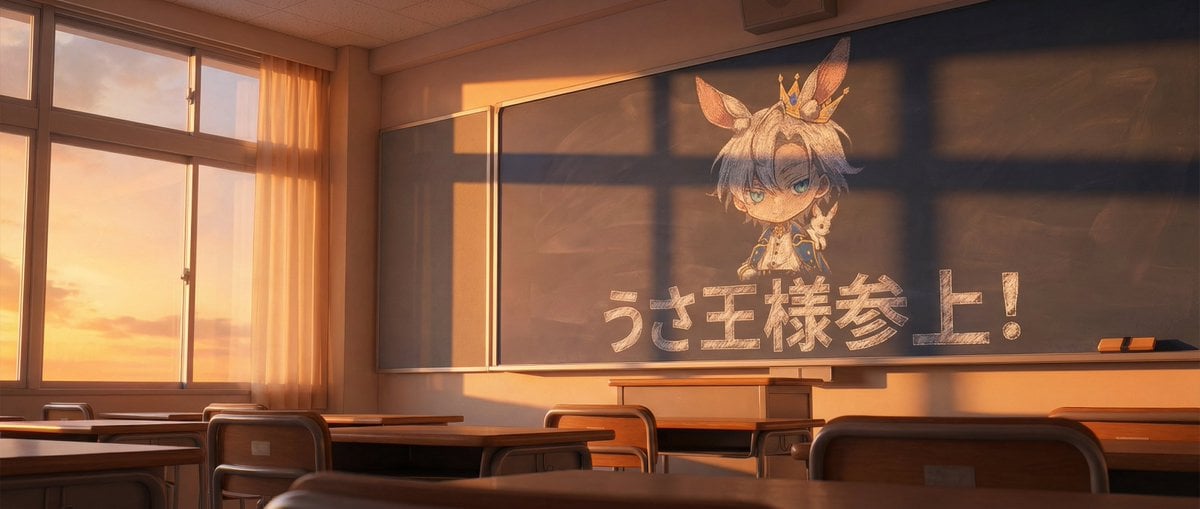
Chalkboard king rabbit illustration at sunset
Workflow for Style Transfer and Storyboard Generation
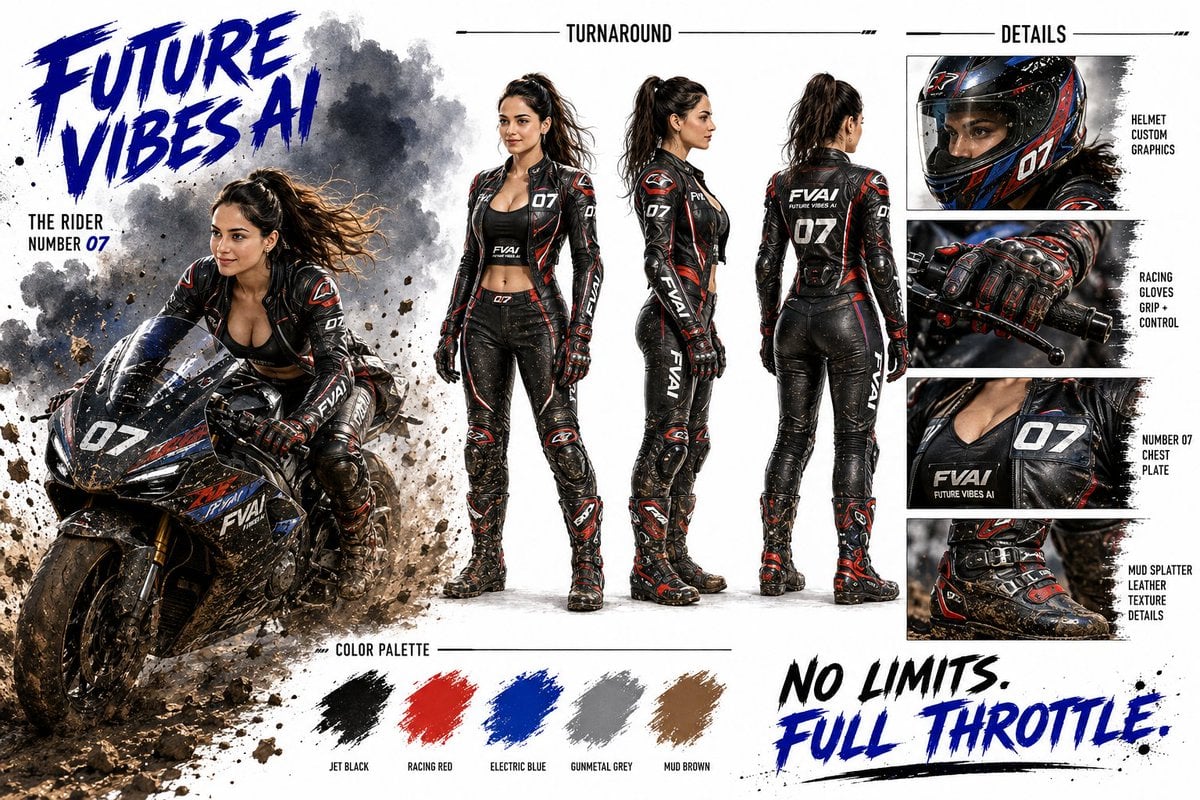
Futuristic Motorcycle Racer Bible Sheet
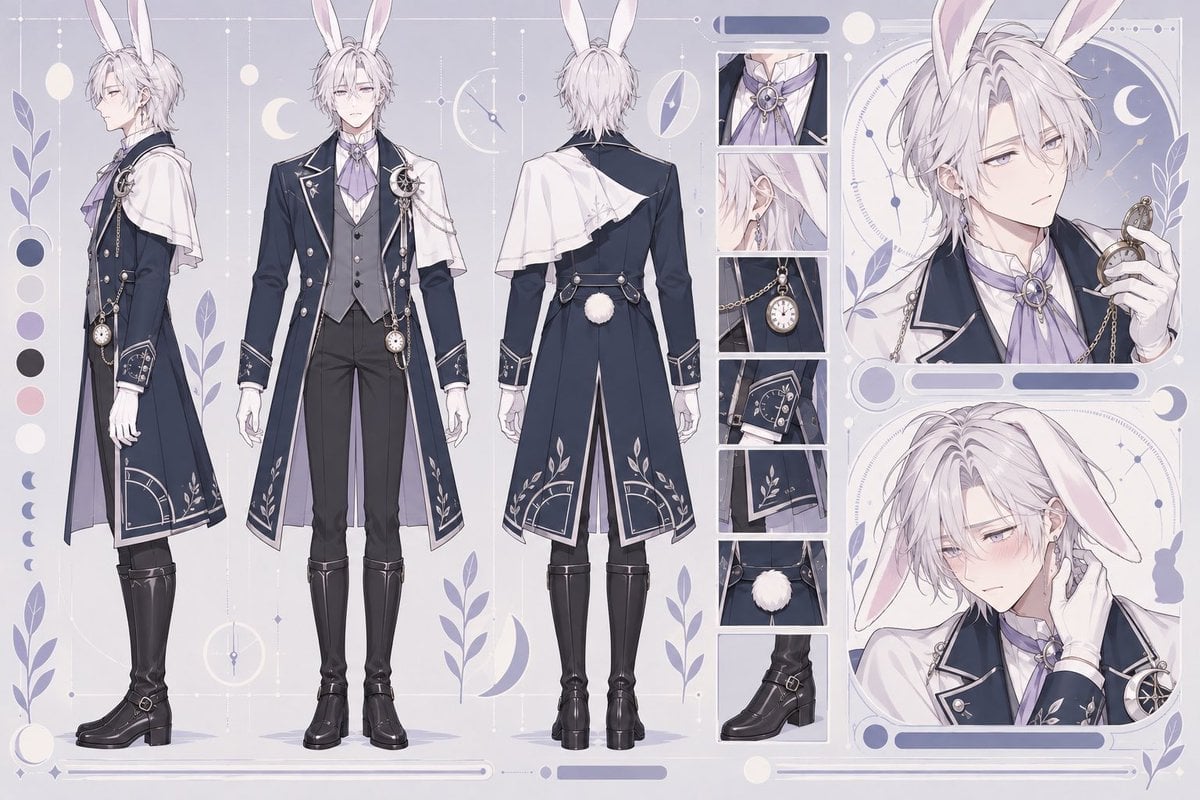
Rabbit Gentleman Character Sheet
Woman with Plush Rabbit Close-up
Editable PPT Workflow Infographic
Female Street Racer Reference Sheet
Cyberpunk Neon Street Racer
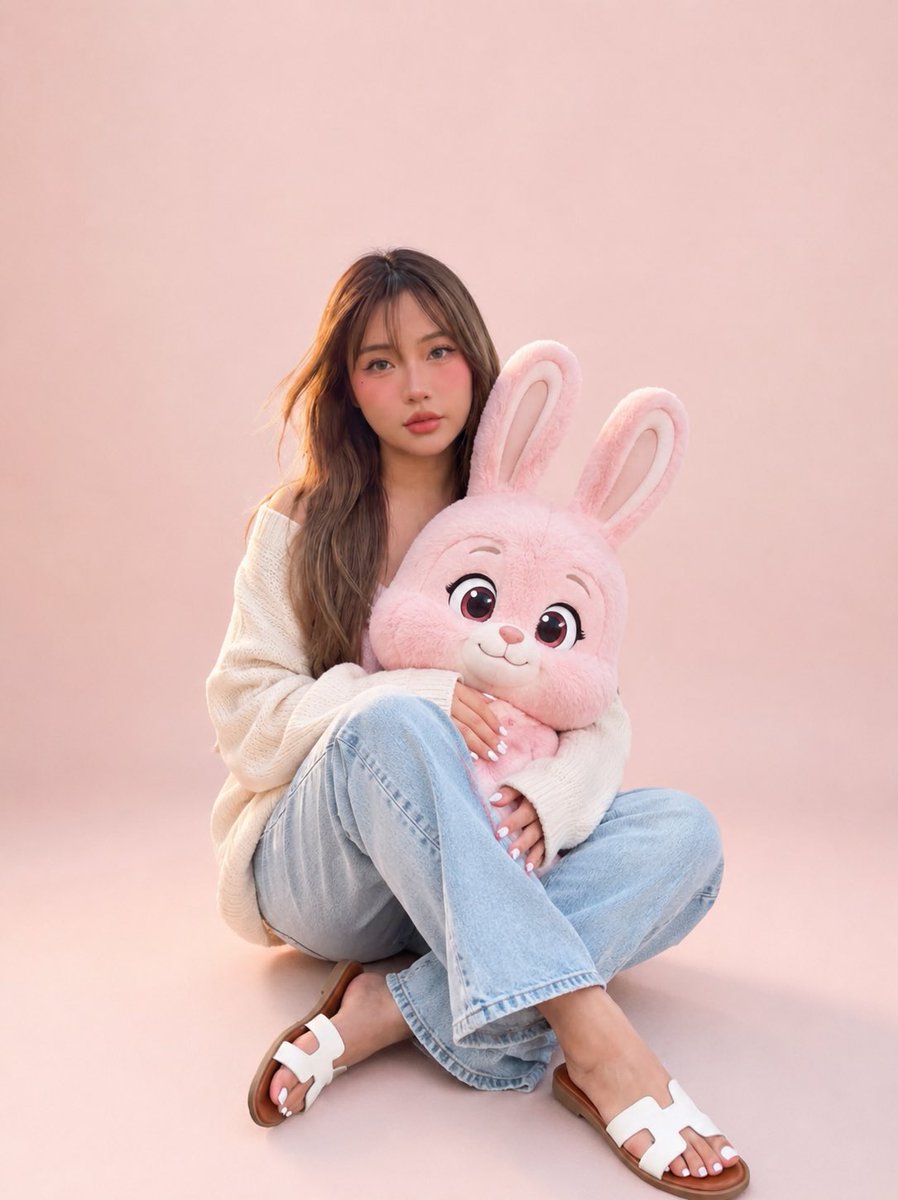
Portrait with Cartoon Pink Rabbit
Make it yours
Rabbit Racer Workflow Board works as-is. These are the safest ways to change it without losing the look.
Change one field
Copy a single group, rewrite it, and generate again so you can see what that field is doing.
Keep the frame, change the subject
Hold the composition and light of Rabbit Racer Workflow Board, then swap wardrobe, props or the person for a new take.
| If the result… | Why | Fix |
|---|---|---|
| The result drifts from the preview | Too many fields changed at once. | Reuse Rabbit Racer Workflow Board as-is first, then change one group — subject, light, or setting. |
| The model over-stylizes the scene | The prose prompt leaves finish and camera underspecified. | Add one camera or lighting sentence and stay on GPT Image 2. |
More GPT Image 2 templates
Other prompts made for GPT Image 2.

Six VTuber Japanese Logo Sheet

Realistic Portrait of Woman and Deer

The Vista Modular Condo Poster

AI Model Routing Comparison Infographic

Isometric Productivity Desk Scene

New York Double Exposure Poster

Four-Panel AI Landscape Comparison

Japanese Tatami Lifestyle Magazine Cover

NESCAFÉ Coffee Map Poster

Brutalist Cogito Chinese Typography Poster
More image prompts
Fresh picks from across the catalog.
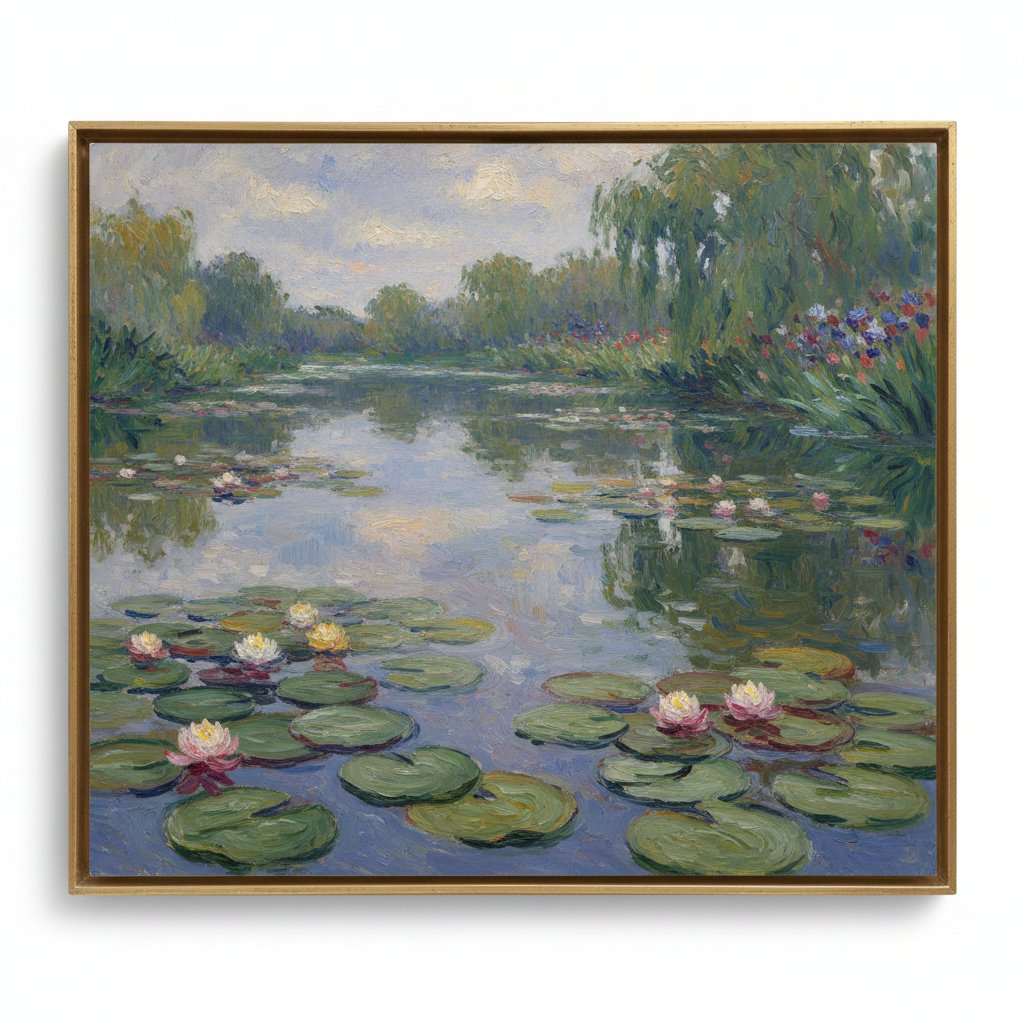
Image Generation Prompt: Monet's Water Lilies Style
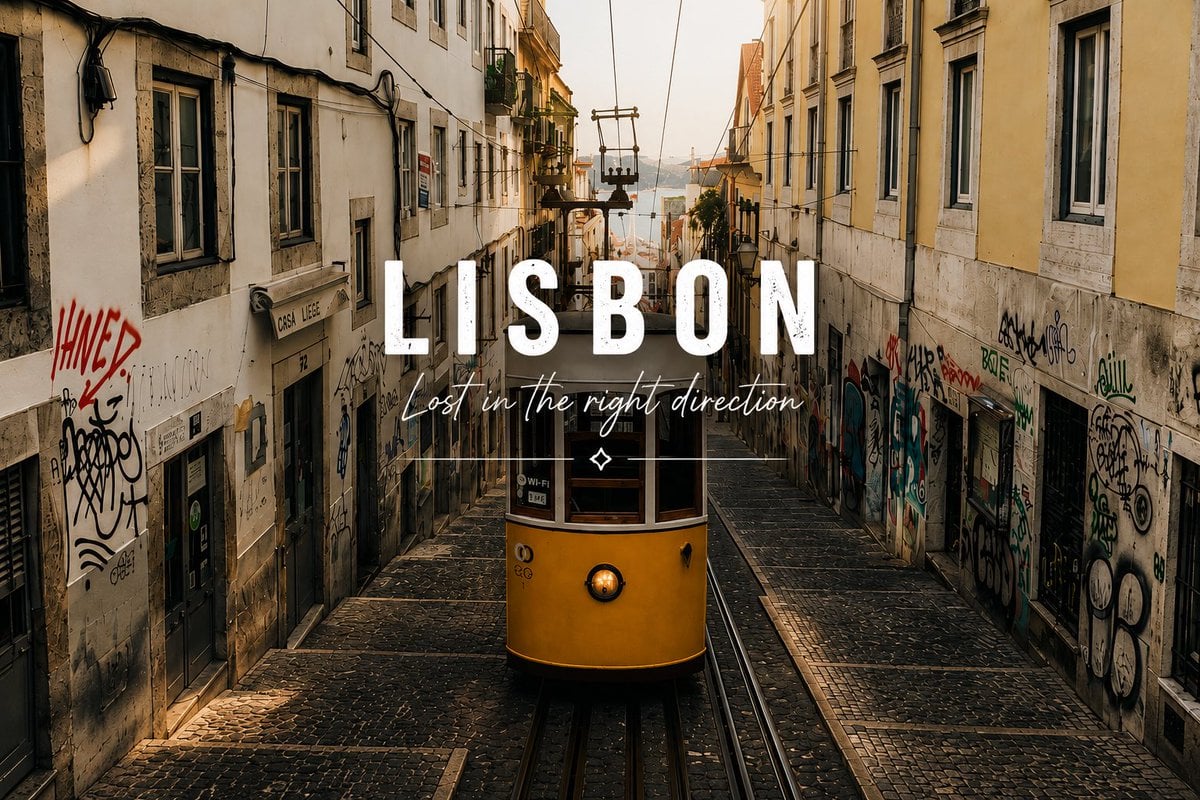
Lisbon Tram Travel Poster
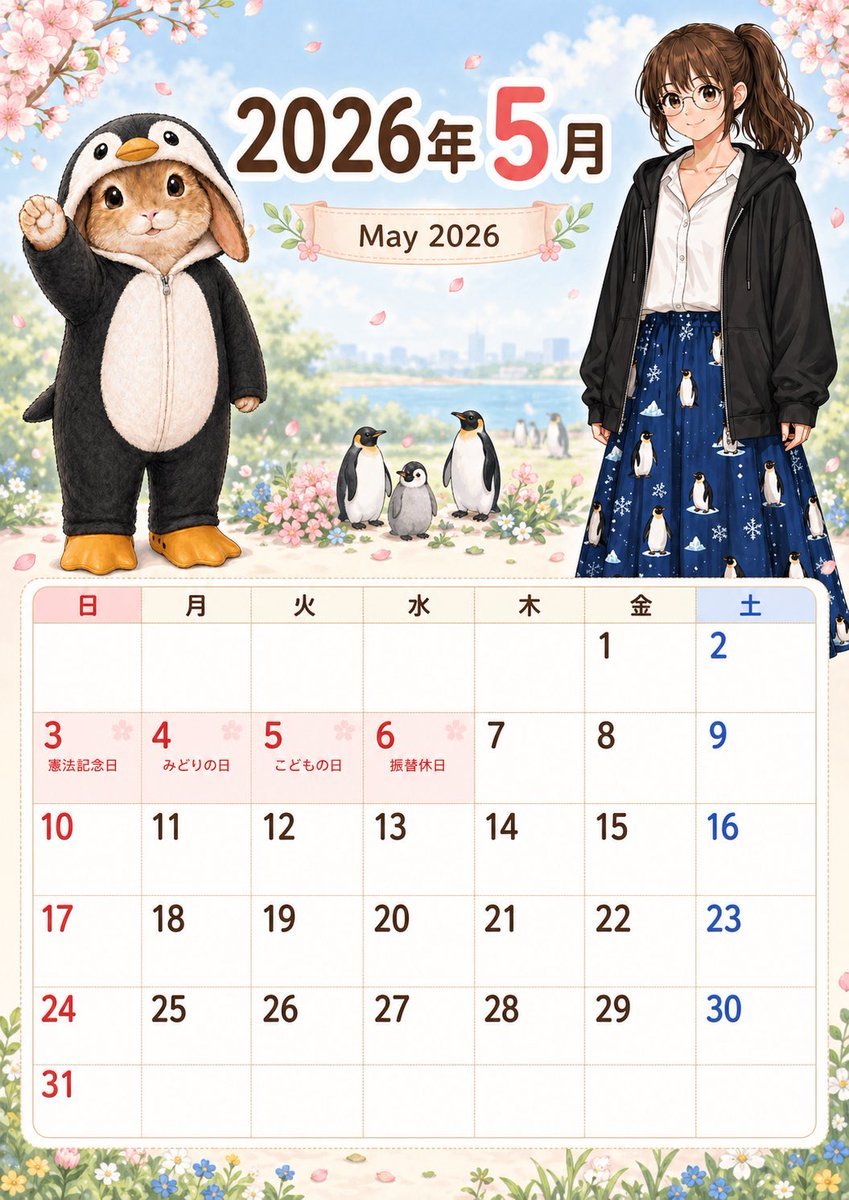
Cute May 2026 Spring Calendar
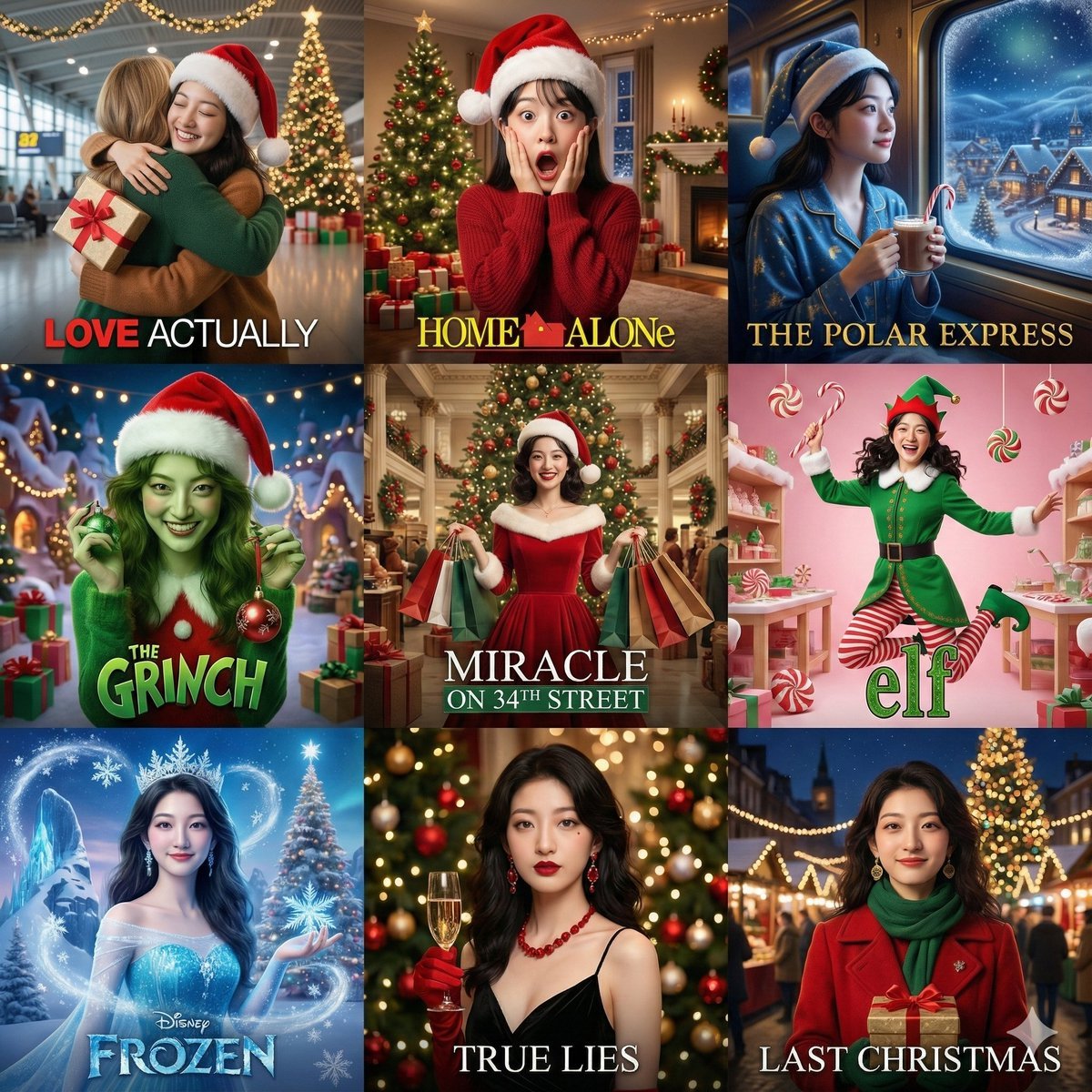
Panel Christmas Movie Scene Collage Prompt

Cute Chinese LLM Training Infographic
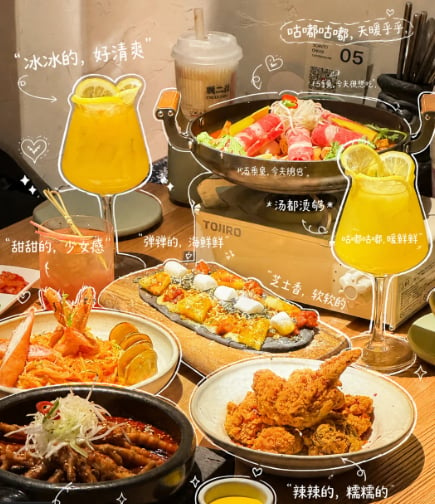
Annotated Chinese BBQ Food Poster
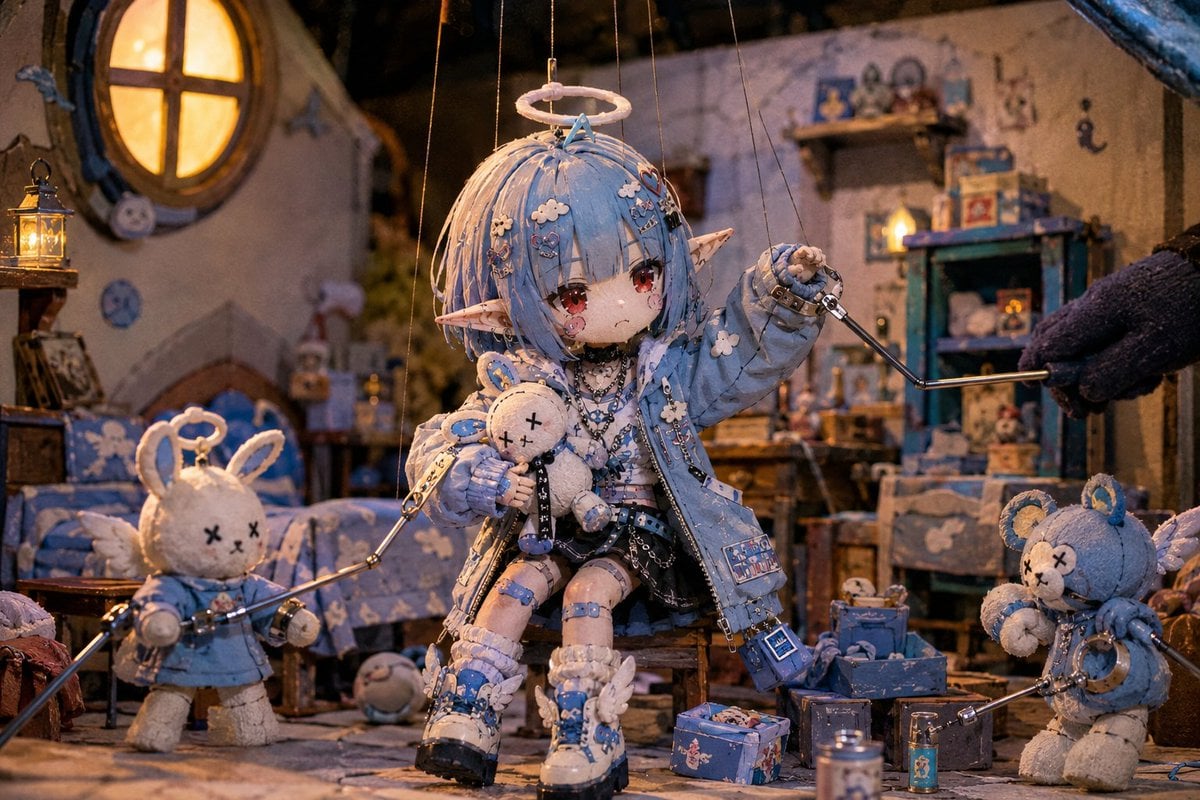
Nostalgic Puppet Play Scene
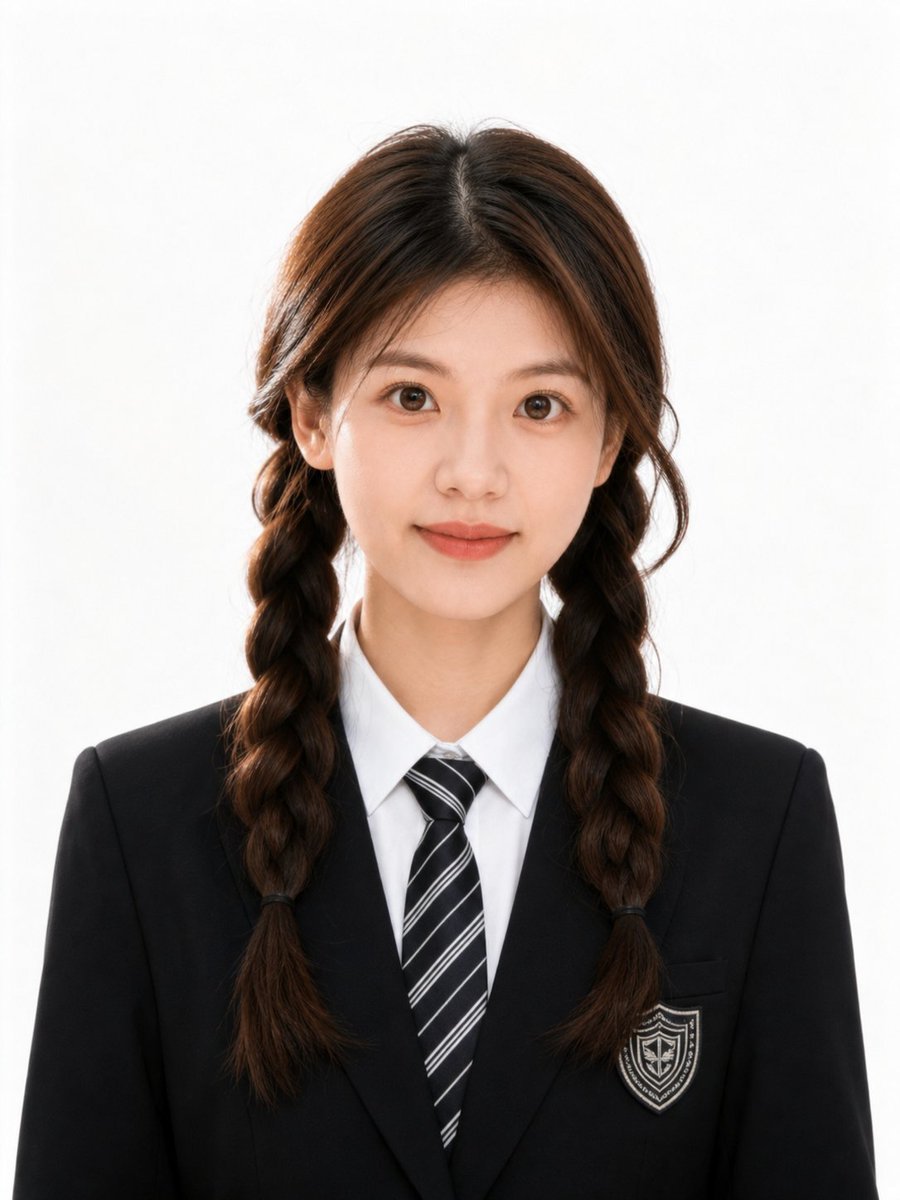
Polished Academic Student ID Portrait
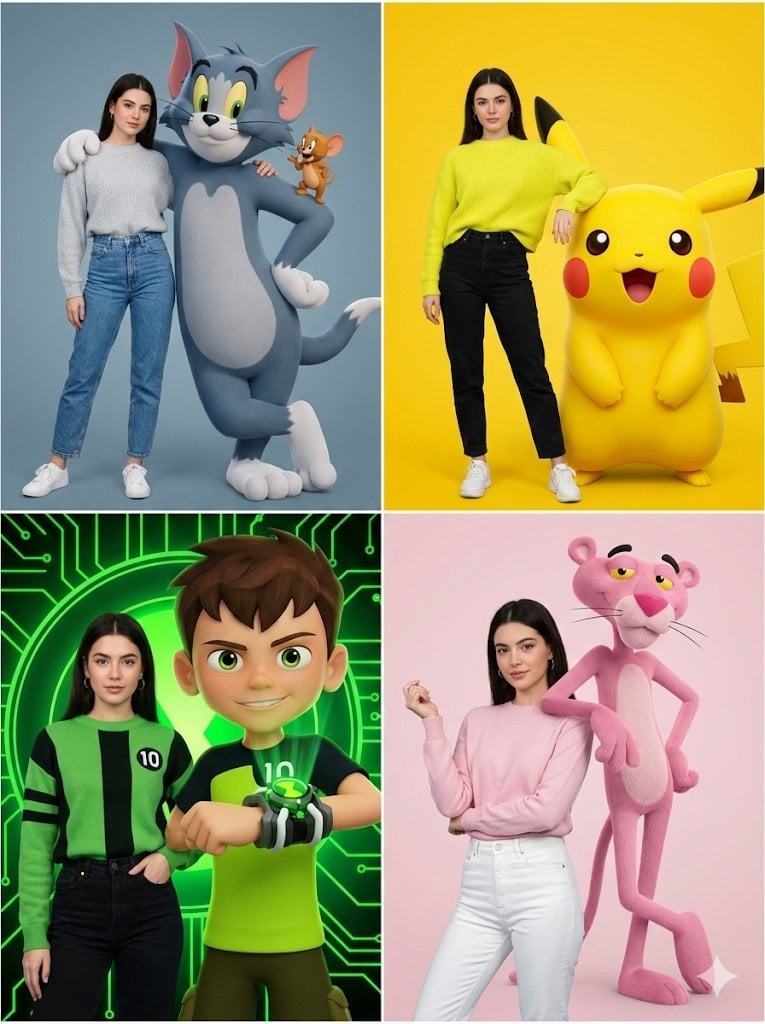
Hyper-realistic Childhood Cartoon Fashion Shoot
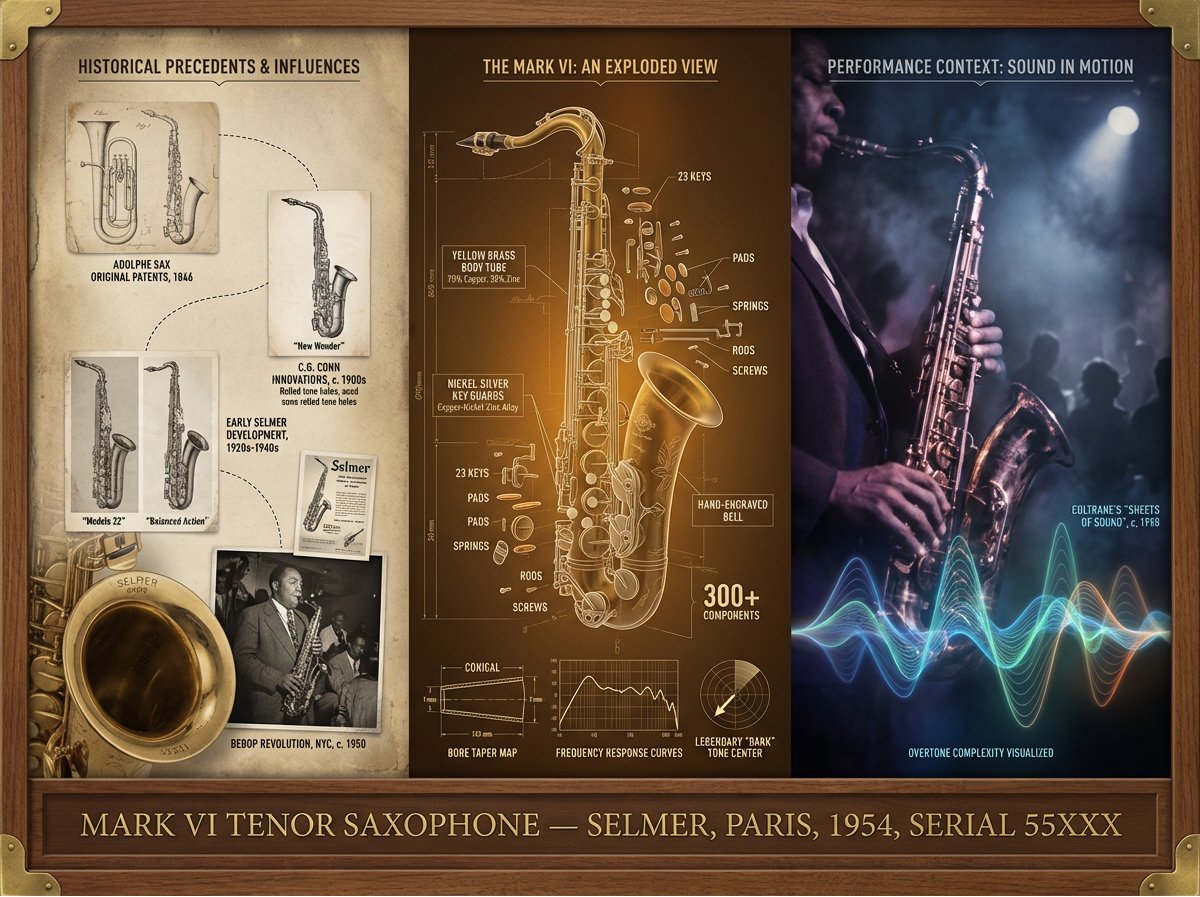
Instrument Genealogy Board (Luthier's Legacy)
Browse template categories
Rabbit Racer Workflow Board questions
How do I use the Rabbit Racer Workflow Board template?
Add your photo if the template asks for one, edit the prompt if you like — the template's model and format are already selected — and press Generate. Your version opens in PicX Studio.
Can I customize the Rabbit Racer Workflow Board template?
Yes. You can change the subject, setting, lighting, mood, format, and available model controls before creating your image.
Is the Rabbit Racer Workflow Board template free?
Opening and editing this template is free. Generating uses credits, shown on the Generate button when you are signed in.
Which AI model should I use?
Start with GPT Image 2, which is the model associated with this template. You can compare another compatible model for a different finish.
Looking for something else? Browse all templates.

Your photo, any look
Thousands of ready templates for every top image and video model, from one credit balance.