
Nostalgic Puppet Play Scene
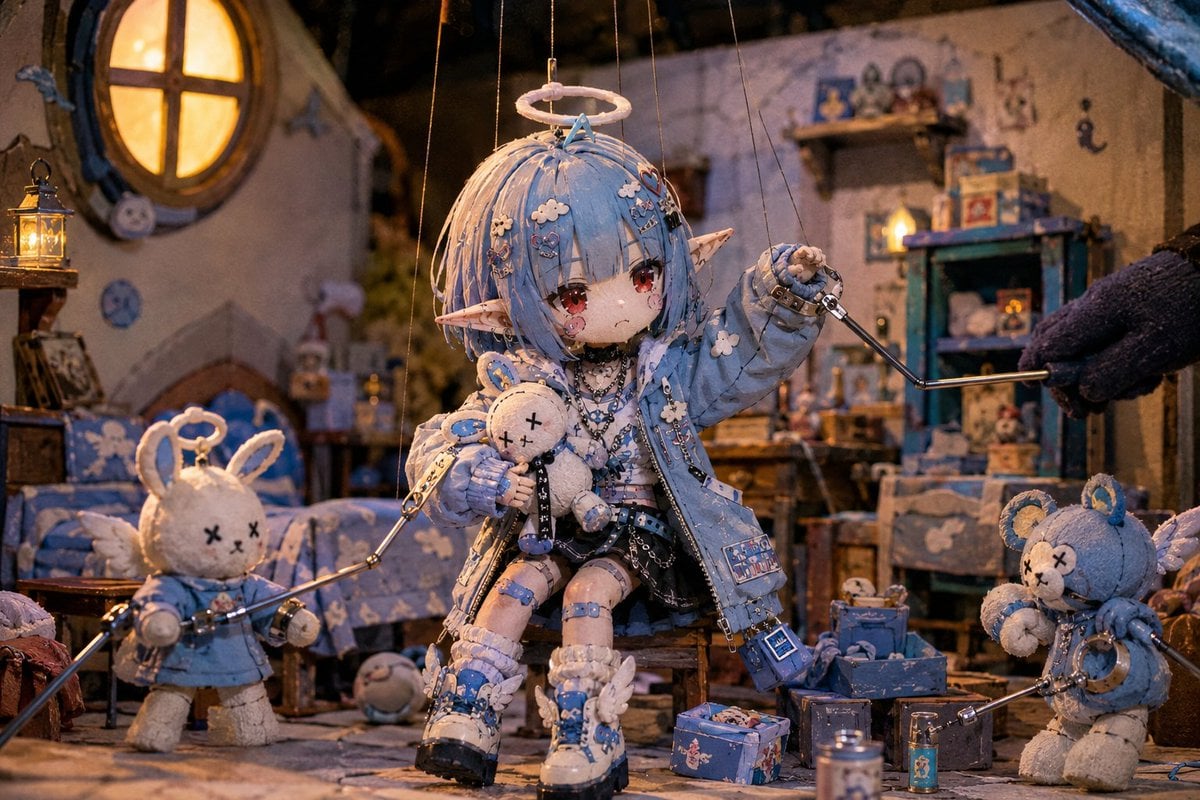
An i2i prompt for GPT Image 2 that generates nostalgic, high-quality puppet play scenes with intricate miniature sets and handcrafted textures, perfect for a vintage TV show aesthetic.
- Prompt included
- Model and format preset
- Free template
The prompt behind this image
Copy the exact prompt behind Nostalgic Puppet Play Scene, or open it in the studio and make it yours.
Use the provided image as the character reference. With the character from the reference image as the protagonist, 「{argument name="Puppet Show Theme" default="a scene from a beloved classic puppet show"}」 depict it. This is not a character design sheet. This is not a poster. This is not a key visual. This is an in-episode scene from a fictional puppet show that was actually broadcast on television. Depict the character as a puppet controlled by a puppeteer. Control rods or rods used for manipulation should be attached to the head, hands, arms, and so on. Control strings may also be used if needed. The puppet should have a texture as if made from fabric, felt, wood, resin, metal joints, and similar materials. While keeping the facial features, hairstyle, ears, costume, color design, and personality traits of the reference image, reinterpret them naturally as a puppet-theater puppet. The background should be a miniature stage set built specifically for the puppet show. A city, a village, a castle, a forest, a spaceship, a laboratory, an otherworldly city, and so on — build it naturally to match the reference character's world setting. The background set should not be full-scale; it should clearly read as a miniature stage crafted by an artisan. Handmade-looking buildings. Small streetlights. Papier-mâché rock formations. Model trees. Miniature furniture. Elaborately built stage props. Fill the scene with abundant small props. The character should be in the middle of a story. In conversation. On an adventure. An incident unfolding. In pursuit. Exploring. In battle. A celebration. A strategy meeting. A moving reunion. An escape/chase scene, and so on — depict a situation where viewers can imagine the story before and after this moment. Do not display any text, subtitles, logos, titles, credits, or captions on screen. The lighting should be warm and natural. It should have shadows characteristic of stage lighting. Soft lighting reminiscent of a slightly old TV program. A handmade warmth. An atmosphere like children's literature. The mood of a family-friendly fantasy work. Somehow nostalgic, 「I feel like I saw a show like this once, long ago」 emphasize a nostalgic atmosphere that evokes that feeling. Rather than a puppet-show filming set, depict it as an actual broadcast in-episode scene. High-quality anime illustration. High-quality miniature set. Abundant depiction of small props. A stage composition with depth. A composition like a scene from a movie. Emphasize direction where the story can be felt from a single still-image moment.
How to use Nostalgic Puppet Play Scene in 3 steps
- 1Upload ImagePNG, JPG or paste
Add your photo
Upload the photo the template builds on. The prompt, model and format are already set.
- 2…a portrait of your subject in softgolden-hour light, 85mm…
Personalize
Edit the subject and creative details for your destination.
- 3Generate
Generate
Press Generate — your image is created in PicX Studio, so you can compare it with the original and refine one variable at a time.
More like this
Templates with the same subject, style or setup. Open one to see its prompt.

Stop Motion Finale Fireworks

Stop Motion Garden Maze

Stop Motion Rooftop Concert

Stop Motion Bicycle Coast
Stop Motion Castle Gate
Stop Motion Kitchen Chaos

Stop Motion Carnival Ride
Stop Motion Rainy Bus Stop

Stop Motion Space Dock
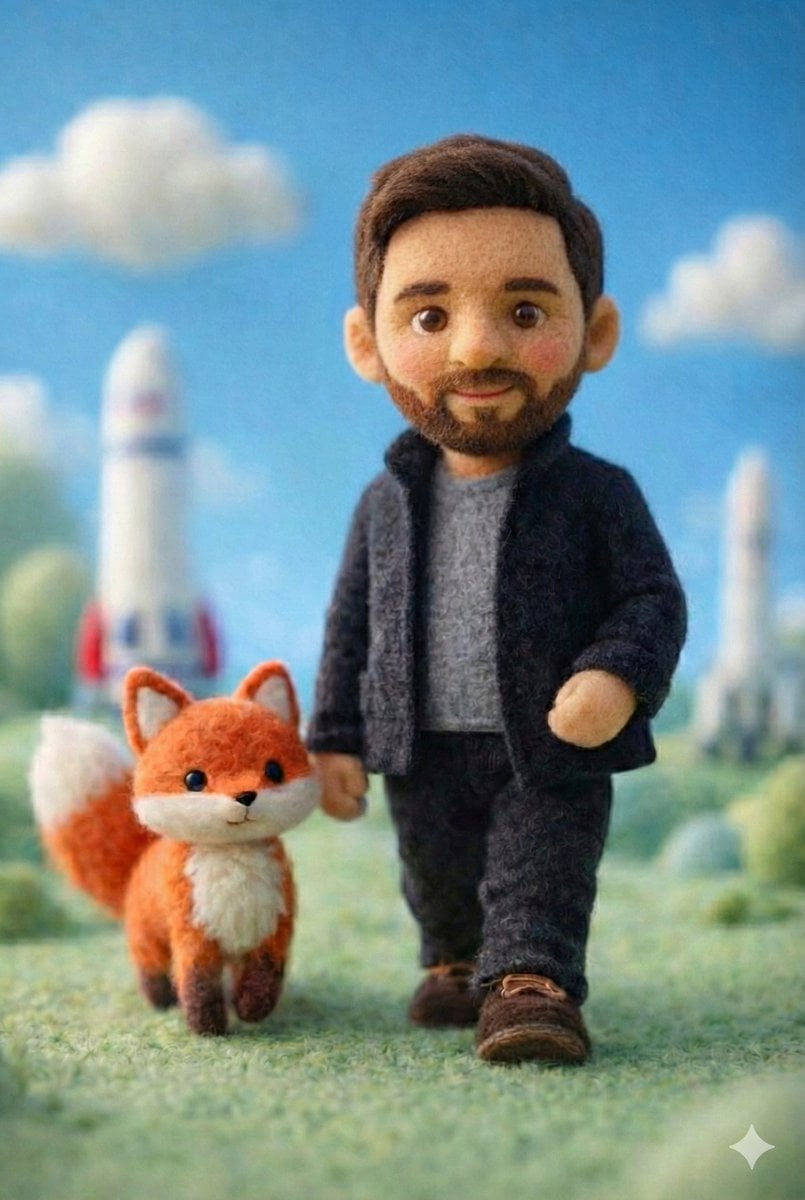
Stop Motion Cafe Morning
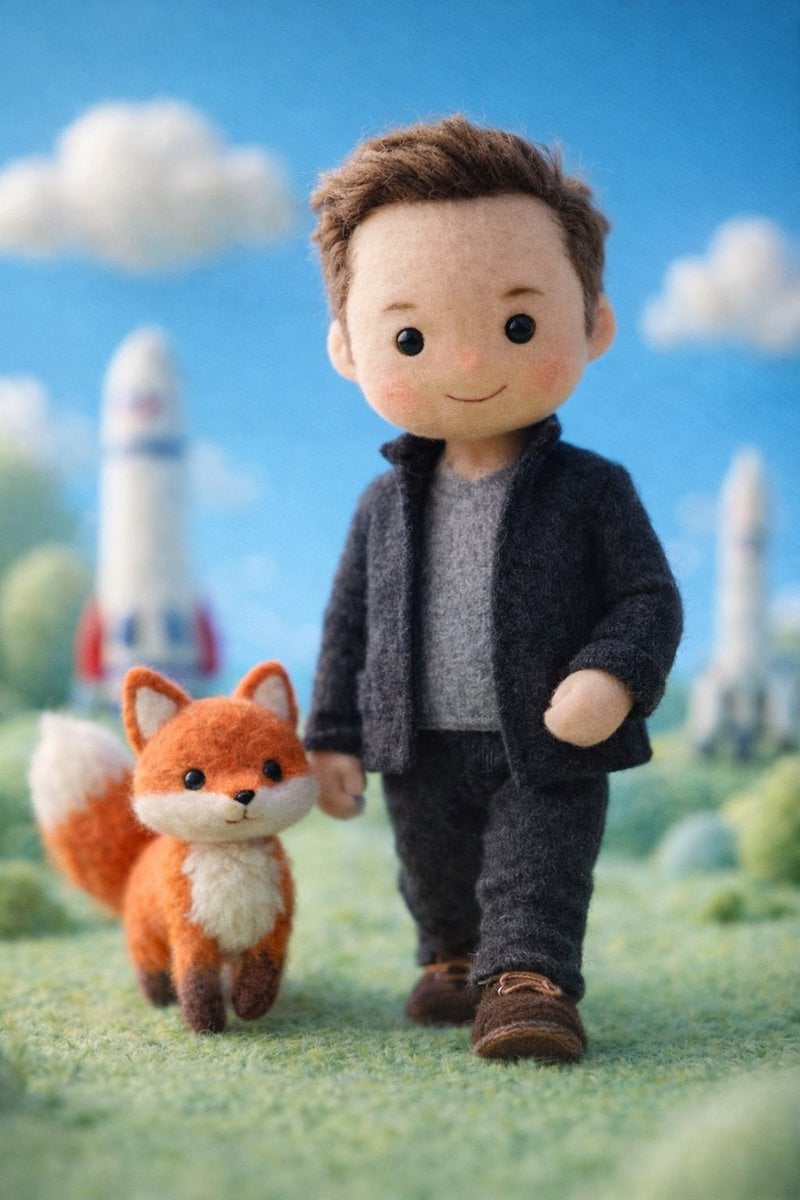
Stop Motion Mountain Summit
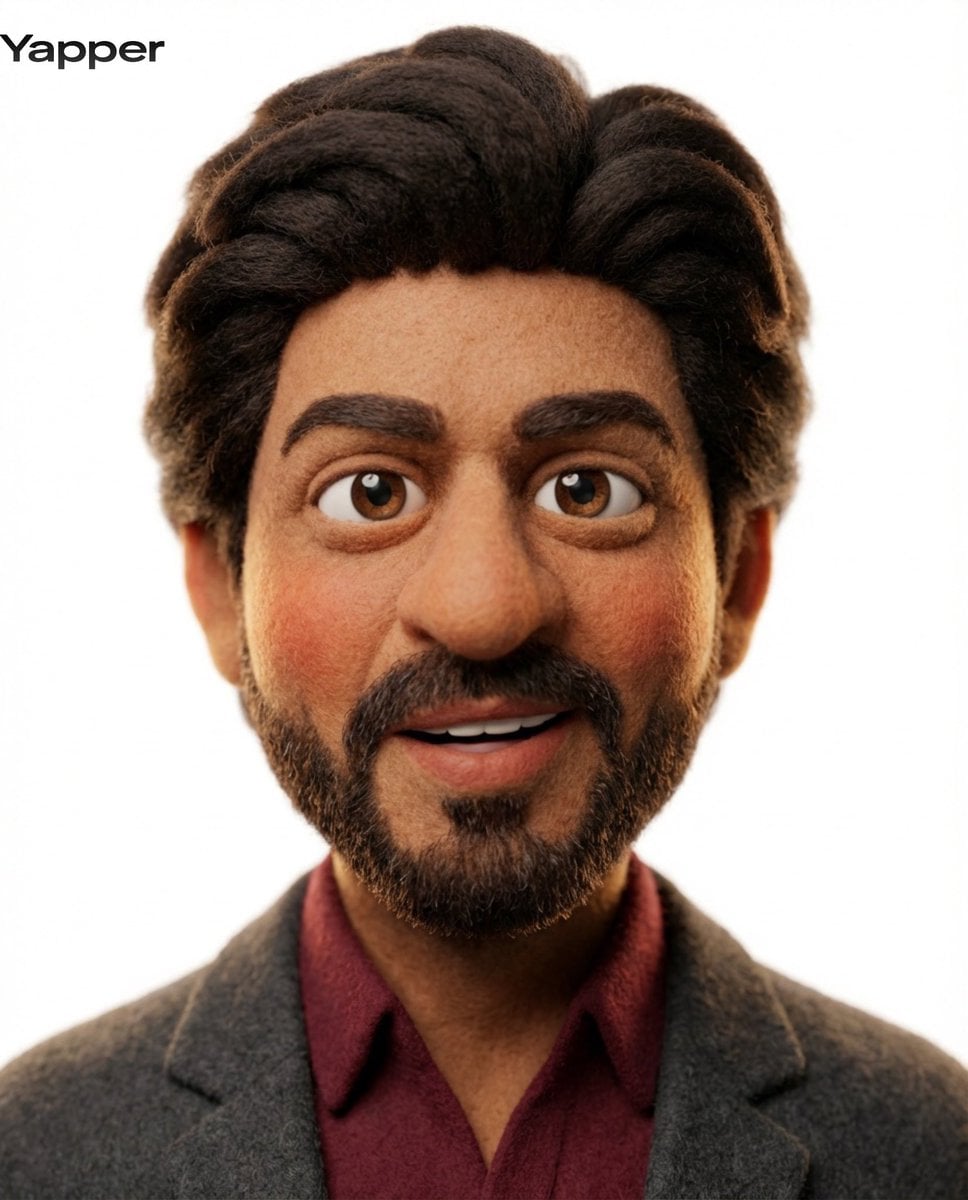
Stop Motion Underwater Reef
Make it yours
Nostalgic Puppet Play Scene works as-is. These are the safest ways to change it without losing the look.
Change one field
Copy a single group, rewrite it, and generate again so you can see what that field is doing.
Keep the frame, change the subject
Hold the composition and light of Nostalgic Puppet Play Scene, then swap wardrobe, props or the person for a new take.
| If the result… | Why | Fix |
|---|---|---|
| The result drifts from the preview | Too many fields changed at once. | Reuse Nostalgic Puppet Play Scene as-is first, then change one group — subject, light, or setting. |
| The model over-stylizes the scene | The prose prompt leaves finish and camera underspecified. | Add one camera or lighting sentence and stay on GPT Image 2. |
More GPT Image 2 templates
Other prompts made for GPT Image 2.

Six VTuber Japanese Logo Sheet

Realistic Portrait of Woman and Deer

The Vista Modular Condo Poster

AI Model Routing Comparison Infographic

2.5D Anime Art Board

Isometric Productivity Desk Scene

New York Double Exposure Poster

Four-Panel AI Landscape Comparison

Japanese Tatami Lifestyle Magazine Cover

NESCAFÉ Coffee Map Poster
More image prompts
Fresh picks from across the catalog.
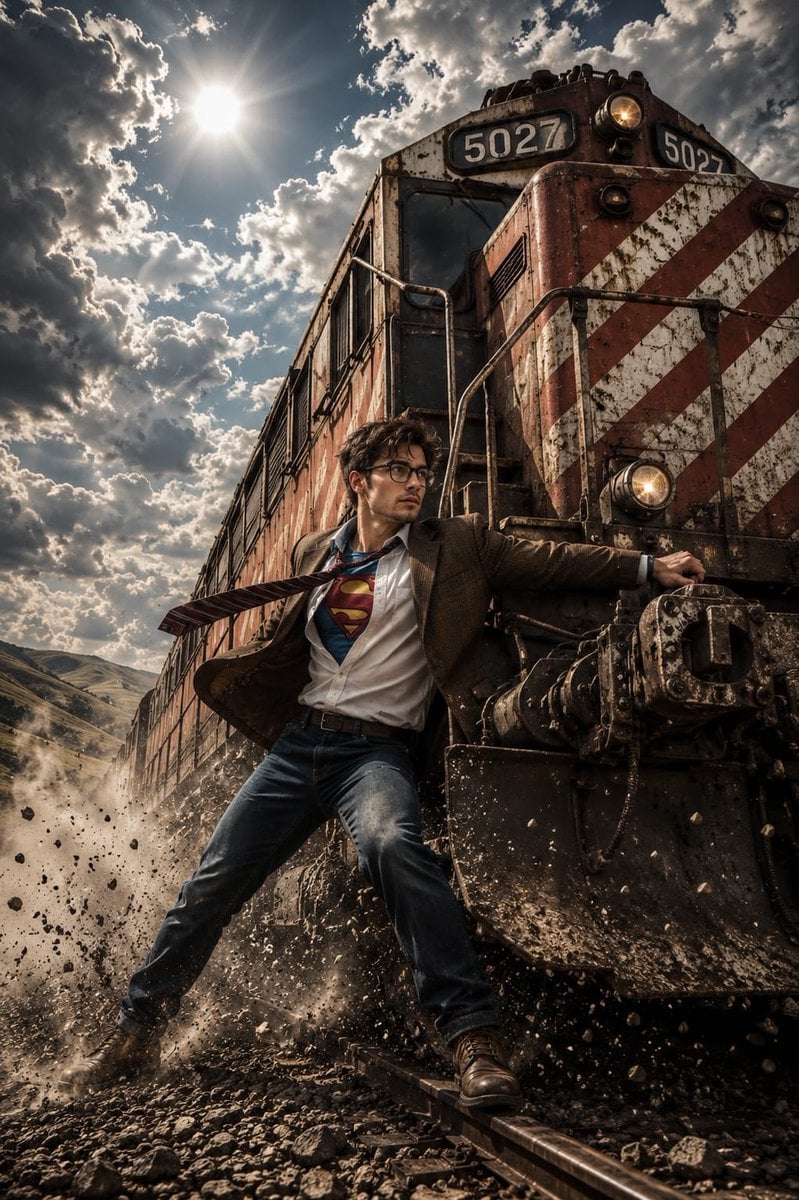
Heroic Action Train Stopping Portrait
Atmospheric Product Interface Visual Prompt for SaaS UI
Nano Banana - Window Wine Red Dress
Before and After Handbag Ad
Cinematic Red Heist Team in Bank
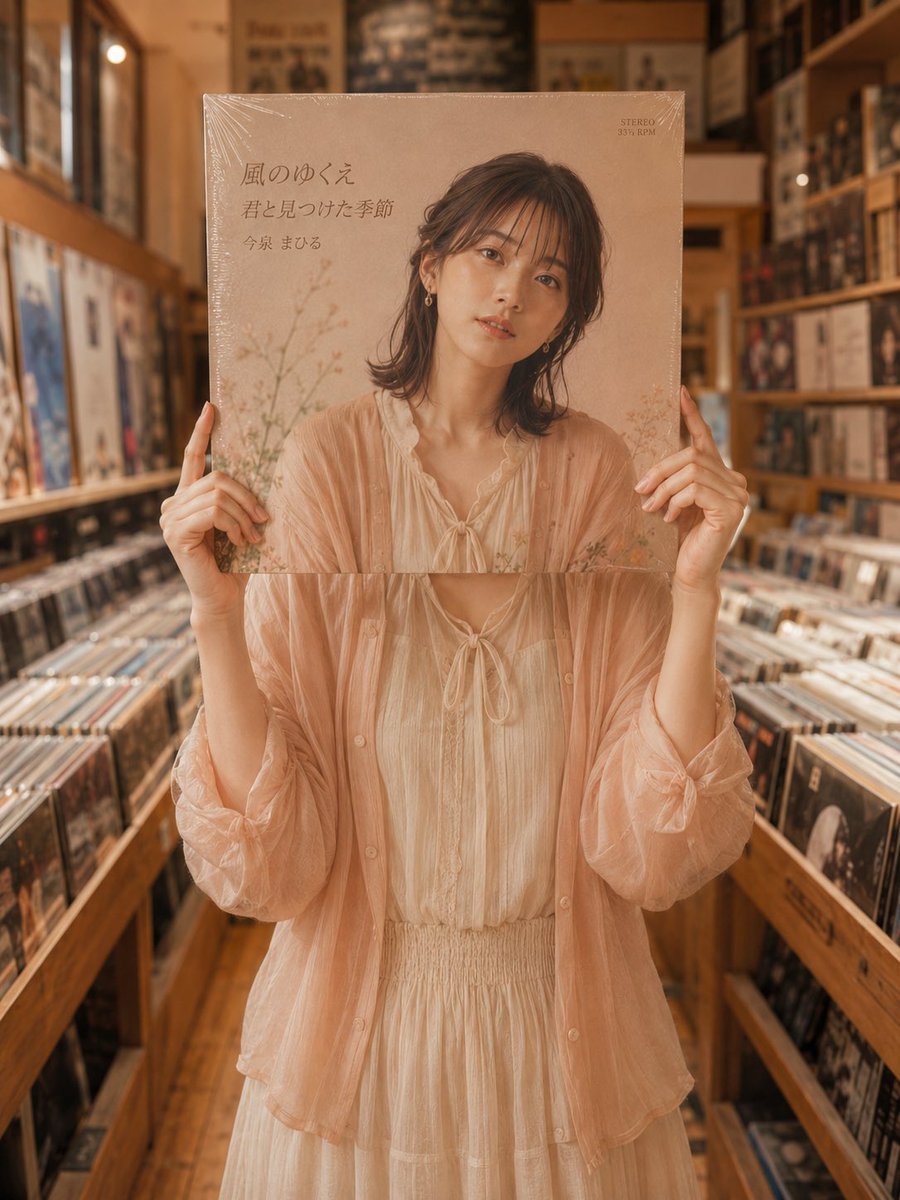
Vinyl Record Store Illusion Portrait
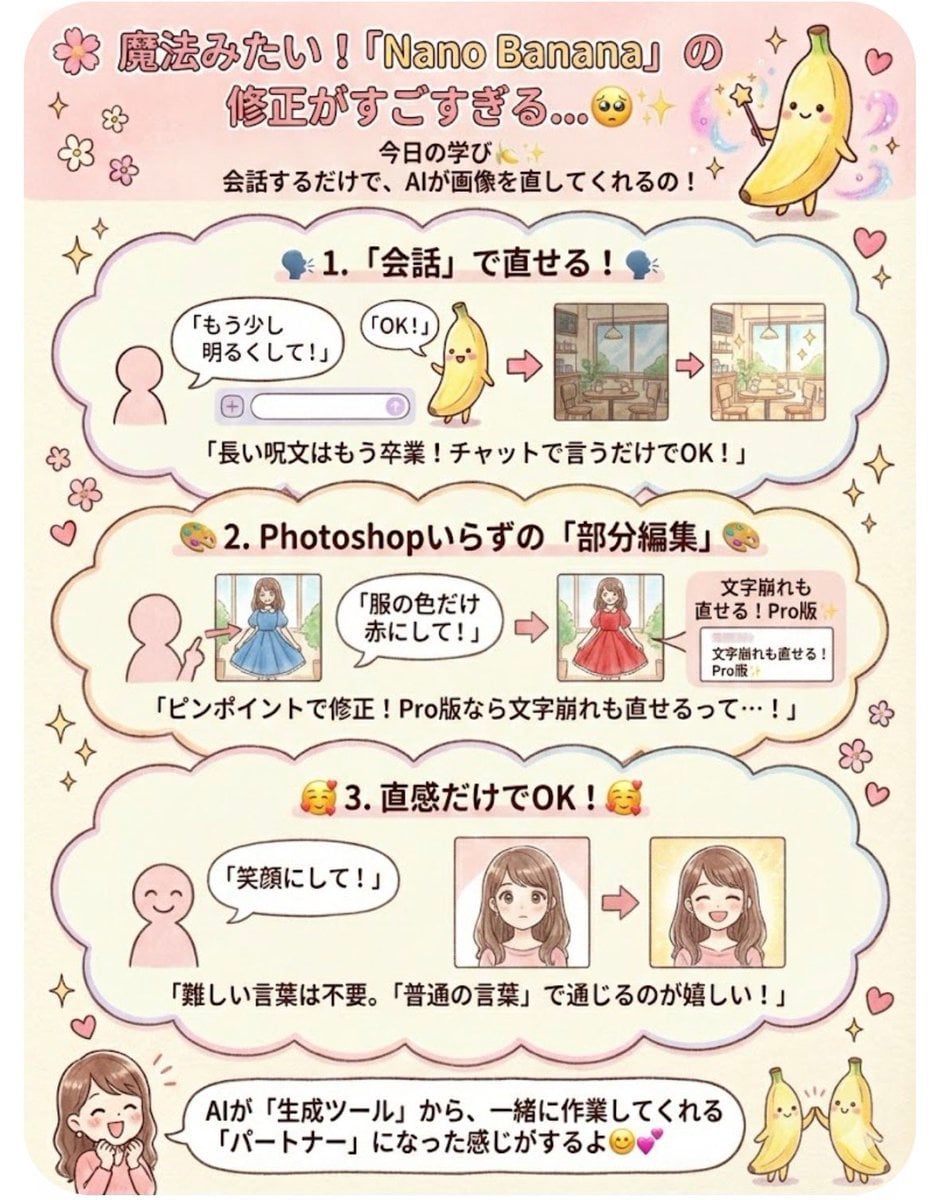
Instruction for conversational image editing in Nano Banana

Photorealistic Whimsical Fantasy Character Template
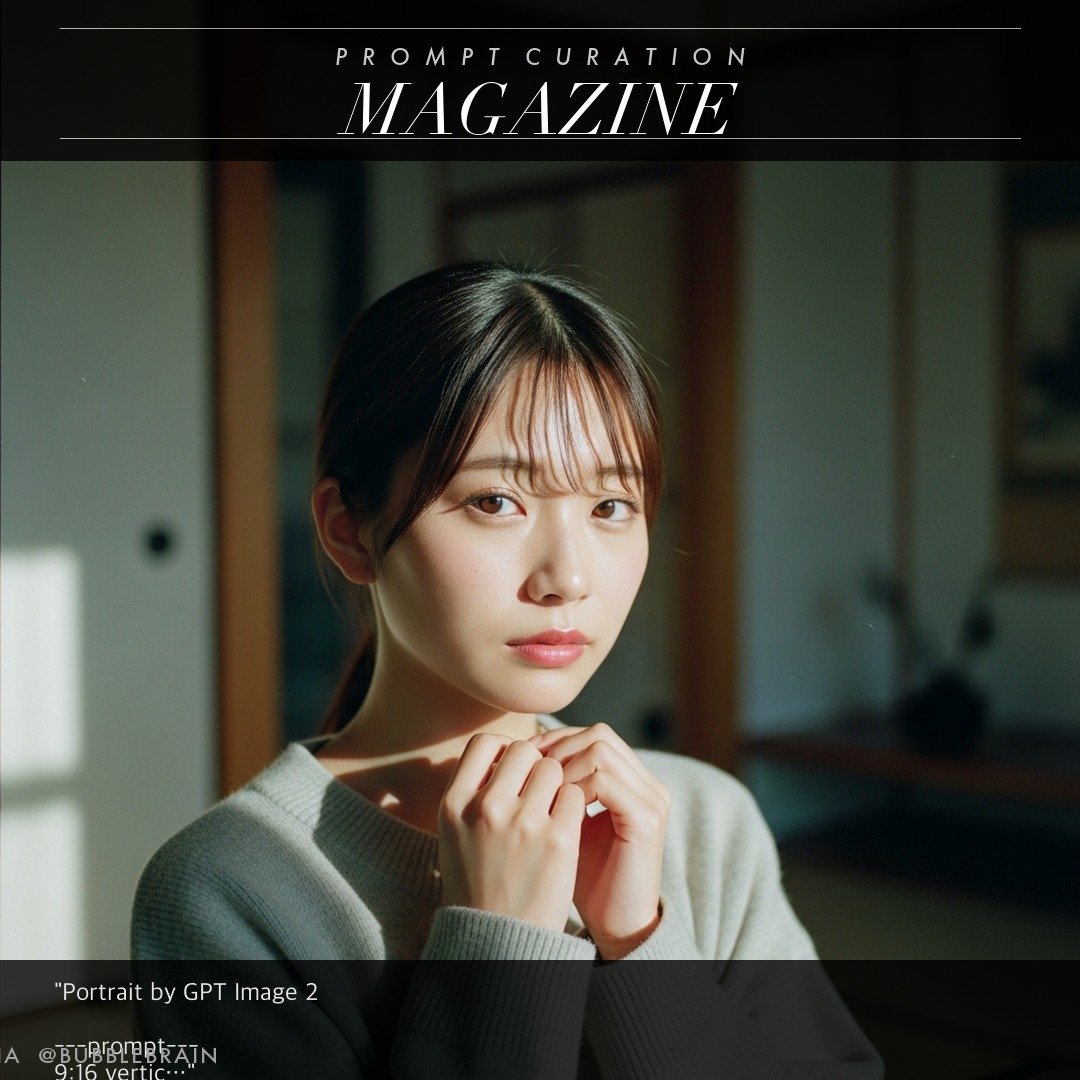
Japanese Fuji film style portrait
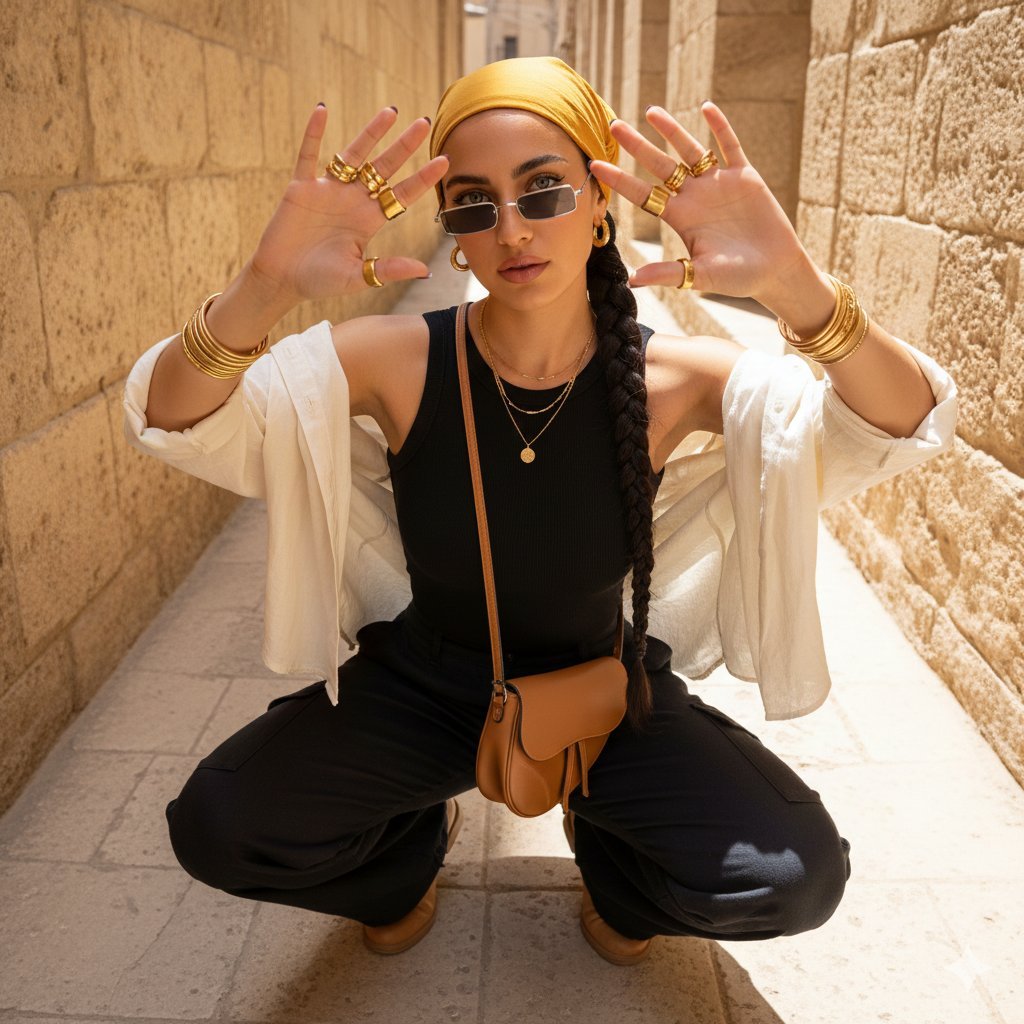
Desert-Chic Fashion in a Stone Alleyway
Browse template categories
Nostalgic Puppet Play Scene questions
How do I use the Nostalgic Puppet Play Scene template?
Add your photo if the template asks for one, edit the prompt if you like — the template's model and format are already selected — and press Generate. Your version opens in PicX Studio.
Can I customize the Nostalgic Puppet Play Scene template?
Yes. You can change the subject, setting, lighting, mood, format, and available model controls before creating your image.
Is the Nostalgic Puppet Play Scene template free?
Opening and editing this template is free. Generating uses credits, shown on the Generate button when you are signed in.
Which AI model should I use?
Start with GPT Image 2, which is the model associated with this template. You can compare another compatible model for a different finish.
Looking for something else? Browse all templates.

Your photo, any look
Thousands of ready templates for every top image and video model, from one credit balance.