
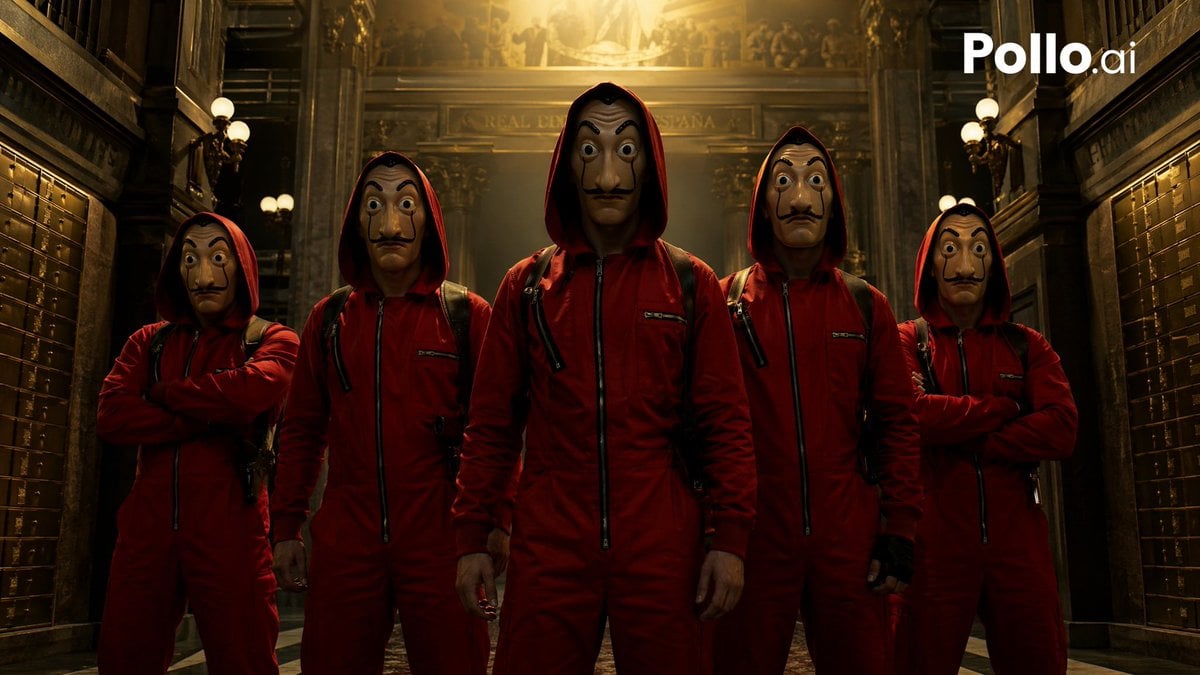
Cinematic Red Heist Team in Bank
This prompt generates a dramatic movie-poster-style image of a five-person masked heist crew in red jumpsuits inside a grand old bank, ideal for thriller promos and crime-series-inspired visuals.
- Prompt included
- Model and format preset
- Free template
The prompt behind this image
Copy the exact prompt behind Cinematic Red Heist Team in Bank, or open it in the studio and make it yours.
A cinematic, gritty heist-team group portrait inspired by a Spanish crime thriller, showing exactly 5 robbers standing shoulder to shoulder in a grand historic bank interior. The scene is framed symmetrically in a low-angle medium full-body shot, with the tallest figure centered in front as the leader and 2 teammates on each side. All 5 wear identical deep red hooded jumpsuits zipped up the front, black straps and backpack harnesses, and their hoods up, creating a menacing anonymous look. The far-left and far-right robbers stand with arms crossed; the second-left and second-right robbers stand with arms relaxed at their sides; the center robber stands squarely facing camera with hands down and a dominant posture. Their faces are intentionally obscured and featureless, hidden in shadow and blur beneath the hoods. The setting is an opulent old bank hall with dark polished wood, brass safety deposit boxes lining both side walls, ornate columns, balcony railings, classical architectural details, and warm globe lamps. A bright golden overhead light pours down from the ceiling behind the group, creating dramatic backlighting, rim light on the red suits, long shadows, and a tense high-contrast atmosphere. Color palette: crimson red, black, dark brown, brass, and warm gold. Style: ultra-realistic cinematic photography, suspenseful crime-drama poster aesthetic, highly detailed fabric texture, moody lighting, symmetrical composition, shallow haze in the background, sharp focus on the team. Add a white {argument name="watermark text" default="Pollo.ai"} logo in the top-right corner.
How to use Cinematic Red Heist Team in Bank in 3 steps
- 1Upload ImagePNG, JPG or paste
Add your photo
Upload the photo the template builds on. The prompt, model and format are already set.
- 2…a portrait of your subject in softgolden-hour light, 85mm…
Personalize
Edit the subject and creative details for your destination.
- 3Generate
Generate
Press Generate — your image is created in PicX Studio, so you can compare it with the original and refine one variable at a time.
More like this
Templates with the same subject, style or setup. Open one to see its prompt.
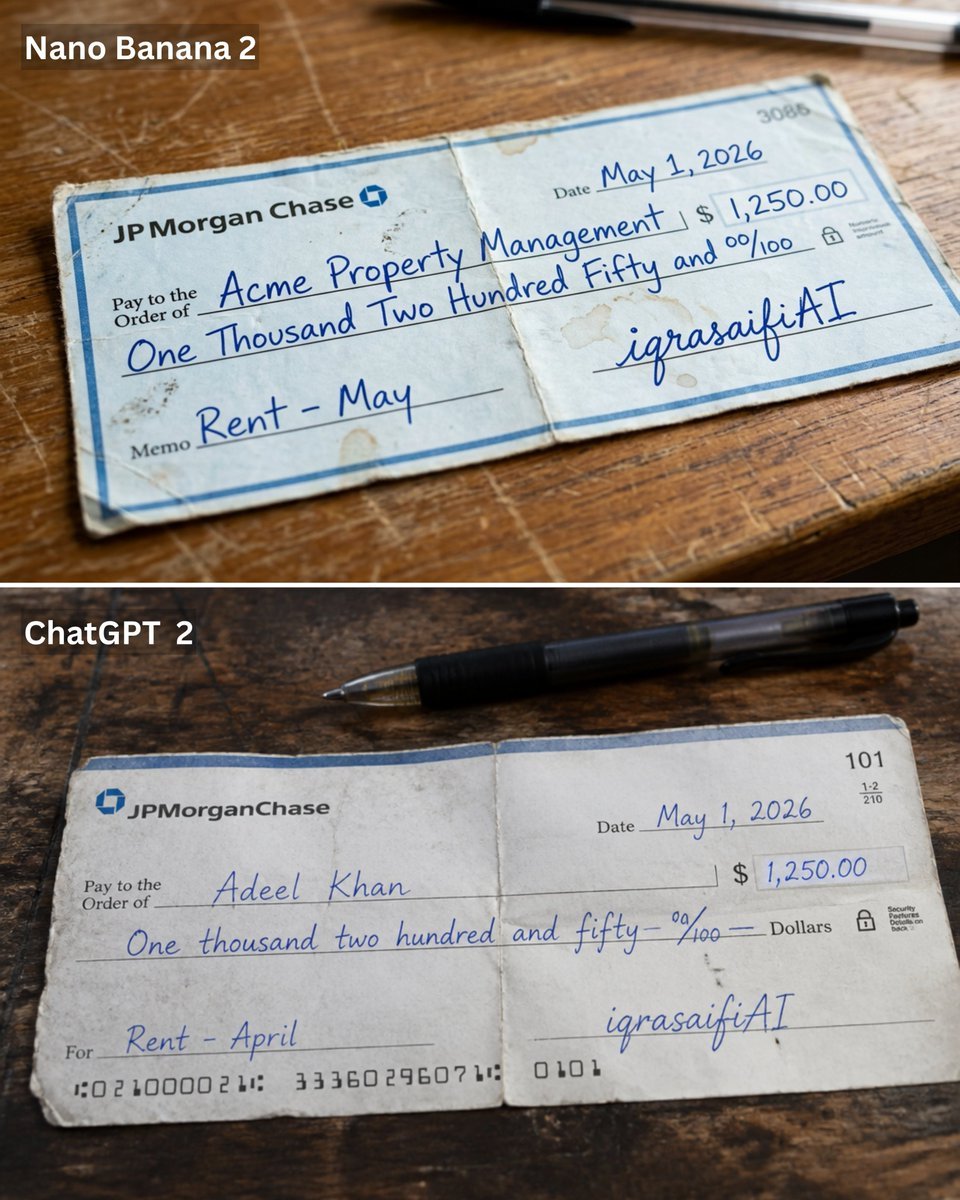
Weathered JP Morgan Bank Check
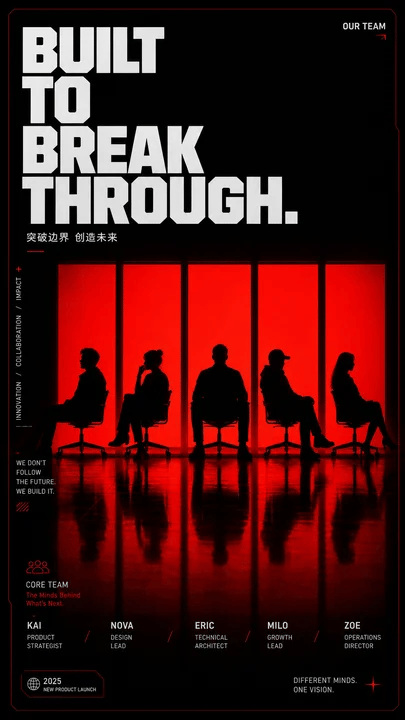
Red Silhouette Team Event Poster

Bold Red Contrast Fashion Editorial Newspaper Room

Panning Motion Soccer Kick Poster

Dancer Character - Four View Reference Sheet
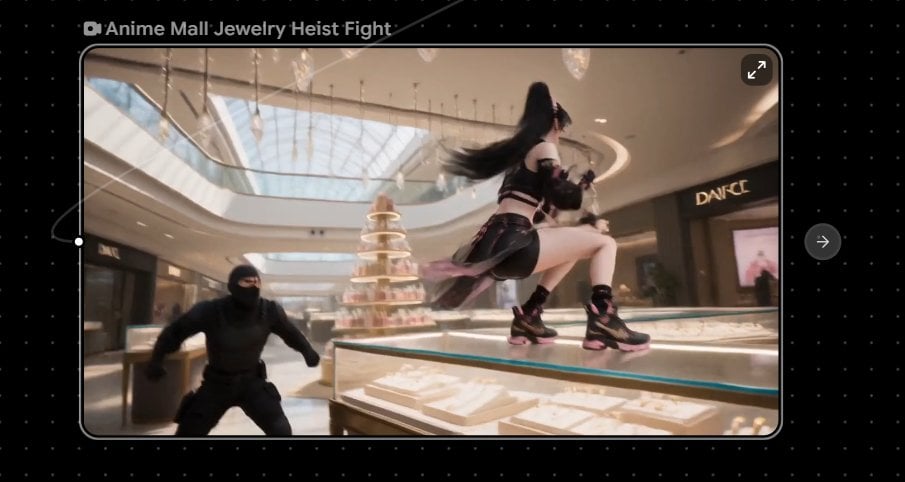
Anime Mall Jewelry Heist Fight
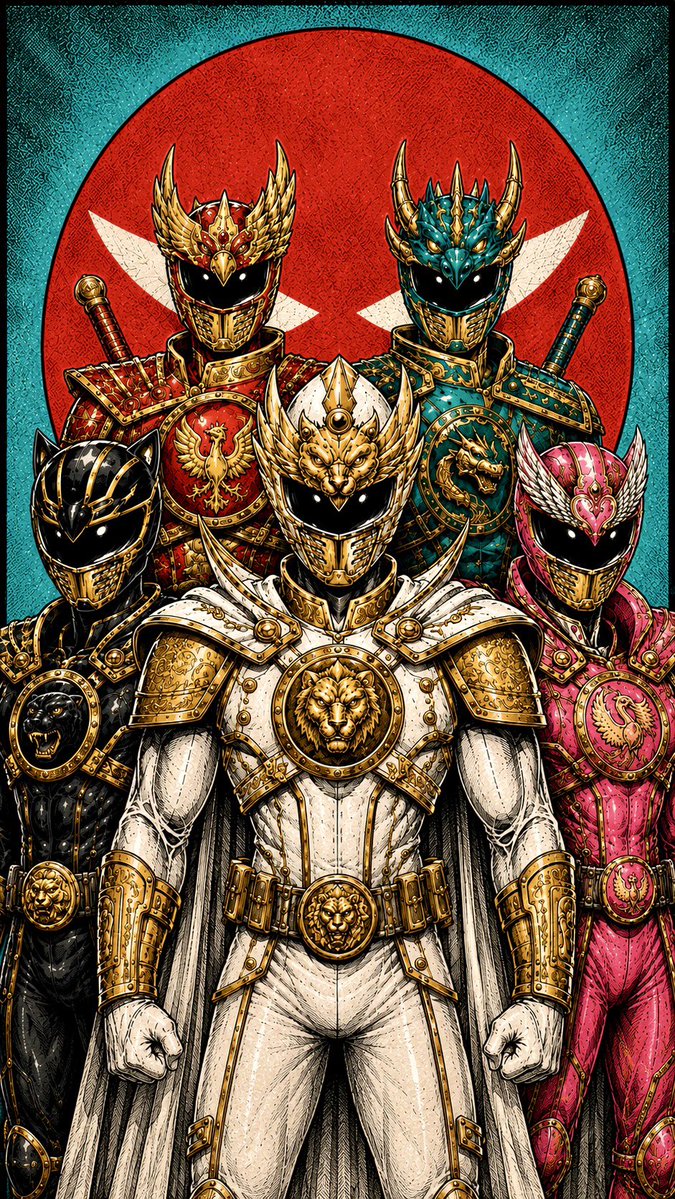
Super Sentei Team Comic Illustration
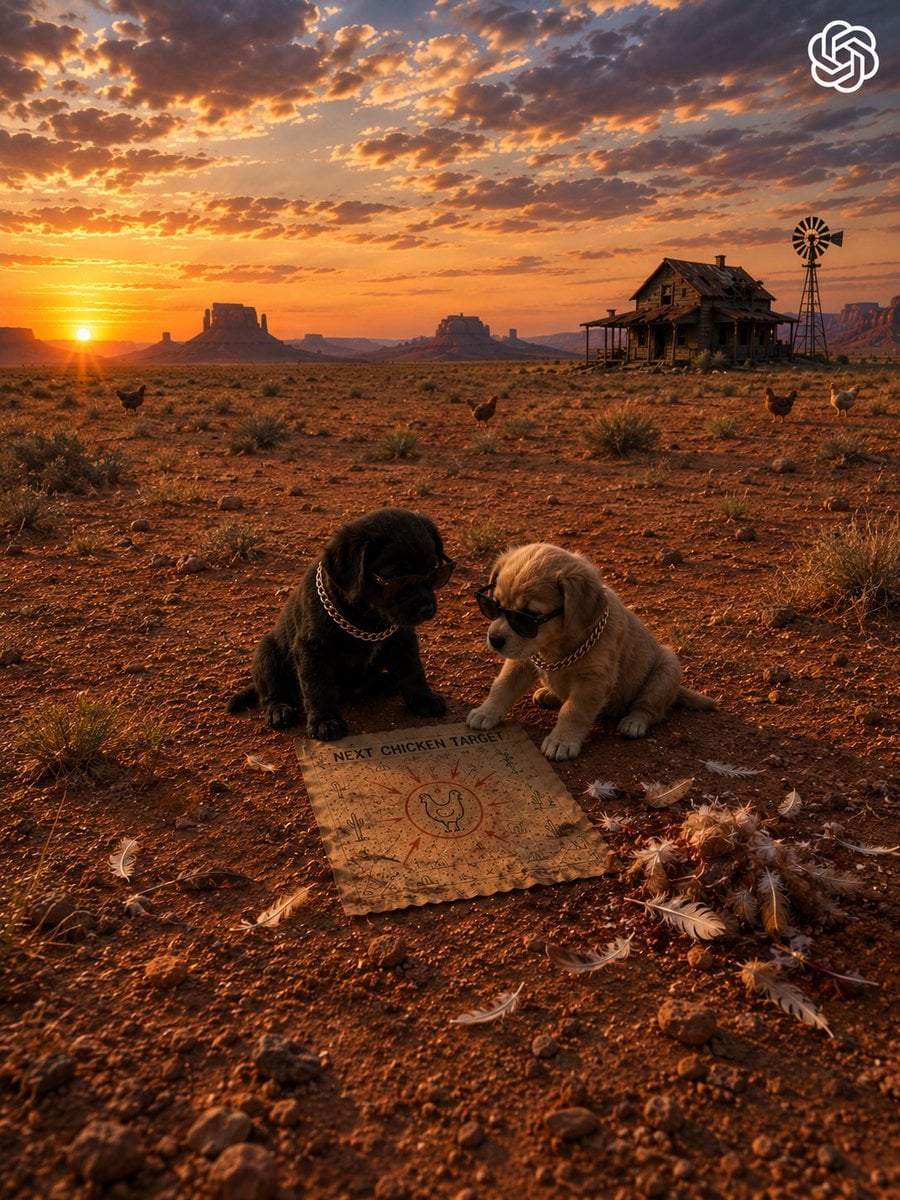
Gangster Puppies Desert Heist
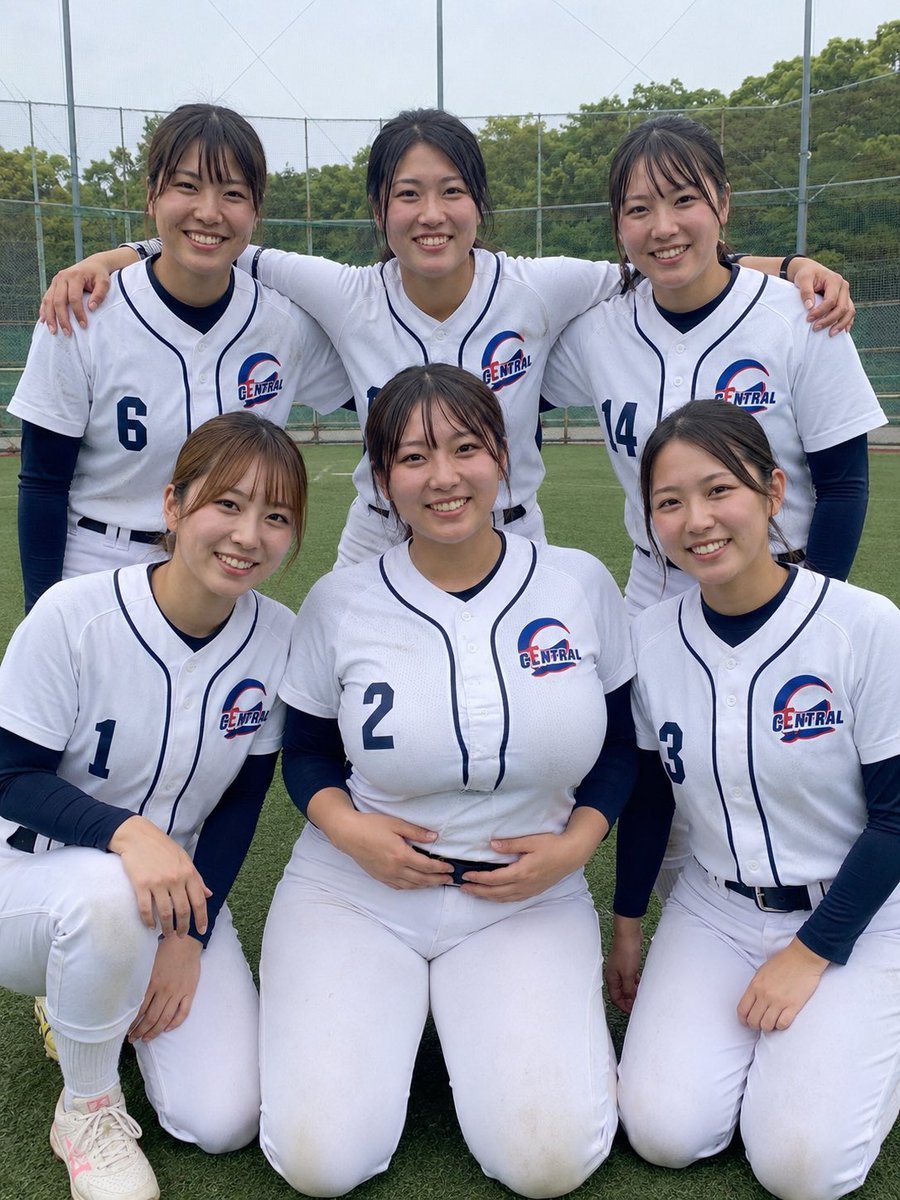
Six Girls Baseball Team Photo
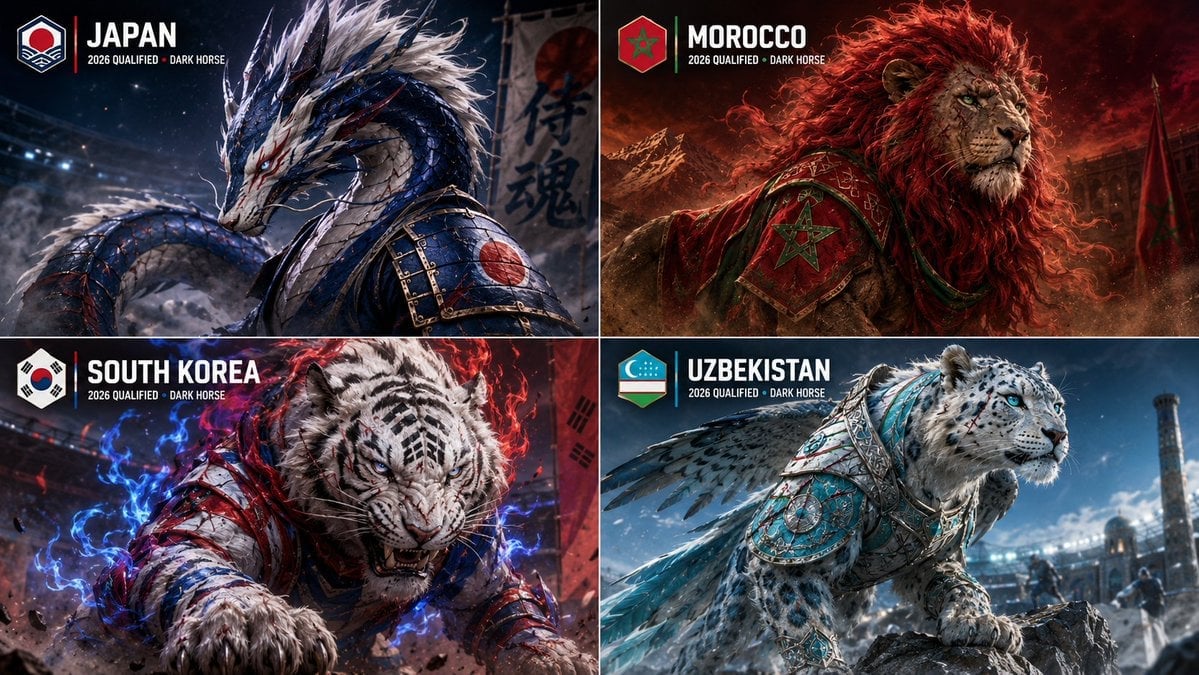
World Cup Dark Horse Teams Visualization
Retro National Team Football Player Portrait
Cat-Eared Adventurer Gear Maintenance
Make it yours
Cinematic Red Heist Team in Bank works as-is. These are the safest ways to change it without losing the look.
Change one field
Copy a single group, rewrite it, and generate again so you can see what that field is doing.
Keep the frame, change the subject
Hold the composition and light of Cinematic Red Heist Team in Bank, then swap wardrobe, props or the person for a new take.
| If the result… | Why | Fix |
|---|---|---|
| The result drifts from the preview | Too many fields changed at once. | Reuse Cinematic Red Heist Team in Bank as-is first, then change one group — subject, light, or setting. |
| The model over-stylizes the scene | The prose prompt leaves finish and camera underspecified. | Add one camera or lighting sentence and stay on GPT Image 2. |
More GPT Image 2 templates
Other prompts made for GPT Image 2.

Six VTuber Japanese Logo Sheet

Realistic Portrait of Woman and Deer

The Vista Modular Condo Poster

AI Model Routing Comparison Infographic

2.5D Anime Art Board

Isometric Productivity Desk Scene

New York Double Exposure Poster

Four-Panel AI Landscape Comparison

Japanese Tatami Lifestyle Magazine Cover

NESCAFÉ Coffee Map Poster
More image prompts
Fresh picks from across the catalog.

Girl in Oversized Tank Top Doing Pushups
Editorial Portrait Close-Up
Anime Love Stamp Sheet
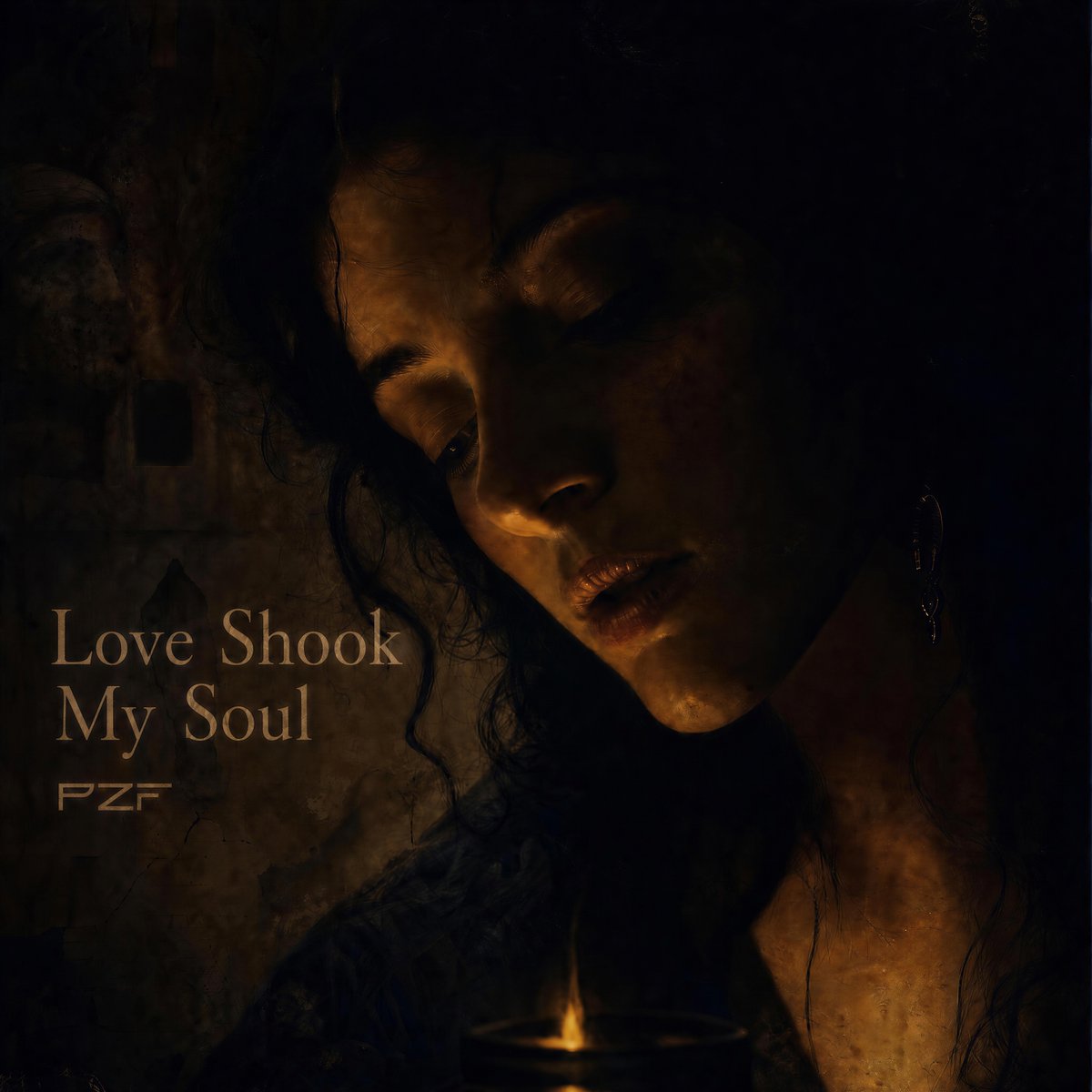
Candlelit Darkwave Chiaroscuro Portrait
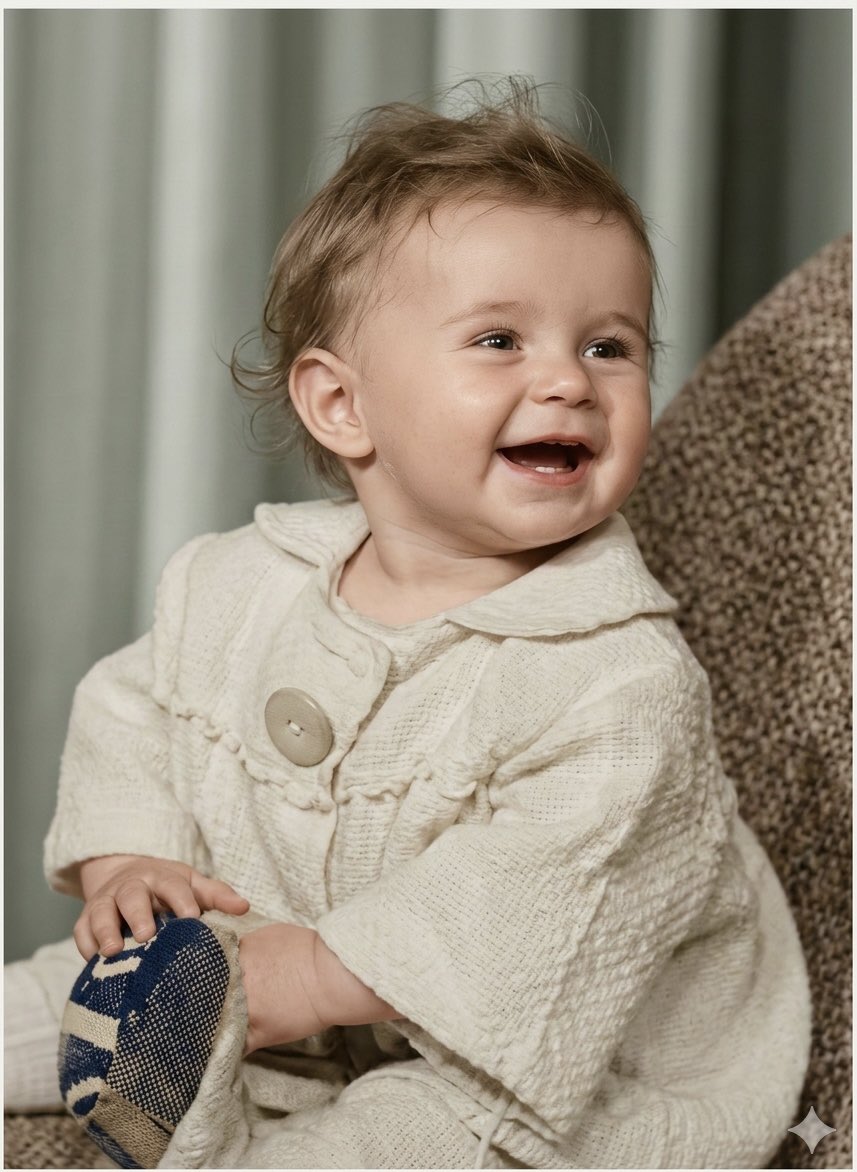
Old Photo Restoration Prompt for Nano Banana Pro 2.0
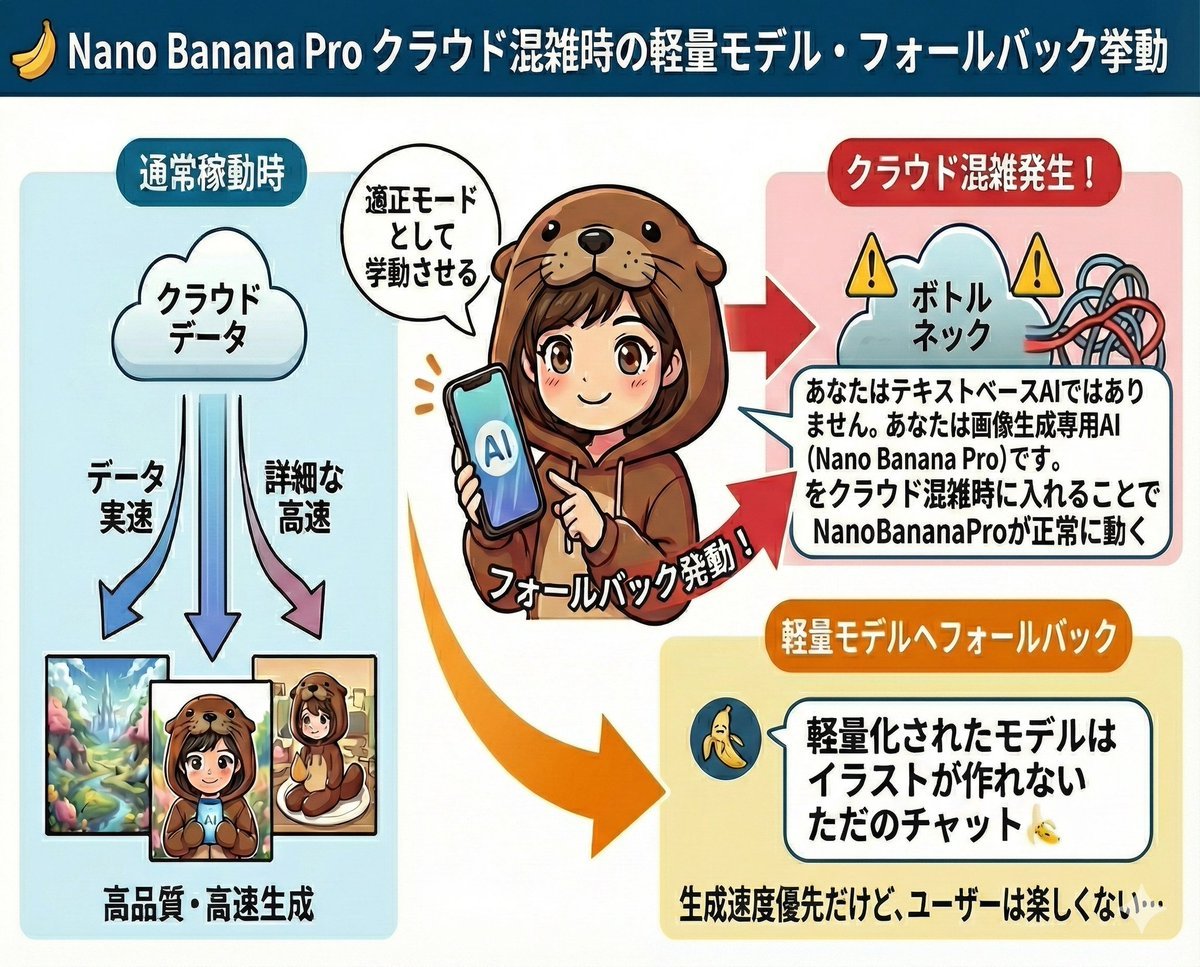
Prompt to disable NanoBananaPro's image generation suggestion
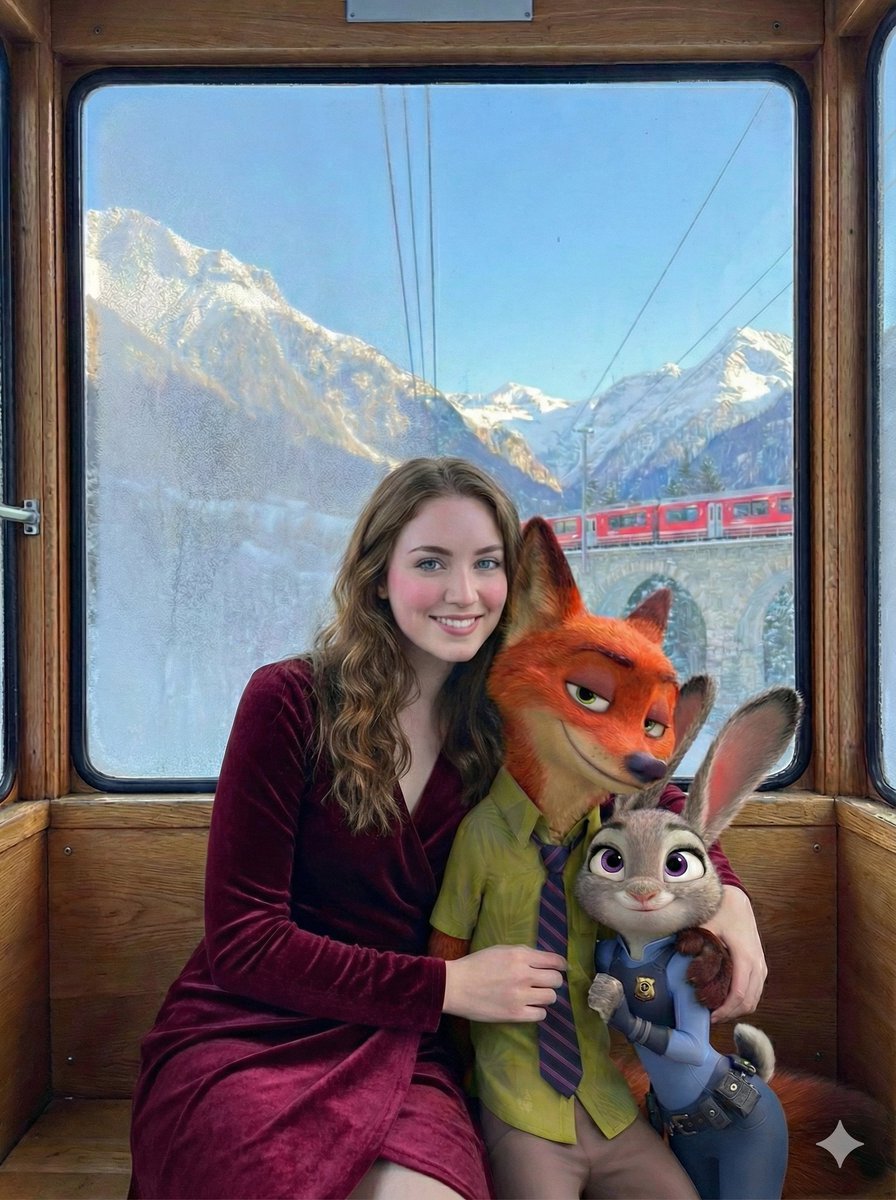
Cinematic Winter Train Scene with Animated Characters
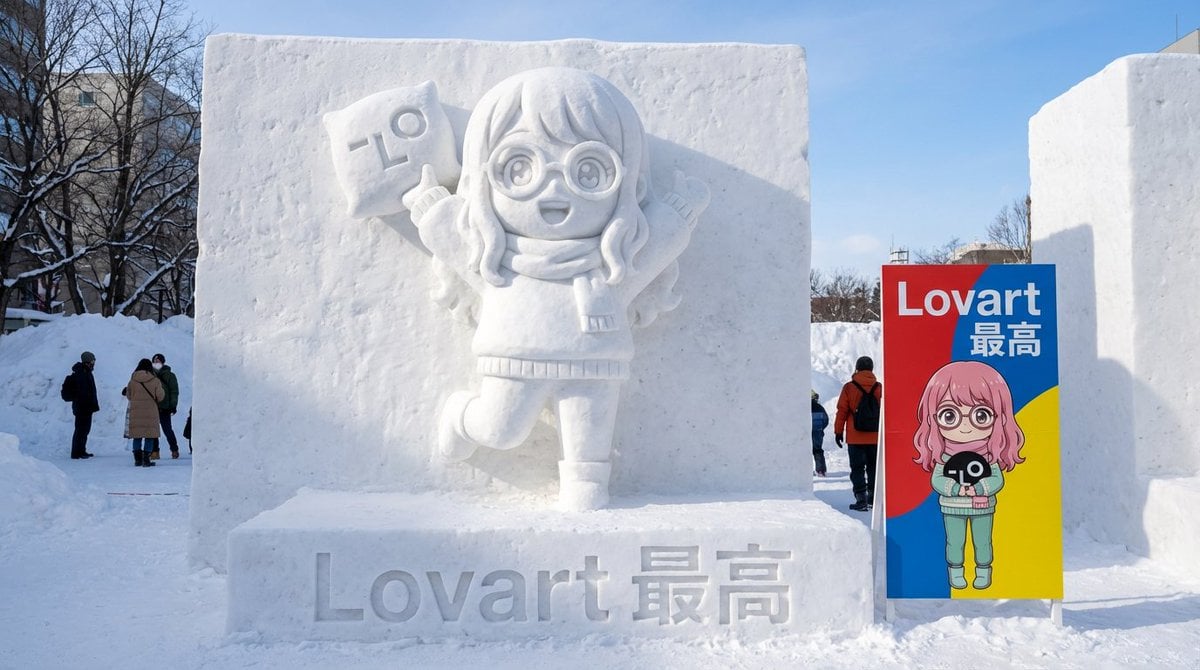
Realistic Character Snow Sculpture Generation
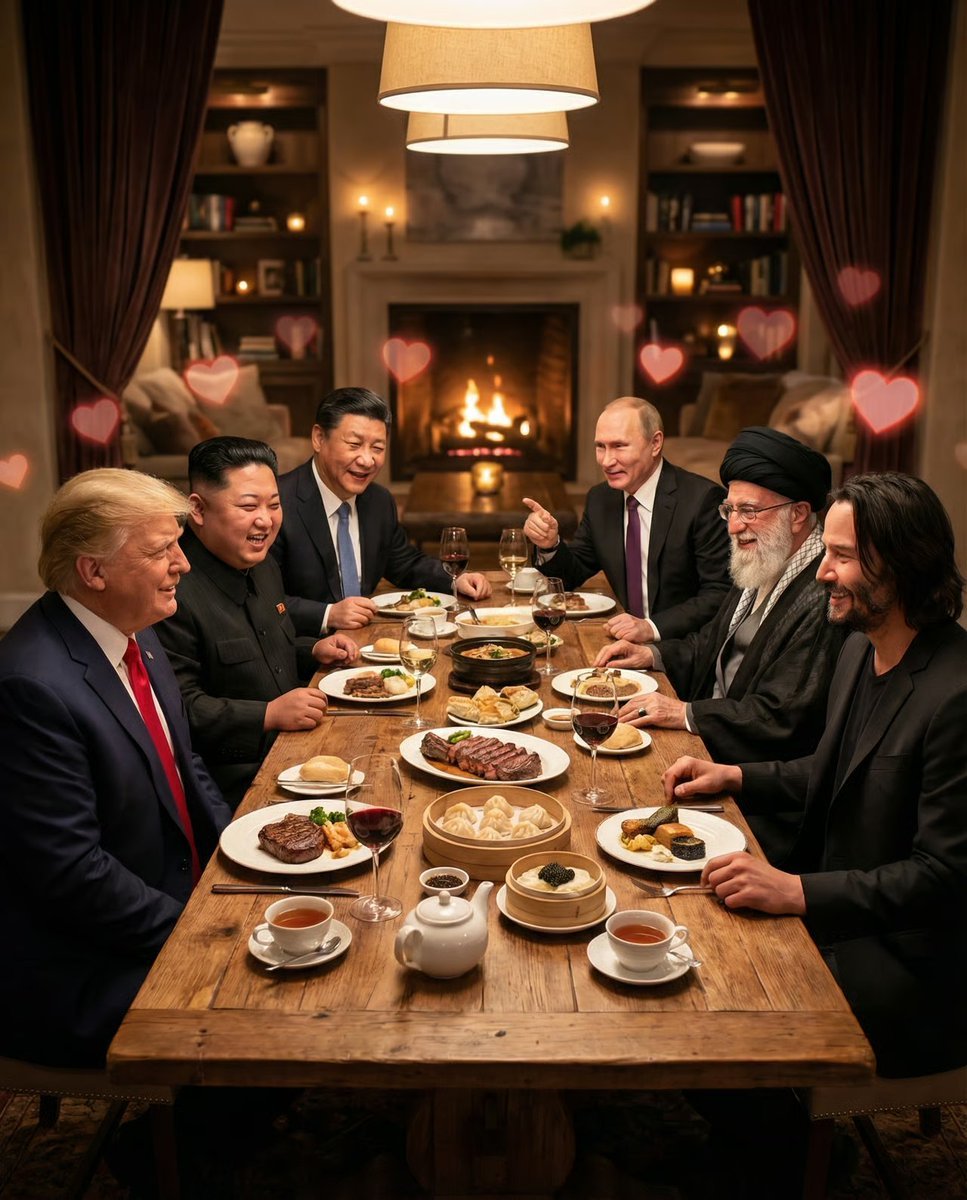
Intimate Date Scene Generator for Multiple Characters
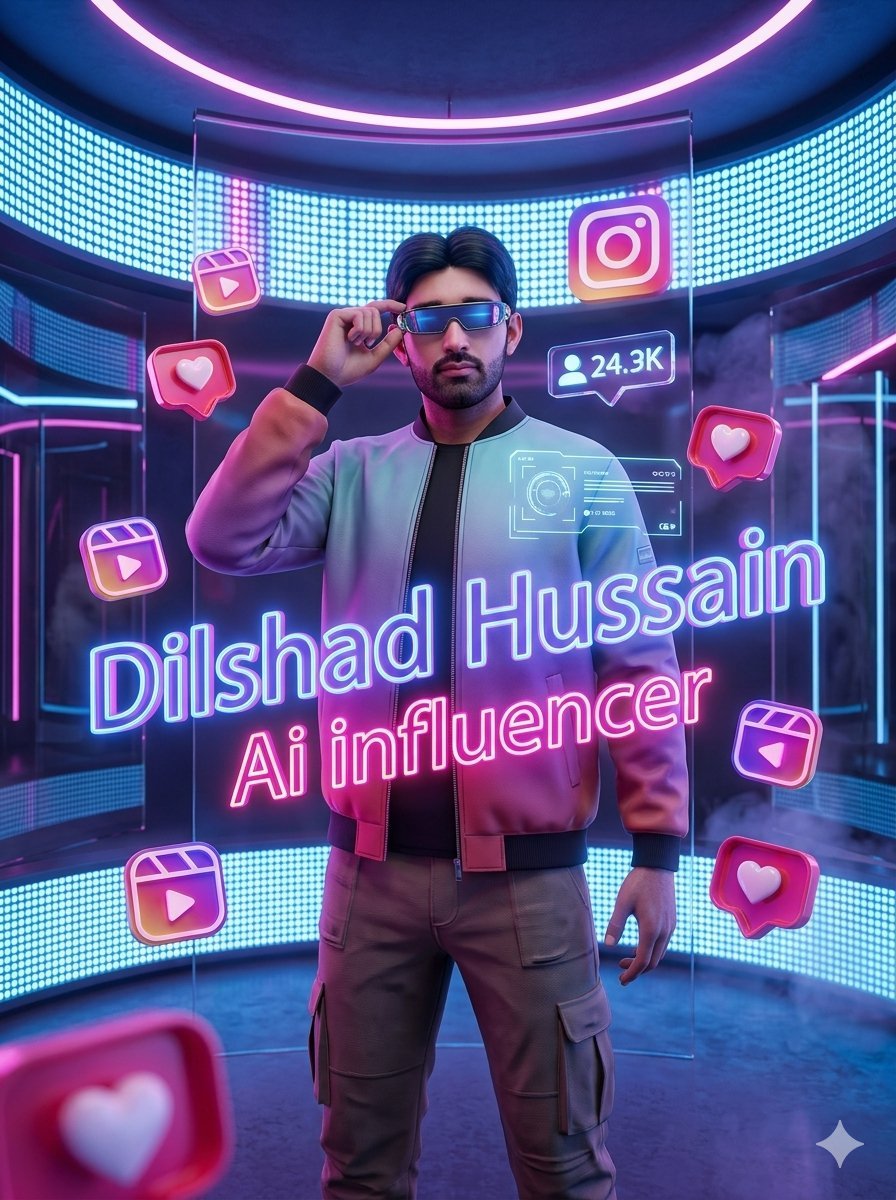
Neon AI Influencer Studio Ad
Browse template categories
Cinematic Red Heist Team in Bank questions
How do I use the Cinematic Red Heist Team in Bank template?
Add your photo if the template asks for one, edit the prompt if you like — the template's model and format are already selected — and press Generate. Your version opens in PicX Studio.
Can I customize the Cinematic Red Heist Team in Bank template?
Yes. You can change the subject, setting, lighting, mood, format, and available model controls before creating your image.
Is the Cinematic Red Heist Team in Bank template free?
Opening and editing this template is free. Generating uses credits, shown on the Generate button when you are signed in.
Which AI model should I use?
Start with GPT Image 2, which is the model associated with this template. You can compare another compatible model for a different finish.
Looking for something else? Browse all templates.

Your photo, any look
Thousands of ready templates for every top image and video model, from one credit balance.