
Anime Mall Jewelry Heist Fight
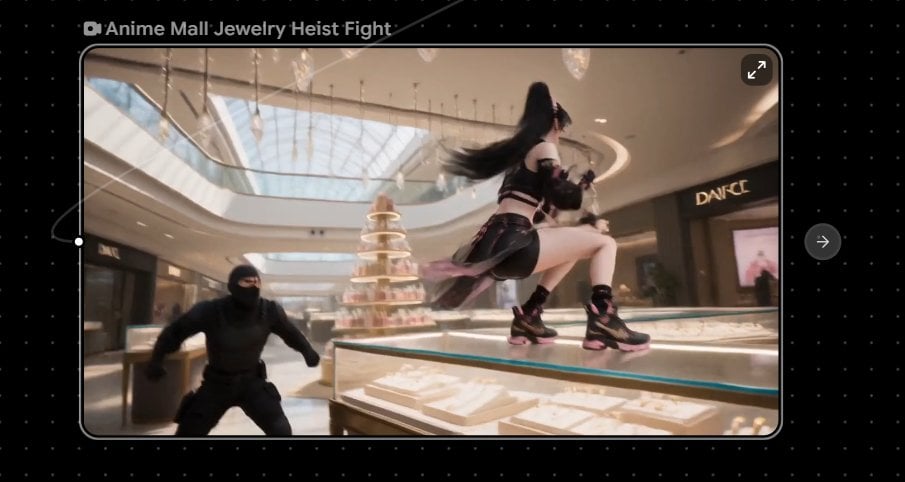
A cinematic anime action still showing a cyber-ninja heroine fighting a masked robber in a luxury mall jewelry section, framed inside a video preview UI.
- Prompt included
- Model and format preset
- Free template
The prompt behind this image
Copy the exact prompt behind Anime Mall Jewelry Heist Fight, or open it in the studio and make it yours.
Create a cinematic anime short-film still of a dynamic jewelry heist fight inside a luxurious modern shopping mall. The frame is a horizontal 16:9 shot with a slightly wide-angle camera, shallow depth of field, subtle motion blur, and bright afternoon sunlight streaming through a huge glass skylight ceiling. In the foreground, show a sleek illuminated glass jewelry display case filled with white velvet trays, gold necklaces, rings, and sparkling diamonds; the main character is an athletic anime heroine, {argument name="character name" default="Rin"}, wearing a black cyber-ninja streetwear outfit with cropped top, arm straps, short skirt panels, thigh straps, and chunky black sneakers with pink accents. She is mid-leap on top of the glass case, one knee raised, long flowing {argument name="hair color" default="black"} hair whipping dramatically behind her, holding a small black pistol or tactical gadget while twisting away from an attacker. Include exactly 1 masked robber in the left foreground, dressed head-to-toe in matte black tactical clothing and balaclava, crouching and lunging toward her. Background details: a high-end mall atrium with polished floors, curved balconies, warm ceiling lights, glass railings, a tiered crystal perfume display tower at center, elegant jewelry counters, and one visible luxury storefront sign reading {argument name="storefront sign" default="DANCE"}. Mood is fast, glamorous, and tense, like a 15-second anime action clip frozen at the most exciting moment. Color palette: warm champagne mall lighting, creamy whites, reflective glass, black clothing, pink shoe accents, and sparkling highlights. Add a video-player style presentation around the image: black dotted interface background, rounded-rectangle preview frame with thin gray border, small camera icon and title text at top left reading {argument name="video title" default="Anime Mall Jewelry Heist Fight"}, a small expand icon in the top-right corner of the preview, a circular right-arrow button outside the preview on the right, and a thin progress scrubber with a white handle on the left edge. Keep all text crisp and minimal, no extra logos or watermarks.
How to use Anime Mall Jewelry Heist Fight in 3 steps
- 1Upload ImagePNG, JPG or paste
Add your photo
Upload the photo the template builds on. The prompt, model and format are already set.
- 2…a portrait of your subject in softgolden-hour light, 85mm…
Personalize
Edit the subject and creative details for your destination.
- 3Generate
Generate
Press Generate — your image is created in PicX Studio, so you can compare it with the original and refine one variable at a time.
More like this
Templates with the same subject, style or setup. Open one to see its prompt.










Make it yours
Anime Mall Jewelry Heist Fight works as-is. These are the safest ways to change it without losing the look.
Change one field
Copy a single group, rewrite it, and generate again so you can see what that field is doing.
Keep the frame, change the subject
Hold the composition and light of Anime Mall Jewelry Heist Fight, then swap wardrobe, props or the person for a new take.
| If the result… | Why | Fix |
|---|---|---|
| The result drifts from the preview | Too many fields changed at once. | Reuse Anime Mall Jewelry Heist Fight as-is first, then change one group — subject, light, or setting. |
| The model over-stylizes the scene | The prose prompt leaves finish and camera underspecified. | Add one camera or lighting sentence and stay on GPT Image 2. |
More GPT Image 2 templates
Other prompts made for GPT Image 2.

Six VTuber Japanese Logo Sheet

Realistic Portrait of Woman and Deer

The Vista Modular Condo Poster

AI Model Routing Comparison Infographic

2.5D Anime Art Board

Isometric Productivity Desk Scene

New York Double Exposure Poster

Four-Panel AI Landscape Comparison

Japanese Tatami Lifestyle Magazine Cover

NESCAFÉ Coffee Map Poster
More image prompts
Fresh picks from across the catalog.
Midjourney Magnific Power Couple
Skincare Product Flat Lay Photography
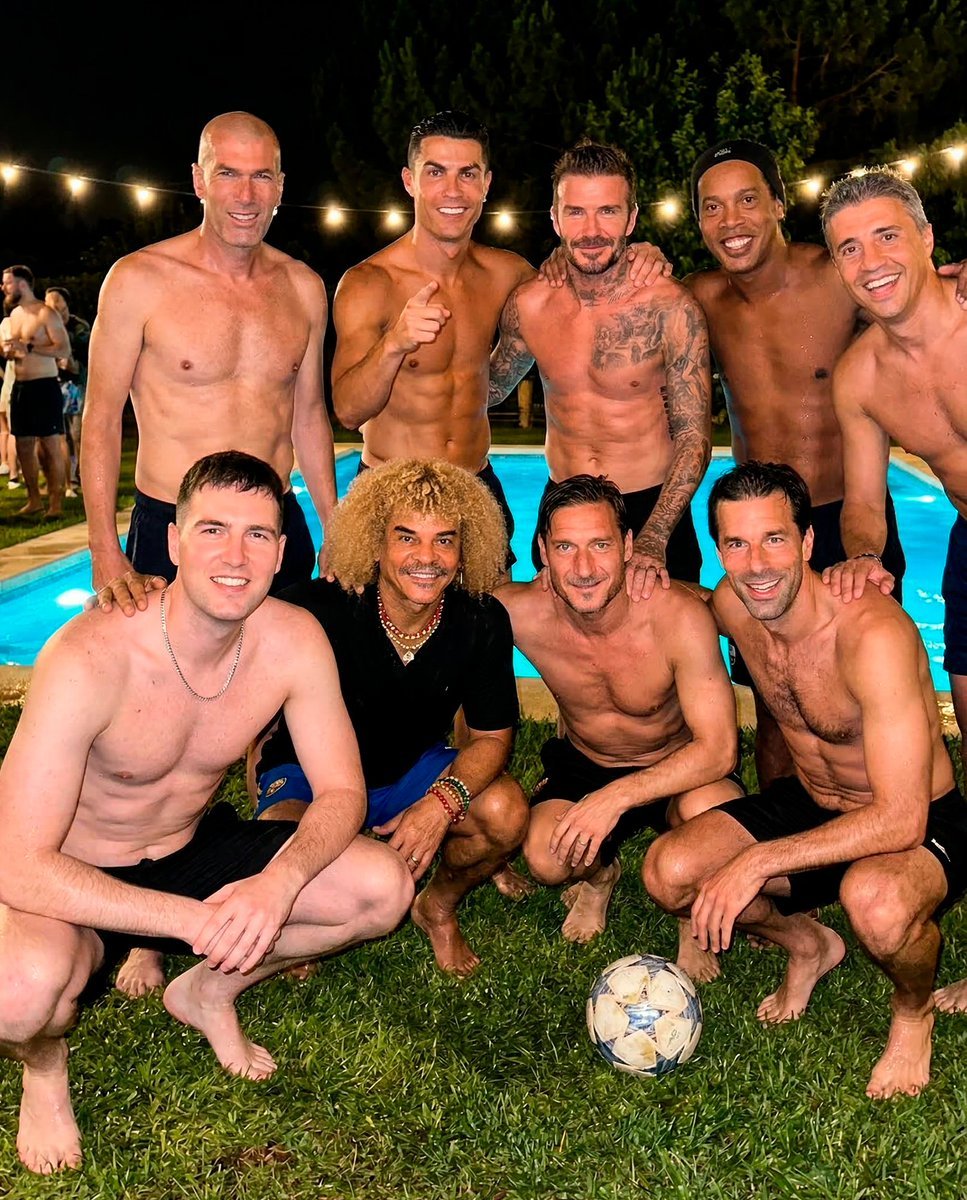
Legendary Football Photo That Never Happened
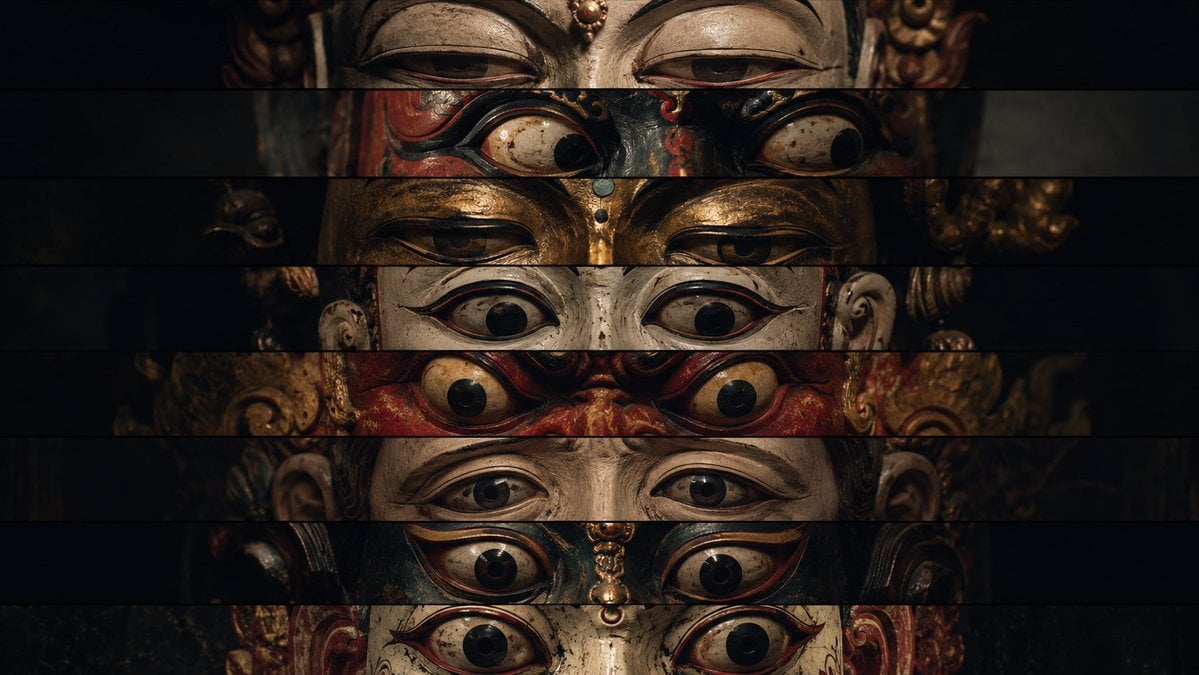
Surreal Theatrical Mask Collage
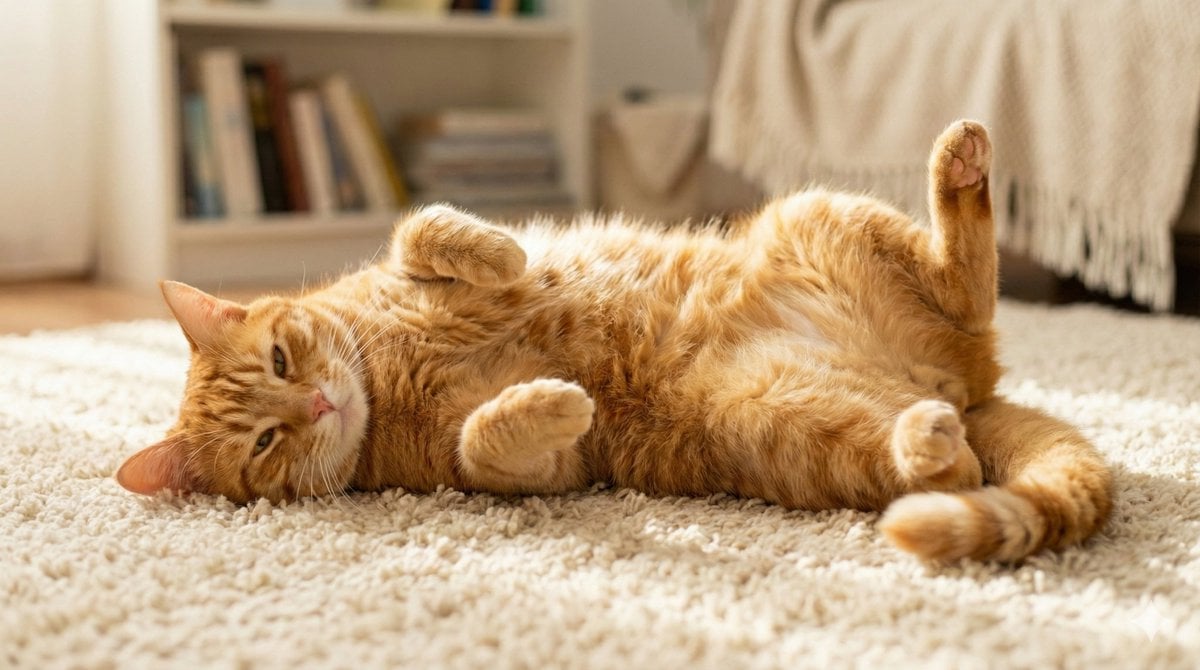
Cute Cat Photo Prompt
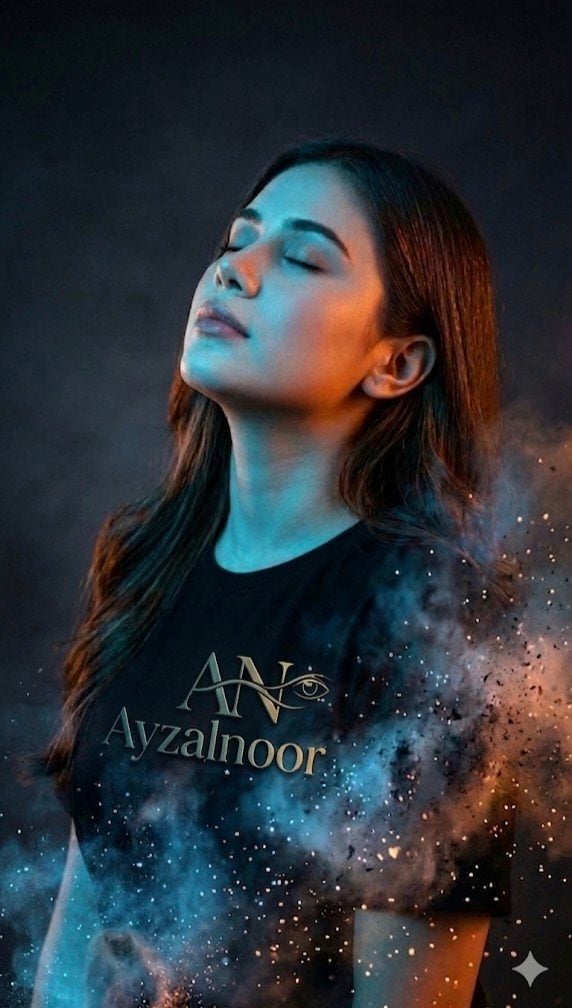
X Ayzalnooor24521 a Cinematic High Resolution Portrait of
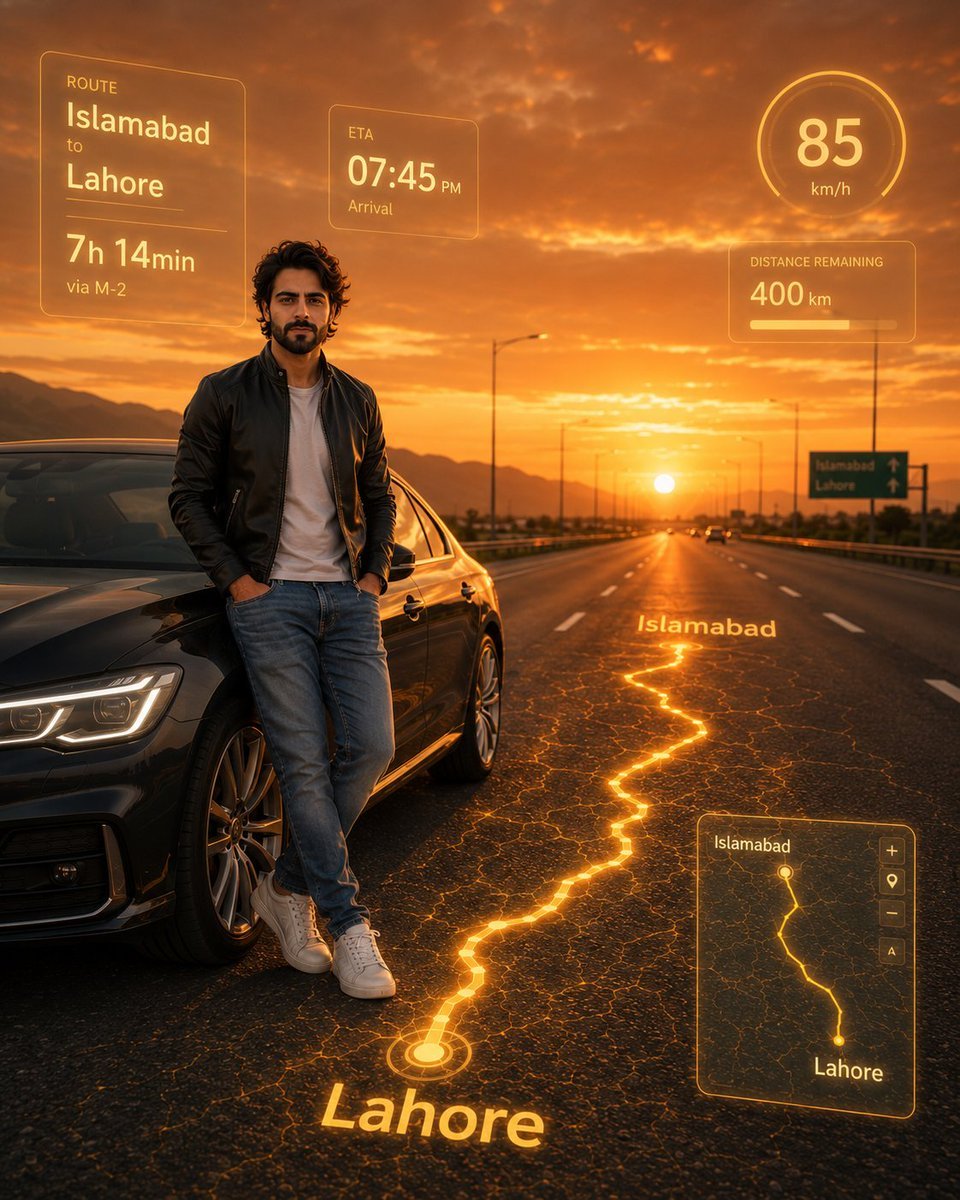
Photorealistic Man with HUD Navigation on Highway
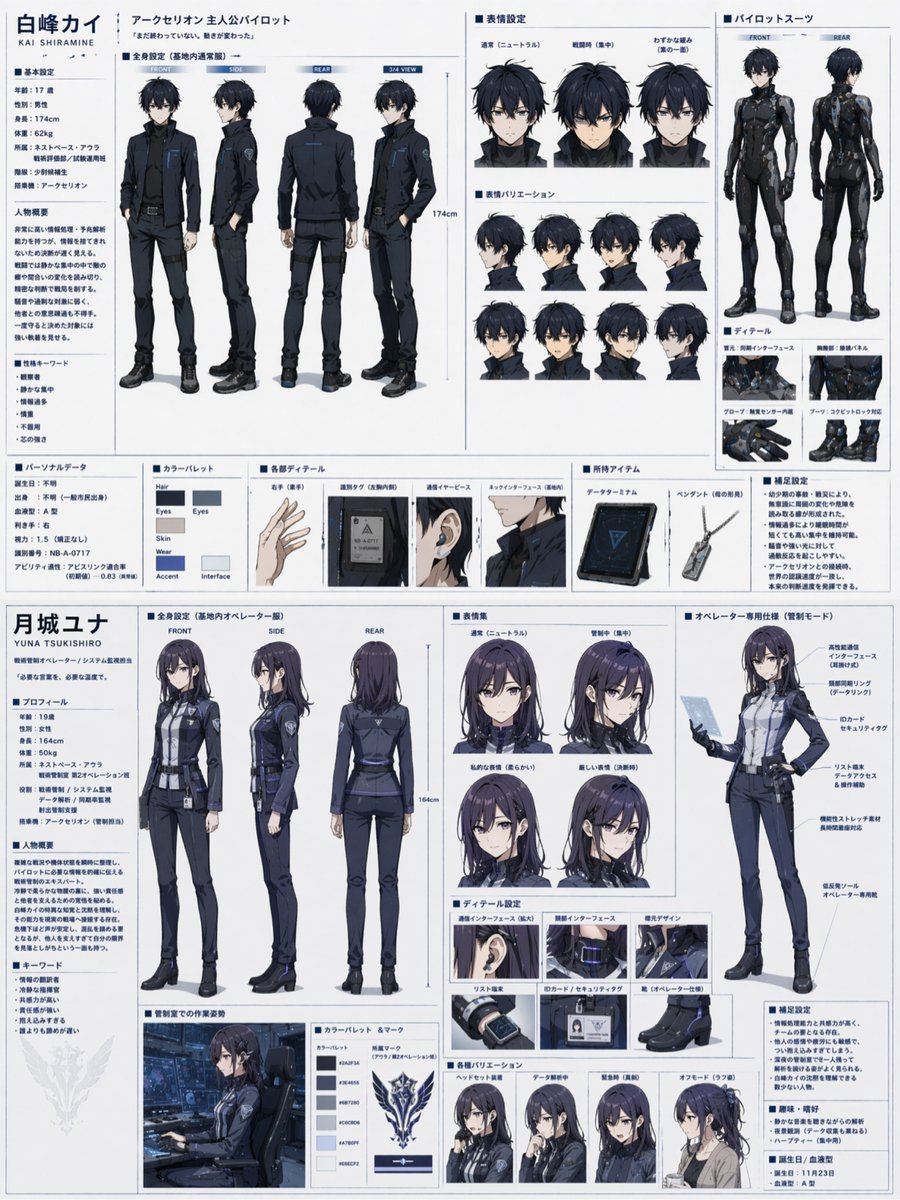
Dual Sci-Fi Character Reference Sheet
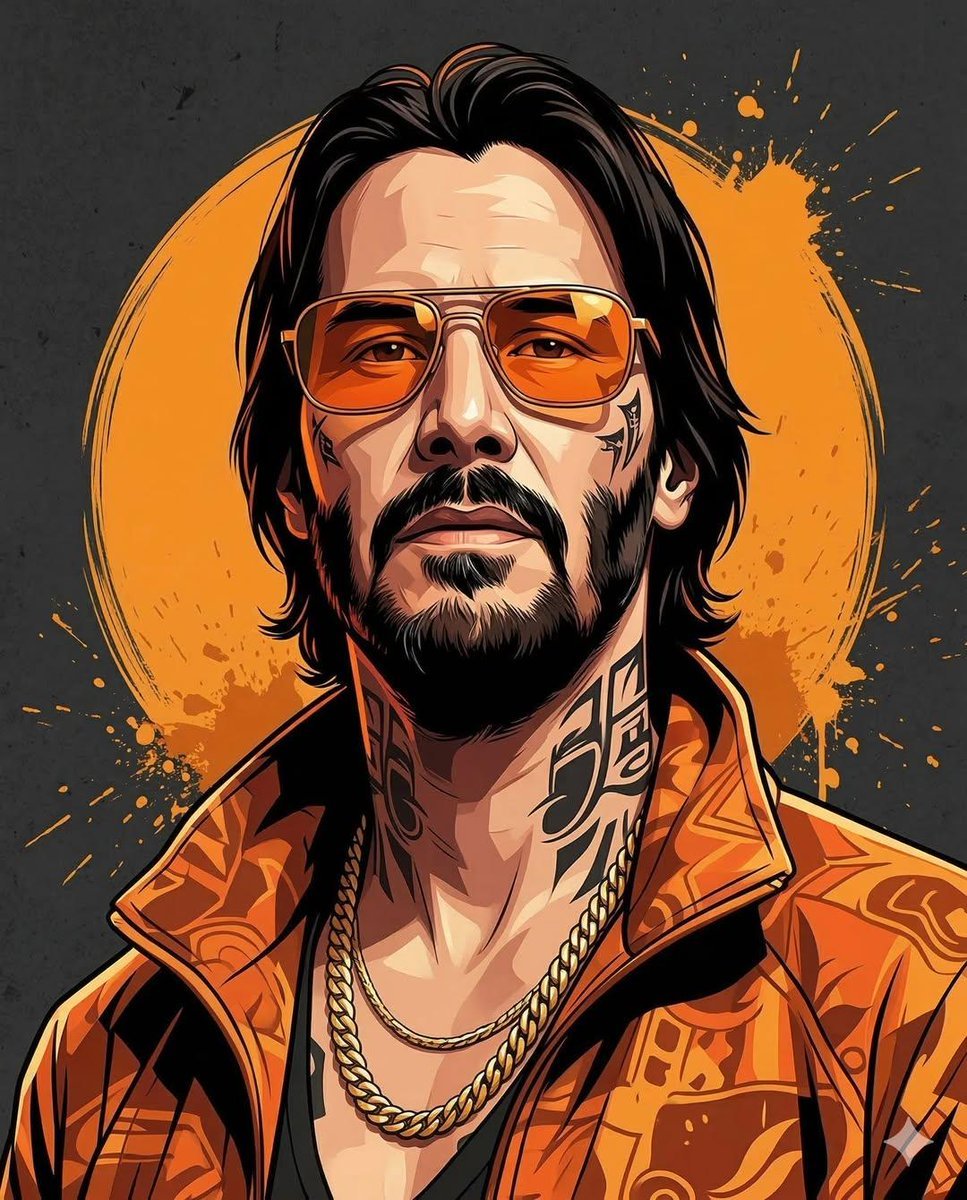
Prompt for stylized urban portrait with reference image fidelity
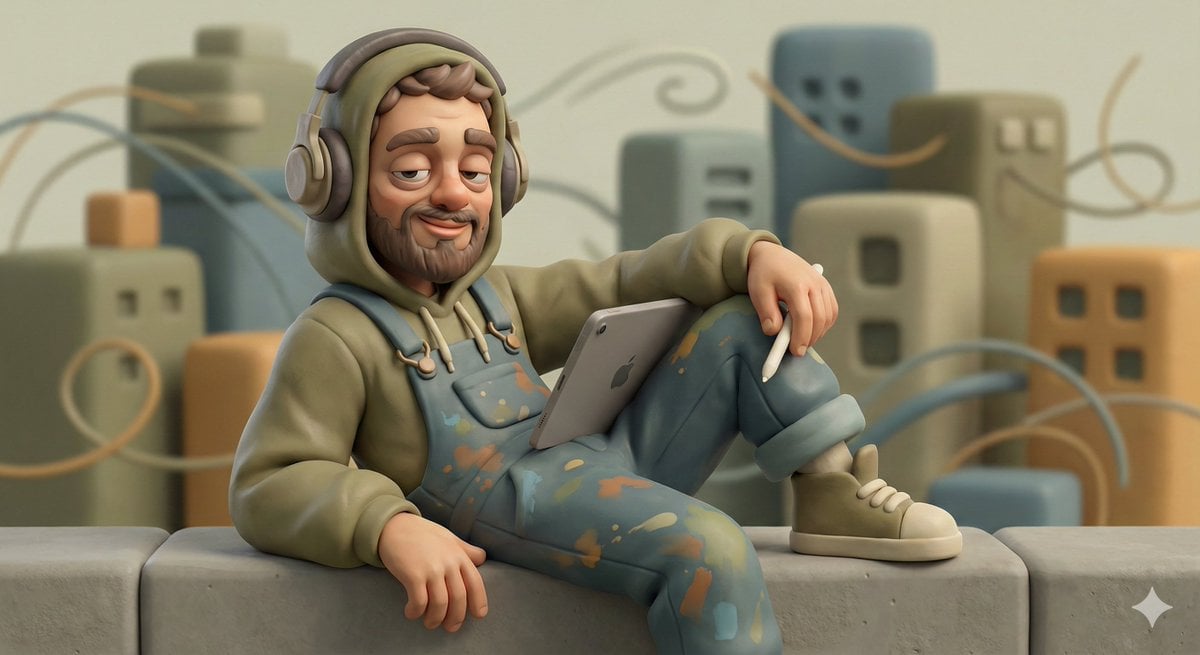
Stylized Character Illustration Template
Browse template categories
Anime Mall Jewelry Heist Fight questions
How do I use the Anime Mall Jewelry Heist Fight template?
Add your photo if the template asks for one, edit the prompt if you like — the template's model and format are already selected — and press Generate. Your version opens in PicX Studio.
Can I customize the Anime Mall Jewelry Heist Fight template?
Yes. You can change the subject, setting, lighting, mood, format, and available model controls before creating your image.
Is the Anime Mall Jewelry Heist Fight template free?
Opening and editing this template is free. Generating uses credits, shown on the Generate button when you are signed in.
Which AI model should I use?
Start with GPT Image 2, which is the model associated with this template. You can compare another compatible model for a different finish.
Looking for something else? Browse all templates.

Your photo, any look
Thousands of ready templates for every top image and video model, from one credit balance.