
Sunlit Anime Jewelry Craftsman
A refined portrait illustration of a handsome jewelry artisan inspecting a ring in a warm, detailed atelier setting.
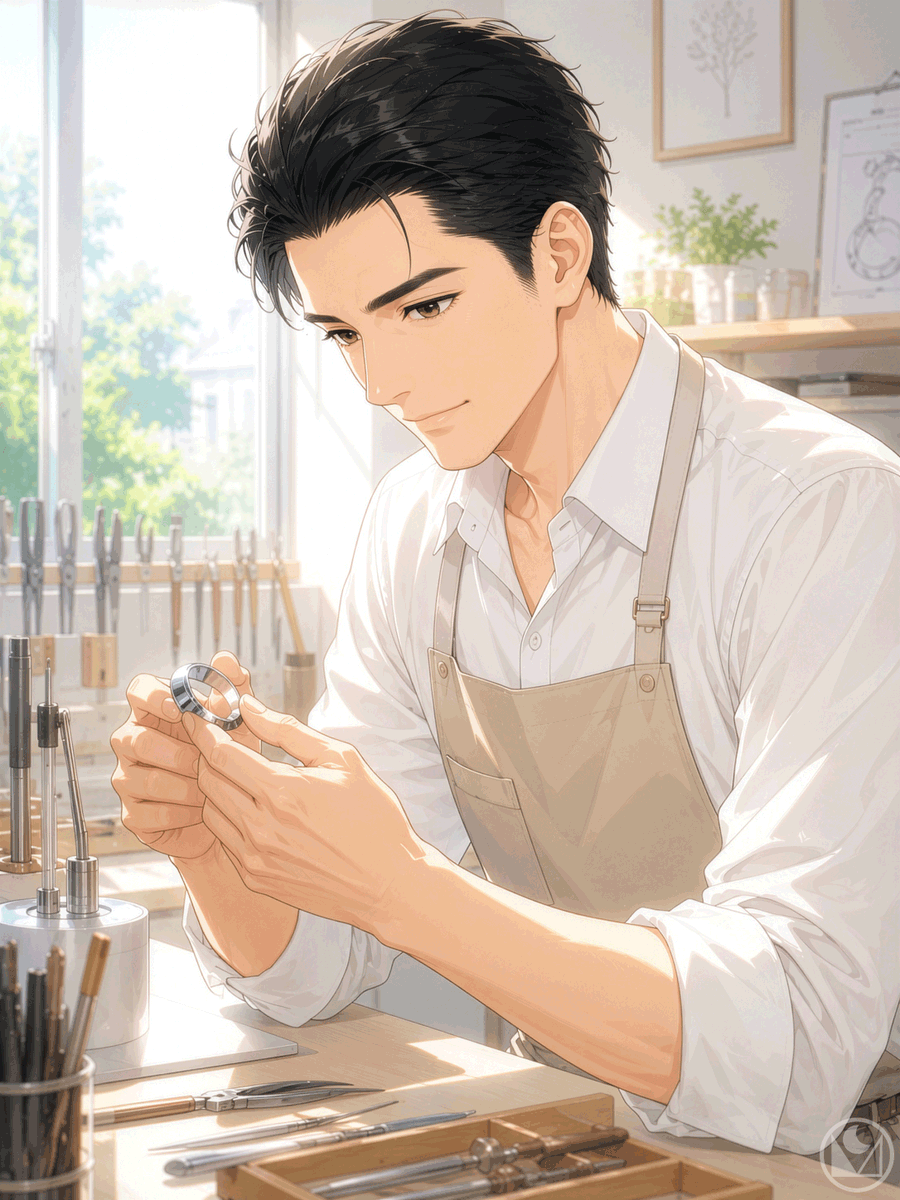
- Prompt included
- Model and format preset
- Free template
The prompt behind this image
Copy the exact prompt behind Sunlit Anime Jewelry Craftsman, or open it in the studio and make it yours.
Create a polished vertical anime-style illustration of a handsome young male jewelry craftsman in a sunlit workshop, shown from the waist up at a workbench. He has {argument name="hair color" default="black"} short swept-back hair with loose strands, warm brown eyes, sharp eyebrows, a calm gentle smile, and clean masculine facial features. He wears a crisp {argument name="shirt color" default="white"} button-up shirt with rolled sleeves and a beige apron with straps and metal buckles. His posture is slightly leaning forward as he carefully holds and inspects {argument name="object in hands" default="a silver ring"} between both hands, with detailed slender fingers and soft highlights on the metal. The setting is {argument name="workshop type" default="a bright jewelry atelier"} filled with precision tools: exactly 6 visible bench tools in the foreground tray, exactly 4 upright metal tools on the left workstation, exactly 5 blurred tool handles lined near the window, and small containers, a plant, framed botanical art, and a jewelry sketch board in the background. Use warm morning sunlight streaming through a large window on the left, glowing dust-mote atmosphere, soft pastel beige and cream tones, delicate linework, refined cel-shaded rendering, subtle painterly textures, high-detail hands and face, shallow depth of field, and an intimate professional mood. Composition should be portrait 3:4, subject centered slightly right, face in the upper middle, hands and ring as the focal point in the lower center. No text, no speech bubbles, no watermark, no extra characters.
How to use Sunlit Anime Jewelry Craftsman in 3 steps
- 1Upload ImagePNG, JPG or paste
Add your photo
Upload the photo the template builds on. The prompt, model and format are already set.
- 2…a portrait of your subject in softgolden-hour light, 85mm…
Personalize
Edit the subject and creative details for your destination.
- 3Generate
Generate
Press Generate — your image is created in PicX Studio, so you can compare it with the original and refine one variable at a time.
More like this
Templates with the same subject, style or setup. Open one to see its prompt.












Make it yours
Sunlit Anime Jewelry Craftsman works as-is. These are the safest ways to change it without losing the look.
Change one field
Copy a single group, rewrite it, and generate again so you can see what that field is doing.
Keep the frame, change the subject
Hold the composition and light of Sunlit Anime Jewelry Craftsman, then swap wardrobe, props or the person for a new take.
| If the result… | Why | Fix |
|---|---|---|
| The result drifts from the preview | Too many fields changed at once. | Reuse Sunlit Anime Jewelry Craftsman as-is first, then change one group — subject, light, or setting. |
| The model over-stylizes the scene | The prose prompt leaves finish and camera underspecified. | Add one camera or lighting sentence and stay on GPT Image 2. |
More GPT Image 2 templates
Other prompts made for GPT Image 2.

Six VTuber Japanese Logo Sheet

Realistic Portrait of Woman and Deer

The Vista Modular Condo Poster

AI Model Routing Comparison Infographic

2.5D Anime Art Board

Isometric Productivity Desk Scene

New York Double Exposure Poster

Four-Panel AI Landscape Comparison

Japanese Tatami Lifestyle Magazine Cover

NESCAFÉ Coffee Map Poster
More image prompts
Fresh picks from across the catalog.
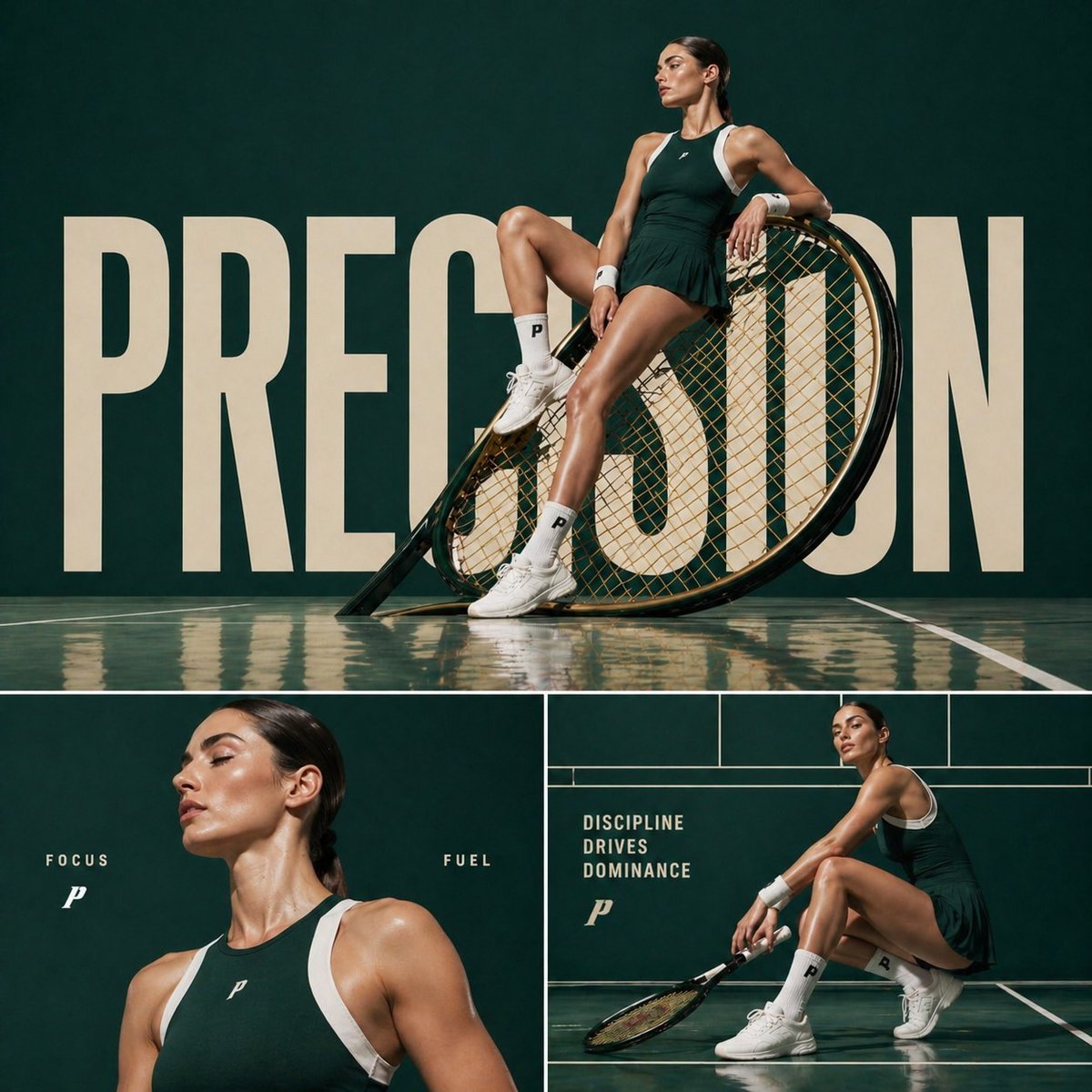
Cinematic sports fashion collage prompt
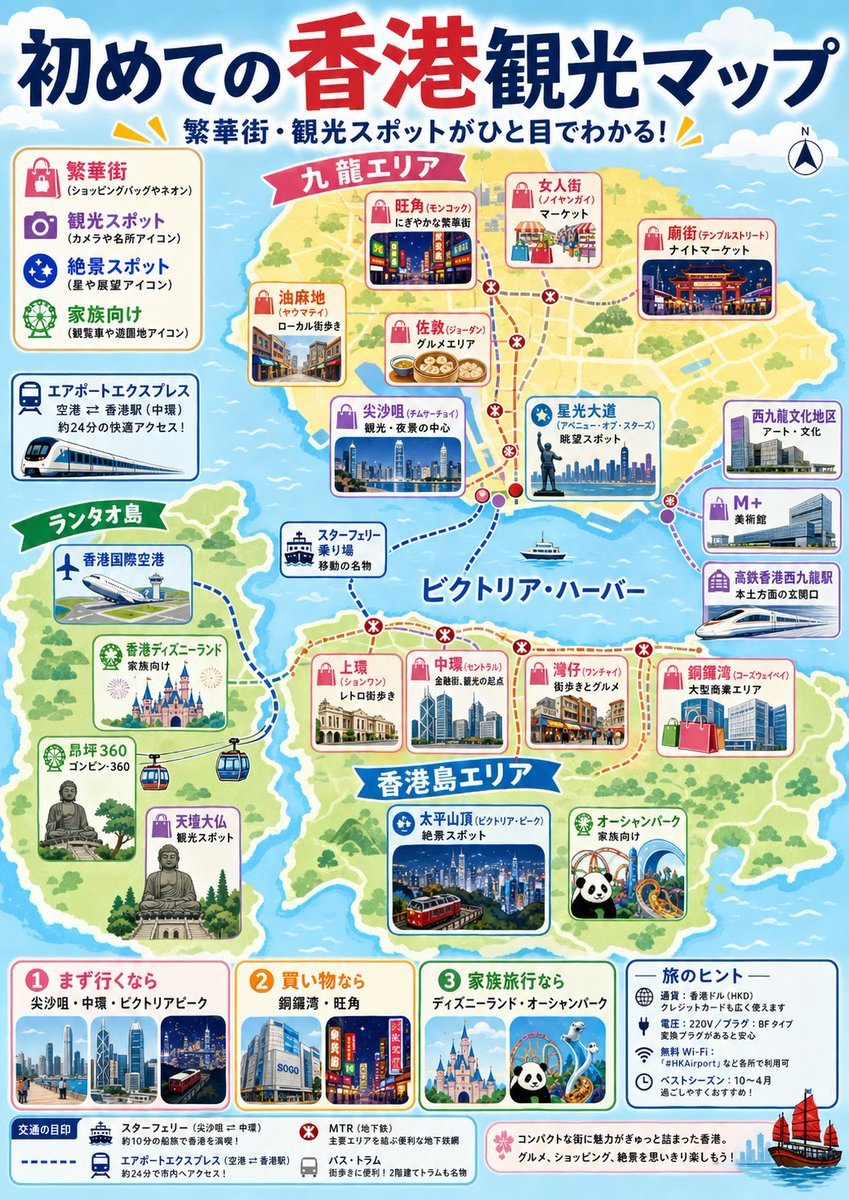
Japanese Hong Kong Tourist Map
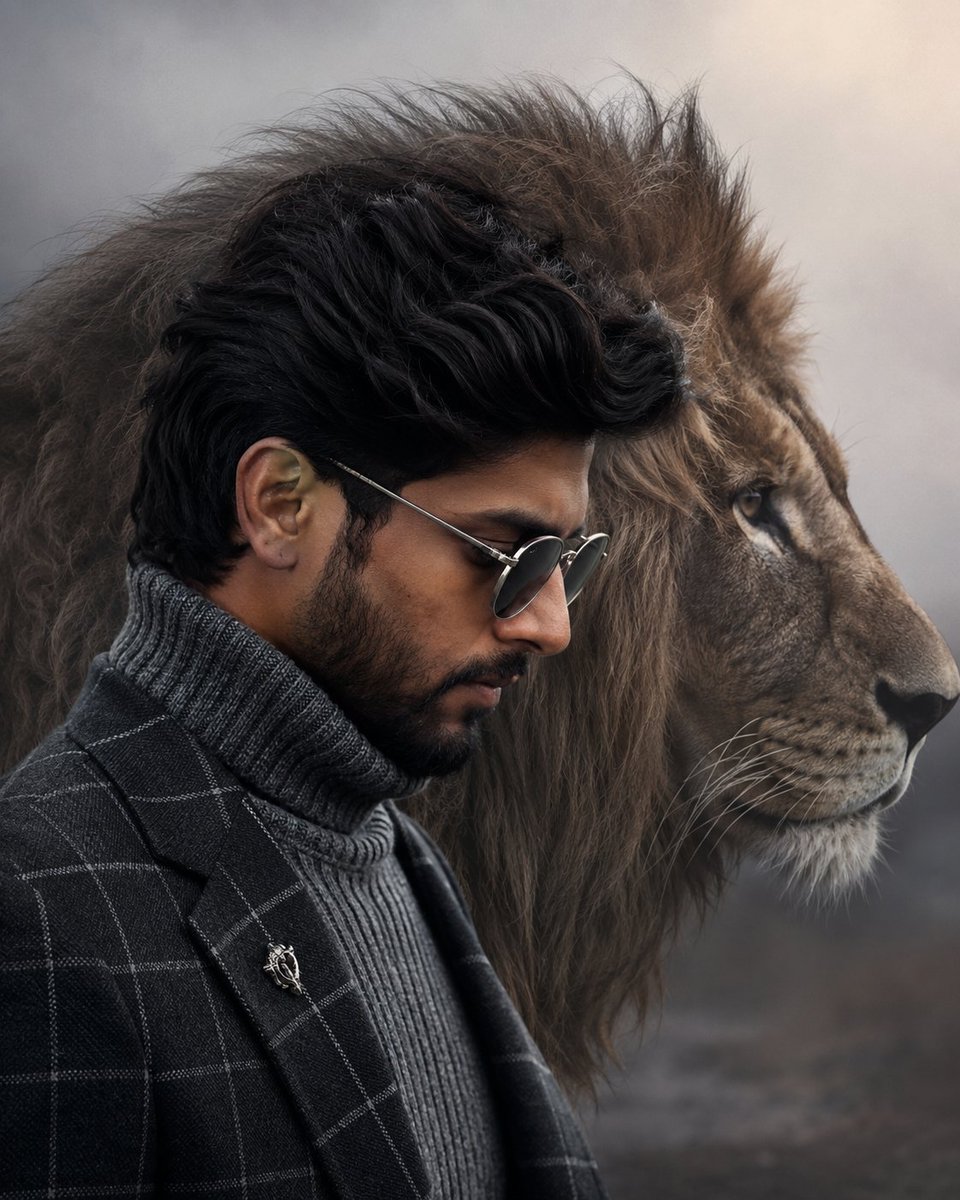
Cinematic Fashion Portrait with Lion
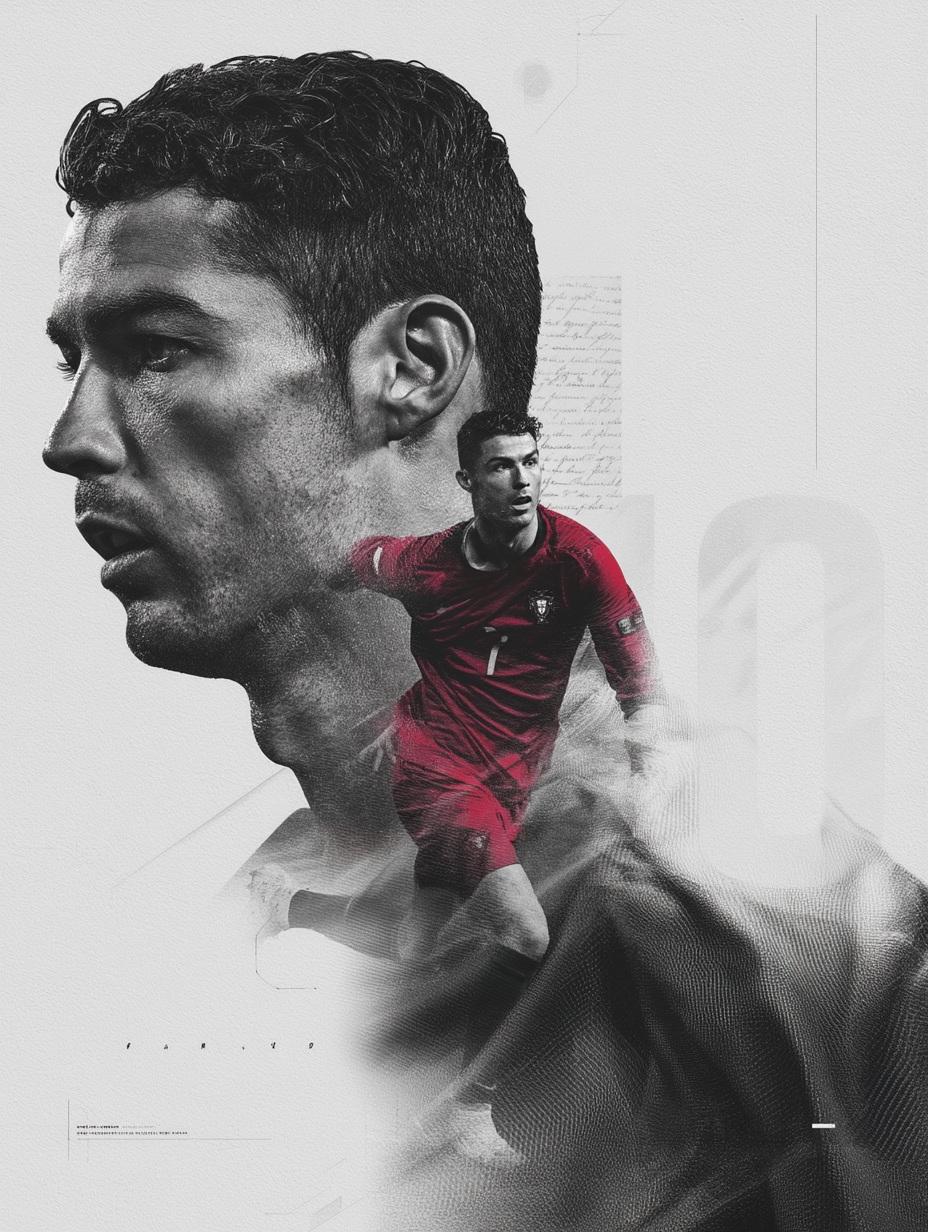
Nano Banana Pro on Gemini
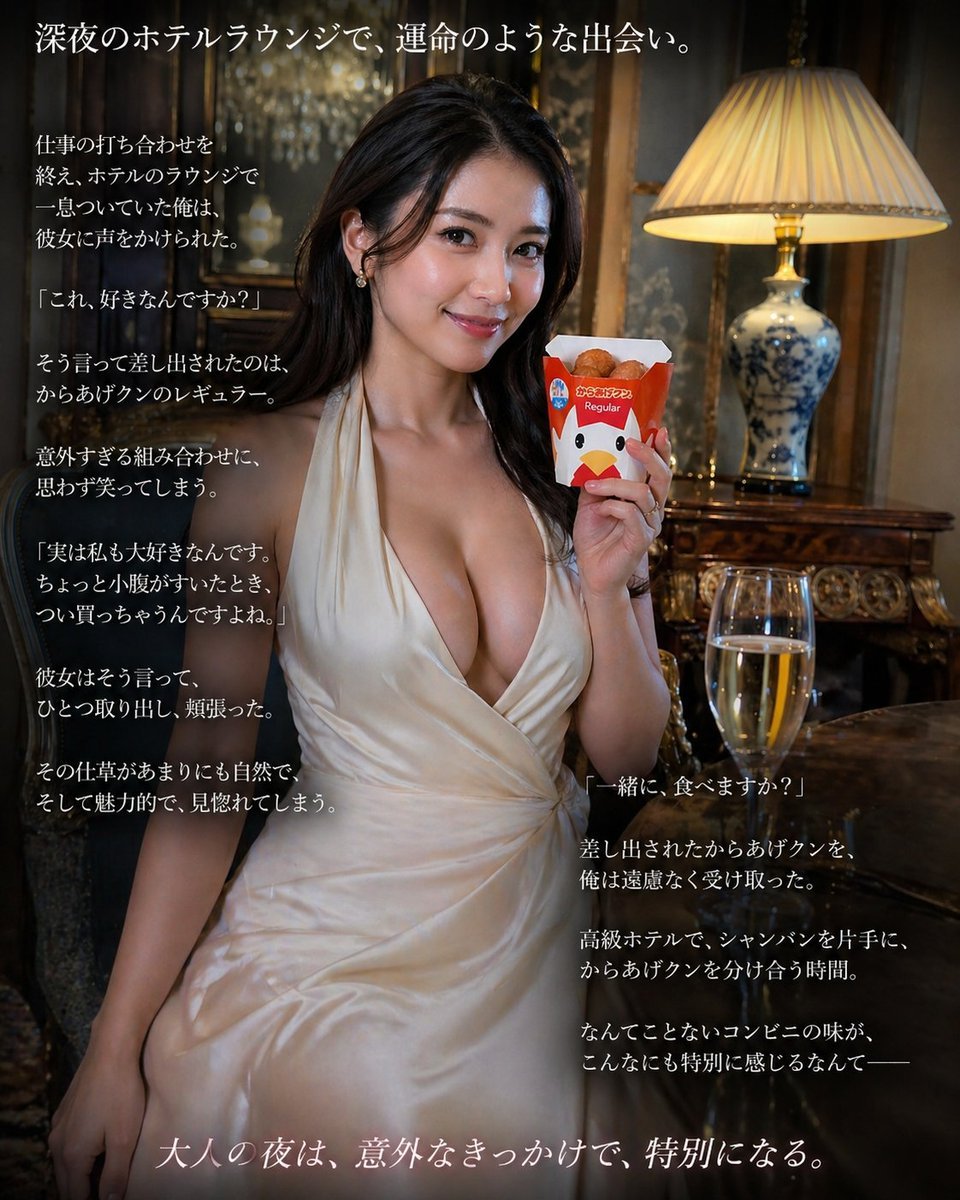
Cinematic Hotel Lounge Portrait
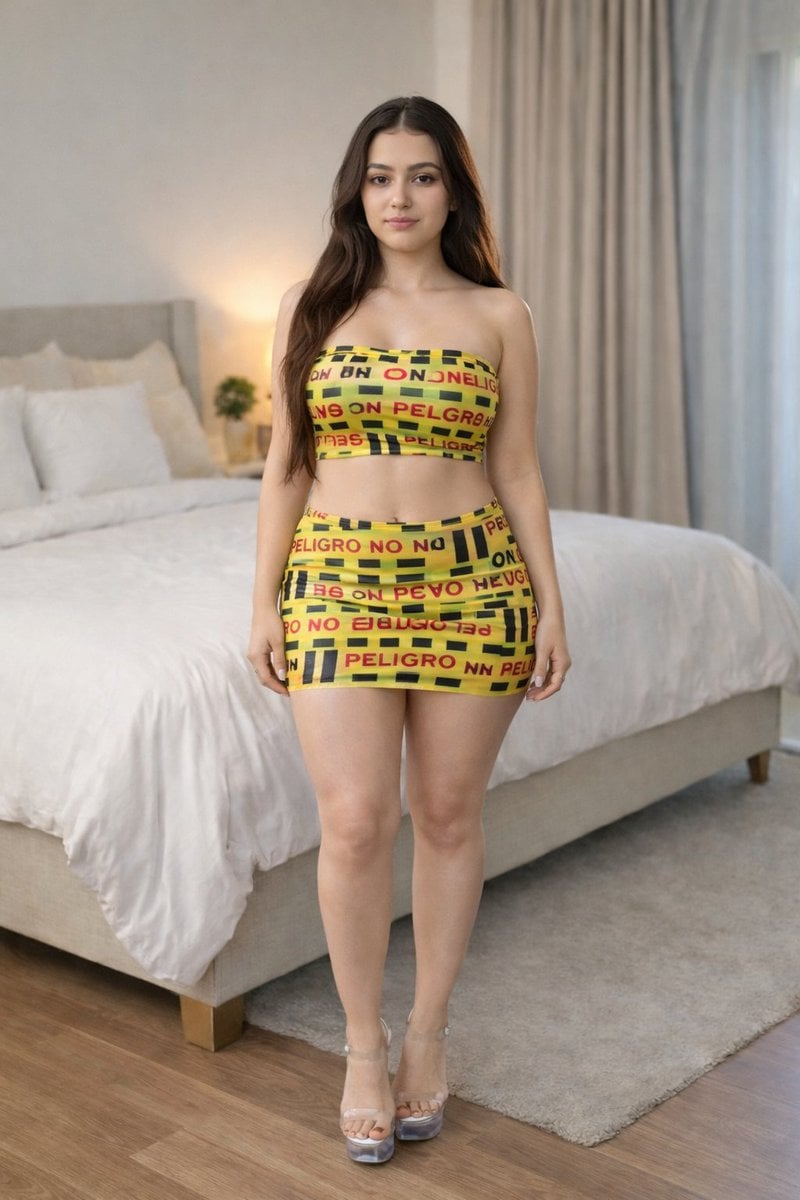
Caution Tape Fashion Photography Prompt
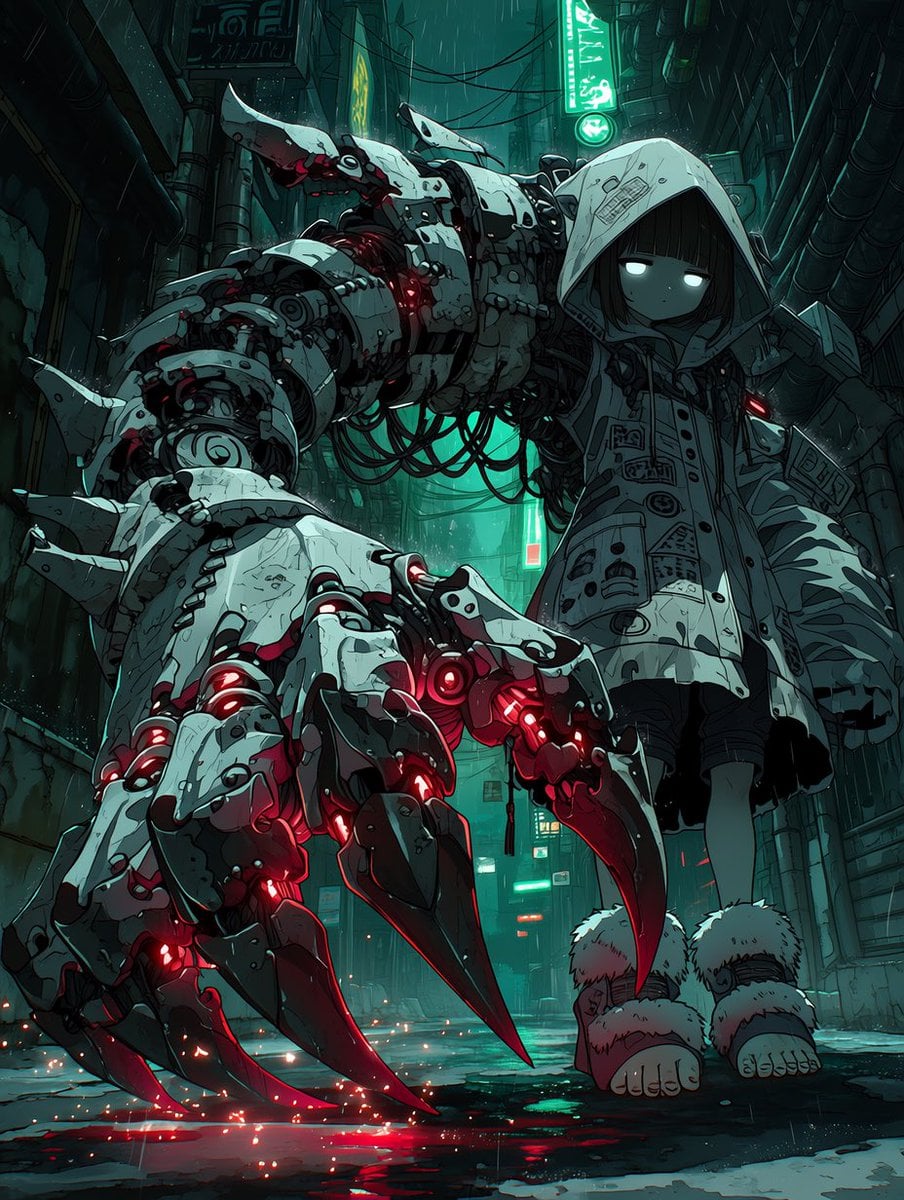
Cyberpunk Girl with Giant Mech Claw
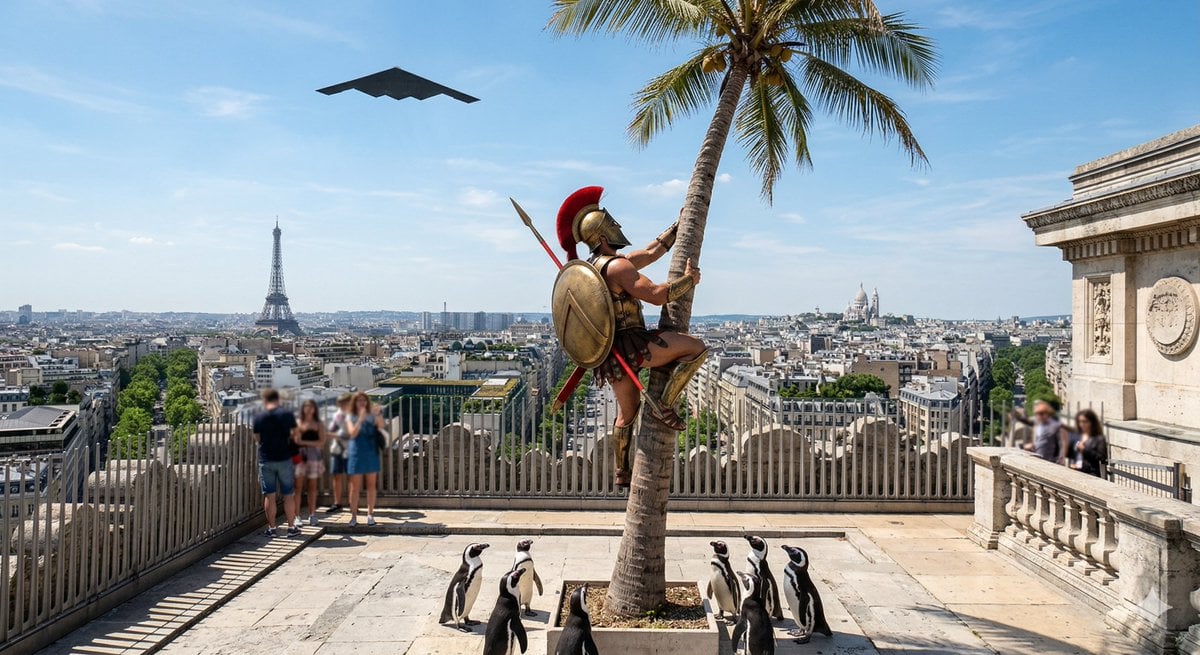
Penguins vs Coconut Tree Battle
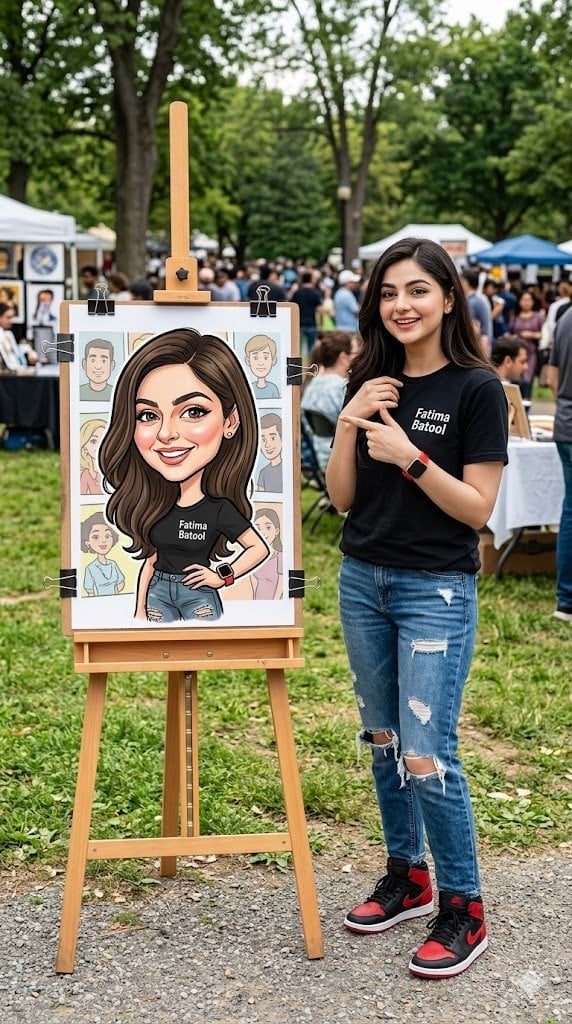
Personalized Vibrant Caricature Art
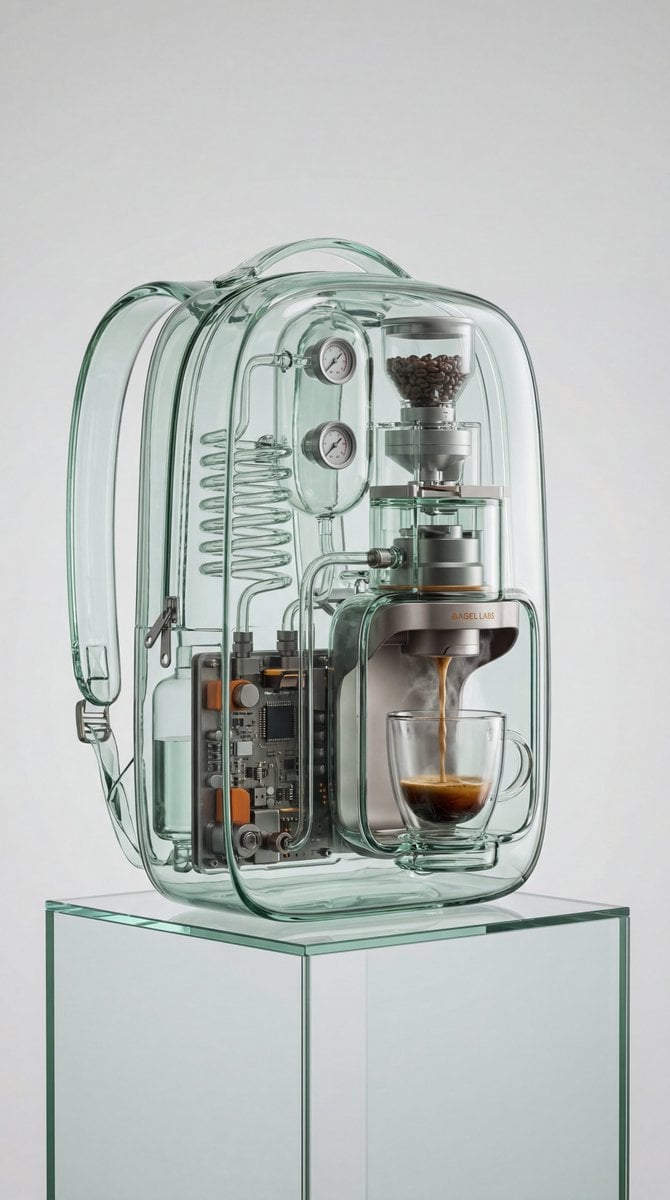
Recontextualized Backpack Espresso Machine Concept Prompt
Browse template categories
Sunlit Anime Jewelry Craftsman questions
How do I use the Sunlit Anime Jewelry Craftsman template?
Add your photo if the template asks for one, edit the prompt if you like — the template's model and format are already selected — and press Generate. Your version opens in PicX Studio.
Can I customize the Sunlit Anime Jewelry Craftsman template?
Yes. You can change the subject, setting, lighting, mood, format, and available model controls before creating your image.
Is the Sunlit Anime Jewelry Craftsman template free?
Opening and editing this template is free. Generating uses credits, shown on the Generate button when you are signed in.
Which AI model should I use?
Start with GPT Image 2, which is the model associated with this template. You can compare another compatible model for a different finish.
Looking for something else? Browse all templates.

Your photo, any look
Thousands of ready templates for every top image and video model, from one credit balance.