
Personalized Vibrant Caricature Art
A prompt for creating colorful, exaggerated caricature illustrations from a reference photo, set in an outdoor art festival environment.
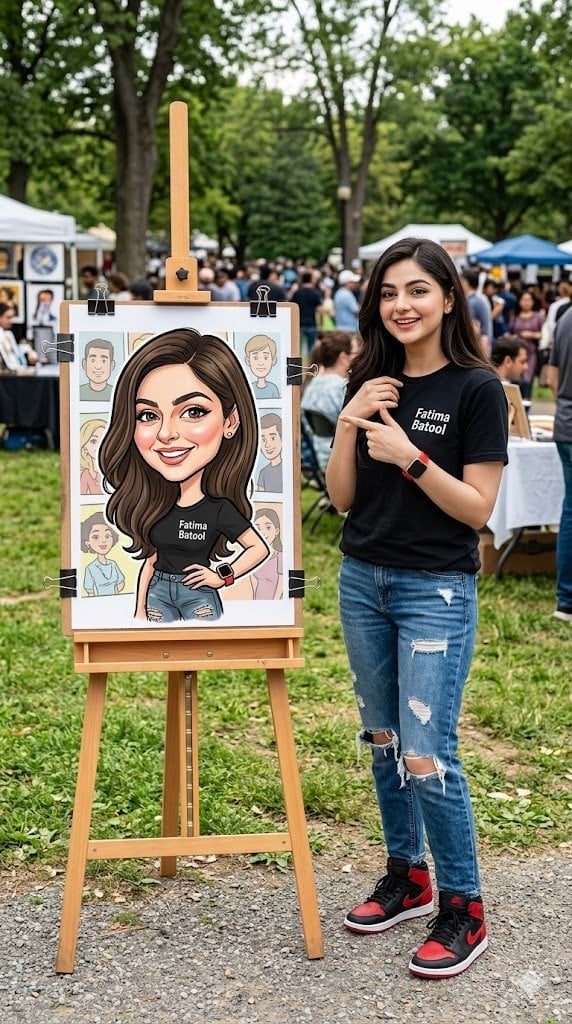
- Prompt included
- Model and format preset
- Free template
The prompt behind this image
Copy the exact prompt behind Personalized Vibrant Caricature Art, or open it in the studio and make it yours.
Edit the uploaded photo (face based on the reference photo). A colorful caricature illustration of a {argument name="subject" default="girl"} with exaggerated features, prominently displayed at an outdoor art event. A girl smiling warmly, wearing a {argument name="clothing" default="black tshirt with Fatima Batool"}, tattered jeans, red iwatch. The caricature uses vibrant colors, with exaggerated facial features and expressive lines, set against a simple background with a green grassy area. The artwork is mounted on an easel with clips, in front of a booth decorated with cartoon-style artwork of various characters. beside the art work a girl wearing a black tshirt with {argument name="name label" default="Fatima Batool"}, tattered jeans, nike air jordan1 red/black, red iwatch, pointing on the artwork.The setting appears to be at a local fair or outdoor art festival. Using a Canon EOS R camera with a 50mm f/1.8 lens, f/2.2 aperture, shutter speed 1/200s, ISO 100 and natural light, Full Body, Hyper Realistic Photography, Cinematic, Cinema, Hyper detail, Ultra hd, Color Correction, ultra hd, hdr , color grading, 8k. 9:16
How to use Personalized Vibrant Caricature Art in 3 steps
- 1Upload ImagePNG, JPG or paste
Add your photo
Upload the photo the template builds on. The prompt, model and format are already set.
- 2…a portrait of your subject in softgolden-hour light, 85mm…
Personalize
Edit the subject and creative details for your destination.
- 3Generate
Generate
Press Generate — your image is created in PicX Studio, so you can compare it with the original and refine one variable at a time.
More like this
Templates with the same subject, style or setup. Open one to see its prompt.

Stylized Fashion Portrait Bold Color Contrast Editorial

Real Illustration Split Portrait Transition

Clay Miniature Landmark Travel Diorama
Personalized Rider-Waite Tarot Card
Personalized Storybook Biography Poster
Vibrant Colored Pencil Bird Illustration
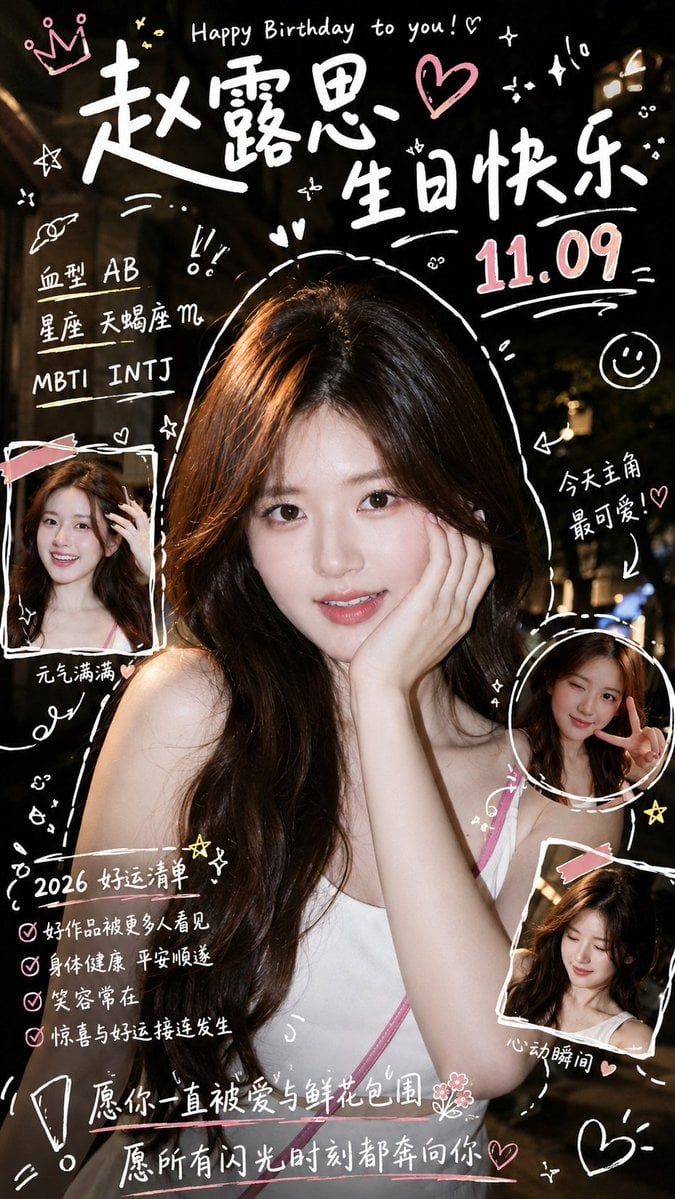
Personalized Birthday Fan Poster
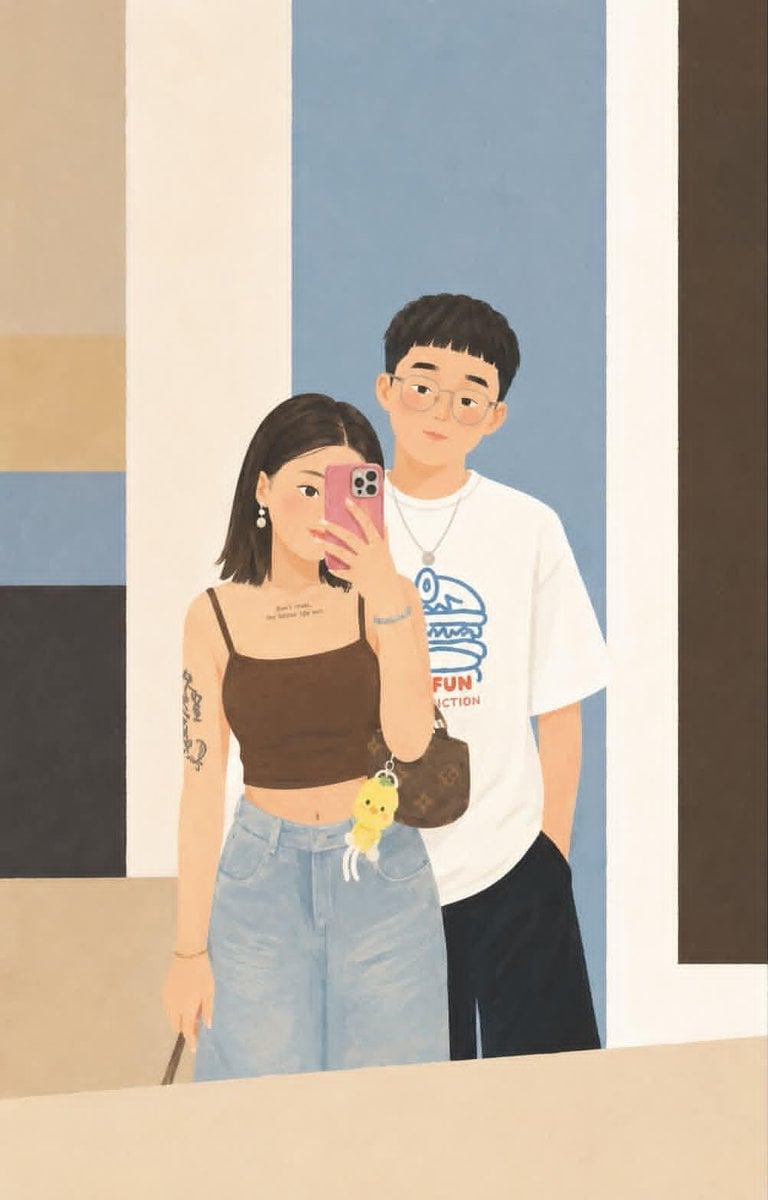
Geometric Editorial Style Personalized Illustration
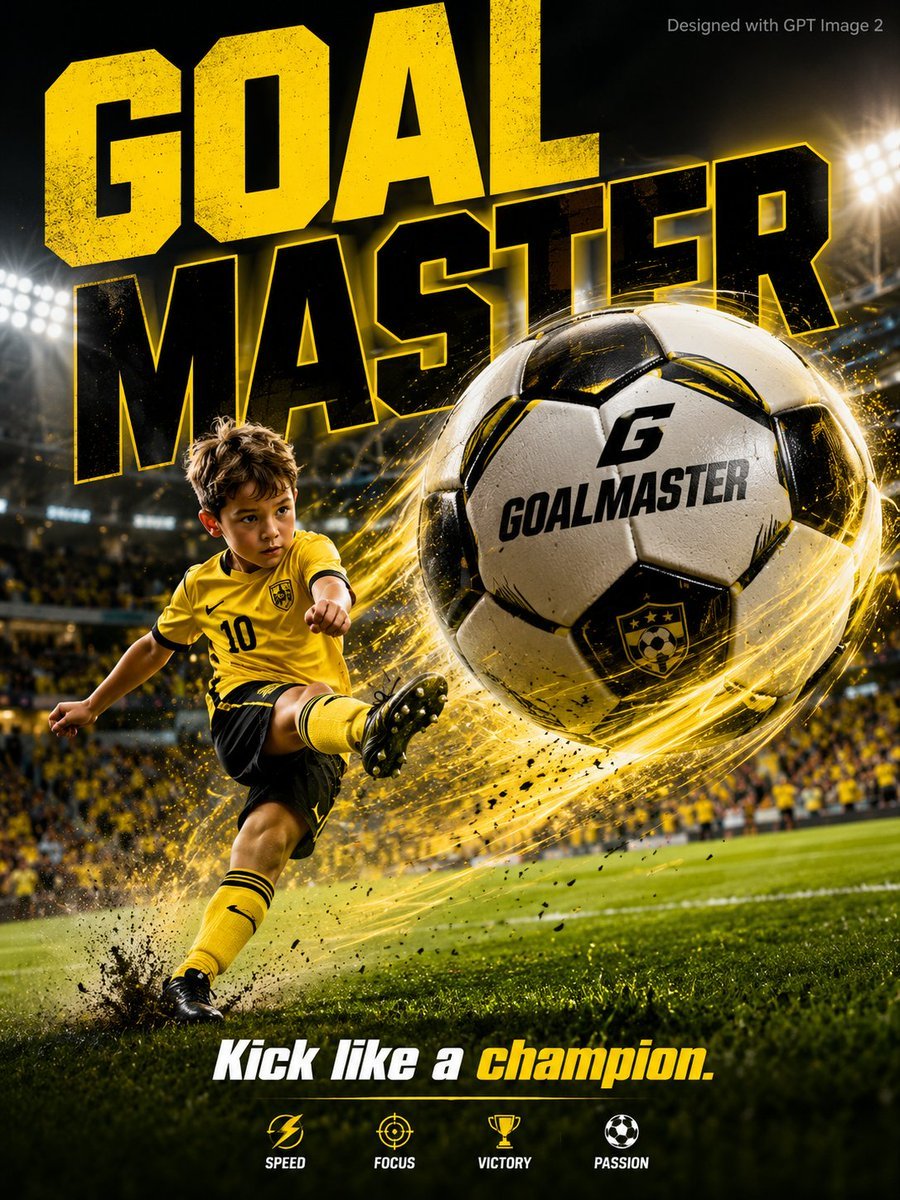
Vibrant Sports Advertisement Poster
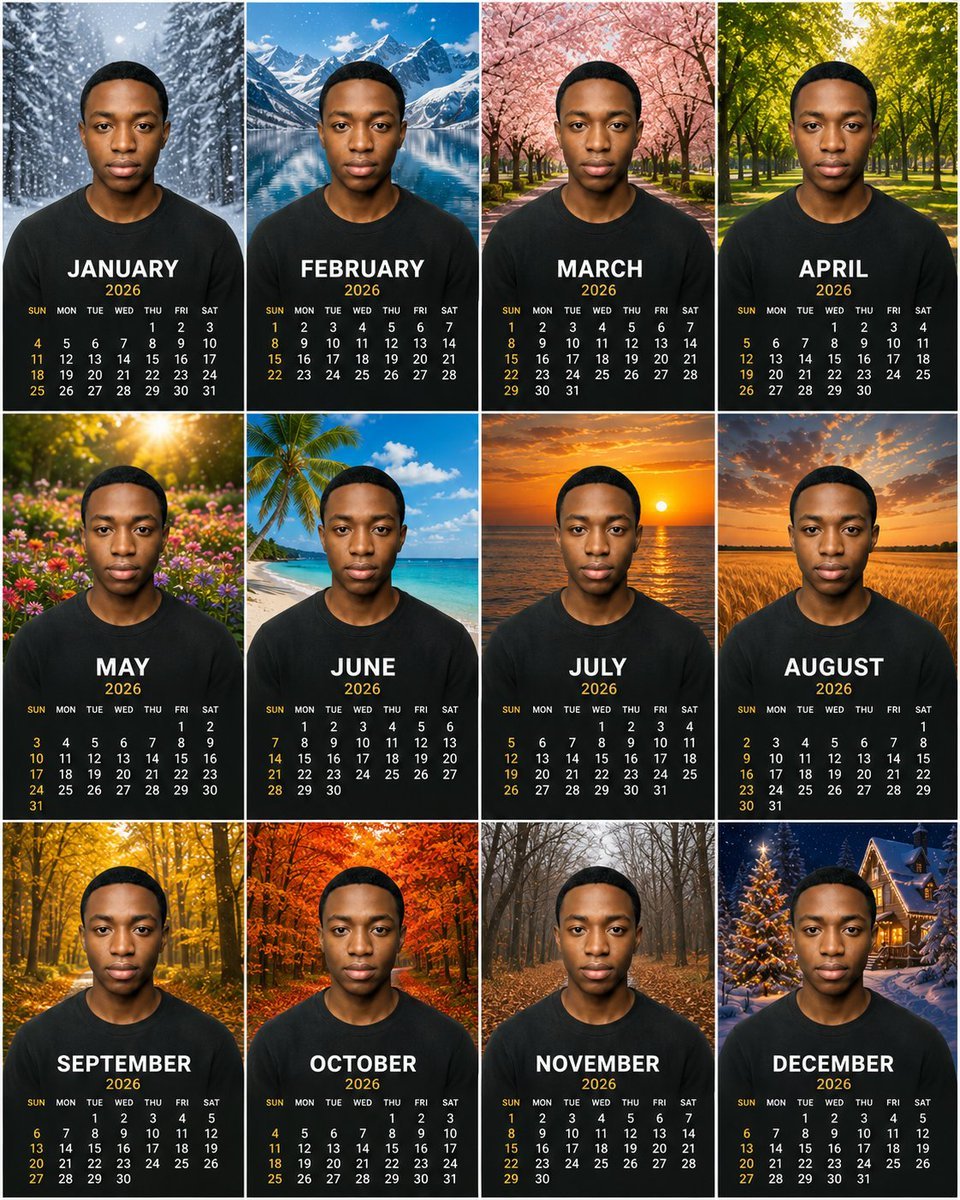
Personalized 2026 Portrait Calendar
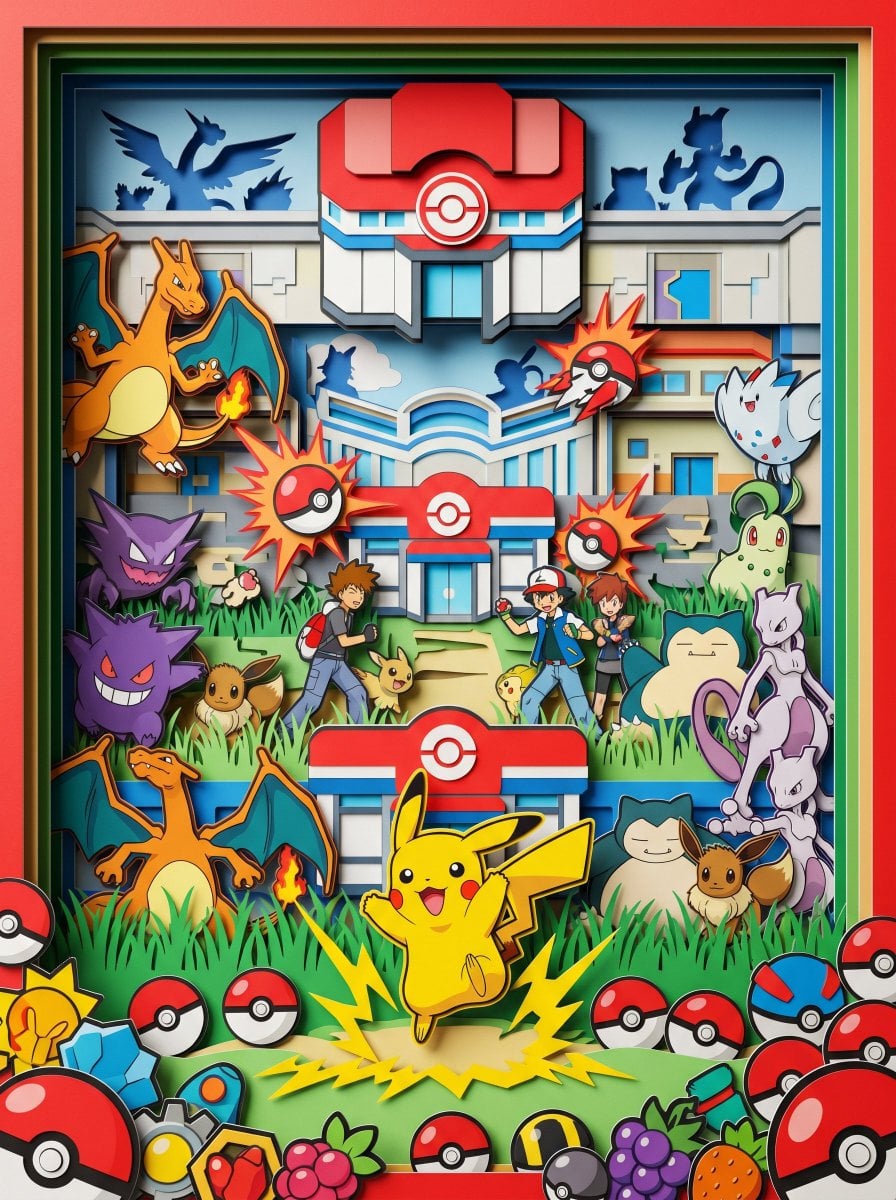
Master Paper Cut Diorama — Hyper-Vibrant 3D Layered Pokémon World
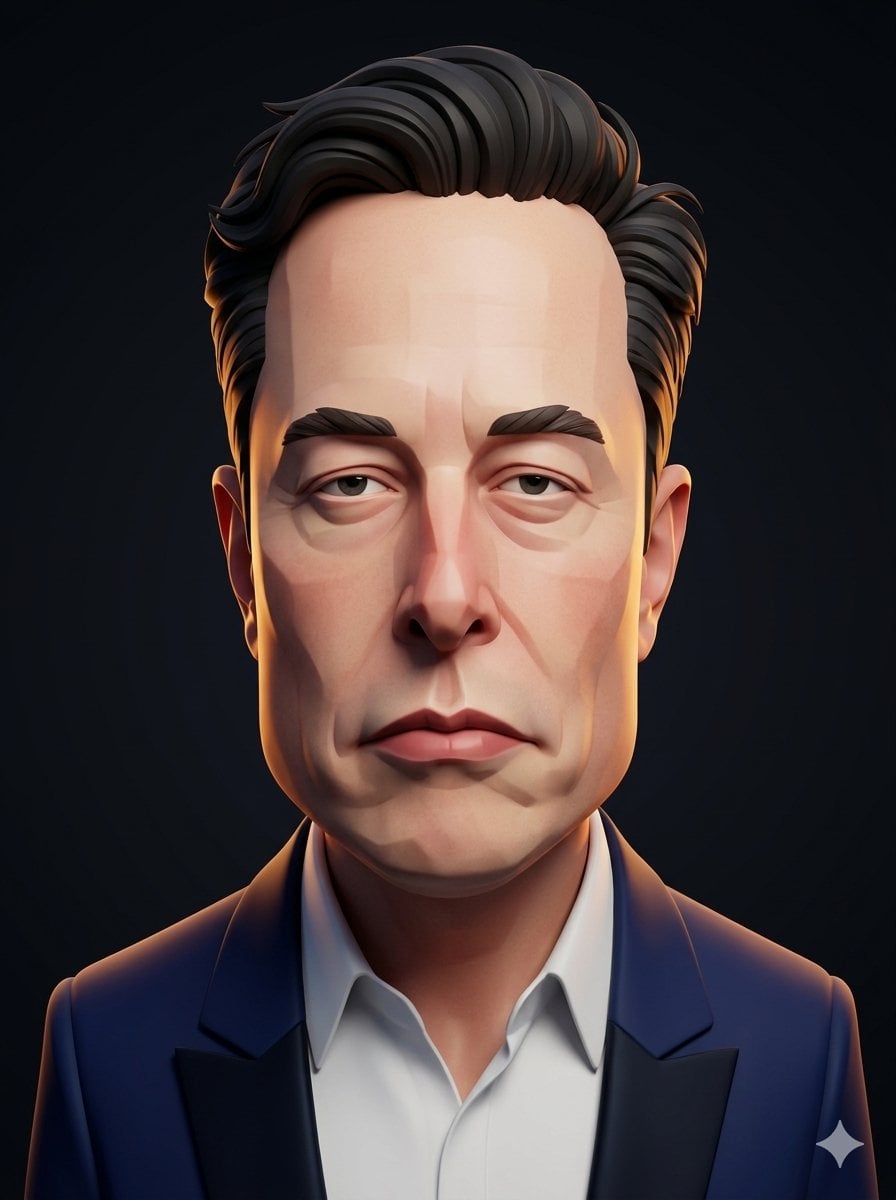
3D Stylized Caricature Portrait
Make it yours
Personalized Vibrant Caricature Art works as-is. These are the safest ways to change it without losing the look.
Change one field
Copy a single group, rewrite it, and generate again so you can see what that field is doing.
Keep the frame, change the subject
Hold the composition and light of Personalized Vibrant Caricature Art, then swap wardrobe, props or the person for a new take.
| If the result… | Why | Fix |
|---|---|---|
| The result drifts from the preview | Too many fields changed at once. | Reuse Personalized Vibrant Caricature Art as-is first, then change one group — subject, light, or setting. |
| The model over-stylizes the scene | The prose prompt leaves finish and camera underspecified. | Add one camera or lighting sentence and stay on GPT Image 2. |
More GPT Image 2 templates
Other prompts made for GPT Image 2.

Six VTuber Japanese Logo Sheet

Realistic Portrait of Woman and Deer

The Vista Modular Condo Poster

AI Model Routing Comparison Infographic

2.5D Anime Art Board

Isometric Productivity Desk Scene

New York Double Exposure Poster

Four-Panel AI Landscape Comparison

Japanese Tatami Lifestyle Magazine Cover

NESCAFÉ Coffee Map Poster
More image prompts
Fresh picks from across the catalog.
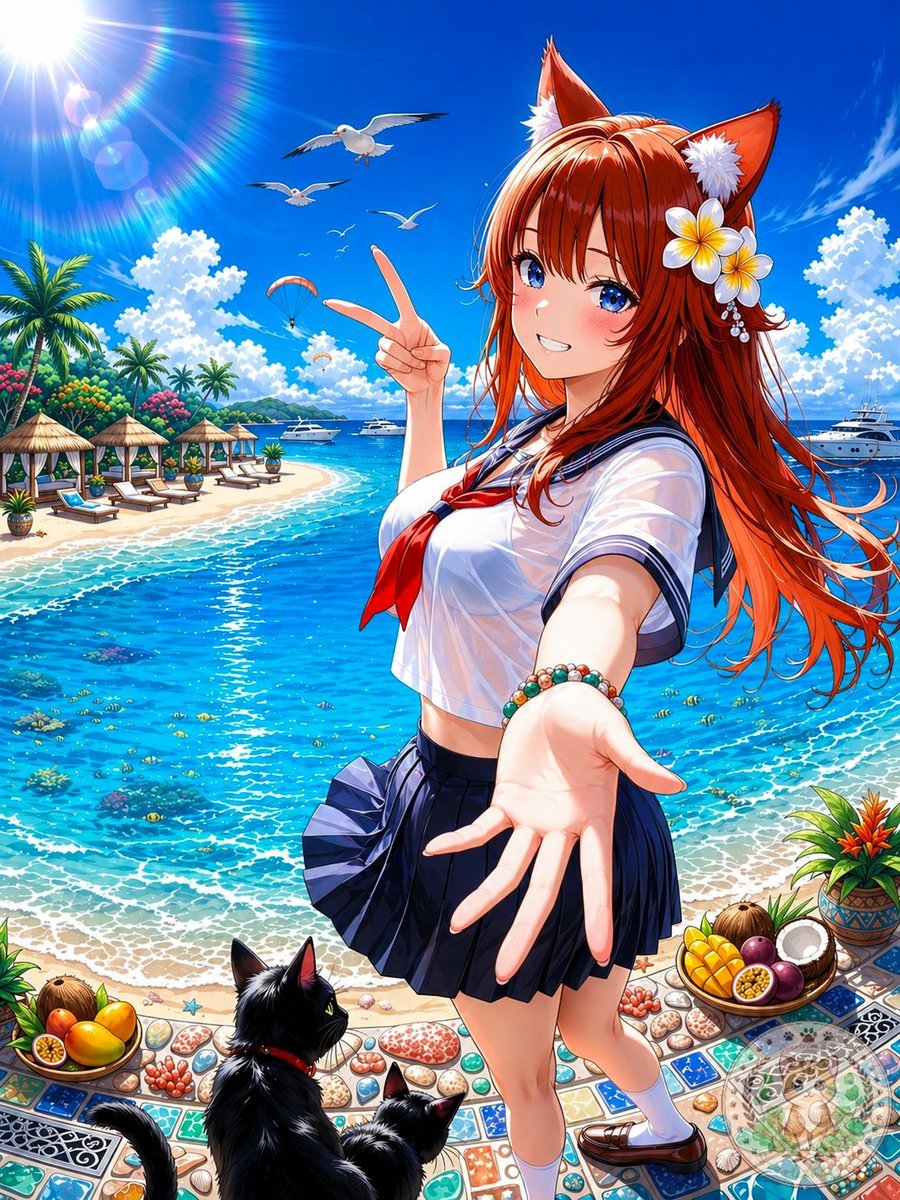
Anime Fox Girl at Tropical Beach
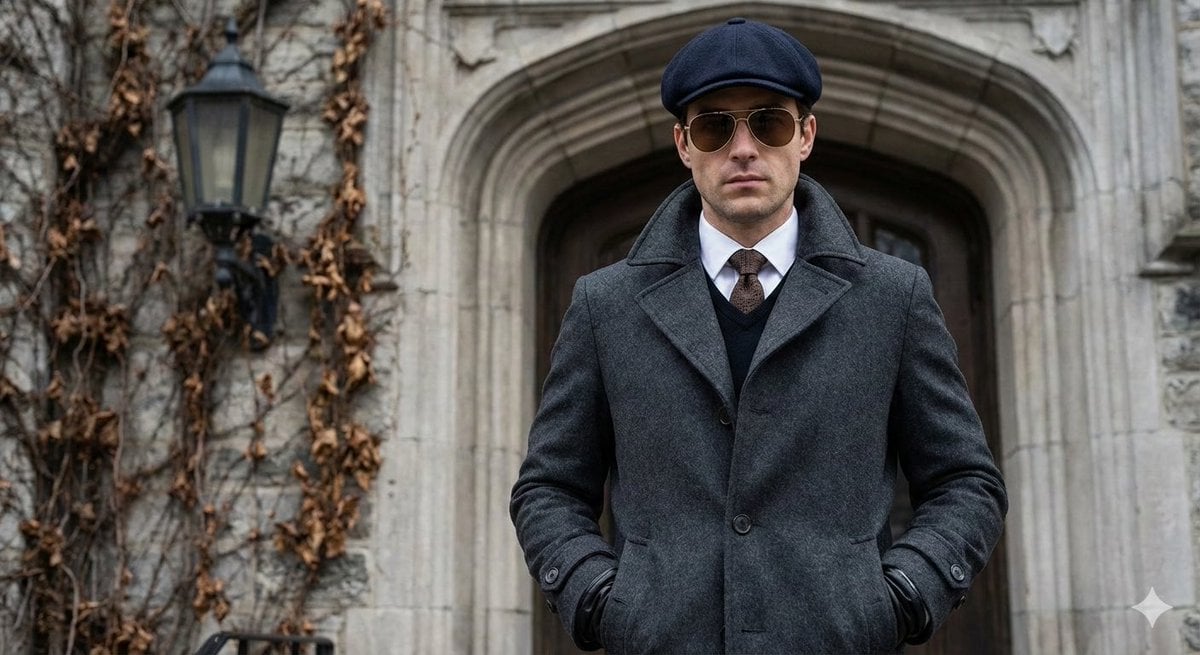
Cinematic Street Photography Editorial Portrait
Minimalist Scandinavian Editorial Portrait Series
Professional Old Photo Restoration
Image generation prompt for Nano Banana Pro: Zhuge Liang vs. Sima Yi in a Final Fantasy X style cosm
Whimsical T-Rex Made of Pink Frosting
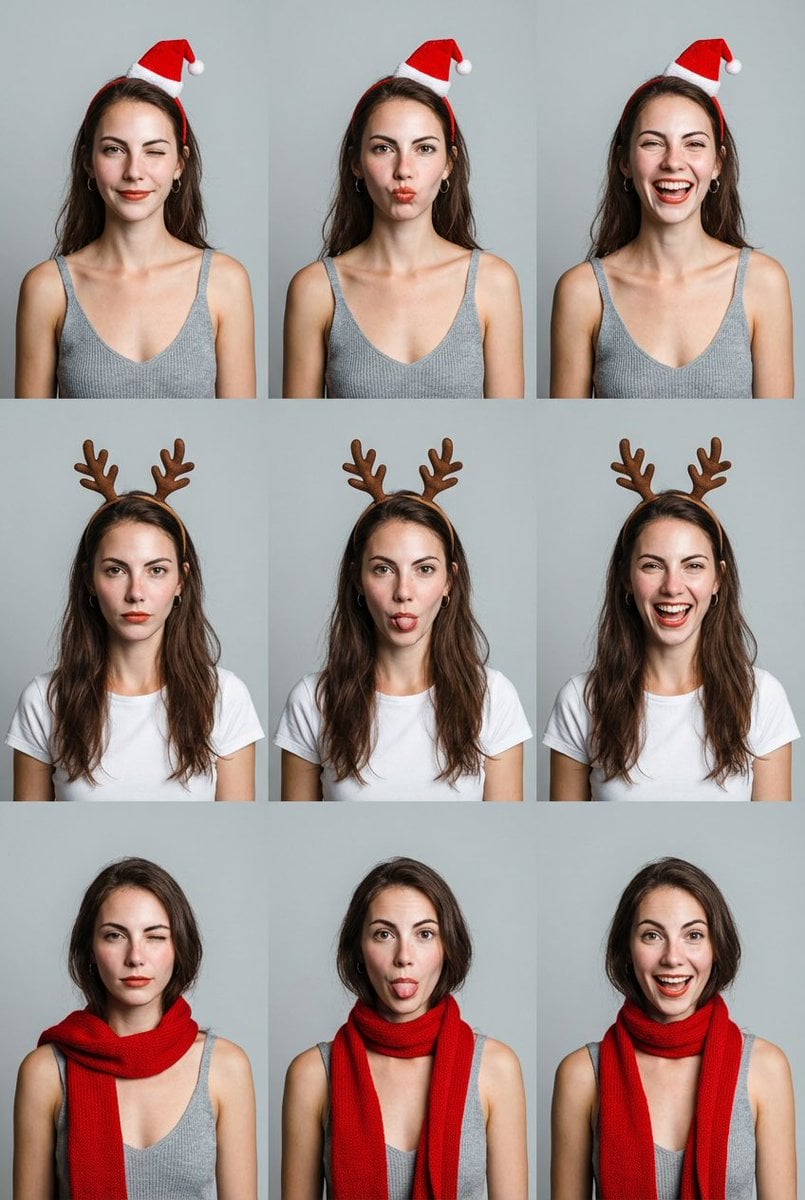
Grid Minimalist Christmas Portrait Prompt
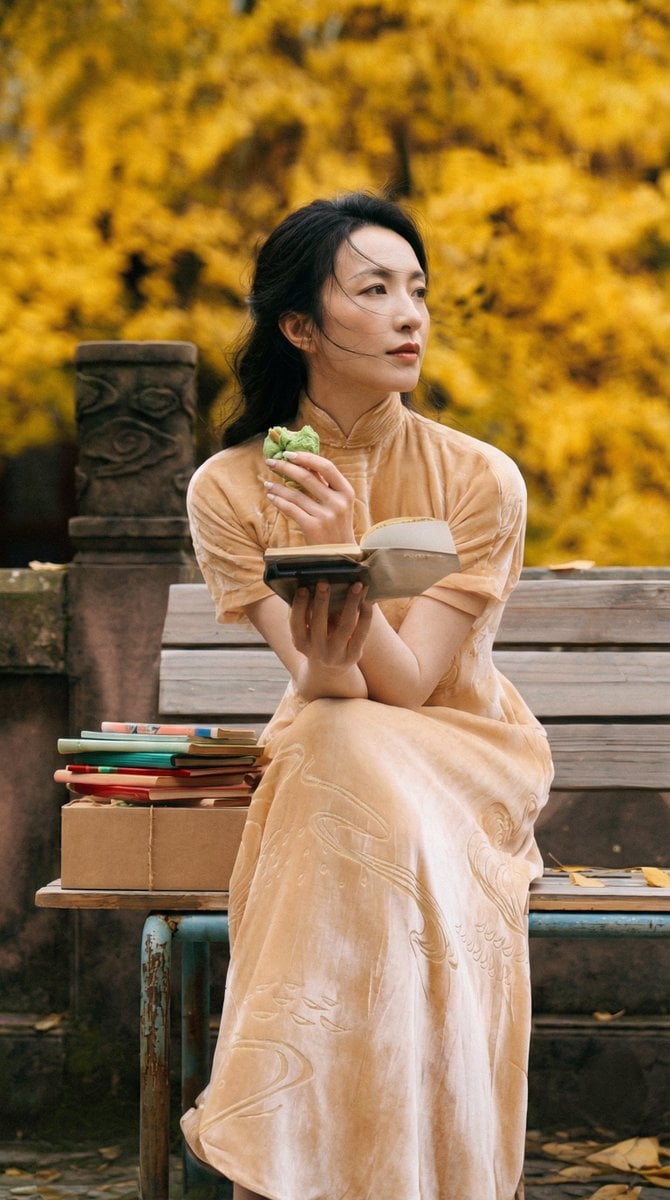
Ultra-Detailed New Chinese Aesthetic Portrait Prompt (Zhao Lusi Style)
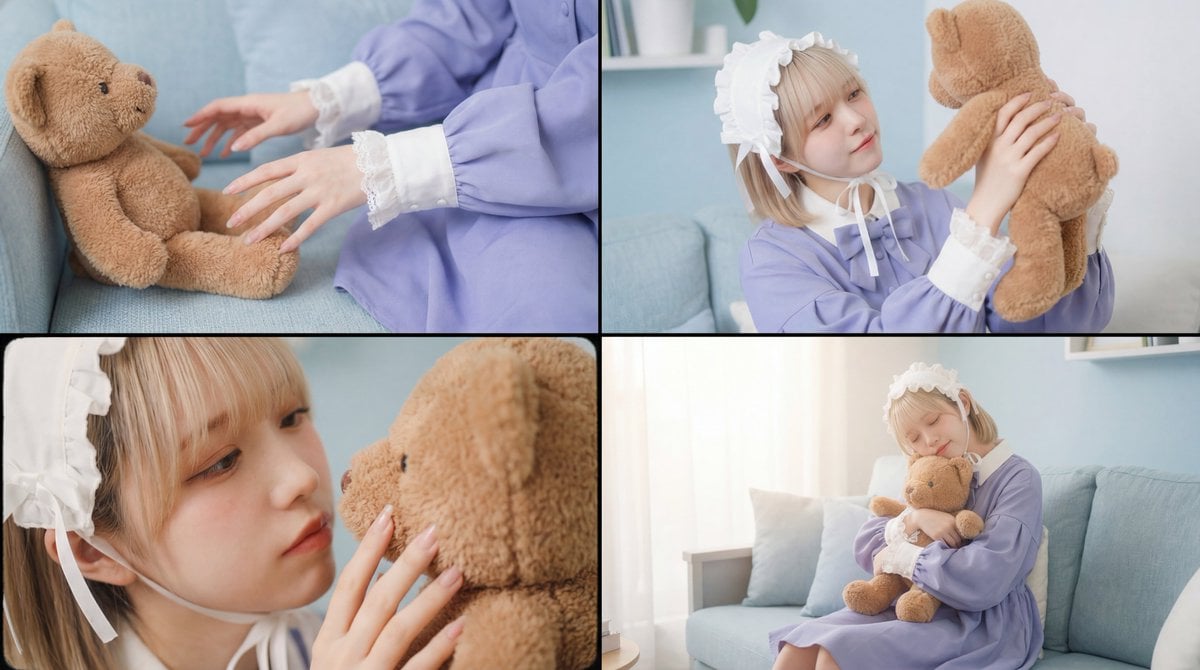
Warm, Nostalgic Cinematic Video of a Woman with a Teddy Bear
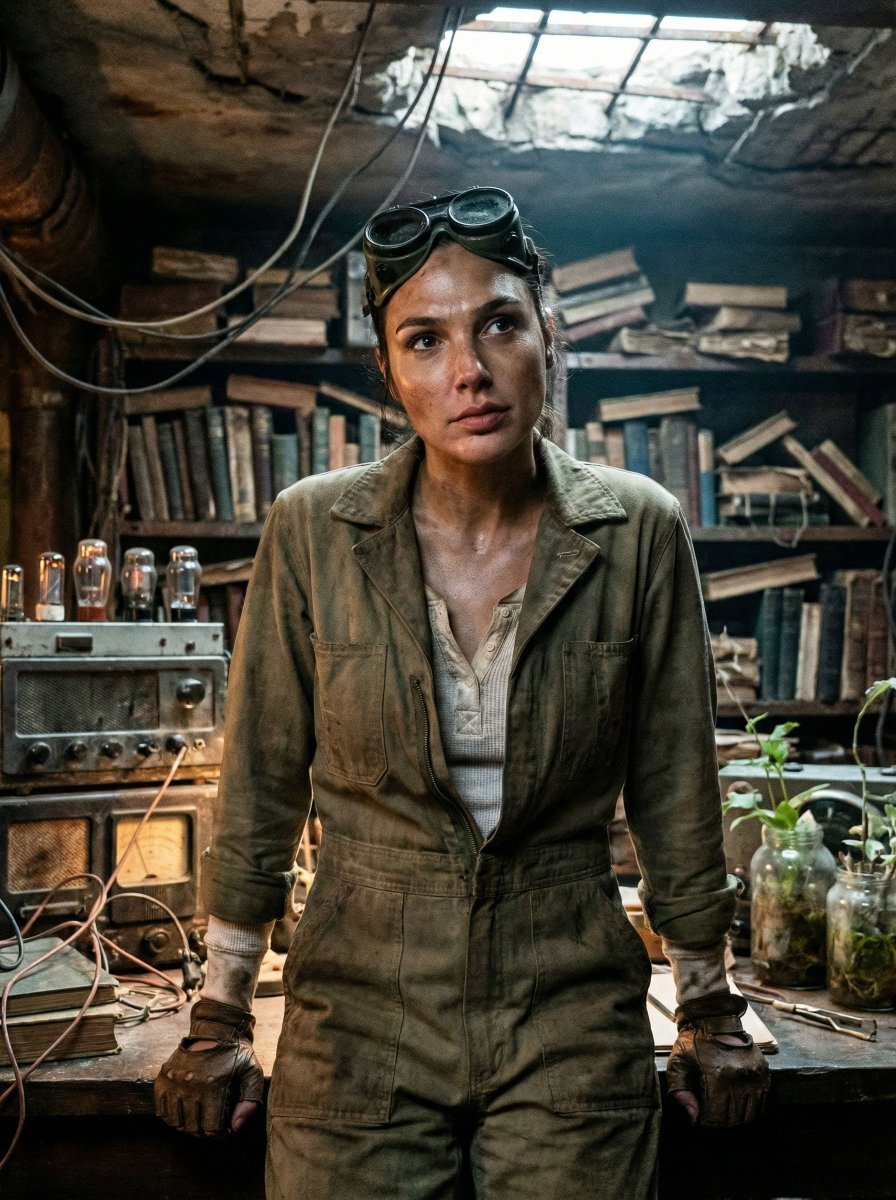
Cinematic Post-Apocalyptic Bunker Portrait
Browse template categories
Personalized Vibrant Caricature Art questions
How do I use the Personalized Vibrant Caricature Art template?
Add your photo if the template asks for one, edit the prompt if you like — the template's model and format are already selected — and press Generate. Your version opens in PicX Studio.
Can I customize the Personalized Vibrant Caricature Art template?
Yes. You can change the subject, setting, lighting, mood, format, and available model controls before creating your image.
Is the Personalized Vibrant Caricature Art template free?
Opening and editing this template is free. Generating uses credits, shown on the Generate button when you are signed in.
Which AI model should I use?
Start with GPT Image 2, which is the model associated with this template. You can compare another compatible model for a different finish.
Looking for something else? Browse all templates.

Your photo, any look
Thousands of ready templates for every top image and video model, from one credit balance.