
Cinematic Post-Apocalyptic Bunker Portrait
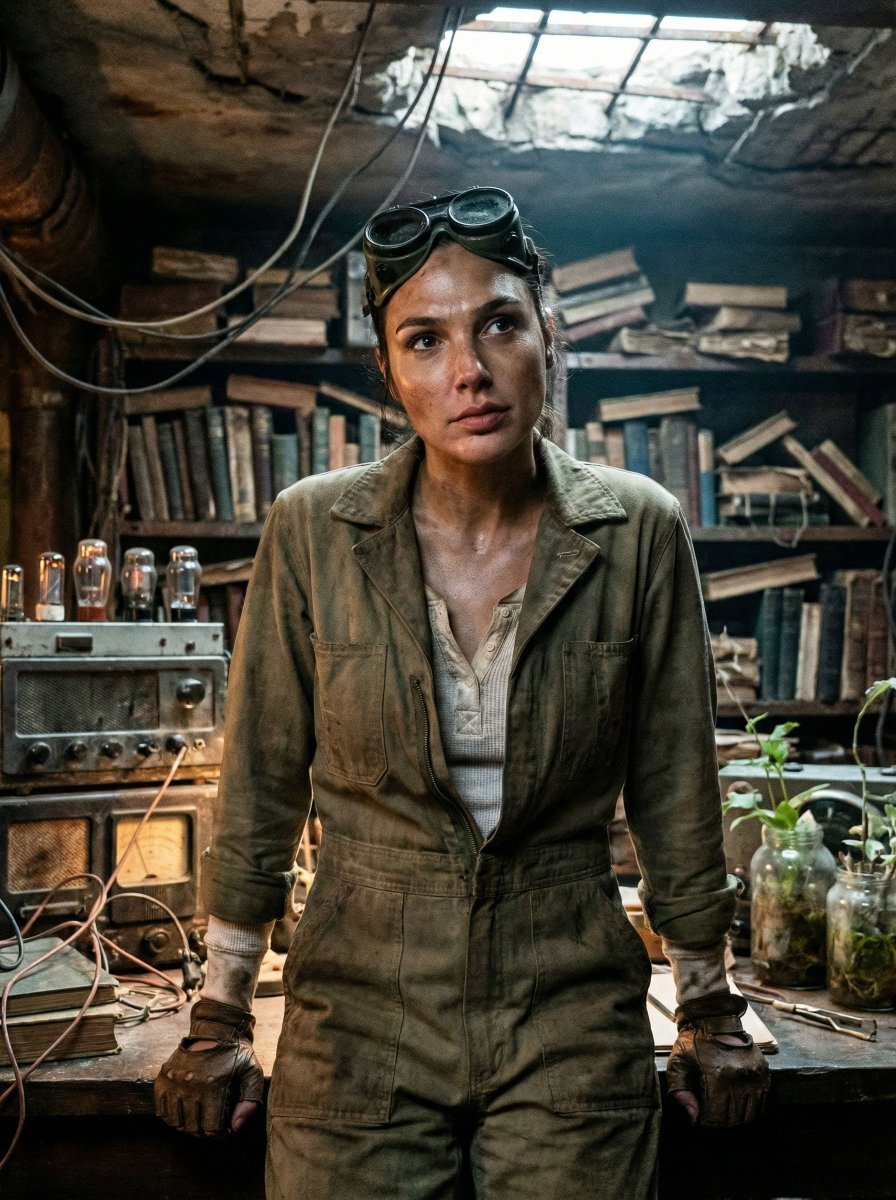
An extremely detailed JSON prompt for generating a cinematic, post-apocalyptic portrait (Gal Gadot style).
- Prompt included
- Model and format preset
- Free template
The prompt behind this image
Copy the exact prompt behind Cinematic Post-Apocalyptic Bunker Portrait, or open it in the studio and make it yours.
{ "vibe_title_en": "Rusted Botanical Bunker", "master_prompt": "A cinematic medium close-up of The Protagonist situated in a claustrophobic, repurposed underground bunker archive. The environment is overwhelmingly dense and cluttered, adhering to a grounded post-apocalyptic aesthetic: stacks of decaying hardcover books intermingled with rusted analog radio equipment, tangles of exposed copper wire hanging like vines, and glass jars filled with murky water and sprouting seedlings. The atmosphere is thick with dust particles and humidity. The Protagonist is captured in a decisive moment of stillness, looking up from a workbench as if hearing a phantom sound, expression guarded and weary. Lighting is low-key chiaroscuro, motivated by the warm, flickering glow of a vacuum tube amplifier contrasting with a faint, sickly cool daylight filtering through cracks in the concrete ceiling. Shot on Kodak Vision3 500T 35mm film with a Panavision C-Series anamorphic lens, emphasizing heavy film grain, authentic skin texture with sweat and grime, and a tactile, dirty reality. No neon, no clean surfaces.", "meta": { "intent": "Cinematic Storytelling", "priorities": "Texture, Density, Atmosphere", "device_profile": "Cinema Display" }, "frame": { "aspect": "4:5", "composition": "Rule of Thirds with center-weighted subject", "layout": "Claustrophobic framing with foreground occlusion", "camera_angle": "Eye Level", "tilt_roll_degrees": "0" }, "subject": { "gender": "Female", "identity": "The Survivor / The Archivist", "demographics": "Adult, ambiguously aged by weathering", "face": "Neutral but alert, minimal makeup, sweat sheen, smudge of grease on cheekbone", "hair": "Pulled back practically, stray hairs loose, slightly frizzy from humidity", "body": "Shoulders tense, leaning slightly forward over a workspace", "expression": "Guarded, listening, lips slightly parted in concentration", "pose": "Frozen mid-action, hands interacting with equipment but gaze directed outward" }, "wardrobe_accessories": { "garments": [ { "item": "Utility Jumpsuit", "material": "Heavy Canvas", "color": "Faded Olive or Slate Grey", "fit": "Oversized, layered" }, { "item": "Thermal Undershirt", "material": "Waffle Knit Cotton", "color": "Dirty White", "fit": "Fitted, visible at collar" } ], "accessories": [ { "item": "Welding Goggles", "color": "Brass/Black", "material": "Metal and Glass", "brand_style": "Vintage Industrial" }, { "item": "Fingerless Gloves", "color": "Black", "material": "Worn Leather", "brand_style": "Tactical" } ] }, "environment": { "setting": "Overgrown Tech-Bunker", "surfaces": "Rusted metal, peeling lead paint, damp concrete, mossy electronics"
How to use Cinematic Post-Apocalyptic Bunker Portrait in 3 steps
- 1
Open
The prompt is already in the box next to the preview, with the template's model and format selected.
- 2…a portrait of your subject in softgolden-hour light, 85mm…
Personalize
Edit the subject and creative details for your destination.
- 3Generate
Generate
Press Generate — your image is created in PicX Studio, so you can compare it with the original and refine one variable at a time.
More like this
Templates with the same subject, style or setup. Open one to see its prompt.

Found Photograph: Us, 1970

80s Couple Studio Portrait

80s Bollywood Star

80s Golden Hour Cinema

Me in 1985

1985 Studio Portrait

Hyper-Realistic Minecraft POV Portrait

Rooftop Fisheye — Cat-Ear Balaclava at Golden Hour

Rainy Café Window Moody Portrait

untitled

2025 Aesthetic Photography

Nano Banana Is So Addictive
Make it yours
Cinematic Post-Apocalyptic Bunker Portrait works as-is. These are the safest ways to change it without losing the look.
Change one field
Copy a single group, rewrite it, and generate again so you can see what that field is doing.
Keep the frame, change the subject
Hold the composition and light of Cinematic Post-Apocalyptic Bunker Portrait, then swap wardrobe, props or the person for a new take.
| If the result… | Why | Fix |
|---|---|---|
| The result drifts from the preview | Too many fields changed at once. | Reuse Cinematic Post-Apocalyptic Bunker Portrait as-is first, then change one group — subject, light, or setting. |
| The model over-stylizes the scene | The prose prompt leaves finish and camera underspecified. | Add one camera or lighting sentence and stay on Nano Banana 2. |
More Nano Banana 2 templates
Other prompts made for Nano Banana 2.

Photorealistic Leaf Shaped Like a Dragon

K-Pop Idol Portrait Grid for Rapid Selection

Poetic Rain Forest Portrait During Golden Hour

Urban Street Portrait with Cartoon Inner Self Duo

Candid Nighttime Photo with Cat Prompt

High-Concept 3D Diorama Generation Prompt

Cinematic Futuristic Studio Portrait Template

Skincare Editorial Photography Collage Prompt

Hyper-Realistic Commercial Product Photography (Splash Effect)

Hyper-Realistic Nightclub Portrait Prompt
More image prompts
Fresh picks from across the catalog.
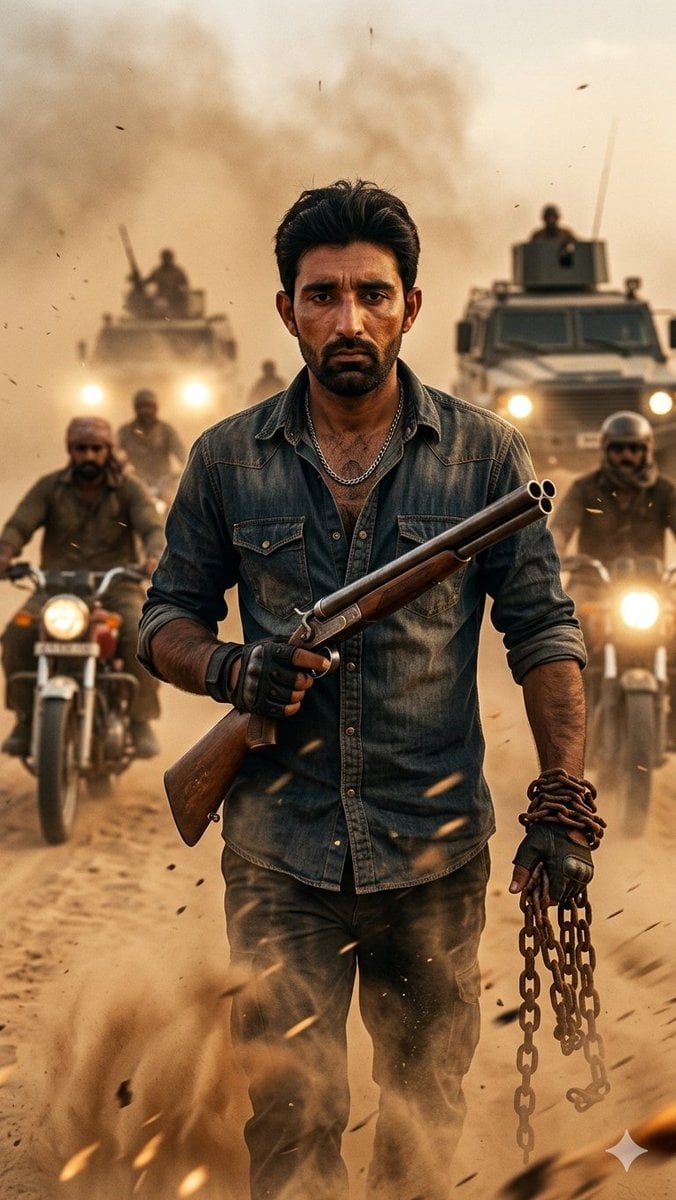
Desert Rebel Convoy Portrait

AI Generation of Custom Calligraphy Font Library
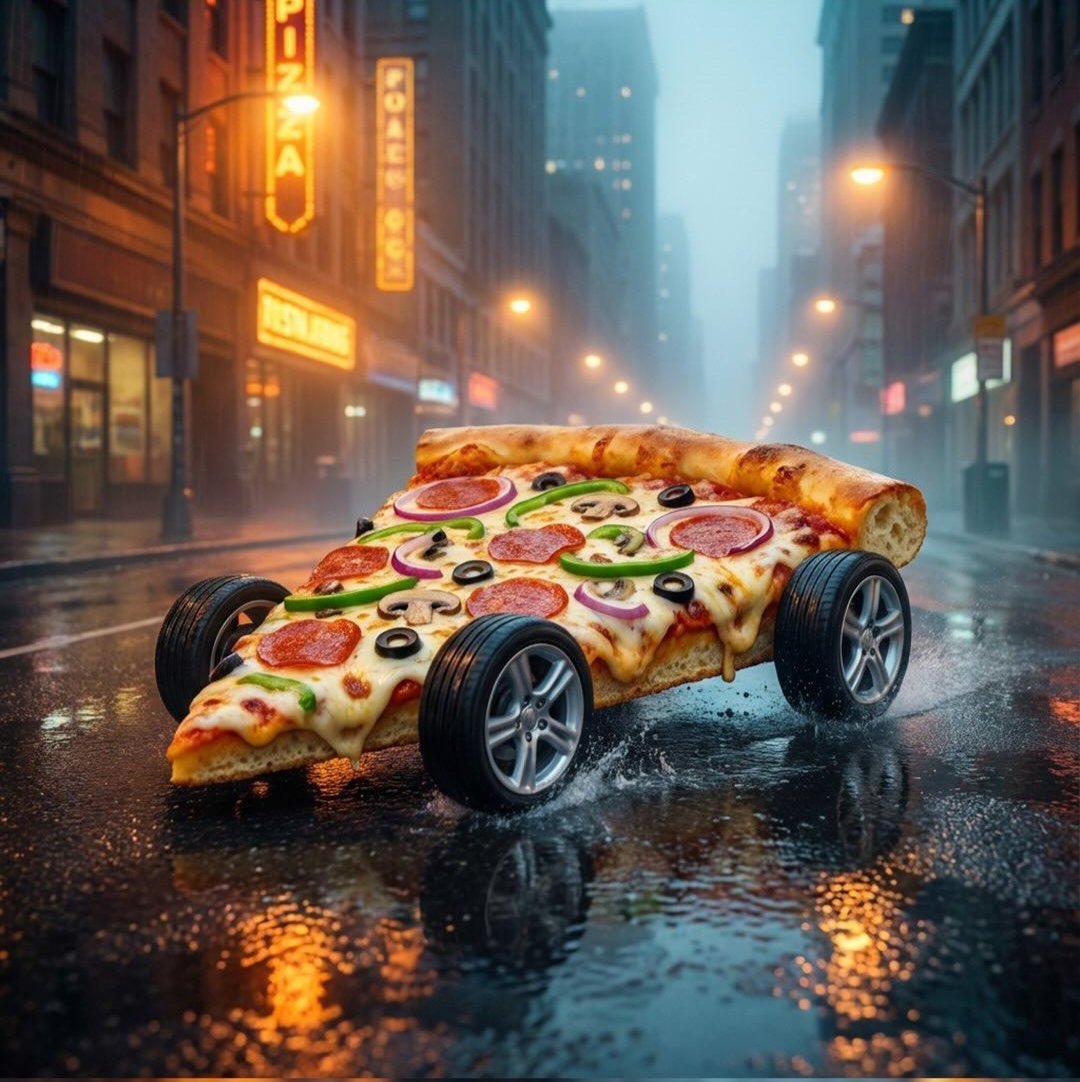
Surreal Pizza Landscapes and Cyberpunk Cars
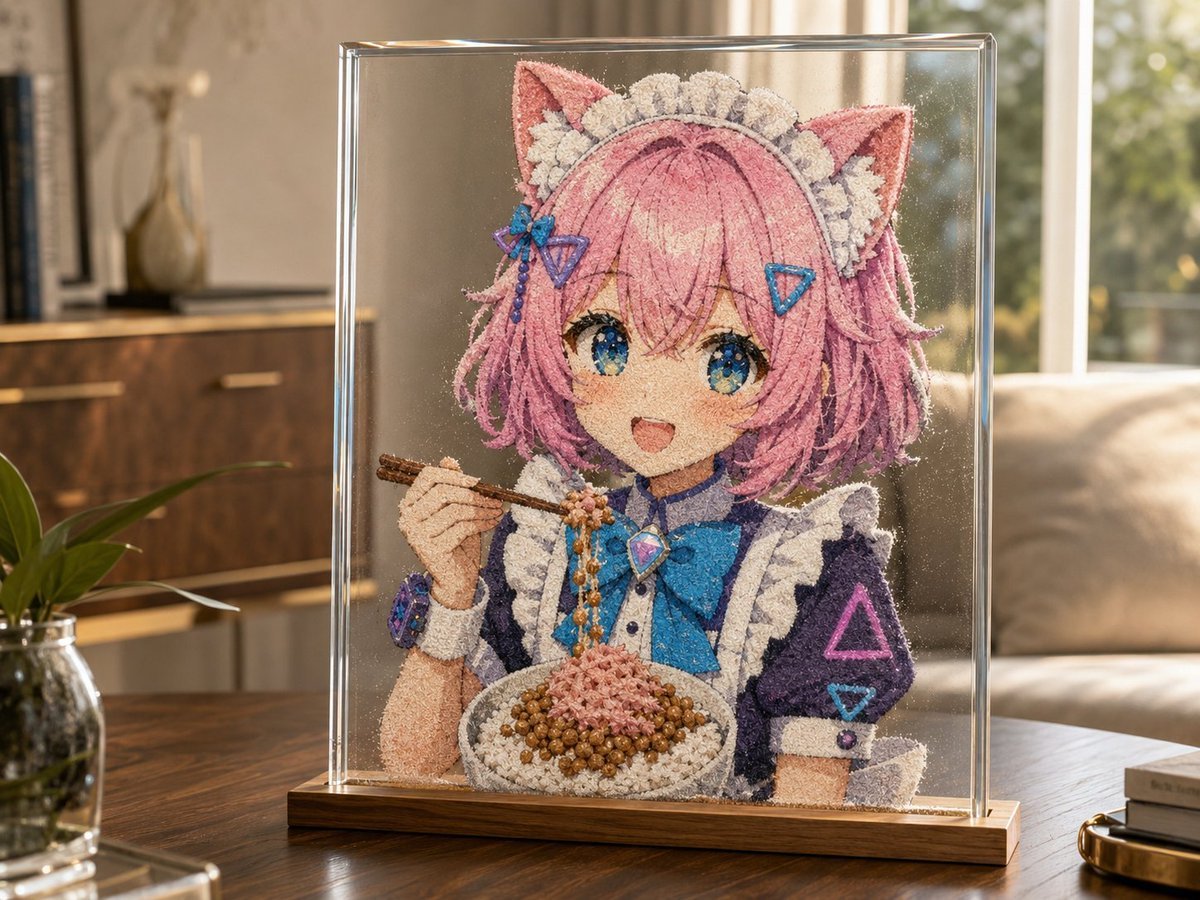
Cat-Eared Maid Sand Art Display
Minimalist 3D Clay Render
Top-Down Desert Footprint Portrait

Ice Kingdom Princess Fantasy Poster
Hyperrealistic Anime Spotlight Portrait Prompt
Cinematic Family Gathering Scene

Idol flyer stuck on a steamed bun vending machine
Browse template categories
Cinematic Post-Apocalyptic Bunker Portrait questions
How do I use the Cinematic Post-Apocalyptic Bunker Portrait template?
Add your photo if the template asks for one, edit the prompt if you like — the template's model and format are already selected — and press Generate. Your version opens in PicX Studio.
Can I customize the Cinematic Post-Apocalyptic Bunker Portrait template?
Yes. You can change the subject, setting, lighting, mood, format, and available model controls before creating your image.
Is the Cinematic Post-Apocalyptic Bunker Portrait template free?
Opening and editing this template is free. Generating uses credits, shown on the Generate button when you are signed in.
Which AI model should I use?
Start with Nano Banana 2, which is the model associated with this template. You can compare another compatible model for a different finish.
Looking for something else? Browse all templates.

Your photo, any look
Thousands of ready templates for every top image and video model, from one credit balance.