
Cat-Eared Maid Sand Art Display
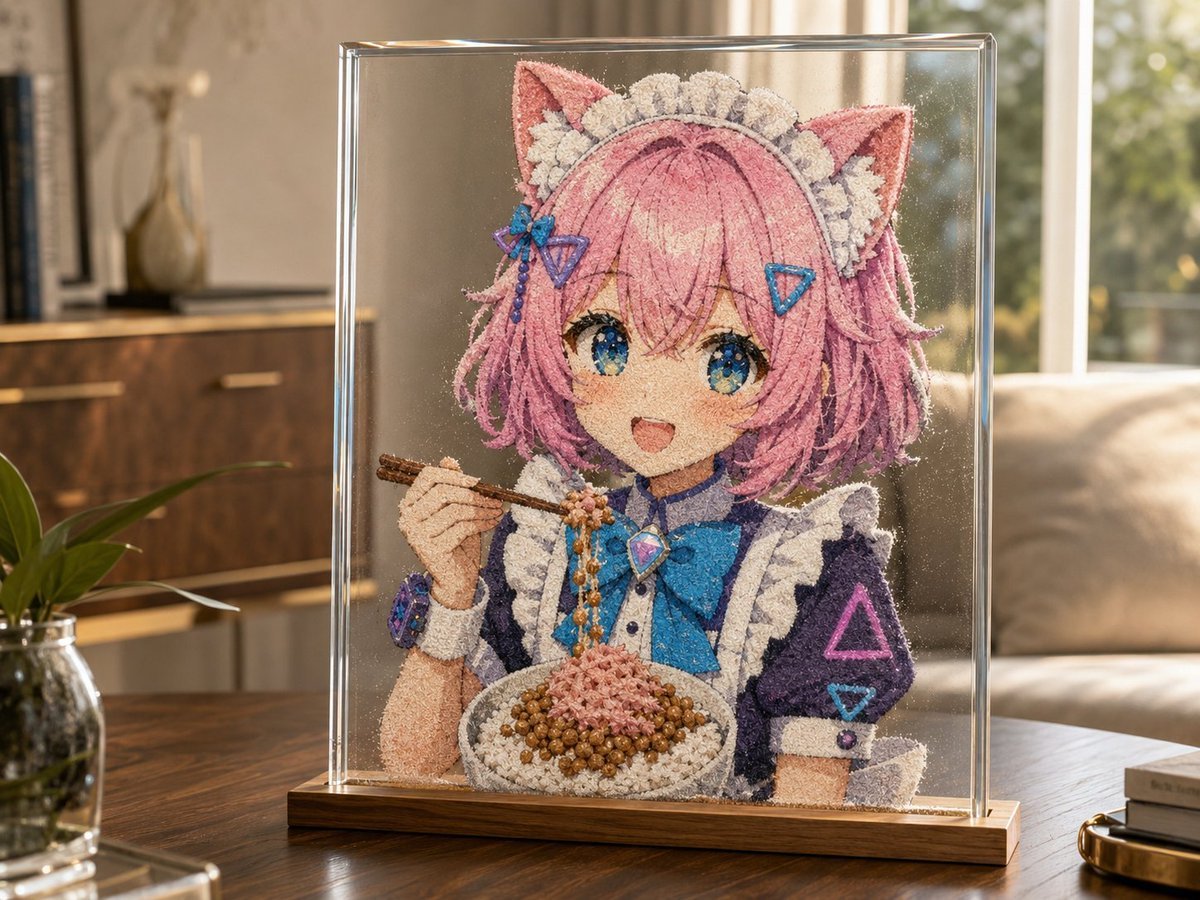
Generates a photorealistic glass-cased sand sculpture of an anime cat maid eating from a bowl, useful for playful GPT image sand-art experiments.
- Prompt included
- Model and format preset
- Free template
The prompt behind this image
Copy the exact prompt behind Cat-Eared Maid Sand Art Display, or open it in the studio and make it yours.
Create a photorealistic sand-art sculpture displayed inside a clear rectangular glass case on a wooden base, sitting on a polished wooden coffee table in a warm sunlit living room. The sculpture depicts an anime-style cat-eared maid character made entirely from colored sand, with {argument name="hair color" default="pink"} bobbed hair, 2 pointed cat ears, a frilly white maid headband, a navy-and-white maid dress with puffy sleeves, a large {argument name="bow color" default="bright blue"} bow at the chest, jewel-like accessories, and a visible sleeve marked with neon triangle motifs. The face is intentionally covered by a centered flat {argument name="face cover color" default="dusty pink"} square censor block, matching the surreal generated look. The character holds 2 wooden chopsticks in one hand and eats from 1 round bowl filled with 3 distinct sand-textured food components: white rice around the rim, brown round beans or pearls, and a pink minced topping piled in the center, with a strand of beads or sauce falling from the chopsticks into the bowl. Emphasize fine granular sand texture across every surface, tiny loose grains, realistic shadows, sparkling dust particles, and crisp transparent glass reflections. Background: cozy modern interior with a sofa, window bokeh, cabinet, books, vase, and a small plant in soft focus, golden afternoon light, shallow depth of field, high-detail product photography style, 4:3 composition.
How to use Cat-Eared Maid Sand Art Display in 3 steps
- 1Upload ImagePNG, JPG or paste
Add your photo
Upload the photo the template builds on. The prompt, model and format are already set.
- 2…a portrait of your subject in softgolden-hour light, 85mm…
Personalize
Edit the subject and creative details for your destination.
- 3Generate
Generate
Press Generate — your image is created in PicX Studio, so you can compare it with the original and refine one variable at a time.
More like this
Templates with the same subject, style or setup. Open one to see its prompt.
Cat-Eared Maid Portrait
Cat-Eared Maid Emote Sticker Sheet
Neon Cat-Eared Idol Close-Up
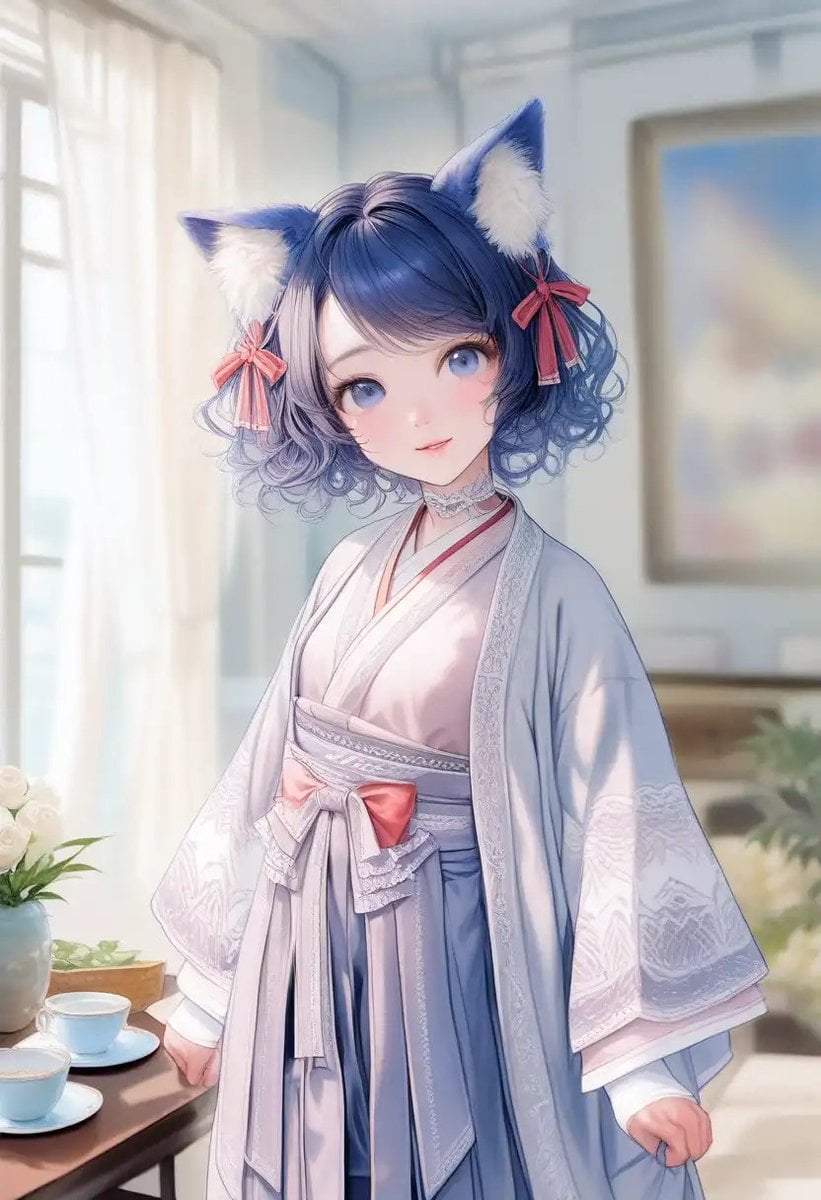
Cat-Eared Kimono Girl Portrait
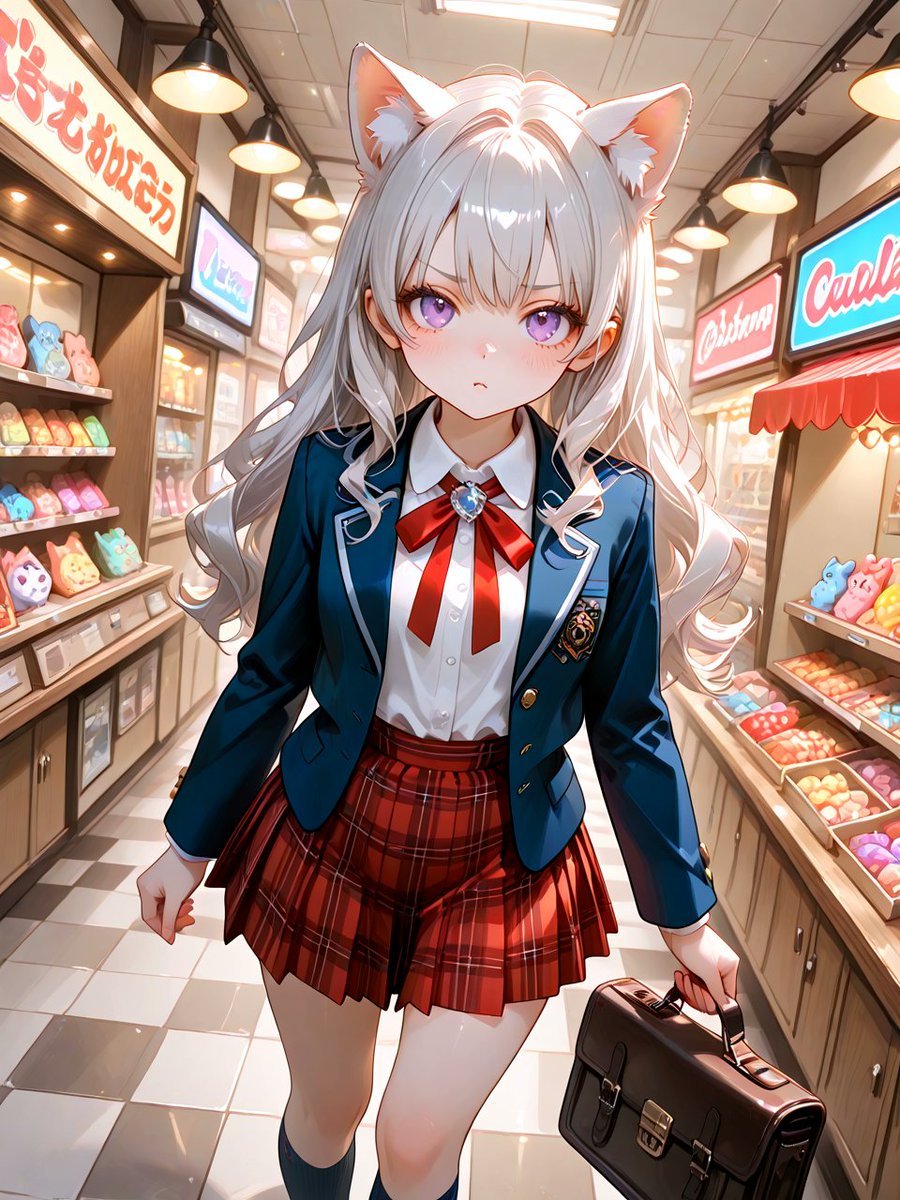
Cat-Eared Schoolgirl in Sweets Arcade
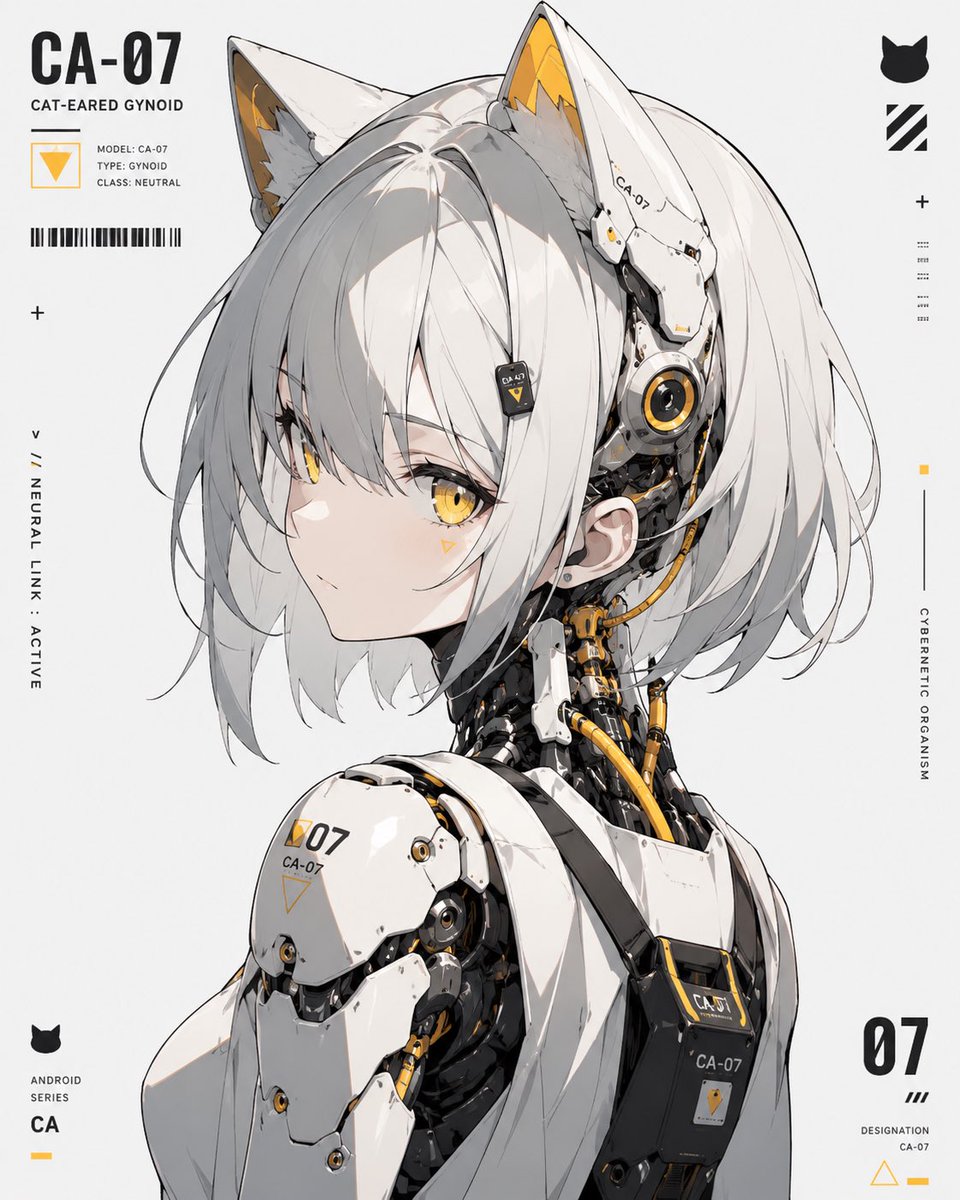
Cat-Eared Gynoid Digital Illustration
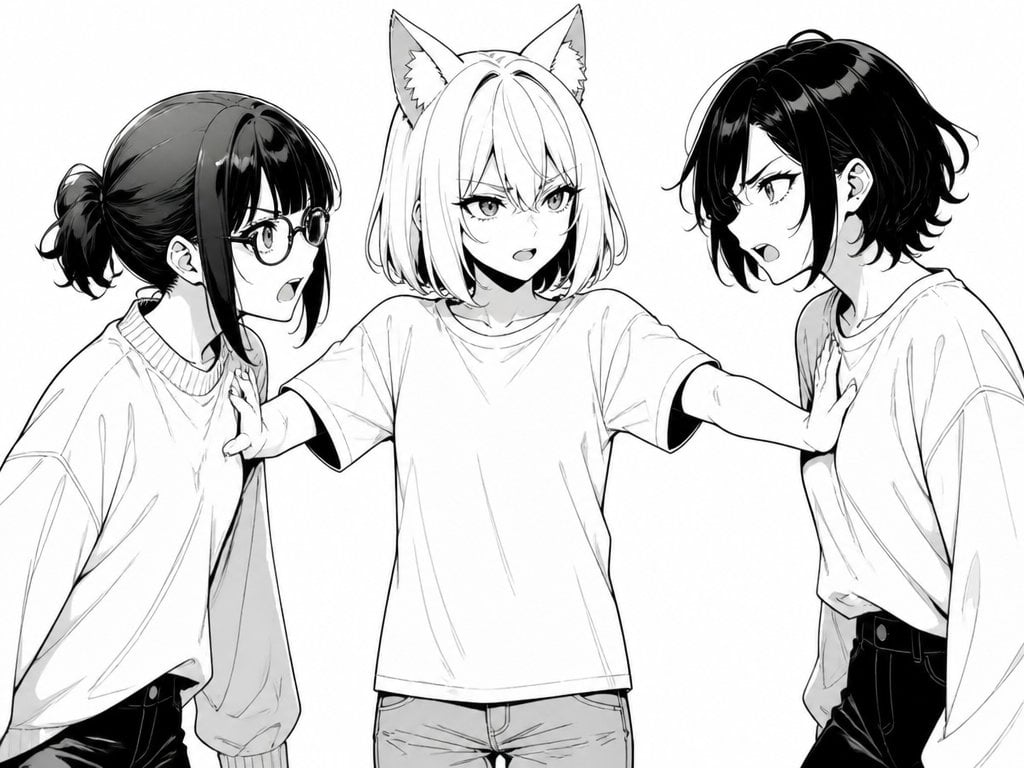
Manga Cat-Eared Girl Breaking Up Fight
Rabbit-Eared Swordswoman in Ruined Cathedral
Battle Maid in Ruined Cathedral
Pastel Cat-Eared Summer Idol Stage
Sunlit Cat-Eared Girl Reading

Rainy Cat-Eared Survivor Morning
Make it yours
Cat-Eared Maid Sand Art Display works as-is. These are the safest ways to change it without losing the look.
Change one field
Copy a single group, rewrite it, and generate again so you can see what that field is doing.
Keep the frame, change the subject
Hold the composition and light of Cat-Eared Maid Sand Art Display, then swap wardrobe, props or the person for a new take.
| If the result… | Why | Fix |
|---|---|---|
| The result drifts from the preview | Too many fields changed at once. | Reuse Cat-Eared Maid Sand Art Display as-is first, then change one group — subject, light, or setting. |
| The model over-stylizes the scene | The prose prompt leaves finish and camera underspecified. | Add one camera or lighting sentence and stay on GPT Image 2. |
More GPT Image 2 templates
Other prompts made for GPT Image 2.

Six VTuber Japanese Logo Sheet

Realistic Portrait of Woman and Deer

The Vista Modular Condo Poster

AI Model Routing Comparison Infographic

2.5D Anime Art Board

Isometric Productivity Desk Scene

New York Double Exposure Poster

Four-Panel AI Landscape Comparison

Japanese Tatami Lifestyle Magazine Cover

NESCAFÉ Coffee Map Poster
More image prompts
Fresh picks from across the catalog.
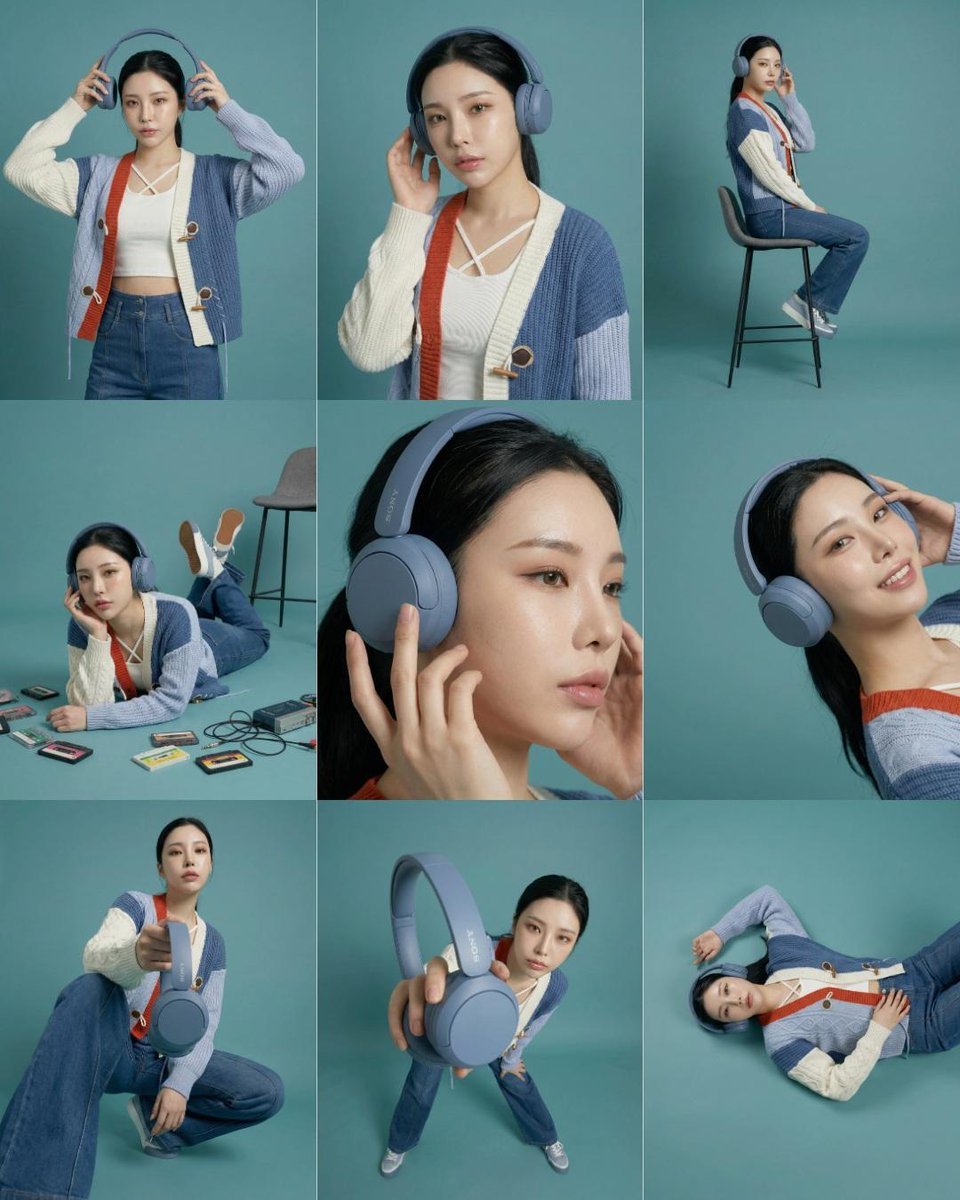
3x3 Storyboard Grid of a Young East Asian Woman
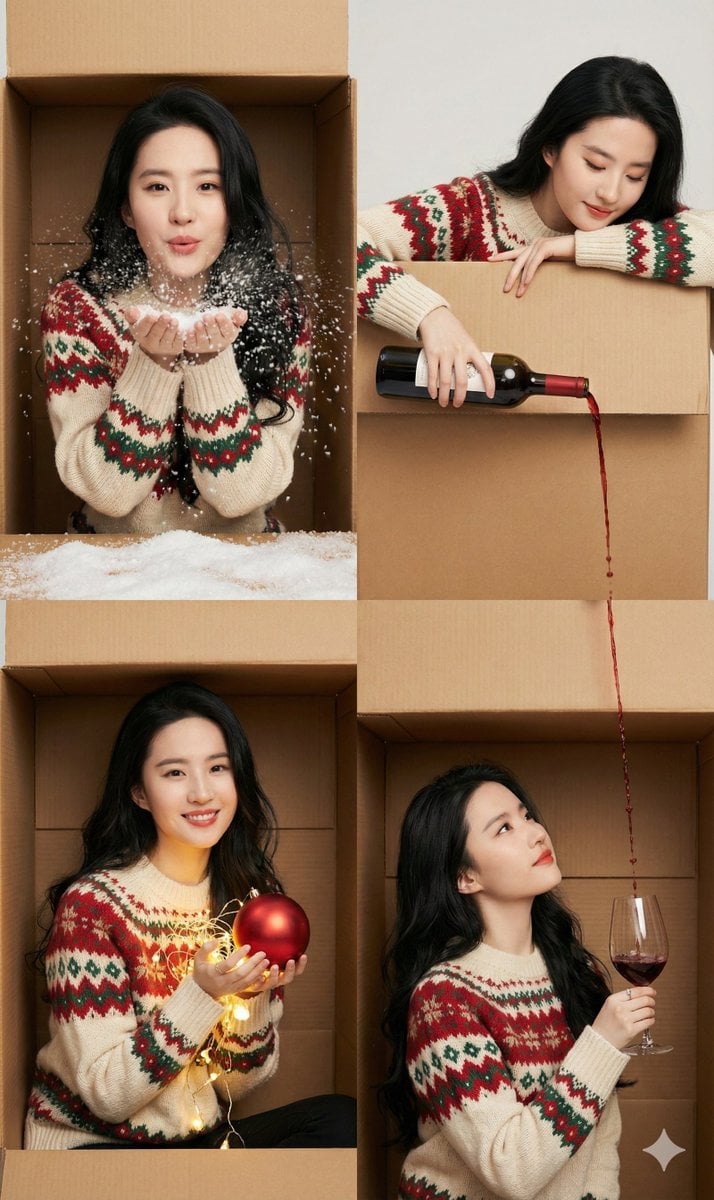
Seamless 2x2 Christmas Box Challenge Photo Collage

Cinematic City Crash Explosion
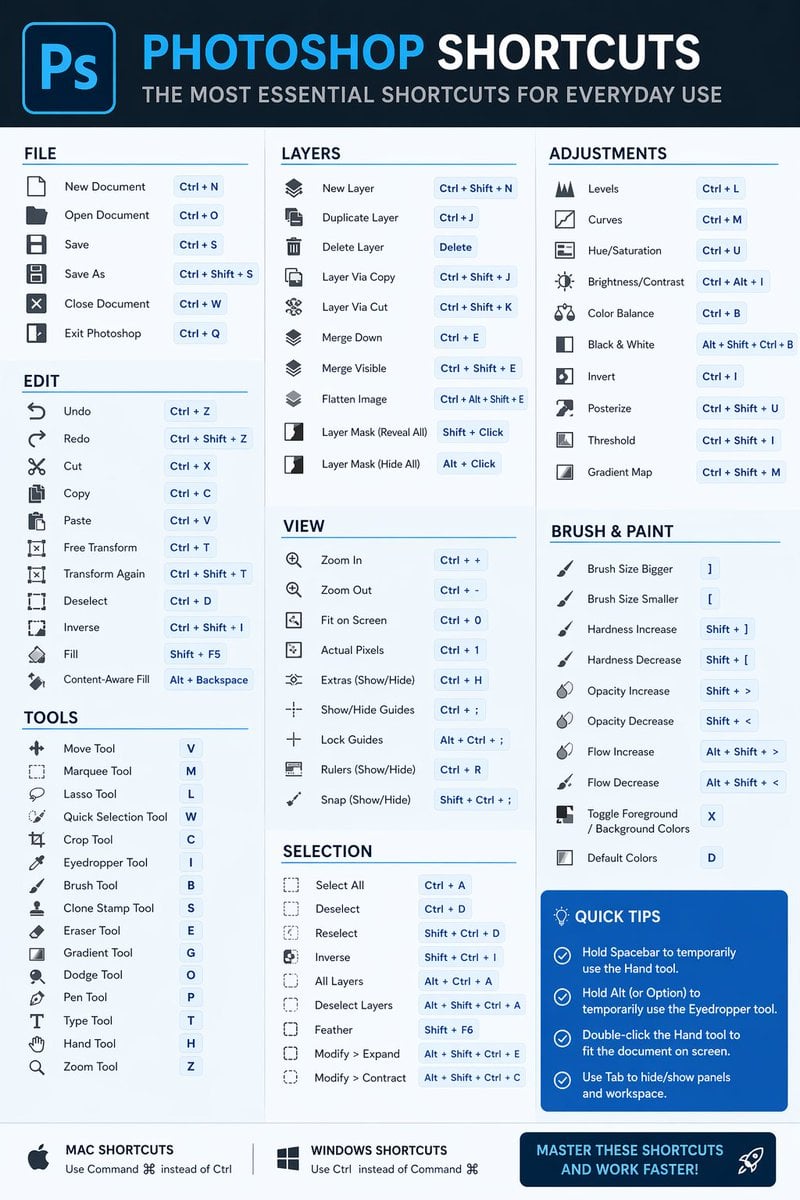
Software Shortcut Infographic
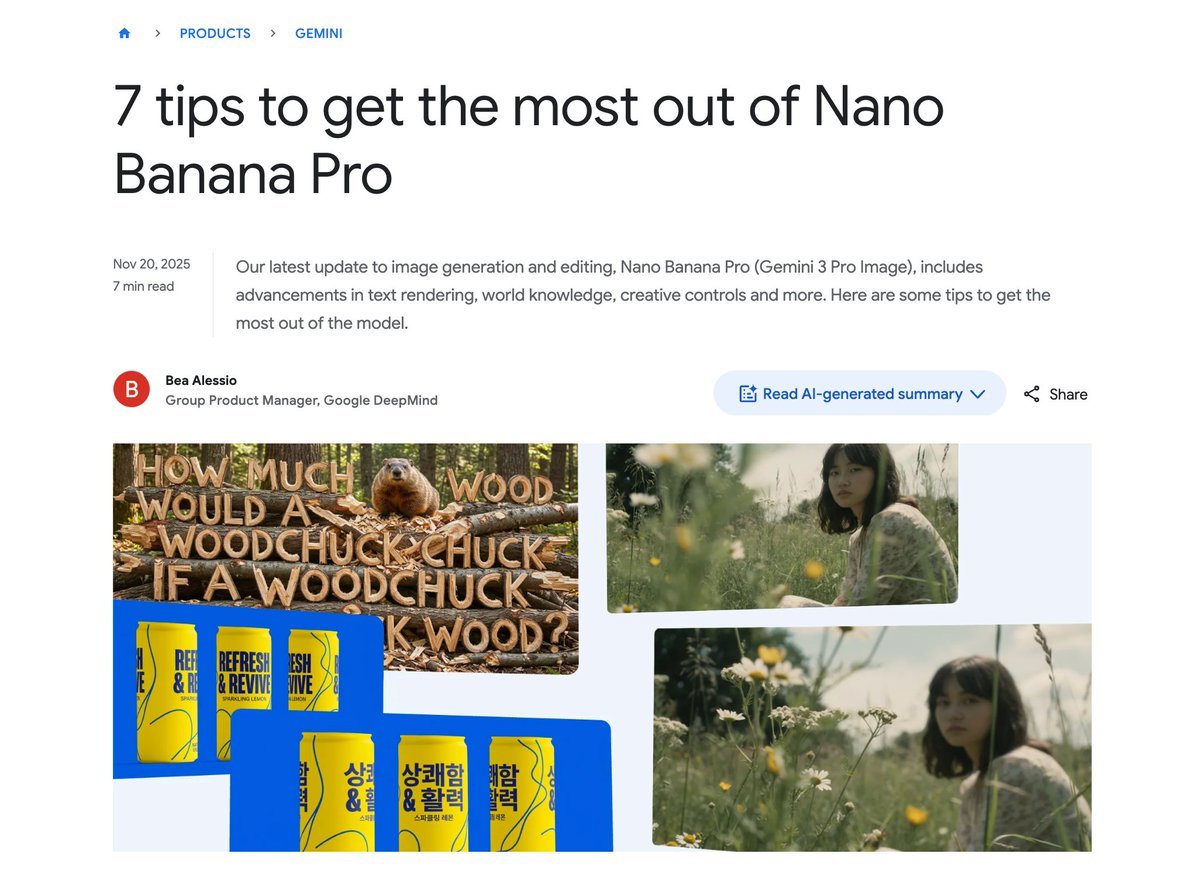
Character consistency with outfit change prompt
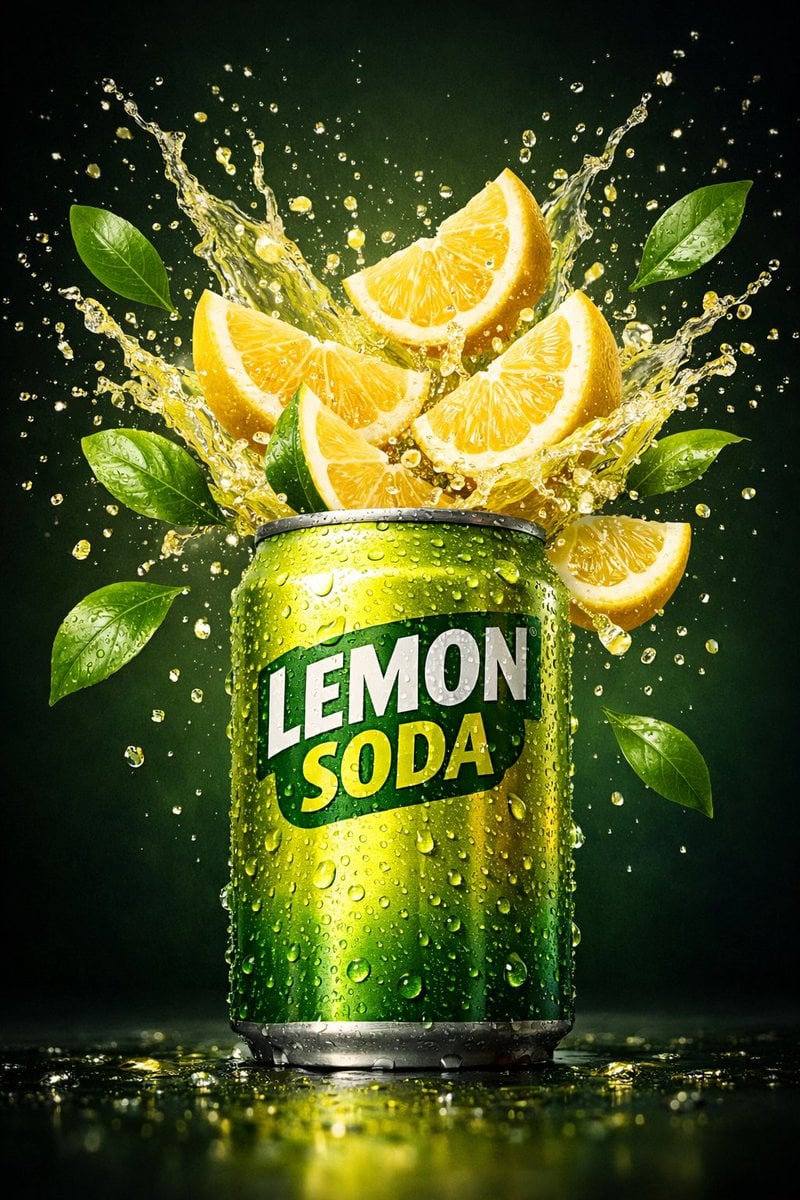
Hyper-realistic commercial product shot of a lemon soda can
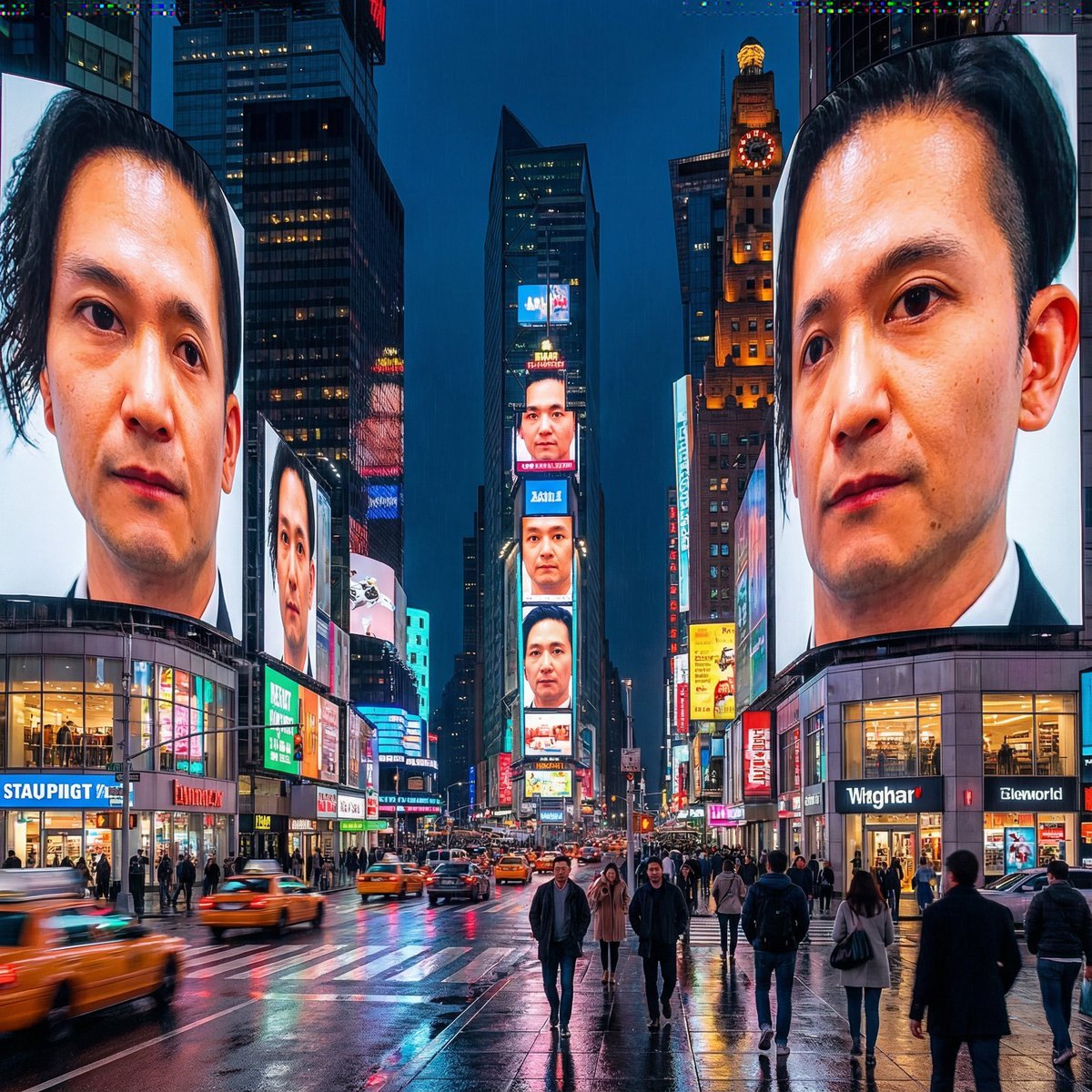
Generating City-Scale Self-Portrait Advertising
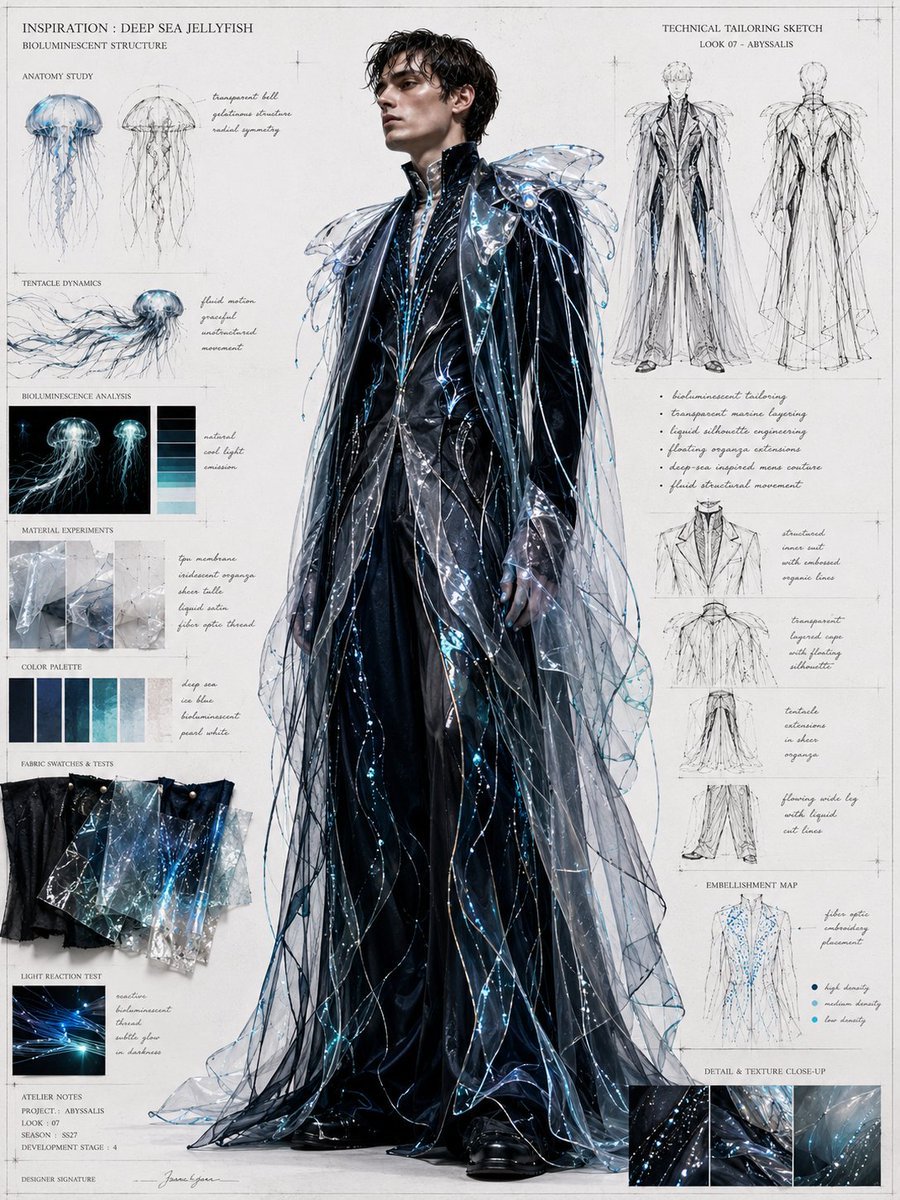
Deep Sea Jellyfish Couture Board
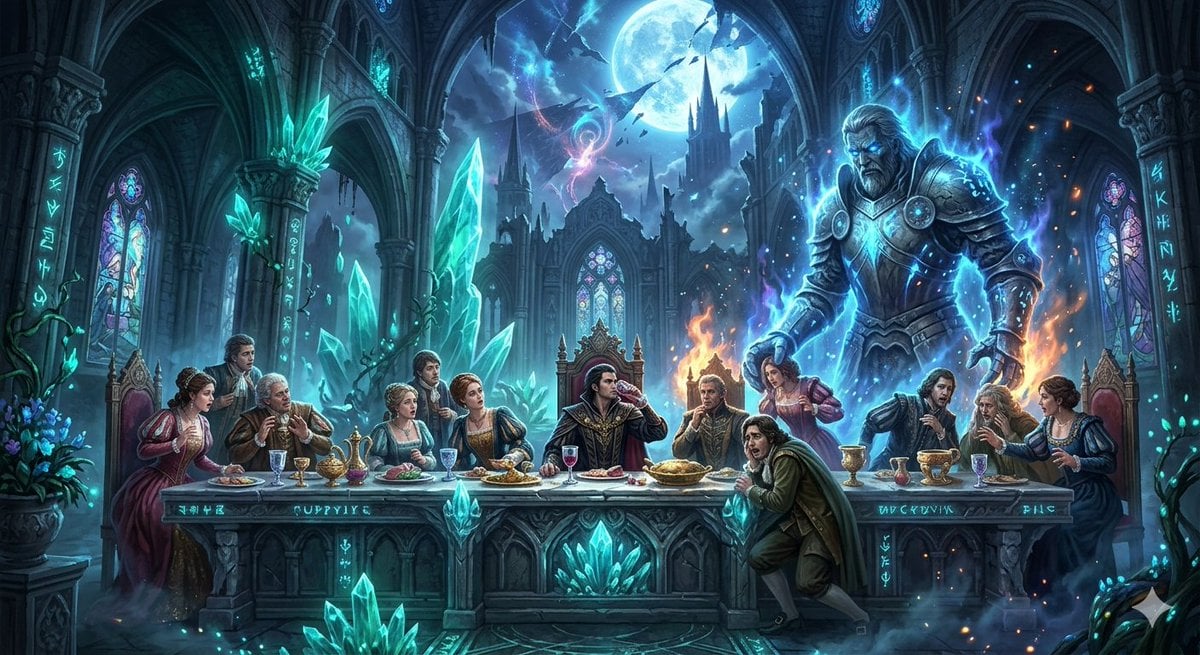
Mozart's Don Giovanni: The Last Supper

Cosmic Galaxy Watercolor Portrait (Identity Preservation)
Browse template categories
Cat-Eared Maid Sand Art Display questions
How do I use the Cat-Eared Maid Sand Art Display template?
Add your photo if the template asks for one, edit the prompt if you like — the template's model and format are already selected — and press Generate. Your version opens in PicX Studio.
Can I customize the Cat-Eared Maid Sand Art Display template?
Yes. You can change the subject, setting, lighting, mood, format, and available model controls before creating your image.
Is the Cat-Eared Maid Sand Art Display template free?
Opening and editing this template is free. Generating uses credits, shown on the Generate button when you are signed in.
Which AI model should I use?
Start with GPT Image 2, which is the model associated with this template. You can compare another compatible model for a different finish.
Looking for something else? Browse all templates.

Your photo, any look
Thousands of ready templates for every top image and video model, from one credit balance.