How do I use the Cinematic City Crash Explosion template?
Choose the primary action to open PicX Studio with the available template settings. Review the model and format, personalize the creative direction, and generate when ready.
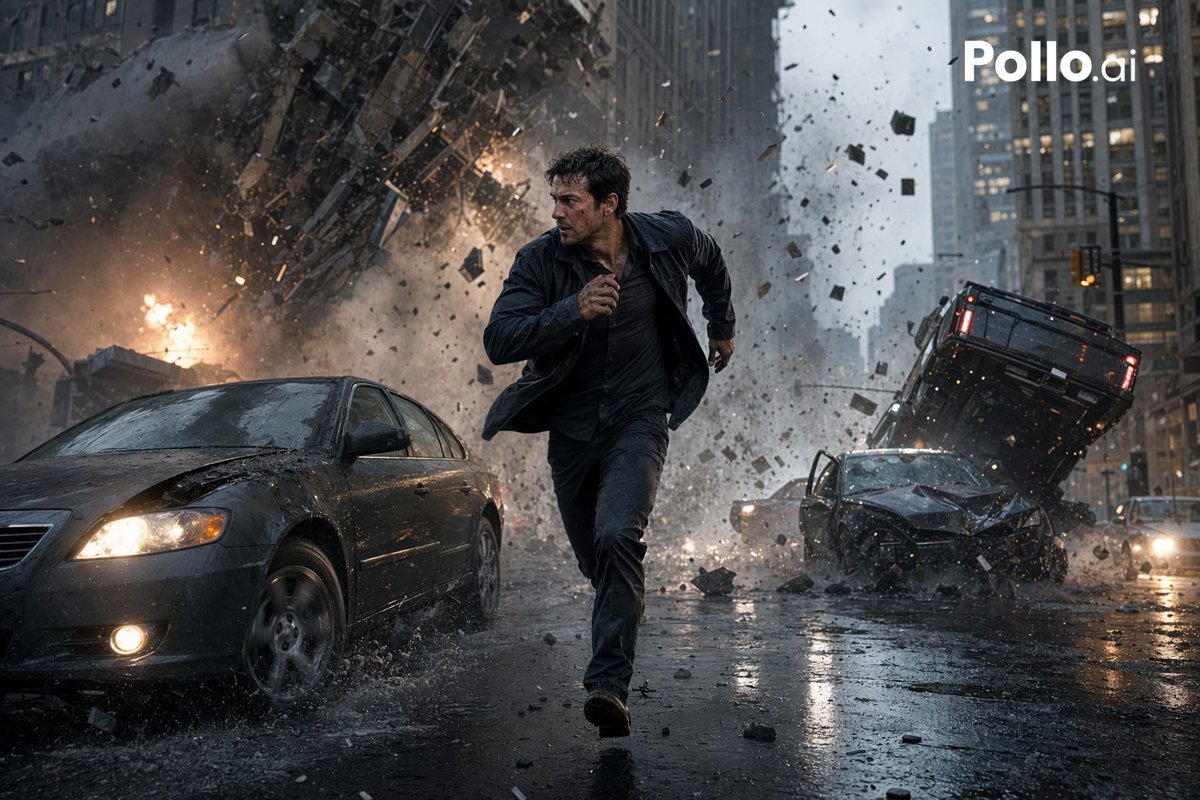
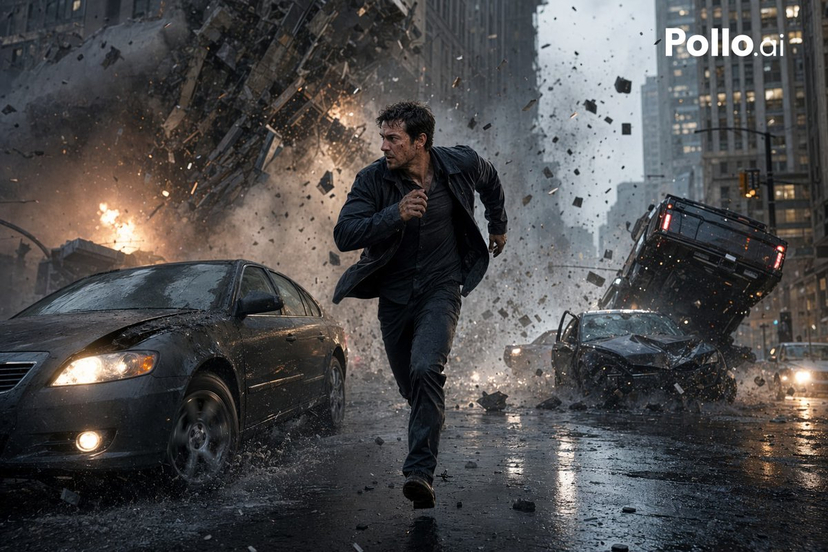
This prompt generates a realistic disaster-movie street scene with a fleeing man, flipping cars, and multiple explosions, useful for dramatic action artwork or AI image model comparisons. Change the subject, setting, or lighting one variable at a time.
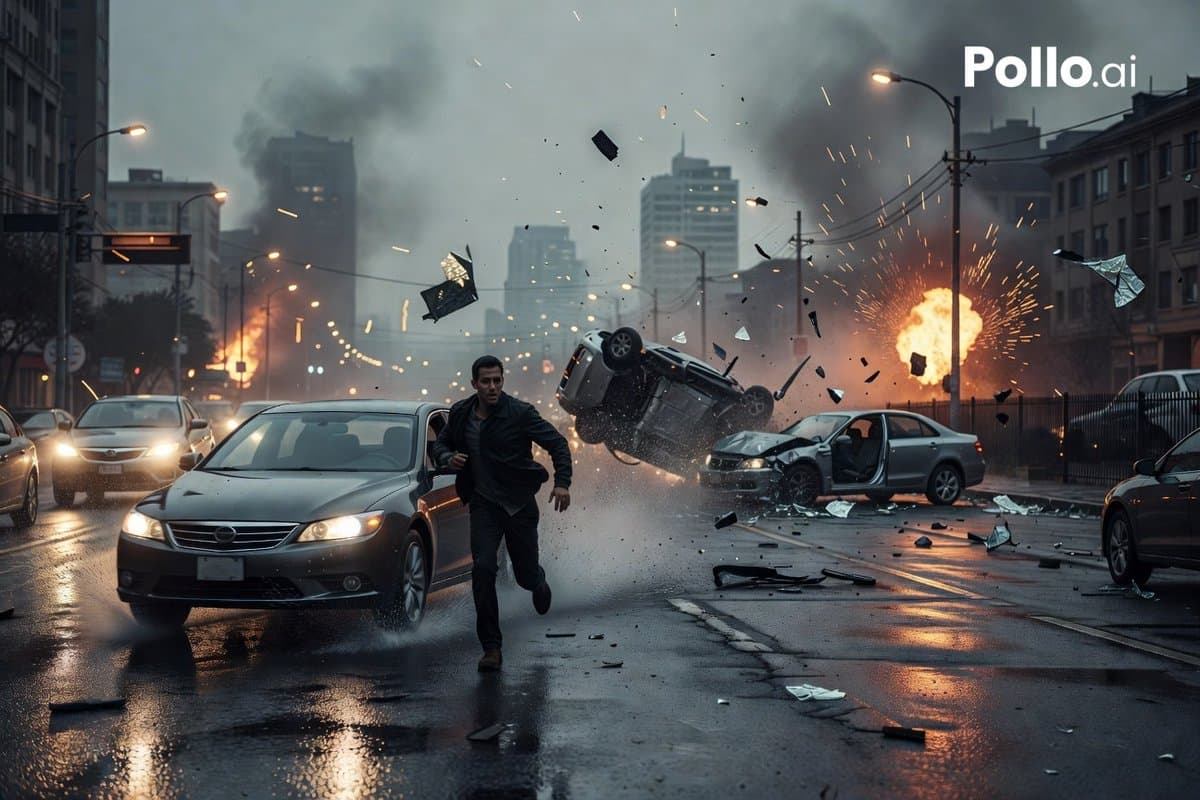
A cinematic ultra-realistic action scene on a rain-soaked urban street at dusk, showing a sudden multi-car crash and explosion in the middle of a modern city. In the foreground, one adult man with a blurred, indistinct face is running toward the camera between lanes, wearing a dark jacket and dark pants, his posture urgent and off-balance as if escaping danger. To his left is a dark gray sedan with headlights on, splashing through wet pavement. In the midground on the right, 2 wrecked cars are colliding: 1 silver sedan with its driver-side door open and 1 dark vehicle flipping upside down in midair, surrounded by shattered glass, torn metal, and flying debris. Count 2 visible fireballs in the background, one on the far left street and one large explosion on the right side, both sending sparks and black smoke into the sky. Show heavy smoke plumes rising above a dense downtown skyline of tall, slightly out-of-focus buildings. Include wet reflective asphalt, scattered car parts across the road, glowing streetlights, utility poles, overhead power lines, and a moody blue-gray storm atmosphere with orange firelight reflecting in puddles. Framing should be wide-angle and low to the street, with strong motion, dramatic perspective, cinematic depth of field, realistic physics, volumetric smoke, flying embers, and high-detail disaster-movie lighting. Add a white {argument name="watermark text" default="Pollo.ai"} watermark in the top-right corner.
Choose the primary action to open PicX Studio with the available template settings. Review the model and format, personalize the creative direction, and generate when ready.
Yes. You can change the subject, setting, lighting, mood, format, and available model controls before creating your image.
This template is free to open and customize. Generation usage is shown in PicX Studio before you create.
Start with GPT Image 2, which is the model associated with this template. You can compare another compatible model for a different finish.
© 2026 PicX Studio. All rights reserved.

Follow a topic to a crawlable collection of related PicX Studio templates.
43,474 public templates available. Verified via the PicX Studio public templates API; refreshed hourly.

![Pop Art Superhero Explosion Poster — [Subject] bursting forth in a Pop Art Powerhouse explosion of vibrant colors and bold outlines. Use a Ben-Day dot pattern a](https://images.meigen.ai/tweets/2075580941272019292/0.jpg)

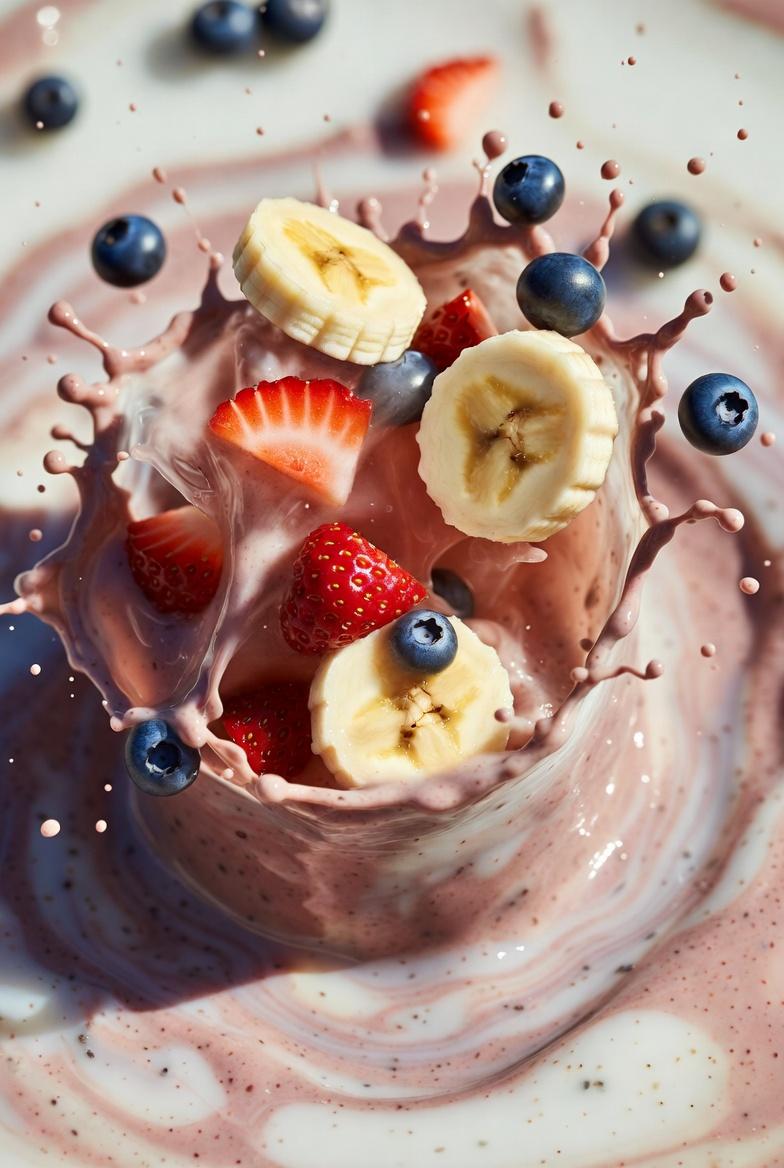
![Captured at the exact millisecond of a dramatic liquid explosion — [DISH] captured at the exact millisecond of a dramatic liquid explosion, high-speed photograp](https://images.meigen.ai/tweets/2030670376104087834/0.jpg)








![Minimalist Flat Vector Travel Poster — Premium minimalist flat-vector travel poster for {argument name="city name" default="[CITY_NAME]"}, 3:4 vertical format.](https://cms-assets.youmind.com/media/1787917359711_3ug846_HQX205cbMAA6F6S-300x400.jpg)



















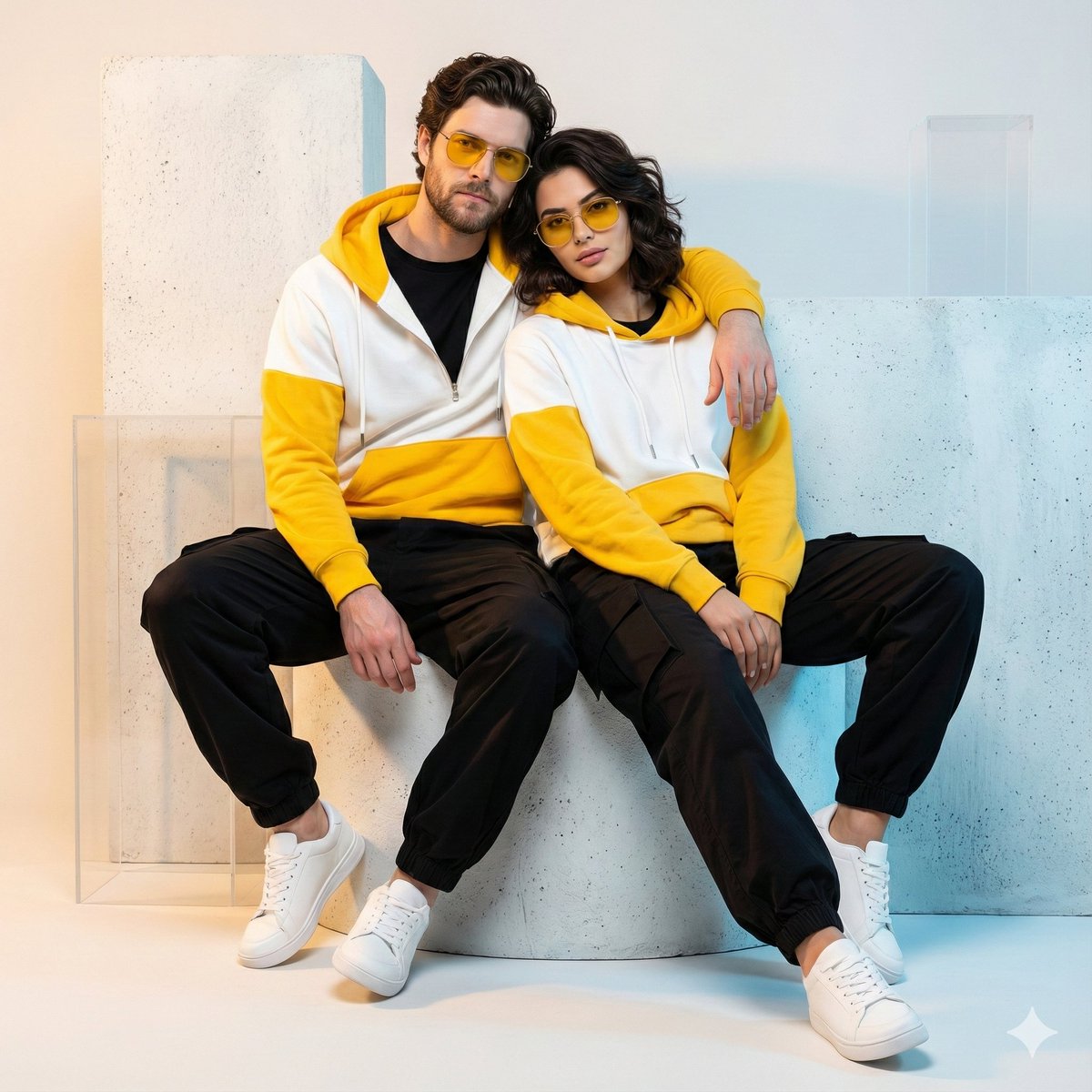





![Pisa Tower Ice Cream Perspective Prompt — [인물] 이미지 1, 이미지 2참조
[인물의 포즈 및 표정]
{argument name="장소" default="피사의 사탑"}을 배경으로 서서 고개를 약간 좌측 상단으로 든…](https://cms-assets.youmind.com/media/1781256079703_7auvsx_HKK4k_iaMAAYs0h.jpg)

![80-how-to-generate-ai-humans-that-look-100- — The Scene: A [high-quality/candid] lifestyle photo of a [description of person] doing [insert action…](/_next/image?url=https%3A%2F%2Fcdn.picxstudio.com%2Fuploads%2Fpost80_img0_68a04f23-0b83-43da-b58e-701e8e14c74b.jpg&w=828&q=100)