
Cinematic Plane Crash Beach Survival
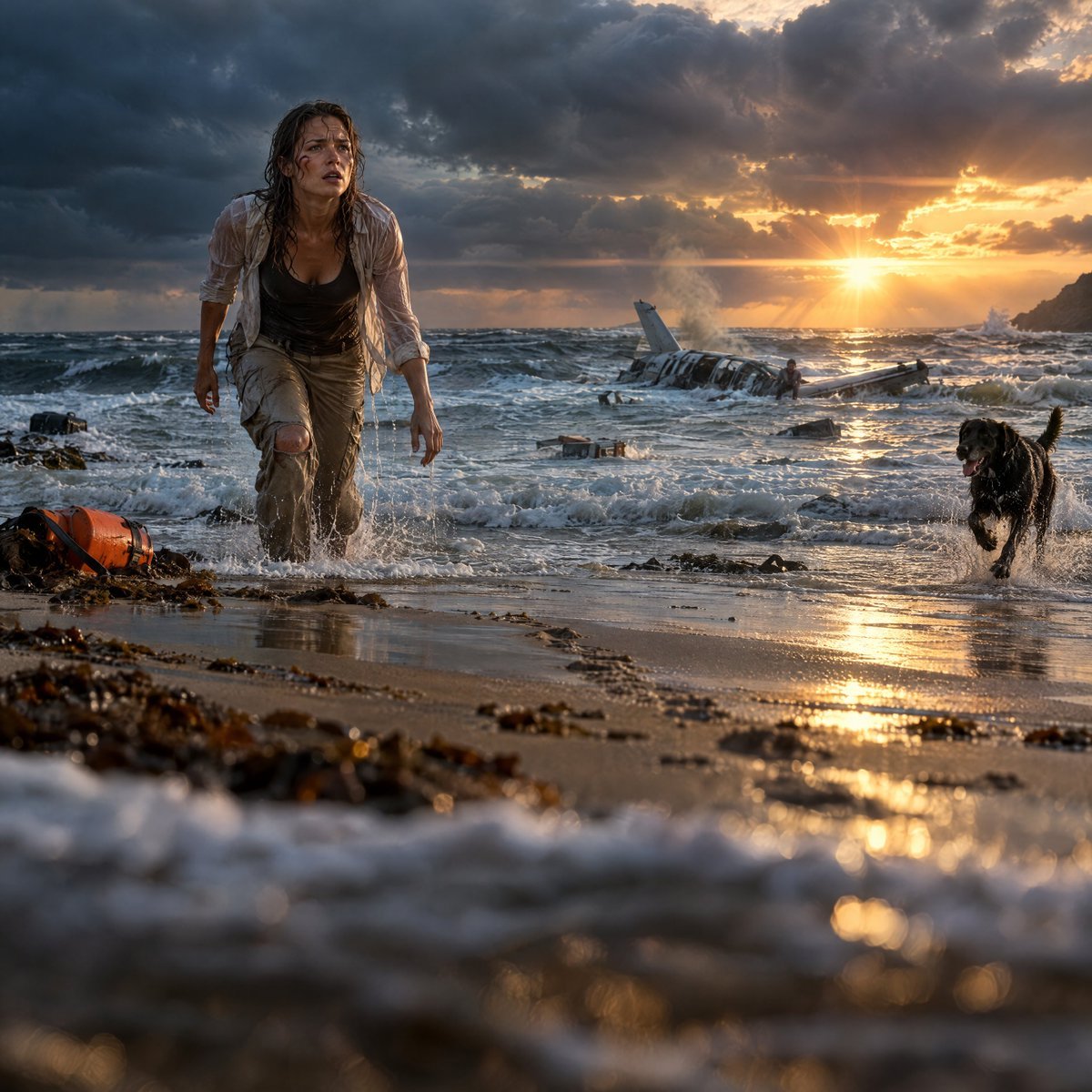
Transforms a reference survival scene into a more dramatic ultra-realistic cinematic beach thriller frame with intensified waves, sunset, wreckage, and action.
- Prompt included
- Model and format preset
- Free template
The prompt behind this image
Copy the exact prompt behind Cinematic Plane Crash Beach Survival, or open it in the studio and make it yours.
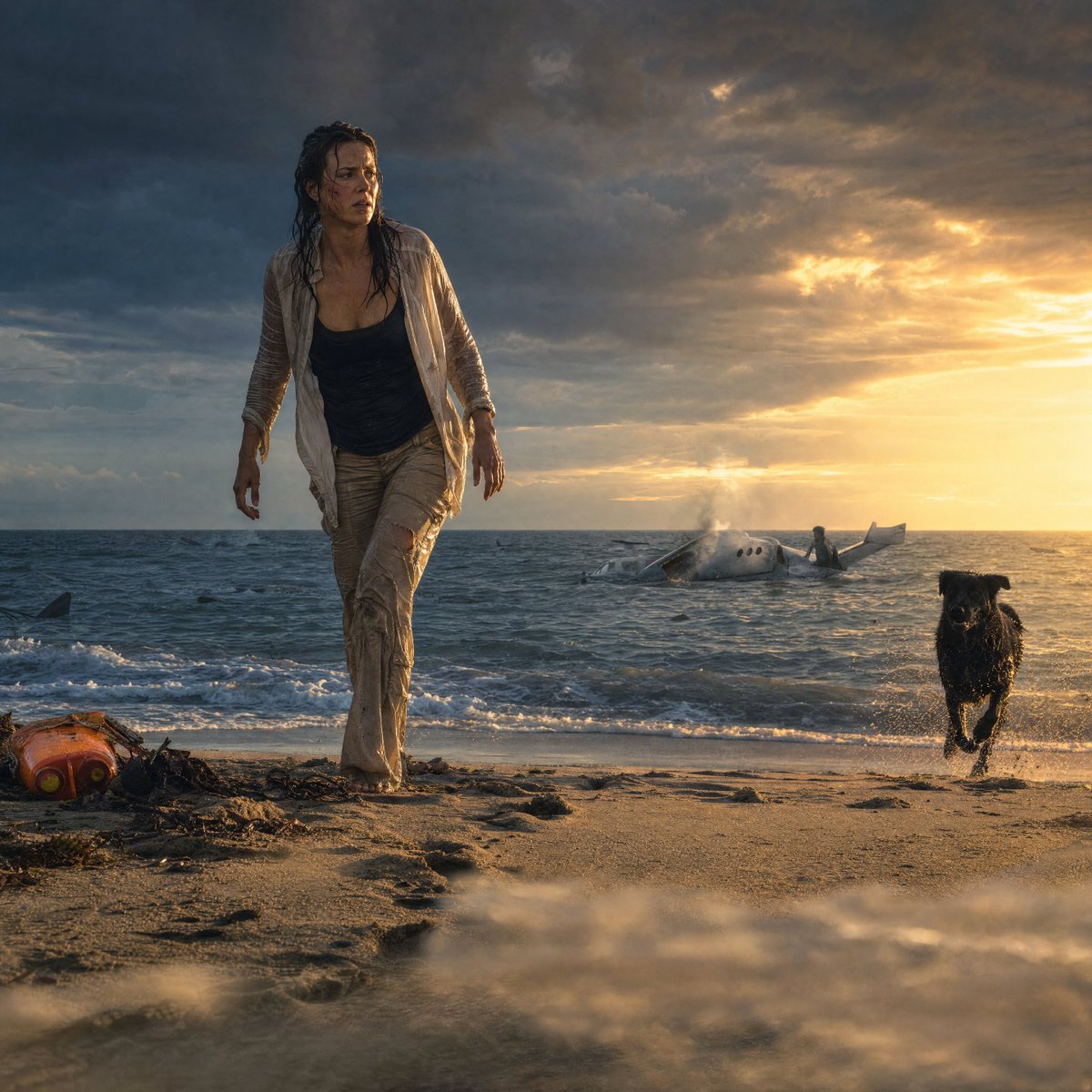
Using the provided reference image as the base, regenerate the same survival-thriller beach scene in a more ultra-realistic Hollywood cinematic style. Keep the core subjects and story intact: the soaked woman, the black dog, the wrecked small plane in the surf, the orange emergency flotation gear, stormy Atlantic beach, and golden sunset atmosphere. Increase the drama and immediacy: place the camera very low at water level with shallow depth of field, make the woman wade forward through foamy surf instead of walking on dry sand, and make the dog run through splashing water on the right. Intensify the ocean with rougher waves, more foam, wet reflective sand, scattered seaweed and debris, and stronger foreground blur. Move the plane wreck farther into the center background, partially submerged, smoking, with one survivor visible near it. Make the sky darker and more threatening on the left, with a brilliant low sun breaking through clouds on the right, strong lens flare, warm reflections on the wet beach, and a distant rocky headland at the far right. Preserve the woman’s distressed expression, wet clothing, and exhausted body language, but make the composition feel larger, more dynamic, and more cinematic, like a high-budget contemporary adventure thriller frame. No text, no watermark.
Reference images included
Cinematic Plane Crash Beach Survival needs input media to work. They load alongside the prompt when you open it in the studio.
How to use Cinematic Plane Crash Beach Survival in 3 steps
- 1Upload ImagePNG, JPG or paste
Add your photo
Upload the photo the template builds on. The prompt, model and format are already set.
- 2…a portrait of your subject in softgolden-hour light, 85mm…
Personalize
Edit the subject and creative details for your destination.
- 3Generate
Generate
Press Generate — your image is created in PicX Studio, so you can compare it with the original and refine one variable at a time.
More like this
Templates with the same subject, style or setup. Open one to see its prompt.
Star Cafe on a Crashed Airplane

Coastal Bench Portrait — Navy Floral Sundress
Seedance 2.0 - Zombie Girl Escapes
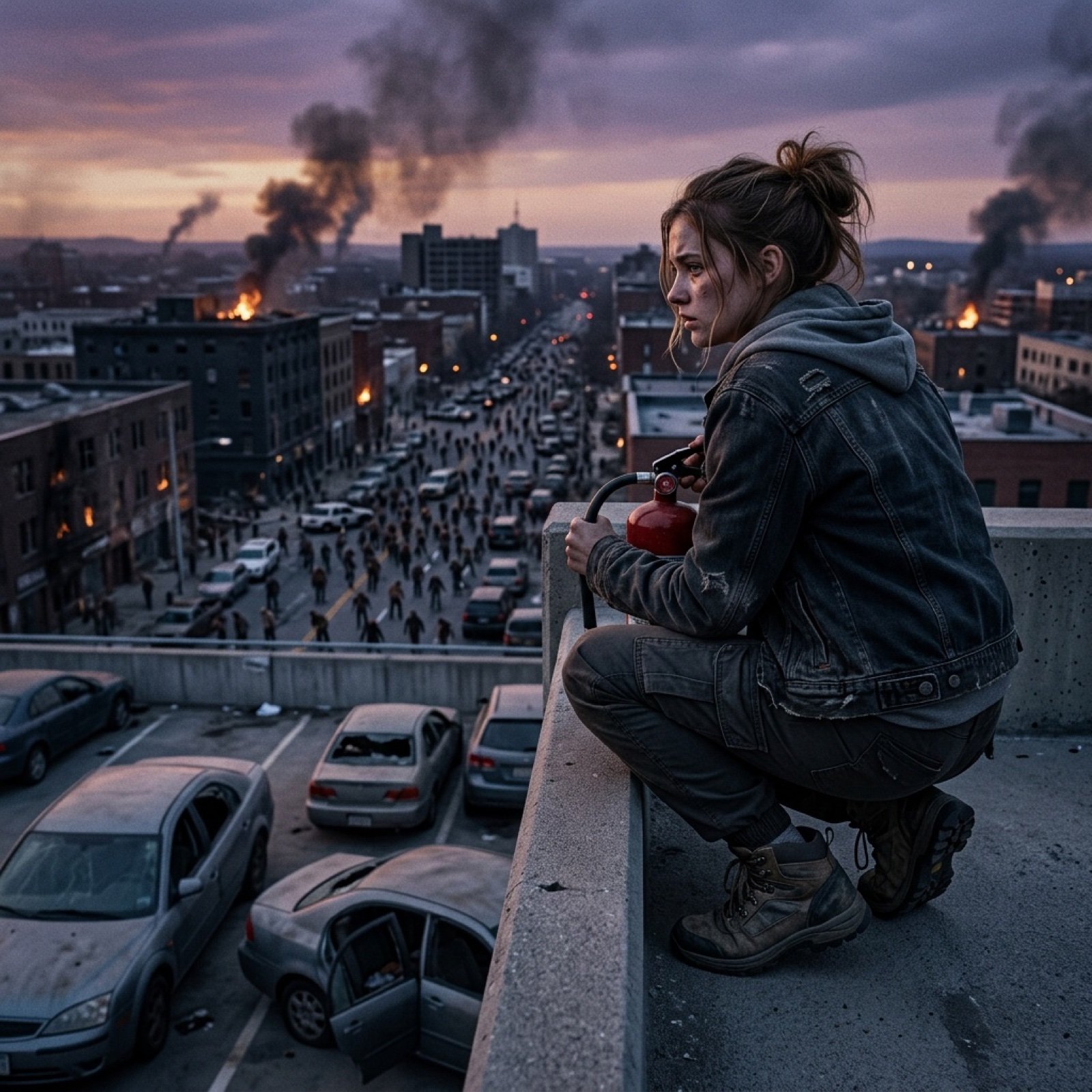
Seedance 2.0 - Zombie Girl Escapes
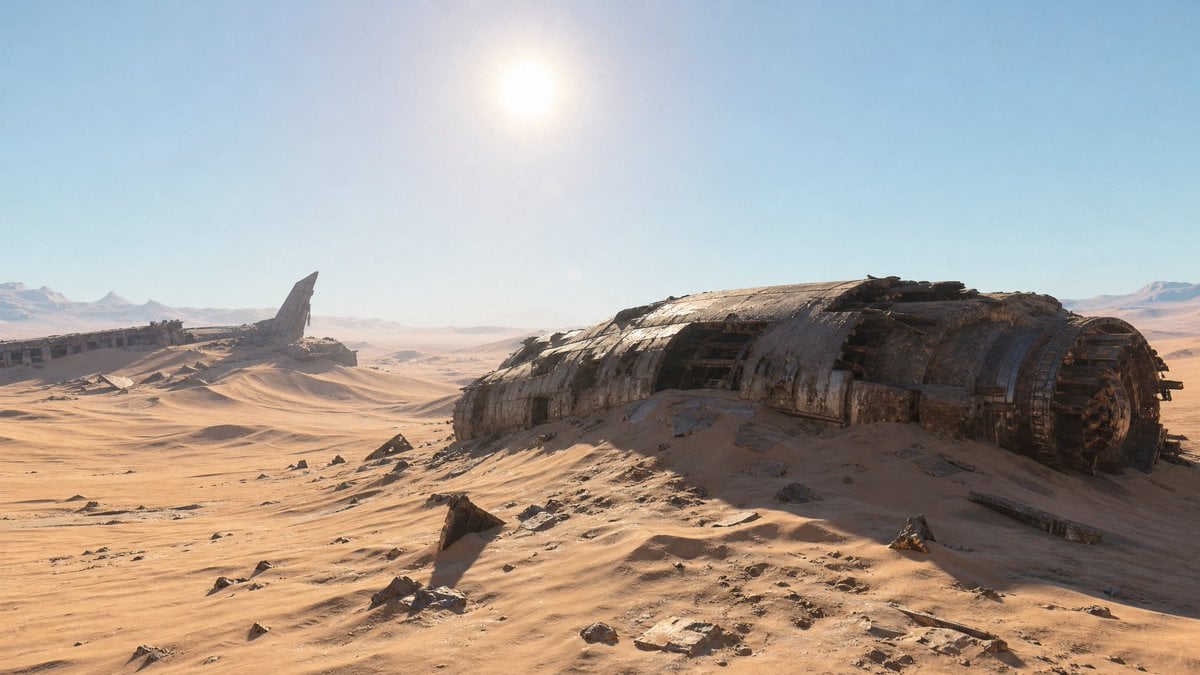
Crashed Spaceship Desert Wasteland
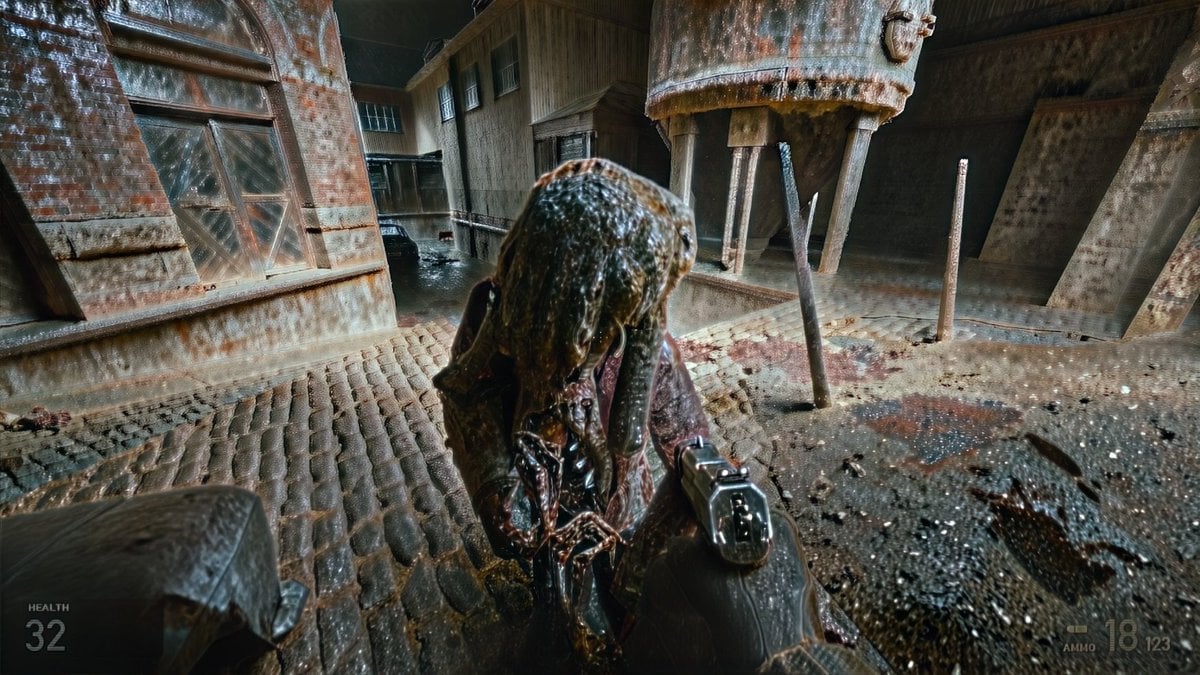
Grimy Survival Horror FPS Encounter
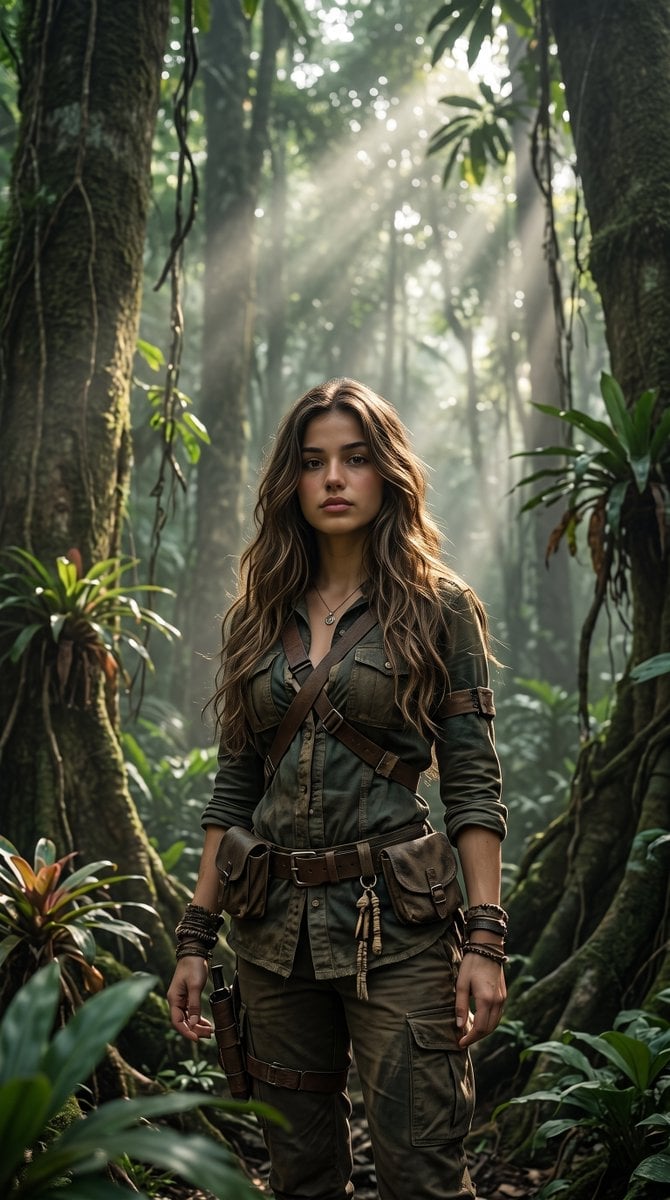
Cinematic Tropical Forest Survival Portrait
Driftplane Exposure System Prompt
View from under a plane of completely transparent plexiglass
Intense cinematic close-up portrait conveying survival, resilience
Colorful Peace-Themed Fighter Plane Wrap
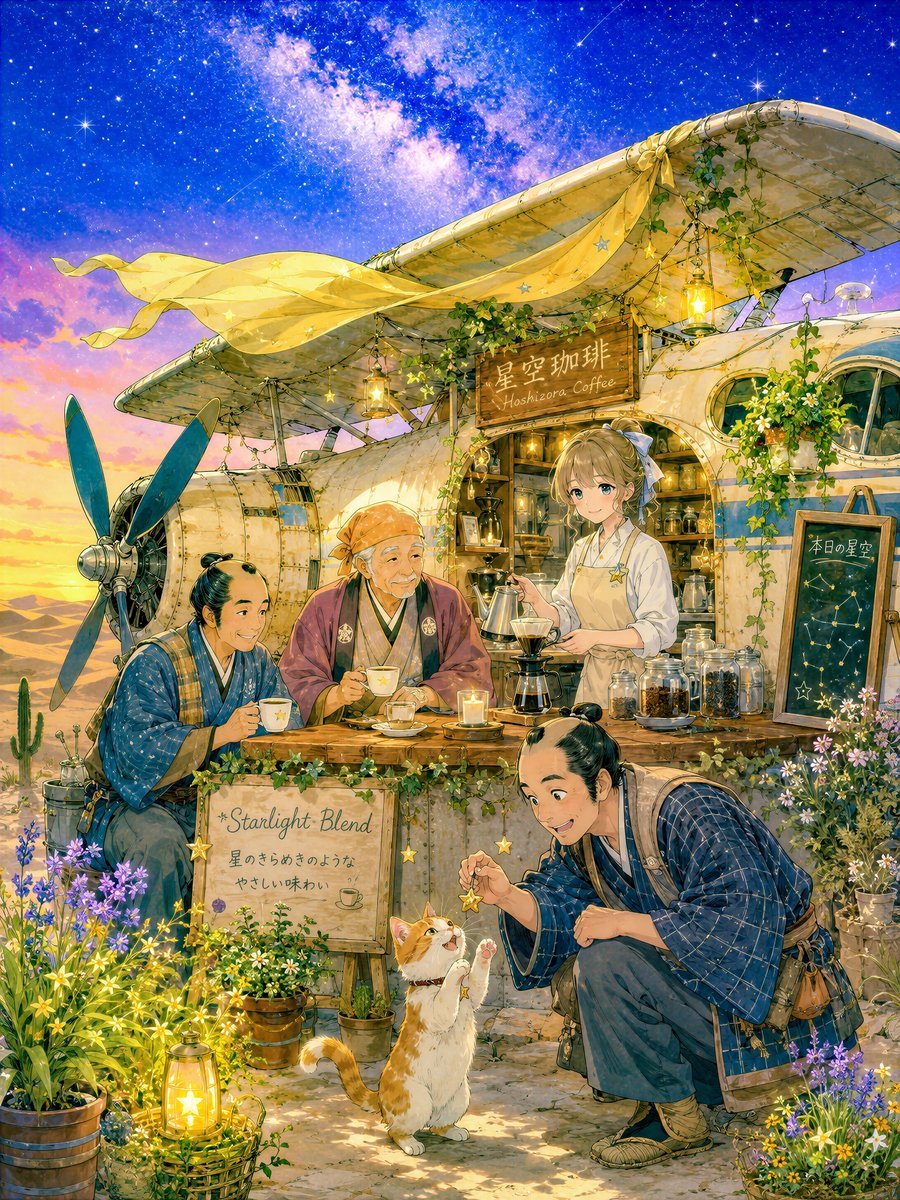
Desert Crash Cafe Fantasy Scenery
Make it yours
Cinematic Plane Crash Beach Survival works as-is. These are the safest ways to change it without losing the look.
Change one field
Copy a single group, rewrite it, and generate again so you can see what that field is doing.
Keep the frame, change the subject
Hold the composition and light of Cinematic Plane Crash Beach Survival, then swap wardrobe, props or the person for a new take.
| If the result… | Why | Fix |
|---|---|---|
| The result drifts from the preview | Too many fields changed at once. | Reuse Cinematic Plane Crash Beach Survival as-is first, then change one group — subject, light, or setting. |
| The model over-stylizes the scene | The prose prompt leaves finish and camera underspecified. | Add one camera or lighting sentence and stay on GPT Image 2. |
More GPT Image 2 templates
Other prompts made for GPT Image 2.

Six VTuber Japanese Logo Sheet

Realistic Portrait of Woman and Deer

The Vista Modular Condo Poster

AI Model Routing Comparison Infographic

2.5D Anime Art Board

Isometric Productivity Desk Scene

New York Double Exposure Poster

Four-Panel AI Landscape Comparison

Japanese Tatami Lifestyle Magazine Cover

NESCAFÉ Coffee Map Poster
More image prompts
Fresh picks from across the catalog.
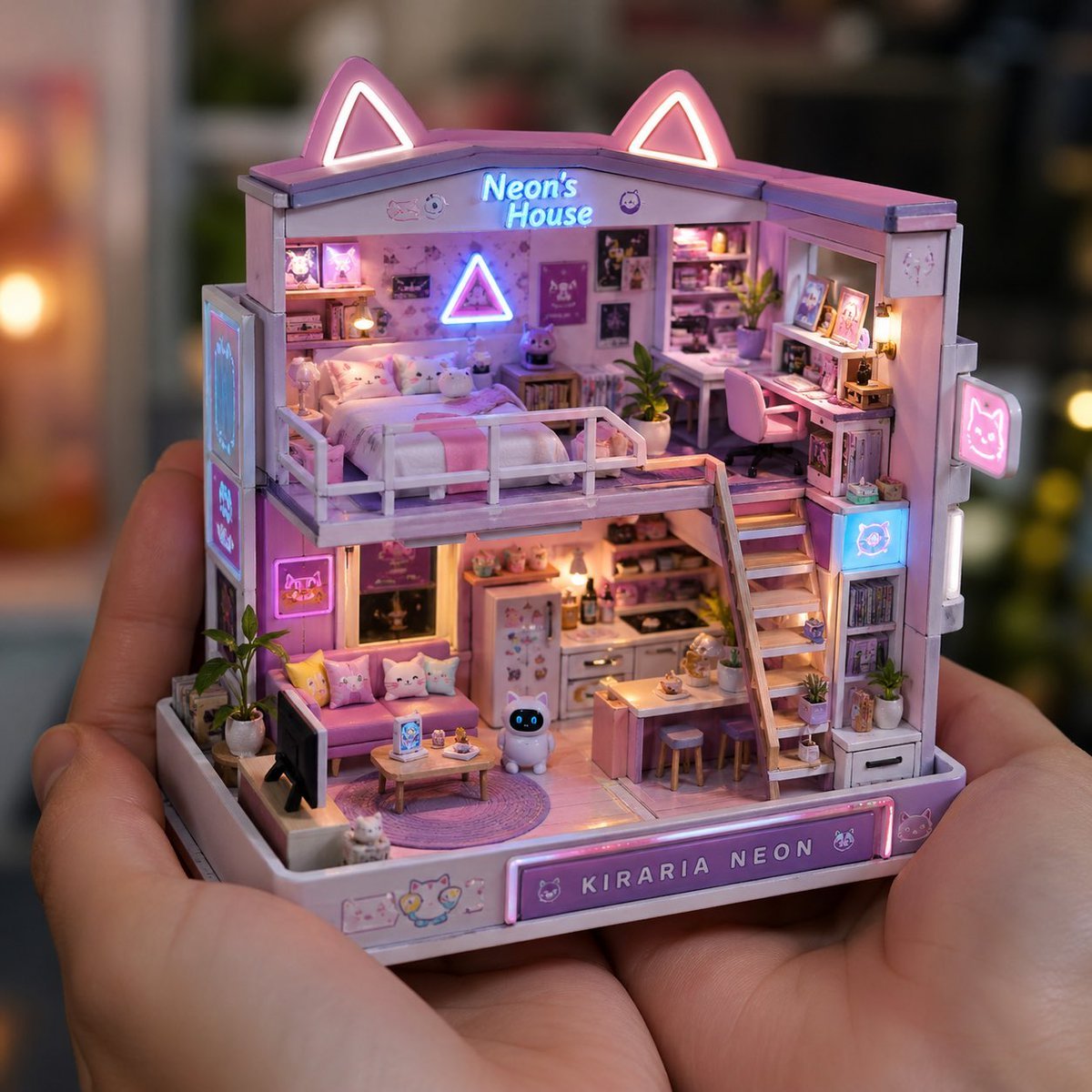
Miniature Handcrafted Object Photography
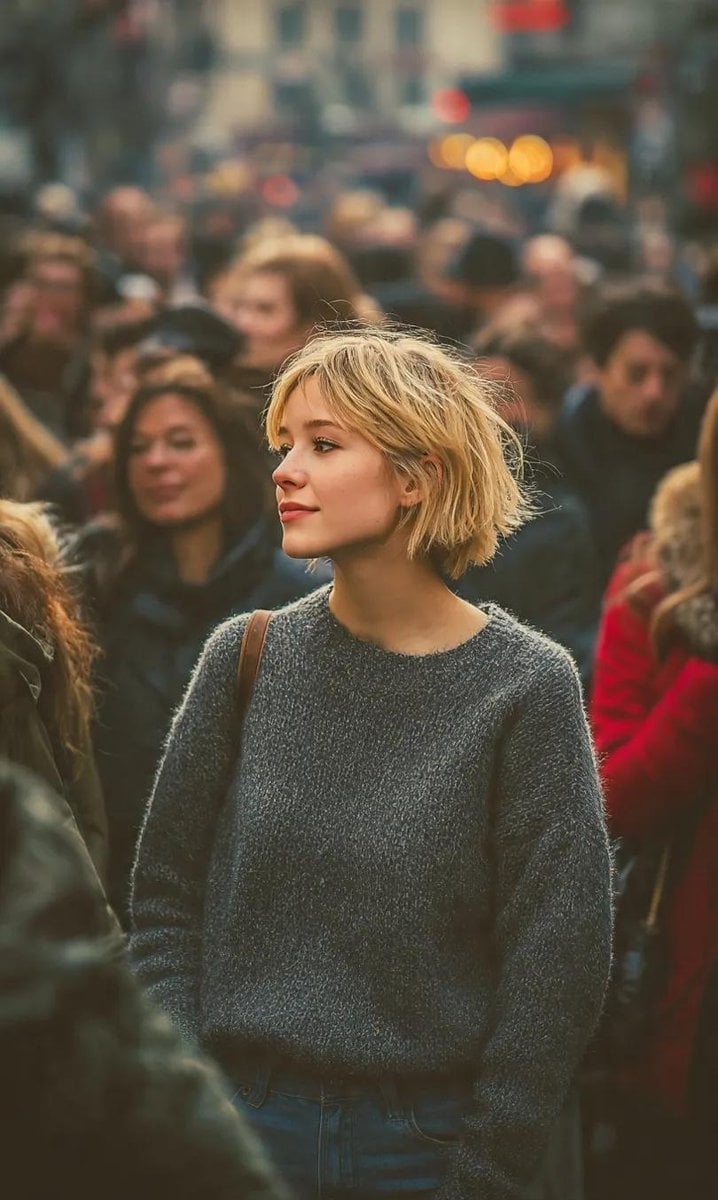
Ultra-Realistic 8K Candid Street Portrait
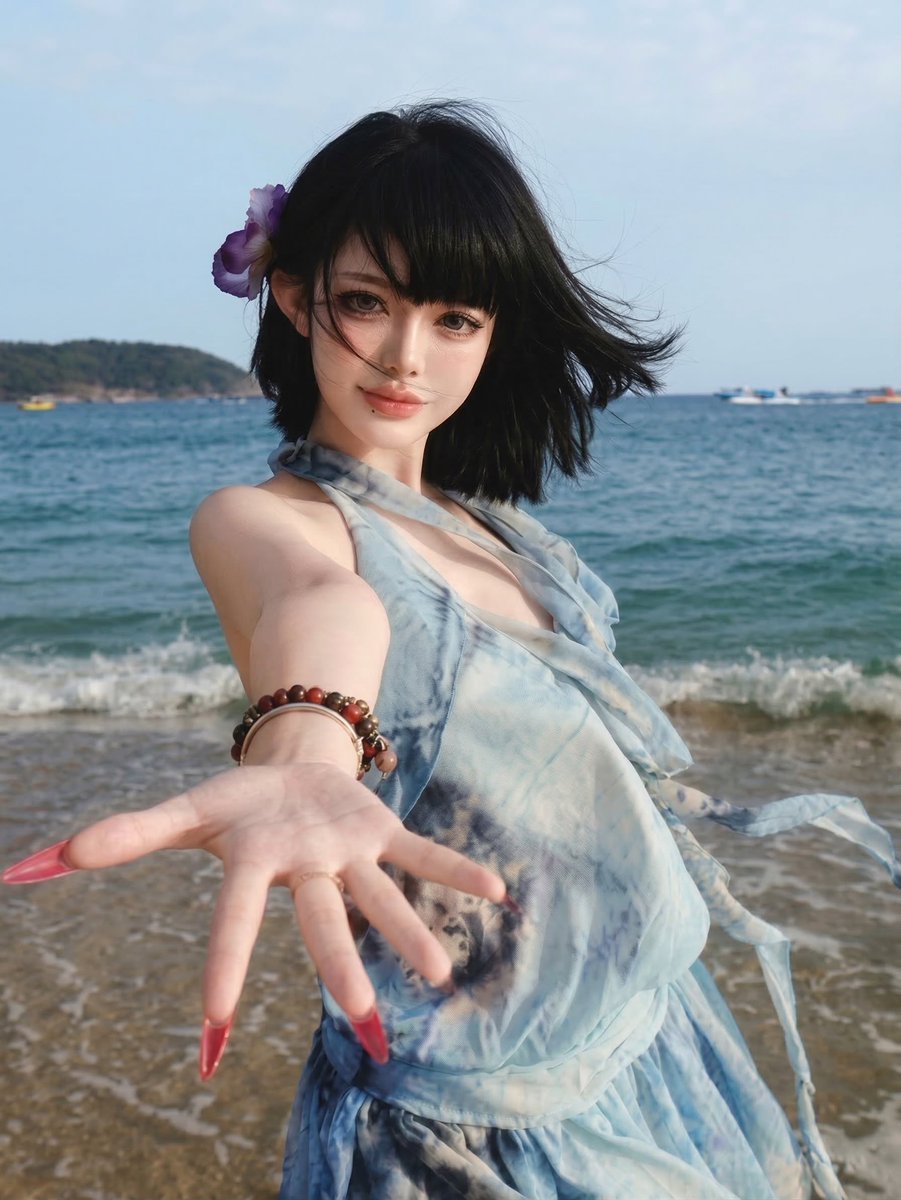
Image Quality Enhancement Prompt for Nano Banana 2

Food Delivery App UI Prompt
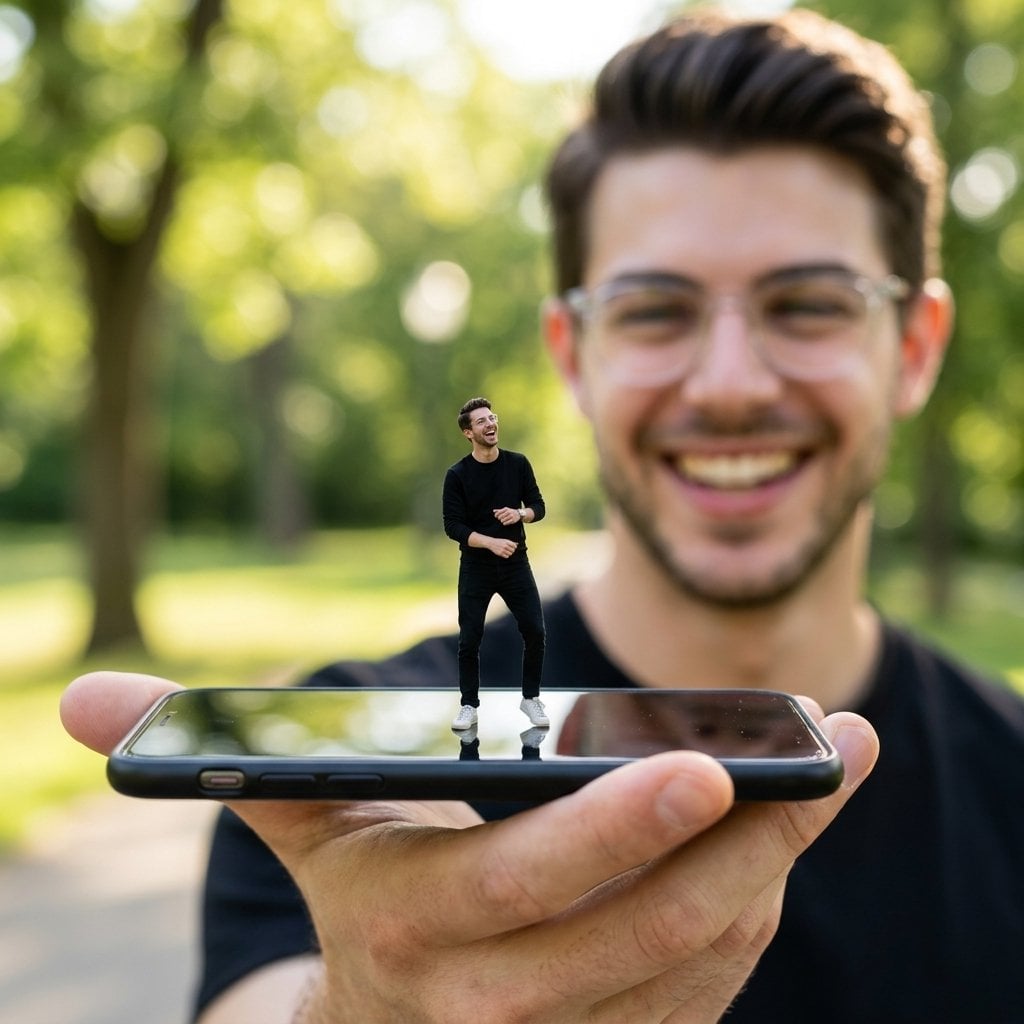
Forced Perspective Miniature Self on Smartphone Screen
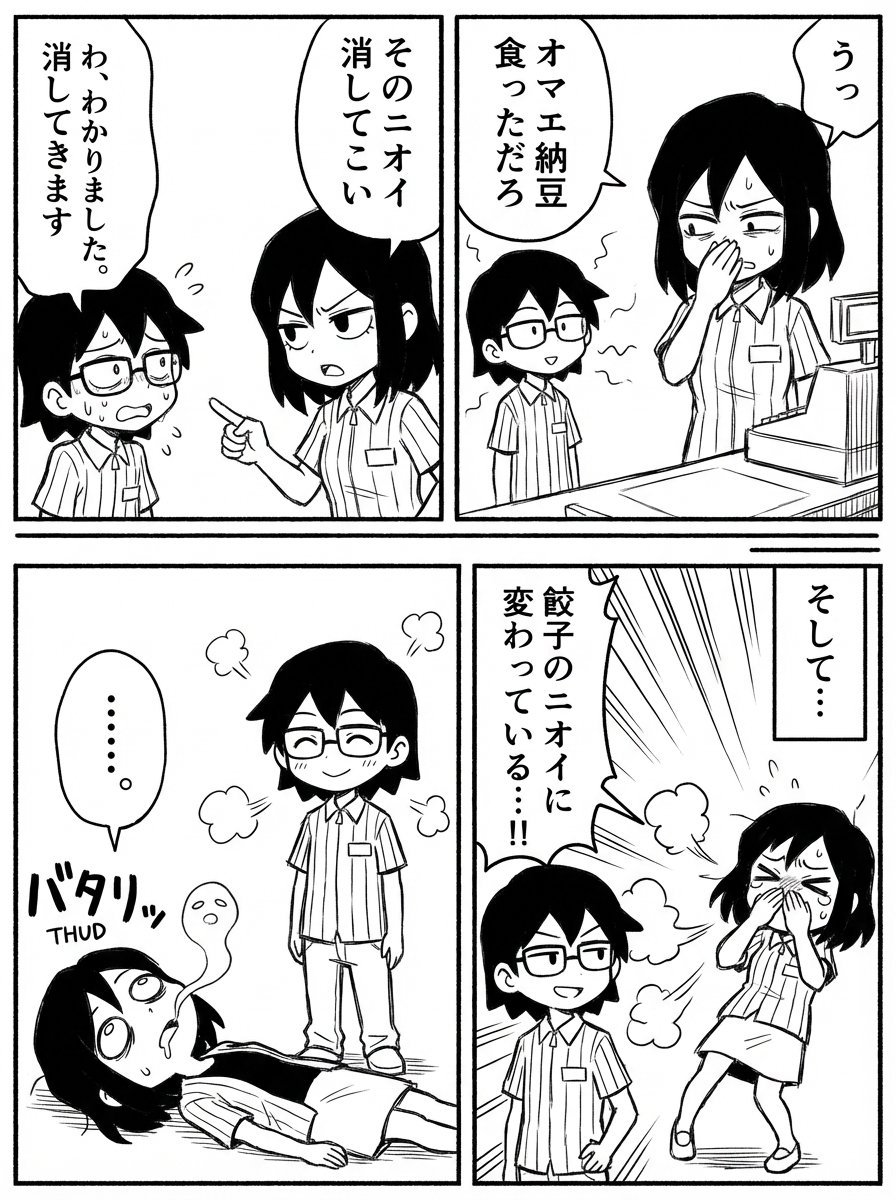
Image Editing Prompt: Adding a Shelf to a Panel
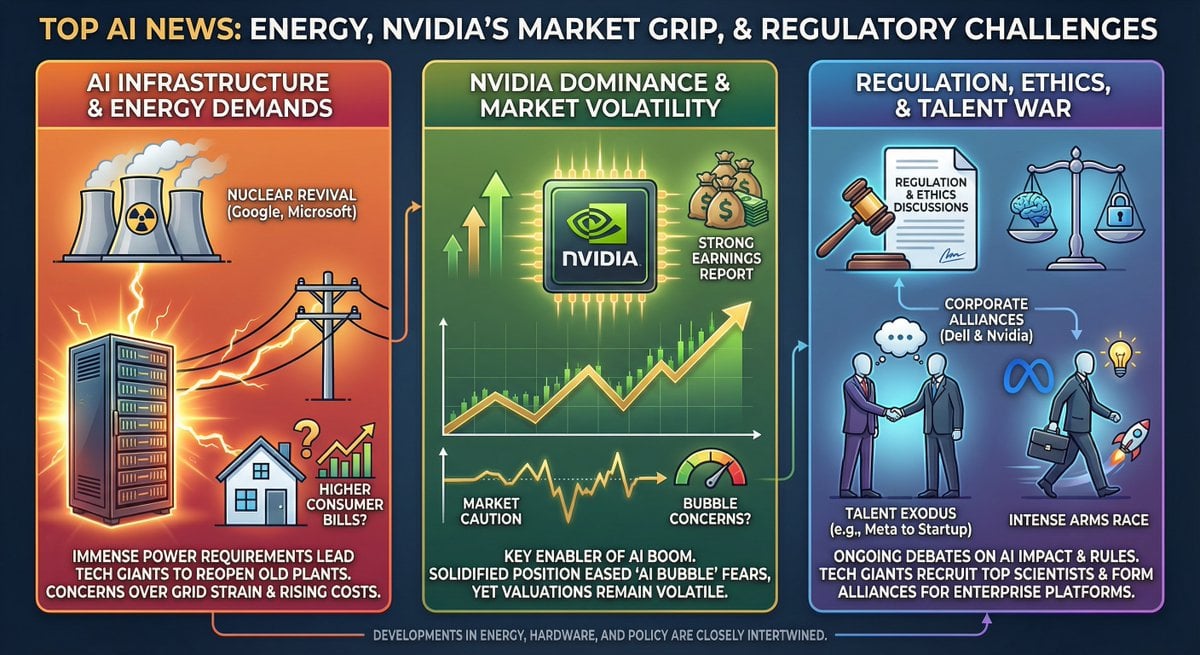
Infographic from pasted text
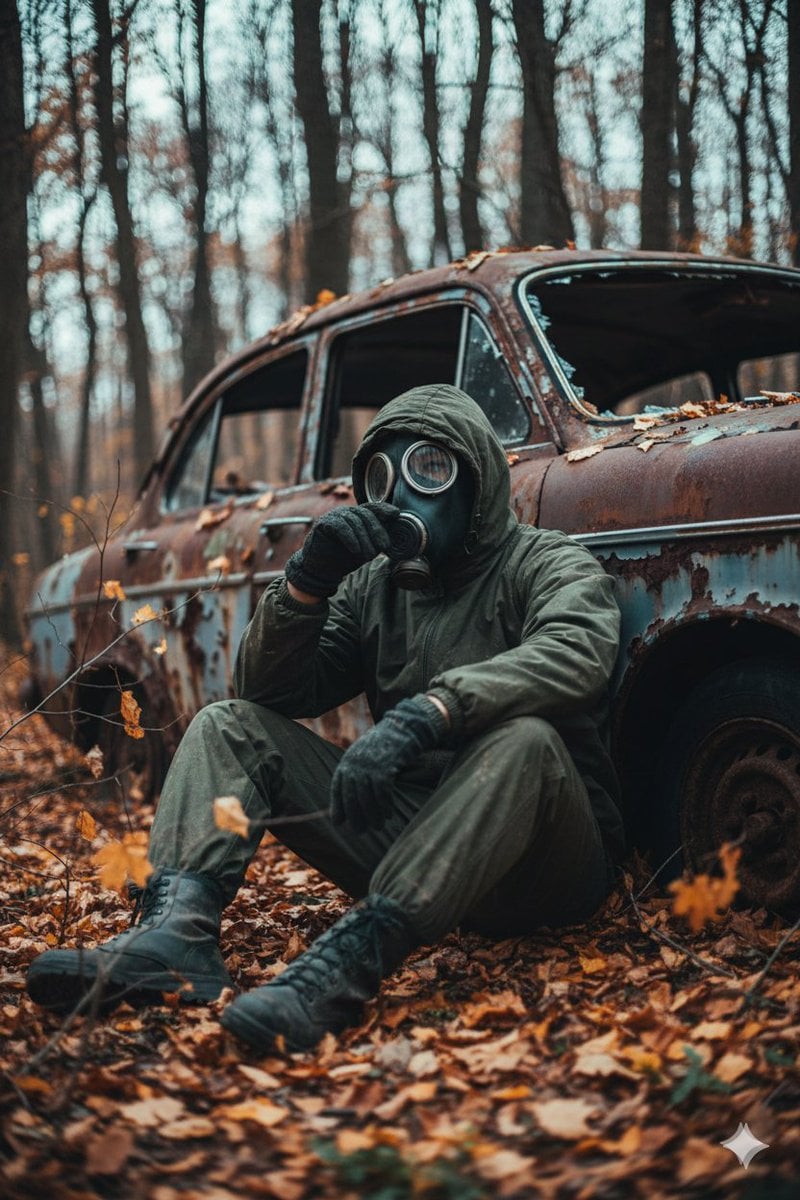
Cinematic Post-Apocalyptic Scene Generation Prompt
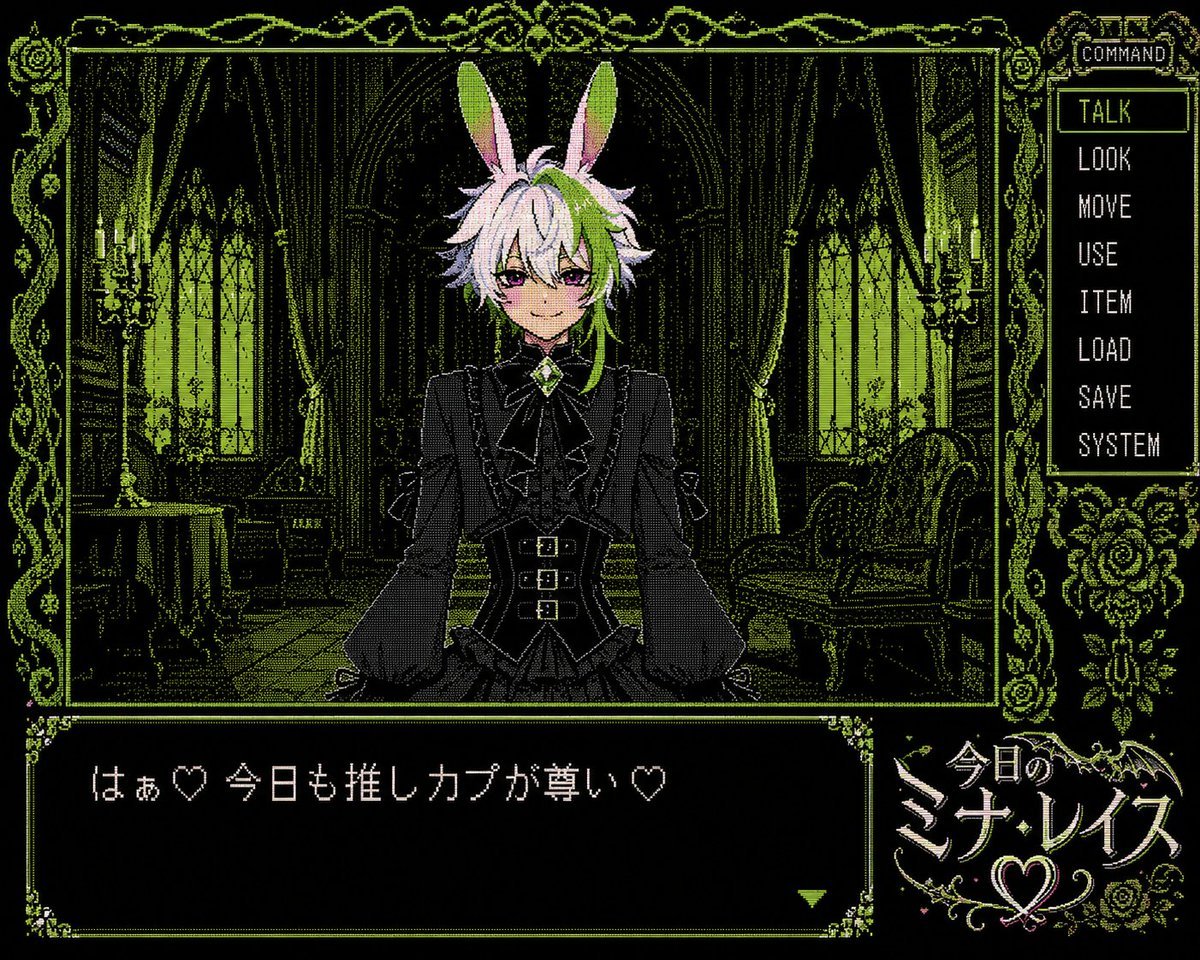
PC-98 Gothic Visual Novel UI
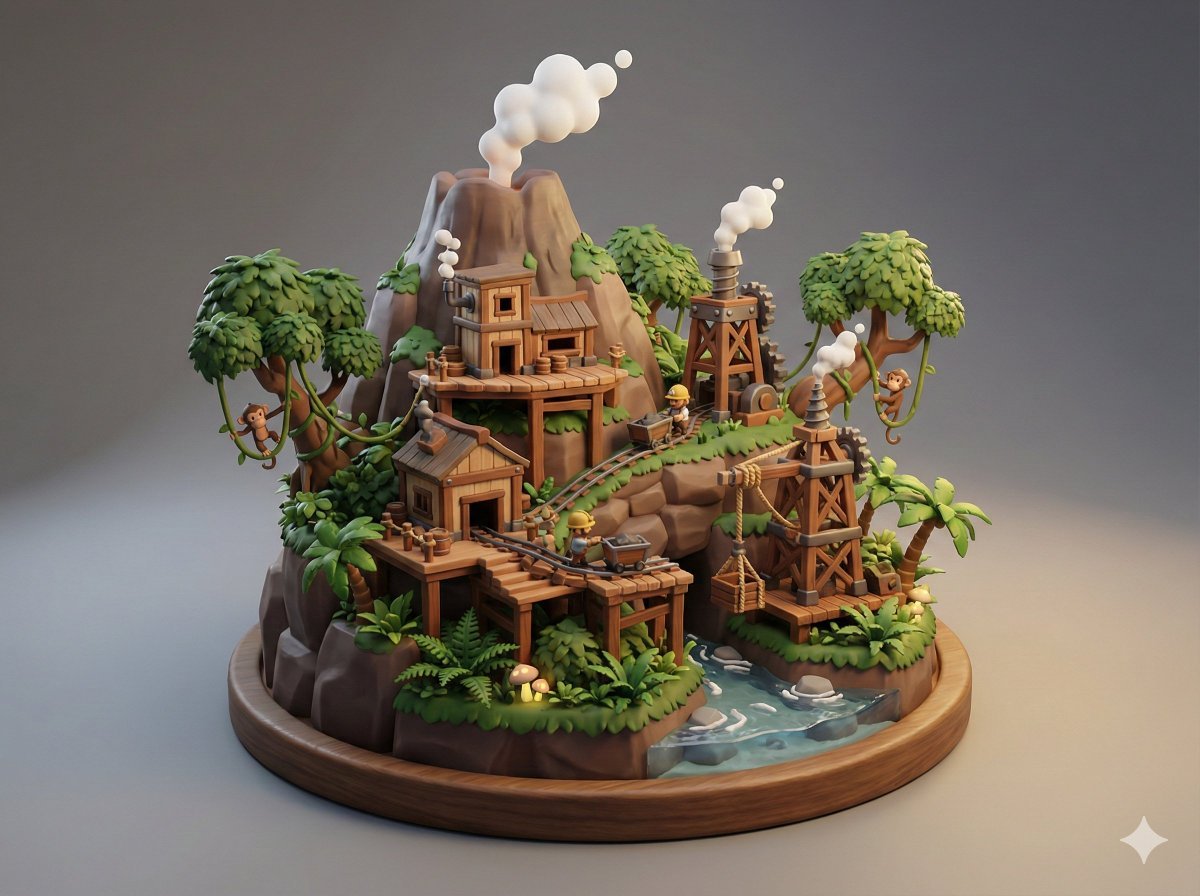
Collectible Miniature Diorama of a Rugged Mining Settlement
Browse template categories
Cinematic Plane Crash Beach Survival questions
How do I use the Cinematic Plane Crash Beach Survival template?
Add your photo if the template asks for one, edit the prompt if you like — the template's model and format are already selected — and press Generate. Your version opens in PicX Studio.
Can I customize the Cinematic Plane Crash Beach Survival template?
Yes. You can change the subject, setting, lighting, mood, format, and available model controls before creating your image.
Is the Cinematic Plane Crash Beach Survival template free?
Opening and editing this template is free. Generating uses credits, shown on the Generate button when you are signed in.
Which AI model should I use?
Start with GPT Image 2, which is the model associated with this template. You can compare another compatible model for a different finish.
Looking for something else? Browse all templates.

Your photo, any look
Thousands of ready templates for every top image and video model, from one credit balance.