
Grimy Survival Horror FPS Encounter
Generates a cinematic first-person horror game screenshot with a close-range monster, pistol HUD, and decayed industrial environment.
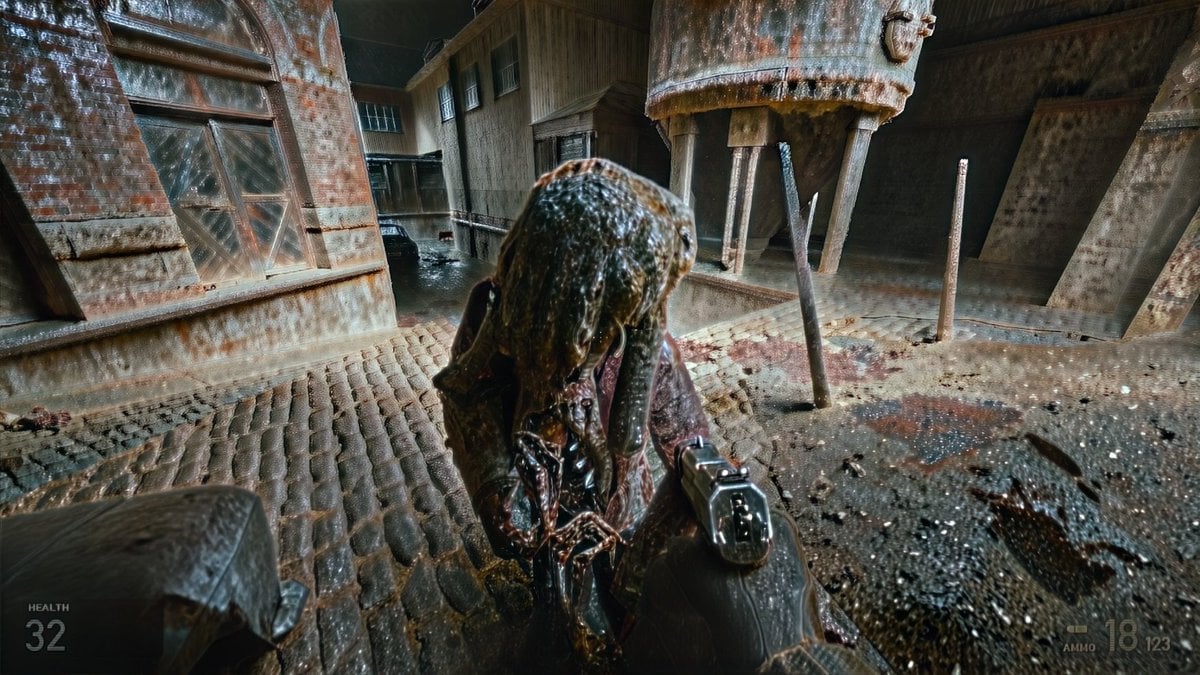
- Prompt included
- Model and format preset
- Free template
The prompt behind this image
Copy the exact prompt behind Grimy Survival Horror FPS Encounter, or open it in the studio and make it yours.
Create a gritty first-person survival-horror video game screenshot in a ruined industrial courtyard, as if captured from a cinematic FPS. The viewer holds a black semi-automatic pistol in the lower right foreground, aimed at one grotesque humanoid enemy standing extremely close in the center. The creature is hunched, wet, and decayed, with a lumpy parasite-like head covered in slick brown-black organic matter, dangling tendrils, exposed sinewy chest tissue, and a dark torn coat. The environment is a grimy abandoned brick-and-concrete factory alley with wet cobblestone paving, puddles, rust stains, blood smears, scattered debris, and heavy rain or water streaking across the image. Include exactly 1 large rusted cylindrical metal tank or silo elevated on thin legs in the upper right, exactly 1 large arched industrial window on the left brick wall, exactly 1 dark car partly visible in the background alley, and exactly 3 prominent vertical metal posts around the tank area. Use a wide 16:9 frame, low camera height, aggressive wide-angle lens distortion, high contrast, motion blur, dirty glass artifacts, heavy diffusion, chromatic smearing, and overprocessed photorealistic game-render texture. Add a minimal translucent HUD: in the bottom left show the label “HEALTH” above the number “32”; in the bottom right show a small ammo indicator with “AMMO” and the numbers “18” and “123”. Overall mood: oppressive, damp, rusted, diseased, chaotic, like {argument name="game style" default="a modern first-person survival horror shooter"}; make the scene feel like an intense close-quarters encounter with {argument name="enemy type" default="a grotesque parasite zombie"} in {argument name="location" default="an abandoned industrial courtyard"}. Use {argument name="lighting" default="cold dim overcast light with harsh wet reflections"} and {argument name="image treatment" default="extreme diffusion, grime, rain streaks, and GPT-image-like artifacting"}.
How to use Grimy Survival Horror FPS Encounter in 3 steps
- 1Upload ImagePNG, JPG or paste
Add your photo
Upload the photo the template builds on. The prompt, model and format are already set.
- 2…a portrait of your subject in softgolden-hour light, 85mm…
Personalize
Edit the subject and creative details for your destination.
- 3Generate
Generate
Press Generate — your image is created in PicX Studio, so you can compare it with the original and refine one variable at a time.
More like this
Templates with the same subject, style or setup. Open one to see its prompt.
Seedance 2.0 - Zombie Girl Escapes
Seedance 2.0 - Zombie Girl Escapes
Industrial Alien Horror Encounter
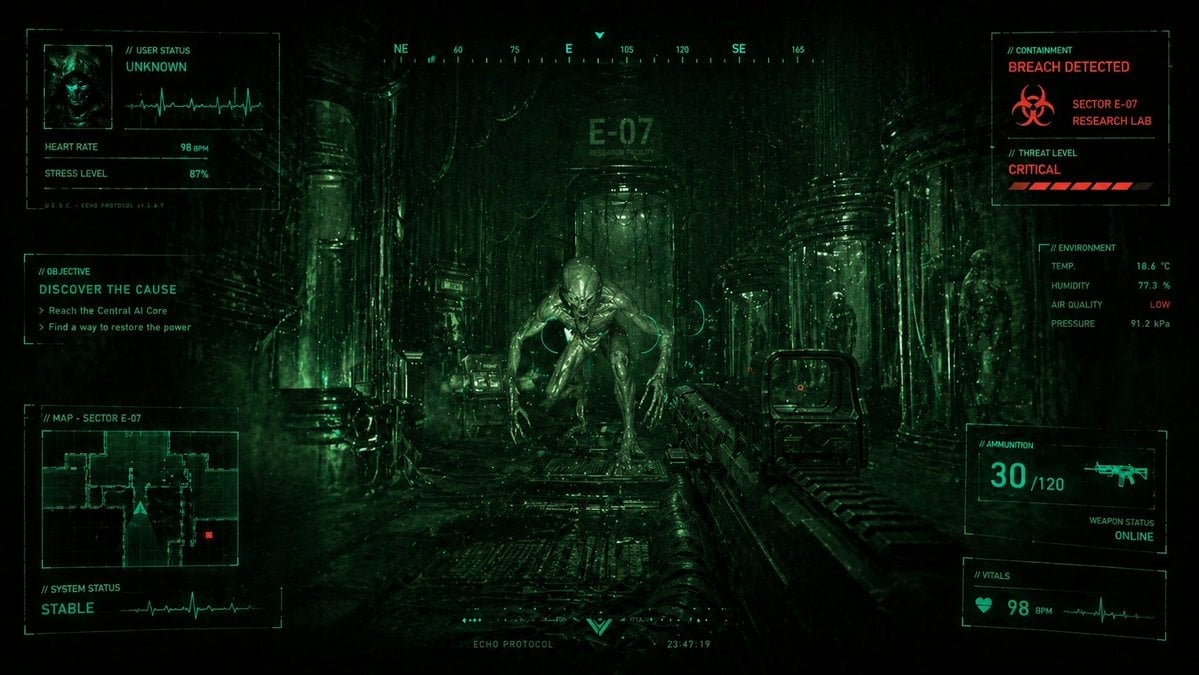
Sci-Fi Horror FPS HUD Lab Breach
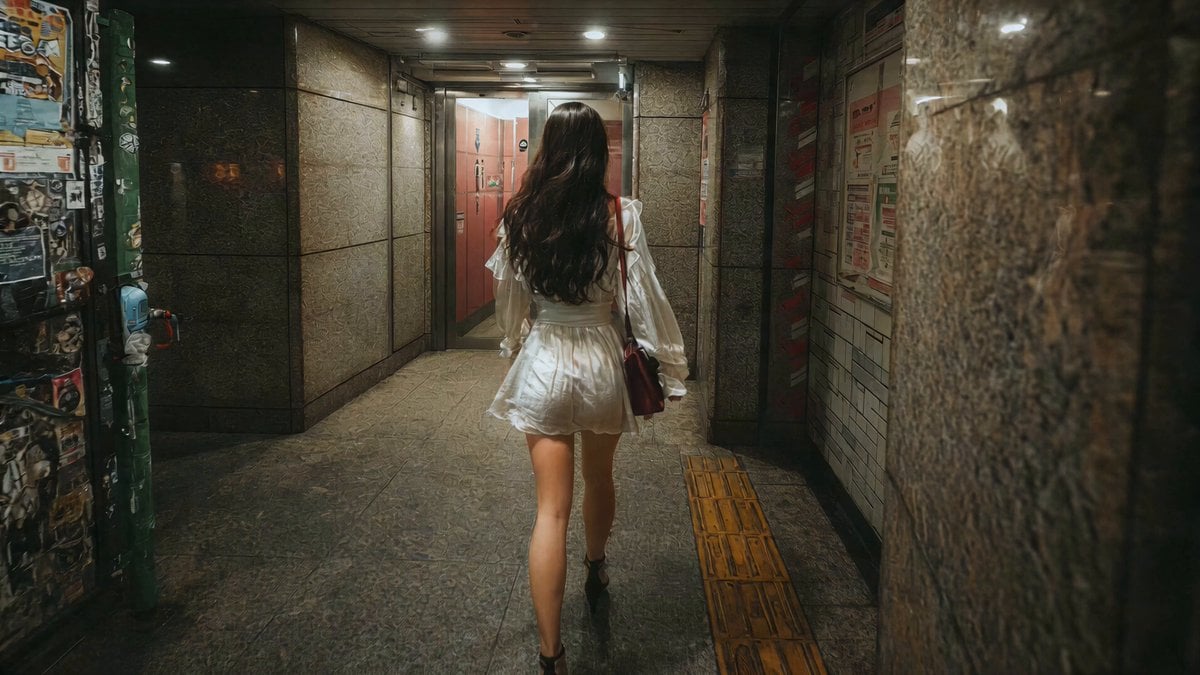
J-Horror Shibuya Station - Seedance 2.0

Horror Cinematic Portrait
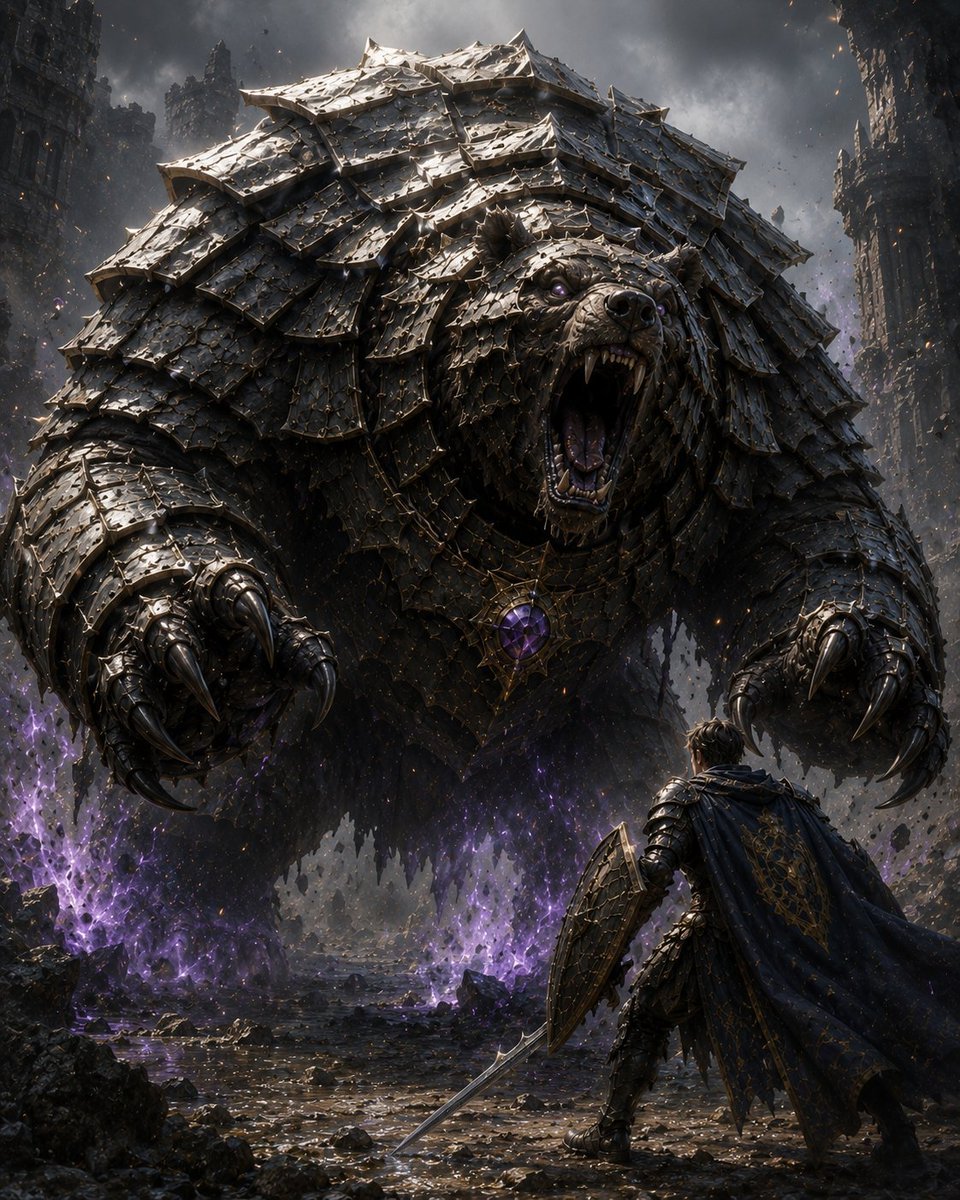
Armored Bear Encounter
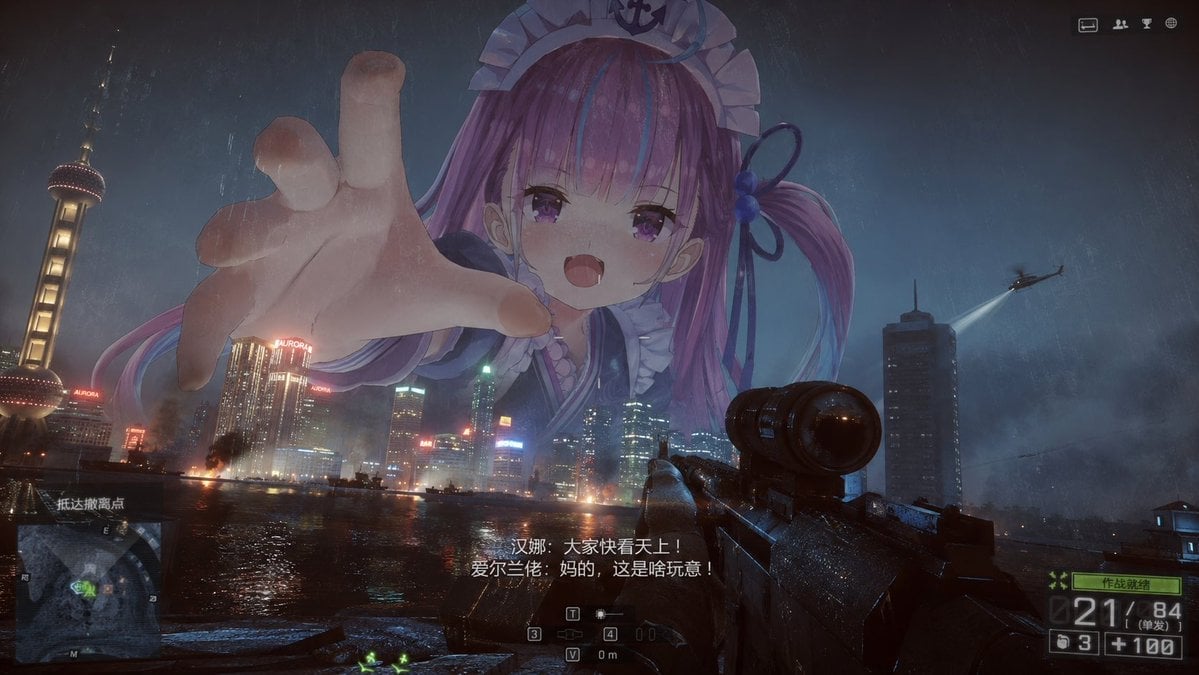
Giant Anime Maid Over Shanghai FPS Scene
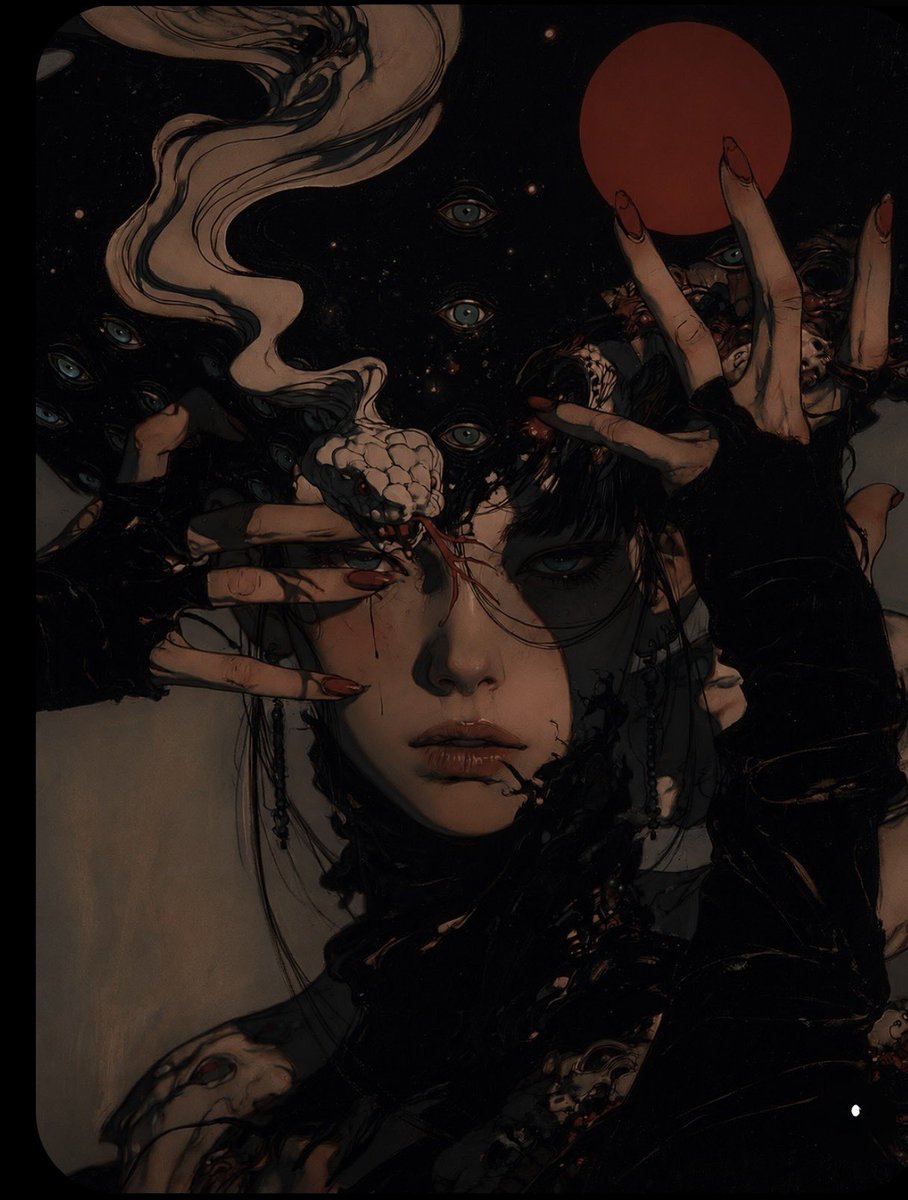
Surreal Gothic Horror Portrait
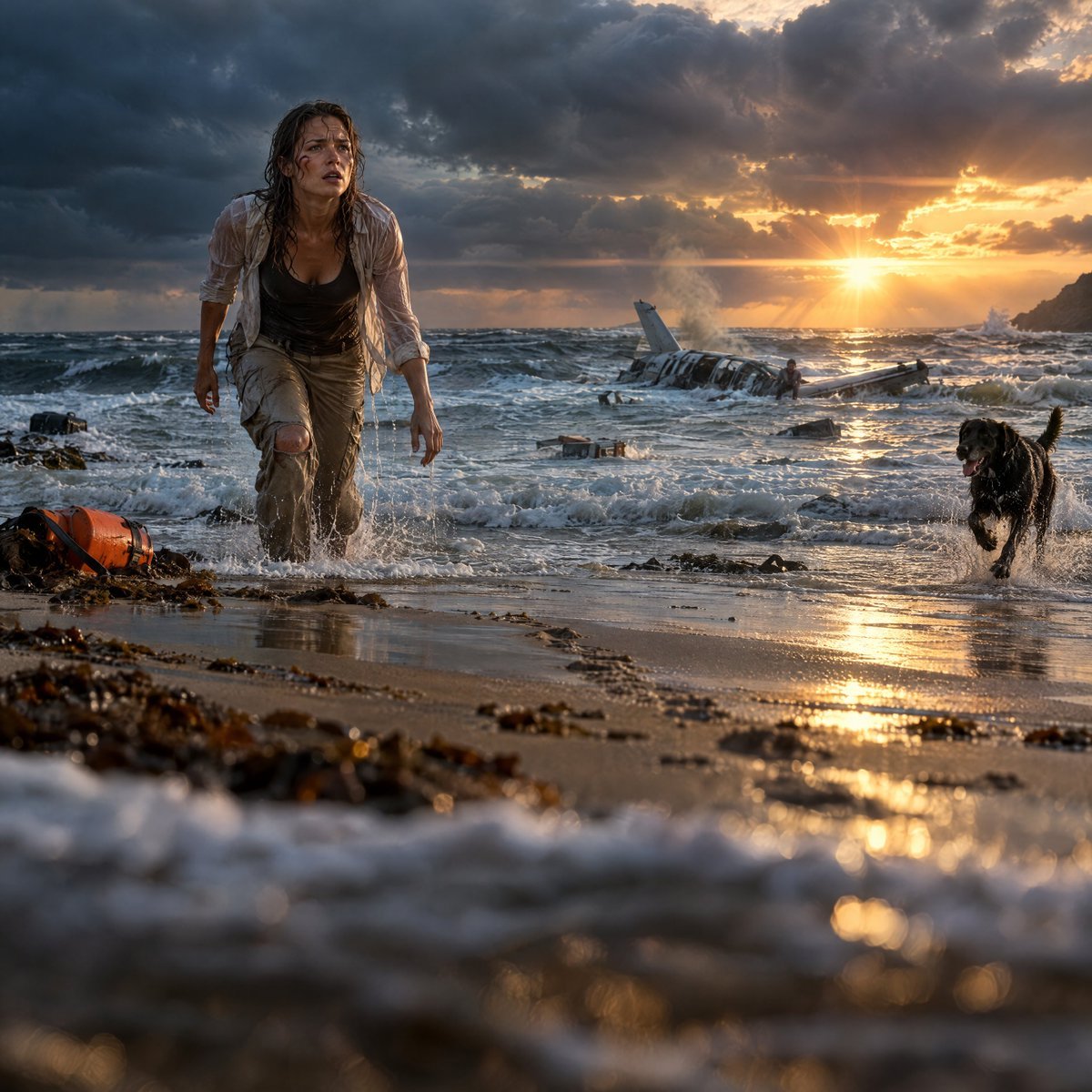
Cinematic Plane Crash Beach Survival
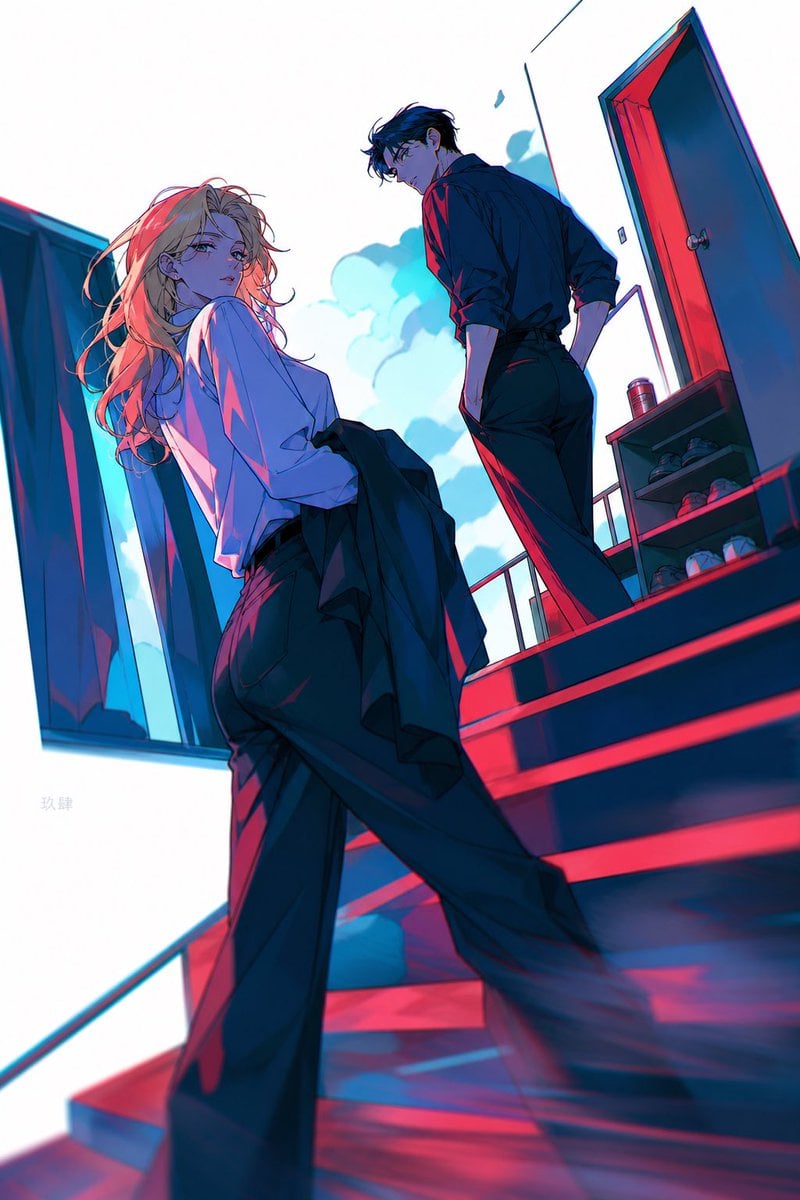
Neon Anime Stairway Encounter
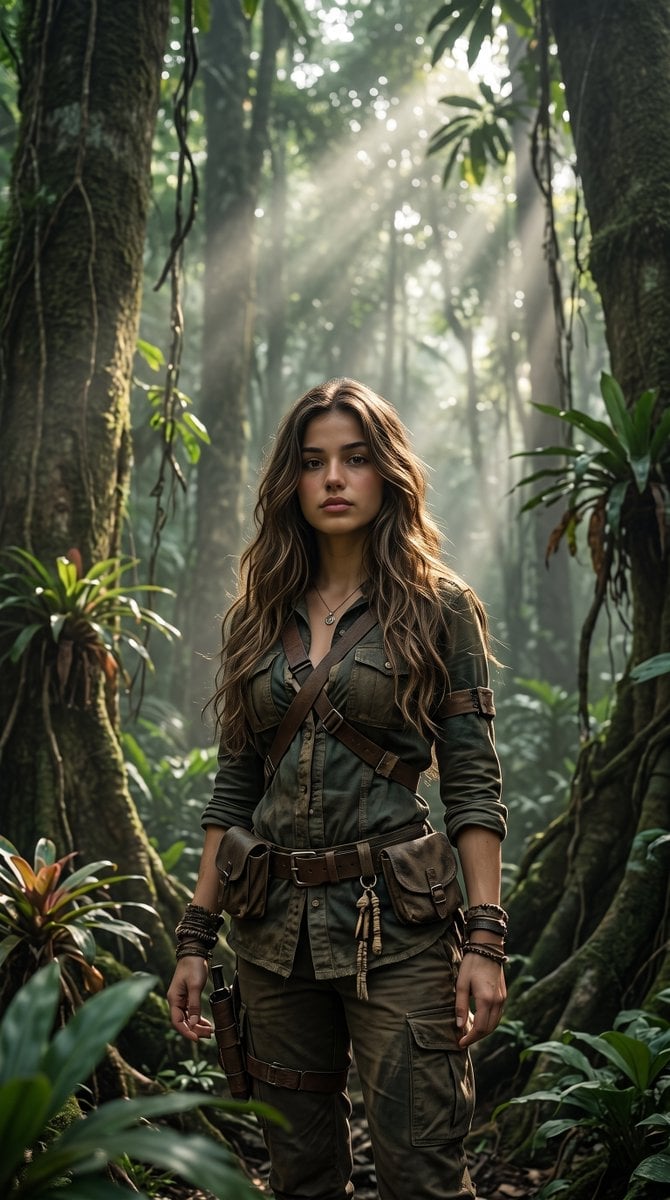
Cinematic Tropical Forest Survival Portrait
Make it yours
Grimy Survival Horror FPS Encounter works as-is. These are the safest ways to change it without losing the look.
Change one field
Copy a single group, rewrite it, and generate again so you can see what that field is doing.
Keep the frame, change the subject
Hold the composition and light of Grimy Survival Horror FPS Encounter, then swap wardrobe, props or the person for a new take.
| If the result… | Why | Fix |
|---|---|---|
| The result drifts from the preview | Too many fields changed at once. | Reuse Grimy Survival Horror FPS Encounter as-is first, then change one group — subject, light, or setting. |
| The model over-stylizes the scene | The prose prompt leaves finish and camera underspecified. | Add one camera or lighting sentence and stay on GPT Image 2. |
More GPT Image 2 templates
Other prompts made for GPT Image 2.

Six VTuber Japanese Logo Sheet

Realistic Portrait of Woman and Deer

The Vista Modular Condo Poster

AI Model Routing Comparison Infographic

2.5D Anime Art Board

Isometric Productivity Desk Scene

New York Double Exposure Poster

Four-Panel AI Landscape Comparison

Japanese Tatami Lifestyle Magazine Cover

NESCAFÉ Coffee Map Poster
More image prompts
Fresh picks from across the catalog.
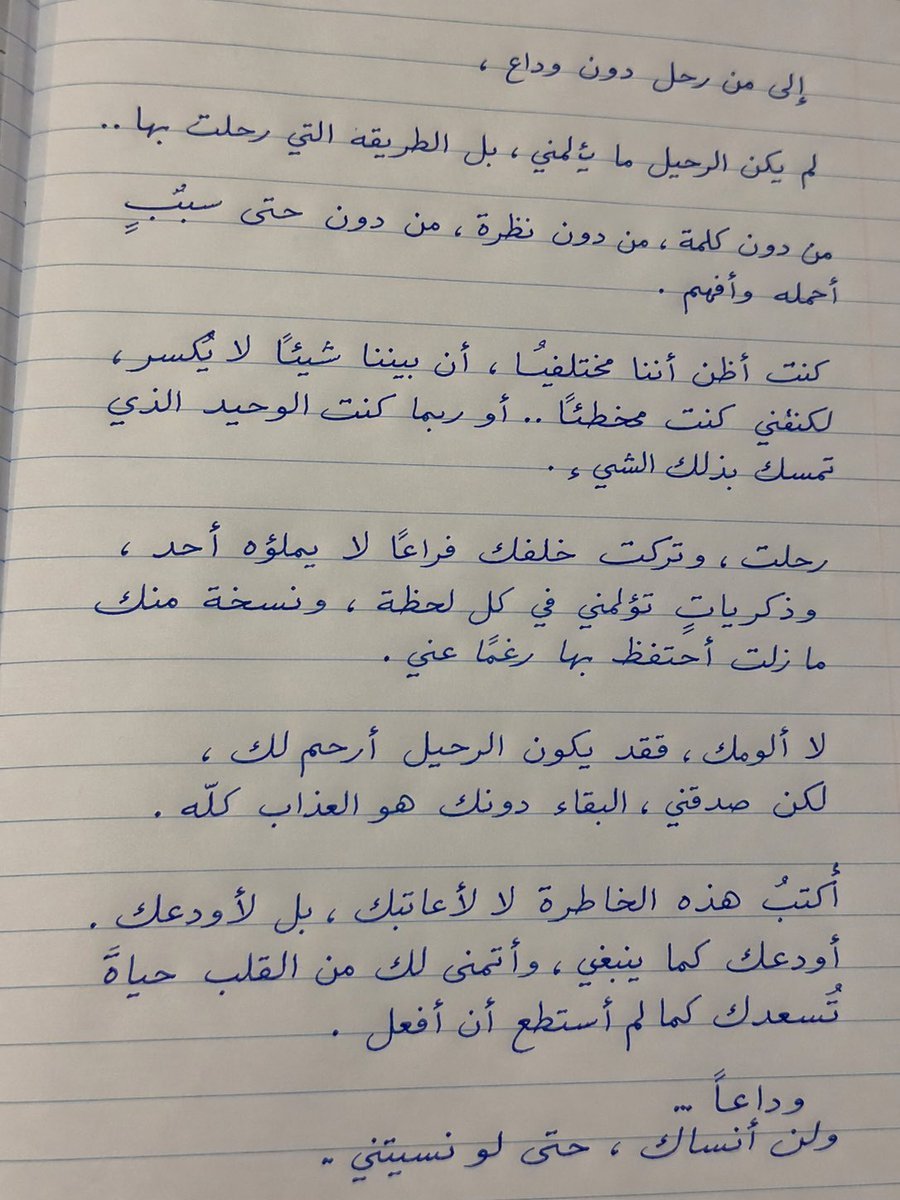
Handwritten Realistic Letter
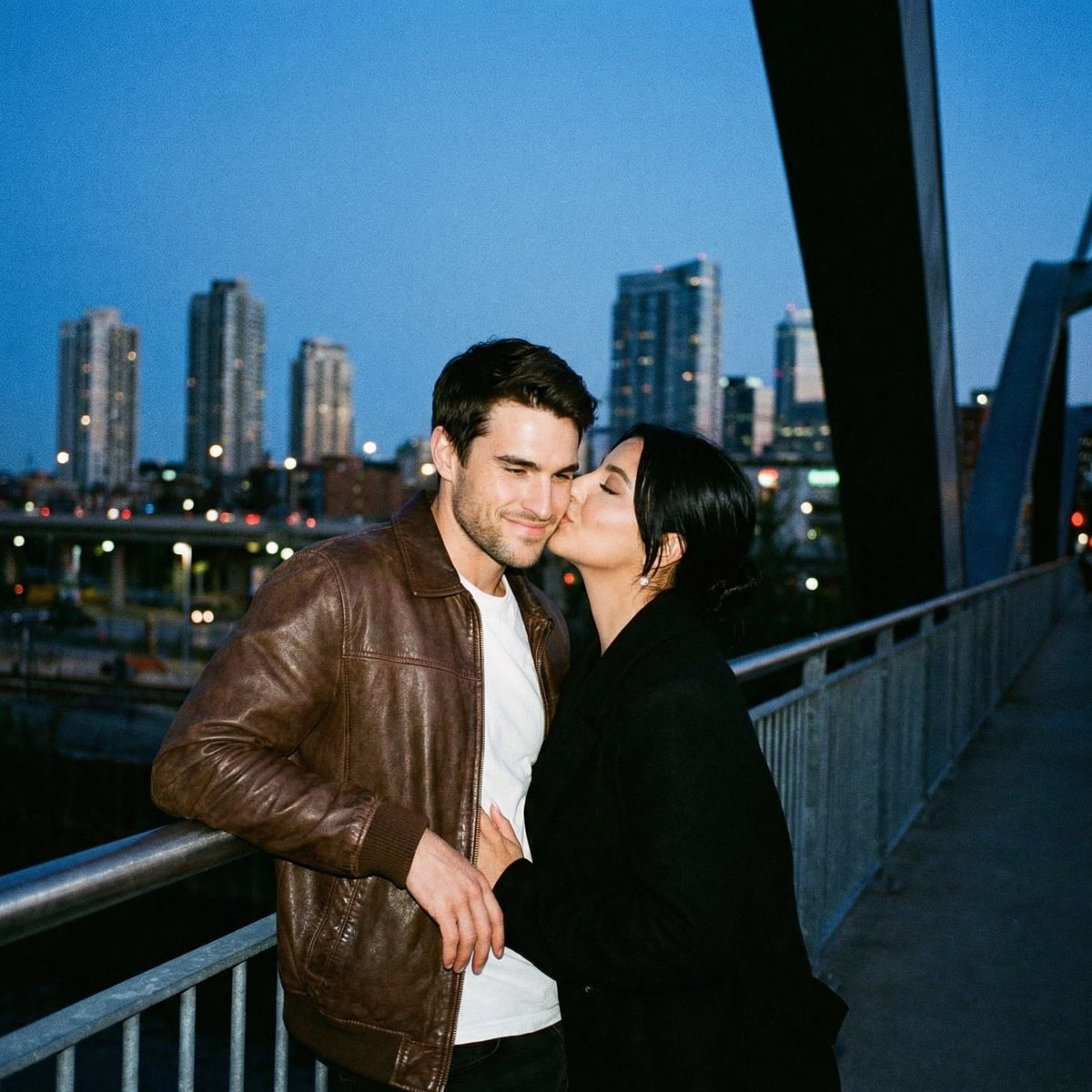
Ultra Analog Film Candid Romance Scene
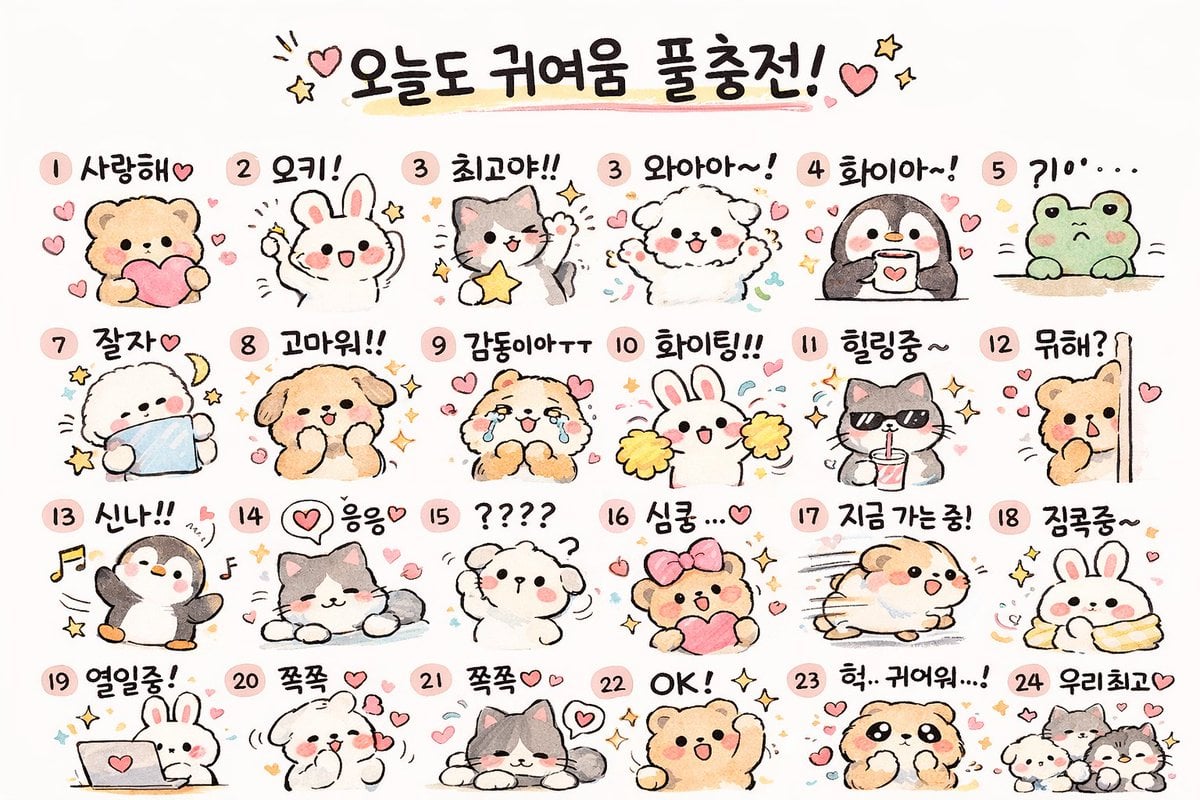
Kawaii Animal Sticker Sheet Generator
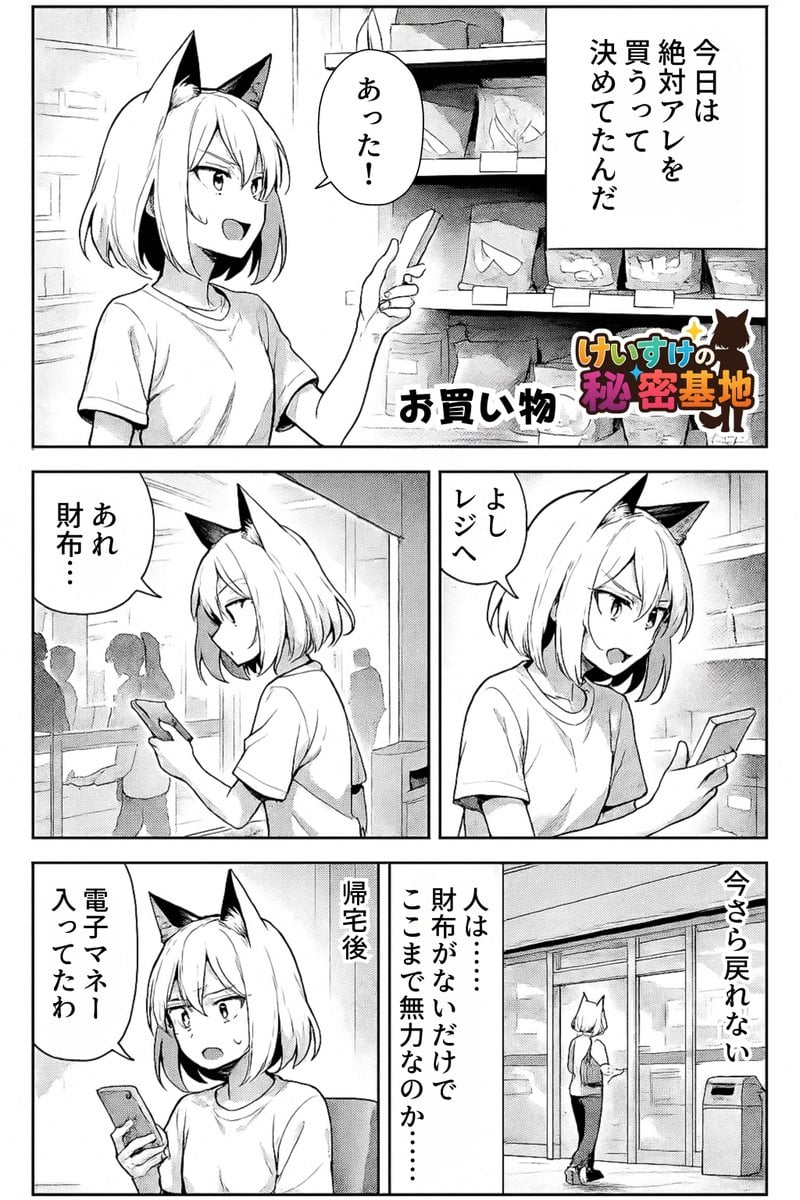
Keep art, translate manga speech to English in original balloons
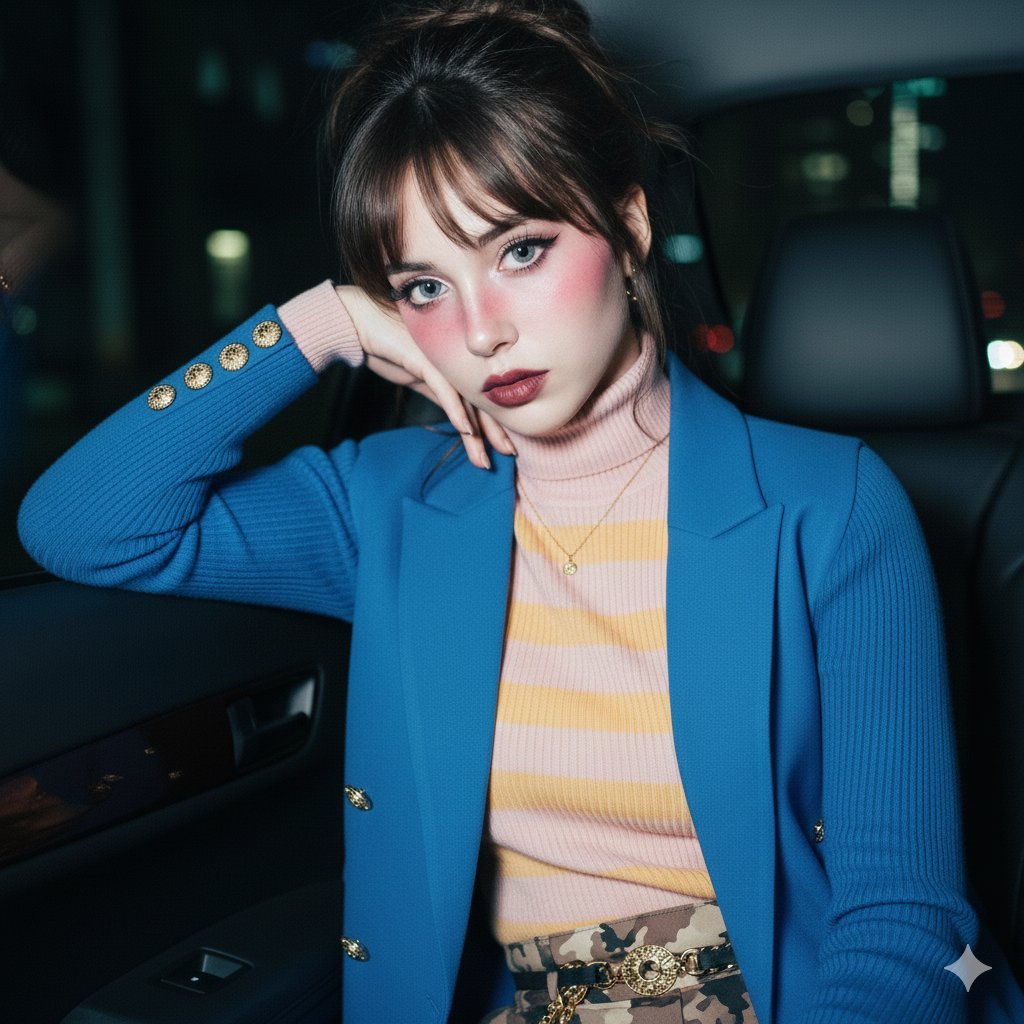
Ethereal Doll-like Portrait in a Night Car Interior

Neon TikTok AI Creator Poster
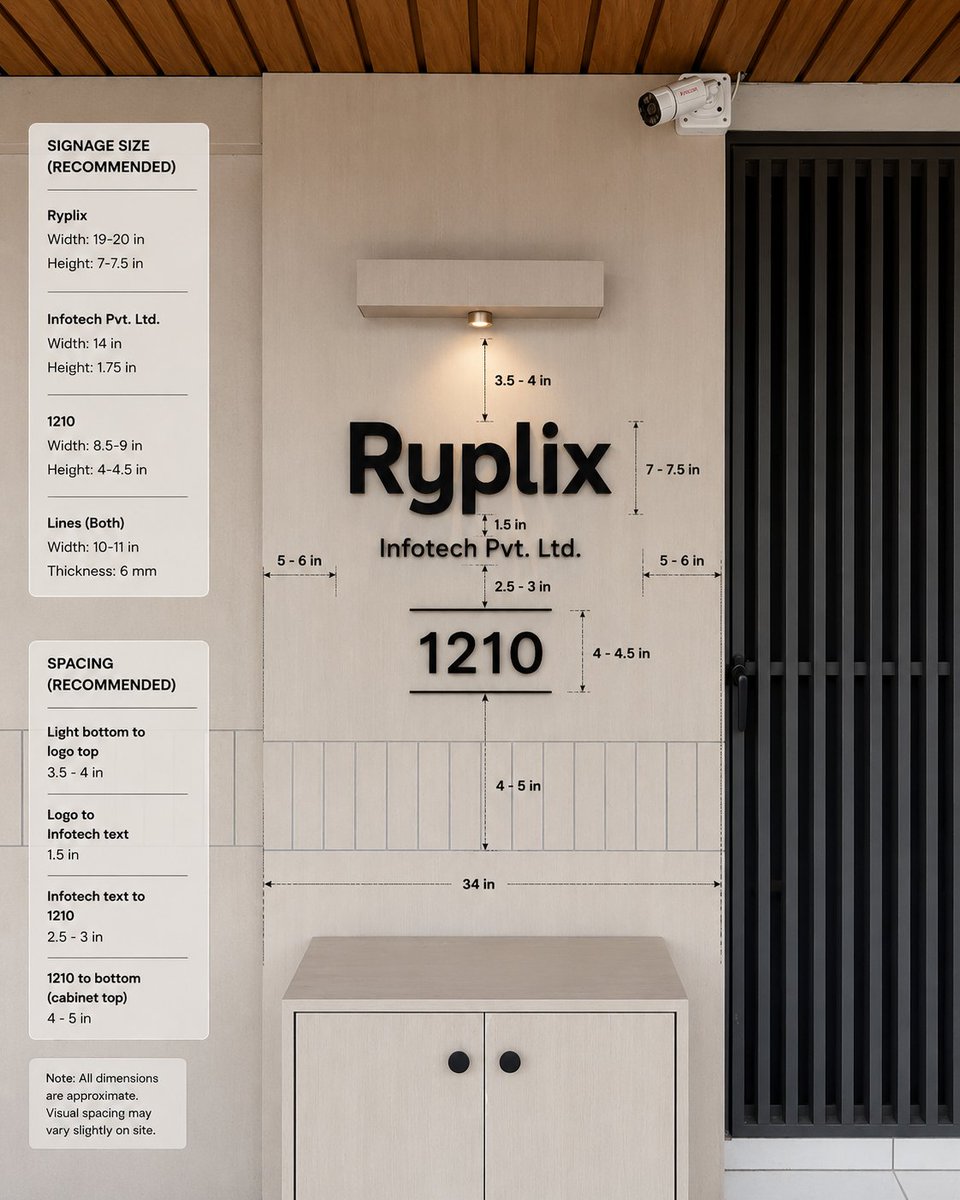
Office Signage Dimension Mockup
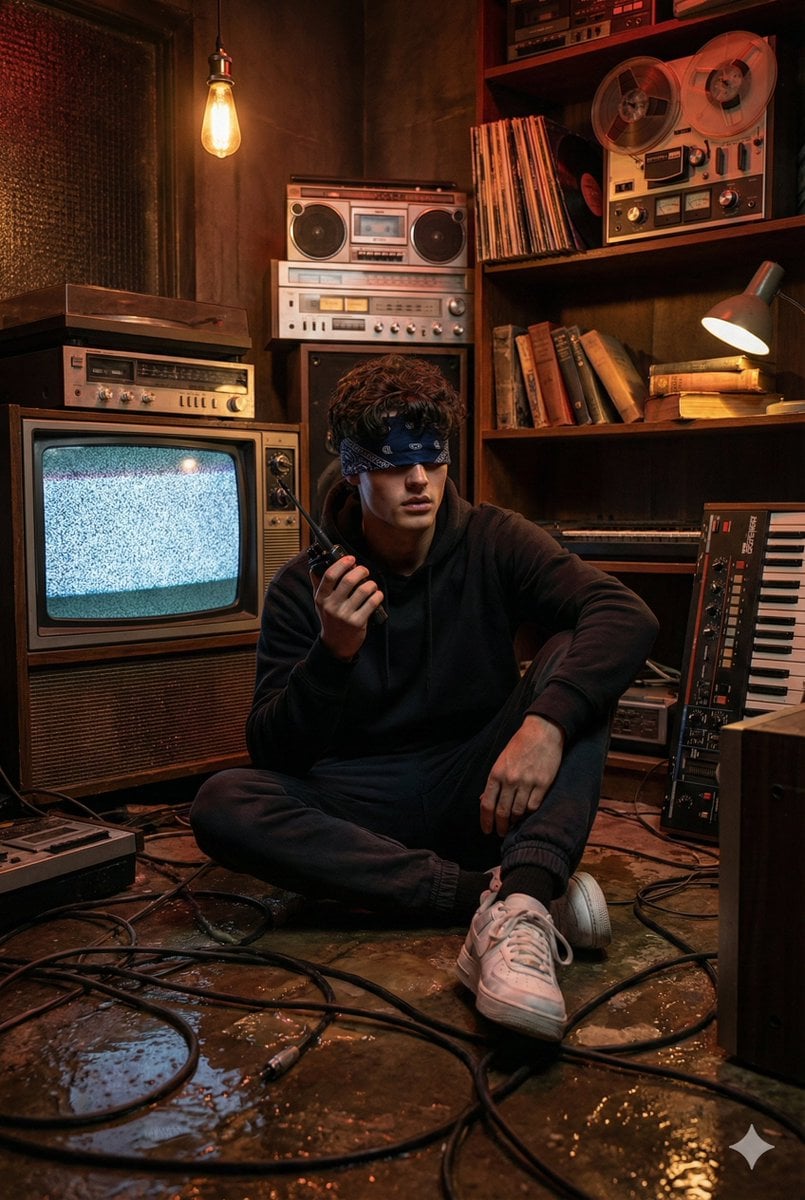
Stranger Things Inspired Cinematic Portrait
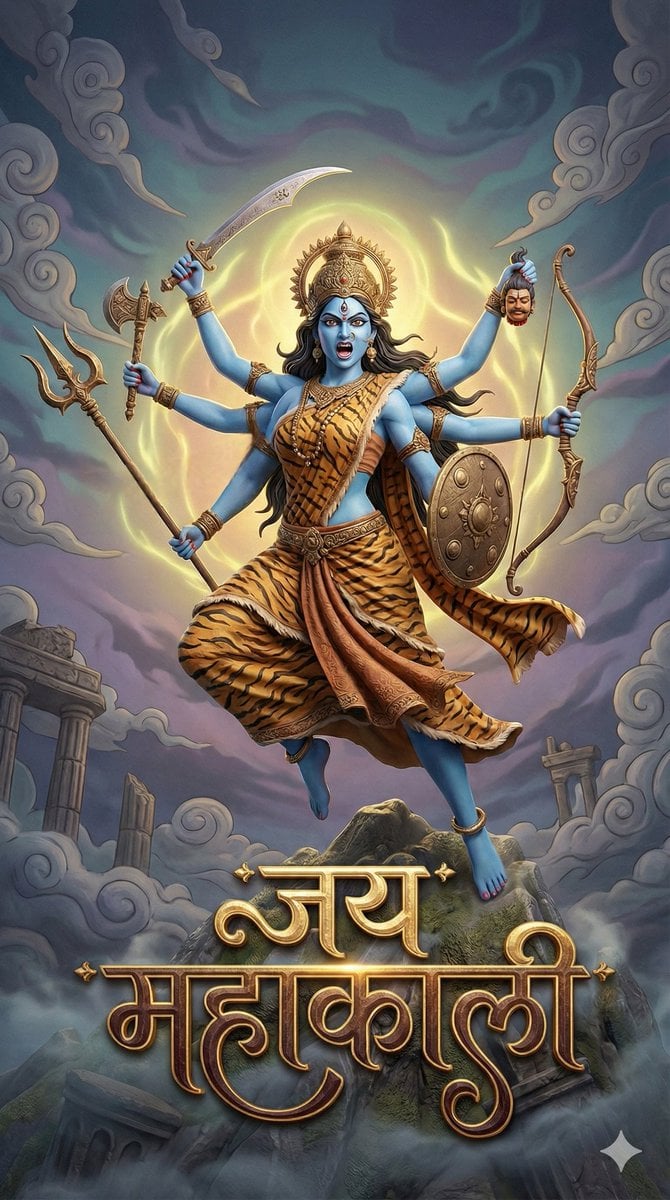
3D Fantasy Image of Goddess Mahakali
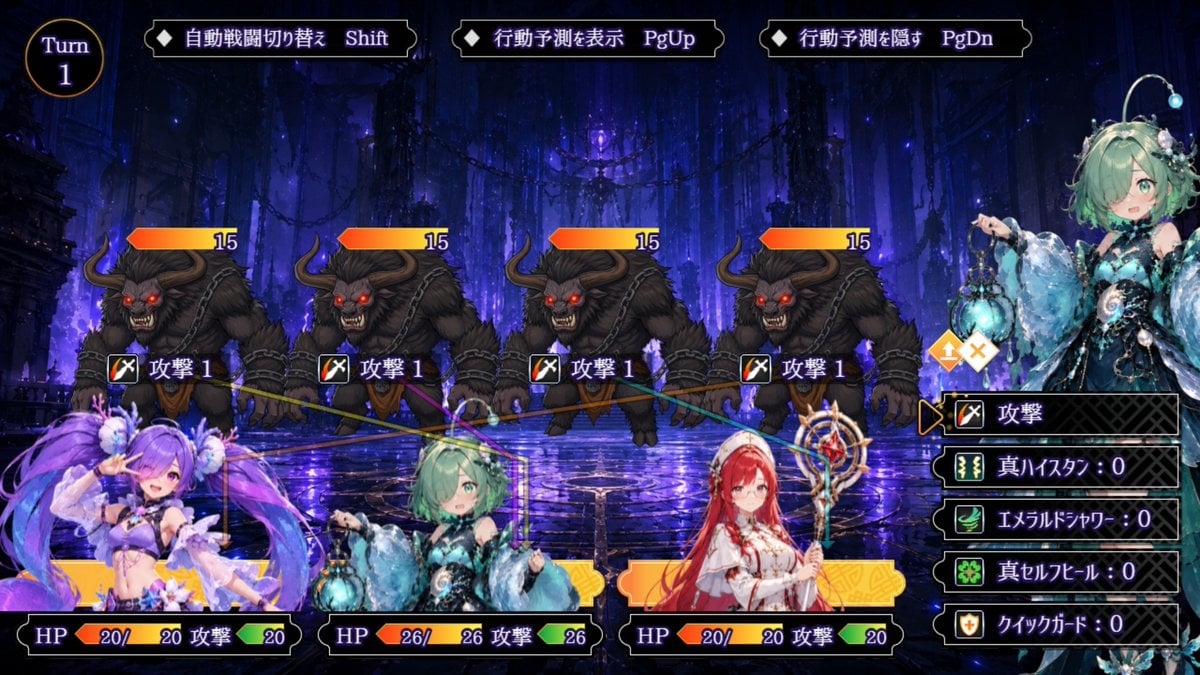
Japanese Fantasy RPG Battle UI
Browse template categories
Grimy Survival Horror FPS Encounter questions
How do I use the Grimy Survival Horror FPS Encounter template?
Add your photo if the template asks for one, edit the prompt if you like — the template's model and format are already selected — and press Generate. Your version opens in PicX Studio.
Can I customize the Grimy Survival Horror FPS Encounter template?
Yes. You can change the subject, setting, lighting, mood, format, and available model controls before creating your image.
Is the Grimy Survival Horror FPS Encounter template free?
Opening and editing this template is free. Generating uses credits, shown on the Generate button when you are signed in.
Which AI model should I use?
Start with GPT Image 2, which is the model associated with this template. You can compare another compatible model for a different finish.
Looking for something else? Browse all templates.

Your photo, any look
Thousands of ready templates for every top image and video model, from one credit balance.