
Industrial Alien Horror Encounter
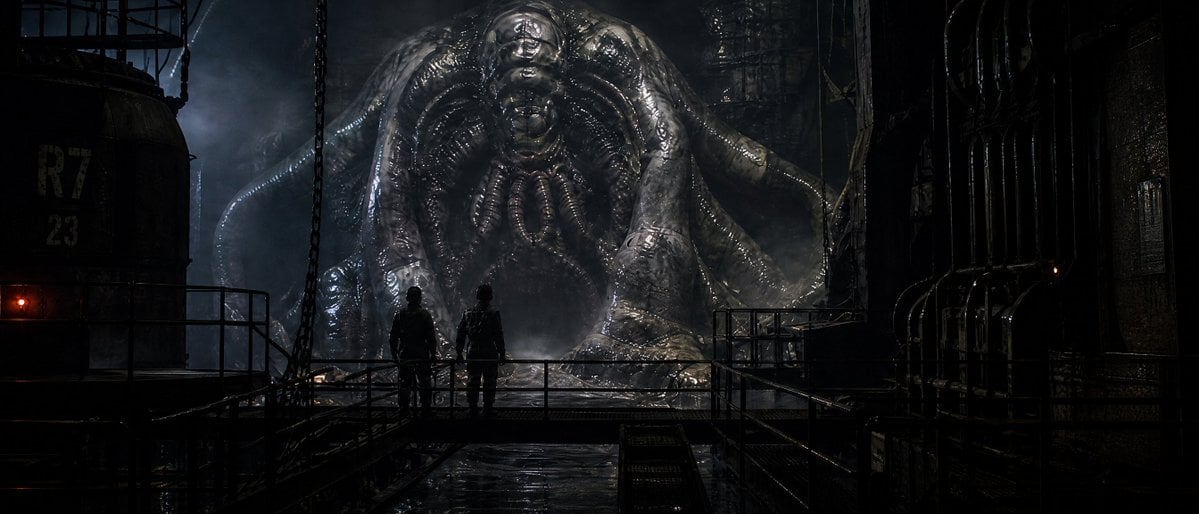
A cinematic wide sci-fi horror scene showing two silhouetted humans confronting a colossal biomechanical alien in a dark industrial facility.
- Prompt included
- Model and format preset
- Premium template
The prompt behind this image
Copy the exact prompt behind Industrial Alien Horror Encounter, or open it in the studio and make it yours.
Create a dark cinematic sci-fi horror scene in an abandoned industrial facility at night: two human figures in black tactical clothing stand as small silhouettes on a wet metal catwalk, facing one gigantic biomechanical alien creature directly ahead. The creature is a massive glossy gray-black organic machine form with a bulbous central head, ribbed exoskeleton, folded wing-like shoulders, thick tentacle-like limbs, and slick translucent slime textures, towering over the humans in the mist. The environment is a cavernous refinery or reactor chamber with heavy pipes, railings, chains, tanks, grates, scaffolding, and dripping condensation; the floor and metal surfaces are rain-wet and reflective. Use a wide anamorphic movie frame, low-key lighting, deep shadows, blue-gray fog, faint backlighting behind the creature, and a tiny red warning light on the left. Emphasize scale contrast: exactly 2 people in the foreground and exactly 1 colossal alien entity in the background. Style should feel like a gritty practical-effects creature feature, hyper-detailed, photorealistic, grimy, high contrast, cinematic composition, no text, no watermark. Main subject: {argument name="creature type" default="gigantic biomechanical alien creature"}. Setting: {argument name="industrial setting" default="abandoned refinery reactor chamber"}. Mood: {argument name="mood" default="dark sci-fi horror"}. Lighting: {argument name="lighting style" default="blue-gray foggy backlight with deep shadows"}. Aspect ratio: {argument name="aspect ratio" default="wide anamorphic 2.39:1"}.
How to use Industrial Alien Horror Encounter in 3 steps
- 1Upload ImagePNG, JPG or paste
Add your photo
Upload the photo the template builds on. The prompt, model and format are already set.
- 2…a portrait of your subject in softgolden-hour light, 85mm…
Personalize
Edit the subject and creative details for your destination.
- 3Generate
Generate
Press Generate — your image is created in PicX Studio, so you can compare it with the original and refine one variable at a time.
More like this
Templates with the same subject, style or setup. Open one to see its prompt.
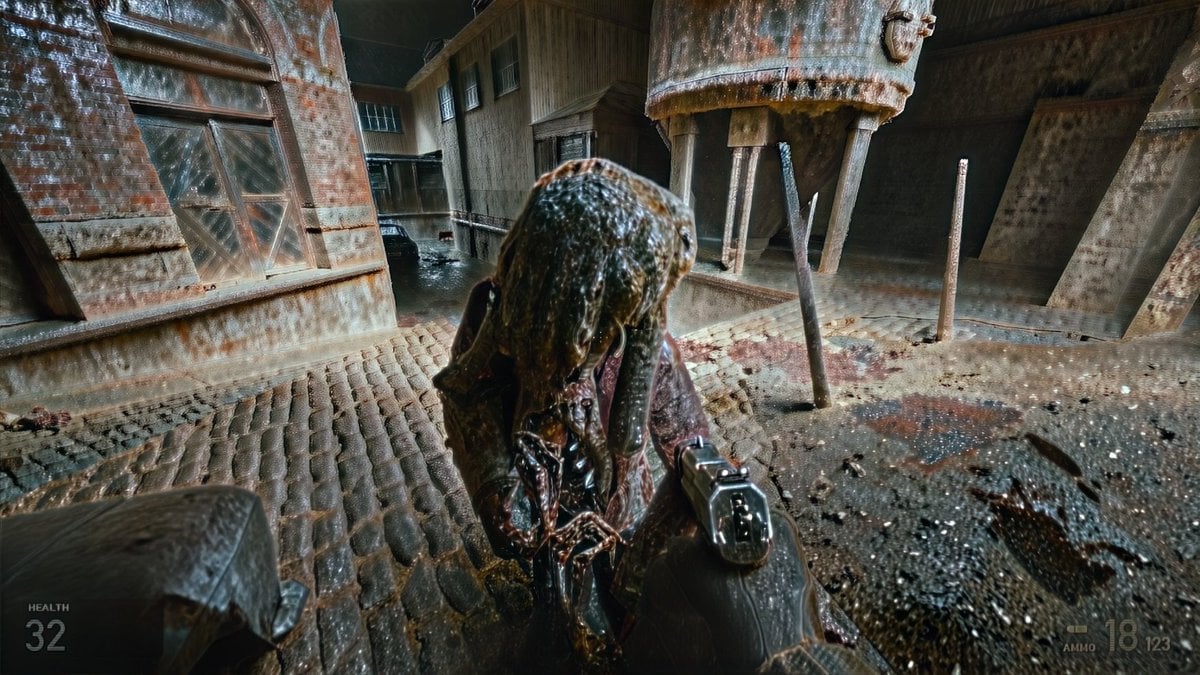
Grimy Survival Horror FPS Encounter
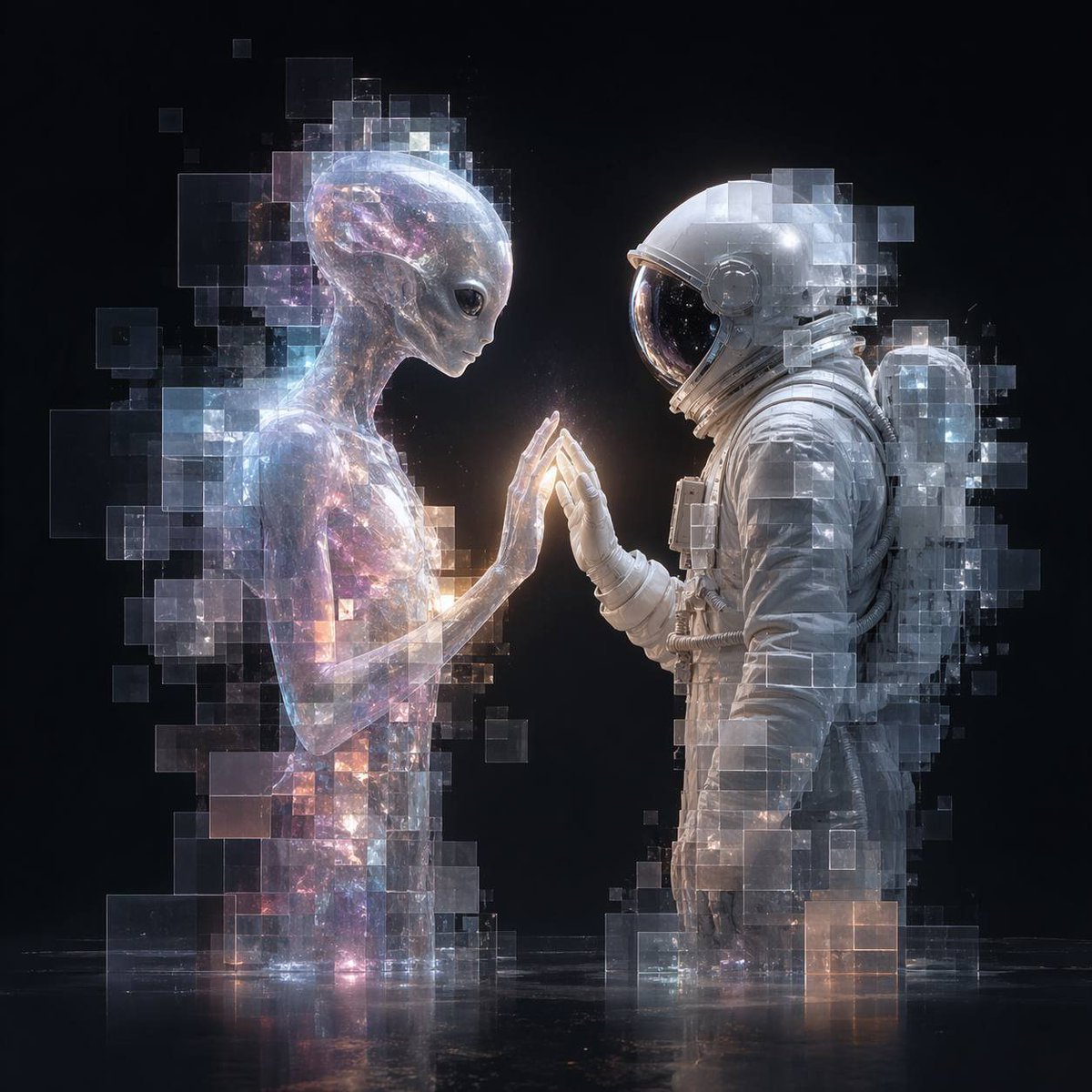
Pixel Glass Alien and Astronaut Encounter

Caution Tape Fashion — Industrial Editorial
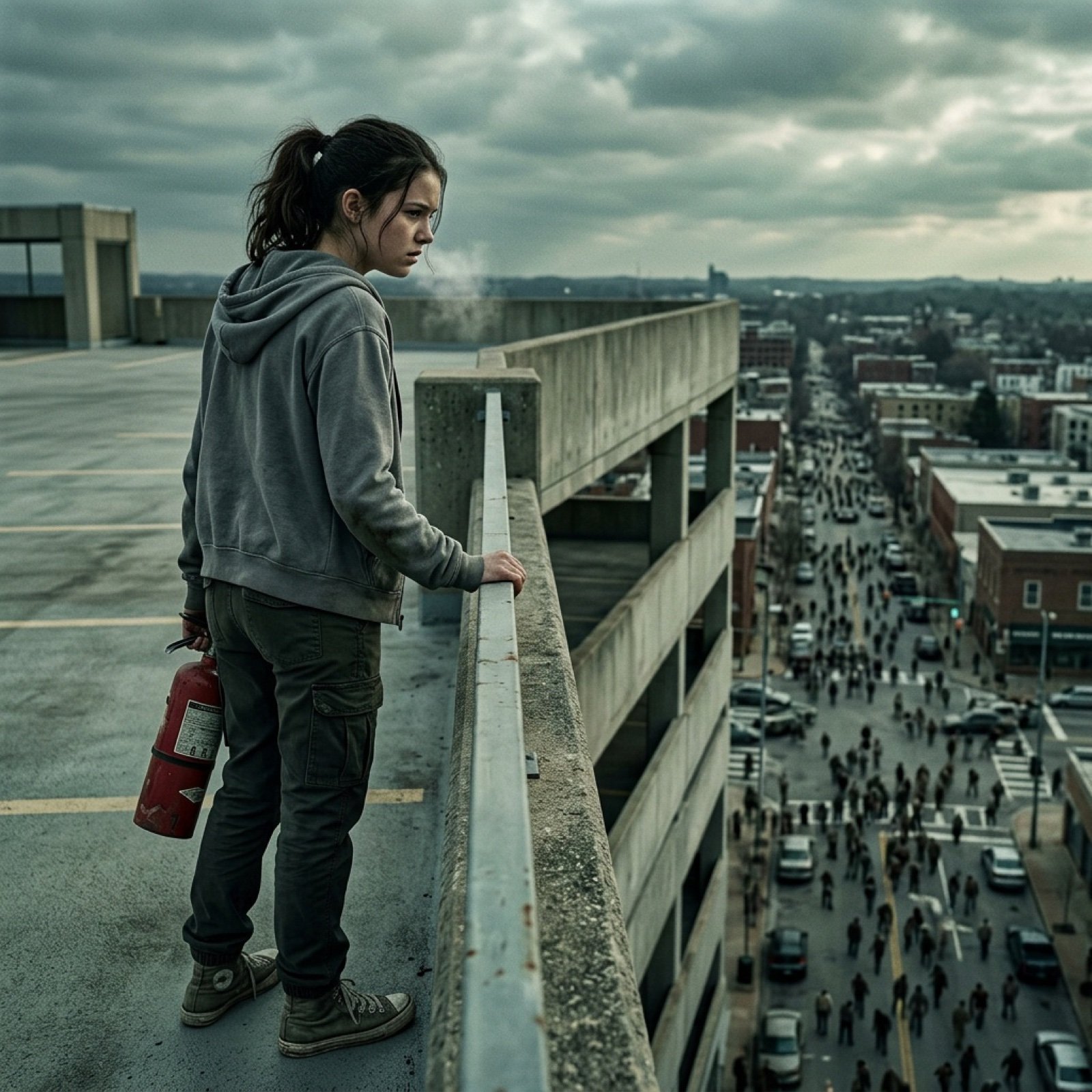
Seedance 2.0 - Zombie Girl Escapes
Seedance 2.0 - Zombie Girl Escapes
J-Horror Shibuya Station - Seedance 2.0

Horror Cinematic Portrait
Armored Bear Encounter
Dark Alien Vibration Wasteland
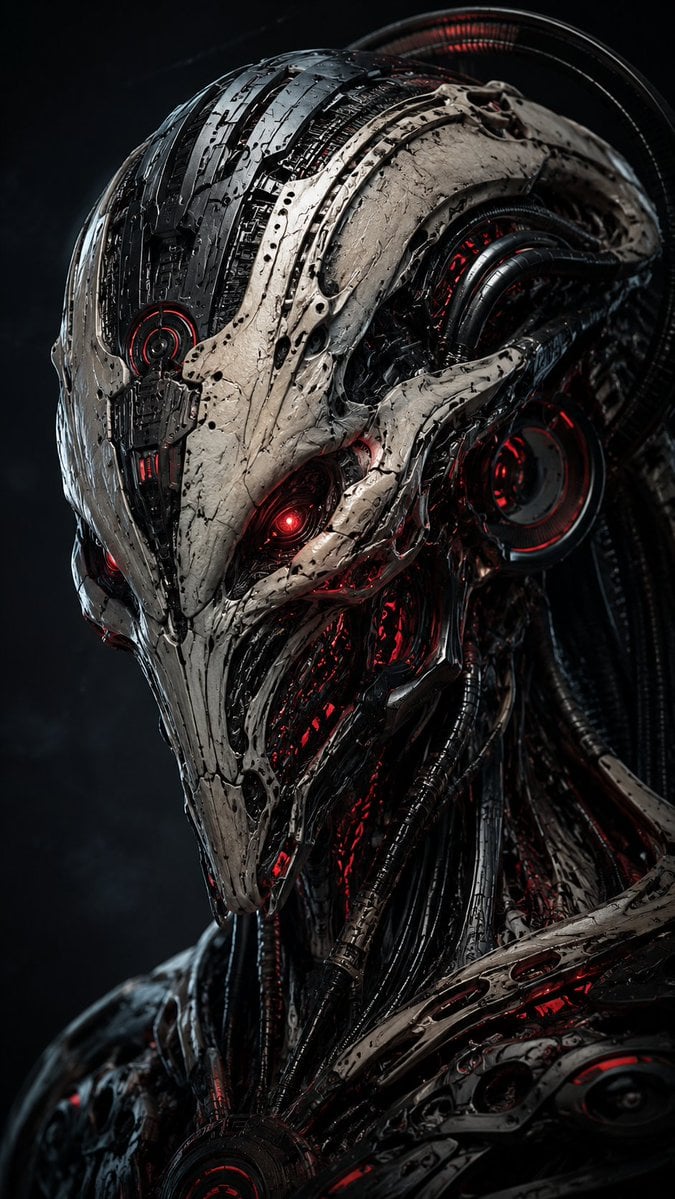
Mecha Alien at Gravity Edge
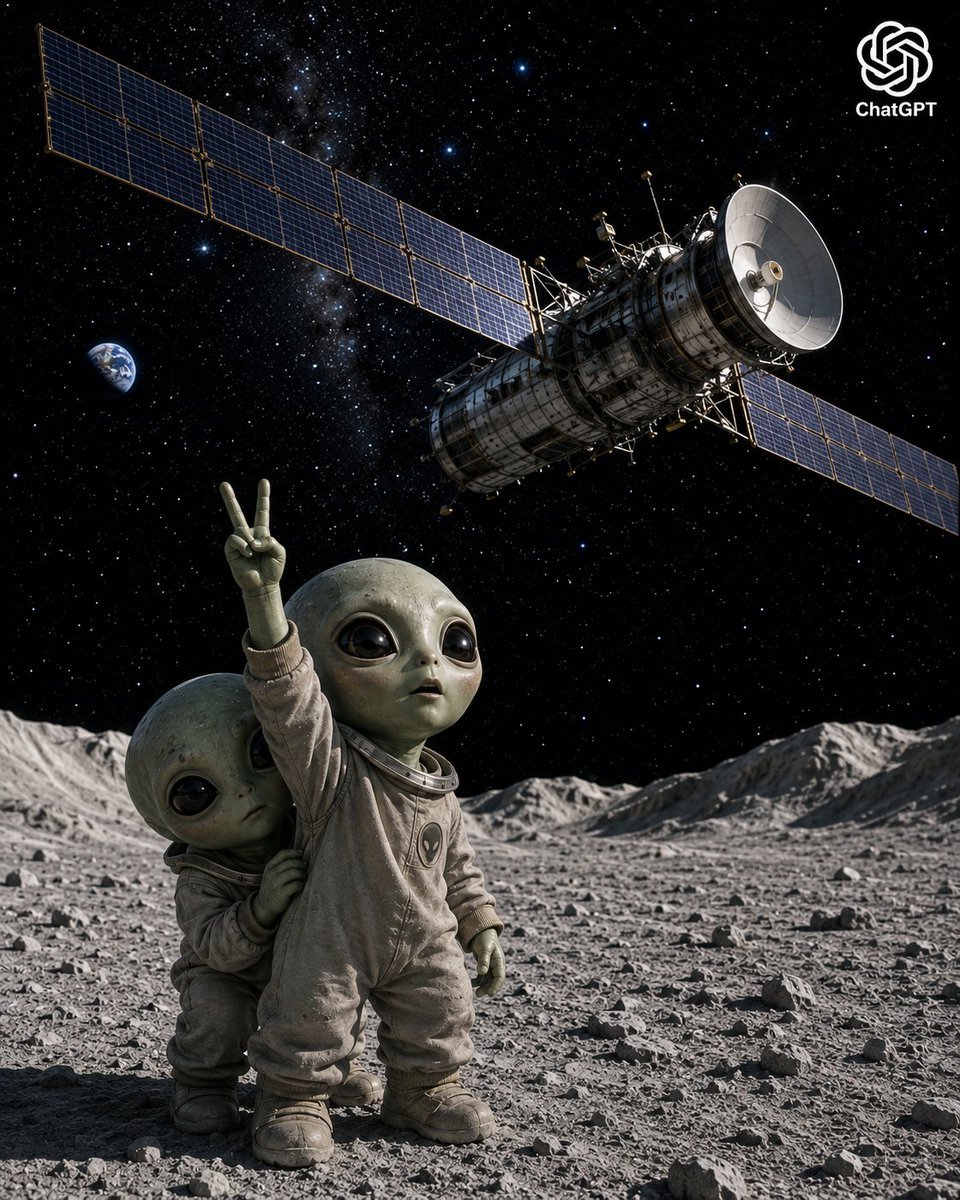
Lunar Alien Babies and Satellite
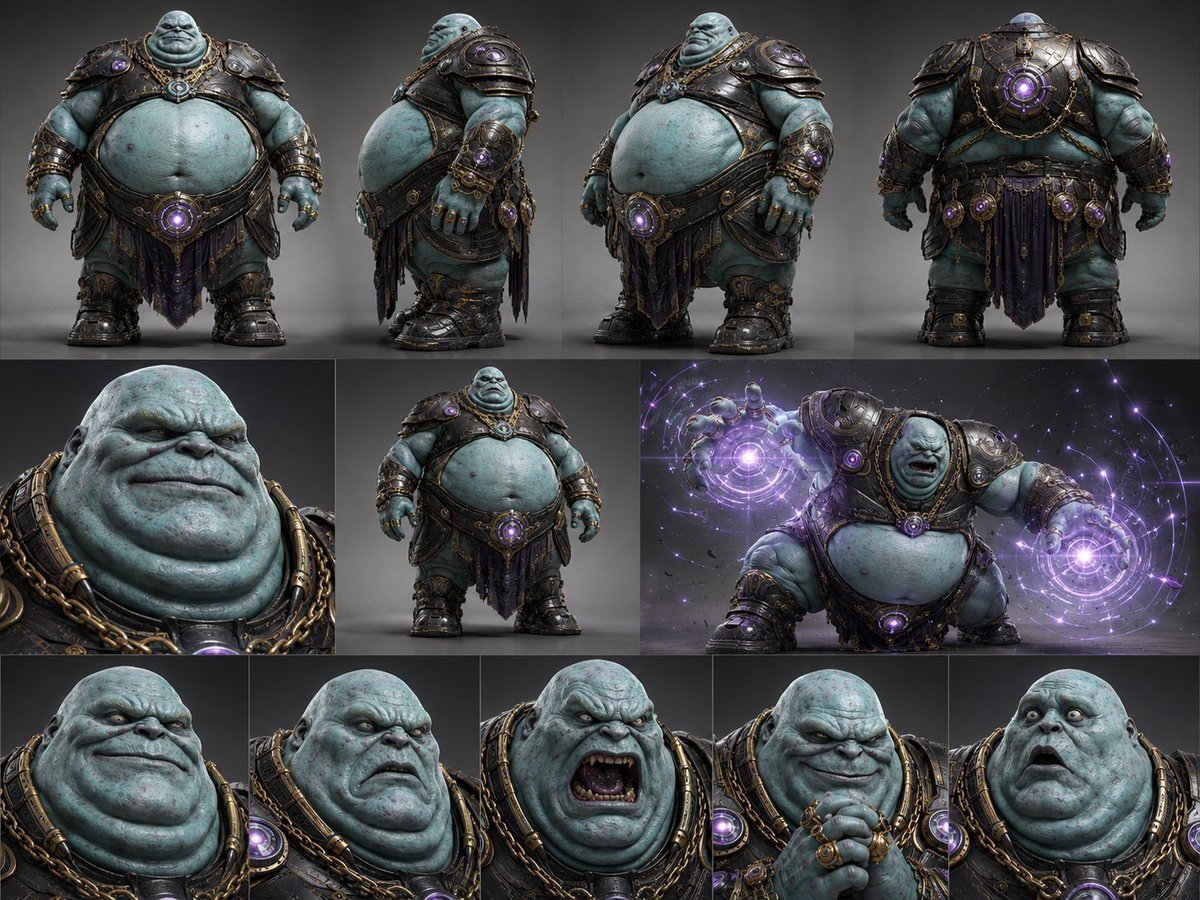
Alien Warlord Character Design Sheet
Make it yours
Industrial Alien Horror Encounter works as-is. These are the safest ways to change it without losing the look.
Change one field
Copy a single group, rewrite it, and generate again so you can see what that field is doing.
Keep the frame, change the subject
Hold the composition and light of Industrial Alien Horror Encounter, then swap wardrobe, props or the person for a new take.
| If the result… | Why | Fix |
|---|---|---|
| The result drifts from the preview | Too many fields changed at once. | Reuse Industrial Alien Horror Encounter as-is first, then change one group — subject, light, or setting. |
| The model over-stylizes the scene | The prose prompt leaves finish and camera underspecified. | Add one camera or lighting sentence and stay on GPT Image 2. |
More GPT Image 2 templates
Other prompts made for GPT Image 2.

Six VTuber Japanese Logo Sheet

Realistic Portrait of Woman and Deer

The Vista Modular Condo Poster

AI Model Routing Comparison Infographic

2.5D Anime Art Board

Isometric Productivity Desk Scene

New York Double Exposure Poster

Four-Panel AI Landscape Comparison

Japanese Tatami Lifestyle Magazine Cover

NESCAFÉ Coffee Map Poster
More image prompts
Fresh picks from across the catalog.
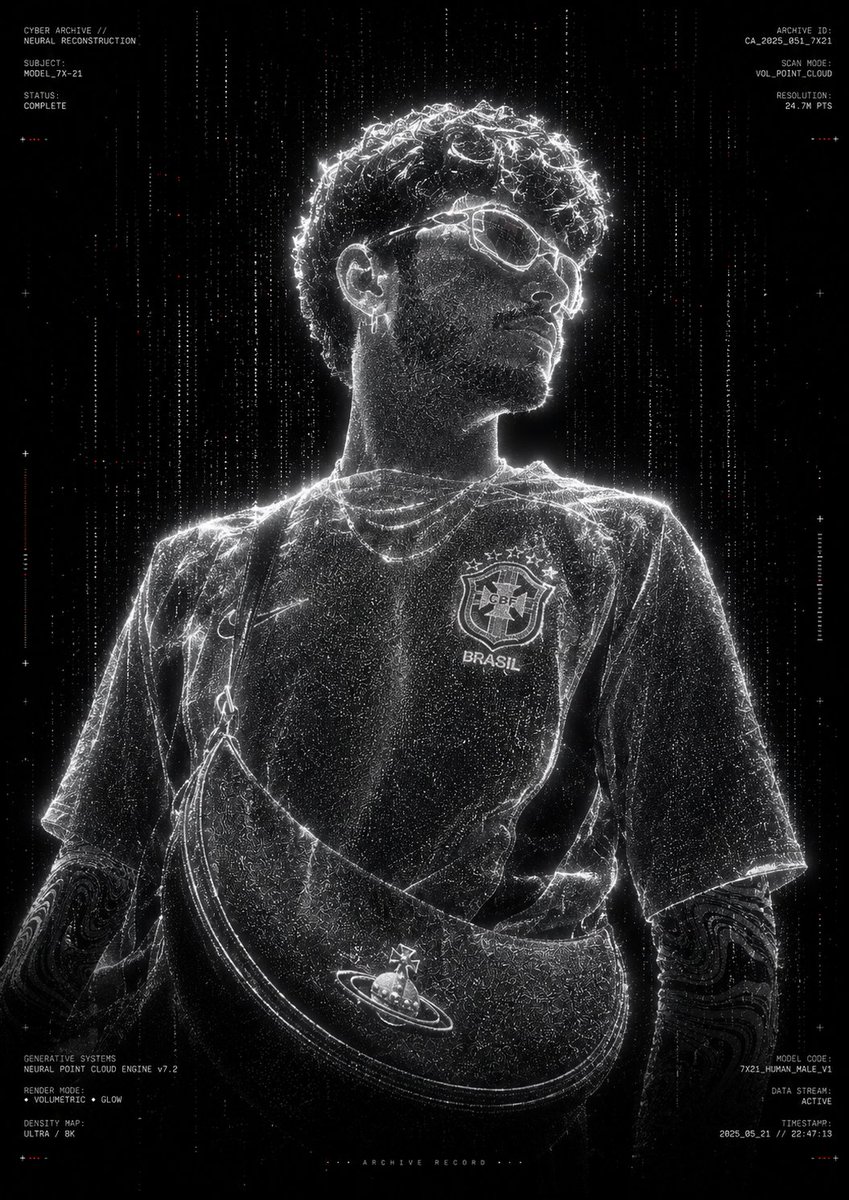
Futuristic Point Cloud Portrait
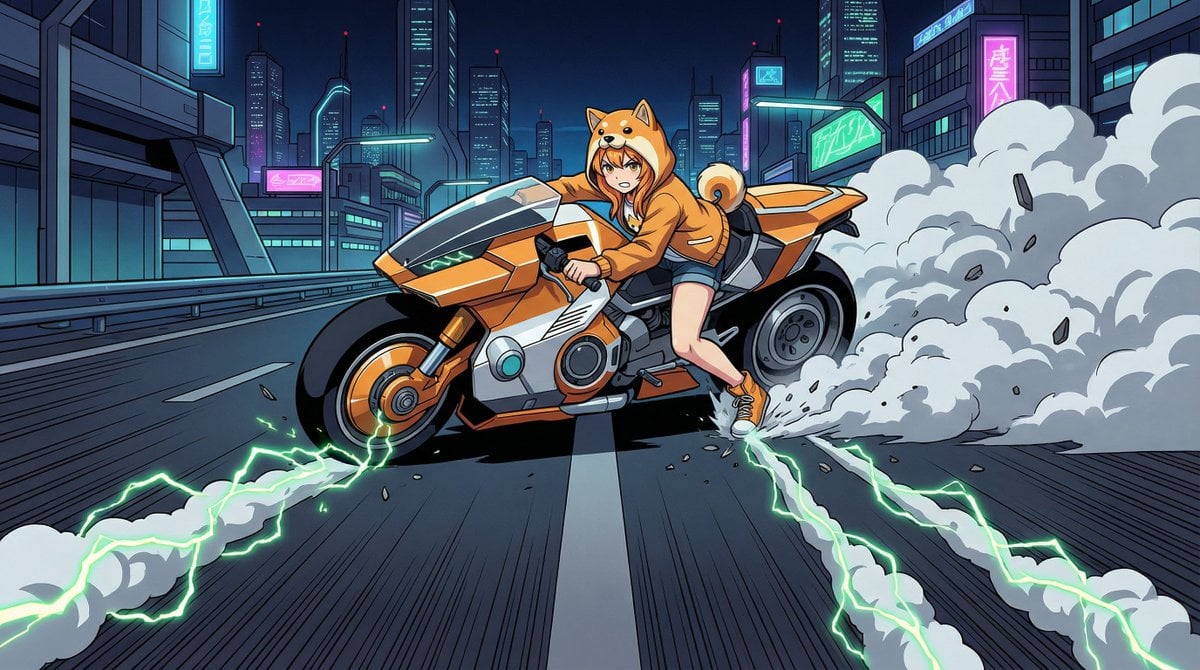
AKIRA 'Slide Brake Scene' Recreation Prompt
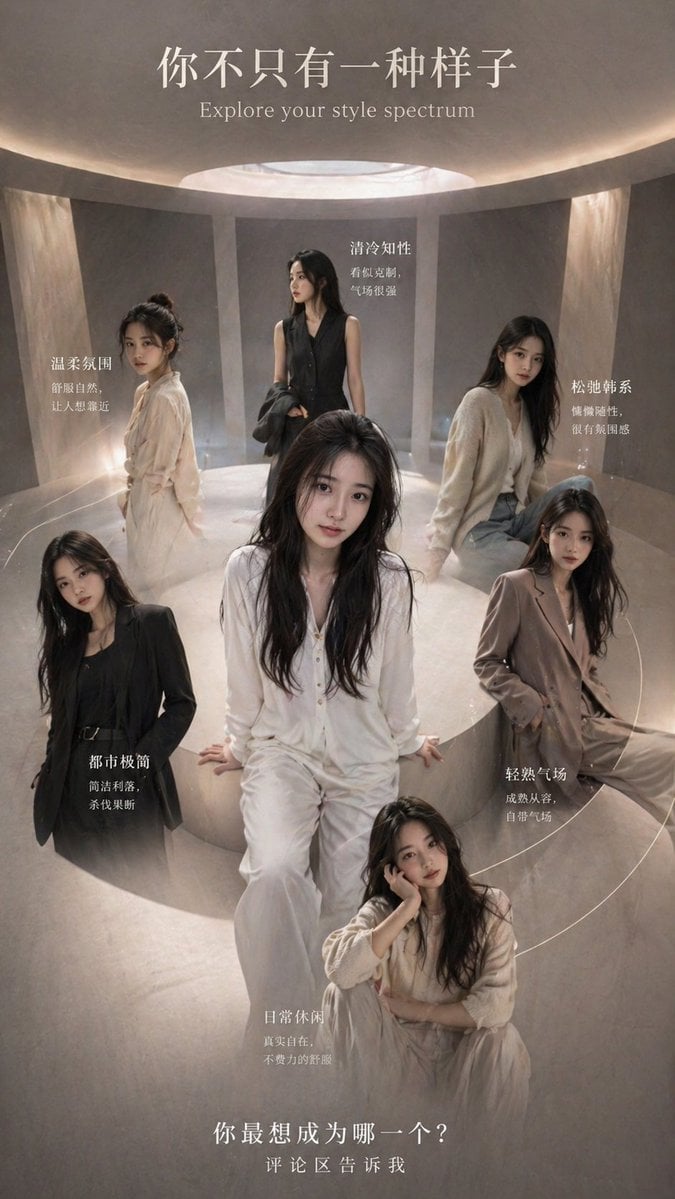
Style Spectrum Fashion Poster
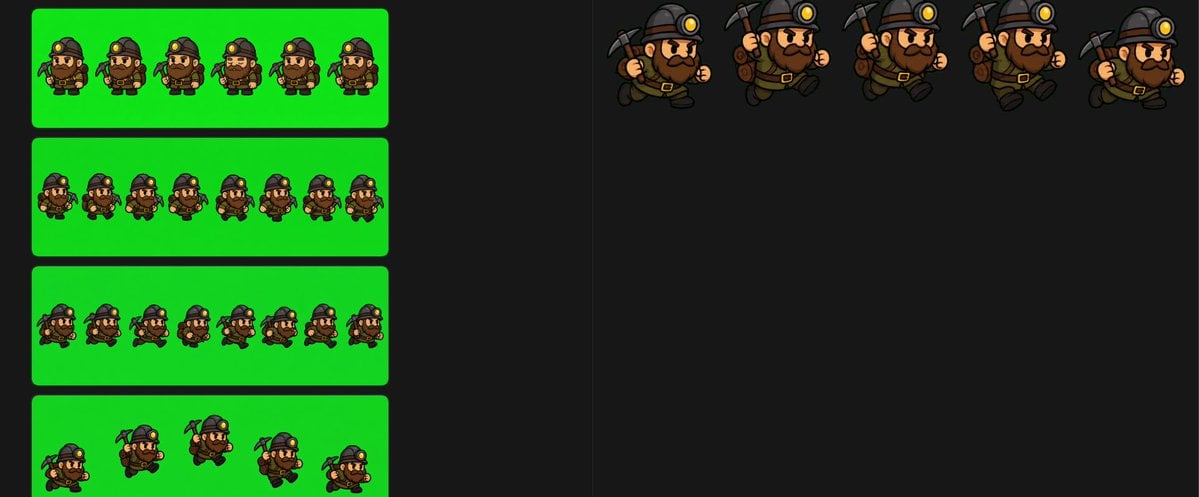
Chibi Miner Game Sprite Sheet
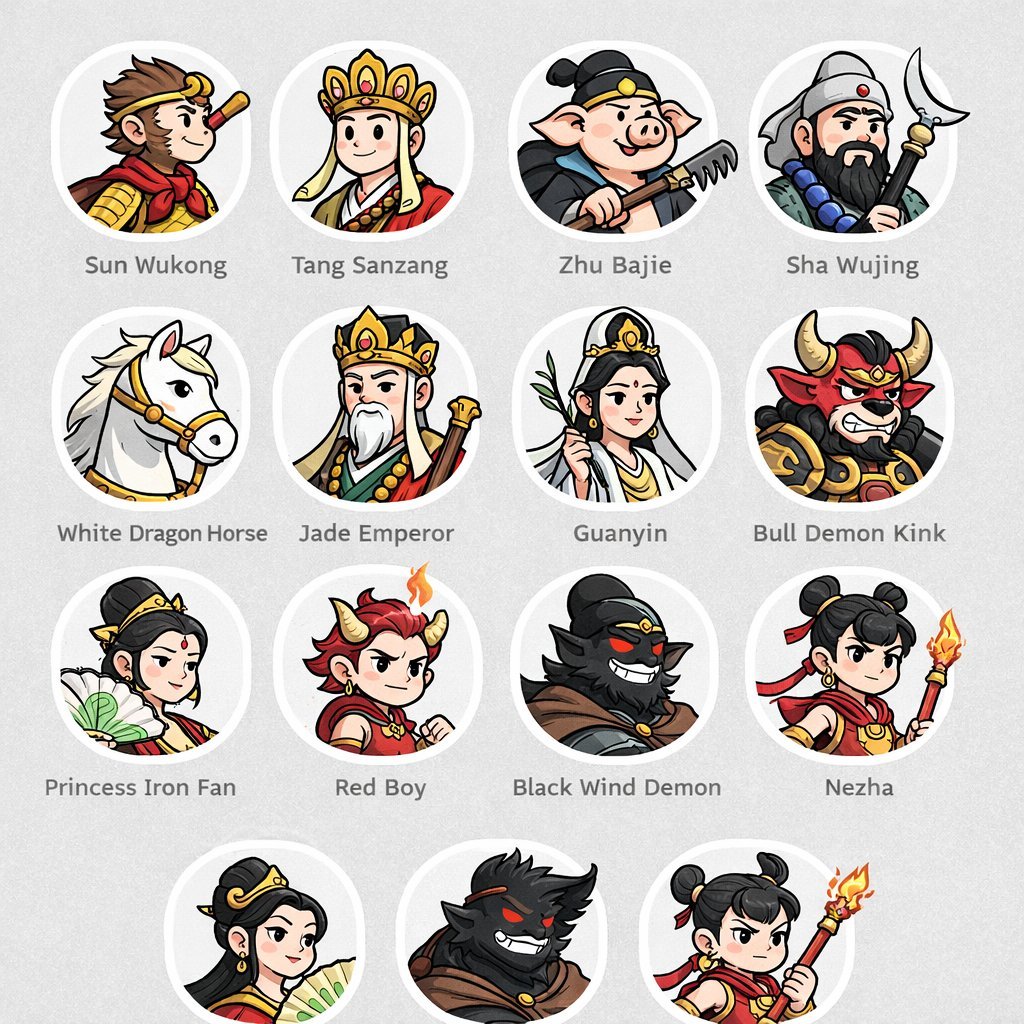
Mythological Character Avatar Grid
Pop Surreal Kawaii Cat on Roller Skates
Pakistani Street Fashion with Birds
Cozy Bedroom Selfie Prompt (Lying Prone)
High-Fashion Feather Tulle Glamour Portrait Prompt in JSON
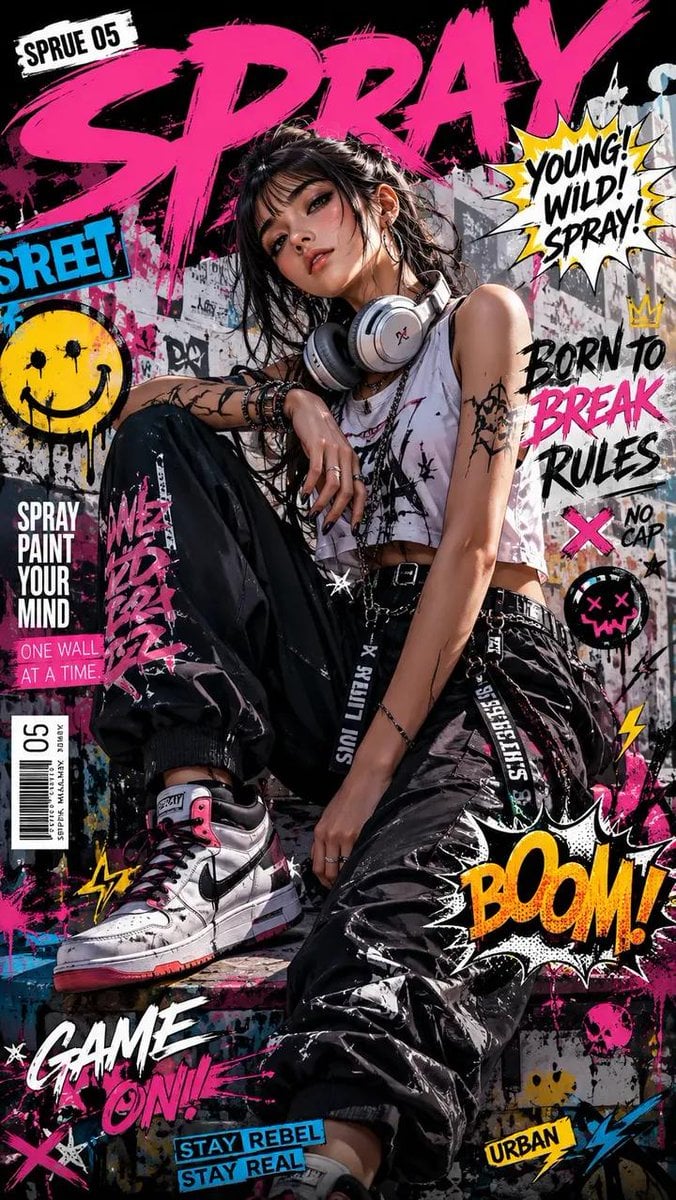
Street Art Rebel Magazine Cover
Browse template categories
Industrial Alien Horror Encounter questions
How do I use the Industrial Alien Horror Encounter template?
Add your photo if the template asks for one, edit the prompt if you like — the template's model and format are already selected — and press Generate. Your version opens in PicX Studio.
Can I customize the Industrial Alien Horror Encounter template?
Yes. You can change the subject, setting, lighting, mood, format, and available model controls before creating your image.
Is the Industrial Alien Horror Encounter template free?
Opening and editing this template is free. Generating uses credits, shown on the Generate button when you are signed in.
Which AI model should I use?
Start with GPT Image 2, which is the model associated with this template. You can compare another compatible model for a different finish.
Looking for something else? Browse all templates.

Your photo, any look
Thousands of ready templates for every top image and video model, from one credit balance.