
Chibi Miner Game Sprite Sheet
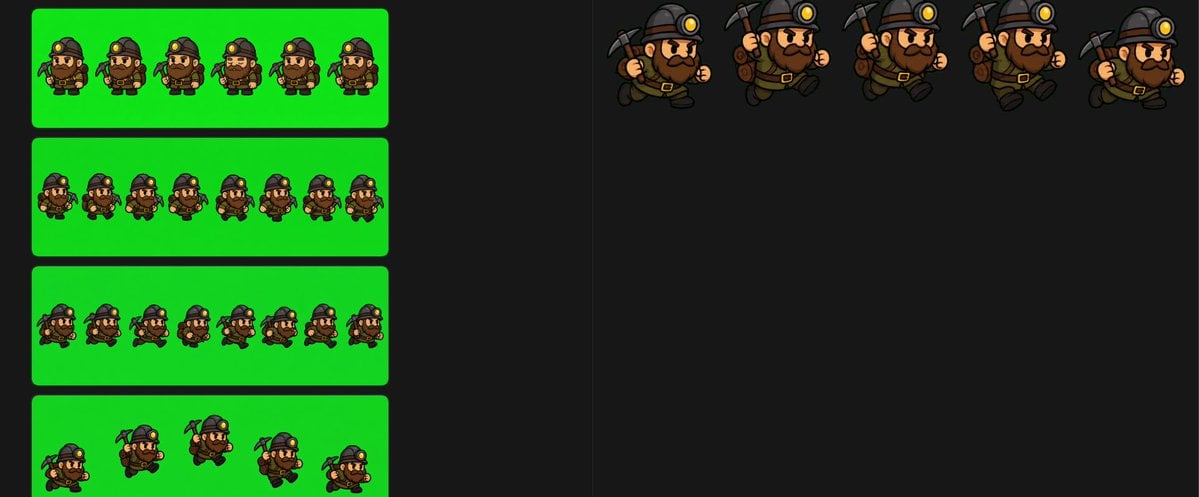
Generates a wide game-ready sprite sheet showing a chibi dwarf miner in multiple walk, turn, run, and action animation frames for 2D game development.
- Prompt included
- Model and format preset
- Free template
The prompt behind this image
Copy the exact prompt behind Chibi Miner Game Sprite Sheet, or open it in the studio and make it yours.
- Type
- 2D game sprite sheet for a chibi miner character
- Style
- cartoon pixel-art-inspired digital illustration, thick dark outlines, cel shaded, compact proportions, game-ready animation frames, transparent-feeling dark workspace with bright chroma green export panels
- Character › Role
- {argument name="character role" default="dwarf miner"}
- Character › Body
- short stocky chibi build, oversized head, small legs and arms
- Character › Face
- large nose, angry determined eyebrows, full dark brown beard and mustache
- Character › Outfit
- dark miner helmet with glowing yellow headlamp, brown backpack, belt with gold buckle, dark boots, work gloves
- Character › Tool
- {argument name="held tool" default="pickaxe"}
- Character › Main Colors
- {argument name="main color palette" default="black helmet, brown clothing, dark brown beard, gold lamp and buckle"}
- Canvas › Aspect
- wide horizontal sprite-sheet canvas
- Canvas › Background
- nearly black editor-like background with subtle vertical divider lines
- Canvas › Left Area
- four rounded rectangular bright green chroma-key panels stacked vertically
- Canvas › Right Area
- open black workspace with five larger isolated animation poses along the top
- Layout › Sections › 0 › Title
- small back-facing walk cycle strip
- Layout › Sections › 0 › Position
- upper left green panel
- Layout › Sections › 0 › Count
- 6
- Layout › Sections › 0 › Labels
- frame 1 back walk, frame 2 back walk, frame 3 back walk, frame 4 back walk, frame 5 back walk, frame 6 back walk
- Layout › Sections › 0 › Description
- six tiny rear-view frames of the miner walking, backpack centered, helmet lamp barely visible, pickaxe and arms shifting subtly
- Layout › Sections › 1 › Title
- small turn / rear-to-front strip
- Layout › Sections › 1 › Position
- second left green panel
- Layout › Sections › 1 › Count
- 8
- Layout › Sections › 1 › Labels
- frame 1 rear view, frame 2 rear view, frame 3 rear view, frame 4 rear view, frame 5 rear view, frame 6 rear view, frame 7 rear view, frame 8 front-facing idle
- Layout › Sections › 1 › Description
- eight tiny frames on green, mostly back views with the final frame turned to a front-facing miner
- Layout › Sections › 2 › Title
- small mixed direction strip
- Layout › Sections › 2 › Position
- third left green panel
Raw JSON
{"type":"2D game sprite sheet for a chibi miner character","style":"cartoon pixel-art-inspired digital illustration, thick dark outlines, cel shaded, compact proportions, game-ready animation frames, transparent-feeling dark workspace with bright chroma green export panels","character":{"role":"{argument name=\"character role\" default=\"dwarf miner\"}","body":"short stocky chibi build, oversized head, small legs and arms","face":"large nose, angry determined eyebrows, full dark brown beard and mustache","outfit":"dark miner helmet with glowing yellow headlamp, brown backpack, belt with gold buckle, dark boots, work gloves","tool":"{argument name=\"held tool\" default=\"pickaxe\"}","main colors":"{argument name=\"main color palette\" default=\"black helmet, brown clothing, dark brown beard, gold lamp and buckle\"}"},"canvas":{"aspect":"wide horizontal sprite-sheet canvas","background":"nearly black editor-like background with subtle vertical divider lines","left area":"four rounded rectangular bright green chroma-key panels stacked vertically","right area":"open black workspace with five larger isolated animation poses along the top"},"layout":{"sections":[{"title":"small back-facing walk cycle strip","position":"upper left green panel","count":6,"labels":["frame 1 back walk","frame 2 back walk","frame 3 back walk","frame 4 back walk","frame 5 back walk","frame 6 back walk"],"description":"six tiny rear-view frames of the miner walking, backpack centered, helmet lamp barely visible, pickaxe and arms shifting subtly"},{"title":"small turn / rear-to-front strip","position":"second left green panel","count":8,"labels":["frame 1 rear view","frame 2 rear view","frame 3 rear view","frame 4 rear view","frame 5 rear view","frame 6 rear view","frame 7 rear view","frame 8 front-facing idle"],"description":"eight tiny frames on green, mostly back views with the final frame turned to a front-facing miner"},{"title":"small mixed direction strip","position":"third left green panel","count":8,"labels":["frame 1 front-left miner","frame 2 back view","frame 3 back view","frame 4 front view","frame 5 back view","frame 6 front-left crouch","frame 7 back view","frame 8 back view"],"description":"eight tiny frames alternating between rear-facing backpack views and front/three-quarter miner views"},{"title":"small action strip","position":"bottom left green panel","count":5,"labels":["frame 1 crouched front-left","frame 2 rear with raised pickaxe","frame 3 running rear three-quarter","frame 4 rear running","frame 5 crouched side"],"description":"five tiny action poses, including crouching and running, with the pickaxe raised or trailing"},{"title":"large running poses","position":"top right on black background","count":5,"labels":["large frame 1 side run with pickaxe behind","large frame 2 side run holding pickaxe upright","large frame 3 side run holding pickaxe upright","large frame 4 side run holding pickaxe upright","large frame 5 side run with backpack and pickaxe behind"],"description":"five larger clean character sprites arranged horizontally, all facing right, showing a running cycle with swinging arms, stomping boots, backpack bounce, and pickaxe movement"}],"composition":"leave large empty black space below the top-right large sprites, keep sprite frames evenly spaced, preserve consistent scale within each strip, use crisp outlines and readable silhouettes for game animation extraction"},"rendering":"high contrast, no text labels visible in the image, no UI buttons, no watermark, clean sprite-sheet presentation, bright green panels suitable for chroma keying"}How to use Chibi Miner Game Sprite Sheet in 3 steps
- 1Upload ImagePNG, JPG or paste
Add your photo
Upload the photo the template builds on. The prompt, model and format are already set.
- 2…a portrait of your subject in softgolden-hour light, 85mm…
Personalize
Edit the subject and creative details for your destination.
- 3Generate
Generate
Press Generate — your image is created in PicX Studio, so you can compare it with the original and refine one variable at a time.
More like this
Templates with the same subject, style or setup. Open one to see its prompt.
Chibi Mascot Fighting Sprite Sheet
Chibi Desktop Pet Sprite Sheet
3D Chibi Sprite Sheet Generator

Character Battle Motion Sprite Sheet

Cartoon Character GIF Sprite Sheet

Chibi Anime Ninja Sticker Sheet

Halloween Nun Chibi Character Sheet

Cute Layered Paper Cut Chibi Girl
Puffy Chibi Sticker Sheet
Kawaii Chibi Sticker Sheet

Pixar-Style Chibi Café Morning Scene

Minimalist Corporate Portrait Sprite Sheet
Make it yours
Chibi Miner Game Sprite Sheet works as-is. These are the safest ways to change it without losing the look.
Swap the setting
Keep the rest of the prompt and replace the location block. The current setting is “nearly black editor-like background with subtle vertical divider lines”.
Change one field
Copy a single group, rewrite it, and generate again so you can see what that field is doing.
Keep the frame, change the subject
Hold the composition and light of Chibi Miner Game Sprite Sheet, then swap wardrobe, props or the person for a new take.
| If the result… | Why | Fix |
|---|---|---|
| The result drifts from the preview | Too many fields changed at once. | Reuse Chibi Miner Game Sprite Sheet as-is first, then change one group — subject, light, or setting. |
| GPT Image 2 ignores part of the JSON | Some models flatten or skip nested keys. | Keep the same values and paste them as a short paragraph instead. |
More GPT Image 2 templates
Other prompts made for GPT Image 2.

Six VTuber Japanese Logo Sheet

Realistic Portrait of Woman and Deer

The Vista Modular Condo Poster

AI Model Routing Comparison Infographic

2.5D Anime Art Board

Isometric Productivity Desk Scene

New York Double Exposure Poster

Four-Panel AI Landscape Comparison

Japanese Tatami Lifestyle Magazine Cover

NESCAFÉ Coffee Map Poster
More image prompts
Fresh picks from across the catalog.
Surreal Giant Clog Advertisement
Street Style Fashion Photography Prompt
Neon Kyoto Rain Alley
Cinematic Stylized Medieval Village Festival Scene
Monochrome rom-com manga page from an illustration
Educational Infographic Generator
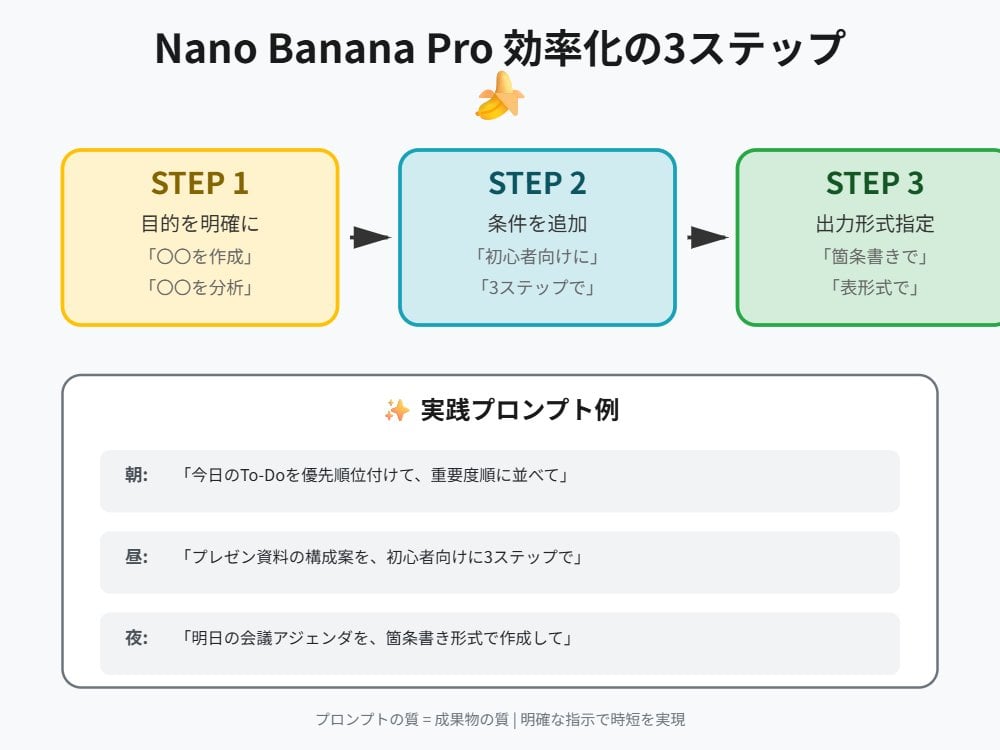
Tip for Using Nano Banana Pro: Adding Examples for Better Understanding

Moody Nightlife Portrait JSON Prompt for Nano Banana Pro

Isometric Landmark Generation Using Nano
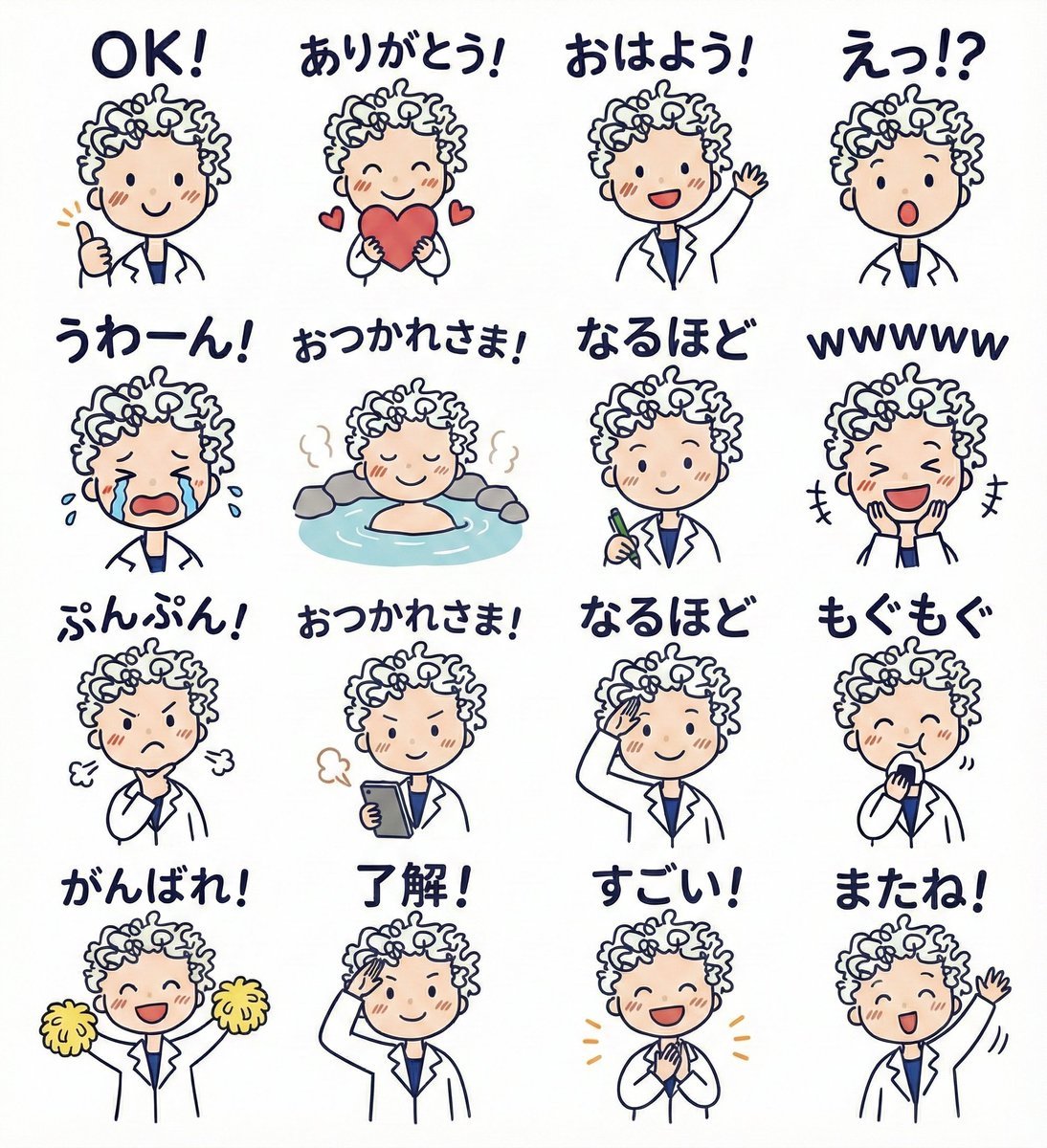
LINE sticker set from an attached illustration
Browse template categories
Chibi Miner Game Sprite Sheet questions
How do I use the Chibi Miner Game Sprite Sheet template?
Add your photo if the template asks for one, edit the prompt if you like — the template's model and format are already selected — and press Generate. Your version opens in PicX Studio.
Can I customize the Chibi Miner Game Sprite Sheet template?
Yes. You can change the subject, setting, lighting, mood, format, and available model controls before creating your image.
Is the Chibi Miner Game Sprite Sheet template free?
Opening and editing this template is free. Generating uses credits, shown on the Generate button when you are signed in.
Which AI model should I use?
Start with GPT Image 2, which is the model associated with this template. You can compare another compatible model for a different finish.
Looking for something else? Browse all templates.

Your photo, any look
Thousands of ready templates for every top image and video model, from one credit balance.