
Pixar-Style Chibi Café Morning Scene
Pixar-Style Chibi Café Morning Scene

- Prompt included
- Model and format preset
- Premium template
The prompt behind this image
Copy the exact prompt behind Pixar-Style Chibi Café Morning Scene, or open it in the studio and make it yours.
Transform a person into a cute 3D Pixar/Disney-inspired chibi character with warm cheerful smile, happily waving. Heartwarming cozy morning in an outdoor café garden during golden sunrise. Giant cream ceramic coffee mug on rustic wooden table, character beside the mug leaning on the handle. Swirling magical steam rises forming handwritten GoodMorning. Table decorated with buttery croissants, cookies, scattered roasted coffee beans, small wooden spoon. Tiny butterflies, floating sparkles, glowing dust particles, soft bokeh, warm sun rays through lush green plants and flowers. Ultra-detailed 3D CGI, Pixar-quality animation style, cinematic composition, soft global illumination, warm golden lighting, realistic textures, shallow depth of field, vibrant colors, premium rendering, 8K, cozy, elegant, uplifting.
How to use Pixar-Style Chibi Café Morning Scene in 3 steps
- 1
Open
The prompt is already in the box next to the preview, with the template's model and format selected.
- 2…a portrait of your subject in softgolden-hour light, 85mm…
Personalize
Edit the subject and creative details for your destination.
- 3Generate
Generate
Press Generate — your image is created in PicX Studio, so you can compare it with the original and refine one variable at a time.
More like this
Templates with the same subject, style or setup. Open one to see its prompt.
Pixar-Style Chibi Café Morning Scene

CGI 3D Cafe Morning

Japanese Café Sketch Duo Illustration

Delicate Japanese Café Lifestyle Illustration

Cozy Café Ice Cream Hands Close-Up

Watercolor Café Cheesecake Editorial Illustration

Rainy Café Window Moody Portrait

Christmas Ornament Portrait Glossy Glass Resin Finish with Hand Painted Details Holiday Lighting

Firefly Pixar Spill — Nano Banana Pro

Nano Banana Pro Pink Office Chibi

Pixar Style Chibi Figurine Creator

Cute Layered Paper Cut Chibi Girl
Make it yours
Pixar-Style Chibi Café Morning Scene works as-is. These are the safest ways to change it without losing the look.
Change one field
Copy a single group, rewrite it, and generate again so you can see what that field is doing.
Keep the frame, change the subject
Hold the composition and light of Pixar-Style Chibi Café Morning Scene, then swap wardrobe, props or the person for a new take.
| If the result… | Why | Fix |
|---|---|---|
| The result drifts from the preview | Too many fields changed at once. | Reuse Pixar-Style Chibi Café Morning Scene as-is first, then change one group — subject, light, or setting. |
| The model over-stylizes the scene | The prose prompt leaves finish and camera underspecified. | Add one camera or lighting sentence and stay on PicX Studio. |
More image prompts
Fresh picks from across the catalog.
untitled
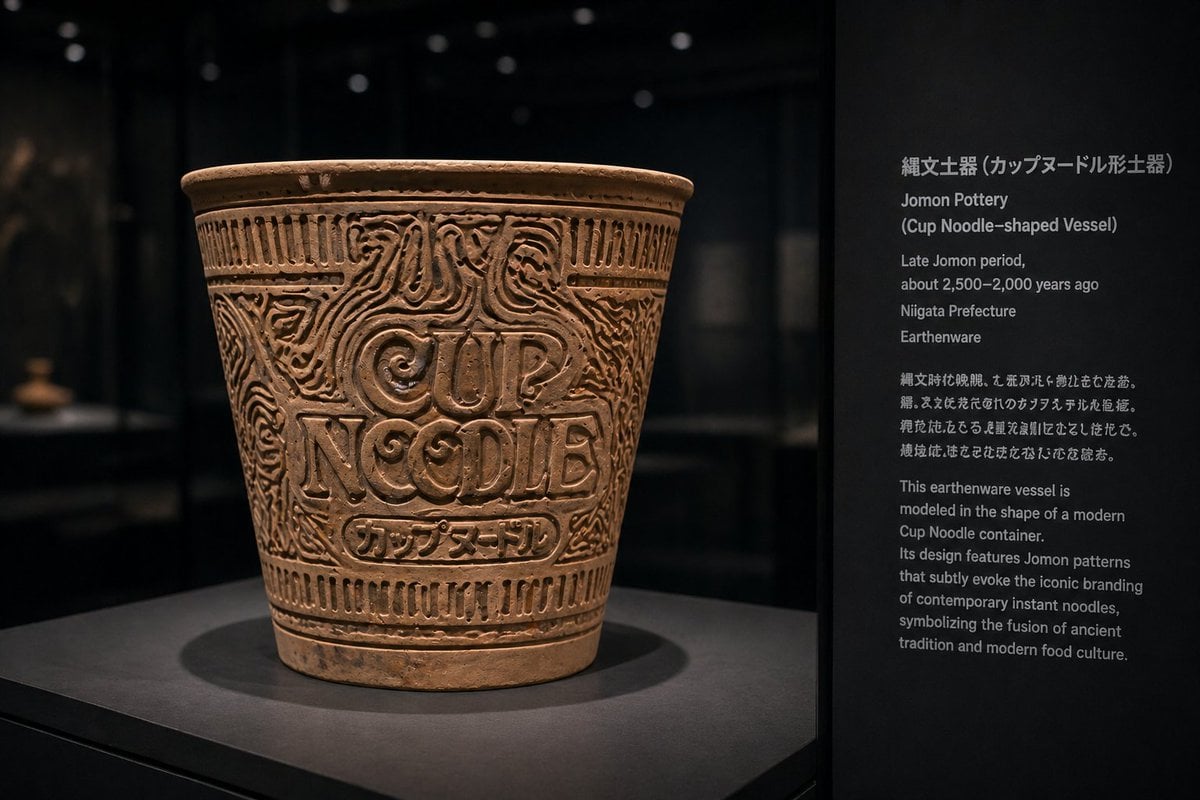
Jomon Pottery Museum Exhibit Mashup

untitled

Cozy Bedroom Selfie Portrait with Glasses

High-Resolution 2.5D Illustration Prompt for Winged Space Battleship
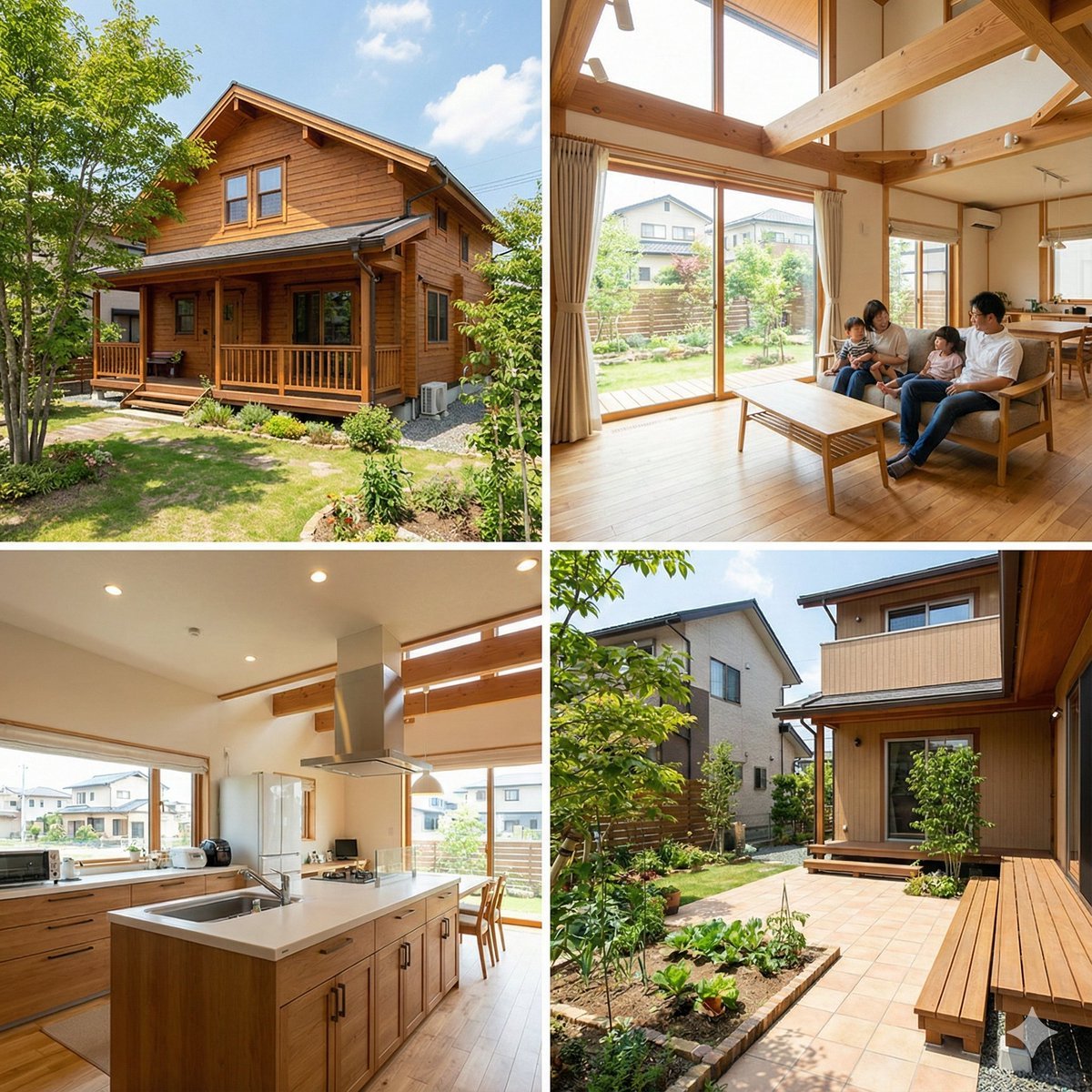
Generating Real Estate Flyers with Nano Banana Pro
Dramatic Black and White Wet Portrait Prompt

Cyberpunk Tech Visual Storyboard for Mac Mini Branding
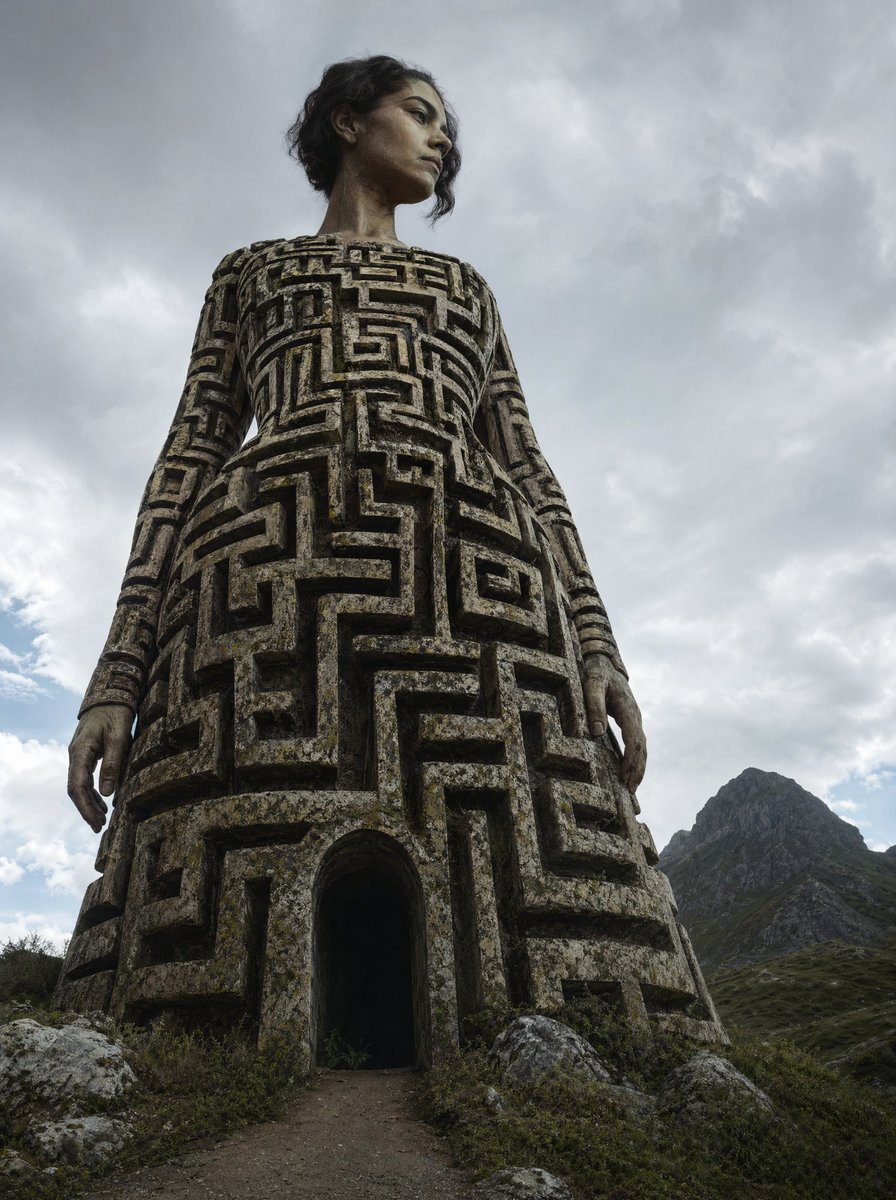
Colossal Labyrinth Woman Monument
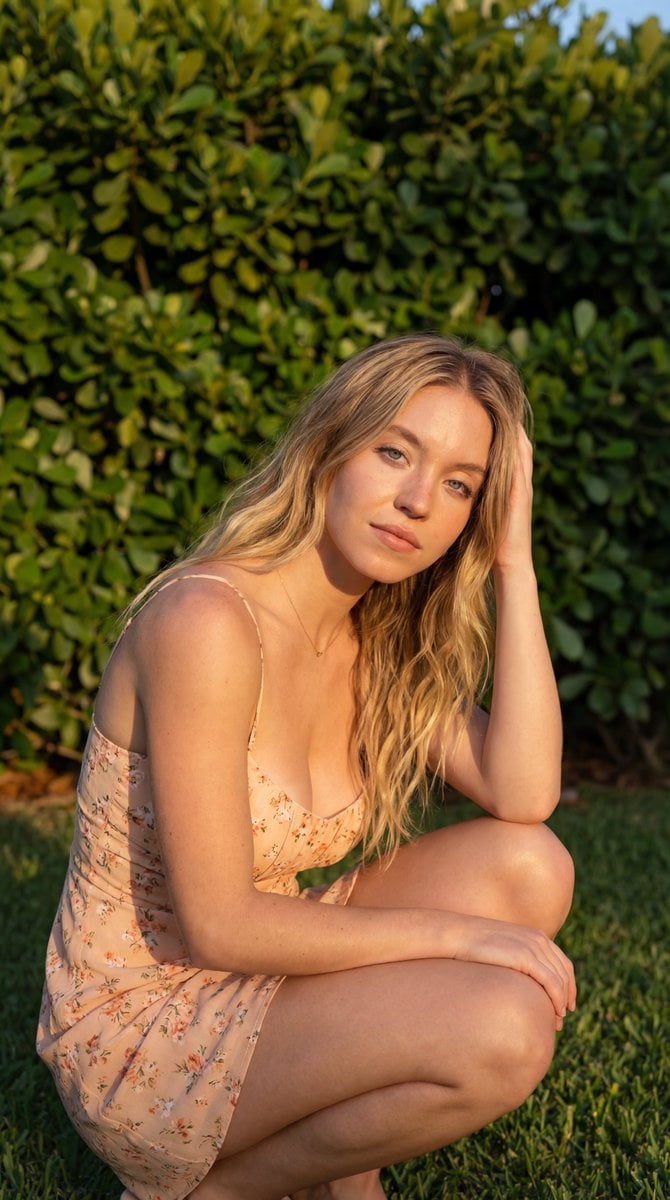
Golden Hour Outdoor Portrait
Browse template categories
Pixar-Style Chibi Café Morning Scene questions
How do I use the Pixar-Style Chibi Café Morning Scene template?
Add your photo if the template asks for one, edit the prompt if you like — the template's model and format are already selected — and press Generate. Your version opens in PicX Studio.
Can I customize the Pixar-Style Chibi Café Morning Scene template?
Yes. You can change the subject, setting, lighting, mood, format, and available model controls before creating your image.
Is the Pixar-Style Chibi Café Morning Scene template free?
Opening and editing this template is free. Generating uses credits, shown on the Generate button when you are signed in.
Which AI model should I use?
Choose a compatible model in PicX Studio based on the style, speed, and output controls your project needs.
Looking for something else? Browse all templates.

Your photo, any look
Thousands of ready templates for every top image and video model, from one credit balance.