
Pixar Style Chibi Figurine Creator
Generates a premium studio campaign portrait of a real person standing next to a collectible 3D chibi figurine of themselves.
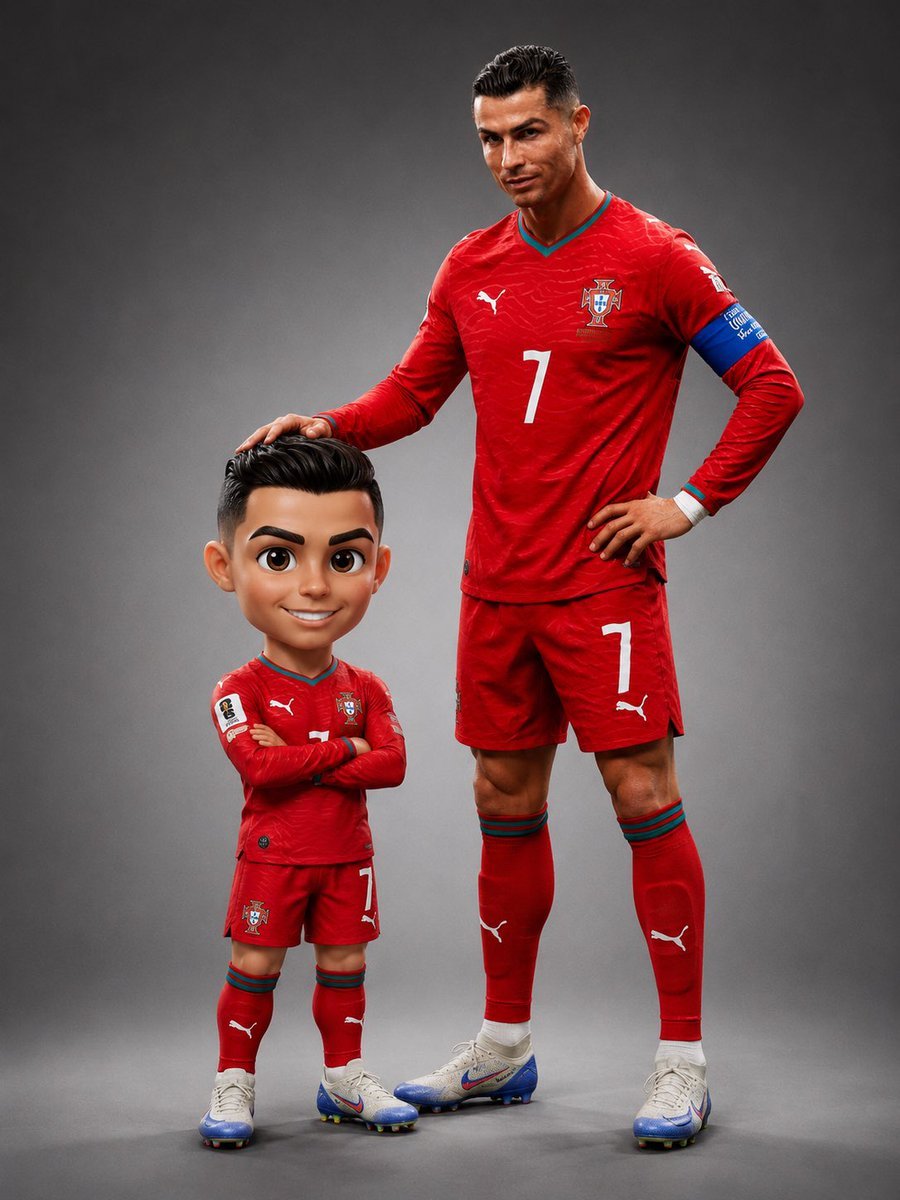
- Prompt included
- Model and format preset
- Premium template
The prompt behind this image
Copy the exact prompt behind Pixar Style Chibi Figurine Creator, or open it in the studio and make it yours.
Create a premium studio campaign portrait featuring the uploaded person standing beside a collectible {argument name="figurine style" default="Pixar-style chibi figurine"} version of themselves. FORMAT LOCK Vertical 4:5 composition. Full-body view. Both subjects fully visible from head to toe. Premium magazine-cover quality. Clean centered studio composition. IDENTITY LOCK Use the uploaded image as the only identity reference. Preserve exact facial structure, facial proportions, hairstyle, hair color, skin tone, expression, body proportions, clothing, accessories, jewelry, watch, shoes, and recognizable identity traits. The real person and the figurine must clearly represent the same individual. STUDIO ENVIRONMENT Medium {argument name="backdrop color" default="neutral grey"} seamless backdrop with a subtle radial gradient, slightly brighter behind the subjects and darker toward the edges. Professional photography studio setup. Clean floor. No props. No distractions. LIGHTING {argument name="lighting style" default="Large softbox key light"} from upper-left. Gentle warm fill light from the right. Subtle rim light from behind. Soft premium studio shadows. Natural skin rendering. Both subjects must share identical lighting direction and shadow behavior. REAL PERSON Standing on the right side of the frame. Full height visible. Three-quarter stance toward camera. Relaxed confident pose. Weight on the back leg. Direct eye contact with the camera. Exact outfit and appearance from the reference image. CHIBI FIGURINE Standing on the left side, slightly in front of the real person. Height reaches approximately the real person's chest level (about 60% of their height). Balanced Pixar-style proportions. Head approximately 30% of total figure height. Body approximately 70% of total figure height. Full visible torso, arms, legs, and feet. Not a bobblehead. Not a Funko Pop. Not oversized head proportions. Facial design should be a highly recognizable Pixar-style interpretation of the real person. Large expressive eyes with detailed irises and bright catchlights. Sculpted hairstyle matching the reference. Soft rounded cheeks. Warm friendly smile. Premium collectible figure quality. WARDROBE MATCH The figurine wears the exact same outfit, shoes, accessories, jewelry, watch, colors, patterns, and styling as the real person, adapted naturally to chibi proportions. INTERACTION The real person's right arm rests naturally on top of the figurine's head. Palm touching the hair. Relaxed elbow position. Comfortable natural interaction. Both subjects appear photographed together in the same studio at the same moment. OUTPUT STYLE Premium studio campaign photography. Photoreal human subject. High-end Pixar/Disney-style collectible figurine. Luxury advertising aesthetic. Realistic shadows. Seamless integration. Ultra-detailed materials. 8K quality. Fine film grain. NEGATIVE PROMPT Avoid bobblehead proportions. Avoid Funko Pop style. Avoid giant floating head. Avoid childlike
How to use Pixar Style Chibi Figurine Creator in 3 steps
- 1Upload ImagePNG, JPG or paste
Add your photo
Upload the photo the template builds on. The prompt, model and format are already set.
- 2…a portrait of your subject in softgolden-hour light, 85mm…
Personalize
Edit the subject and creative details for your destination.
- 3Generate
Generate
Press Generate — your image is created in PicX Studio, so you can compare it with the original and refine one variable at a time.
More like this
Templates with the same subject, style or setup. Open one to see its prompt.

Felt & Knit 3D Character — Photo-Exact Face, Pixar-Quality Plush Figurine

Pixar-Style Chibi Café Morning Scene
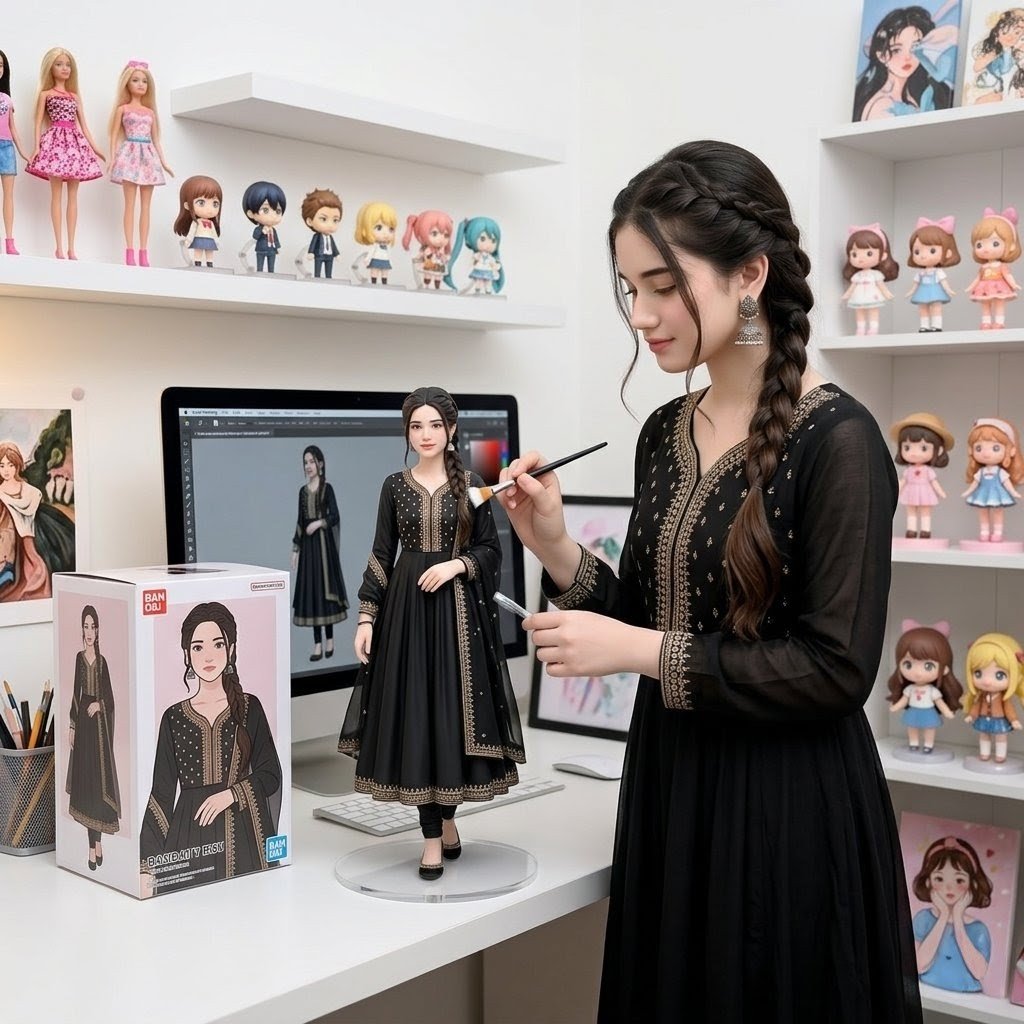
Custom Figurine on Creator Desk

Cute Layered Paper Cut Chibi Girl
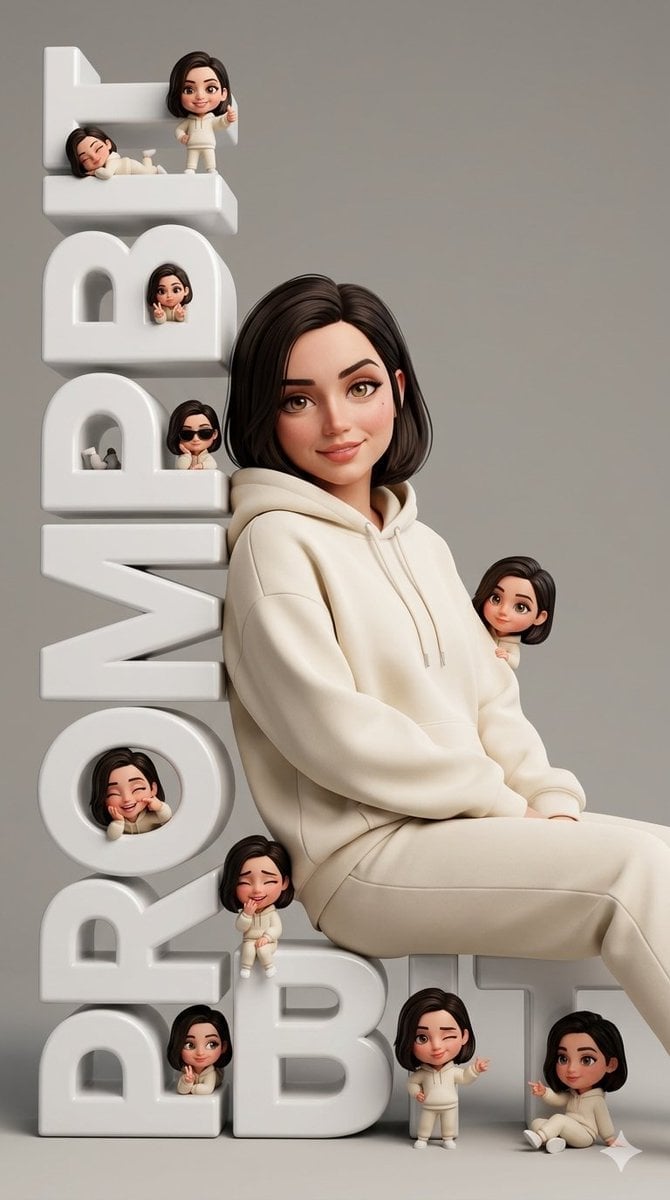
Chibi Pixar-Style Studio Composition

CGI 3D Finale Fireworks

CGI 3D Garden Maze

CGI 3D Rooftop Concert

CGI 3D Bicycle Coast

CGI 3D Castle Gate

CGI 3D Kitchen Chaos

CGI 3D Carnival Ride
Make it yours
Pixar Style Chibi Figurine Creator works as-is. These are the safest ways to change it without losing the look.
Change one field
Copy a single group, rewrite it, and generate again so you can see what that field is doing.
Keep the frame, change the subject
Hold the composition and light of Pixar Style Chibi Figurine Creator, then swap wardrobe, props or the person for a new take.
| If the result… | Why | Fix |
|---|---|---|
| The result drifts from the preview | Too many fields changed at once. | Reuse Pixar Style Chibi Figurine Creator as-is first, then change one group — subject, light, or setting. |
| The model over-stylizes the scene | The prose prompt leaves finish and camera underspecified. | Add one camera or lighting sentence and stay on GPT Image 2. |
More GPT Image 2 templates
Other prompts made for GPT Image 2.

Six VTuber Japanese Logo Sheet

Realistic Portrait of Woman and Deer

The Vista Modular Condo Poster

AI Model Routing Comparison Infographic

2.5D Anime Art Board

Isometric Productivity Desk Scene

New York Double Exposure Poster

Four-Panel AI Landscape Comparison

Japanese Tatami Lifestyle Magazine Cover

NESCAFÉ Coffee Map Poster
More image prompts
Fresh picks from across the catalog.

Professional Studio Portrait Headshots
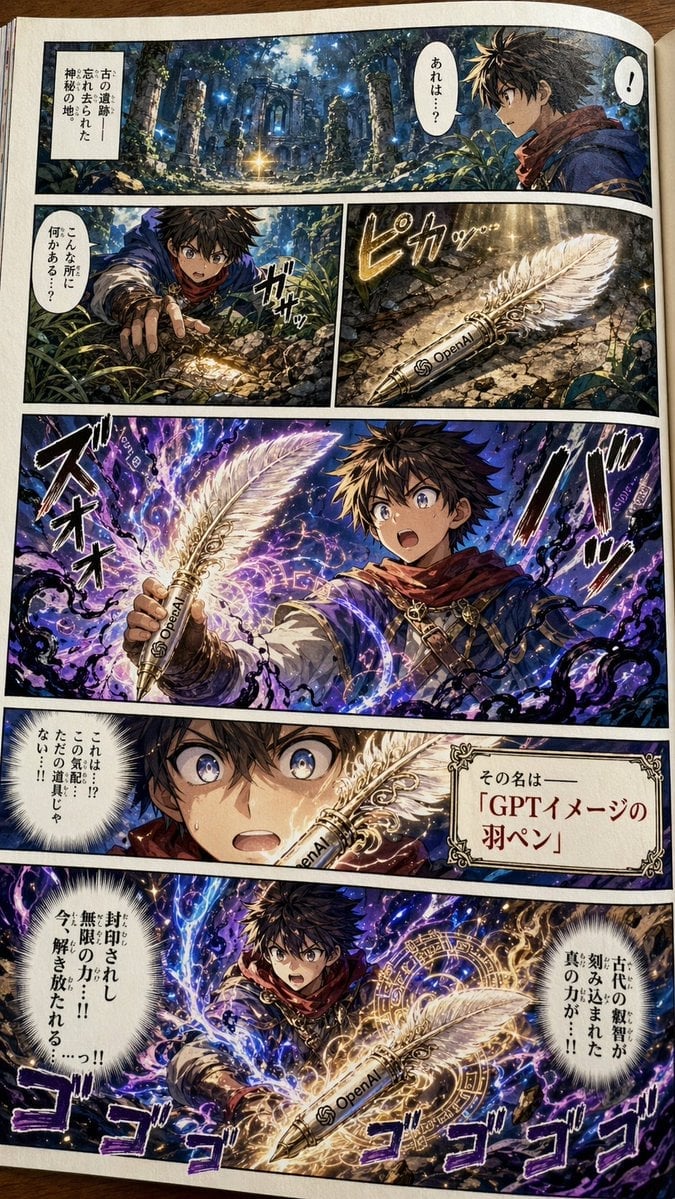
Japanese Shonen Manga Page

Japanese Accounting SaaS Hero Banner
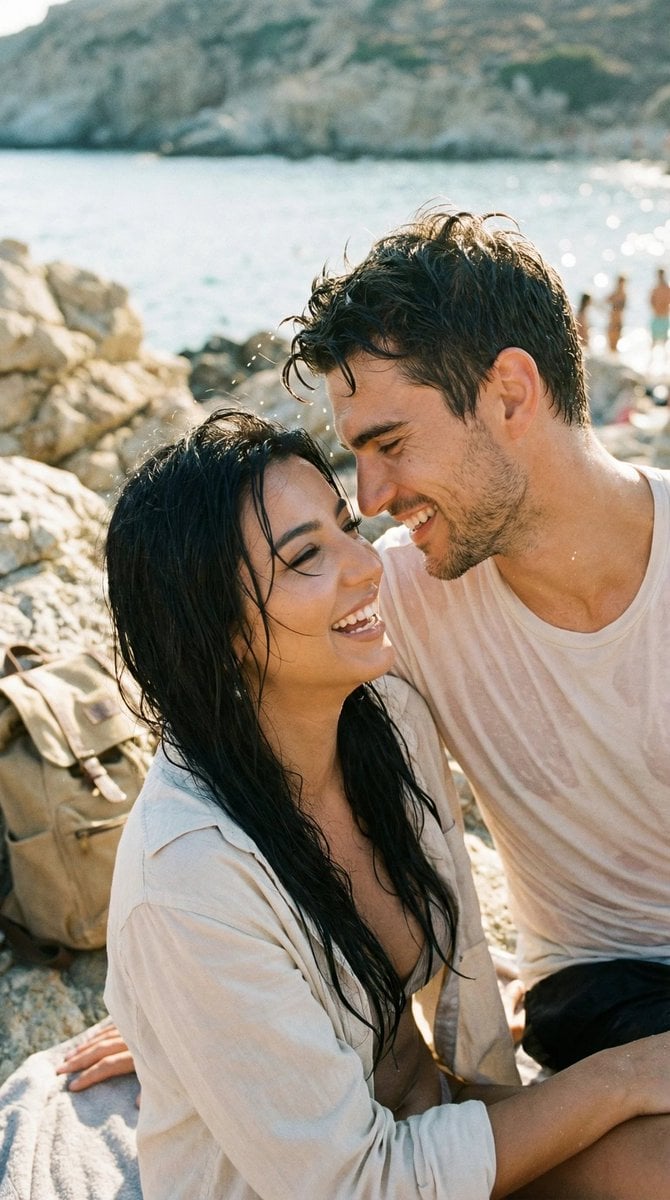
Photorealistic Candid Travel Romance Film Still
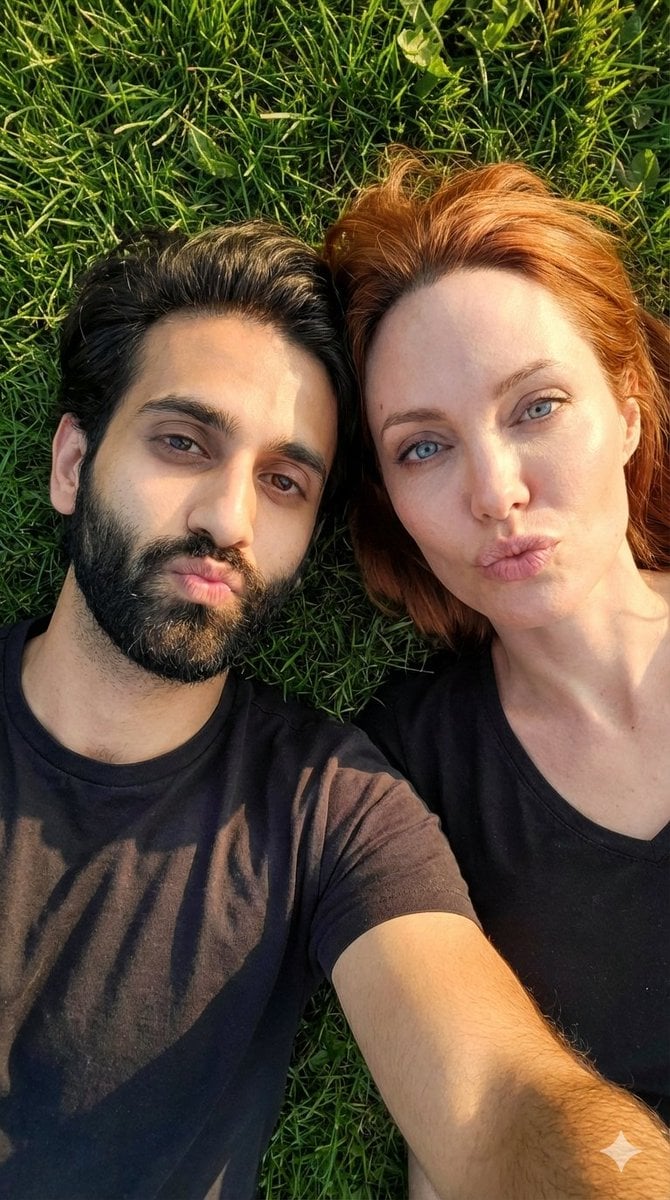
Hyper-Realistic Couple Selfie on Grass Prompt
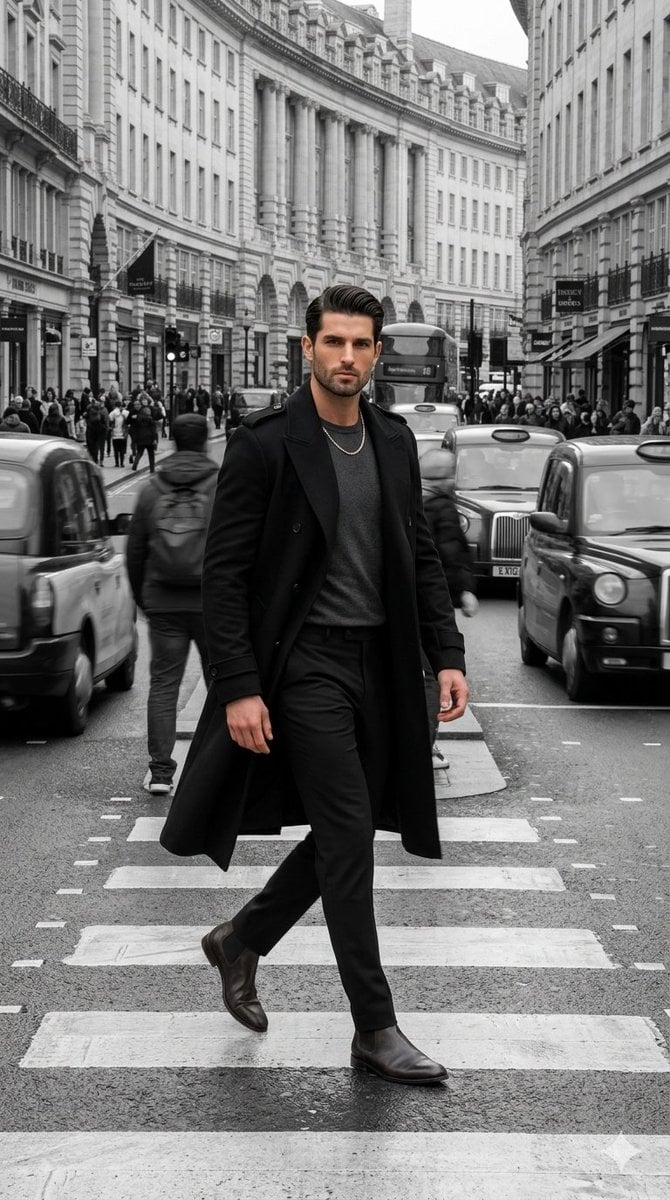
Hyper-realistic Cinematic Street Portrait
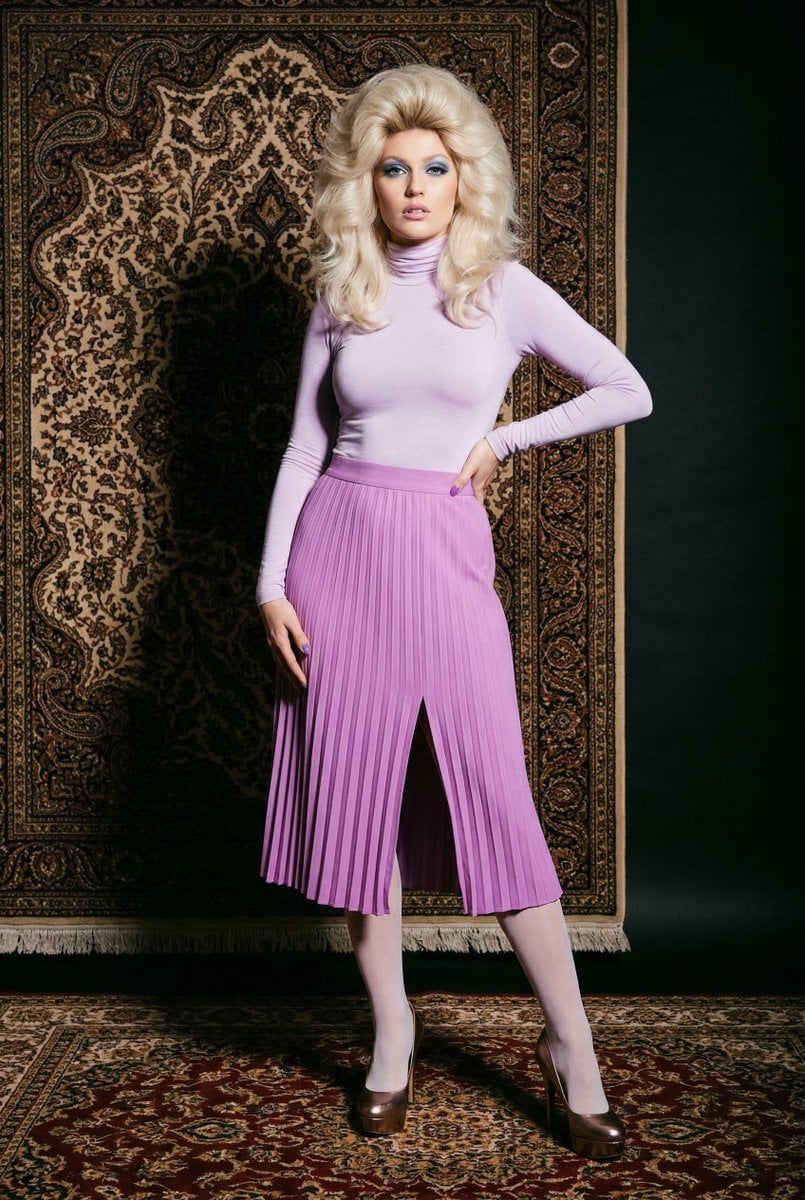
1970s High-Glamour Fashion Portrait
Cinematic Landscape of Minimalist Van in Pink Flower Fields
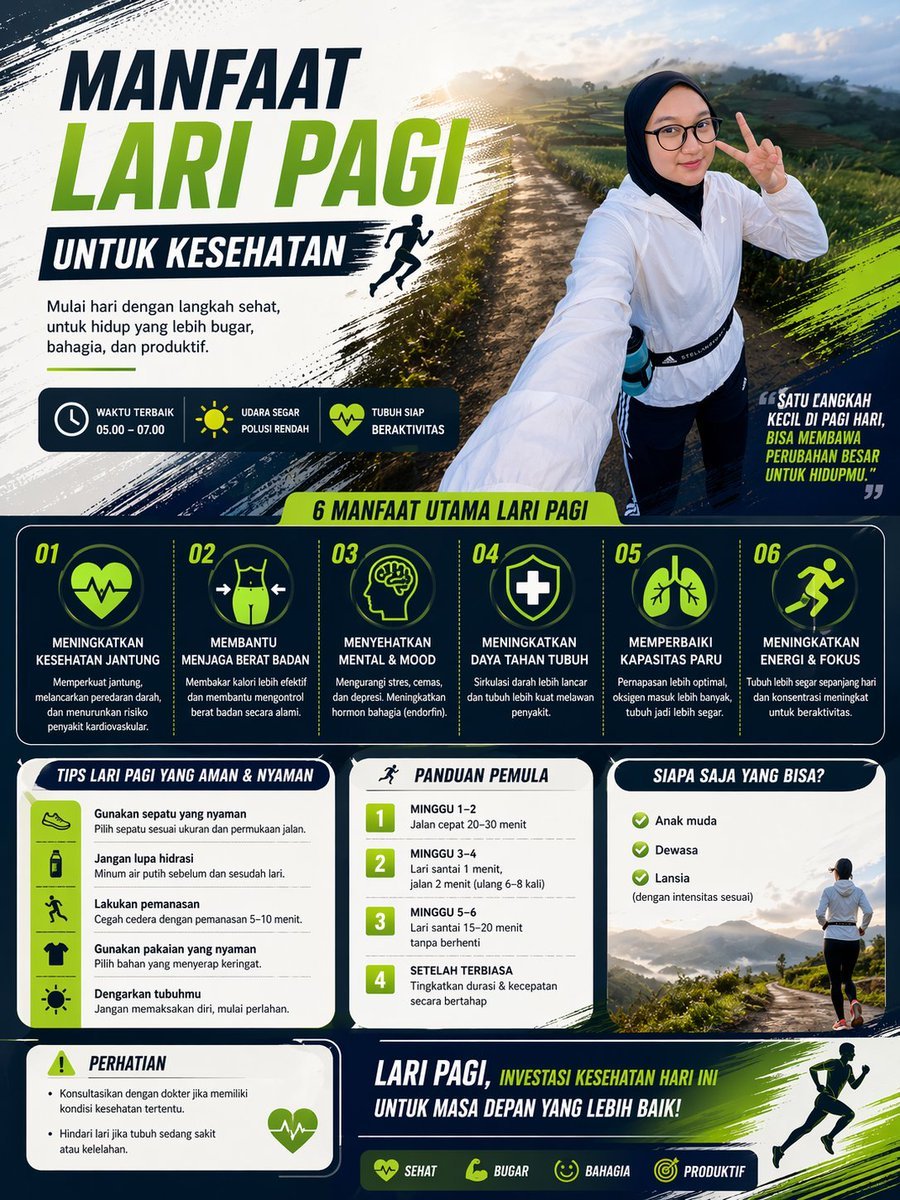
Morning Run Benefits Infographic
Hyper-Realistic Editorial Portrait Editing Prompt (JSON Format)
Browse template categories
Pixar Style Chibi Figurine Creator questions
How do I use the Pixar Style Chibi Figurine Creator template?
Add your photo if the template asks for one, edit the prompt if you like — the template's model and format are already selected — and press Generate. Your version opens in PicX Studio.
Can I customize the Pixar Style Chibi Figurine Creator template?
Yes. You can change the subject, setting, lighting, mood, format, and available model controls before creating your image.
Is the Pixar Style Chibi Figurine Creator template free?
Opening and editing this template is free. Generating uses credits, shown on the Generate button when you are signed in.
Which AI model should I use?
Start with GPT Image 2, which is the model associated with this template. You can compare another compatible model for a different finish.
Looking for something else? Browse all templates.

Your photo, any look
Thousands of ready templates for every top image and video model, from one credit balance.