How do I use the Chibi Pixar-Style Studio Composition template?
Choose the primary action to open PicX Studio with the available template settings. Review the model and format, personalize the creative direction, and generate when ready.
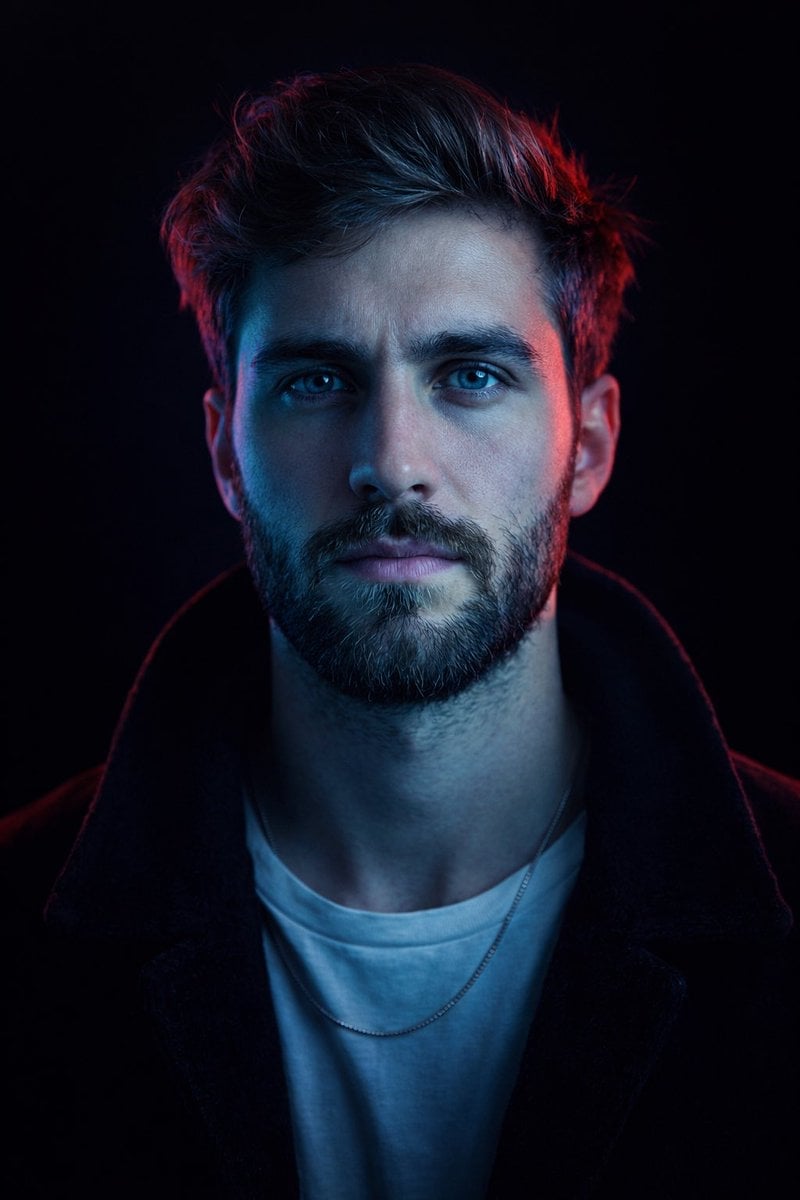
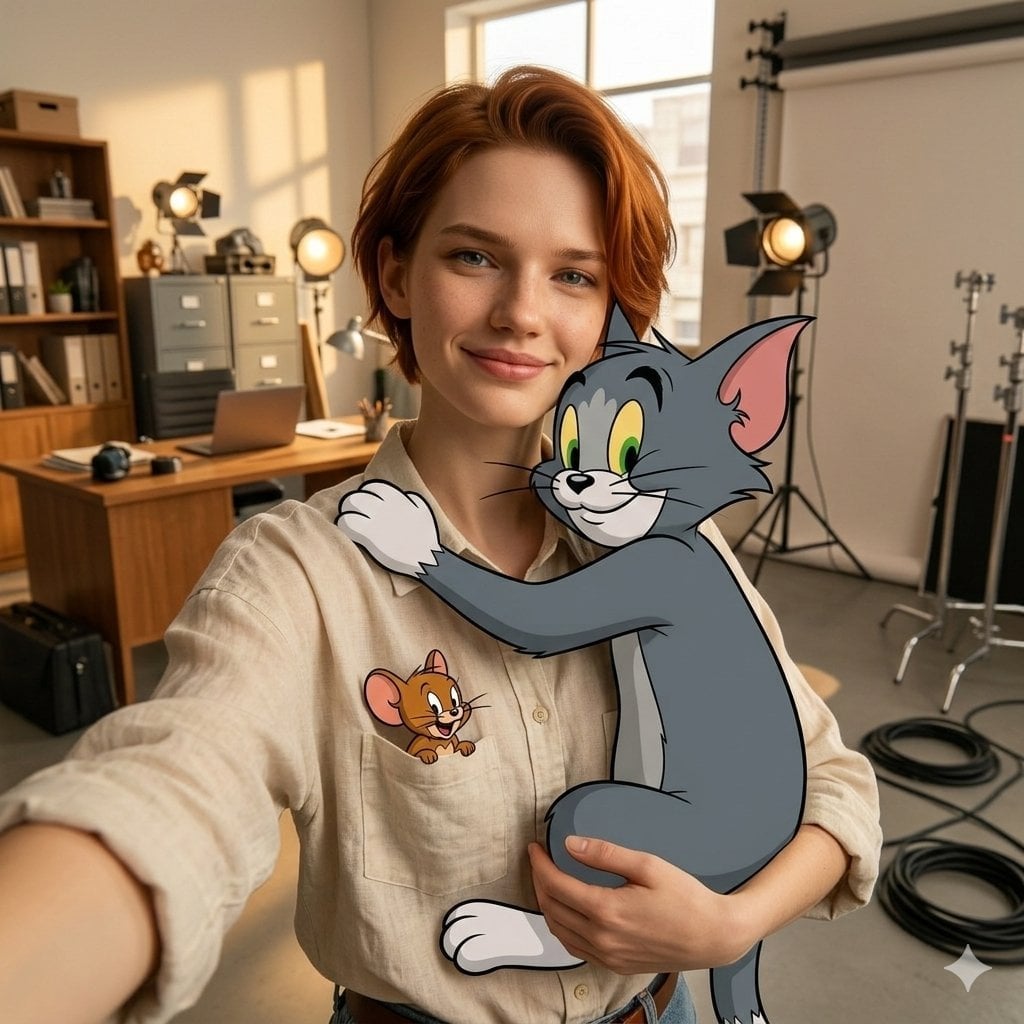
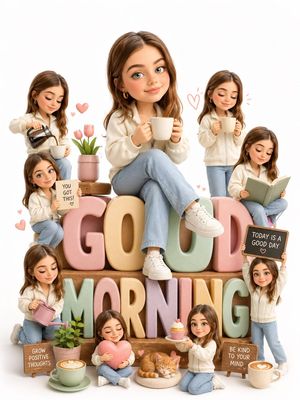
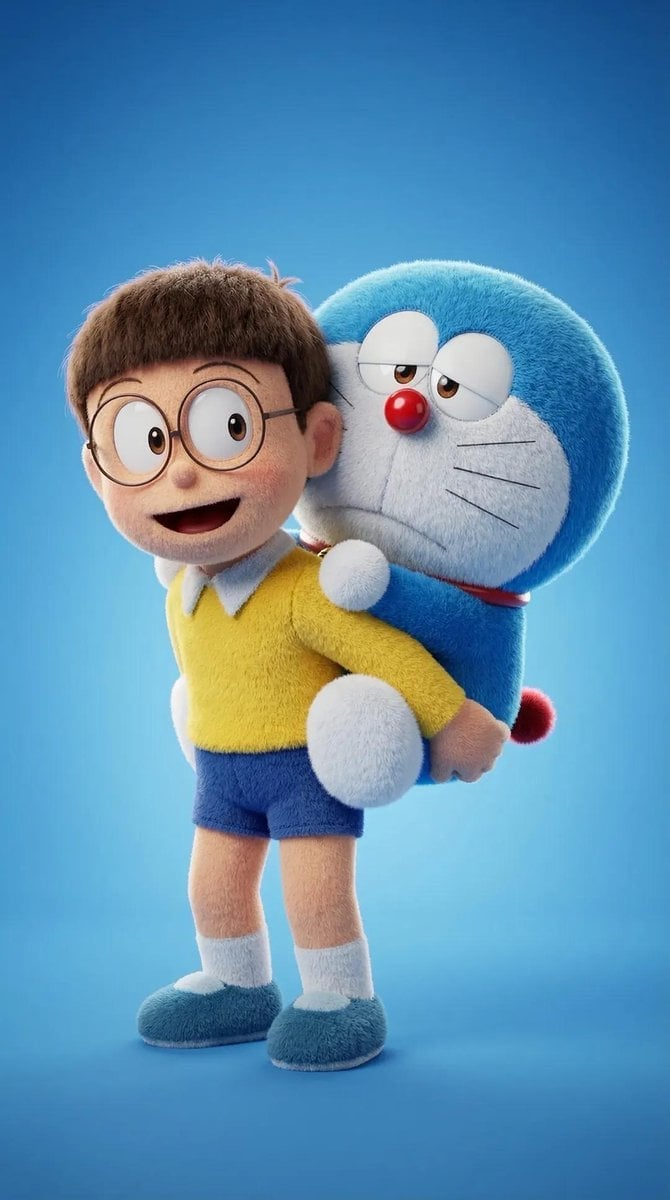
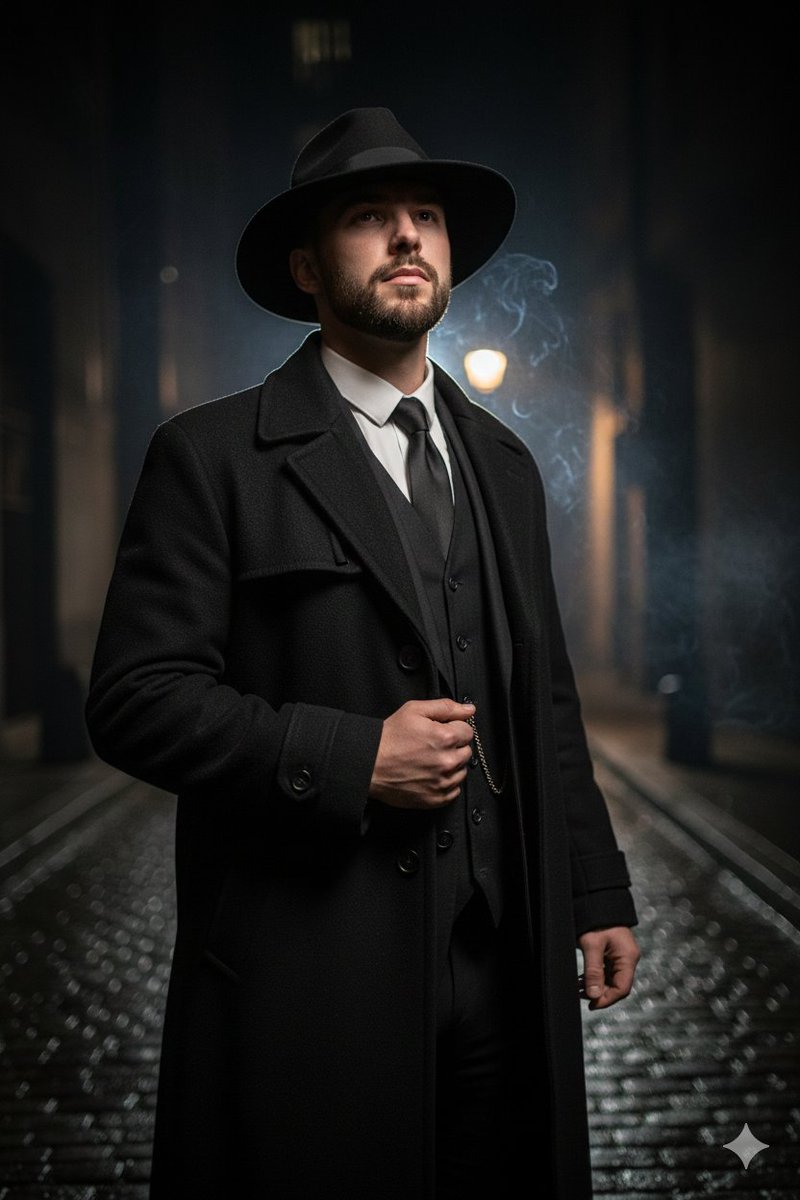
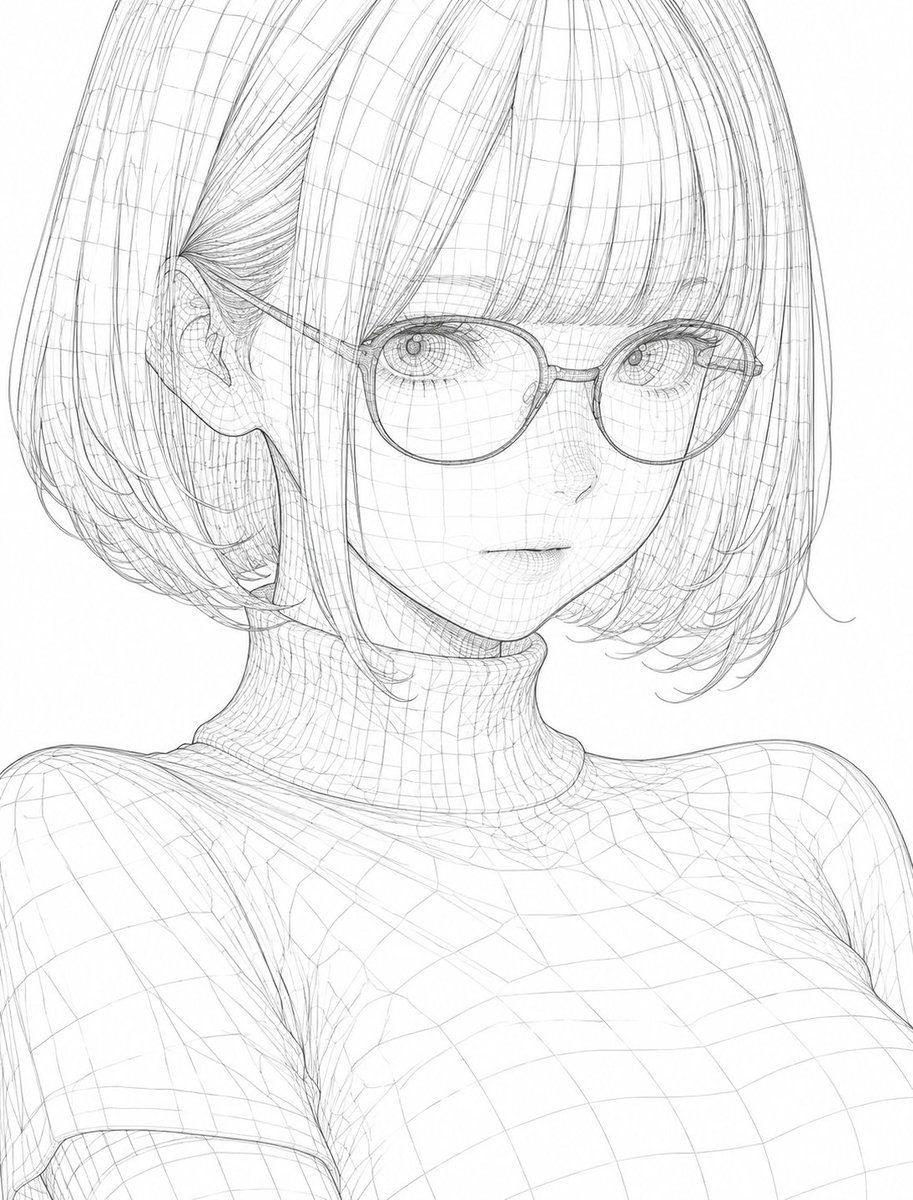
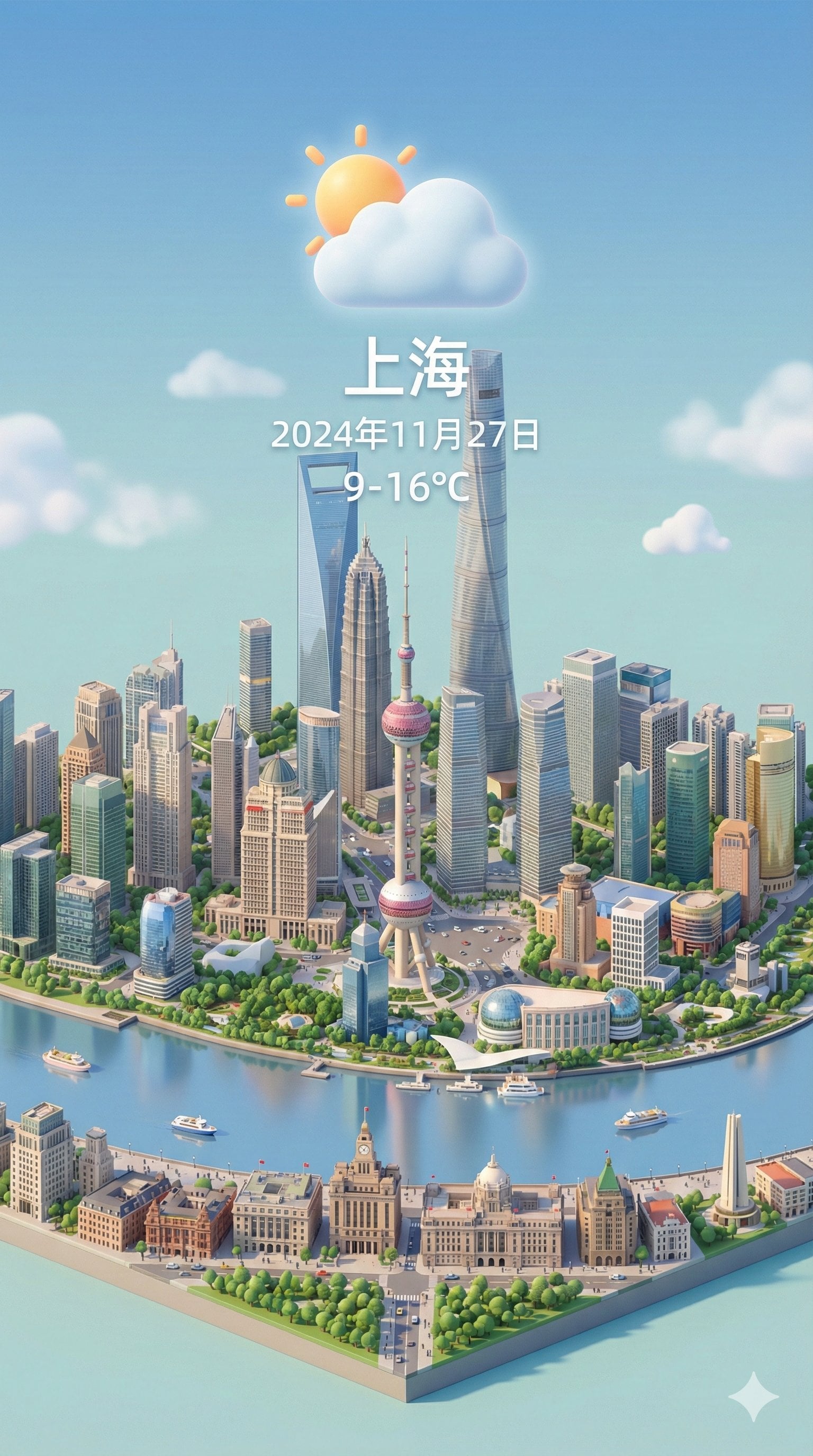
A playful hybrid prompt combining a realistic fashion editorial subject with multiple tiny 3D chibi versions of the same character in a Pixar-inspired style.
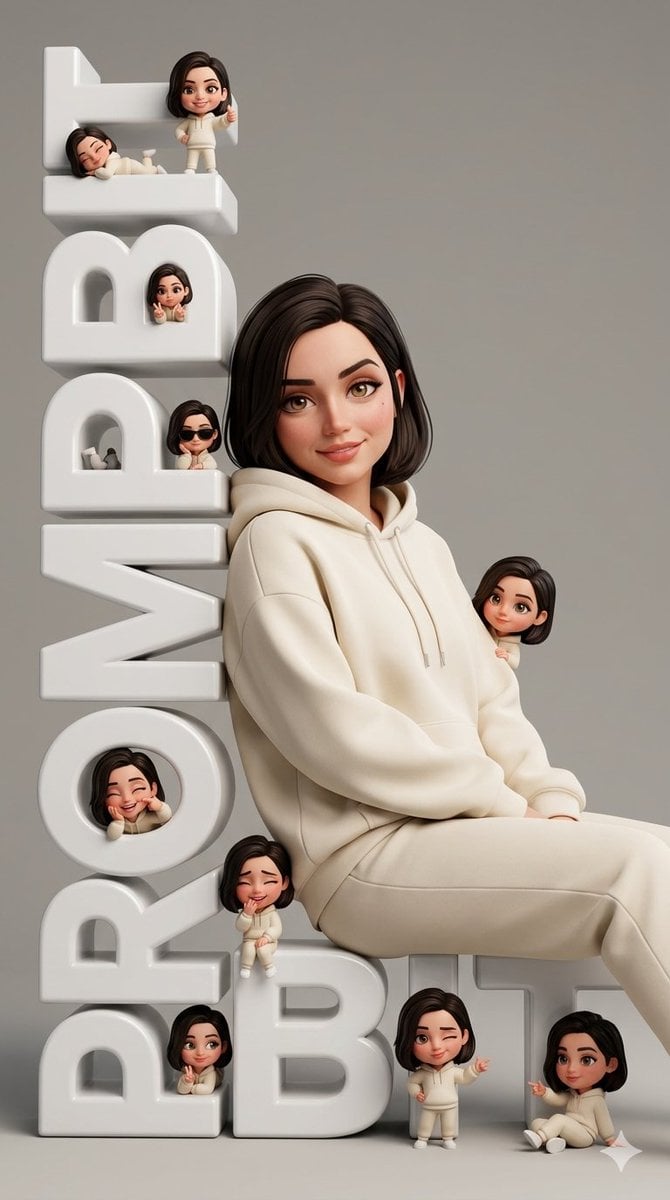
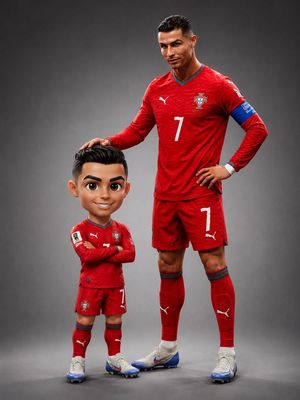
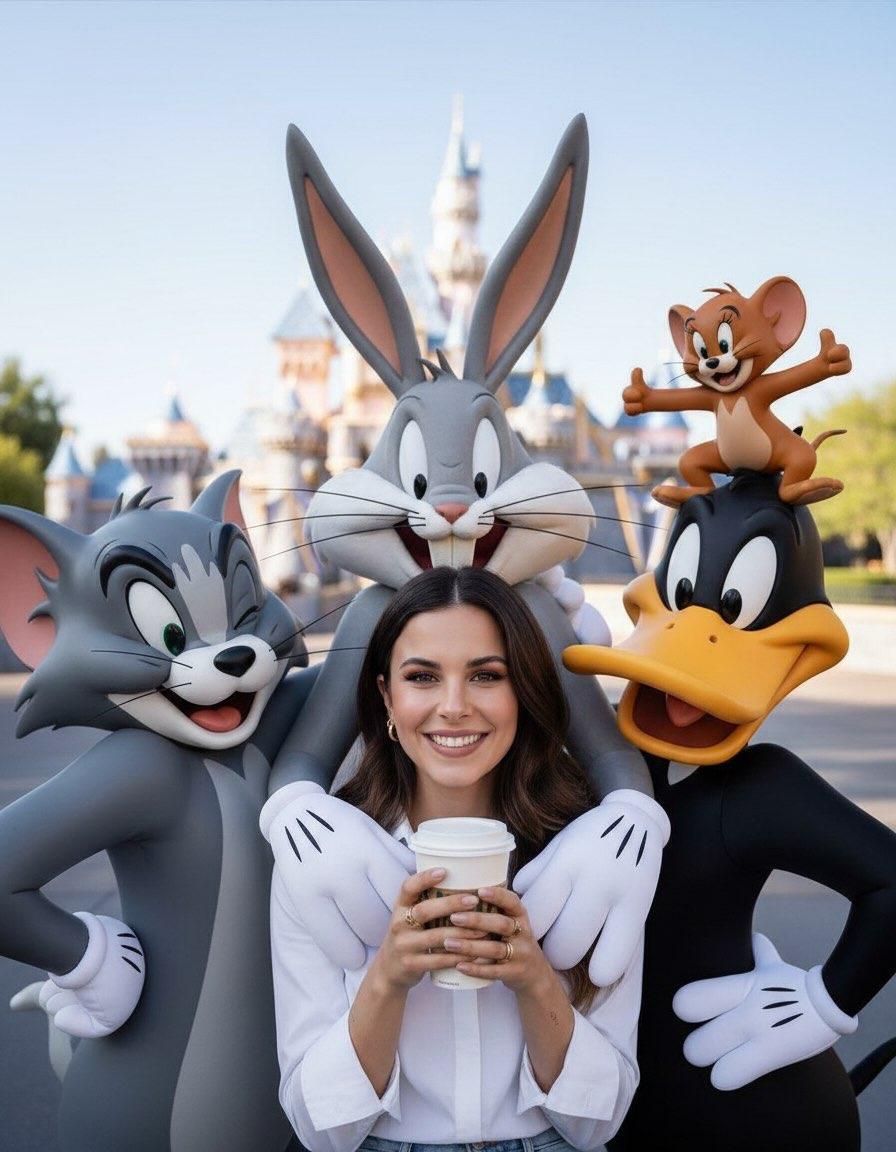
Ultra-realistic fashion editorial portrait, pixar-inspired 3D cute stylish person with exact facial identity from reference photo Wearing {argument name="outfit" default="oversized creamy hoodie and matching oversized pant"}, sitting casually and leaning confidently on {argument name="prop" default="giant scrambled vertical 3D white letters spelling “PROMPTBIT”"} in a clean minimalist studio. Relaxed confident pose, warm slight smile, natural proportions, realistic skin texture, soft cinematic studio lighting, ultra clean neutral gray background, high-end editorial photography aesthetic. Around the giant letters are multiple tiny {argument name="style" default="chibi versions"} of the same character in cute Pixar-style 3D design, scattered naturally on every letter and around the composition. Each chibi has different funny poses and expressions: thumbs up, peace sign, sunglasses cool pose, lying down, cheek pose, laughing, shy pose, playful wink, finger point, sitting casually. One chibi appears peeking from behind the character’s back and shoulder as if popping out mischievously. Composition balanced and dynamic, high detail, ultra sharp focus, soft shadows, glossy 3D typography, clean luxury studio atmosphere, playful yet premium visual style, realistic + stylized hybrid rendering, octane render quality, disney pixar inspired, cinematic depth of field, highly detailed textures, 8k masterpiece. Generate the image in 9:16 aspect ratio, face and body exactly same as uploaded image.
Choose the primary action to open PicX Studio with the available template settings. Review the model and format, personalize the creative direction, and generate when ready.
Yes. You can change the subject, setting, lighting, mood, format, and available model controls before creating your image.
This template is free to open and customize. Generation usage is shown in PicX Studio before you create.
Start with Nano Banana 2, which is the model associated with this template. You can compare another compatible model for a different finish.
Follow a topic to a crawlable collection of related PicX Studio templates.