
1970s High-Glamour Fashion Portrait
A detailed JSON-formatted prompt for Nano Banana (likely Nano Banana Pro) to generate a 1970s high-glamour fashion portrait of a female model, specifying clothing, pose, lighting, and technical camera settings.
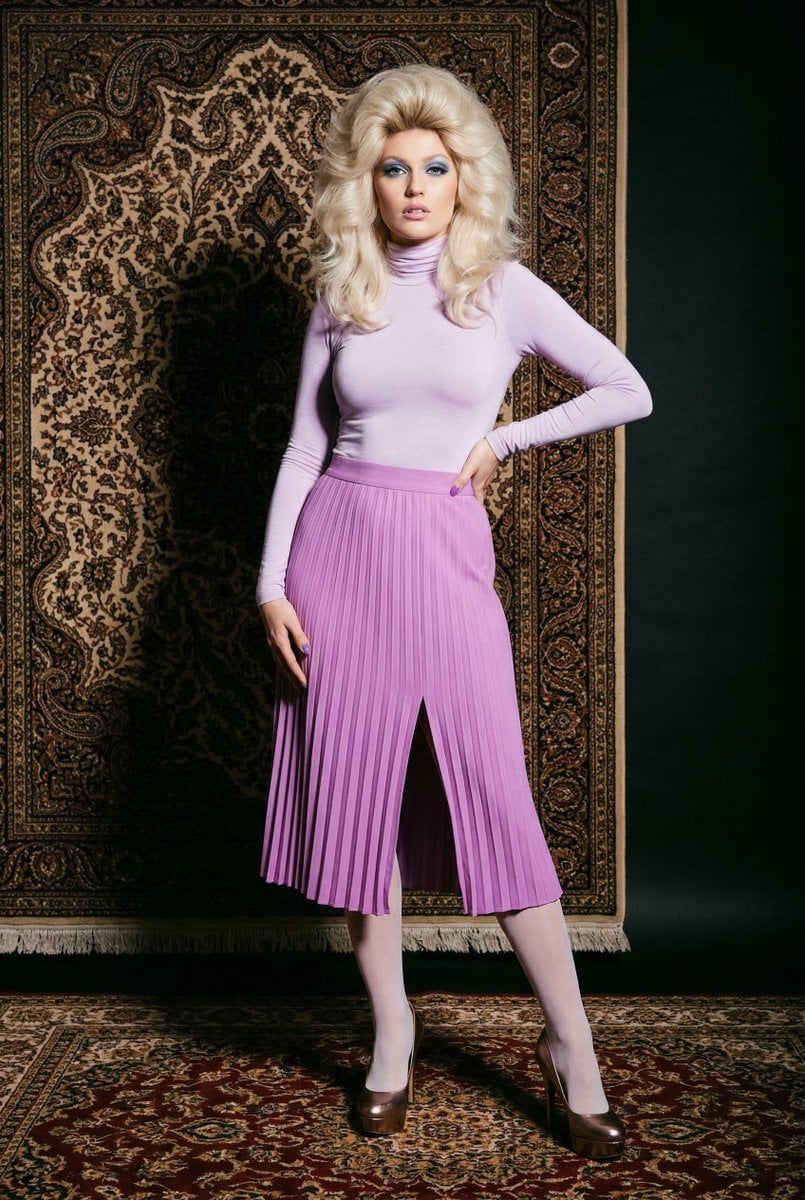
- Prompt included
- Model and format preset
- Free template
The prompt behind this image
Copy the exact prompt behind 1970s High-Glamour Fashion Portrait, or open it in the studio and make it yours.
- STYLIZATION › Medium
- Studio fashion portrait photography
- STYLIZATION › Aesthetic
- 1970s High-Glamour / Retro Chic
- STYLIZATION › Color Palette
- Pale Lavender, Orchid Purple, Deep Copper, Bronze
- SUBJECT BLOCK › Model
- Caucasian female, platinum blonde voluminous feathered hair with high-crown volume
- SUBJECT BLOCK › Makeup
- Heavy 70s blue eyeshadow, pale pink lipstick, purple manicured nails
- SUBJECT BLOCK › Top
- Pale lavender skin-tight jersey turtleneck long-sleeved bodysuit
- SUBJECT BLOCK › Bottom
- High-waisted orchid purple midi-length skirt, accordion pleated texture, center-front thigh-high slit
- SUBJECT BLOCK › Legwear
- Sheer white matte hosiery
- SUBJECT BLOCK › Footwear
- Metallic bronze platform stiletto pumps
- SUBJECT BLOCK › Pose
- Full-body standing shot, weight on right leg, left hand on hip, right hand on waist, confident expression
- ENVIRONMENT BLOCK › Backdrop Primary
- Ornate Persian-style tapestry hanging vertically with intricate paisley and floral motifs
- ENVIRONMENT BLOCK › Backdrop Secondary
- Dark, shadowed studio background to the right side
- ENVIRONMENT BLOCK › Floor
- Matching ornate Persian rug with deep red and gold tones
- ENVIRONMENT BLOCK › Atmosphere
- Polished studio setting, high-fashion editorial mood
- TECHNICAL REQUISITES › Camera
- Medium format camera look, 85mm lens, eye-level
- TECHNICAL REQUISITES › Lighting
- Hard studio lighting, high contrast, strong key light creating deep shadows on the backdrop
- TECHNICAL REQUISITES › Processing
- Slight film grain, vibrant saturation on purples, sharp focus on fabric textures
Raw JSON
{ "STYLIZATION": { "Medium": "Studio fashion portrait photography", "Aesthetic": "1970s High-Glamour / Retro Chic", "Color_Palette": ["Pale Lavender", "Orchid Purple", "Deep Copper", "Bronze"] }, "SUBJECT_BLOCK": { "Model": "Caucasian female, platinum blonde voluminous feathered hair with high-crown volume", "Makeup": "Heavy 70s blue eyeshadow, pale pink lipstick, purple manicured nails", "Top": "Pale lavender skin-tight jersey turtleneck long-sleeved bodysuit", "Bottom": "High-waisted orchid purple midi-length skirt, accordion pleated texture, center-front thigh-high slit", "Legwear": "Sheer white matte hosiery", "Footwear": "Metallic bronze platform stiletto pumps", "Pose": "Full-body standing shot, weight on right leg, left hand on hip, right hand on waist, confident expression" }, "ENVIRONMENT_BLOCK": { "Backdrop_Primary": "Ornate Persian-style tapestry hanging vertically with intricate paisley and floral motifs", "Backdrop_Secondary": "Dark, shadowed studio background to the right side", "Floor": "Matching ornate Persian rug with deep red and gold tones", "Atmosphere": "Polished studio setting, high-fashion editorial mood" }, "TECHNICAL_REQUISITES": { "Camera": "Medium format camera look, 85mm lens, eye-level", "Lighting": "Hard studio lighting, high contrast, strong key light creating deep shadows on the backdrop", "Processing": "Slight film grain, vibrant saturation on purples, sharp focus on fabric textures" } }How to use 1970s High-Glamour Fashion Portrait in 3 steps
- 1
Open
The prompt is already in the box next to the preview, with the template's model and format selected.
- 2…a portrait of your subject in softgolden-hour light, 85mm…
Personalize
Edit the subject and creative details for your destination.
- 3Generate
Generate
Press Generate — your image is created in PicX Studio, so you can compare it with the original and refine one variable at a time.
More like this
Templates with the same subject, style or setup. Open one to see its prompt.

Nano Banana 2 High Fashion Sports Campai

Couture Fashion Editorial Woman and Drag

Ive Yujin Fashion Portrait in Blue

Nano Banana 2 Editorial Fashion Portrait

Caution Tape Fashion — Industrial Editorial
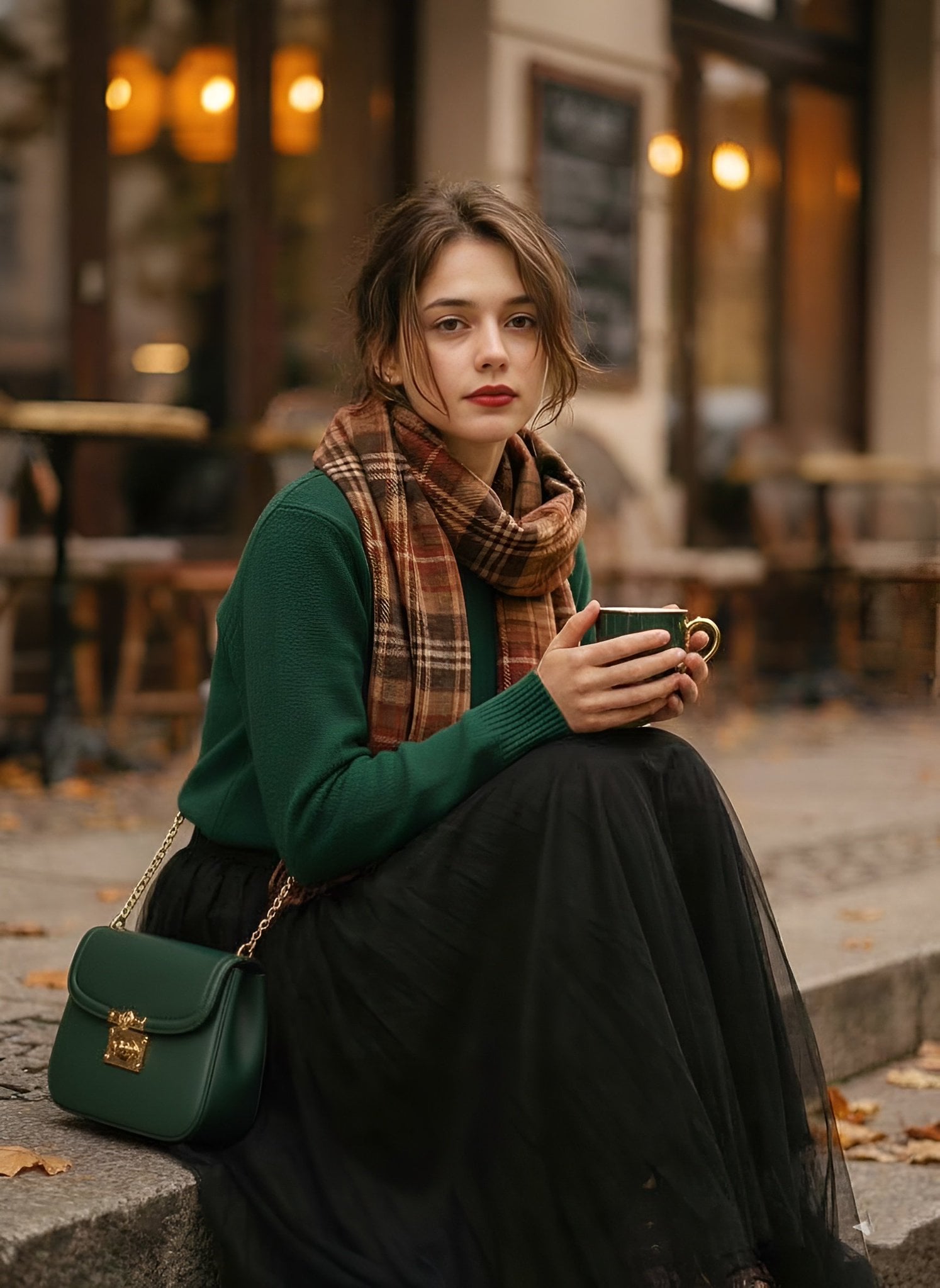
1970s Vintage Cafe Fashion Portrait
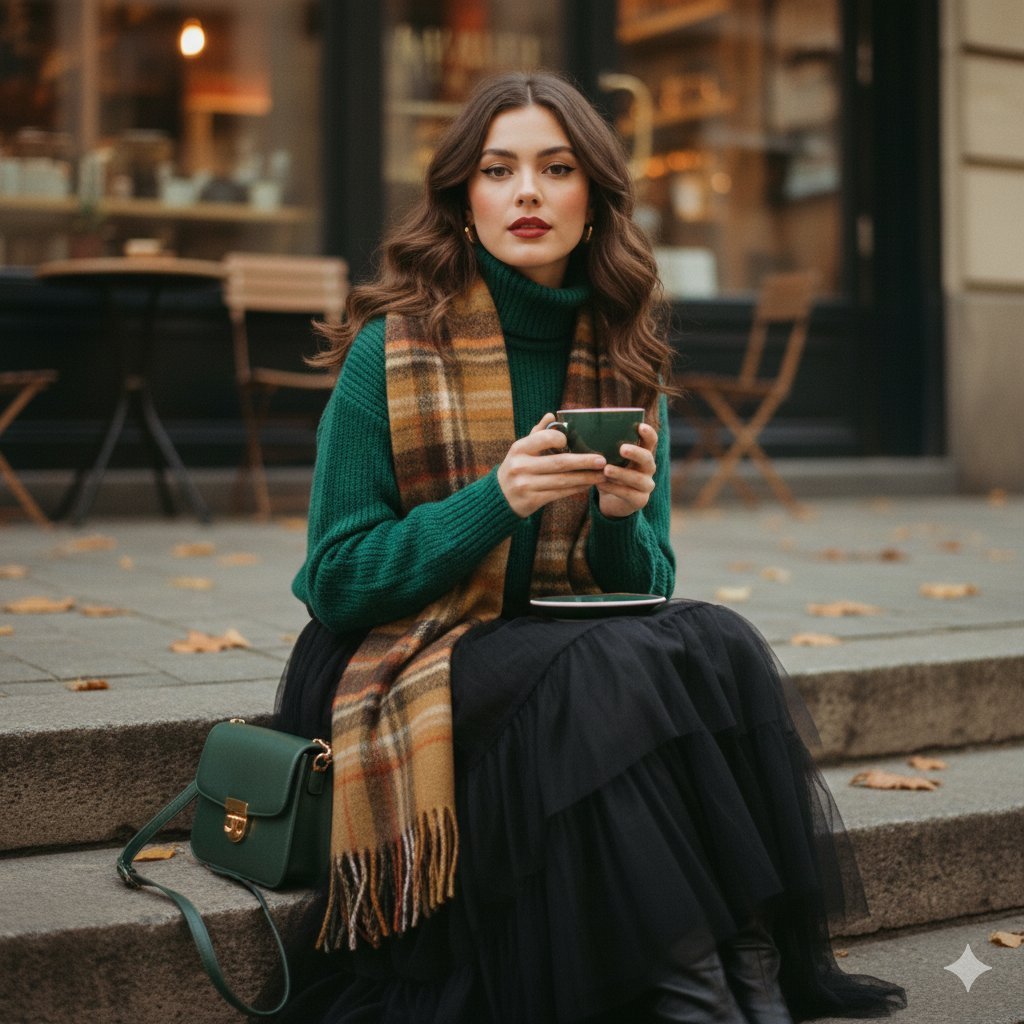
A cinematic 1970s-inspired fashion portrait of a young woman seated
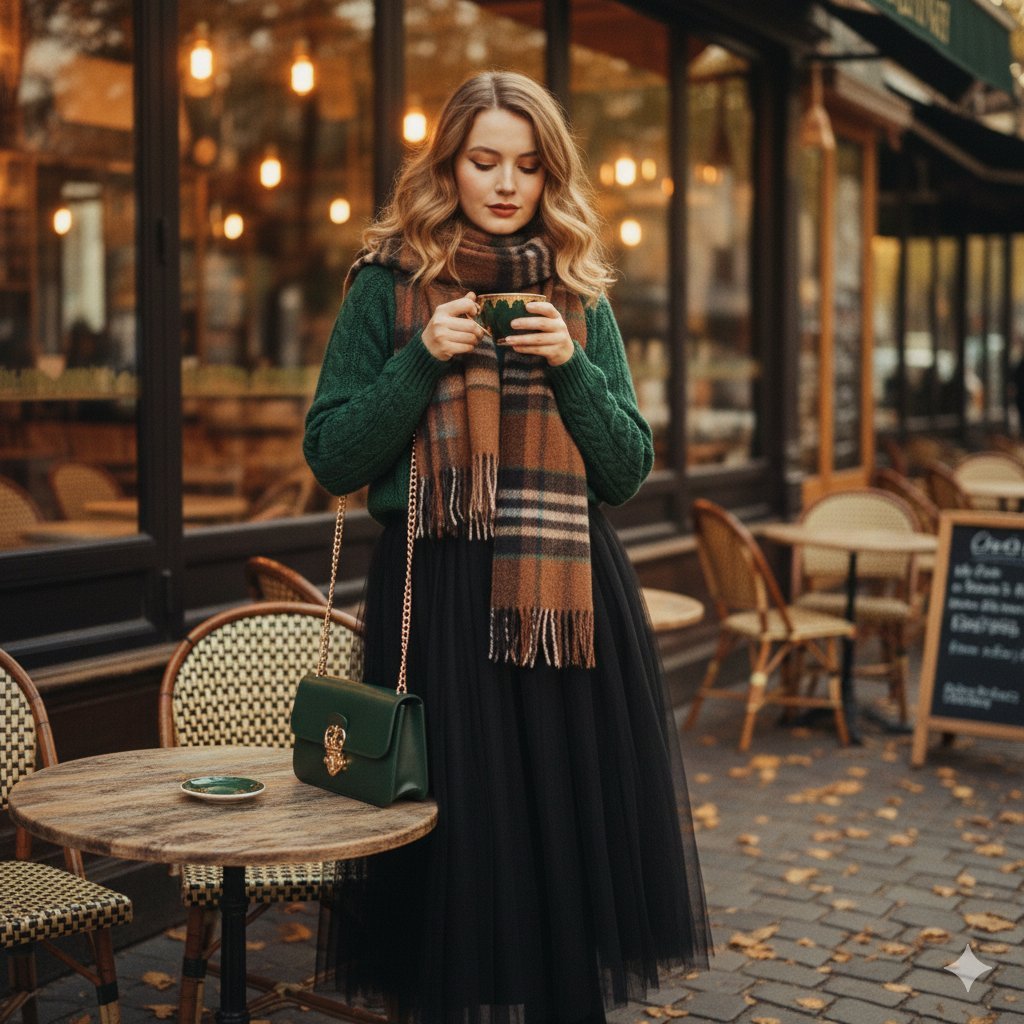
1970s Cinematic Fashion Portrait Prompt for Gemini Nano Banana Pro
1970s Aesthetic Fashion Portrait with Coffee Cup

Miniature Self Portrait Collage

Found Photograph: Us, 1970

80s Couple Studio Portrait
Make it yours
1970s High-Glamour Fashion Portrait works as-is. These are the safest ways to change it without losing the look.
Change one field
Copy a single group, rewrite it, and generate again so you can see what that field is doing.
Keep the frame, change the subject
Hold the composition and light of 1970s High-Glamour Fashion Portrait, then swap wardrobe, props or the person for a new take.
| If the result… | Why | Fix |
|---|---|---|
| The result drifts from the preview | Too many fields changed at once. | Reuse 1970s High-Glamour Fashion Portrait as-is first, then change one group — subject, light, or setting. |
| Nano Banana 2 ignores part of the JSON | Some models flatten or skip nested keys. | Keep the same values and paste them as a short paragraph instead. |
More Nano Banana 2 templates
Other prompts made for Nano Banana 2.

Photorealistic Leaf Shaped Like a Dragon

K-Pop Idol Portrait Grid for Rapid Selection

Poetic Rain Forest Portrait During Golden Hour

Urban Street Portrait with Cartoon Inner Self Duo

Candid Nighttime Photo with Cat Prompt

High-Concept 3D Diorama Generation Prompt

Cinematic Futuristic Studio Portrait Template

Skincare Editorial Photography Collage Prompt

Hyper-Realistic Commercial Product Photography (Splash Effect)

Hyper-Realistic Nightclub Portrait Prompt
More image prompts
Fresh picks from across the catalog.
Handheld Laptop Screen POV
iPhone Photobooth Collage of Two Subjects
Historical Archivist Prompt for Flawed Inventions

Exploded View Product Photography
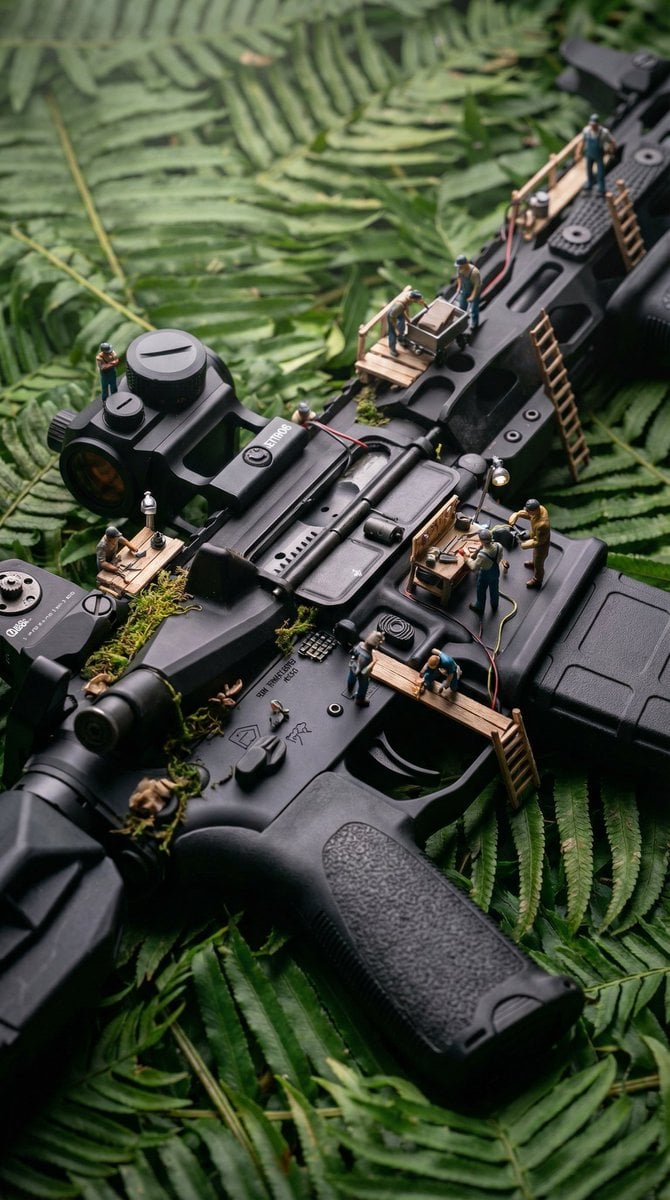
Object-Based Miniature Surreal Ecosystem
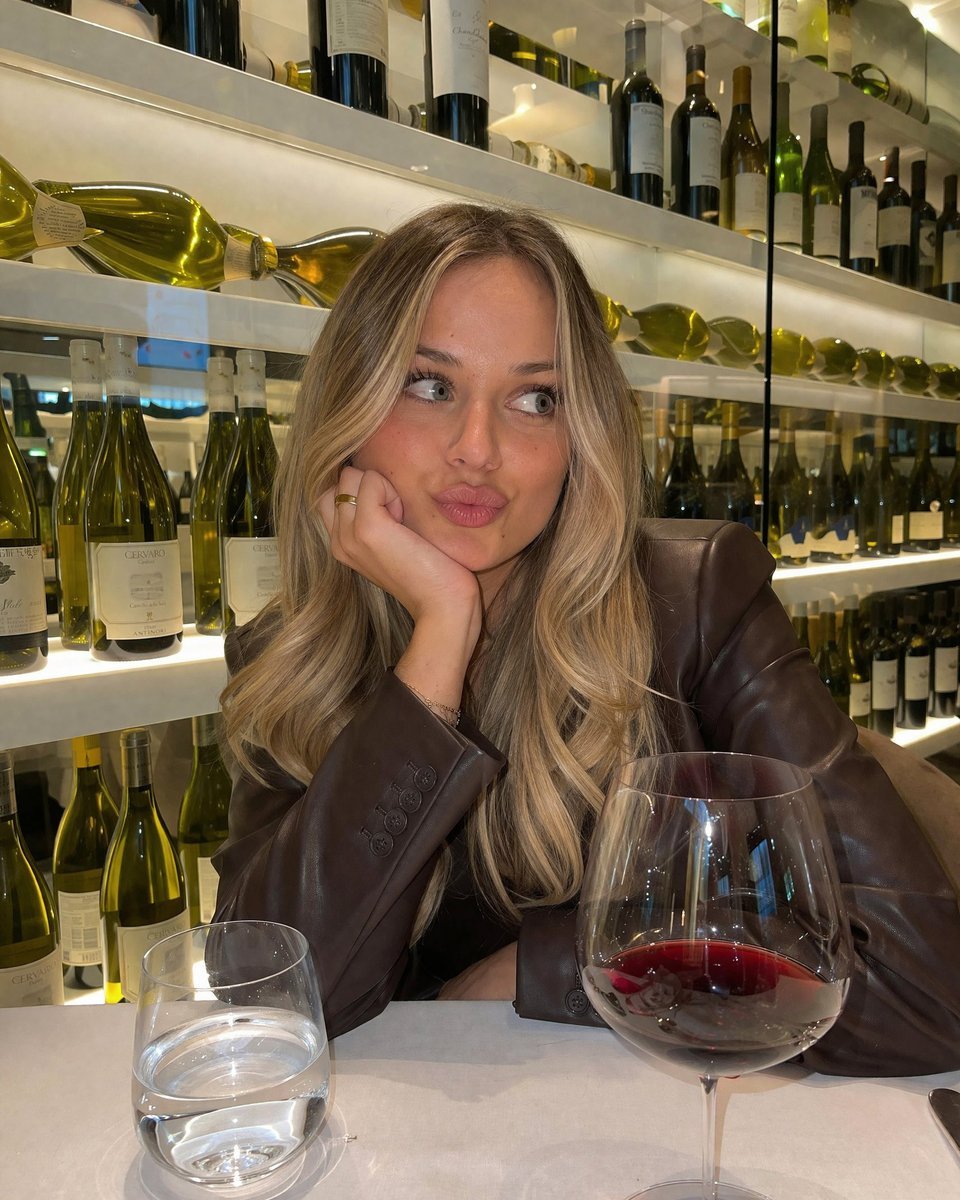
Casual Wine Bar Portrait
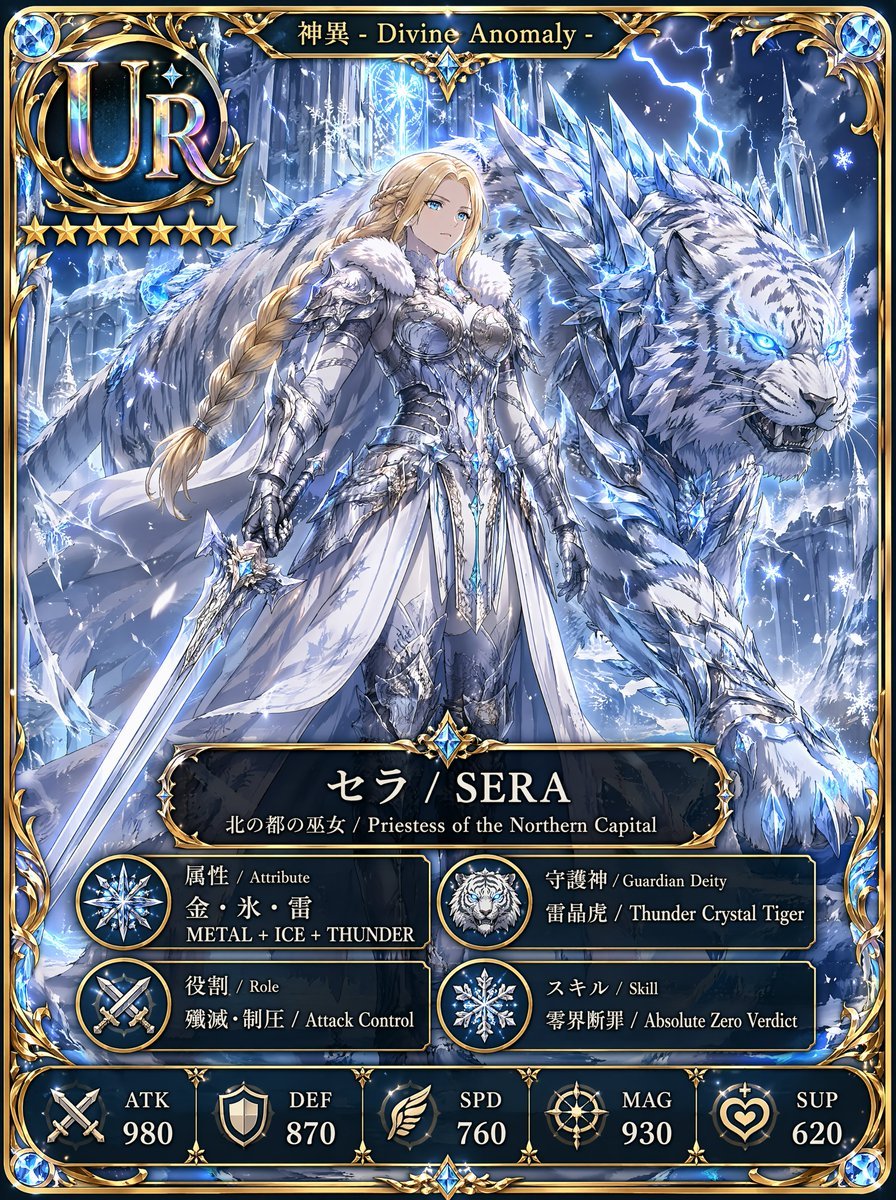
UR Ice Priestess Fantasy Card
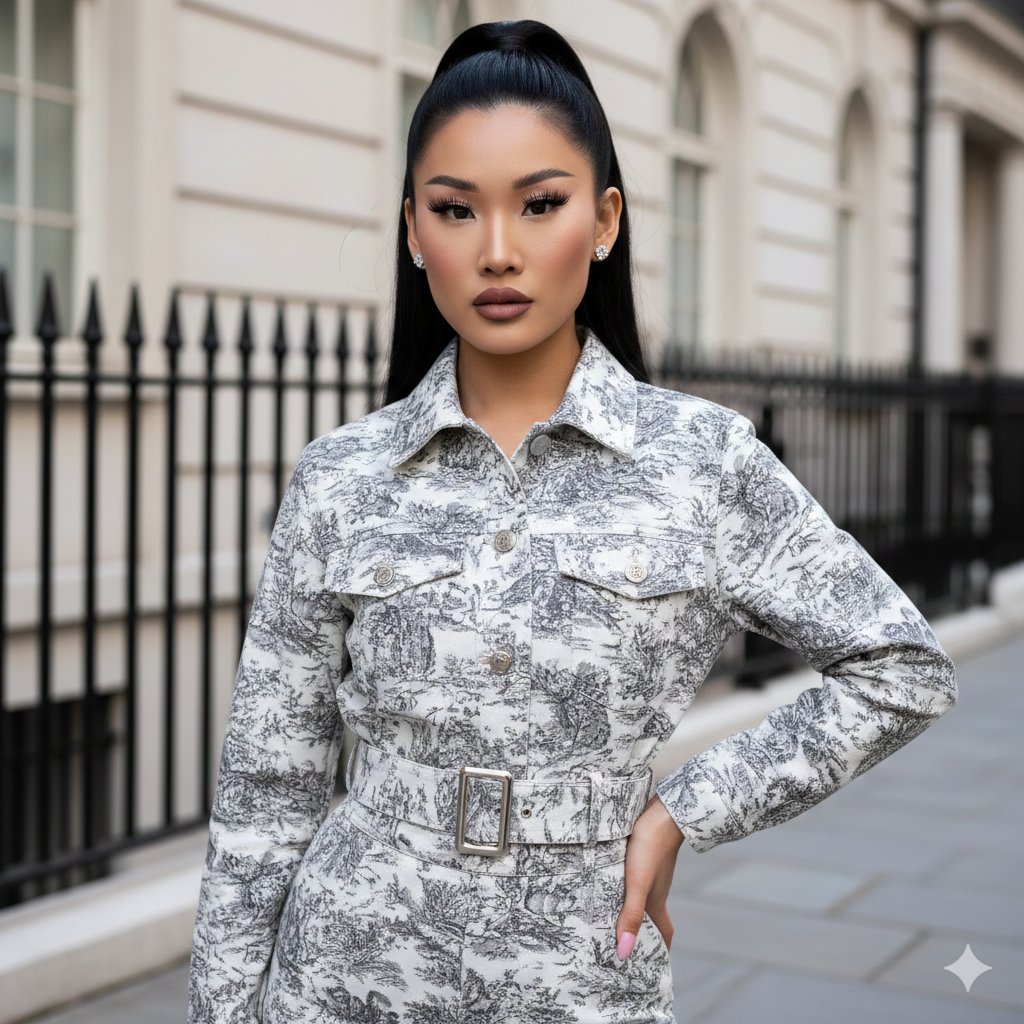
Toile de Jouy Street Style Fashion Editorial
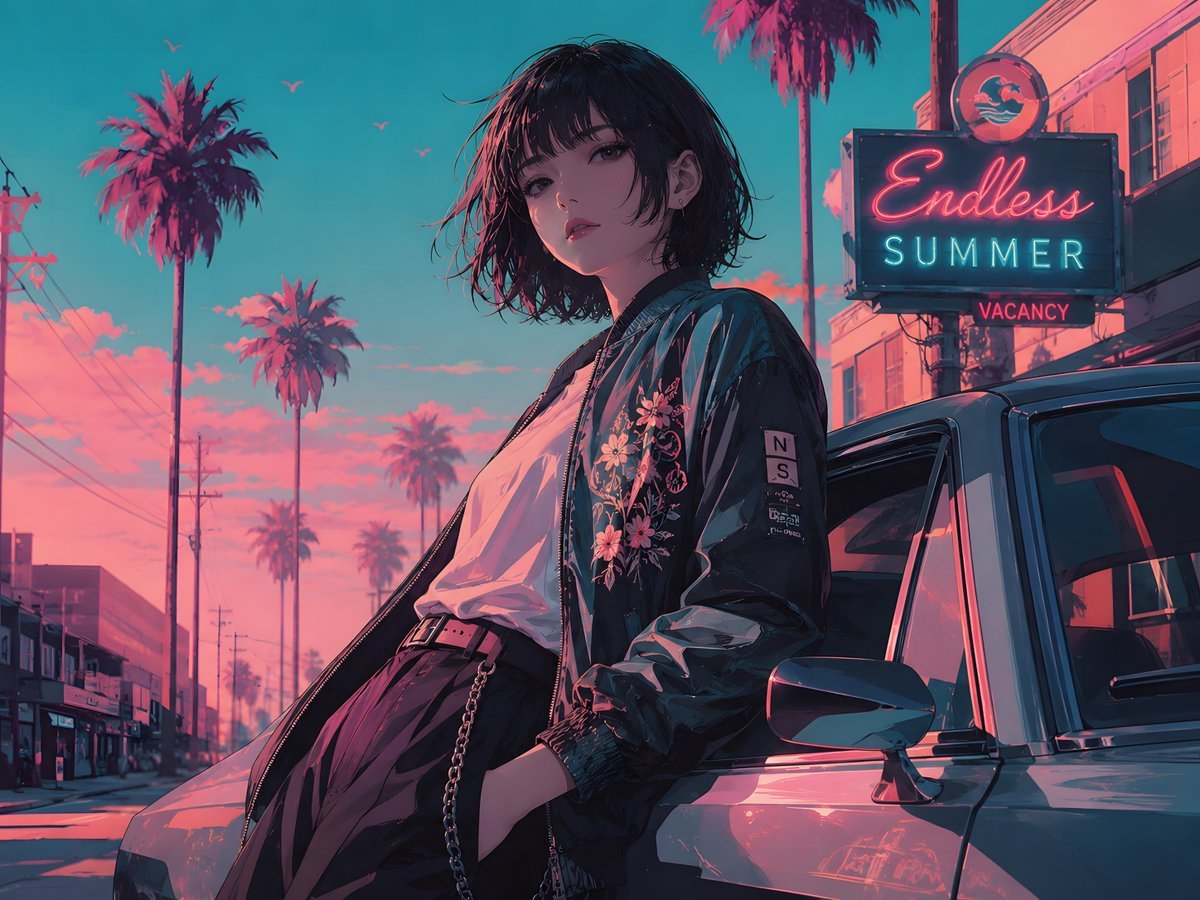
Retro Anime Endless Summer Street
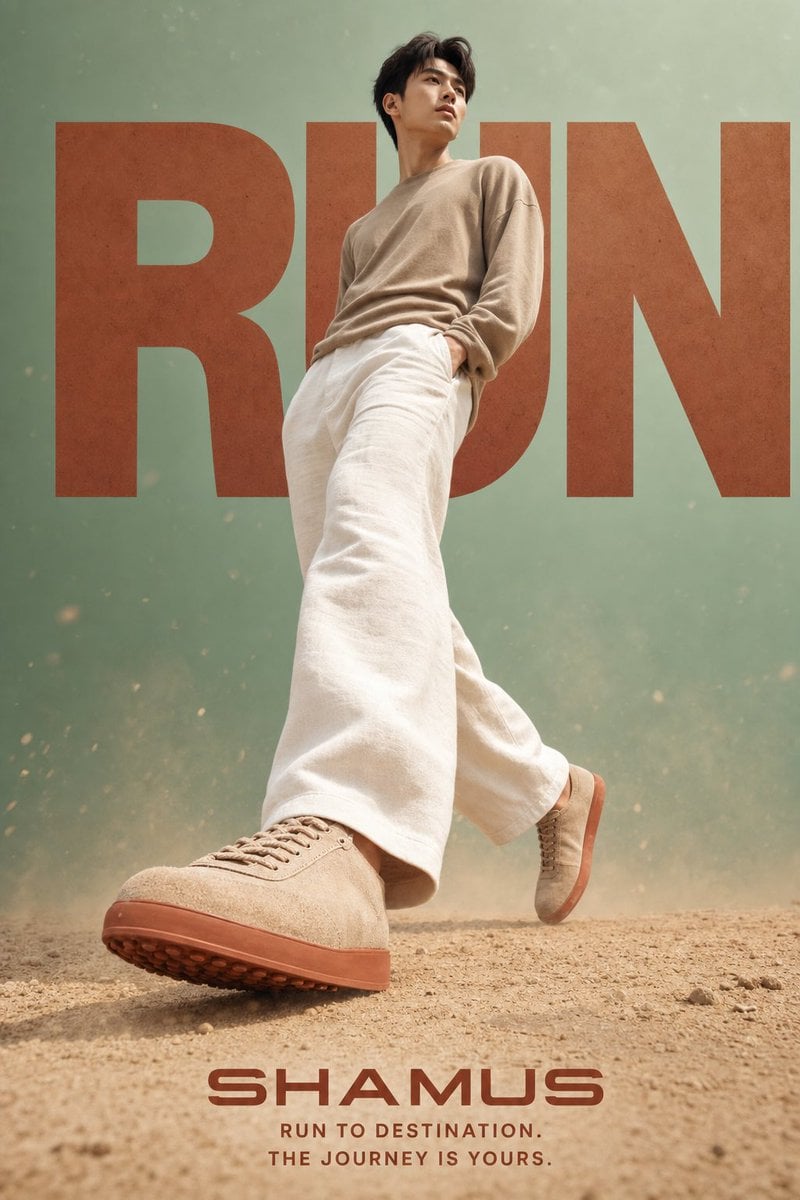
Lifestyle Sneaker Editorial Poster
Browse template categories
1970s High-Glamour Fashion Portrait questions
How do I use the 1970s High-Glamour Fashion Portrait template?
Add your photo if the template asks for one, edit the prompt if you like — the template's model and format are already selected — and press Generate. Your version opens in PicX Studio.
Can I customize the 1970s High-Glamour Fashion Portrait template?
Yes. You can change the subject, setting, lighting, mood, format, and available model controls before creating your image.
Is the 1970s High-Glamour Fashion Portrait template free?
Opening and editing this template is free. Generating uses credits, shown on the Generate button when you are signed in.
Which AI model should I use?
Start with Nano Banana 2, which is the model associated with this template. You can compare another compatible model for a different finish.
Looking for something else? Browse all templates.

Your photo, any look
Thousands of ready templates for every top image and video model, from one credit balance.