
Handheld Laptop Screen POV
A hyper-realistic prompt designed to mimic a handheld smartphone photo of a laptop screen running FaceTime, including moire patterns and dust.
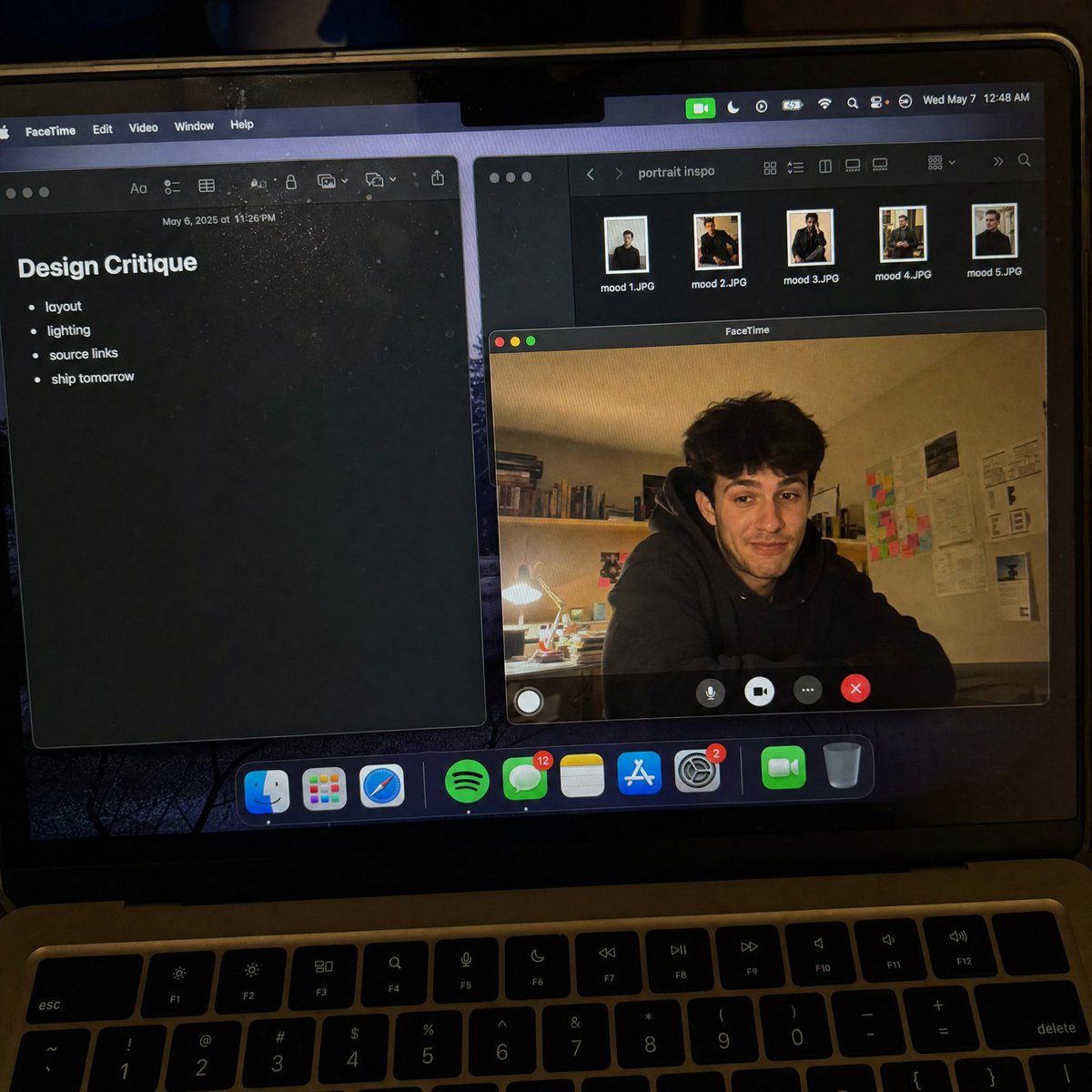
- Prompt included
- Model and format preset
- Free template
The prompt behind this image
Copy the exact prompt behind Handheld Laptop Screen POV, or open it in the studio and make it yours.
Create a raw smartphone photo of a laptop screen, not a screenshot. Aspect ratio 3:4, high-angle downward POV from someone standing over a desk at night. The laptop display fills most of the frame, with a narrow strip of black keyboard and trackpad visible at the bottom. Strong realism: visible RGB subpixel grid, subtle moire bands, small dust specks, faint fingerprints, uneven glass reflections, handheld phone noise, slight perspective skew, no studio polish. macOS dark mode. Background app: {argument name="background app" default="Apple Notes with a late-night study note titled \"Design Critique\" and short visible bullets: \"layout\", \"lighting\", \"source links\", \"ship tomorrow\""}. Foreground app: {argument name="foreground app" default="FaceTime live preview window floating lower-right, showing a fictional adult man in his 20s sitting at a cluttered desk, hoodie, tired but amused expression"}. A second small Finder window with image thumbnails is partly visible behind it. Make it feel like an accidental real phone photo of a working laptop screen. No real-person likeness, no beauty filter, no perfect UI, no screenshot, no watermark, no cartoon, no 3D render.
How to use Handheld Laptop Screen POV in 3 steps
- 1
Open
The prompt is already in the box next to the preview, with the template's model and format selected.
- 2…a portrait of your subject in softgolden-hour light, 85mm…
Personalize
Edit the subject and creative details for your destination.
- 3Generate
Generate
Press Generate — your image is created in PicX Studio, so you can compare it with the original and refine one variable at a time.
More like this
Templates with the same subject, style or setup. Open one to see its prompt.

Hyper-Realistic Minecraft POV Portrait

Red Futuristic Sport Motorcycle POV
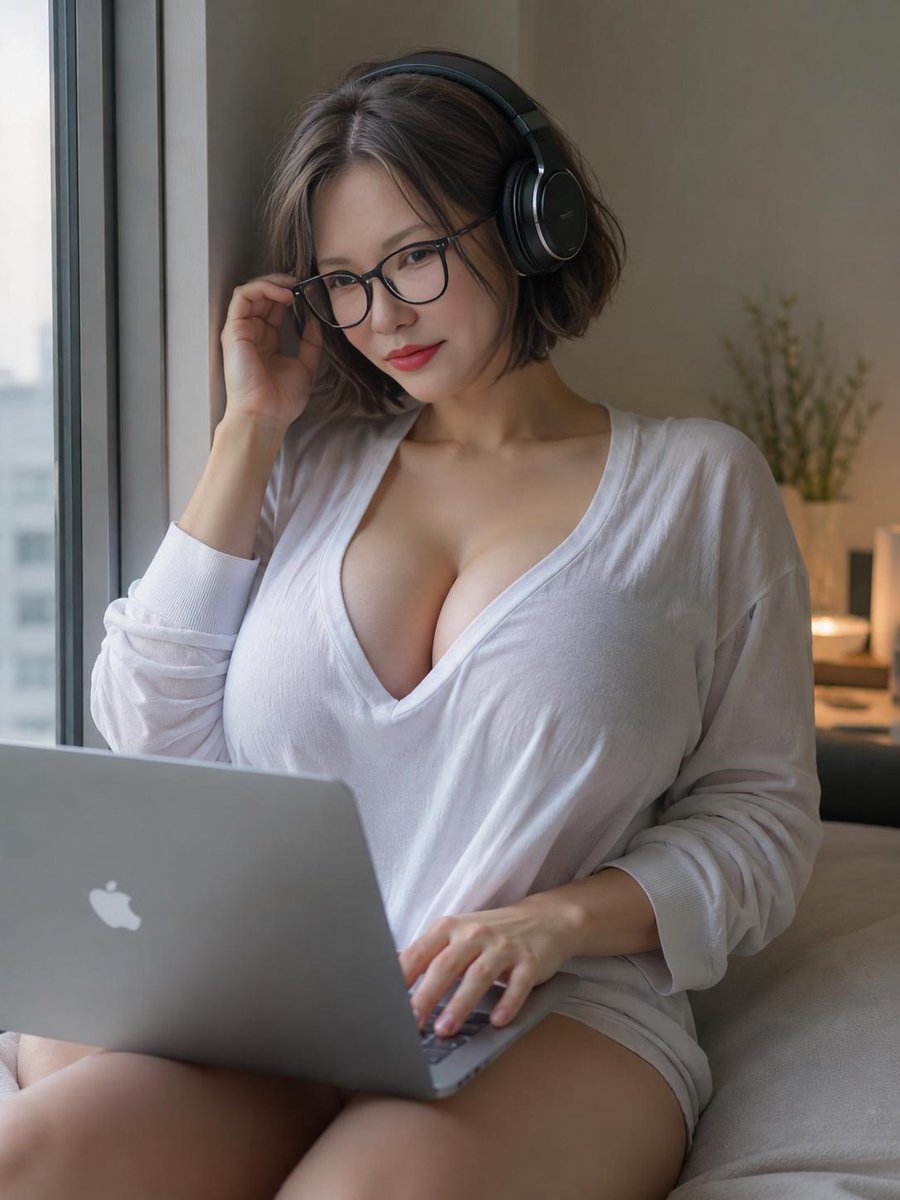
Cozy Laptop Portrait by Window

Cozy Night Laptop Portrait

Local Edit: Rotate Laptop and Add Logo
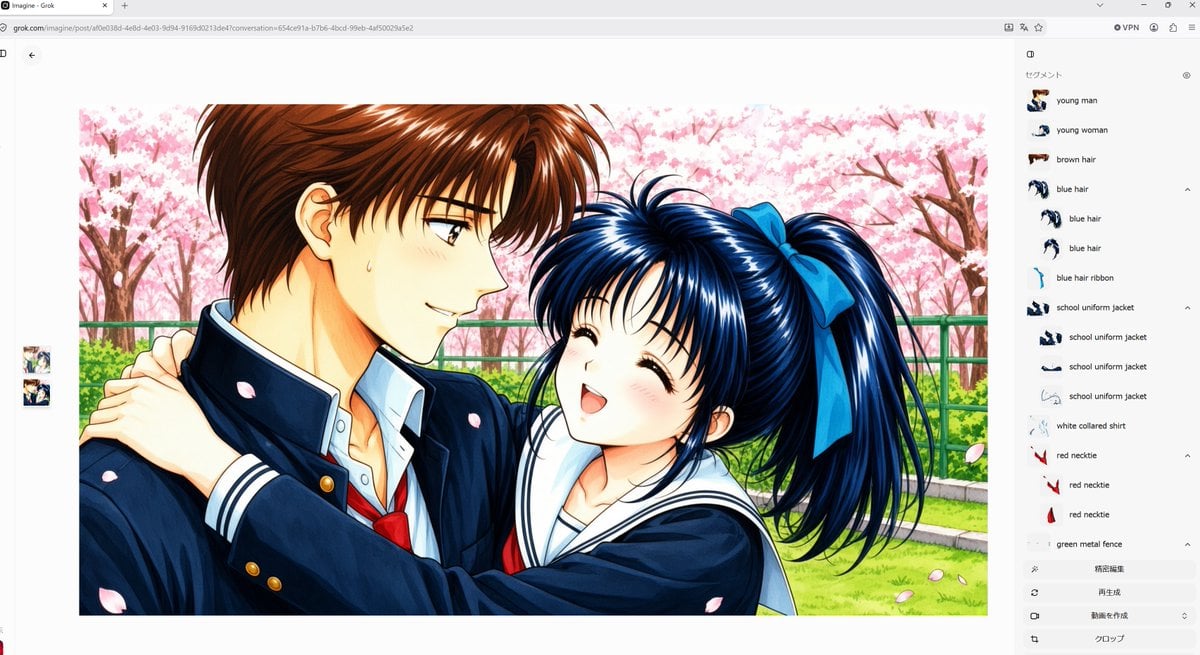
Anime Couple Segmentation UI Screenshot
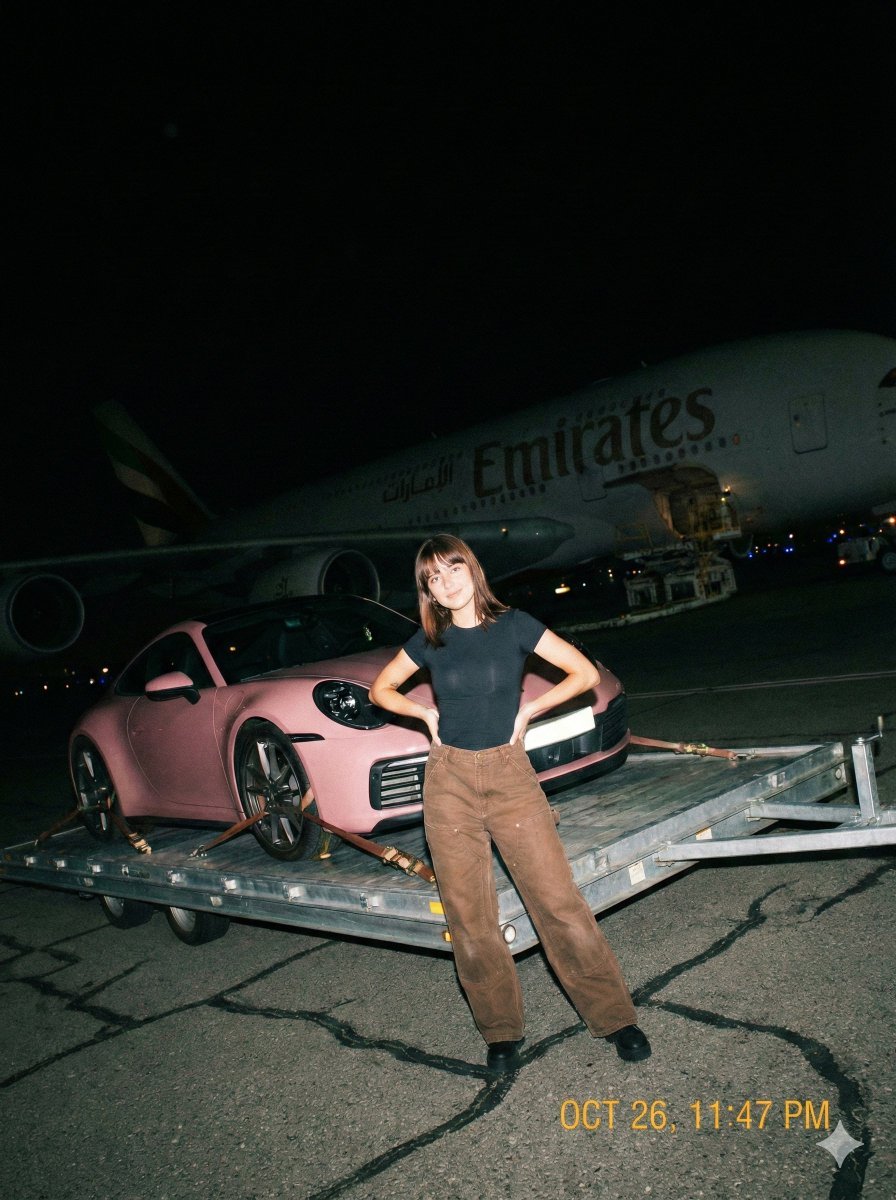
A gritty, handheld iPhone photo taken at night on an airport tarmac

Graphic Screen-Print Human-Animal Illustration
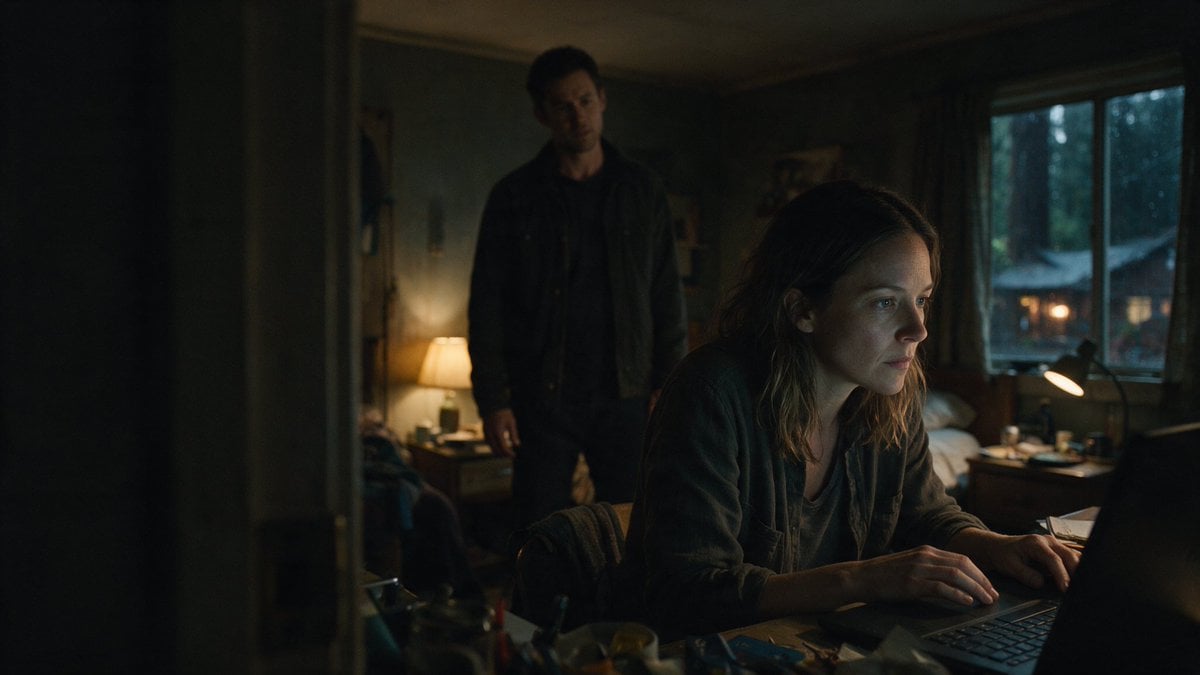
Moody Thriller Bedroom Laptop Scene
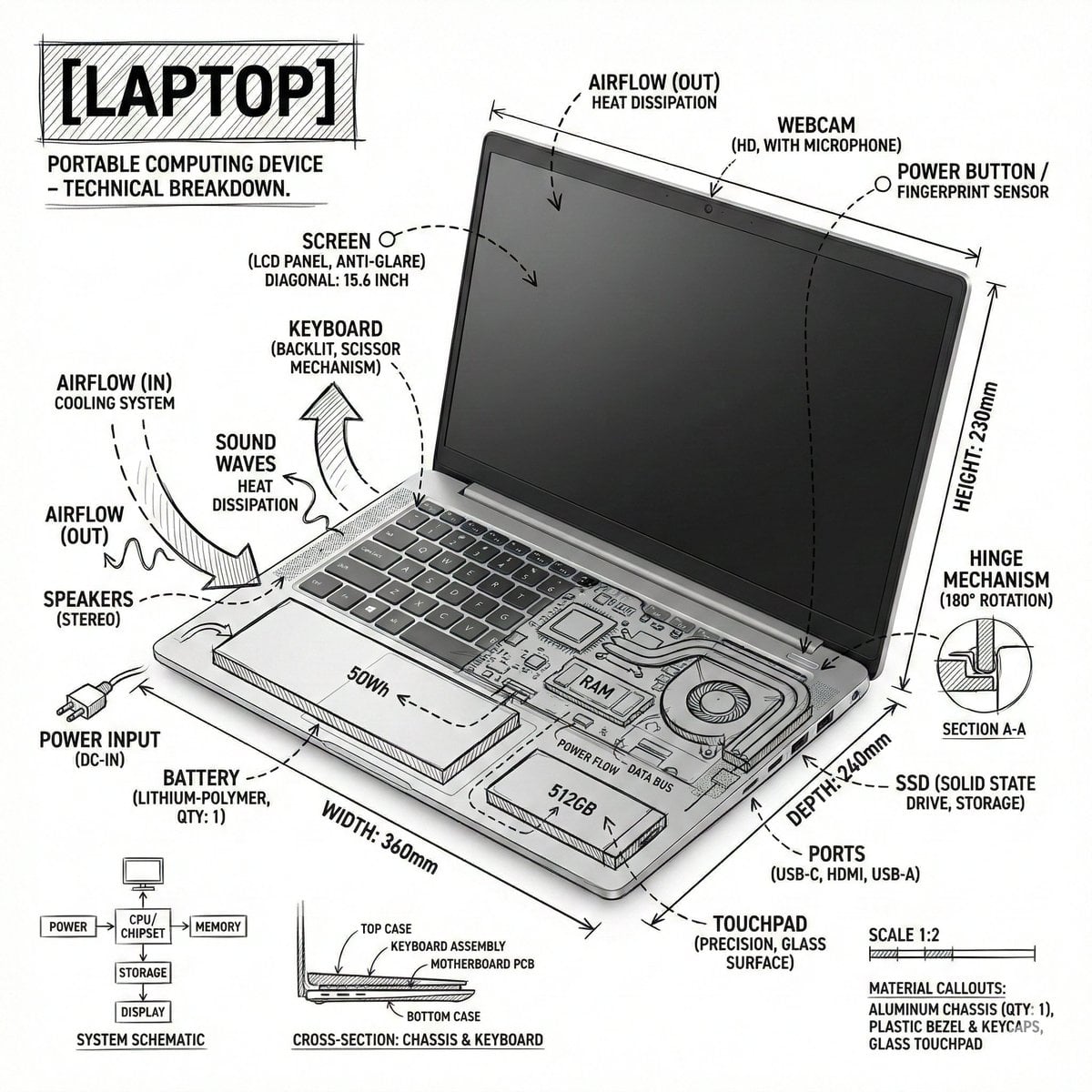
Technical Laptop Infographic Illustration
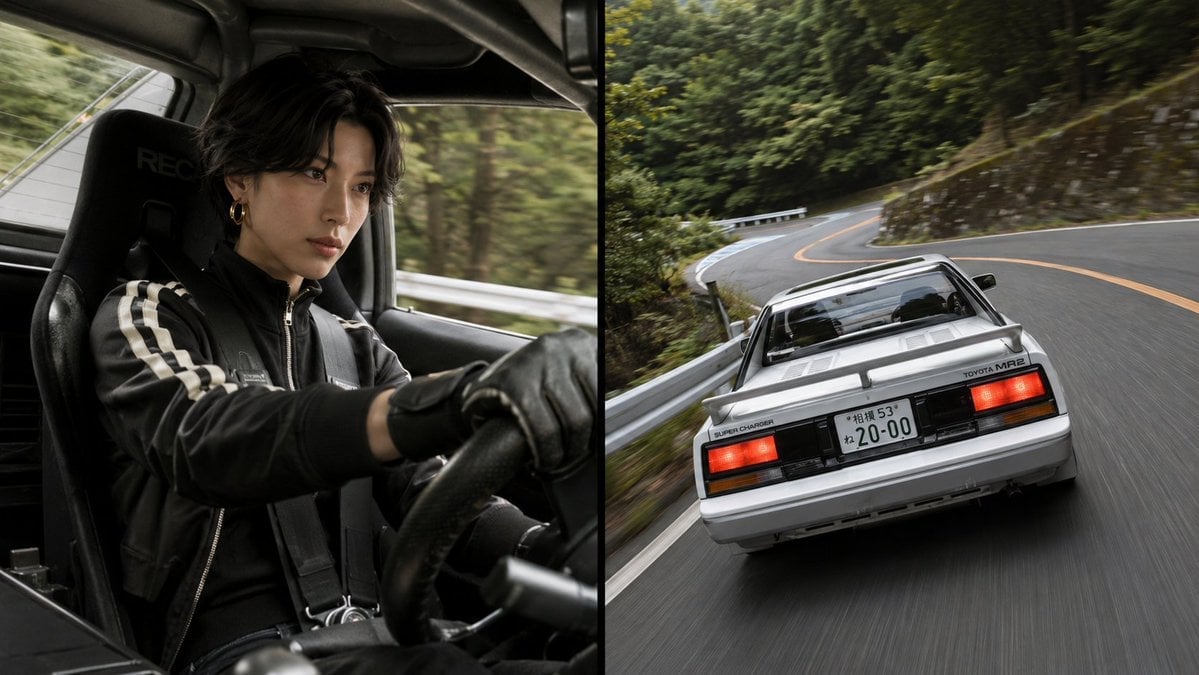
Split-Screen MR2 Touge Drive
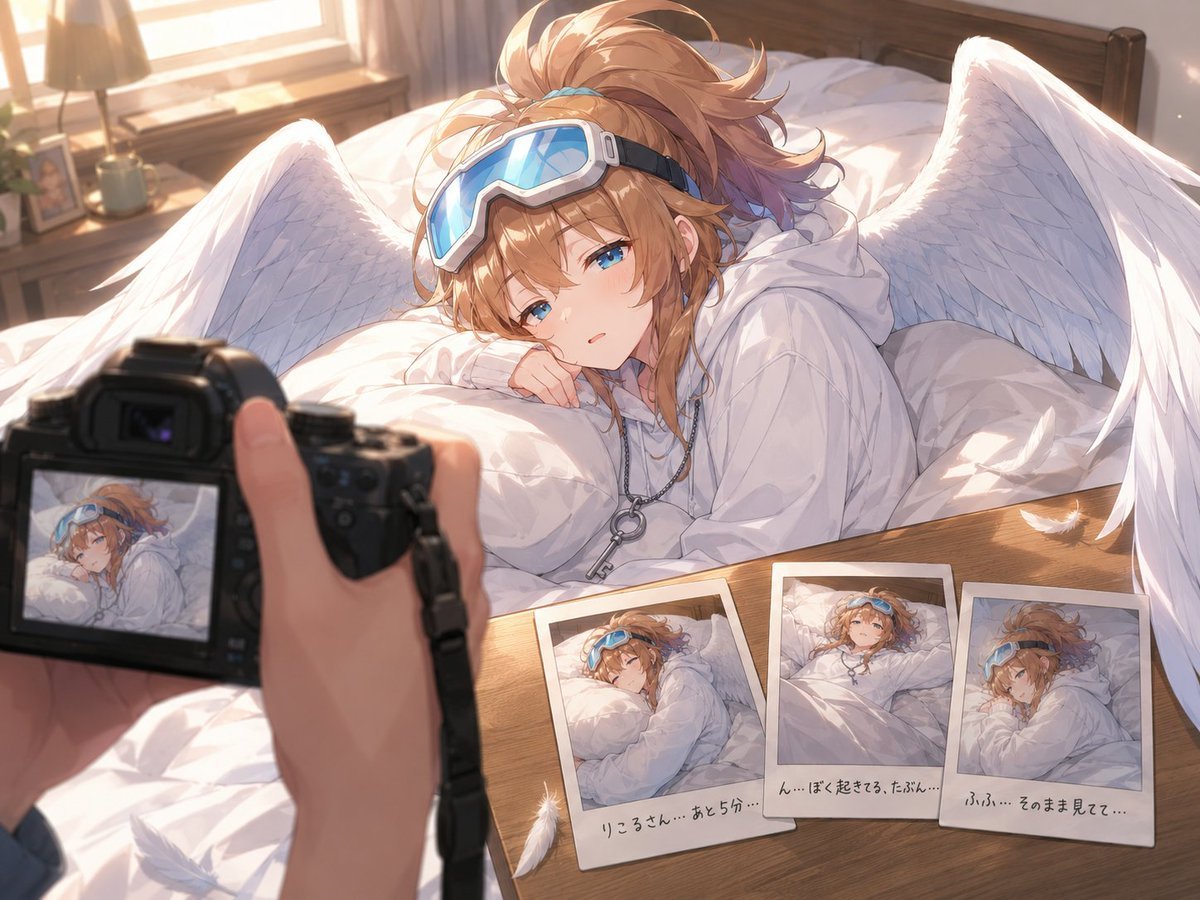
Anime Character Waking Up POV
Make it yours
Handheld Laptop Screen POV works as-is. These are the safest ways to change it without losing the look.
Change one field
Copy a single group, rewrite it, and generate again so you can see what that field is doing.
Keep the frame, change the subject
Hold the composition and light of Handheld Laptop Screen POV, then swap wardrobe, props or the person for a new take.
| If the result… | Why | Fix |
|---|---|---|
| The result drifts from the preview | Too many fields changed at once. | Reuse Handheld Laptop Screen POV as-is first, then change one group — subject, light, or setting. |
| The model over-stylizes the scene | The prose prompt leaves finish and camera underspecified. | Add one camera or lighting sentence and stay on GPT Image 2. |
More GPT Image 2 templates
Other prompts made for GPT Image 2.

Six VTuber Japanese Logo Sheet

Realistic Portrait of Woman and Deer

The Vista Modular Condo Poster

AI Model Routing Comparison Infographic

2.5D Anime Art Board

Isometric Productivity Desk Scene

New York Double Exposure Poster

Four-Panel AI Landscape Comparison

Japanese Tatami Lifestyle Magazine Cover

NESCAFÉ Coffee Map Poster
More image prompts
Fresh picks from across the catalog.

Natural Sunlight Selfie in a Parked Car
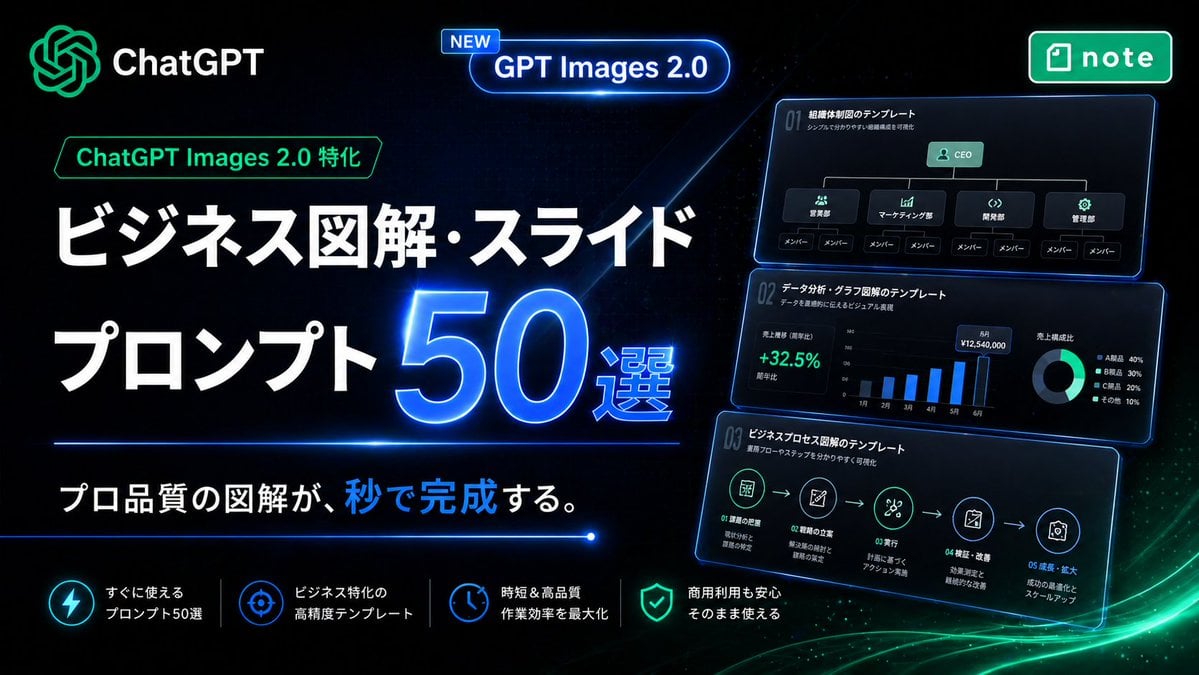
Neon Japanese AI Prompt Promo Banner

Gpt2 E Commerce Main Image Minimalist Product Ad Pure Crunch
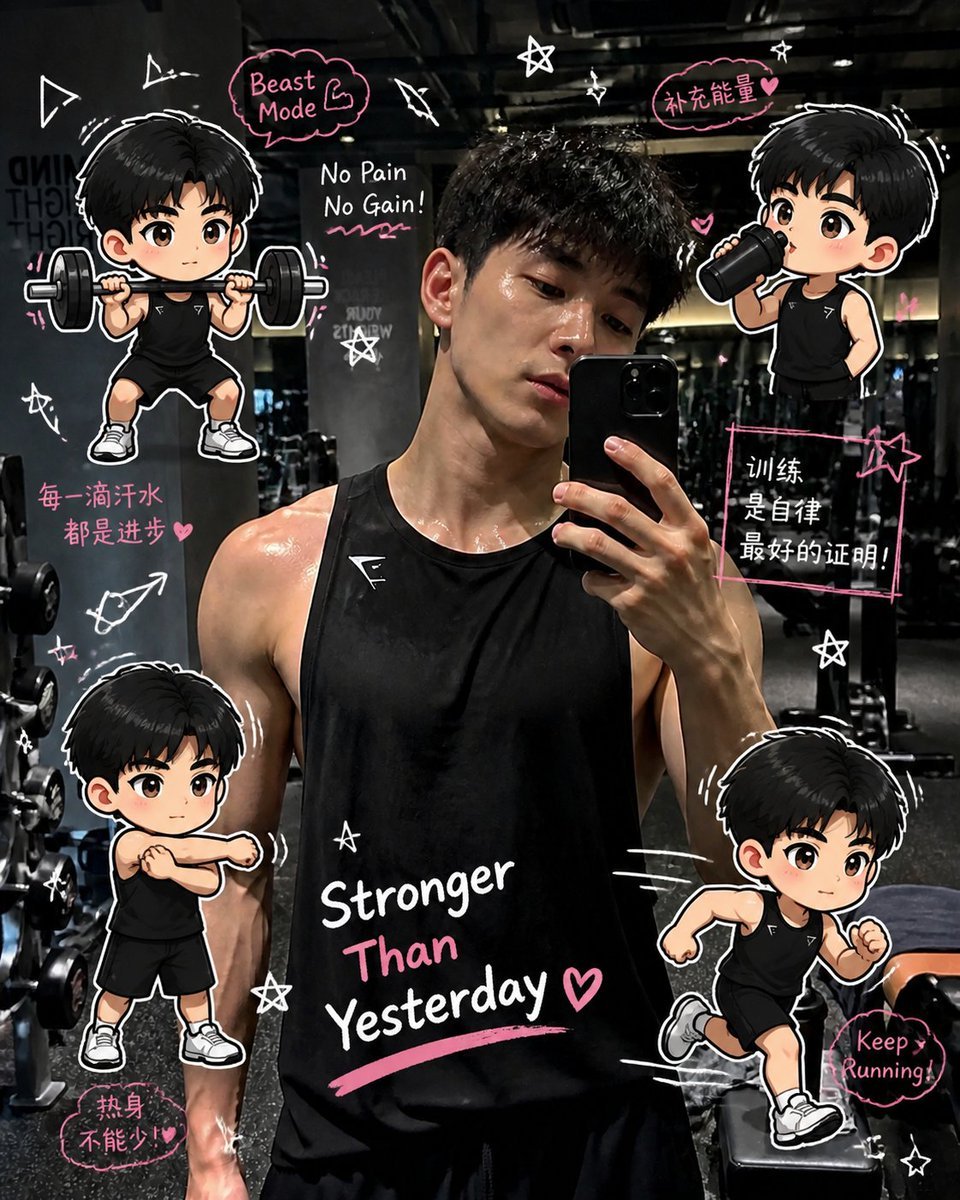
Gym Photo Chibi Transformation
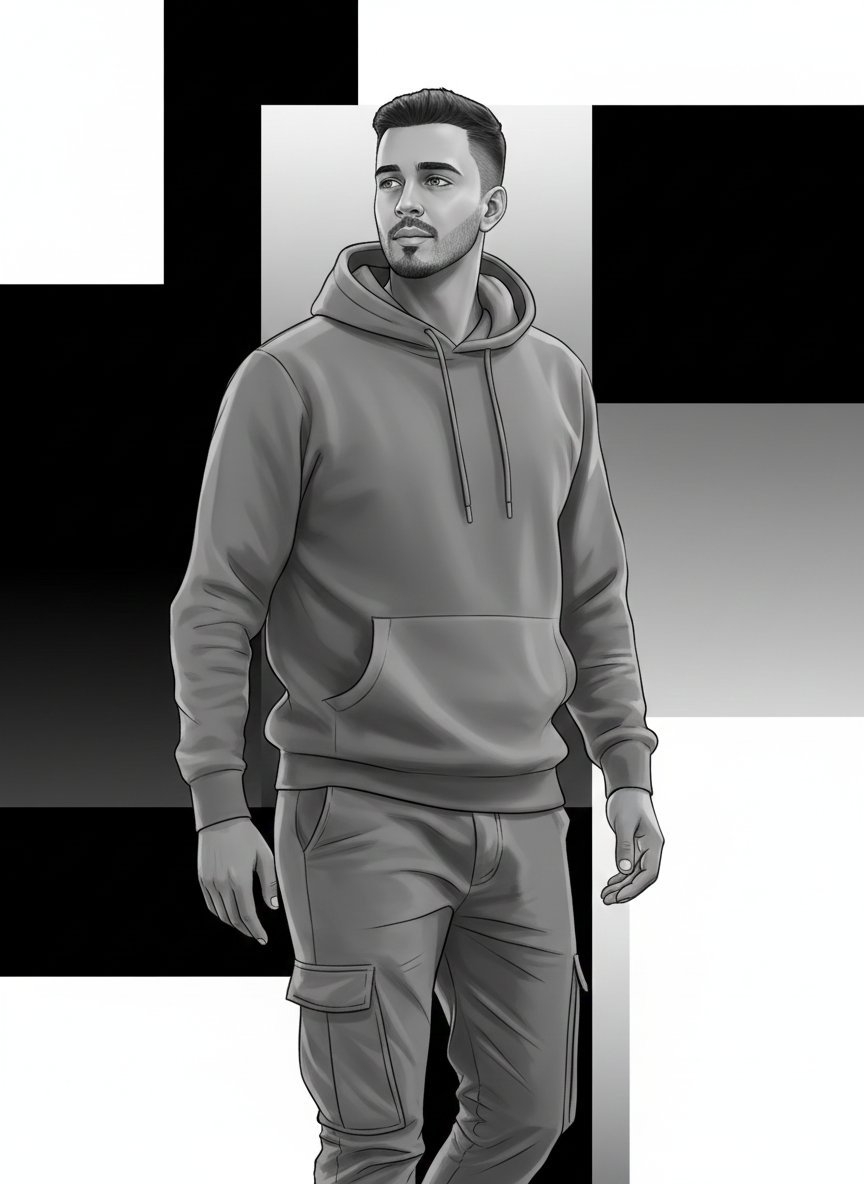
High-Fashion Monochrome Vector Illustration Prompt
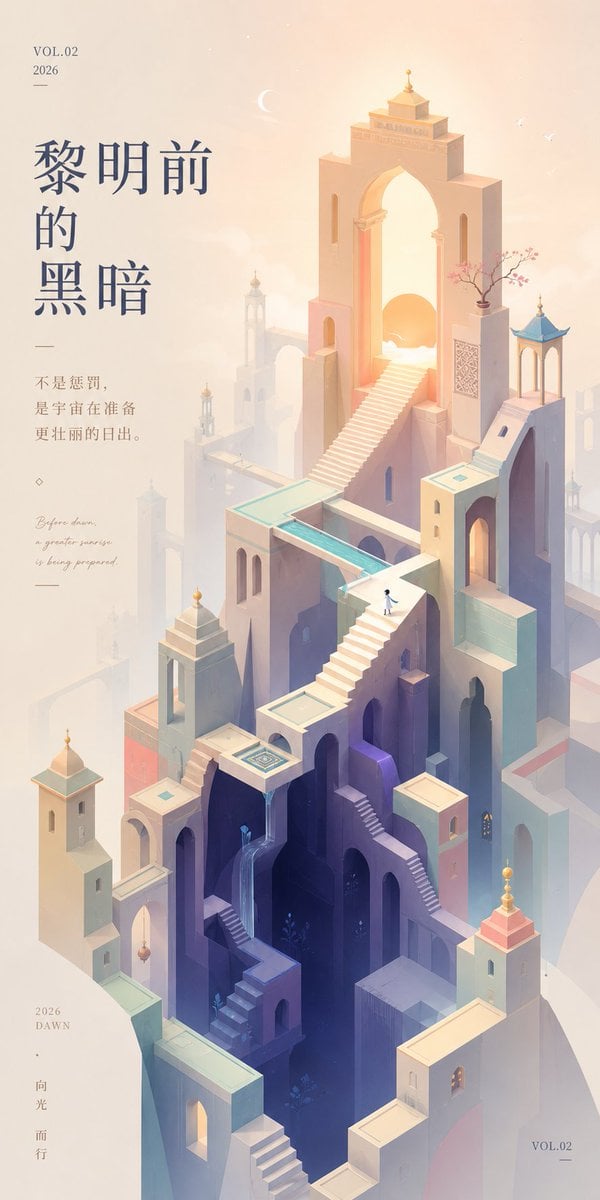
Monument Valley Dawn Quote Wallpaper
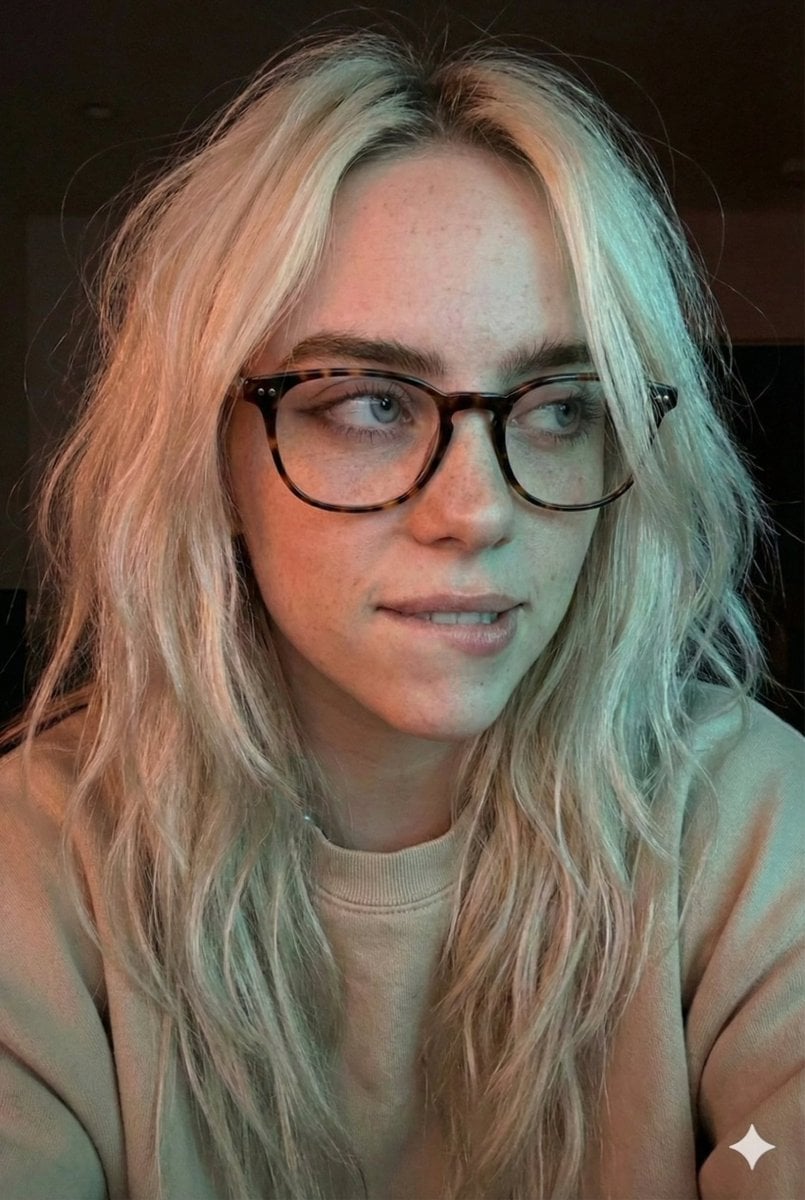
Moody Dual-Tone Selfie Portrait

Kids Crayon Travel Journal Illustration
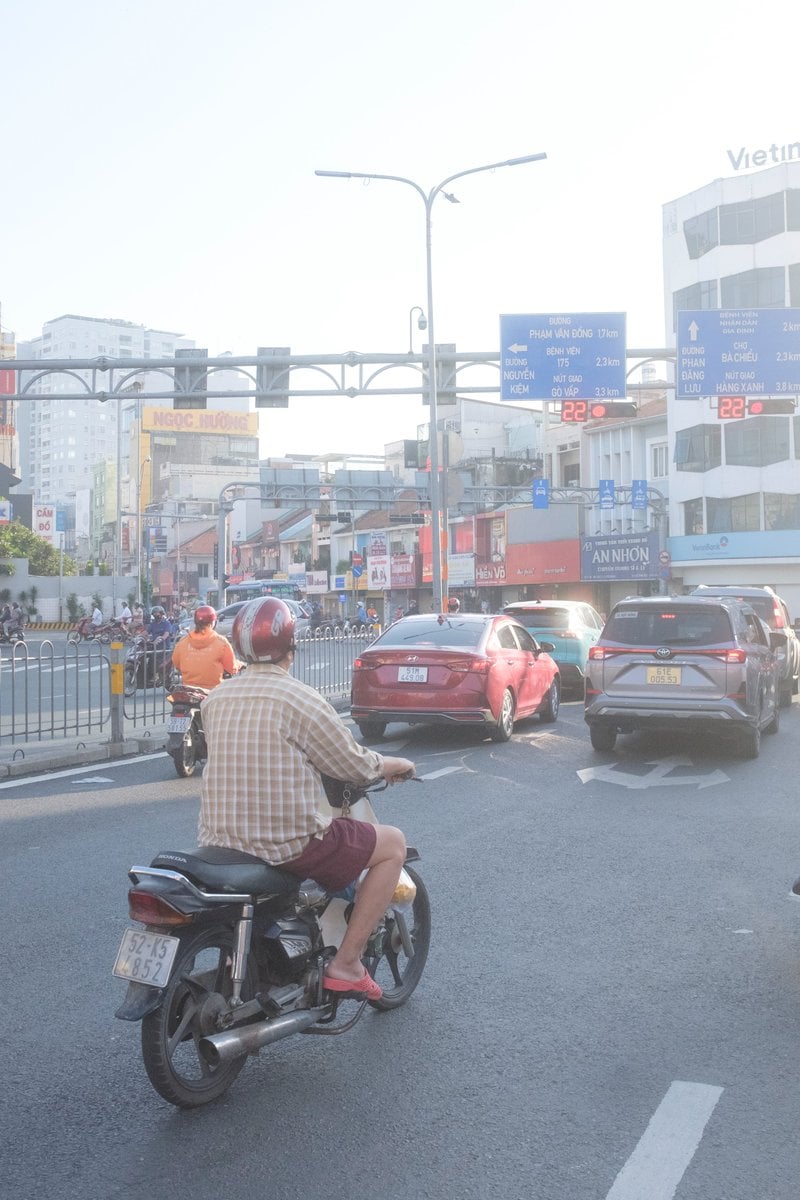
Edit city photo into rainy scene with Vietnamese bikers
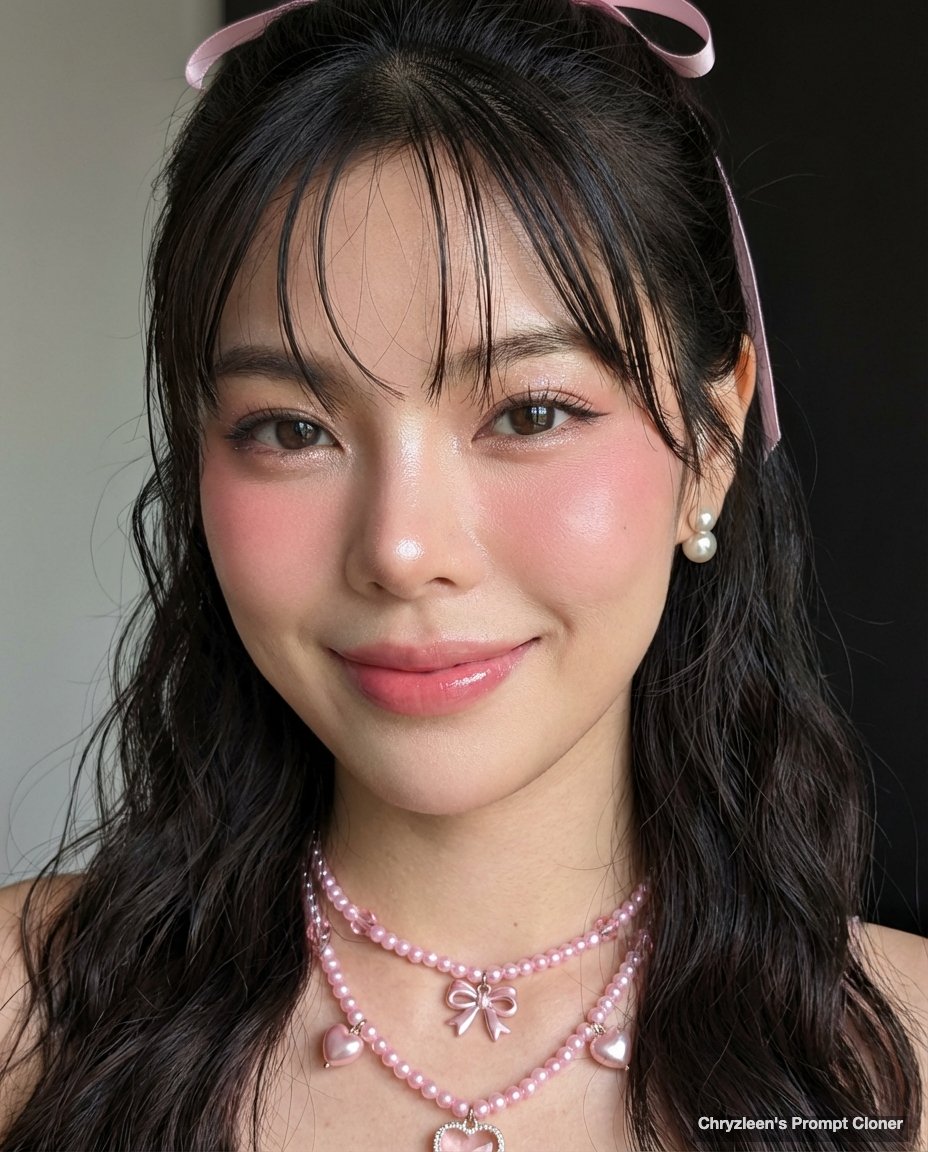
Google Pixel Aesthetic Portrait
Browse template categories
Handheld Laptop Screen POV questions
How do I use the Handheld Laptop Screen POV template?
Add your photo if the template asks for one, edit the prompt if you like — the template's model and format are already selected — and press Generate. Your version opens in PicX Studio.
Can I customize the Handheld Laptop Screen POV template?
Yes. You can change the subject, setting, lighting, mood, format, and available model controls before creating your image.
Is the Handheld Laptop Screen POV template free?
Opening and editing this template is free. Generating uses credits, shown on the Generate button when you are signed in.
Which AI model should I use?
Start with GPT Image 2, which is the model associated with this template. You can compare another compatible model for a different finish.
Looking for something else? Browse all templates.

Your photo, any look
Thousands of ready templates for every top image and video model, from one credit balance.