How do I use the Gym Photo Chibi Transformation template?
Edit the prompt in the box under the preview — the template's model and format are already selected — and press Generate. Your version appears right on this page.
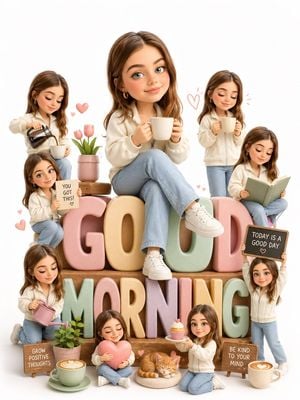
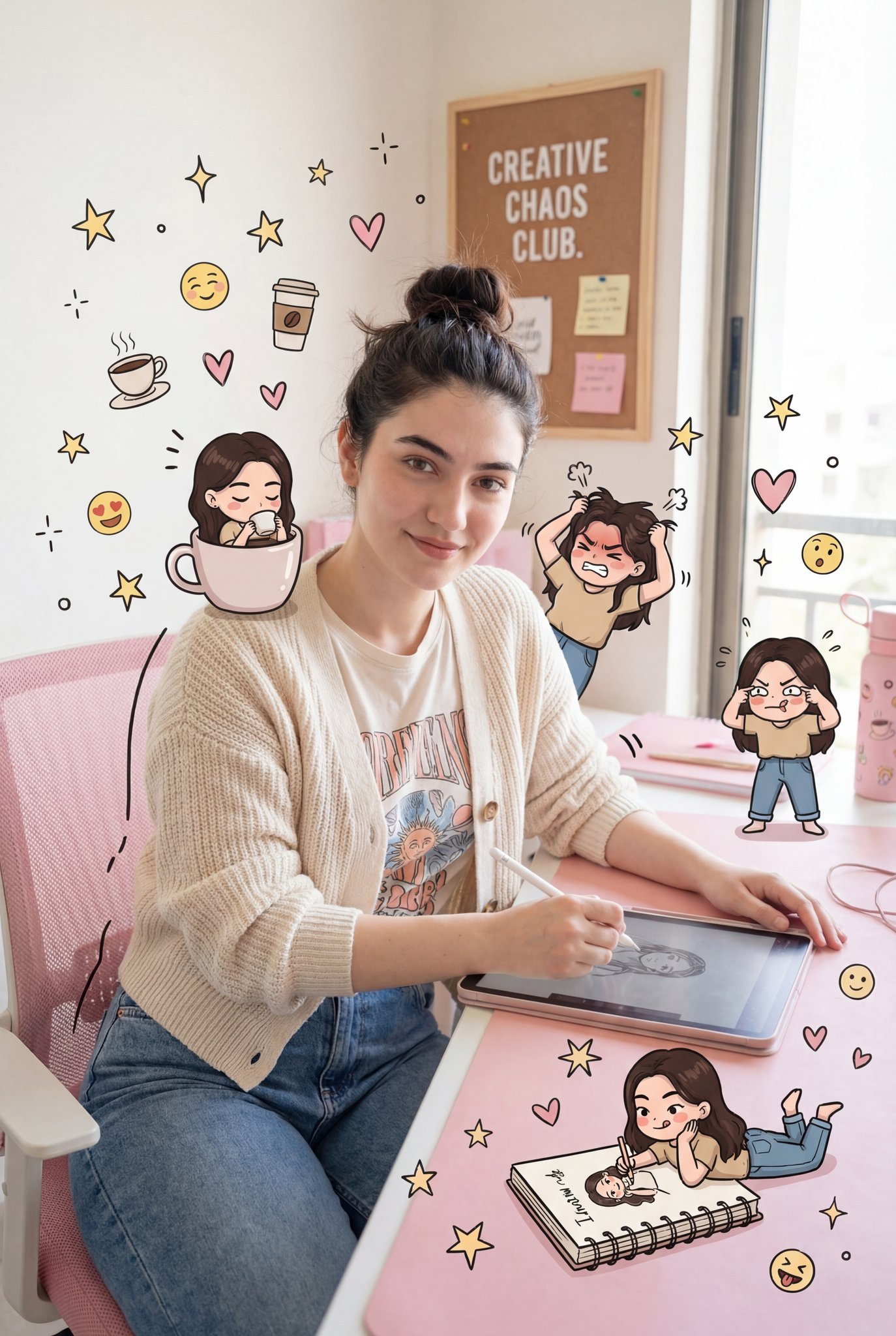
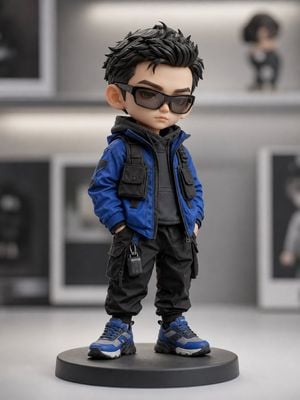
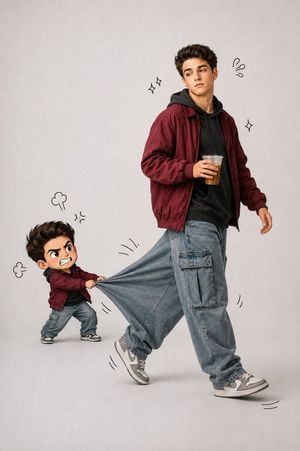
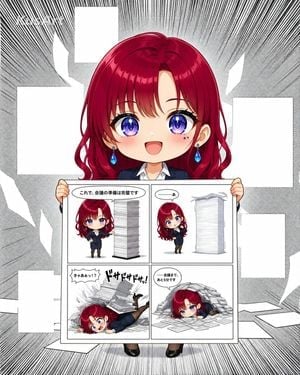
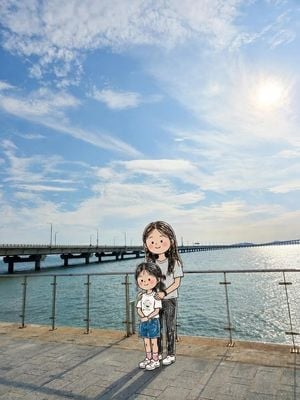
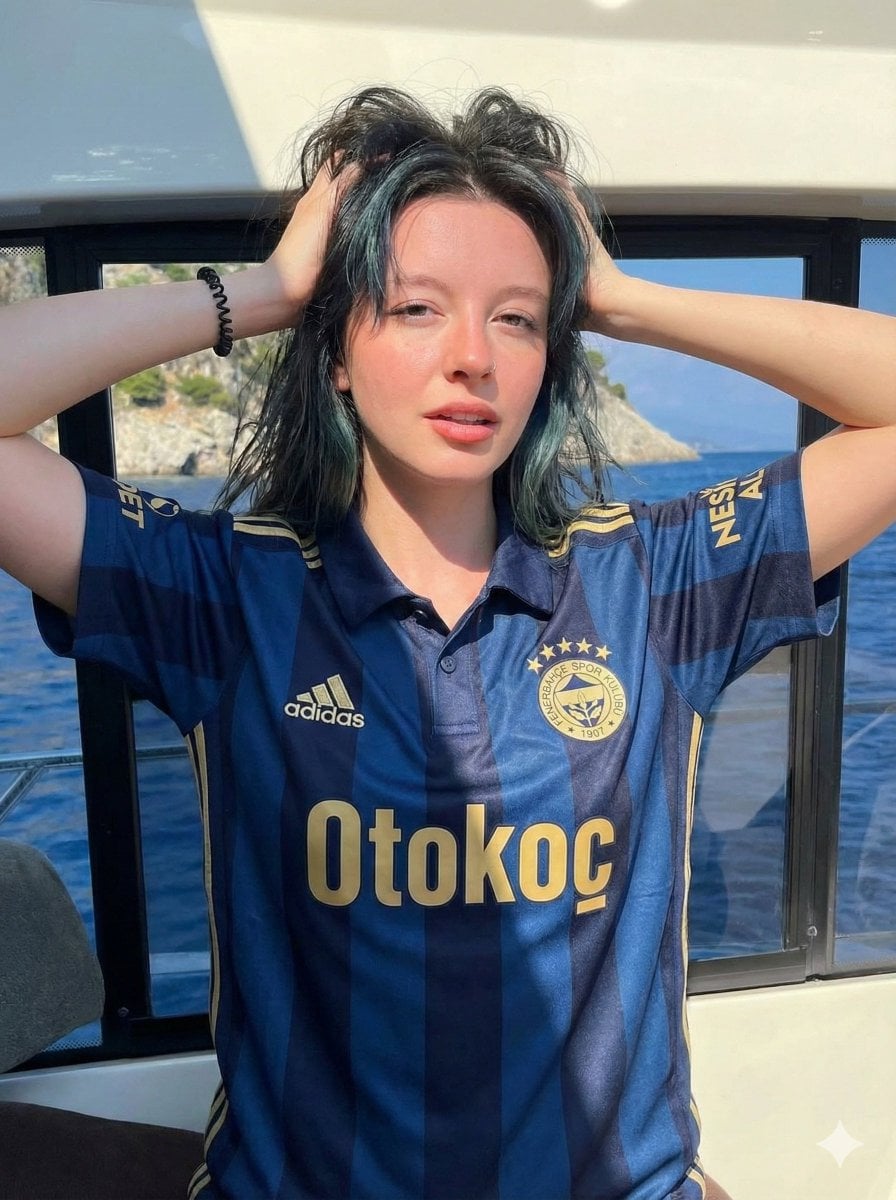
A prompt for editing gym photos to include adorable mini Chibi characters and scrapbook-style doodles while preserving the original person.

This template uses your photo — add one with the + button.
Edit while keeping the original image unchanged — including the person, face, body, pose, lighting, and gym background. Add several cute, small chibi-style "mini figures" around the image. Each mini character should have an oversized head, a lively facial expression, and match her original hairstyle and outfit Describe each mini figure doing a different fitness-related activity One lifting a barbell One drinking from a shaker cup One doing warm-up exercises One wearing running shoes and running Use white and pink hand-drawn doodles and handwritten notes to enhance the visual feel, creating a scrapbook style. Include elements such as arrows, stars, hearts, sparkles, and sketch lines Add {argument name="handwritten phrase" default="a handwritten-style fitness-themed motivational phrase"} The overall mood should be full of fun and {argument name="mood" default="masculine charm"}
Edit while keeping the original image unchanged — including the person, face, body, pose, lighting, and gym background. Add several cute, small chibi-style "mini figures" around the image. Each mini character should have an oversized head, a lively facial expression, and match her original hairstyle and outfit Describe each mini figure doing a different fitness-related activity One lifting a barbell One drinking from a shaker cup One doing warm-up exercises One wearing running shoes and running Use white and pink hand-drawn doodles and handwritten notes to enhance the visual feel, creating a scrapbook style. Include elements such as arrows, stars, hearts, sparkles, and sketch lines Add {argument name="handwritten phrase" default="a handwritten-style fitness-themed motivational phrase"} The overall mood should be full of fun and {argument name="mood" default="masculine charm"}
Edit the prompt in the box under the preview — the template's model and format are already selected — and press Generate. Your version appears right on this page.
Yes. You can change the subject, setting, lighting, mood, format, and available model controls before creating your image.
Opening and editing this template is free. Generating uses credits, shown on the Generate button when you are signed in.
Start with GPT Image 2, which is the model associated with this template. You can compare another compatible model for a different finish.
Follow a topic to a crawlable collection of related PicX Studio templates.