
Scientific Bayberry Anatomy Poster
This generates a luxurious black-background botanical infographic of a sliced bayberry with six labeled anatomical callouts, ideal for editorial science art or premium educational posters.
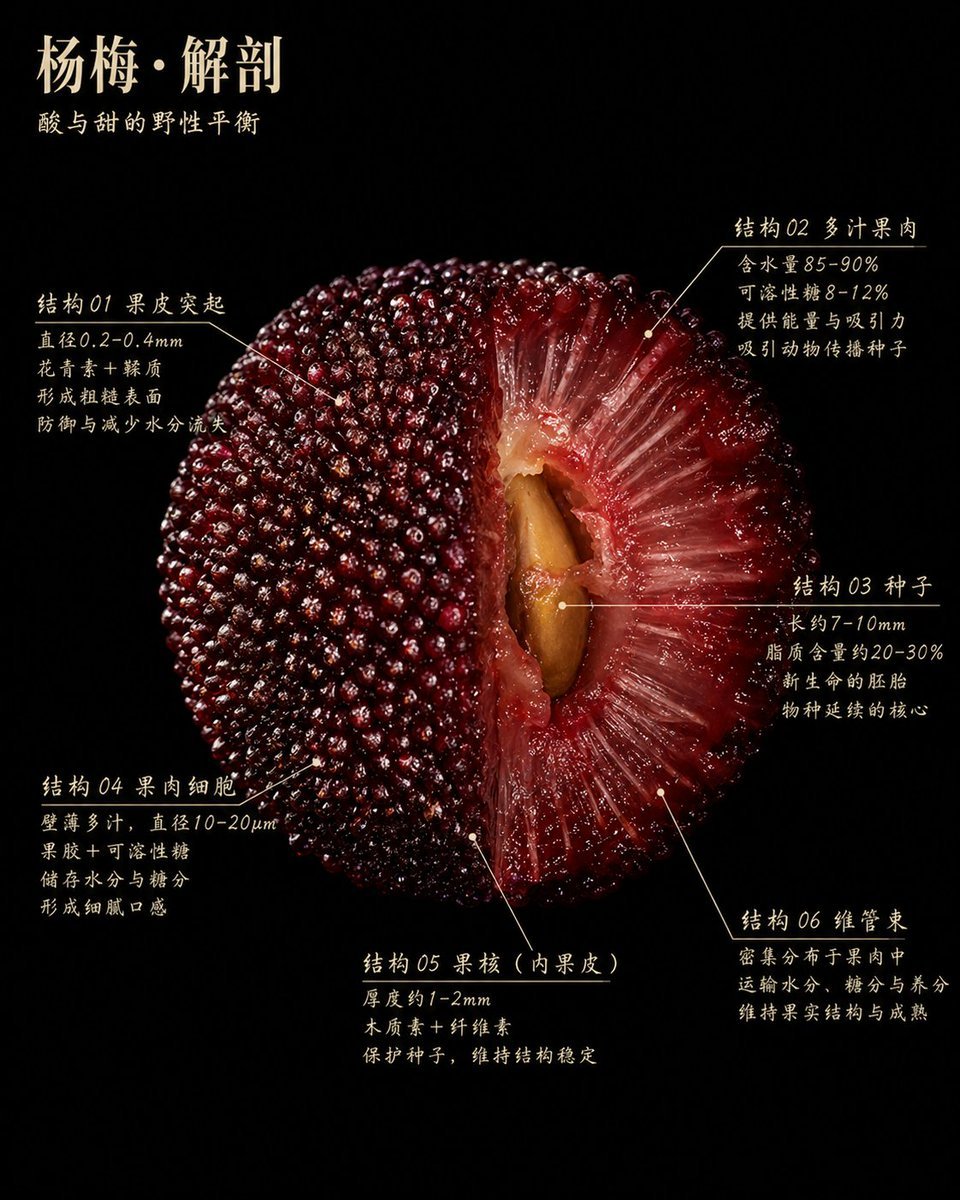
- Prompt included
- Model and format preset
- Free template
The prompt behind this image
Copy the exact prompt behind Scientific Bayberry Anatomy Poster, or open it in the studio and make it yours.
A hyper-detailed scientific botanical poster on a pure black background, featuring a single giant centered cross-section of a Chinese bayberry fruit, dramatic studio lighting, ultra-macro food photography realism, glossy wet surface, rich deep crimson to burgundy tones. The fruit is shown as a half-cut anatomical specimen, filling most of the frame, with the left half showing the intact outer skin covered in countless tightly packed bead-like protrusions, and the right half revealing the translucent red flesh radiating inward in fibrous juicy strands toward a large tan-brown seed in the center cavity. At the top left, elegant Chinese typography in warm ivory reads the title {argument name="headline text" default="杨梅·解剖"}, with a smaller subtitle beneath it reading {argument name="subtitle text" default="酸与甜的野性平衡"}. Around the fruit are 6 annotated callout sections in Chinese, each with thin ivory leader lines and small pointer dots indicating precise fruit structures. Section 1 is on the upper left labeled "结构 01 果皮突起" with 4 lines of explanatory text. Section 2 is on the upper right labeled "结构 02 多汁果肉" with 4 lines of explanatory text. Section 3 is on the mid-right labeled "结构 03 种子" with 4 lines of explanatory text. Section 4 is on the lower left labeled "结构 04 果肉细胞" with 4 lines of explanatory text. Section 5 is on the lower center labeled "结构 05 果核(内果皮)" with 3 lines of explanatory text. Section 6 is on the lower right labeled "结构 06 维管束" with 3 lines of explanatory text. The text style is refined, slightly calligraphic serif Chinese print, ivory on black, resembling a museum exhibit placard or premium editorial infographic. Composition is symmetrical but organic, minimal negative space, luxurious, educational, tactile, highly detailed, high contrast, no extra objects, no border, no watermark.
How to use Scientific Bayberry Anatomy Poster in 3 steps
- 1Upload ImagePNG, JPG or paste
Add your photo
Upload the photo the template builds on. The prompt, model and format are already set.
- 2…a portrait of your subject in softgolden-hour light, 85mm…
Personalize
Edit the subject and creative details for your destination.
- 3Generate
Generate
Press Generate — your image is created in PicX Studio, so you can compare it with the original and refine one variable at a time.
More like this
Templates with the same subject, style or setup. Open one to see its prompt.
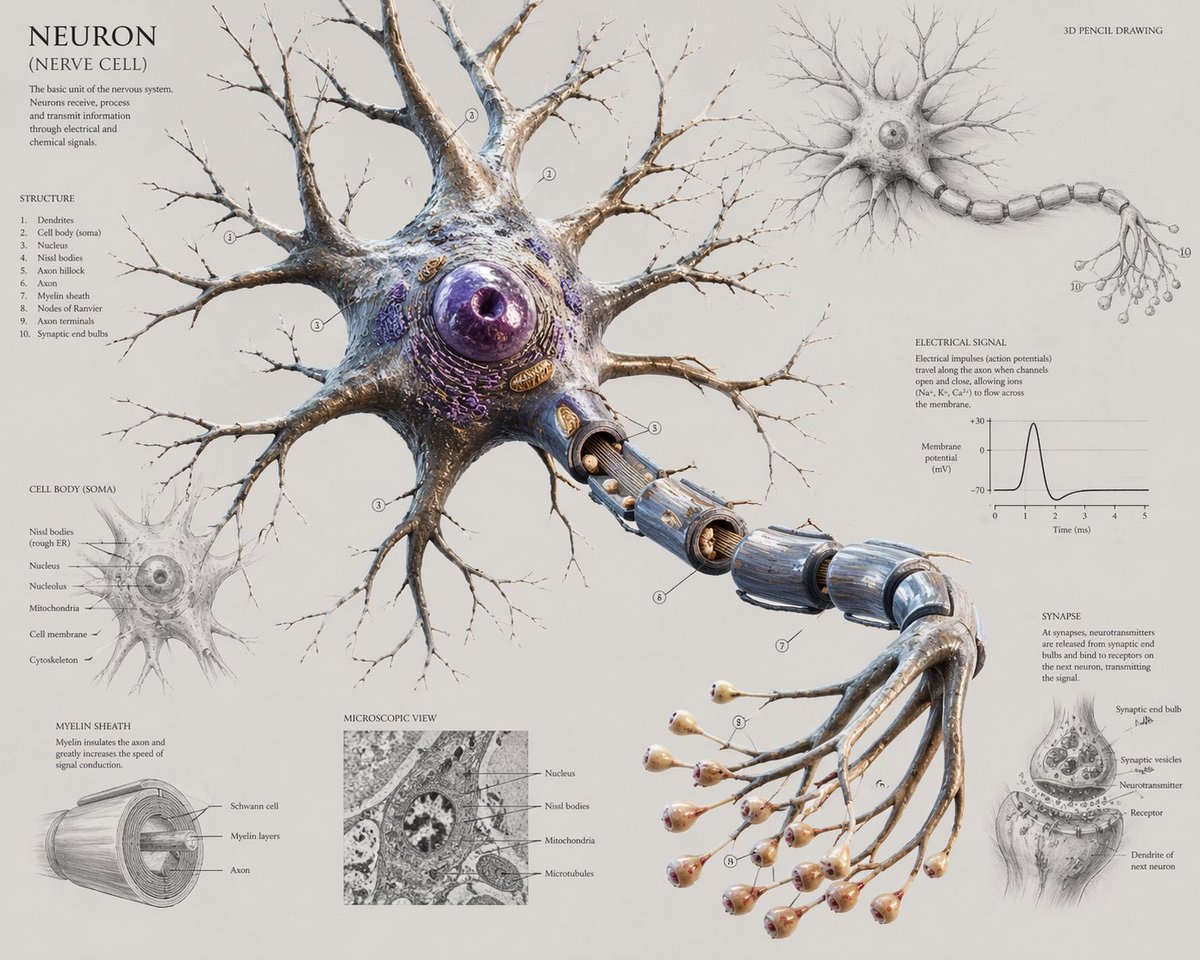
Scientific Neuron Anatomy Poster

Japan Travel Brochure Poster

Cartoon TV Show Poster Pack

Trendy Cafe Drink Promo Poster

Urban Fashion Editorial Collage Streetwear Poster

Premium Fashion Editorial Cover Layout System

Polo Ralph Lauren Luxury American Heritage Fashion Campaign

Monochrome Halftone Editorial Fashion Poster

Retro Mirror Luxury Fashion Campaign Poster

Luxury Fashion Campaign Typography Poster System

Premium Fashion Editorial Campaign Poster System

Ultra-Stylized High-Fashion Streetwear Poster
Make it yours
Scientific Bayberry Anatomy Poster works as-is. These are the safest ways to change it without losing the look.
Change one field
Copy a single group, rewrite it, and generate again so you can see what that field is doing.
Keep the frame, change the subject
Hold the composition and light of Scientific Bayberry Anatomy Poster, then swap wardrobe, props or the person for a new take.
| If the result… | Why | Fix |
|---|---|---|
| The result drifts from the preview | Too many fields changed at once. | Reuse Scientific Bayberry Anatomy Poster as-is first, then change one group — subject, light, or setting. |
| The model over-stylizes the scene | The prose prompt leaves finish and camera underspecified. | Add one camera or lighting sentence and stay on GPT Image 2. |
More GPT Image 2 templates
Other prompts made for GPT Image 2.

Six VTuber Japanese Logo Sheet

Realistic Portrait of Woman and Deer

The Vista Modular Condo Poster

AI Model Routing Comparison Infographic

2.5D Anime Art Board

Isometric Productivity Desk Scene

New York Double Exposure Poster

Four-Panel AI Landscape Comparison

Japanese Tatami Lifestyle Magazine Cover

NESCAFÉ Coffee Map Poster
More image prompts
Fresh picks from across the catalog.
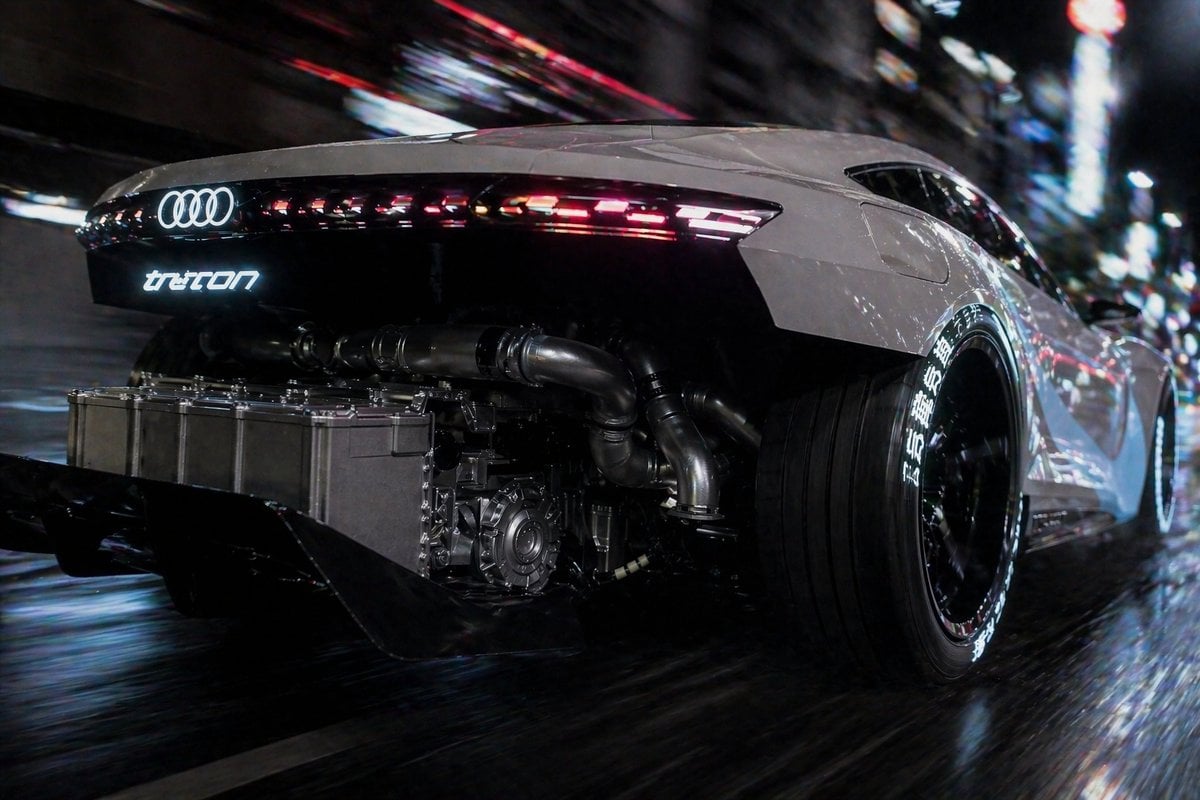
Cyberpunk Audi Rear Chase Shot

Futuristic Tech Skyscraper City

Crocheted Miniature Airport Diorama Prompt

Meme-to-Toy Box Conversion Template

Humanoid Mech Generator for Urban Life
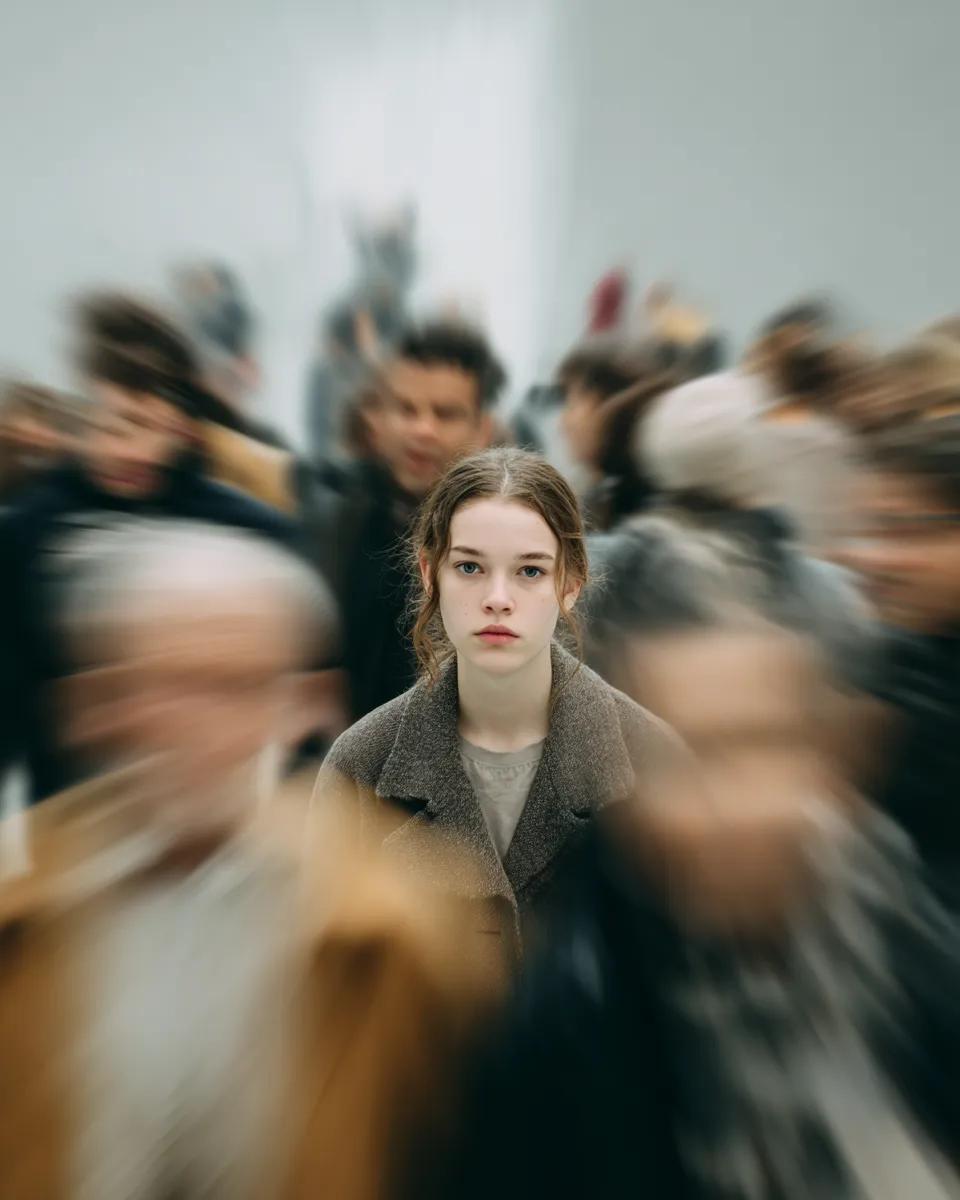
Cinematic Portrait with Radial Motion Blur

Minimalist Oriental Commercial Illustration
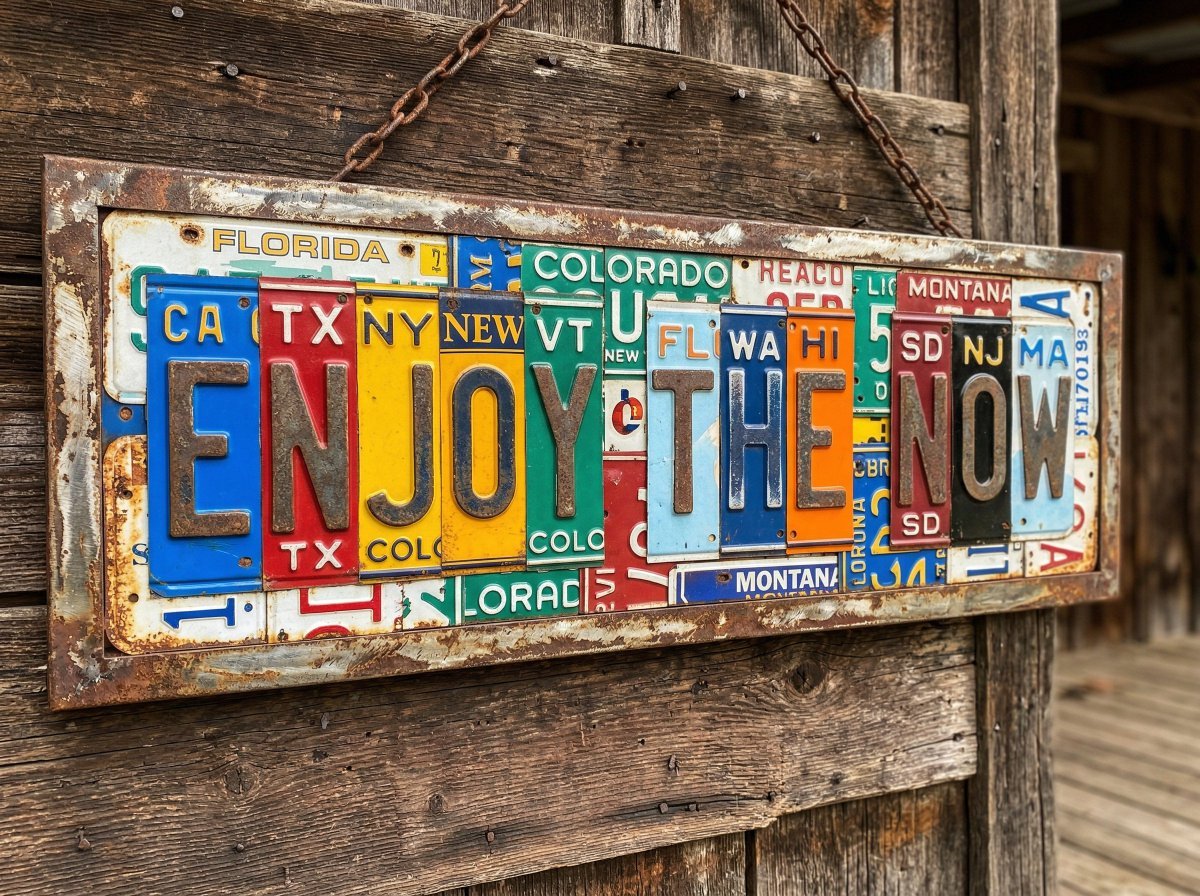
Distressed License Plate Sign
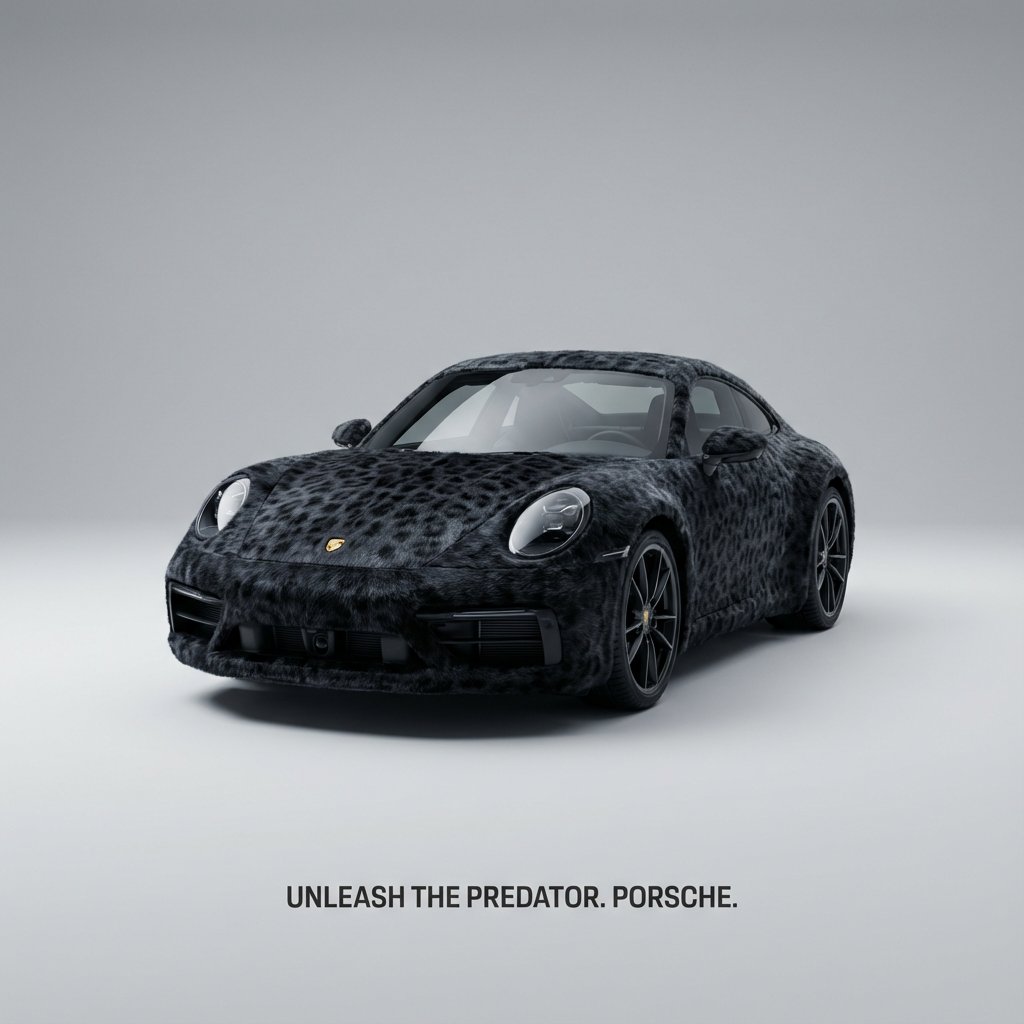
Animal Texture Product Marketing Shot Generator

Rain-Soaked Anonymous Cowboy
Browse template categories
Scientific Bayberry Anatomy Poster questions
How do I use the Scientific Bayberry Anatomy Poster template?
Add your photo if the template asks for one, edit the prompt if you like — the template's model and format are already selected — and press Generate. Your version opens in PicX Studio.
Can I customize the Scientific Bayberry Anatomy Poster template?
Yes. You can change the subject, setting, lighting, mood, format, and available model controls before creating your image.
Is the Scientific Bayberry Anatomy Poster template free?
Opening and editing this template is free. Generating uses credits, shown on the Generate button when you are signed in.
Which AI model should I use?
Start with GPT Image 2, which is the model associated with this template. You can compare another compatible model for a different finish.
Looking for something else? Browse all templates.

Your photo, any look
Thousands of ready templates for every top image and video model, from one credit balance.