
Cyberpunk Audi Rear Chase Shot
This prompt generates a dramatic photorealistic image of a futuristic Audi supercar speeding through a neon city at night, ideal for concept car art, automotive ads, or cyberpunk visuals.
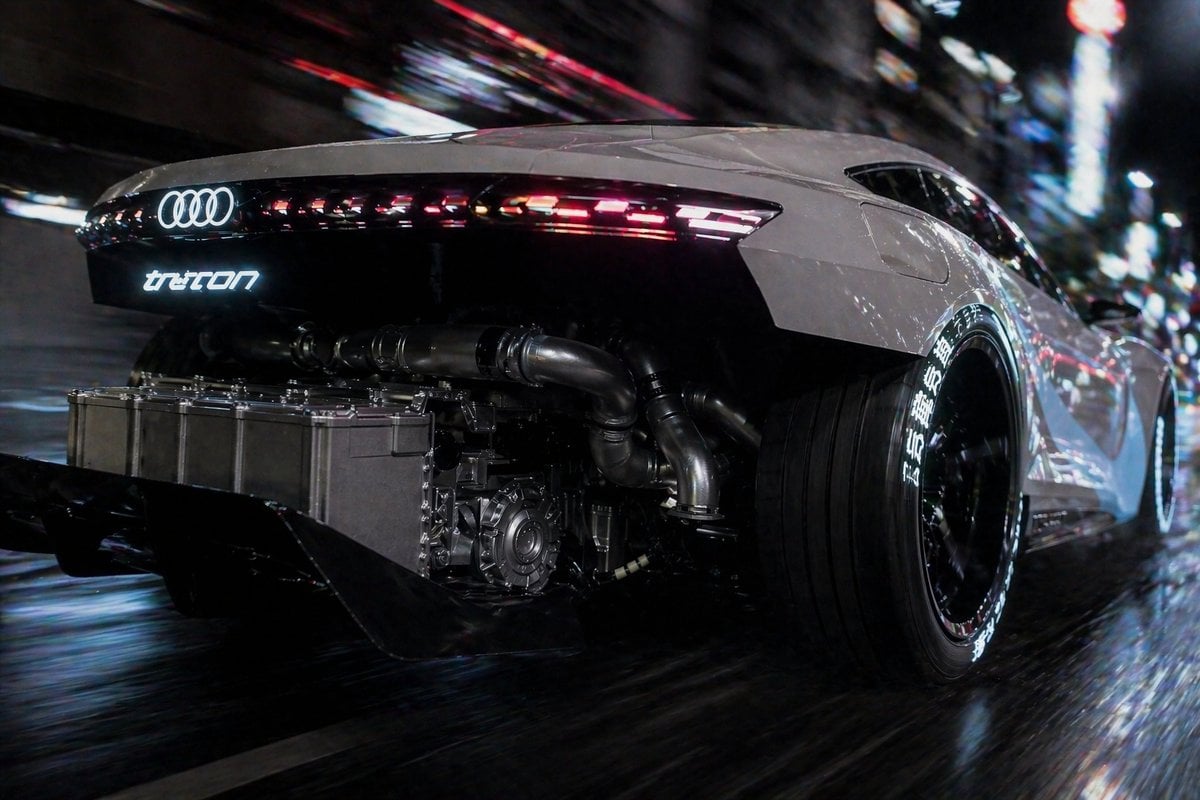
- Prompt included
- Model and format preset
- Free template
The prompt behind this image
Copy the exact prompt behind Cyberpunk Audi Rear Chase Shot, or open it in the studio and make it yours.
A cinematic rear three-quarter tracking shot of a futuristic white Audi supercar racing through a dense neon-lit city at night on a wet street, viewed from a very low angle close to the rear wheel. The car has a sleek widebody coupe silhouette, glossy pearl white body panels, a black rear fascia, and a continuous thin LED taillight strip with segmented red and white light elements stretching across the tail. The glowing Audi four-ring logo is illuminated in white at the center rear, with a stylized glowing model badge beneath it that reads "tron" in a futuristic font. The rear bodywork is partially removed or transparently open to reveal exposed high-performance mechanical components: 1 large rectangular metallic battery or power unit mounted low at the back, 3 visible thick exhaust or cooling pipes spanning across the rear, 1 visible gearbox or motor assembly near the center-right, and a deep black rear diffuser with 2 large fins. The car rides on oversized deep-dish black wheels with ultra-wide rear tires, and the tire sidewalls feature bright white Japanese-style lettering around the circumference. Use strong motion blur in the background and along the road surface to imply high speed, with sharp focus on the car body and exposed machinery. Surround the scene with abstract urban bokeh, streaking neon signage, reflections of red, blue, and white city lights across the wet pavement and glossy bodywork. High contrast, cyberpunk atmosphere, realistic automotive photography, dramatic nighttime lighting, ultra-detailed metal textures, cinematic lens, dynamic composition, speed, power, futuristic engineering.
How to use Cyberpunk Audi Rear Chase Shot in 3 steps
- 1Upload ImagePNG, JPG or paste
Add your photo
Upload the photo the template builds on. The prompt, model and format are already set.
- 2…a portrait of your subject in softgolden-hour light, 85mm…
Personalize
Edit the subject and creative details for your destination.
- 3Generate
Generate
Press Generate — your image is created in PicX Studio, so you can compare it with the original and refine one variable at a time.
More like this
Templates with the same subject, style or setup. Open one to see its prompt.

Rainy Night Android Cyberpunk Portrait

Korean Idol Partial Shadow Editorial Portrait

Cinematic Sci-Fi Interface Side Profile

Cyberpunk Neon Profile Fashion Portrait

Cinematic Neon Light Strip Studio Portrait

Futuristic Studio Neon Ring Minimalist Portrait

Neon Violet Streetwear Fashion Portrait

Neon Night Crosswalk Candid Portrait

Red Futuristic Sport Motorcycle POV
Rainy Night Android Cyberpunk Portrait
Cinematic Sci-Fi Commander Side Profile Portrait
Low-Angle Cyberpunk Neon Profile Portrait
Make it yours
Cyberpunk Audi Rear Chase Shot works as-is. These are the safest ways to change it without losing the look.
Change one field
Copy a single group, rewrite it, and generate again so you can see what that field is doing.
Keep the frame, change the subject
Hold the composition and light of Cyberpunk Audi Rear Chase Shot, then swap wardrobe, props or the person for a new take.
| If the result… | Why | Fix |
|---|---|---|
| The result drifts from the preview | Too many fields changed at once. | Reuse Cyberpunk Audi Rear Chase Shot as-is first, then change one group — subject, light, or setting. |
| The model over-stylizes the scene | The prose prompt leaves finish and camera underspecified. | Add one camera or lighting sentence and stay on GPT Image 2. |
More GPT Image 2 templates
Other prompts made for GPT Image 2.

Six VTuber Japanese Logo Sheet

Realistic Portrait of Woman and Deer

The Vista Modular Condo Poster

AI Model Routing Comparison Infographic

2.5D Anime Art Board

Isometric Productivity Desk Scene

New York Double Exposure Poster

Four-Panel AI Landscape Comparison

Japanese Tatami Lifestyle Magazine Cover

NESCAFÉ Coffee Map Poster
More image prompts
Fresh picks from across the catalog.

Lunar New Year Studio Photo Prompt
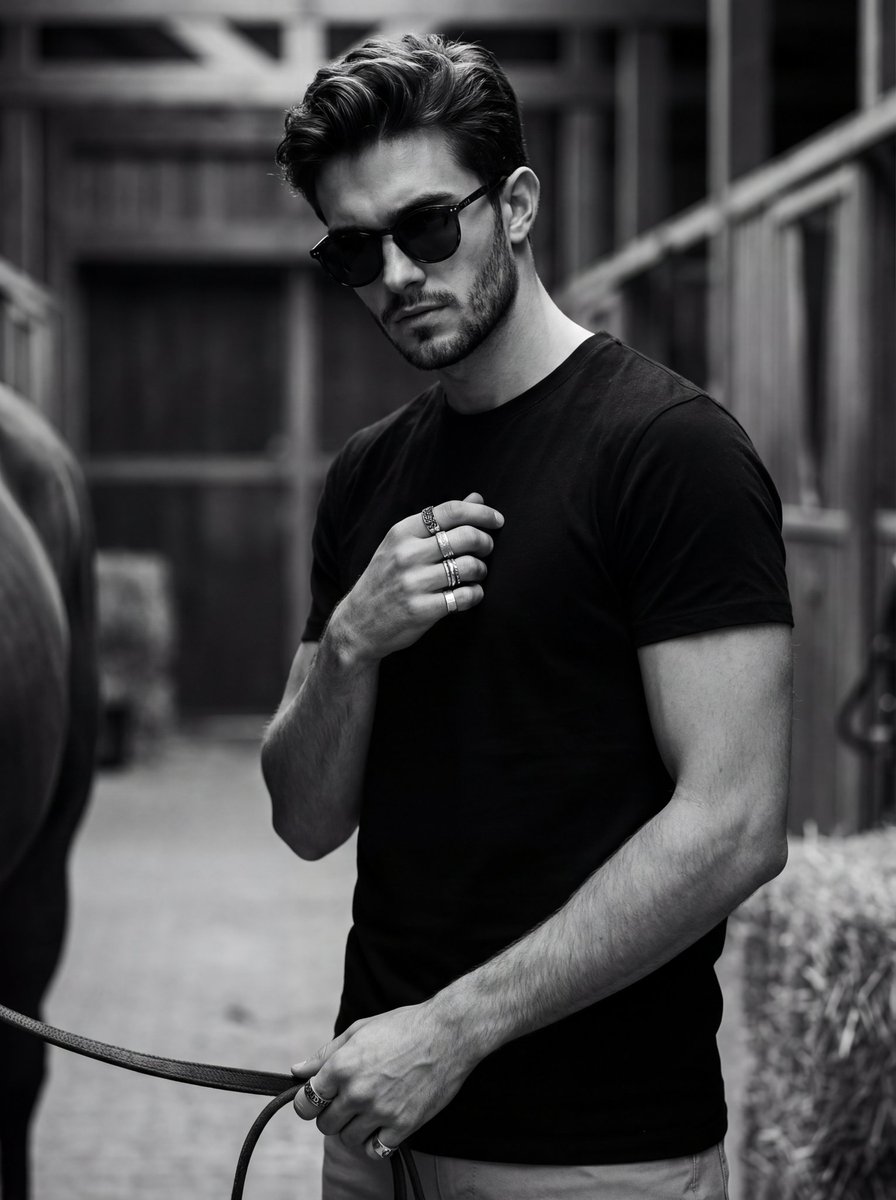
Ultra-Realistic Black and White Portrait with Identity Lock
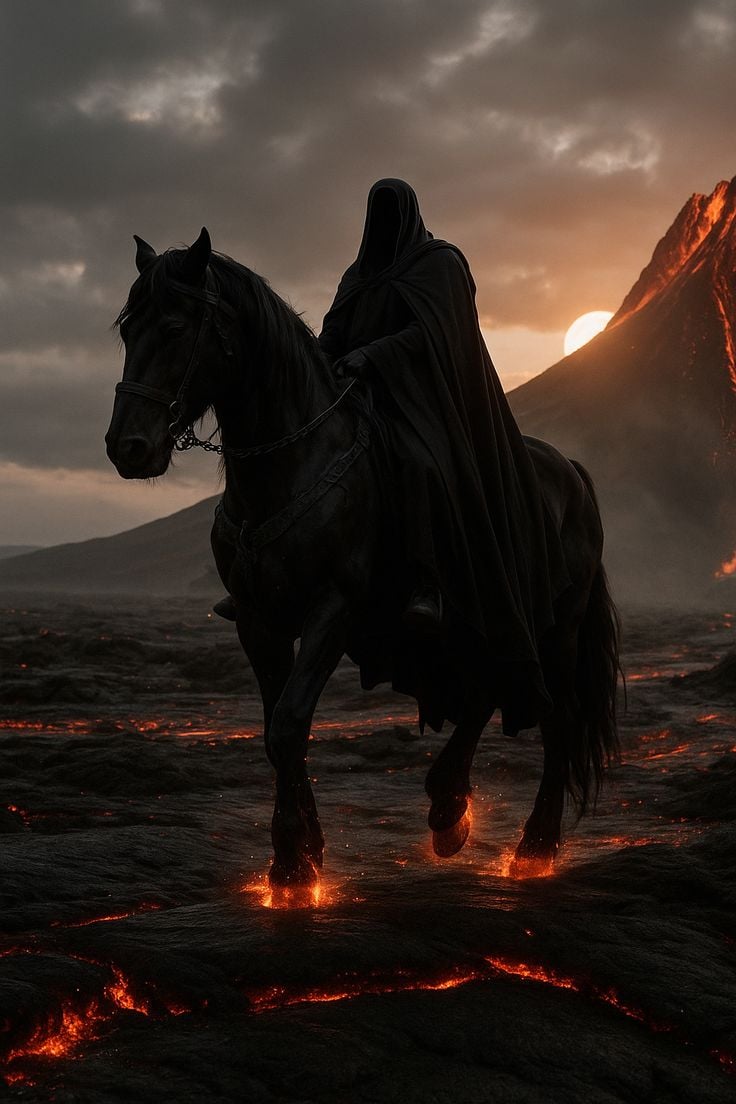
Faceless Rider Volcanic Keyframe

Golden Hour Café Portrait

Luxury personal color profile layout

Dark Fantasy Anime Character Poster
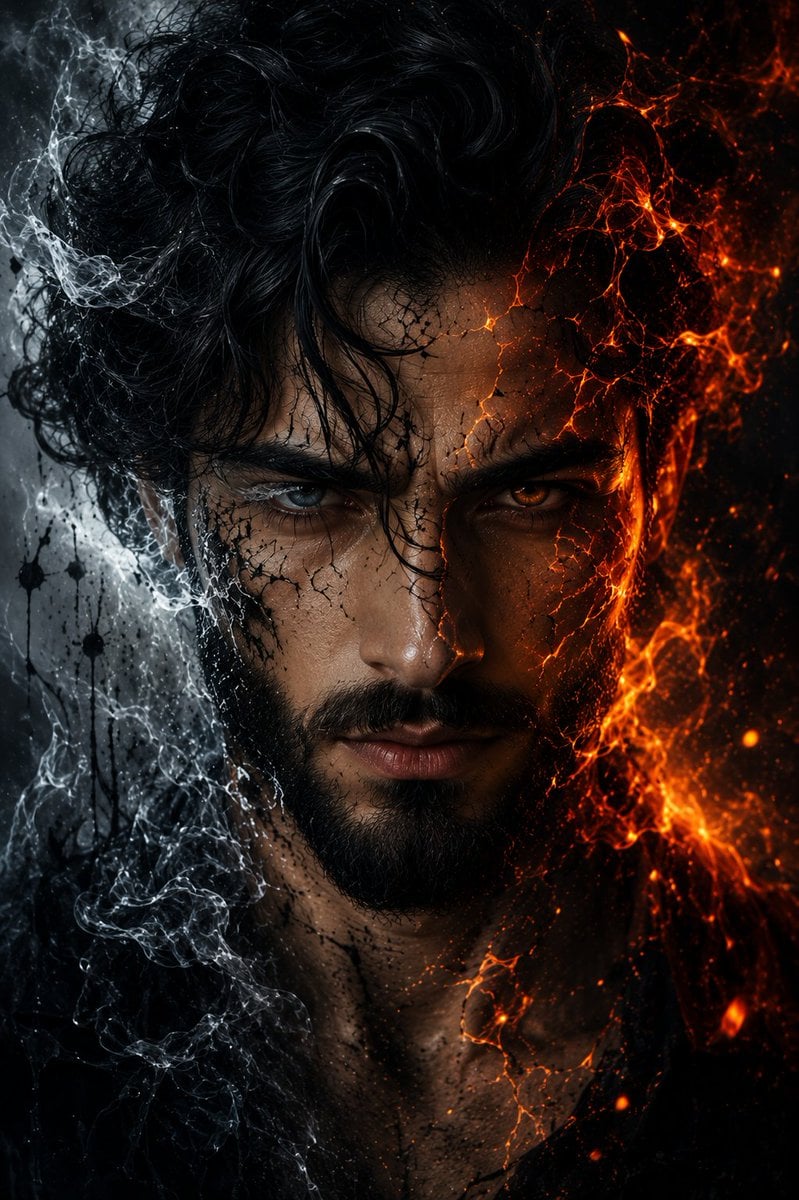
Fire and Ice Elemental Man Portrait

Epic Outdoor Footwear Ad

Commemorative Silver Coin Showcase
Character Consistency and Storyboard Generation Template
Browse template categories
Cyberpunk Audi Rear Chase Shot questions
How do I use the Cyberpunk Audi Rear Chase Shot template?
Add your photo if the template asks for one, edit the prompt if you like — the template's model and format are already selected — and press Generate. Your version opens in PicX Studio.
Can I customize the Cyberpunk Audi Rear Chase Shot template?
Yes. You can change the subject, setting, lighting, mood, format, and available model controls before creating your image.
Is the Cyberpunk Audi Rear Chase Shot template free?
Opening and editing this template is free. Generating uses credits, shown on the Generate button when you are signed in.
Which AI model should I use?
Start with GPT Image 2, which is the model associated with this template. You can compare another compatible model for a different finish.
Looking for something else? Browse all templates.

Your photo, any look
Thousands of ready templates for every top image and video model, from one credit balance.