
Commemorative Silver Coin Showcase
An extremely detailed prompt for a photorealistic Indonesian-style silver coin with high-relief engravings in a museum setting.
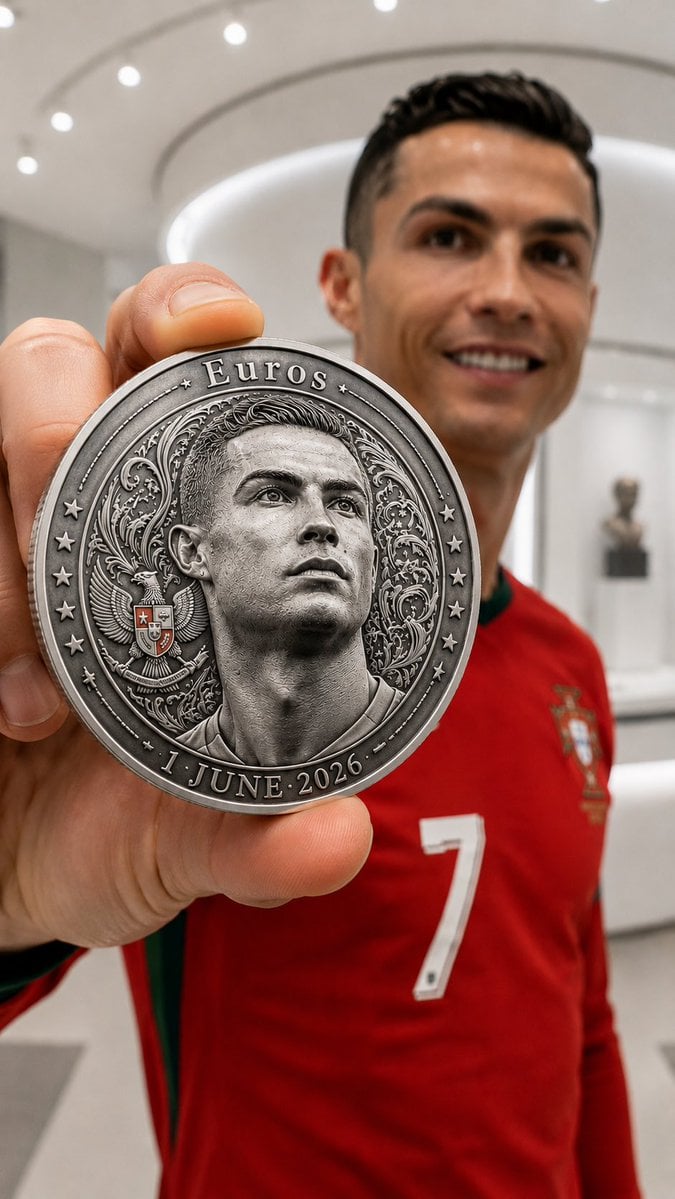
- Prompt included
- Model and format preset
- Free template
The prompt behind this image
Copy the exact prompt behind Commemorative Silver Coin Showcase, or open it in the studio and make it yours.
Photorealistic 8K HDR luxury commemorative coin presentation inside a bright white minimalist museum. A single large premium Indonesian Rupiah-style silver coin dominates the foreground, positioned extremely close to the camera and filling most of the frame. The coin is held directly by the subject's left hand (viewer perspective): the index finger rests on the upper edge and the thumb supports the lower edge, presenting the coin toward the camera. The coin features an ultra-precise high-relief engraving of the subject in 3/4 profile facing left, with 100% accurate facial identity, hairstyle, hair texture, outfit, head accessories, facial proportions, and expression matching the reference image exactly. Intricate traditional Indonesian batik ornaments surround the portrait. A Garuda Pancasila emblem appears to the left of the portrait. Engraved text along the rim: Top — "{argument name="top text" default="Euros"}"— Bottom — "— {argument name="date" default="1 JUNE 2026"} —". Three engraved stars are arranged in a curved vertical arc on both the left and right sides of the coin, positioned between the upper and lower inscriptions. Premium silver metal, authentic mint-quality craftsmanship, razor-sharp engraving, realistic micro-textures, subtle mint marks, crisp edges, deep relief, natural controlled reflections that enhance metallic realism without obscuring portrait details. Behind the coin, the real subject smiles toward the camera. The face and upper body are slightly blurred by shallow depth of field, while the coin remains perfectly sharp as the primary focal point. Luxury product photography, museum-grade collectible, premium numismatic showcase, cinematic lighting, professional macro photography, realistic silver reflections, ultra-detailed engraving, elegant bokeh, flawless craftsmanship, highly realistic materials, sophisticated composition, masterpiece quality, photorealistic mint-issued commemorative coin, vertical composition --ar 9:16.
How to use Commemorative Silver Coin Showcase in 3 steps
- 1Upload ImagePNG, JPG or paste
Add your photo
Upload the photo the template builds on. The prompt, model and format are already set.
- 2…a portrait of your subject in softgolden-hour light, 85mm…
Personalize
Edit the subject and creative details for your destination.
- 3Generate
Generate
Press Generate — your image is created in PicX Studio, so you can compare it with the original and refine one variable at a time.
More like this
Templates with the same subject, style or setup. Open one to see its prompt.

Aviation Archives Great Wall Boarding Pass

Four-Panel AI Visual Showcase
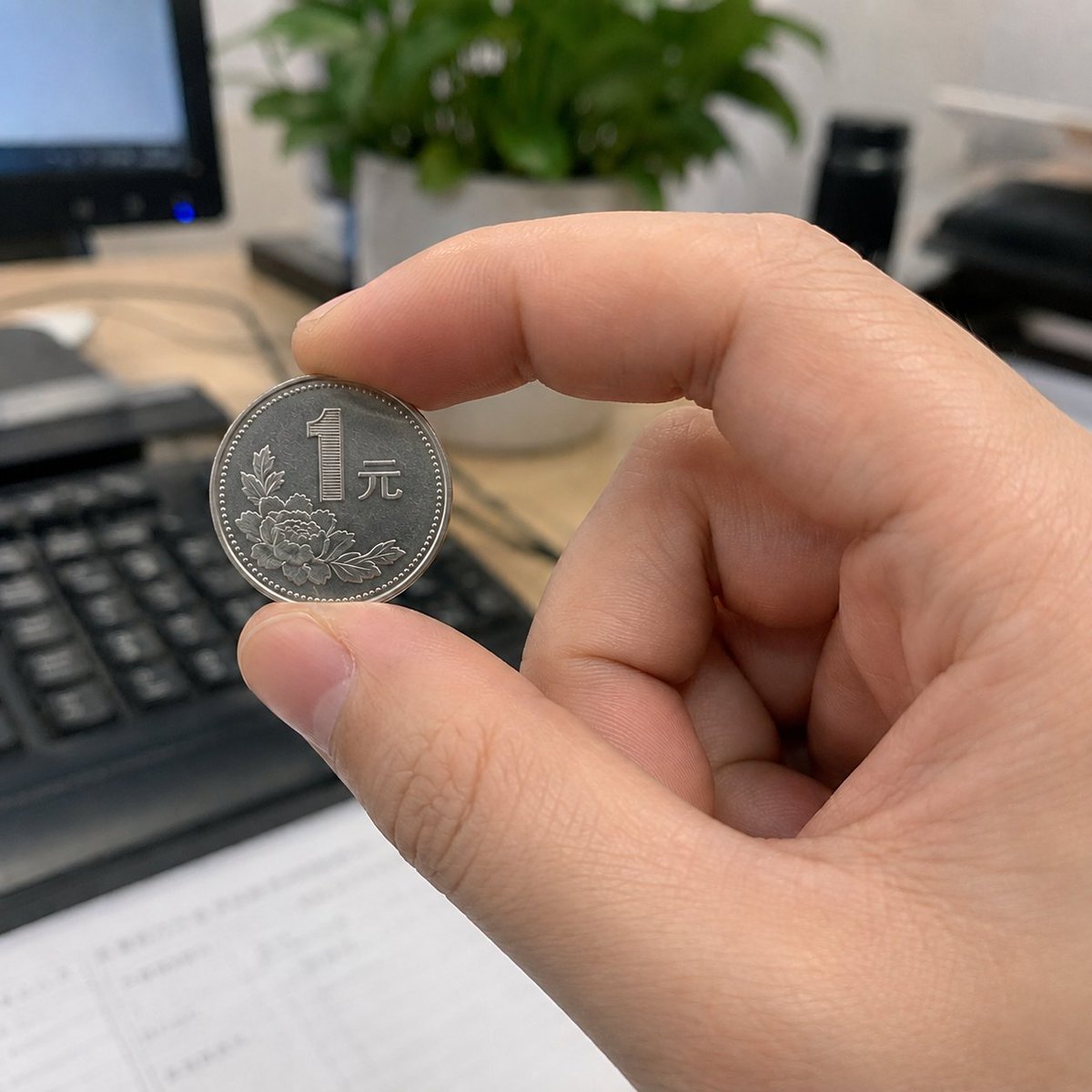
Hand Pinching One-Yuan Coin

Silver Elf in Crimson Water

Futuristic Silver Hair Anime Portrait

Silver-Haired Girl in Sunny Café
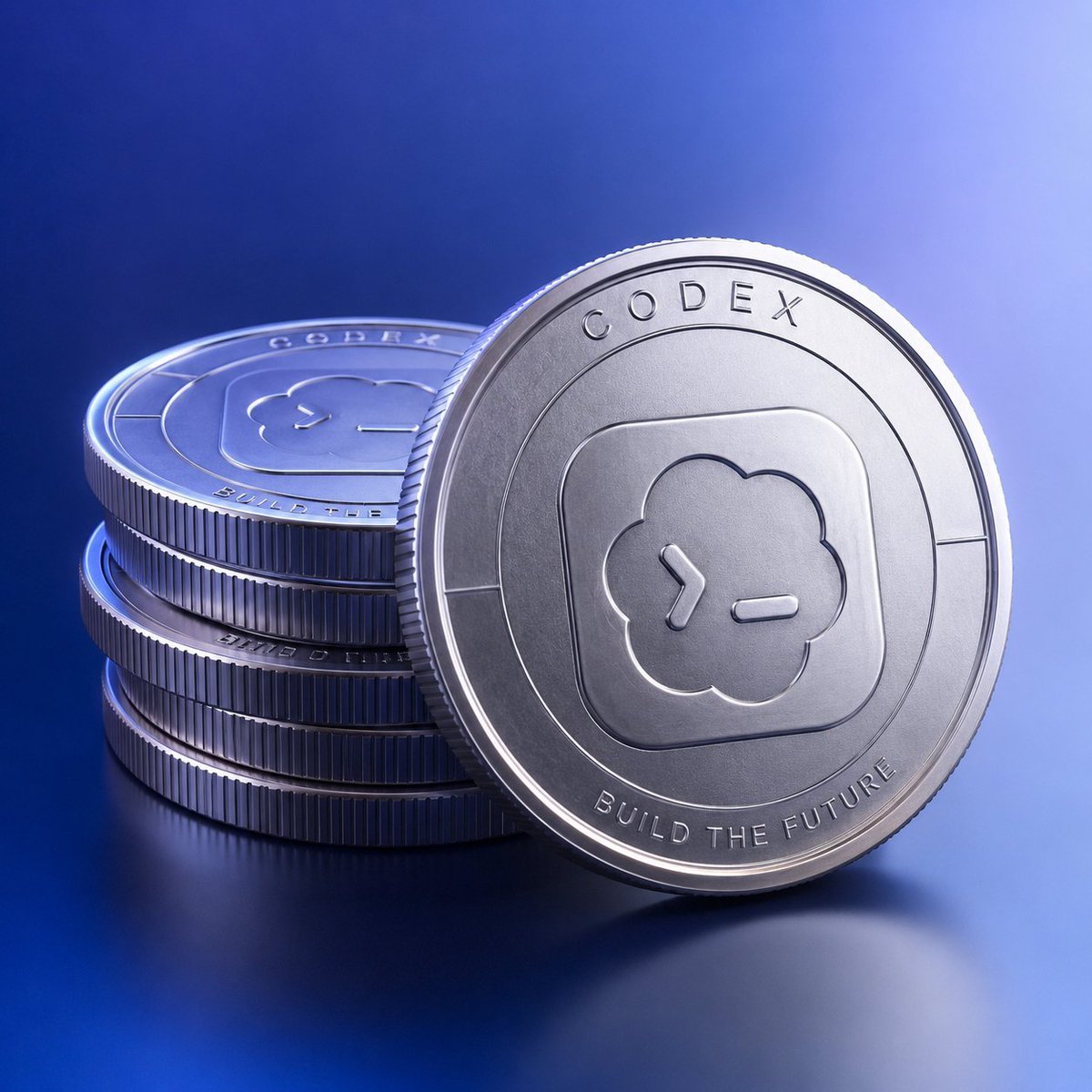
Photorealistic Codex Token Coins
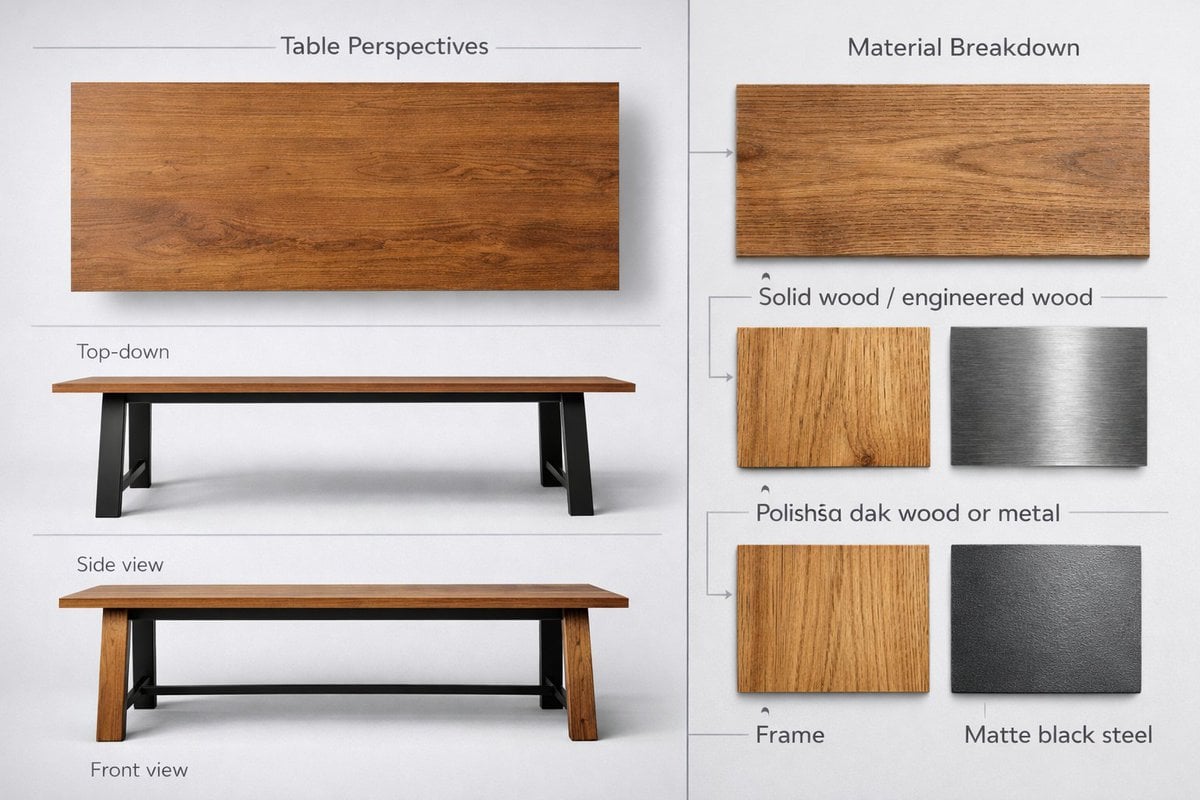
Detailed product showcase image of a table design with multiple
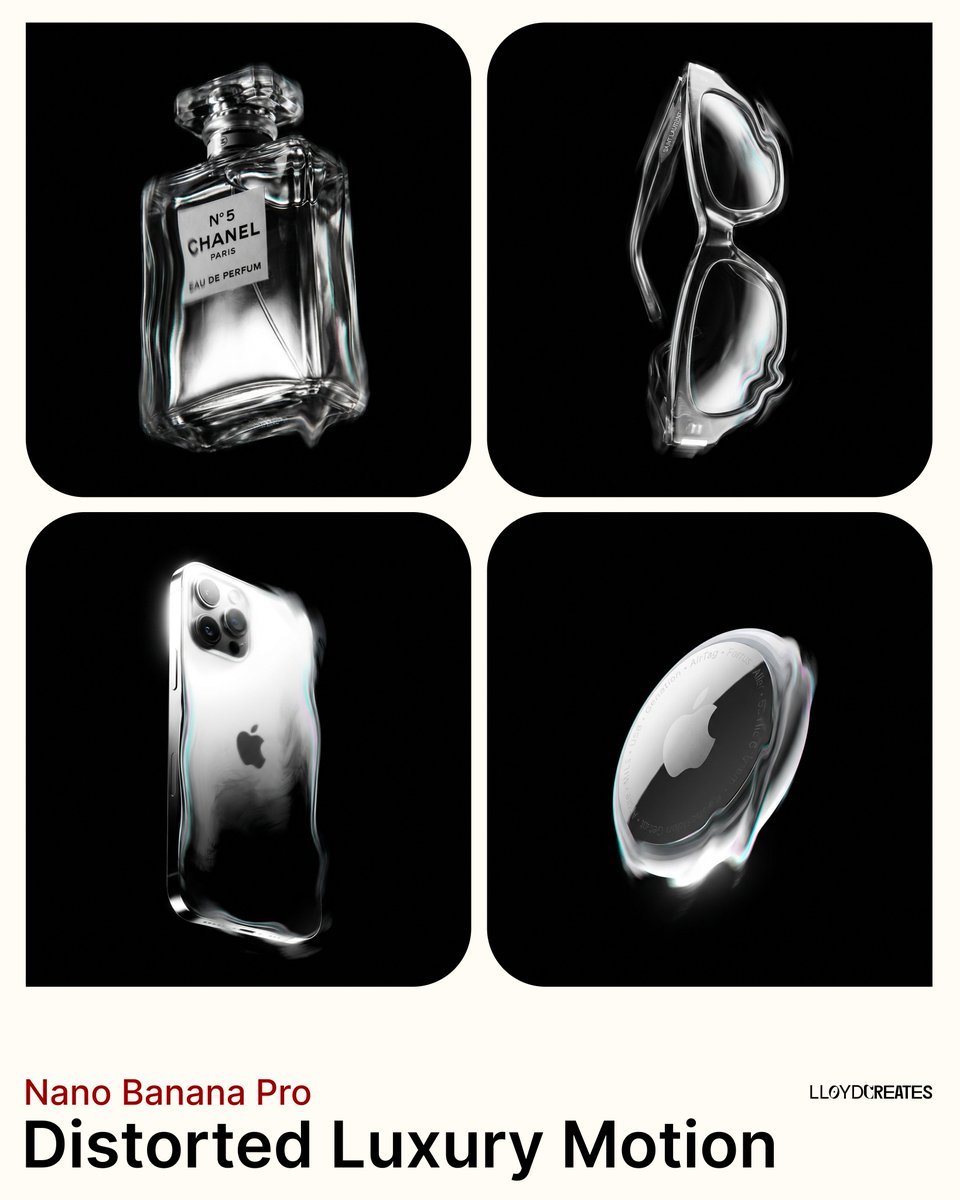
Predominantly monochromatic with silver, black, and grey tones
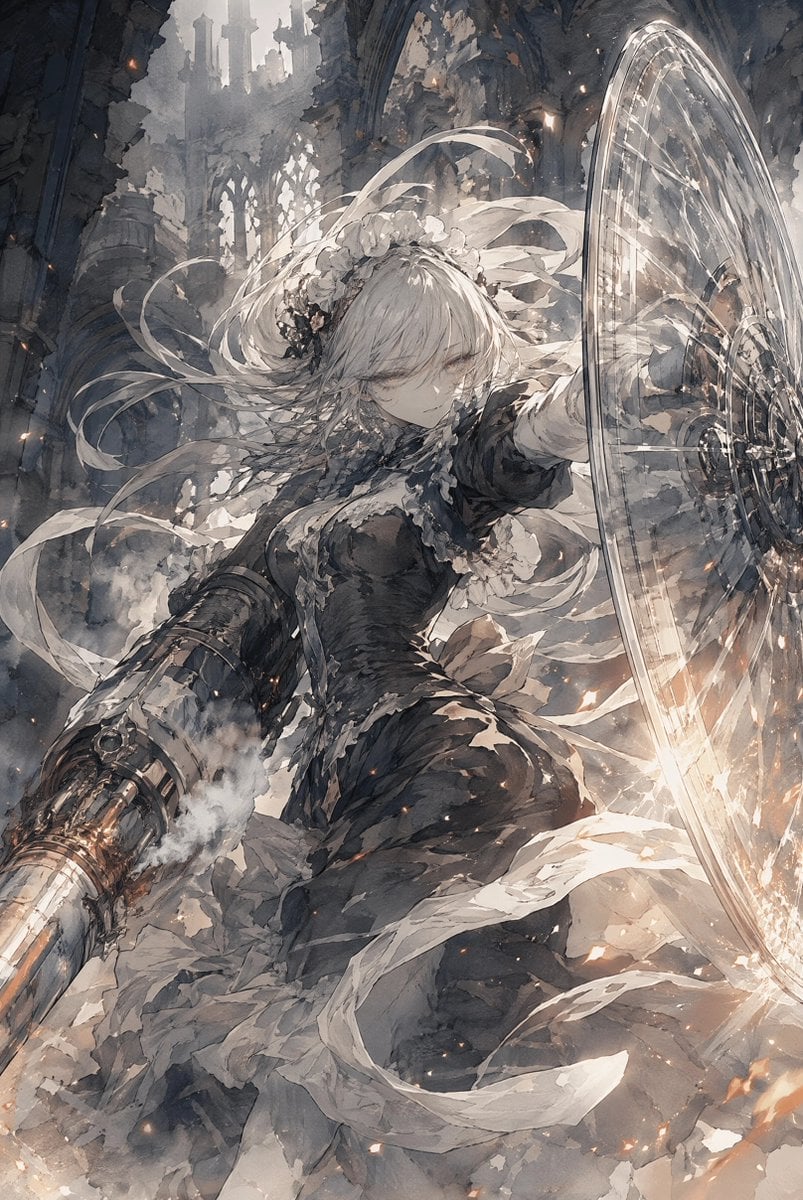
Silver-Haired Cathedral Battle Maiden
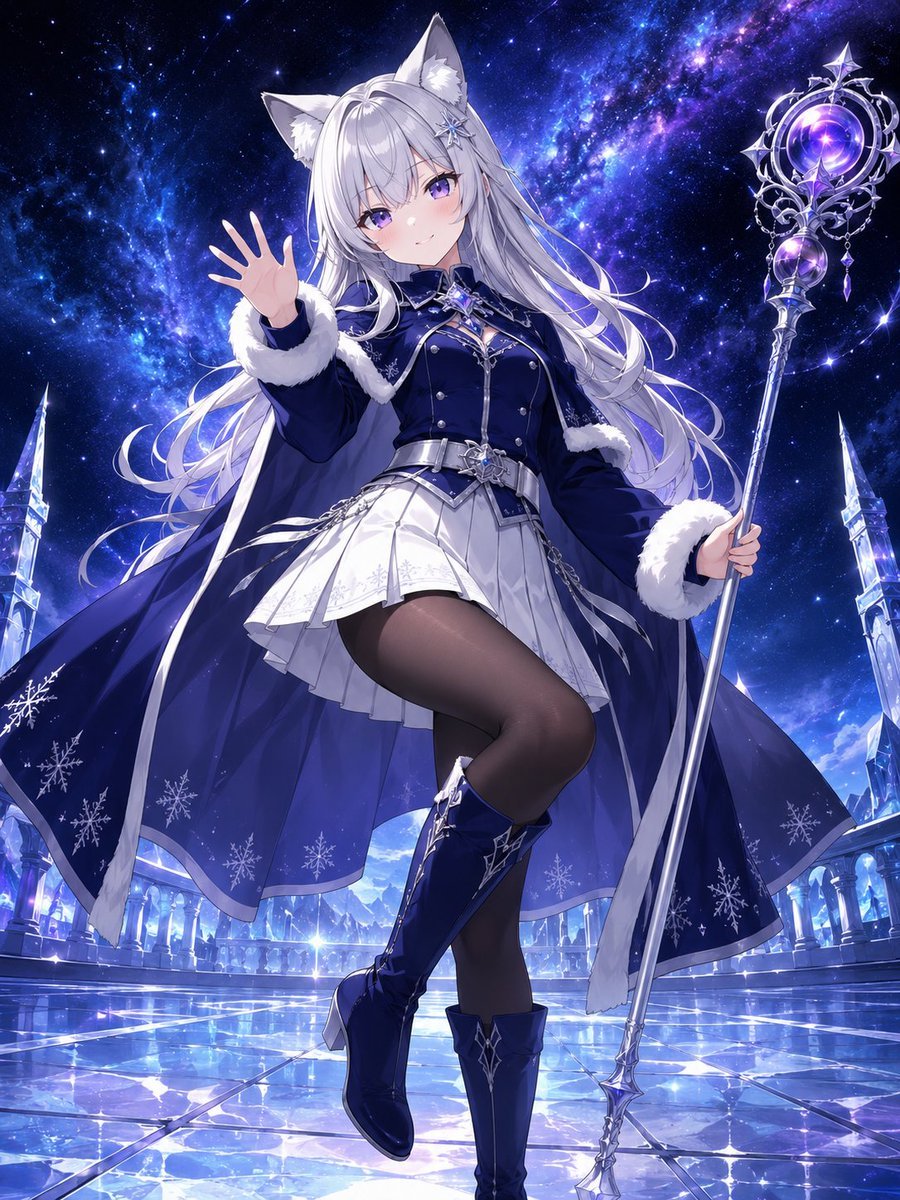
Silver Fox-Eared Winter Mage
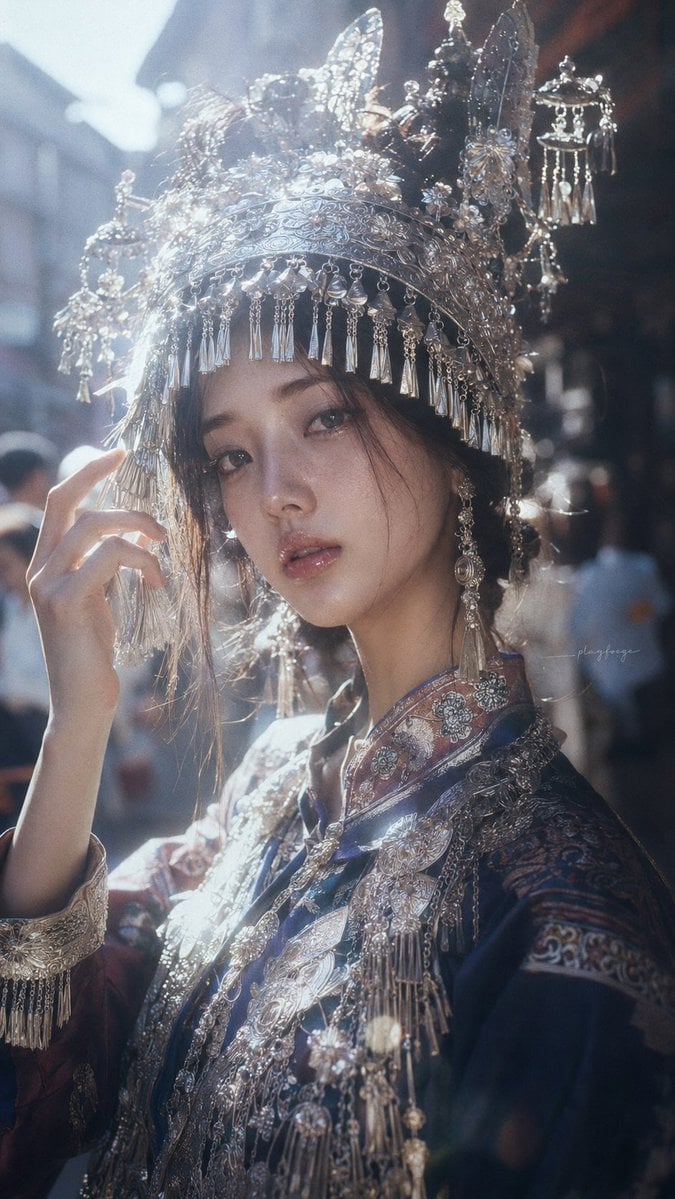
Ornate Silver Headdress Portrait
Make it yours
Commemorative Silver Coin Showcase works as-is. These are the safest ways to change it without losing the look.
Change one field
Copy a single group, rewrite it, and generate again so you can see what that field is doing.
Keep the frame, change the subject
Hold the composition and light of Commemorative Silver Coin Showcase, then swap wardrobe, props or the person for a new take.
| If the result… | Why | Fix |
|---|---|---|
| The result drifts from the preview | Too many fields changed at once. | Reuse Commemorative Silver Coin Showcase as-is first, then change one group — subject, light, or setting. |
| The model over-stylizes the scene | The prose prompt leaves finish and camera underspecified. | Add one camera or lighting sentence and stay on GPT Image 2. |
More GPT Image 2 templates
Other prompts made for GPT Image 2.

Six VTuber Japanese Logo Sheet

Realistic Portrait of Woman and Deer

The Vista Modular Condo Poster

AI Model Routing Comparison Infographic

2.5D Anime Art Board

Isometric Productivity Desk Scene

New York Double Exposure Poster

Four-Panel AI Landscape Comparison

Japanese Tatami Lifestyle Magazine Cover

NESCAFÉ Coffee Map Poster
More image prompts
Fresh picks from across the catalog.
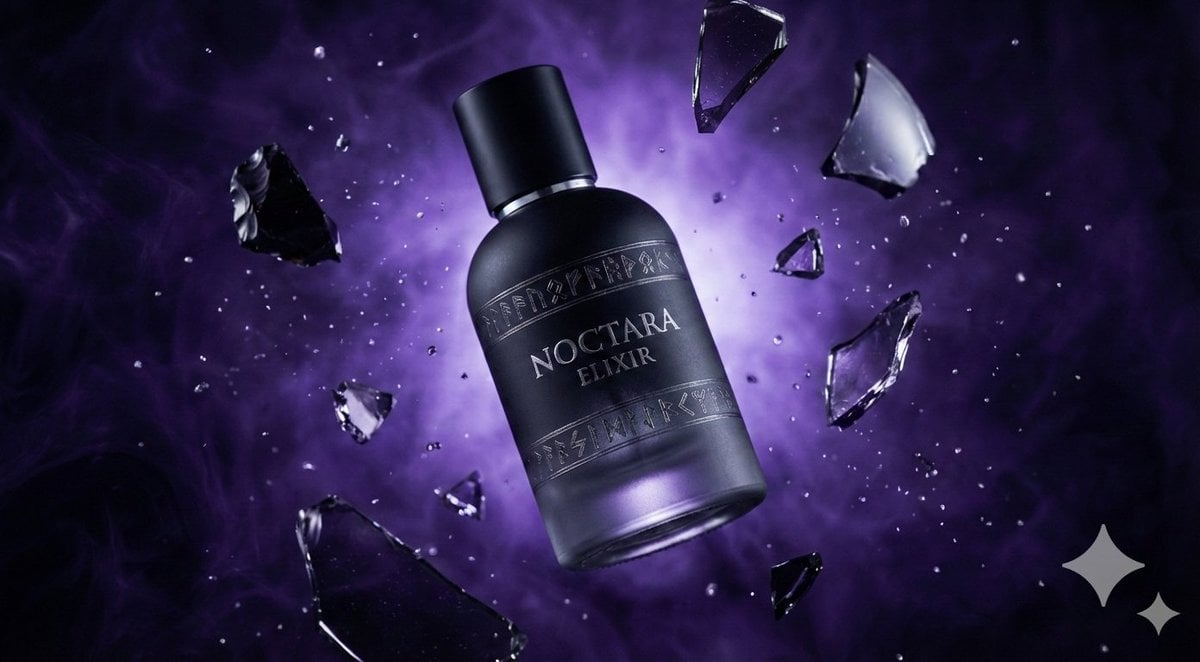
Matte Black Elixir Bottle with Purple Smoke Background
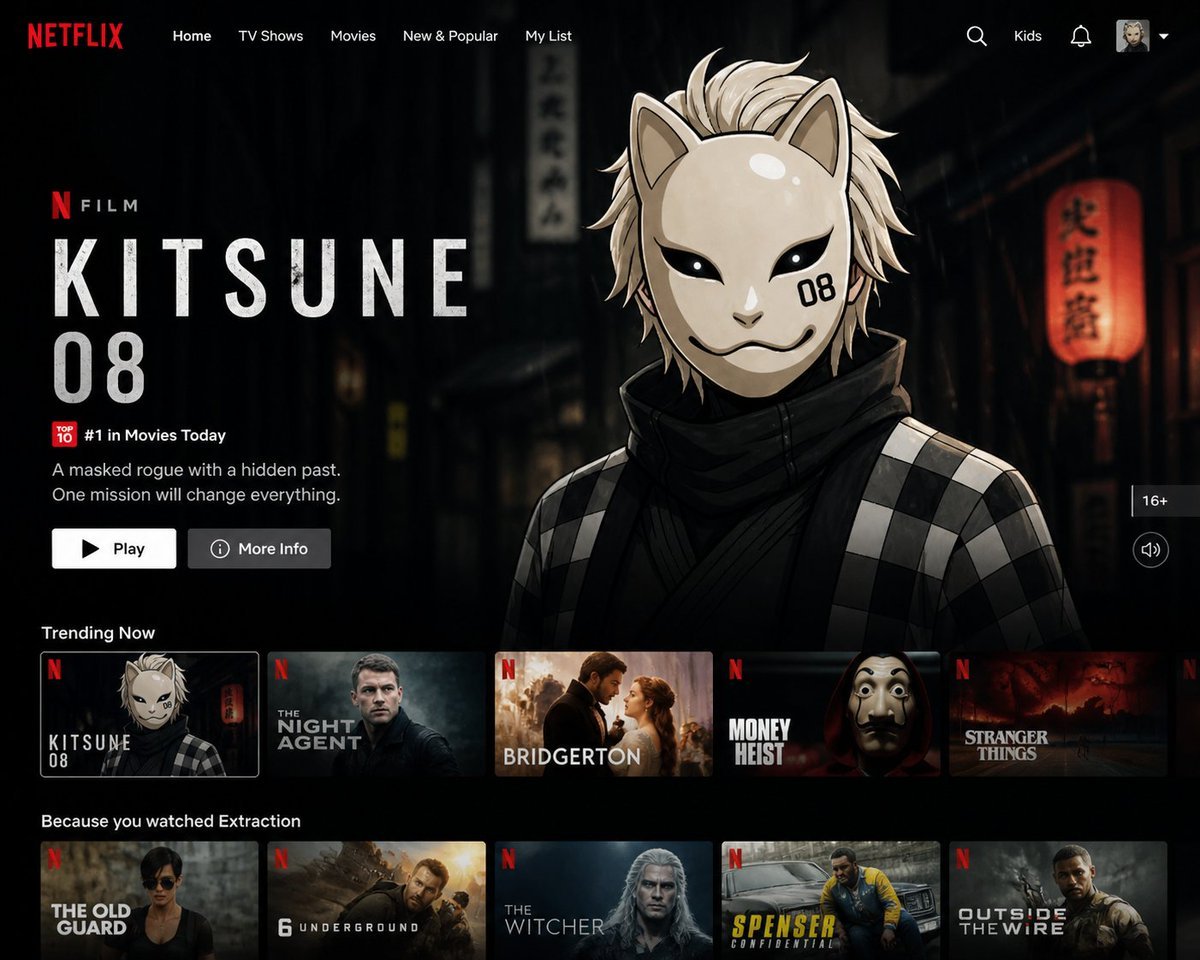
Netflix UI Homepage Generator
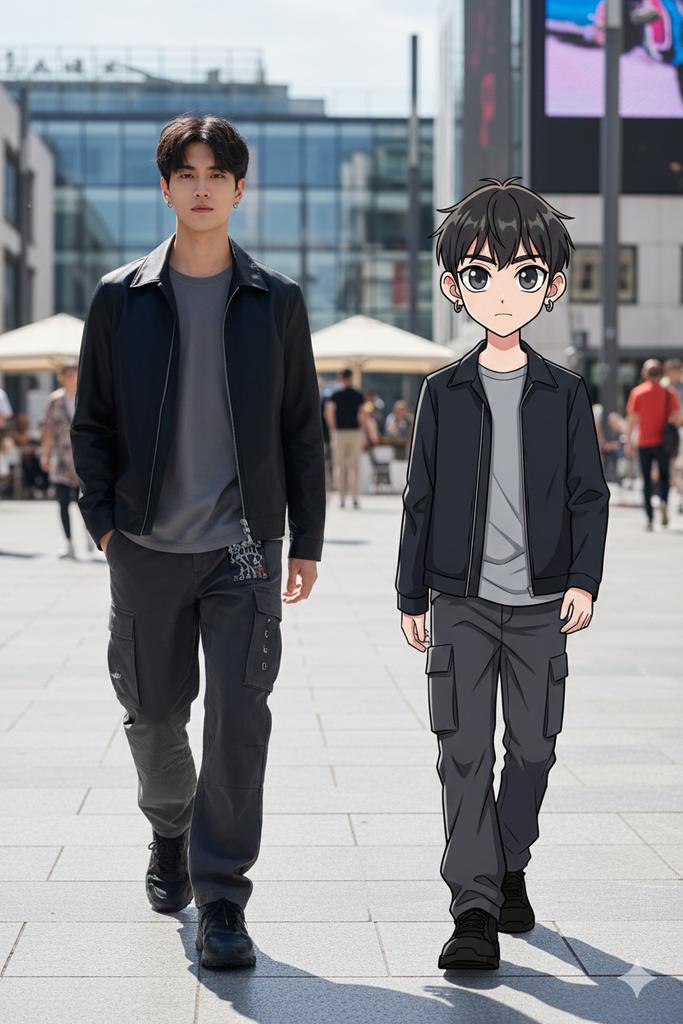
64K Street Candid with Cartoon Twin and Custom Branding
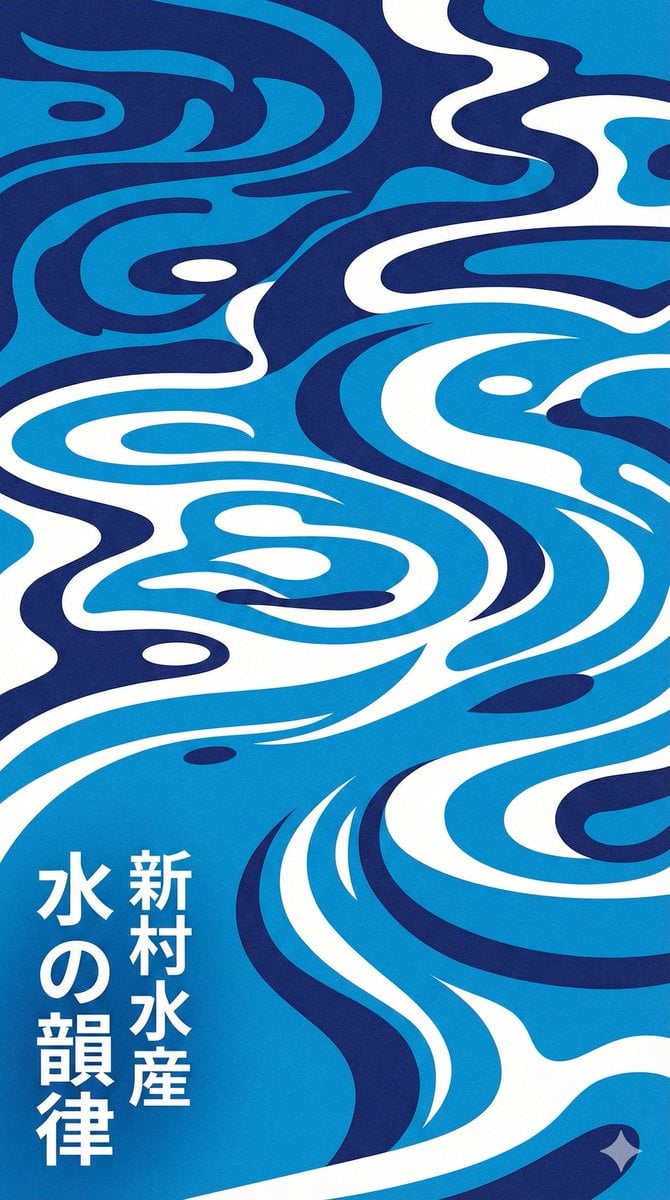
Modern Japanese Graphic Design Poster Prompt

Nano Banana Pro prompt for generating a blog eye-catch image

grid Instagram portrait variation prompt for Nano Banana Pro
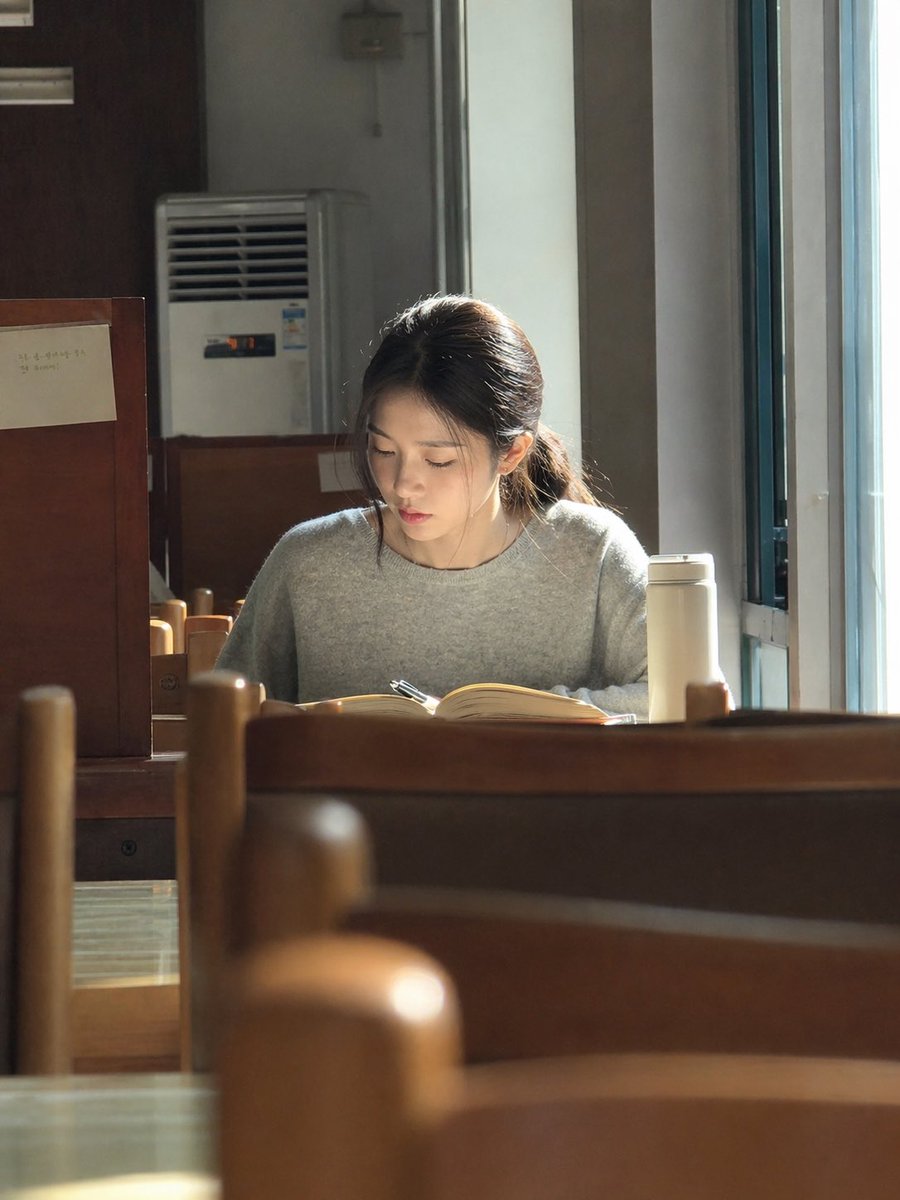
Sunlit Library Study Portrait

Kona-Monde Okonomiyaki Ladies Poster
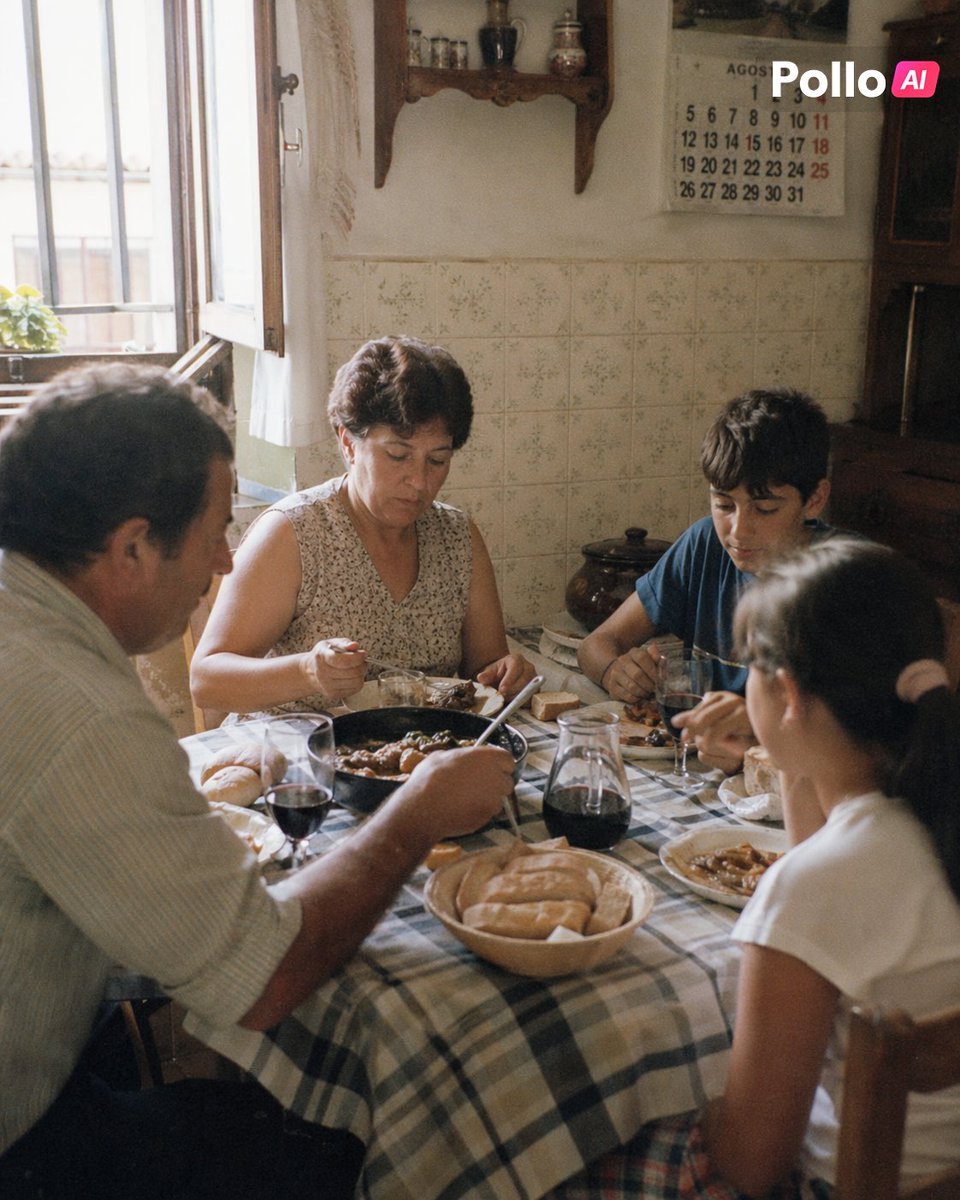
1990s Spanish Family Kitchen Lunch

Golden Hour Coastal Lifestyle Photo Prompt
Browse template categories
Commemorative Silver Coin Showcase questions
How do I use the Commemorative Silver Coin Showcase template?
Add your photo if the template asks for one, edit the prompt if you like — the template's model and format are already selected — and press Generate. Your version opens in PicX Studio.
Can I customize the Commemorative Silver Coin Showcase template?
Yes. You can change the subject, setting, lighting, mood, format, and available model controls before creating your image.
Is the Commemorative Silver Coin Showcase template free?
Opening and editing this template is free. Generating uses credits, shown on the Generate button when you are signed in.
Which AI model should I use?
Start with GPT Image 2, which is the model associated with this template. You can compare another compatible model for a different finish.
Looking for something else? Browse all templates.

Your photo, any look
Thousands of ready templates for every top image and video model, from one credit balance.