
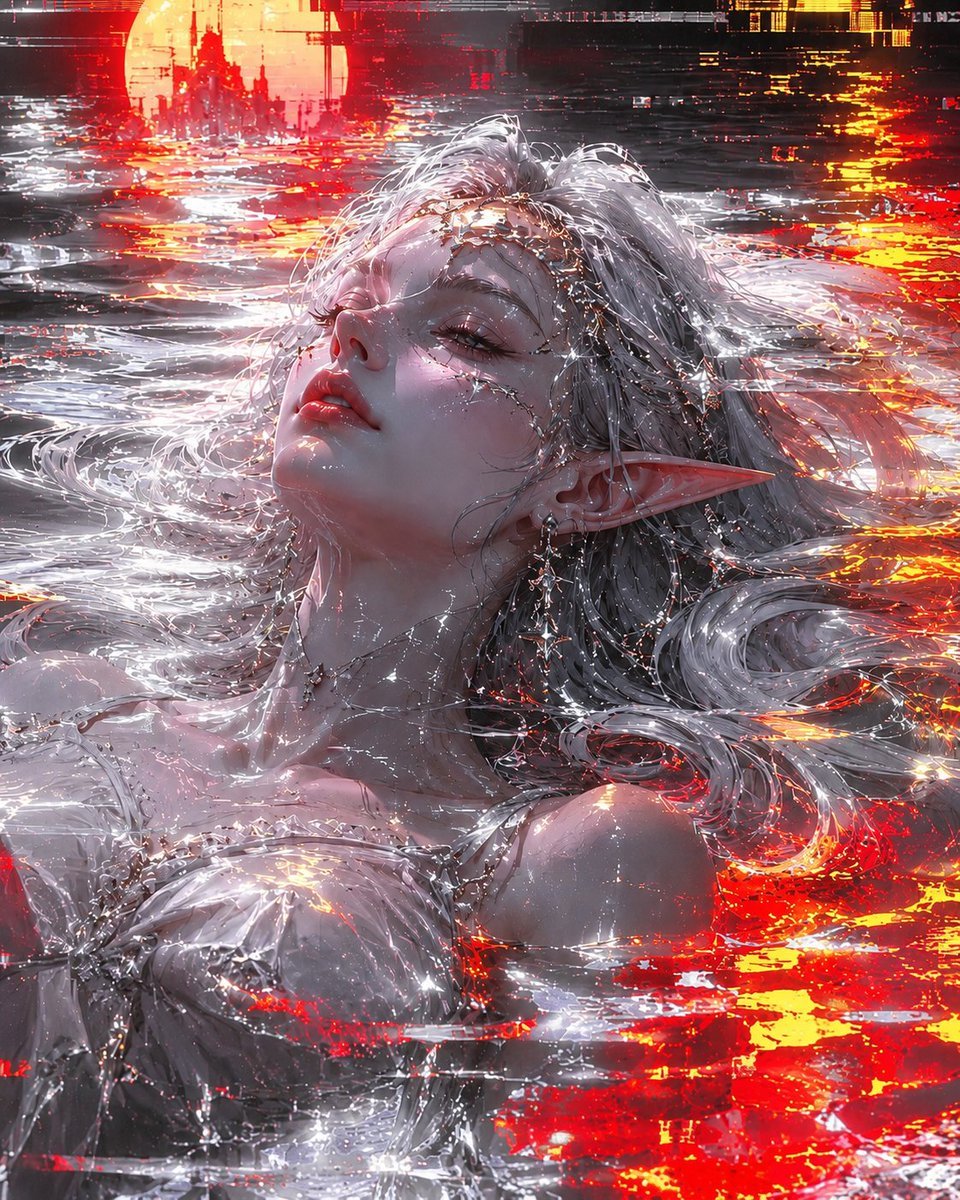
Silver Elf in Crimson Water
A cinematic fantasy portrait prompt for generating an ethereal silver-haired elf floating in glowing red reflective water under a distant moonlit castle.
- Prompt included
- Model and format preset
- Free template
The prompt behind this image
Copy the exact prompt behind Silver Elf in Crimson Water, or open it in the studio and make it yours.
Create a vertical cinematic fantasy portrait of {argument name="character description" default="an ethereal silver-haired elven woman"} floating half-submerged in a reflective liquid surface at night. She is shown in close-up from the chest upward, head tilted back with closed eyes, relaxed lips, pale luminous skin, and one long pointed elf ear visible. Her long wet white-silver hair spreads across the water in flowing strands and curls. She wears a delicate white translucent gown or bodice with thin straps, covered in sparkling droplets and fine silver jewelry. Add intricate crystalline filigree and tiny star-like chains across her forehead, cheek, neck, collarbone, and shoulders, as if made of liquid diamonds or magical frost. The environment is a surreal ocean or pool filled with mirror-bright ripples, intense red-orange glowing reflections, and silver-white highlights. In the distant background, place a huge low {argument name="background celestial body" default="orange sun or moon"} behind dark gothic castle spires, slightly blurred by haze. Use a dramatic color palette of {argument name="color palette" default="icy whites, pale lavender skin tones, black shadows, scarlet red, molten orange, and chrome silver"}. Lighting should be high-contrast and hyper-detailed, with glittering specular highlights everywhere, glossy wet skin, sparkling water caustics, and small starbursts on jewelry and ripples. Style: ultra-detailed anime-inspired fantasy realism, painterly digital art, luminous, romantic, melancholic, luxurious, sharp facial detail, dynamic flowing hair, cinematic composition, no text, no watermark.
How to use Silver Elf in Crimson Water in 3 steps
- 1Upload ImagePNG, JPG or paste
Add your photo
Upload the photo the template builds on. The prompt, model and format are already set.
- 2…a portrait of your subject in softgolden-hour light, 85mm…
Personalize
Edit the subject and creative details for your destination.
- 3Generate
Generate
Press Generate — your image is created in PicX Studio, so you can compare it with the original and refine one variable at a time.
More like this
Templates with the same subject, style or setup. Open one to see its prompt.

Minimalist Skincare Product Water Stone Still
Minimalist Skincare Product Water Stone Still
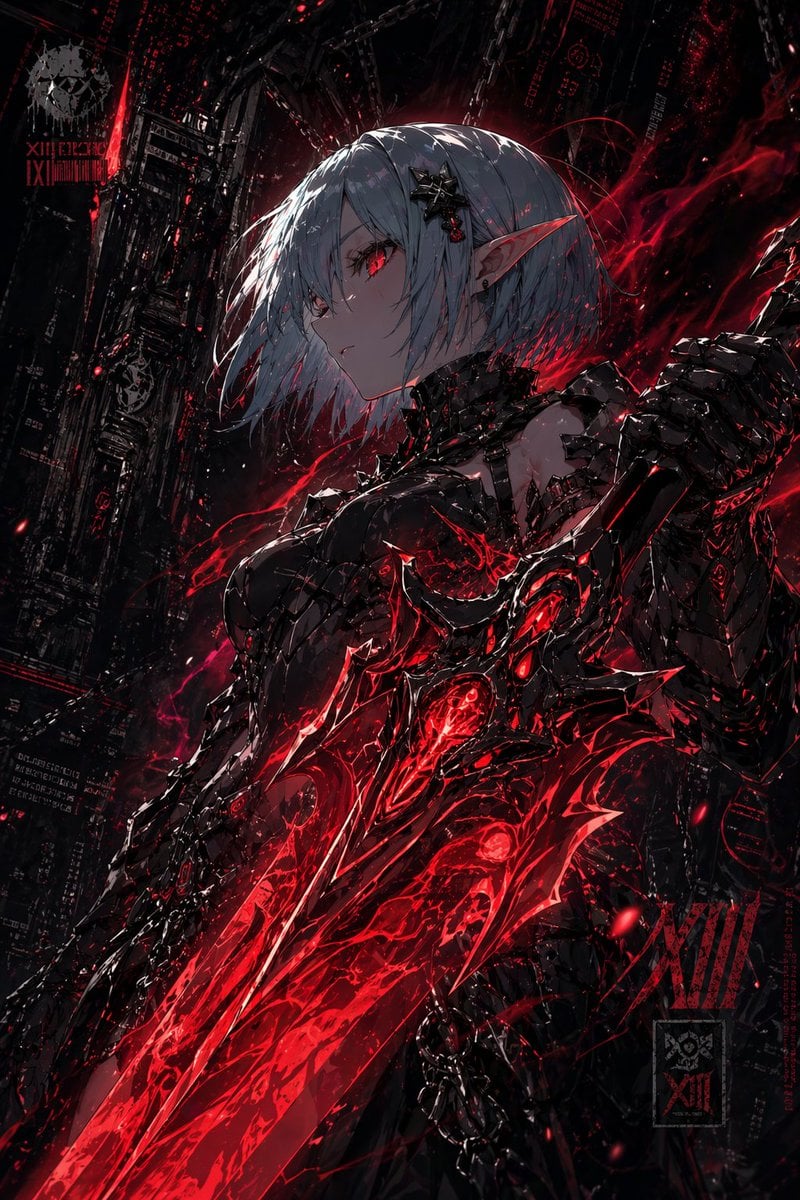
Dark Cyber Elf With Crimson Blade
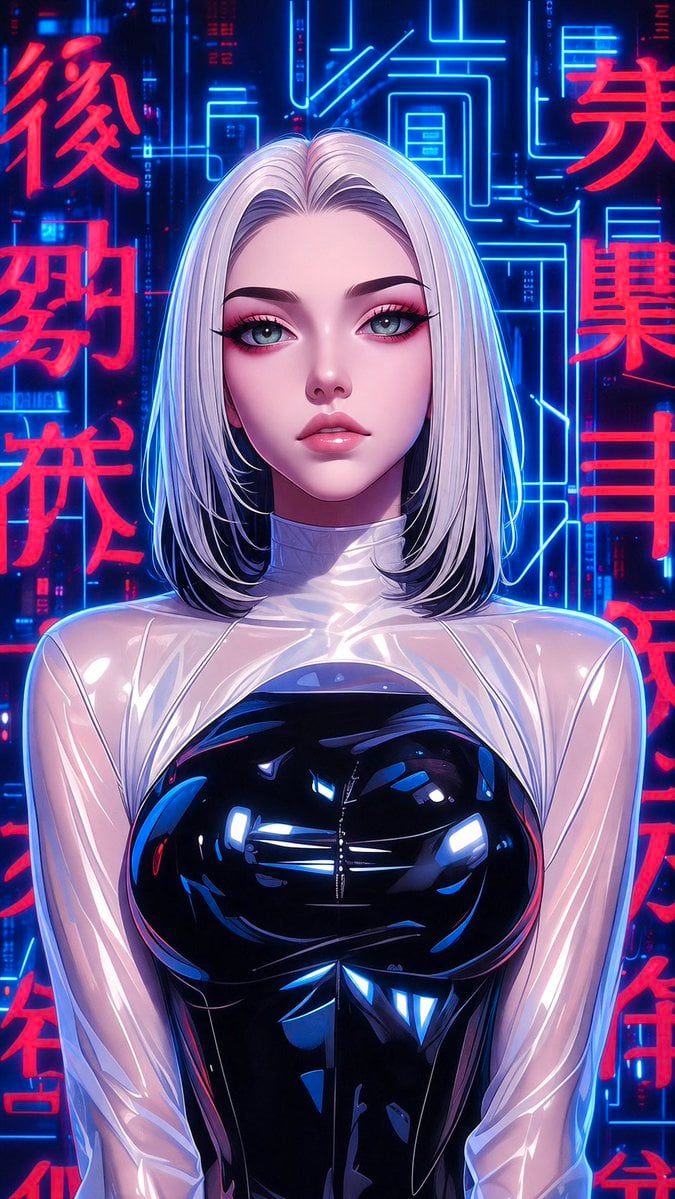
Futuristic Silver Hair Anime Portrait
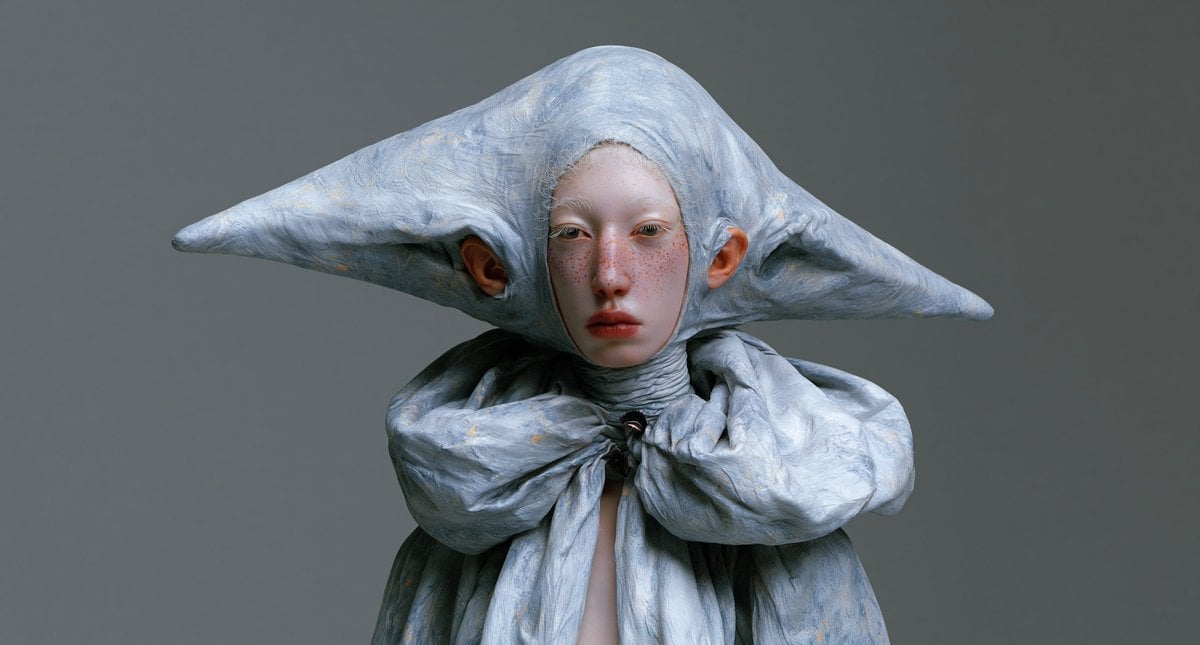
Surreal Elf Couture Portrait
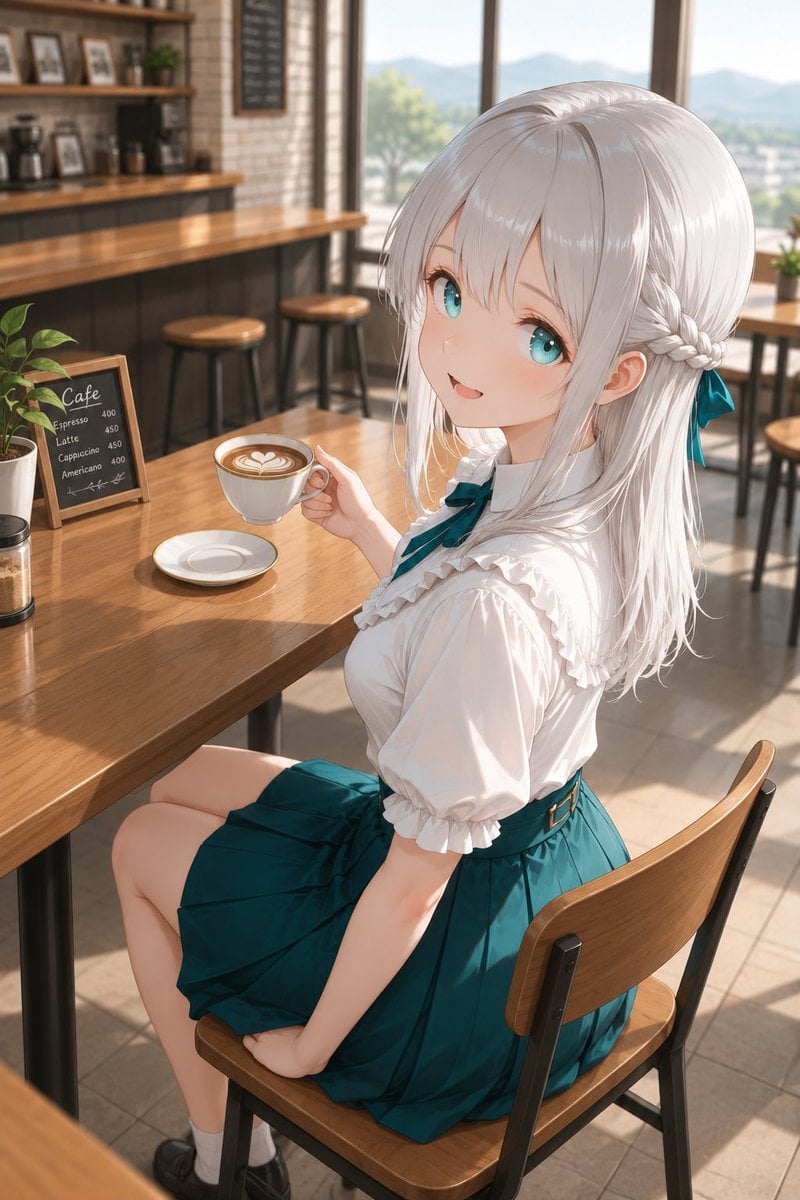
Silver-Haired Girl in Sunny Café

Anime Elf Maid Turnaround Sheet
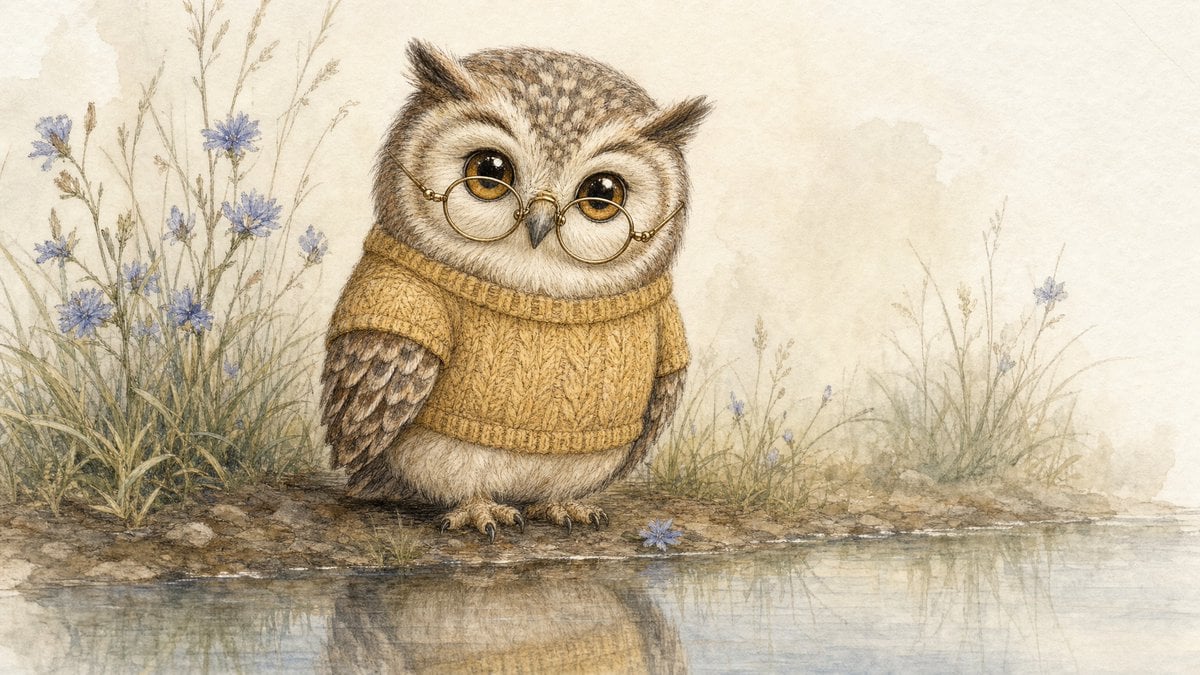
Watercolor Owl in Yellow Sweater
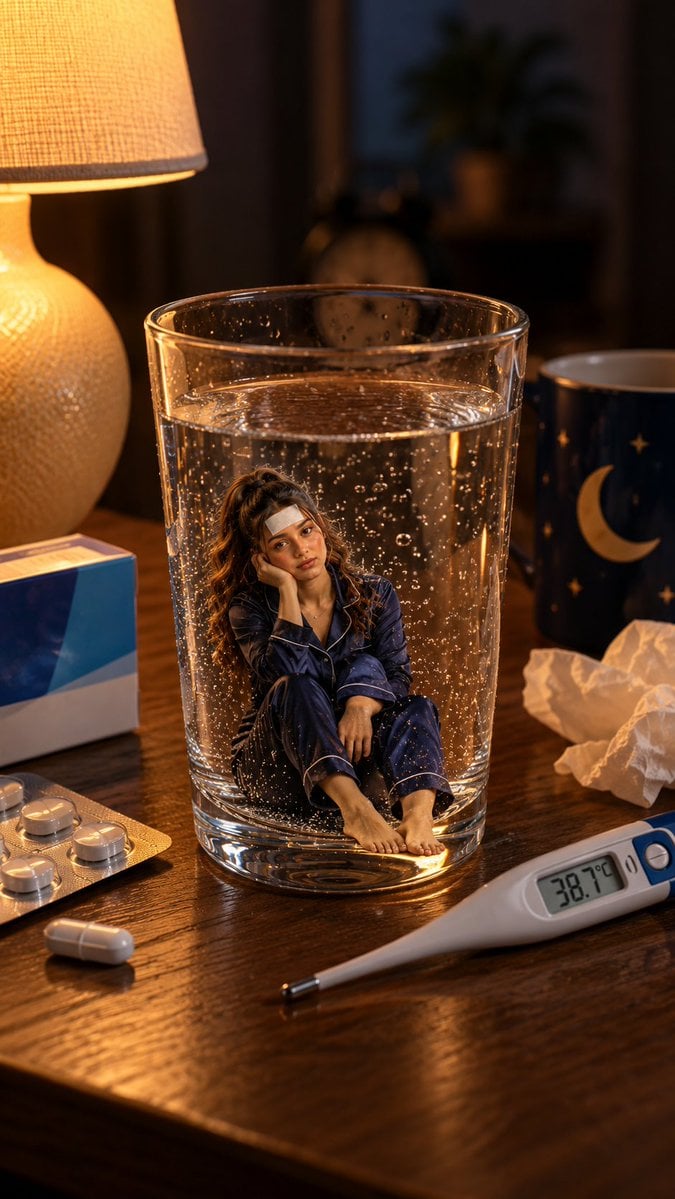
Mini Sick Woman in Water Glass

Underwater Macro Face Portrait

Water-level Bridge Modification
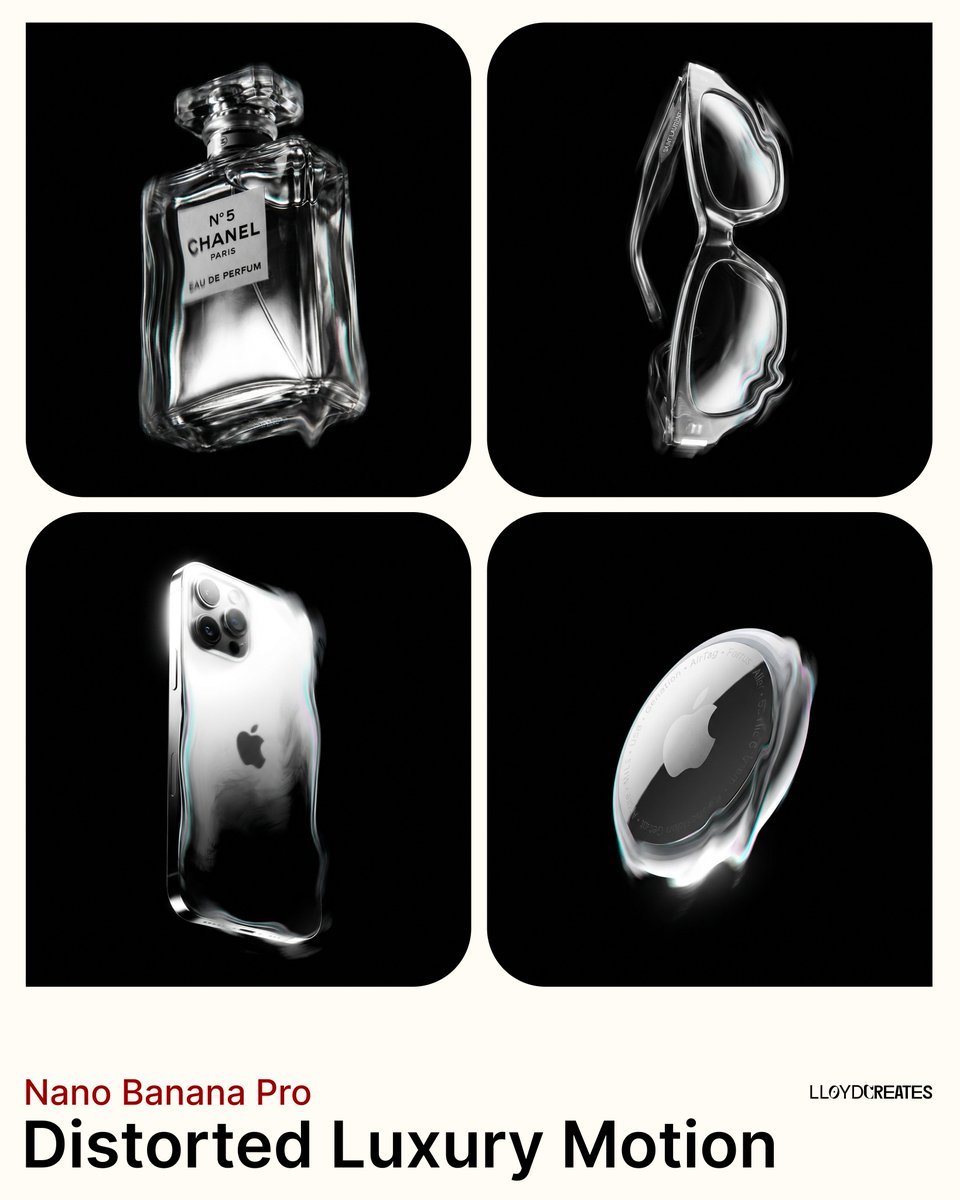
Predominantly monochromatic with silver, black, and grey tones
Make it yours
Silver Elf in Crimson Water works as-is. These are the safest ways to change it without losing the look.
Change one field
Copy a single group, rewrite it, and generate again so you can see what that field is doing.
Keep the frame, change the subject
Hold the composition and light of Silver Elf in Crimson Water, then swap wardrobe, props or the person for a new take.
| If the result… | Why | Fix |
|---|---|---|
| The result drifts from the preview | Too many fields changed at once. | Reuse Silver Elf in Crimson Water as-is first, then change one group — subject, light, or setting. |
| The model over-stylizes the scene | The prose prompt leaves finish and camera underspecified. | Add one camera or lighting sentence and stay on GPT Image 2. |
More GPT Image 2 templates
Other prompts made for GPT Image 2.

Six VTuber Japanese Logo Sheet

Realistic Portrait of Woman and Deer

The Vista Modular Condo Poster

AI Model Routing Comparison Infographic

2.5D Anime Art Board

Isometric Productivity Desk Scene

New York Double Exposure Poster

Four-Panel AI Landscape Comparison

Japanese Tatami Lifestyle Magazine Cover

NESCAFÉ Coffee Map Poster
More image prompts
Fresh picks from across the catalog.
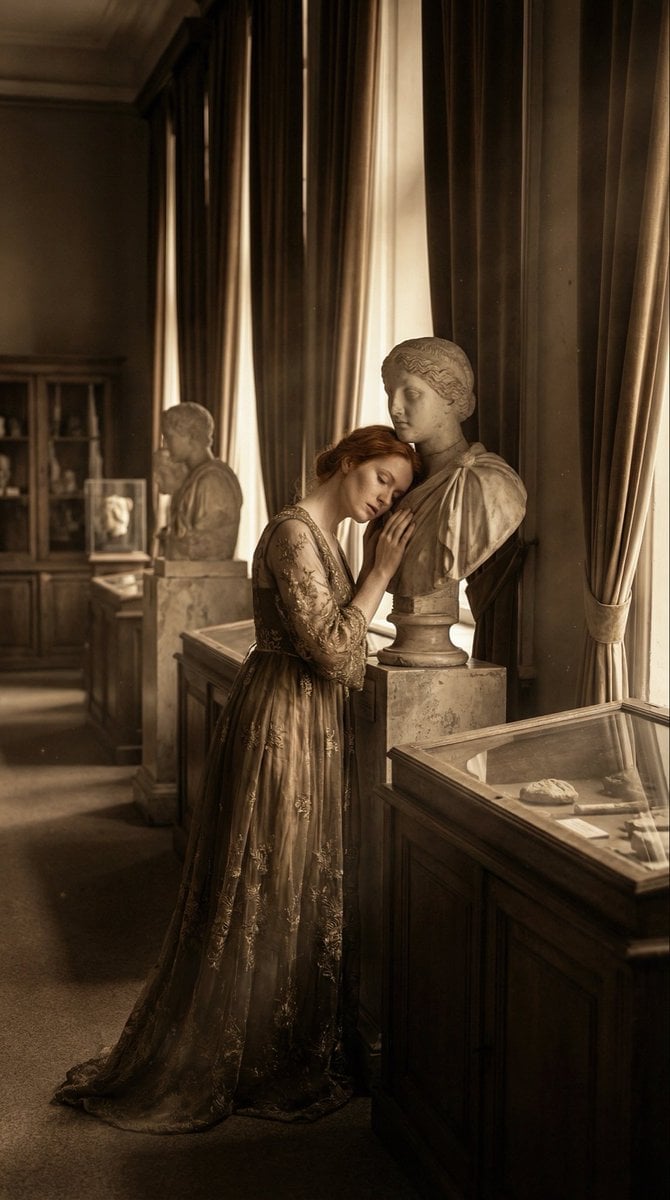
Melancholic Marble Bust Portrait
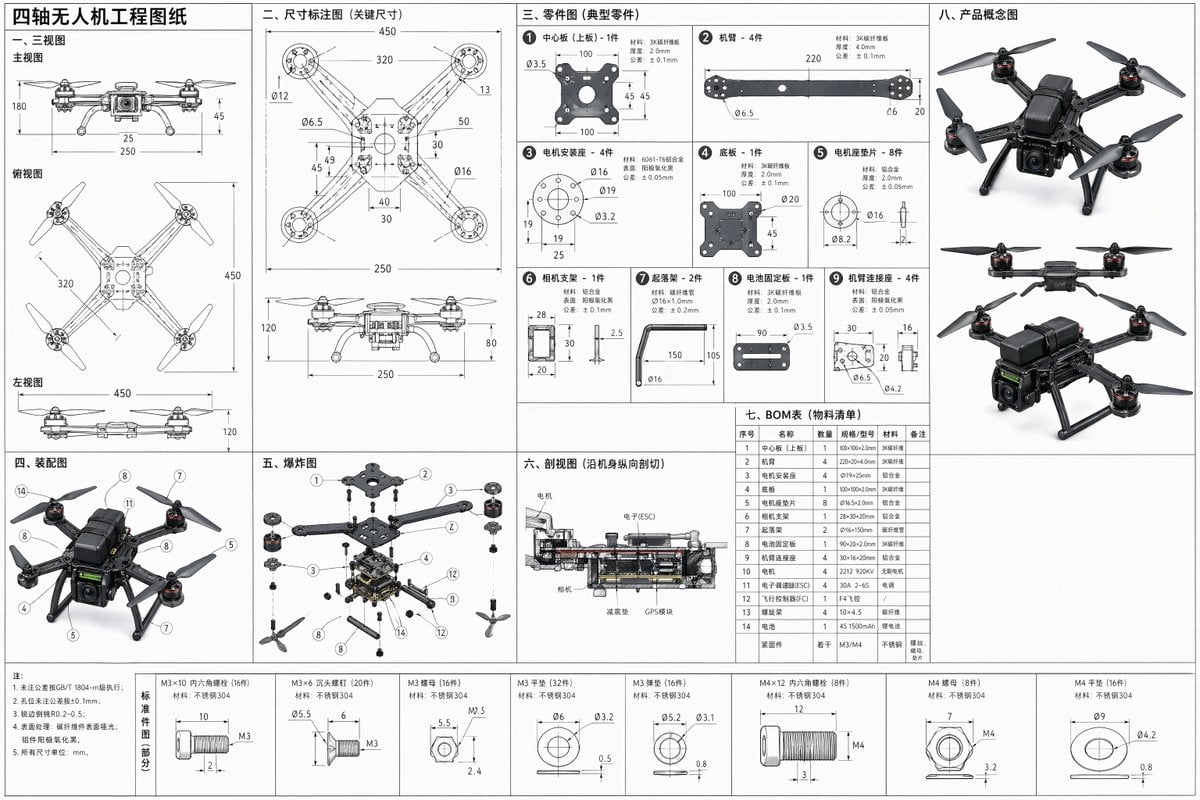
Technical Drone Engineering Blueprint
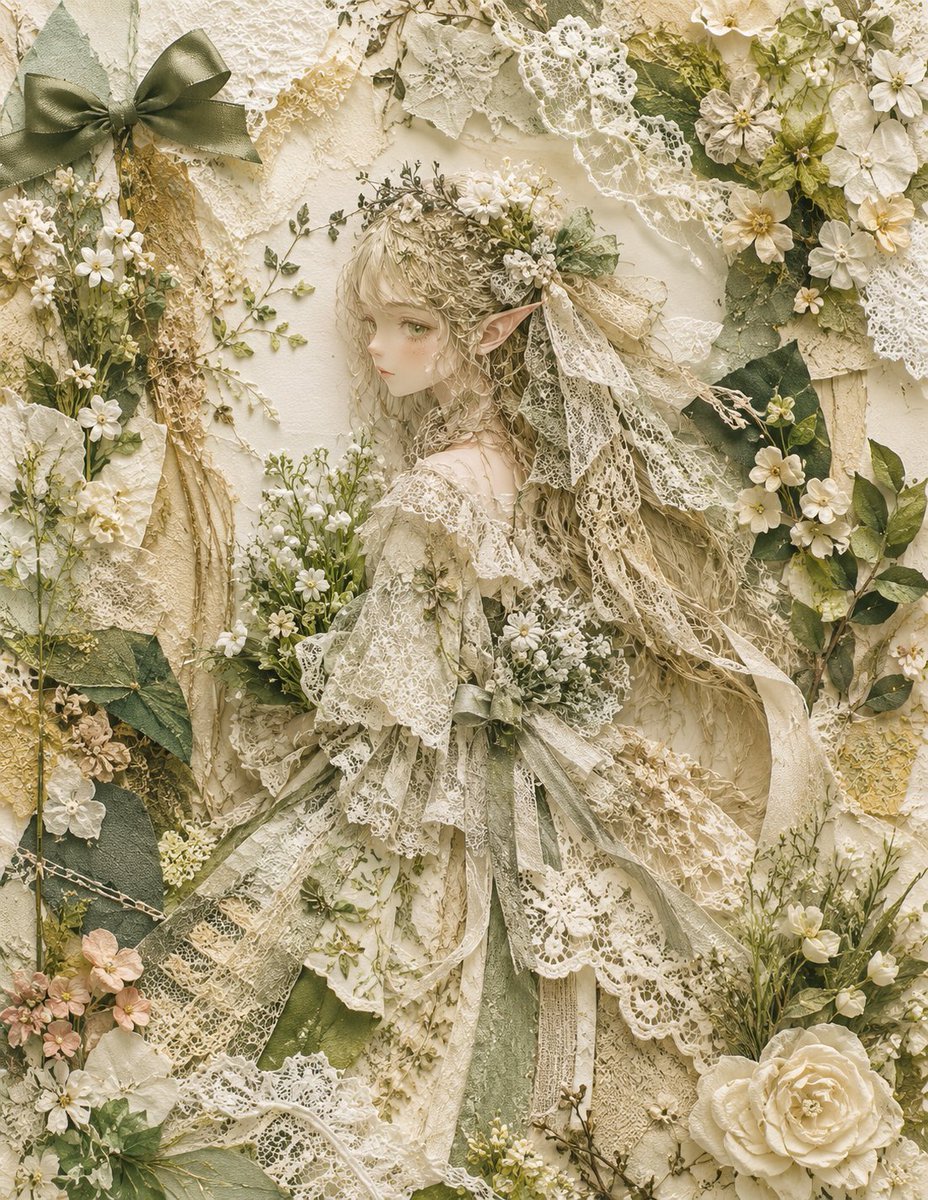
Textile Collage Elf Maiden
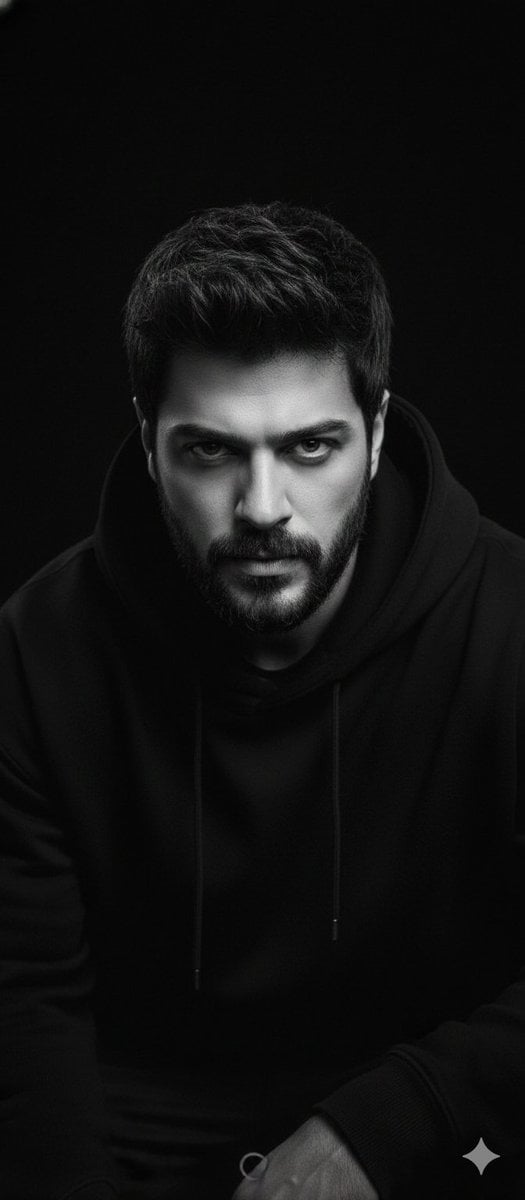
Black and White Portrait with 35mm Lens Look
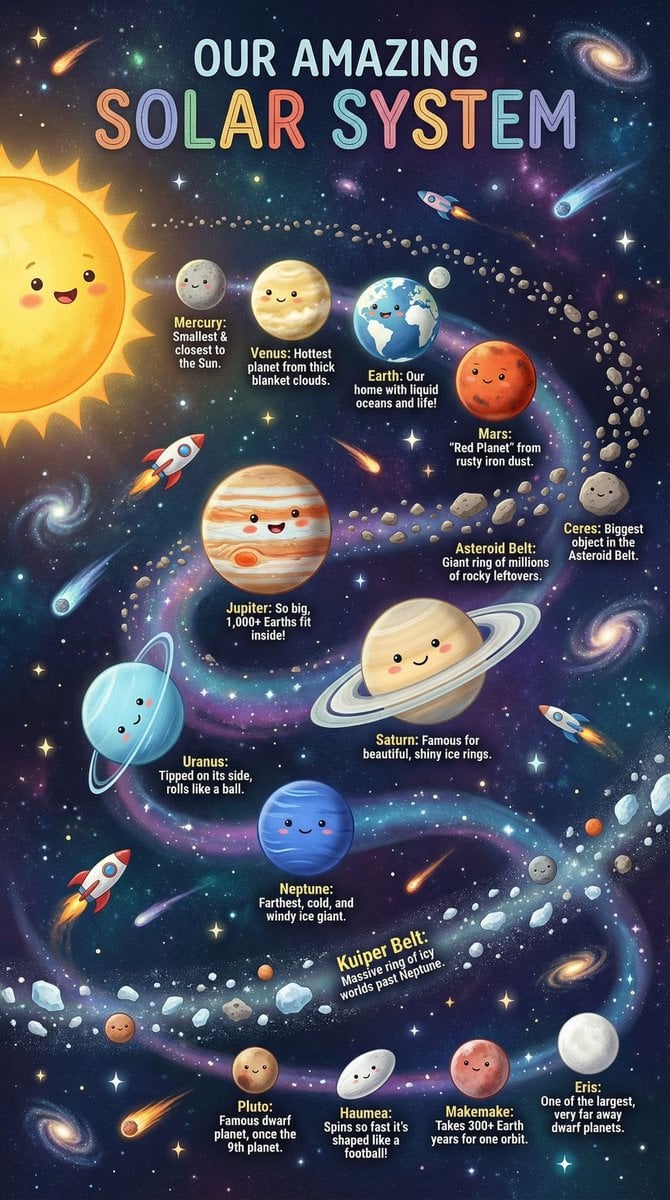
Educational Chart Generation Prompt (Solar System)

Anime VTuber Minecraft Stream Thumbnail
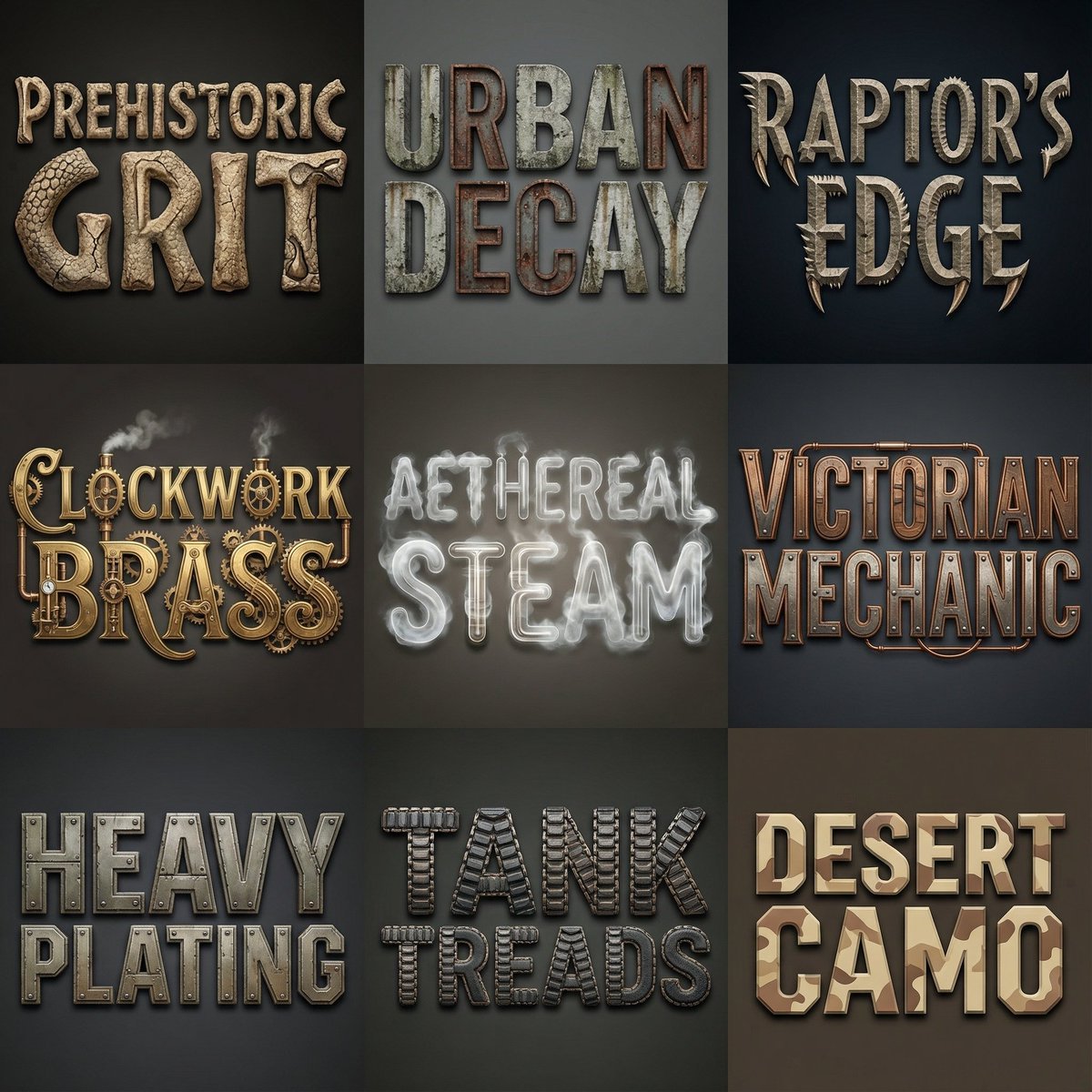
Font Generation Inspired by Uploaded Images
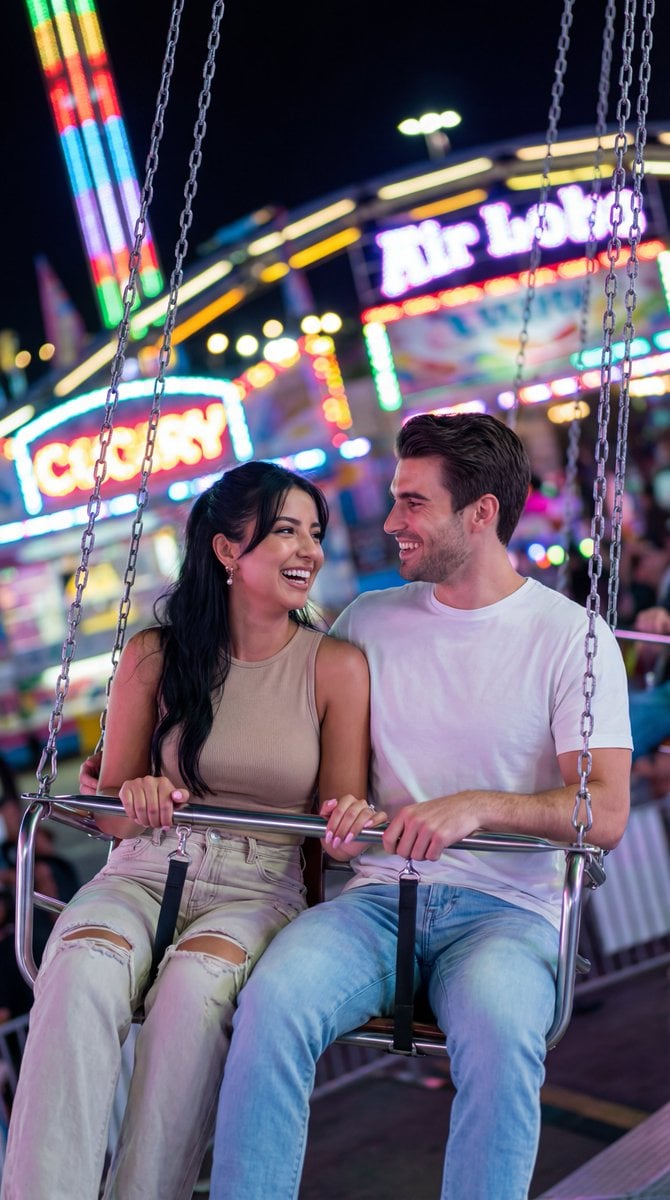
Nano Banana Pro Cinematic Night Romcom Ride Prompt
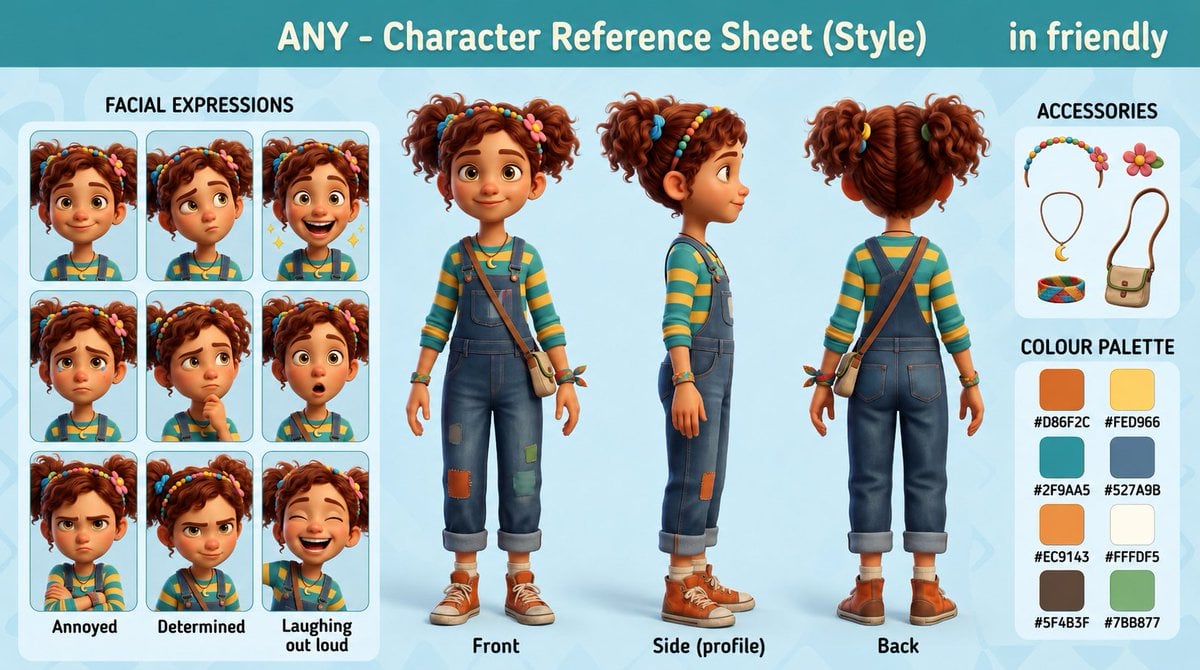
3D Animation Character Design Sheet
GPT Image 2 Street Photography
Browse template categories
Silver Elf in Crimson Water questions
How do I use the Silver Elf in Crimson Water template?
Add your photo if the template asks for one, edit the prompt if you like — the template's model and format are already selected — and press Generate. Your version opens in PicX Studio.
Can I customize the Silver Elf in Crimson Water template?
Yes. You can change the subject, setting, lighting, mood, format, and available model controls before creating your image.
Is the Silver Elf in Crimson Water template free?
Opening and editing this template is free. Generating uses credits, shown on the Generate button when you are signed in.
Which AI model should I use?
Start with GPT Image 2, which is the model associated with this template. You can compare another compatible model for a different finish.
Looking for something else? Browse all templates.

Your photo, any look
Thousands of ready templates for every top image and video model, from one credit balance.