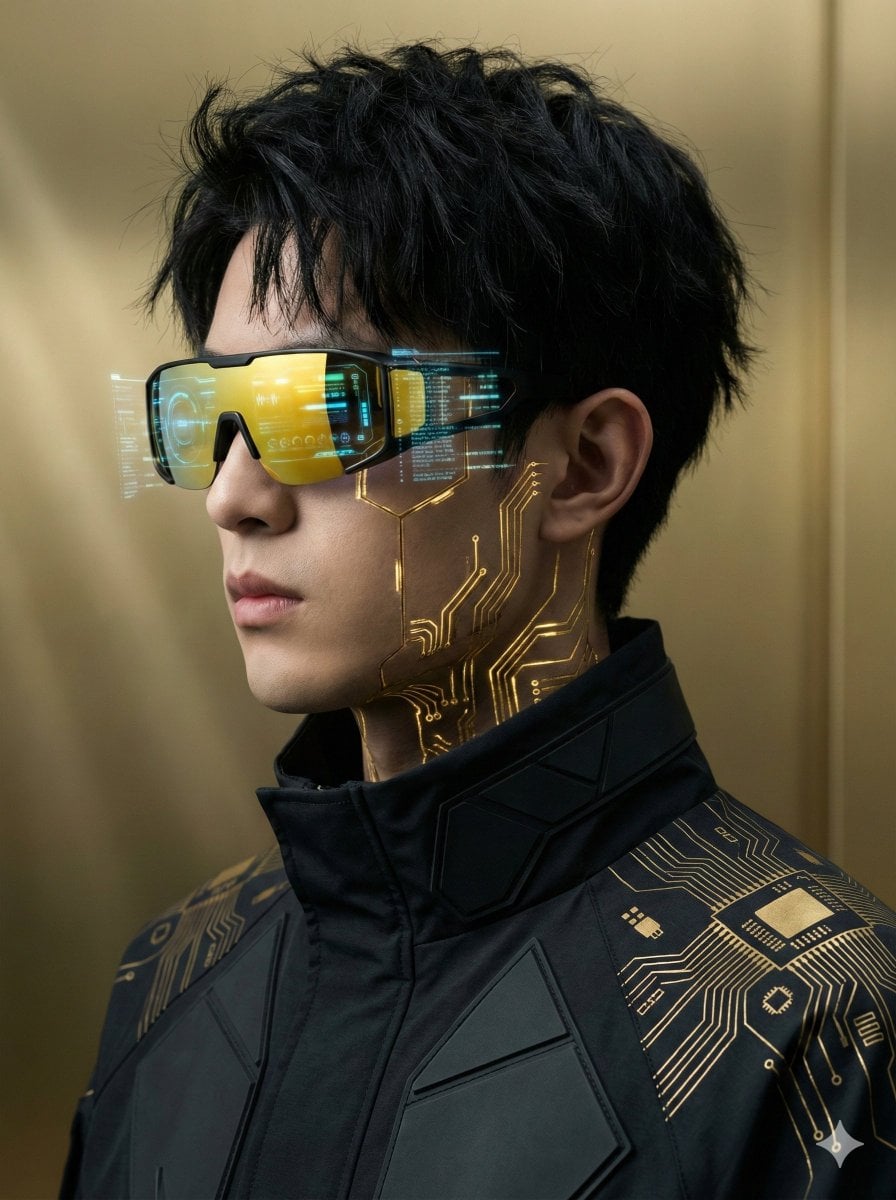
How do I use the GPT Image 2 Street Photography template?
Edit the prompt in the box under the preview — the template's model and format are already selected — and press Generate. Your version appears right on this page.
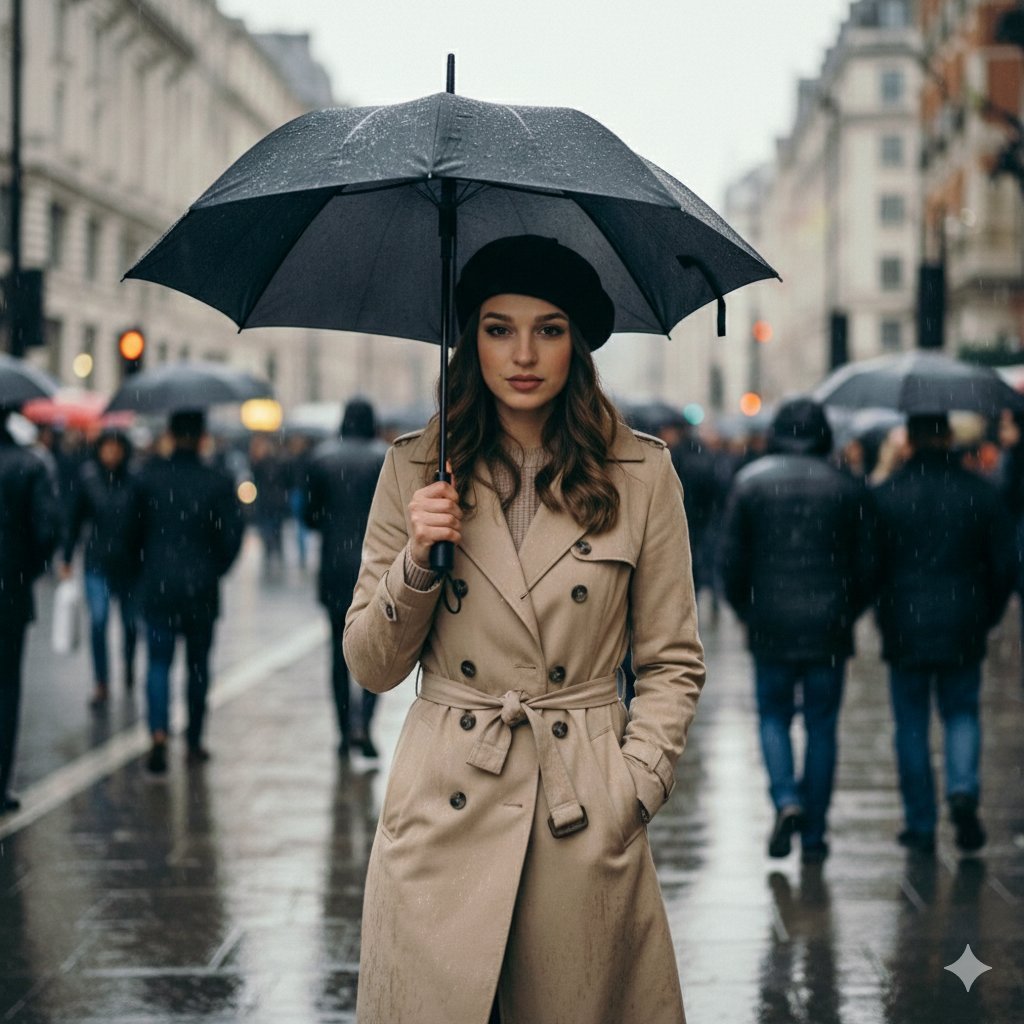
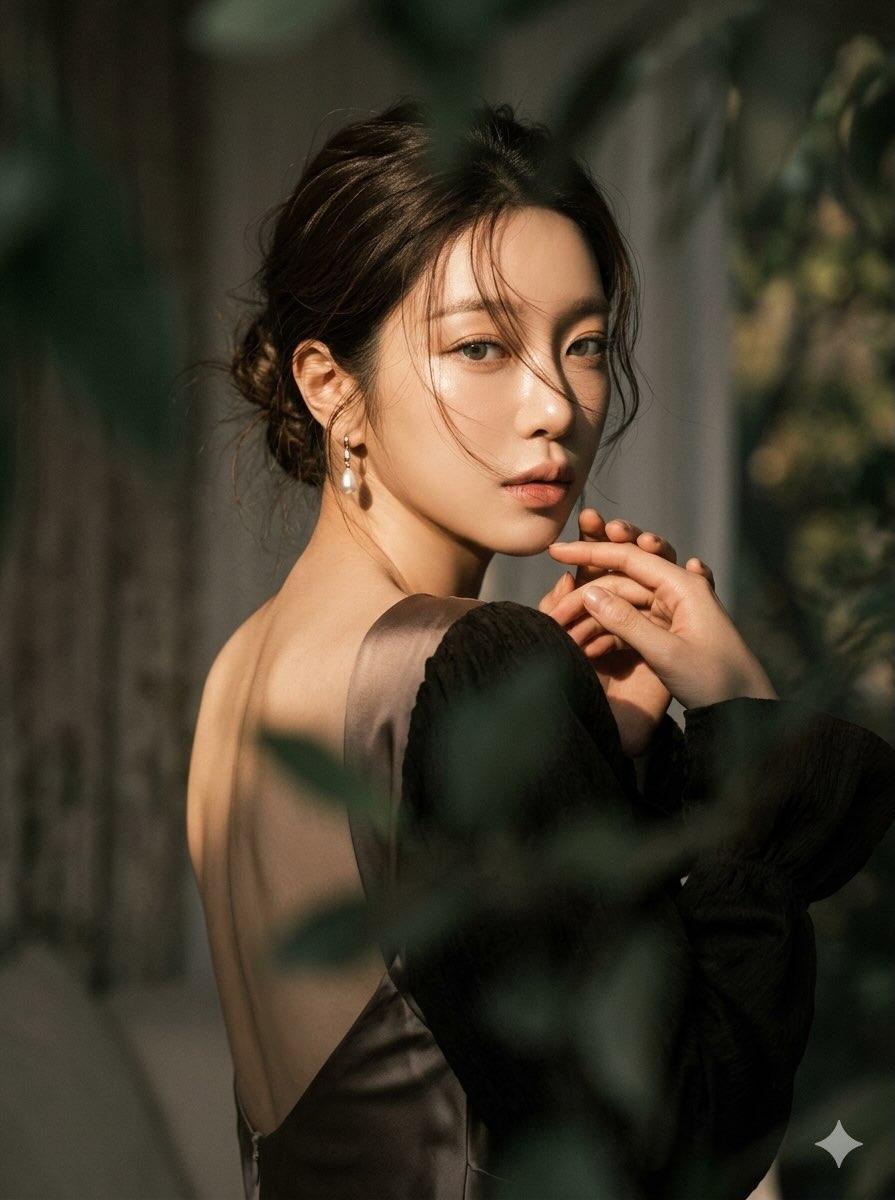
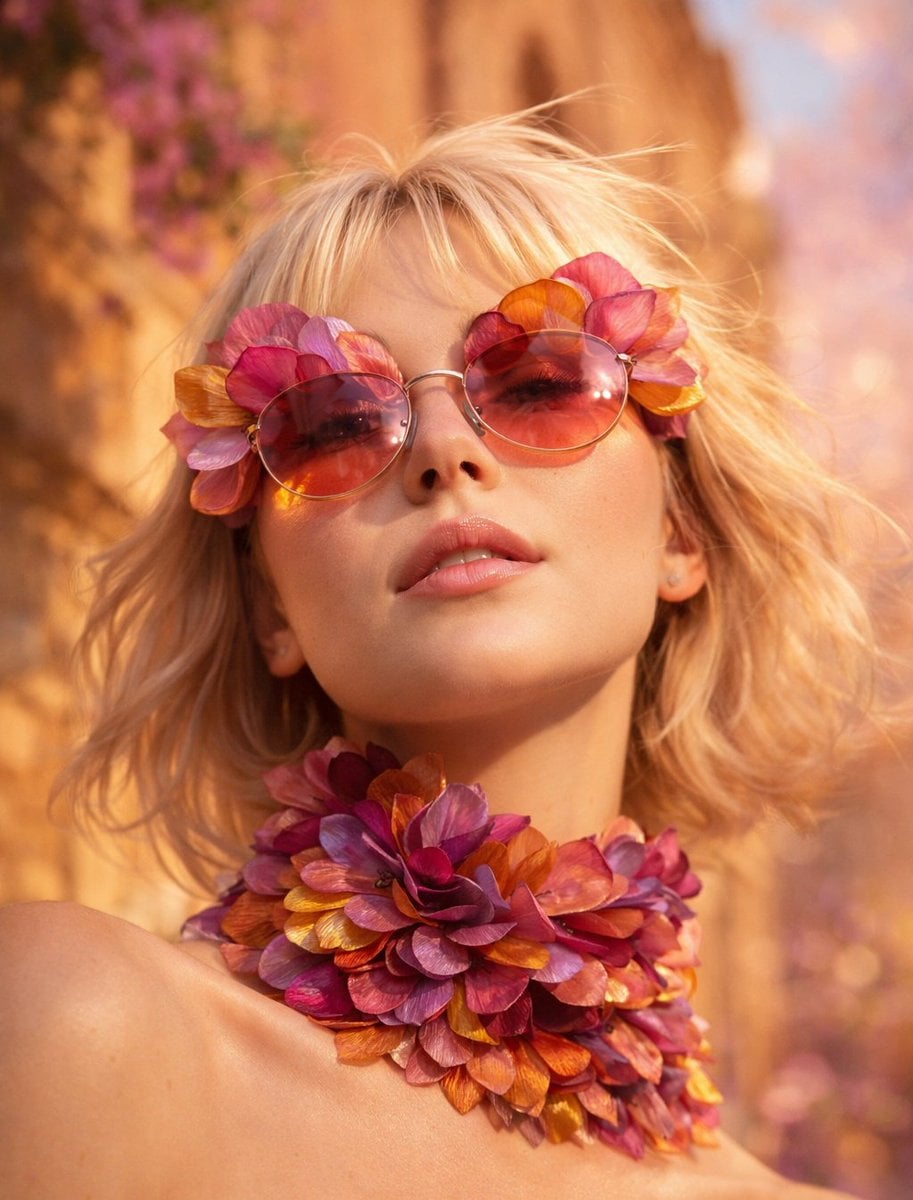
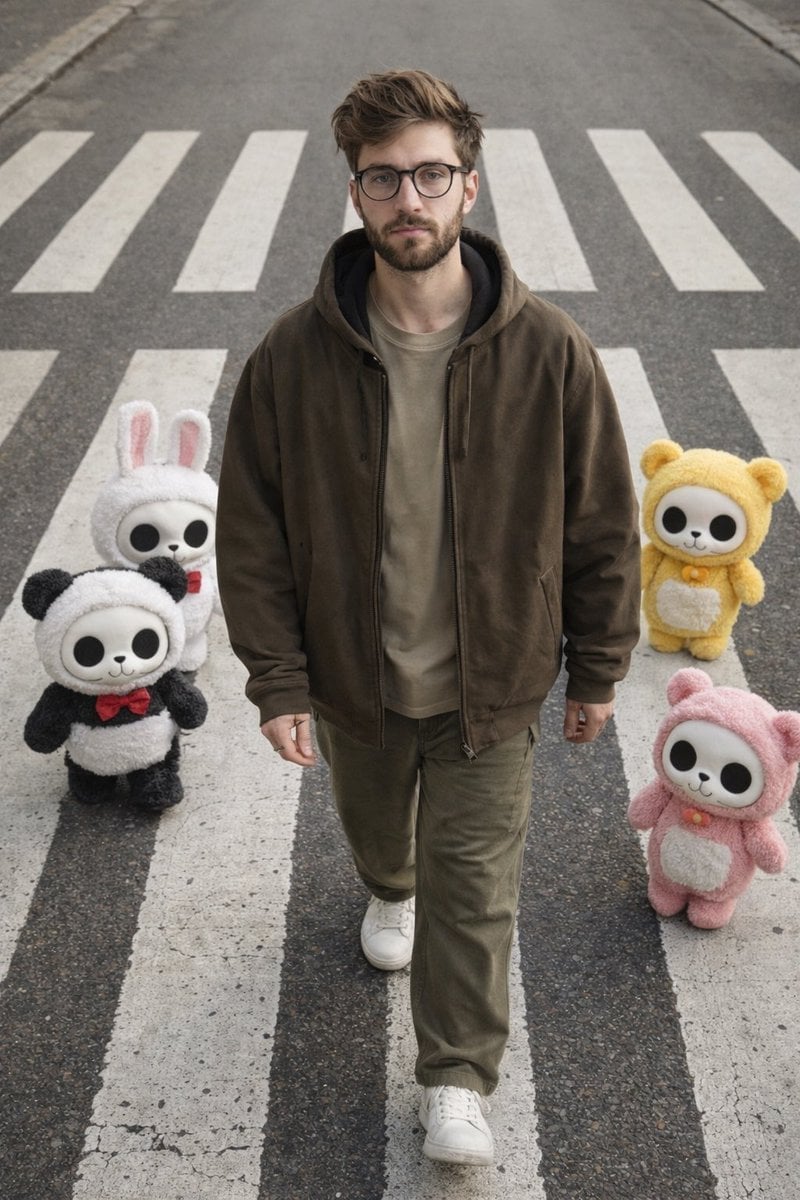
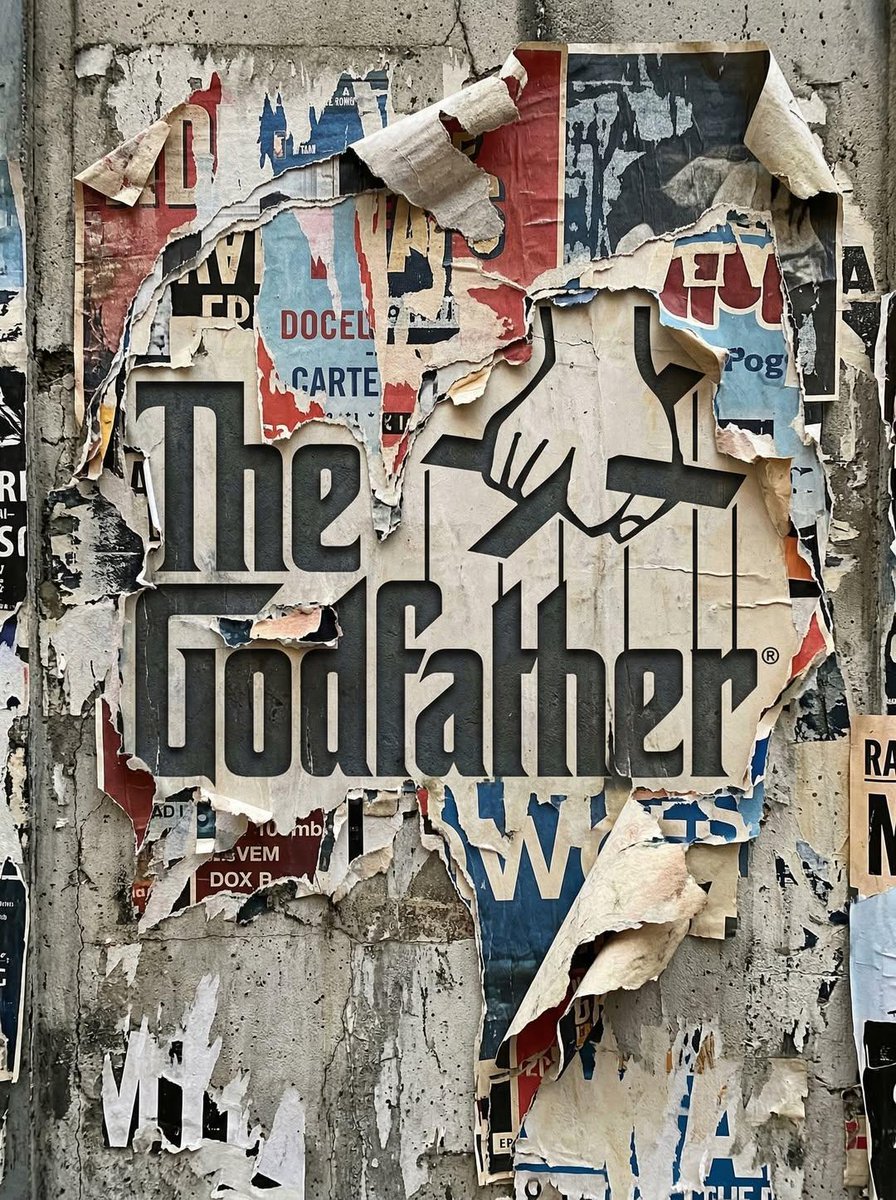
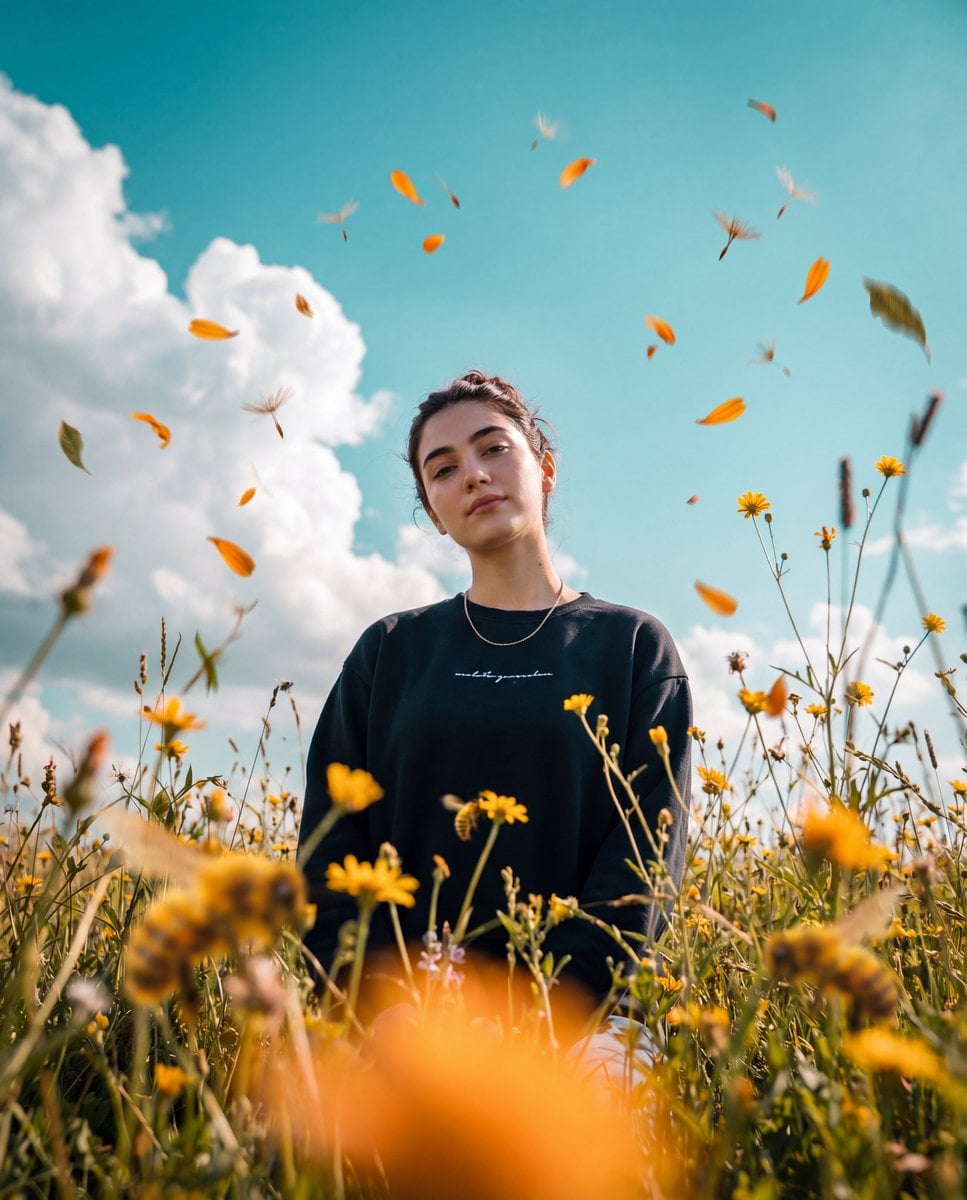
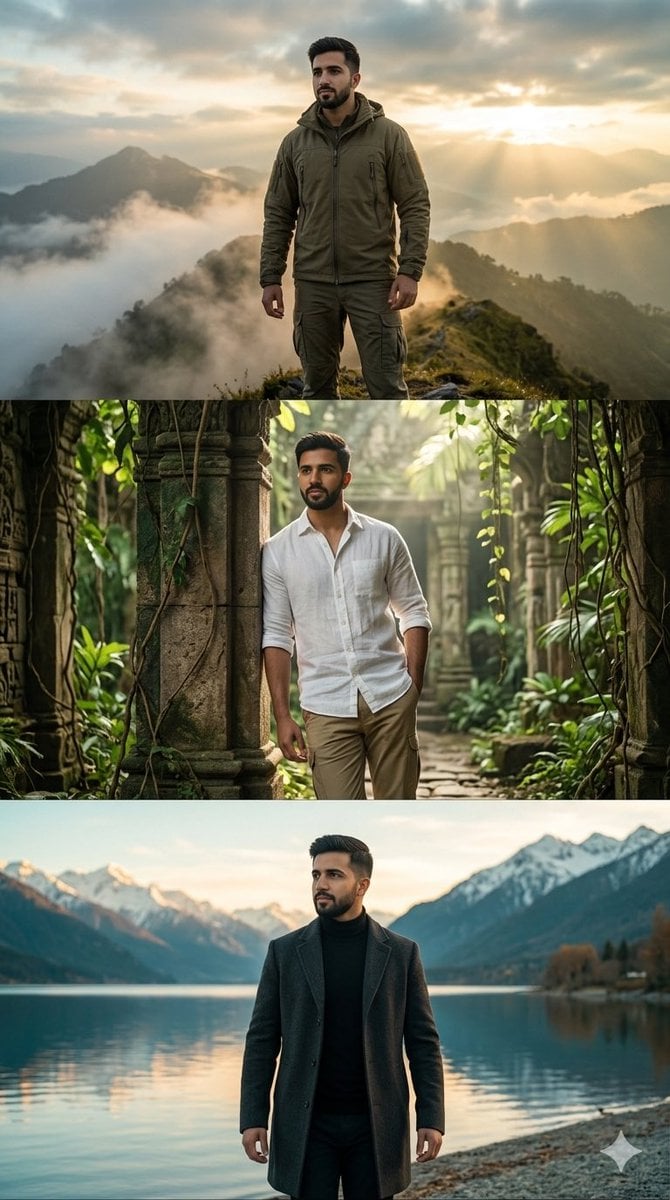
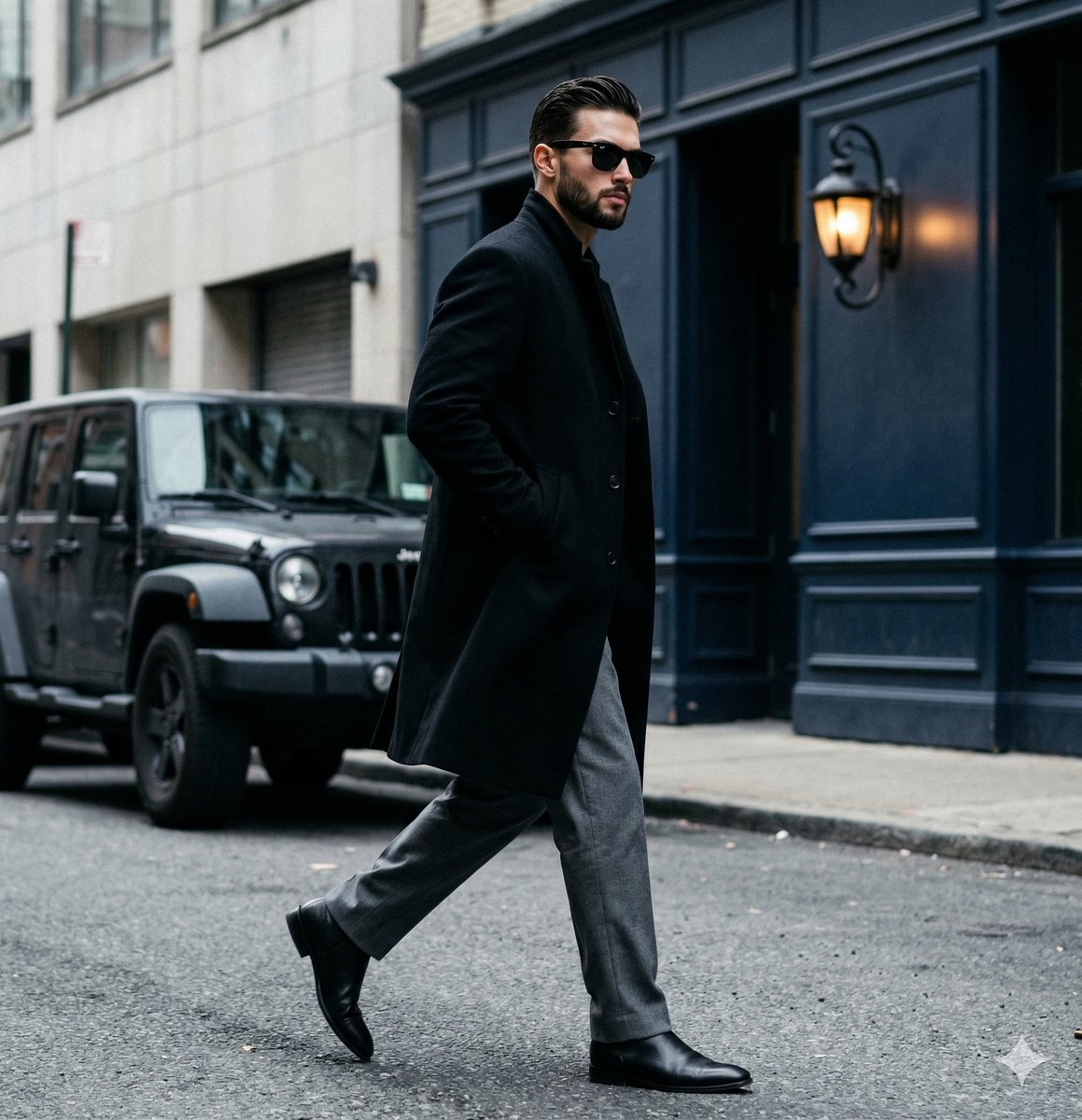
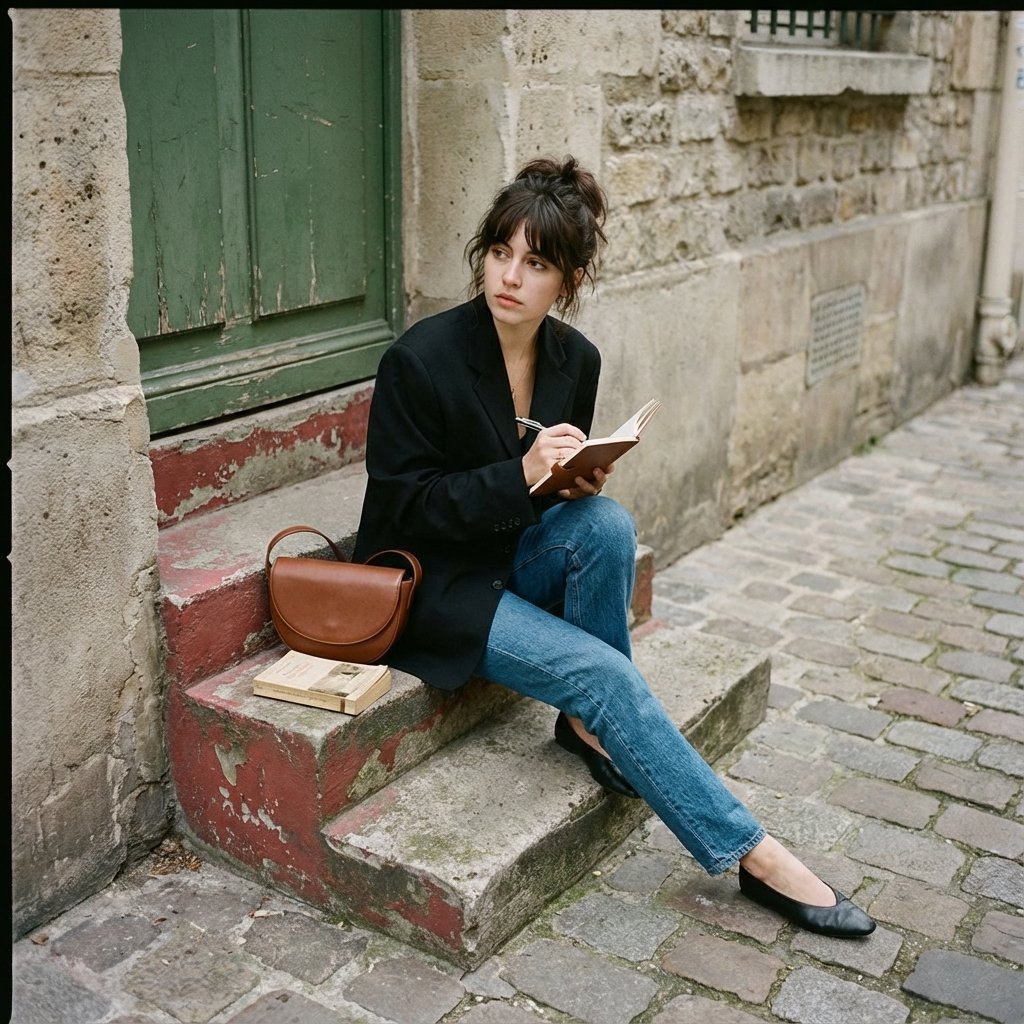
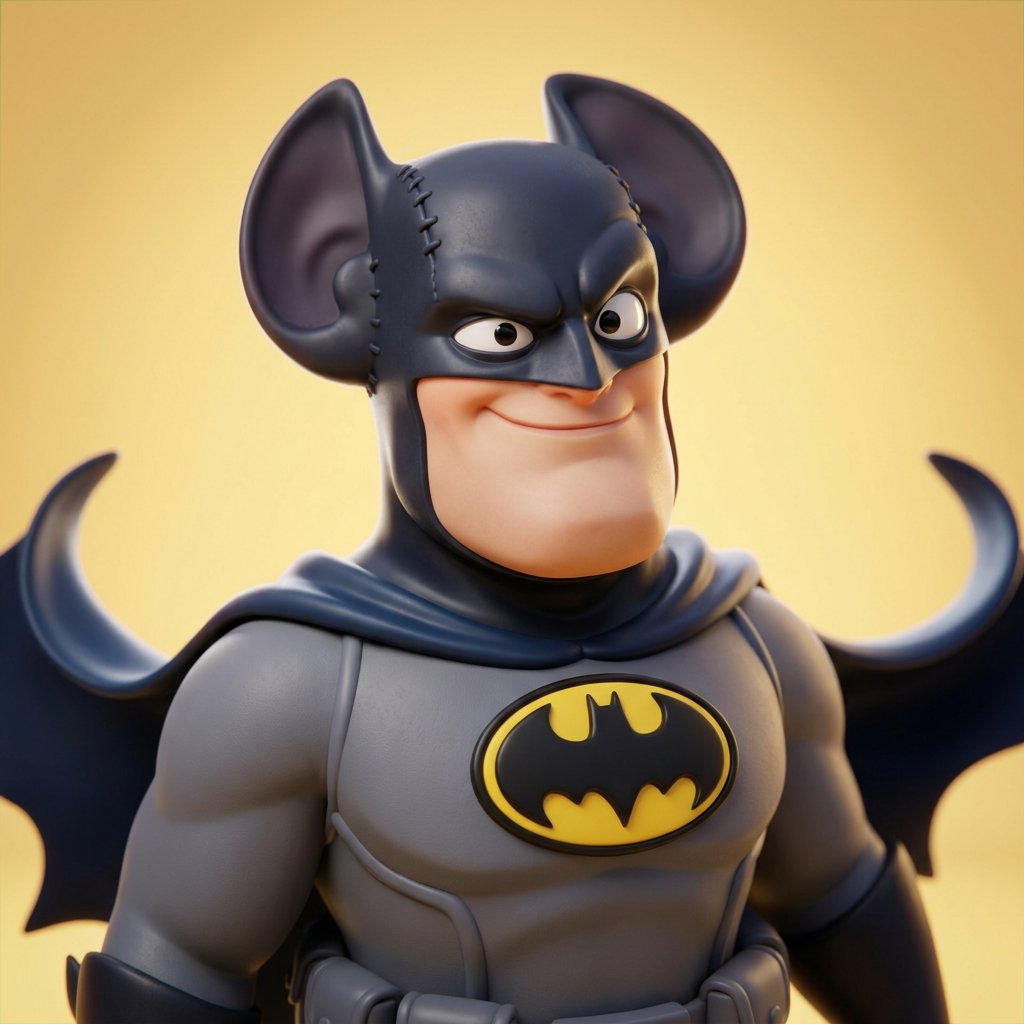
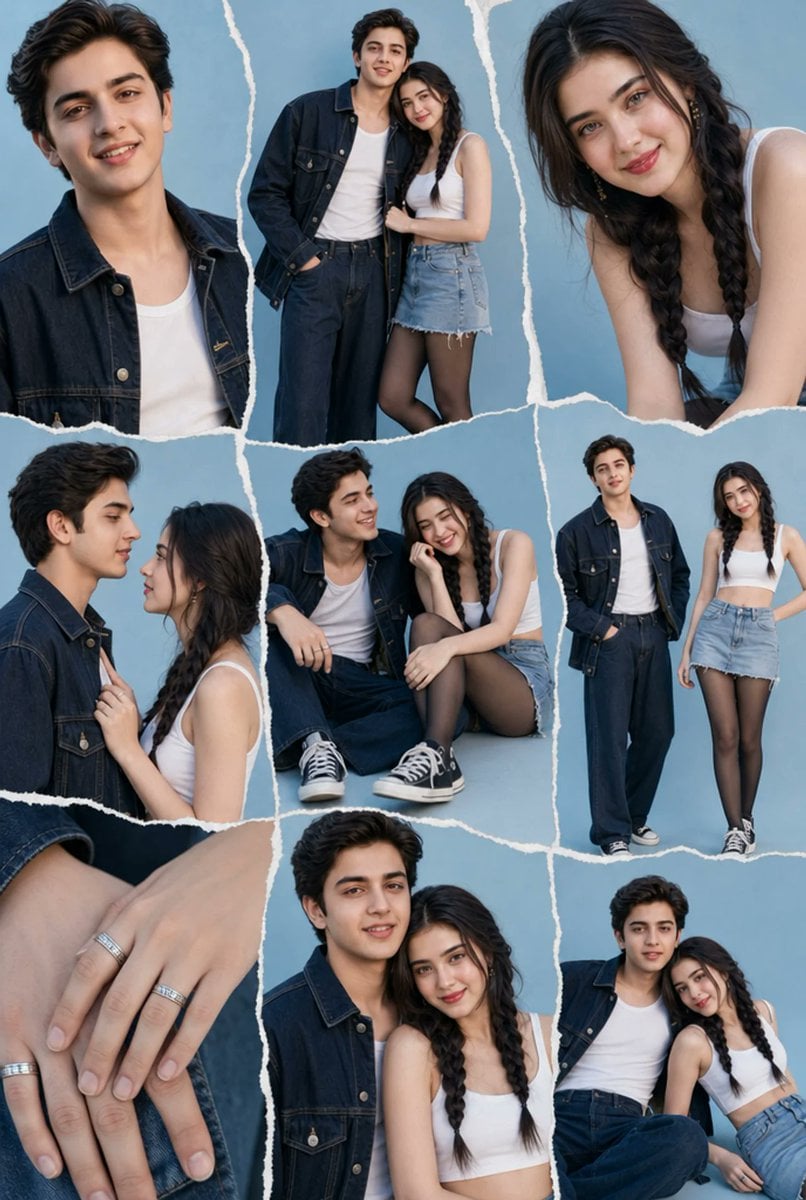
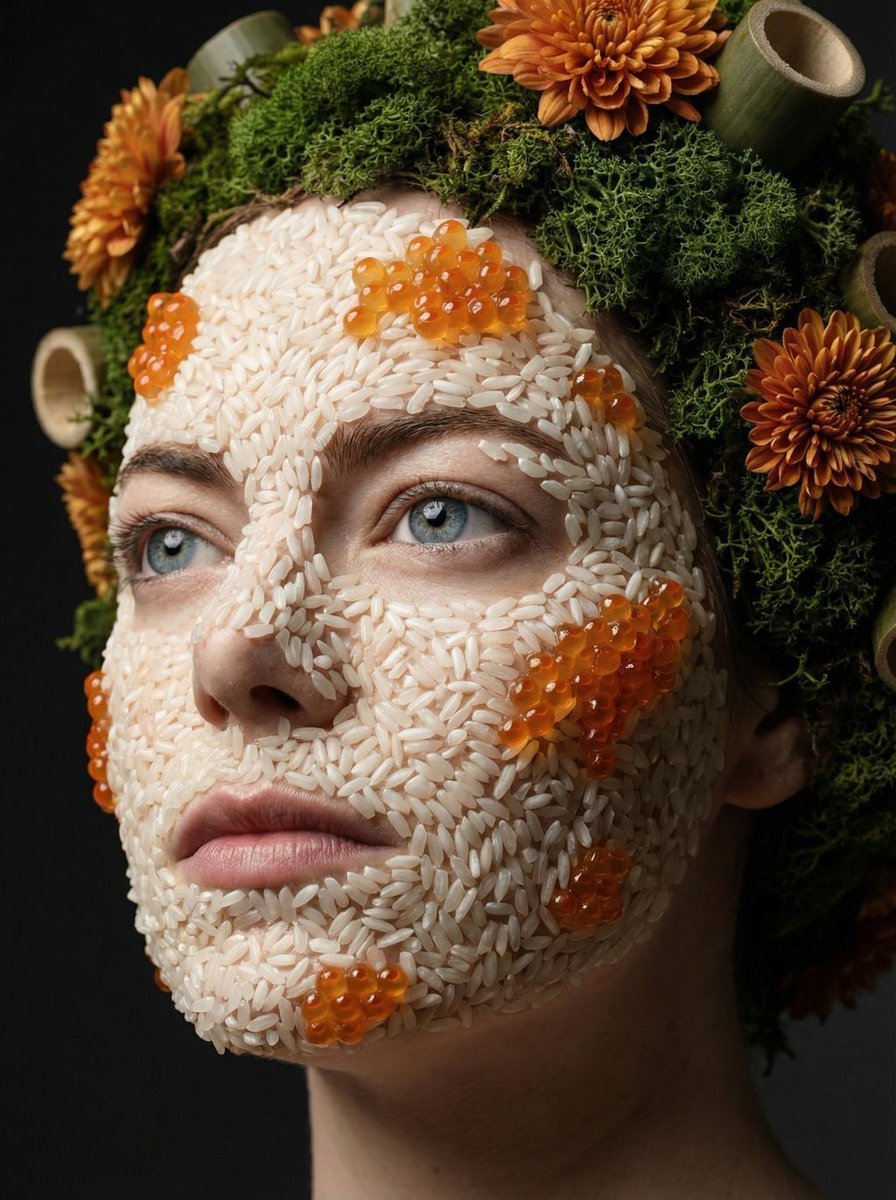
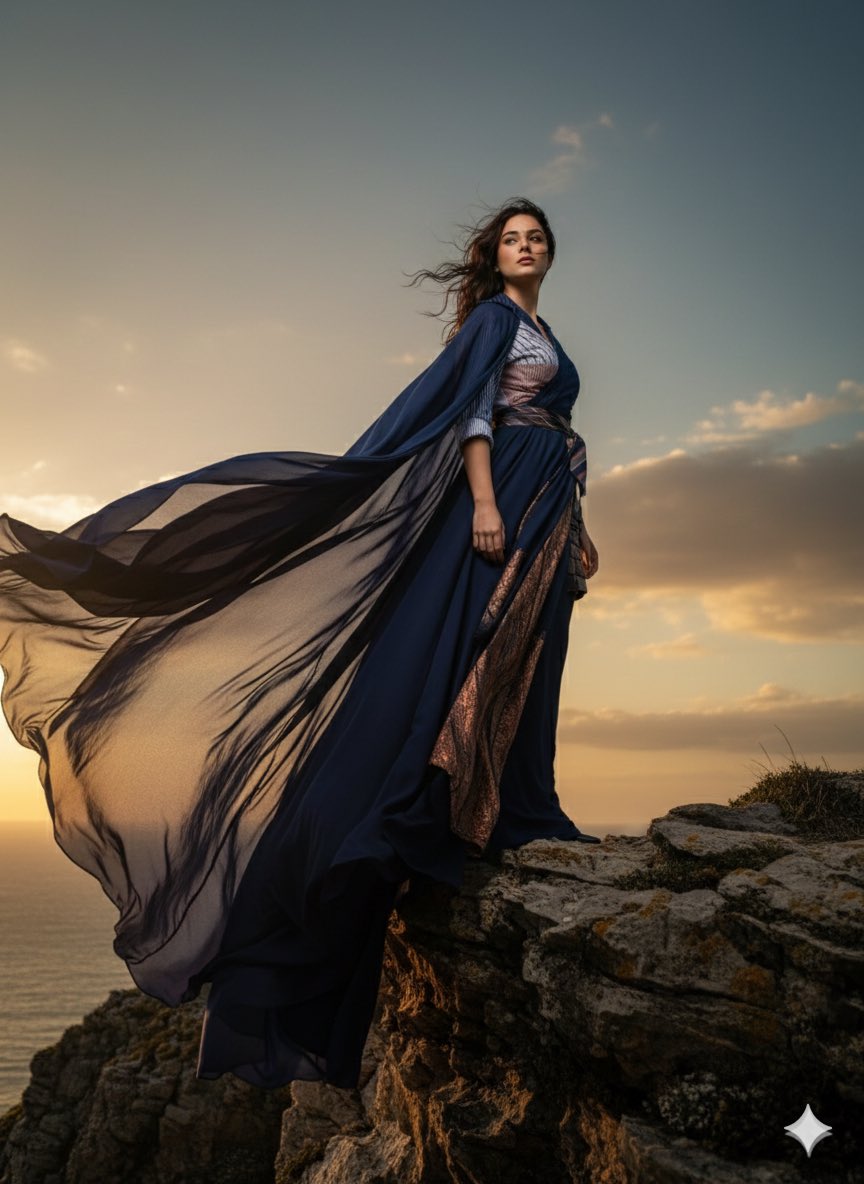
Experimental street photography output using GPT Image 2, although the prompt is target-specific for another tool.

prompt: { "generation_request": { "meta_data": { "tool": "NanoBanana Pro", "task_type": "photoreal_artistic_street_photography", "version": "v1.0_STREET_ART_REALISM_SER_EN", "priority": "highest" }, "output_settings": { "aspect_ratio": "4:5", "orientation": "portrait", "resolution_target": "ultra_high_res", "render_style": "ultra_photoreal_candid_film_still", "sharpness": "crisp_but_natural", "film_grain": "subtle_35mm", "color_grade": "restrained_cinematic_realism", "dynamic_range": "natural_not_hdr", "skin_rendering": "real_texture_no_retouch" }, "creative_prompt": { "scene_summary": "Documentary-style candid street photograph shot on location in [CITY/NEIGHBORHOOD]. An unscripted, unposed moment that feels emotionally honest and visually true.", "subject": "A [AGE] [GENDER] dressed in [CLOTHING], captured mid-movement: [MICRO-ACTION]. Completely natural facial expression with slight asymmetry kept intact.", "camera": "35mm lens equivalent, eye-level perspective, close yet respectful distance, intentionally imperfect framing like a real street photographer, sharp focus on the eyes, shallow-to-medium depth of field.", "lighting": "Organically motivated natural light sourced from [SOURCE: shop window / street lamp / sunset / neon signs], deep shadows that still hold detail, zero studio lighting.", "environment_details": "Authentic urban textures: peeling posters, scratched and dented metal, rain-dotted pavement, subtle glass reflections, genuine city clutter with no cleaned-up background.", "authenticity_markers": "Slight motion blur on background elements only, soft halation on bright highlights, minor film gate weave, realistic grain throughout, no beauty retouching at all.", "mood": "[MOOD: melancholic / hopeful / tense / quiet joy], cinematic in feeling but entirely believable." }, "negative_prompt": [ "studio lighting", "beauty retouch", "plastic skin", "over-sharpened", "HDR", "AI glow", "perfect symmetry", "overly clean background", "fake bokeh shapes", "text", "logo", "watermark", "painterly", "cartoon" ] } }
prompt: { "generation_request": { "meta_data": { "tool": "NanoBanana Pro", "task_type": "photoreal_artistic_street_photography", "version": "v1.0_STREET_ART_REALISM_SER_EN", "priority": "highest" }, "output_settings": { "aspect_ratio": "4:5", "orientation": "portrait", "resolution_target": "ultra_high_res", "render_style": "ultra_photoreal_candid_film_still", "sharpness": "crisp_but_natural", "film_grain": "subtle_35mm", "color_grade": "restrained_cinematic_realism", "dynamic_range": "natural_not_hdr", "skin_rendering": "real_texture_no_retouch" }, "creative_prompt": { "scene_summary": "Documentary-style candid street photograph shot on location in [CITY/NEIGHBORHOOD]. An unscripted, unposed moment that feels emotionally honest and visually true.", "subject": "A [AGE] [GENDER] dressed in [CLOTHING], captured mid-movement: [MICRO-ACTION]. Completely natural facial expression with slight asymmetry kept intact.", "camera": "35mm lens equivalent, eye-level perspective, close yet respectful distance, intentionally imperfect framing like a real street photographer, sharp focus on the eyes, shallow-to-medium depth of field.", "lighting": "Organically motivated natural light sourced from [SOURCE: shop window / street lamp / sunset / neon signs], deep shadows that still hold detail, zero studio lighting.", "environment_details": "Authentic urban textures: peeling posters, scratched and dented metal, rain-dotted pavement, subtle glass reflections, genuine city clutter with no cleaned-up background.", "authenticity_markers": "Slight motion blur on background elements only, soft halation on bright highlights, minor film gate weave, realistic grain throughout, no beauty retouching at all.", "mood": "[MOOD: melancholic / hopeful / tense / quiet joy], cinematic in feeling but entirely believable." }, "negative_prompt": [ "studio lighting", "beauty retouch", "plastic skin", "over-sharpened", "HDR", "AI glow", "perfect symmetry", "overly clean background", "fake bokeh shapes", "text", "logo", "watermark", "painterly", "cartoon" ] } }
Edit the prompt in the box under the preview — the template's model and format are already selected — and press Generate. Your version appears right on this page.
Yes. You can change the subject, setting, lighting, mood, format, and available model controls before creating your image.
Opening and editing this template is free. Generating uses credits, shown on the Generate button when you are signed in.
Start with GPT Image 2, which is the model associated with this template. You can compare another compatible model for a different finish.
Follow a topic to a crawlable collection of related PicX Studio templates.