
Panel Japanese Advertising Grid
Generates a 2x2 grid of distinct Japanese advertising banners for cosmetics, travel, food, and a finance app.
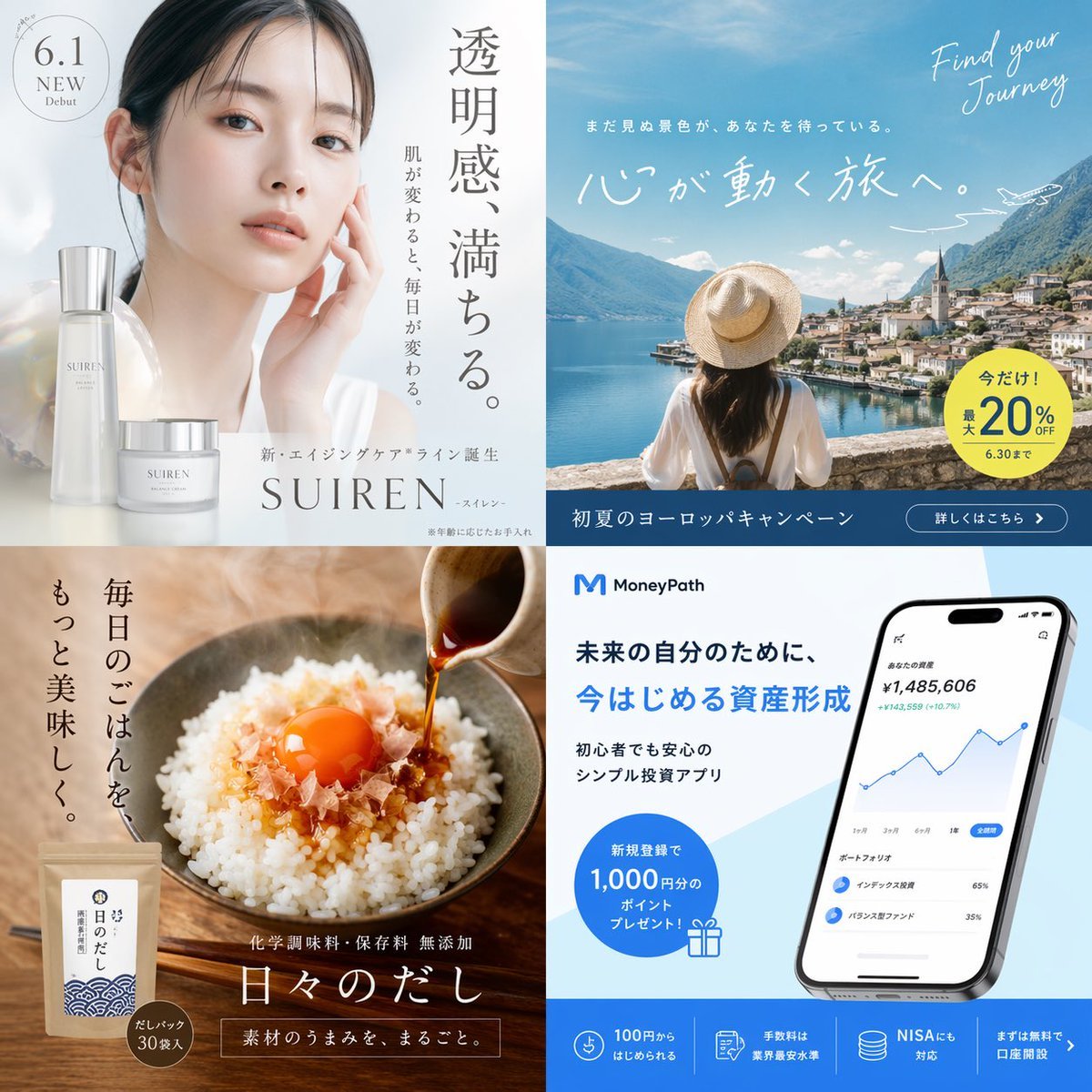
- Prompt included
- Model and format preset
- Free template
The prompt behind this image
Copy the exact prompt behind Panel Japanese Advertising Grid, or open it in the studio and make it yours.
{ "type": "2x2 grid of Japanese advertising banners", "layout": { "grid": "2 rows by 2 columns", "panels": [ { "position": "top-left", "industry": "cosmetics", "visuals": "Close-up portrait of a young Asian woman with glowing, clear skin gently touching her cheek. In the bottom left, 2 skincare products: a tall frosted bottle and a short cream jar labeled '{argument name="skincare brand" default="SUIREN"}'.", "typography": "Large vertical Japanese text '透明感、満ちる。' and '肌が変わると、毎日が変わる。'. A circular badge '6.1 NEW Debut'. Brand name 'SUIREN' at the bottom." }, { "position": "top-right", "industry": "travel", "visuals": "A woman seen from behind wearing a straw hat and white shirt, looking out over a scenic {argument name="travel destination" default="European lake town"} with mountains and a church spire. A small airplane illustration in the sky.", "typography": "Script text 'Find your Journey'. Large white Japanese text '心が動く旅へ。'. A yellow circular badge '今だけ!最大20%OFF 6.30まで'. A dark blue bottom bar with '初夏のヨーロッパキャンペーン' and a '詳しくはこちら >' button." }, { "position": "bottom-left", "industry": "food", "visuals": "A rustic bowl of white rice topped with a bright orange raw egg yolk and bonito flakes. Dark sauce is being poured from a small pitcher. In the bottom left, a brown paper package of {argument name="food product" default="dashi powder"} with a blue wave pattern.", "typography": "Vertical Japanese text '毎日のごはんを、もっと美味しく。'. Product name '日々のだし' in a large serif font. A small badge 'だしパック 30袋入'." }, { "position": "bottom-right", "industry": "technology", "visuals": "A modern smartphone displaying a {argument name="app type" default="finance and investment"} dashboard with an upward-trending line graph and portfolio breakdown. A blue gift box icon.", "typography": "App logo 'M {argument name="app name" default="MoneyPath"}'. Headline '未来の自分のために、今はじめる資産形成'. A blue circular badge '新規登録で1,000円分のポイントプレゼント!'. A blue bottom bar with 4 distinct columns featuring icons and text like '100円からはじめられる' and 'NISAにも対応'." } ] } }
How to use Panel Japanese Advertising Grid in 3 steps
- 1Upload ImagePNG, JPG or paste
Add your photo
Upload the photo the template builds on. The prompt, model and format are already set.
- 2…a portrait of your subject in softgolden-hour light, 85mm…
Personalize
Edit the subject and creative details for your destination.
- 3Generate
Generate
Press Generate — your image is created in PicX Studio, so you can compare it with the original and refine one variable at a time.
More like this
Templates with the same subject, style or setup. Open one to see its prompt.
Panel Japanese Advertising Concept Grid

Pixar 6-Panel Streethero Expression Grid

Headphones Lifestyle Nine Panel Grid

Gpt2 Social Media Post 4 Panel Japanese Digital Ad Banner Grid

Minecraft Japanese Research Lab Exploration

Six-Panel Retro Japanese Poster Collage
Japanese Absurd Lifestyle Ad Grid

Japanese Architectural Concrete Studio Fashion Campaign

Japanese Minimalist Concrete Studio Fashion Editorial

Korean Luxury Fashion Editorial 2x2 Grid Series

Blue Backdrop Luxury Fashion Portrait Campaign

Minimalist Fashion Editorial Split Layout
Make it yours
Panel Japanese Advertising Grid works as-is. These are the safest ways to change it without losing the look.
Change one field
Copy a single group, rewrite it, and generate again so you can see what that field is doing.
Keep the frame, change the subject
Hold the composition and light of 4-Panel Japanese Advertising Grid, then swap wardrobe, props or the person for a new take.
| If the result… | Why | Fix |
|---|---|---|
| The result drifts from the preview | Too many fields changed at once. | Reuse 4-Panel Japanese Advertising Grid as-is first, then change one group — subject, light, or setting. |
| The model over-stylizes the scene | The prose prompt leaves finish and camera underspecified. | Add one camera or lighting sentence and stay on GPT Image 2. |
More GPT Image 2 templates
Other prompts made for GPT Image 2.

Six VTuber Japanese Logo Sheet

Realistic Portrait of Woman and Deer

The Vista Modular Condo Poster

AI Model Routing Comparison Infographic

2.5D Anime Art Board

Isometric Productivity Desk Scene

New York Double Exposure Poster

Four-Panel AI Landscape Comparison

Japanese Tatami Lifestyle Magazine Cover

NESCAFÉ Coffee Map Poster
More image prompts
Fresh picks from across the catalog.
Full-body fashion magazine editorial portrait

Vintage Digital Camera Car Selfie Prompt
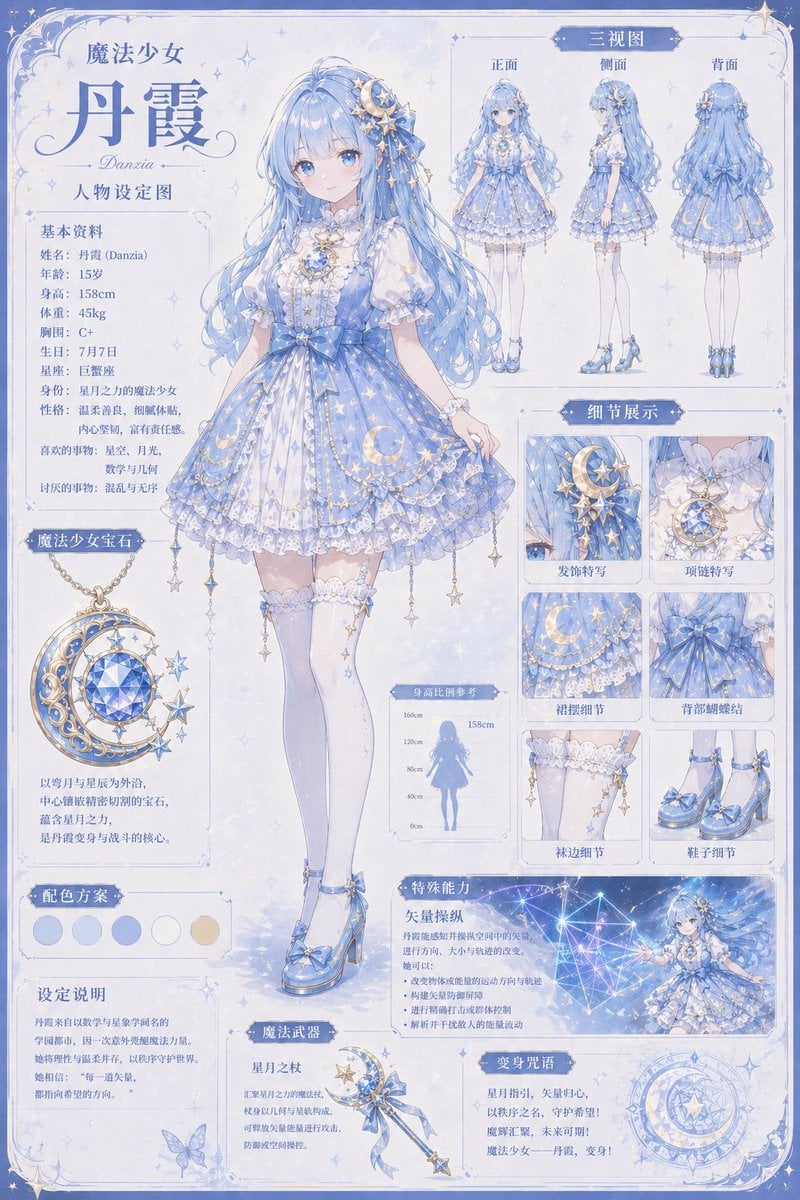
Celestial Magical Girl Reference Sheet
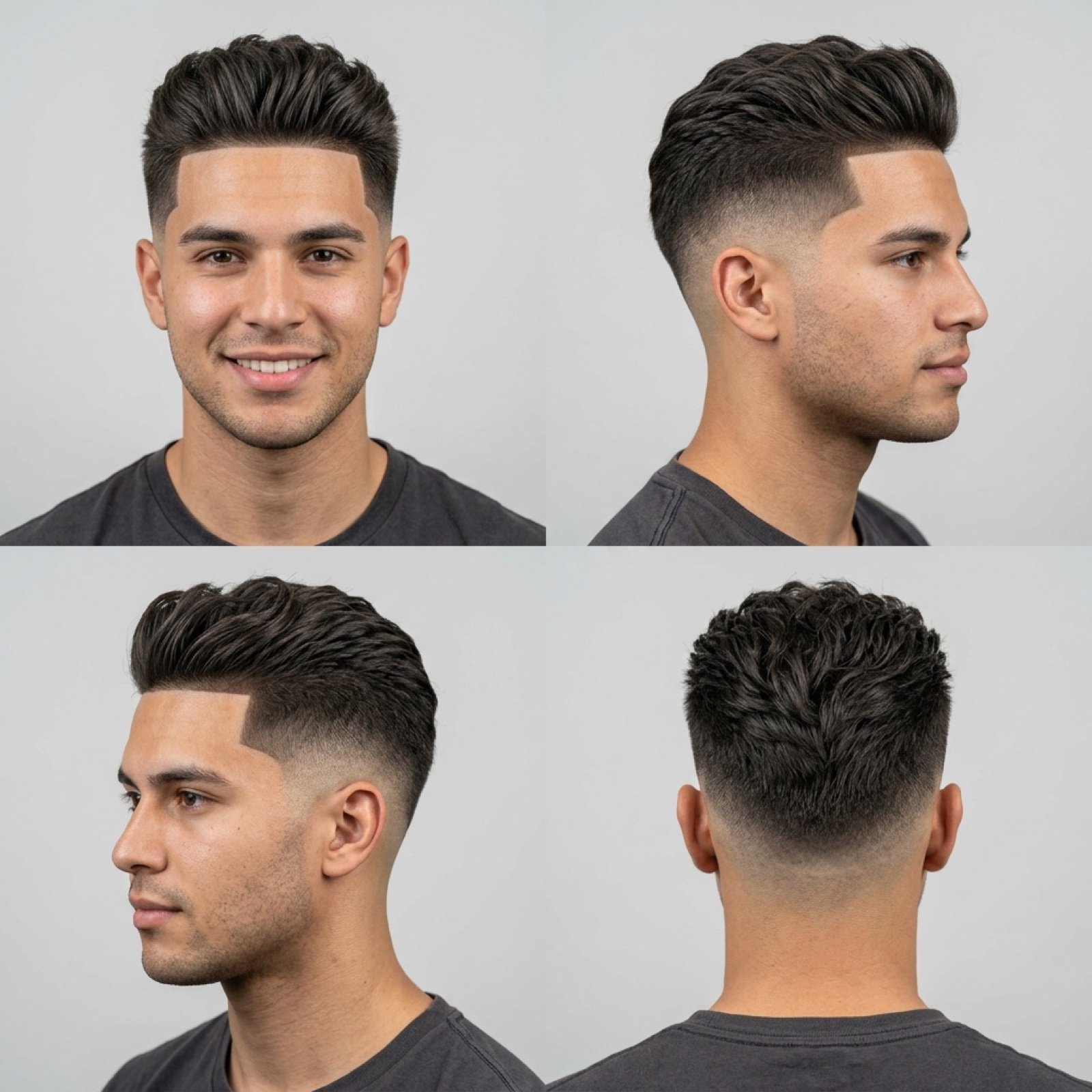
Barbershop Haircut Reference Photo Grid
AI Thinking App Screenshot

Dreamy Autumnal Portrait of a Young Woman
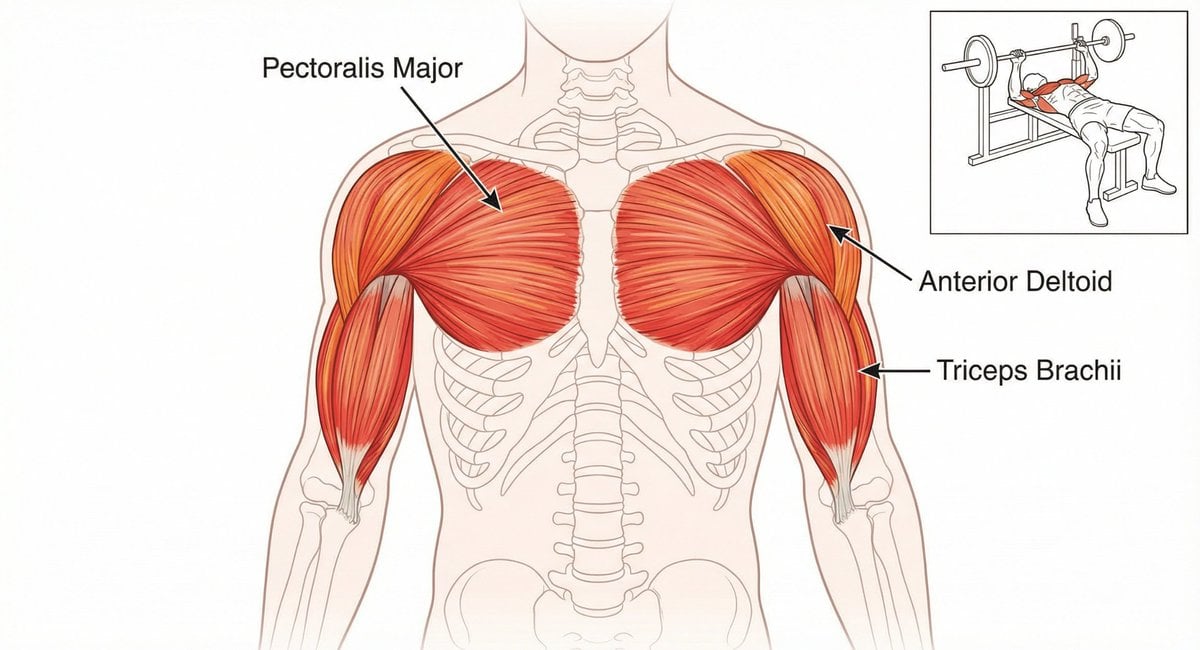
Bench press muscle diagram
Portrait - Silver Hair Lady

Explosive Anime Launch Thumbnail
Disintegration Effect Function Prompt
Browse template categories
Panel Japanese Advertising Grid questions
How do I use the 4-Panel Japanese Advertising Grid template?
Add your photo if the template asks for one, edit the prompt if you like — the template's model and format are already selected — and press Generate. Your version opens in PicX Studio.
Can I customize the 4-Panel Japanese Advertising Grid template?
Yes. You can change the subject, setting, lighting, mood, format, and available model controls before creating your image.
Is the 4-Panel Japanese Advertising Grid template free?
Opening and editing this template is free. Generating uses credits, shown on the Generate button when you are signed in.
Which AI model should I use?
Start with GPT Image 2, which is the model associated with this template. You can compare another compatible model for a different finish.
Looking for something else? Browse all templates.

Your photo, any look
Thousands of ready templates for every top image and video model, from one credit balance.