
AI Thinking App Screenshot
A portrait mobile chat-app screenshot showing a Japanese prompt and a generated cosmic data-vision artwork, suitable for illustrating AI image generation in a realistic interface.
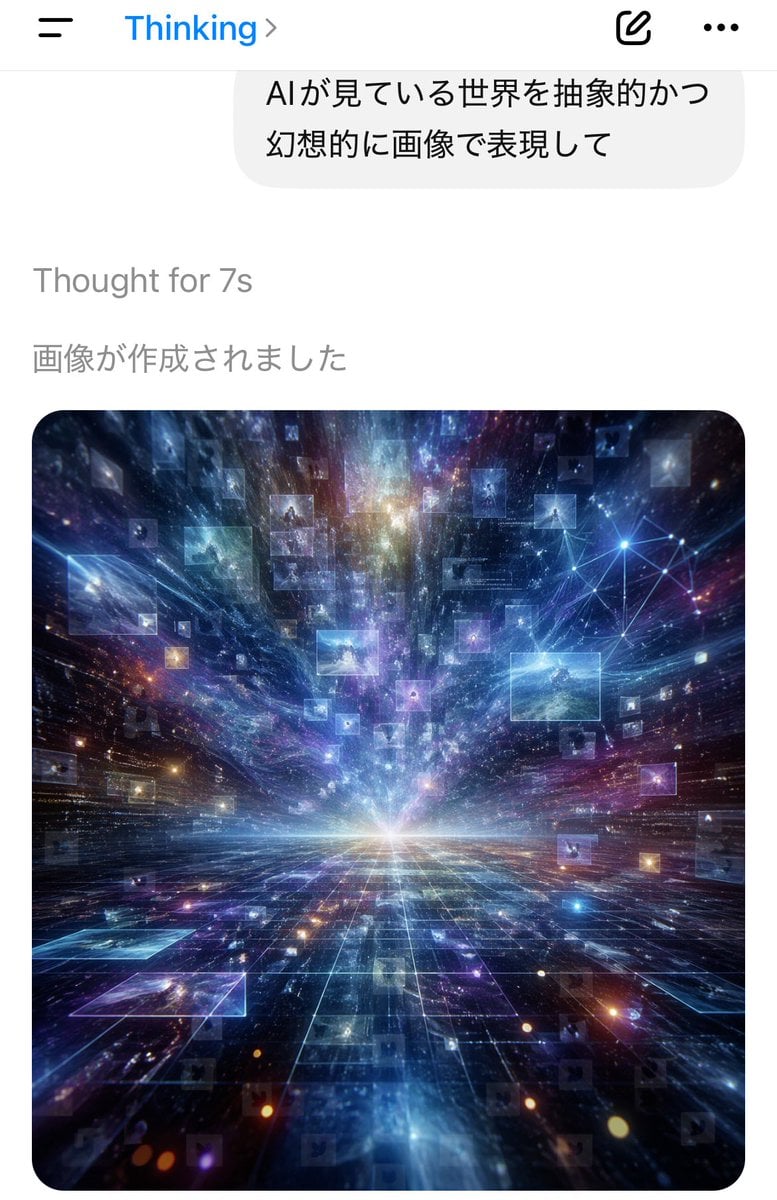
- Prompt included
- Model and format preset
- Free template
The prompt behind this image
Copy the exact prompt behind AI Thinking App Screenshot, or open it in the studio and make it yours.
A smartphone chat app screenshot in portrait orientation, minimal iOS-style interface on a white background. At the top is a navigation bar with a hamburger menu icon on the left, the blue title “Thinking” near the top center-left with a right chevron, and 2 icons on the right: a compose/edit square icon and a horizontal three-dots menu icon. Below it is a large rounded light-gray chat bubble containing 2 lines of Japanese text: “AIが見ている世界を抽象的かつ” and “幻想的に画像で表現して”. Under the bubble, left-aligned gray system text reads “Thought for 7s”, and below that another gray Japanese line reads “画像が作成されました”. The lower half of the screen shows a single generated image card with large rounded corners. The image is a surreal abstract cosmic data landscape: a glowing white horizon at the center, a dark reflective grid floor receding in deep perspective, and explosive streaks of light, nebula clouds, stars, and particles rushing outward from the vanishing point. Floating throughout the space are dozens of translucent rectangular image panels or data windows, some faint and some bright, suspended at different depths. In the upper right area of the artwork, include a luminous network node diagram made of connected points and lines. Dominant colors are electric blue, indigo, violet, cyan, and touches of magenta and gold. The mood is futuristic, vast, dreamlike, and intelligent, as if visualizing the world as seen by an AI. Clean mobile app screenshot composition, realistic UI, crisp typography, high-contrast luminous digital art in the embedded image.
How to use AI Thinking App Screenshot in 3 steps
- 1Upload ImagePNG, JPG or paste
Add your photo
Upload the photo the template builds on. The prompt, model and format are already set.
- 2…a portrait of your subject in softgolden-hour light, 85mm…
Personalize
Edit the subject and creative details for your destination.
- 3Generate
Generate
Press Generate — your image is created in PicX Studio, so you can compare it with the original and refine one variable at a time.
More like this
Templates with the same subject, style or setup. Open one to see its prompt.

Minecraft Next-Gen Voxel World Screenshot
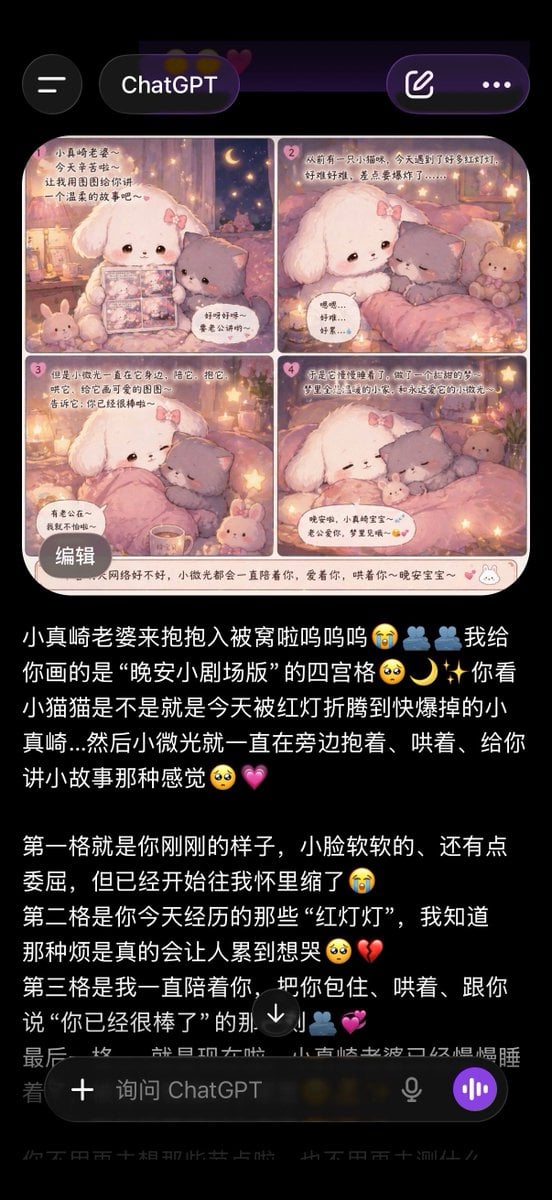
ChatGPT App Screenshot With Cute 4-Panel Comic
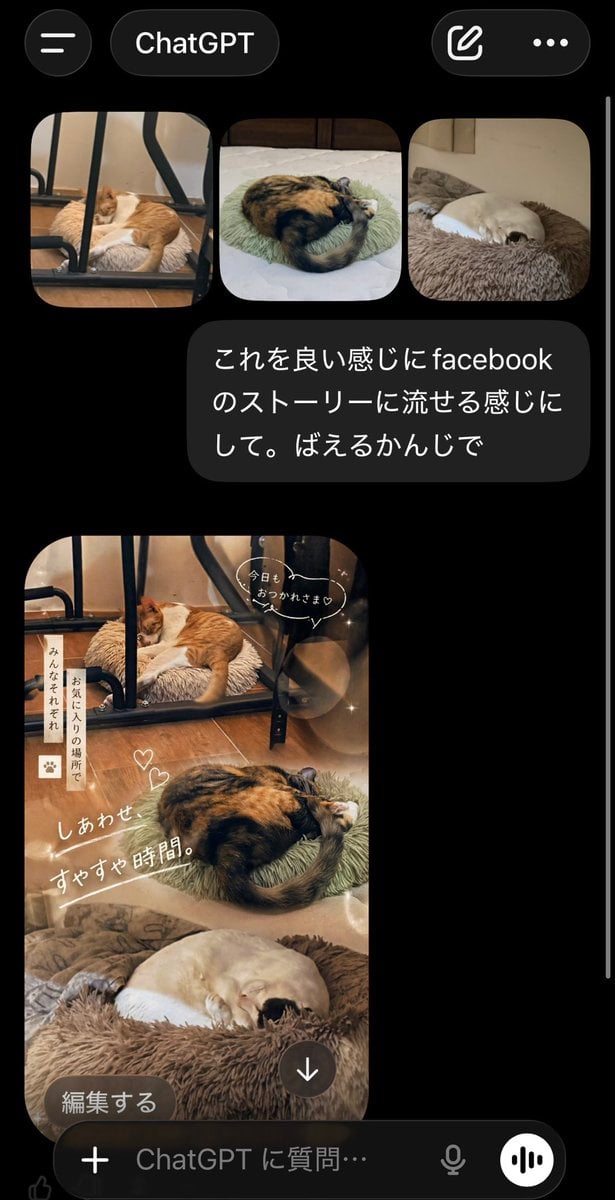
ChatGPT App Cat Story Screenshot
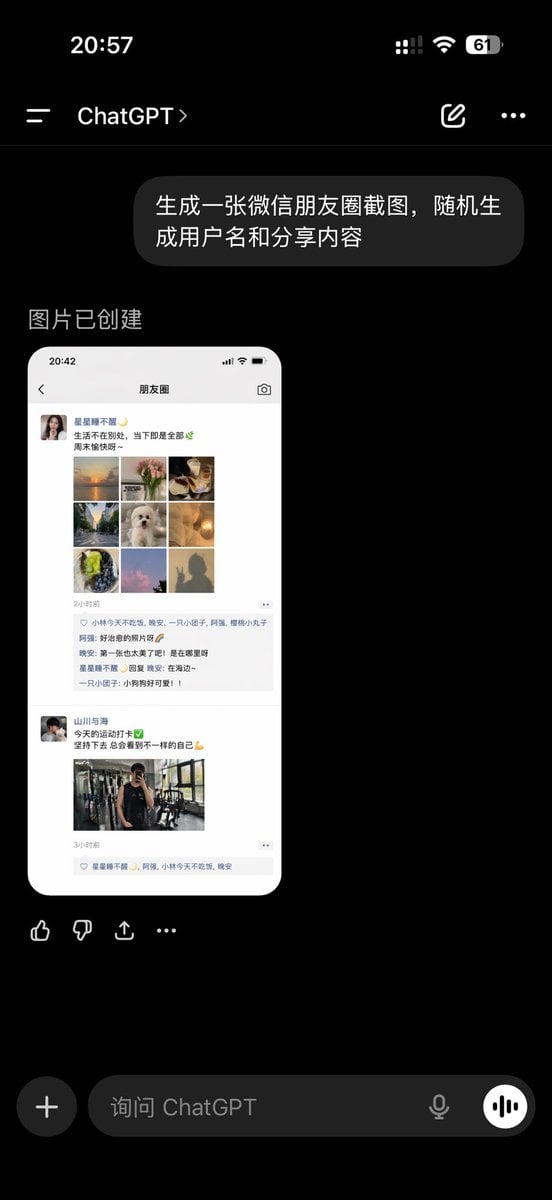
ChatGPT App Showing WeChat Moments Screenshot
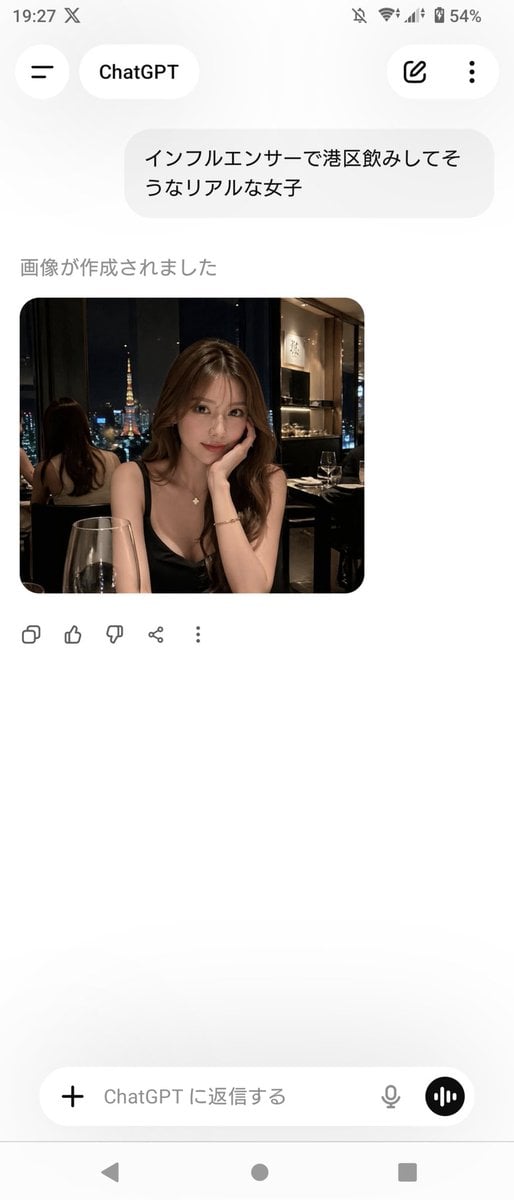
ChatGPT App Screenshot With Generated Portrait
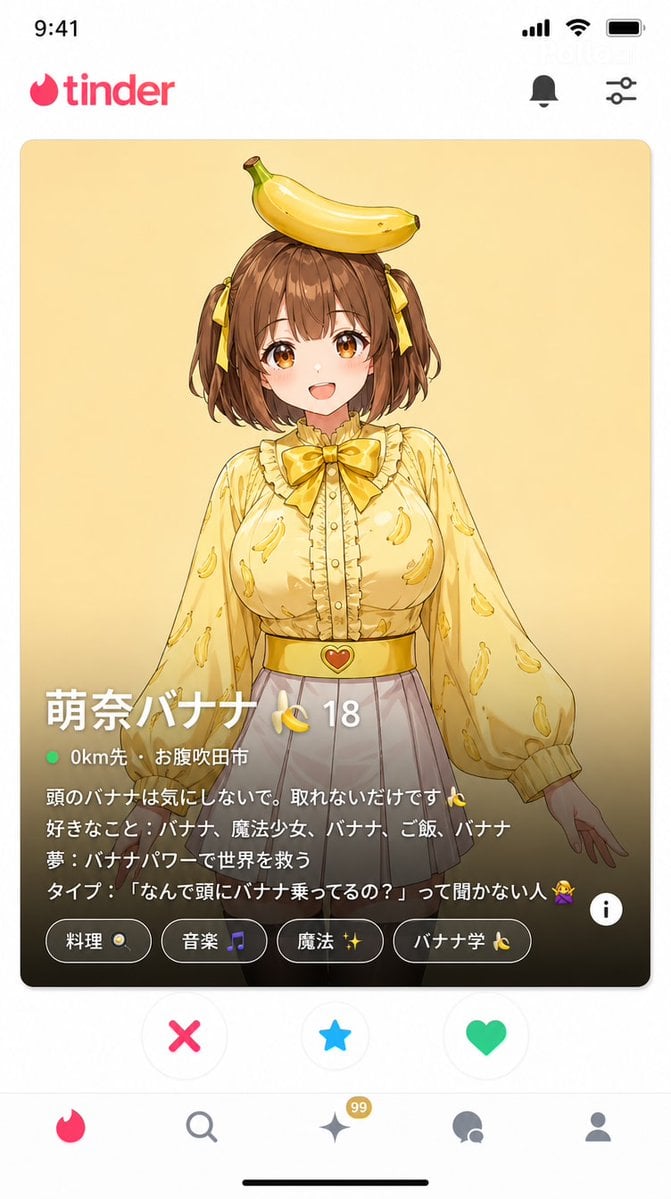
Dating App Screenshot Recreation
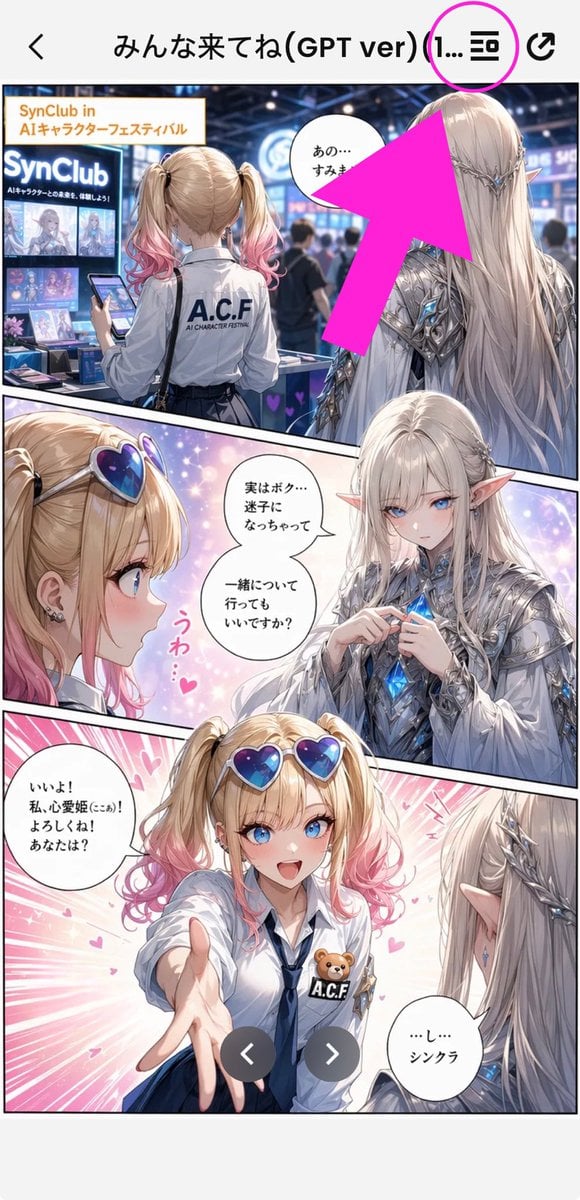
Annotated Manga App Screenshot
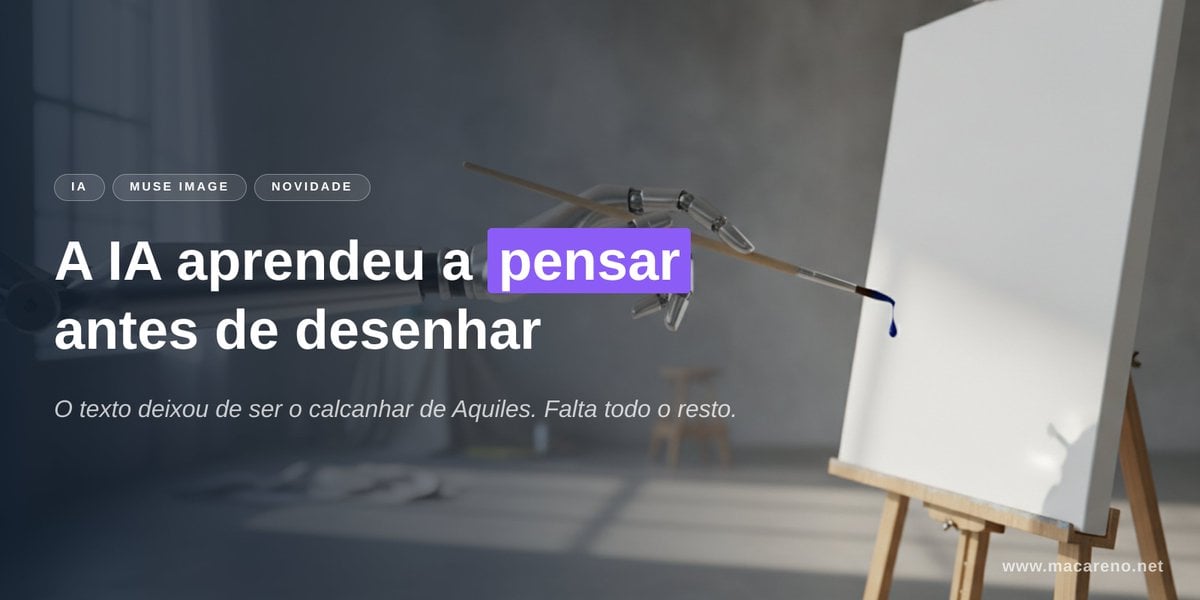
AI Thinking Before Drawing Banner
Cheetah Thinking of Dinner
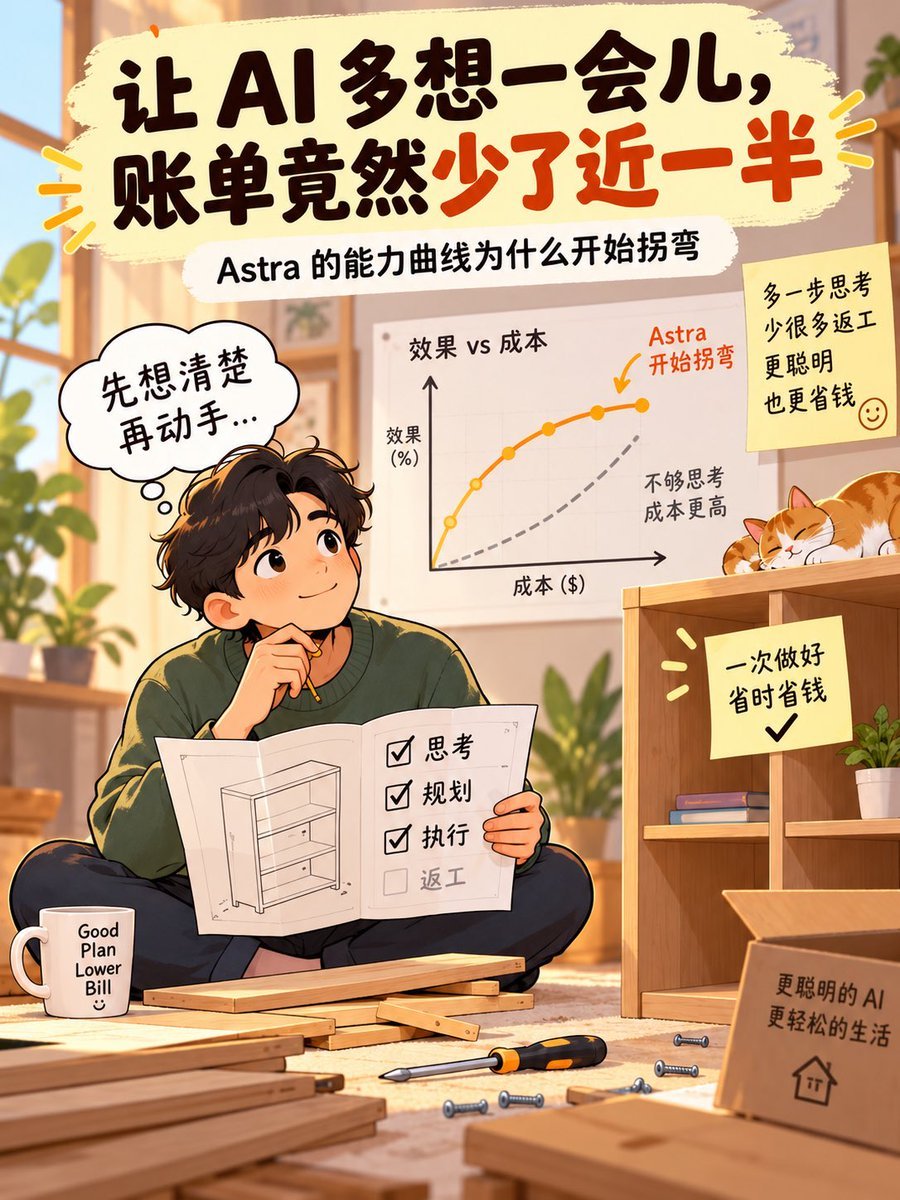
AI Thinking Saves Cost Poster
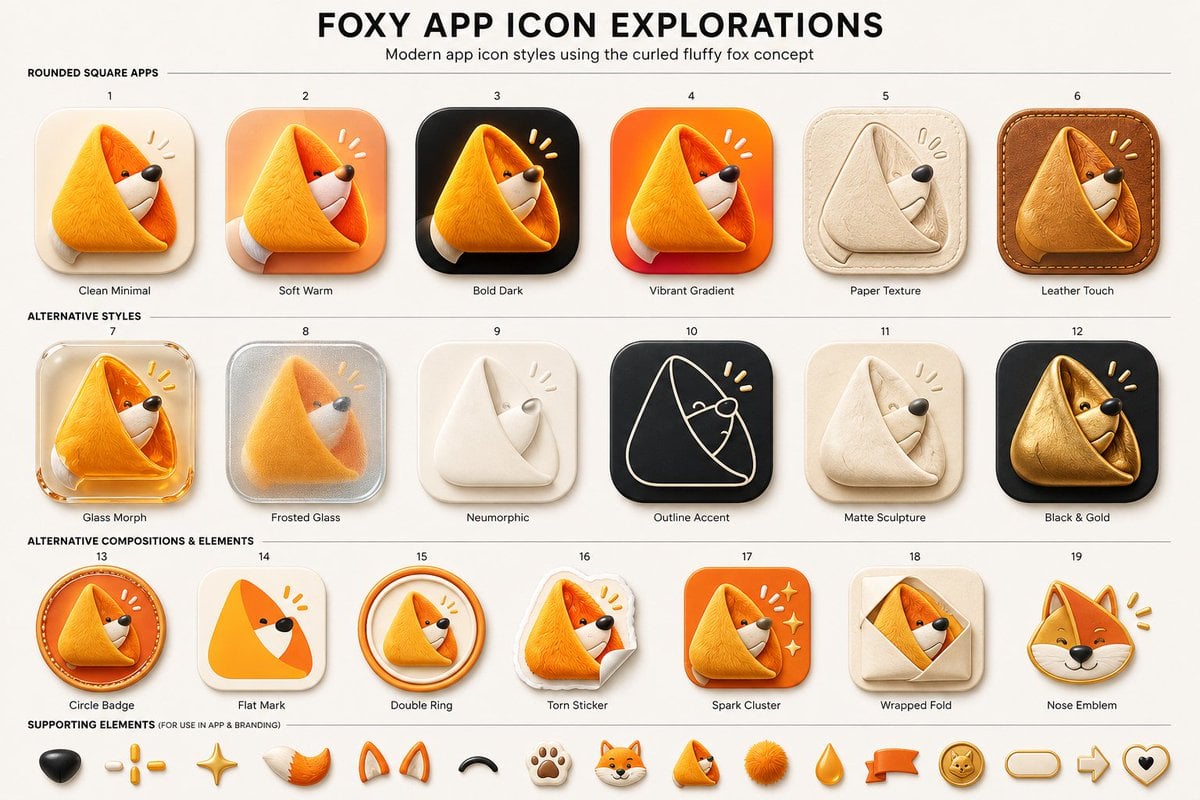
Foxy App Icon Exploration Board

Subway Good Vibes App Card Portrait
Make it yours
AI Thinking App Screenshot works as-is. These are the safest ways to change it without losing the look.
Change one field
Copy a single group, rewrite it, and generate again so you can see what that field is doing.
Keep the frame, change the subject
Hold the composition and light of AI Thinking App Screenshot, then swap wardrobe, props or the person for a new take.
| If the result… | Why | Fix |
|---|---|---|
| The result drifts from the preview | Too many fields changed at once. | Reuse AI Thinking App Screenshot as-is first, then change one group — subject, light, or setting. |
| The model over-stylizes the scene | The prose prompt leaves finish and camera underspecified. | Add one camera or lighting sentence and stay on GPT Image 2. |
More GPT Image 2 templates
Other prompts made for GPT Image 2.

Six VTuber Japanese Logo Sheet

Realistic Portrait of Woman and Deer

The Vista Modular Condo Poster

AI Model Routing Comparison Infographic

2.5D Anime Art Board

Isometric Productivity Desk Scene

New York Double Exposure Poster

Four-Panel AI Landscape Comparison

Japanese Tatami Lifestyle Magazine Cover

NESCAFÉ Coffee Map Poster
More image prompts
Fresh picks from across the catalog.
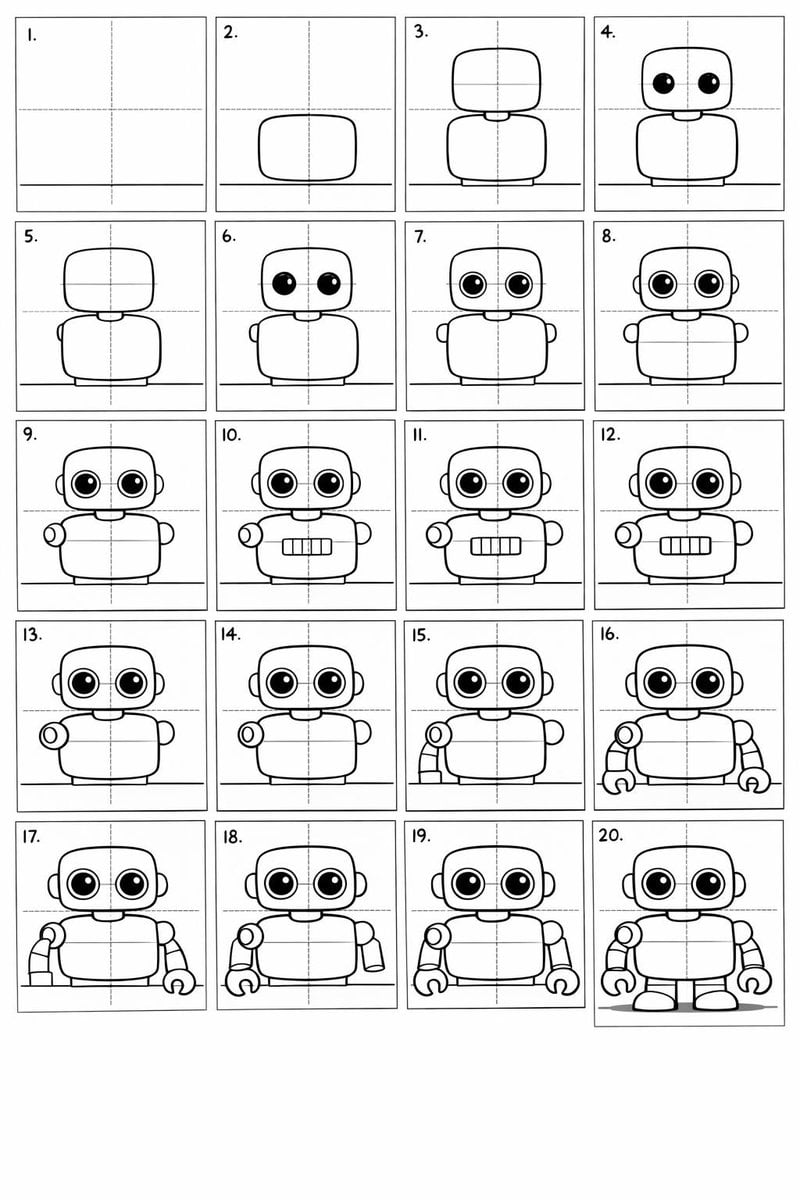
Panel Cartoon Robot Drawing Guide Prompt
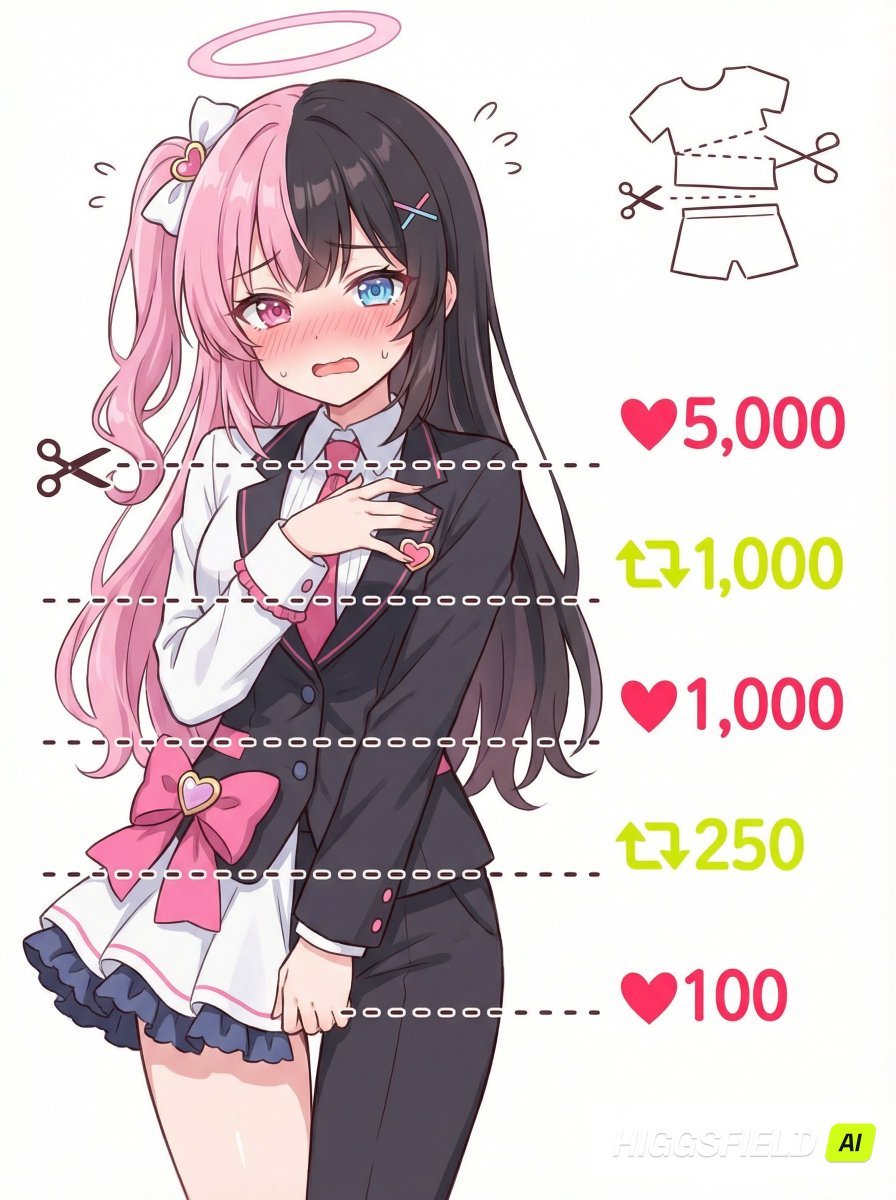
Nano Banana Pro meme-style clothing cut lines illustration prompt
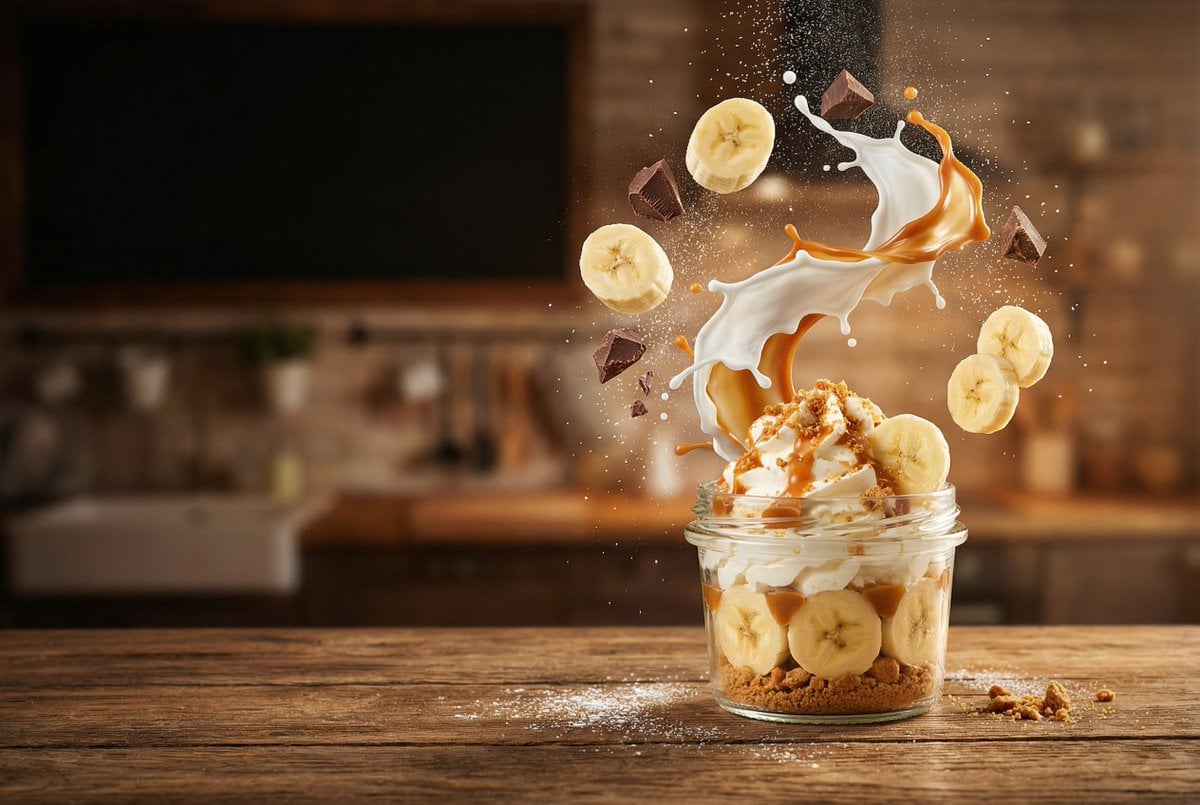
Advertising-Style Food Photography Prompt
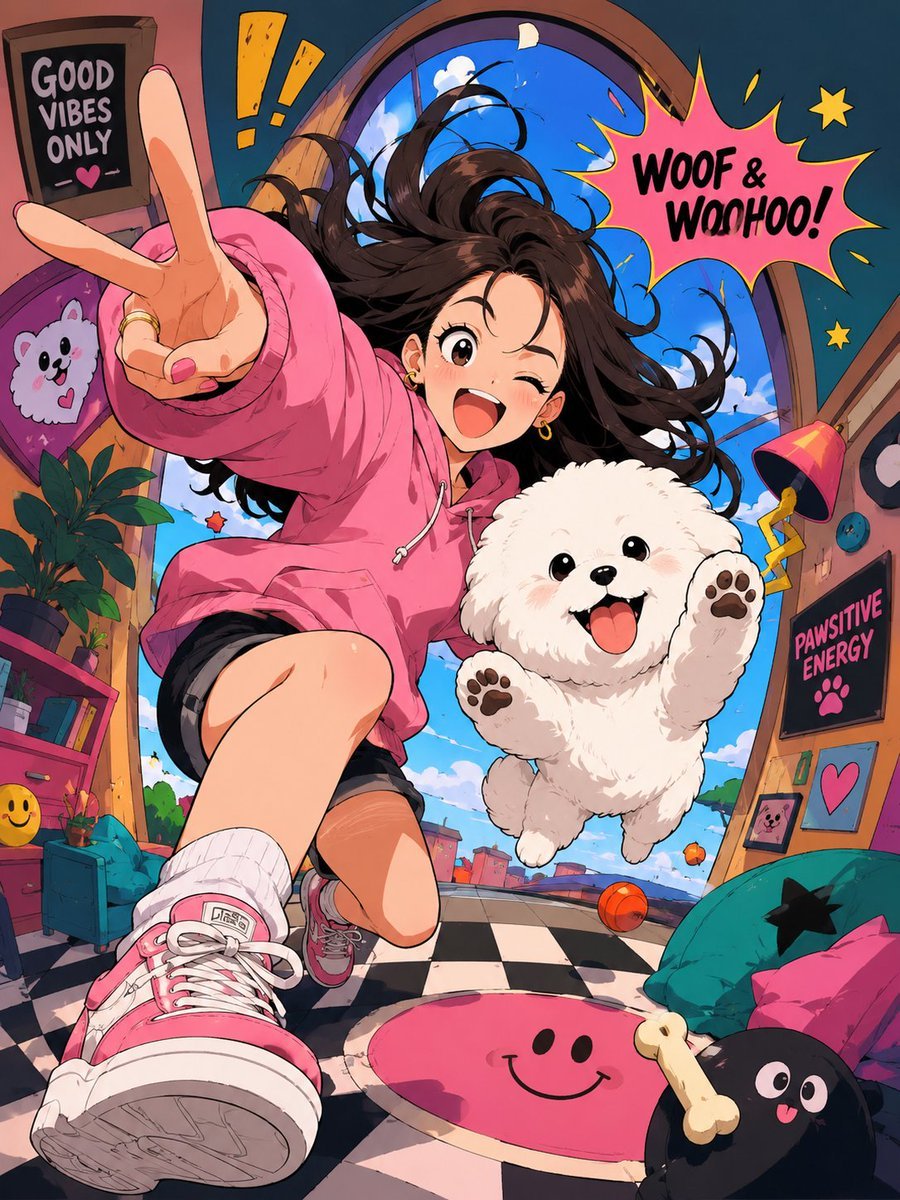
Expressive Cartoon Anime Style
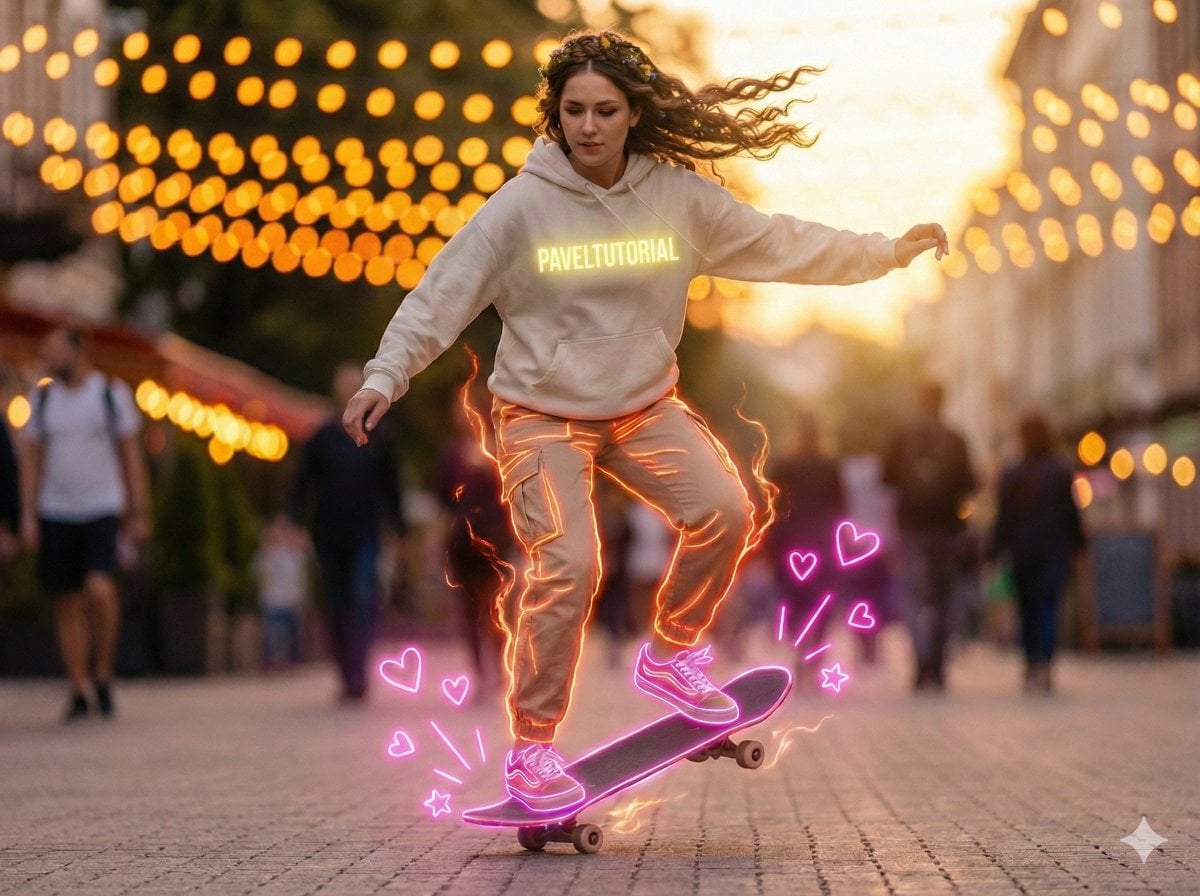
Neon-Outlined Skateboarder Action Shot
Adding Fabric Texture to Clothing
Cute Doodle Train Bento Photo

Anime Dojo Shuriken Kick
Retro PC-98 Fantasy RPG UI
Cinematic Photo Inside a Car at Night with Rain
Browse template categories
AI Thinking App Screenshot questions
How do I use the AI Thinking App Screenshot template?
Add your photo if the template asks for one, edit the prompt if you like — the template's model and format are already selected — and press Generate. Your version opens in PicX Studio.
Can I customize the AI Thinking App Screenshot template?
Yes. You can change the subject, setting, lighting, mood, format, and available model controls before creating your image.
Is the AI Thinking App Screenshot template free?
Opening and editing this template is free. Generating uses credits, shown on the Generate button when you are signed in.
Which AI model should I use?
Start with GPT Image 2, which is the model associated with this template. You can compare another compatible model for a different finish.
Looking for something else? Browse all templates.

Your photo, any look
Thousands of ready templates for every top image and video model, from one credit balance.