
AI Thinking Before Drawing Banner
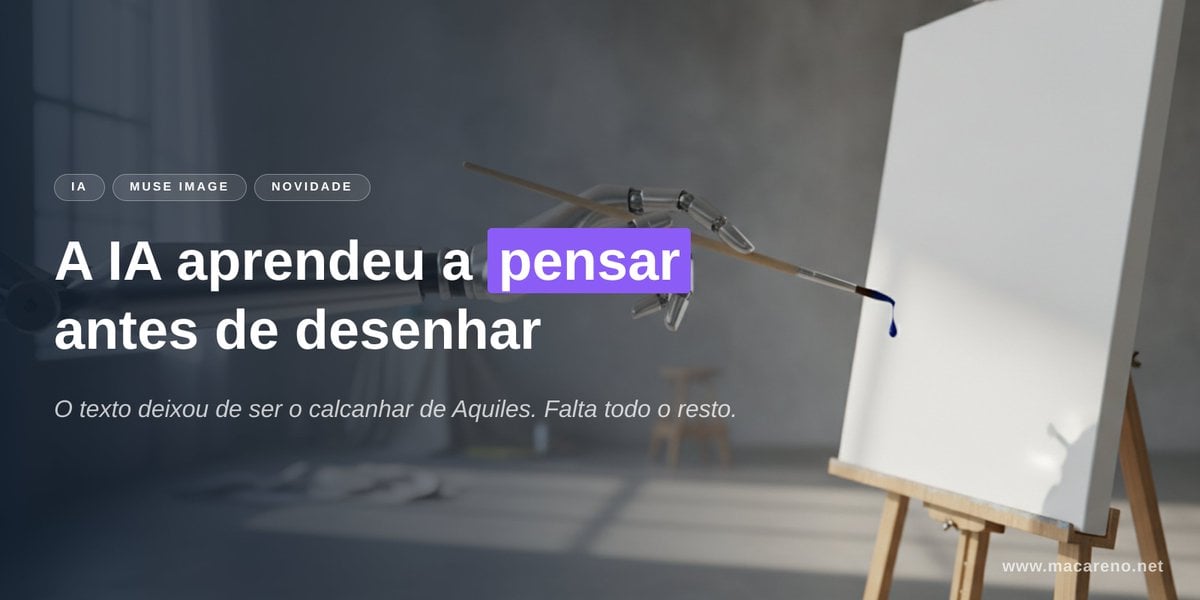
A cinematic tech-news banner showing a robotic brush facing a blank canvas with bold Portuguese headline text about AI learning to think before drawing.
- Prompt included
- Model and format preset
- Free template
The prompt behind this image
Copy the exact prompt behind AI Thinking Before Drawing Banner, or open it in the studio and make it yours.
Goal: Create a cinematic horizontal website/social banner about AI image generation and accurate text rendering, with a moody studio atmosphere and clear Portuguese typography. Canvas: Wide 2:1 banner, approximately 1200×600 px. Dark, soft-focus photographic background with strong depth of field. Leave the left half for text and the right half for the visual metaphor. Background and subject: A dim artist studio with cool gray-blue lighting, a blurred window on the far left, concrete wall, soft shadows on the floor, and an easel on the right holding a blank white canvas. In the upper center-right, show a delicate mechanical drawing arm or robotic brush holder reaching toward the canvas, holding a thin brush that has a single dark blue paint droplet at its tip. The canvas should be bright white and mostly empty, slightly angled, with a subtle shadow. Use realistic lighting, shallow depth of field, and a premium editorial tech aesthetic. Layout: Place all main text on the left side over a dark translucent gradient overlay for legibility. Use exactly 3 small rounded pill tags above the headline, aligned horizontally: “IA”, “MUSE IMAGE”, and “NOVIDADE”. Below them, place a large bold headline in two lines: “A IA aprendeu a pensar” on the first line and “antes de desenhar” on the second line. Highlight only the word “pensar” with a vivid purple rectangular label behind the word, white text on purple. Under the headline, add one smaller italic subtitle: “O texto deixou de ser o calcanhar de Aquiles. Falta todo o resto.” Add a small website URL in the bottom-right corner: “www.macareno.net”. Text content: Use {argument name="headline text" default="A IA aprendeu a pensar antes de desenhar"}, with the word {argument name="highlighted word" default="pensar"} highlighted in purple. Use {argument name="subtitle text" default="O texto deixou de ser o calcanhar de Aquiles. Falta todo o resto."}. Use {argument name="tag labels" default="IA, MUSE IMAGE, NOVIDADE"}. Use {argument name="website URL" default="www.macareno.net"}. Visual style: Minimal, polished, cinematic, realistic, high contrast between white typography and dark background, with a modern tech-news landing-page feel. Typography should be clean sans serif; headline extra bold, subtitle light italic, tags uppercase with letter spacing. Keep text sharp and perfectly spelled. Constraints: Include exactly 3 pill tags, exactly 1 highlighted word, exactly 1 subtitle line, exactly 1 URL, exactly 1 easel canvas, exactly 1 robotic drawing arm, exactly 1 brush, and exactly 1 visible paint droplet. Do not add extra logos, people, icons, or additional text.
How to use AI Thinking Before Drawing Banner in 3 steps
- 1Upload ImagePNG, JPG or paste
Add your photo
Upload the photo the template builds on. The prompt, model and format are already set.
- 2…a portrait of your subject in softgolden-hour light, 85mm…
Personalize
Edit the subject and creative details for your destination.
- 3Generate
Generate
Press Generate — your image is created in PicX Studio, so you can compare it with the original and refine one variable at a time.
More like this
Templates with the same subject, style or setup. Open one to see its prompt.
Charcoal Chiaroscuro Portraiture

Coffee Boba Product Poster
Blue Pencil Sketching
Pencil Sketch
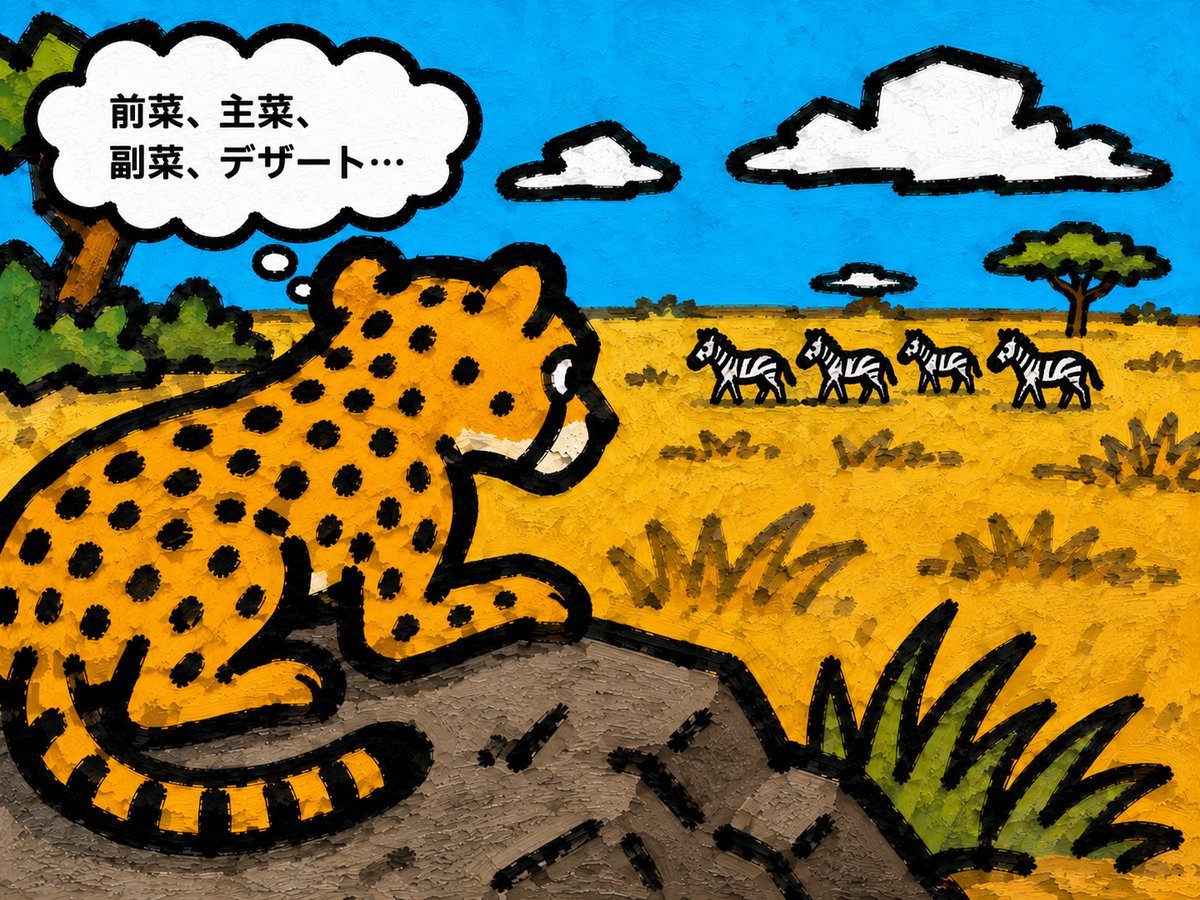
Cheetah Thinking of Dinner
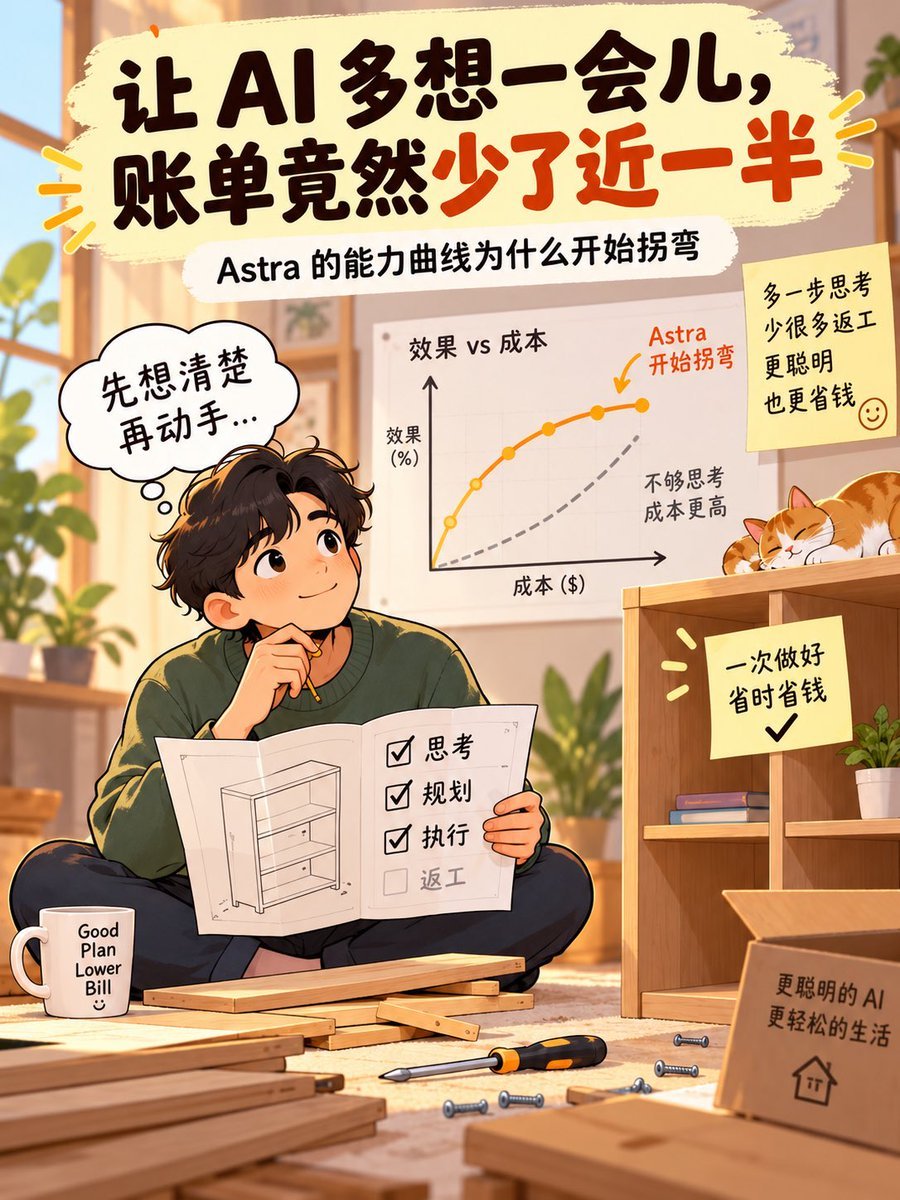
AI Thinking Saves Cost Poster
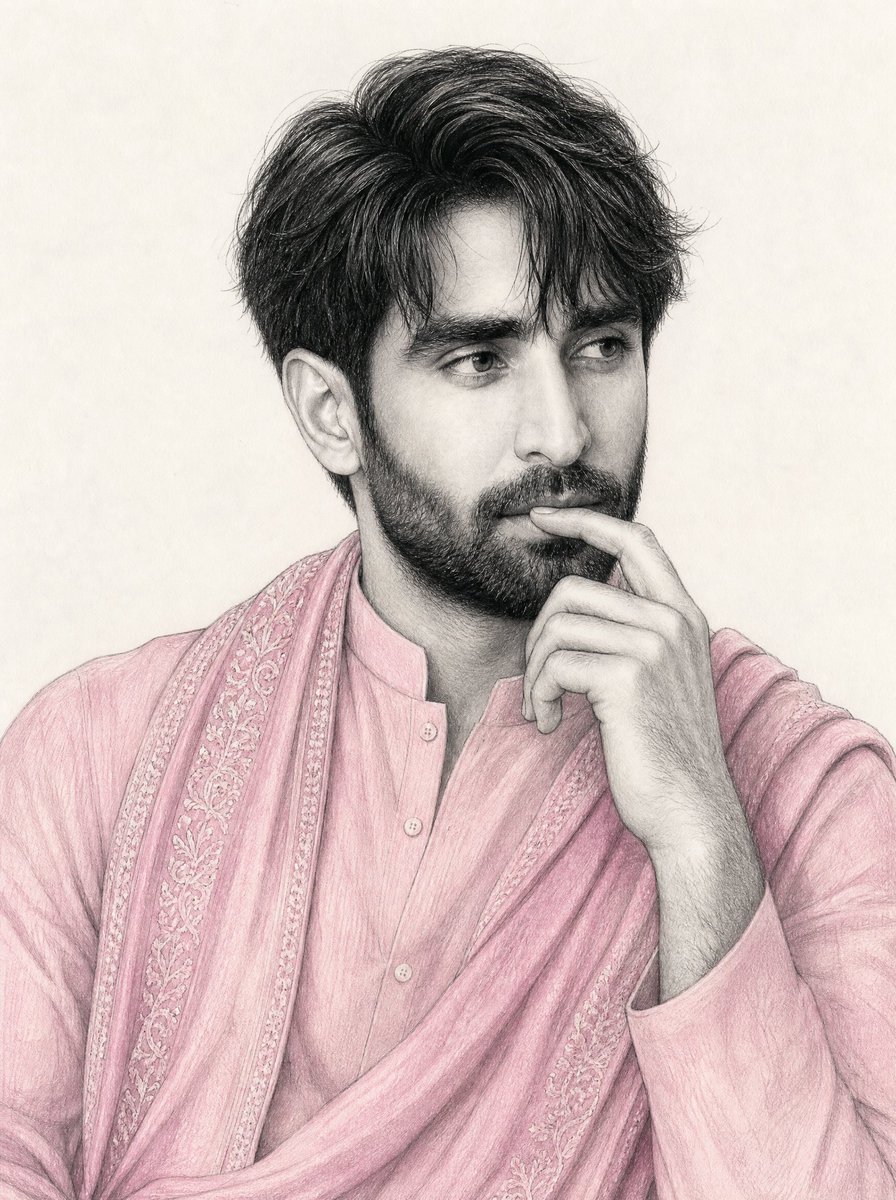
South Asian Man Graphite Drawing
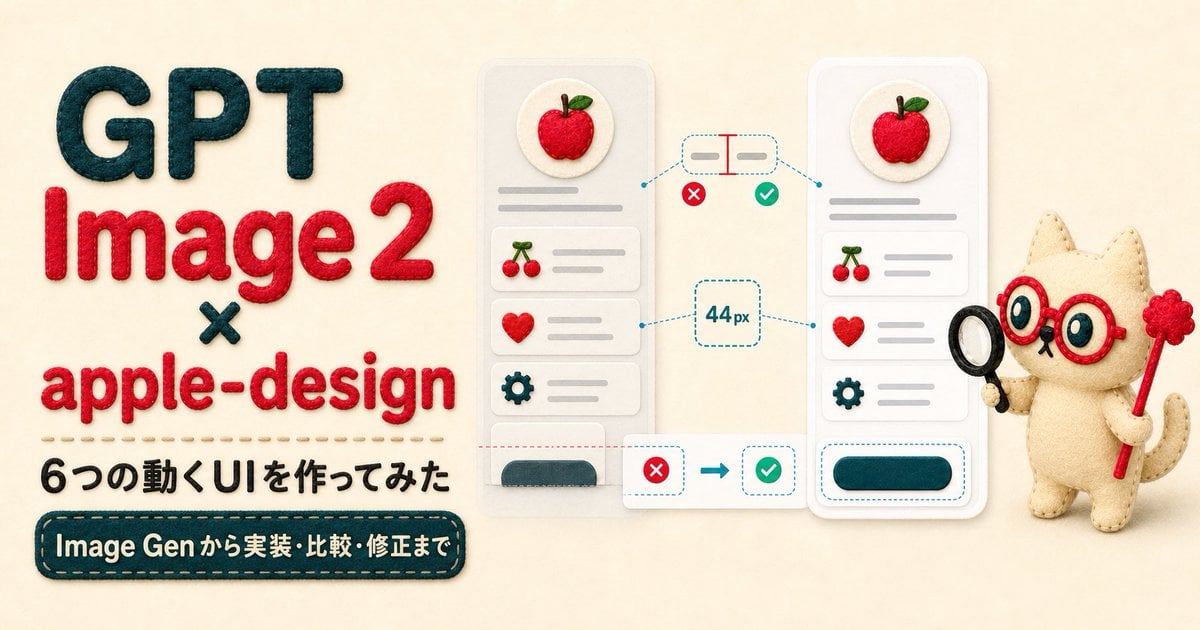
Felt GPT Image 2 Apple Design Banner
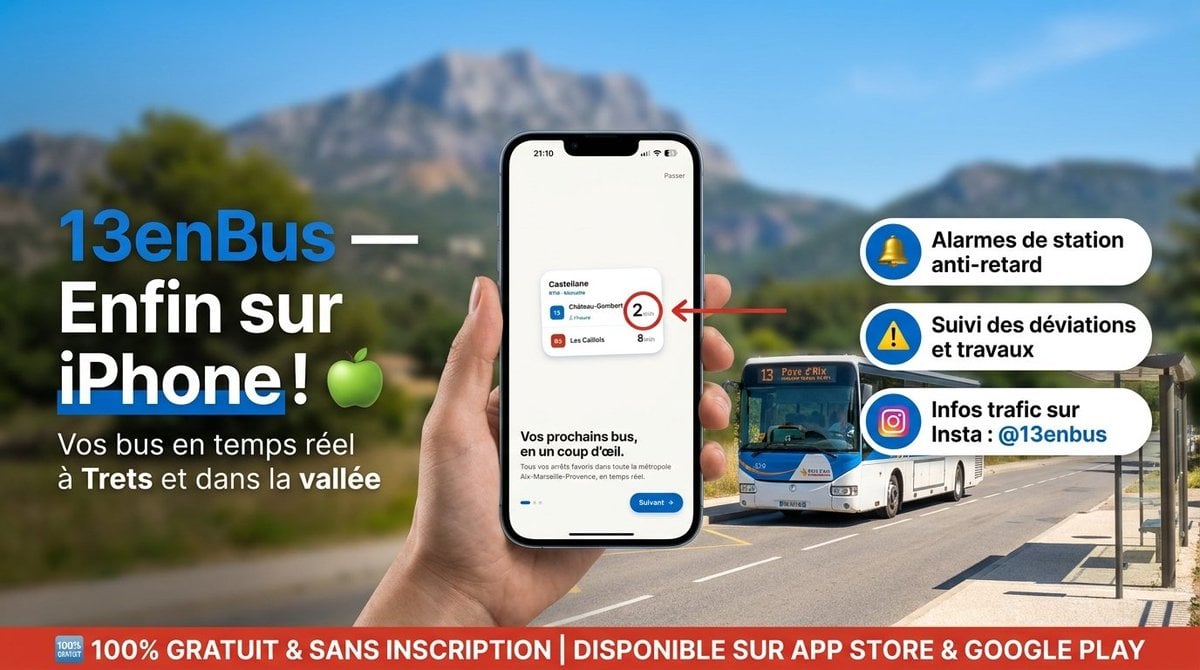
13enBus iPhone Launch Banner

ChatGPT Bonus Banner Screenshot

Felt Craft Apple Design UI Banner

Flashy AI Appearance Consulting Sales Banner
Make it yours
AI Thinking Before Drawing Banner works as-is. These are the safest ways to change it without losing the look.
Change one field
Copy a single group, rewrite it, and generate again so you can see what that field is doing.
Keep the frame, change the subject
Hold the composition and light of AI Thinking Before Drawing Banner, then swap wardrobe, props or the person for a new take.
| If the result… | Why | Fix |
|---|---|---|
| The result drifts from the preview | Too many fields changed at once. | Reuse AI Thinking Before Drawing Banner as-is first, then change one group — subject, light, or setting. |
| The model over-stylizes the scene | The prose prompt leaves finish and camera underspecified. | Add one camera or lighting sentence and stay on GPT Image 2. |
More GPT Image 2 templates
Other prompts made for GPT Image 2.

Six VTuber Japanese Logo Sheet

Realistic Portrait of Woman and Deer

The Vista Modular Condo Poster

AI Model Routing Comparison Infographic

2.5D Anime Art Board

Isometric Productivity Desk Scene

New York Double Exposure Poster

Four-Panel AI Landscape Comparison

Japanese Tatami Lifestyle Magazine Cover

NESCAFÉ Coffee Map Poster
More image prompts
Fresh picks from across the catalog.
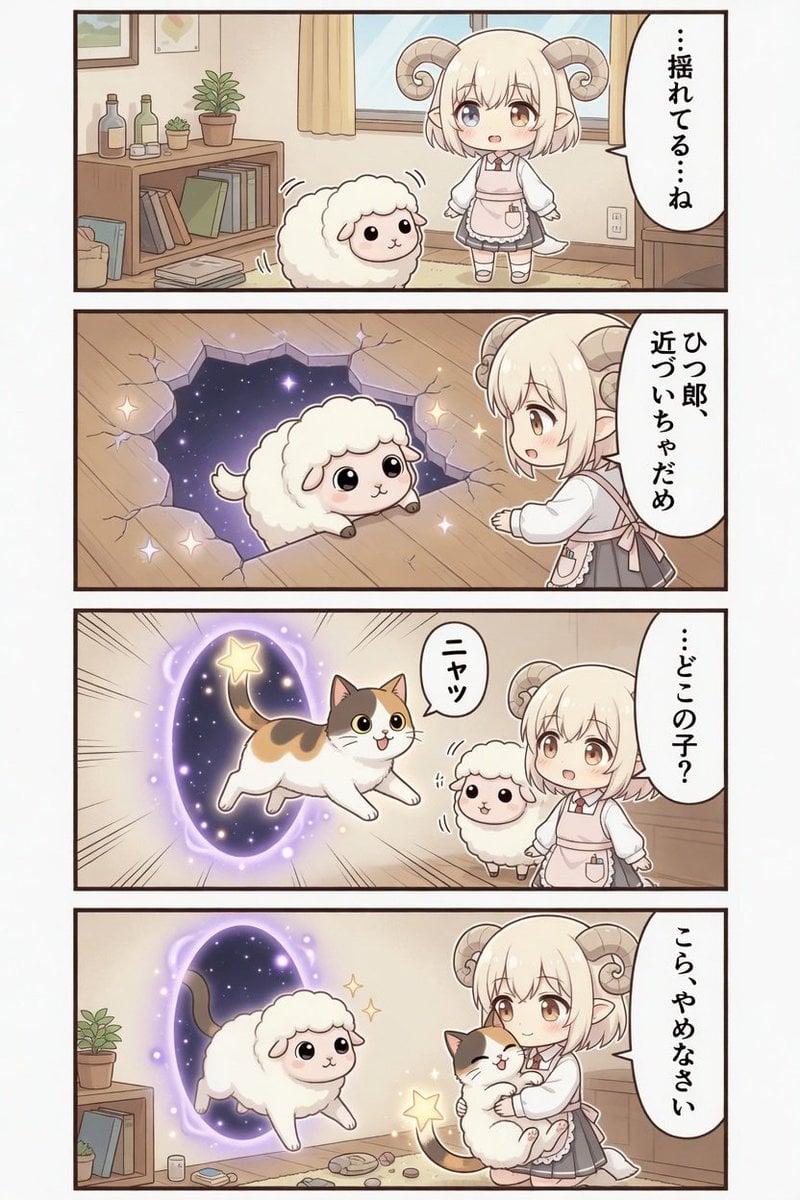
Kawaii Sheep Girl Portal Comic
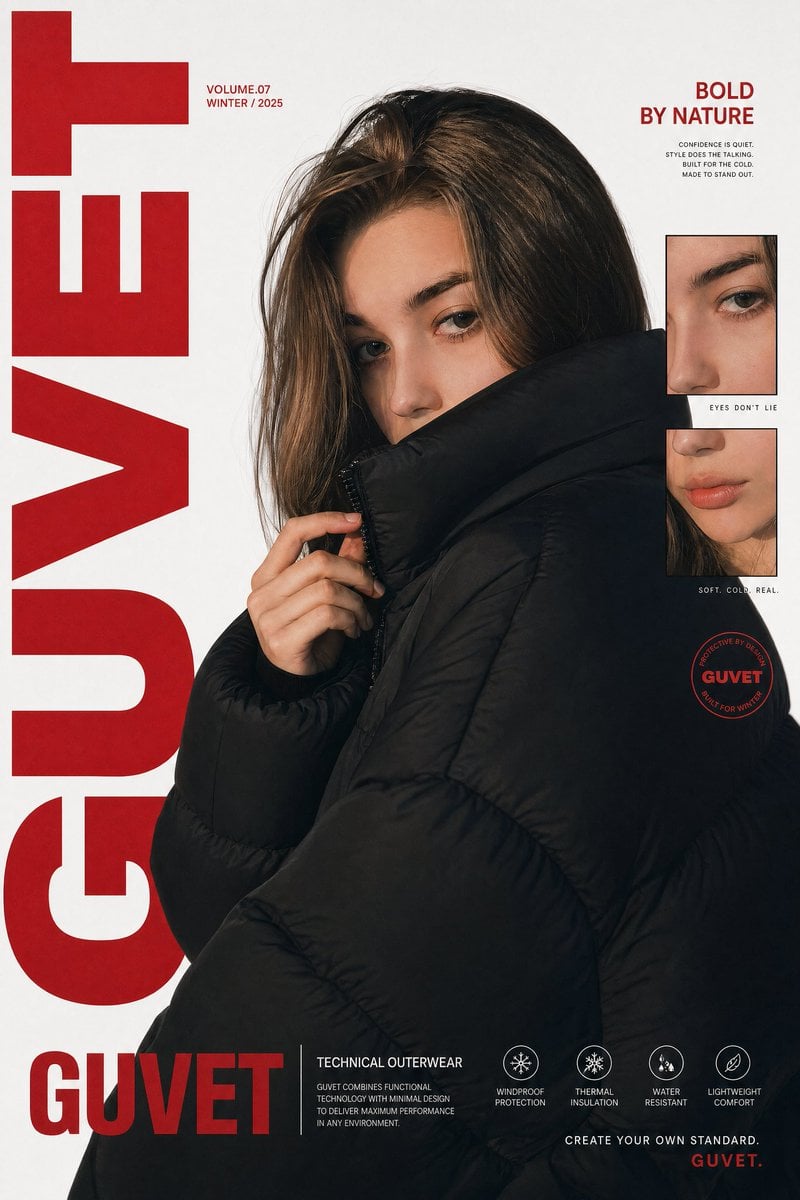
Luxury Streetwear Fashion Poster
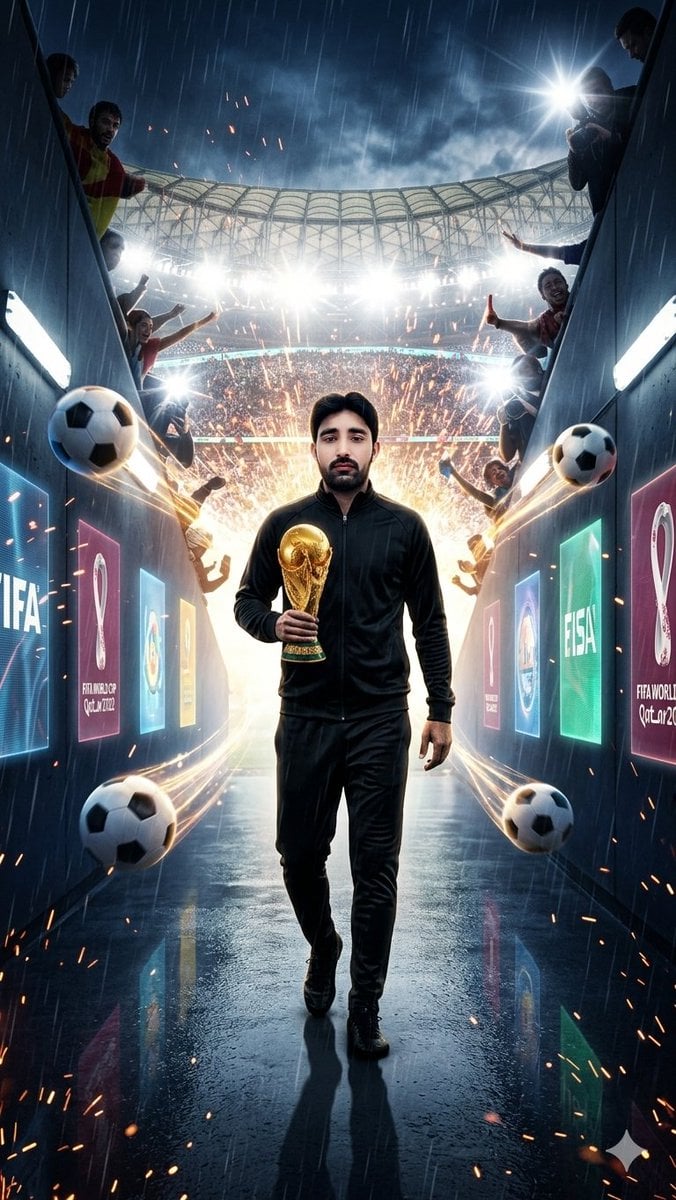
World Cup Tunnel Champion
Gpt2 Comic Storyboard Dreamy Shibuya Bubble Girl
Masterpiece Anime Fantasy Girl
Nano Banana Pro brand hero image (variant tweet)
Ethereal Silhouette on a Rooftop Edge
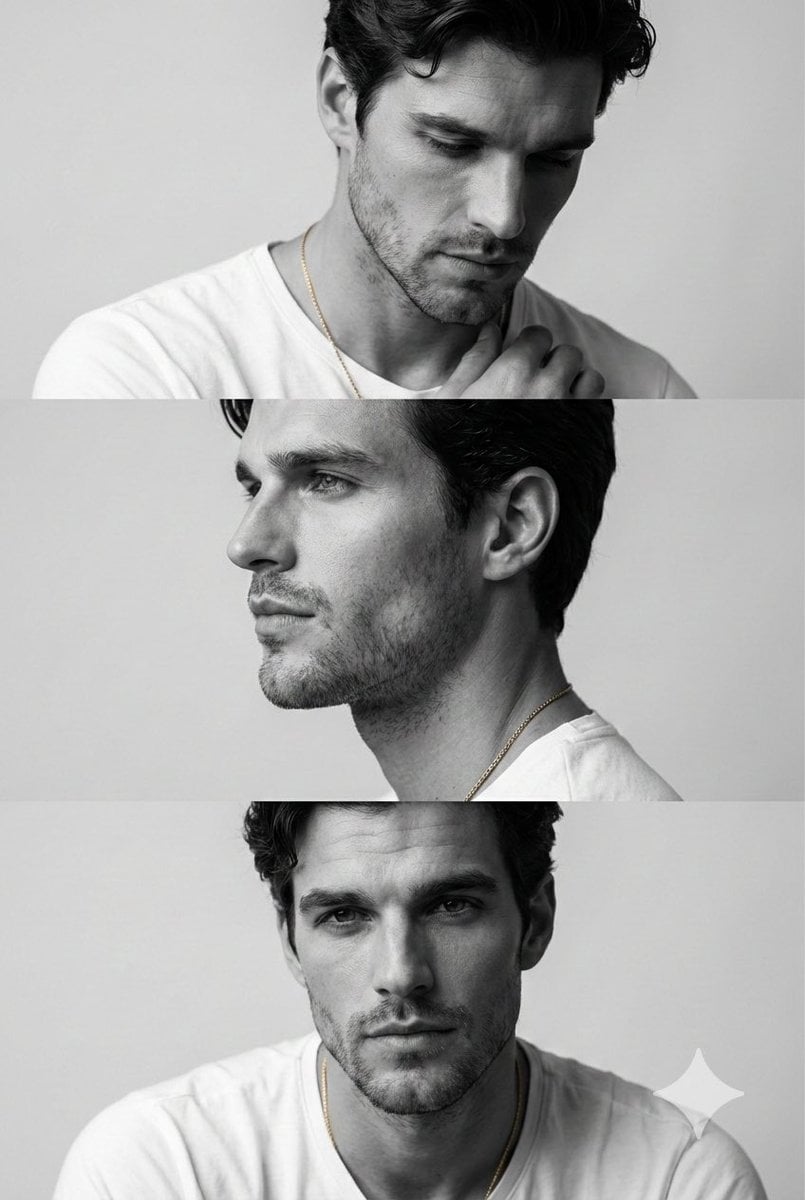
Monochrome Fashion Editorial Triptych of Young Man
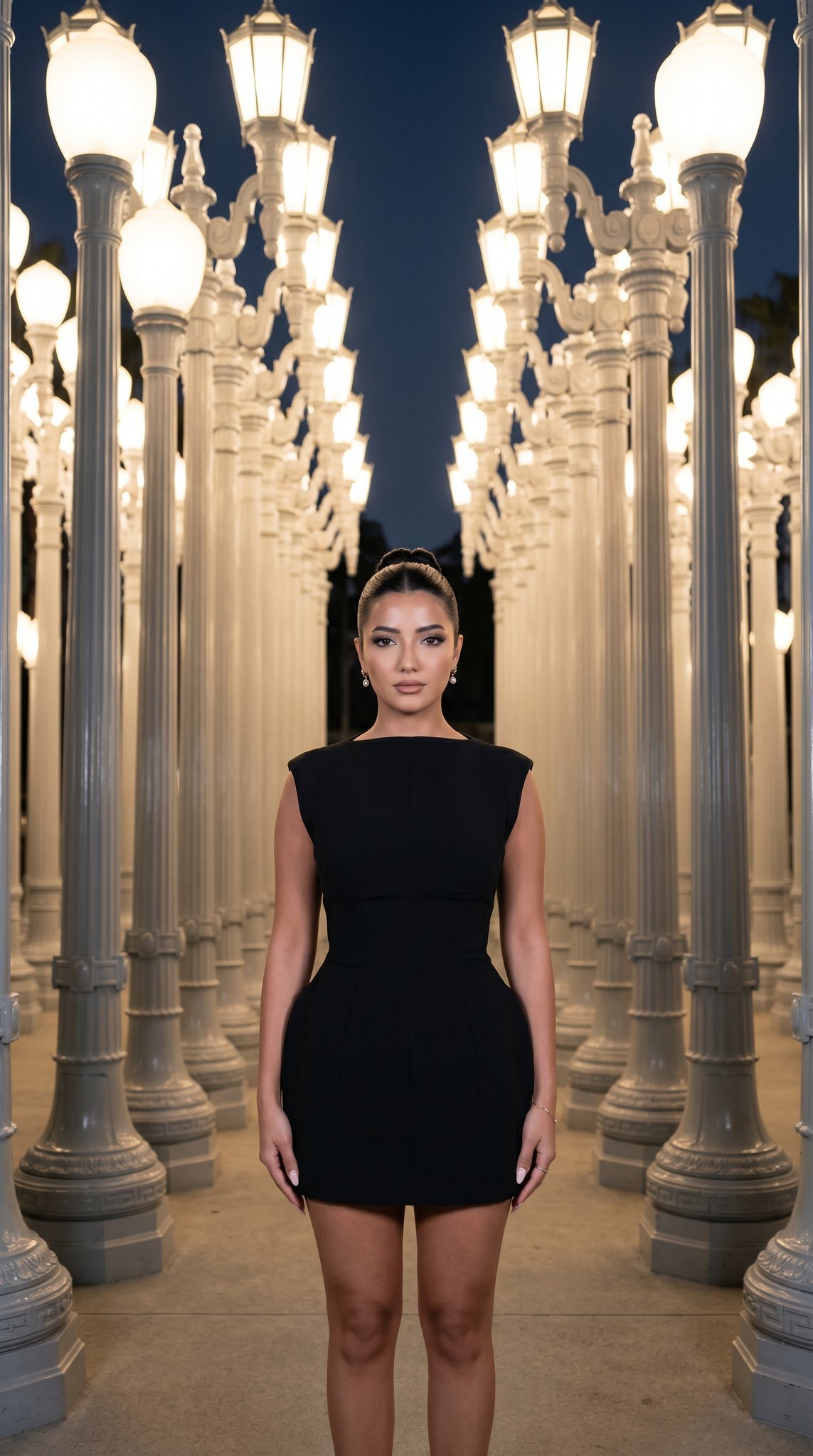
07 LACMA Urban Light — California Series
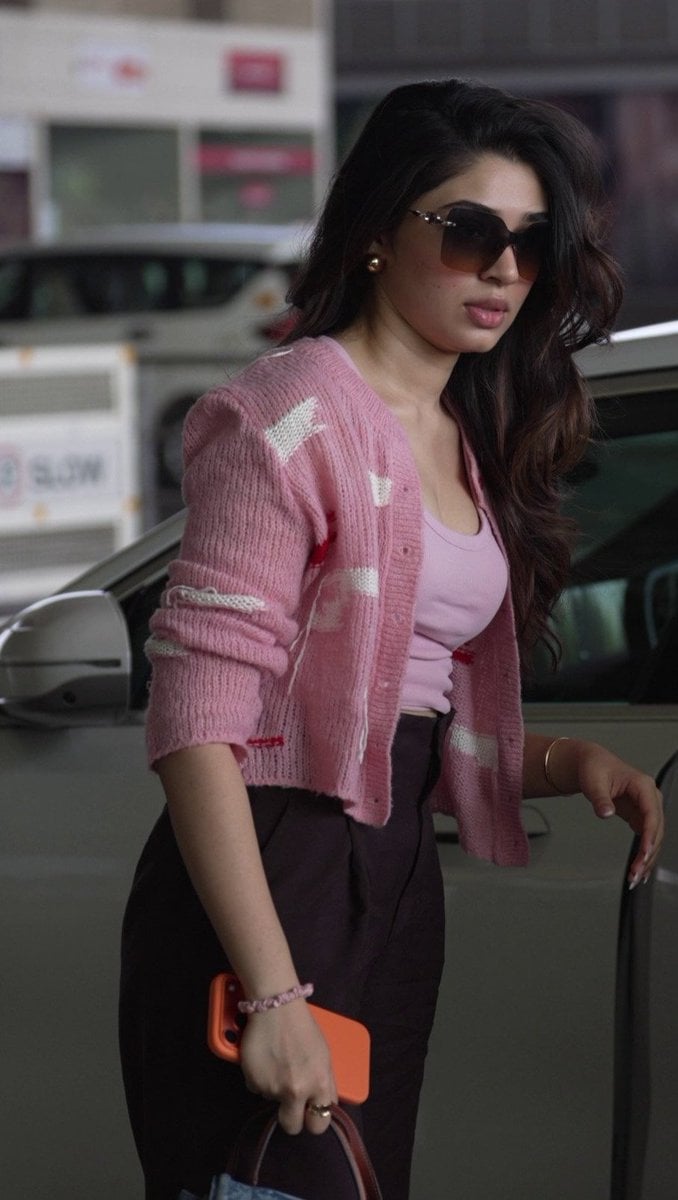
Elegant Pink Urban Glow Fashion Portrait
Browse template categories
AI Thinking Before Drawing Banner questions
How do I use the AI Thinking Before Drawing Banner template?
Add your photo if the template asks for one, edit the prompt if you like — the template's model and format are already selected — and press Generate. Your version opens in PicX Studio.
Can I customize the AI Thinking Before Drawing Banner template?
Yes. You can change the subject, setting, lighting, mood, format, and available model controls before creating your image.
Is the AI Thinking Before Drawing Banner template free?
Opening and editing this template is free. Generating uses credits, shown on the Generate button when you are signed in.
Which AI model should I use?
Start with GPT Image 2, which is the model associated with this template. You can compare another compatible model for a different finish.
Looking for something else? Browse all templates.

Your photo, any look
Thousands of ready templates for every top image and video model, from one credit balance.