
13enBus iPhone Launch Banner
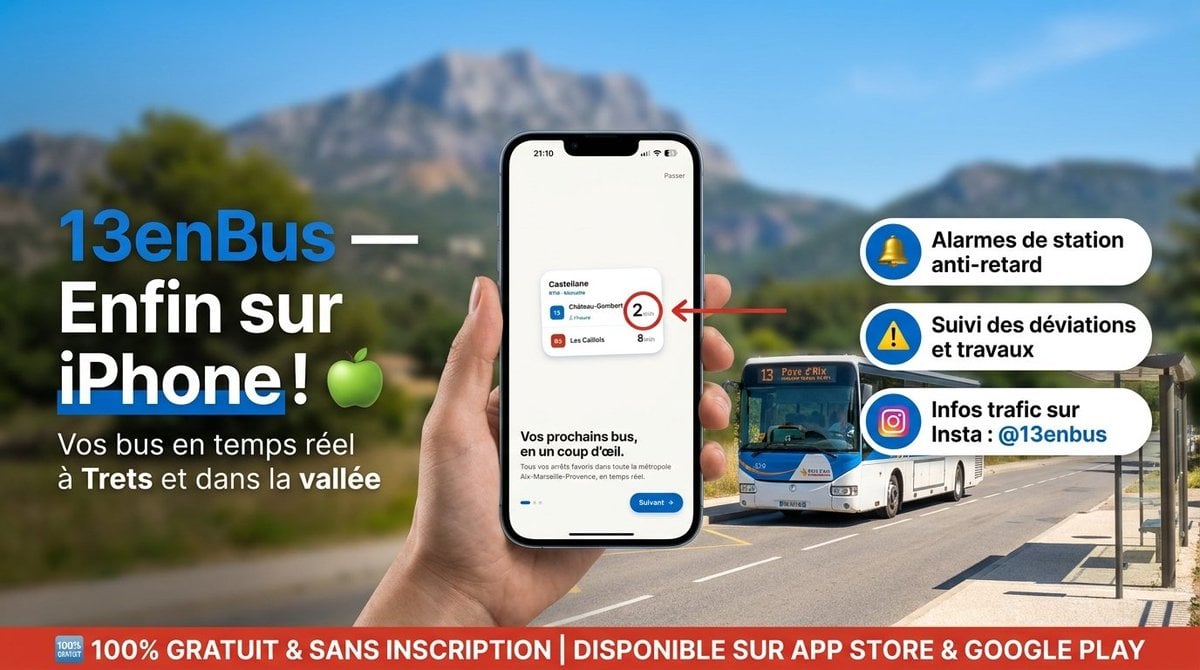
A French transit app launch advertisement showing an iPhone app mockup, bus route callouts, and a free-download banner for social media promotion.
- Prompt included
- Model and format preset
- Premium template
The prompt behind this image
Copy the exact prompt behind 13enBus iPhone Launch Banner, or open it in the studio and make it yours.
Goal: Create a high-resolution French promotional social media banner for the public transport app {argument name="app name" default="13enBus"}, announcing its iPhone availability in a polished advertising style. Canvas: Wide horizontal 16:9 banner, approximately 1200×675 px. Use a bright Mediterranean outdoor setting with a shallow-depth-of-field background: blue sky, blurred green valley, distant rocky mountain, and a sunny road with a bus stop shelter on the right. Layout: On the left, place a large bold headline in French with strong contrast: “13enBus —” in bright blue followed by “Enfin sur iPhone !” in large white text, with a green apple emoji beside it. Under it, add the subtitle “Vos bus en temps réel à Trets et dans la vallée” in white. In the center foreground, show a realistic hand holding a modern black iPhone vertically. On the phone screen, display a clean app onboarding screen with a small transit card, the heading “Vos prochains bus, en un coup d'œil.”, a blue “Suivant” button, and tiny app interface details. A red arrow points from the right toward the phone’s small transit card, highlighting a circled waiting time. Main subject details: The phone screen should include exactly 1 small transit card with exactly 3 visible bus rows: line 15 “Château-Gombert” with “2 min” emphasized in a red circle, line 15 “Auriol” with “7 min”, and line 85 “Les Caillols” with “8 min”. Behind the phone on the right, place exactly 1 realistic white-and-blue city bus driving on the road, front facing slightly toward the viewer, with route number 13 visible on its sign. Feature callouts: On the right side, stack exactly 3 rounded white pill-shaped feature boxes with blue circular icons on the left and bold black French text. The 3 boxes are: 1) yellow bell icon, “Alarmes de station anti-retard”; 2) yellow warning triangle icon, “Suivi des déviations et travaux”; 3) Instagram-style gradient camera icon, “Infos trafic sur Insta : {argument name="instagram handle" default="@13enbus"}”. Bottom banner: Add a full-width red strip along the bottom with a small “100% GRATUIT” badge at the far left and large white uppercase text: “100% GRATUIT & SANS INSCRIPTION | DISPONIBLE SUR APP STORE & GOOGLE PLAY”. Visual style: Realistic HD advertising composite, crisp typography, saturated colors, strong sunlight, professional app launch campaign design. Use clean French transit-app branding with blue, white, red, and green accents. Keep the phone and text sharp while the background remains softly blurred. Constraints: Use exactly the described 3 feature callouts, exactly 1 phone, exactly 1 hand, exactly 1 bus, exactly 1 bottom red banner, and exactly 1 green apple emoji. No extra logos, no watermark, no additional unrelated text.
How to use 13enBus iPhone Launch Banner in 3 steps
- 1Upload ImagePNG, JPG or paste
Add your photo
Upload the photo the template builds on. The prompt, model and format are already set.
- 2…a portrait of your subject in softgolden-hour light, 85mm…
Personalize
Edit the subject and creative details for your destination.
- 3Generate
Generate
Press Generate — your image is created in PicX Studio, so you can compare it with the original and refine one variable at a time.
More like this
Templates with the same subject, style or setup. Open one to see its prompt.
Cyberpunk AI Launch Banner
Futuristic GPT Image 2 Launch Banner

4x4 Grid - Candid Nostalgic Vacation Selfies

Outdoor Cafe Portrait — White Ruched Top Nano Banana

Tropical Hammock Latte — Nano Banana iPhone Style

Coastal Bench Portrait — Navy Floral Sundress

Nano Banana - Peace Sign Bedroom Selfie

Coffee Boba Product Poster
Futuristic Product Launch Poster
Candid Night Driveway iPhone Photo

iPhone Style Minimalist Office Portrait

Cosmic Glitch Rocket Launch
Make it yours
13enBus iPhone Launch Banner works as-is. These are the safest ways to change it without losing the look.
Change one field
Copy a single group, rewrite it, and generate again so you can see what that field is doing.
Keep the frame, change the subject
Hold the composition and light of 13enBus iPhone Launch Banner, then swap wardrobe, props or the person for a new take.
| If the result… | Why | Fix |
|---|---|---|
| The result drifts from the preview | Too many fields changed at once. | Reuse 13enBus iPhone Launch Banner as-is first, then change one group — subject, light, or setting. |
| The model over-stylizes the scene | The prose prompt leaves finish and camera underspecified. | Add one camera or lighting sentence and stay on GPT Image 2. |
More GPT Image 2 templates
Other prompts made for GPT Image 2.

Six VTuber Japanese Logo Sheet

Realistic Portrait of Woman and Deer

The Vista Modular Condo Poster

AI Model Routing Comparison Infographic

2.5D Anime Art Board

Isometric Productivity Desk Scene

New York Double Exposure Poster

Four-Panel AI Landscape Comparison

Japanese Tatami Lifestyle Magazine Cover

NESCAFÉ Coffee Map Poster
More image prompts
Fresh picks from across the catalog.
One Piece Devil Fruit Image Generation Prompt Template

Haunting Statue Woman at Sunset
Codex Product Update Poster
Zelda-Style Game UI Screenshot

Macro Shot of Miniature Sniper Scene

Luxury Food Advertisement Photography with Illustrated Chef
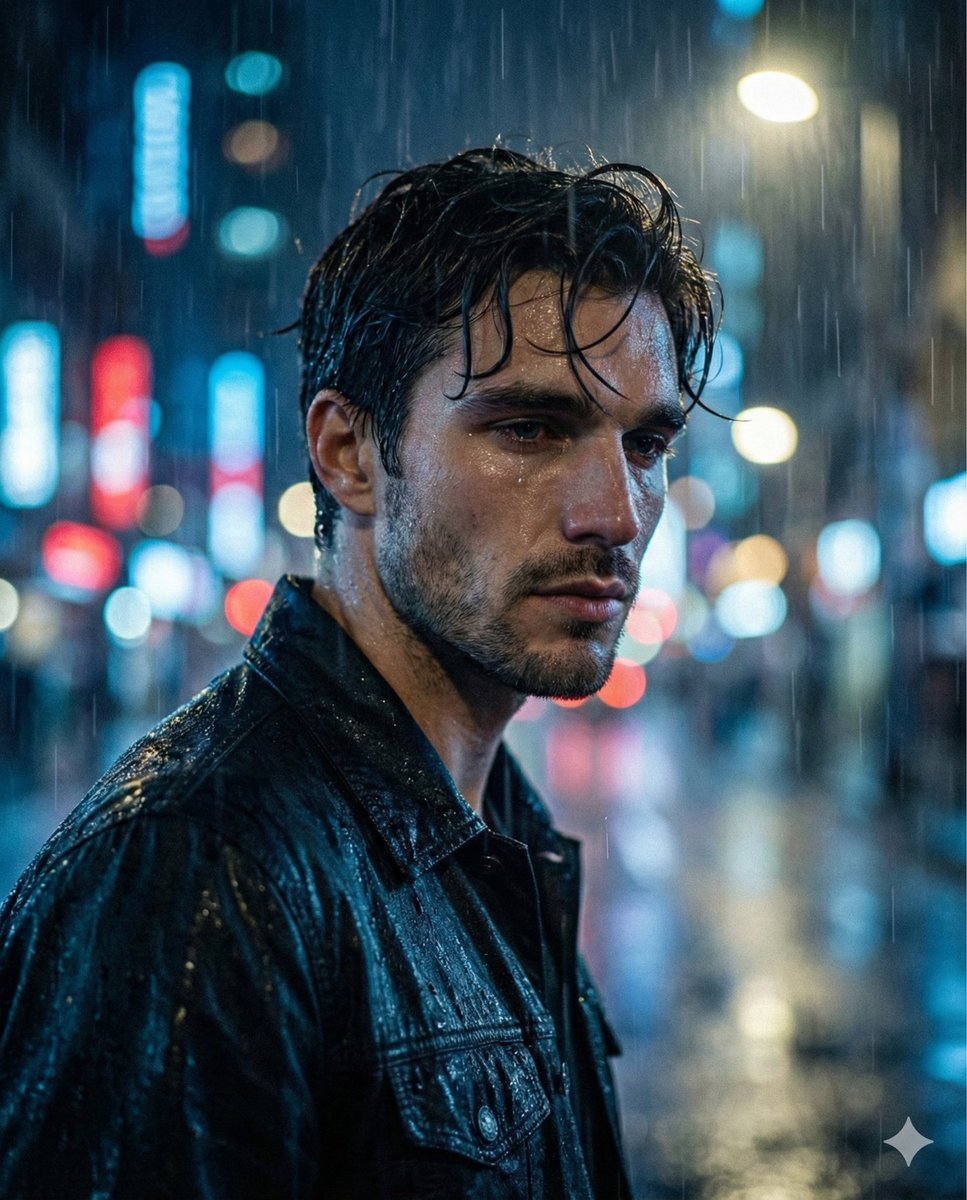
Melancholic Sad Boy in the Rain (Reference Face)
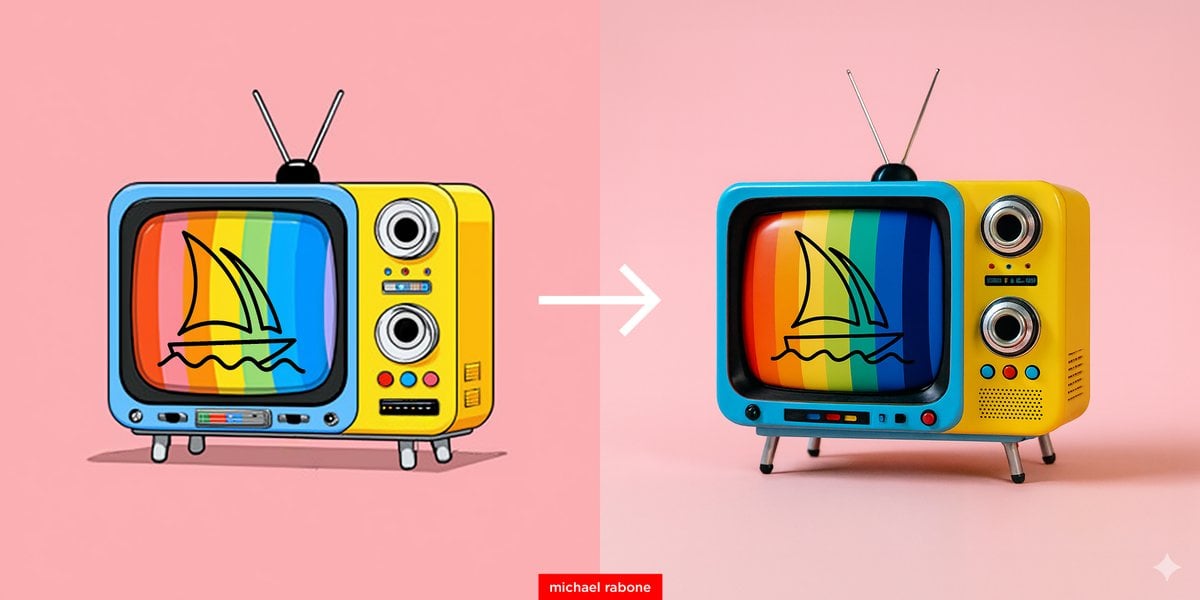
Cartoon to 4K Photo Transformation Prompt

Modern Webinar Promotional Banner
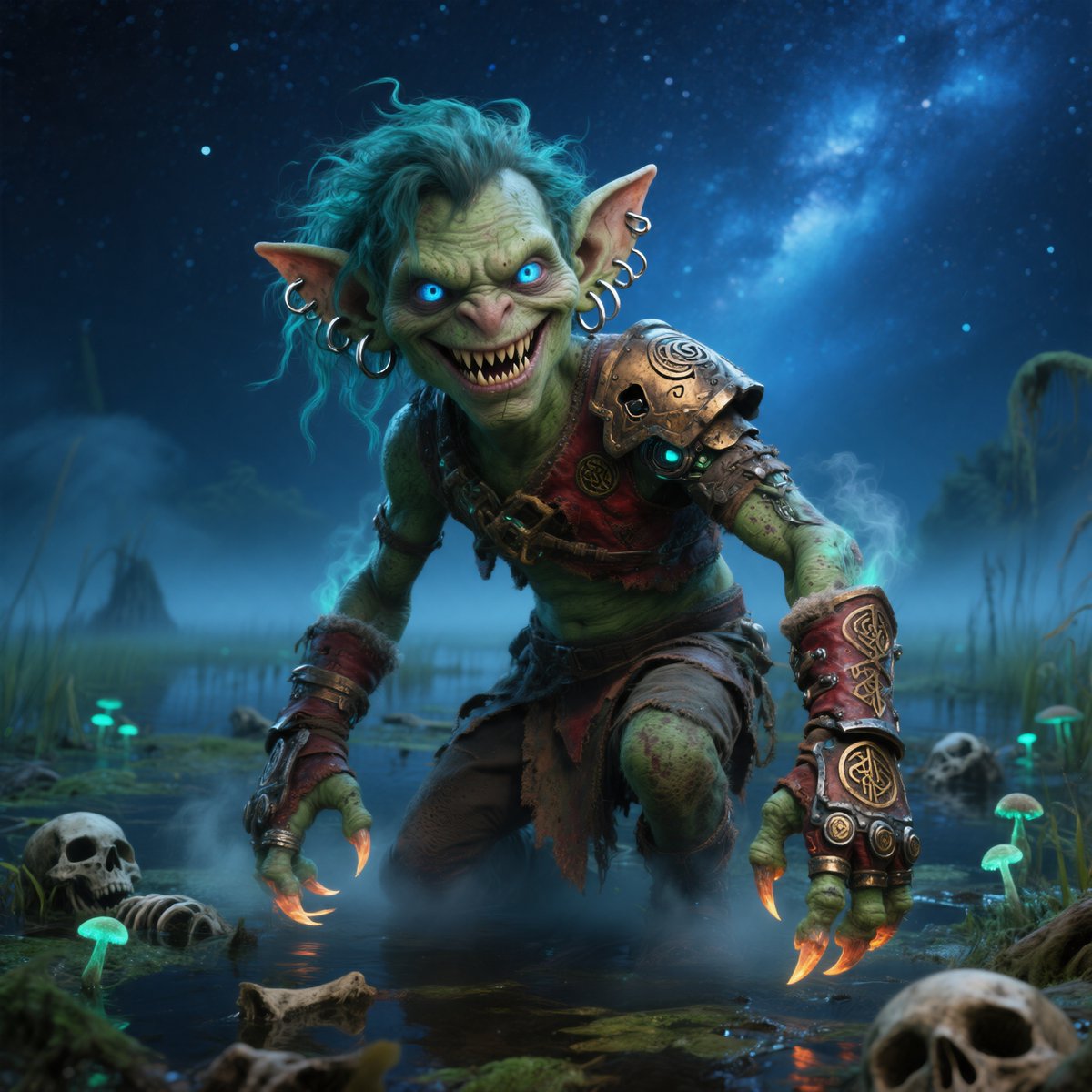
Moonlit Swamp Goblin Warrior
Browse template categories
13enBus iPhone Launch Banner questions
How do I use the 13enBus iPhone Launch Banner template?
Add your photo if the template asks for one, edit the prompt if you like — the template's model and format are already selected — and press Generate. Your version opens in PicX Studio.
Can I customize the 13enBus iPhone Launch Banner template?
Yes. You can change the subject, setting, lighting, mood, format, and available model controls before creating your image.
Is the 13enBus iPhone Launch Banner template free?
Opening and editing this template is free. Generating uses credits, shown on the Generate button when you are signed in.
Which AI model should I use?
Start with GPT Image 2, which is the model associated with this template. You can compare another compatible model for a different finish.
Looking for something else? Browse all templates.

Your photo, any look
Thousands of ready templates for every top image and video model, from one credit balance.