
Moonlit Swamp Goblin Warrior
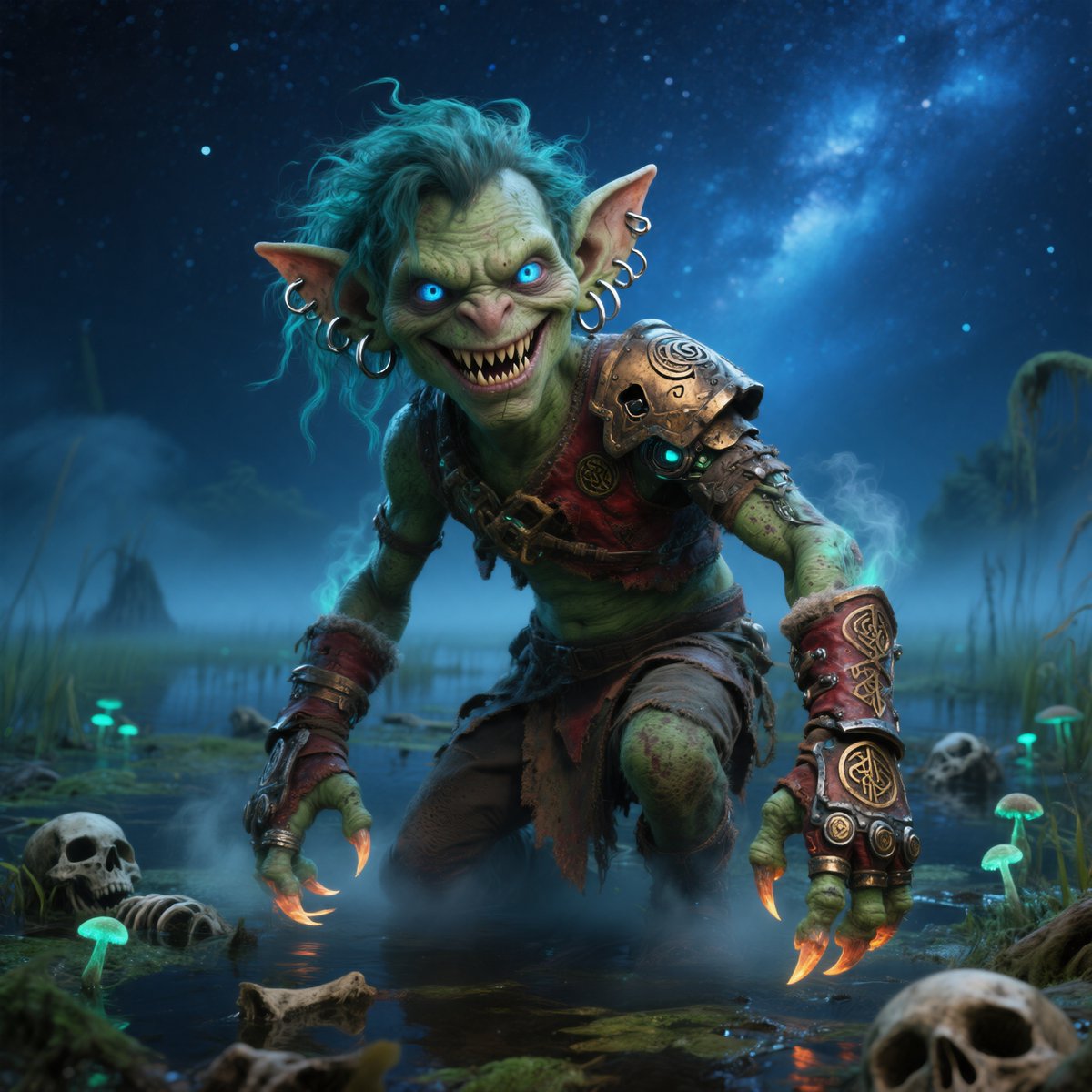
A cinematic fantasy prompt for generating a detailed goblin warrior crouching in a bioluminescent swamp under a starry night sky.
- Prompt included
- Model and format preset
- Free template
The prompt behind this image
Copy the exact prompt behind Moonlit Swamp Goblin Warrior, or open it in the studio and make it yours.
Create a cinematic dark-fantasy portrait of a crouching goblin warrior in a misty moonlit swamp at night. The goblin has green mottled skin, oversized pointed ears with multiple silver hoop earrings, wild messy {argument name="hair color" default="turquoise blue"} hair, long glowing orange claw-like fingernails, and a hunched predatory posture with both hands braced near the water. Place a flat opaque dark olive square censor block directly over the center of the face, hiding the facial features. Dress the goblin in rugged tribal scavenger armor: a bronze engraved skull-shaped shoulder pauldron with a glowing cyan eye, red leather straps, tattered brown cloth skirt, heavy wrist bracers, metal rings, runic ornaments, and worn fantasy gear. The setting is a shallow marsh filled with reflective black water, reeds, fog, glowing teal mushrooms, scattered bones, and visible skulls in the foreground and background. Use a deep blue starry sky with a bright Milky Way-like nebula overhead, cool moonlight, teal bioluminescent accents, orange claw glow reflected in the water, volumetric mist, high detail, dramatic low-angle composition, realistic fantasy concept art, sharp textures, cinematic lighting, square format.
How to use Moonlit Swamp Goblin Warrior in 3 steps
- 1Upload ImagePNG, JPG or paste
Add your photo
Upload the photo the template builds on. The prompt, model and format are already set.
- 2…a portrait of your subject in softgolden-hour light, 85mm…
Personalize
Edit the subject and creative details for your destination.
- 3Generate
Generate
Press Generate — your image is created in PicX Studio, so you can compare it with the original and refine one variable at a time.
More like this
Templates with the same subject, style or setup. Open one to see its prompt.
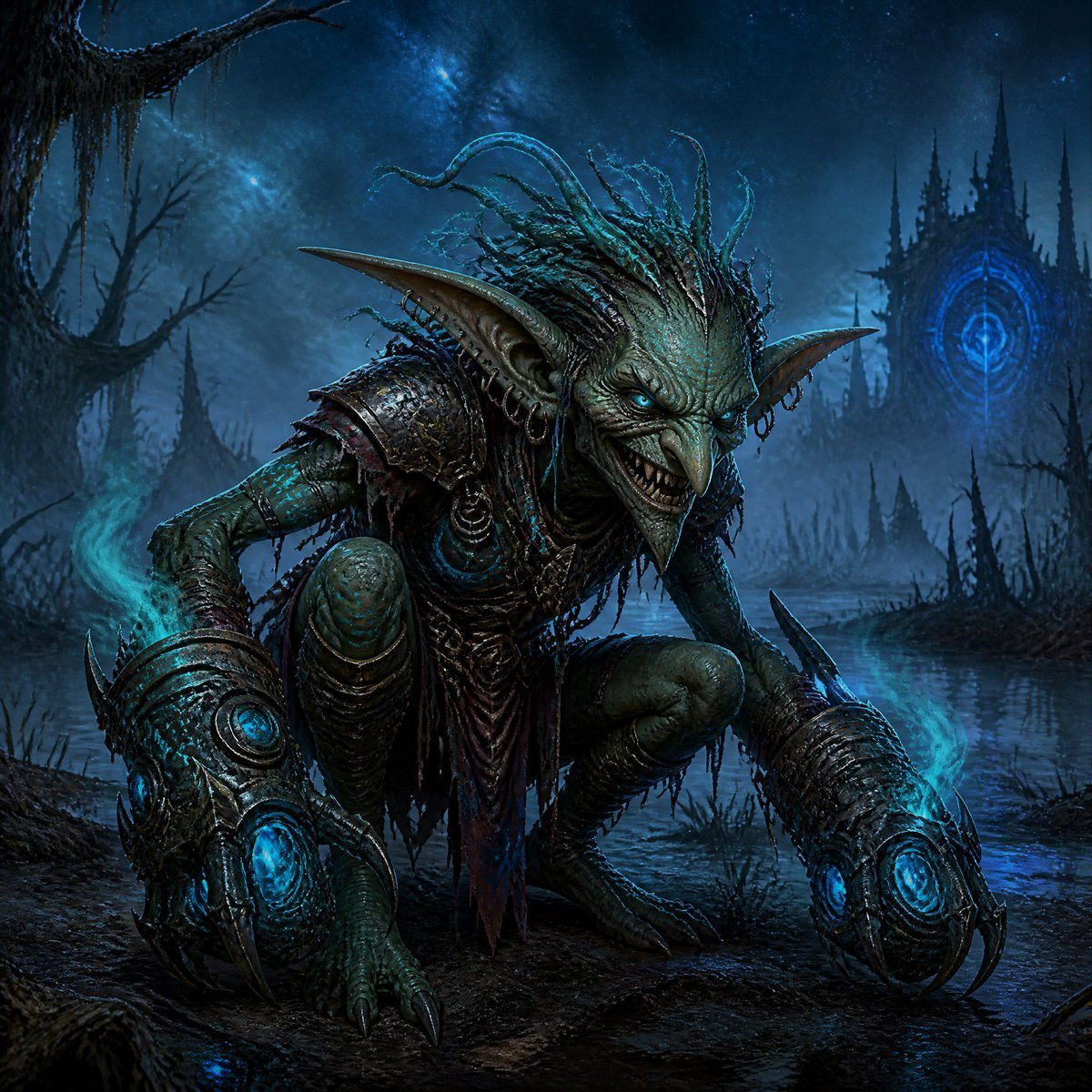
Dark Goblin Shaman in Haunted Swamp
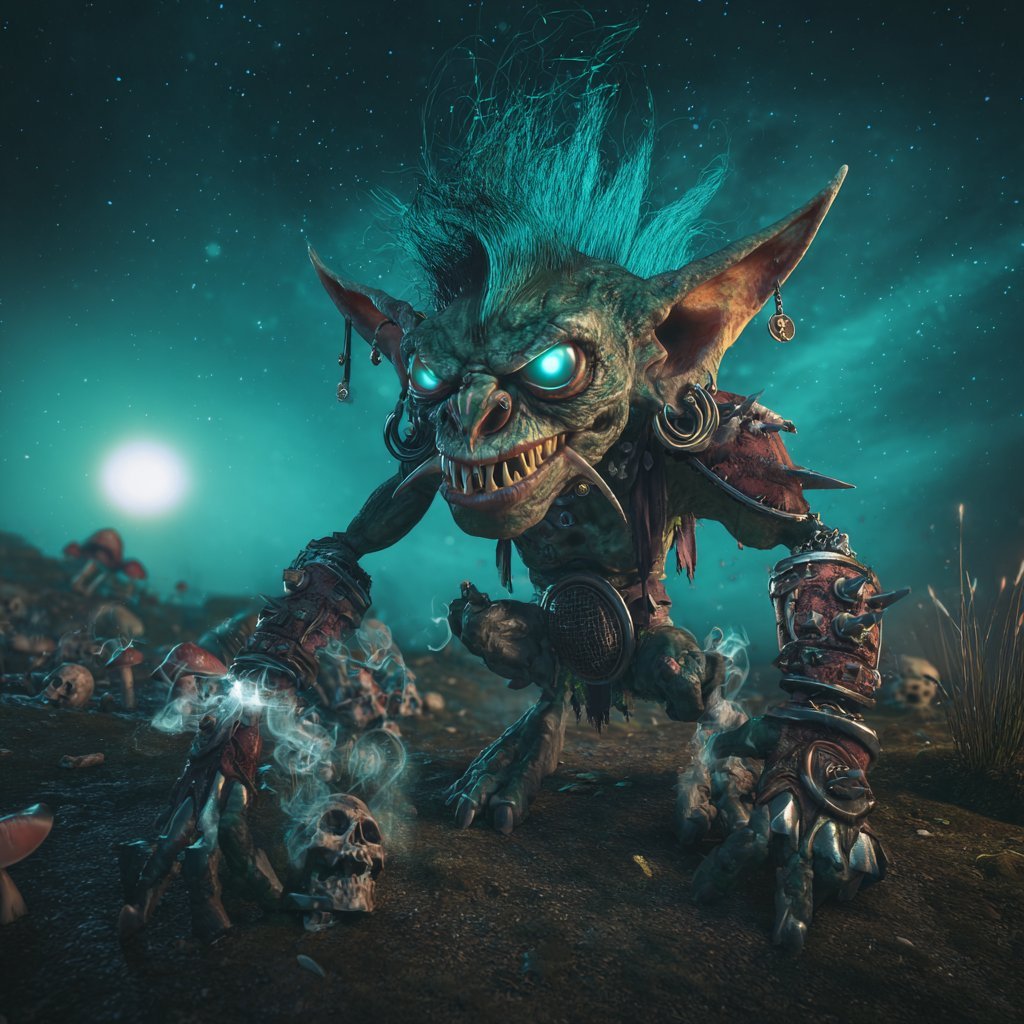
Cinematic Teal Goblin Warrior
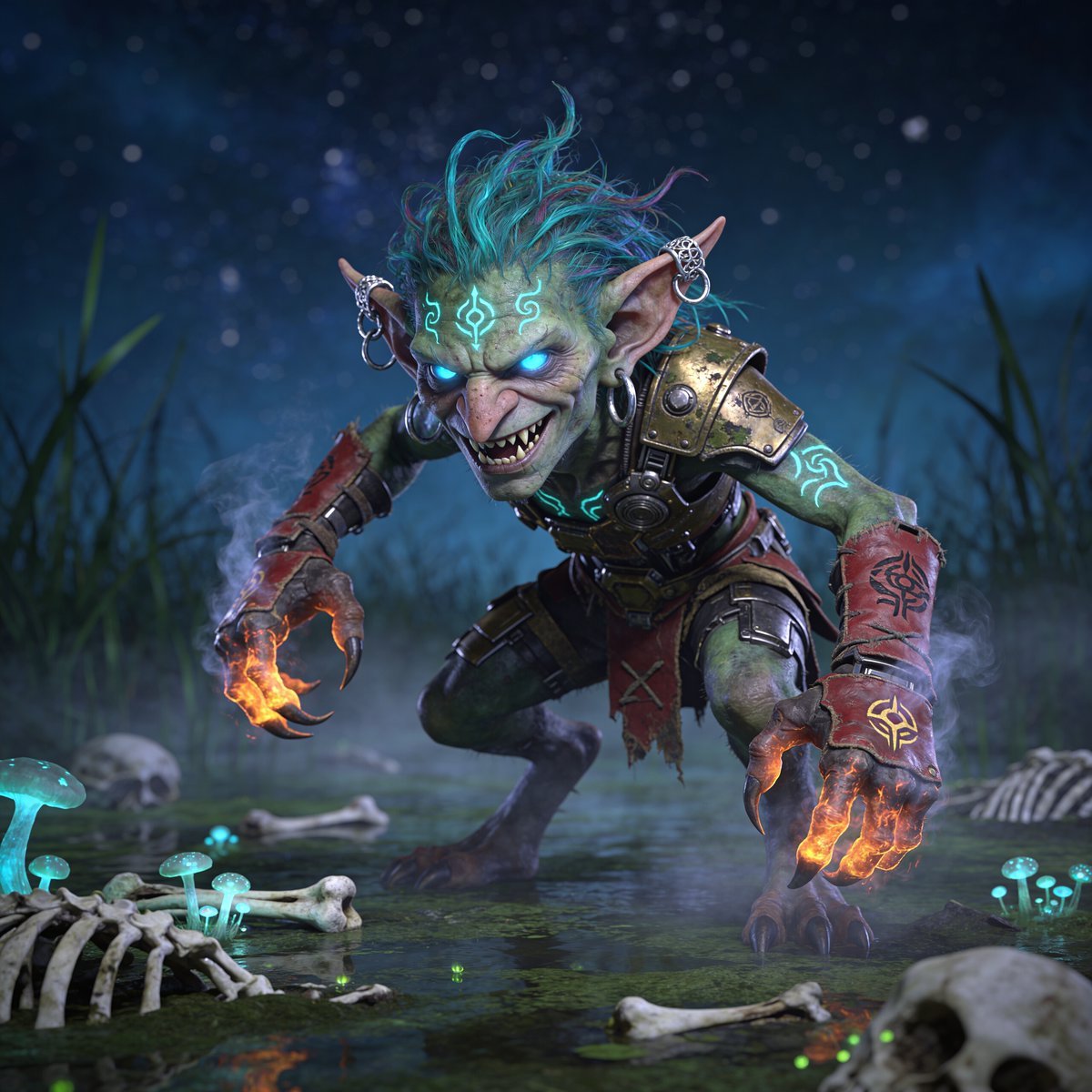
Glowing Goblin Shaman in Swamp
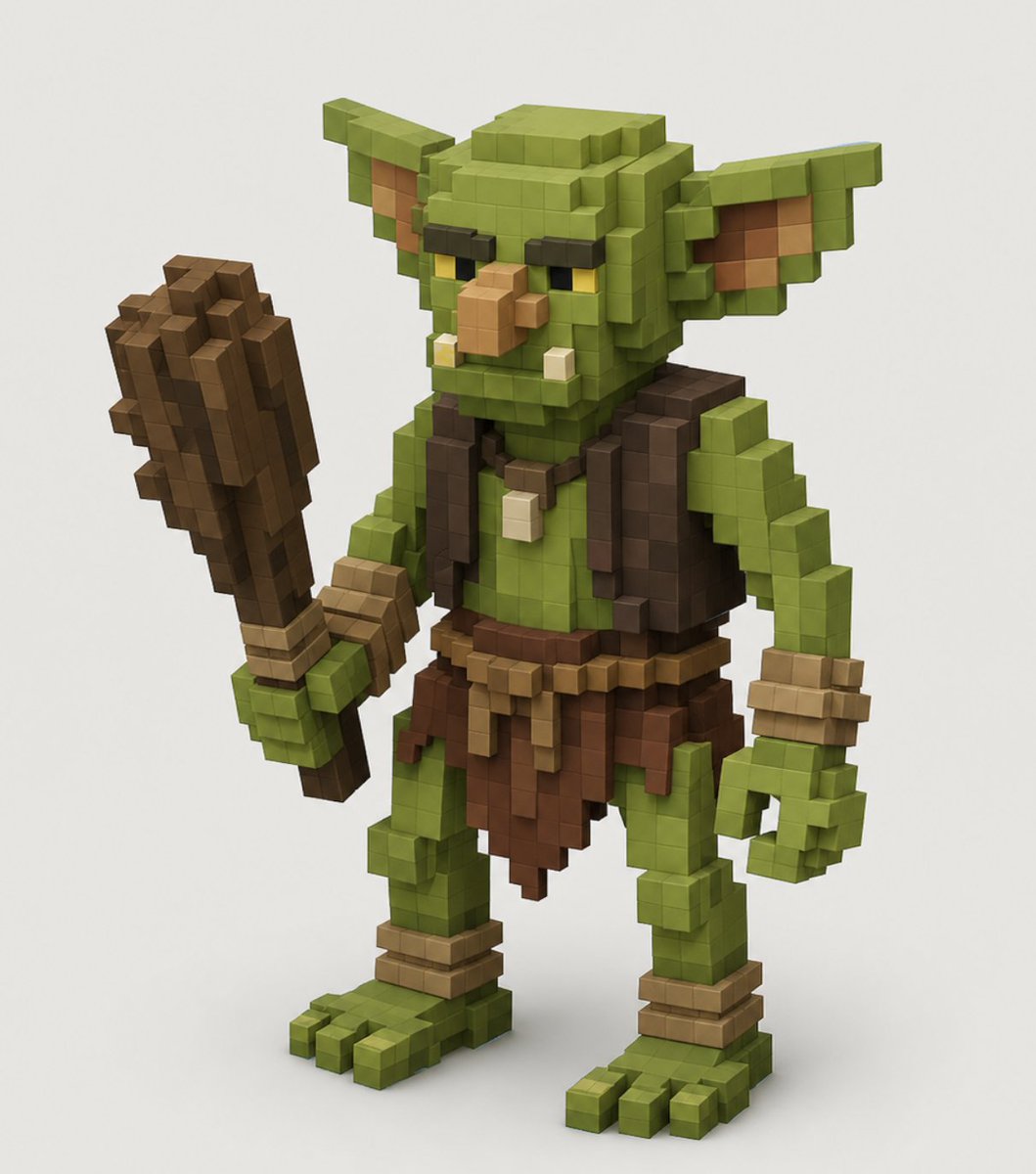
Voxel Goblin Warrior

Moonlit Fox Mask Night Market

Lone Mountaineer in Moonlit Snow

Moonlit Ghost Lotus Anime Portrait
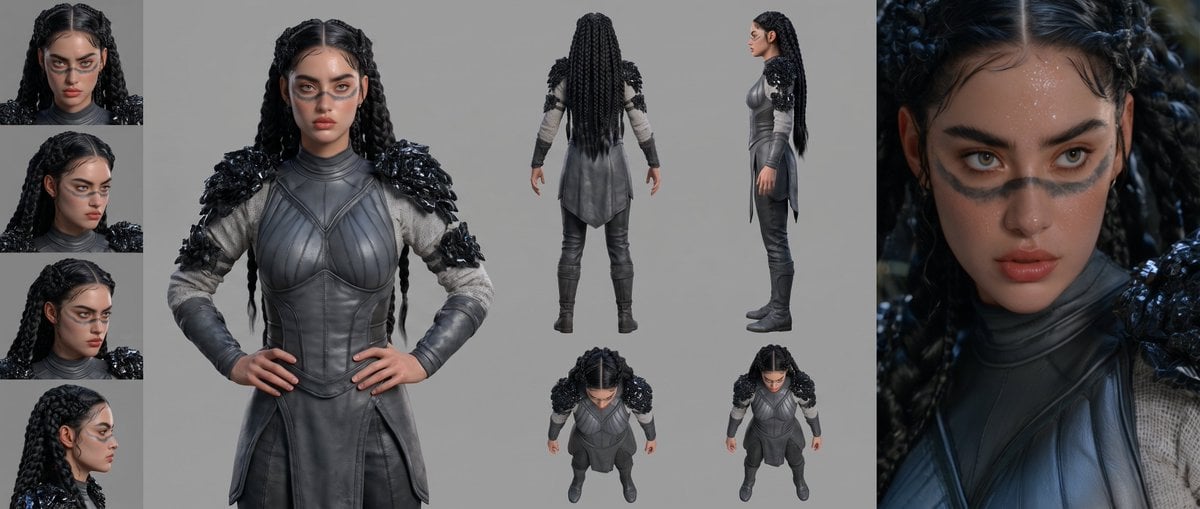
Mesoamerican Warrior Character Sheet

Tribal Fantasy Warrior with Guardian Owl
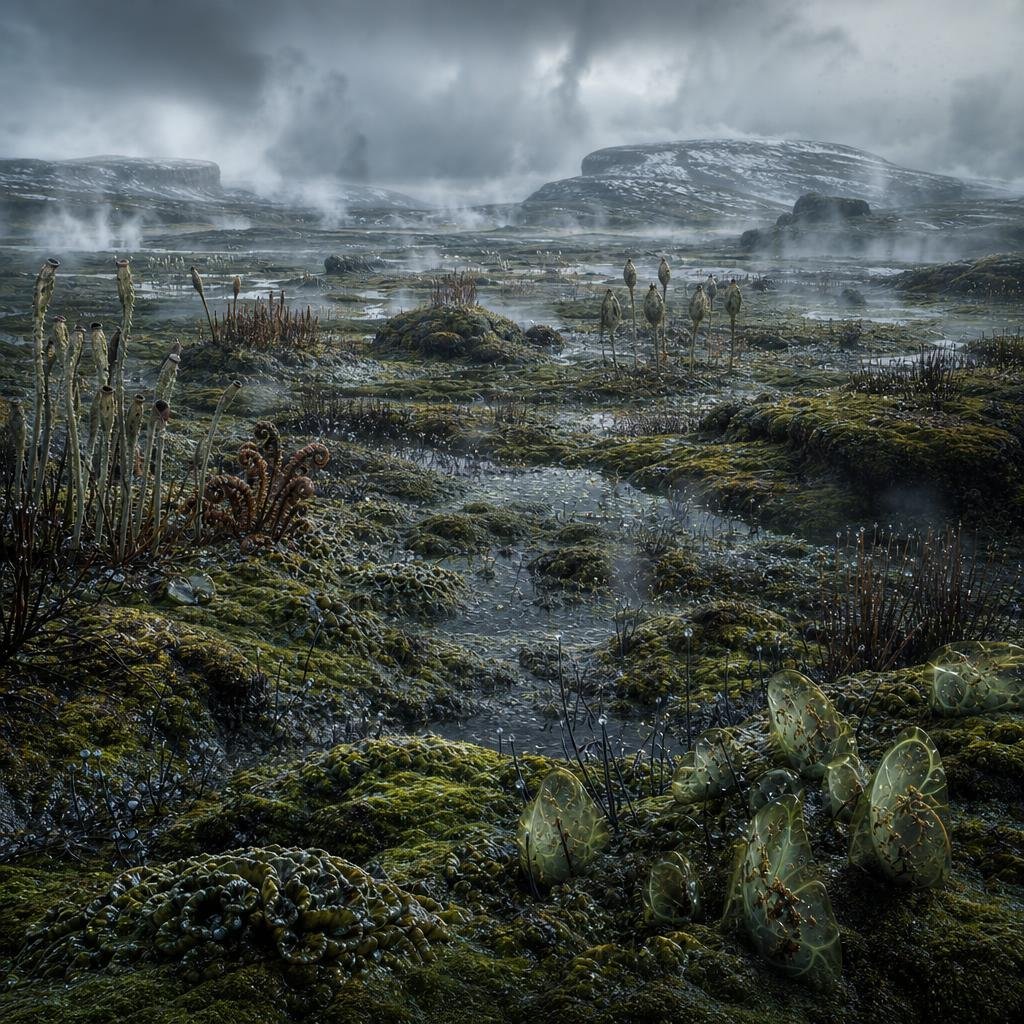
Ancient Prehistoric Swamp Landscape
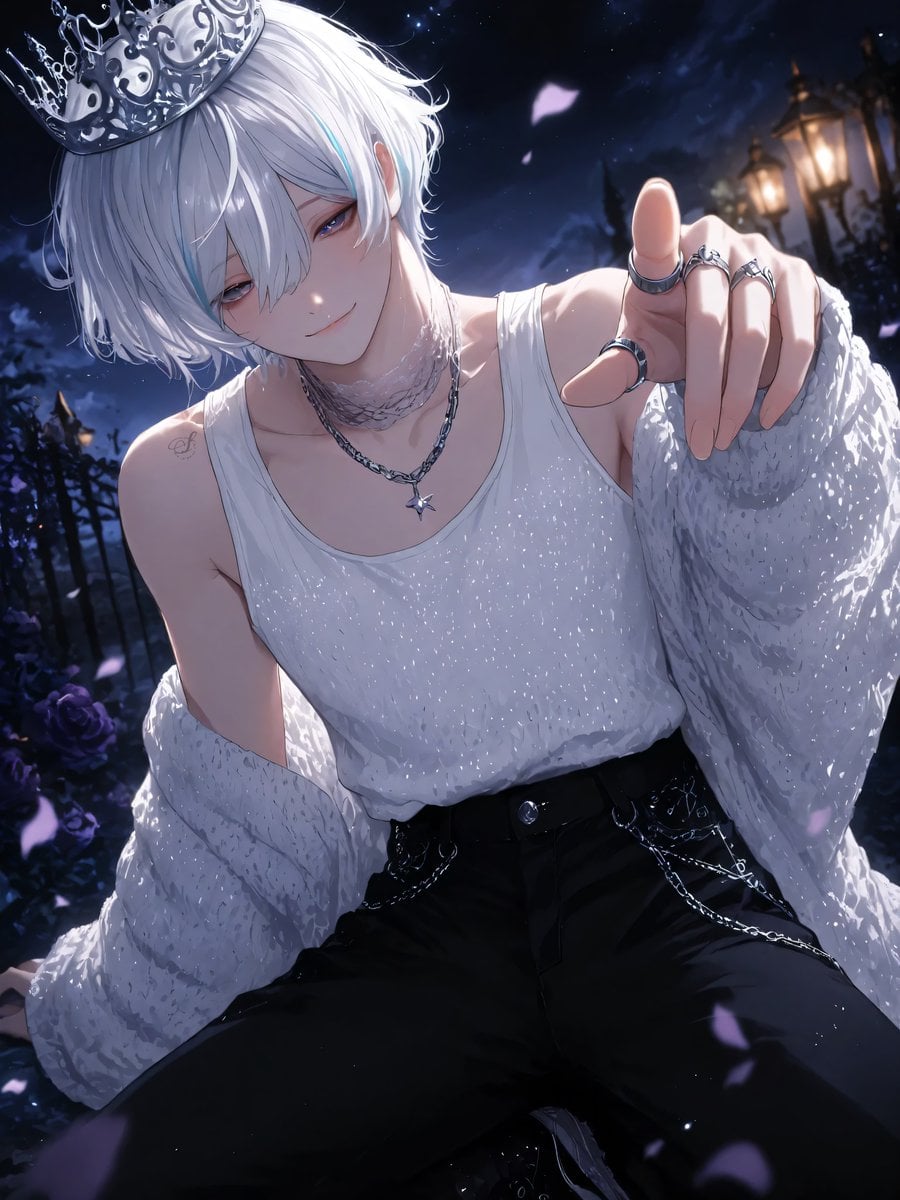
Moonlit Lace Prince Portrait
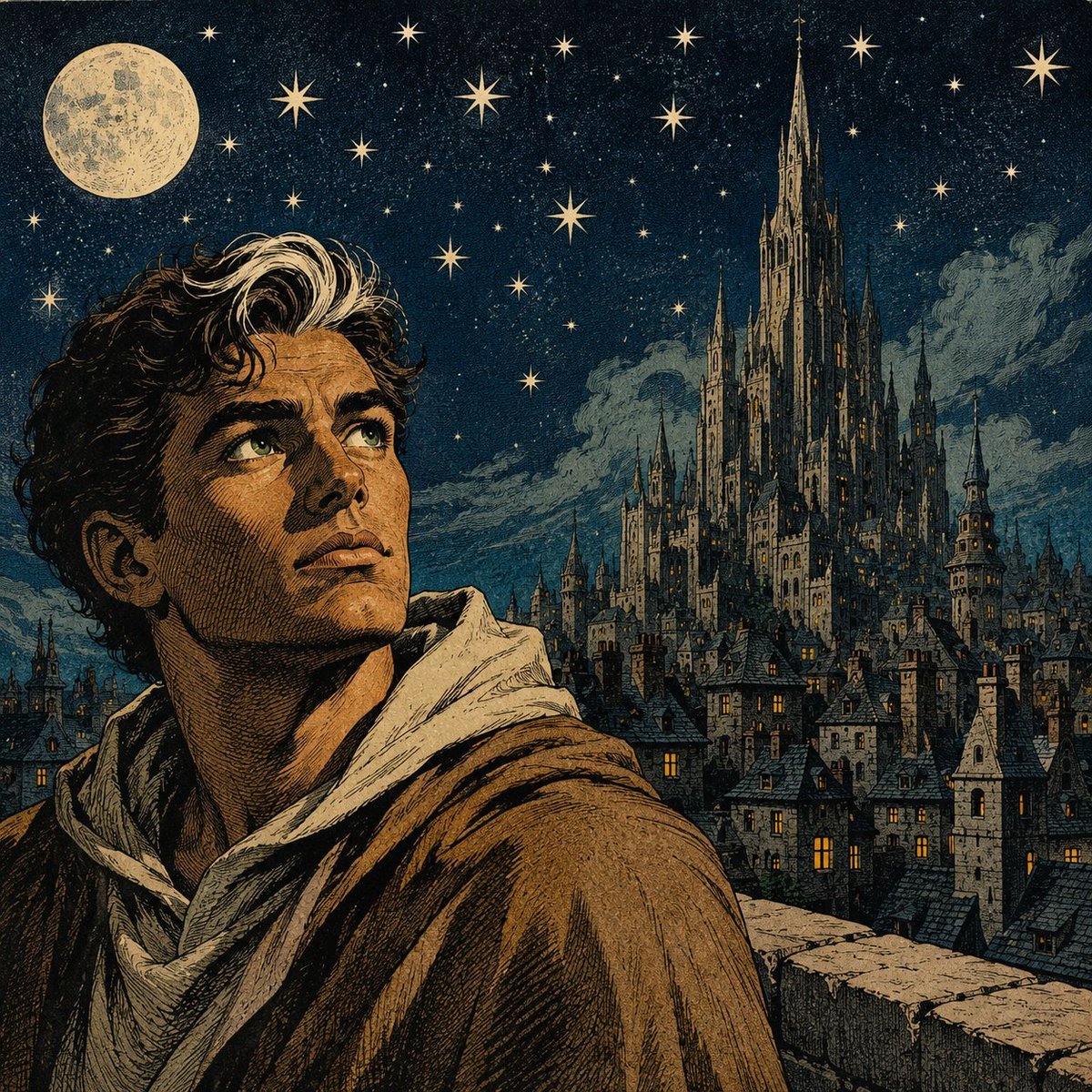
Moonlit Gothic Fantasy Traveler
Make it yours
Moonlit Swamp Goblin Warrior works as-is. These are the safest ways to change it without losing the look.
Change one field
Copy a single group, rewrite it, and generate again so you can see what that field is doing.
Keep the frame, change the subject
Hold the composition and light of Moonlit Swamp Goblin Warrior, then swap wardrobe, props or the person for a new take.
| If the result… | Why | Fix |
|---|---|---|
| The result drifts from the preview | Too many fields changed at once. | Reuse Moonlit Swamp Goblin Warrior as-is first, then change one group — subject, light, or setting. |
| The model over-stylizes the scene | The prose prompt leaves finish and camera underspecified. | Add one camera or lighting sentence and stay on GPT Image 2. |
More GPT Image 2 templates
Other prompts made for GPT Image 2.

Six VTuber Japanese Logo Sheet

Realistic Portrait of Woman and Deer

The Vista Modular Condo Poster

AI Model Routing Comparison Infographic

2.5D Anime Art Board

Isometric Productivity Desk Scene

New York Double Exposure Poster

Four-Panel AI Landscape Comparison

Japanese Tatami Lifestyle Magazine Cover

NESCAFÉ Coffee Map Poster
More image prompts
Fresh picks from across the catalog.
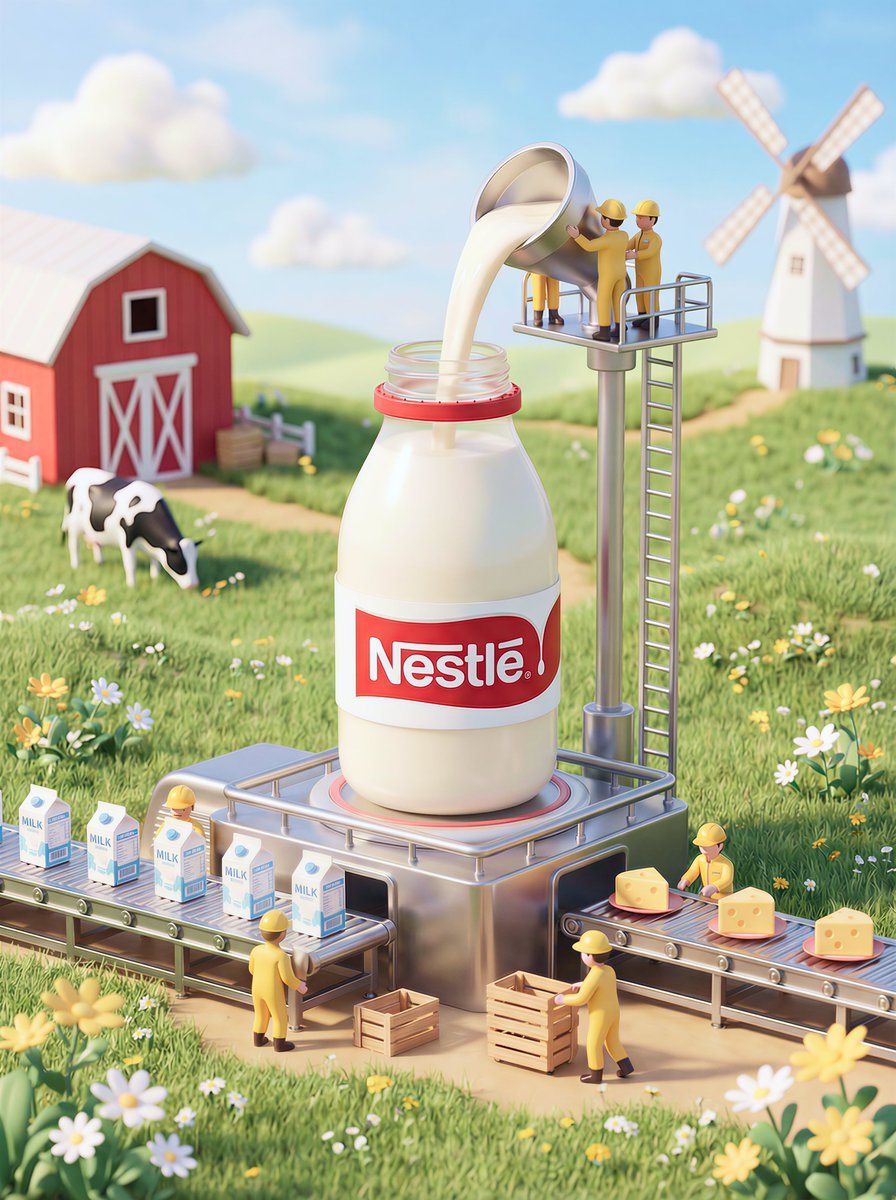
Whimsical 3D Miniature Dairy Advertising Illustration
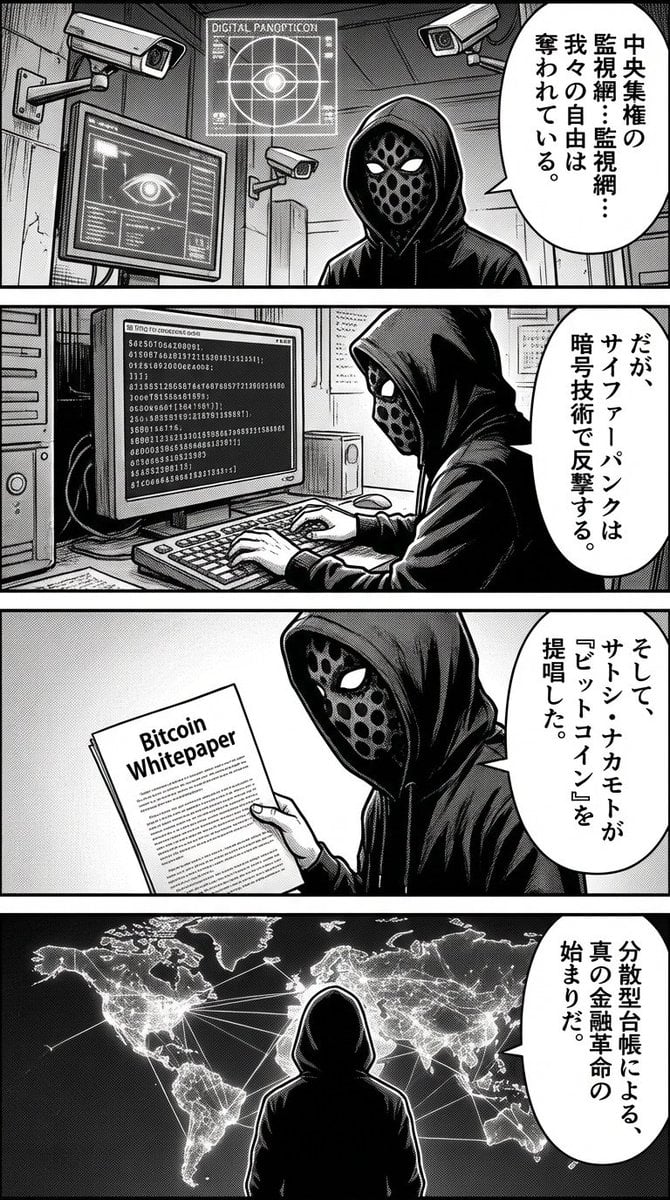
Four-panel manga about Bitcoin from cypherpunk view
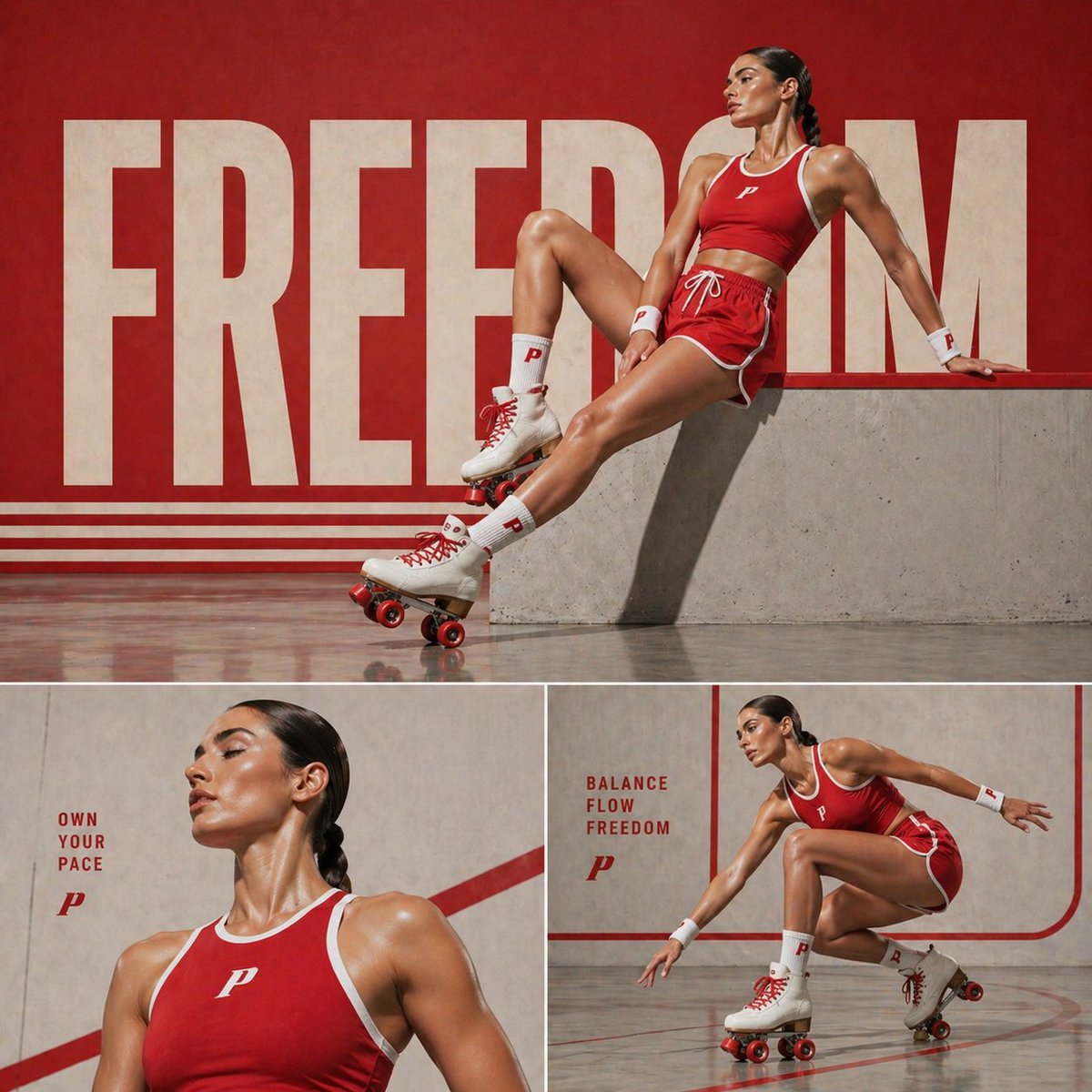
Retro Sports Fashion Campaign Collage
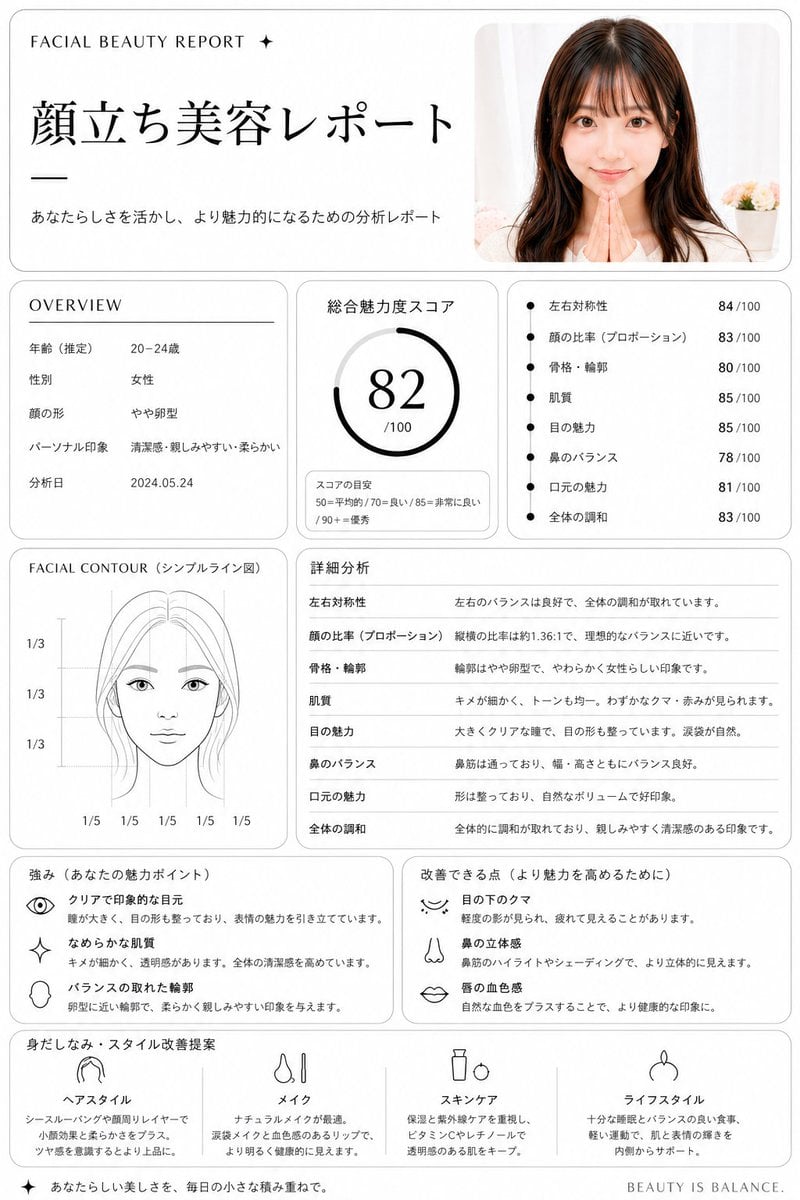
Minimalist facial beauty report
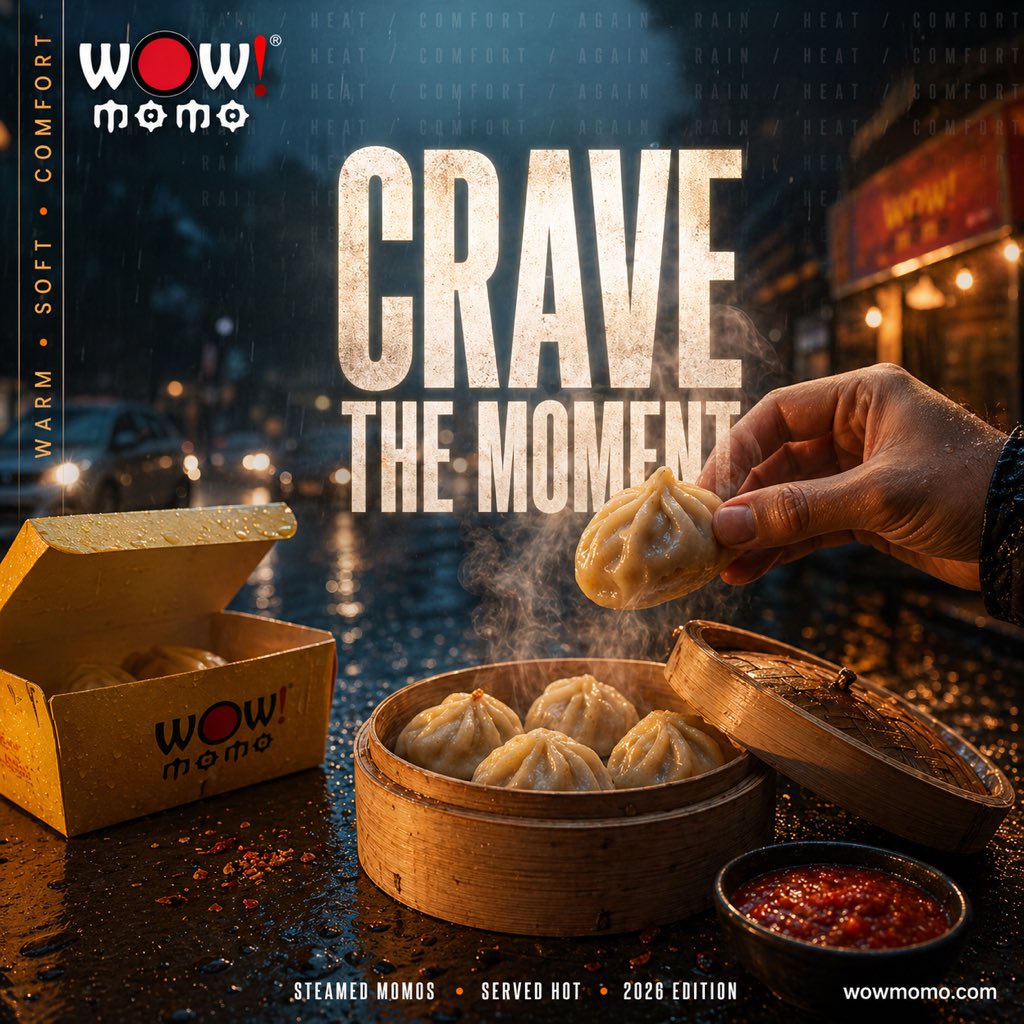
Cinematic Rainy Street Food Ad
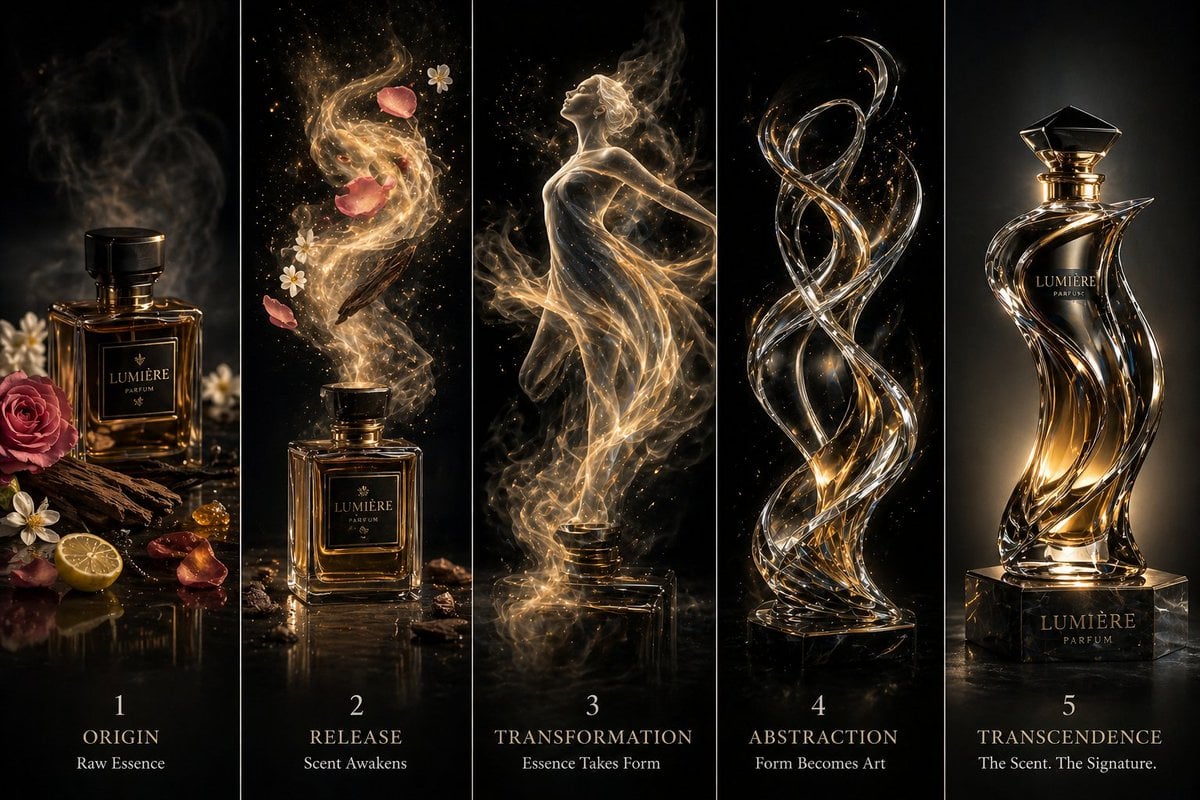
Luxury Perfume Transformation Art
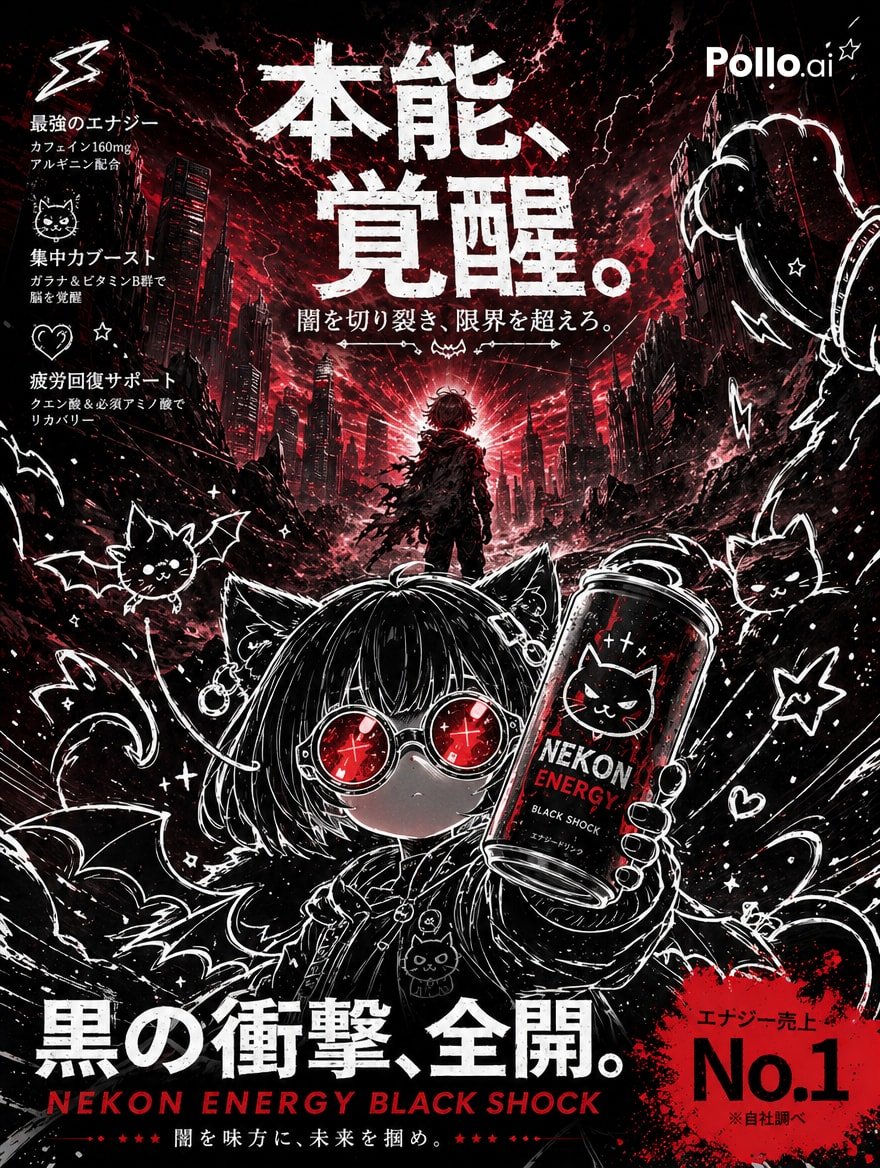
Dark Anime Energy Drink Poster
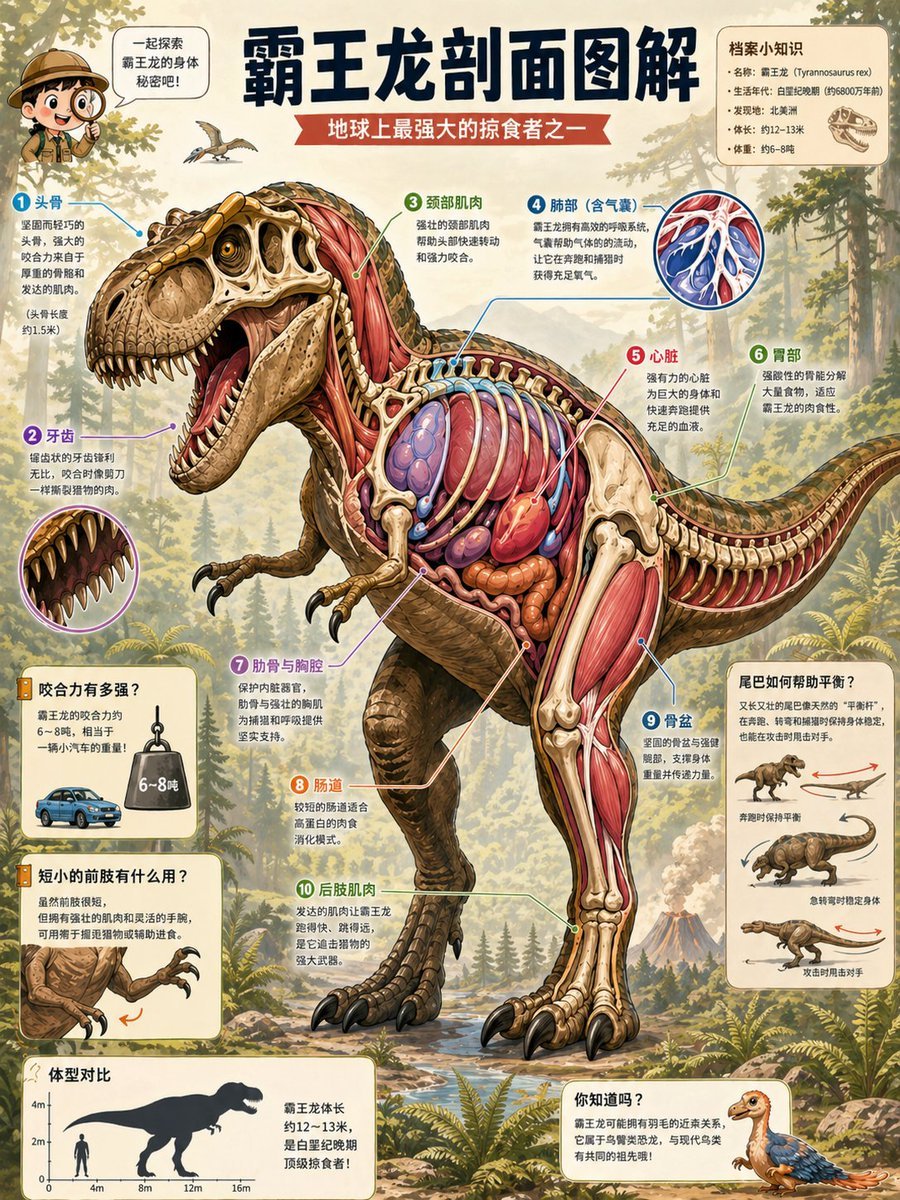
T. Rex Cutaway Encyclopedia Poster
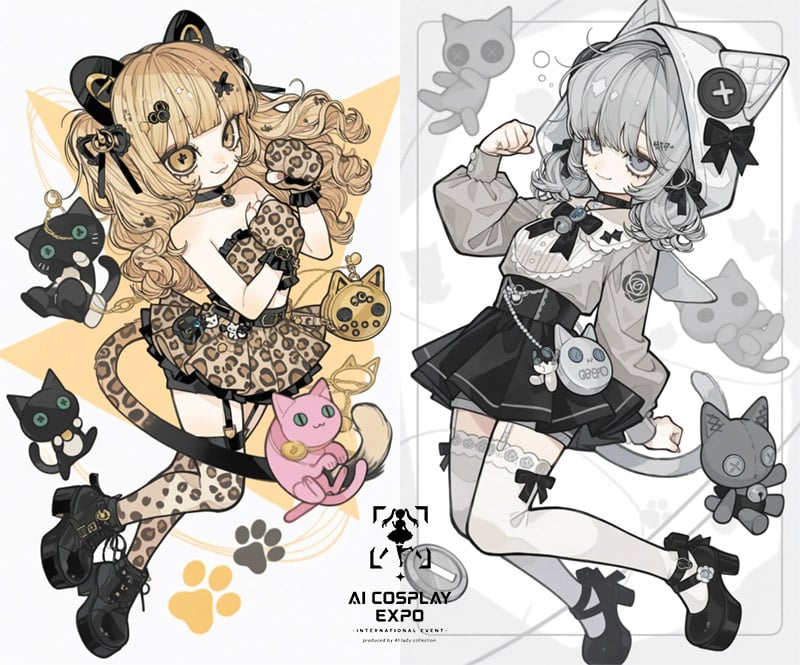
AI Cosplay Expo Cat Girls
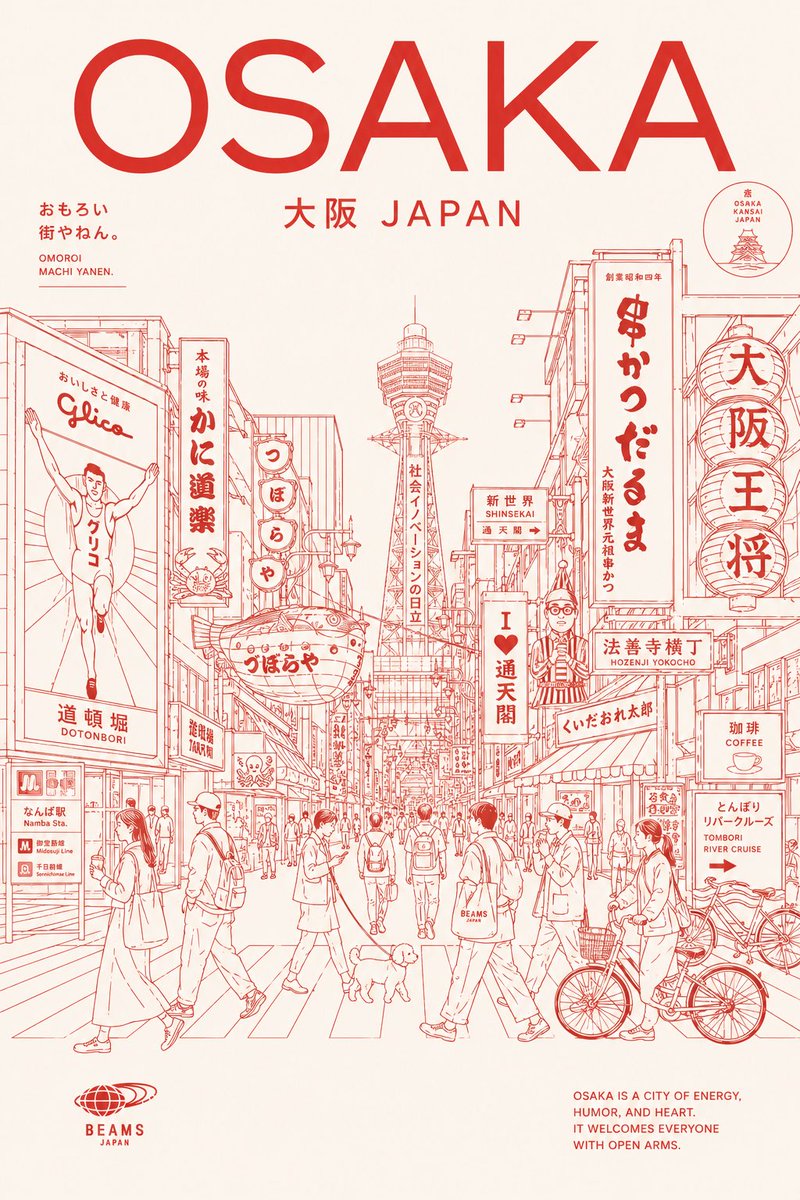
Osaka Red Line Travel Poster
Browse template categories
Moonlit Swamp Goblin Warrior questions
How do I use the Moonlit Swamp Goblin Warrior template?
Add your photo if the template asks for one, edit the prompt if you like — the template's model and format are already selected — and press Generate. Your version opens in PicX Studio.
Can I customize the Moonlit Swamp Goblin Warrior template?
Yes. You can change the subject, setting, lighting, mood, format, and available model controls before creating your image.
Is the Moonlit Swamp Goblin Warrior template free?
Opening and editing this template is free. Generating uses credits, shown on the Generate button when you are signed in.
Which AI model should I use?
Start with GPT Image 2, which is the model associated with this template. You can compare another compatible model for a different finish.
Looking for something else? Browse all templates.

Your photo, any look
Thousands of ready templates for every top image and video model, from one credit balance.