
AI Cosplay Expo Cat Girls
A structured prompt for generating a two-character anime cosplay expo poster with cat-themed gothic-lolita outfits and mascot charms.
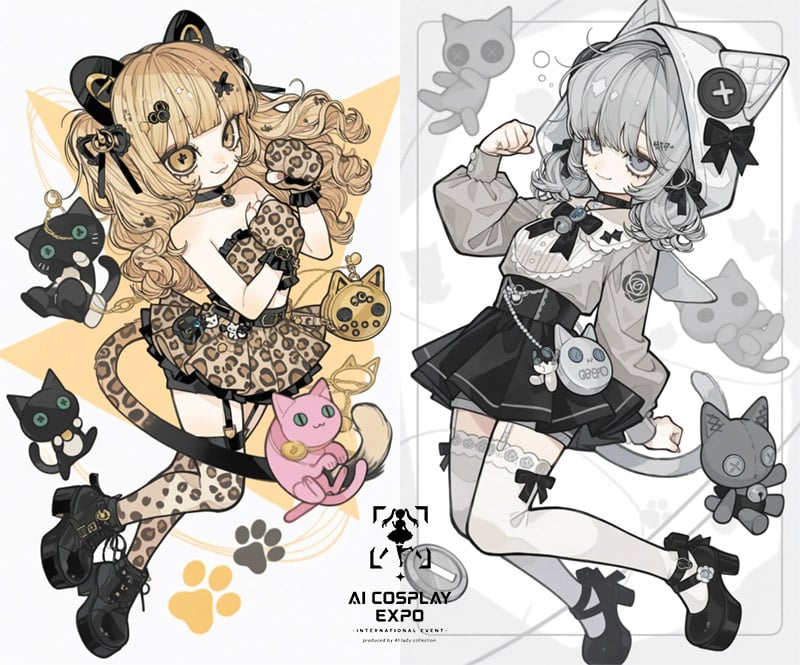
- Prompt included
- Model and format preset
- Free template
The prompt behind this image
Copy the exact prompt behind AI Cosplay Expo Cat Girls, or open it in the studio and make it yours.
Goal: Create a polished 2D anime cosplay promotional poster for {argument name="event name" default="AI COSPLAY EXPO"}, featuring a cute cat-themed fashion mascot character shown as two side-by-side outfit concepts. Canvas: Landscape poster, approximately 4:3 ratio, clean off-white background split vertically down the center. Left half uses warm cream, tan, black, and gold accents; right half uses grayscale monochrome with black accents. Add faint geometric lines, rounded rectangular framing, paw-print motifs, and soft graphic shapes behind the figures. Layout: Two full-body chibi/anime girls occupy the poster, one on each side, both floating in playful dynamic poses. Place the event logo centered at the bottom, overlapping the vertical split: a small black cat silhouette emblem above bold uppercase text reading "AI COSPLAY EXPO", with tiny subtitle text below suggesting an international event and production credit. Keep the logo compact and graphic. Subject details: Use the same cute anime girl concept twice. She has large sleepy eyes, a small smile, curled twin-tail hair, cat-ear headphones or cat-ear hood styling, bows, frills, and a toy-like gothic-lolita cosplay look. Left character: blonde curled twin tails, black cat-ear accessories, leopard-print cat cosplay outfit with paw gloves, leopard tail, black garter details, chunky black platform shoes, small black choker, and warm gold/black decorations. Right character: grayscale silver-haired version with cat-ear hood, oversized blouse sleeves, black pleated skirt, bow tie, thigh-high socks with small motifs, chunky black shoes, and a small round cross-button accessory near the cat ear. Visible repeated elements to include exactly: 2 anime girl character versions; 5 floating cat plush/mascot charms around them: a black cat charm hanging near the upper-left figure, a small black cat at lower left, a pink cat plush near the lower center-left, a gray ghostlike cat plush near the upper right, and a gray cat plush near the lower right; 2 cat-faced handbags or purse charms, one gold round cat purse near the left character and one pale round cat purse labeled "GEEBO" near the right character; 3 visible paw-print graphics near the bottom and background, including one black paw and two golden paw prints. Visual style: High-quality Japanese anime illustration, crisp clean line art, delicate cel shading, glossy eyes, detailed accessories, fashionable cosplay design sheet aesthetic, cute yet slightly gothic, magazine-poster composition, balanced negative space, no photorealism. Constraints: Preserve the vertical warm-color versus grayscale contrast. Do not add extra characters. Keep all visible text minimal except the bottom event title {argument name="headline text" default="AI COSPLAY EXPO"}. Use a clean white/cream background, no watermark, no realistic photography.
How to use AI Cosplay Expo Cat Girls in 3 steps
- 1Upload ImagePNG, JPG or paste
Add your photo
Upload the photo the template builds on. The prompt, model and format are already set.
- 2…a portrait of your subject in softgolden-hour light, 85mm…
Personalize
Edit the subject and creative details for your destination.
- 3Generate
Generate
Press Generate — your image is created in PicX Studio, so you can compare it with the original and refine one variable at a time.
More like this
Templates with the same subject, style or setup. Open one to see its prompt.
Faceless Anime Cosplay Expo Duo

Cat Photobomb Selfie — 0.5x Wide Angle Café Chaos

Surreal Cat Astronaut — Humanoid Face Freefall

Low Angle Floor Selfie With Upside Down Cat
Censored Fantasy Cosplayer at Expo
AI Cosplay Expo Logo Guide Sheet
Anime Catgirls at Lakeside Statue

Seedance 2.0 - Anime Girl Fight
Anime Cosplayer Convention Photography
Three Anime Schoolgirls Walking
Schoolgirls Riding Bicycles
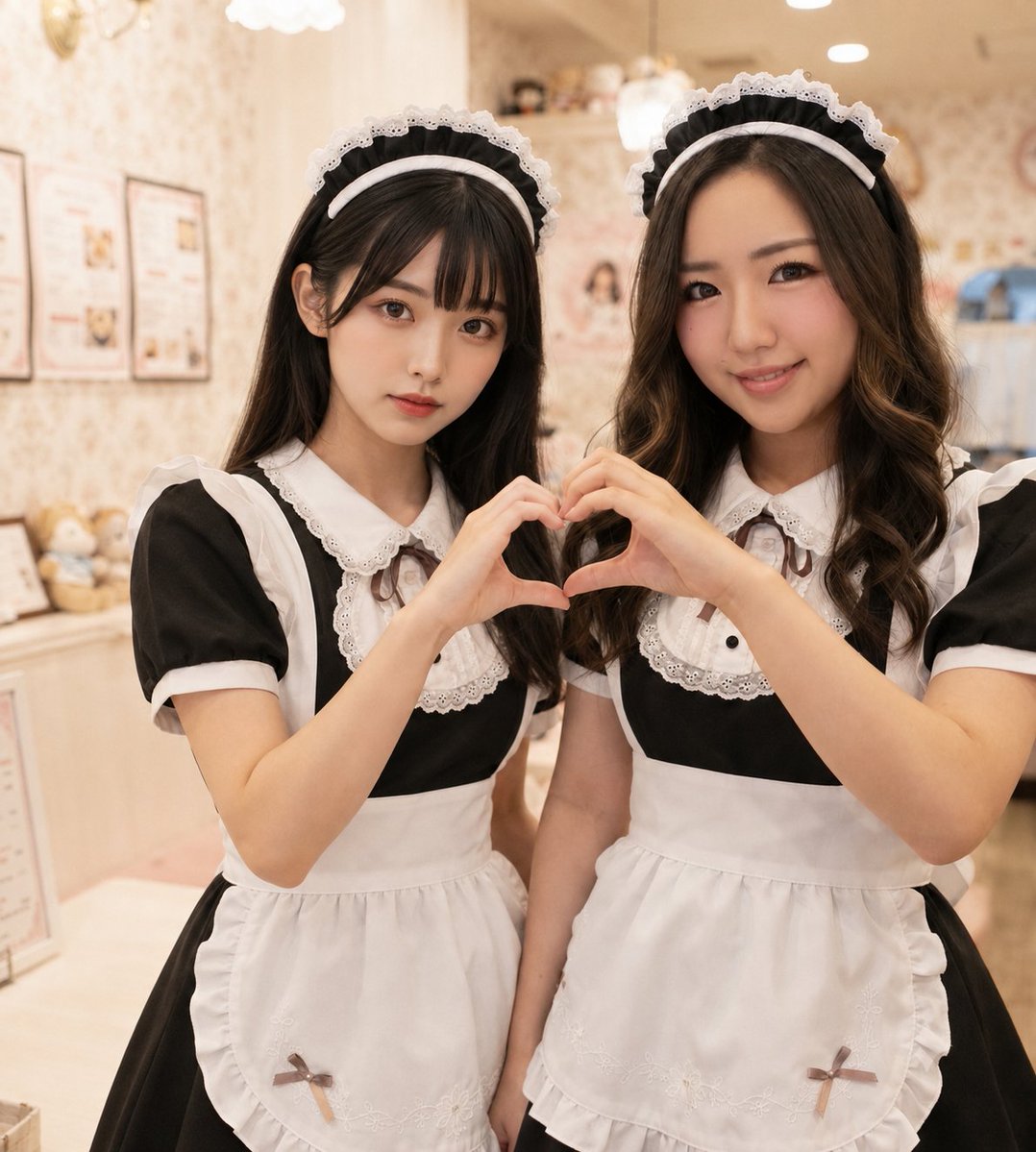
Two Maid Cafe Girls Making a Heart
Make it yours
AI Cosplay Expo Cat Girls works as-is. These are the safest ways to change it without losing the look.
Change one field
Copy a single group, rewrite it, and generate again so you can see what that field is doing.
Keep the frame, change the subject
Hold the composition and light of AI Cosplay Expo Cat Girls, then swap wardrobe, props or the person for a new take.
| If the result… | Why | Fix |
|---|---|---|
| The result drifts from the preview | Too many fields changed at once. | Reuse AI Cosplay Expo Cat Girls as-is first, then change one group — subject, light, or setting. |
| The model over-stylizes the scene | The prose prompt leaves finish and camera underspecified. | Add one camera or lighting sentence and stay on GPT Image 2. |
More GPT Image 2 templates
Other prompts made for GPT Image 2.

Six VTuber Japanese Logo Sheet

Realistic Portrait of Woman and Deer

The Vista Modular Condo Poster

AI Model Routing Comparison Infographic

2.5D Anime Art Board

Isometric Productivity Desk Scene

New York Double Exposure Poster

Four-Panel AI Landscape Comparison

Japanese Tatami Lifestyle Magazine Cover

NESCAFÉ Coffee Map Poster
More image prompts
Fresh picks from across the catalog.
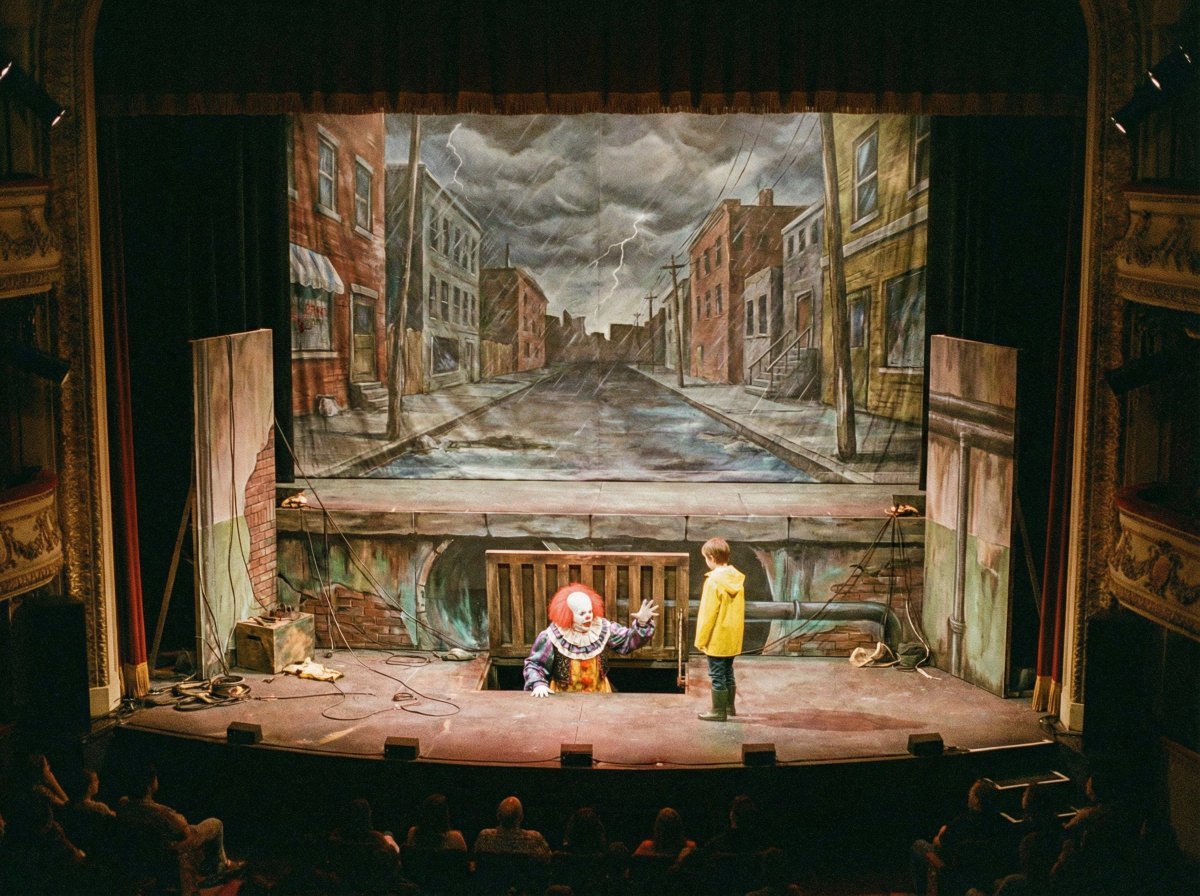
Nano Banana Prompt Recreation (ALT Text)
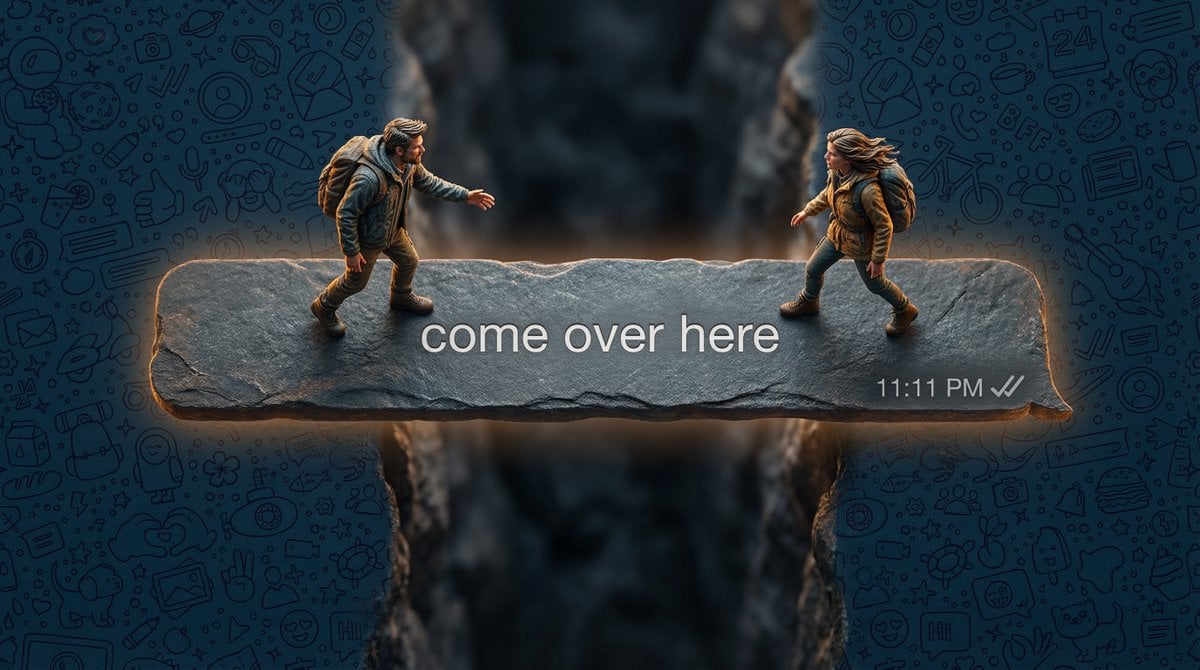
Hyper-realistic macro photography of tiny humans on a WhatsApp speech bubble bridge
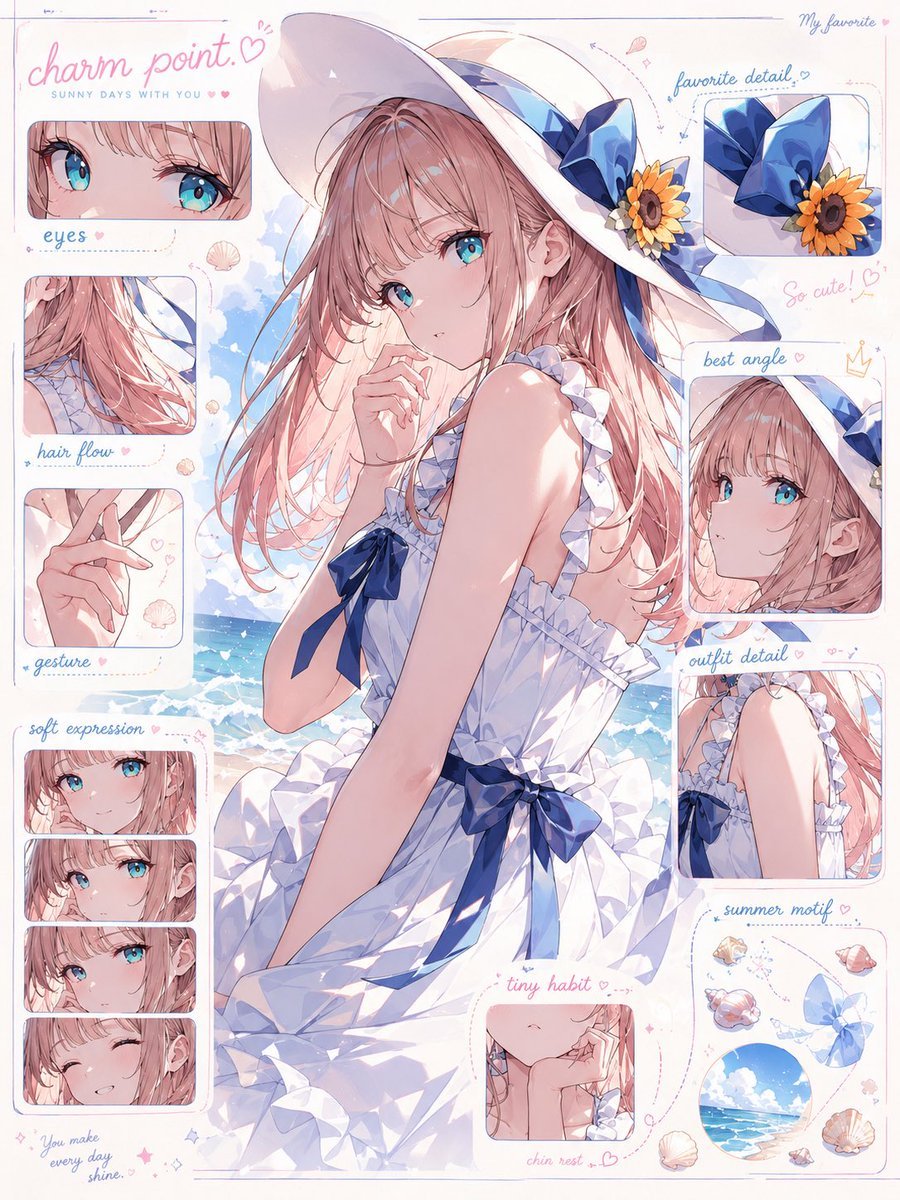
Anime Charm Point Analysis Sheet
Isometric Miniature Stock Scene By Nano
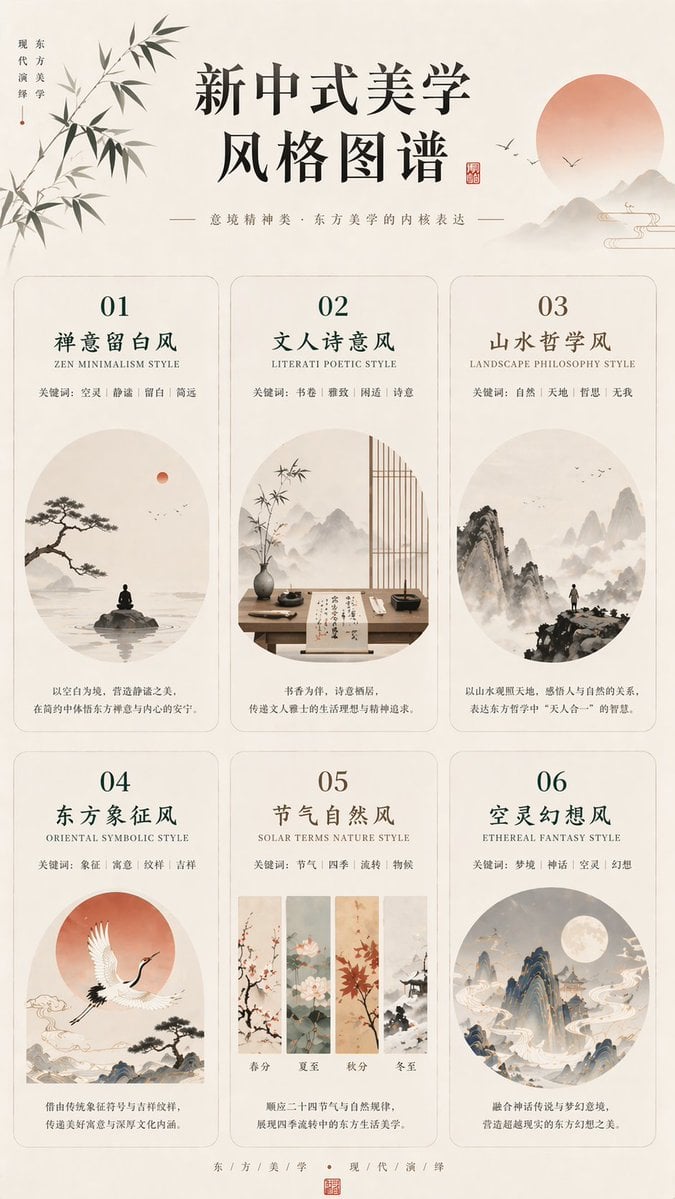
New Chinese Aesthetics Style Atlas
Western Outlaw Woodburning Pyrography Prompt

Fiery Japanese Growth Thumbnail
Candid iPhone Night Portrait
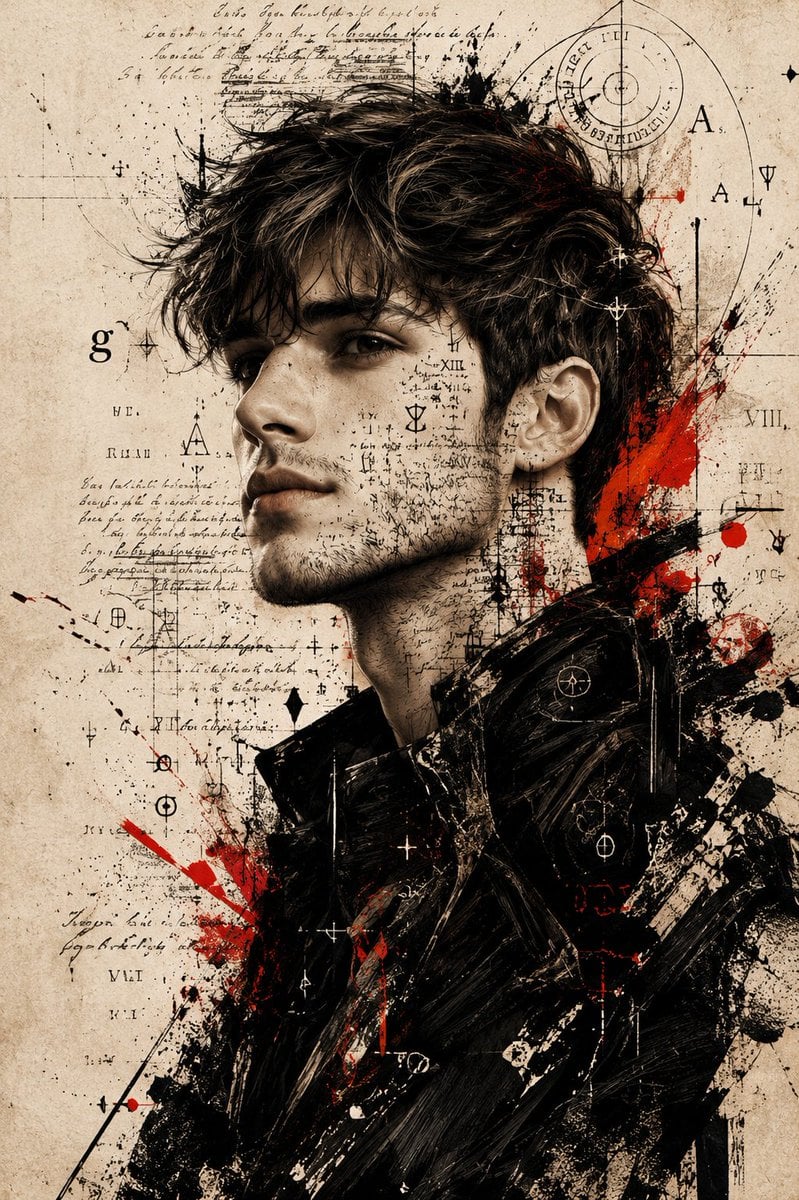
Expressive Mixed-Media Ink Portrait
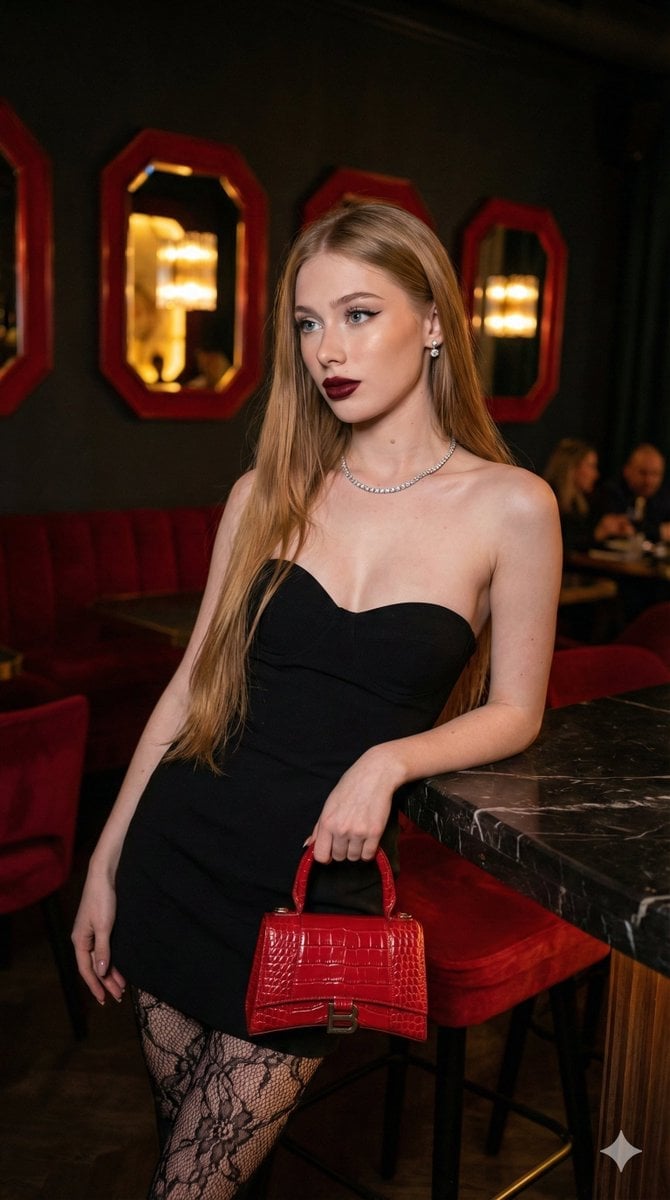
High-Fashion, Moody Portrait in a Luxury Lounge
Browse template categories
AI Cosplay Expo Cat Girls questions
How do I use the AI Cosplay Expo Cat Girls template?
Add your photo if the template asks for one, edit the prompt if you like — the template's model and format are already selected — and press Generate. Your version opens in PicX Studio.
Can I customize the AI Cosplay Expo Cat Girls template?
Yes. You can change the subject, setting, lighting, mood, format, and available model controls before creating your image.
Is the AI Cosplay Expo Cat Girls template free?
Opening and editing this template is free. Generating uses credits, shown on the Generate button when you are signed in.
Which AI model should I use?
Start with GPT Image 2, which is the model associated with this template. You can compare another compatible model for a different finish.
Looking for something else? Browse all templates.

Your photo, any look
Thousands of ready templates for every top image and video model, from one credit balance.