
Fiery Japanese Growth Thumbnail
A bold Japanese YouTube-style thumbnail for social media growth content, ideal for tutorials about growing an account from zero to ten thousand followers.

- Prompt included
- Model and format preset
- Free template
The prompt behind this image
Copy the exact prompt behind Fiery Japanese Growth Thumbnail, or open it in the studio and make it yours.
- Type
- Japanese YouTube thumbnail
- Style
- high-impact flashy growth-marketing thumbnail, dramatic, glossy, fiery, attention-grabbing
- Canvas › Aspect Ratio
- 16:9
- Canvas › Background
- black with orange fire sparks, glowing particles, light streaks, and lens flare
- Headline › Top Text
- {argument name="headline text" default="最短ルートで到達する方法"}
- Headline › Main Text
- 0から, 1万人, 伸ばす法則
- Headline › Sub Text
- やりがちなNG行動も完全解説
- Headline › Main Text Style › Font
- extra bold Japanese display font
- Headline › Main Text Style › Colors
- white, glowing orange-gold
- Headline › Main Text Style › Effects
- thick black shadow, strong outer glow, metallic heat texture on the orange text, slight distress texture on the white text
- Graphics › Count
- 6
- Graphics › Items › 0 › Type
- giant upward arrow
- Graphics › Items › 0 › Position
- top-right sweeping diagonally upward
- Graphics › Items › 0 › Color
- bright orange-gold
- Graphics › Items › 0 › Effect
- intense glow, spark trail
- Graphics › Items › 1 › Type
- bar chart
- Graphics › Items › 1 › Position
- right side behind character
- Graphics › Items › 1 › Count
- 4
- Graphics › Items › 1 › Labels
- 5,000, 7,000, 10,000,
- Graphics › Items › 1 › Color
- orange-gold glow
- Graphics › Items › 2 › Type
- lens flare starburst
- Graphics › Items › 2 › Position
- top-left
- Graphics › Items › 2 › Color
- golden orange
- Graphics › Items › 3 › Type
- diagonal energy streak
Raw JSON
{"type":"Japanese YouTube thumbnail","style":"high-impact flashy growth-marketing thumbnail, dramatic, glossy, fiery, attention-grabbing","canvas":{"aspect_ratio":"16:9","background":"black with orange fire sparks, glowing particles, light streaks, and lens flare"},"headline":{"top_text":"{argument name=\"headline text\" default=\"最短ルートで到達する方法\"}","main_text":["0から","1万人","伸ばす法則"],"sub_text":"やりがちなNG行動も完全解説","main_text_style":{"font":"extra bold Japanese display font","colors":["white","glowing orange-gold"],"effects":"thick black shadow, strong outer glow, metallic heat texture on the orange text, slight distress texture on the white text"}},"graphics":{"count":6,"items":[{"type":"giant upward arrow","position":"top-right sweeping diagonally upward","color":"bright orange-gold","effect":"intense glow, spark trail"},{"type":"bar chart","position":"right side behind character","count":4,"labels":["5,000","7,000","10,000",""],"color":"orange-gold glow"},{"type":"lens flare starburst","position":"top-left","color":"golden orange"},{"type":"diagonal energy streak","position":"bottom-left to center","color":"orange"},{"type":"small spark particles","position":"across entire background","color":"orange and gold"},{"type":"small star icon","position":"above character head","color":"yellow glow"}]},"character":{"count":1,"subject":"cute mascot sheep avatar","position":"bottom-right","appearance":{"body_color":"light blue fluffy wool","face":"cream white","outline":"dark brown line art","expression":"calm closed-eye smile","accessories":"holding a yellow pointer stick in the right hoof"}},"bottom_panels":{"count":3,"style":"black rounded rectangular boxes with bright orange glowing borders","items":[{"icon":"group of people","text":"伸びるアカウントの共通点","position":"bottom-left"},{"icon":"target with arrow","text":"0フォロワー期の戦略","position":"bottom-center"},{"icon":"rising bar chart with arrow","text":"アルゴリズム攻略法","position":"bottom-right"}]},"color_palette":{"primary":["black","white","orange","gold"],"accent":["yellow","light blue"]},"composition":"oversized central typography dominates the frame, with the largest emphasis on 1万人 and 伸ばす法則, supporting mascot on the right, and three informational callout boxes aligned along the bottom, all designed to look like a viral Japanese social media or YouTube growth tutorial thumbnail","quality":"ultra sharp, high contrast, polished thumbnail design, cinematic glow effects"}How to use Fiery Japanese Growth Thumbnail in 3 steps
- 1Upload ImagePNG, JPG or paste
Add your photo
Upload the photo the template builds on. The prompt, model and format are already set.
- 2…a portrait of your subject in softgolden-hour light, 85mm…
Personalize
Edit the subject and creative details for your destination.
- 3Generate
Generate
Press Generate — your image is created in PicX Studio, so you can compare it with the original and refine one variable at a time.
More like this
Templates with the same subject, style or setup. Open one to see its prompt.

Minecraft Japanese Research Lab Exploration

Japanese Architectural Concrete Studio Fashion Campaign

Japanese Minimalist Concrete Studio Fashion Editorial

Blue Backdrop Luxury Fashion Portrait Campaign

Japanese Film Reflection Idol
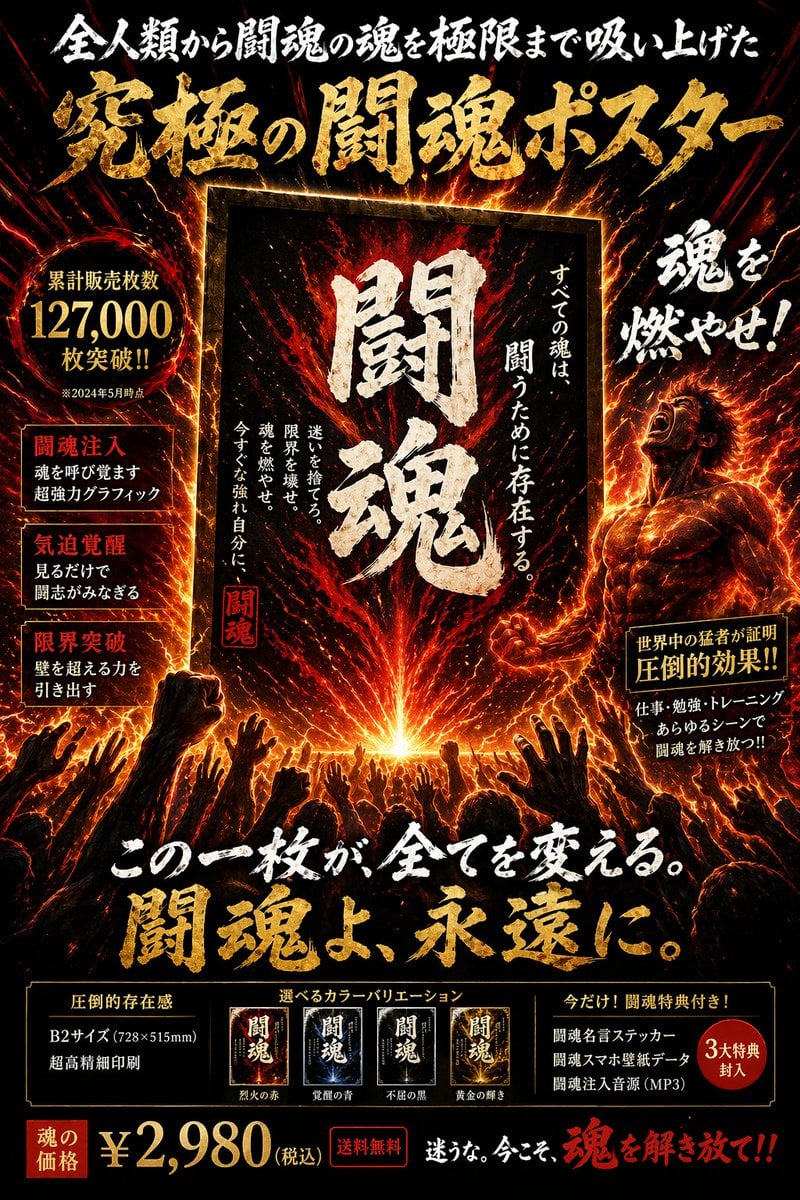
Fiery Japanese Promotional Poster

Japanese SNS Automation Thumbnail
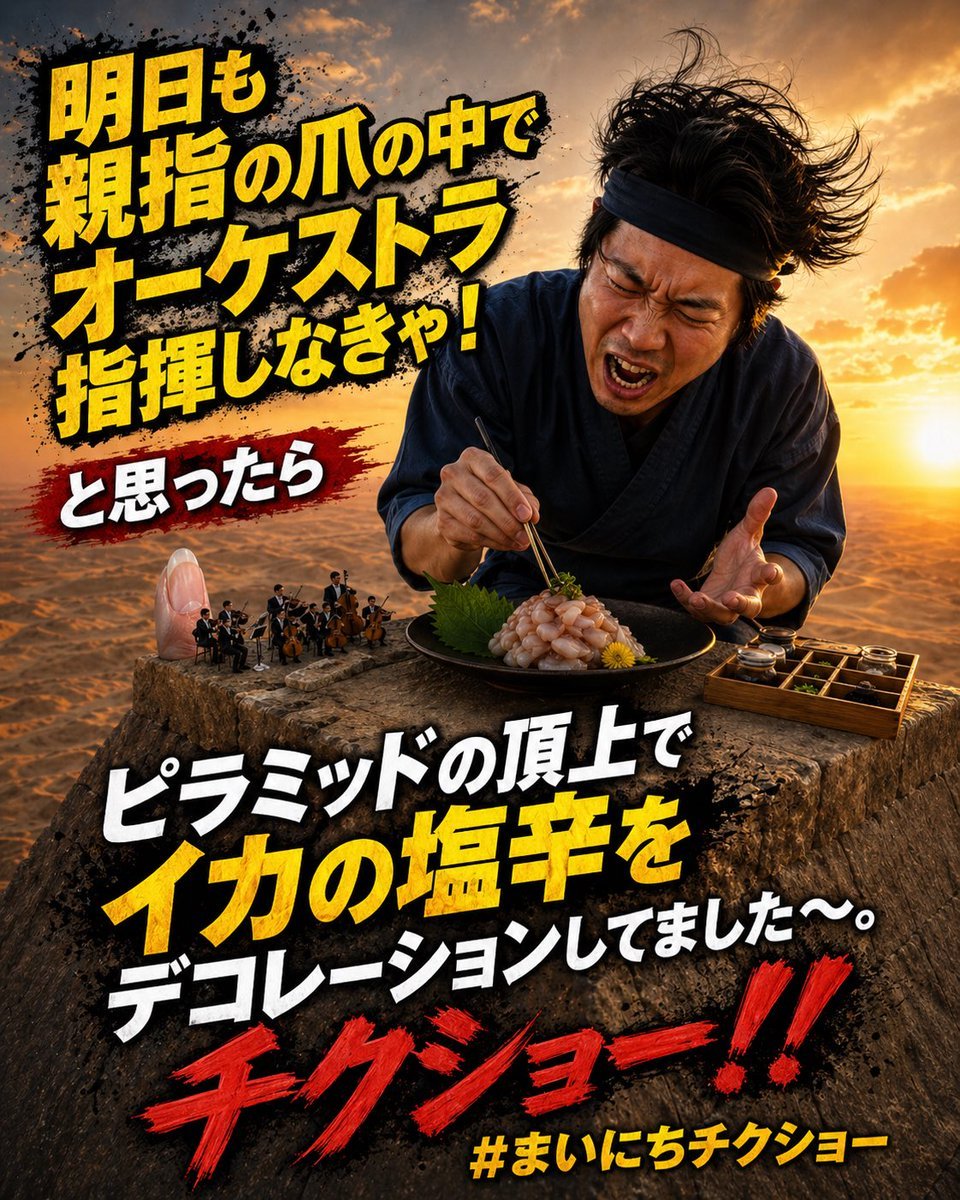
Surreal Japanese Meme Thumbnail at Pyramid
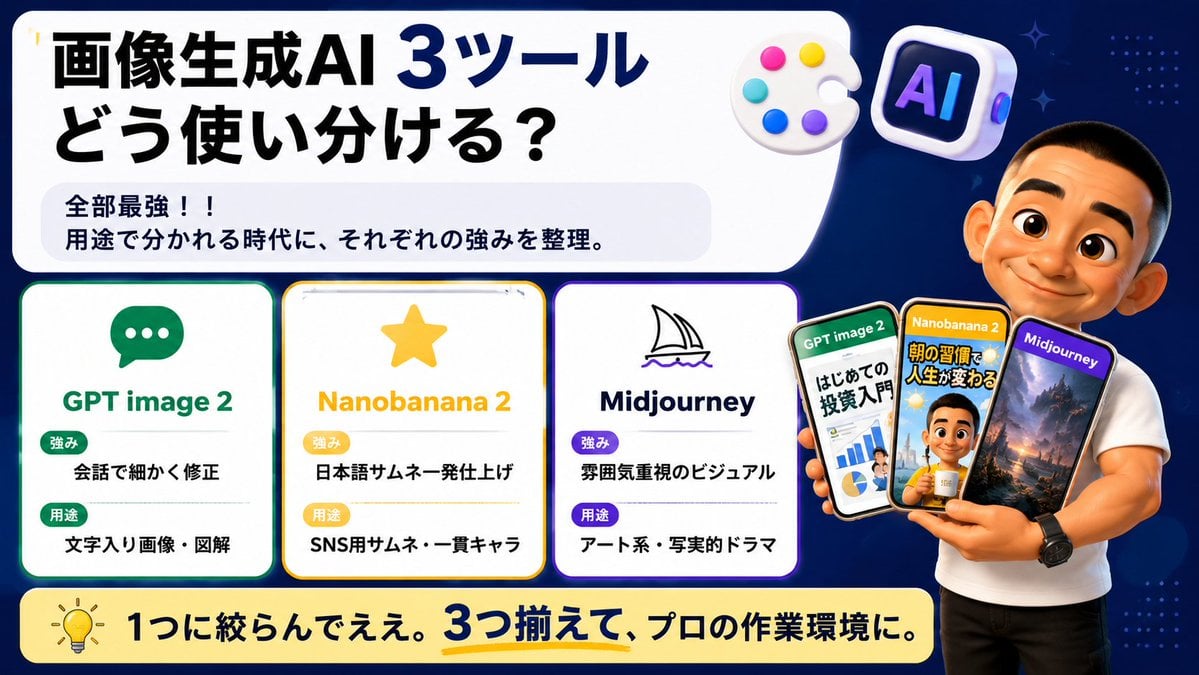
Japanese AI Tool Comparison Thumbnail

Explosive Japanese X Monetization Thumbnail

Japanese X Monetization Thumbnail

Japanese Udemy Course Sale Thumbnail
Make it yours
Fiery Japanese Growth Thumbnail works as-is. These are the safest ways to change it without losing the look.
Swap the setting
Keep the rest of the prompt and replace the location block. The current setting is “black with orange fire sparks, glowing particles, light streaks, and lens flare”.
Change one field
Copy a single group, rewrite it, and generate again so you can see what that field is doing.
Keep the frame, change the subject
Hold the composition and light of Fiery Japanese Growth Thumbnail, then swap wardrobe, props or the person for a new take.
| If the result… | Why | Fix |
|---|---|---|
| The result drifts from the preview | Too many fields changed at once. | Reuse Fiery Japanese Growth Thumbnail as-is first, then change one group — subject, light, or setting. |
| GPT Image 2 ignores part of the JSON | Some models flatten or skip nested keys. | Keep the same values and paste them as a short paragraph instead. |
More GPT Image 2 templates
Other prompts made for GPT Image 2.

Six VTuber Japanese Logo Sheet

Realistic Portrait of Woman and Deer

The Vista Modular Condo Poster

AI Model Routing Comparison Infographic

2.5D Anime Art Board

Isometric Productivity Desk Scene

New York Double Exposure Poster

Four-Panel AI Landscape Comparison

Japanese Tatami Lifestyle Magazine Cover

NESCAFÉ Coffee Map Poster
More image prompts
Fresh picks from across the catalog.
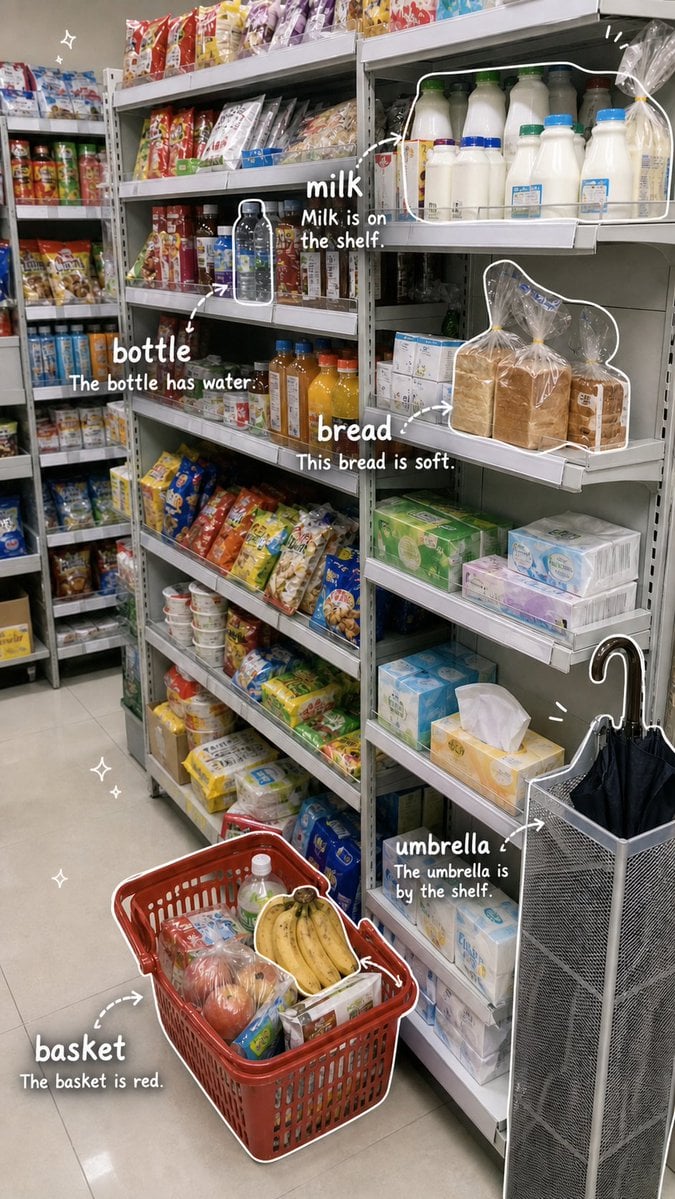
Grocery Vocabulary Notebook Photo

3D Historical Biography Poster Template

Cyberpunk Neon Split Lighting Portrait

Ultra-Realistic Urban Portrait of a Young Man

Image-to-Image Ink-Wash Fashion Editorial Prompt

Gold Lamborghini Fashion Shoot Prompt
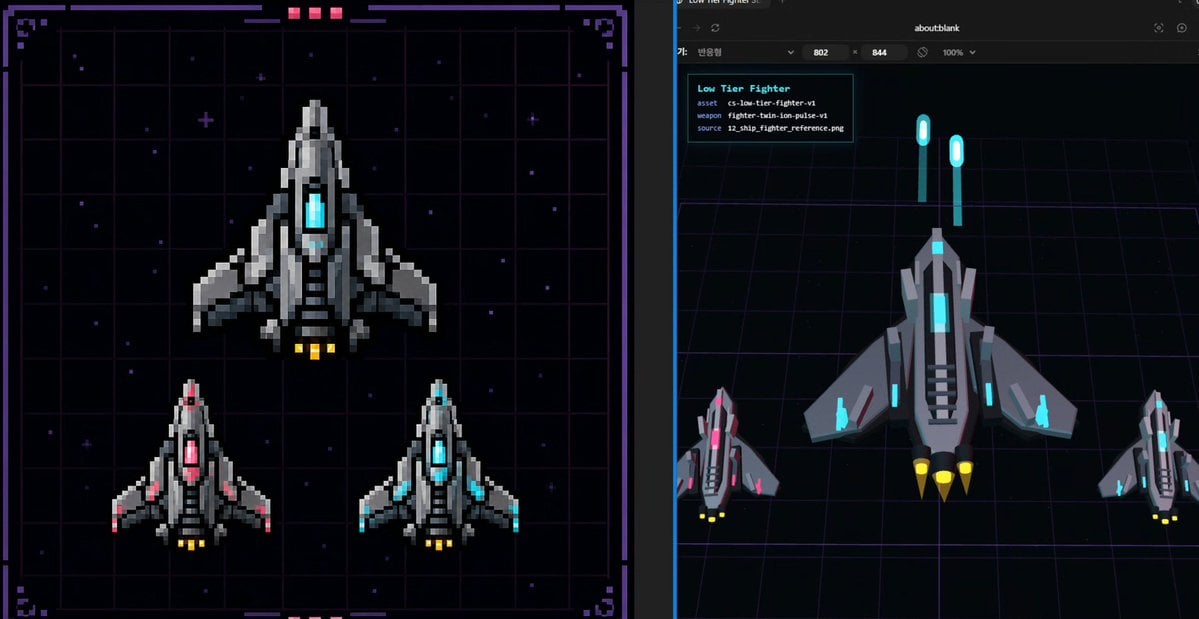
Pixel Fighter to 3D Asset Sheet
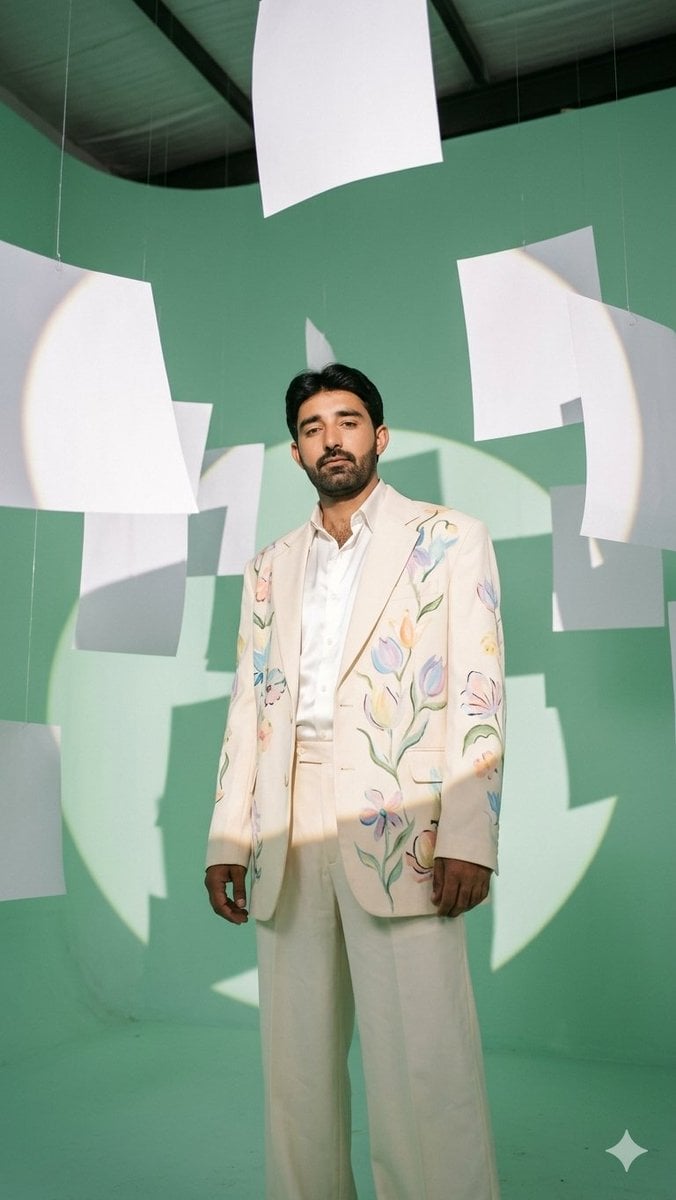
Mint Studio Fashion Editorial
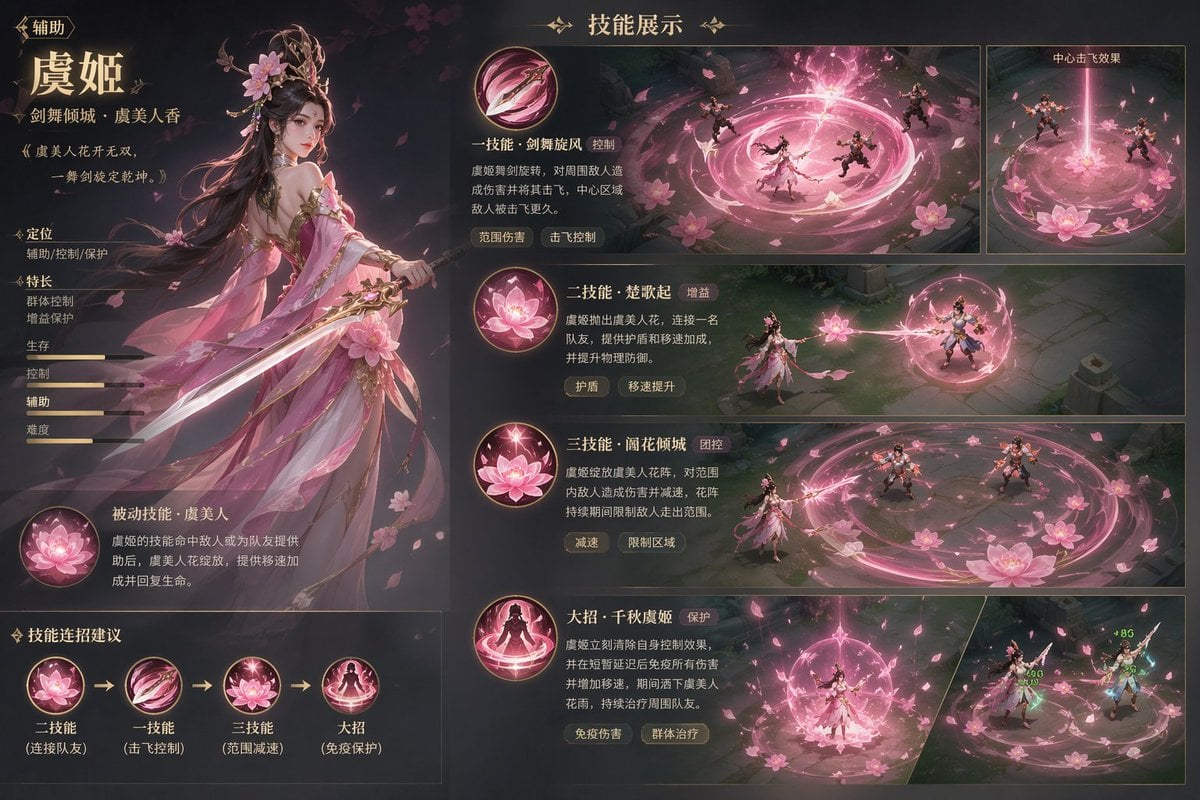
Game character skill concept prompt
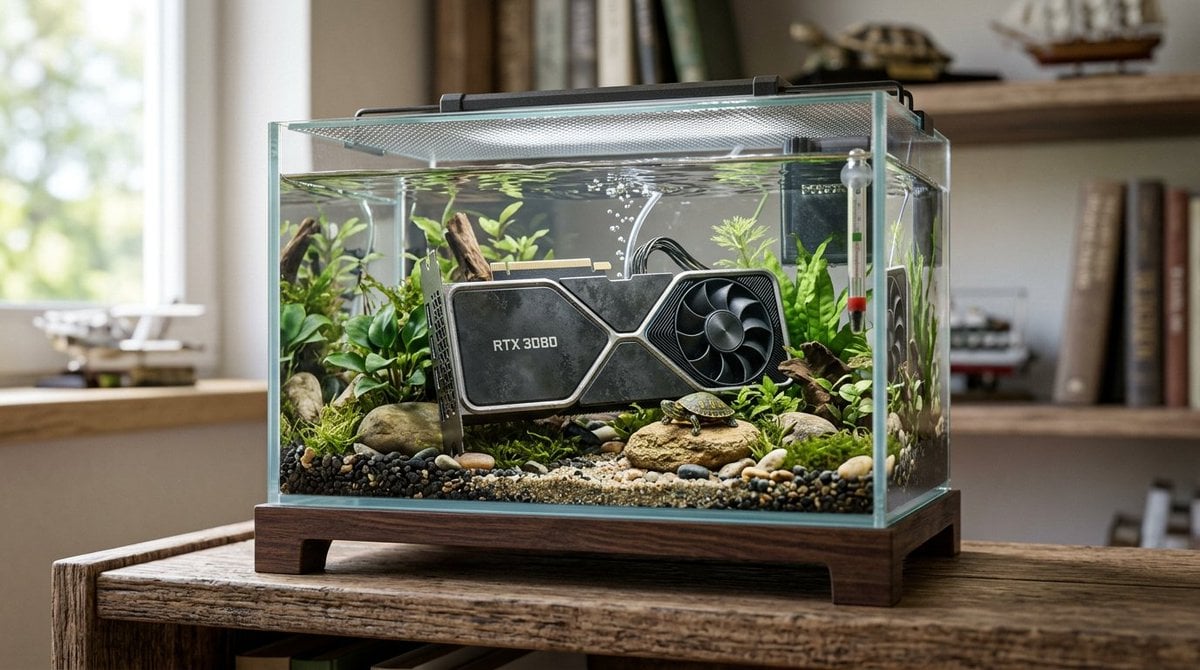
Hyper-Realistic Miniature Turtle Tank Diorama
Browse template categories
Fiery Japanese Growth Thumbnail questions
How do I use the Fiery Japanese Growth Thumbnail template?
Add your photo if the template asks for one, edit the prompt if you like — the template's model and format are already selected — and press Generate. Your version opens in PicX Studio.
Can I customize the Fiery Japanese Growth Thumbnail template?
Yes. You can change the subject, setting, lighting, mood, format, and available model controls before creating your image.
Is the Fiery Japanese Growth Thumbnail template free?
Opening and editing this template is free. Generating uses credits, shown on the Generate button when you are signed in.
Which AI model should I use?
Start with GPT Image 2, which is the model associated with this template. You can compare another compatible model for a different finish.
Looking for something else? Browse all templates.

Your photo, any look
Thousands of ready templates for every top image and video model, from one credit balance.