
Mint Studio Fashion Editorial
A vertical high-fashion portrait prompt featuring a floral cream-suited male model among suspended paper sheets in a pastel mint studio.
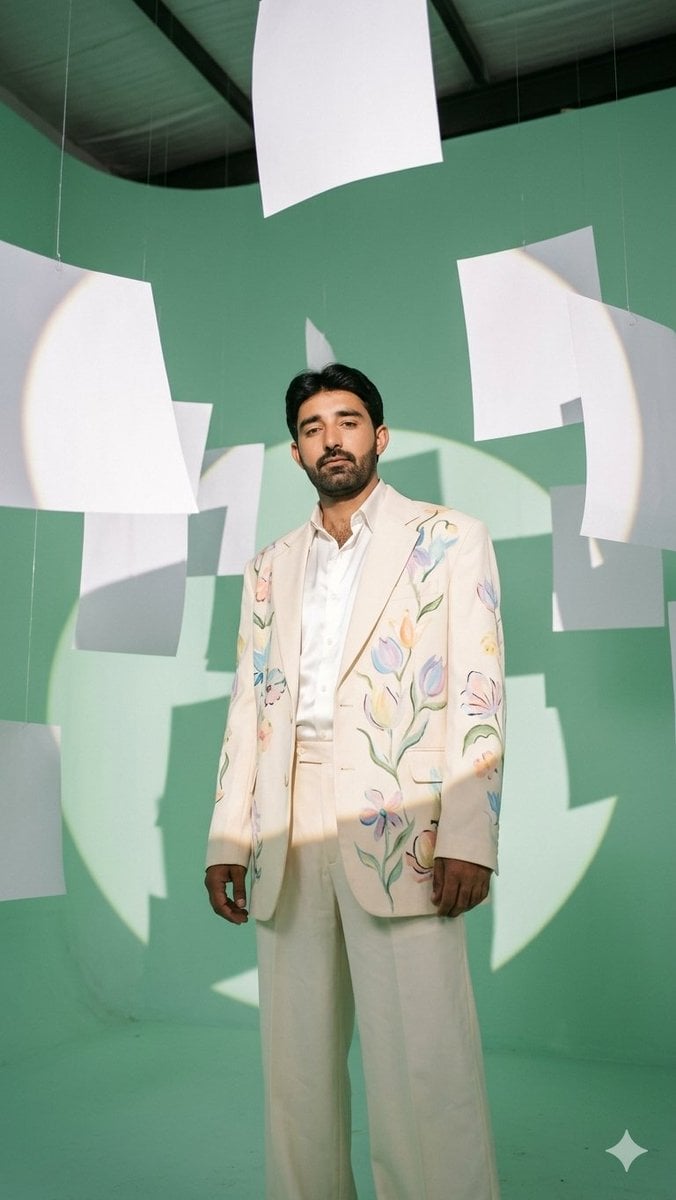
- Prompt included
- Model and format preset
- Free template
The prompt behind this image
Copy the exact prompt behind Mint Studio Fashion Editorial, or open it in the studio and make it yours.
Create a surreal low-angle 35mm fashion editorial portrait of {argument name="character description" default="a stylish young male model"} standing full body in a massive seamless {argument name="studio color" default="pastel mint green"} studio with curved floor-to-wall cyclorama and an exposed dark industrial ceiling visible at the top. He faces the camera with a calm, confident stance, arms relaxed, wearing {argument name="outfit description" default="an ivory cream suit with wide-leg trousers, a white satin shirt, and a cream blazer hand-painted with delicate pastel flowers and green stems"}. His face is covered by a centered soft rectangular blur, while his hair remains visible as short dark slicked-back hair. Surround him with exactly {argument name="paper sheet count" default="11"} suspended oversized white paper sheets hanging from thin nearly invisible strings: one large sheet at the top center, one large sheet on the upper left, one small sheet behind the left side, one gray-shadowed sheet mid-left, one partial sheet at the lower left edge, one narrow sheet behind his head, one large sheet upper right, one large curved sheet on the right edge, one rectangular sheet mid-right, one smaller vertical sheet lower right, and one partial sheet near the lower right edge. The papers bend softly in midair and cast bold abstract shadows. Use dramatic hard sunlight from camera-left forming a large circular spotlight glow and crisp paper silhouettes across the mint wall and the model’s suit, with subtle film grain, realistic fabric texture, muted pastel colors, vertical 9:16 composition, high-fashion magazine styling, natural shadows, and no text or watermark except a tiny white sparkle mark in the bottom-right corner.
How to use Mint Studio Fashion Editorial in 3 steps
- 1Upload ImagePNG, JPG or paste
Add your photo
Upload the photo the template builds on. The prompt, model and format are already set.
- 2…a portrait of your subject in softgolden-hour light, 85mm…
Personalize
Edit the subject and creative details for your destination.
- 3Generate
Generate
Press Generate — your image is created in PicX Studio, so you can compare it with the original and refine one variable at a time.
More like this
Templates with the same subject, style or setup. Open one to see its prompt.

Luxury Black-and-White Fashion Contact Sheet

Gpt Image 2 Fashion Portrait

Futuristic Studio Neon Ring Minimalist Portrait

untitled

Google Gemini Nano Banana Pro

Conceptual Fashion Portrait in Spider We

01 Skincare Split Portrait — Nano Banana 2

24 The Getty Center — California Series

21 Glass Floor Skyscraper — California Series

19 Luxury Helicopter Travel — California Series

08 Rodeo Drive Luxury Exit — California Series

03 Beverly Hills Convertible — California Series
Make it yours
Mint Studio Fashion Editorial works as-is. These are the safest ways to change it without losing the look.
Change one field
Copy a single group, rewrite it, and generate again so you can see what that field is doing.
Keep the frame, change the subject
Hold the composition and light of Mint Studio Fashion Editorial, then swap wardrobe, props or the person for a new take.
| If the result… | Why | Fix |
|---|---|---|
| The result drifts from the preview | Too many fields changed at once. | Reuse Mint Studio Fashion Editorial as-is first, then change one group — subject, light, or setting. |
| The model over-stylizes the scene | The prose prompt leaves finish and camera underspecified. | Add one camera or lighting sentence and stay on GPT Image 2. |
More GPT Image 2 templates
Other prompts made for GPT Image 2.

Six VTuber Japanese Logo Sheet

Realistic Portrait of Woman and Deer

The Vista Modular Condo Poster

AI Model Routing Comparison Infographic

2.5D Anime Art Board

Isometric Productivity Desk Scene

New York Double Exposure Poster

Four-Panel AI Landscape Comparison

Japanese Tatami Lifestyle Magazine Cover

NESCAFÉ Coffee Map Poster
More image prompts
Fresh picks from across the catalog.
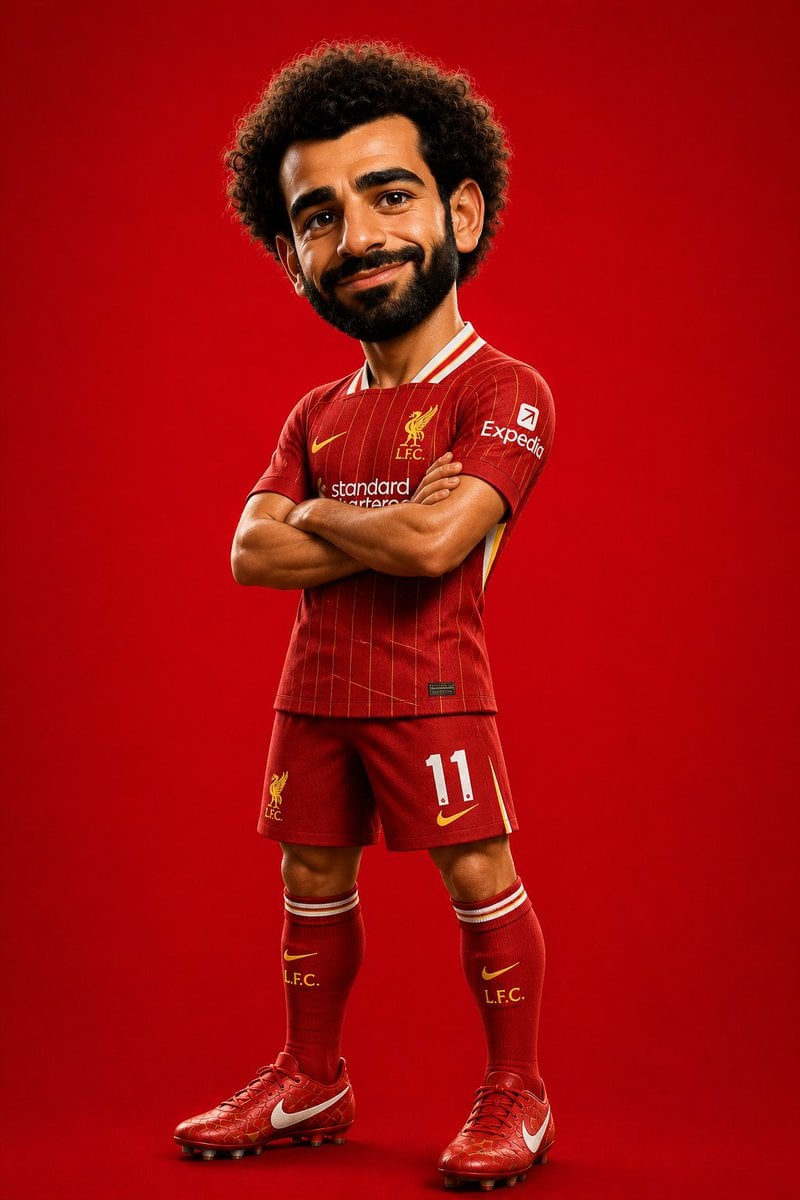
Pixar Style Soccer Player Character
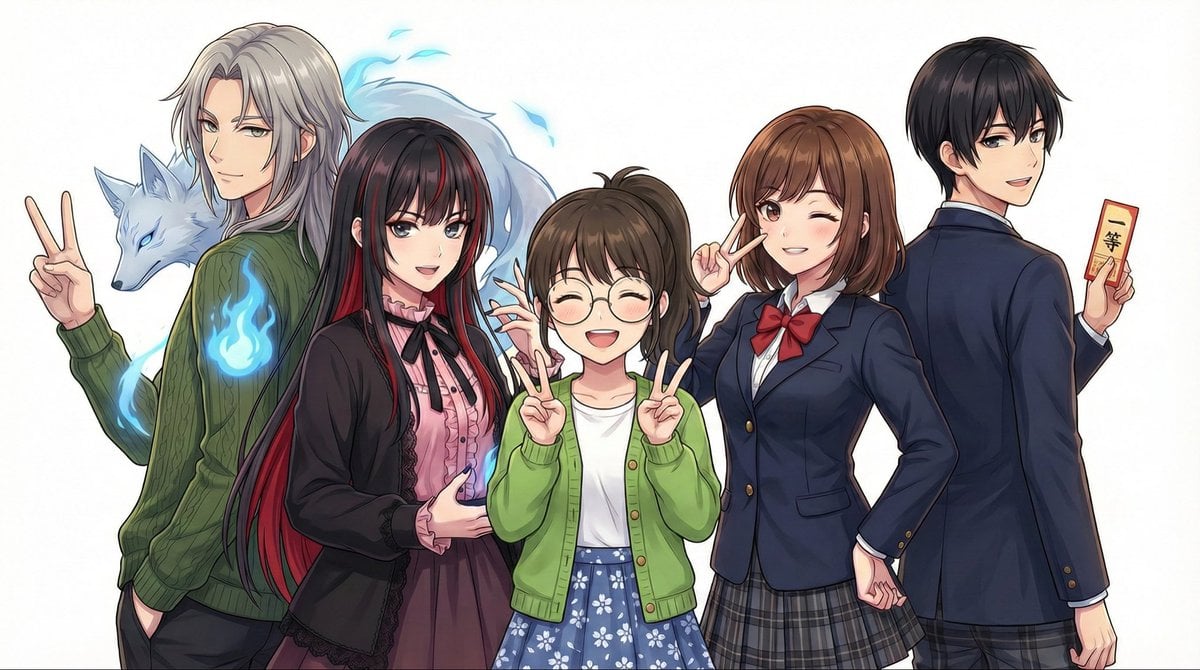
Complex Multi-Instruction Image Generation
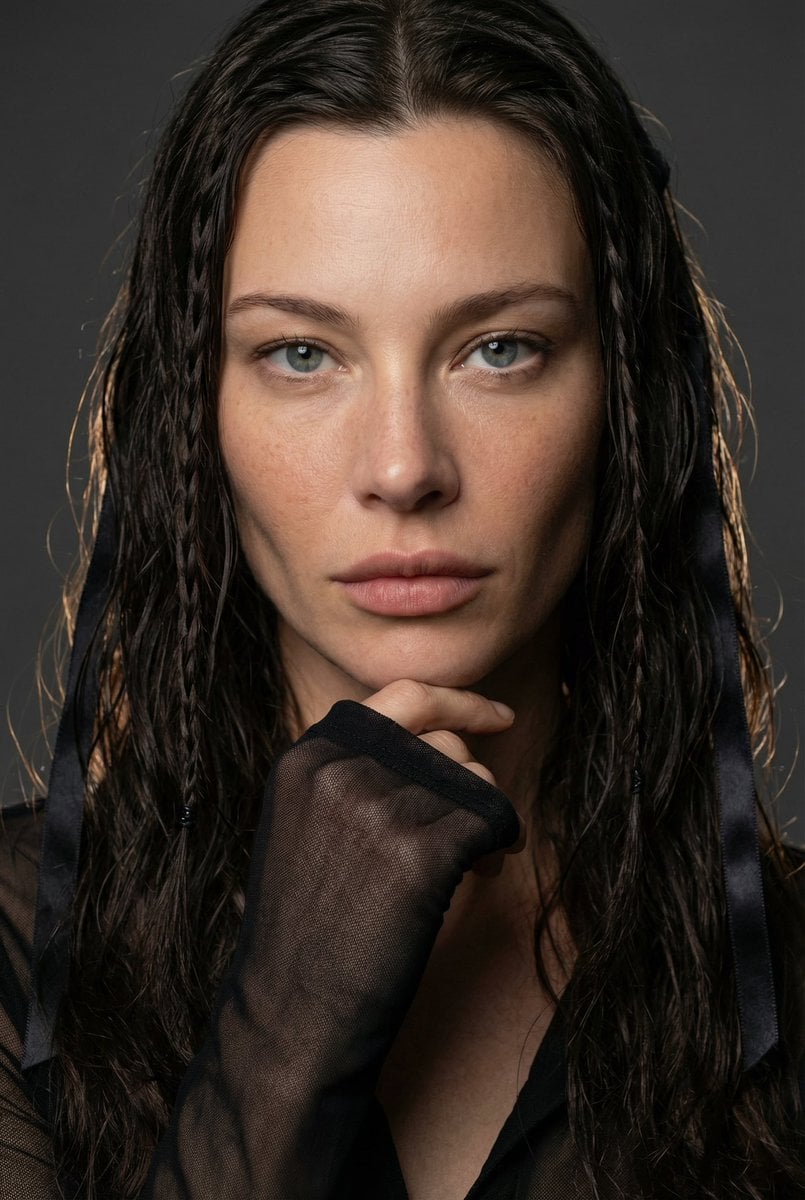
High-End Editorial Beauty Portrait
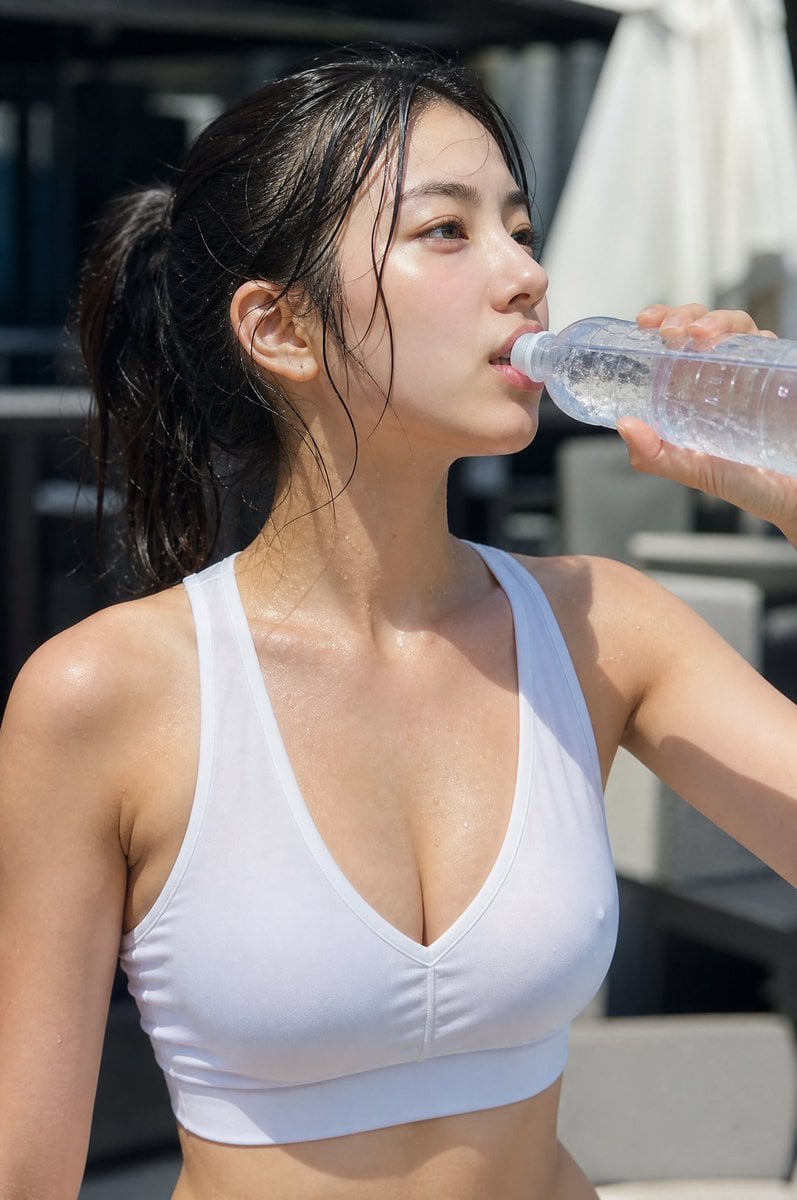
Minimalist Athletic Fashion Close-up
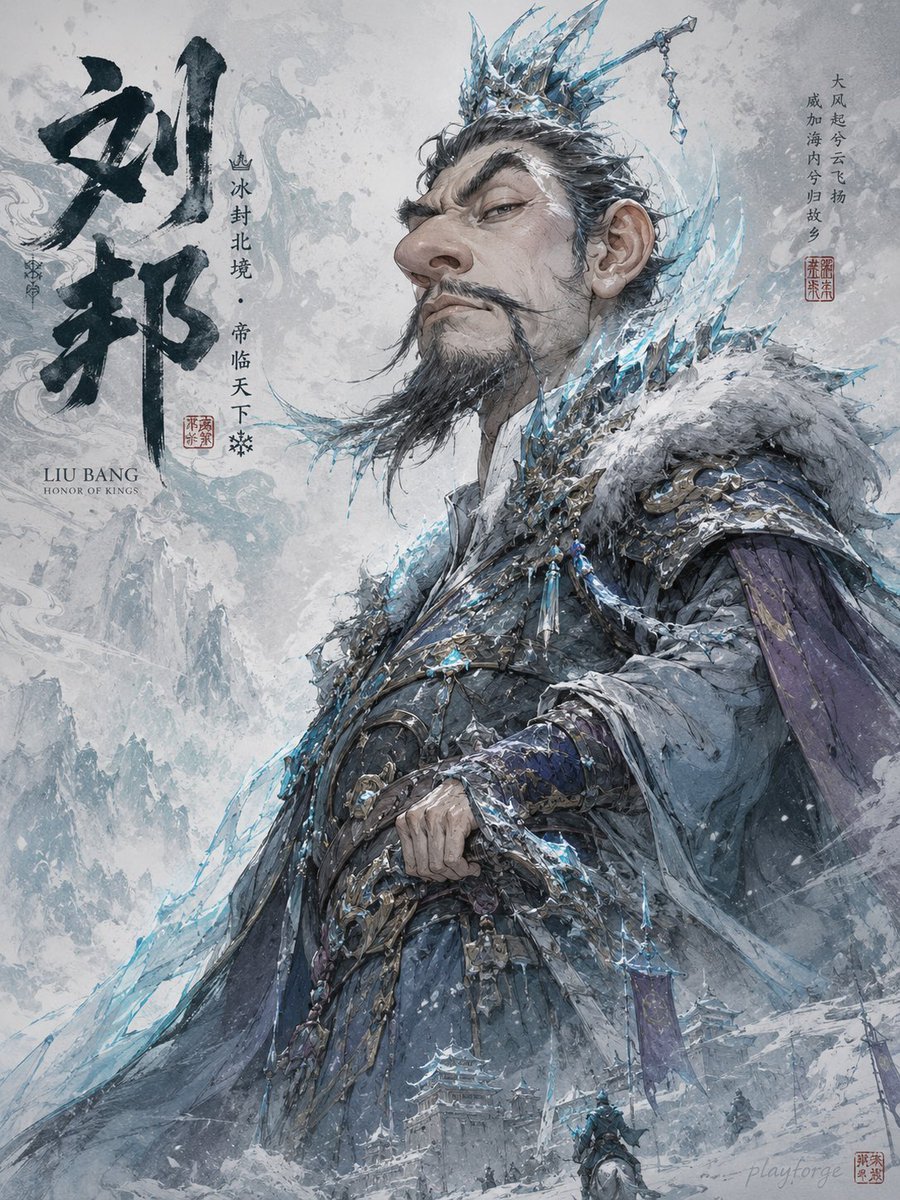
Humorous Game Character Caricature
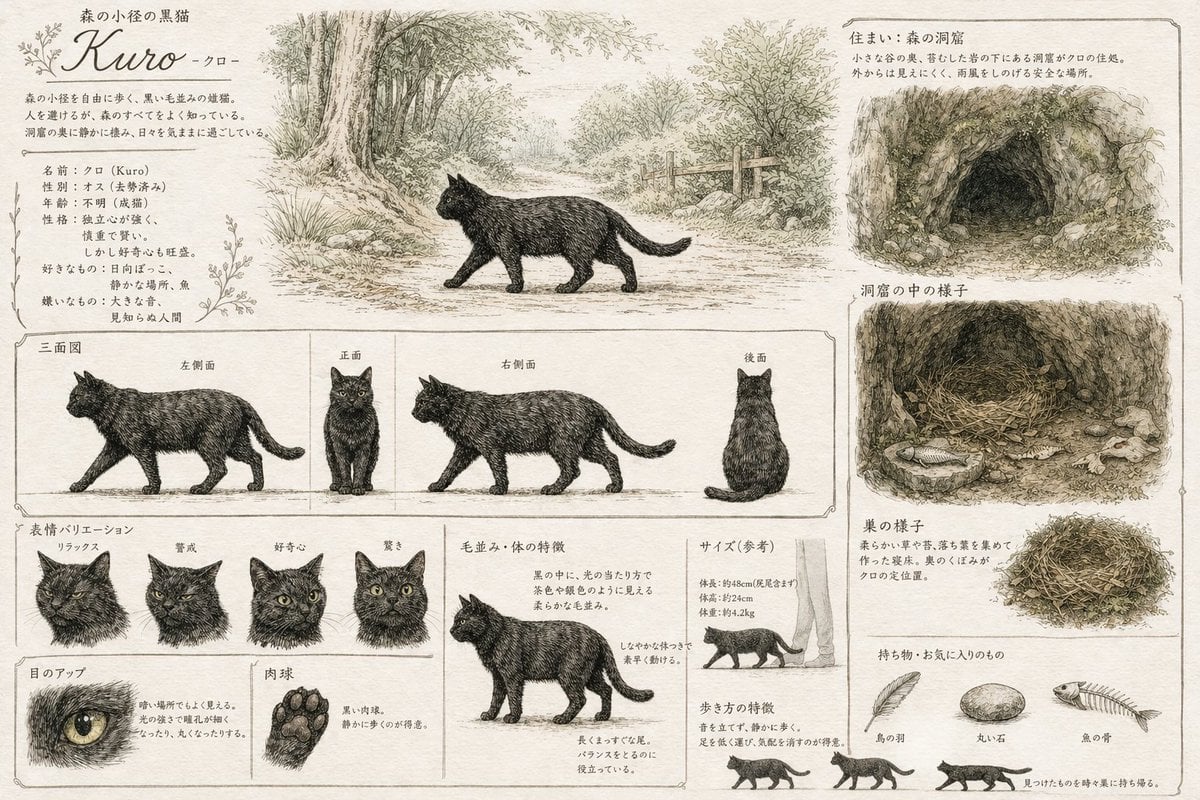
Vintage Creature Concept Art Sheet
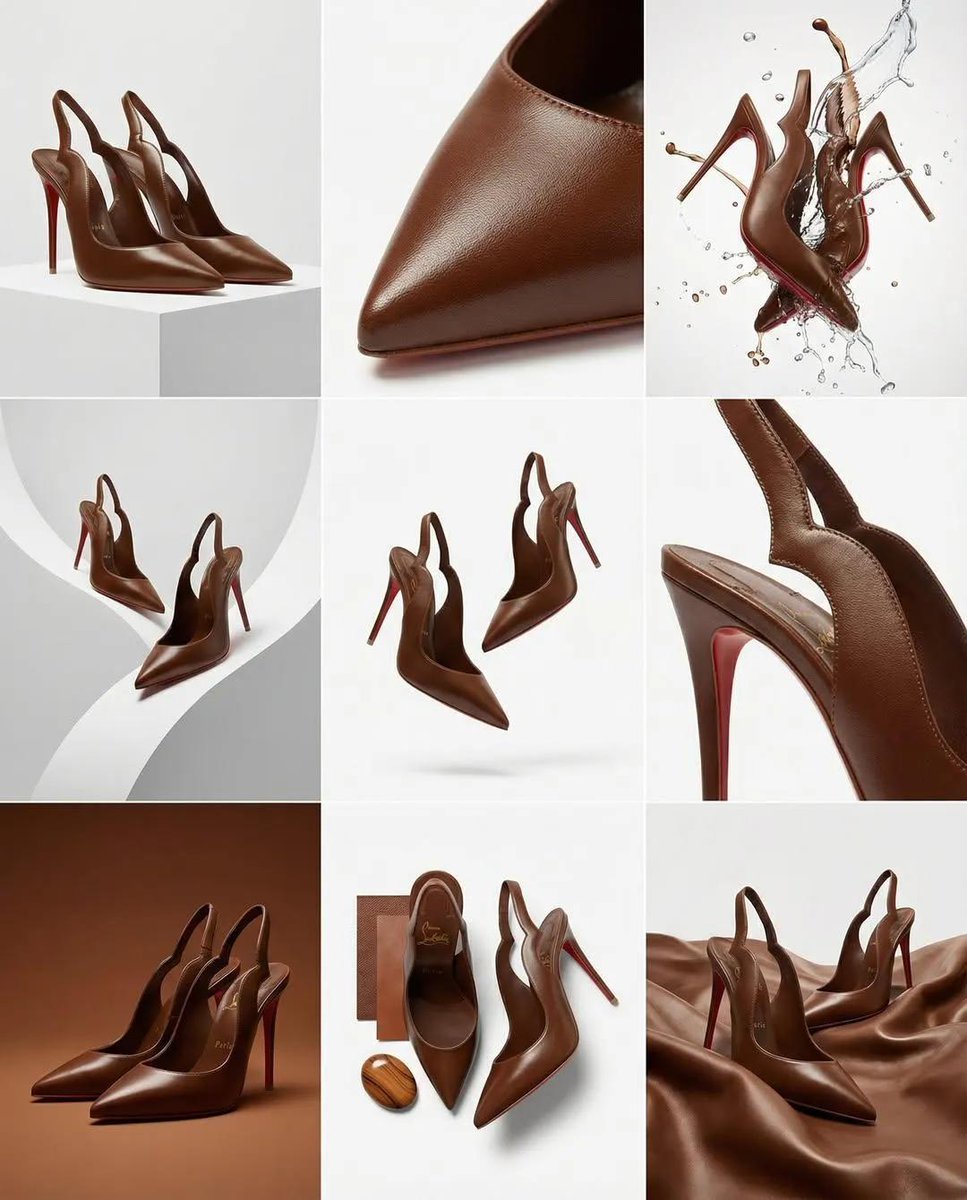
Luxury Product Campaign Grid
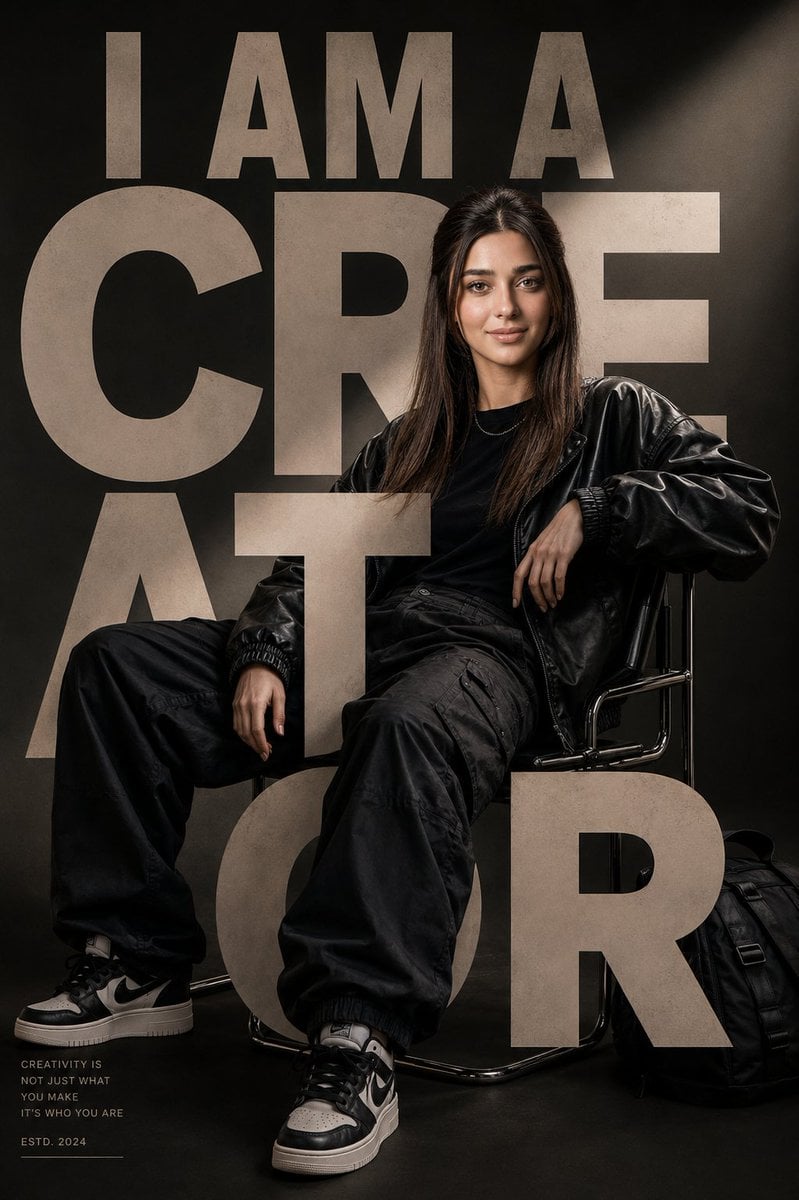
Luxury Streetwear Editorial Poster
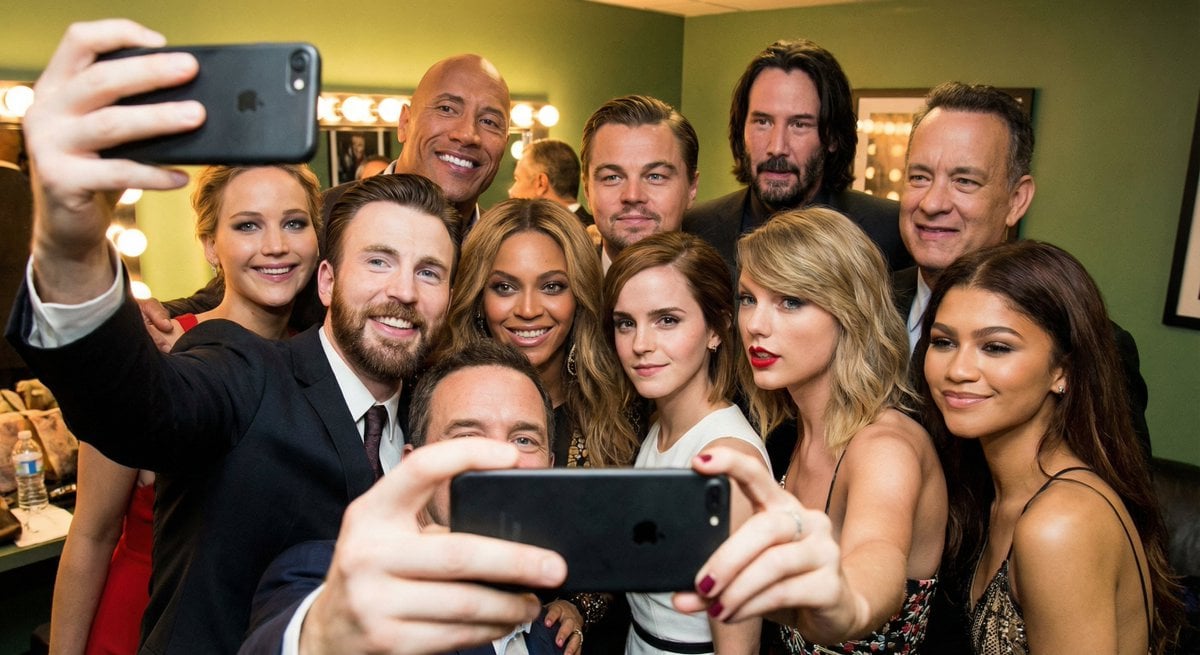
Selfie of multiple celebrities
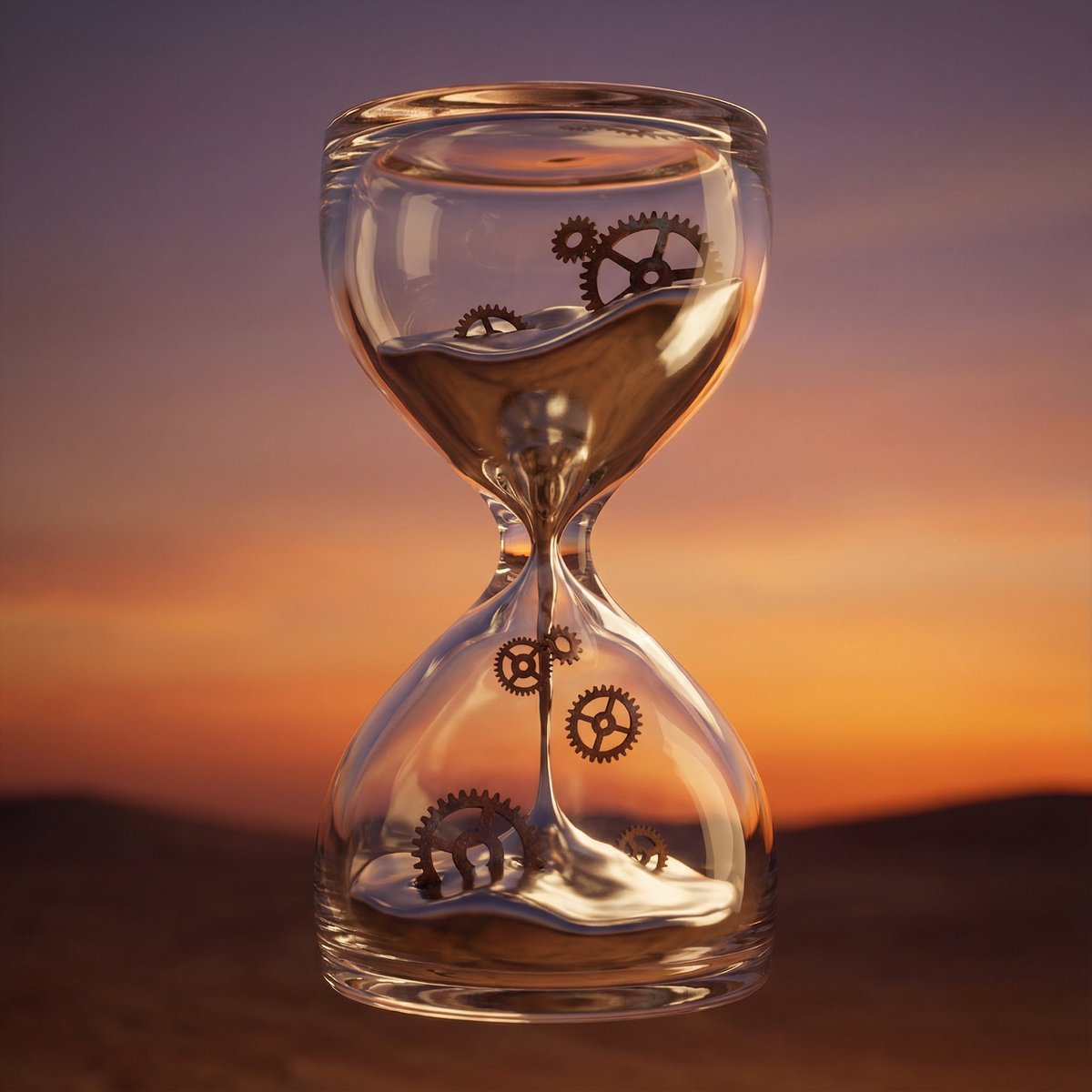
Hyper-Realistic 3D Simulation Prompt: Melting Hourglass
Browse template categories
Mint Studio Fashion Editorial questions
How do I use the Mint Studio Fashion Editorial template?
Add your photo if the template asks for one, edit the prompt if you like — the template's model and format are already selected — and press Generate. Your version opens in PicX Studio.
Can I customize the Mint Studio Fashion Editorial template?
Yes. You can change the subject, setting, lighting, mood, format, and available model controls before creating your image.
Is the Mint Studio Fashion Editorial template free?
Opening and editing this template is free. Generating uses credits, shown on the Generate button when you are signed in.
Which AI model should I use?
Start with GPT Image 2, which is the model associated with this template. You can compare another compatible model for a different finish.
Looking for something else? Browse all templates.

Your photo, any look
Thousands of ready templates for every top image and video model, from one credit balance.