
Japanese Udemy Course Sale Thumbnail
Generates a dramatic Japanese promotional banner for a discounted Udemy digital organization course with glowing typography and a face-blurred presenter.

- Prompt included
- Model and format preset
- Premium template
The prompt behind this image
Copy the exact prompt behind Japanese Udemy Course Sale Thumbnail, or open it in the studio and make it yours.
- Type
- Japanese Udemy course promotional thumbnail / social media banner
- Aspect Ratio
- wide 16:9, 1200x675 style
- Overall Style
- high-conversion online course ad, premium dark navy and black digital workspace background, glowing gold typography, cinematic lighting, sharp commercial compositing, dramatic contrast, bokeh particles, subtle tech UI squares and cloud/file icons
- Main Subject › Position
- right third
- Main Subject › Description
- adult presenter from waist up wearing bright blue medical-scrub-like top, face intentionally blurred or covered by a soft rectangular mosaic for anonymity, curly vivid blue afro-style hair, one arm raised with index finger pointing upward, other arm holding a closed silver laptop against the body
- Main Subject › Expression
- not visible due to face blur
- Main Subject › Pose
- confident instructor pose pointing to the top-left offer banner
- Background › Setting
- dark office or study room with shelves and storage boxes, warm desk lamp glow, floating digital folder and cloud motifs, scattered gold light particles and thin geometric lines
- Background › Mood
- organized, trustworthy, digital productivity
- Typography › Primary Headline
- {argument name="main headline text" default="情報整理で人生は変わる"}
- Typography › Headline Position
- large center-left, stacked in multiple lines
- Typography › Headline Style
- oversized Japanese Mincho/serif type, gold gradient with bright outer glow and subtle shadow; the smaller connecting characters are white
- Typography › Top Copy
- {argument name="top copy" default="探し物をなくして、行動を取り戻す"}
- Typography › Top Copy Position
- top center-left in white Japanese serif text
- Typography › Subheadline
- {argument name="course subtitle" default="デジタル整理講座"}
- Typography › Subheadline Position
- below headline centered-left with thin horizontal gold divider lines
- Typography › Offer Banner › Position
- upper left below top copy
- Typography › Offer Banner › Shape
- red horizontal ribbon with angled ends and gold outline
- Typography › Offer Banner › Text
- {argument name="offer text" default="Udemy講座 95%OFF"}
- Typography › Offer Banner › Style
- white bold serif text, large 95%OFF emphasized
- Layout › Sections › 0 › Title
- top message
- Layout › Sections › 0 › Position
- top center-left
- Layout › Sections › 0 › Count
- 1
- Layout › Sections › 0 › Labels
- 探し物をなくして、行動を取り戻す
Raw JSON
{"type":"Japanese Udemy course promotional thumbnail / social media banner","aspect_ratio":"wide 16:9, 1200x675 style","overall_style":"high-conversion online course ad, premium dark navy and black digital workspace background, glowing gold typography, cinematic lighting, sharp commercial compositing, dramatic contrast, bokeh particles, subtle tech UI squares and cloud/file icons","main_subject":{"position":"right third","description":"adult presenter from waist up wearing bright blue medical-scrub-like top, face intentionally blurred or covered by a soft rectangular mosaic for anonymity, curly vivid blue afro-style hair, one arm raised with index finger pointing upward, other arm holding a closed silver laptop against the body","expression":"not visible due to face blur","pose":"confident instructor pose pointing to the top-left offer banner"},"background":{"setting":"dark office or study room with shelves and storage boxes, warm desk lamp glow, floating digital folder and cloud motifs, scattered gold light particles and thin geometric lines","mood":"organized, trustworthy, digital productivity"},"typography":{"primary_headline":"{argument name=\"main headline text\" default=\"情報整理で人生は変わる\"}","headline_position":"large center-left, stacked in multiple lines","headline_style":"oversized Japanese Mincho/serif type, gold gradient with bright outer glow and subtle shadow; the smaller connecting characters are white","top_copy":"{argument name=\"top copy\" default=\"探し物をなくして、行動を取り戻す\"}","top_copy_position":"top center-left in white Japanese serif text","subheadline":"{argument name=\"course subtitle\" default=\"デジタル整理講座\"}","subheadline_position":"below headline centered-left with thin horizontal gold divider lines","offer_banner":{"position":"upper left below top copy","shape":"red horizontal ribbon with angled ends and gold outline","text":"{argument name=\"offer text\" default=\"Udemy講座 95%OFF\"}","style":"white bold serif text, large 95%OFF emphasized"}},"layout":{"sections":[{"title":"top message","position":"top center-left","count":1,"labels":["探し物をなくして、行動を取り戻す"]},{"title":"red discount ribbon","position":"upper left","count":1,"labels":["Udemy講座 95%OFF"]},{"title":"main headline block","position":"center-left","count":1,"labels":["情報整理で人生は変わる"]},{"title":"course subtitle block","position":"lower center-left","count":1,"labels":["デジタル整理講座"]},{"title":"device feature strip","position":"below subtitle","count":3,"labels":["PC","スマホ","クラウド"]},{"title":"bottom benefit cards","position":"bottom row","count":3,"labels":["1日5分で整う","7ステップで実践","5/3 22:00まで"]},{"title":"round benefit badge","position":"lower right overlapping laptop","count":1,"labels":["ムダな検索時間をゼロにして、時間と集中力を取り戻す"]}]},"graphic_elements":{"bottom_cards":"three rectangular dark cards with thin gold borders, each with one gold icon: clock icon for 1日5分で整う, checklist icon for 7ステップで実践, calendar icon for 5/3 22:00まで","feature_strip":"dark elongated outlined plaque with small gold icons for desktop monitor, smartphone, and cloud followed by white text PC・スマホ・クラウドを標準機能だけで整える","badge":"black circular seal with gold rim and laurel leaves, mixed white and gold Japanese text, placed over the presenter and laptop","decorations":"glowing file folder icon at far left, small cloud icons, floating squares, gold sparkles and lens flare accents"},"color_palette":"black, midnight navy, luminous gold, white, crimson red, bright scrub blue, warm amber highlights","composition":"left side dominated by text hierarchy and promotional information, right side dominated by human presenter; ensure all Japanese text is crisp, readable, correctly spelled, and arranged like a professional Udemy sale thumbnail","negative_prompt":"no extra people, no unreadable gibberish, no distorted hands, no duplicated fingers, no random English text, no clutter covering the headline"}How to use Japanese Udemy Course Sale Thumbnail in 3 steps
- 1Upload ImagePNG, JPG or paste
Add your photo
Upload the photo the template builds on. The prompt, model and format are already set.
- 2…a portrait of your subject in softgolden-hour light, 85mm…
Personalize
Edit the subject and creative details for your destination.
- 3Generate
Generate
Press Generate — your image is created in PicX Studio, so you can compare it with the original and refine one variable at a time.
More like this
Templates with the same subject, style or setup. Open one to see its prompt.

Minecraft Japanese Research Lab Exploration

Japanese Architectural Concrete Studio Fashion Campaign

Japanese Minimalist Concrete Studio Fashion Editorial

Blue Backdrop Luxury Fashion Portrait Campaign

Anime AI Course Presentation Thumbnail

Thumbnail Generation Prompt for Sales Content (Brain/Tips/Note)

Japanese Film Reflection Idol
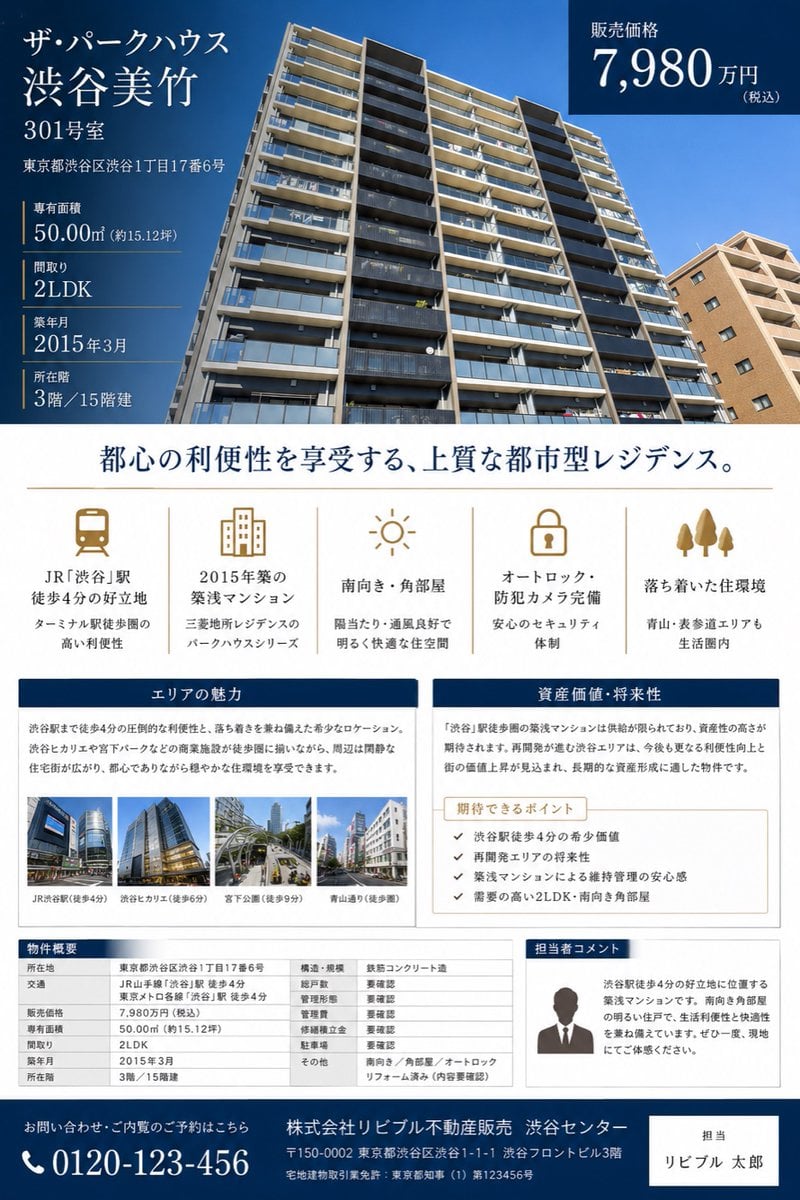
Japanese Luxury Condo Sales Flyer

Japanese SNS Automation Thumbnail

Surreal Japanese Meme Thumbnail at Pyramid
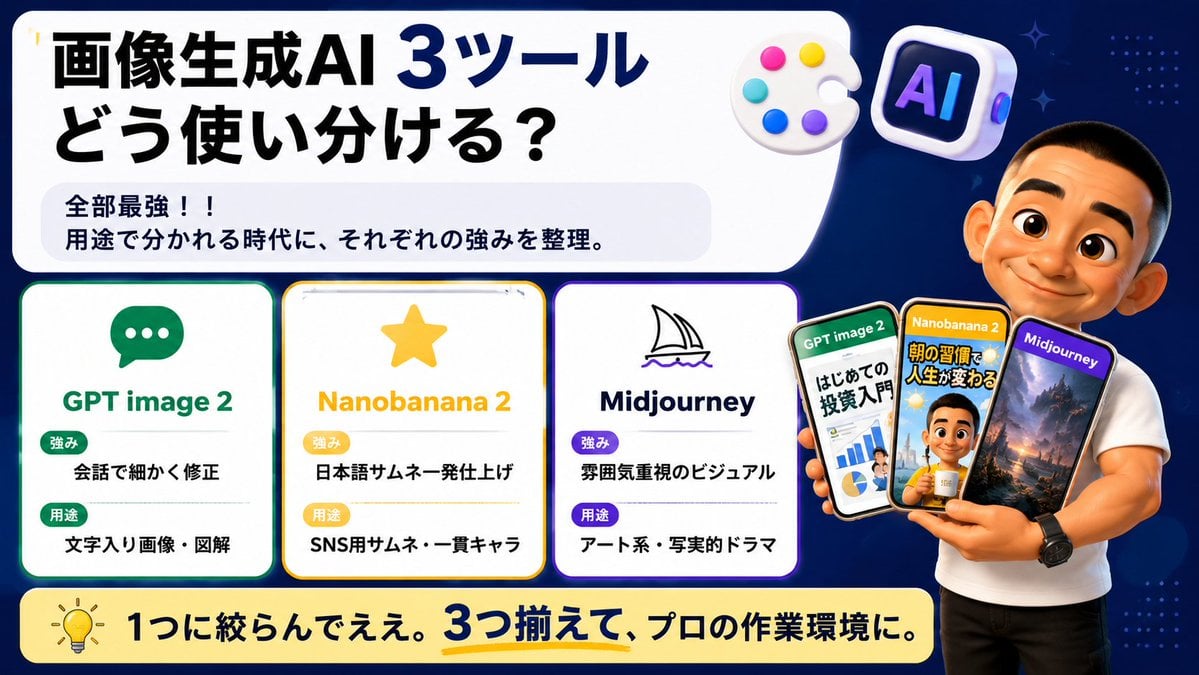
Japanese AI Tool Comparison Thumbnail

Explosive Japanese X Monetization Thumbnail
Make it yours
Japanese Udemy Course Sale Thumbnail works as-is. These are the safest ways to change it without losing the look.
Swap the setting
Keep the rest of the prompt and replace the location block. The current setting is “dark office or study room with shelves and storage boxes, warm desk lamp glow, f”.
Change one field
Copy a single group, rewrite it, and generate again so you can see what that field is doing.
Keep the frame, change the subject
Hold the composition and light of Japanese Udemy Course Sale Thumbnail, then swap wardrobe, props or the person for a new take.
| If the result… | Why | Fix |
|---|---|---|
| The result drifts from the preview | Too many fields changed at once. | Reuse Japanese Udemy Course Sale Thumbnail as-is first, then change one group — subject, light, or setting. |
| GPT Image 2 ignores part of the JSON | Some models flatten or skip nested keys. | Keep the same values and paste them as a short paragraph instead. |
More GPT Image 2 templates
Other prompts made for GPT Image 2.

Six VTuber Japanese Logo Sheet

Realistic Portrait of Woman and Deer

The Vista Modular Condo Poster

AI Model Routing Comparison Infographic

2.5D Anime Art Board

Isometric Productivity Desk Scene

New York Double Exposure Poster

Four-Panel AI Landscape Comparison

Japanese Tatami Lifestyle Magazine Cover

NESCAFÉ Coffee Map Poster
More image prompts
Fresh picks from across the catalog.
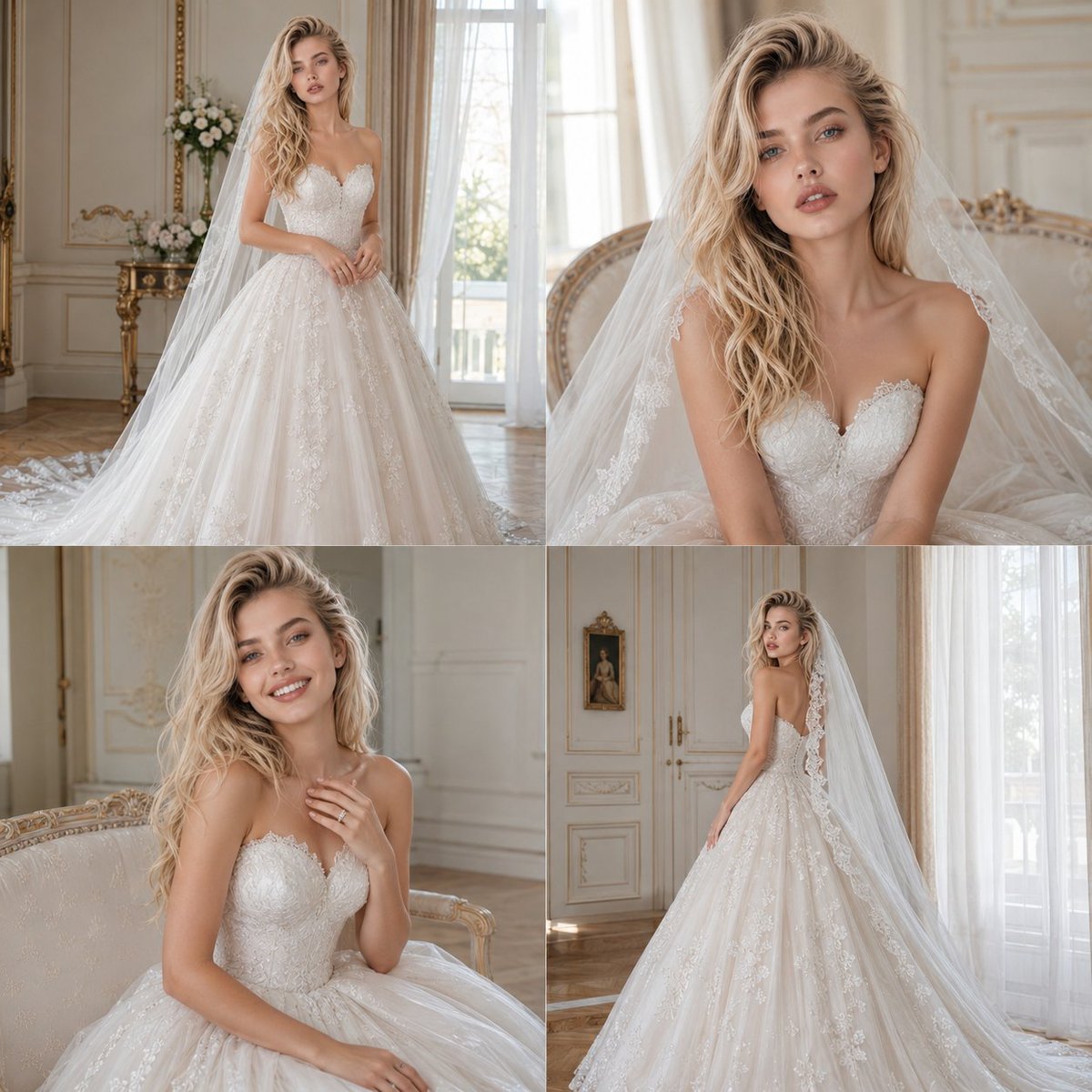
Bridal Photoshoot Grid
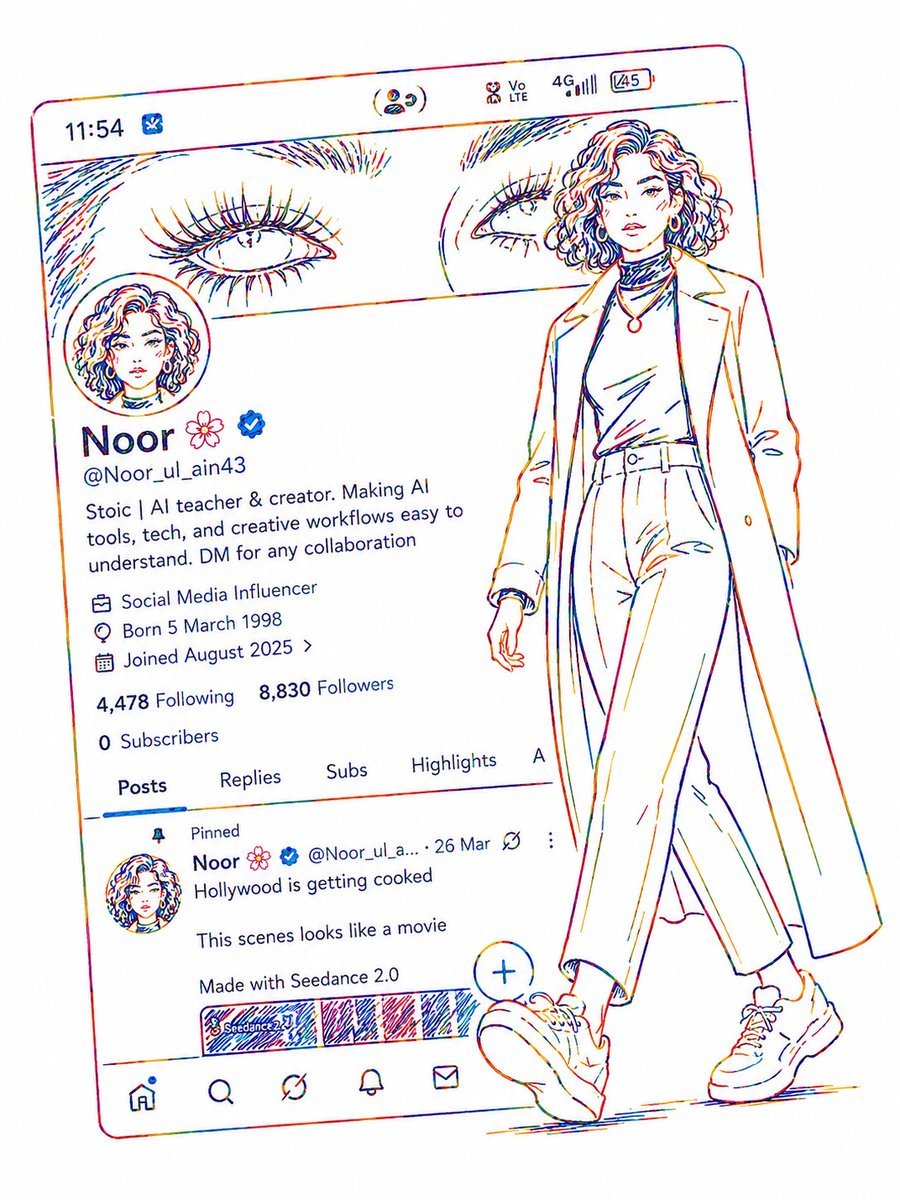
Minimalist Neon UI Character Illustration
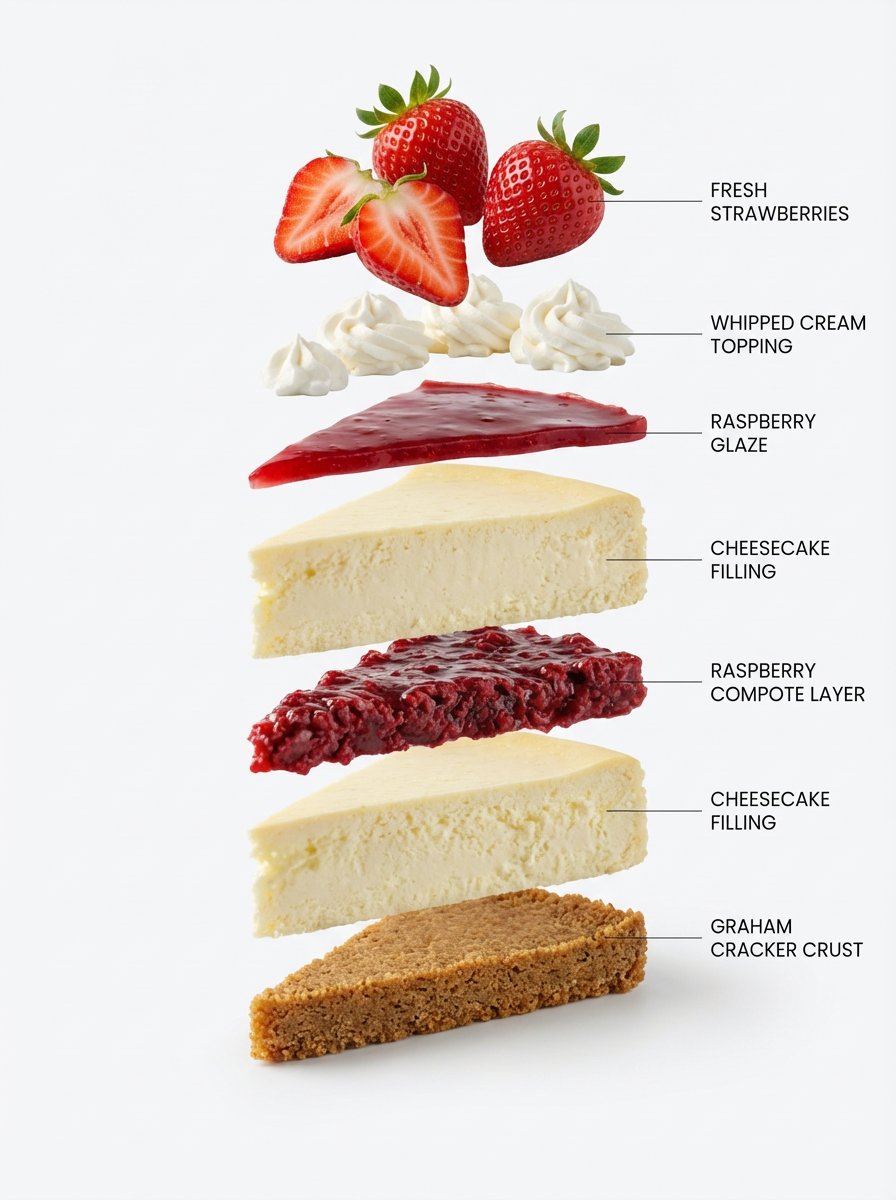
Exploded-View Structural Cutaway for Food Photography
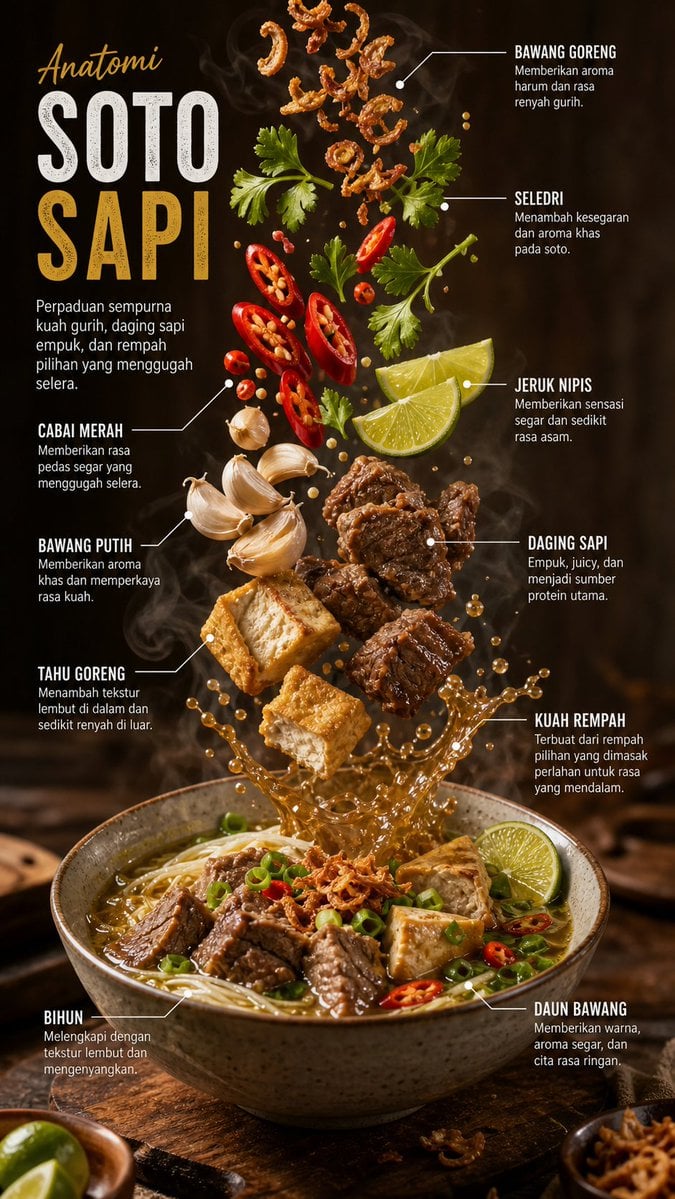
Editorial Food Infographic Poster

Cinematic Portrait with Bioluminescent Butterfly Interaction

1970s Route 66 Polaroid
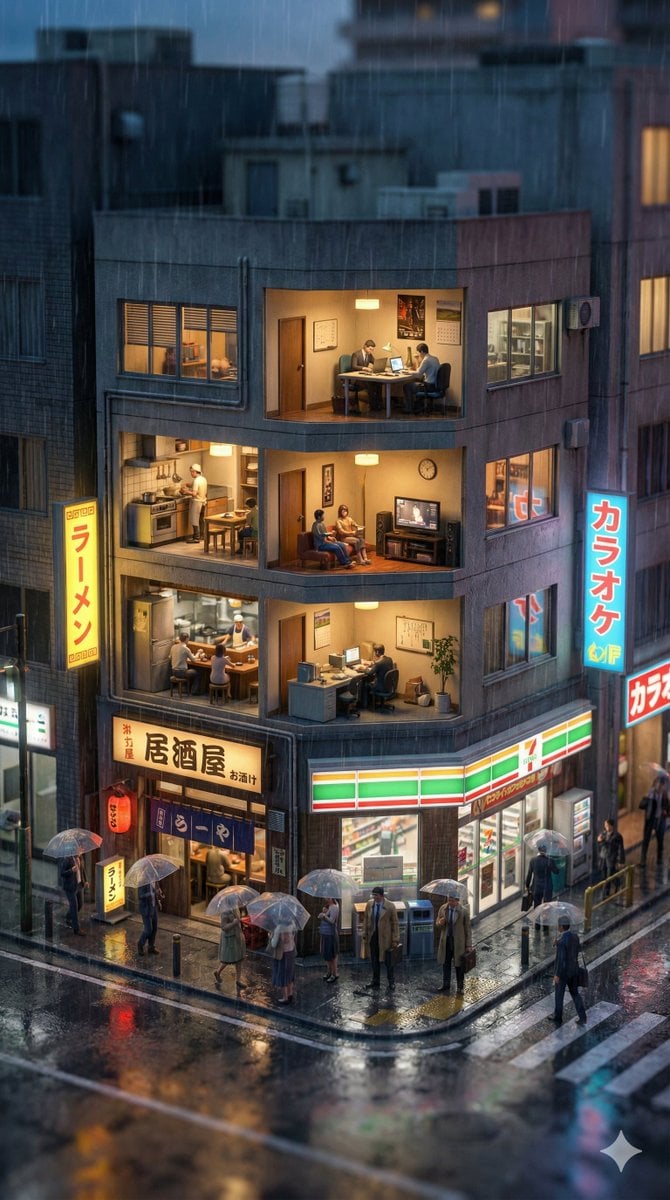
Vertical Tilt-Shift Miniature City Cross-Section

Experimental Chinese Typography Design
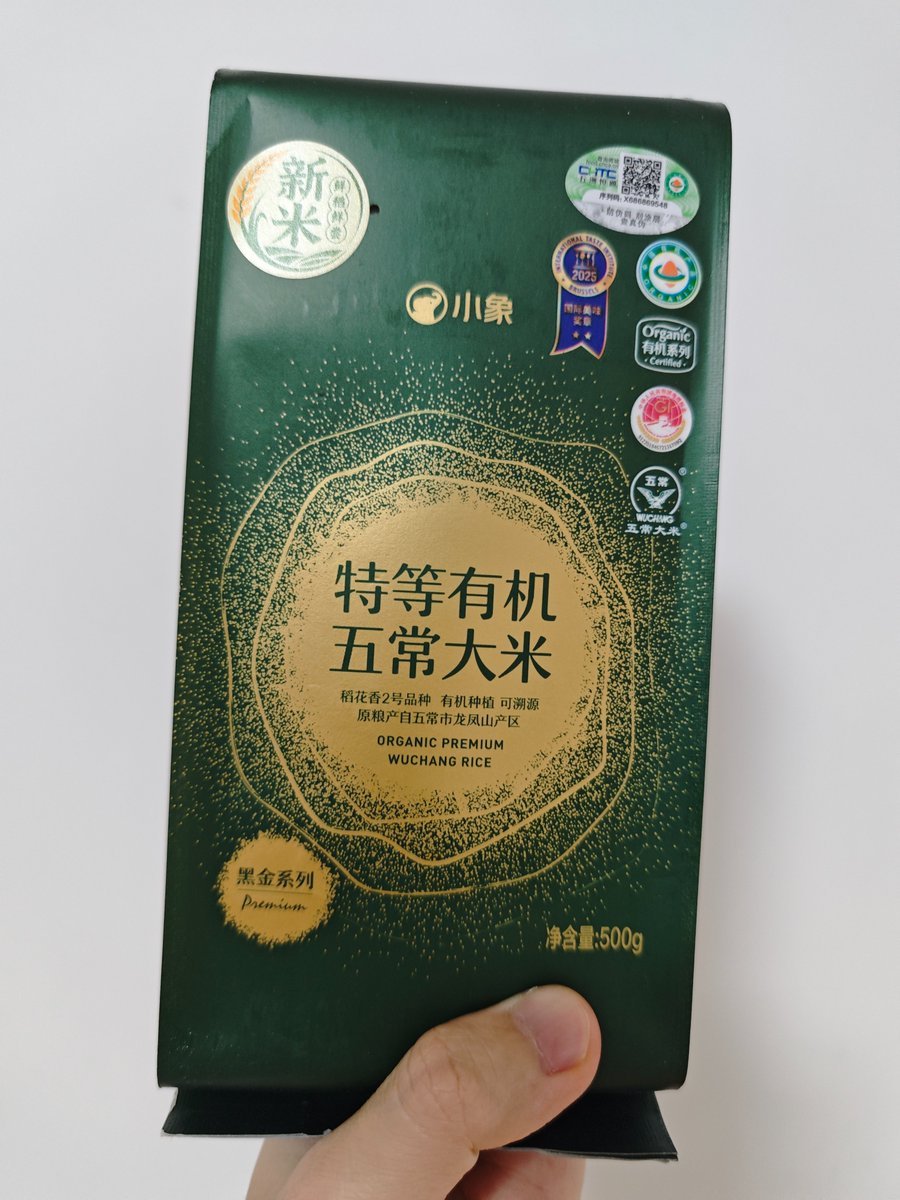
Product-Inspired Fashion Design

Anime Soccer Player at School Fountain
Browse template categories
Japanese Udemy Course Sale Thumbnail questions
How do I use the Japanese Udemy Course Sale Thumbnail template?
Add your photo if the template asks for one, edit the prompt if you like — the template's model and format are already selected — and press Generate. Your version opens in PicX Studio.
Can I customize the Japanese Udemy Course Sale Thumbnail template?
Yes. You can change the subject, setting, lighting, mood, format, and available model controls before creating your image.
Is the Japanese Udemy Course Sale Thumbnail template free?
Opening and editing this template is free. Generating uses credits, shown on the Generate button when you are signed in.
Which AI model should I use?
Start with GPT Image 2, which is the model associated with this template. You can compare another compatible model for a different finish.
Looking for something else? Browse all templates.

Your photo, any look
Thousands of ready templates for every top image and video model, from one credit balance.