
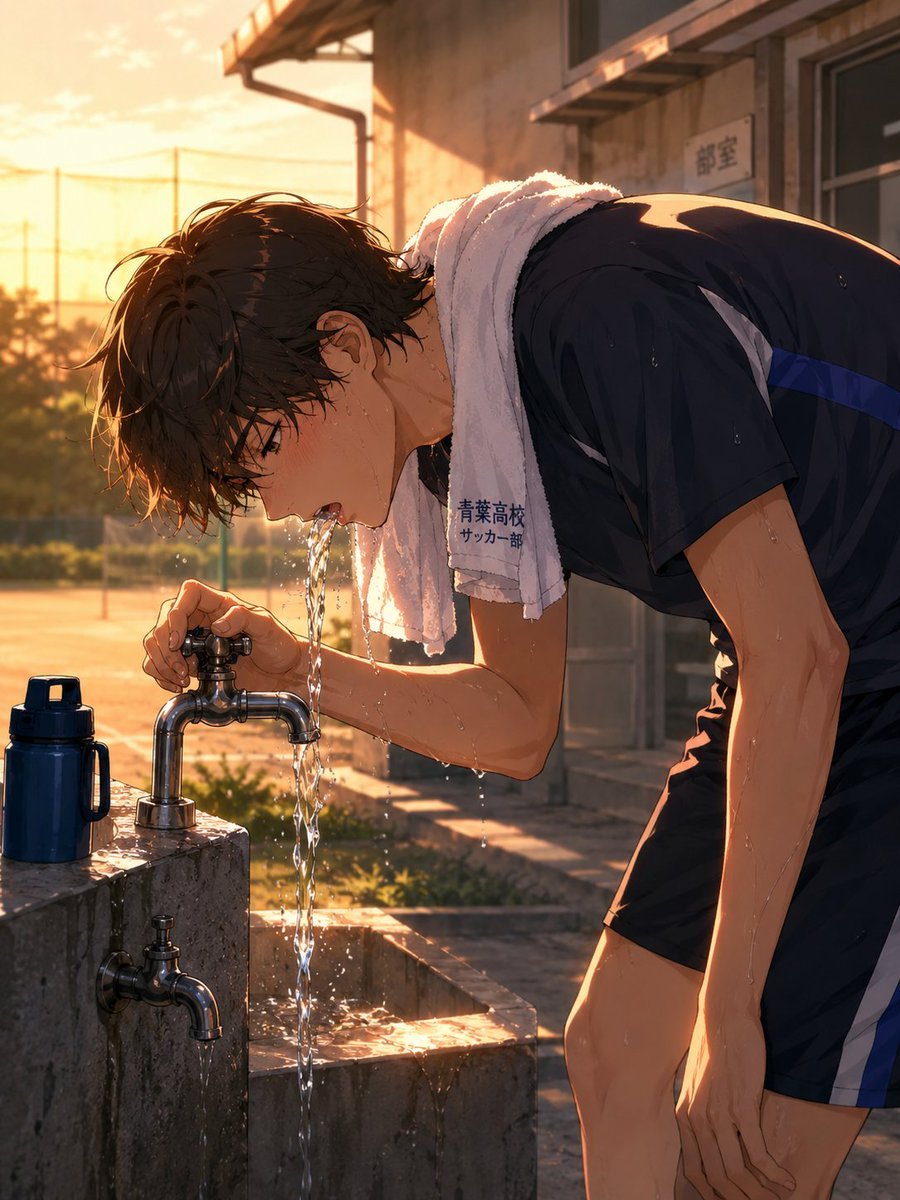
Anime Soccer Player at School Fountain
A cinematic anime scene of a sweaty high school soccer player drinking from an outdoor faucet after practice, useful for sports slice-of-life illustrations.
- Prompt included
- Model and format preset
- Free template
The prompt behind this image
Copy the exact prompt behind Anime Soccer Player at School Fountain, or open it in the studio and make it yours.
Create a cinematic anime-style illustration of a {argument name="subject" default="tired high school soccer player"} drinking directly from an outdoor school water fountain after practice. The scene shows exactly 2 chrome faucets on a rectangular concrete fountain: one upper faucet at mouth height pouring a clear stream of water into his open mouth, and one lower faucet mounted on the front face dripping water. Include exactly 1 dark blue sports water bottle standing on the wet concrete ledge to the left. The boy is bent forward in profile, soaked with sweat and water droplets, with messy wet {argument name="hair color" default="dark brown"} hair, flushed cheeks, and an exhausted but refreshed expression. He wears a black short-sleeve athletic soccer uniform with blue and white side stripes, black shorts, and a white towel draped around his neck with small Japanese text reading {argument name="towel text" default="青葉高校 サッカー部"}. Set the location beside a school sports field and club building at {argument name="time of day" default="golden-hour sunset"}, with warm orange backlighting, long shadows, distant netting and utility poles, a small wall sign reading 部室, wet splashes on the concrete, sparkling water highlights, shallow depth of field, detailed hand-drawn anime rendering, realistic faucet construction, dramatic rim light, vertical composition, no extra characters.
How to use Anime Soccer Player at School Fountain in 3 steps
- 1Upload ImagePNG, JPG or paste
Add your photo
Upload the photo the template builds on. The prompt, model and format are already set.
- 2…a portrait of your subject in softgolden-hour light, 85mm…
Personalize
Edit the subject and creative details for your destination.
- 3Generate
Generate
Press Generate — your image is created in PicX Studio, so you can compare it with the original and refine one variable at a time.
More like this
Templates with the same subject, style or setup. Open one to see its prompt.











Make it yours
Anime Soccer Player at School Fountain works as-is. These are the safest ways to change it without losing the look.
Change one field
Copy a single group, rewrite it, and generate again so you can see what that field is doing.
Keep the frame, change the subject
Hold the composition and light of Anime Soccer Player at School Fountain, then swap wardrobe, props or the person for a new take.
| If the result… | Why | Fix |
|---|---|---|
| The result drifts from the preview | Too many fields changed at once. | Reuse Anime Soccer Player at School Fountain as-is first, then change one group — subject, light, or setting. |
| The model over-stylizes the scene | The prose prompt leaves finish and camera underspecified. | Add one camera or lighting sentence and stay on GPT Image 2. |
More GPT Image 2 templates
Other prompts made for GPT Image 2.

Six VTuber Japanese Logo Sheet

Realistic Portrait of Woman and Deer

The Vista Modular Condo Poster

AI Model Routing Comparison Infographic

2.5D Anime Art Board

Isometric Productivity Desk Scene

New York Double Exposure Poster

Four-Panel AI Landscape Comparison

Japanese Tatami Lifestyle Magazine Cover

NESCAFÉ Coffee Map Poster
More image prompts
Fresh picks from across the catalog.
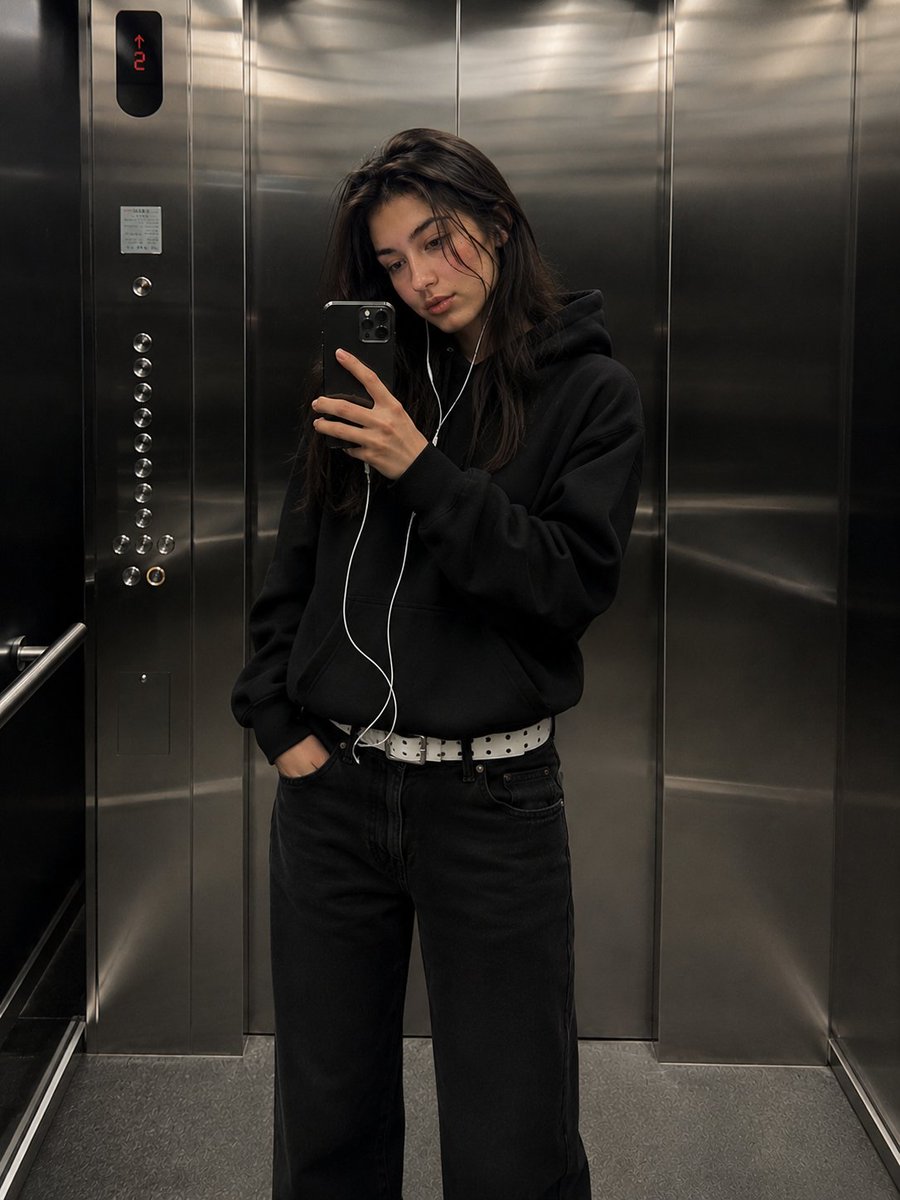
Urban Streetwear Elevator Mirror Selfie
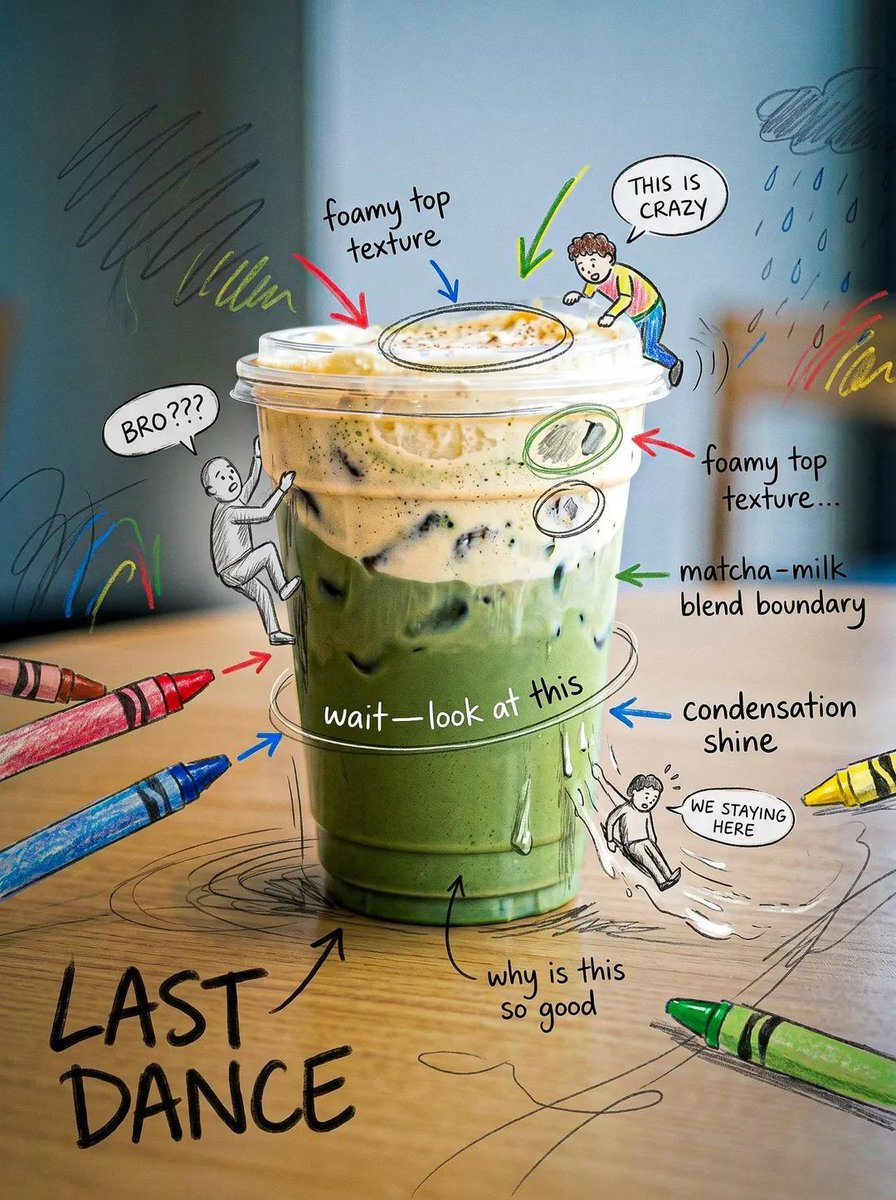
Creative Doodled Image Overlay
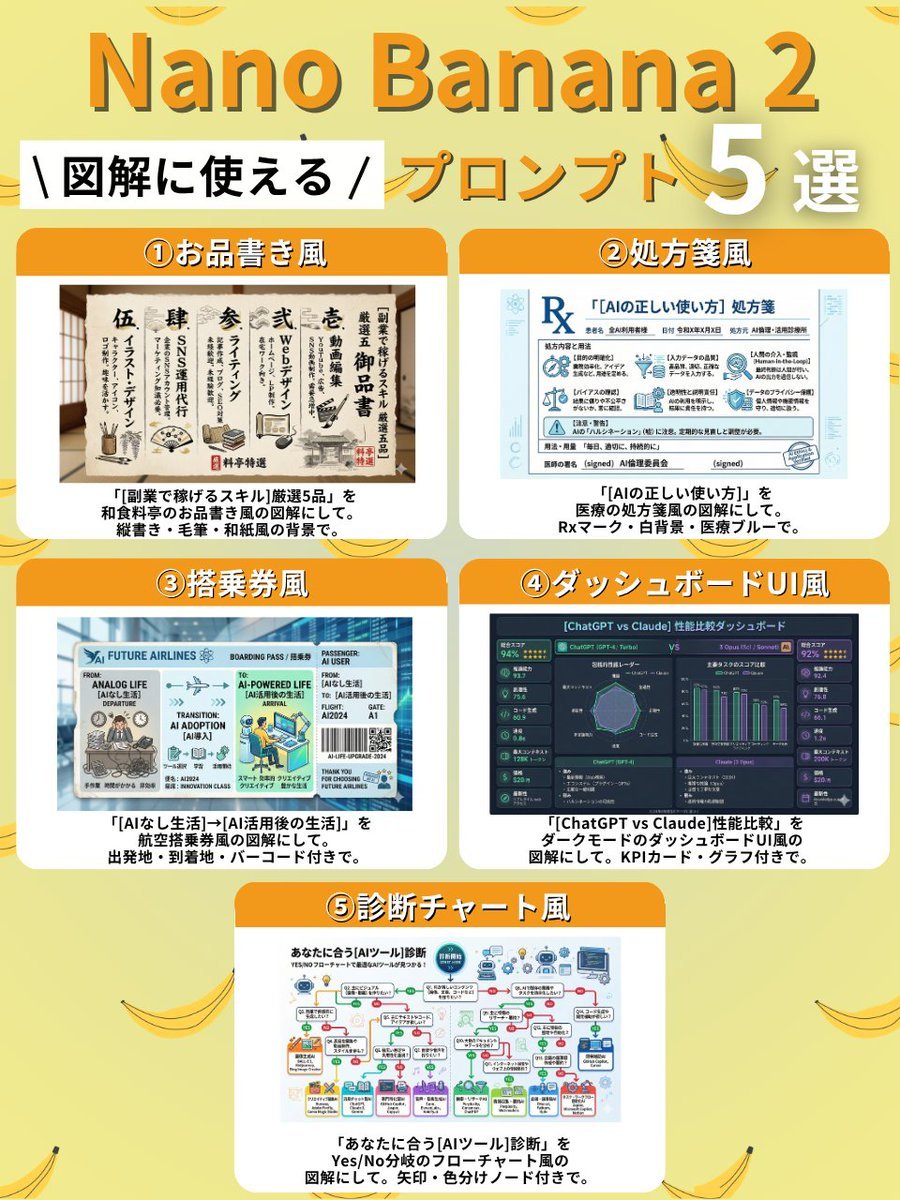
Diagram Style Prompts for Nano Banana 2

Hyper-realistic mirror selfie prompt with detailed material physics and identity locking
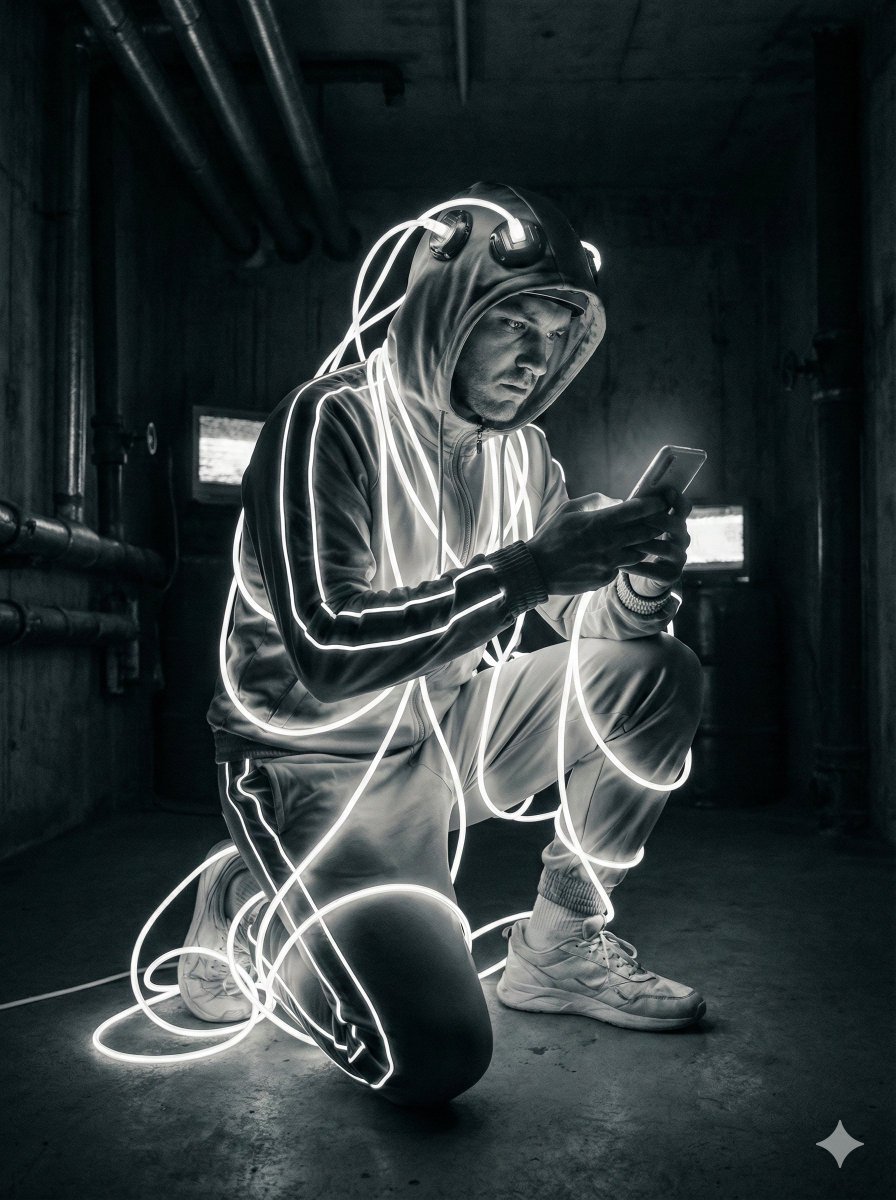
Cyberpunk Digital Dependence Portrait

Steve Harrington Tangerine Fashion Editorial Prompt

Ultra-Realistic Café Portrait with Identity Lock

Kawaii-Inspired Cozy Bedroom Portrait
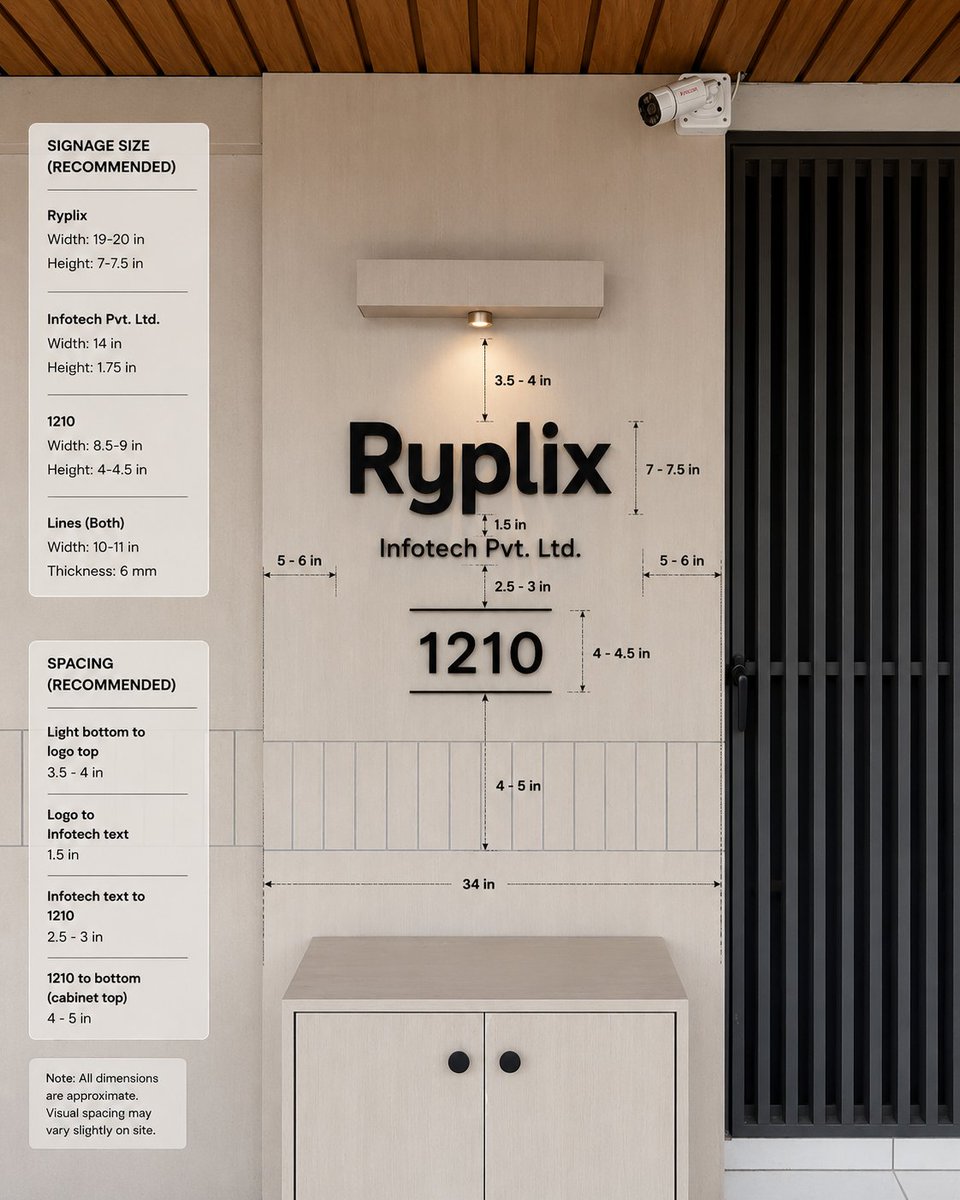
Office Signage Dimension Mockup
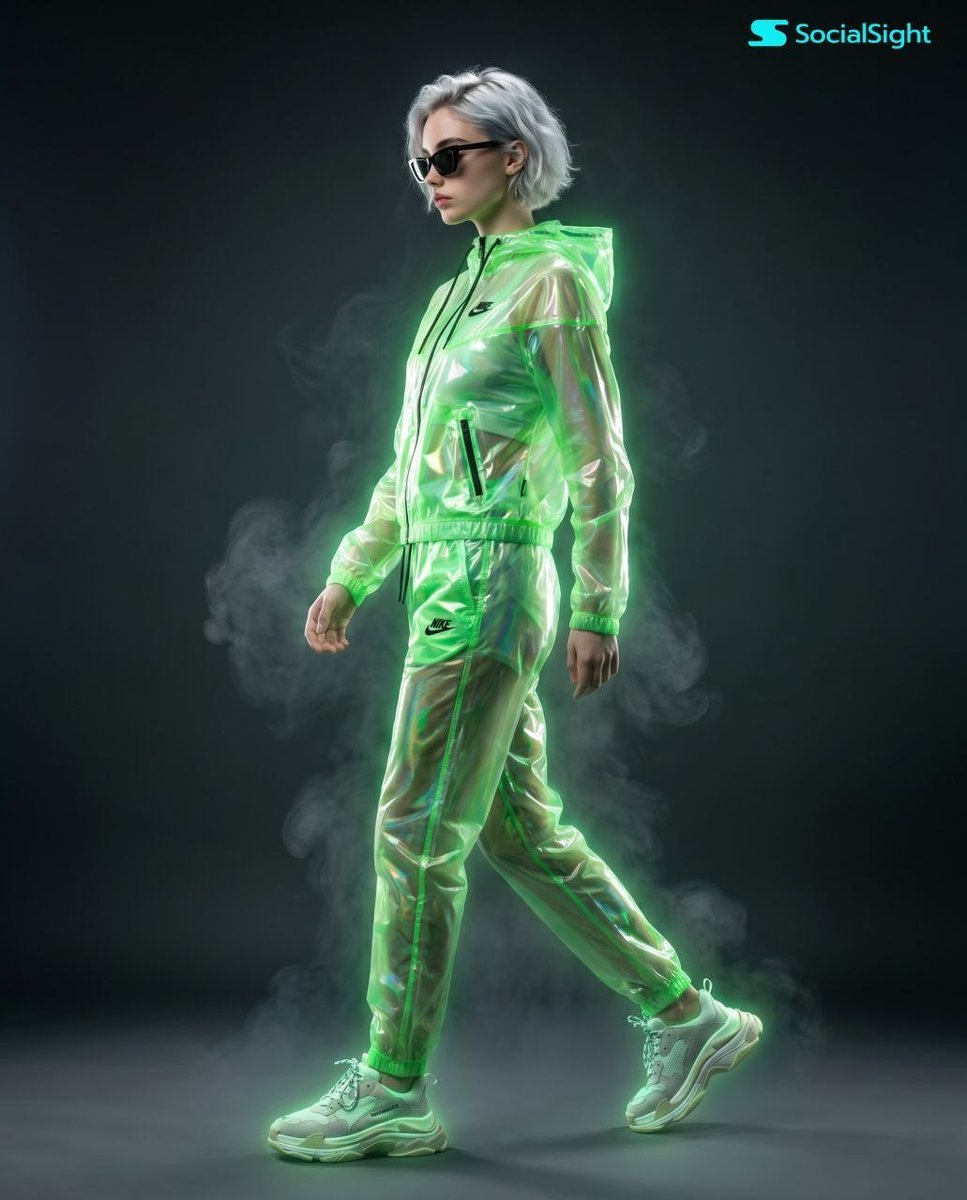
Cyberpunk Futuristic Fashion Editorial
Browse template categories
Anime Soccer Player at School Fountain questions
How do I use the Anime Soccer Player at School Fountain template?
Add your photo if the template asks for one, edit the prompt if you like — the template's model and format are already selected — and press Generate. Your version opens in PicX Studio.
Can I customize the Anime Soccer Player at School Fountain template?
Yes. You can change the subject, setting, lighting, mood, format, and available model controls before creating your image.
Is the Anime Soccer Player at School Fountain template free?
Opening and editing this template is free. Generating uses credits, shown on the Generate button when you are signed in.
Which AI model should I use?
Start with GPT Image 2, which is the model associated with this template. You can compare another compatible model for a different finish.
Looking for something else? Browse all templates.

Your photo, any look
Thousands of ready templates for every top image and video model, from one credit balance.