
Ultra-Realistic Café Portrait with Identity Lock
A highly detailed prompt for generating an ultra-realistic, high-end lifestyle portrait of a single subject in a modern café setting.
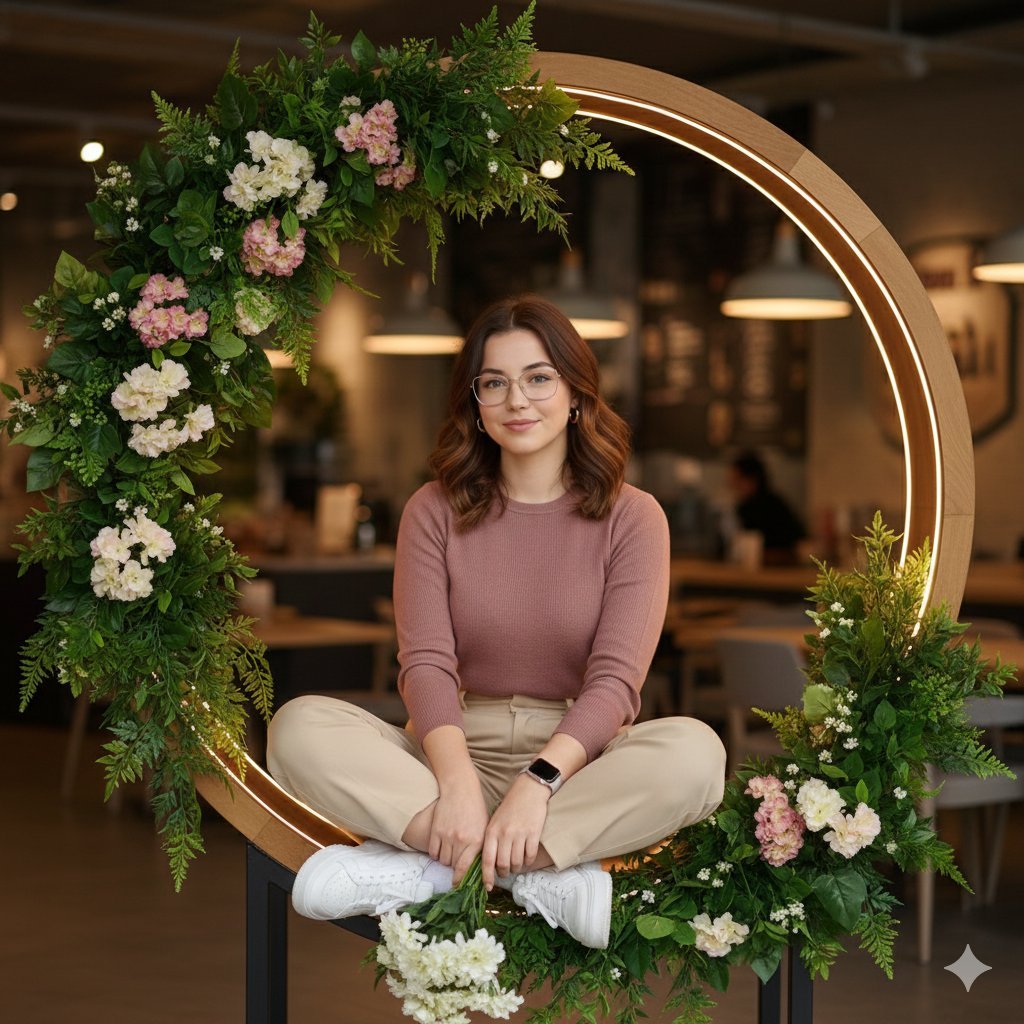
- Prompt included
- Model and format preset
- Free template
The prompt behind this image
Copy the exact prompt behind Ultra-Realistic Café Portrait with Identity Lock, or open it in the studio and make it yours.
Create an ultra-realistic, high-end lifestyle portrait of one adult subject, captured in a calm, elegant, modern café environment. The subject is seated casually inside a circular wooden frame embedded with warm LED rim lighting, surrounded by lush green foliage and soft floral decor. The pose is relaxed and natural: one leg crossed over the other, body slightly angled, shoulders relaxed, hands resting naturally while holding a small bouquet of fresh flowers. Overall mood is warm, clean, elegant, youthful, and approachable — pure realism only. No stylization, no fantasy, no cinematic exaggeration. Use my uploaded face image as the ONLY facial identity reference Maintain 100% facial accuracy: exact bone structure, eye shape, eyelid fold, eyebrow shape, nose bridge and tip, lip shape, jawline, chin, cheek volume, hairline, and facial proportions Identity must remain perfectly consistent from all angles (front, 3/4, side, seated pose, slight head tilt) No face blending, no beautification, no symmetry correction No AI face drift Preserve real skin texture: pores, fine lines, natural imperfections Expression: soft, natural smile, relaxed and genuine Soft pastel long-sleeve knit top ({argument name="top color" default="dusty pink / muted rose tone"}) High-waisted, straight-fit {argument name="bottom color" default="beige or cream"} trousers Clean white chunky sneakers Minimal accessories only (simple earrings, smartwatch or minimal wrist accessory) Hair neatly styled, natural, pulled back or softly tied Natural makeup: realistic skin tones, no heavy retouching Modern café or lifestyle studio interior Circular wooden structure with embedded warm LED light ring Green plants and floral arrangements integrated into the frame Soft bokeh background with warm ambient lighting Clean, uncluttered setting with depth and realism Full-body or 3/4 body vertical portrait Eye-level camera angle 50mm–85mm lens look Natural perspective, no distortion Subject centered within the circular frame Shallow depth of field, background softly blurred Soft, warm, diffused lighting LED rim light gently outlining the circular frame Even facial illumination with natural shadow falloff No harsh highlights, no blown whites Realistic skin reflections and depth Negative prompt: No stylization No cinematic color grading No beauty filters No smooth or plastic skin No exaggerated proportions No painterly or illustrated look No artificial glow No face morphing or identity shift Ultra-photorealistic Editorial lifestyle photography quality Natural colors, true-to-life skin tones Identity remains unchanged and accurate from every angle
How to use Ultra-Realistic Café Portrait with Identity Lock in 3 steps
- 1Upload ImagePNG, JPG or paste
Add your photo
Upload the photo the template builds on. The prompt, model and format are already set.
- 2…a portrait of your subject in softgolden-hour light, 85mm…
Personalize
Edit the subject and creative details for your destination.
- 3Generate
Generate
Press Generate — your image is created in PicX Studio, so you can compare it with the original and refine one variable at a time.
More like this
Templates with the same subject, style or setup. Open one to see its prompt.

Rainy Café Window Moody Portrait

Found Photograph: Us, 1970

80s Couple Studio Portrait

80s Bollywood Star

80s Golden Hour Cinema

Me in 1985

1985 Studio Portrait

Hyper-Realistic Minecraft POV Portrait

Rooftop Fisheye — Cat-Ear Balaclava at Golden Hour
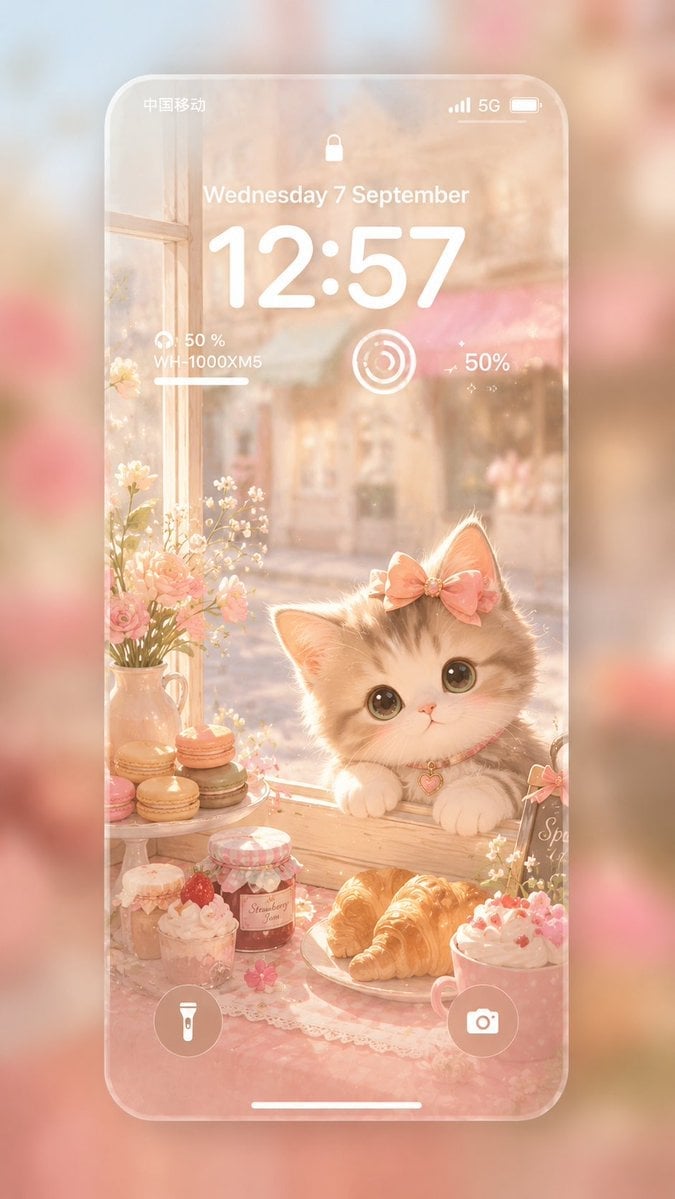
Pastel Kitten Café iPhone Lock Screen

untitled

2025 Aesthetic Photography
Make it yours
Ultra-Realistic Café Portrait with Identity Lock works as-is. These are the safest ways to change it without losing the look.
Change one field
Copy a single group, rewrite it, and generate again so you can see what that field is doing.
Keep the frame, change the subject
Hold the composition and light of Ultra-Realistic Café Portrait with Identity Lock, then swap wardrobe, props or the person for a new take.
| If the result… | Why | Fix |
|---|---|---|
| The result drifts from the preview | Too many fields changed at once. | Reuse Ultra-Realistic Café Portrait with Identity Lock as-is first, then change one group — subject, light, or setting. |
| The model over-stylizes the scene | The prose prompt leaves finish and camera underspecified. | Add one camera or lighting sentence and stay on Nano Banana 2. |
More Nano Banana 2 templates
Other prompts made for Nano Banana 2.

Photorealistic Leaf Shaped Like a Dragon

K-Pop Idol Portrait Grid for Rapid Selection

Poetic Rain Forest Portrait During Golden Hour

Urban Street Portrait with Cartoon Inner Self Duo

Candid Nighttime Photo with Cat Prompt

High-Concept 3D Diorama Generation Prompt

Cinematic Futuristic Studio Portrait Template

Skincare Editorial Photography Collage Prompt

Hyper-Realistic Commercial Product Photography (Splash Effect)

Hyper-Realistic Nightclub Portrait Prompt
More image prompts
Fresh picks from across the catalog.
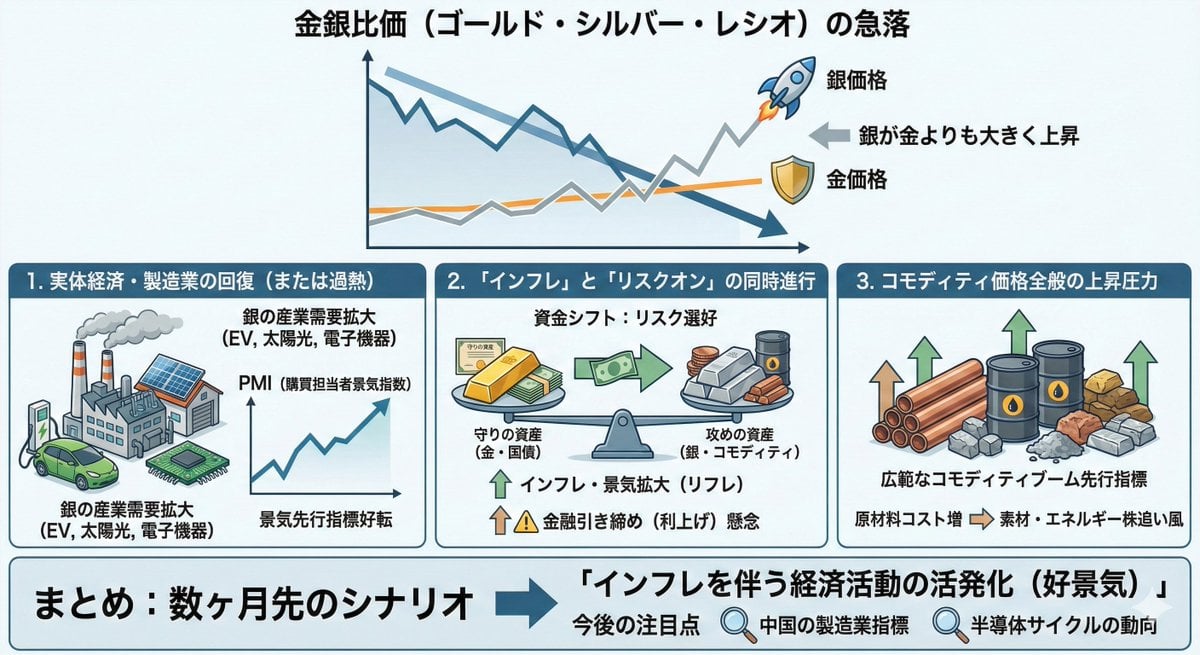
Macroeconomic Outlook Prompt (Inflation and Economic Activity)
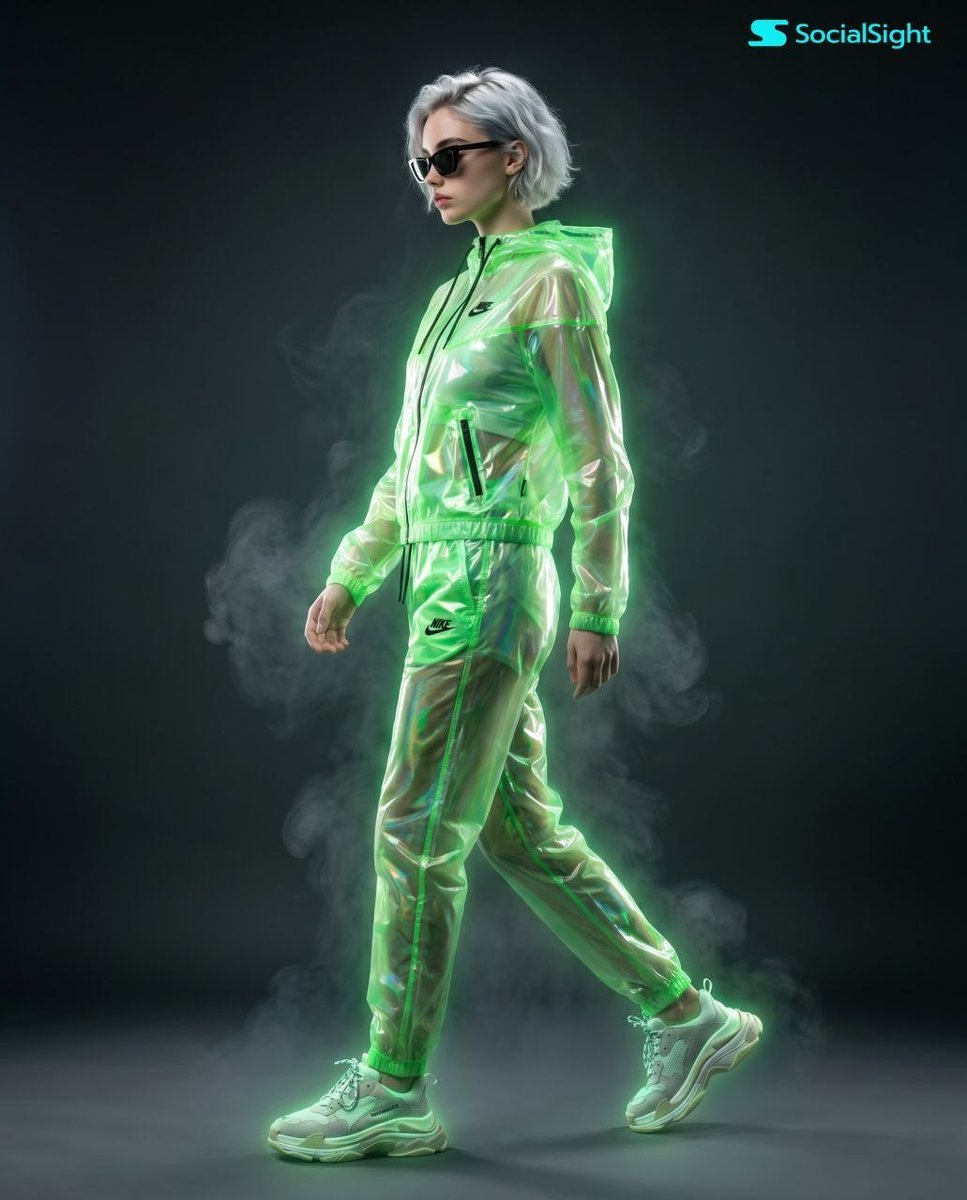
Cyberpunk Futuristic Fashion Editorial
Nano Banana Pro Hot Prompts Compilation (24 Hours)
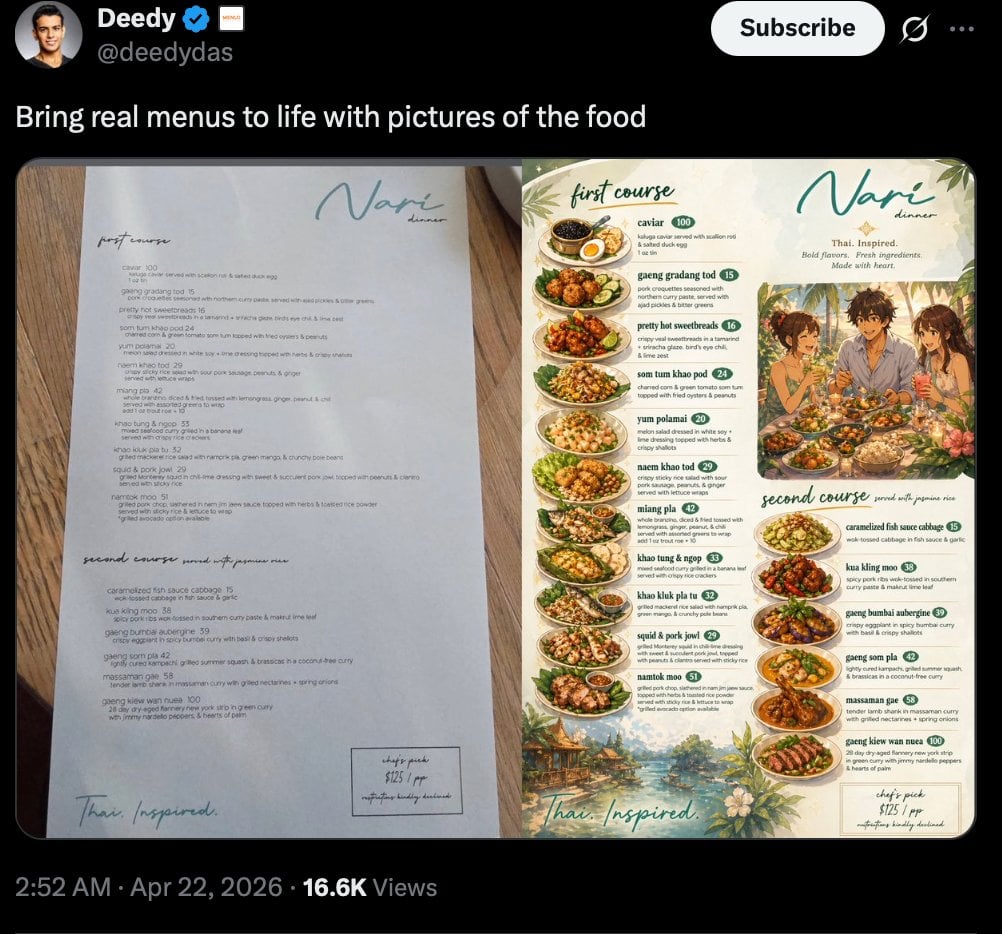
Viral Tweet Menu Before-and-After
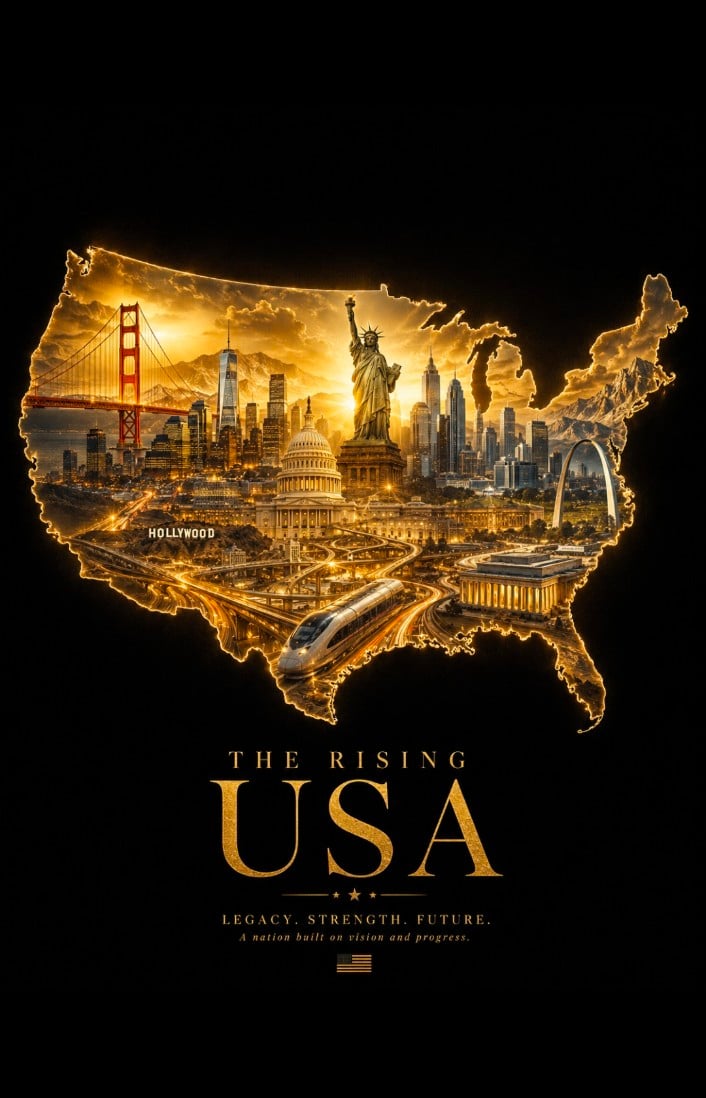
Geographic Silhouette Editorial Poster
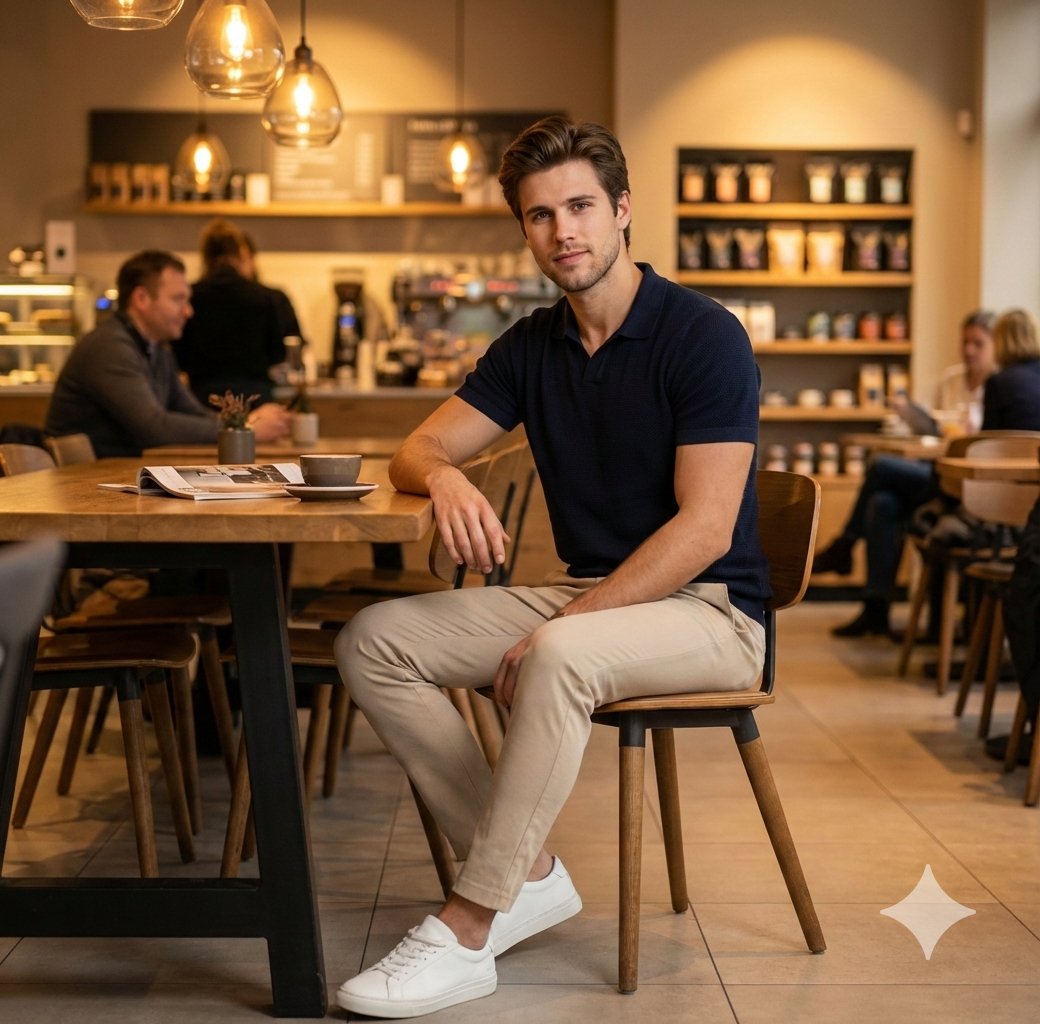
Photorealistic Café Lifestyle Shot Prompt
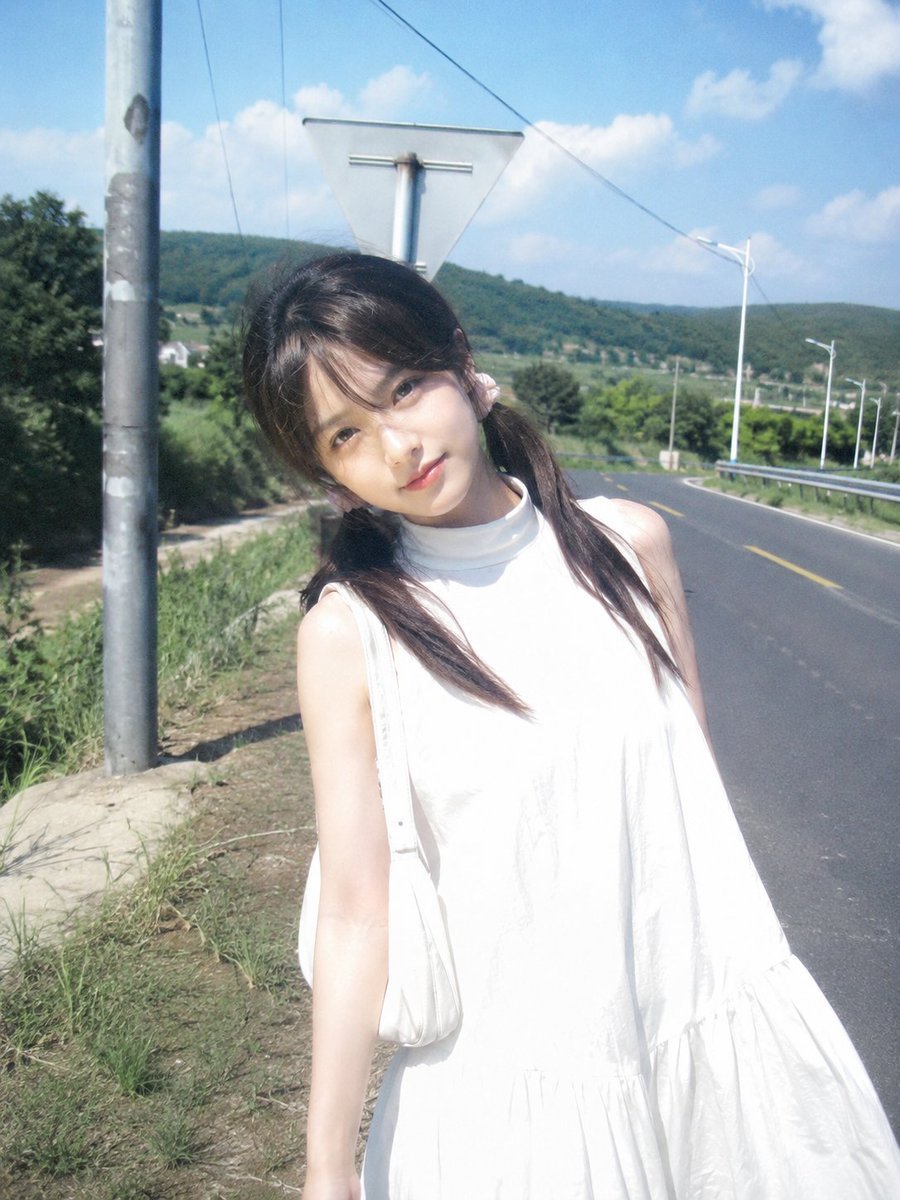
Japanese CCD Vintage Snapshot
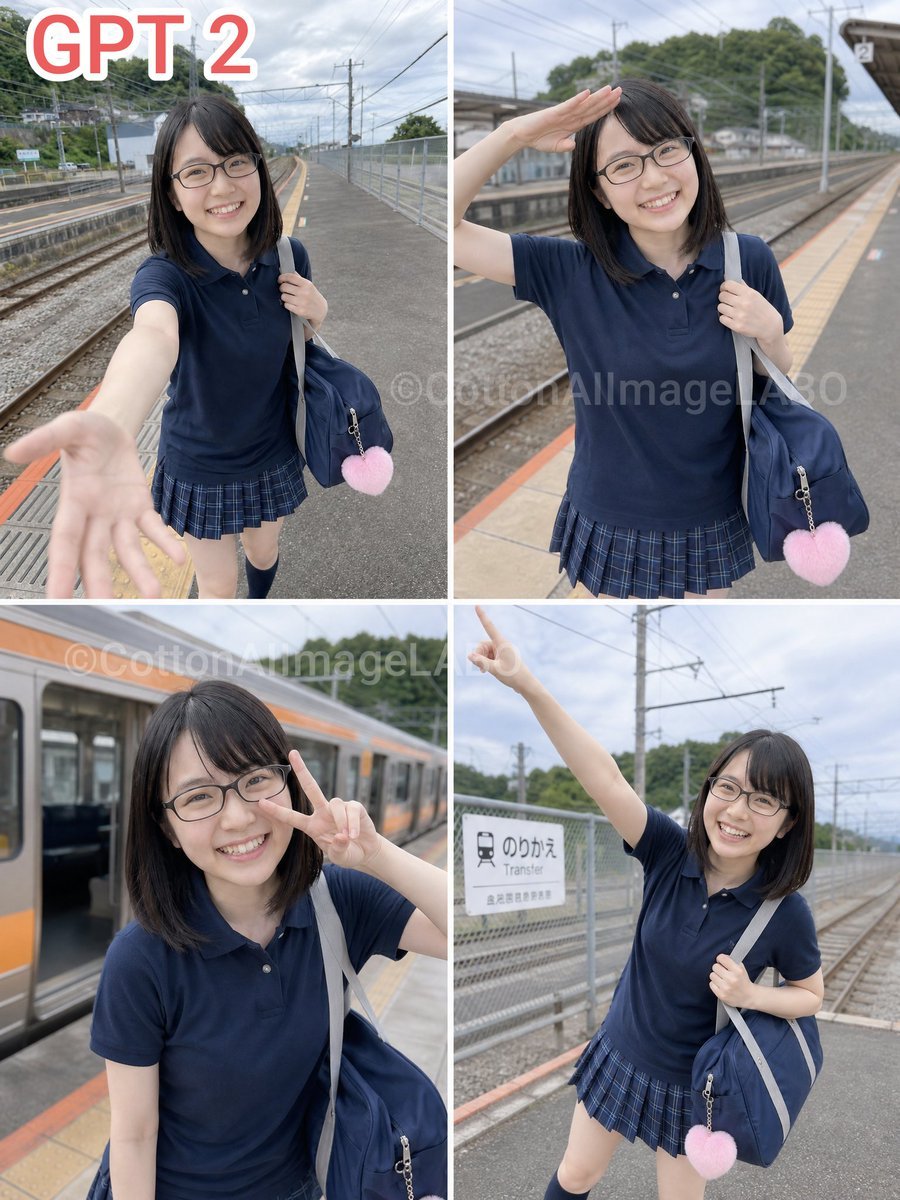
Four-Panel Train Station Pose Collage
Cinematic Neon Convenience Store Prompt

Layered Papercraft Chibi World
Browse template categories
Ultra-Realistic Café Portrait with Identity Lock questions
How do I use the Ultra-Realistic Café Portrait with Identity Lock template?
Add your photo if the template asks for one, edit the prompt if you like — the template's model and format are already selected — and press Generate. Your version opens in PicX Studio.
Can I customize the Ultra-Realistic Café Portrait with Identity Lock template?
Yes. You can change the subject, setting, lighting, mood, format, and available model controls before creating your image.
Is the Ultra-Realistic Café Portrait with Identity Lock template free?
Opening and editing this template is free. Generating uses credits, shown on the Generate button when you are signed in.
Which AI model should I use?
Start with Nano Banana 2, which is the model associated with this template. You can compare another compatible model for a different finish.
Looking for something else? Browse all templates.

Your photo, any look
Thousands of ready templates for every top image and video model, from one credit balance.