
Four-Panel Train Station Pose Collage
Generates a realistic 2×2 smartphone-style collage of the same woman posing at a Japanese train station, useful for testing multi-image character consistency.
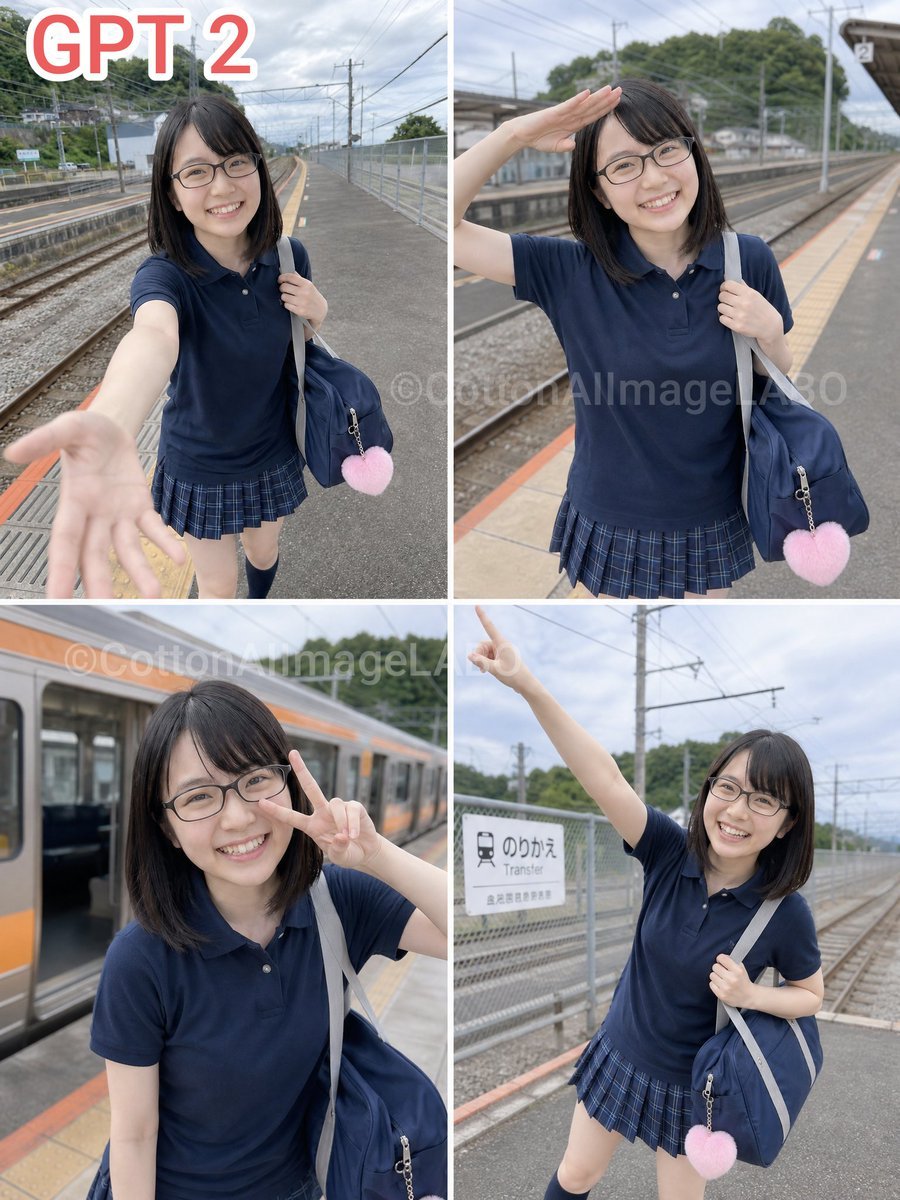
- Prompt included
- Model and format preset
- Free template
The prompt behind this image
Copy the exact prompt behind Four-Panel Train Station Pose Collage, or open it in the studio and make it yours.
Goal: Create a realistic 3:4 vertical photo-collage divided into exactly 4 equal panels in a 2×2 grid, separated by thick white borders, showing the same {argument name="character description" default="Japanese adult woman with shoulder-length straight black hair"} in different poses at an outdoor train station platform. Canvas and layout: Portrait 3:4 aspect ratio. Four evenly sized rectangular photos arranged in a square grid: top-left, top-right, bottom-left, bottom-right. Use candid smartphone-photo realism with natural daylight, shallow-to-moderate depth of field, overcast sky, railway tracks, overhead electric wires, fences, platform markings, station signs, and a train visible in one panel. Add large red text with a white outline reading {argument name="top label" default="GPT 2"} in the upper-left corner of the overall collage. Add a faint semi-transparent watermark across the center reading {argument name="watermark text" default="©CottonAIImageLABO"}. Subject details: The woman wears a {argument name="outfit" default="navy polo shirt, blue plaid pleated skirt, dark knee socks"}, carries a {argument name="bag" default="large navy shoulder bag with a light gray strap and a pink heart-shaped charm"}, and has her face obscured by a soft rectangular blur in every panel for anonymity. Keep the same outfit and bag consistent across all 4 panels. Four panels, exactly counted: 1. Top-left: full-body selfie-like shot on the train platform, the woman reaches one hand toward the camera with an open palm, bag on shoulder, tracks and platform stretching behind her. 2. Top-right: medium shot, she raises one hand to her forehead in a salute or shading gesture, bag on shoulder, tracks and platform behind her. 3. Bottom-left: closer portrait beside a stopped train with an orange stripe, she makes a peace sign near her face, bag strap visible. 4. Bottom-right: full-body angled shot near a transfer sign, she points one arm upward with index finger extended, holding the shoulder bag with the other hand. Visual style: Highly realistic Japanese smartphone photography, casual travel snapshot, natural muted colors, overcast lighting, slight background blur, authentic train-platform perspective, no glamor lighting, no illustration or anime style. Constraints: Use exactly 4 panels and exactly the 4 poses listed. Keep the same person, clothing, bag, and station setting in all panels. Preserve the 2×2 collage structure and white dividing lines. Do not add extra people or extra text beyond the top label and faint watermark.
How to use Four-Panel Train Station Pose Collage in 3 steps
- 1Upload ImagePNG, JPG or paste
Add your photo
Upload the photo the template builds on. The prompt, model and format are already set.
- 2…a portrait of your subject in softgolden-hour light, 85mm…
Personalize
Edit the subject and creative details for your destination.
- 3Generate
Generate
Press Generate — your image is created in PicX Studio, so you can compare it with the original and refine one variable at a time.
More like this
Templates with the same subject, style or setup. Open one to see its prompt.
Paper Cut Train Window

Panel Mirror Selfie Collage

Cozy Six-Panel Bedtime Stages Collage

Four-Panel AI Landscape Comparison

Four-Panel Anime Face Comparison

Four-Panel AI Landscape Comparison

Six-Panel Retro Japanese Poster Collage

Yoga Pose Editorial Collage
Component Differences Four-Panel Manga
Four Seasons Portrait Collage
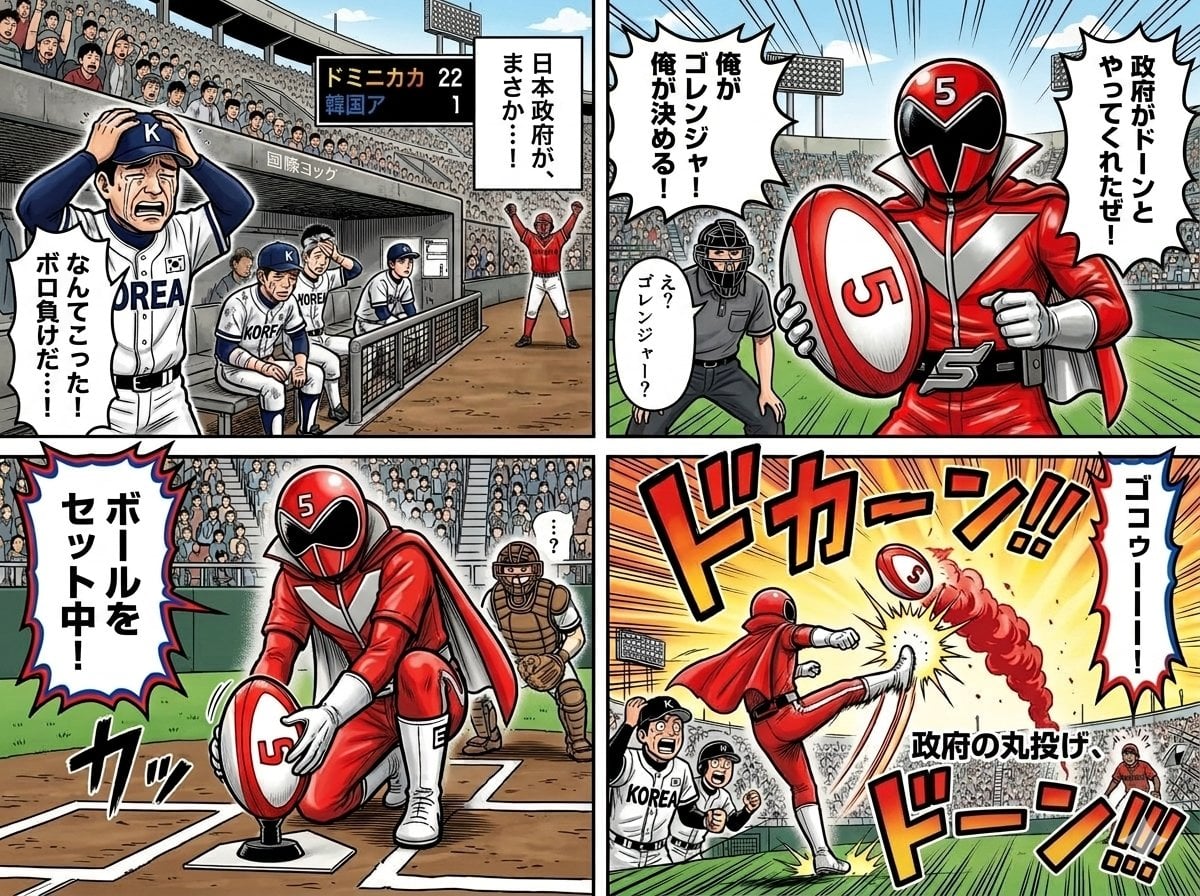
Four-Panel Manga with Sentai and Rugby

Paper Cut Finale Fireworks
Make it yours
Four-Panel Train Station Pose Collage works as-is. These are the safest ways to change it without losing the look.
Change one field
Copy a single group, rewrite it, and generate again so you can see what that field is doing.
Keep the frame, change the subject
Hold the composition and light of Four-Panel Train Station Pose Collage, then swap wardrobe, props or the person for a new take.
| If the result… | Why | Fix |
|---|---|---|
| The result drifts from the preview | Too many fields changed at once. | Reuse Four-Panel Train Station Pose Collage as-is first, then change one group — subject, light, or setting. |
| The model over-stylizes the scene | The prose prompt leaves finish and camera underspecified. | Add one camera or lighting sentence and stay on GPT Image 2. |
More GPT Image 2 templates
Other prompts made for GPT Image 2.

Six VTuber Japanese Logo Sheet

Realistic Portrait of Woman and Deer

The Vista Modular Condo Poster

AI Model Routing Comparison Infographic

2.5D Anime Art Board

Isometric Productivity Desk Scene

New York Double Exposure Poster

Japanese Tatami Lifestyle Magazine Cover

NESCAFÉ Coffee Map Poster

Brutalist Cogito Chinese Typography Poster
More image prompts
Fresh picks from across the catalog.
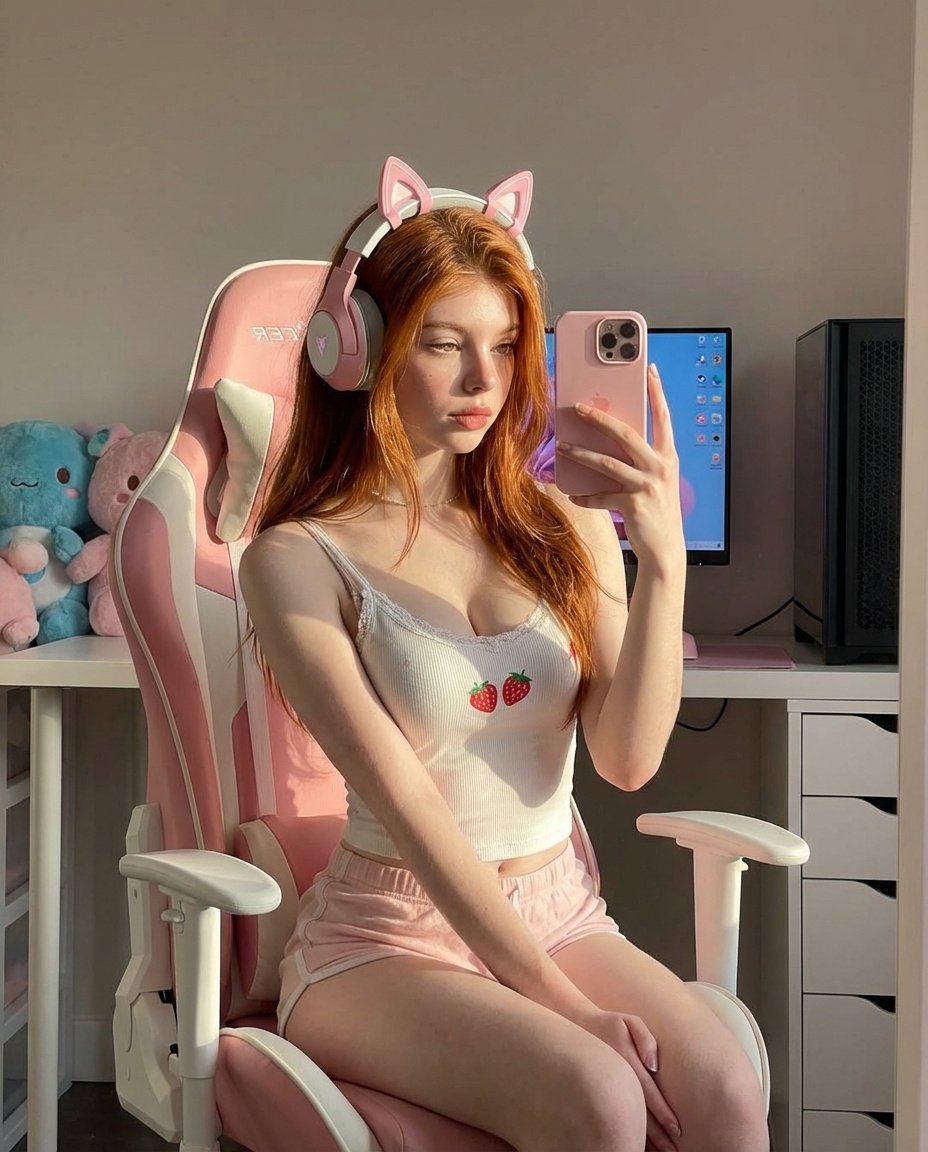
Ultra Realistic Kawaii Gamer Girl Mirror Selfie

Luxury Perfume Bottle Editorial Image Prompt
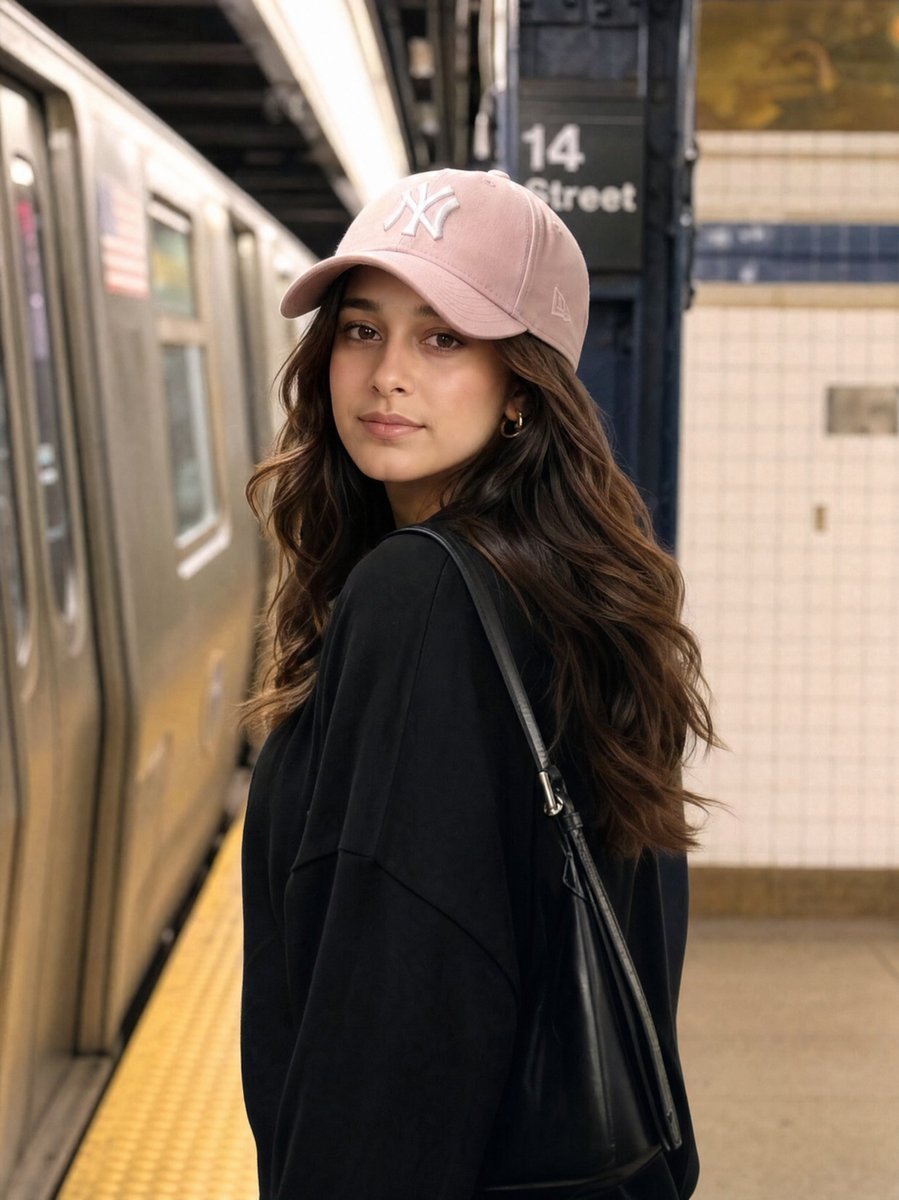
Identity Preservation Subway Portrait

Korean Idol Candid Snapshot

Gpt2 E Commerce Main Image Luxury Amber Perfume Ad

Winking Persian Cat Selfie

Chiaroscuro Editorial Portrait of a Man
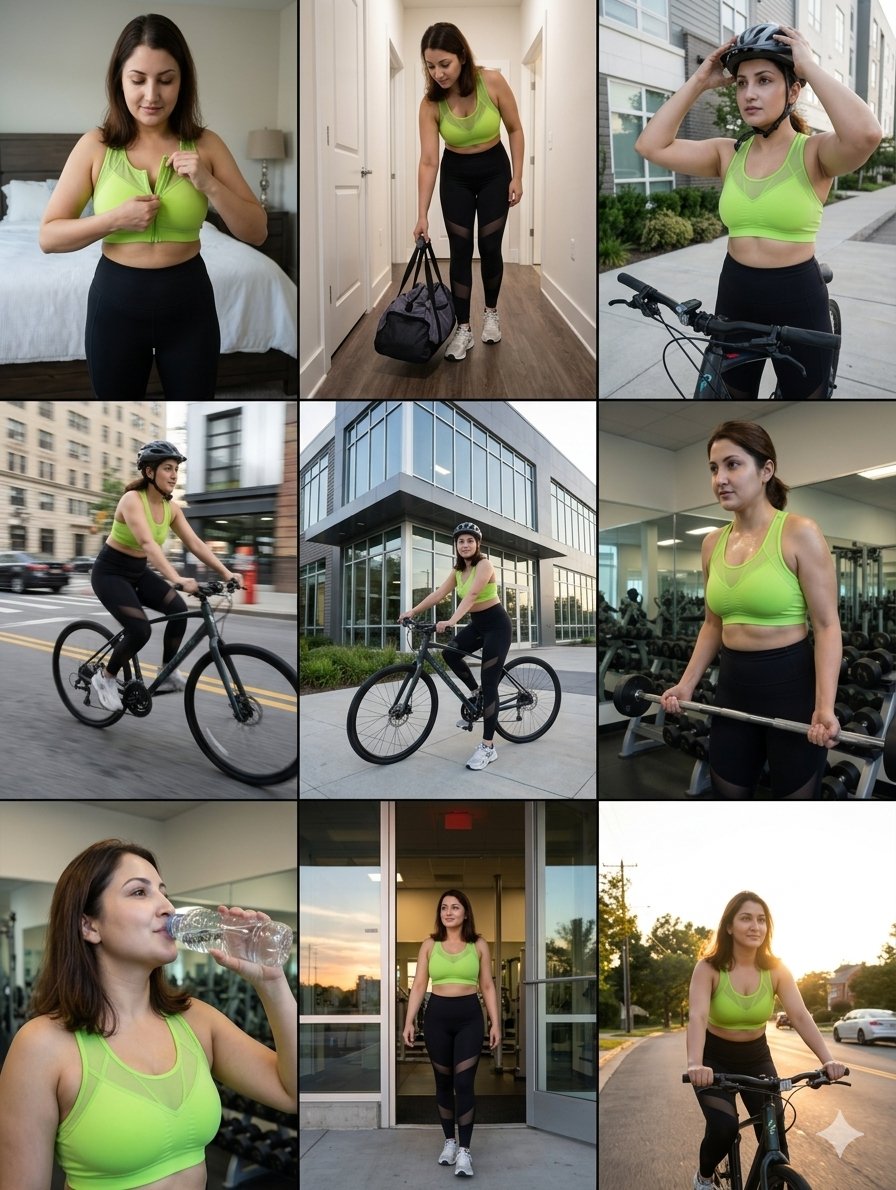
Storytelling of a Gym Girl
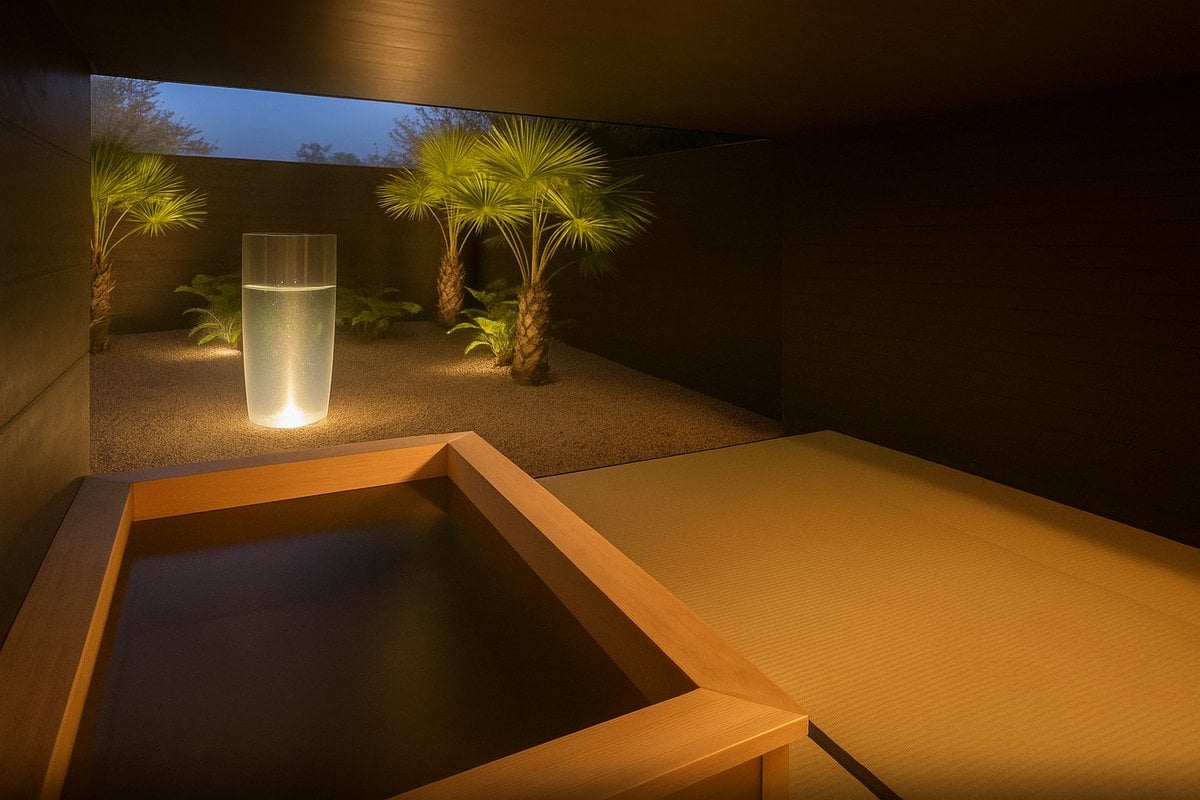
Photorealistic render from illustration
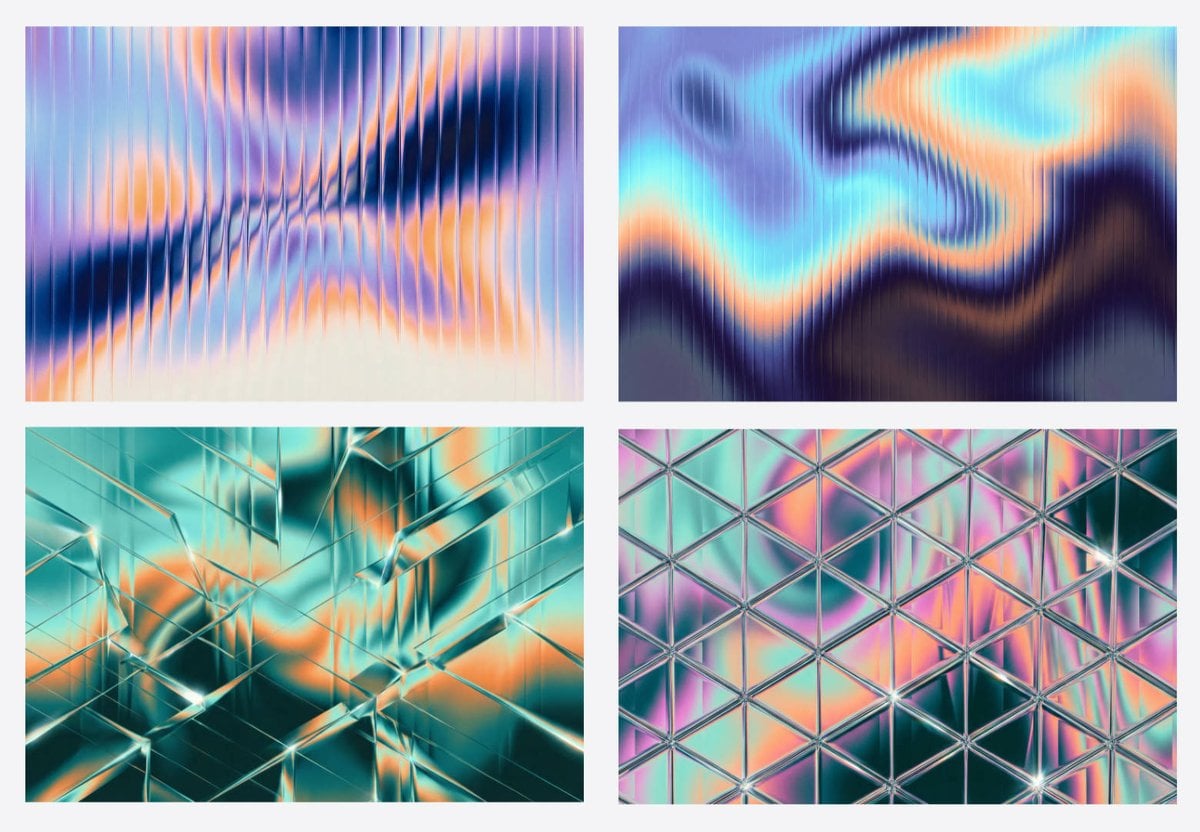
Generating Fractal Glass Gradient Images with Nano Banana Pro
Browse template categories
Four-Panel Train Station Pose Collage questions
How do I use the Four-Panel Train Station Pose Collage template?
Add your photo if the template asks for one, edit the prompt if you like — the template's model and format are already selected — and press Generate. Your version opens in PicX Studio.
Can I customize the Four-Panel Train Station Pose Collage template?
Yes. You can change the subject, setting, lighting, mood, format, and available model controls before creating your image.
Is the Four-Panel Train Station Pose Collage template free?
Opening and editing this template is free. Generating uses credits, shown on the Generate button when you are signed in.
Which AI model should I use?
Start with GPT Image 2, which is the model associated with this template. You can compare another compatible model for a different finish.
Looking for something else? Browse all templates.

Your photo, any look
Thousands of ready templates for every top image and video model, from one credit balance.