How do I use the Yoga Pose Editorial Collage template?
Choose the primary action to open PicX Studio with the available template settings. Review the model and format, personalize the creative direction, and generate when ready.
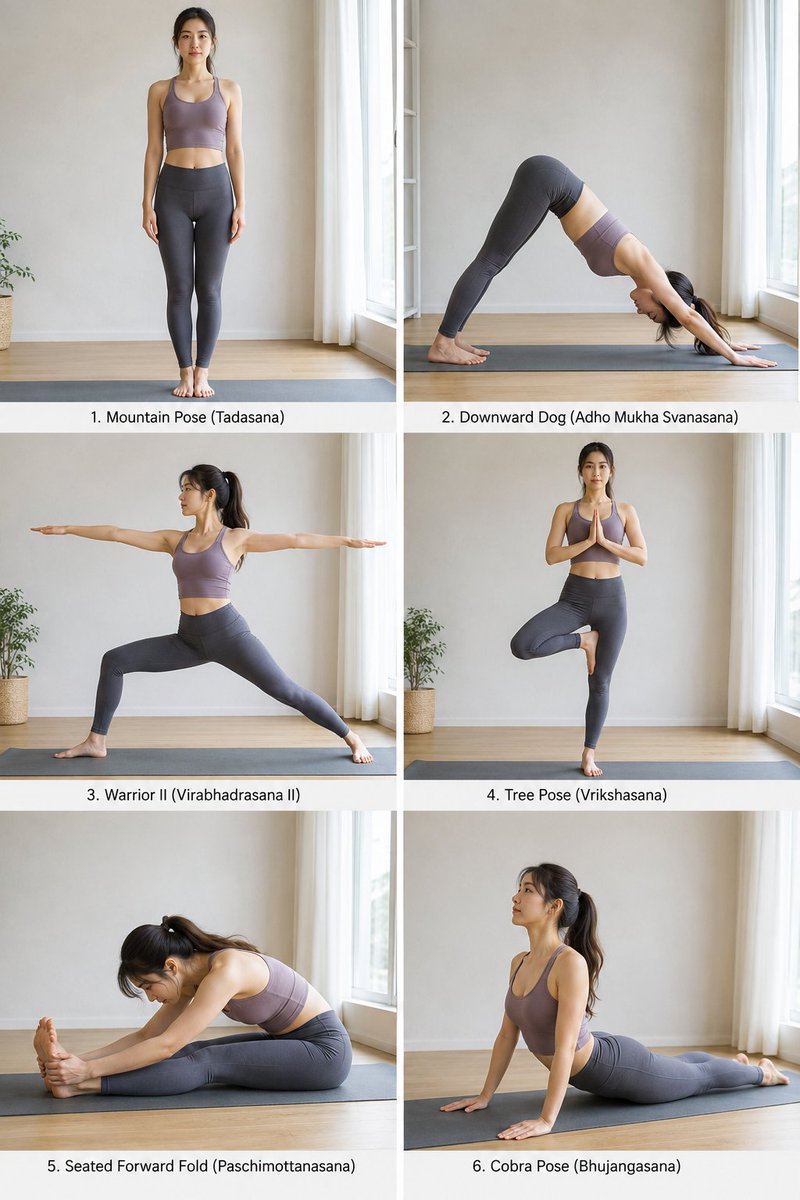
A cinematic three-panel vertical collage featuring a subject performing various yoga poses in a minimal studio setting.
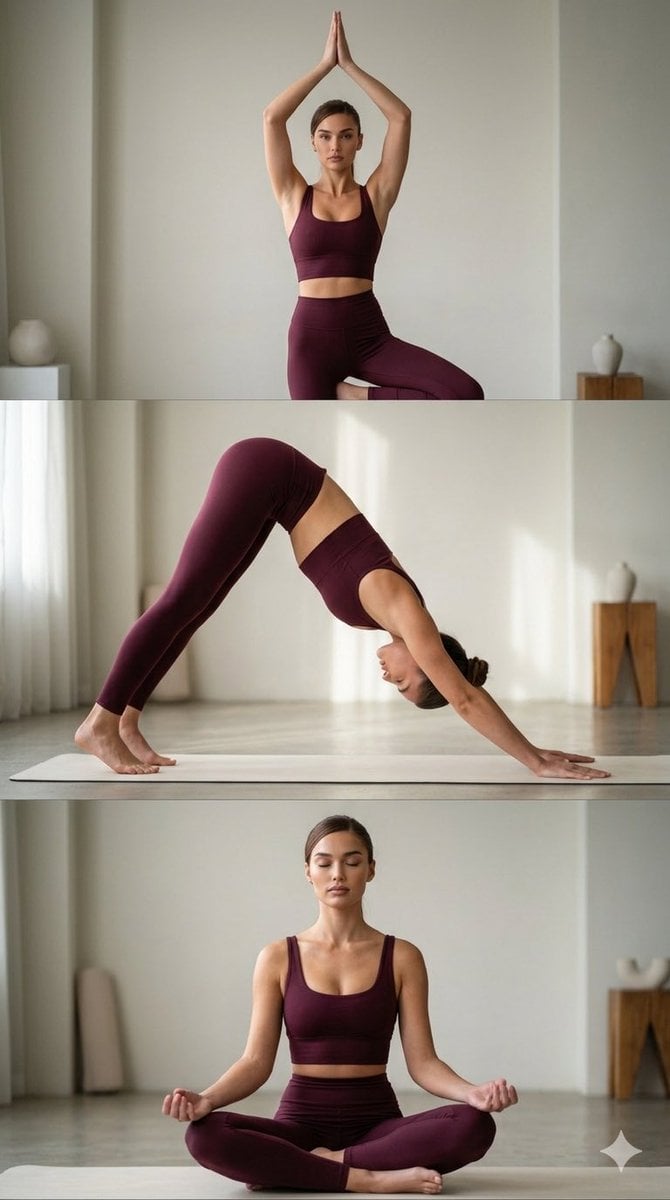
A cinematic three-panel vertical collage featuring a {argument name="subject" default="fit young woman"} performing three different yoga poses in a calm, minimal studio environment, wearing a {argument name="outfit" default="deep burgundy fitted yoga set"}. In the top panel, she performs a graceful tree pose, standing balanced with hands pressed together above her head, calm focused expression. In the middle panel, she holds a downward dog pose, body forming a clean inverted V shape, soft natural light highlighting her form. In the bottom panel, she sits in a cross-legged meditation pose, eyes gently closed, hands resting on knees, peaceful relaxed expression. Soft diffused lighting creates a serene atmosphere with gentle shadows. Minimal background, shallow depth of field, realistic skin texture, editorial wellness photography style, cinematic color grading, hyper-realistic, vertical 9:16 composition, slightly zoomed-in framing. Face 100% same as reference photo.
Choose the primary action to open PicX Studio with the available template settings. Review the model and format, personalize the creative direction, and generate when ready.
Yes. You can change the subject, setting, lighting, mood, format, and available model controls before creating your image.
This template is free to open and customize. Generation usage is shown in PicX Studio before you create.
Start with Nano Banana 2, which is the model associated with this template. You can compare another compatible model for a different finish.
Follow a topic to a crawlable collection of related PicX Studio templates.