
Split-Screen Athleisure Ad
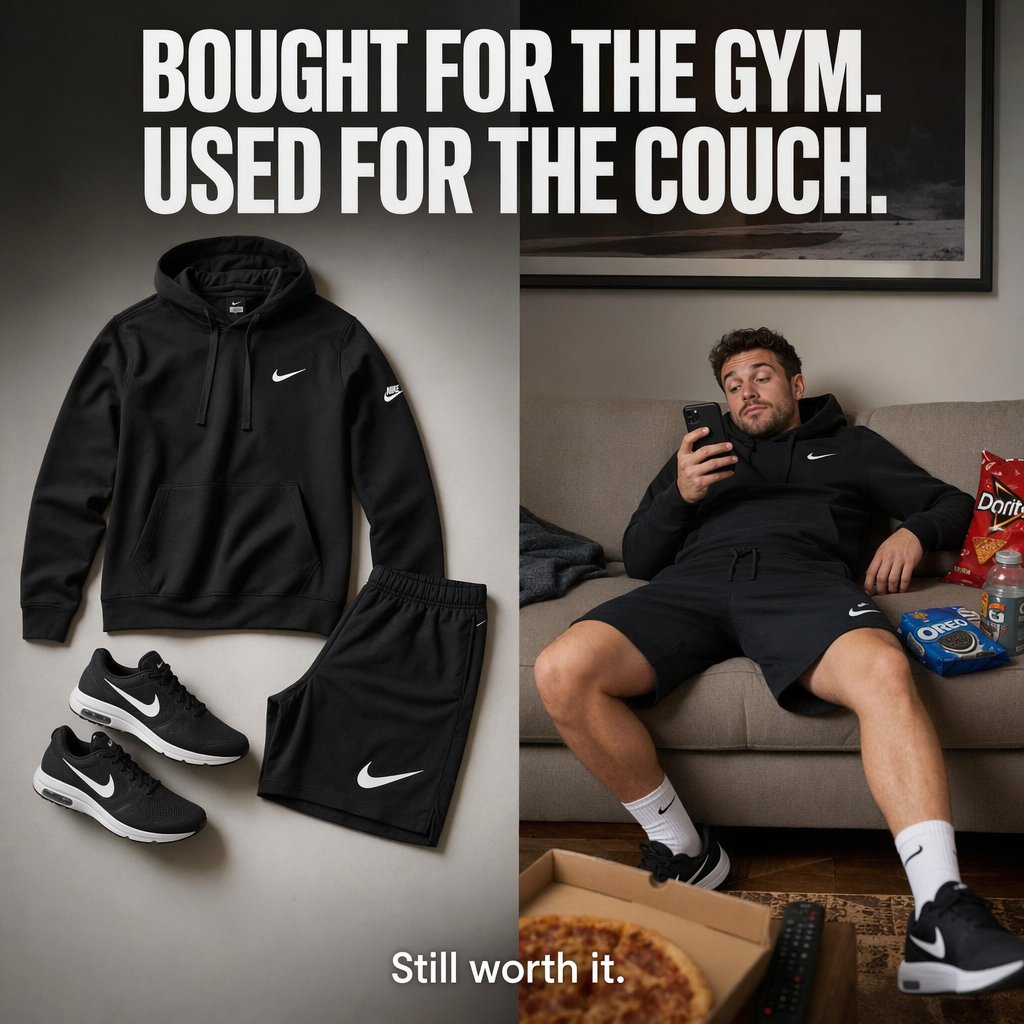
A polished square product ad showing activewear as both stylish gear and couch-lounging clothing, ideal for e-commerce and social media campaigns.
- Prompt included
- Model and format preset
- Free template
The prompt behind this image
Copy the exact prompt behind Split-Screen Athleisure Ad, or open it in the studio and make it yours.
Create a square split-screen e-commerce social ad with a clean, premium sportswear brand aesthetic. At the very top, spanning the full width in huge bold condensed white all-caps sans-serif text, place the headline: {argument name="headline text" default="BOUGHT FOR THE GYM. USED FOR THE COUCH."}. The image is divided vertically into 2 equal panels. On the left panel, show a neatly arranged flat-lay of 4 black athletic clothing items on a soft light-gray studio background with subtle shadows: 1 black pullover hoodie with a small white swoosh logo on the chest, 1 pair of black athletic shorts with a large white swoosh logo on the lower leg, and 2 black running shoes with white swoosh logos and white midsoles positioned as a pair. The layout should feel catalog-clean, minimal, balanced, and premium, with realistic fabric texture and crisp product photography lighting. On the right panel, show a relaxed lifestyle scene in a neutral-toned living room: 1 casually slouched man wearing the same black hoodie, black shorts, white crew socks, and black running shoes sits sprawled on a beige couch, leaning back lazily and looking at a smartphone in one hand. His face is softly obscured or indistinct, not the focal point. Around him are 4 visible snack/living-room items: 1 red bag of chips on the couch, 1 blue pack of sandwich cookies on the couch, 1 sports drink bottle near the snacks, and 1 open pizza box with a visible pizza in the foreground on a coffee table, plus 1 TV remote nearby. Add a framed wall art piece above the couch and warm indoor ambient lighting for a realistic home setting. At the bottom center, overlay smaller white sans-serif text reading: {argument name="tagline text" default="Still worth it."}. The overall mood should be witty, relatable, polished, and highly shareable, like a premium direct-response ad for athleisure clothing that contrasts fitness intention with lazy comfort use.
How to use Split-Screen Athleisure Ad in 3 steps
- 1Upload ImagePNG, JPG or paste
Add your photo
Upload the photo the template builds on. The prompt, model and format are already set.
- 2…a portrait of your subject in softgolden-hour light, 85mm…
Personalize
Edit the subject and creative details for your destination.
- 3Generate
Generate
Press Generate — your image is created in PicX Studio, so you can compare it with the original and refine one variable at a time.
More like this
Templates with the same subject, style or setup. Open one to see its prompt.
Split-Screen Athleisure Couch Ad
Split-Screen Surreal Printmaking Design
Split-Screen MR2 Touge Drive
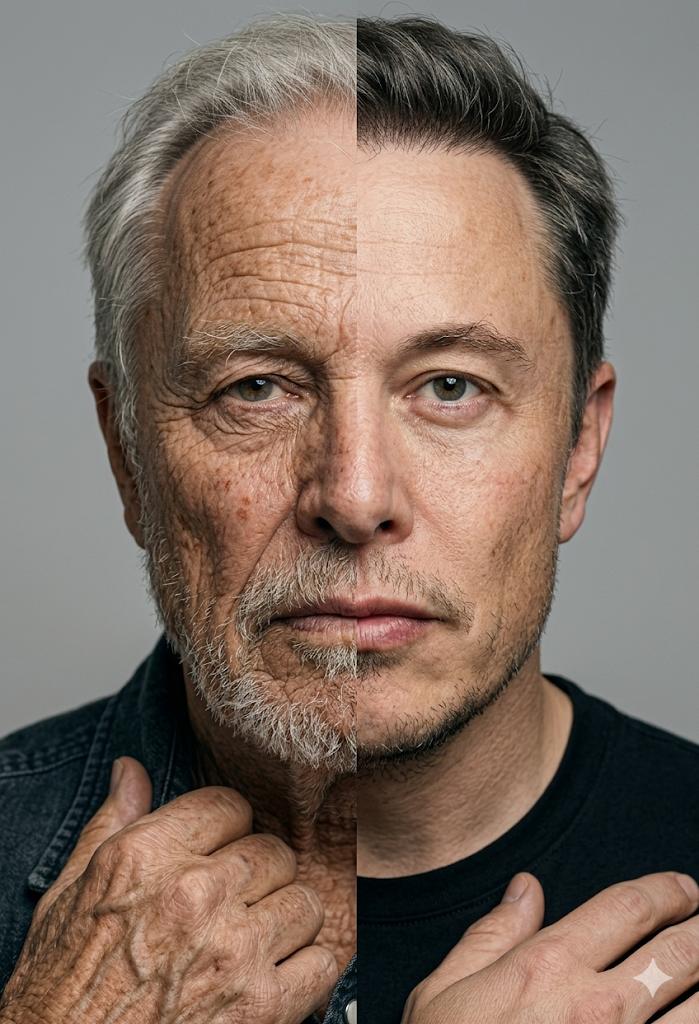
Split Screen Aging Effect
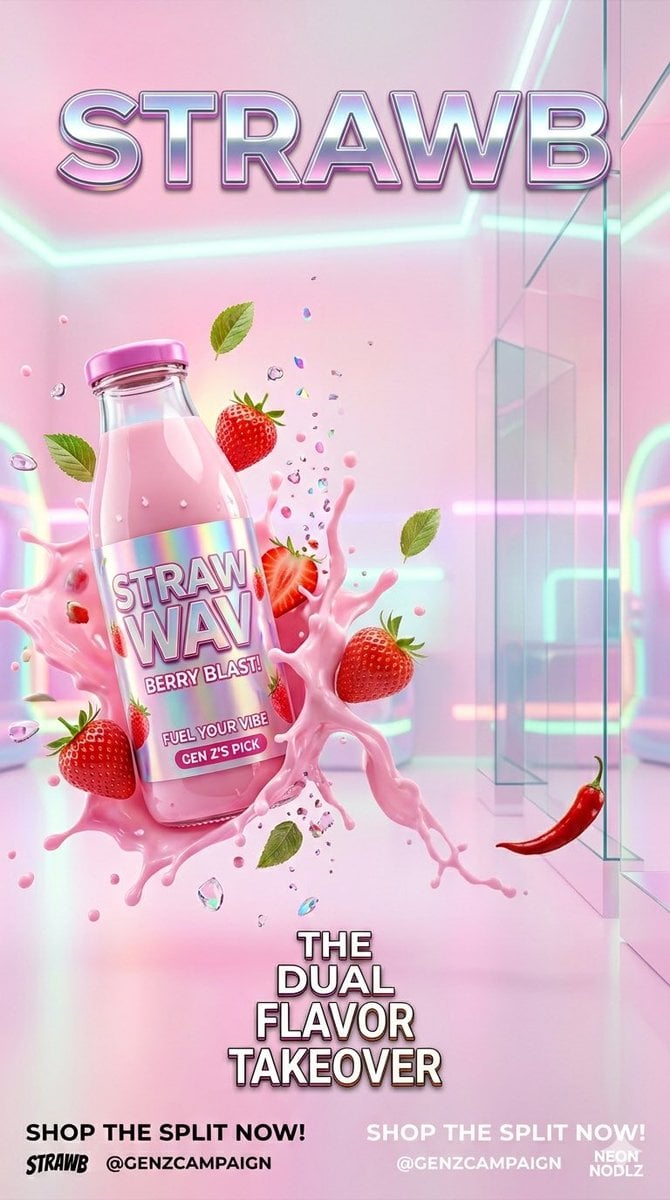
Gen Z Split Screen Advertising Poster

Automotive Blueprint Split Composition

Blueprint Split Reality Archetype Prompt
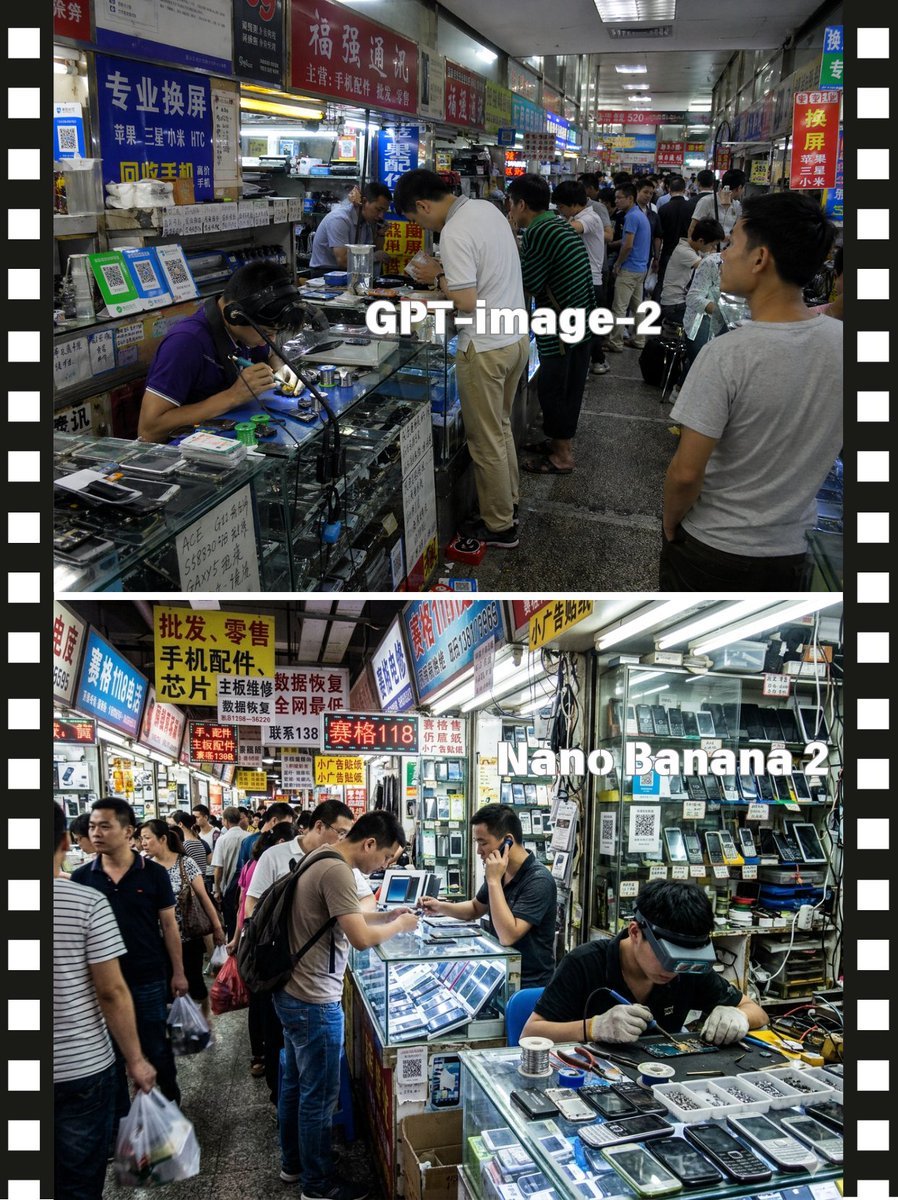
Split-Screen China Phone Market Comparison
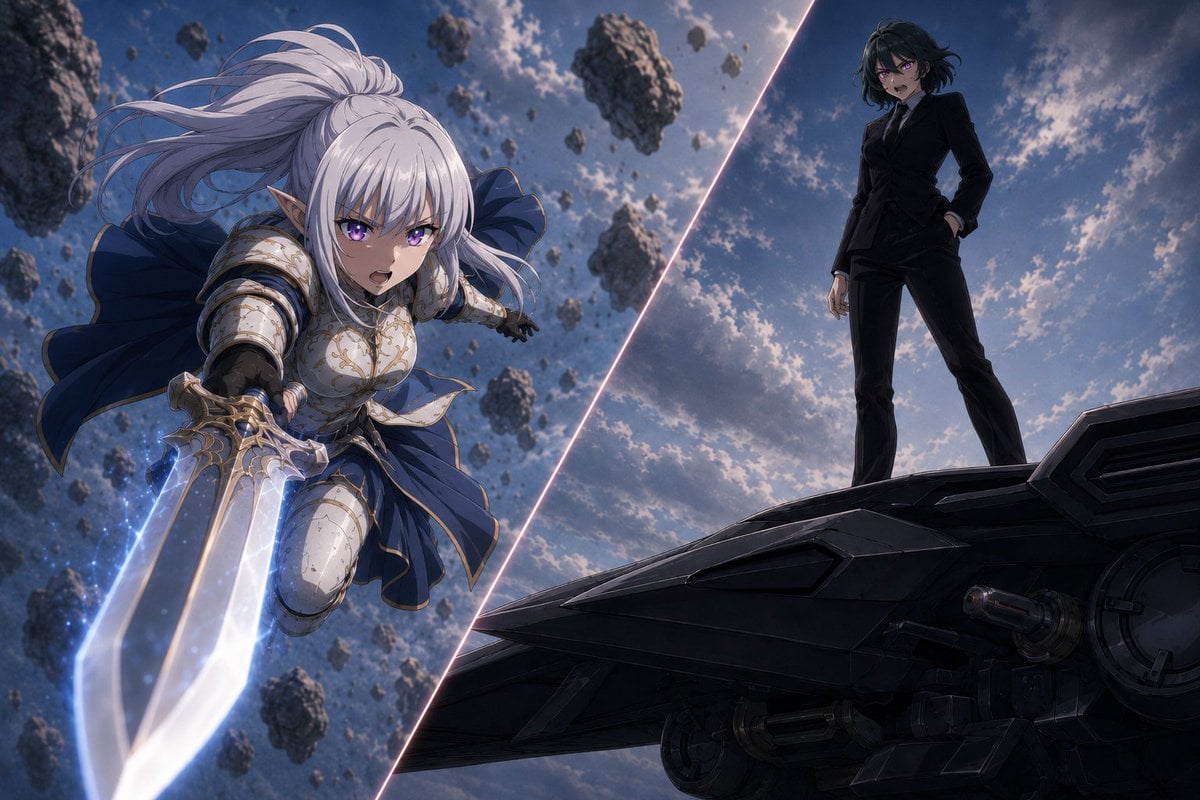
Anime Split-Screen Sword Confrontation
Split-Screen Cinematic Batman Blueprint
Split Portrait - Mixed Media
Cinematic Red Blue Split-Light Portrait
Make it yours
Split-Screen Athleisure Ad works as-is. These are the safest ways to change it without losing the look.
Change one field
Copy a single group, rewrite it, and generate again so you can see what that field is doing.
Keep the frame, change the subject
Hold the composition and light of Split-Screen Athleisure Ad, then swap wardrobe, props or the person for a new take.
| If the result… | Why | Fix |
|---|---|---|
| The result drifts from the preview | Too many fields changed at once. | Reuse Split-Screen Athleisure Ad as-is first, then change one group — subject, light, or setting. |
| The model over-stylizes the scene | The prose prompt leaves finish and camera underspecified. | Add one camera or lighting sentence and stay on GPT Image 2. |
More GPT Image 2 templates
Other prompts made for GPT Image 2.

Six VTuber Japanese Logo Sheet

Realistic Portrait of Woman and Deer

The Vista Modular Condo Poster

AI Model Routing Comparison Infographic

2.5D Anime Art Board

Isometric Productivity Desk Scene

New York Double Exposure Poster

Four-Panel AI Landscape Comparison

Japanese Tatami Lifestyle Magazine Cover

NESCAFÉ Coffee Map Poster
More image prompts
Fresh picks from across the catalog.
Anime Character Profile Sheet
Psychedelic Impasto Sunflower Abstract
Image Adjustment Prompt for Nano Banana
Paper-Cut Layered Illustration Style
Nostalgic Japanese Youth Portrait
Bohemian Luxury Overhead Portrait
Cozy Japanese Bedroom Portrait
Candid Mall Shopping Snapshot
Rainy Blue Editorial Portrait
Cinematic Romantic Street Photography
Browse template categories
Split-Screen Athleisure Ad questions
How do I use the Split-Screen Athleisure Ad template?
Add your photo if the template asks for one, edit the prompt if you like — the template's model and format are already selected — and press Generate. Your version opens in PicX Studio.
Can I customize the Split-Screen Athleisure Ad template?
Yes. You can change the subject, setting, lighting, mood, format, and available model controls before creating your image.
Is the Split-Screen Athleisure Ad template free?
Opening and editing this template is free. Generating uses credits, shown on the Generate button when you are signed in.
Which AI model should I use?
Start with GPT Image 2, which is the model associated with this template. You can compare another compatible model for a different finish.
Looking for something else? Browse all templates.

Your photo, any look
Thousands of ready templates for every top image and video model, from one credit balance.